Customer Ratings & Reviews
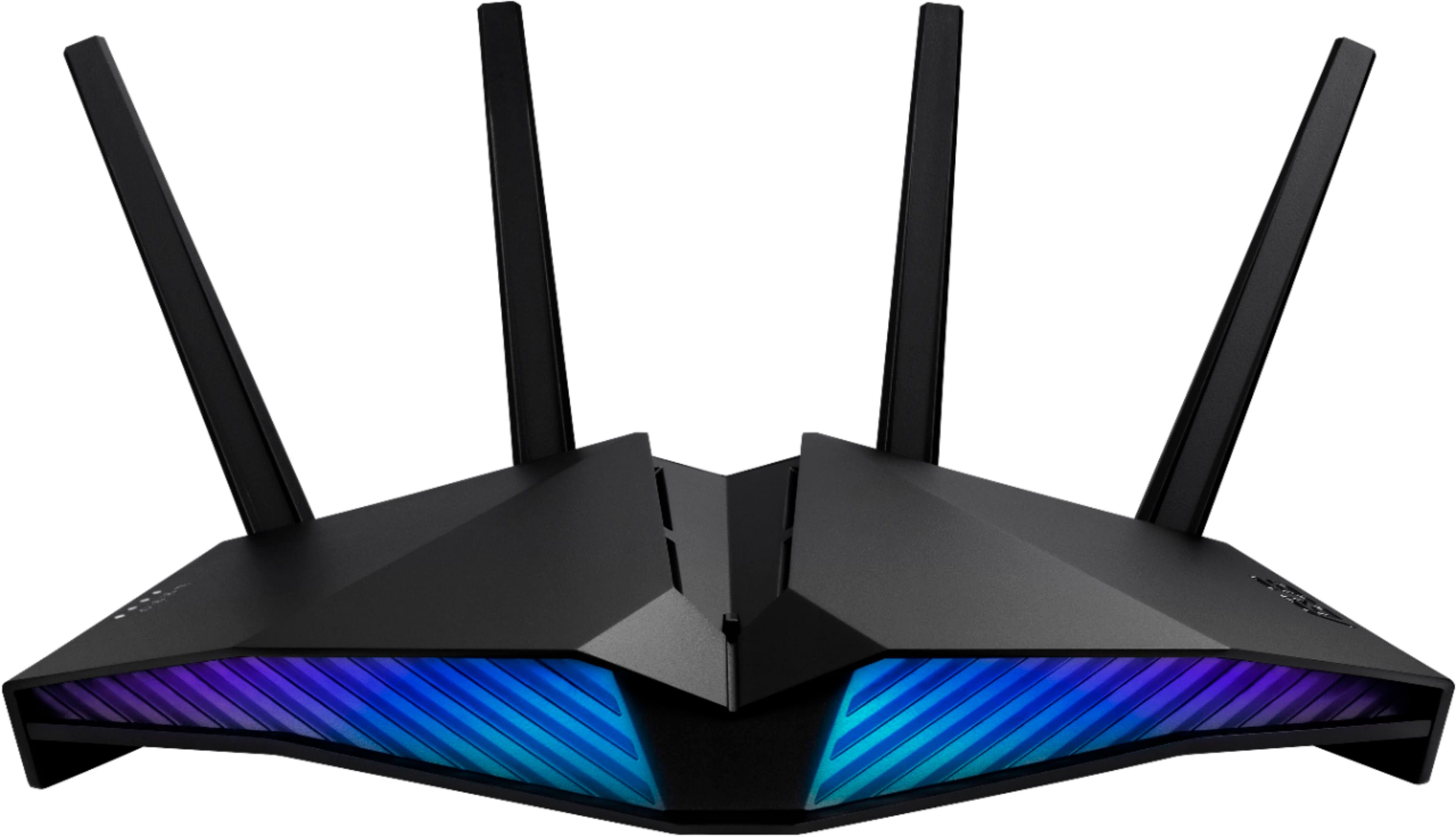



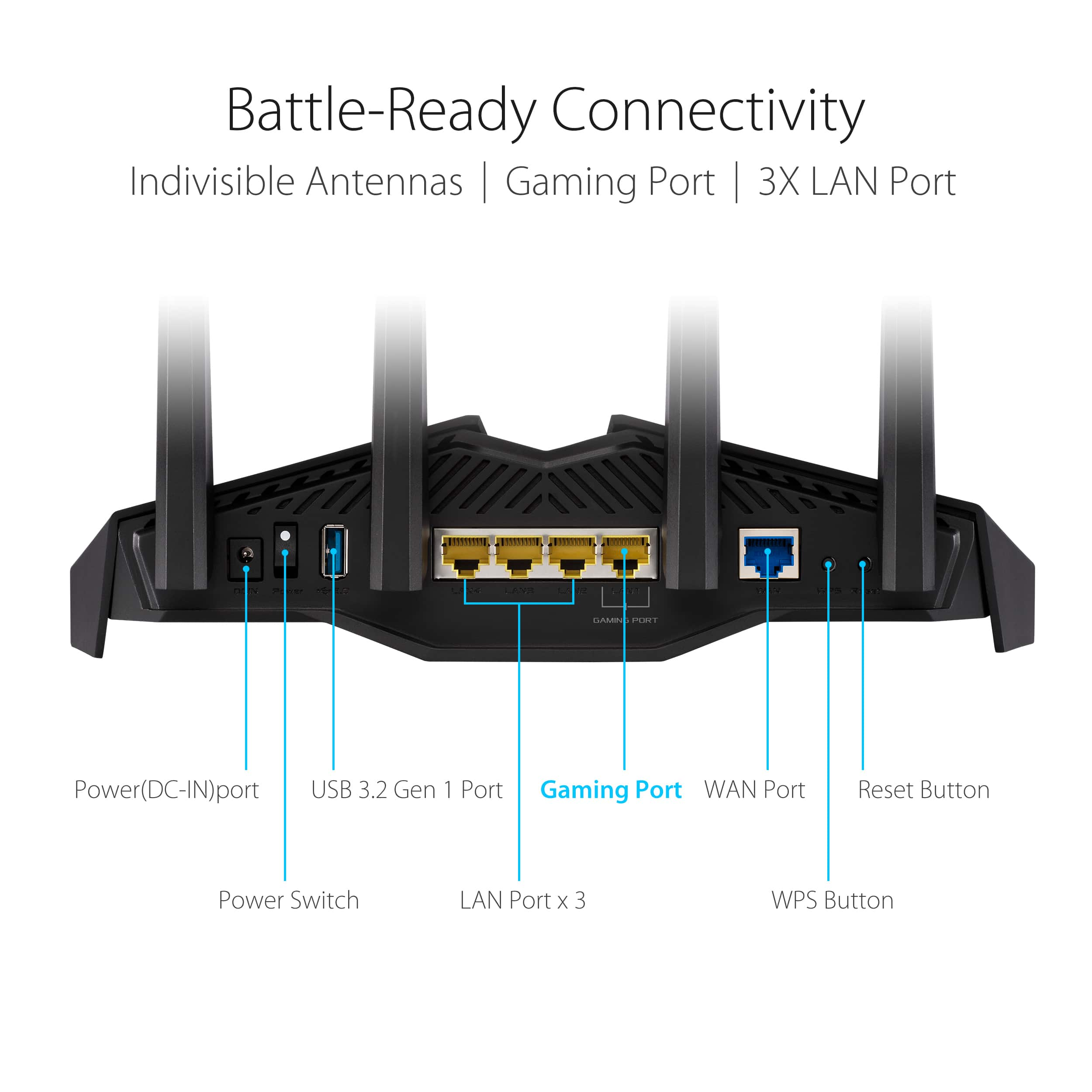

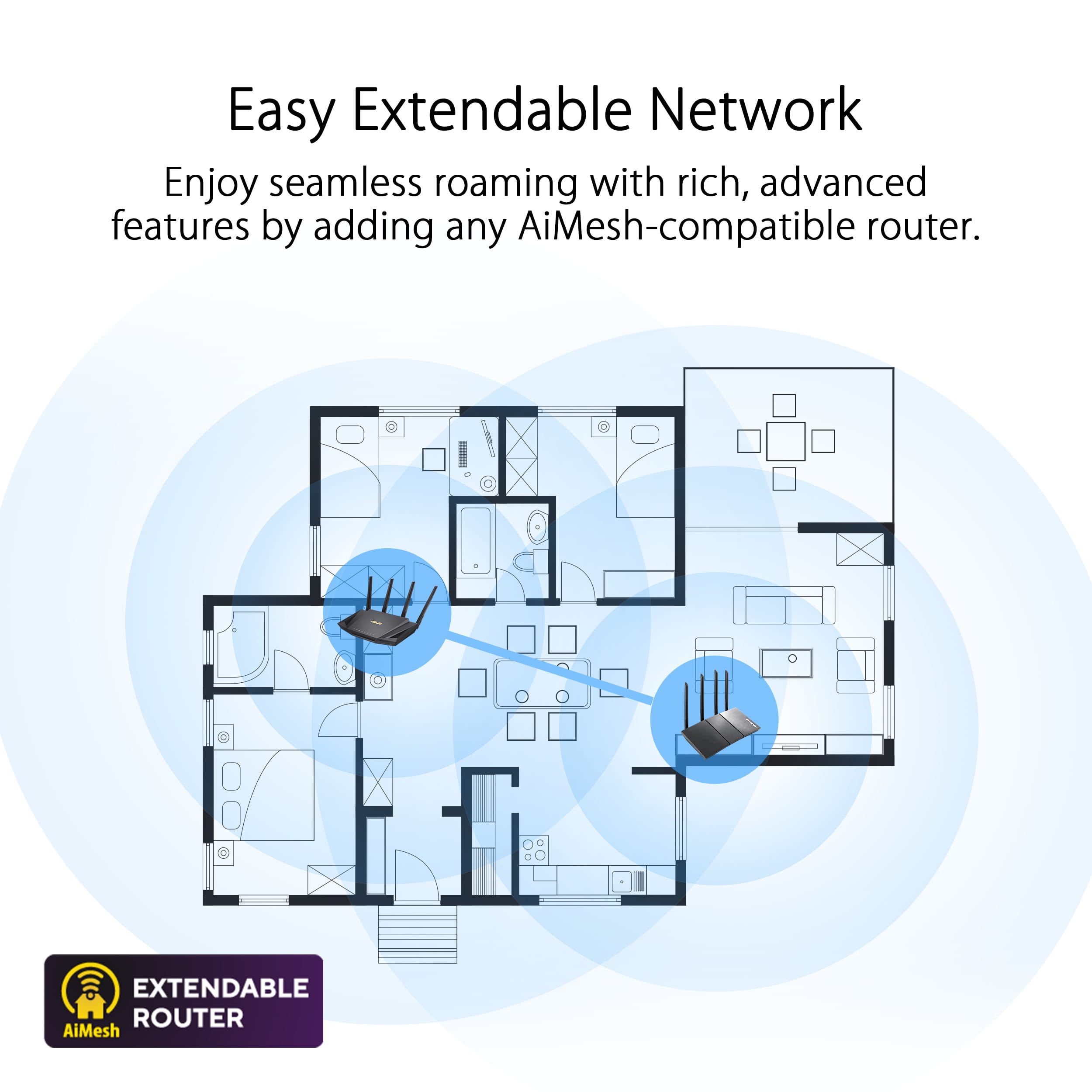
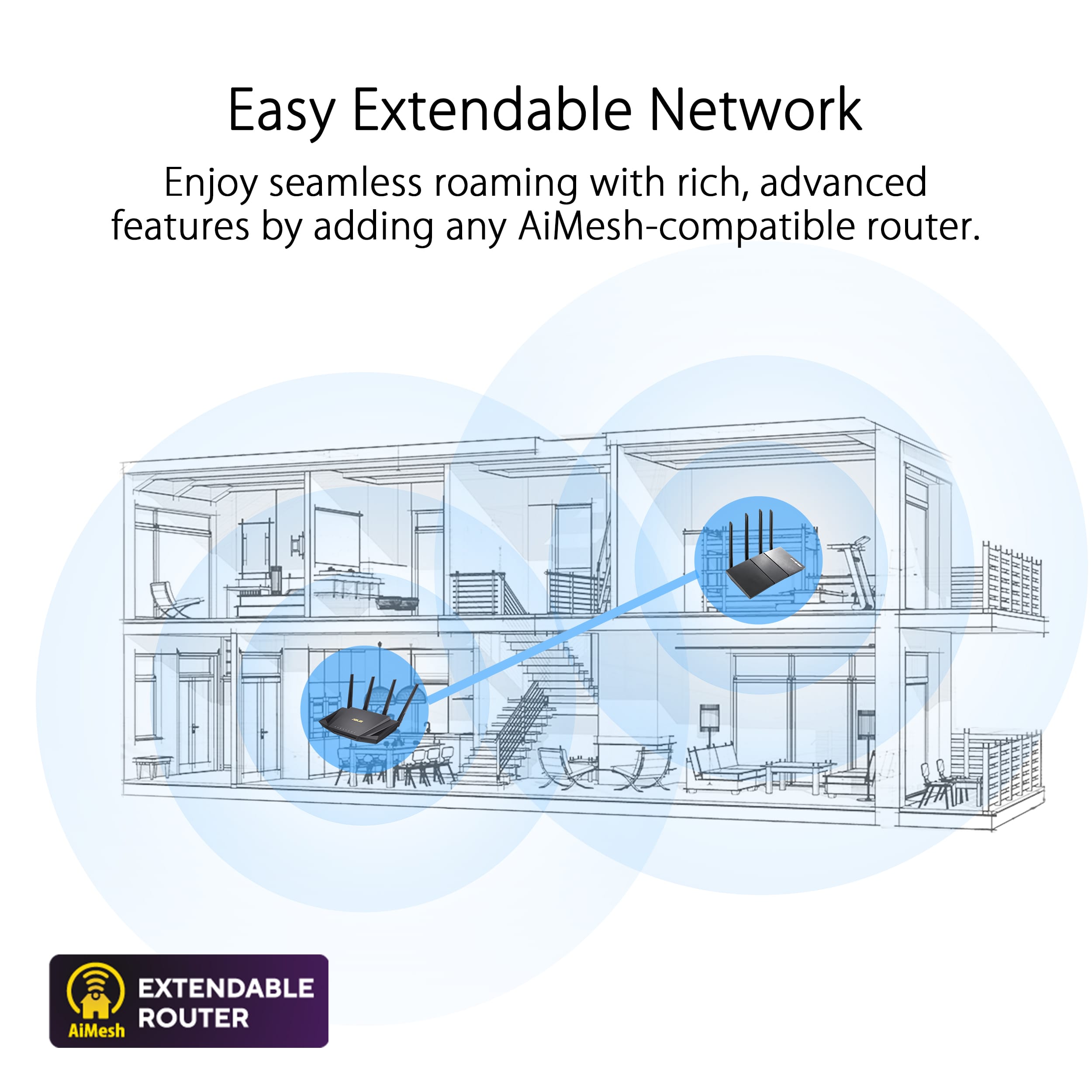
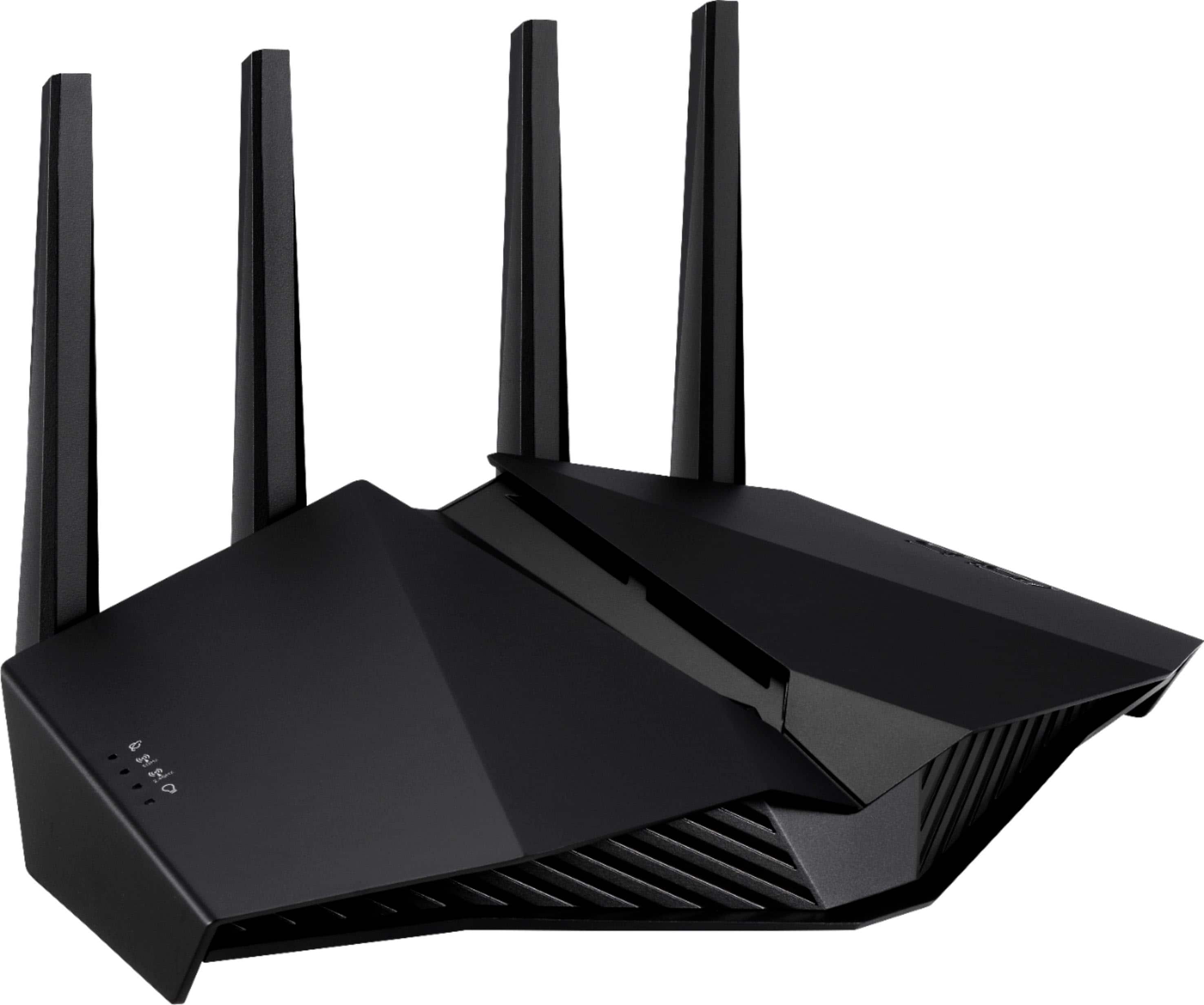
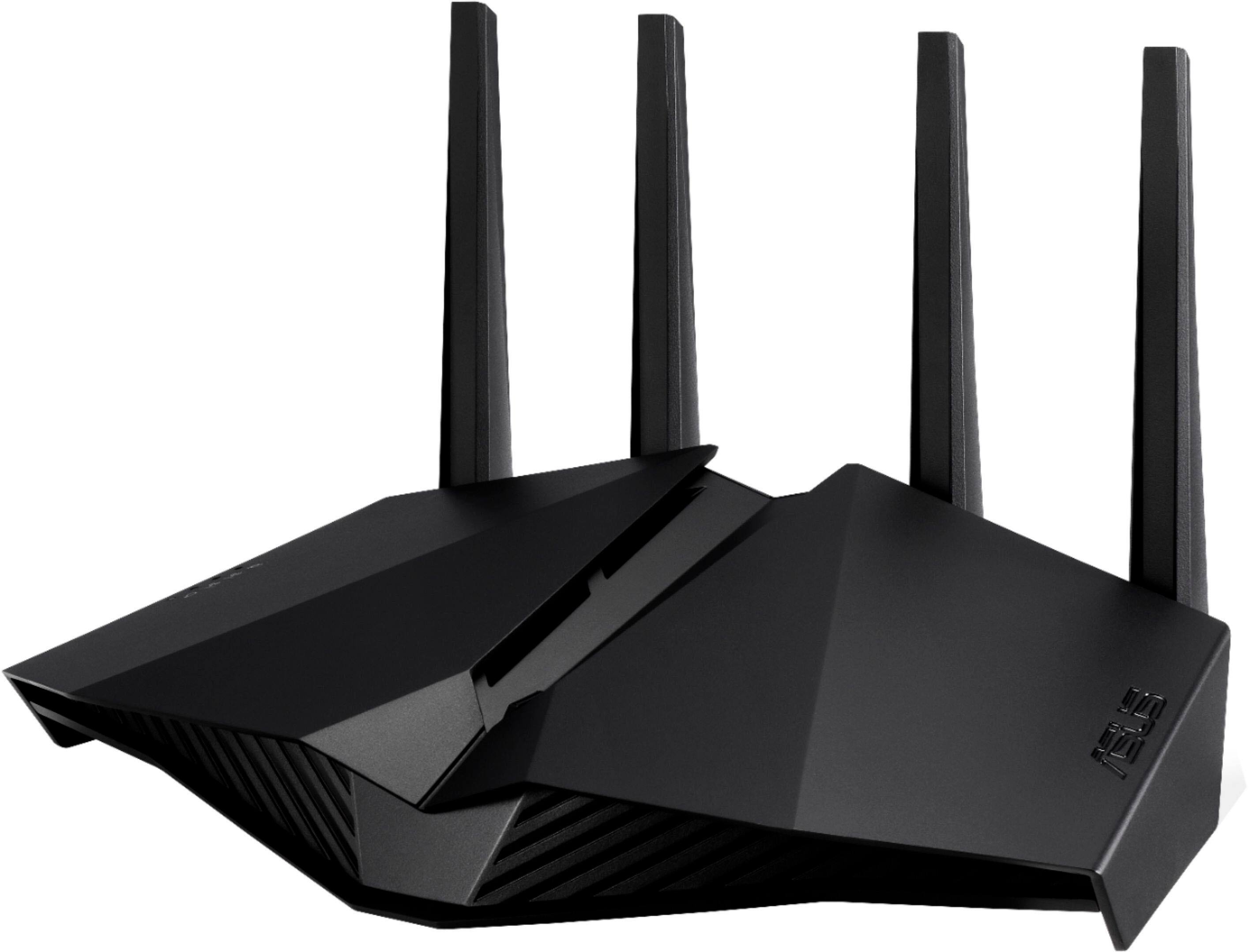
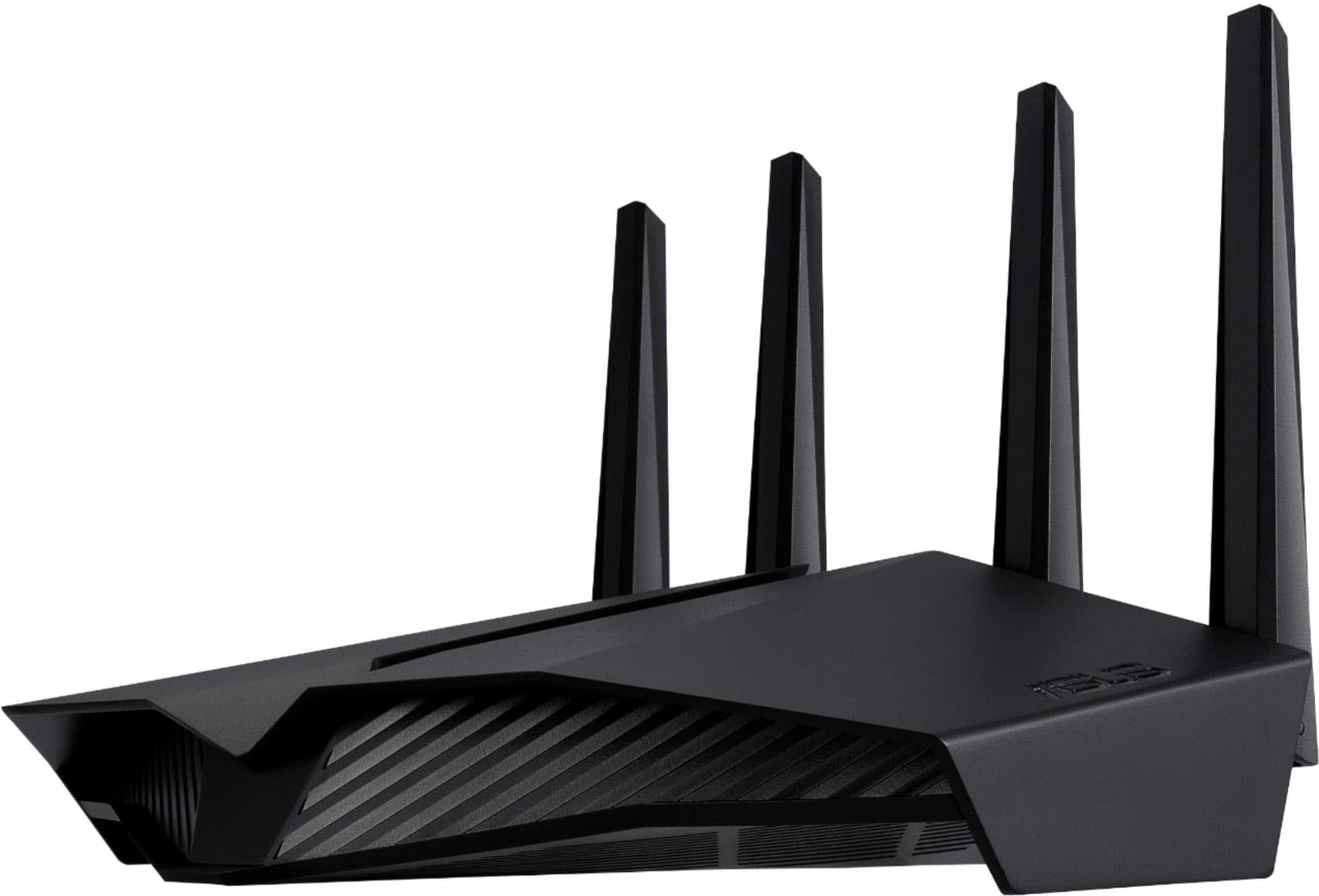
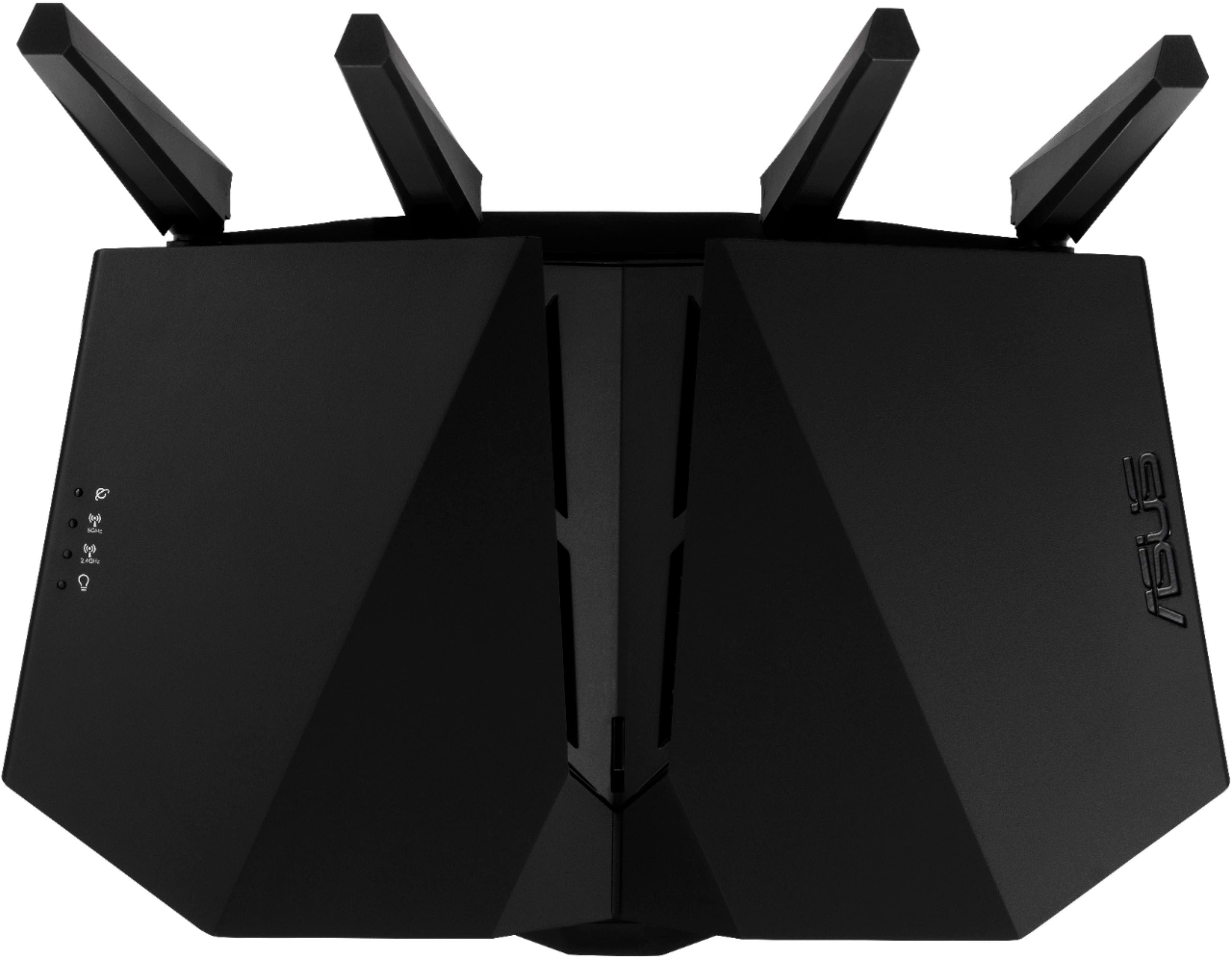
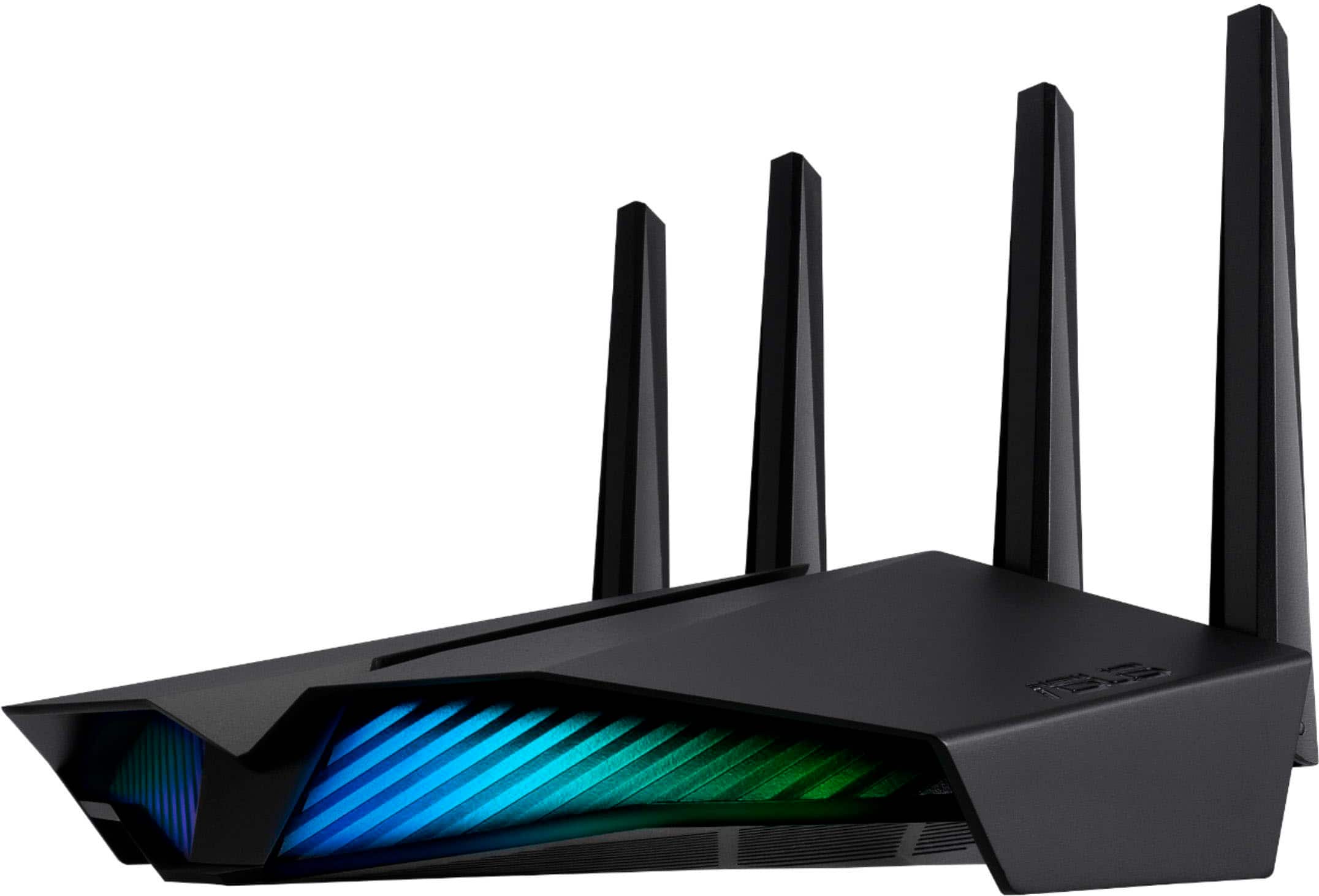
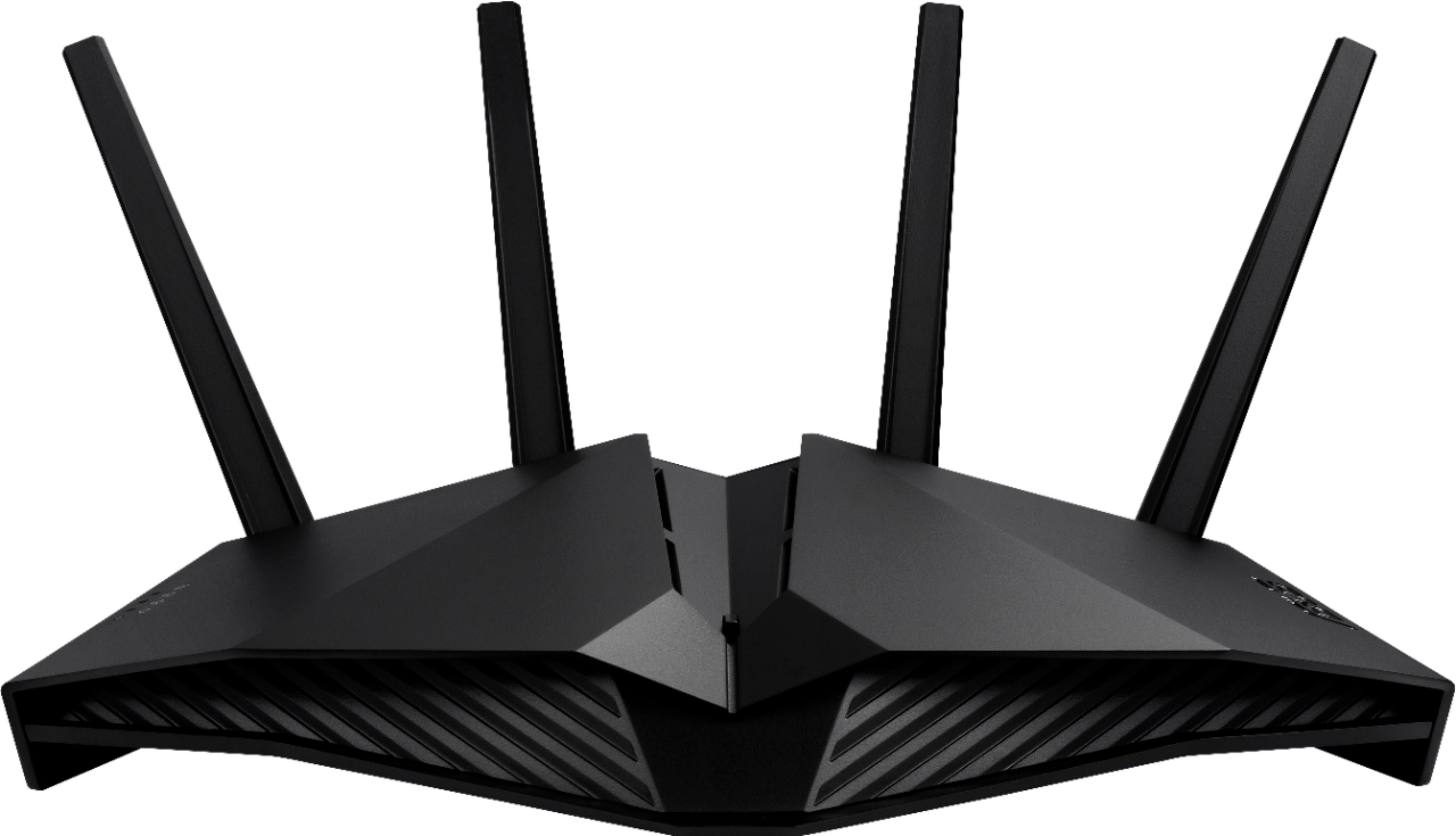
- Model:
- RT-AX82U V2
- SKU:
- 6532136
Rating by feature
- Setup
Rating 4.7 out of 5 stars
- Range
Rating 4.7 out of 5 stars
- Signal Strength
Rating 4.7 out of 5 stars
Customers are saying
Customers praise the RT-AX82U AX5400 Dual-Band Wi-Fi 6 Router for its speed, performance, and ease of use. Many customers also appreciate its range, setup, and coverage. While some find the price a bit high, most don't report issues with connectivity or lag.
This summary was generated by AI based on customer reviews.
Sketchy
||Posted . Owned for 2 weeks when reviewed.This reviewer received promo considerations or sweepstakes entry for writing a review.Have had the Router for almost three weeks and now it is to late to return. I have had to reboot the router three times now because it keeps dropping the 5Ghz channel. I don't know why you don't get 30 days to return things like everywhere else but it is what it is. I will say that when it works it works good but this is rediculous. This last time I checked to see if there was a firmware update hoping that was the cause but unfortunately my firmware is up to date.
No, I would not recommend this to a friendBrand response from ASUS Answers
Posted .Dear Brian,
We're sorry to hear that you're having issues with your router dropping connections. Please allow us to make your experience with ASUS a better one. We would recommend that you attempt the steps in the FAQ below. We do value our customers and take negative customer service experience very seriously. This is not the quality of service expected from ASUS. We do stand behind our product and we continuously strive to improve our approach and processes in order to achieve customer service excellence.
For more information send us an email at customerloyalty@asus.com and provide the link of this review for reference. Also, we would recommend that you use the Asus Router App, go to "Settings", "System Settings" then "Feedback" and send feedback to us. We’ll do our best to provide a quick resolution to your case. Your feedback is important as it helps with improvements to ASUS Support channels. Please copy a link to this post as a reference.
Thank you for choosing ASUS.
Best Regards,
Joan
ASUS Customer Loyalty US Support
[Wireless] How to improve wireless speed by setting Channel Bandwidth in Wireless Router?: https://www.asus.com/us/support/FAQ/1011431
Recommended
||Posted . Owned for 2 months when reviewed.This reviewer received promo considerations or sweepstakes entry for writing a review.Works fantastic and very safe ad secure after setup
I would recommend this to a friendRouter
||Posted . Owned for 3 weeks when reviewed.This reviewer received promo considerations or sweepstakes entry for writing a review.I have always liked Asus products an now this one too.
I would recommend this to a friendGreat router, hard software
||Posted . Owned for 1 month when reviewed.This reviewer received promo considerations or sweepstakes entry for writing a review.It’s really good router. Software is kind of hard to use.
I would recommend this to a friendRouter
||Posted . Owned for 1.5 years when reviewed.This reviewer received promo considerations or sweepstakes entry for writing a review.Wasn’t fast at all . Didn’t like the speed at all. Took it back and got another one and still had the same problem slow as dirt .
No, I would not recommend this to a friendASUS AX5400 Dual Band Mesh WiFi 6 Router Review
||Posted . Owned for 1 week when reviewed.This reviewer received promo considerations or sweepstakes entry for writing a review.very good router. Chose this over a mesh system and glad I did.
I would recommend this to a friendRouter
||Posted . Owned for 1 month when reviewed.This reviewer received promo considerations or sweepstakes entry for writing a review.It is a pretty good router, it works as advertised
I would recommend this to a friendGood WIFI Router!
||Posted . Owned for 1 week when reviewed.This reviewer received promo considerations or sweepstakes entry for writing a review.This was a good WIFI router and would highly recommend it!
I would recommend this to a friendRouter
||Posted . Owned for more than 2 years when reviewed.This reviewer received promo considerations or sweepstakes entry for writing a review.Not a good router, kept losing credentials and had to set up few times over.
No, I would not recommend this to a friendNice router
||Posted . Owned for 2 weeks when reviewed.This reviewer received promo considerations or sweepstakes entry for writing a review.Works really good for the price it has ddos protection
I would recommend this to a friendASUS AX5400
||Posted . Owned for 1 month when reviewed.This reviewer received promo considerations or sweepstakes entry for writing a review.not bad overall, should be more robust for the price
I would recommend this to a friend- Pros mentioned:Range
Upload speed not as quick
||Posted . Owned for less than 1 week when reviewed.This reviewer received promo considerations or sweepstakes entry for writing a review.I have a five year old Verizon FiOS router and it gets faster speeds then this. I can’t lie the range is about 2 to 3 times better though for for the price I had to take it back and keep my old router
No, I would not recommend this to a friendBrand response from ASUS Answers
Posted .Dear Valued Customer,
I'm sorry to hear that the upload speed is not quick as expected. For the best performance, please ensure to keep your router firmware up to date. Are you getting a better upload speed while connected via the Ethernet cable? If you wish to troubleshoot further, feel free to send us a tweet or direct message to our Official ASUS North America Support Twitter at AsusHelpUS. We’ll do our best to provide a quick resolution to your case. Your feedback is important as it helps with improvements to ASUS Support channels. Please copy a link to this post for reference.
Thank you for choosing ASUS!
Best Regards,
Jamalie,
ASUS Customer Loyalty US Support
Just OK
||Posted . Owned for 2 weeks when reviewed.This reviewer received promo considerations or sweepstakes entry for writing a review.Would not recommend. Not sure if I got a buggy one, but it completely reset after I tried to reboot it. Wifi coverage was not good enough to sustain a connection to my daughter's room in a relatively small apartment.
No, I would not recommend this to a friendBrand response from ASUS Answers
Posted .Dear Remeloe,
I'm sorry to hear that it is not working as expected. All our products do go through an intensive quality control testing process to ensure that customers get units that are in proper working condition, what you've experienced was not intentional and this was a random case. Have you tried to upgrade the firmware? Please refer to the FAQ below. For further troubleshooting, feel free to reach out to me at customerloyalty@asus.com and provide this link for reference. I'll do my best to provide a quick resolution to your case. Your feedback is important as it helps with improvements to ASUS Support channels.
Thank you for choosing ASUS!
Best Regards,
Jamalie,
ASUS Customer Loyalty US Support
Troubleshooting - https://www.asus.com/support/FAQ/1030608/
Need a new router
||Posted . Owned for 3 months when reviewed.This reviewer received promo considerations or sweepstakes entry for writing a review.I purchase it and have had nothing but problems. Downloads on my computer are a lot faster but I’m lagging more and the internet is a lot slower on mobile and tvs.
No, I would not recommend this to a friendBrand response from ASUS Answers
Posted .Dear Buyit,
We are sorry to hear about the unfortunate experience you're aving with your router lagging. Please allow us to make your experience with ASUS a better one. We would recommend that you are having with the speed on this model. For more information send us an email at customerloyalty@asus.com and provide the link of this review for reference. We’ll do our best to provide a quick resolution to your case. Your feedback is important as it helps with improvements to ASUS Support channels.
Thank you for choosing ASUS.
Best Regards,
Joan
ASUS Customer Loyalty US Support
Troubleshooting: https://www.asus.com/support/FAQ/1030641/#:~:text=Restore%20the%20router%20to%20default%20settings.&text=;(1)%20Press%20the%20RESET%20button,the%20router%20is%20rebooting%20itself.
ok
||Posted . Owned for 2 months when reviewed.This reviewer received promo considerations or sweepstakes entry for writing a review.its ok.. feel like the wifi dropped alot.. i go through mediacoms hights speed i could only push 850... games would lagg alot more
No, I would not recommend this to a friendBrand response from ASUS Answers
Posted .Dear Domjim,
We apologize for the disconnections you have been experiencing with this router. Please refer to the FAQ linked below to troubleshoot the issue. We do stand behind our product and we continuously strive to improve our products and processes in order to achieve customer service excellence. For more information send us an email at customerloyalty@asus.com and provide the case number "N2105041787-0025" for reference. We’ll do our best to provide a quick resolution to your case. Your feedback is important as it helps with improvements to ASUS Support channels. Thank you for choosing ASUS.
Best Regards,
Leonardo
ASUS Customer Loyalty US Support
[Troubleshooting] Wi-Fi signal is often disconnected: https://www.asus.com/support/FAQ/1030641/
Great Router if working properly
||Posted . Owned for 1 week when reviewed.This reviewer received promo considerations or sweepstakes entry for writing a review.Despite the many of great reviews I has isssue with mine router. The 2.4 GHz b/g did not worked properly. The speed dropped to less then 1 Mb one just room owner from the router, with full signal. The 5GHz did do have any issue at all and I had blazing speed thru the house. I had to be next to the router to actually get any decent speed on the 2.4. Lot of users do not need 2.4 anymore since the bandwidth is limited, but many households smart appliances still using it. Robotic vacuums older version of thermostats, microwaves, smart plus, etc. Even with disabled Wi-Fi 6 and the newest firmware I still had issues and had to return the router.
No, I would not recommend this to a friendBrand response from ASUS Answers
Posted .Dear Dlask,
Firstly, we would like to extend our sincerest apologies for the 2.4Ghz band not working properly. We do understand your disappointment and for the inconvenience this has caused. ASUS products undergo intensive quality control testing and final inspections for both hardware and software before we send it out to the stores worldwide. ASUS provides a warranty for the unit in order to fix or repair any isolated factory escape defect. This information will be passed on to our development team. We would very happy to assist you. We are recommending to complete a hard reset on the router, please follow the steps provided below.
1. Turn router power off.
2. Press and hold the "WPS" button and turn the router on.
3. Power light is on (keep holding the WPS button).
4. Power light starts flashing for about 5 seconds.
5. Keep holding until the power light stops flashing and the router will automatically reboot.
Please ensure the router is running the latest firmware version. We truly appreciate your feedback. If you wish to discuss this further, please don't hesitate to contact us via email at (Customer loyalty @ Asus .com) Please remove the spaces and please use this link as a reference. Our customer loyalty department is dedicated to bringing a resolution to all issues related to our products.
Thank you for choosing ASUS!
Best Regards,
Lamoya
ASUS Customer Loyalty US Support
Disappointed, Returning to Best Buy
||Posted . Owned for 1 week when reviewed.This reviewer received promo considerations or sweepstakes entry for writing a review.I like technology and hate returning things but this is going back after one week. Straightforward setup and user interface. Connected all 22 home devices. Mostly worked well but intermittent latency, slow web pages, buffered streaming. Upgraded firmware seemed to fix that but couldn't log in next day. Called tech support and had to factory reset and start over, devices re-connected but couldn't log in afterward. Done, finally had enough, wanted to like this Asus but going back to Netgear. Disappointed.
No, I would not recommend this to a friendBrand response from ASUS Answers
Posted .Dear Dave,
I'm sorry to hear about the slow web pages and latency issues, and you cannot log in now. What you've experienced was not intentional and this is a random case. Are you getting an error when trying to log in? You can refer to the FAQ below. For further troubleshooting, feel free to reach out to me at customerloyalty@asus.com and provide this link for reference. I'll do my best to provide a quick resolution to your case. Your feedback is important as it helps with improvements to ASUS Support channels.
Thank you for choosing ASUS!
Best Regards,
Jamalie,
ASUS Customer Loyalty US Support
Troubleshooting - https://www.asus.com/support/FAQ/109928/
replacement for another ASUS ac router
||Posted . Owned for 3 weeks when reviewed.This reviewer received promo considerations or sweepstakes entry for writing a review.replacement for another ASUS ac router. I don't need the space aesthetic or the goofy lights but the device works fine except diminished range compared to the old ASUS router
No, I would not recommend this to a friendBrand response from ASUS Answers
Posted .Dear Acopaloco,
Thank you so much for the response, I'm sorry to hear that the range is diminished. Please refer to the FAQ below. As for the LED, When the LED is on, press the button for 3 seconds to turn off the LED and Aura lighting. For further troubleshooting, feel free to reach out to me at customerloyalty@asus.com and provide this link for reference. I'll do my best to provide a quick resolution to your case. Your feedback is important as it helps with improvements to ASUS Support channels.
Thank you for choosing ASUS!
Best Regards,
Jamalie,
ASUS Customer Loyalty US Support
Troubleshooting - https://www.asus.com/support/FAQ/1030608/
Poor Range
||Posted . Owned for 2 weeks when reviewed.This reviewer received promo considerations or sweepstakes entry for writing a review.This router was a replacement for an Asus RT-AC3100 that had worked perfectly for many years and provided a good signal with 2.4ghz or 5ghz in every corner of my home. After setting up this new router and upgrading the firmware, I was terribly disappointed that there was no 5ghz signal at all in the far corners of my home. The location was the same as the old router, but no 5ghz signal, despite adjusting the antennae in various positions. No problem with the signal or speed when very close to the router. I returned this router and purchased an Asus tri-band model, but it had the same range issue. Returned it and finally purchased a different brand, which works well and covers my entire home with a good signal. I loved my two previous Asus routers, but with quality and performance issues in the new models, I must go to a different higher quality brand.
No, I would not recommend this to a friendBrand response from ASUS Answers
Posted .Dear Mikee,
We sincerely apologize for the range issue you experienced with this router. For future reference please refer to the FAQs linked below to help troubleshoot and improve the range of your wireless connection. We do stand behind our product and we continuously strive to improve our products and processes in order to achieve customer service excellence. For more information send us an email at customerloyalty@asus.com and provide the case number "N2012021798-0019" for reference. We’ll do our best to provide a quick resolution to your case. Your feedback is important as it helps with improvements to ASUS Support channels. Thank you for choosing ASUS.
Best Regards,
Leonardo
ASUS Customer Loyalty US Support
[Wireless Router] How to improve Wi-Fi Connection: https://www.asus.com/support/FAQ/1047919/
[ASUS Wireless Router] How to improve reception of wireless signals: https://www.asus.com/support/FAQ/1030608/
ASUS - RT-AX82U AX5400 Dual-Band Router
||Posted . Owned for 1 month when reviewed.This reviewer received promo considerations or sweepstakes entry for writing a review.Purchased trying to get a better wifi signal throughout the house. Ended up returning due to not getting a signal at all in one part of the house. Went back to the EERO mesh system.
I would recommend this to a friendBrand response from ASUS Answers
Posted .Dear Greg, thank you for bringing this to our attention and please allow us to apologize for the inconveniences caused and that you had to return the router. We do appreciate your feedback as this will aid in any improvements that need to be made to the model. We'd love nothing more than to improve your perception of our products and of course, our brand. If you should have any other concerns or feedback we would love to hear it, you can reach out to me directly at customerloyalty@asus.com and provide this link for reference. I'll do my best to provide a quick resolution to your case. Thank you for choosing ASUS! Best Regards, Jonelle, ASUS Customer Loyalty US Support