Customer Ratings & Reviews



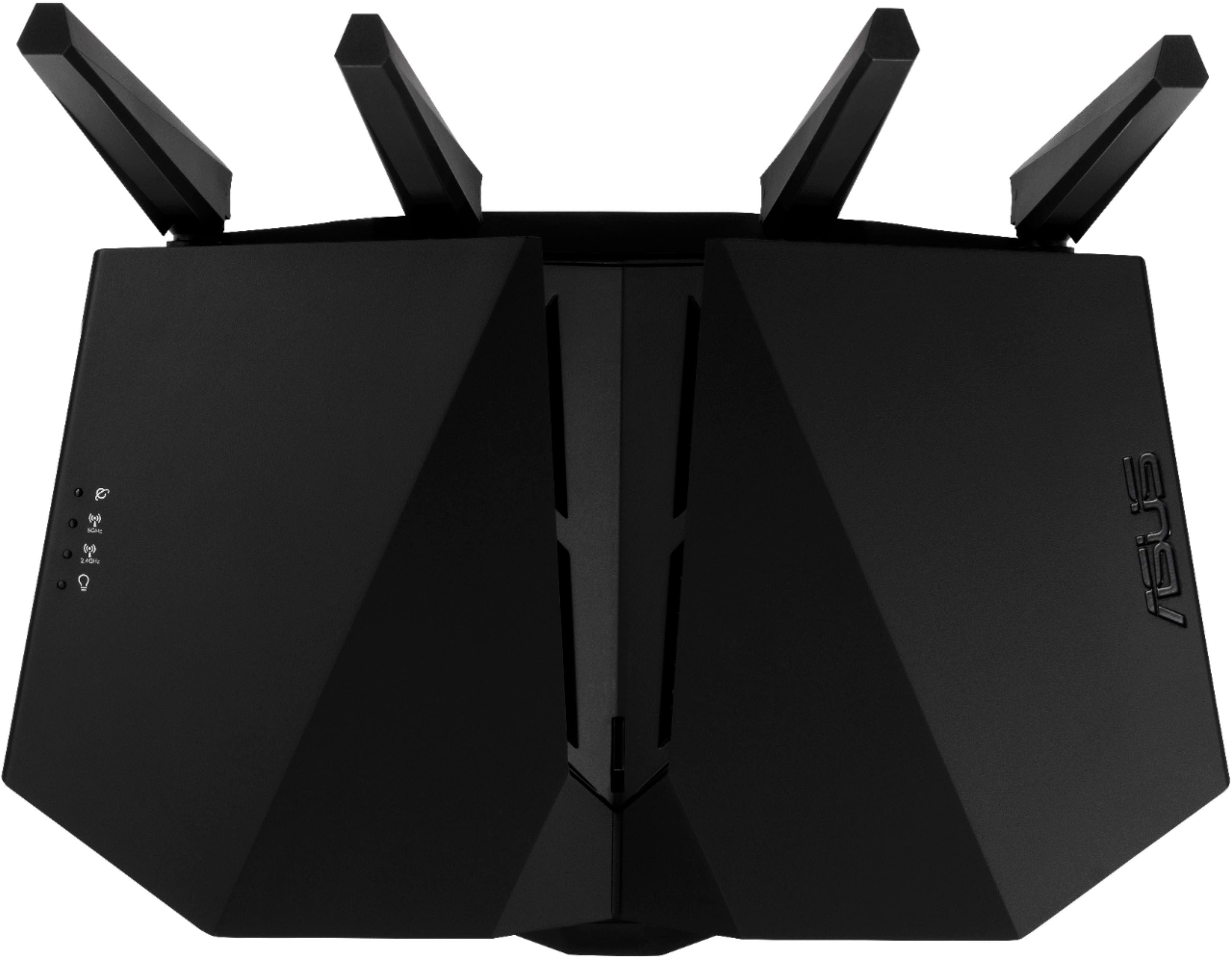
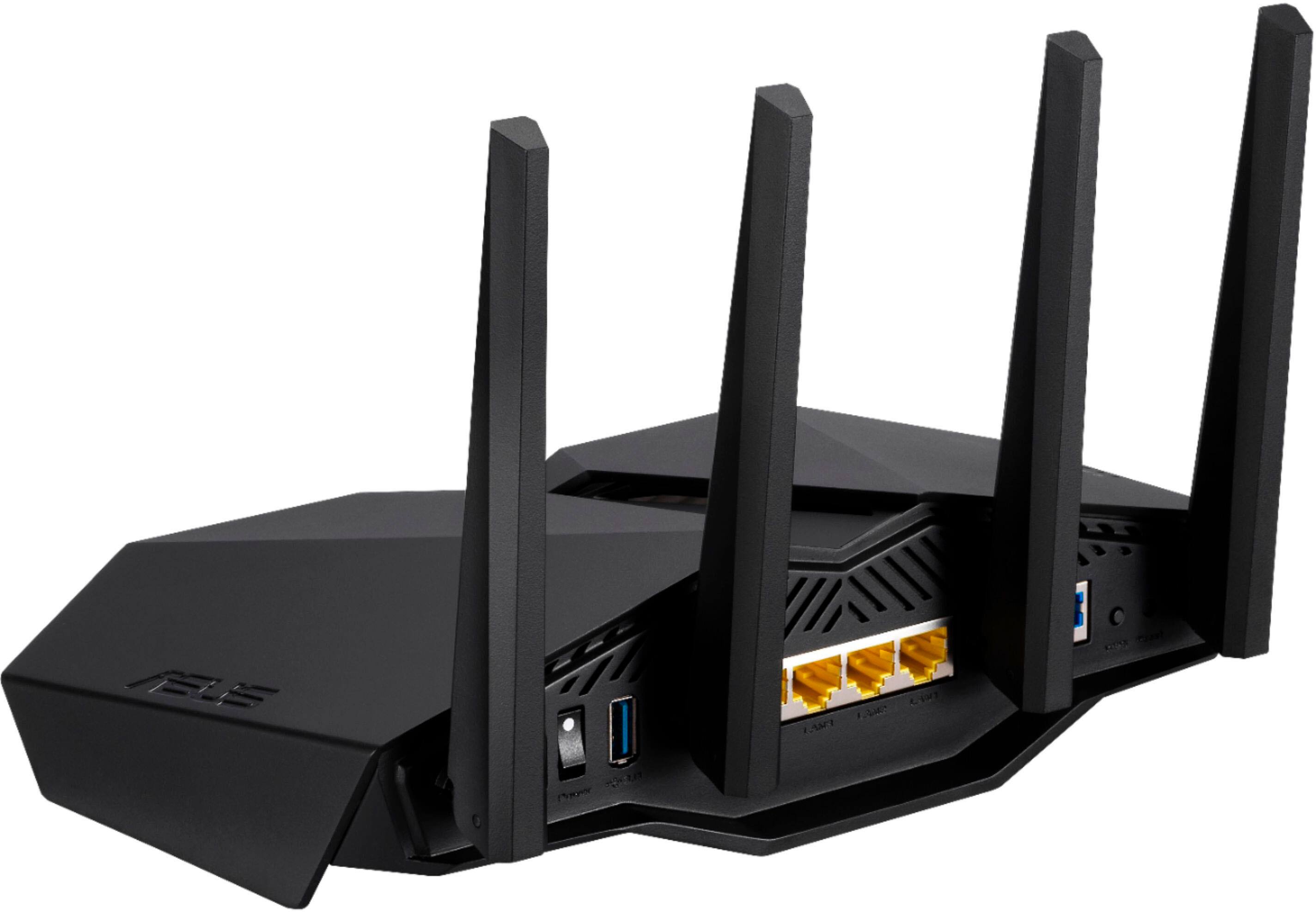
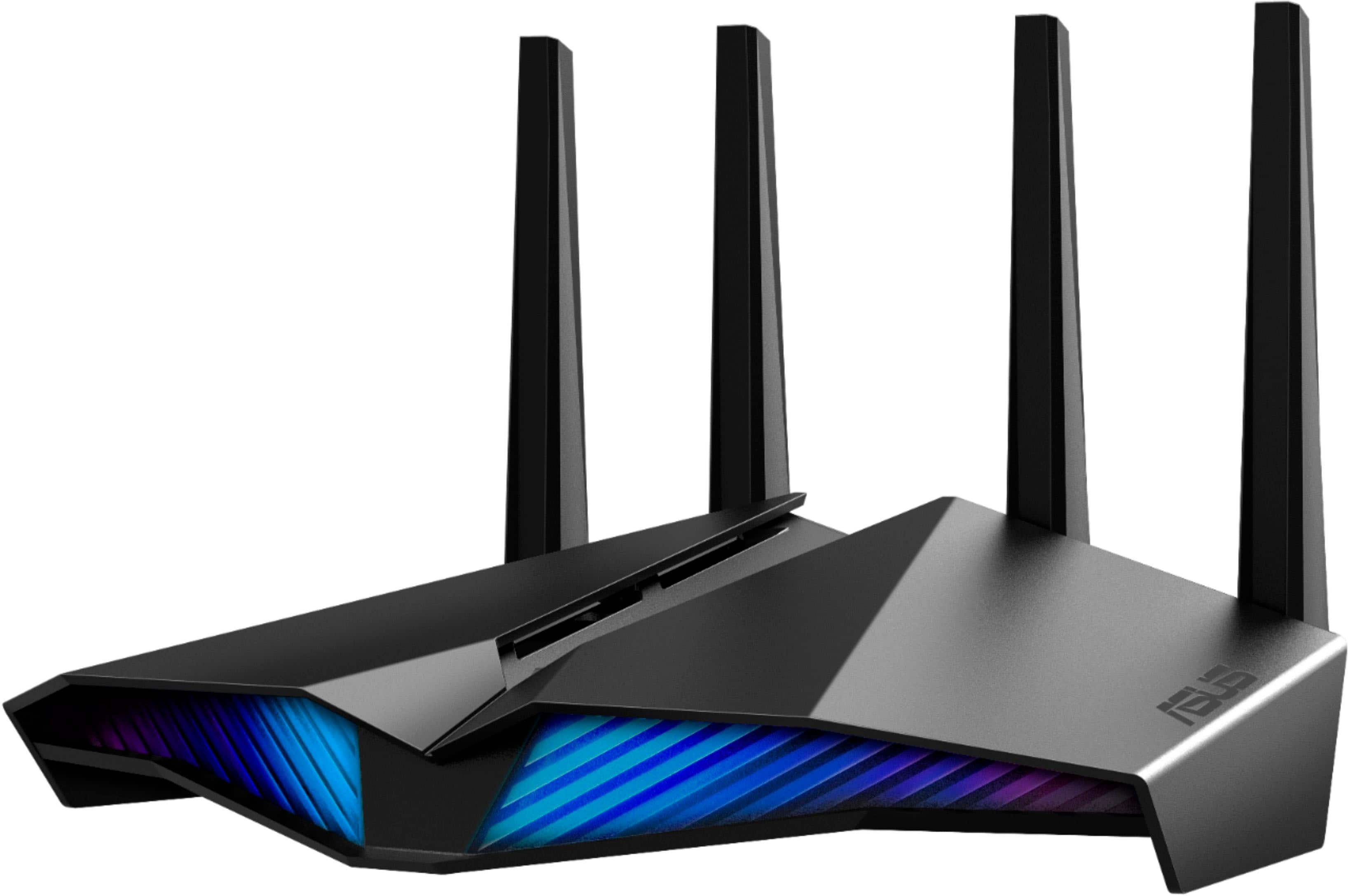
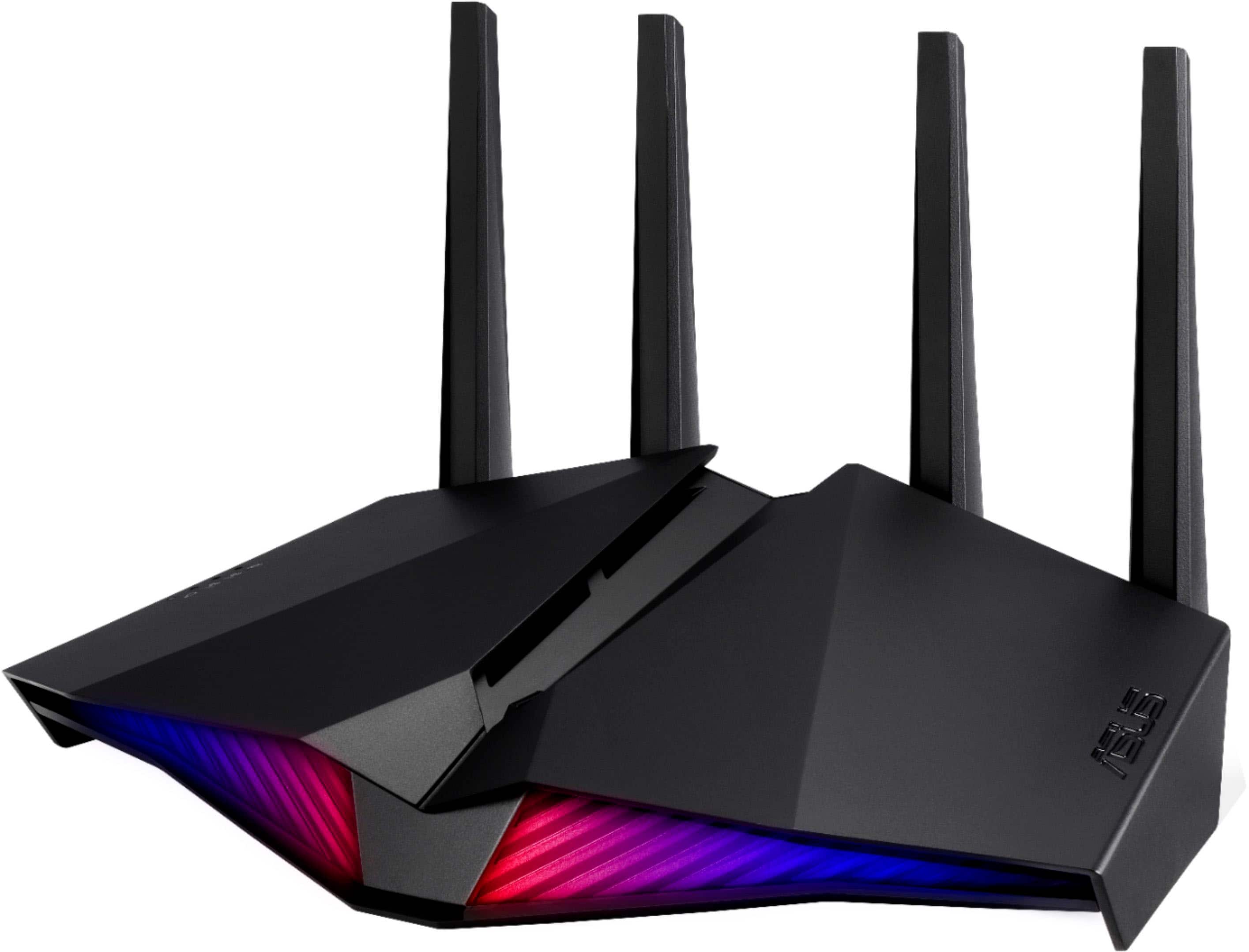
- Model:
- RT-AX82U V2
- SKU:
- 6532136
Rating by feature
- Setup
Rating 4.7 out of 5 stars
- Range
Rating 4.7 out of 5 stars
- Signal Strength
Rating 4.7 out of 5 stars
Customers are saying
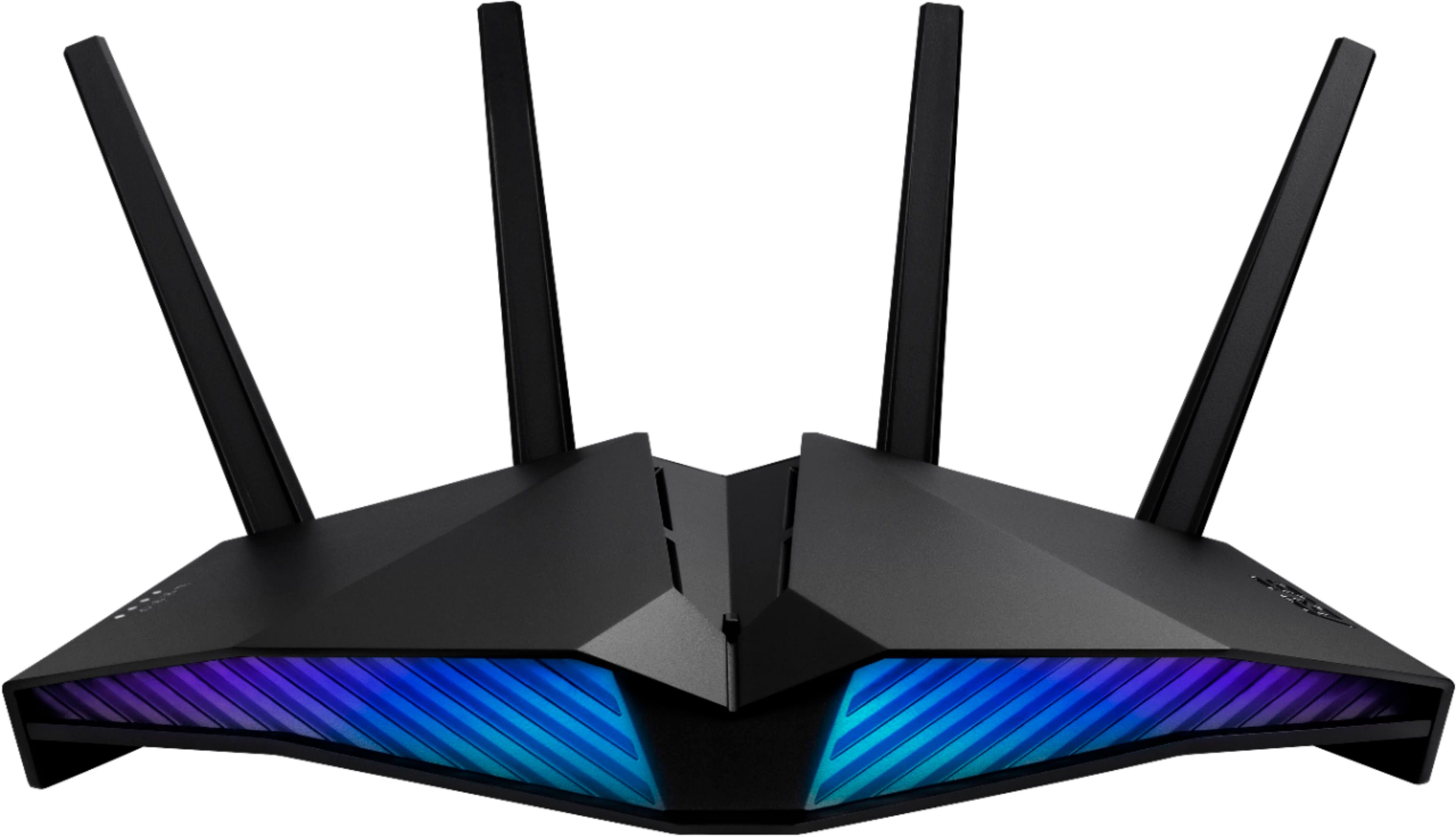
Customers praise the RT-AX82U AX5400 Dual-Band Wi-Fi 6 Router for its speed, performance, and ease of use. Many customers also appreciate its range, setup, and coverage. While some find the price a bit high, most don't report issues with connectivity or lag.
This summary was generated by AI based on customer reviews.
Would do more research
||Posted . Owned for 1 month when reviewed.This reviewer received promo considerations or sweepstakes entry for writing a review.Doesnt stay connected as well as I had hoped it would. We have 3 phones, a tablet, a gaming system and our TV through it all less than 1600sq ft and it drops signal all the time just like Spectrum.
No, I would not recommend this to a friendBrand response from ASUS Answers
Posted .Dear Valued Customer,
It's unfortunate to hear that the connection is dropping, this must be frustrating. Please attempt the steps from the FAQ below. For further troubleshooting, feel free to reach out to me at customerloyalty@asus.com and provide this link for reference. I'll do my best to provide a quick resolution to your case. Your feedback is important as it helps with improvements to ASUS Support channels.
Thank you for choosing ASUS!
Best Regards,
Jamalie,
ASUS Customer Loyalty US Support
Troubleshooting - https://www.asus.com/support/FAQ/1030608/
Mine was a bust
||Posted . Owned for 1 month when reviewed.This reviewer received promo considerations or sweepstakes entry for writing a review.Can’t get it working going to return it for a refund. Must be a bad unit.
No, I would not recommend this to a friendBrand response from ASUS Answers
Posted .Dear AlexHawk,
It is unfortunate to hear that your ASUS router did not work as intended. This is definitely not the norm and is not the kind of quality to expect from ASUS products. Please follow the steps found in the FAQ linked below to troubleshoot the issue before returning the unit. If you are still experiencing issues after thorough troubleshooting then we recommend returning the unit to Best Buy for a replacement or refund if you are still within the return window. We do stand behind our product and we continuously strive to improve our products and processes in order to achieve customer service excellence. For more information send us an email at customerloyalty@asus.com and provide the case number "N2012021798-0028" for reference. We’ll do our best to provide a quick resolution to your case. Your feedback is important as it helps with improvements to ASUS Support channels. Thank you for choosing ASUS.
Best Regards,
Leonardo
ASUS Customer Loyalty US Support
[Troubleshooting] Failed Internet access through router: https://www.asus.com/support/FAQ/1030645/
blue lights it reminds me of the Cylons,
||Posted . Owned for 3 weeks when reviewed.This reviewer received promo considerations or sweepstakes entry for writing a review.I like the blue lights it reminds me of the Cylons, getting to the website was easy but setting up my account and preferences was very difficult
I would recommend this to a friendBrand response from ASUS Answers
Posted .Dear Russ,
We appreciate you sharing your feedback on this model. It's unfortunate that this model does not meet your expectations, this is absolutely not the experience we want you to have. We do value our customers and take negative customer service experience very seriously. If you should have any other concerns or feedback feel free to reach out to us at customerloyalty@asus.com. We'll be happy to provide a quick resolution to your case. Please refer to this case number (N2105041787-0024) for us to better assist you.
Thank you for choosing ASUS.
Best Regards,
Ramon
ASUS Customer Loyalty US Support
Bad wifi
||Posted .This reviewer received promo considerations or sweepstakes entry for writing a review.I got this router because i was having issues with my netgear router good router for wire put dor some strange reason my nest camera was having issues with it don't why
I would recommend this to a friendBrand response from ASUS Answers
Posted .Dear Valued Customer,
It's unfortunate to hear that you are having issues with the WIFI. This is not the kind of experience we want any of our customers to have. Have you updated the router firmware? Please attempt these steps below. For further troubleshooting, feel free to reach out to me at customerloyalty@asus.com and provide this link for reference. I'll do my best to provide a quick resolution to your case. Your feedback is important as it helps with improvements to ASUS Support channels.
Thank you for choosing ASUS!
Best Regards,
Jamalie,
ASUS Customer Loyalty US Support
Troubleshooting - https://www.asus.com/support/FAQ/1030608/
Not necessarily a good product
||Posted . Owned for 3 weeks when reviewed.This reviewer received promo considerations or sweepstakes entry for writing a review.It was nothing but problems... finally got to work properly.... I hope
No, I would not recommend this to a friendBrand response from ASUS Answers
Posted .Dear Jay N,
We sincerely apologize for the issues you've faced with the router and the inconvenience caused. This is not the kind of quality to expect from ASUS products and it's not the norm. All ASUS products undergo intensive quality control, testing, and inspections. What you've experienced was not intentional or representative of our brand. Customer satisfaction is our top priority, and we strive to make every purchase enjoyable. Our goal is to ensure that our customers receive the best products and services when it comes to making their purchase decisions. Your feedback will be forwarded to our Product Team for review.
As we understand the issue has now been resolved, we hope the device will continue to work normally and that you enjoy using it. If you encounter any difficulties, please do not hesitate to contact our support team at https://www.asus.com/us/support/CallUs for further assistance.
We stand behind our products and continuously strive to improve our products and processes to achieve customer service excellence. For more information, email us at customerloyalty@asus.com and include the case number "N2305049616-0011" as a reference. We will do our best to resolve your case quickly. Your feedback is very important to us and enables us to improve our support channels. Thank you for choosing ASUS.
Best Regards,
Chantae
ASUS Customer Loyalty US Support
Won't work with my Sonos Play One speakers
||Posted . Owned for 1 month when reviewed.This reviewer received promo considerations or sweepstakes entry for writing a review.Purchased this router to replace a Spectrum router that was very slow. The Asus router provided good coverage and speed. I ended up returning the router because it will not work with the Sonos audio products I have even after spending two hours with Sonos support. They informed me that Asus routers have issues with Sonos products and Asus is not cooperative with Sonos to help resolve them.
No, I would not recommend this to a friendBrand response from ASUS Answers
Posted .Dear Valued Customer,
I'm truly sorry to hear that it failed to work with your Sonos audio products. This is not the kind of experience we want any of our customers to have. I will be letting the related department know about this concern for continuous improvements to the product line. If you have any concerns about another model, feel free to reach out to me at customerloyalty@asus.com and provide this link for reference. I'll do my best to provide a quick resolution to your case. Your feedback is important as it helps with improvements to ASUS Support channels.
Thank you for choosing ASUS!
Best Regards,
Jamalie,
ASUS Customer Loyalty US Support
Decent
||Posted . Owned for 2 weeks when reviewed.This reviewer received promo considerations or sweepstakes entry for writing a review.Works as it shoukd but doesnt go the distance i desired. So had to add mesh setup.
I would recommend this to a friendBrand response from ASUS Answers
Posted .Dear Tonloc33,
We appreciate you sharing your feedback on this model. It's unfortunate that this model does not meet your expectations, this is absolutely not the experience we want you to have. We do value our customers and take negative customer service experience very seriously. If you should have any other concerns or feedback feel free to reach out to us at customerloyalty@asus.com. We'll be happy to provide a quick resolution to your case. Please refer to this case number (N2105041787-0026) for us to better assist you.
Thank you for choosing ASUS!
Best Regards,
Ramon,
ASUS Customer Loyalty US Support
It seems to work great but the only problem I have
||Posted . Owned for 7 months when reviewed.This reviewer received promo considerations or sweepstakes entry for writing a review.It seems to work great but the only problem I have is range single-family home and I can’t get to the front or back of my house from the sets in the middle
I would recommend this to a friendstopped working after a year
||Posted . Owned for 1 year when reviewed.This reviewer received promo considerations or sweepstakes entry for writing a review.worked well for a little more then a yea. stopped detecting ethernet connection now.
I would recommend this to a friendBrand response from ASUS Answers
Posted .Dear frazier1118,
We're sorry to hear about the unfortunate experience you had with your Ethernet port. We do value our customers and take negative customer service experience very seriously. Please allow us to make your experience with ASUS a better one. Have you tried rebooting and resetting your Router? Please see the steps in the FAQ below.
If you should have any other concerns or feedback feel free to reach out to us at customerloyalty@asus.com. We'll be happy to provide a quick resolution to your case. Please refer to this case number (N2105041787-0023) for us to better assist you.
Thank you for choosing ASUS!
Best Regards,
Ramon,
ASUS Customer Loyalty US Support
Troubleshooting - https://www.asus.com/support/FAQ/1000925/
Not compatible with Nest, Arlo and Dyson fans
||Posted . Owned for 1 month when reviewed.This reviewer received promo considerations or sweepstakes entry for writing a review.Does NOT connect to Arlo, NEST Thermostat and DYSON. I tried everything to fix this. It does however connect to the TV, ps5, laptop and iPhones with no issues.
No, I would not recommend this to a friendBrand response from ASUS Answers
Posted .Dear Valued Customer,
I'm truly sorry to hear that it doesn't connect to your IOT. This is absolutely not the kind of experience we want any of our customers to have. Have you checked the Wi-Fi frequency band? Usually, these devices might support the 2.4Ghz frequency band. Is it just not connecting? You can explain to me further at customerloyalty@asus.com and provide this link for reference. I'll do my best to provide a quick resolution to your case. Your feedback is important as it helps with improvements to ASUS Support channels.
Thank you for choosing ASUS!
Best Regards,
Jamalie,
ASUS Customer Loyalty US Support
Not very good at managing traffic.
||Posted . Owned for 1 month when reviewed.This reviewer received promo considerations or sweepstakes entry for writing a review.It looks great, but it has an issue with dropping network connection to specific devices. I use the parental control and QOS features as well as the network prioritization. It will randomly disconnect TVs that are streaming content and require a restart. I'm still trying to troubleshoot this, but support keeps offering the same solutions I have already tried. I'm using a 100Mb/S cable internet with 15 concurrent devices. The hardwired connections seem to be more consistent than the wireless.
No, I would not recommend this to a friendBrand response from ASUS Answers
Posted .Dear Nate, I'm sorry to hear that you are experiencing a loss of connection to devices with this router. This is absolutely not the kind of experience that we want any of our customers to have with any of our products. I understand that you have already tried some troubleshooting steps but here is a list of steps you can try for the issue you've described:
1. Update to the latest Firmware Version
2. Set the channel bandwidth to default
3. Switch to a control channel with less interference
4. Disable Smart Connect
5. Adjust the direction of the router's antennas
6. Adjust the placement of the router
7. Restore the router to default settings
If you need any additional assistance to resolve any issues please send us a direct message on Twitter @AsusHelpUS with your case number N2012022272 as a reference.
Thank you for choosing ASUS!
Best regards,
Leonardo
ASUS Customer Loyalty – US Support
Not a Fan!
||Posted . Owned for 7 months when reviewed.This reviewer received promo considerations or sweepstakes entry for writing a review.Not a fan…doesn’t perform as advertised….wouldn’t buy again!
No, I would not recommend this to a friendBrand response from ASUS Answers
Posted .Dear Dante,
We are sorry to hear about the unfortunate experience you're having with this model. We do value our customers and take negative customer service experience very seriously. This is not the quality of service expected from ASUS. We do stand behind our product and we continuously strive to improve our approach and processes in order to achieve customer service excellence. For more information send us an email at customerloyalty@asus.com and provide the link of this review for reference. We’ll do our best to provide a quick resolution to your case. Your feedback is important as it helps with improvements to ASUS Support channels.
Thank you for choosing ASUS.
Best Regards,
Joan
ASUS Customer Loyalty US Support
Troubleshooting: https://www.asus.com/support/FAQ/1030641/
Just reboots itself randomly
||Posted . Owned for 1 week when reviewed.This reviewer received promo considerations or sweepstakes entry for writing a review.I really wanted to like this device. It was to replace a device that I thought was failing ( another ASUS, RT-N66u ) and to bring my network up to Wifi 6 standard. The problem is that this device just seems to randomly "drop" and reboot on its own. I've carved the logs off onto another device and it looks like a hardware error somewhere. I like the interface ( I'm used to it ) but the unpredictablity means I will probably have to return for another device.
No, I would not recommend this to a friendBrand response from ASUS Answers
Posted .Dear Vtmiata,
We are extremely sorry the device randomly drops the connection and for the inconvenience, this has caused you. This model undergoes intensive quality control testing and final inspection for both hardware and software. ASUS provides a warranty for the unit in order to fix or repair any isolated issue. This information will be passed on to our development team. Please allow us to make your experience better. We are recommending completing a hard reset on the router.
1. Turn the router power off.
2. Press and hold the "WPS" button and turn the router on.
3. Power light is on (keep holding the WPS button).
4. Power light starts flashing for about 5 seconds.
5. Keep holding until the power light stops flashing and the router will automatically reboot.
Please ensure the router is running the latest firmware version. We truly appreciate your feedback. If you need any further assistance, please don't hesitate to contact us via email: customerloyalty@asus.com and provide this link for reference or contact our general support at https://www.asus.com/us/support. Our customer loyalty department is dedicated to bringing a resolution to all issues related to our products.
Thank you for choosing ASUS!
Best Regards,
Lamoya
ASUS Customer Loyalty US Support
Soundwave wifi extender
||Posted . Owned for 3 weeks when reviewed.This reviewer received promo considerations or sweepstakes entry for writing a review.Its alright. It does and covers a certain amount of a 2 story home just that if you have a 4k tv prepare to lag....
I would recommend this to a friendBrand response from ASUS Answers
Posted .Dear flipmodeyeyo,
We appreciate you sharing your feedback on this model. We do value our customers and take negative customer service experience very seriously. If you should have any other concerns or feedback feel free to reach out to us at customerloyalty@asus.com. We'll be happy to provide a quick resolution to your case. Please refer to this case number (N2104075895-0009) for us to better assist you.
Thank you for choosing ASUS!
Best Regards,
Ramon,
ASUS Customer Loyalty US Support
Slow to find ethernet printers
||Posted . Owned for 3 weeks when reviewed.This reviewer received promo considerations or sweepstakes entry for writing a review.It took a while to get it to find ethernet printers but it works fine now. it replaced an older Asus router that died.
I would recommend this to a friendBrand response from ASUS Answers
Posted .Dear valued customer,
We appreciate you sharing your feedback on this model as this will aid in any improvements that need to be made. We're happy to hear that it is working fine. If you should have any other concerns or feedback feel free to reach out to us at customerloyalty@asus.com. I'll be happy to provide a quick resolution to your case. Thank you for choosing ASUS!
Best Regards,
Jonelle,
ASUS Customer Loyalty US Support
Decent gaming router
||Posted . Owned for 1 month when reviewed.This reviewer received promo considerations or sweepstakes entry for writing a review.So far my ping hasn't really changed but the coverage of the house an gaming is fine except for the excessive ping jumps.
I would recommend this to a friendRouter
||Posted . Owned for 1 month when reviewed.This reviewer received promo considerations or sweepstakes entry for writing a review.Very poor Wi-Fi performance and very difficult to setup with your security system
No, I would not recommend this to a friendBrand response from ASUS Answers
Posted .Dear Larry,
We are sorry to hear about the unfortunate experience you are having with the connection issues on this model. We do value our customers and take negative customer service experience very seriously. This is not the quality of service expected from ASUS. We do stand behind our product and we continuously strive to improve our approach and processes in order to achieve customer service excellence.
For more information send us an email at customerloyalty@asus.com and provide the link of this review for reference. Also, we would recommend that you use the Asus Router App, go to "Settings", "System Settings" then "Feedback" and send feedback to us. We’ll do our best to provide a quick resolution to your case. Your feedback is important as it helps with improvements to ASUS Support channels. Please copy a link to this post as a reference.
Thank you for choosing ASUS.
Best Regards,
Joan
ASUS Customer Loyalty US Support
Troubleshooting: https://www.asus.com/support/FAQ/1047919/
Pretty disappointed, still was decent though.
||Posted . Owned for 1 year when reviewed.This reviewer received promo considerations or sweepstakes entry for writing a review.I purchased this router November 2020 to replace a very old one. It ran great for that year. But now it’s not getting any signal from my modem. I know it’s the router because Modem to PC works just fine but Modem to Router gives me nothing. Hopefully it’s just mine though because it was a good router.
No, I would not recommend this to a friendBrand response from ASUS Answers
Posted .Dear Valued Customer,
I'm truly sorry to hear that your modem is not getting an internet connection. This is not the kind of experience we want any of our customers to have. Have you updated the firmware? Please attempt the steps from the FAQ below. For further troubleshooting, feel free to reach out to me at customerloyalty@asus.com and provide this link for reference. I'll do my best to provide a quick resolution to your case. Your feedback is important as it helps with improvements to ASUS Support channels.
Thank you for choosing ASUS!
Best Regards,
Jamalie,
ASUS Customer Loyalty US Support
Troubleshooting - https://www.asus.com/support/FAQ/1030645/
Bamboozling Asus
||Posted .This reviewer received promo considerations or sweepstakes entry for writing a review.Don't be bamboozled by RGB - LOL How did this junk managed to pass quality control? Router is made out of cheap plastic. It works great at collecting oil from your fingertips. Router GUI is slow. It takes a long time to apply changes and every change requires a reboot of the entire device. I tried to upgrade to the latest firmware but the router kept rejecting the firmware. There's no way to disable a specific wireless band. Either have 2.4G and 5G enabled or disabled. The USB options are not flexible. There's no way to assign a name to an external disk. It is fixed and cannot be accessible as a network share. It is sad my 2016 Linksys WRT3200acm router is better than this "gaming router".
No, I would not recommend this to a friendBrand response from ASUS Answers
Posted .Dear Valued Customer,
We sincerely apologize for the poor performance you have had with this ASUS router so far. This is definitely not the norm and is not the kind of experience we want any of our customers to have with our products. Please follow the FAQ linked below to troubleshoot the issues. We do stand behind our product and we continuously strive to improve our products and processes in order to achieve customer service excellence. For more information send us an email at customerloyalty@asus.com and provide the case number "N2012021798-0020" for reference. We’ll do our best to provide a quick resolution to your case. Your feedback is important as it helps with improvements to ASUS Support channels. Thank you for choosing ASUS.
Best Regards,
Leonardo
ASUS Customer Loyalty US Support
[Wireless] How to update the firmware of your router to the latest version ? (ASUSWRT): https://www.asus.com/support/FAQ/1008000/
It's Ok when it works. Has to be rebooted
||Posted . Owned for 8 months when reviewed.This reviewer received promo considerations or sweepstakes entry for writing a review.Having problems WiFi. I have to reboot every few months. Speed seems to drop and my devices have problems connecting.
No, I would not recommend this to a friend