Customer Ratings & Reviews
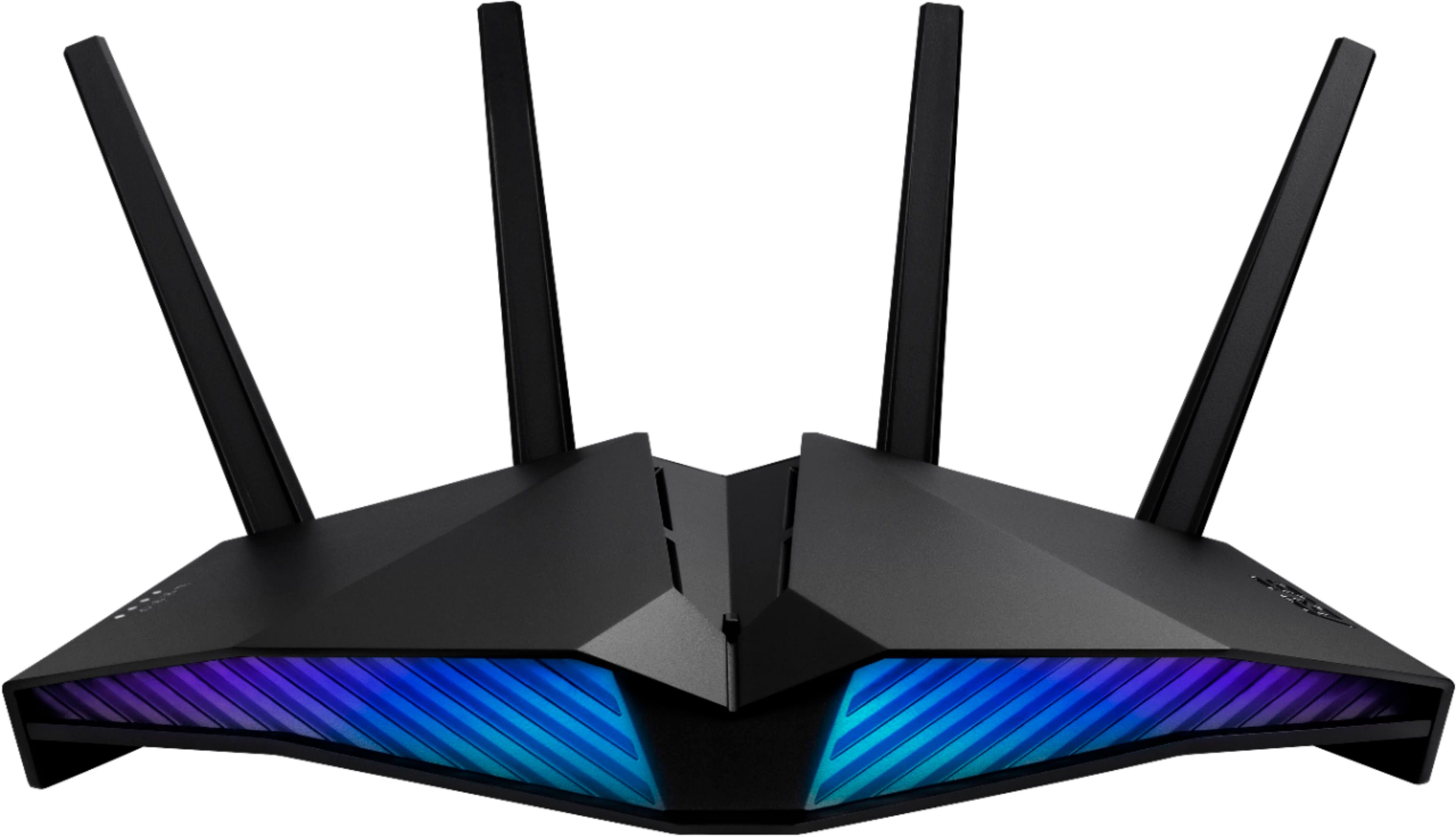



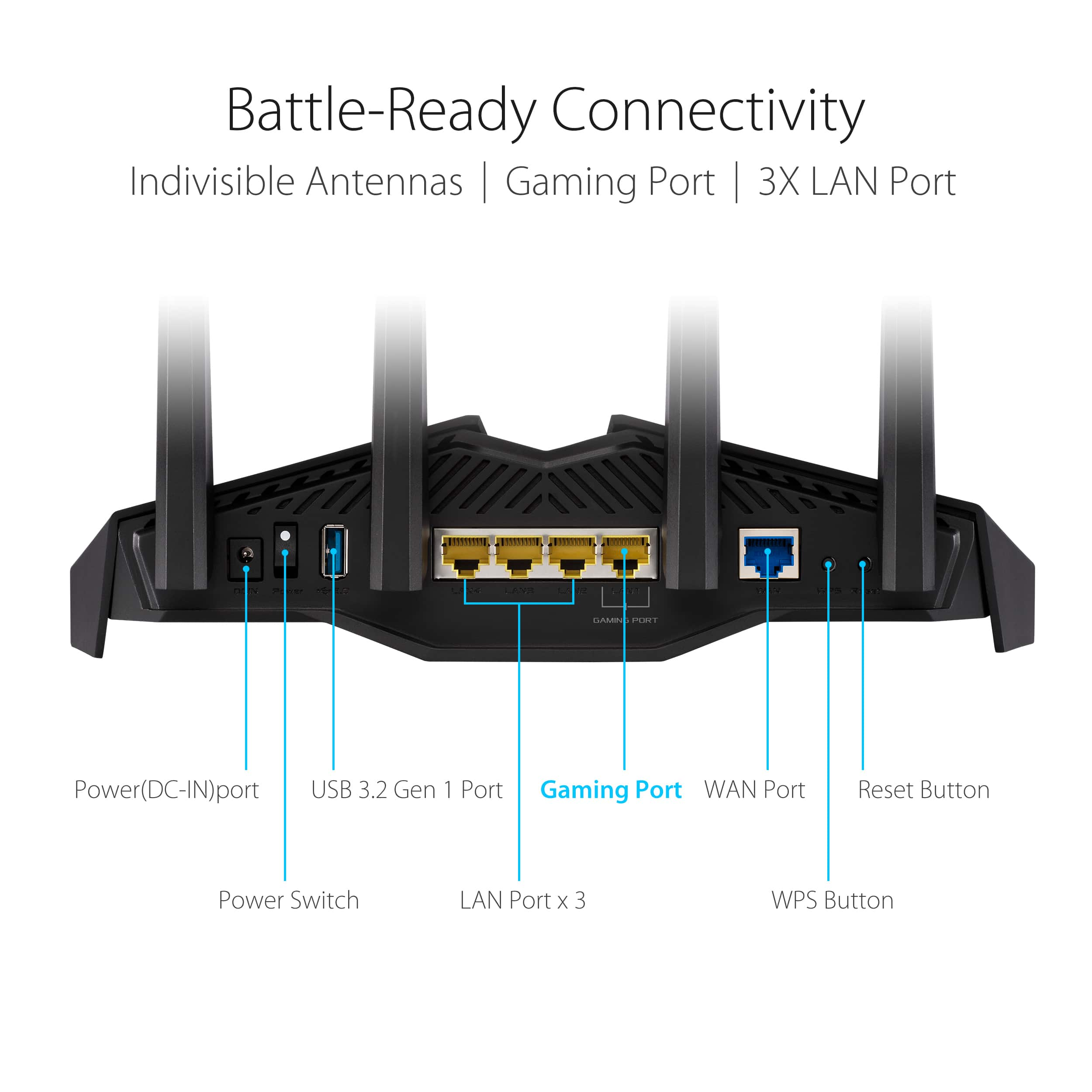

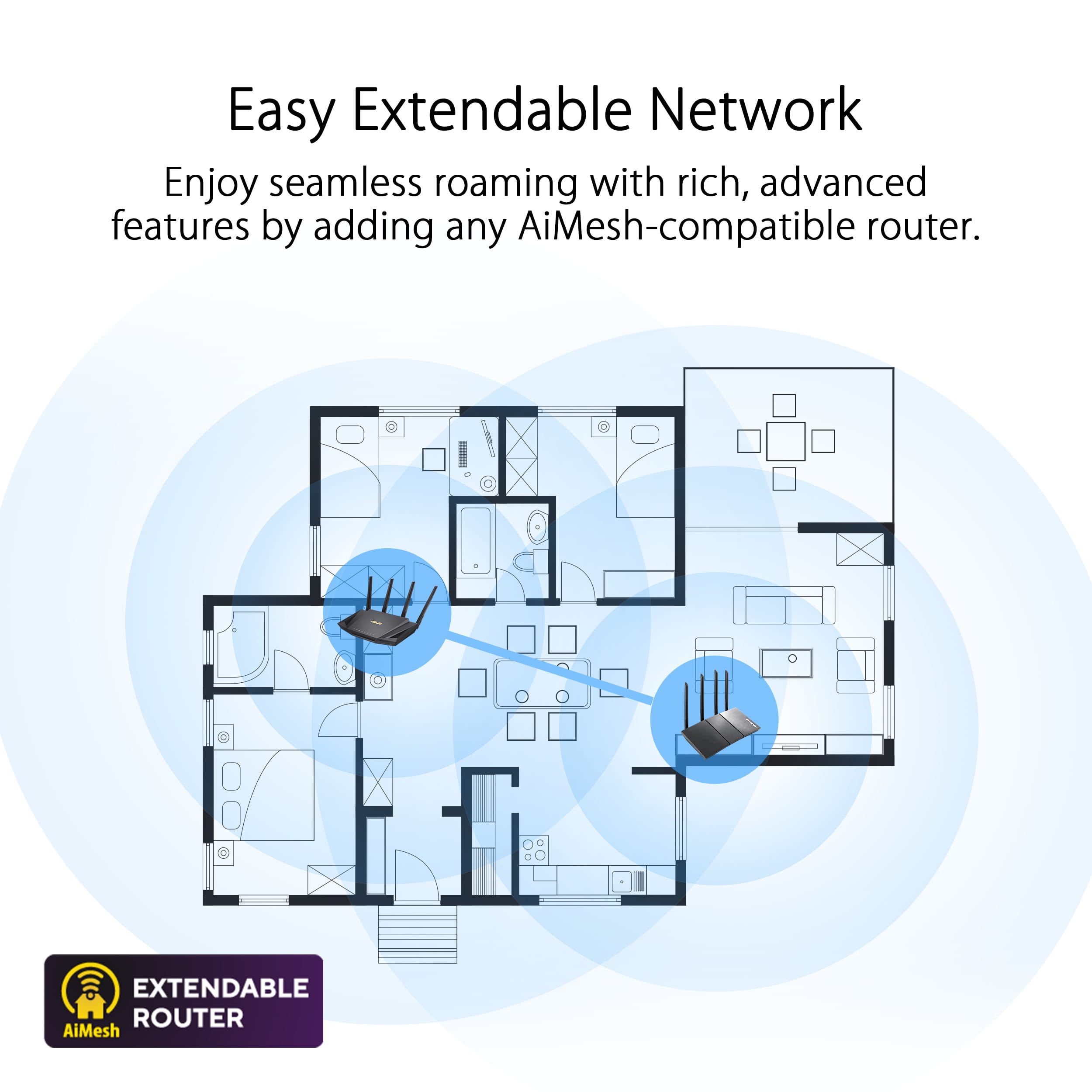
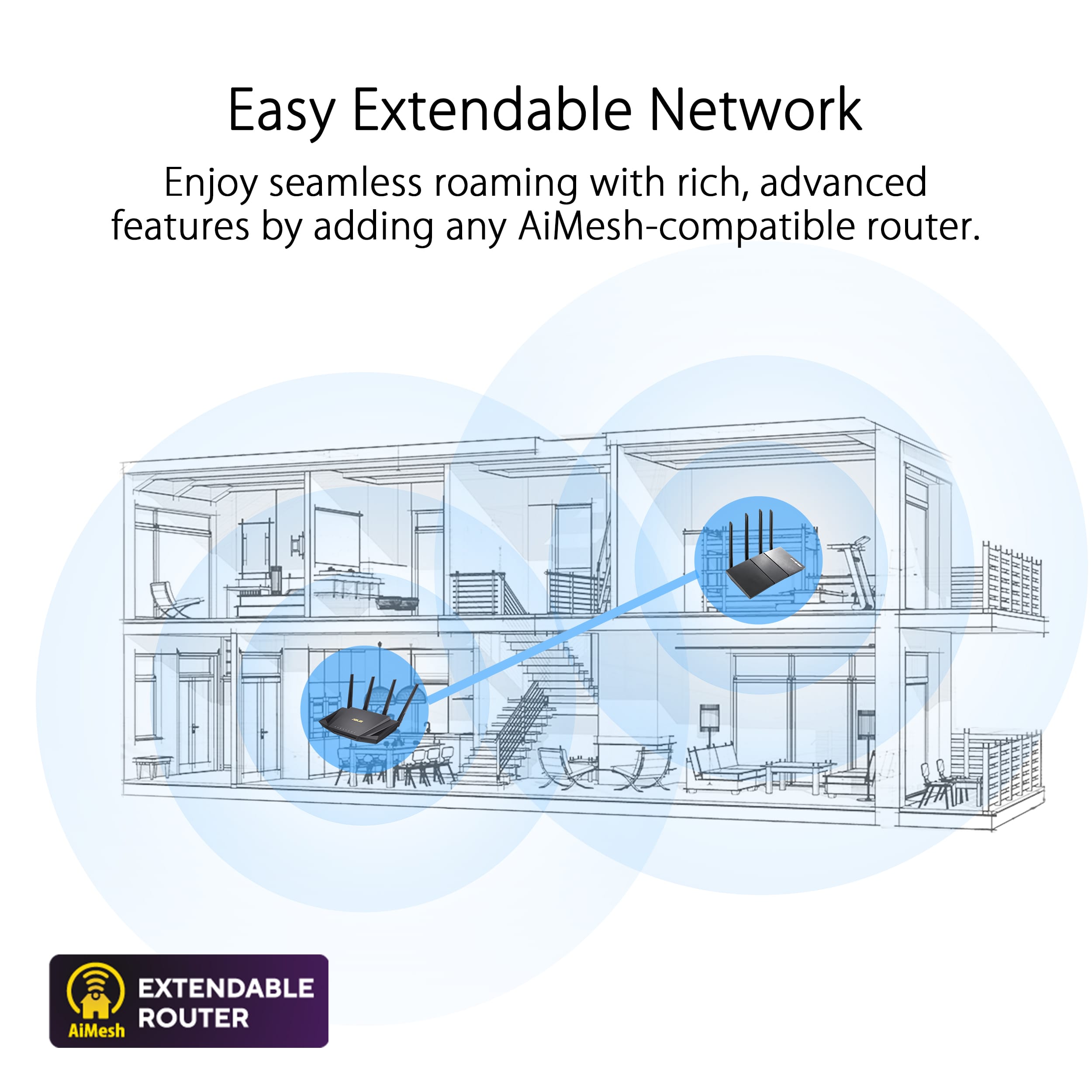
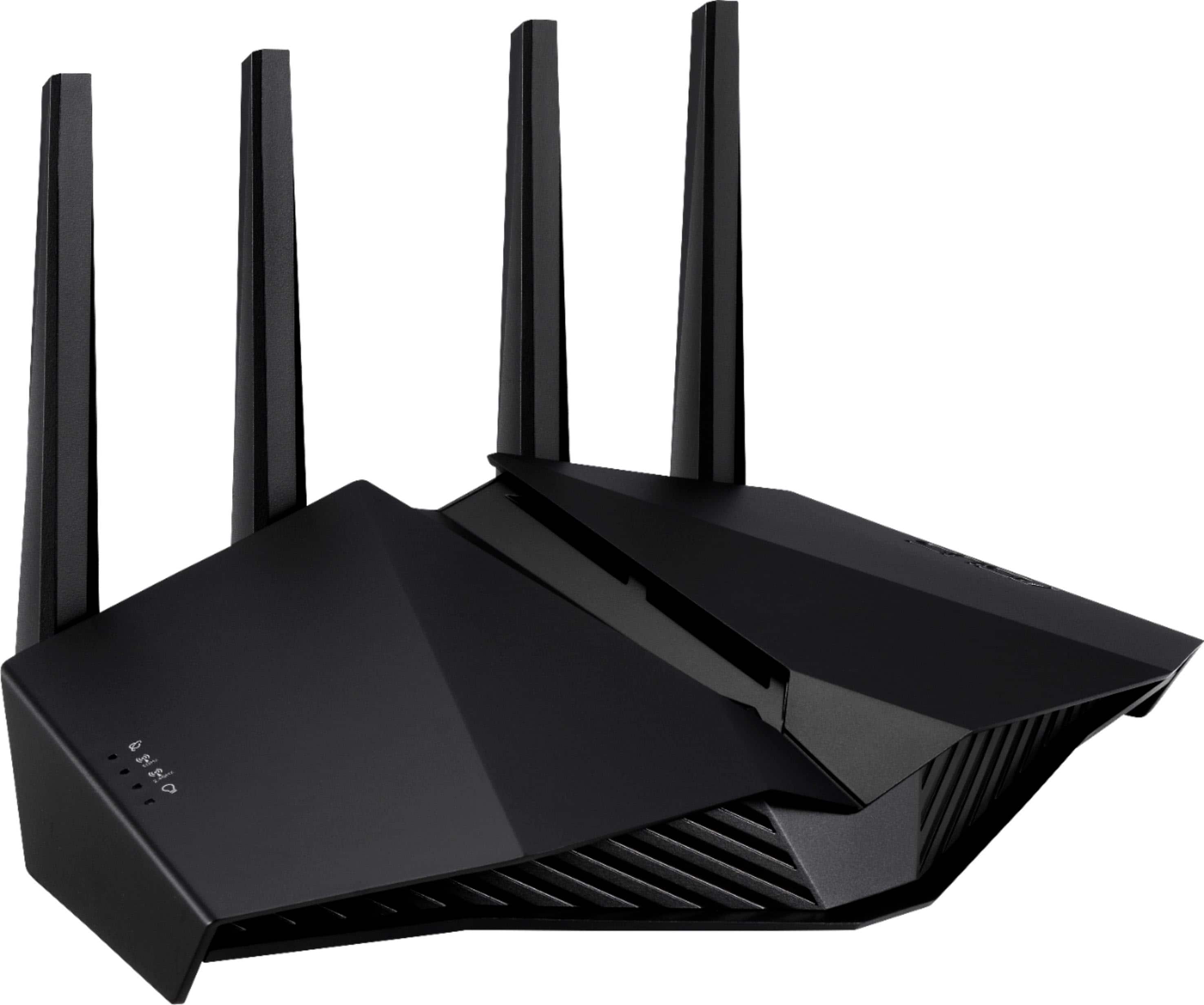
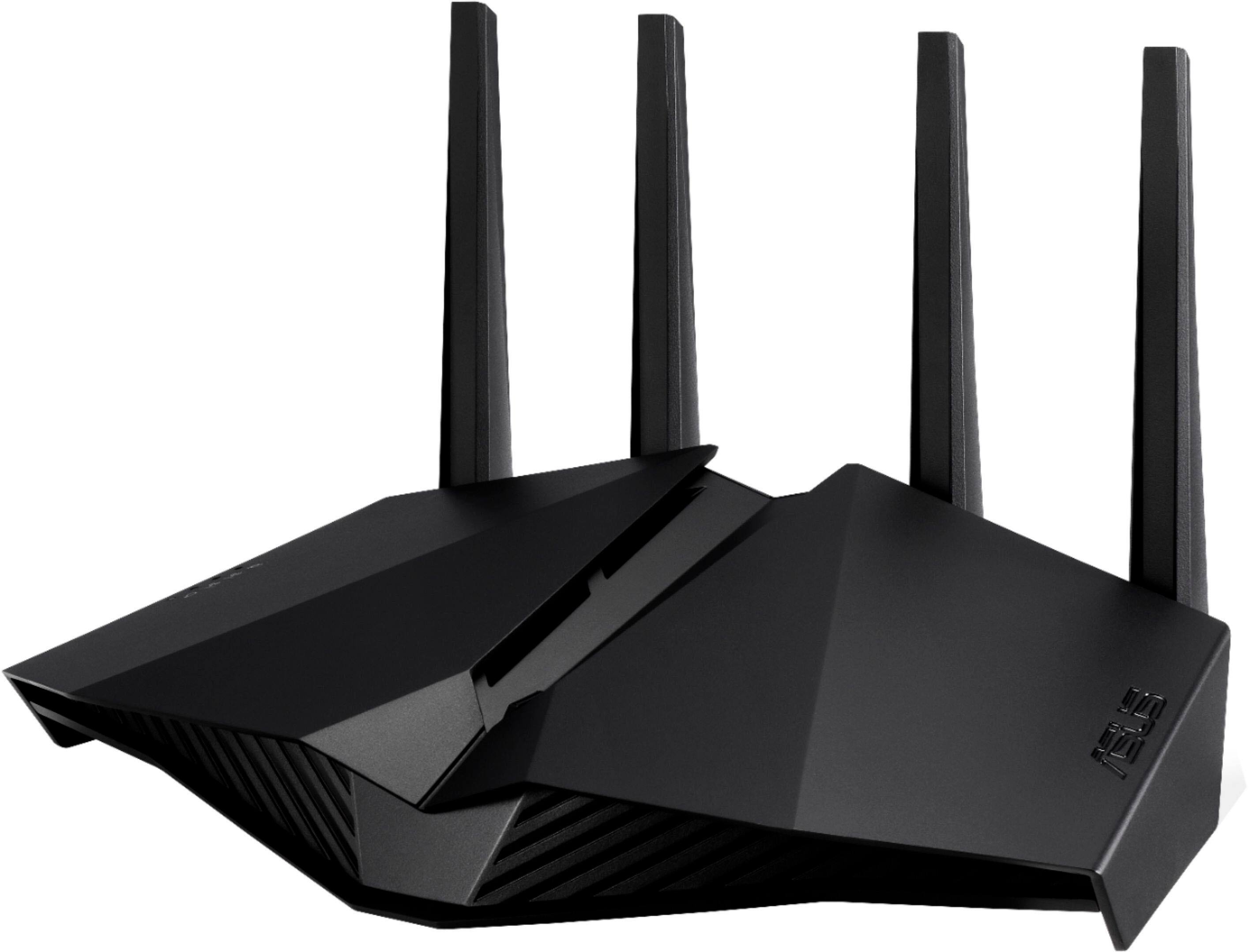
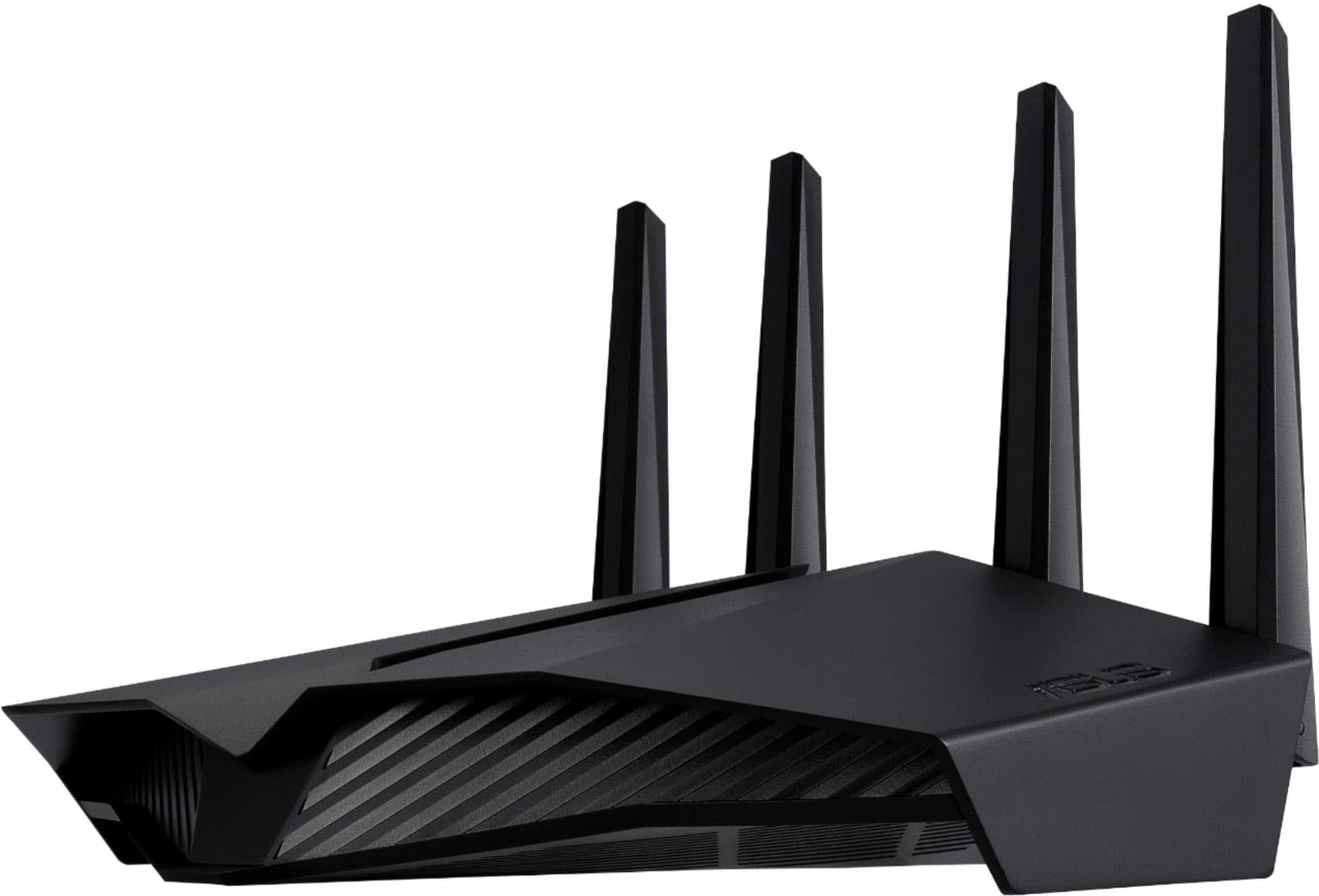
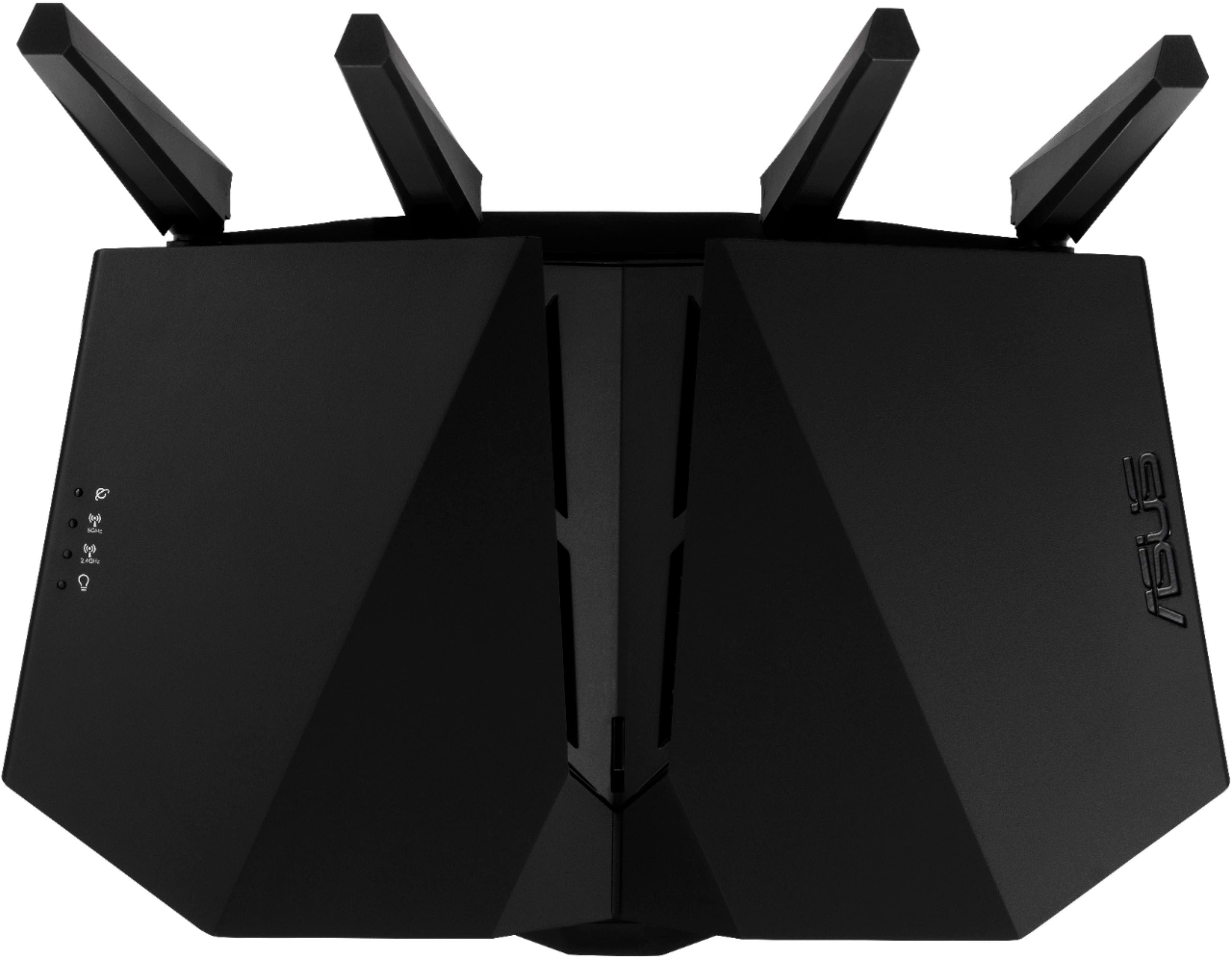
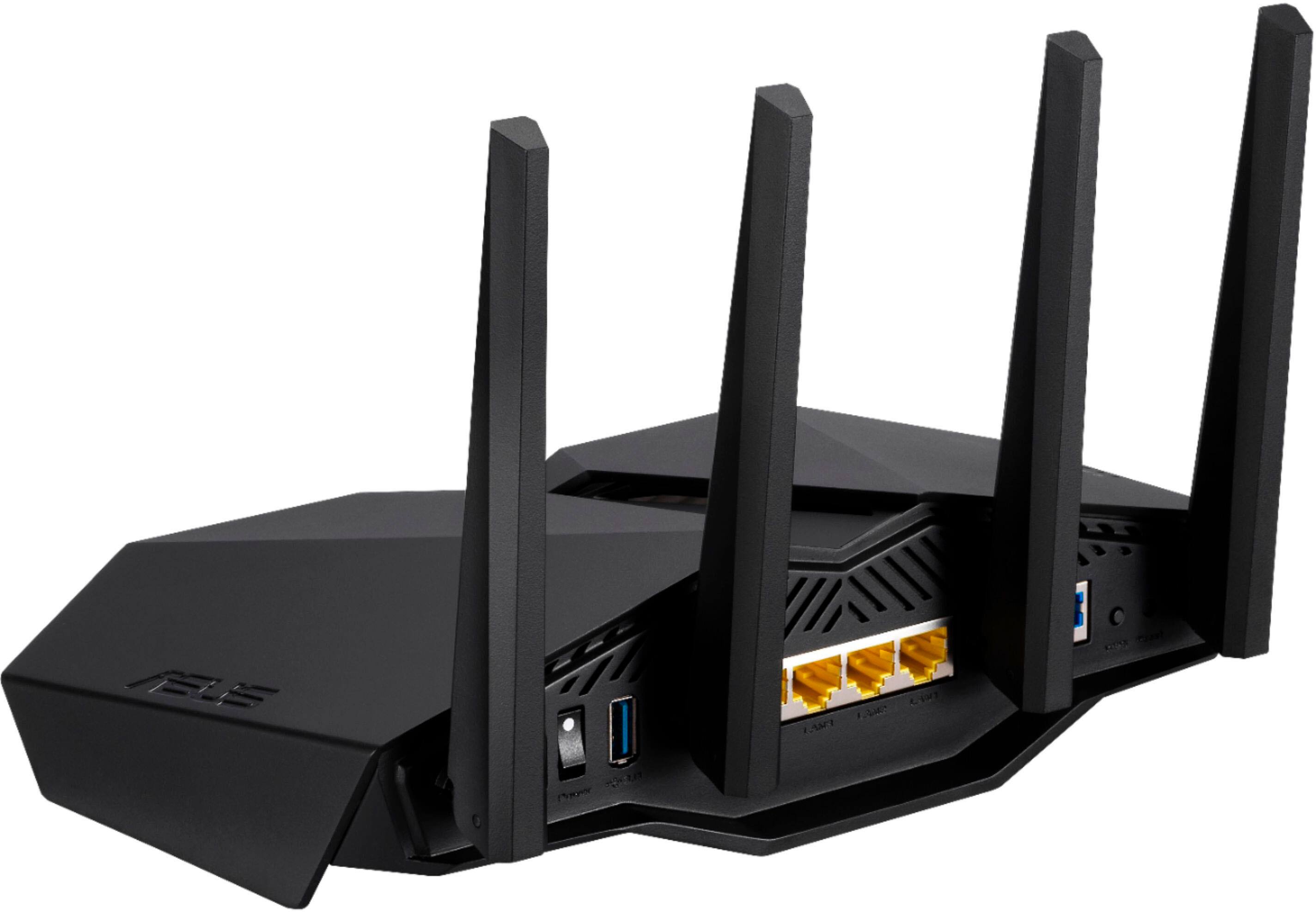
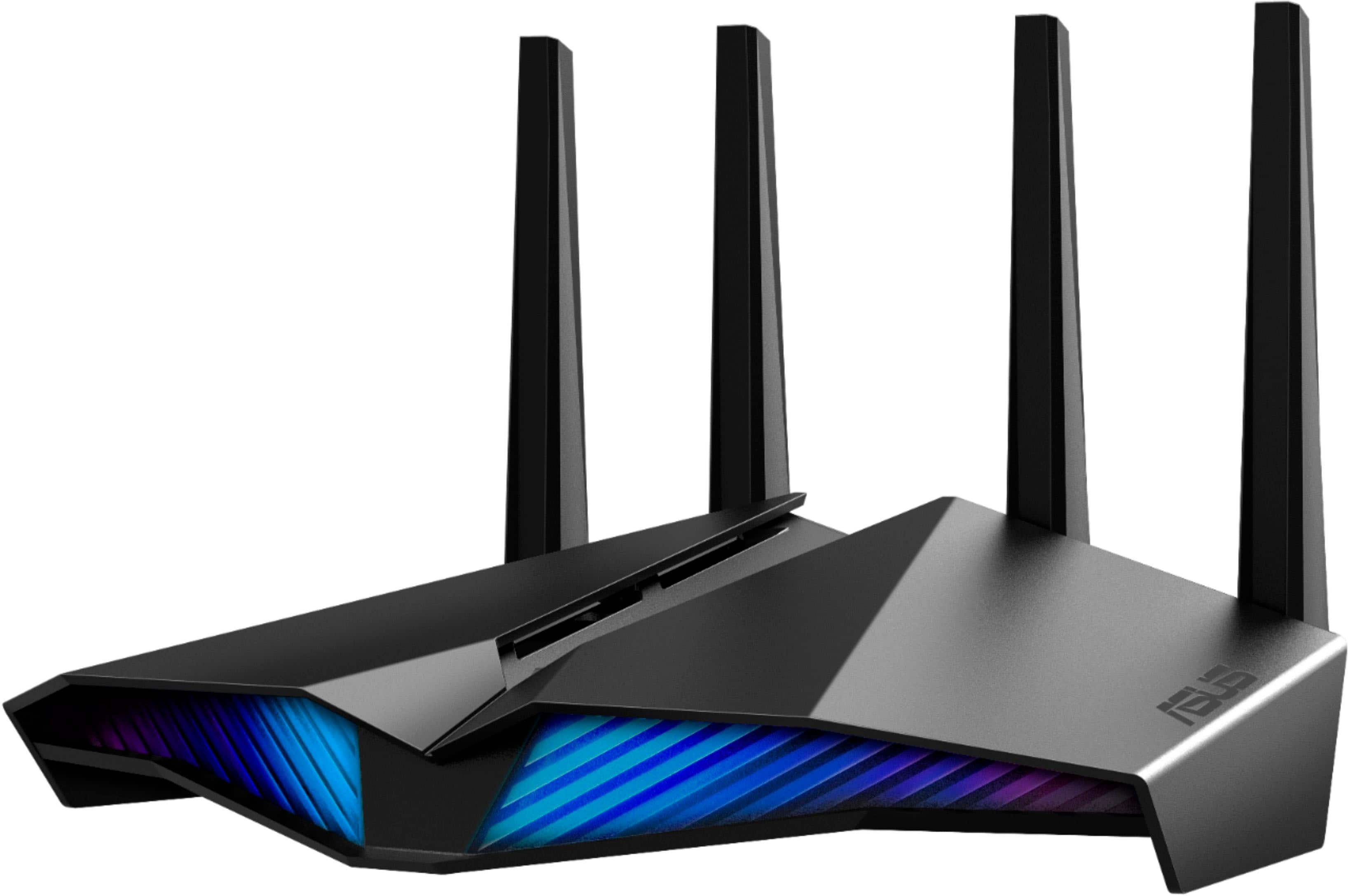
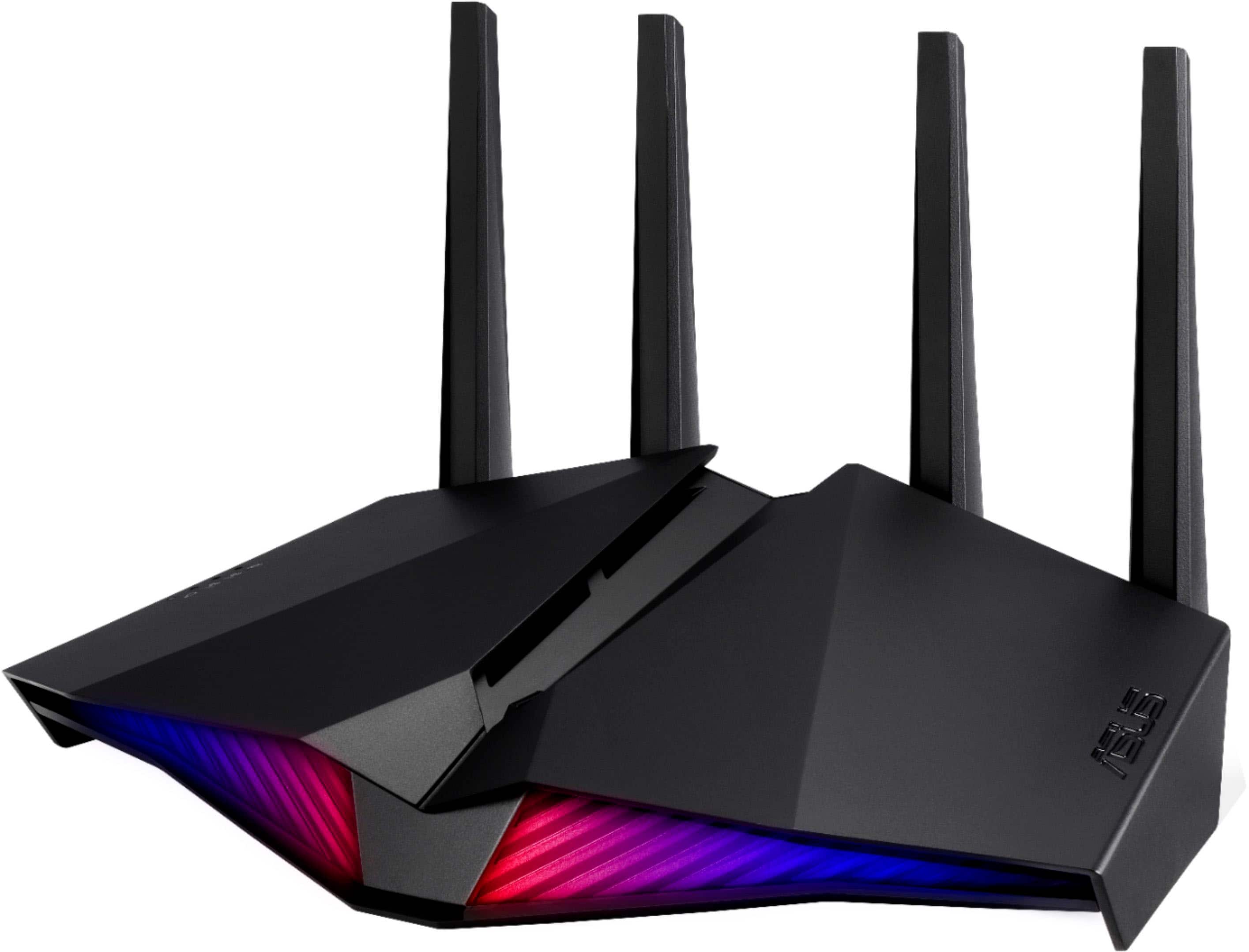
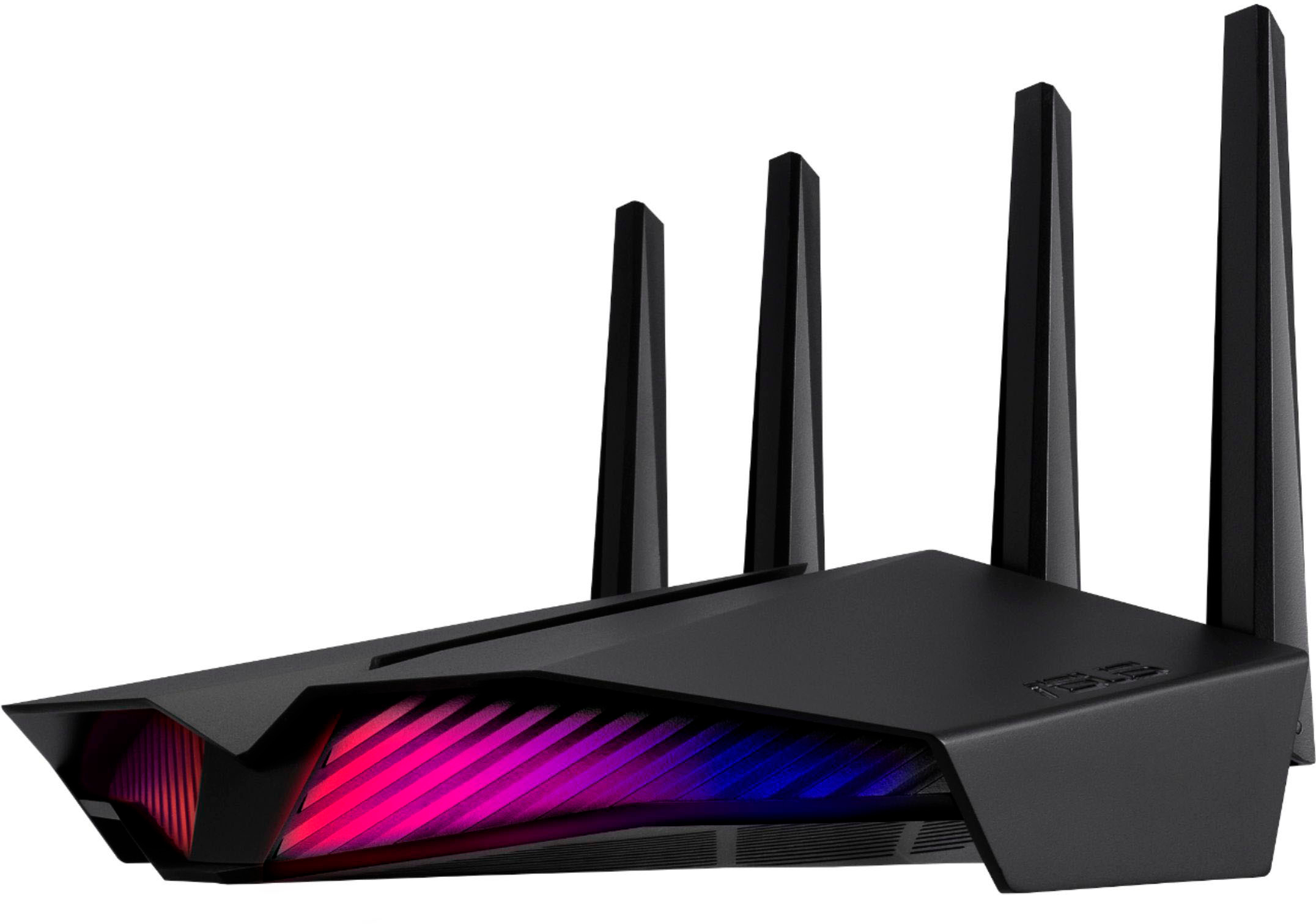
- Model:
- RT-AX82U V2
- SKU:
- 6532136
Rating by feature
- Setup
Rating 4.7 out of 5 stars
- Range
Rating 4.7 out of 5 stars
- Signal Strength
Rating 4.7 out of 5 stars
Customers are saying
Customers praise the RT-AX82U AX5400 Dual-Band Wi-Fi 6 Router for its speed, performance, and ease of use. Many customers also appreciate its range, setup, and coverage. While some find the price a bit high, most don't report issues with connectivity or lag.
This summary was generated by AI based on customer reviews.
Terrible range, AVOID
||Posted . Owned for less than 1 week when reviewed.This reviewer received promo considerations or sweepstakes entry for writing a review.Absolutely do not buy. Tried upgrading my 7 year old router with this one, it's catchy box labeling makes you think it is a giant improvement. Oh how wrong i was. We by no means have a large house and this router loses signal as soon as you leave the room it is in. My video buffers and pauses one room away, my TV resolution streaming Netflix or HBO is garbage. Put it back in the box, plugged my old router back in and will be returning this crap. Oh, and my old one was $100 cheaper, 7 years ago.
No, I would not recommend this to a friendBrand response from ASUS Answers
Posted .Dear Valued Customer,
We appreciate you sharing your feedback on this model. We're sorry to hear about the unfortunate experience you're having with the connection issue on this model. Please allow us to make your experience with ASUS a better one. We would recommend that you try changing the channel bandwidth of each band of 2.4 GHz to 20 MHz, and for 5GHz please select 60MHz. Test each of the channels first for improved stability. You can also do the speed test for each. If you’re still experiencing issues, please send any feedback via ASUSWRT(ASUS router Web UI), or ASUS Router App, or send a tweet or direct message to our Official ASUS North America Support twitter at AsusHelpUS. We’ll do our best to provide a quick resolution to your case. Your feedback is important as it helps with improvements to ASUS Support channels. Please copy a link to this post as a reference.
Thank you for choosing ASUS.
Best Regards,
Joan
ASUS Customer Loyalty US Support
- Pros mentioned:Speed
Title: Lightning-Fast WiFi 6 Router with Exception
Posted .This reviewer received promo considerations or sweepstakes entry for writing a review.ASUS RT-AX82U AX5400 Dual-Band WiFi 6 Rating: 5/5 stars still out performing newer models. I recently upgraded to the ASUS RT-AX82U AX5400 Dual-Band WiFi 6 Gaming Router, and I'm blown away by its performance! This router delivers incredibly fast WiFi speeds, with seamless connectivity and minimal lag. One of the standout features of this router is its lifetime internet security, powered by AiProtection Pro. This comprehensive security suite provides real-time monitoring and protection against malware, viruses, and other online threats. Plus, it's completely free for the life of the router! Other notable features include: - AX5400 WiFi 6 speeds for fast and reliable connectivity - Dual-band technology for reduced congestion and interference - MU-MIMO and OFDMA for efficient data transmission - 1.5GHz quad-core processor for smooth performance Overall, the ASUS RT-AX82U is an exceptional gaming router that delivers fast, reliable, and secure WiFi connectivity. The free lifetime internet security monitoring is the icing on the cake. If you're in the market for a high-performance WiFi 6 router, look no further!
I would recommend this to a friend Unreliable
||Posted . Owned for 2 weeks when reviewed.This reviewer received promo considerations or sweepstakes entry for writing a review.This device was average at best. The speed and signal strength varied throughout the day. The connect was not overly reliable and dropped randomly. The design was unique, but overall the performance was inconsistent at best.
No, I would not recommend this to a friendBrand response from ASUS Answers
Posted .Dear Buckeye,
We are terribly sorry for the issues you've had with the device and for the inconvenience this has caused you. ASUS products undergo intensive quality control testing and final inspections for both hardware and software before we send them out to the stores worldwide. ASUS provides a warranty for the unit in order to fix or repair any isolated factory escape defect. This information will be passed on to our development team. We would be very happy to assist you. We are recommending completing a hard reset on the router.
1. Turn the router power off.
2. Press and hold the "WPS" button and turn the router on.
3. Power light is on (keep holding the WPS button).
4. Power light starts flashing for about 5 seconds.
5. Keep holding until the power light stops flashing and the router will automatically reboot.
We truly appreciate your feedback. If you need any assistance, please don't hesitate to contact us via email: customerloyalty@asus.com and provide this link for reference or contact our general support at https://www.asus.com/us/support. Our customer loyalty department is dedicated to bringing a resolution to all issues related to our products.
Thank you for choosing ASUS!
Best Regards,
Lamoya
ASUS Customer Loyalty US Support
Don’t buy this router
||Posted .This reviewer received promo considerations or sweepstakes entry for writing a review.Never worked right. Kept disconnecting devices and speeds were slow even though I have a high speed fiber optic connection. I will be returning this device tomorrow.
No, I would not recommend this to a friendBrand response from ASUS Answers
Posted .Dear Mikw,
We are truly sorry the device kept disconnecting, slow speed and for the inconvenience this has caused. ASUS products undergo intensive quality control testing and final inspections for both hardware and software before we send it out to the stores worldwide. ASUS provides a warranty for the unit in order to fix or repair any isolated factory escape defect. This information will be passed on to our development team.
We truly appreciate your feedback. If you need any assistance, please don't hesitate to contact us via email: customerloyalty@asus.com and provide this link for reference or contact our general support at https://www.asus.com/us/support. Our customer loyalty department is dedicated to bringing a resolution to all issues related to our products.
Thank you for choosing ASUS!
Best Regards,
Lamoya
ASUS Customer Loyalty US Support
Junk firmware
||Posted . Owned for 3 months when reviewed.This reviewer received promo considerations or sweepstakes entry for writing a review.On my second router now after the first one displayed the problem. Only use firmware 384 previous to AI mesh 2.0 upgrade. All firmware 386 seems to have random connection restarts. Asus technical support said the first one had bad hardware. But after discovering the OEM firmware works just fine but after upgrading to 386 firmware which is the next step in the firmware chain I've discovered it is just crap firmware.
No, I would not recommend this to a friendBrand response from ASUS Answers
Posted .Dear Valued Customer,
It's unfortunate to hear about your experience with the firmware. This is not the kind of experience we want any of our customers to have. Have you tried to downgrade back to the original firmware? I will pass this over to the relevant department to have this patched. If you have any other technical concerns, feel free to reach out to me at customerloyalty@asus.com and provide this link for reference. I'll do my best to provide a quick resolution to your case. Your feedback is important as it helps with improvements to ASUS Support channels.
Thank you for choosing ASUS!
Best Regards,
Jamalie,
ASUS Customer Loyalty US Support
asus ax5400
||Posted . Owned for 2 months when reviewed.This reviewer received promo considerations or sweepstakes entry for writing a review.This router is overrated. it is very unstable I have to keep rebooting it. I just hooked up my old eero pro routers. They are working great
No, I would not recommend this to a friendBrand response from ASUS Answers
Posted .Dear Andy,
We are truly sorry you have to constantly reboot the device and for the inconvenience this has caused you. This model undergoes intensive quality control testing and final inspection for both hardware and software. ASUS provides a warranty for the unit in order to fix or repair any isolated issue. This information will be passed on to our development team. Please allow us to make your experience better. We are recommending completing a hard reset on the router.
1. Turn the router power off.
2. Press and hold the "WPS" button and turn the router on.
3. Power light is on (keep holding the WPS button).
4. Power light starts flashing for about 5 seconds.
5. Keep holding until the power light stops flashing and the router will automatically reboot.
Please ensure the router is running the latest firmware version. We truly appreciate your feedback. If you need any further assistance, please don't hesitate to contact us via email: customerloyalty@asus.com and provide this link for reference or contact our general support at https://www.asus.com/us/support. Our customer loyalty department is dedicated to bringing a resolution to all issues related to our products.
Thank you for choosing ASUS!
Best Regards,
Lamoya
ASUS Customer Loyalty US Support
Poor router
||Posted .This reviewer received promo considerations or sweepstakes entry for writing a review.This product did not reach over a smaller home through the cobblestone walls not impressed. Thought with the price it may be able to provide internet throughout the home but no
No, I would not recommend this to a friendBrand response from ASUS Answers
Posted .Dear Valued Customer,
We're sorry to hear about the connection issues you're having with this model. Please allow us to make your experience with ASUS a better one. We would recommend that you follow the steps in the FAQ below: https://www.asus.com/support/FAQ/1030608
For more information send a tweet or direct message to our Official ASUS North America Support twitter at AsusHelpUS. Also, we would recommend that you use the Asus Router App, go to "Settings", "System Settings" then "Feedback" and send feedback to us. We’ll do our best to provide a quick resolution to your case. Your feedback is important as it helps with improvements to ASUS Support channels. Please copy a link to this post as a reference.
Thank you for choosing ASUS.
Best Regards,
Joan
ASUS Customer Loyalty US Support
Asus AX5400
||Posted . Owned for 3 weeks when reviewed.This reviewer received promo considerations or sweepstakes entry for writing a review.If you have xfinity internet, more hassle than its worth to get it working. Buy something else.
No, I would not recommend this to a friendBrand response from ASUS Answers
Posted .Dear Valued Customer,
Thank you so much for the feedback, can you provide us with detailed description of your issue at customerloyalty@asus.com and provide this link for reference. I'll do my best to provide a quick resolution to your case. Your feedback is important as it helps with improvements to ASUS Support channels.
Thank you for choosing ASUS!
Best Regards,
Jamalie,
ASUS Customer Loyalty US Support
Ehh?
||Posted . Owned for less than 1 week when reviewed.This reviewer received promo considerations or sweepstakes entry for writing a review.Easy to setup and has a fast connection but it stopped working a few days after purchase. It was good but won't purchase again.
No, I would not recommend this to a friendBrand response from ASUS Answers
Posted .Dear Keel,
I'm sorry to hear that the unit failed after a couple of days of usage. Is it not connecting anymore? Have you tried to reset the router? You can attempt these steps from the FAQ below. For further troubleshooting, feel free to reach out to me at customerloyalty@asus.com and provide this link for reference. I'll do my best to provide a quick resolution to your case. Your feedback is important as it helps with improvements to ASUS Support channels.
Thank you for choosing ASUS!
Best Regards,
Jamalie,
ASUS Customer Loyalty US Support
Troubleshooting - https://www.asus.com/support/FAQ/1030608/
Troubleshooting 2 - https://www.asus.com/support/FAQ/1039077/
Trash Router
||Posted .This reviewer received promo considerations or sweepstakes entry for writing a review.I bought the router thinking that it presented to excellent value, but within 2 hours after I installed the router it completely dropped the signal. I did a speed test and was getting 1 to 2mbps!!! I refreshed my network including the router, my speeds were restored to 325mbps, and within an hour it completely dropped the signal again. I took it back and will never buy an Asus router again.
No, I would not recommend this to a friendBrand response from ASUS Answers
Posted .Dear HumblePhotog,
We are terribly sorry for the issue you were experiencing with the device and for the inconvenience this has caused you. This model undergoes intensive quality control testing and final inspection for both hardware and software. ASUS provides a warranty for the unit in order to fix or repair any isolated issue. This information will be passed on to our development team.
We truly appreciate your feedback. If you wish to discuss this further, please don't hesitate to contact us via email at (Customer loyalty @ Asus .com) Please remove the spaces and please use this link as a reference. Our customer loyalty department is dedicated to bringing a resolution to all issues related to our products.
Thank you for choosing ASUS!
Best Regards,
Lamoya
ASUS Customer Loyalty US Support
Great while it worked
||Posted . Owned for 1 month when reviewed.This reviewer received promo considerations or sweepstakes entry for writing a review.Barely lasted 6 weeks. Great when it worked. Suddenly died. Unable to power up. Just past 30 day return/exchange so told to contact the manufacturer. Not very sympathetic to my situation. Kept repeating I should have gotten their extended warranty. In the process of returning to ASUS for repair.
No, I would not recommend this to a friendBrand response from ASUS Answers
Posted .Dear IowaCountryBoy, I'm sorry to hear that the unit is not powering on. If it is that you've attempted a hard reset and you're not seeing any lights on the device then it would be recommended that you send the device in to us for inspection and repair. I would like for you to email us at "customerloyalty@asus.com" with this link if you have any other questions regarding the process. Your feedback is important as it helps with improvements to ASUS Support channels. Thank you for choosing ASUS! Best Regards, Jonelle, ASUS Customer Loyalty US Support
Not happy with this router
||Posted . Owned for 2 months when reviewed.This reviewer received promo considerations or sweepstakes entry for writing a review.I have had nothing but issues with this router. It continues to lose internet connectivity on the 2.4 band and all my device on that band fail to connect to the internet. It happens at random times and then magically starts working again. The 5ghz band loses connection too but just not as often. Unfortunately it’s too late to return it so maybe I can contact ASUS for a warranty repair or something. But in the mean time I need to get some other brand that is more stable
No, I would not recommend this to a friendBrand response from ASUS Answers
Posted .Dear Valued Customer,
It's unfortunate to hear about your issue with the connection unstable. This is absolutely not the kind of experience we want any of our customers to have. Have you tried to update the firmware? Usually, this could be due to RF interference. Please refer to the FAQ below. For further troubleshooting, feel free to reach out to me at customerloyalty@asus.com and provide this link for reference. I'll do my best to provide a quick resolution to your case. Your feedback is important as it helps with improvements to ASUS Support channels.
Thank you for choosing ASUS!
Best Regards,
Jamalie,
ASUS Customer Loyalty US Support
Troubleshooting - https://www.asus.com/support/FAQ/1030608/
Troubleshooting2 - https://www.asus.com/us/support/FAQ/1015073/
Lemon product
||Posted . Owned for 1 month when reviewed.This reviewer received promo considerations or sweepstakes entry for writing a review.Internet cuts out and speeds only get up to 40mbps. Tried to solve the issue by getting on forums to change the settings. By the time I figured out that it is unfixable I couldnt return the product. Waste of $$$$. Buyer beware for lemons.
No, I would not recommend this to a friendBrand response from ASUS Answers
Posted .Dear RickS,
We're sorry to hear about the issues you're having with the connection on this model. We would recommend that you attempt the steps in the FAQ below to resolve this issue. We do value our customers and take negative customer service experience very seriously. This is not the quality of service expected from ASUS. We do stand behind our product and we continuously strive to improve our approach and processes in order to achieve customer service excellence.
For more information send us an email at customerloyalty@asus.com and provide the link of this review for reference. We’ll do our best to provide a quick resolution to your case. Your feedback is important as it helps with improvements to ASUS Support channels. Please copy a link to this post as a reference.
Thank you for choosing ASUS.
Best Regards,
Joan
ASUS Customer Loyalty US Support
Troubleshooting: https://www.asus.com/support/FAQ/1030641/
Great start but poor sustainability
||Posted . Owned for 1 month when reviewed.This reviewer received promo considerations or sweepstakes entry for writing a review.Have been having trouble with devices staying on-line and one of routers failed completely. It no longer works,
No, I would not recommend this to a friendBrand response from ASUS Answers
Posted .Dear Uross,
It's unfortunate to hear that the devices are disconnecting and one of the routers failed. This is not the kind of experience we want any of our customers to have. Have you tried to upgrade the firmware? Is the router unable to turn on? Please attempt the steps from the FAQ below. For further troubleshooting, feel free to reach out to me at customerloyalty@asus.com and provide this link for reference. I'll do my best to provide a quick resolution to your case. Your feedback is important as it helps with improvements to ASUS Support channels.
Thank you for choosing ASUS!
Best Regards,
Jamalie,
ASUS Customer Loyalty US Support
Troubleshooting - https://www.asus.com/support/FAQ/1030641/
Poor Router
||Posted . Owned for 3 months when reviewed.This reviewer received promo considerations or sweepstakes entry for writing a review.I returned this because it's wifi coverage was poor, I don't advise buying this router unless you have a small coverage are.
No, I would not recommend this to a friendBrand response from ASUS Answers
Posted .Dear MJtrbestb,
We do understand your disappointment and the inconvenience this may have caused if you are experiencing weak or poor WIFI signal.
To resolve the issue, please verify if the WIFI device on the PC is working properly and is within range to an established ASUS outer. Also, please verify if the laptop is running with the most current system update and internet service is stable.
If you need further assistance, please email me at cl-rodel@asus.com and I will be more than happy to help. Or, you call Product Support Hotline at: 1(888) 678-3688. Also, you can chat with an ASUS live support agent at: http://bit.ly/AsusLiveChat.
Thank you for choosing an ASUS product.
Regards,
Rodel
ASUS Customer Loyalty
Relatively Slow
||Posted . Owned for 10 months when reviewed.This reviewer received promo considerations or sweepstakes entry for writing a review.Was slower than the pretty lights would make you think. Ended up taking it back. And yes, I do have wifi 6 devices.
No, I would not recommend this to a friendBrand response from ASUS Answers
Posted .Dear Valued Customer,
We appreciate you sharing your feedback on this model. We're sorry to hear slow connection issues you're having with this model and that you had to return it. For more information send a tweet or direct message to our Official ASUS North America Support twitter at AsusHelpUS. Also, we would recommend that you use the Asus Router App, go to "Settings", "System Settings" then "Feedback" and send feedback to us. We’ll do our best to provide a quick resolution to your case. Your feedback is important as it helps with improvements to ASUS Support channels. Please copy a link to this post as a reference.
Thank you for choosing ASUS.
Best Regards,
Joan
ASUS Customer Loyalty US Support
Don’t buy
||Posted . Owned for 3 weeks when reviewed.This reviewer received promo considerations or sweepstakes entry for writing a review.Trash, poor signal strength and consistent drops. Not happy
No, I would not recommend this to a friendBrand response from ASUS Answers
Posted .Dear Mike,
We're sorry to hear that you're having connection issues you're having with this model. Please allow us to make your experience with ASUS a better one. Weould recommend that you attempt the steps in the FAQ below to resolve this issue.
For more information send us an email at customerloyalty@asus.com and provide the link of this review for reference. Also, we would recommend that you use the Asus Router App, go to "Settings", "System Settings" then "Feedback" and send feedback to us. We’ll do our best to provide a quick resolution to your case. Your feedback is important as it helps with improvements to ASUS Support channels. Please copy a link to this post as a reference.
Thank you for choosing ASUS.
Best Regards,
Joan
ASUS Customer Loyalty US Support
[Troubleshooting] Wi-Fi signal is often disconnected: https://www.asus.com/support/FAQ/1030641/
Video Gaming Modem
||Posted . Owned for 3 weeks when reviewed.This reviewer received promo considerations or sweepstakes entry for writing a review.I liked the potential of this modem. By the specs on the box this would've been the best purchase that I could've made.
No, I would not recommend this to a friendBrand response from ASUS Answers
Posted .Dear Valued Customer,
Thank you for taking the time to post your feedback on this model. The fastest, smoothest Wi-Fi gaming connections ever with the ASUS RT-AX82U dual-band Wi-Fi 6 router. It delivers ultrafast Wi-Fi speeds up to 5400 Mbps, and is packed with advanced technology, including Mobile Game Mode for a lag-free, low-latency mobile gaming experience. We would be very happy to assist you. Can you provide us with detailed information on the issue your having with the device based on your two star review of the device?
We truly appreciate your feedback. If you wish to discuss this further, please don't hesitate to contact us via email at (Customer loyalty @ Asus .com) Please remove the spaces and please use this link as a reference. Our customer loyalty department is dedicated to bringing a resolution to all issues related to our products.
Thank you for choosing ASUS!
Best Regards,
Lamoya
ASUS Customer Loyalty US Support
Poor 2.4Ghz performance
||Posted . Owned for 2 months when reviewed.This reviewer received promo considerations or sweepstakes entry for writing a review.My rated ISP speed is 200mbps. My 5ghz reaches that easily. My 2.4ghz however, barely hits 60mbps on speedtest.net and that's with my s20 ultra right next to the router with signal showing it's capable of 229Mbps. I sense it's a firmware issue, which I have the latest at Firmware version 3.0.0.4.386_41700.
No, I would not recommend this to a friendBrand response from ASUS Answers
Posted .Dear Skinnyflip,
We are extremely sorry for the issue you're experiencing with the device and for the inconvenience, this has caused you. This model undergoes intensive quality control testing and final inspection for both hardware and software. ASUS provides a warranty for the unit in order to fix or repair any isolated issue. This information will be passed on to our development team. Please allow us to make your experience better. We are recommending completing a hard reset on the router.
1. Turn the router power off.
2. Press and hold the "WPS" button and turn the router on.
3. Power light is on (keep holding the WPS button).
4. Power light starts flashing for about 5 seconds.
5. Keep holding until the power light stops flashing and the router will automatically reboot.
We truly appreciate your feedback. If you need any further assistance, please don't hesitate to contact us via email: customerloyalty@asus.com and provide this link for reference or contact our general support at https://www.asus.com/us/support. Our customer loyalty department is dedicated to bringing a resolution to all issues related to our products.
Thank you for choosing ASUS!
Best Regards,
Lamoya
ASUS Customer Loyalty US Support
QOS Is garbage
||Posted . Owned for less than 1 week when reviewed.This reviewer received promo considerations or sweepstakes entry for writing a review.Beware of this router. If you game or have multiple devices hooked up, QOS does not work properly. With asus routers you have to use merlin firmware and unfortunately this router is not supported with merlin in order to work right. So I suggest just going with netgear.
No, I would not recommend this to a friendBrand response from ASUS Answers
Posted .Dear Valued Customer,
Certainly, we understand your disappointment with the QOS feature. Have you updated to the latest firmware? Please refer to the FAQ below. For further troubleshooting, feel free to reach out to me at customerloyalty@asus.com and provide this link for reference. I'll do my best to provide a quick resolution to your case. Your feedback is important as it helps with improvements to ASUS Support channels.
Thank you for choosing ASUS!
Best Regards,
Jamalie,
ASUS Customer Loyalty US Support
[Adaptive QoS] Introduction of QoS
https://www.asus.com/us/support/FAQ/1010935
[Adaptive QoS]Bandwidth Monitor Introduction and Setup guide
https://www.asus.com/us/support/FAQ/1008717/
[Adaptive QoS] How to set up QoS- Adative type
https://www.asus.com/us/support/FAQ/1010950
[Adaptive QoS] How to set up QoS- Traditional type?
https://www.asus.com/us/support/FAQ/1010951/
[Adaptive QoS] How to set up Bandwidth Limiter?
https://www.asus.com/us/support/FAQ/1013333