Customer Ratings & Reviews
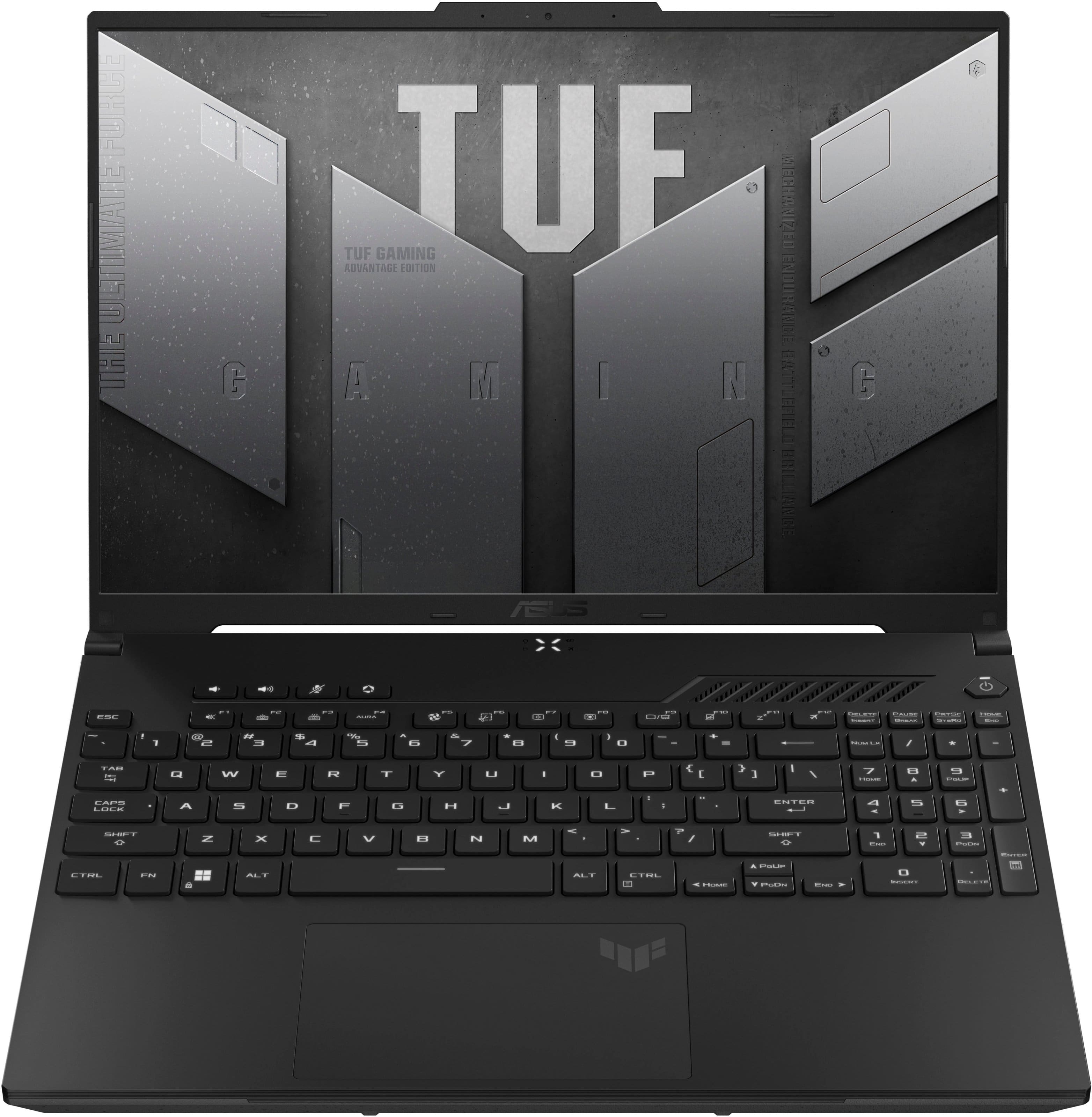
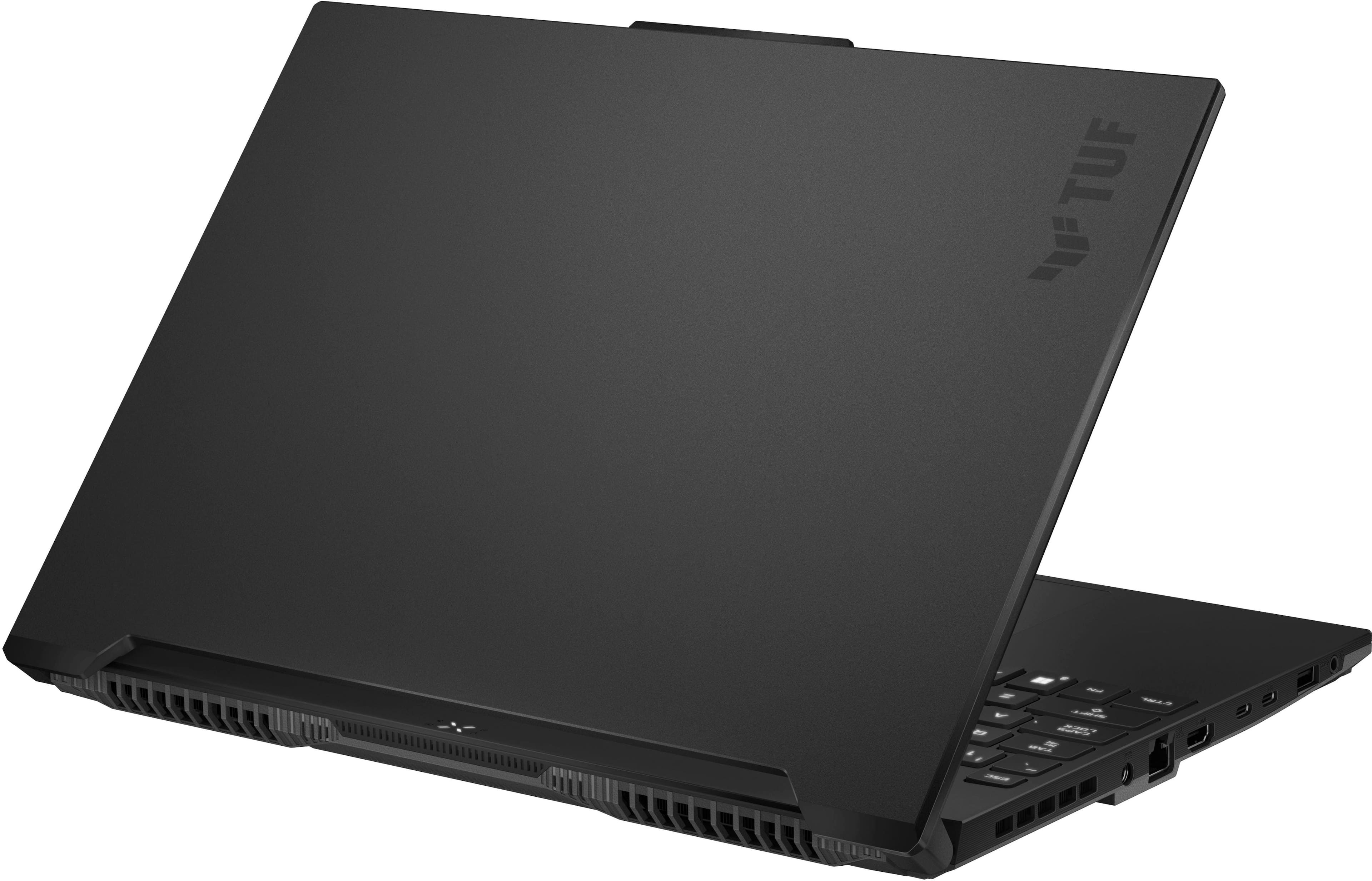
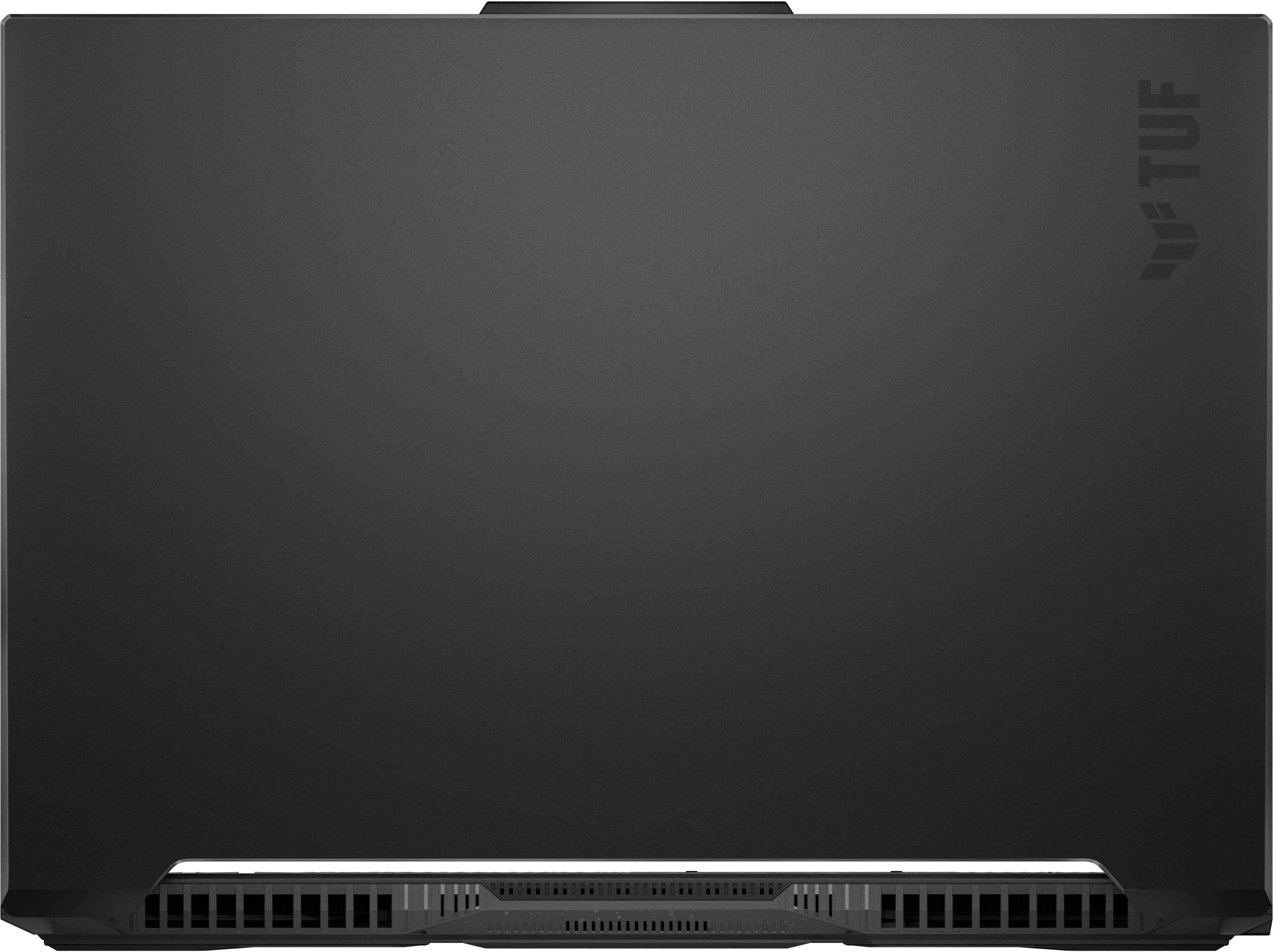


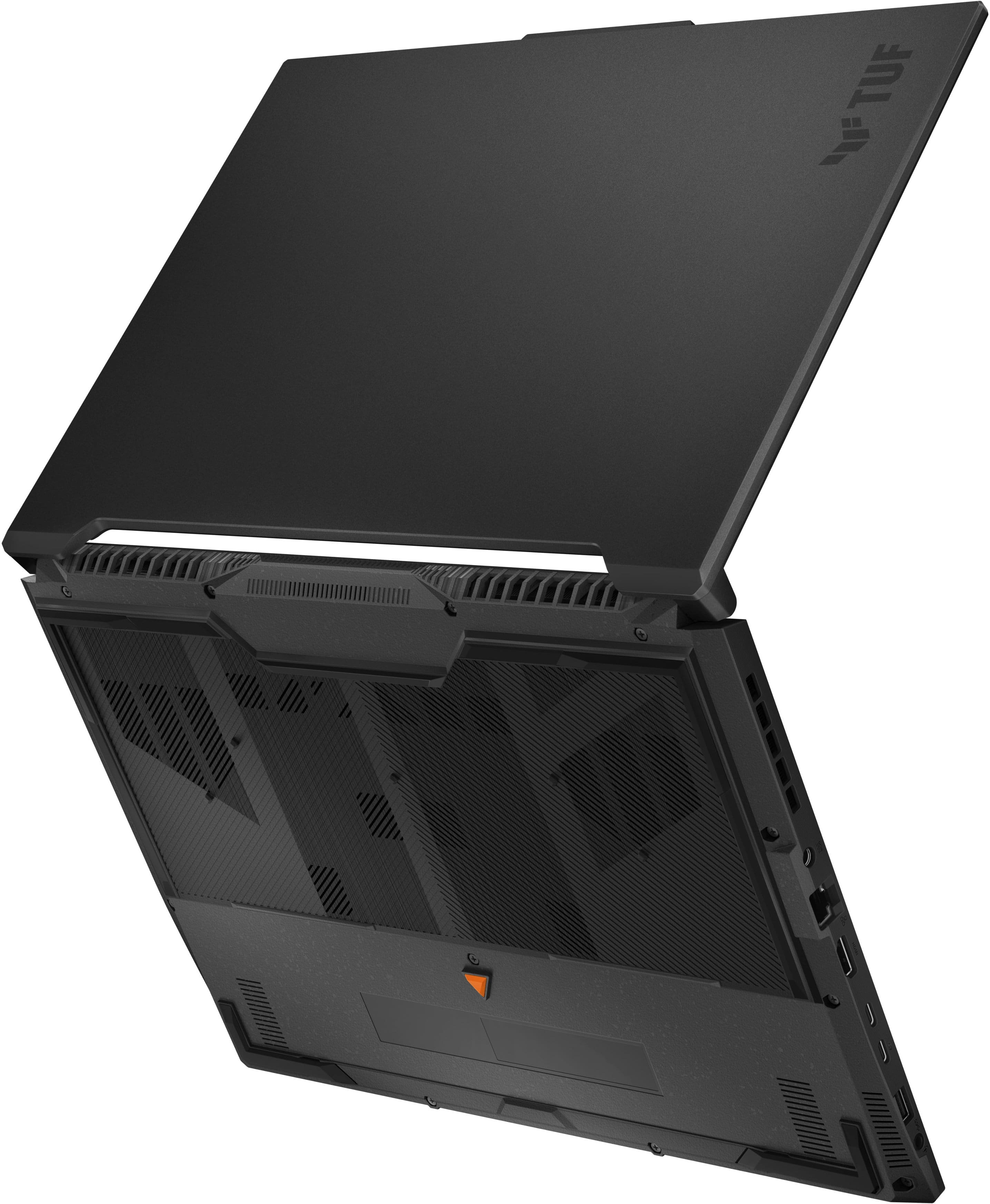

- Model:
- FA617NT-A16.R77700
- SKU:
- 6560989
Rating by feature
- Battery Life
Rating 4.1 out of 5 stars
- Speed
Rating 4.6 out of 5 stars
- Display
Rating 4.6 out of 5 stars
Customers are saying
Customers are impressed with the TUF Gaming A16 laptop's strong performance, solid build quality, and satisfactory battery life. Many also appreciate its reasonable price, exceptional speed, sufficient RAM, and great graphics. However, some customers have noted that the laptop can get hot during demanding games and that the fan noise can be loud. Additionally, a few users feel that the storage could be larger, the laptop is a bit heavy, and the screen brightness could be improved.
This summary was generated by AI based on customer reviews.
Tuf a16 review (sorta)
||Posted . Owned for 1 month when reviewed.This reviewer received promo considerations or sweepstakes entry for writing a review.This is a very solid portable gaming machine I do wish that it would come in a 18 inch but it doesn’t so I settled for the 16 inch
I would recommend this to a friendASUS Hinge Breaks - no warranty coverage
||Posted . Owned for 11 months when reviewed.This reviewer received promo considerations or sweepstakes entry for writing a review.BE WARNED - research "ASUS hinge breaks". ASUS (and BestBuy) refuse to cover anything that physically goes wrong. My ASUS TUF developed a broken hinge at 6 months. The hinge started to pry apart the top and bottom casing, and after a week it started to break the plastic bottom casing. ASUS (and BestBuy geek squad) consider it physically damaged and will not cover the repair. Even though it was their equipment that caused the damage. Apparently, if you buy an ASUS laptop, you are expected to NOT open the screen. So don't buy an ASUS laptop if you actually want to use it.
No, I would not recommend this to a friendBrand response from ASUS Answers
Posted .Dear Sparky 14,
We apologize for the inconvenience you have encountered with the broken hinge. Our commitment to quality ensures that all our products undergo rigorous testing to meet the highest standards. The issues you’ve faced were certainly not intentional. To assist you promptly, kindly provide us with your serial number. Please see below a FAQ on how to locate the serial number. We will thoroughly investigate this matter and work towards a resolution. You can reach out to us via email at customerloyalty@asus.com, and please include the link to this review for reference or you case number "N2401010186-0067" for convenience. Your feedback is invaluable as it contributes to continuous improvements in our support channels. .Thank you for choosing ASUS!Best Regards,
Thank you for choosing ASUS.
Best Regards Anya
ASUS Customer Loyalty US Support
FAQ- How to find Product Serial Number and Check Number https://www.asus.com/support/article/566/
Took it back
||Posted .This reviewer received promo considerations or sweepstakes entry for writing a review.It was lovely and was a great deal at $750. The screen, SSD, and keyboard could be better. Ran fast with a nice balance between the CPU and the video card. Unfortunately it locked up often and certain games were missing textures. Our Best Buy has great customer service. They took it back and are sending another one ASAP.
No, I would not recommend this to a friendBrand response from ASUS Answers
Posted .Dear Jason N,
Thank you for sharing your experience with the laptop, and we apologize for the problems you've encountered. At ASUS, we take quality control, testing, and inspections seriously to ensure our products meet high standards. What you've experienced was not intentional or representative of our brand. The decision to make a purchase can be important, and we want to ensure that our customers receive the best products and services. We understand the impression this may have created and we hope this will not be a long-term lasting impression as you have chosen ASUS as a trusted brand for excellence. Providing our customers with a high level of satisfaction is our top priority, and we'll forward your feedback to our Product Team for review.
Having returned the device, we hope that you were able to obtain a functioning replacement and that you enjoy using it.
We stand behind our products and continuously strive to improve our products and processes to achieve customer service excellence. For more information, email us at customerloyalty@asus.com and include the case number "N2403018946-0003" as a reference. We will do our best to resolve your case quickly. Your feedback is very important to us and enables us to improve our support channels. Thank you for choosing ASUS.
Best Regards,
Chantae
ASUS Customer Loyalty US Support
Bought it 1 week ago
||Posted . Owned for 2 weeks when reviewed.This reviewer received promo considerations or sweepstakes entry for writing a review.Suddenly power off and error happened. If you keep power on,you cant turn on your monitor.
No, I would not recommend this to a friendGood!
||Posted . Owned for less than 1 week when reviewed.This reviewer received promo considerations or sweepstakes entry for writing a review.The lap works perfectly, the colors and graphics are very good, the only flaw I found is the battery life
I would recommend this to a friendGreat Laptop for Business
||Posted . Owned for 1 month when reviewed.This reviewer received promo considerations or sweepstakes entry for writing a review.Great laptop. I use it for business and I really like how fast it is.
I would recommend this to a friendGreat Laptop !!
||Posted . Owned for 7 months when reviewed.This reviewer received promo considerations or sweepstakes entry for writing a review.It’s a great articule, very helpful for my Job to design
I would recommend this to a friendLaptop Asus
||Posted . Owned for 3 weeks when reviewed.This reviewer received promo considerations or sweepstakes entry for writing a review.excellent computer, very good service at best buy, thanks
I would recommend this to a friendASUS & BB WILL NOT HONOR WARRANTY
||Posted .This reviewer received promo considerations or sweepstakes entry for writing a review.Terrible experience , Battery died within 7 months (no longer charging), Best Buy won't honor the warranty and ASUS claims it is Best Buys responsibility as it was purchased through them. Laptop was great until then but pray you don't need service from either company because BestBuy & ASUS have only been unhelpful.
No, I would not recommend this to a friendBrand response from ASUS Answers
Posted .Dear RyloKen,
Thank you for sharing your experience with the ASUS FA617NT gaming laptop. We're truly sorry to hear about the battery issue and the challenges you've faced with service and support. To better assist you and review your case in detail, please email us at customerloyalty@asus.com and include the case number "N2401010186-0064" as a reference. We know that maintaining a functioning unit is an urgent matter, and we are committed to helping you.
We stand behind our products and continuously strive to improve our products and processes to achieve customer service excellence. We will do our best to resolve your case quickly. Your feedback is very important to us, and it enables us to improve our support channels. Thank you for choosing ASUS.
Best Regards,
Chantae
ASUS Customer Loyalty US Support
Poorly built- not meant to last
||Posted .This reviewer received promo considerations or sweepstakes entry for writing a review.My daughter got this last year before college and it has had some issues with the electric components where some times things work and other times the computer freezes or turns itself off even though it’s charged. It hasn’t been dropped and the entire back of the keyboard is starting to separate every time the laptop is open. It also overheats very easily.This is not what an expensive computer should do in less than a year. I have cheaper older ones that work my much better than this. Do not buy this brand!
No, I would not recommend this to a friendBrand response from ASUS Answers
Posted .Dear RHCom,
We sincerely apologize for the difficulties you’ve encountered with your ASUS FA617NT laptop. This is not the level of performance or reliability we aim to provide, and we understand how frustrating this experience must be. For repair assistance and a thorough evaluation of the concerns you've described, we recommend contacting our support team directly at https://www.asus.com/us/support/CallUs.
We stand behind our products and continuously strive to improve our products and processes to achieve customer service excellence. For more information, email us at customerloyalty@asus.com and include the case number "N2401010186-0059" as a reference. We will do our best to resolve your case quickly. Your feedback is very important to us and enables us to improve our support channels. Thank you for choosing ASUS.
Best Regards,
Chantae
ASUS Customer Loyalty US Support
Huge disappointment, had to return.
||Posted . Owned for 1 week when reviewed.This reviewer received promo considerations or sweepstakes entry for writing a review.Greatest disappointment ever. One of the reasons I came to USA was to buy a laptop, and a couple weeks prior to my coming, I found this “Open Box Excelent” laptop. It was a bargain for 688usd! Got delivered to my office here with no problems. When I finally had it in hands, tested it right away! Download a couple games and MAs test version of AMD graphics driver. Then the nightmare started… Laptop just froze. A few seconds later, restarted. At that point could be anything… When I got back to Windows and reopened the AMD drivers, RX7700s disappeared. On DXdiag it neither appeared, just the integrated card, with a mention of error 22 regarding the dedicated one. After restarting a couple times, it was back. I read several forums about this laptop and seems a known glitch, and not resolver by nether ASUS or AMD. Issues go further. Glitching on the EDGE browser, making the mouse freeze all the time while navigating. Then, by the end, decided to run the 3DMark benchmark, and failed 3 times in a row due to an “unrecognised screen module” or something like that. As I’m staying just 2 more days, decided to return. I bought in a great sale, and returning it was VERY disappointing. Be careful with bargains!
No, I would not recommend this to a friendBrand response from ASUS Answers
Posted .Dear Emilio S,
We sincerely apologize for the issues you've faced with the notebook and the inconvenience caused. This is not the kind of quality to expect from ASUS products and it's not the norm. At ASUS, we take quality control, testing, and inspections seriously to ensure our products meet high standards. What you've experienced was not intentional or representative of our brand. The decision to make a purchase can be an important one, and we want to ensure that our customers receive the best products and services. We understand the impression this may have created and we hope this will not be a long-term lasting impression as you have chosen ASUS as a trusted brand for excellence. Providing our customers with a high level of satisfaction is our top priority, and we'll forward your feedback to our Product Team for review.
Although you have returned the unit, we do stand behind our products and we continuously strive to improve our products and processes to achieve customer service excellence. If you require any further assistance, please send us an email at customerloyalty@asus.com and include the case number "N2401010186-0007" as a reference. We will do our best to resolve your case quickly. Your feedback is very important to us, and it enables us to improve our support channels. Thank you for choosing ASUS.
Best Regards,
Chantae
ASUS Customer Loyalty US Support
- Cons mentioned:Heat
It’s okay
||Posted . Owned for 1 month when reviewed.This reviewer received promo considerations or sweepstakes entry for writing a review.Battery life is like 45min for gameplay Movie wise 3hrs max with the brightness turned all the way down Had to buy external fans to cool laptop down Have to keep plugged up or run the risk of laptop turning off in the middle of the game
No, I would not recommend this to a friendBrand response from ASUS Answers
Posted .Dear Allen W,
We sincerely apologize for the issues you've faced with the notebook and for the inconvenience caused. This is not the kind of quality to expect from our products and it's not the norm. At ASUS, we take quality control, testing, and inspections seriously to ensure our products meet high standards. Providing our customers with a high level of satisfaction is our top priority, and we'll forward your feedback to our team for review.
To troubleshoot the battery and overheating issues described, we recommend following the steps in the FAQ below. Should the issue persist, please contact our support team at https://www.asus.com/us/support/CallUs to further investigate the problems or assist with repairing the device.
We stand behind our products and continuously strive to improve our products and processes to achieve customer service excellence. For more information, email us at customerloyalty@asus.com and include the case number "N2401010186-0020" as a reference. We will do our best to resolve your case quickly. Your feedback is very important to us and enables us to improve our support channels. Thank you for choosing ASUS.
Best Regards,
Chantae
ASUS Customer Loyalty US Support
https://www.asus.com/support/faq/1043914/#A4
https://www.asus.com/support/faq/1015064/
I DO NOT RECOMMEND!!!
||Posted . Owned for 6 months when reviewed.This reviewer received promo considerations or sweepstakes entry for writing a review.Gave up on me after 6 months. The screen just flickers. Get a HP or Lenovo Legion for you’re in to gaming, that will last longer for sure!
No, I would not recommend this to a friendBrand response from ASUS Answers
Posted .Dear Alex,
We're sorry to hear that the notebook screen is flickering and we apologize for the inconvenience this has caused. This is not the kind of quality to expect from our products and it's not the norm.
To troubleshoot the issue described, we recommend following the steps in the FAQ below. Should the issue persist, please contact our support team at https://www.asus.com/us/support/CallUs to further investigate the problem or assist with repairing the device.
We stand behind our products and continuously strive to improve our products and processes to achieve customer service excellence. For more information, email us at customerloyalty@asus.com and include the case number "N2403018946-0012" as a reference. We will do our best to resolve your case quickly. Your feedback is very important to us and enables us to improve our support channels. Thank you for choosing ASUS.
Best Regards,
Chantae
ASUS Customer Loyalty US Support
[Windows 11/10] Troubleshooting - Main (Internal) Display problem - https://www.asus.com/support/faq/1015072/
I should have listened
||Posted . Owned for less than 1 week when reviewed.This reviewer received promo considerations or sweepstakes entry for writing a review.Have always heard a lot of terrible things about Tuf laptops but this seemed like incredible value so I took a risk. Worked fine for about 2 hours then it started restarting itself every 30 seconds. Couldn't boot in safe mode, start up repair found no issues, and even would restart while trying to reinstall windows. Im just glad this issue presented day 1 and not 3 months later. At least I can return it and not deal with what I hear is a warranty they rarely honor.
No, I would not recommend this to a friendBrand response from ASUS Answers
Posted .Dear Zack,
We sincerely apologize for the auto reboot issue you've faced with the Gaming Notebook and for the inconvenience caused. This is not the kind of quality to expect from ASUS products and it's not the norm. We are committed to providing our customers with the highest-quality products and we will forward your review to our Product team for review.
Having returned the notebook, we hope that you were able to obtain a functional replacement.
We stand behind our products and continuously strive to improve our products and processes to achieve customer service excellence. If you require any further assistance, please send us an email at customerloyalty@asus.com and include the case number "N2401010186-0035" as a reference. We will do our best to resolve your case quickly. Your feedback is very important to us, and it enables us to improve our support channels. Thank you for choosing ASUS.
Best Regards,
Chantae
ASUS Customer Loyalty US Support
Disappointed
||Posted .This reviewer received promo considerations or sweepstakes entry for writing a review.Battery dies quickly Computer is slower than expected
No, I would not recommend this to a friendBrand response from ASUS Answers
Posted .Dear Nyceden,
We sincerely apologize for the battery life and slow performance issues you're experiencing with the Gaming Laptop and for the inconvenience this may have caused you. This is not the kind of quality to expect from our products and it's not the norm. To troubleshoot the issue described, we recommend following the steps in the FAQ below. Should the issue persist, please contact our support team at https://www.asus.com/us/support/CallUs to further investigate the problem or assist with repairing the device.
We stand behind our products and continuously strive to improve our products and processes to achieve customer service excellence. For more information, email us at customerloyalty@asus.com and include the case number "N2403018946-0019" as a reference. We will do our best to resolve your case quickly. Your feedback is very important to us and enables us to improve our support channels. Thank you for choosing ASUS.
Best Regards,
Chantae
ASUS Customer Loyalty US Support
[Windows 11/10] Troubleshooting - Short Battery Life (Rapid Battery Drain) - https://www.asus.com/support/faq/1043914/#A4
[Windows 11/10] Troubleshooting - System is running slowly - https://www.asus.com/support/faq/1042398/
Just terrible
||Posted .This reviewer received promo considerations or sweepstakes entry for writing a review.I had problems with the computer not waking up from sleep from day 1 and it completely died one year after I bought it. I tried replacing the battery but that didn’t work. The worst experience I’ve ever had with a computer and I will never but Asus again
No, I would not recommend this to a friendBrand response from ASUS Answers
Posted .Dear Matt C,
We're sorry to hear that the laptop no longer powers on, and we apologize for the inconvenience this has caused you. Based on the issue described, we recommend performing a Hard Reset.
Hard Reset
1. Remove all external devices such as the AC adapter, USB devices, etc.
2. Press and hold the power button for 60 seconds.
3. Reconnect the AC adapter.
4. Turn on the power of the device.
Should the issue persist, please contact our support team at https://www.asus.com/us/support/CallUs to further investigate the problem or assist with repairing the device.
We stand behind our products and continuously strive to improve our products and processes to achieve customer service excellence. For more information, email us at customerloyalty@asus.com and include the case number "N2401010186-0054" as a reference. We will do our best to resolve your case quickly. Your feedback is important to us and enables us to improve our support channels.
Thank you for choosing ASUS.
Best Regards,
Chantae
ASUS Customer Loyalty US Support
https://www.asus.com/support/faq/1014276/
Noticable backlight bleed
||Posted . Owned for 1 week when reviewed.This reviewer received promo considerations or sweepstakes entry for writing a review.There is noticable backlight bleed on the top of the screen on two of the units i used. You can see the backlight bleeding even when playing, and you see it in a normal bright room. I exchanged my first unit because of this and the second one still had the same issue. The laptop is perfect in every other part of this but this level of quality control is unaceptable.
No, I would not recommend this to a friendBrand response from ASUS Answers
Posted .Dear Anon,
We sincerely apologize for the display issue you've faced with the notebook and the inconvenience caused. This is not the kind of quality to expect from ASUS products and it's not the norm. All ASUS products undergo intensive quality control, testing, and inspections. What you've experienced was not intentional or representative of our brand. Customer satisfaction is our top priority, and we strive to make every purchase enjoyable. The decision to make a purchase can be an important one, and we want to ensure that our customers receive the best products and services. Please allow us to make your experience with ASUS a better one. To investigate the problem further or obtain assistance with getting the device repaired, we recommend contacting our support team at https://www.asus.com/us/support/CallUs.
We stand behind our products and continuously strive to improve our products and processes to achieve customer service excellence. For more information, email us at customerloyalty@asus.com and include the case number "N2401010186-0006" as a reference. We will do our best to resolve your case quickly. Your feedback is very important to us and enables us to improve our support channels. Thank you for choosing ASUS.
Best Regards,
Chantae
ASUS Customer Loyalty US Support
Failure
||Posted . Owned for 1 week when reviewed.This reviewer received promo considerations or sweepstakes entry for writing a review.I received the product on 06/08 and on 12/08 the product no longer works, it is showing a blue screen, RAM memory failure
No, I would not recommend this to a friendBrand response from ASUS Answers
Posted .Dear Ricardo S,
We sincerely apologize for the blue screen issue you've faced with the notebook and for the inconvenience caused. This is not the kind of quality to expect from ASUS products and it's not the norm. At ASUS, we take quality control, testing, and inspections seriously to ensure our products meet high standards. What you've experienced was not intentional or representative of our brand. The decision to make a purchase can be important, and we want to ensure that our customers receive the best products and services. We understand the impression this may have created and we hope this will not be a long-term lasting impression as you have chosen ASUS as a trusted brand for excellence. Please allow us to make your experience with ASUS a better one.
To troubleshoot the BSOD issue described, we recommend following the steps in the FAQ below. Should the issue persist, please contact our support team at https://www.asus.com/us/support/CallUs to further investigate the problem.
We do stand behind our products and continuously strive to improve our products and processes to achieve customer service excellence. For more information, email us at customerloyalty@asus.com and include the case number "N2403018946-0005" as a reference. We will do our best to resolve your case quickly. Your feedback is important to us and enables us to improve our support channels. Thank you for choosing ASUS.
Best Regards,
Chantae
ASUS Customer Loyalty US Support
https://www.asus.com/support/faq/1042499/
- Pros mentioned:Battery life, Build quality, PerformanceCons mentioned:Screen brightness
Nearly perfect if AMD SAG would always work
||Posted . Owned for 3 weeks when reviewed.This reviewer received promo considerations or sweepstakes entry for writing a review.I really wish I could give this 5 stars. Pros: Incredible performance for the price. As other reviewers have mentioned, this is somewhere between a 4060 and 4070 depending on the game. That is without using ray tracing. And in these lower end graphics cards, you arent going to use ray tracing. Who cares if a 4060 is giving 30 fps with ray tracing vs 20 fps with this? No one is going to play games at 30 fps. Ray tracing performance really starts matter at the upper end like 4070 TI Super or 4080. Other pros: good screen (I find 1440p is not necessary at this screen size), nice keyboard, nice trackpad, great port selection with ability to output to 3 external monitors, AMD Smart features mainly smart access graphics which allows direct output from discrete 7700S to laptop screen, which is equivalent to Nvidia Advanced Optimus. USBC power delivery up to 100 watts. I tested this and it works really well. Sometimes the battery has to contribute but it works. When gaming with the 100 watt usbc charger, both the CPU and GPU adjust to pull fewer watts and then FPS get limited compared to DC but it's maybe a 10-15 fps drop depending on the game. Cons: Screen could get a little brighter. USB4 port is not compatible with any Thunderbolt 3 or 4 dock or egpu I tried with it and the USB4 port does not accept power delivery so even if you could get a TB4 dock to work with it, you would still need to charge it separately through the other USBC port or DC. My biggest beef is the finicky smart access graphics. There is no documentation from AMD for conditions under which it works so I couldn't figure out why I was having a problem. Turns out you cannot have any external monitor connected to any port even if the monitor is disabled SAG will not work. This is in the advanced Nvidia optimus documentation. I was trying to route sound through my stereo which is connected to external monitor. The other issue with SAG is that when I use the computer connected to 3 external monitors for work using software for work and then try to game at night after disconnecting the monitors, SAG would not take hold. I did some testing, and the problem might actually be when the computer wakes up from sleep, that SAG malfuncitons. Sometimes SAG pops up that it is on, but computer is using the integrated graphics for the game, sometimes I would get weird issues like windows showing empty program windows, sometimes computer would freeze up completely. The solution was either to log out of windows and log back in or use the "Restart" function in custom resolution utility to restart the graphics cards software. Doing a Win Ctrl Shift B would not fix the issue had to do one of the 2. Restarting the computer also works but logging out and logging back in much faster. I filed bug reports with AMD we'll see if they can figure it out. When I just used the computer for web surfing with single monitor connected, and then later unplugged that single monitor, then SAG worked later in the evening. Hibernating the computer rather than letting it sleep also seemed to help with SAG working. If you want to be able to use fluid motion frames, you have to get SAG working as the integrated 680M graphics does not support AFMF. Anyways, I love the utility I get with this computer for work and gaming so I'm very happy with it. Just wish SAG would be flawless in its implementation. Once you know the workarounds (restart with CRU or log out and log back into windows), it's not a big deal. And also anyone who games on an external monitor connected to the HDMI port just can run hybrid mode rather than SAG and not have to worry about it.
I would recommend this to a friend Store attendant checked ant got me wrong informati
||Posted . Owned for 1 month when reviewed.This reviewer received promo considerations or sweepstakes entry for writing a review.The product is good but the store attendant informed me that these notebook cames with 1 card 16 gb memory but the matter in fact is that cames with 2 cards with 8 memory, i bought an extra memory ddr5 but i could not use because his got mistake. I AKED GEEK To confirmed on the configurarions and he confered but it was wrong...Once I live in Brazil there no way tho change it.
No, I would not recommend this to a friendBrand response from ASUS Answers
Posted .Dear RodrigoR,
We certainly understand your disappointment and the inconvenience this may have caused if incorrect information was provided regarding the RAM.
Yes, this specific laptop comes with 2 removable 8GB RAM and upgradeable up to 64GB RAM, that is 16GB per RAM slot. You can replace one of the preinstalled 8GB RAM module and install what you have just purchased. Should you need further assistance with the product, please email me at cl-rodel@asus.com and I would be more than happy to help. Or, you are most welcome to call Product Support Hotline at: 1(888) 678-3688. Also, you can chat with an ASUS live support agent from the link: https://www.asus.com/us/support/article/1135/.
Thank you for choosing an ASUS product.
Regards,
Rodel
ASUS Customer Loyalty