Customer Ratings & Reviews
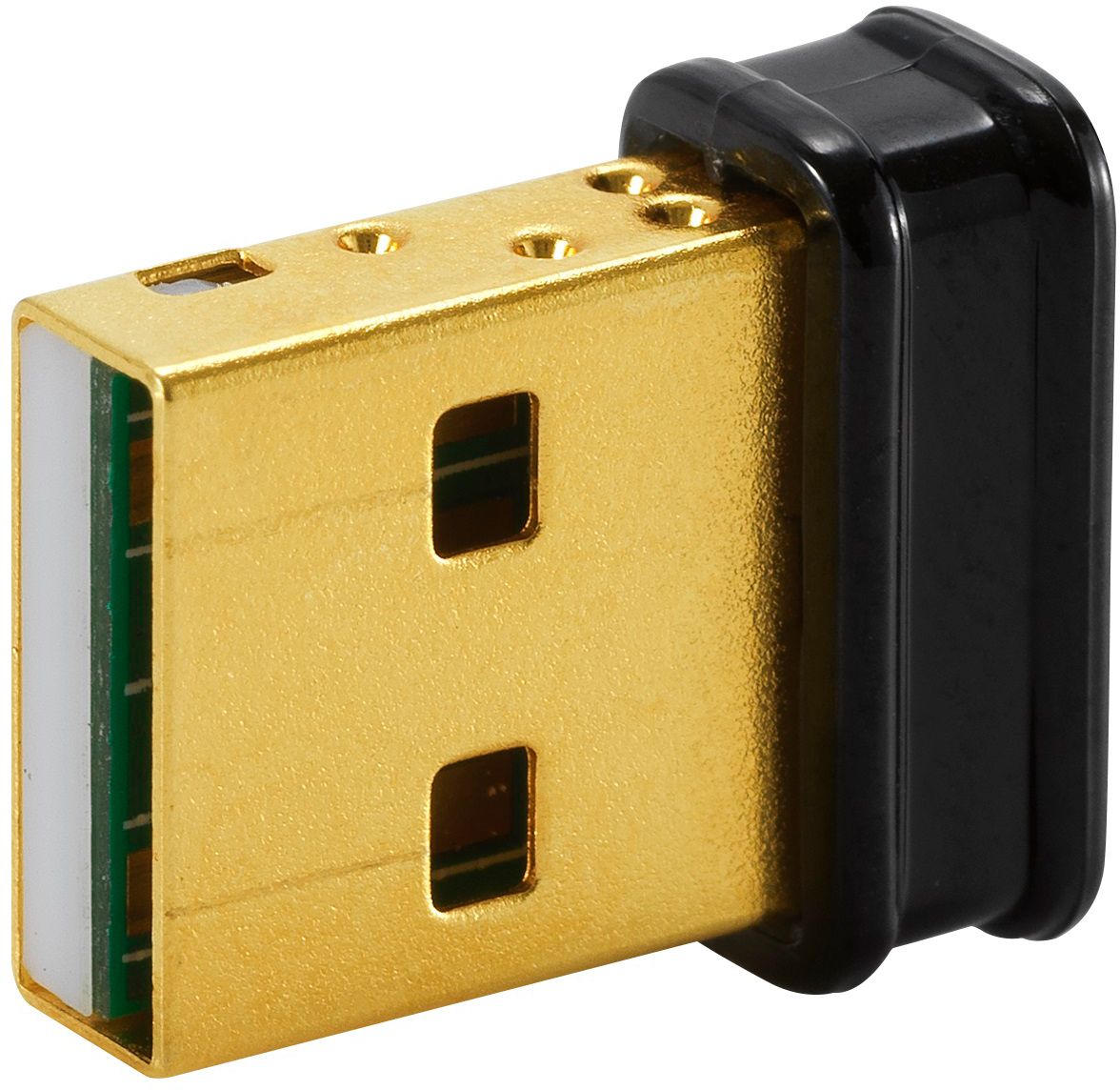
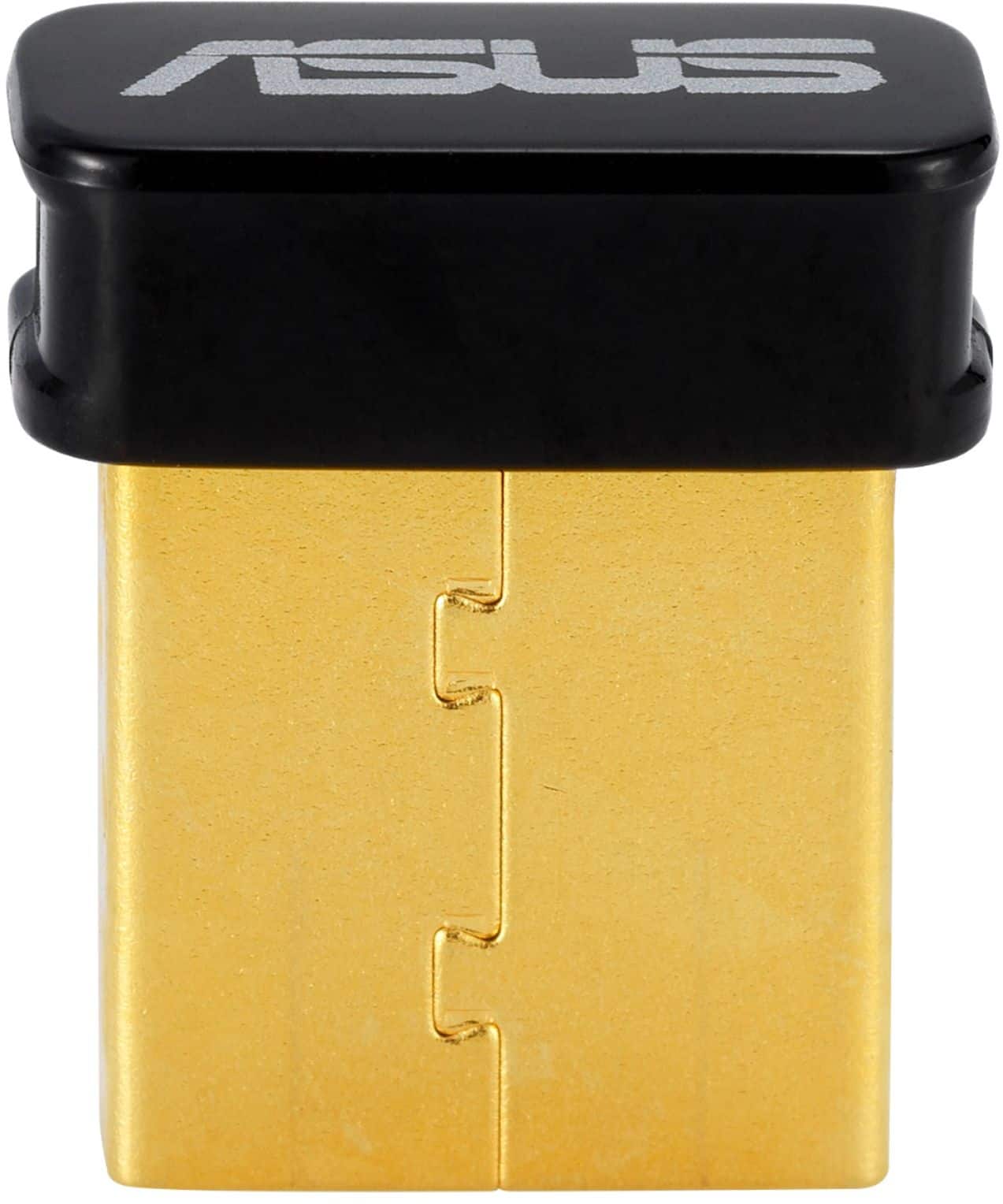
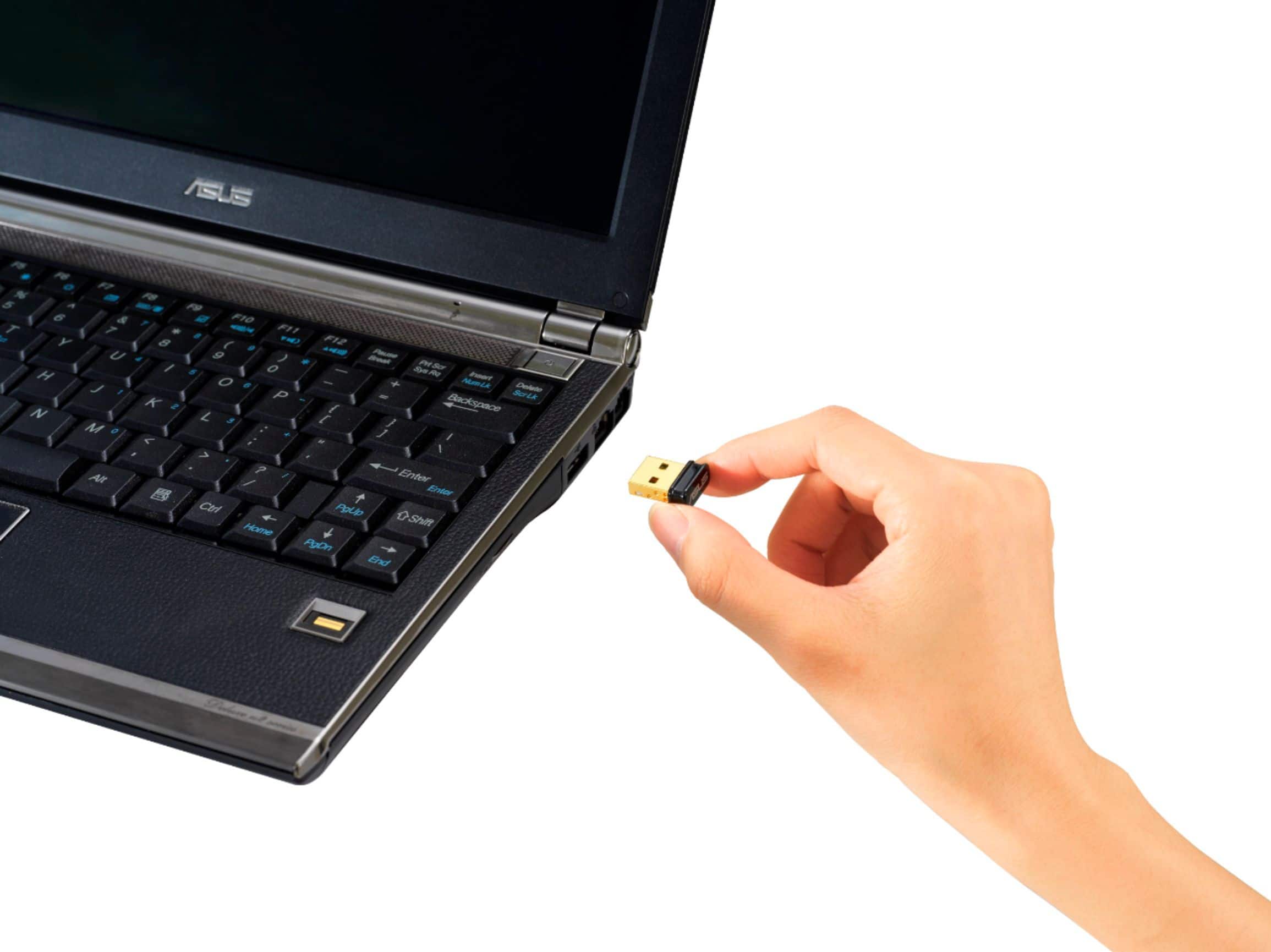
- Model:
- USBBT500
- SKU:
- 6428133
Rating by feature
- Value
Rating 4.6 out of 5 stars
- Quality
Rating 4.6 out of 5 stars
- Ease of Use
Rating 4.7 out of 5 stars
Customers are saying
Customers consistently note the USB-BT500 Bluetooth 5.0 Adapter for its ease of use and reliable Bluetooth connectivity. Many appreciate its performance, compatibility, range, and reasonable price. However, some users have reported experiencing lag and issues with signal strength.
This summary was generated by AI based on customer reviews.
would not recomend
||Posted . Owned for 5 months when reviewed.This reviewer received promo considerations or sweepstakes entry for writing a review.I had issues with both windows and a chromebook, dropping connections not being recognised, etc
No, I would not recommend this to a friendBrand response from ASUS Answers
Posted .Dear MMencke,
We sincerely apologize for the connectivity issue you've faced with the USB Network Adapter and the inconvenience caused. This is not the kind of quality to expect from ASUS products and it's not the norm. At ASUS, we take quality control, testing, and inspections seriously to ensure our products meet high standards. What you've experienced was not intentional or representative of our brand. The decision to make a purchase can be an important one, and we want to ensure that our customers receive the most suitable products and services. Please allow us to make your experience with ASUS a better one.
To troubleshoot the issue described, we recommend following the steps in the FAQ below. Should the issue persist, please contact our support team at https://www.asus.com/us/support/CallUs to further investigate the problem or for assistance with getting the device repaired.
We stand behind our products and continuously strive to improve our products and processes to achieve customer service excellence. If you require further assistance, please email us at customerloyalty@asus.com and include the case number "N2106010820-0017" as a reference. We will do our best to resolve your case quickly. Your feedback is very important to us and enables us to improve our support channels. Thank you for choosing ASUS.
Best Regards,
Chantae
ASUS Customer Loyalty US Support
https://www.asus.com/support/faq/1053079/
Bad choice for bluetooth keyboards
||Posted . Owned for 6 months when reviewed.This reviewer received promo considerations or sweepstakes entry for writing a review.This is not a reliable bluetooth for keyboards. Audio works fine, but there seems to be a glitch where it just stopped responding OR the same character keeps getting entered into my document for five seconds. Very frustrating!!
No, I would not recommend this to a friendBrand response from ASUS Answers
Posted .Dear Valued Customer,
Certainly, we understand your disappointment with the Bluetooth adapter. Have you re-installed the drivers and try to use a different USB port? For further troubleshooting, feel free to reach out to me at customerloyalty@asus.com and provide this link for reference. I'll do my best to provide a quick resolution to your case. Your feedback is important as it helps with improvements to ASUS Support channels.
Thank you for choosing ASUS!
Best Regards,
Jamalie,
ASUS Customer Loyalty US Support
- Cons mentioned:Lag
Doesn't work with a xbox controller
||Posted . Owned for 2 months when reviewed.This reviewer received promo considerations or sweepstakes entry for writing a review.If you are getting this for your xbox controller don't. I had so much input lag games where unplayable. I guess as a Bluetooth adapter it works just not for what I needed it to do
No, I would not recommend this to a friendBrand response from ASUS Answers
Posted .Dear Valued Customer,
It's unfortunate to hear that it doesn't work correctly with your Xbox Controller. This is absolutely not the kind of experience we want any of our customers to have. Have you tried to re-install the driver? For further troubleshooting, feel free to reach out to me at customerloyalty@asus.com and provide this link for reference. I'll do my best to provide a quick resolution to your case. Your feedback is important as it helps with improvements to ASUS Support channels.
Thank you for choosing ASUS!
Best Regards,
Jamalie,
ASUS Customer Loyalty US Support
Stop asking for reviews.
||Posted . Owned for 1 month when reviewed.This reviewer received promo considerations or sweepstakes entry for writing a review.I have been asked to revie this item for months after puchase, probably 20 times now. It was cheap and functions.
No, I would not recommend this to a friendBrand response from ASUS Answers
Posted .Dear BrianO,
We appreciate you sharing your feedback on this model. We are always known to satisfy our customers with the best quality and features. We do value our customers and take negative customer service experiences very seriously.
If you should have any other concerns or feedback feel free to reach out to us at customerloyalty@asus.com. We'll be happy to provide a quick resolution to your case. Please refer to this case number (N2105003775-0022) for us to better assist you.
Thank you for choosing ASUS!
Saskeia
ASUS Customer Loyalty US Support
Bluetooth dongle always getting disconnected.
||Posted . Owned for 1 month when reviewed.This reviewer received promo considerations or sweepstakes entry for writing a review.Bluetooth dongle always gets disconnected and showing as disabled in device manager. I downloaded latest driver from Asus website but still the same. I even return it and exchange it for another one but same result.
No, I would not recommend this to a friendBrand response from ASUS Answers
Posted .Dear Valued Customer,
Thank you for bring this to our attention. We're sorry to hear about the unfortunate experience you're having with connection issues on this model. We would recommend that you reach out to us we can have our team look into this issue. For more information, you can reach out to us at our Official ASUS North America Support twitter at AsusHelpUS. We’ll do our best to provide a quick resolution to your case. Your feedback is important as it helps with improvements to ASUS Support channels. Please copy a link to this post as a reference.
Thank you for choosing ASUS.
Best Regards,
Joan
ASUS Customer Loyalty US Support
Best available for what I needed
||Posted . Owned for 11 months when reviewed.This reviewer received promo considerations or sweepstakes entry for writing a review.Works good for wireless bluetooth bose headset I bought with my desktop computer for gaming although limited distance
I would recommend this to a friendIsn't plug and play
||Posted . Owned for 8 months when reviewed.This reviewer received promo considerations or sweepstakes entry for writing a review.Purchased to use with my PS5 controller on PC. It will occasionally lose signal and I had to find drivers for it to work with
No, I would not recommend this to a friendPerfect
||Posted . Owned for 1 week when reviewed.This reviewer received promo considerations or sweepstakes entry for writing a review.Had a pre installed bluetooth receiver in my pc that i replaced with the asus. Works perfectly, has a strong signal.
I would recommend this to a friendIt fell apart
||Posted . Owned for 5 months when reviewed.This reviewer received promo considerations or sweepstakes entry for writing a review.It's a bluetooth receiver for a computer that doesn't have one. It works, but the cap came apart so now it's just a USB-A with exposed chipset.
No, I would not recommend this to a friendBrand response from ASUS Answers
Posted .Dear Disappointed,
It's unfortunate to hear that your product not working. All our products do go through an intensive quality control testing process to ensure that customers get units that are in proper working condition, what you've experienced was not intentional.
Can you please reach out to us with your case number so we can investigate this issue? We would love to have your issues resolved in a timely manner.
For more information, email us at customerloyalty@asus.com and provide the link to this review for reference. We’ll do our best to provide a quick resolution to your case. Your feedback is important as it helps with improvements to ASUS Support channels. Please refer to this case number (N2104015800-0005) for us to better assist you.
Thank you for choosing ASUS.
Best Regards,
Schottky
ASUS Customer Loyalty US Support
Works exactly as expected!
||Posted . Owned for 1 month when reviewed.This reviewer received promo considerations or sweepstakes entry for writing a review.Truly plug and play, cant say that about most things these days. No additional downloads, its all on the USB
I would recommend this to a friendGreat adapter
||Posted . Owned for 3 weeks when reviewed.This reviewer received promo considerations or sweepstakes entry for writing a review.Finally, plug n play right away. Works instantly. Easily discovers all of my devices. Highly recommend.
I would recommend this to a friendComplicated
||Posted . Owned for 1 week when reviewed.This reviewer received promo considerations or sweepstakes entry for writing a review.This device works for audio devices so far. It was hard to find the drivers for it to download. And it still will not do a data transfer. No pictures or videos or documents. Not to happy
No, I would not recommend this to a friendBrand response from ASUS Answers
Posted .Dear Valued Customer,
It's unfortunate to hear that you are unable to transfer files, have you paired both devices? If your device has a built-in Bluetooth adapter, please disable it. Please refer to the link below to download the driver directly from our website. For further troubleshooting, feel free to reach out to me at customerloyalty@asus.com and provide this link for reference. I'll do my best to provide a quick resolution to your case. Your feedback is important as it helps with improvements to ASUS Support channels.
Thank you for choosing ASUS!
Best Regards,
Jamalie,
ASUS Customer Loyalty US Support
Link: https://www.asus.com/Networking-IoT-Servers/Adapters/All-series/USB-BT500/HelpDesk_Download/
Not for headsets with microphones
||Posted . Owned for 1 week when reviewed.This reviewer received promo considerations or sweepstakes entry for writing a review.Do not buy this is your trying to connect a headset with a microphone. Bad quality of sound when using the microphone. Everything else seems to work and it works fine if you have a Bluetooth headset and don’t want to use mic or it doesn’t have one. If your headset does have a mic you will need to disable it in settings for it to work correctly.
No, I would not recommend this to a friendBrand response from ASUS Answers
Posted .Dear RabittyBabitty,
We are sorry to hear about the issues you are having with this model. We do value our customers and take negative customer service experience very seriously. This is not the quality of service expected from ASUS. We do stand behind our product and we continuously strive to improve our approach and processes in order to achieve customer service excellence. For more information send us an email at customerloyalty@asus.com and provide the link of this review for reference. We’ll do our best to provide a quick resolution to your case. Your feedback is important as it helps with improvements to ASUS Support channels.
Thank you for choosing ASUS.
Best Regards,
Joan
ASUS Customer Loyalty US Support
Driver Nightmare
||Posted . Owned for 1 month when reviewed.This reviewer received promo considerations or sweepstakes entry for writing a review.Manual driver installation sucks, but not as much as it quite literally ALWAYS needing to be unplugged and replugged before taking any device.
No, I would not recommend this to a friendBrand response from ASUS Answers
Posted .Dear Stephen B,
We sincerely apologize for the connectivity issue you're experiencing with the ASUS USB-BT500 Adapter and for the inconvenience this may have caused you. To troubleshoot the issue described, we recommend following the steps in the FAQ below. Should the issue persist, please contact our support team at https://www.asus.com/us/support/CallUs to further investigate the problem.
We stand behind our products and continuously strive to improve our products and processes to achieve customer service excellence. If you require further assistance, please email us at customerloyalty@asus.com and include the case number "N2105003775-0042" as a reference. We will do our best to resolve your case quickly. Your feedback is very important to us and enables us to improve our support channels. Thank you for choosing ASUS.
Best Regards,
Chantae
ASUS Customer Loyalty US Support
[Troubleshooting] ASUS USB Wireless(Wi-Fi) Adapter FAQs - https://www.asus.com/support/faq/1053079/
Mediocre product and poor store management
||Posted . Owned for 1 month when reviewed.This reviewer received promo considerations or sweepstakes entry for writing a review.Did not improve range over the store brand variant that physically fell apart over the course of normal use. Management also fired the very helpful associate who helped me with this purchase.
No, I would not recommend this to a friendBrand response from ASUS Answers
Posted .Dear Alvin,
Thank you for reaching out.
We do understand your disappointment and the inconvenience this may have caused if the device didn't improve WIFI coverage. To resolve the issue, check if the the PC meets the system requirements of the Bluetooth adapter. If does meets requirements, check if the USB port is working properly on the PC and the PC is getting an excellent signal from an established router and internet service is working properly and stable.
Should you need further assistance with the product, please email me at cl-rodel@asus.com and I would be more than happy to help. Or, you are most welcome to call Product Support Hotline at: 1(888) 678-3688. Also, you can chat with an ASUS live support agent from the link: https://www.asus.com/us/support/article/1135/.
Thank you for choosing an ASUS product.
Regards,
Rodel
ASUS Customer Loyalty
Great until it stopped working abruptly
||Posted . Owned for 4 months when reviewed.This reviewer received promo considerations or sweepstakes entry for writing a review.It stopped working after 5 months. Was great until then.
No, I would not recommend this to a friendBrand response from ASUS Answers
Posted .Dear Efreet,
We do understand the inconvenience this may have caused you and your dissatisfaction with the product.
All ASUS products undergo intensive quality control testing and inspections, this is a random problem. To resolve the issue, please try reinstalling the BT driver and verify if the BT device connecting to the adapter is working properly. If you need further assistance with the warranty service for the product, please email me at cl-rodel@asus.com and I would be more than happy to help. Or, you are most welcome to call Product Support Hotline at: 1(888) 678-3688. Also, you can chat with an ASUS live support agent from the link: https://www.asus.com/us/support/article/1135/.
Thank you for choosing an ASUS product.
Regards,
Rodel
ASUS Customer Loyalty
asus usb bt500 usb dongle
||Posted . Owned for 2 months when reviewed.This reviewer received promo considerations or sweepstakes entry for writing a review.this are the perfect Bluetooth usb adpater for a pc and they do the job with no issues at all
I would recommend this to a friendGood but delicate piece of equipment
||Posted . Owned for less than 1 week when reviewed.This reviewer received promo considerations or sweepstakes entry for writing a review.Good little product but the build isn’t perfect. The top cap that says “Asus” came off when trying to remove the USB drive from my computer. It easily went back on afterwards but when it came off, the antenna was visible and that’s not something you want to mess up. It is small so you must be a little delicate but other than that, it does what it needs to…after installing some software that’s compatible with your computer etc etc
No, I would not recommend this to a friendBrand response from ASUS Answers
Posted .Dear TechHead,
We're sorry to hear about the unfortunate experience you had with your Bluetooth adapter. All our products go through an intensive quality control testing process to ensure that customers get units that are in proper working condition, what you've experienced was not intentional. Can you please reach out to us with your case number so we can investigate this issue? We would love to have your issues resolved in a timely manner.
For more information send us an email at customerloyalty@asus.com and provide the link to this review for reference. We’ll do our best to provide a quick resolution to your case. Your feedback is important as it helps with improvements to ASUS Support channels. Please refer to this case number (N2105013668-0022) for us to better assist you.
Thank you for choosing ASUS.
Best Regards,
Ramon
ASUS Customer Loyalty US Support
Terrible product
||Posted . Owned for 3 weeks when reviewed.This reviewer received promo considerations or sweepstakes entry for writing a review.DO NOT BUY IT. This bluetooth disconnects constantly. I bought it so I could use a bluetooth mouse and keyboard and I need to buy a new one because every time it disconnects (which is every 5-10 minutes) I need to use a cord mouse to turn on and off the bluetooth to use it. It is a terrible product. I didn't open it until I can't return it, but for real do not buy it. I saw online terrible reviews and I wish I would have seen them earlier. It is a shame that bestbuy is selling this.
No, I would not recommend this to a friendBrand response from ASUS Answers
Posted .Dear Ana1,
It's unfortunate to hear that your Bluetooth constantly disconnects. Have you tried to re-install the drivers? Please attempt to switch the USB ports as well. Please refer to the link below for the driver. For further troubleshooting, feel free to reach out to me at customerloyalty@asus.com and provide this link for reference. I'll do my best to provide a quick resolution to your case. Your feedback is important as it helps with improvements to ASUS Support channels.
Thank you for choosing ASUS!
Best Regards,
Jamalie,
ASUS Customer Loyalty US Support
Link: https://www.asus.com/Networking-IoT-Servers/Adapters/All-series/USB-BT500/HelpDesk_Download/
Do not suggest this.
||Posted . Owned for 1 month when reviewed.This reviewer received promo considerations or sweepstakes entry for writing a review.Has caused more issues than it fixed. Asus drivers are required for it to function properly but still does not work well with a bluetooth keyboard from microsoft. Going to buy another brand.
No, I would not recommend this to a friendBrand response from ASUS Answers
Posted .Dear Valued Customer,
Thank you for sharing your feedback on this model. We're sorry to hear about the issues you're having with the drivers. Can you reach out to us with more details on the issue you're having? We do value our customers and take negative customer service experience very seriously. This is not the quality of service expected from ASUS. We do stand behind our product and we continuously strive to improve our approach and processes in order to achieve customer service excellence.
For more information, you can reach out to us at our Official ASUS North America Support twitter at AsusHelpUS. We’ll do our best to provide a quick resolution to your case. Your feedback is important as it helps with improvements to ASUS Support channels. Please copy a link to this post as a reference.
Thank you for choosing ASUS.
Best Regards,
Joan
ASUS Customer Loyalty US Support