Customer Ratings & Reviews

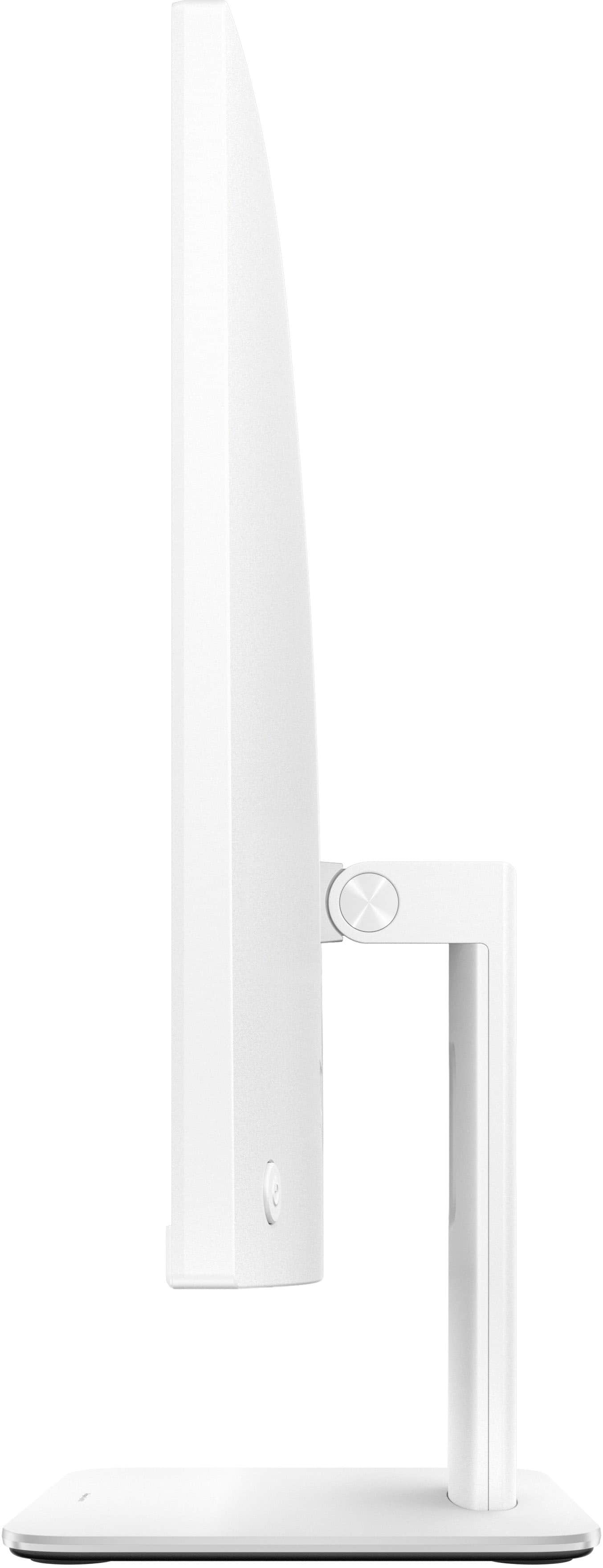
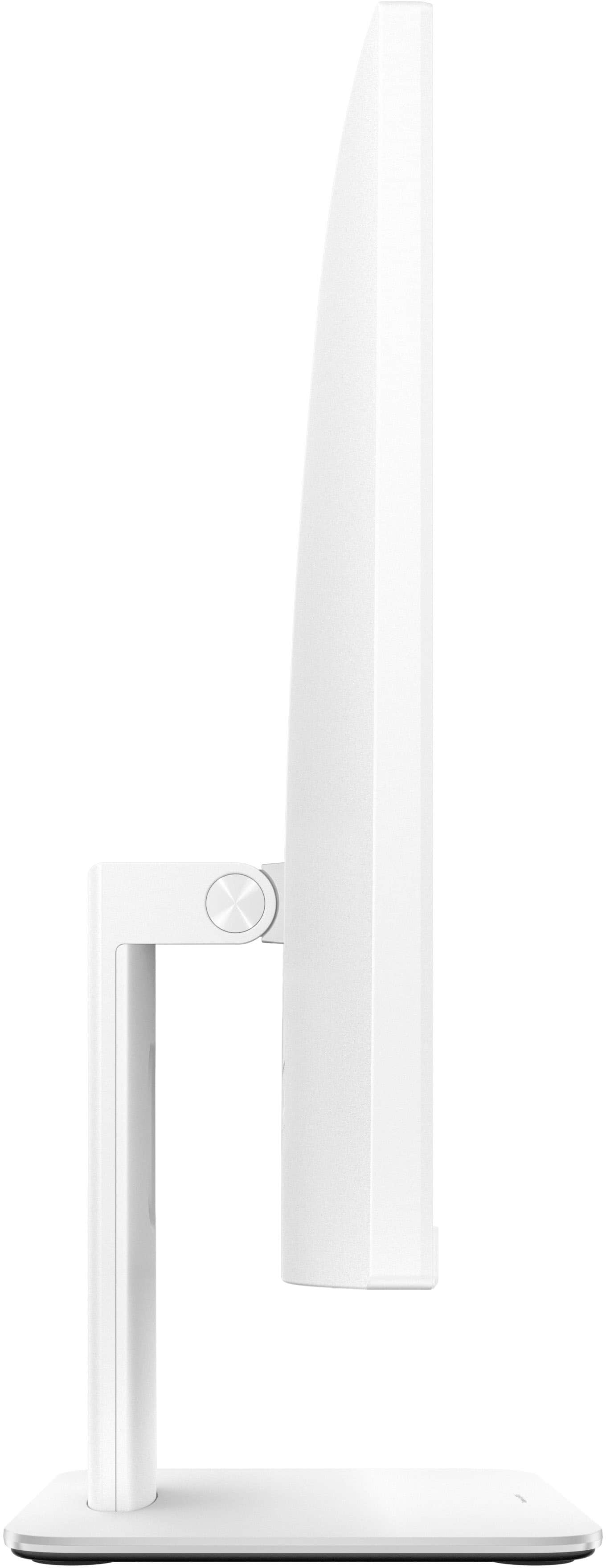

- Model:
- V440VAT-I5512
- SKU:
- 6613705
Rating by feature
- Value
Rating 4.7 out of 5 stars
- Quality
Rating 4.8 out of 5 stars
- Ease of Use
Rating 4.9 out of 5 stars
Customers are saying
Customers are positive about the V440 24" All-in-One computer, especially its screen quality and smooth performance. Users appreciate the fast processor and modern connectivity options like Wi-Fi 6. The all-in-one design is also praised for saving space, and the quiet operation is a welcome feature.
This summary was generated by AI based on customer reviews.
Superb!
||Posted . Owned for 4 months when reviewed.This reviewer received promo considerations or sweepstakes entry for writing a review.I owned this desktop for the last 4 months and it's clearly the best one, I ever had, super fast and reliable. I had hps, lenovos, and apple computers and this one by far its my favorite, in fact I'm ready to buy another one for my 2nd office.
I would recommend this to a friend- Pros mentioned:Ease of use, Overall performance, Screen quality

Solid performance & display, poor speakers
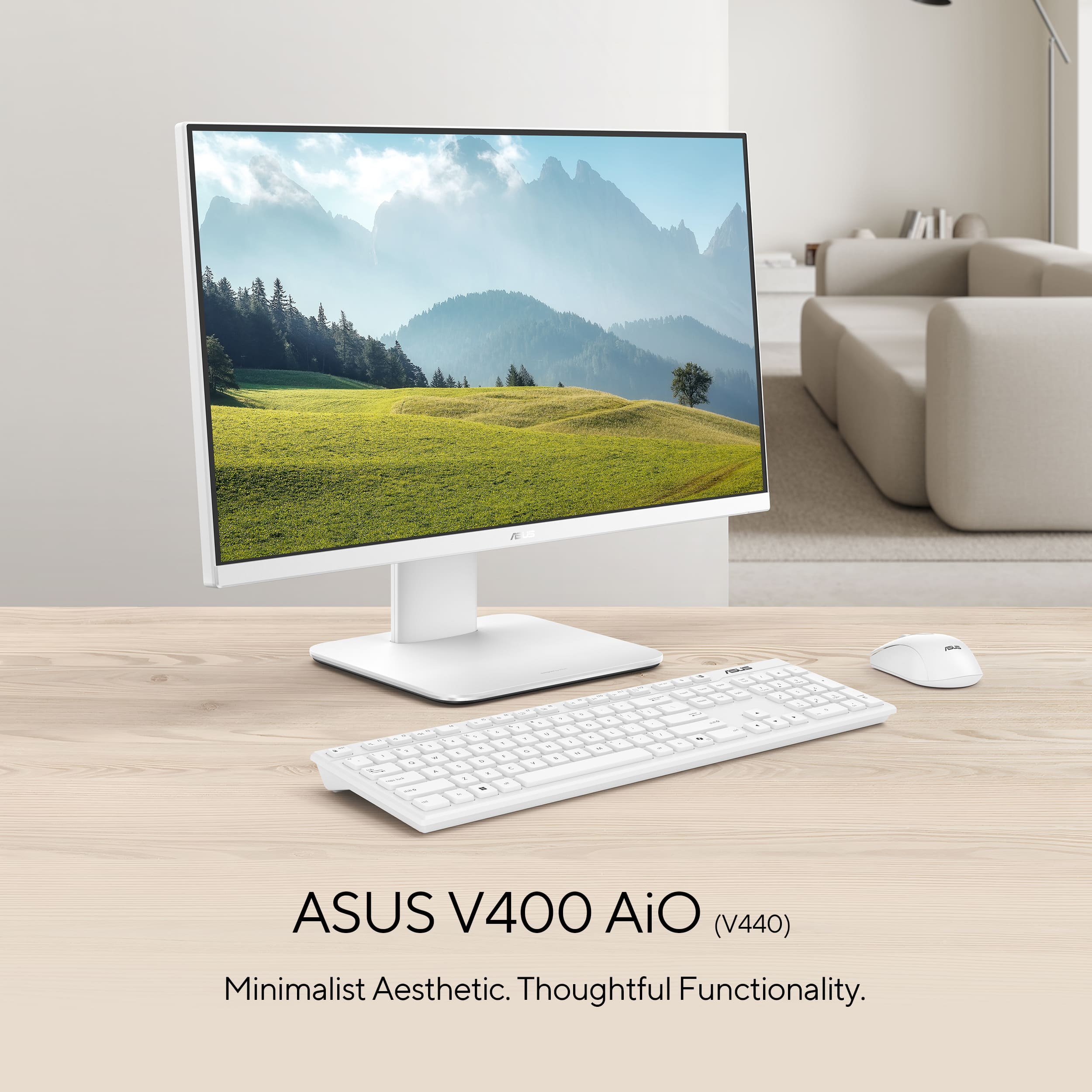
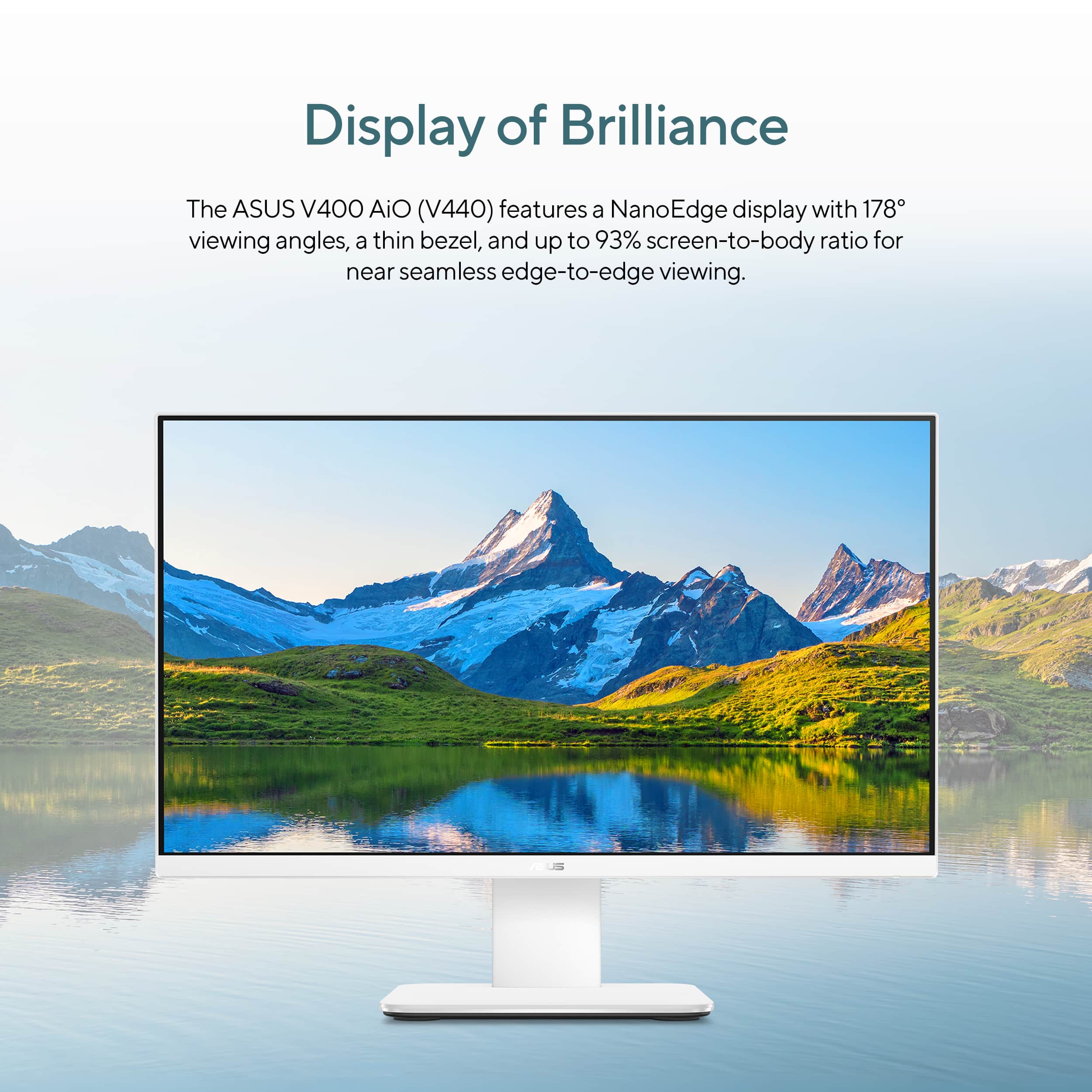
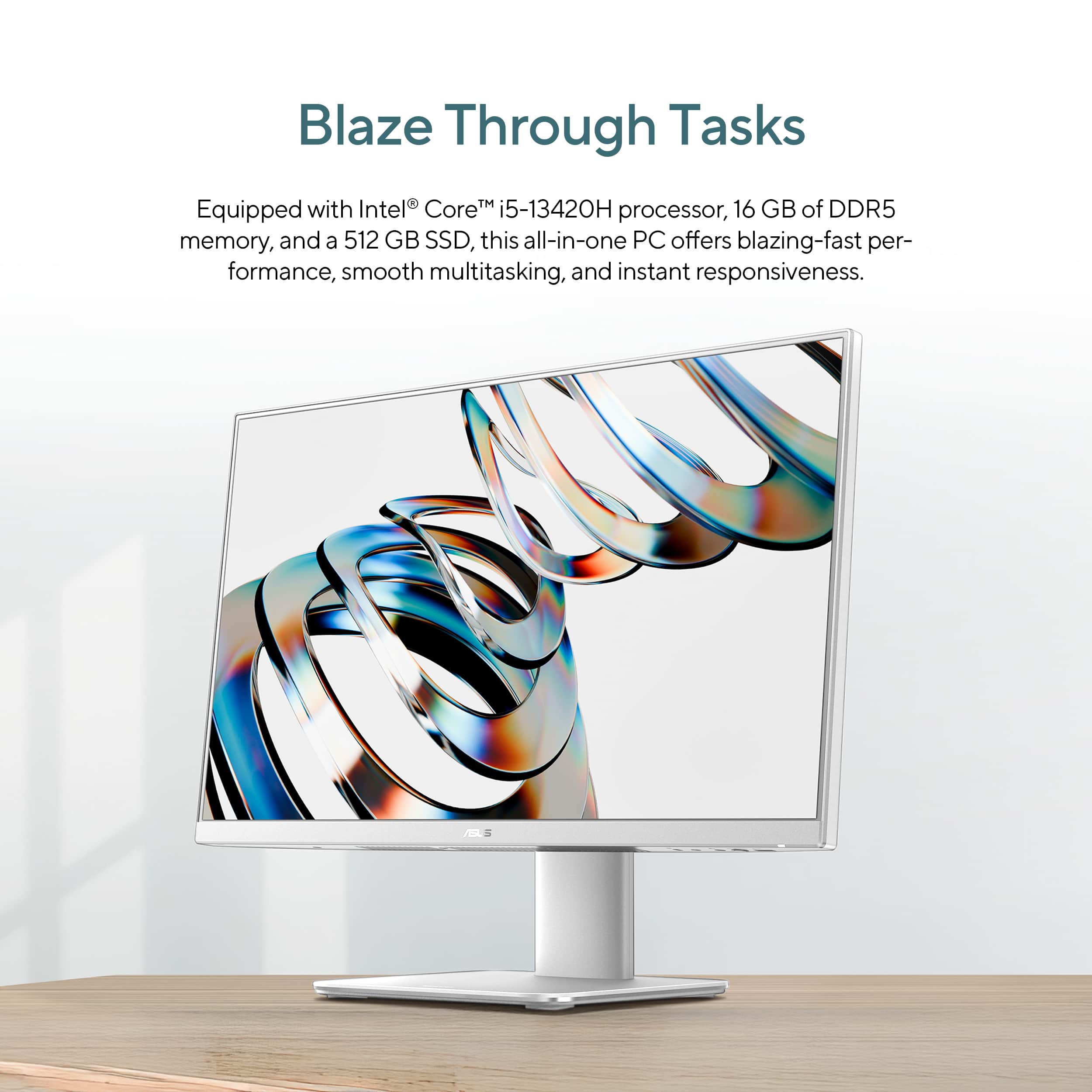
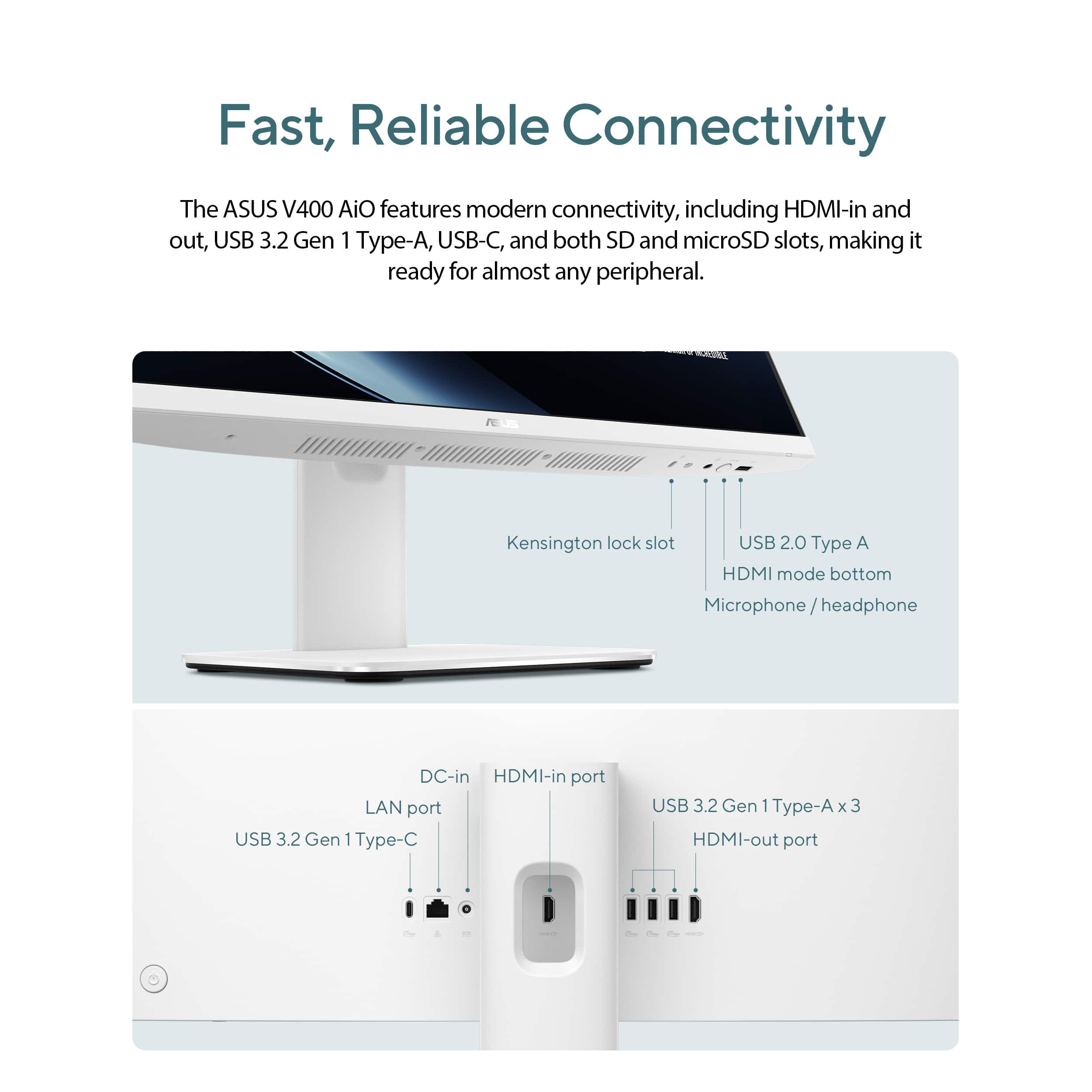
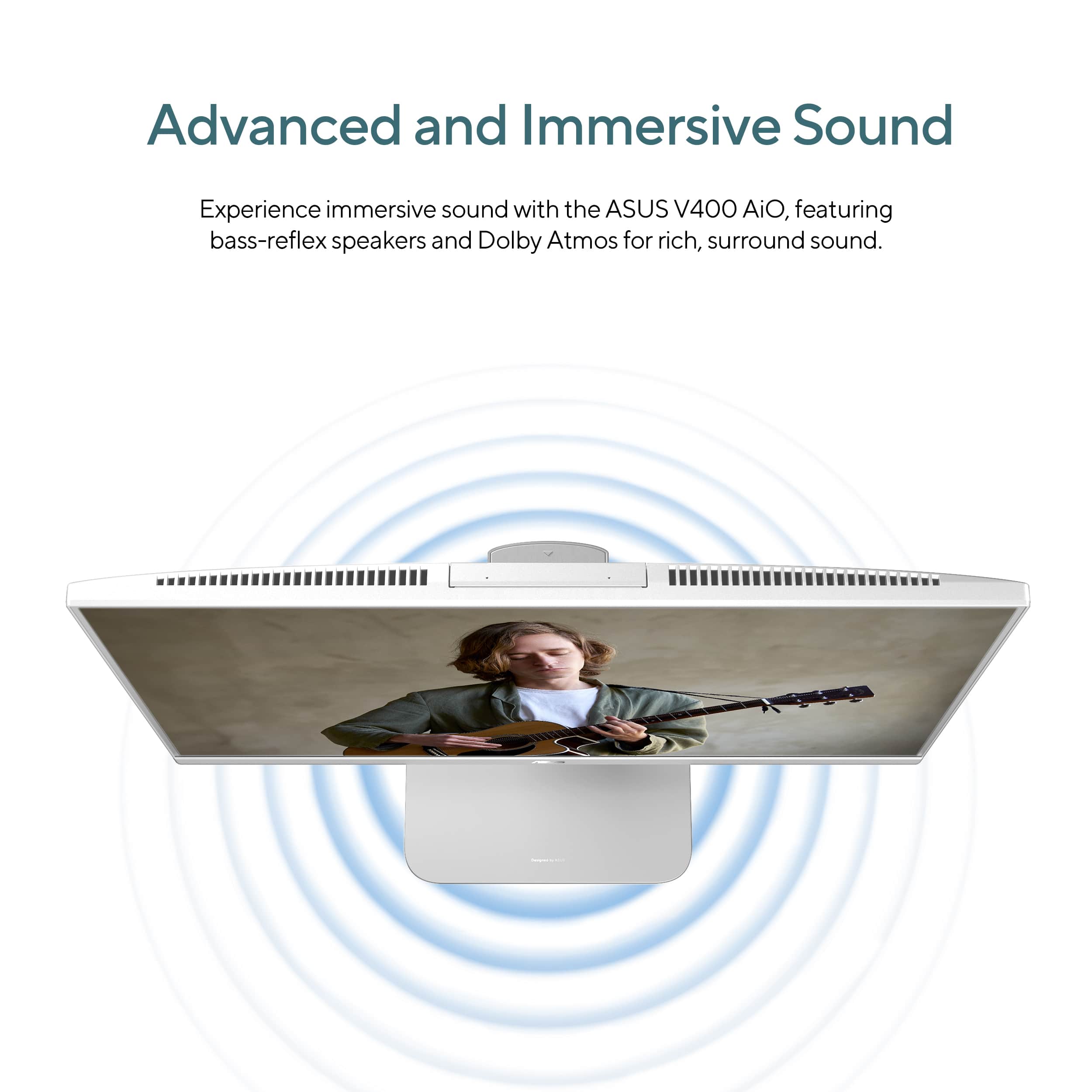
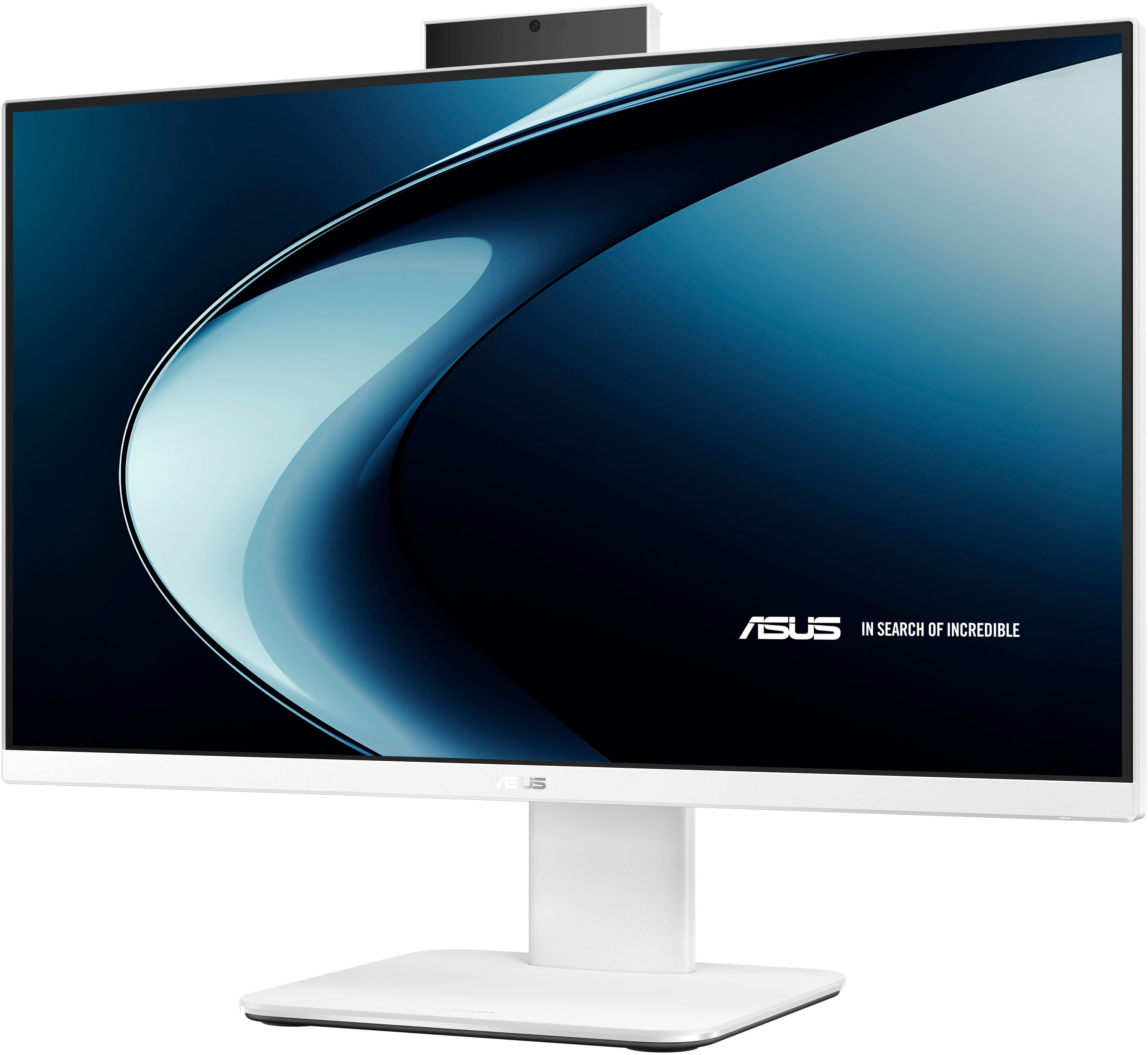
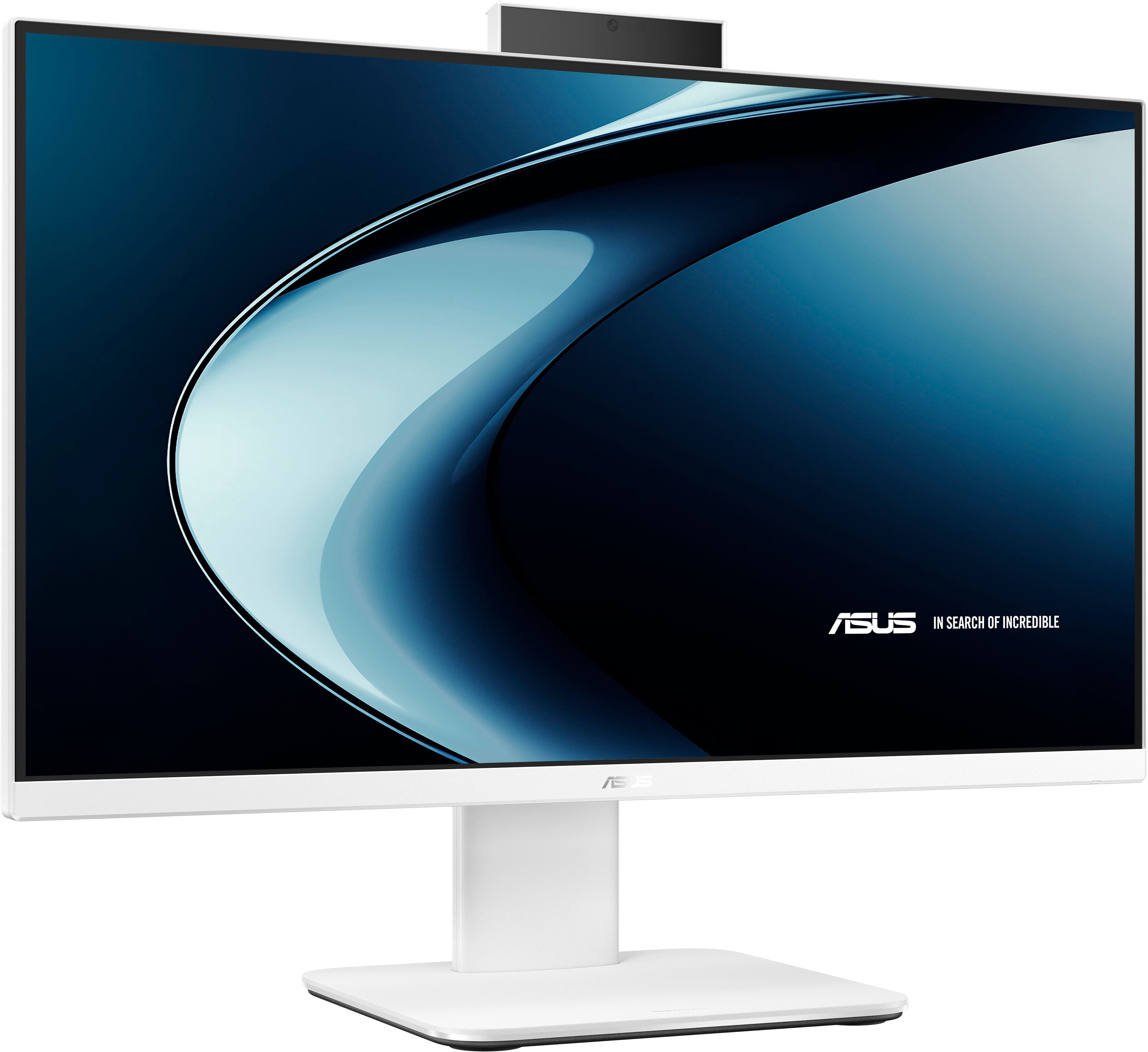
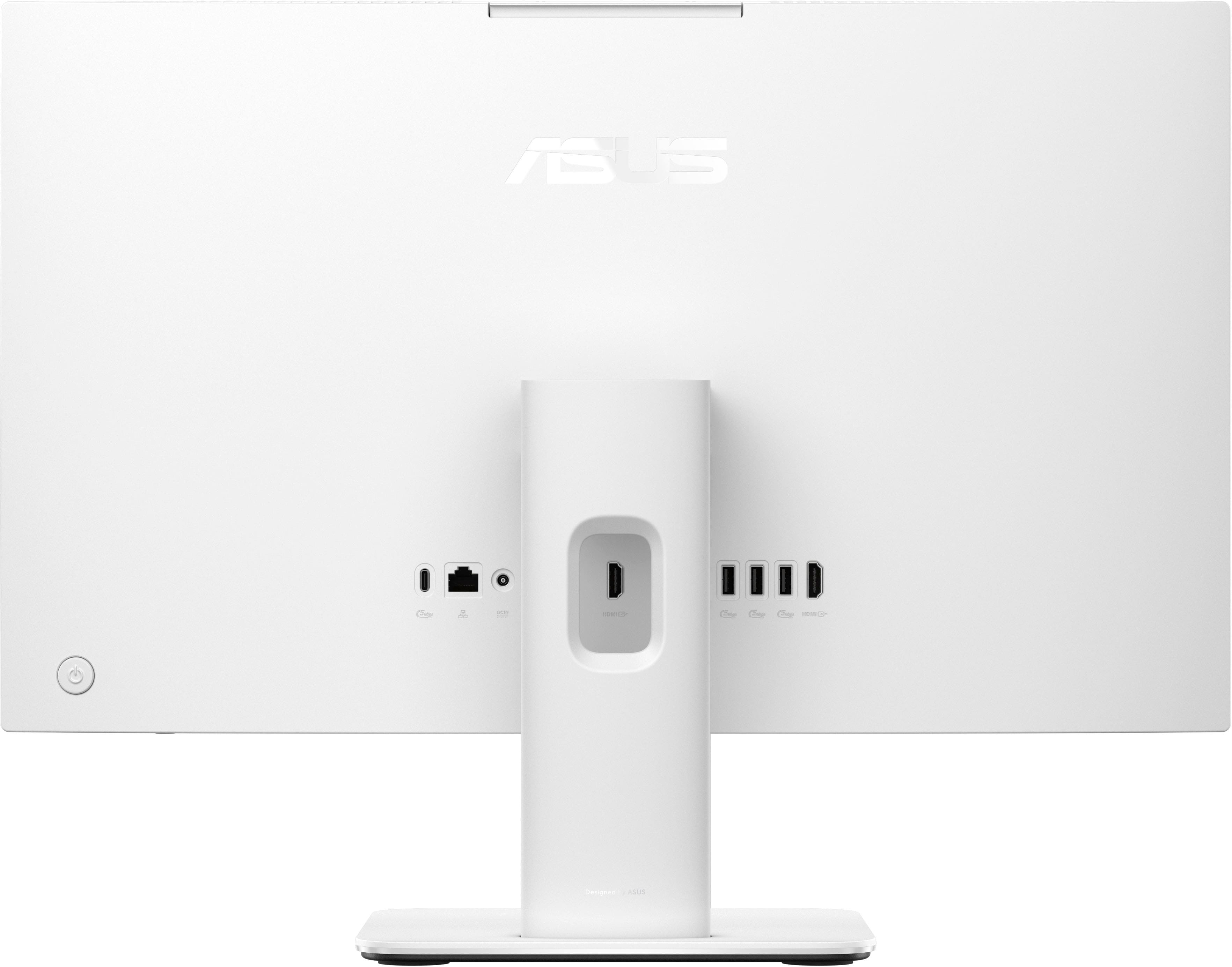
|Posted .This reviewer received promo considerations or sweepstakes entry for writing a review.Quick take: ASUS V440 delivers smooth performance and crisp visuals, but the audio’s a letdown. Please read on for the details and test results. Depending on your needs, this might be all you need for a home or office all-in-one PC. Small footprint, runs quiet, even when the fan kicks on and goes to high, it’s not very loud or noisy. Comes with a matching basic keyboard and mouse. Batteries for them are included, too. It came well packed in a box in a box. You can keep the inner box if you think that you might need to take somewhere else occasionally. Assembly was easy. Attaching the foot to leg to make the base was super easy. It only goes one way and obvious how it goes together. The power brick has a coaxial style connector that plugs into the back. Any connections to the back can be routed through an opening at the top of the leg in the back. Setting up: Windows 11 was easy, as always. The computer will automatically detect the keyboard; however, the mouse has a USB-A dongle stowed in the battery compartment. You’ll need to remove it and plug it into a USB-A port on the back for the mouse to work. There’s also a USB-A port under the screen on the right, and you can plug it in there as well. But you might want to leave that one available for thumb drives, card readers or something else. Once online, it will check for Windows updates, download and install them. After that it’s ready for you to start using it. Add whatever apps you use, printers and such. Please see photos and specs for the USB, power, HDMI and other ports on the back and under the right side of the screen. One thing I noticed on this computer and others I've reviewed recently is not much if any bloatware. It comes with McAfee as an option, but that’s about it. Hardware: This PC uses an 8 core Intel Core i5-13420H It’s a 13th-generation mobile CPU typically found in mid-range laptops. And while this model is technically a laptop on a stand with a 24-inch touch screen, the chip provides solid performance for everyday use. The “H” designation places it between Intel’s ultra-efficient U-series and its high-performance HX lineup. That means you get faster speeds than U-series chips without the higher power consumption and heat of HX processors, which are usually reserved for high-end gaming laptops. Integrated Intel UHD Graphics are onboard, and good enough for typical home, office tasks and light gaming. See specs in product listing for more info. Memory and Storage: The V440 comes with DDR5-5200 MHz memory. It’s fast enough for multitasking and general workloads. Better yet, it’s upgradable to 64GB, if needed. As for the 512 GB SSD, ASUS indicates it’s not easily upgradeable. I find that a bit odd. Usually, it’s the memory that’s soldered in and can’t be upgraded. Screen: It features a slim bezel 24-inch FHD IPS LCD touchscreen with an anti-glare surface, 178 degree wide viewing angle, and 100% sRGB color gamut. The panel is made by LG and has a max 75hz refresh rate. The wide viewing angle works best if you are at least 2 feet away from the screen or farther. Closer and you might notice that the corners and the extreme right and left edges might appear darker than the middle. The monitor tilts on its stand, but if you tilt the top down too much, the bottom will appear darker no matter how far away you are. My Datacolor SpyderX Pro colorimeter reported 96% sRGB. Something I found neat was that you have HDMI in as well as out. You can use it as a monitor if need be. Sound: This is the only part where I think the V440 disappoints. The sound is boxy and muddy, lacks any high end. Sounds like a 1960s pocket AM radio under a pillow. It starts to distort and break up at around 50% volume. I’d definitely get a set on speakers to connect to it if you plan to listen to music or watch videos on it, other than vloggers. Pop-up camera: I really like the pop-up feature. Perfect for privacy, but not so much if you use Windows Hello. You’ll have to either leave it raised or pull it up every time. Picture quality for photos and video is passable. Ok in good light, very grainy and smeary in low light. However, Microphones and audio was good. Not as quite good as other laptops I’ve reviewed, which include Asus, Acer and Gigabyte. My iPad Air M3 and 9th gen iPad soundly beats them all. If you are used to using an iPad for video calls and such, the V440 isn’t going to live up to their performance. Keyboard: Not bad, but not great either. However, it’s light weight and feels solid. Flaky left shift key is hit and miss, and I know it’s not me because I don’t have that problem on any other keyboards I use. I had typing in high school and college going back 45 years. I know what typing on a good keyboard means. I’d consider getting a better one if you plan on doing a lot of typing. Mouse: I like the mouse. Just 2 buttons and a push button-scroll wheel. The buttons have a nice tactile feel as does the scroll wheel when you roll it. The USB-A dongle stows in the battery compartment. Performance: Cinebench: CPU Multi Core: 10,723 Single Core 1707 MP Ratio: 6.28 Geekbench CPU: Multi Core: 8161 Single Core:2310 Geekbench GPU: 7579 Passmark: 3830.3 (see photos for more details) CrystaldDisk: See photos Build Quality: I think the monitor – PC combo feels and looks well made. The base looks good and feels solid. The keyboard and mouse are pretty basic but will get the job done. Conclusion: I think for general PC use, the 440V will do a fine job. Especially in an office or home office environment. It’s powerful enough to use Affinity Photo 2 along with the rest of their apps. MS office 360 should work fine as well. I use the online version in Edge and it works perfect. The only cons are the speakers and keyboard. They leave a bit to be desired and the camera’s image quality is mediocre at best. But for a complete plug and play system out of the box, it’s pretty good. The overall performance and better than average monitor – touchscreen, make up for the cons. It's got it where it counts/ Recommended! Even more so if on sale.
I would recommend this to a friend - Pros mentioned:Design, Ease of use, Screen quality
Easy to set up and use!
|Posted .This reviewer received promo considerations or sweepstakes entry for writing a review.With back to school season right around the corner, now is the perfect time to look into new gear, especially computers. This ASUS all-in-one touchscreen computer might be just what you're looking for. As soon as I saw it, I was sold it's super sleek, lightweight, and simply amazing. There's no need for a bulky tower or cords all over the place. The 24 inch screen is just the right size for me not too small, but not too large either. I mainly use this computer for surfing the web, paying bills, shopping, and a few small projects not anything too fancy. With 512 gigabytes of storage and 16 GB of RAM, I’m more than satisfied. The keyboard is wireless and very smooth for typing, and the mouse is also wireless, small, and precise (just remember to take the dongle out of the mouse). The screen is Full HD, making it great for watching movies and videos, I'm not planning on doing any gaming on this computer. Another great feature is Copilot, which feels like having a helpful friend it's a bit uncanny, but you can ask it just about anything, and it offers some really useful information. Microsoft 365 Copilot is also excellent. These computers are built with such high intelligence that they make tasks easy to complete. This ASUS computer comes with 4 USB inputs, 1 USB-C port, 1 HDMI port, and 1 headphone jack, giving you plenty of options for connecting devices. The beautiful white and gray finish makes this computer look modern and fabulous.
I would recommend this to a friend - Pros mentioned:Processor speed, Screen quality
This ASUS kicks some...well...you know. It WORKS!
|Posted .This reviewer received promo considerations or sweepstakes entry for writing a review.I was excited to receive this new ASUS V440 desktop computer as I was looking forward to using it as the "hub" for our home security camera system. I have an older (circa 2014) Mac Mini which I bought new at Best Buy that I replaced with this ASUS V440 because the ASUS is much faster, has more RAM and storage the MAC Mini and with the Mini being about 11 years old it was not nearly up to the task. The all in one nature of the V440 is a welcome and in our case, easy fitting feature! It is easily mounted and secured to the included stand and the keyboard and mouse both work as one would expect them to. Flawlessly. I had researched whether or not a Windows 11 device could be used with Blink Home Cameras and discovered that it is possible with what is called an "Android Emulator". Having used a program with a similar mission many years ago, to present an Apple Computer as a "Windows" device and load it with Windows and Windows programs, I was not concerned with compatibility problems. Prior to downloading the emulation software I did a Windows Update to bring the computer up to date on all necessary software and firmware updates. Next I downloaded the necessary software for this computer onto it' drive. I chose BlueStacks and found that Pie 64-Bit was what the ASUS V440 required. I opened the BlueStacks application on the desktop and proceeded to add Sync Modules and Cameras to it. I then checked them all individually and the FHD (Full High Definition) screen on the ASUS V440 is superb! While I cannot monitor more than one camera at a time, that matters little as my wife and I wanted a stand alone PC for this purpose and NOT an Amazon Echo Device for security reasons. The speed of the ASUS V440 is excellent with average download speeds in our home of 510 mbps and upload speeds rated at an average 110 mbps. Research indicates that the refresh rate for the beautiful 24" (diagonal) screen is 100Hz. More than up to the task of delivering excellent live and recorded video (via USB) from a separate Sync Module and played back on the ASUS V440. This desktop will be centrally located in our family room so that when our grandchildren visit we can easily monitor them in our backyard should we have to go inside for a moment. By the end of the year we will have also added Tax Preparation Software to the ASUS as well as MicroSoft 365 for my wife to use and if we are called upon to help out, Video Editing Software to use in editing our church's in-house programs. The ASUS V440 is ready for a variety of tasks! If called upon to stream a movie from for example Disney Plus or HBO Max, the ASUS 24" FHD V440 can do so flawlessly. With the Android Emulator installed, I could also add a variety of applications meant for Android devices. Applications such as Denon's HEOS (Home Entertainment Operating System) which I use throughout our home to play music or even games but that is not this unit's raison d'etre in our home. It is here for the business of monitoring our home's security camera system as well as tax preparation and for document creation/editing! The ASUS 24" FHD V440 All-In-One Desktop is fast and family oriented. It is an all-in-one that quite frankly can do it all for us. Highly recommended? YES!!
I would recommend this to a friend - Pros mentioned:Ease of use, Overall performance, Processor speed
Simple and easy to use
|Posted .This reviewer received promo considerations or sweepstakes entry for writing a review.This all-in-one PC is an excellent choice for anyone looking to do basic web browsing and streaming. It also handles Excel and the rest of the Microsoft Office suite with ease, but it really starts to struggle when you throw more demanding software at it, like Photoshop. The setup for this computer couldn’t be easier. It comes with very little in the way of instructions, but you probably won’t even need them. The base screws on by hand, and there’s only one cord for the entire computer. The power brick runs around 150 watts, but most of the time you’re not drawing anywhere near that, so it’s incredibly efficient. Some of the things I’ve really enjoyed about this computer: it features a matte screen, which eliminates nearly all glare. The monitor also conveniently has a USB-A port and a headphone jack under the bottom right corner of the panel for easy access. I was a little disappointed that the PC only has a single USB-C port, and even worse, it’s located on the back of the panel. The monitor has a wonderful tilt function that’s very sturdy, and the built-in speakers are surprisingly good. There’s also an area to weave the power cord through the monitor stand to “hide” it, but I think that could have been done a bit more discreetly. The processor is a 13th-generation i5, and is a real improvement over the previous generation. I was able to get this processor to compete with an 11th-generation i7 in terms of processing power, but when it comes to integrated graphics, the 11th-gen i7 still way better. One area that could easily be improved is the mouse/keyboard combo. The mouse, in particular, is as plain as they come, no extra buttons and a very basic shape. It’s fine for light use, but anything more and you’ll want to purchase something more comfortable. The keyboard isn’t much better, it looks and feels like the keyboard from my first computer back in 1997. The webcam also isn’t spring-assisted, so it doesn’t pop up when you press down on it. Instead, you have to pull it up manually, and then it locks into place. For whatever reason, this really stood out to me, because every other all-in-one I’ve owned had a spring-assisted pop-up cam, and now it just feels strange without one. The biggest area this PC falls short is the monitor resolution. It’s just standard 1080p, and after spending so much time on 2K and 3K monitors, it’s tough to go backwards. The display is beautiful, but it lacks the sharpness I’ve gotten used to. I’ve had this computer set up in our sunroom for the past week, and every morning on my way to the coffee pot, I see my wife sitting in front of it browsing. She’s the complete opposite of me, about as computer-impaired as they come. I’ve noticed she really uses the touchscreen, which I tend to ignore since I’m fast with a mouse and keyboard shortcuts. She made the same comment I did about the resolution, but otherwise said she loves the computer. I think it’s really important feedback, because she’s the exact kind of user this all-in-one is designed for.
I would recommend this to a friend - Pros mentioned:Ease of use, Overall performance, Screen quality
Asus makes a case for the All-In-One form factor
|Posted .This reviewer received promo considerations or sweepstakes entry for writing a review.My household has recently discovered just how helpful and convenient an All-In-One PC can be. Over the past couple of years, my wife and I have each been using our own laptop. But my wife has grown to dislike the small form factor of her laptop - and, she doesn't have space (or the desire) to plug into a larger monitor. This All-In-One has solved both problems. The computer is powerful enough to meet all of her needs and the formfactor is simple with just one power cord to keep track of. My wife had been toying with the idea of putting a smart TV in her home salon - so that clients can watch a show while their color is processing. Because she wasn't sure if she wanted to commit to the idea, she didn't want to permanently mount a TV onto her wall and have cords running to an outlet and potentially to a DVD player / Roku Box, etc. Instead of going the TV route, we simply put the All-In-One in the salon. Because the device is a touch screen, she doesn't even need either the keyboard, or mouse which would cluttering up her salon workstation. The touchscreen works perfectly to log into Netflix and to select movies or shows. She also likes that the hidden webcam can be lifted up so that they can video chat with their friends, or she can film tutorials, or take calls while she is working. And, when she needs to do her taxes, she can easily pick up the device and carry it to a different room. I wouldn't expect the system to work for heavy gaming, but for movies, email, taxes, presentations, zoom calls - it works spectacularly. Her main complaints are the included keyboard and mouse. She likes that they are wireless, but the clunky plastic feels cheap, the mouse as no weight or heft, and the keys on the keyboard are spongy. She also wishes that there were more manual buttons on the device - perhaps even just a volume + & - on the side (but again, the touch screen works alright for adjusting settings). There is also no memory card slot - although Windows now does a good job at connecting directly to a cellphone for quick photo transferring. It is also worth noting that there are no mounting options for the monitor, so it will need to stay on the included stand. We are both pleasantly surprised by the convenience and are absolutely sold on the All-in-One form factor. If you need more screen real-estate than a laptop provides, but don't want a bulky desktop - the All-In-One is definitely the way to go. Asus has done an excellent job here.
I would recommend this to a friend - Pros mentioned:Design, Overall performance
Fantastic general use computer!
|Posted .This reviewer received promo considerations or sweepstakes entry for writing a review.The ASUS V440 24" FHD Touch-Screen All-in-One is a fantastic general use personal computer. The All-in-One design certainly saves a ton of space - the monitor is so thin, I actually wonder where "the guts" are! It is basically a monitor that comes with a wireless keyboard and a wireless mouse. The quality of the keyboard and mouse are nothing to write home about. I find that the mouse has some sharp edges to it where the pieces overlap but it works just fine, and the keyboard is somewhat squishy for me, though it is chiclet style, but it does have a numeric keypad. The keyboard doesn't have adjustable feet - it has a slight incline from bottom to top, but basically, it seems fairly flat. Still, they work well enough and if desired, replacements are easily purchased. The fact that this is a touch screen PC is a big winner for me. The screen is matte (not glossy or reflective) and the coating actually makes it easier for me to scroll the screen and it doesn't leave any fingerprints on the screen. This has a camera that you pull up when you want to use it and push down when not needed - a good security feature. It needs to be noted that Windows Hello facial recognition is NOT available on this PC and I would suspect that is because the included camera lacks the required infrared technology. Without purchasing a compatible infrared camera, Windows Hello PIN is the way to go here. The quality for Zoom, Skype, Microsoft Teams, etc. is not the best, but if you work with the camera settings for a bit, you can get it to be much clearer by adjusting contrast, brightness, etc. The specifications on this are solid, though way less than you would need for intense gaming, video editing and things like that. The 13th gen Intel i5 processor with Intel unified graphics, 16GB RAM, and a 512GB SSD, which is plenty big considering most of my data is stored in one "cloud" or another, are working quite well for me. It has WiFi 6 which is compatible with my home network and I find the internet speed to be quite fast for my needs. I am able to watch Netflix on the 1920X1080 display, which I believe is full HD and it refreshes at 60Hz. The speakers are passable but you won't hear any of the highs and lows you may be looking for - but are loud enough without cracking for movie streaming and music listening. This ASUS V440 24" FHD Touch-Screen All-in-One computer is definitely more about casual use - and for that it is very good. For internet surfing, watching streaming movies, doing small documents or spreadsheets, email, solitaire and the like, this is really quite a nice PC. This has a small footprint, the 24" display is a great size for personal use and it is touch screen! For the casual user, this is really a fantastic PC that I would not hesitate to recommend.
I would recommend this to a friend Great power packed all in 1.
|Posted .This reviewer received promo considerations or sweepstakes entry for writing a review.I am a definite Asus fan. They keep coming with great products again and again... I have had the pleasure to have 2 of their ROG laptops. They have been solid stable use for my game play. This all in one PC is nothing short of that. I have been wanting to be able to test an all in one desktop for some time so I was lucky to be able to have this opportunity. Packaging was solid. Not exorbent with foam not too big of a box. Setup. Setup was a medium duration. It took about 2 hours to walk through the entire process. Windows update took the longest ... Ethernet connection helped speed things up a bit. I then proceeded to benchmarked the all in 1. I ran a software to do that and that took about about 2 hours to do. CPU cooling uses ambient flow. Which is different than laptops or tower PCs. So no fans kicked on during benchmark. Results came back from the Benchmark and all the criteria that was specified by Asus hit all the targets from Processor, graphics, ram, HDD, etc. User interface is really nice. Hidden camera is a great feature. Touch screen is really really nice. In case you don't have your keyboard around.... Appearance is nice and modern. CLEAN white color is nice. Connectivity options are great. Ethernet connect for fast Internet is there. HDMI for external screen is there. 4 USB As (3 in the back and 1 on the bottom) and 1 USB Cs. Headphone/Mic jack is there on the bottom. Fits nicely on a desk and if you only run the PC with no other wires peripherals you will only have 1 cord on your desk for a nice clean installation which is the power cord. Keyboard and mouse are wireless with USB dongle. So I pushed the limits of the all in one. I played call of duty on this. The warning sign came up when I loaded it and it said my graphics GPU is not supported. But I ran it anyway. It ran it well... Sound quality was good little to no latency was notified. Monitor was half decent... Standard PC use was all good. WiFi 6 is there. Here isy wish list.... 1. WiFi 7, 2 Network Adapter that was 2.5 or greater, 3 OLED screen, 4 keyboard and mouse that was the exact same color as the PC. The mouse and keyboard were a different white color. Lastly 5 using a standard power cable not needing a DC power block, but that would add to the size of the PC.... I am being picky but that's my wish list. Other than that if you seek a sleek all in 1 with all of these specs. This is a must buy at Best Buy.
I would recommend this to a friend- Pros mentioned:Overall performance
A great value in an all-in-one
|Posted .This reviewer received promo considerations or sweepstakes entry for writing a review.The V440 is a solid all-in-one that will suffice for day to day tasks, light gaming, streaming. I picked the V440 up to move away from a large desktop that took up a lot of space and required an additional monitor. I was looking for a few things in an all-in-one: It needed to be able to play a couple of light games (I regularly play Rocksmith 2014 and Stardew Valley), it needed at least three USB 3.0 connections and an HDMI out, it needed to be able to support taking online classes from a local college, and I wanted to use it as a Roon server so I could stream music from a network drive around my house. The V440 has proven in use the last couple of weeks to be able to do all of the above. While not a gaming machine, I found that it had no issues with playing Rocksmith with two instruments attached via the USB ports. I run a 20’ HDMI cable from the V440’s HDMI out to a large monitor on the other side of the room, and the picture quality is really good. It is just 1080p, but does support HDR, so the colors are popping and it looks real nice. It’s not the fastest machine, nor should one expect it to be for the price and the i5 processor. But it does work fine and streams HD from the streaming services without an issue. The internal speakers aren’t anything to write home about, but they do get plenty loud and can’t really expect much more for the price you are paying. A perk, in my opinion, is the inclusion of a wireless keyboard and mouse. Although, if you are like me, you’ll be wondering why neither works when you turn on the keyboard. Make sure the wireless dongle that is stowed in the included mouse is plugged into the computer and it’ll work good. After 15 minutes of trying to figure out why the mouse and keyboard weren’t working, I was shaking my head when I figured out I had neglected to plug the dongle in. Network-wise, the V440 has no issue connecting to my network hard drive and pulling music off of it while serving it to various Roon endpoints around the house. No stuttering or glitching, it just works. I find the V440 to be an excellent value.
I would recommend this to a friend - Pros mentioned:Overall performance, Processor speed, Screen quality
Nice, Smooth and Powerful
||Posted . Owned for 1 month when reviewed.This reviewer received promo considerations or sweepstakes entry for writing a review.Bought this computer to replace my wife's 8yr old laptop. We've had it a few weeks so I'm able to offer initial review. I chose this style computer because she no longer really needs to travel with a computer. I like the functionality of not having to deal with a docking station or tower with wires connecting. I chose this model based on processing power, 16gb ram, and brand reputation. In my opinion, it's totally awesome. It boots very quickly and has no lag between switching through different programs. We don't do gaming but I think it could handle light gaming with ease. The sound audio, keyboard, mouse, and touch screen all work well. I have ordered an UPS and a dongle for SD card reader for it as it has no card reader, that is my only critique on the item. The finish is very nice and my wife has made several comments thanking me for picking it out for her, and she enjoys having a fast computer. Screen size is great and you could hook up another monitor to have two screens if needed. Operated silently (no annoying fan noises like laptops). Highly recommend!!!
I would recommend this to a friend Great home office, student, & creative workstation
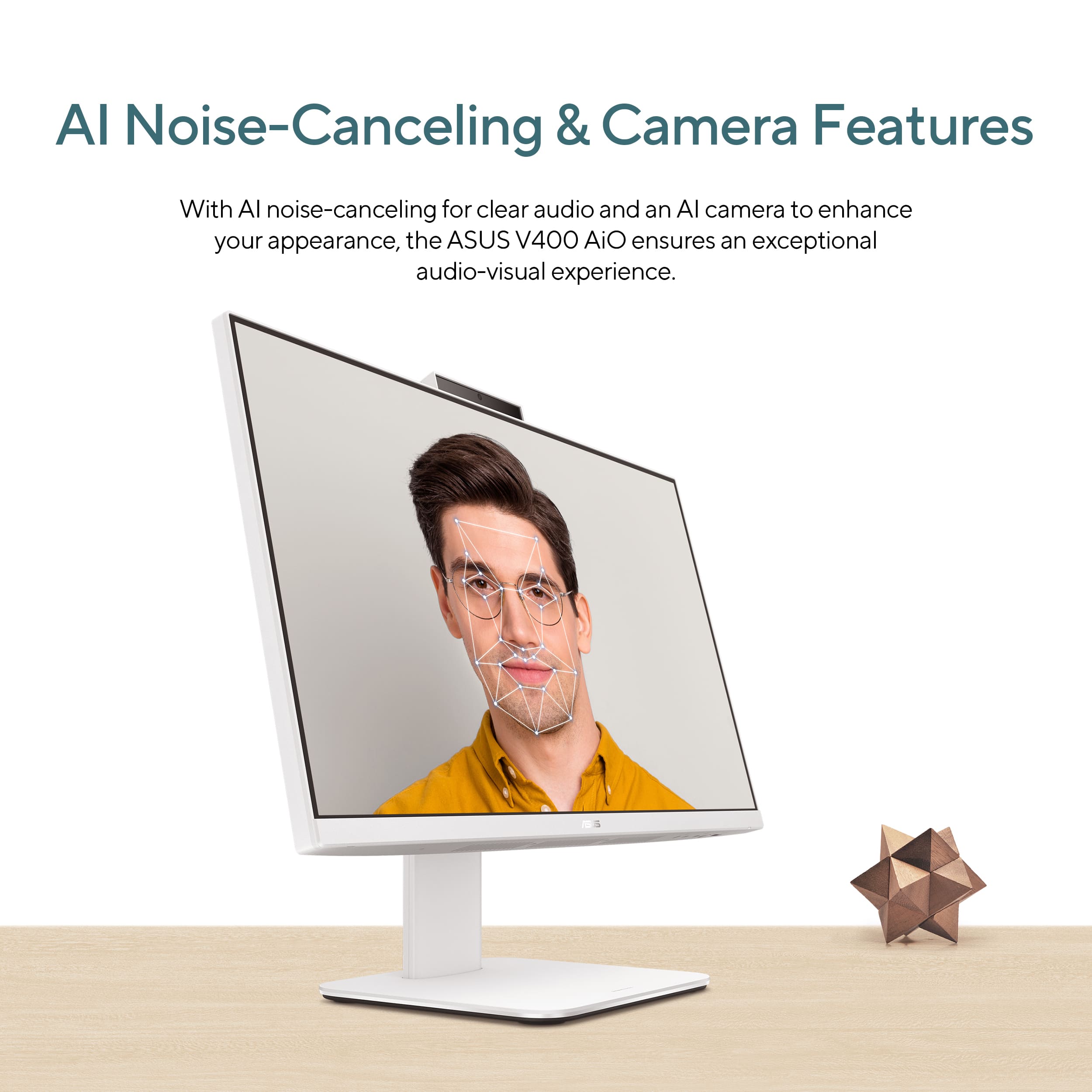
|Posted .This reviewer received promo considerations or sweepstakes entry for writing a review.ASUS - V440 24" FHD Touch-Screen All-in-One - Intel Core i5 -16GB Memory -512GB SSD -White. Sometimes a comfortable, conveniently arranged, and reliably performing computer will meet your needs perfectly. This ASUS desktop is unusually attractive and provides some surprises in the form of a touch-active screen and AI (Microsoft’s highly regarded Copilot). Copilot is called up from a unique key to the right of the spacebar. The visually beautiful touch screen is wonderful for easy scrolling and filling out forms. Copilot gives you a tireless, efficient, competent assistant that needs no days off and fulfills every request within seconds. This is next-level computing that makes me look good in several ways. SETUP: Before you jump into the predictable Windows startup procedure, I’m going to suggest you actually review the tiny ASUS startup guide because it reveals the hiding place for the wireless dongle you will need to make both MOUSE and KEYBOARD available to the desktop system. Ignoring this step will have you frantically searching. Windows 2 starts up quickly, simply, and reliably, but if you check the UPDATE section of the SYSTEM you’ll see there are 15 more updates that are not completed. My second suggestion is to do them now so they don’t slow down your system later on. After you’ve got both mouse and keyboard set up, feel free to forget them. That touch screen panel responds to a number of touch gestures. You can double-tap (select), press and hold (= right-click menu), spread fingers apart (Zoom in), bring fingers together (zoom out), and of course, slide and drag scroll bars for easy interactions with forms, media, and art programs. FEATURES: The most unique feature is both an available HDMI - IN and HDMI - OUT ports. You can take your portable laptop and plug it into the HDMI - IN to exploit this large screen when working at home. There are also LAN (Ethernet), USB 3.2 Gen (3x), USB 3.2 GEN 1 Type C, and Microphone/headphone ports. Wi-Fi 6 and Bluetooth are installed. The front facing in 1080p camera that lifts up from the top of the screen. It was very sharp and was clearly self-adjusting as lighting changed around me. The microphone also has intelligent features managing noise reduction. PERFORMANCE: Let’s get one question out of the way immediately. This is not a computer for the advanced gaming enthusiast. Intel’s built-in graphics card cannot deliver the frame rates desired in today’s very demanding games. A challenging benchmarking test using 3DMark’s demo program showed a stuttering video scene (@7 FPS) as the imaginary camera scanned horizontally. Graphics-intensive gaming in 2025 requires dedicated graphics cards. While some games I tried were perfectly fine looking, the action slowed down to a leisurely pace. I suppose some might find that desirable.(unlikely) Many other games will be fine. In every other way, the ASUS V440 is completely satisfying. In fact, on this large 24” screen, I could play a movie or baseball game in one window, keep weather radar on in another window, and work on a spreadsheet with no difficulty. The screen is colorful, detailed, and nicely contrasty. Reflections are reduced. It invites all-day use. An important consideration is ASUS’ decision to rely on an Intel processor (i5), as opposed to new ARM-based iterations. This means you can run your favorite apps natively and you will have no compatibility issues, even with legacy hardware, whether it’s printers, scanners, mice and other accessories requiring drivers. Microsoft’s AI implementation, Copilot, is very well done, and the 16GB memory ensures it responds quickly. Copilot provides deep research, reporting as elaborate as I might define, and stays on task, offering further sources until it completes my task. Copilot is a tireless assistant, designed to meet any research need from shopping to scientific research. In my comparisons, this is far more useful than classic web searching software. AI is apparently being used to enhance the noise-cancelling tech during video conferencing as well as camera effects. It has improved my conferencing sessions. SUMMARY: I like the idea of a permanent office, customized for long work or productivity sessions. The ASUS V440 24" FHD Touch-Screen AiO has a full array of physical inputs, well-implemented wireless inputs, a remarkable AI (Copilot), and a processor, memory allocation, and storage for the most likely home office, student, or creative workstation. Higher-demand video, music, programming, research, or serious gaming users will want to look for more elaborate setups. My family will find the ASUS more than capable. Even what is described as mid-range computers has a desirably powerful and speedy processor, ultra-fast connectivity, and a beautiful display which promise to meet our needs. I can definitely recommend it.
I would recommend this to a friend- Pros mentioned:Overall performance, Screen quality
Great Value All-in-One!
|Posted .This reviewer received promo considerations or sweepstakes entry for writing a review.e Asus- V440 24” FHD Touch-Screen All-in-One Windows PC is a great choice for a midrange All-in-One. This Asus All-in-One has a touch screen and is full HD with a respectable Intel Core I5 and 16GB of Memory and a 512GB SSD. This Asus white color is a very good looking off white color and this new All-in-One is much more compact than the ones I used to see. This PC is a respectable screen and good performance for the average user. It also has built-in speakers that are very good the best I have heard on an All-in-One. This little computer even has a pop-up camera for video calls and other video recording uses. It comes with a matching keyboard and mouse which are not the most high-end but do the job just fine without issue. This is a great computer for a second computer in a common area of your house or just an everyday computer for someone that does basic computer task and uses social media and watches videos. If you are looking for an All-in-One that is less than $1000 dollars that punches above it’s class this is the one. The All-in-One for you!
I would recommend this to a friend - Pros mentioned:Ease of use
Great all in one setup
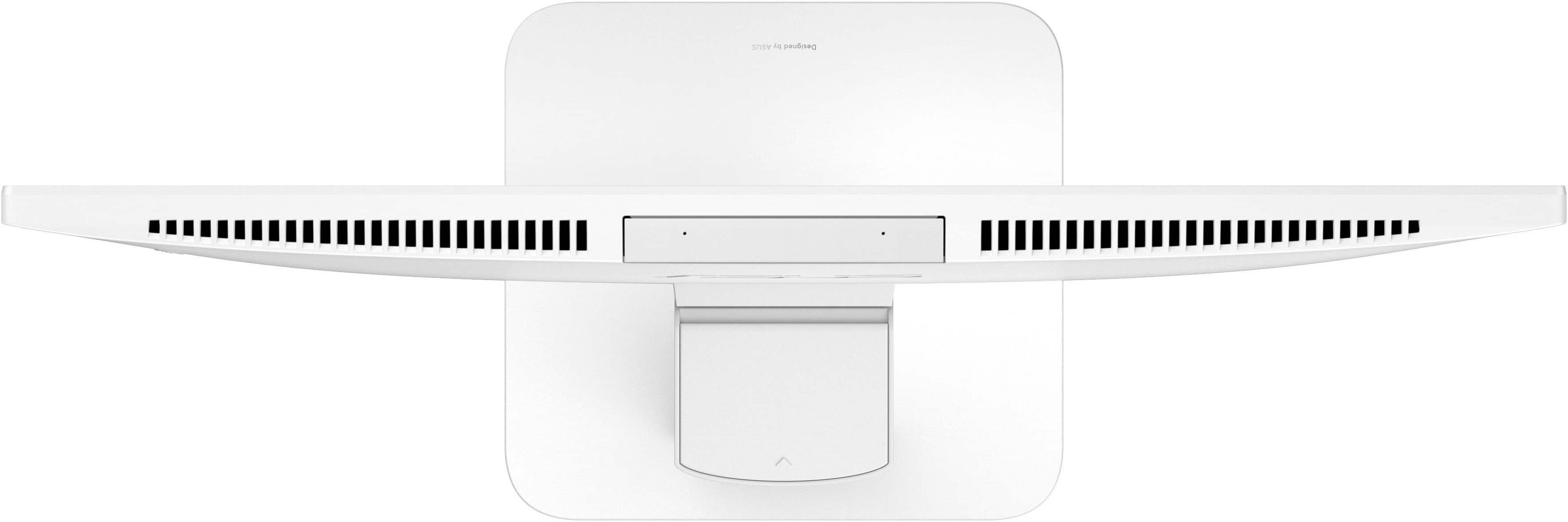
|Posted .This reviewer received promo considerations or sweepstakes entry for writing a review.It really is a throwback when you get one of these all-in-one PCs but I’ve they are absolutely perfect for any of my older family who needs a new system. They’re generally focused on email, streaming, and light gaming so the overall specs don’t need to be the top of the line. Point in fact that’d probably be overwhelming as they have to deal with increased drivers which are more prone to need troubleshooting. This Asus is the perfect combined system and the first time I introduced it to one of the fam that had only had towers, they were amazed. Considering the form factor and overall heat, it makes sense you wouldn’t want to fill this with the highest end hardware possible. The air flow doesn’t really allow for that but it definitely keeps all the clutter off the floor and makes it easy to transport as they move locations. The screen itself could be slightly sharper but considering the resolution, it works perfectly for its intended purpose. Has no trouble getting it setup and I expect it’ll have a long life providing a sleek setup for its user.
I would recommend this to a friend - Pros mentioned:Overall performance
Very pleased
||Posted .This reviewer received promo considerations or sweepstakes entry for writing a review.This is my first All in One. I got tired of dealing with laptop batteries and decided to try something different. I like the clean look of All in Ones - small form factor (no tower!) and very few cords required. This ASUS was easy to setup. The base was easy to attach and no tools were required. It is fast, quiet, and has very little bloatware compared to other brands. I also like that there are ports available on the bottom right of the unit, including a headphone jack, so it is not always necessary to reach behind the unit. It is also nice looking with the white finish - I appreciate not having a black monstrosity sitting on my desk! The sound quality could be better and it would have been nice if it had come with 1 TB of SSD. But overall, I am very pleased.
I would recommend this to a friend - Pros mentioned:Ease of use, Screen quality
Works fine for my office work
||Posted .This reviewer received promo considerations or sweepstakes entry for writing a review.It is very easy to easy to set up and the programs run smoothly. I have not had any problems. I use it for office work and it holds up with the multiple windows I have open at the same time. The camera works well with zoom. I like being able to close the camera
I would recommend this to a friend - Pros mentioned:Overall performance, Screen quality

Fast & reliable
|Posted .This reviewer received promo considerations or sweepstakes entry for writing a review.[Employee of bestbuy] The system feels solid and well-built, and performance has been smooth for everyday tasks like browsing, office work, and media consumption. Boot time is quick, and multitasking works without lag.
I would recommend this to a friend - Pros mentioned:Design
Smooth Operator
||Posted . Owned for 2 weeks when reviewed.This reviewer received promo considerations or sweepstakes entry for writing a review.Love this pc best one yet got tired of hp computers that dont last hopefully tis one does or ill stick with Dell pc's which are the best and last so long,this one is smooth ,sleek and stylish but really needs lots of improvement and wish the keyboard was much like the Dell pc's that has huge big solid buttons that you could see da letters and symbols,da mouse too small for me that feels like an egg on my hand and wish also the wheel in da middle was thicker and wider that i've seen on others,the camera i hate this type of cameras on top,cameras should be like a cyclops eye with long cable that you could move around for doctors and tours ,overall im satisfy and if see these improvements ill probably stick with ASUS pc's in da future besides Apples and Dells if these get better...!1
I would recommend this to a friend - Pros mentioned:Overall performance, Screen quality
Excellent All in One
||Posted .This reviewer received promo considerations or sweepstakes entry for writing a review.Large monitor and all in one makes this desktop a winner. Has worked really well for what I need in my office. I plan on purchasing another one.
I would recommend this to a friend - Pros mentioned:Design, Overall performance
Great everyday use computer.
||Posted .This reviewer received promo considerations or sweepstakes entry for writing a review.Nice design and everything you'll need for a day to day workhorse. Use this for emails, browsing, etc. Have not tried gaming on it.
I would recommend this to a friend - Pros mentioned:Design, Processor speed
My Desktop
||Posted . Owned for 1 week when reviewed.This reviewer received promo considerations or sweepstakes entry for writing a review.Very nice desktop computer, fast and stylish. Delivery was fast.
I would recommend this to a friend