Customer Ratings & Reviews
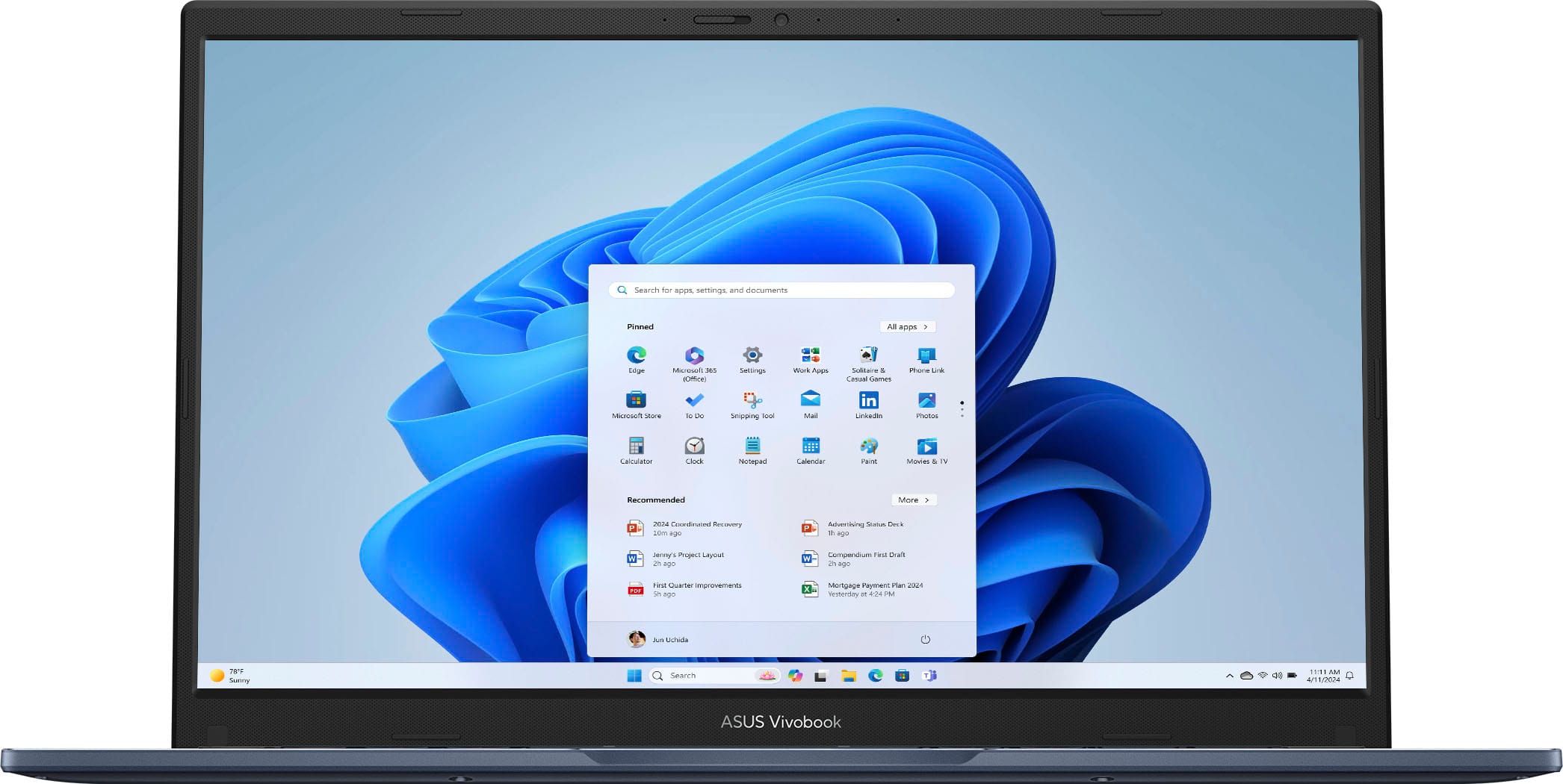
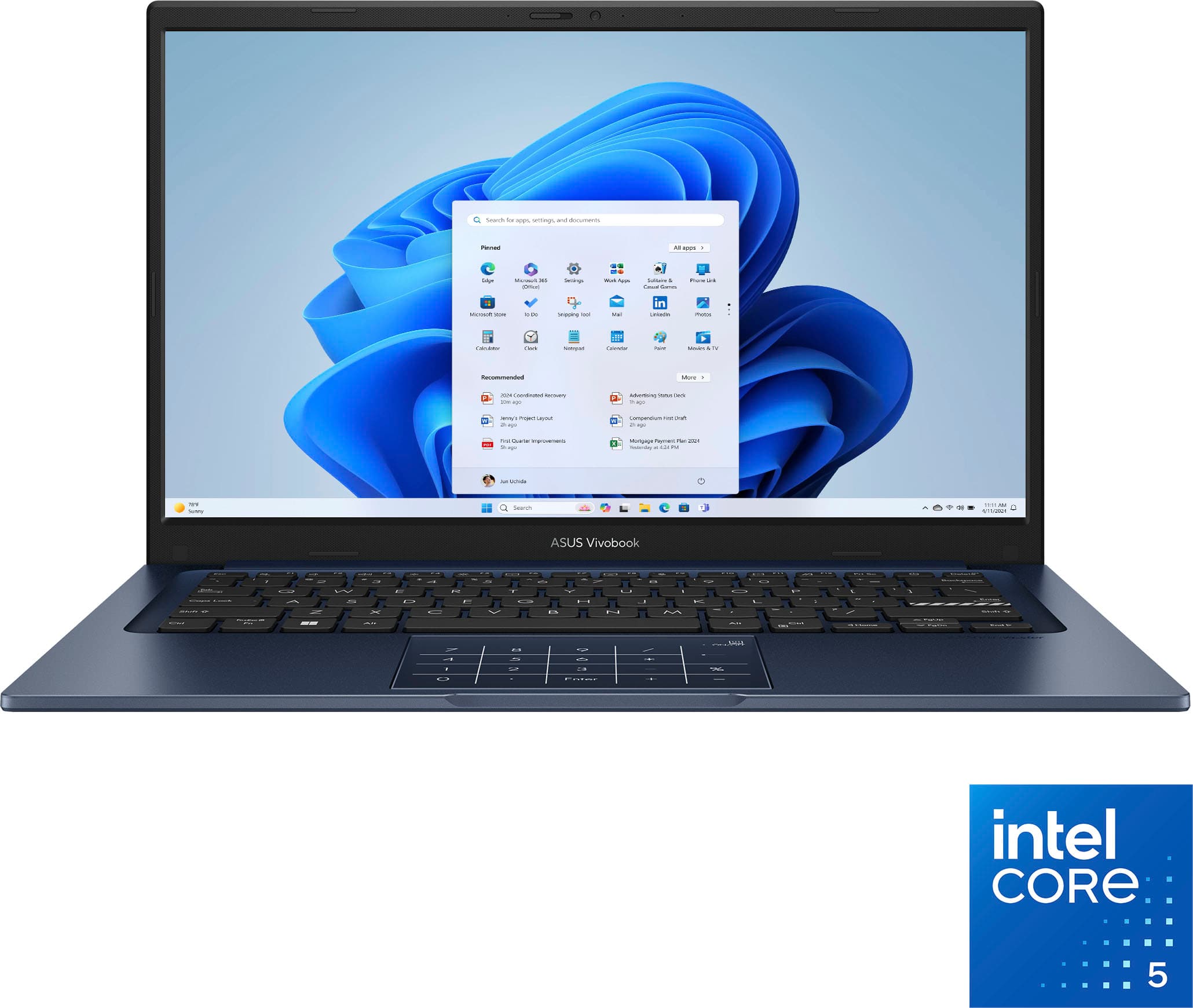

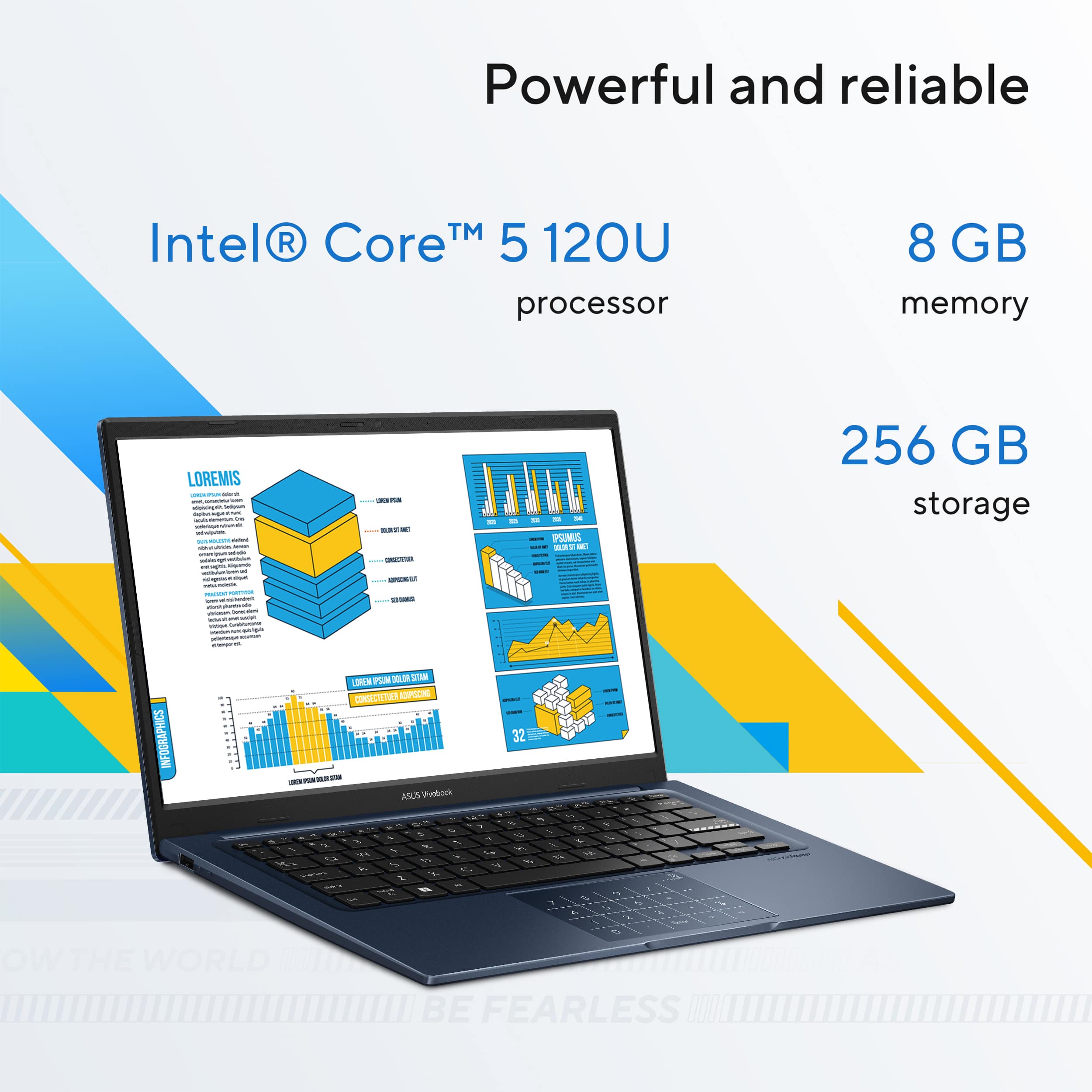
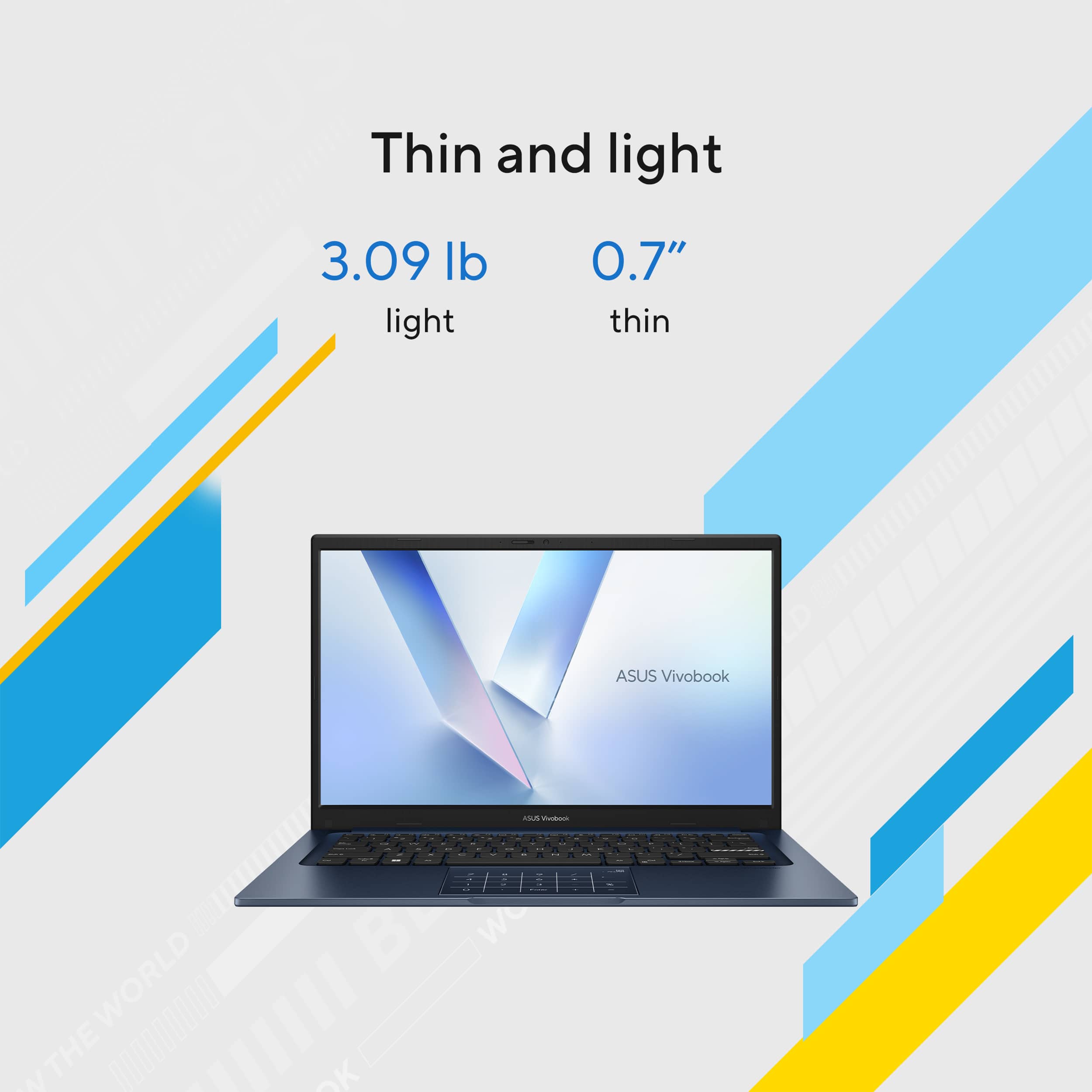
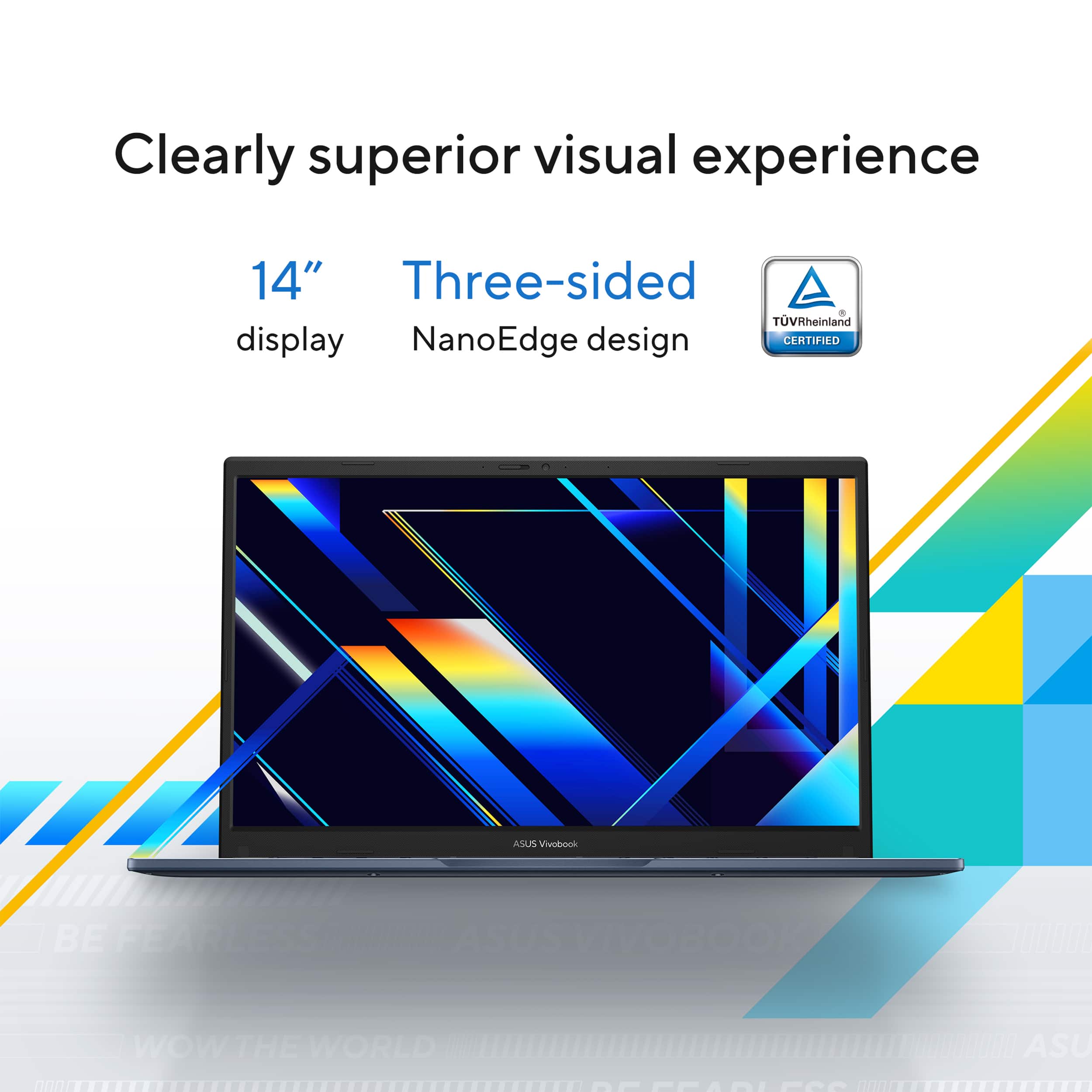

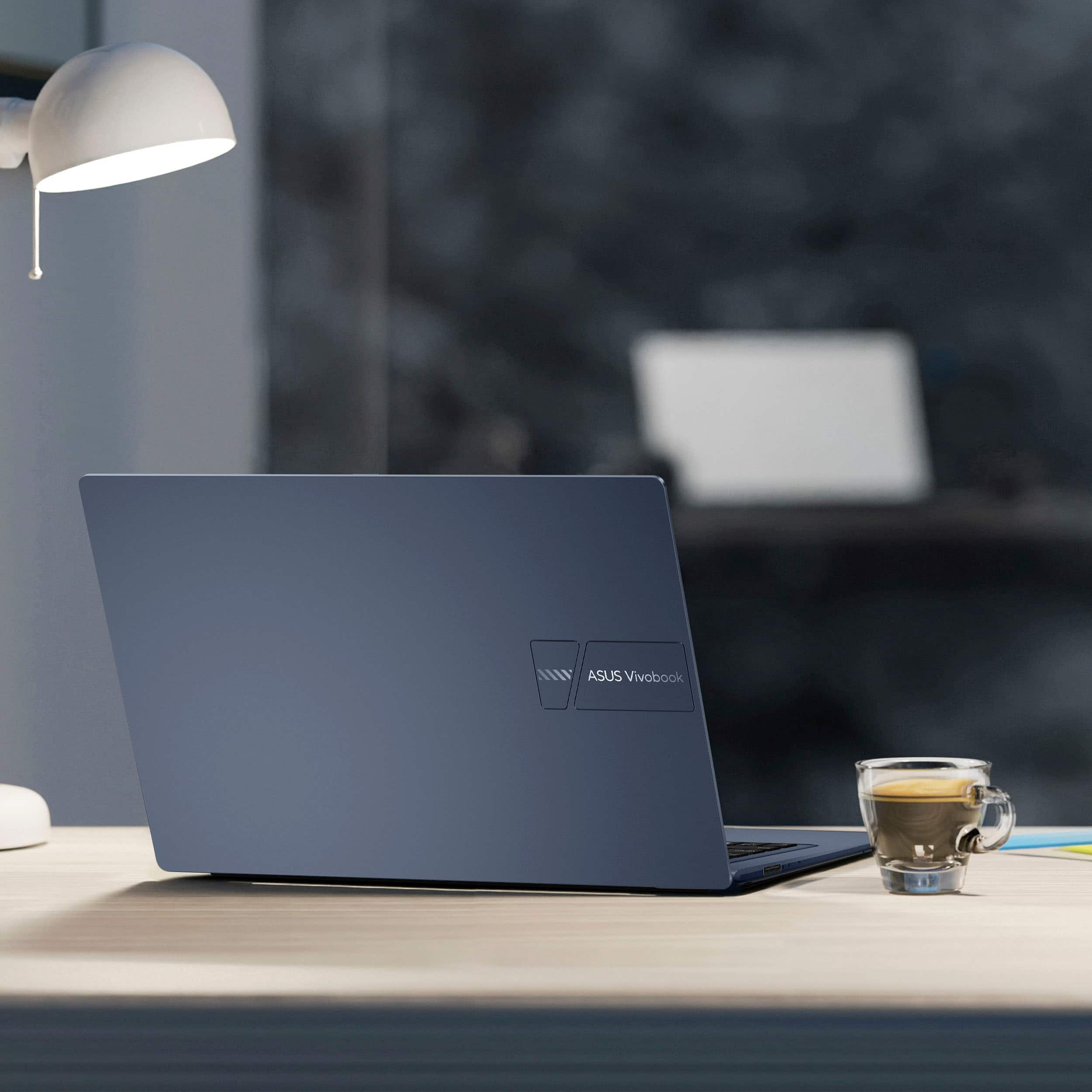
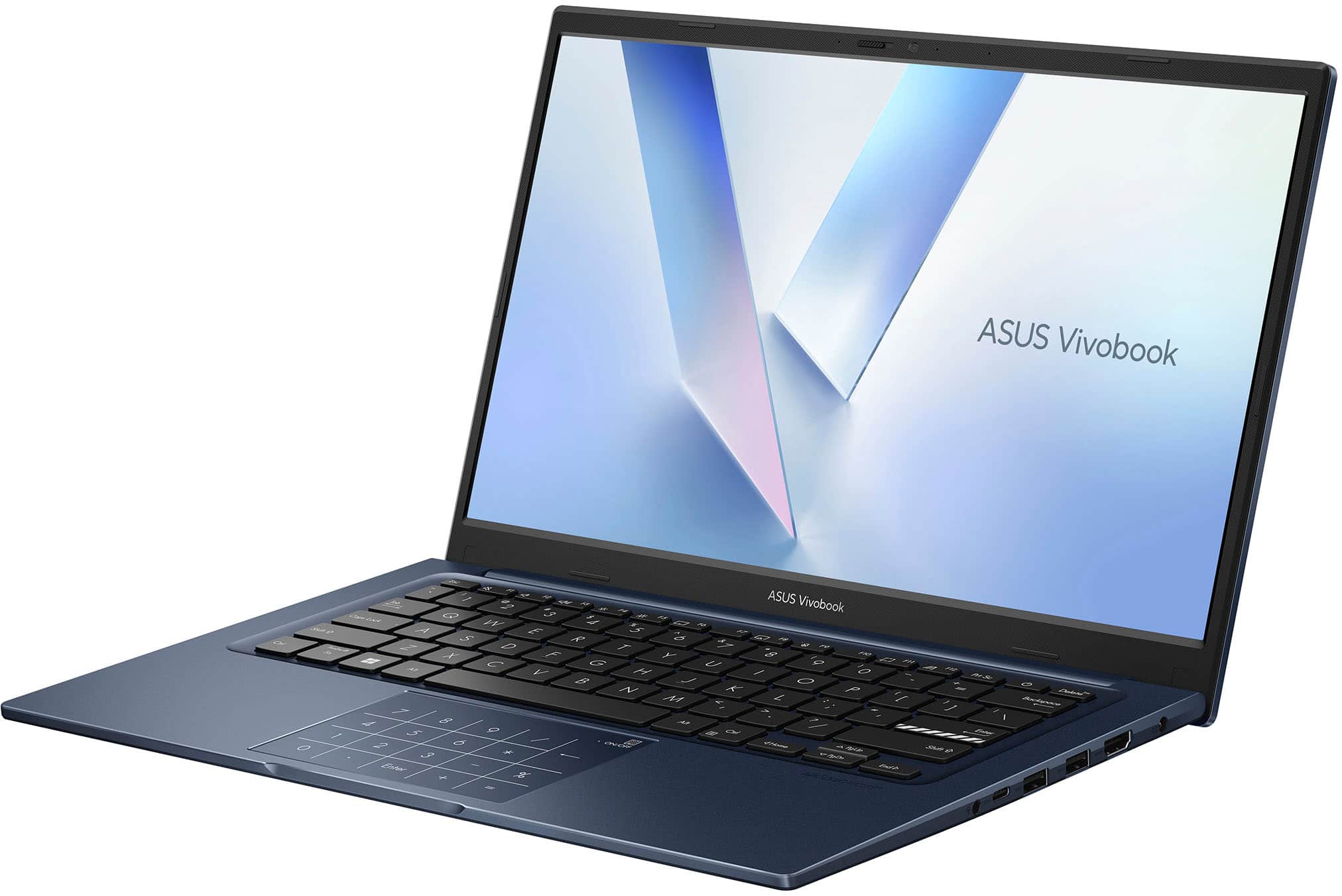
![ASUS VivoBook
Esc F1 F2 F3 F4 F5 F6 F7 F8 F9 F10 F11 F12 Prt Sc Delete
1 2 3 4 5 6 7 8 9 0 - = Backspace
Tab Q W E R T Y U I O P [ ] \
Caps Lock A S D F G H J K L ; '
Shift Z X C V B N M , . / Shift
Ctrl Fn Windows Alt Spacebar Alt Ctrl
Home PgUp PgDn End
Num Pad: 7 8 9 / 4 5 6 * 1 2 3 - % 0 . Enter + =
ASUS SonicMaster](https://pisces.bbystatic.com/image2/BestBuy_US/images/products/1f14f737-7512-4a16-a188-bf6010f7ad6d.jpg)
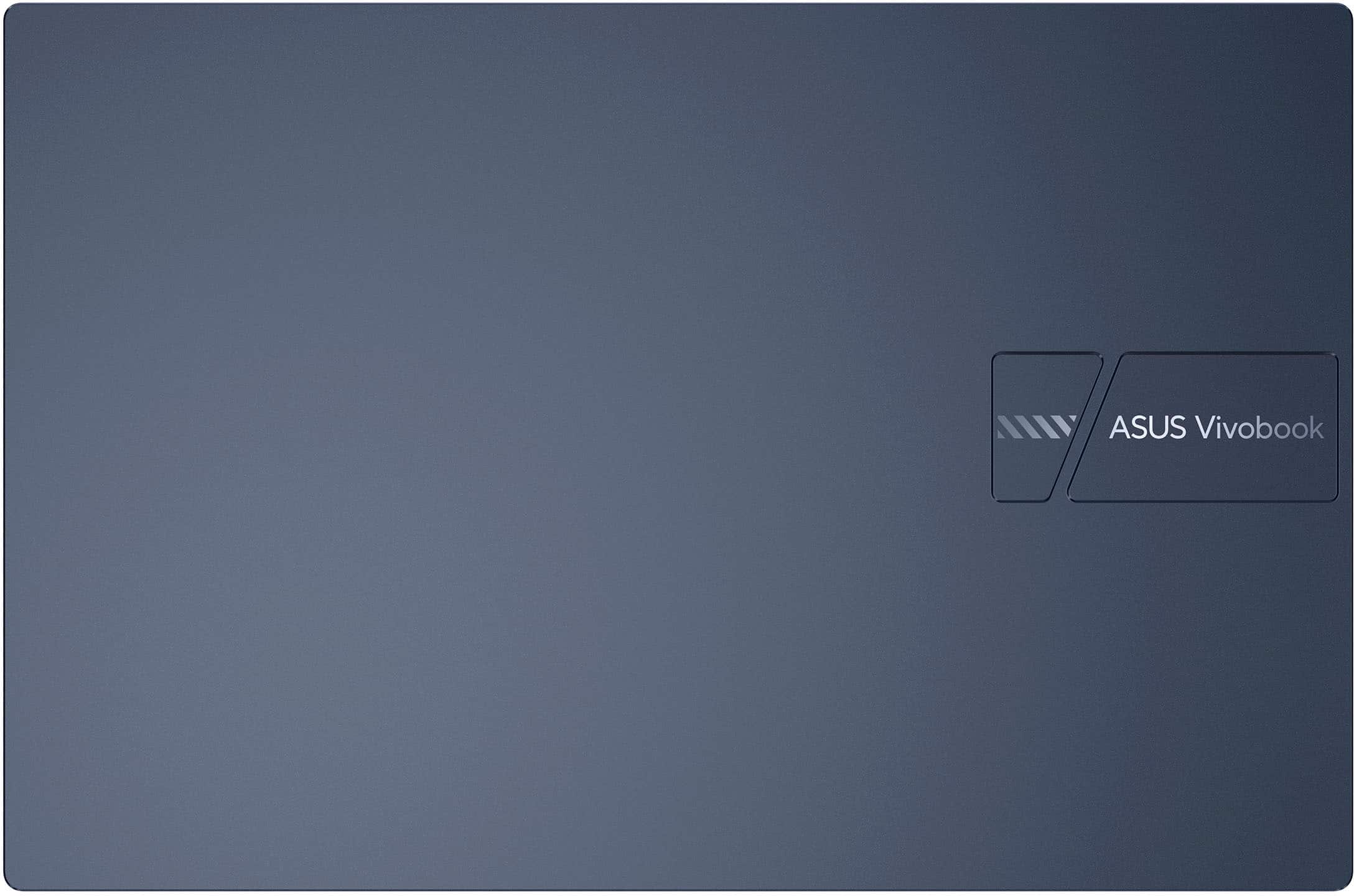

- Model:
- X1404VAP-V14.C58256
- SKU:
- 12177664
Rating by feature
- Battery Life
Rating 4.5 out of 5 stars
- Speed
Rating 4.5 out of 5 stars
- Display
Rating 4.5 out of 5 stars
Get Smart
||Posted . Owned for 1 week when reviewed.This reviewer received promo considerations or sweepstakes entry for writing a review.need to get printer going, a lot of ambiguities and unfriendly applications
No, I would not recommend this to a friendBrand response from ASUS Answers
Posted .Dear MarkK,
Thank you for sharing your experience with the ASUS X1404VAP Laptop. We sincerely apologize for the difficulties you’ve encountered in getting your printer set up, as well as the challenges with certain applications. We regret the inconvenience this has caused. To help resolve the issue, we recommend the following steps:
1. Update Drivers: Ensure both your laptop and printer have the latest drivers installed. You can check for updates through Windows Update and the printer manufacturer’s website.
2. Connection Method: Confirm whether the printer is connected via USB, Wi‑Fi, or Bluetooth, and ensure the connection is stable. For wireless printers, make sure both devices are on the same network.
3. Default Printer Setting: Go to Settings > Devices > Printers & Scanners and verify that your printer is set as the default device.
If the issue persists after these steps, we recommend contacting our support team directly at https://www.asus.com/us/support/callus/ so we can assist you further.
We stand behind our products and continuously strive to improve our products and processes to achieve customer service excellence. For more information, email us at customerloyalty@asus.com and include the case number "N2601012786-0002" as a reference. We will do our best to resolve your case quickly. Your feedback is very important to us and enables us to improve our support channels. Thank you for choosing ASUS.
Best Regards,
Chantae
ASUS Customer Loyalty US Support
Sad little laptop
||Posted .This reviewer received promo considerations or sweepstakes entry for writing a review.Not impressed with this tiny laptop. It is smaller than a chromebook.
No, I would not recommend this to a friendBrand response from ASUS Answers
Posted .Dear EllieS,
Thank you for sharing your feedback on the ASUS X1404VAP Laptop. We regret to hear that the size of the device did not meet your expectations, and we sincerely apologize for any disappointment this may have caused. Please be assured that your comments will be passed along to our product team.
We stand behind our products and continuously strive to improve our products and processes to achieve customer service excellence. If you require any further assistance, please email us at customerloyalty@asus.com and include the case number "N2512031402-0001" as a reference. We will do our best to resolve your case quickly. Your feedback is very important to us, and it enables us to improve our support channels. Thank you for choosing ASUS.
Best Regards,
Chantae
ASUS Customer Loyalty US Support
Do not recommend geek squad
||Posted . Owned for 2 weeks when reviewed.This reviewer received promo considerations or sweepstakes entry for writing a review.My computer was installed in someone else's name and cannot be used
No, I would not recommend this to a friendBrand response from ASUS Answers
Posted .Dear TAMMYB,
Thank you for sharing your experience with the ASUS X1404VAP laptop. We sincerely apologize that your computer was installed under someone else’s name and, as a result, cannot be used. We regret the inconvenience this has caused.
To further investigate the issue, we kindly advise contacting our support team directly at https://www.asus.com/us/support/callus/. Our specialists will be able to review the situation in detail and assist you with the most effective solution.
We stand behind our products and continuously strive to improve our products and processes to achieve customer service excellence. For more information, email us at customerloyalty@asus.com and include the case number "N2604017715-0001" as a reference. We will do our best to resolve your case quickly. Your feedback is very important to us and enables us to improve our support channels. Thank you for choosing ASUS.
Best Regards,
Chantae
ASUS Customer Loyalty US Support
- Pros mentioned:Overall performance
Worth buying this brand
Posted .This reviewer received promo considerations or sweepstakes entry for writing a review.This was my second Asus machine and this machine delivers what you expect at less price tag compared to big brands. Display - 10 on 10 Look and feel - 10 on 10 Performance- 10 on 10 Battery - 10 on 10
I would recommend this to a friend