Customer Ratings & Reviews
![ASUS Vivobook Esc 2 F1 F2 F3 F4 F5 F6 F7 FB 8 F9 F10 F11 F12 Prt Sc and Delete - & I 1 Q 2 # 3 $ 4 % 5 A 6 & 7 * 8 I 9 - O - I + = Backspace Tab Q W E R T Y U I O P I [ ] | / Ctrl Lock A S D F G H J K L : : I Enter Shift Z X C V B N M V ? / Shift Ctrl Fn Alt Alt Ctrl Home A PgUp PgDn End b ON/Off SonicMaster 7 8 9 / 4 5 6 * 1 2 3 I % 0 Enter + =](https://pisces.bbystatic.com/image2/BestBuy_US/images/products/8785ef94-8fa8-4d9a-bfb8-9c161c09ab91.jpg)

- Model:
- X1404VA-I512256
- SKU:
- 6612931
Rating by feature
- Battery Life
Rating 4.5 out of 5 stars
- Speed
Rating 4.5 out of 5 stars
- Display
Rating 4.4 out of 5 stars
Customers are saying
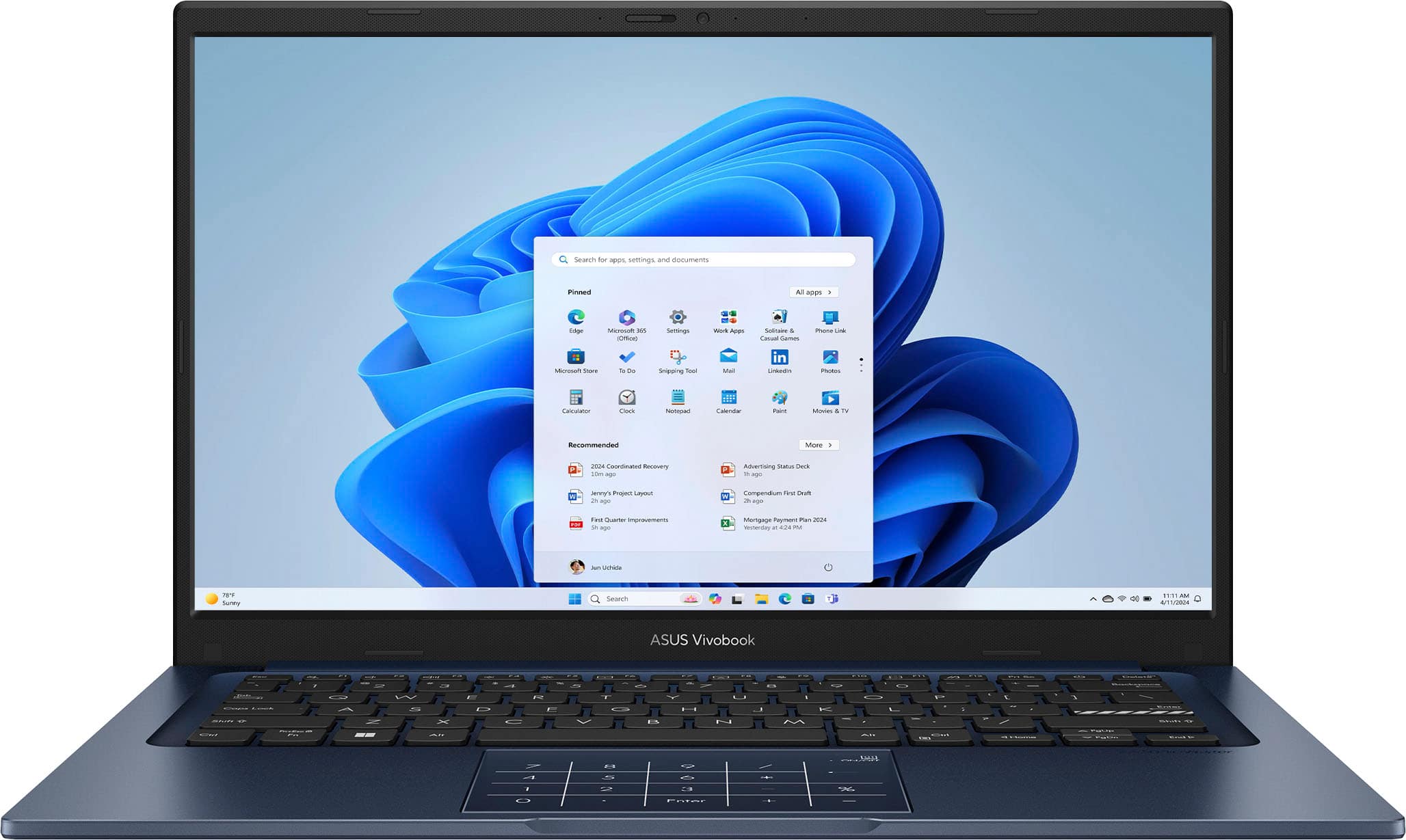
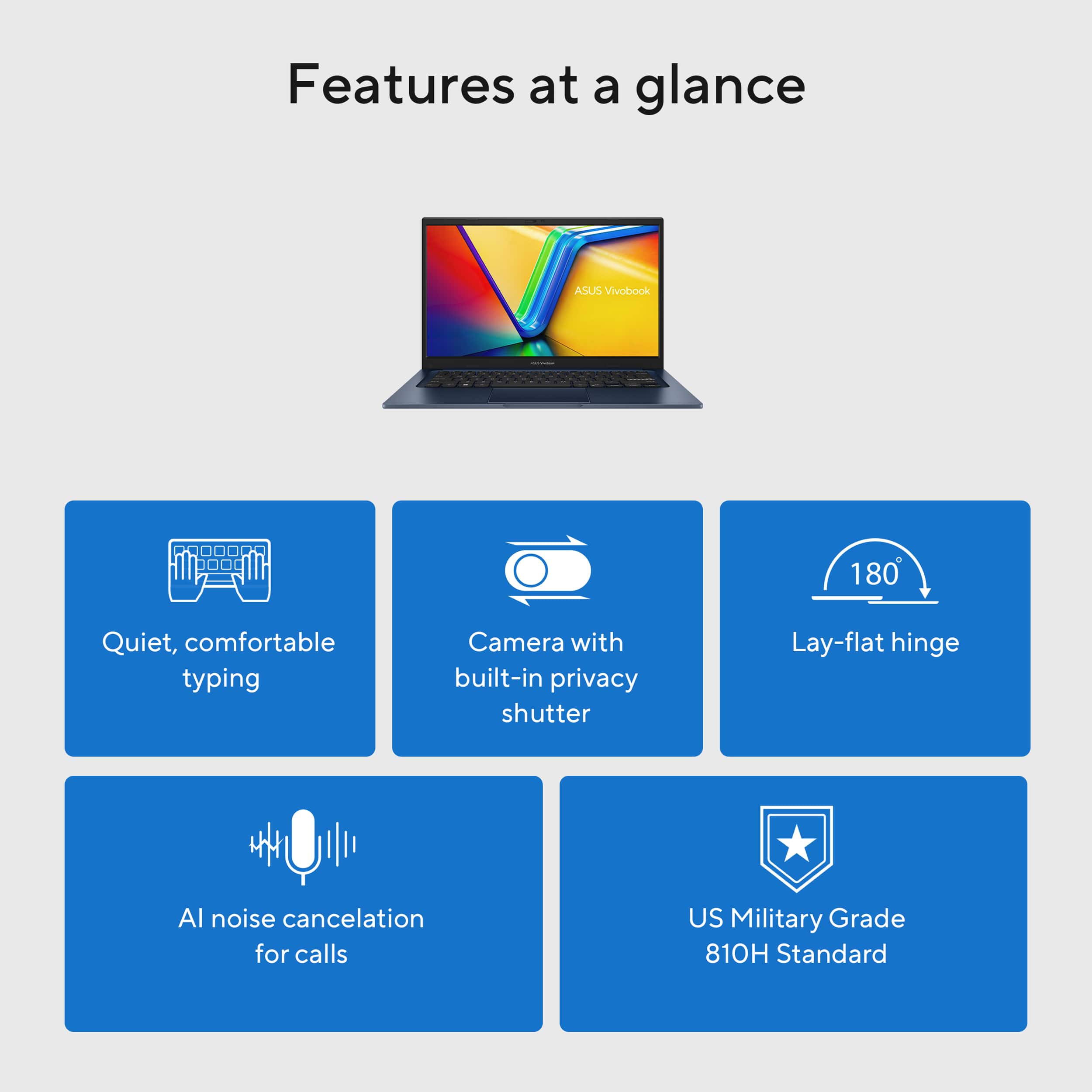
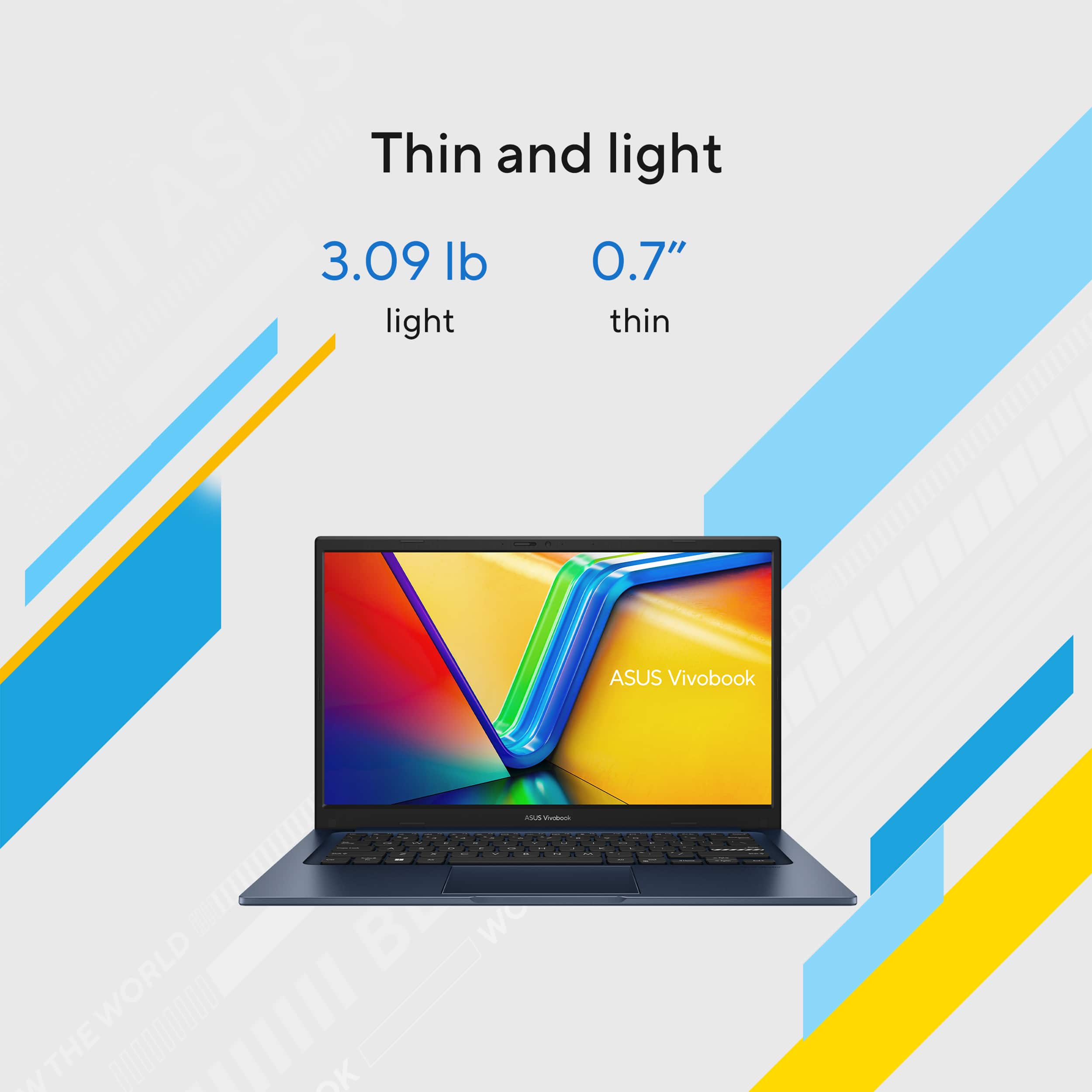
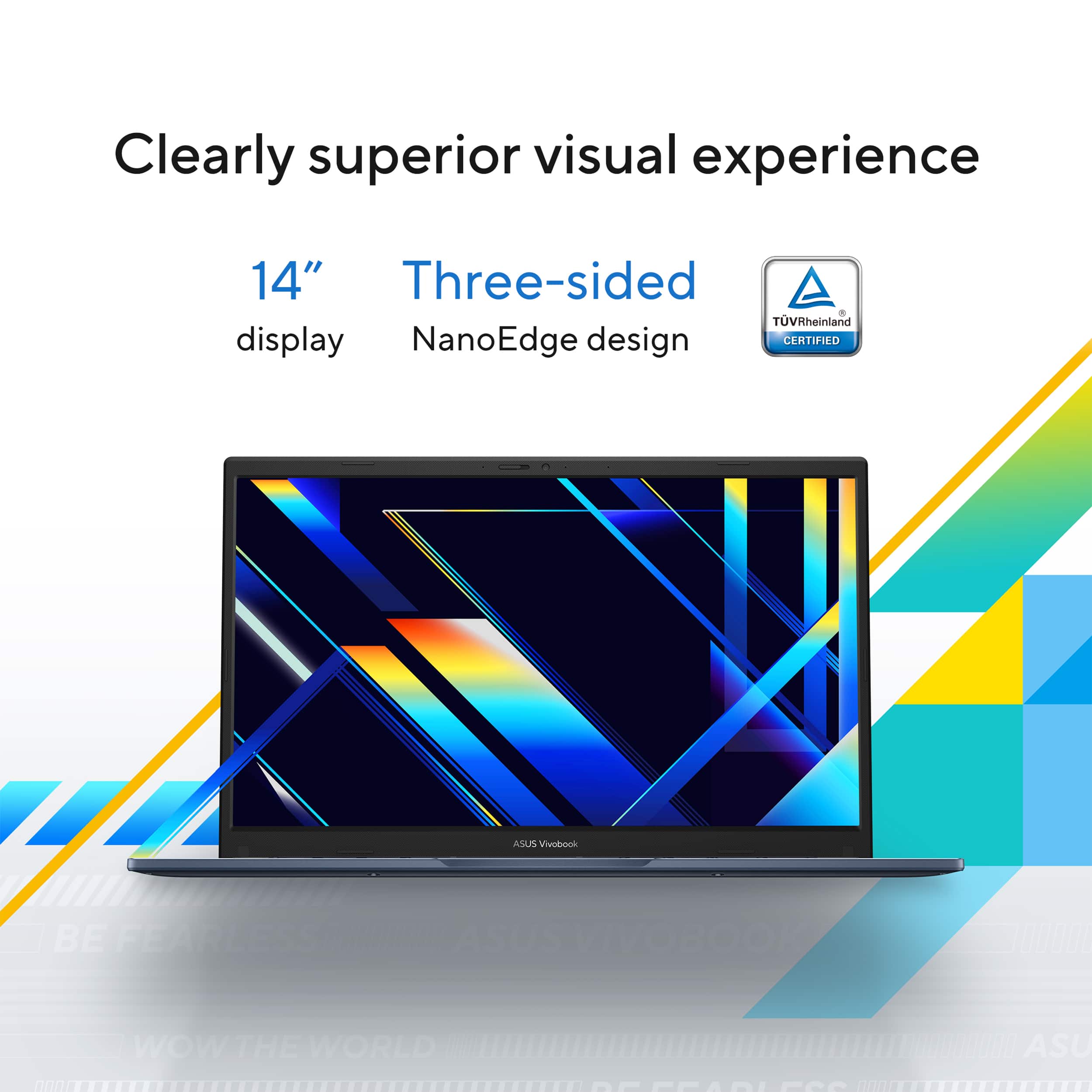
Customers have good things to say about the Vivobook 14, especially its overall performance, portability, and processor speed. Many appreciate the long battery life and lightweight design. However, some customers have expressed concerns regarding the screen quality and touchpad, while others feel the storage capacity and speakers could be improved.
This summary was generated by AI based on customer reviews.
Good laptop
||Posted .This reviewer received promo considerations or sweepstakes entry for writing a review.Nice bang for your buck laptop. Perfect for school.
I would recommend this to a friend+relacement lap=top
||Posted . Owned for 2 weeks when reviewed.This reviewer received promo considerations or sweepstakes entry for writing a review.quick exactly what I need uuuuuuuuuuuuuuuuuuuuuuuuuuuuuuuuuuuuuuuuuuuuuuuuu3uuuuuuuuuuuuuuuuuuuuuuuuuuuuuuuuuuuuuuuuuuu6uuuuuuuuu
I would recommend this to a friendcan.t go wrong
||Posted .This reviewer received promo considerations or sweepstakes entry for writing a review.looks good...works for my needs very well. I have this brand before and have been very pleased with it. I would recommend it wholeheartedly.
I would recommend this to a friendGood laptop for a casual use.
||Posted .This reviewer received promo considerations or sweepstakes entry for writing a review.Fast boot up. A good laptop for non computational use. Touchpad is less sensitive and dislike the number pad integrated with the touch pad.
I would recommend this to a friendProduct does not match advertised specifications
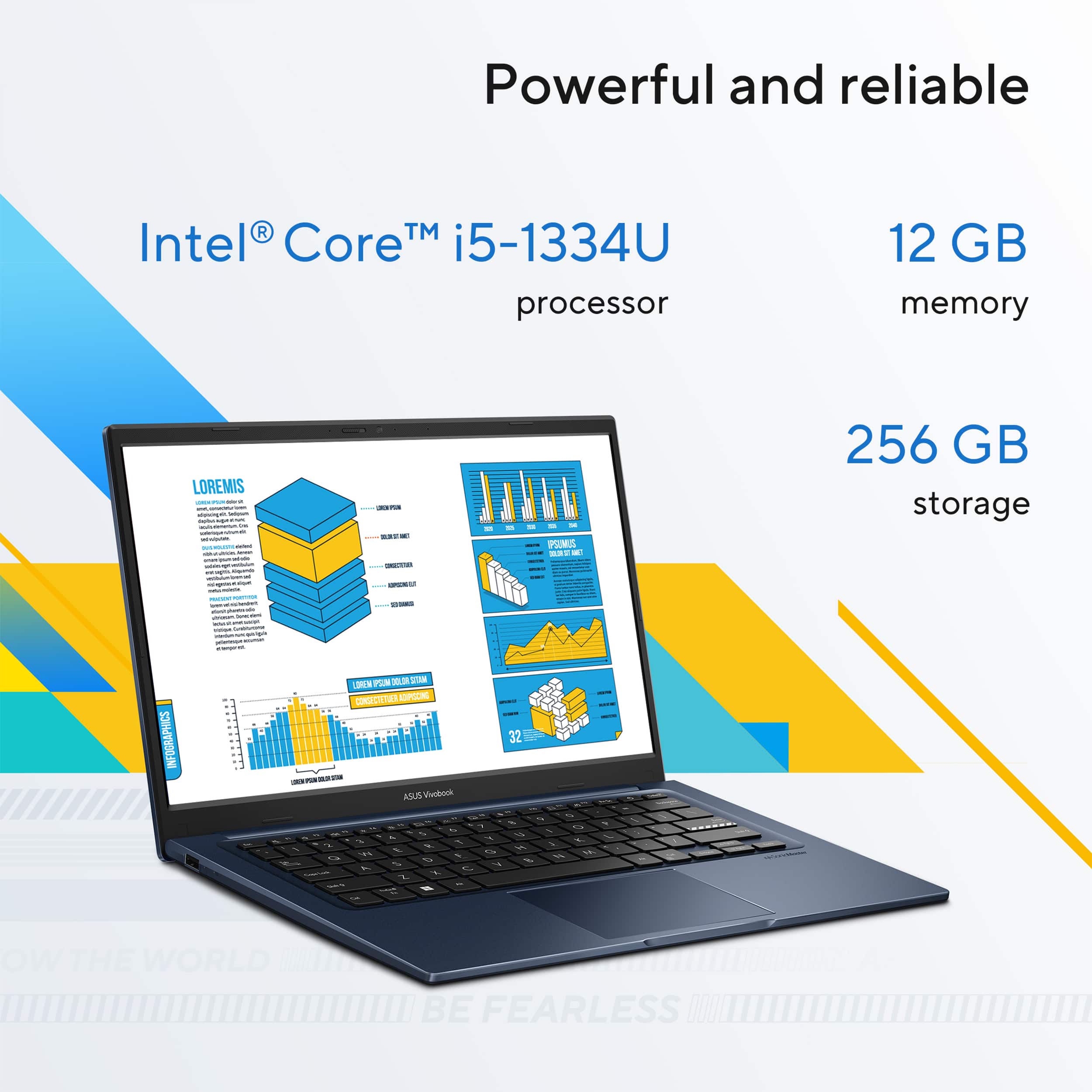
||Posted . Owned for 1 week when reviewed.This reviewer received promo considerations or sweepstakes entry for writing a review.I purchased this ASUS Vivobook 14 based on the specifications listed on Best Buy’s website, which clearly indicated 12GB of RAM. However, the laptop I received only has 8GB of RAM, meaning the product does not match what was advertised. This was very disappointing, especially since the laptop was intended as a gift and was shipped internationally. Unfortunately, I only discovered the issue after delivery. What made the situation worse was the lack of support from Best Buy. Even after acknowledging that the product should have 12GB of RAM, they refused to provide any alternative solution other than returning the item within the United States, which is not feasible in my case. No exception or compensation was offered despite the issue being caused by incorrect product information. I would strongly advise future buyers to double-check specifications and be cautious when purchasing open-box items, as they may not match the listed details and customer support may not provide a fair resolution.
No, I would not recommend this to a friendBrand response from ASUS Answers
Posted .Dear ADRIANM,
Thank you for your feedback.
We certainly understand your disappointment with the quality of the product you received from your vendor and the inconvenience this may have caused if the laptop doesn't match the advertised specifications you purchased. Typically, we recommend to contact your vendor for a resolution if the wrong product was sent to you. Should you need further assistance with the laptop, please email me at cl-rodel@asus.com and I would be more than happy to help. Or you are most welcome to call Product Support Hotline at: 1(888) 678-3688. Also, you can chat with an ASUS live support agent from the link: https://www.asus.com/us/support/article/1135/.
Thank you for choosing an ASUS product.
Regards,
Rodel
ASUS Customer Loyalty
Laptop
||Posted . Owned for 5 months when reviewed.This reviewer received promo considerations or sweepstakes entry for writing a review.Very durable and nice. Worth the money. Excellent product.
I would recommend this to a friendSuper good deal
||Posted .This reviewer received promo considerations or sweepstakes entry for writing a review.super good price with this spec. recommand to everyone
I would recommend this to a friendDecent quality for price close to $250
||Posted .This reviewer received promo considerations or sweepstakes entry for writing a review.Chose this product for price and not much of quality. One more thing that I liked was th RAM of 12 GB.
No, I would not recommend this to a friendBrand response from ASUS Answers
Posted .Dear Prashant N,
Thank you for sharing your experience with the ASUS X1404VA laptop. We understand that affordability was a key factor in your decision, and we’re glad to hear you appreciated the 12 GB of RAM. Your feedback regarding overall quality is important and will be shared with our product team for review.
We stand behind our products and continuously strive to improve our products and processes to achieve customer service excellence. If you require any further assistance, please email us at customerloyalty@asus.com and include the case number "N2504005745-0045" as a reference. We will do our best to resolve your case quickly. Your feedback is very important to us, and it enables us to improve our support channels. Thank you for choosing ASUS.
Best Regards,
Chantae
ASUS Customer Loyalty US Support
ASUS Laptop
||Posted .This reviewer received promo considerations or sweepstakes entry for writing a review.I really think it’s worth the price it’s very smooth and it’s decent of space
I would recommend this to a friendGreat even for 2nd grader
||Posted .This reviewer received promo considerations or sweepstakes entry for writing a review.Awesome for little one. He is in remote learning, second grade. Works great. Easy for both of us.
I would recommend this to a friendGreat purchase
||Posted .This reviewer received promo considerations or sweepstakes entry for writing a review.I'm getting used to this new laptop. I have been using a Mac for 15 years. I really love this new purchase.
I would recommend this to a friendGood things do come in small packages
||Posted .This reviewer received promo considerations or sweepstakes entry for writing a review.Boots fast and runs everything I have throne at it so far. i do wish it had the capacity to charge through USB C but it doesn't.
I would recommend this to a friendBest Buy
||Posted .This reviewer received promo considerations or sweepstakes entry for writing a review.Good service I like to work Best Buy I hope to get more sales
I would recommend this to a friendASUS.14” laptop
||Posted . Owned for 3 weeks when reviewed.This reviewer received promo considerations or sweepstakes entry for writing a review.I purchased this as a gift. The receiver seemed pleased with it.
I would recommend this to a friendPerfect Gift!
||Posted .This reviewer received promo considerations or sweepstakes entry for writing a review.Excellent gift for my nephew, given the specification size and price perfect itam!
I would recommend this to a friendgood value for price
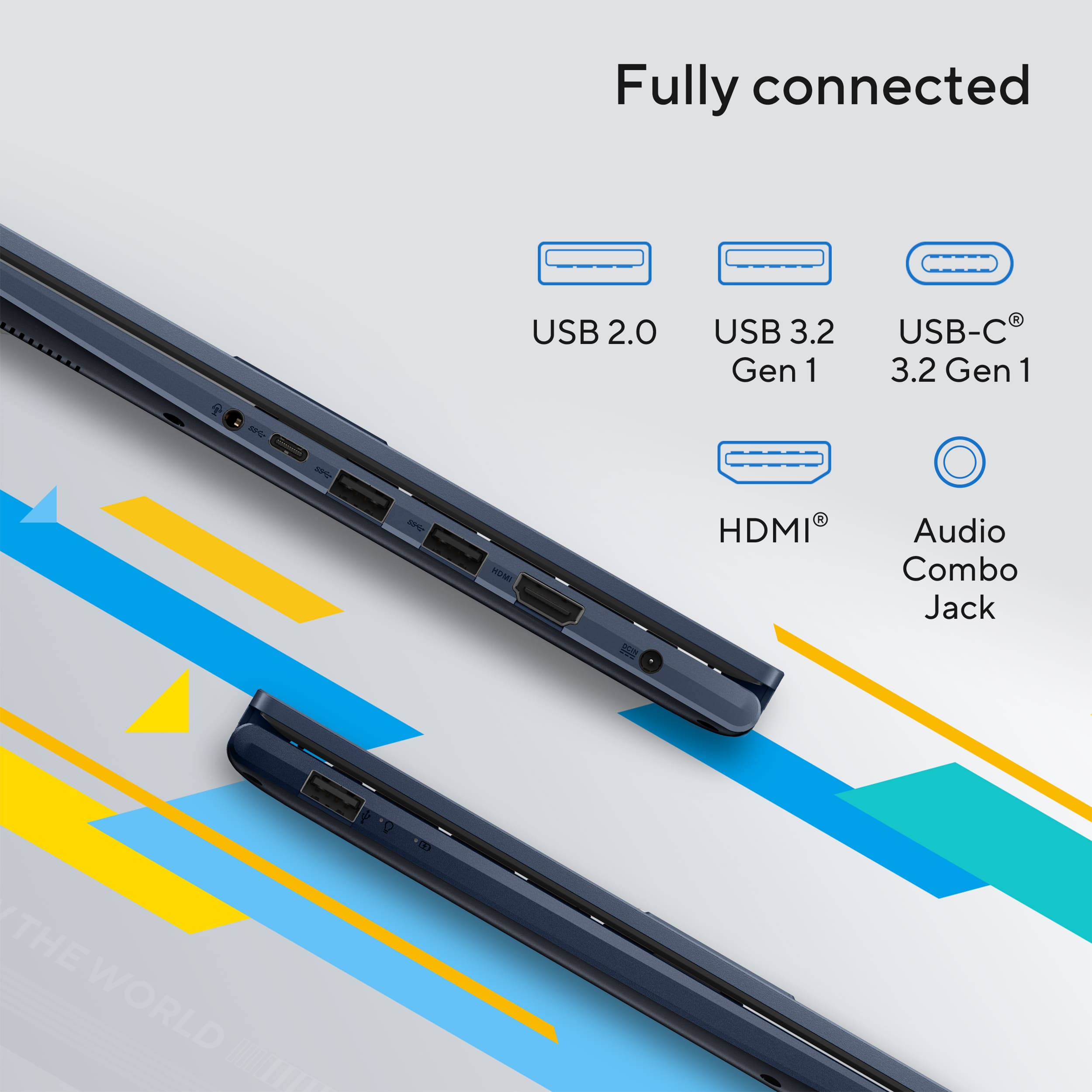
||Posted . Owned for 1 month when reviewed.This reviewer received promo considerations or sweepstakes entry for writing a review.sharp clear images with full hdmi makes it very convenient for my primary purpose of projecting presentations and video clips
I would recommend this to a friendNice budget laptop
||Posted .This reviewer received promo considerations or sweepstakes entry for writing a review.Very nice budget laptop! Works fast and looks good too
I would recommend this to a friendLove this
||Posted . Owned for 1 week when reviewed.This reviewer received promo considerations or sweepstakes entry for writing a review.Great computer and features. CPU is great for the price. I’m able to do all my class work with no issues.
I would recommend this to a friendA great laptop at a great price
||Posted . Owned for 3 weeks when reviewed.This reviewer received promo considerations or sweepstakes entry for writing a review.This is a solid computer that was a great deal and performs all of the required tasks.
I would recommend this to a friendAsus Gift
||Posted .This reviewer received promo considerations or sweepstakes entry for writing a review.Great product for a gift. Setup was easy and updates as well.
I would recommend this to a friend