Customer Ratings & Reviews




- Model:
- X1400EA-I38128
- SKU:
- 6536327
Rating by feature
- Battery Life
Rating 4.4 out of 5 stars
- Speed
Rating 4.4 out of 5 stars
- Display
Rating 4.4 out of 5 stars
Customers are saying
Customers value the Vivobook 14" laptop's ease of use, affordability, and performance. Its compact size and lightweight design are also frequently praised, along with generally positive feedback on battery life. However, some customers point out the lack of a touchscreen and limitations with the viewing angle.
This summary was generated by AI based on customer reviews.
Cat
||Posted . Owned for 3 weeks when reviewed.This reviewer received promo considerations or sweepstakes entry for writing a review.not very user friendly . stopped during set up...ended up returning it
I would recommend this to a friendBrand response from ASUS Answers
Posted .Dear CarmelinaT,
I'm sorry to hear that your product not powering on . All ASUS products undergo intensive quality control, testing and inspections. What you've experienced was not intentional or representative of our brand. I understand that you have returned the unit, but I will forward your feedback to the Product team for review. If you have any general or technical questions, send us an email at customerloyalty@asus.com Please refer to this case number (N2305049550-0008) for us to better assist you. Thank you for choosing ASUS.
Best regards,
Schottky
ASUS Customer Loyalty – US Support
- Cons mentioned:Touch screen

Decent entry level laptop
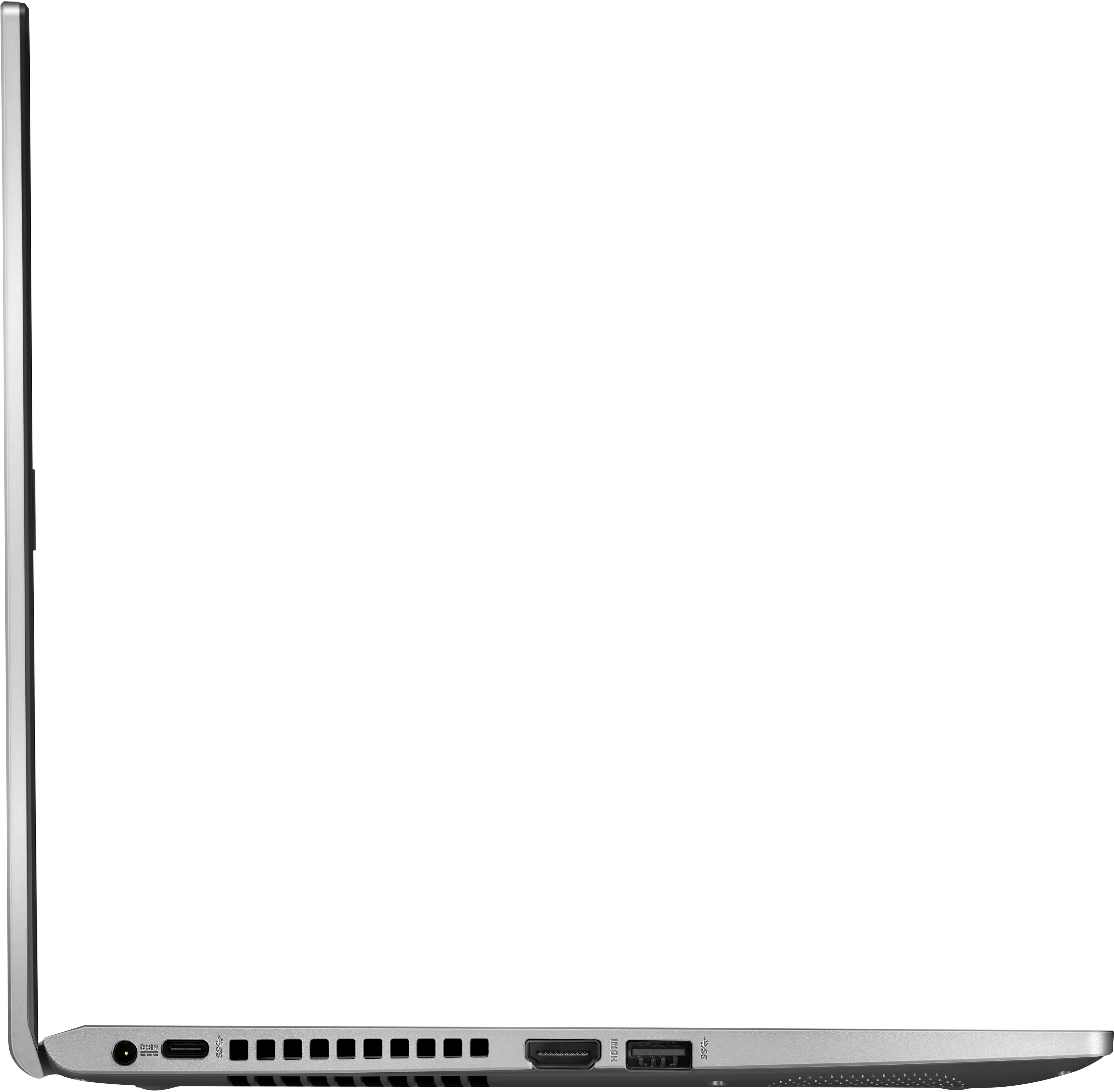
|Posted .This reviewer received promo considerations or sweepstakes entry for writing a review.This is an inexpensive, entry level laptop. It reminds me a lot of a Chromebook I had several years ago. No backlit keyboard, no touch screen, plastic keyboard keys, and average screen resolution. It's also fairly light in weight at 3.25 pounds. I wanted this laptop because my main small laptop suddenly became unusable because one of the two screen hinges broke. I had to go back to using a full sized laptop, which is sort of too big. I know these are just terrible problems to have! So I wanted a small laptop for carrying around, and possibly traveling with, when that situation comes up. This Vivobook runs Windows 11, just like my other laptops. I downloaded the Chrome browser to use as my default browser, just like on my other laptops so it’s really easy to use, and I can go between them and they are all similar looking. This is coming from someone who was a Mac OS person for many years and couldn't (wouldn't?) figure out Windows until as recently as five years ago. I switched because Macbooks are just so expensive. I just decided to move to Windows and hope for the best. So far I've been pleasantly surprised by the advancements in Windows. All of the small holes on the left side are for venting hot air out as the fan is working inside the body and there’s some hot air in there. I’m all for letting that air out instead of being trapped inside of the computer. Since I mentioned my Chromebook, this computer is a step up. I had a lot of issues with the Chromebook because it wasn't truly a Windows OS. At least this is a legitimate computer. I connected to a wireless printer without any issue. If you are debating between Chromebook and this, get this because you have more capabilities with it.
I would recommend this to a friend - Pros mentioned:Ease of use, Size
Great Value!
Posted .This reviewer received promo considerations or sweepstakes entry for writing a review.Excellent size, lightweight, and very easy to use. Perfect for travel and quick use. Recommended for those who are always on the go!
I would recommend this to a friend - Pros mentioned:SpeedCons mentioned:Touch screen
Great value
Posted .This reviewer received promo considerations or sweepstakes entry for writing a review.Very very fast. The only thing is the screen resolution wasn’t as bright and clear as I thought it would be. I see a lot of Ausus on display at the store and was attracted to how bright and vibrant it looked, I know I got a cheaper model but still was expecting it to be brighter. The computer set up was quick and internet browsing. Overall great for the price.
I would recommend this to a friend Good entry level laptop for basic use!
|Posted .This reviewer received promo considerations or sweepstakes entry for writing a review.I was looking for a basic laptop for my kid schoolwork / projects and got ASUS - Vivobook 14" Laptop. It comes with basic configuration 14" HD Display with the resolution of 1366 x 768, Intel I3-1115G4 processer, Intel UHD Graphics 770, 8GB DDR4 RAM, 128GB SSD and Windows 11 Home in S Mode operating system, Front facing camera and Built-in microphone. Windows 11 in S mode is a version of Windows 11 that's streamlined for security and performance, while providing a familiar Windows experience. To increase security, it allows only apps from the Microsoft Store, and requires Microsoft Edge for safe browsing and any other browsers cannot be installed. The build quality is not great and made of plastic and it is lightweight. Battery life is reasonable and last around 4 hours for continuous use. I watched few videos in YouTube and screen quality is decent. It has backlit keyboard and easy to use during night without any issues. The provided storage is very less and 128GB is not sufficient to install many applications related to school. I have used external SSD to overcome the storage limitation. The CPU is only 2 cores with 4 threads and can handle basic stuffs like emails, browsing and office tools word, excel, PowerPoint. It is very basic laptop with entry level configuration and recommended for light use only.
I would recommend this to a friend- Pros mentioned:Ease of use, Speed
cute little laptop
Posted .This reviewer received promo considerations or sweepstakes entry for writing a review.ive literally only had it for like two hours and this thing is just crankin out my work , it handles having a lot of stuff open at once which is nice and ive had no issue with printing off of it either. i think itll be great for travel work
I would recommend this to a friend - Pros mentioned:SpeedCons mentioned:Touch screen
Better than expected
Posted .This reviewer received promo considerations or sweepstakes entry for writing a review.Great price. Laptop is fast and good for everyday use. Screen and speakers could be better. Definitely a good budget laptop.
I would recommend this to a friend - Pros mentioned:Ease of use
Great value for a basic laptop
Posted .This reviewer received promo considerations or sweepstakes entry for writing a review.Started up easy and worked right out of the box. It is used mostly for internet browsing and playing Roblox for my preteen. Handles all that and even use a dock to display on a 50” tv and it looks really good although took some tuning to get it right. Minecraft was functional as well and so far if you adjust the settings battery was bad although could have been better possibly but it is very functional and exactly what we needed for an incredible price.
I would recommend this to a friend - Pros mentioned:Speed
Luke
Posted .This reviewer received promo considerations or sweepstakes entry for writing a review.Has the storage and speed that is needed for college. Light weight. Warranty snd service contract
I would recommend this to a friend If you haven't had a laptop in a long time....
Posted .This reviewer received promo considerations or sweepstakes entry for writing a review.So far I only have a day with the laptop. I mostly went for this laptop for the price and for the specs and features it offered for the price ($269.99)! My first issue came after I shutdown the computer with the power button (not knowing how on windows 11) and I turned it back on after a few minutes, it started quickly but went into a dark screen! I waited 15 minutes before realising I needed to restart it. Then, I started to make a video on clipchamp with facebook, youtube, and another tab open. That ran well for minute but then microsoft edge crashed. For a second I tought it was the laptop. So I let it refresh on its own. After a few minutes I came back and worked on clip champ for another minute until it crashed. So I waited, then I moved the mouse and noticed it wasn't the laptop but the browser!! I did some research and noticed everyone logs off windows s mode because it doesn't allow you to download other browsers (google). Then I realised that maybe it could also affect the ram. So, I risked everything and logged off s mode and installed Chrome. So far today I worked for about an hour without issues, but I only ran facebook, clip champ, and 2 other tabs looking for pictures. For now I rate this computer 4 stars, if I jave any issues I will come back and comment. Ofcourse I don't expect this laptop to do some 4k video editing but it does the job for some youtube videos under 1080p and that's good enough in my opinion. If I dont have any issues after these slight changes I made, I will give this laptop its well deserved 5 stars!
I would recommend this to a friend- Pros mentioned:Price
It’s aight I guess
Posted .This reviewer received promo considerations or sweepstakes entry for writing a review.The aesthetics are super basic. It looks old, feels old, the keyboard clicks remind me of middle school. But for a basic office computer, the functions are more than sufficient and getting two for about 600 dollars is definitely a bargain. It could be ALOT better but I’d expect to pay more for better so I think I’m generally satisfied.
No, I would not recommend this to a friend - Pros mentioned:Price
All you need in a laptop!
Posted .This reviewer received promo considerations or sweepstakes entry for writing a review.Wow. Best Buy deals cant be beat. Great, economic, and light.
I would recommend this to a friend Definitely better than a Chromebook.
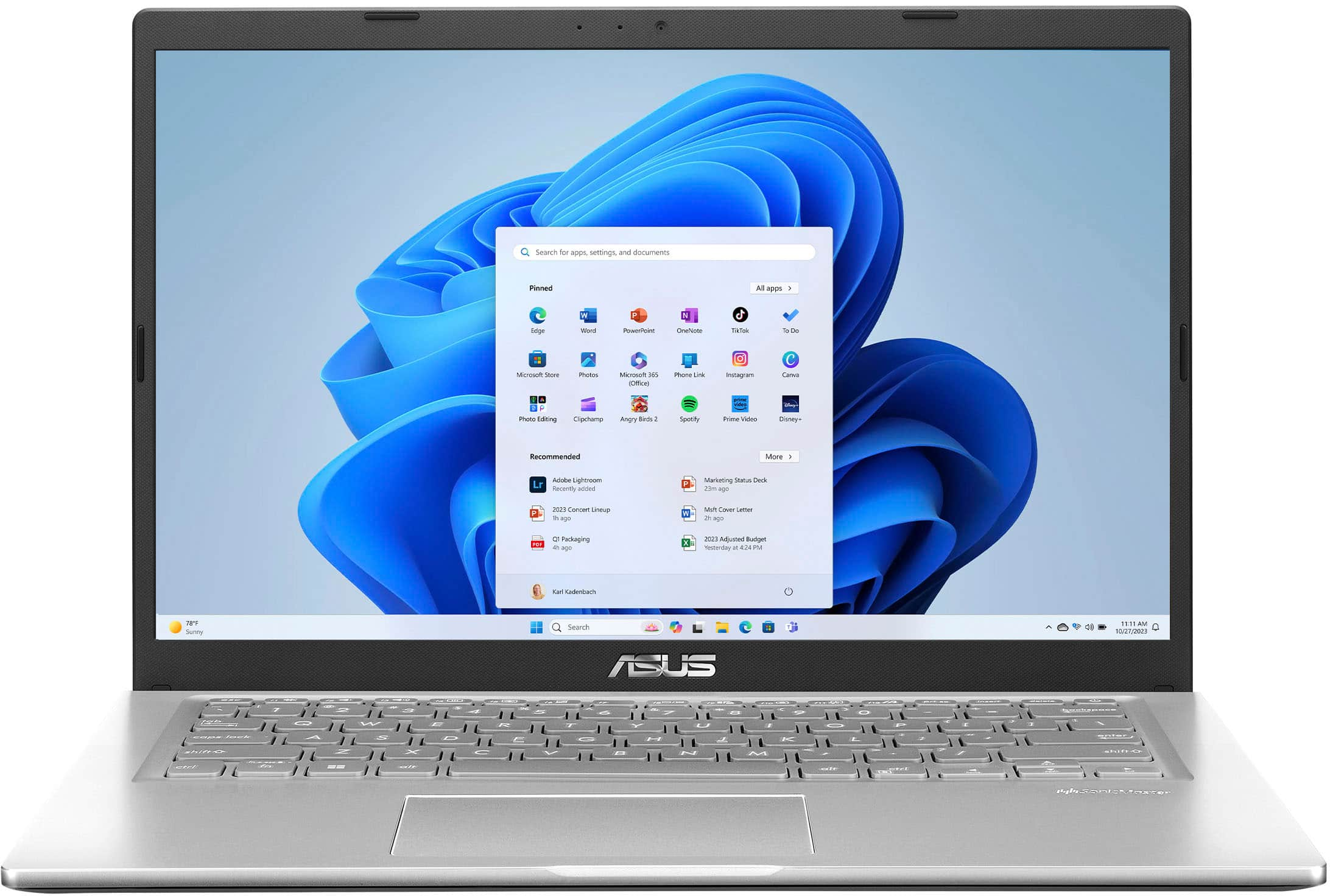
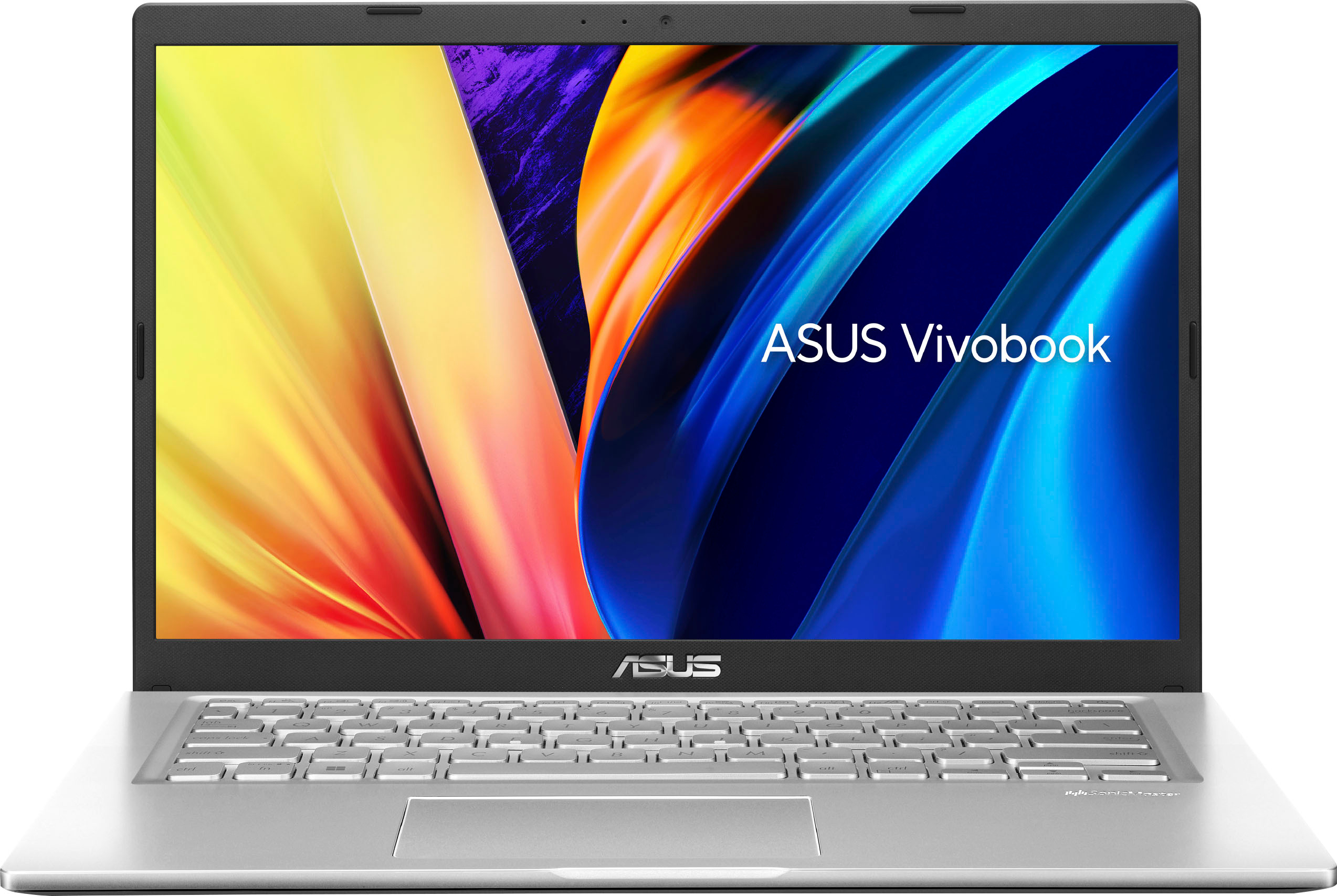
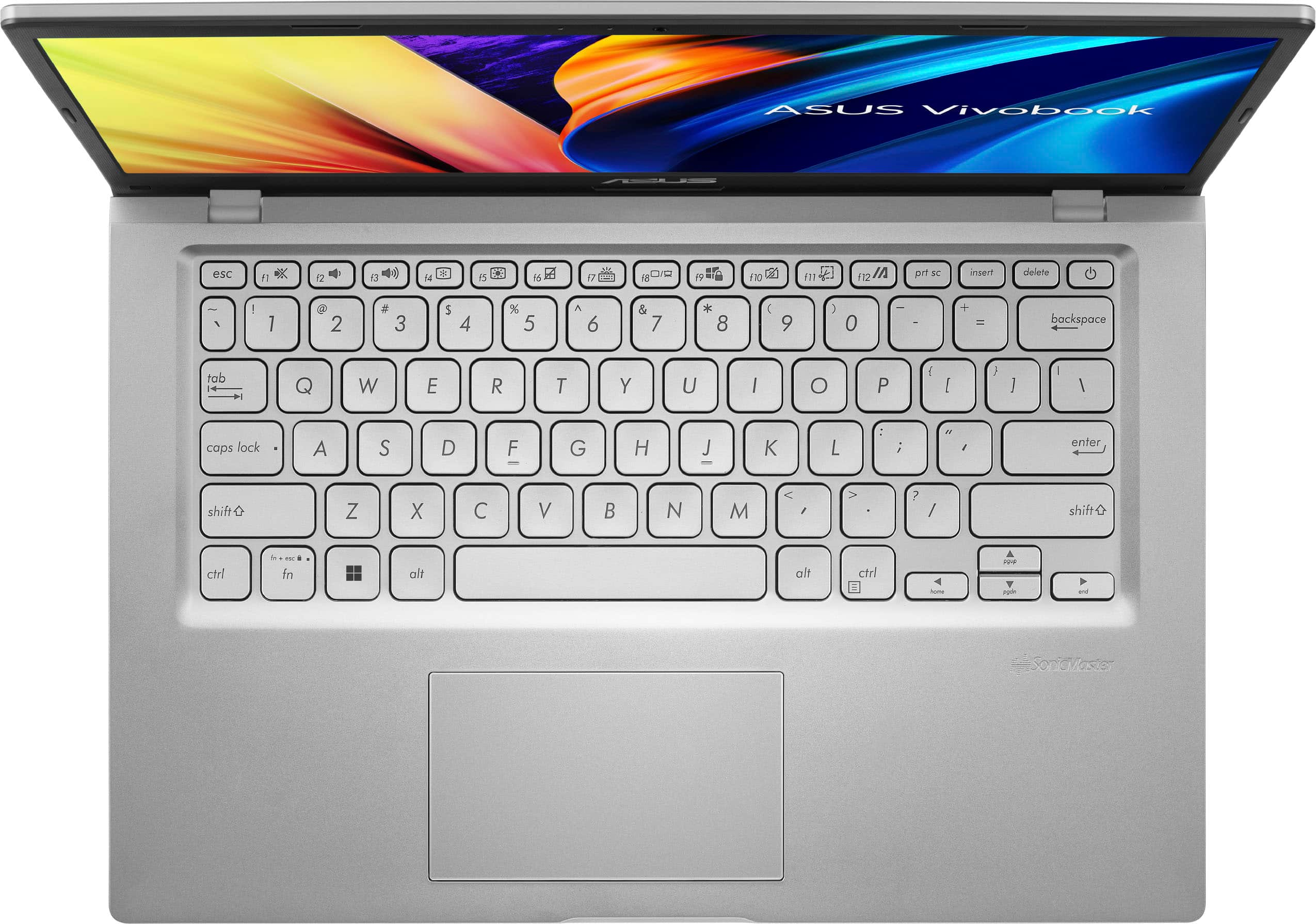
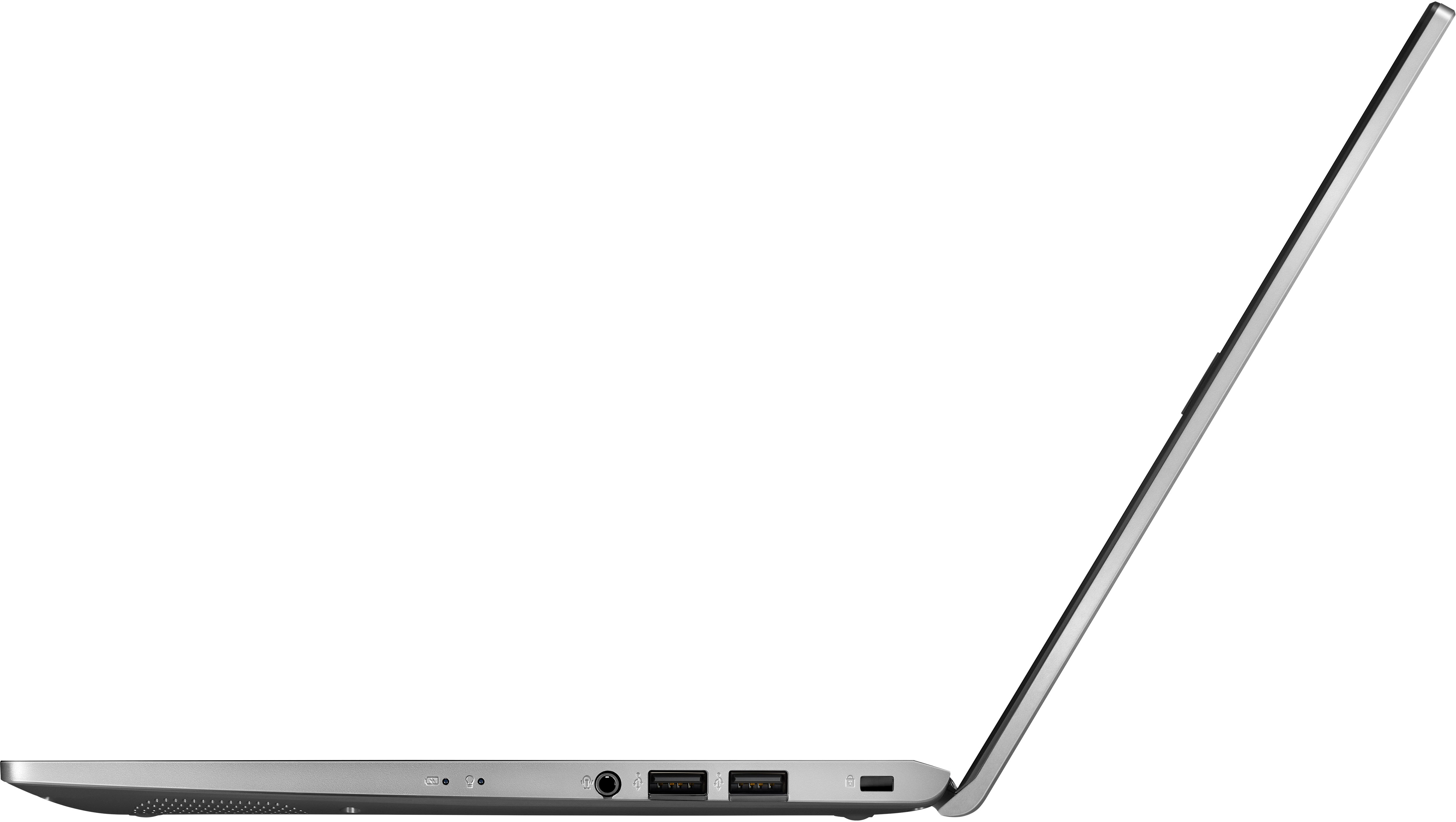
|Posted .This reviewer received promo considerations or sweepstakes entry for writing a review.This is a review for the ASUS Vivobook 14” base model part number X1400EA-I38128, to make sure we’re talking about the right machine. The Vivobook line has a lot of options and sizes. I got this little laptop specifically to check out how mainstream low-end machines have progressed since the last “thin and light” machine I had which was then called a “netbook”. This is a real laptop rather than a netbook or Chromebook style machine with bottom of the barrel components and questionable functionality. The look of the machine is clean and uncluttered, all silver/grey with a dark grey border around the screen which is nice as it adds the appearance of more contrast on the display. The paint is thin and fragile, scratches extremely easily and shows fingerprints strangely well for a silver finish. There is noticeable chassis flex when lifting the laptop or using it on my lap. When the screen is closed it does firm up a bit, but this doesn’t feel like a machine that will take much physical abuse, it almost feels fragile. The keyboard is a usual compromise for a 14” laptop (most, at least), slightly cramped, especially the top row where the volume control and other shortcut keys are located. It seems to require looking down at the keys to make sure of what I’m pressing. At least backspace and tab are fairly full sized. I consider a backlit keyboard table stakes on a laptop now, so it’s right about inexcusable in 2023 to skimp there… The display panel is a dim, low contrast, low viewing angle TN panel, at low resolution. Text and graphics are rendered fairly well, but it’s so dim I’ve had to turn off a lamp to get more contrast while typing this review. It washes out almost completely in sunlight. I was disappointed in the display, it’s exactly as good as the Gateway laptop I bought 15 years ago and that’s not a compliment. Hardware specs are about what one would expect at this price point-an Intel Core i3 dual core/4 thread low power mobile processor, 8 GB of RAM and 128GB of NVMe storage. It is enough to run Windows 11, office apps, web browsing, and very light gaming. Make no mistake, even though the little Best Buy processor ranking graphic says “Medium”, this is a low-end chip designed to sip power. It works fine for everyday office tasks, but even if you upgrade this laptop to max RAM and install large, fast storage- it’s not going to game well or run muti-threaded photography or video software very well. Peripheral connectivity is good with three USB-A (original flavor) ports, one being USB 3, and one USB-C port, HDMI, and a headphone jack. The USB ports on the right side are USB 2 speed, so they would be useful to connect keyboards or mice or thumb drives with small files. The left side ports are USB 3.2, which are very fast ports that are great to use with external hard drives or other devices that need more power to run or charge. This laptop will not charge via USB-C, which means you need to keep the 45-watt proprietary charger handy. Sound is very good off the headphone jack with my Koss Porta-Pros plugged in. The speakers are not as bad as I expected, they’re fine for watching videos or TV shows, they have a wide soundstage, but they’re teeny laptop speakers, so they don’t have much(any) bass or real range for music listening. In everyday use, primarily web browsing, I found this machine would seem to just stop responding for very short periods of time, it feels like clumsy processor throttling, so I’ll blame Microsoft or Intel and not the ASUS add-on software that seems to have a few little hardware tweaks available. I did a few small projects in Affinity Photo and the laptop ran everything well with no strange hiccups or stuttering. I think maybe a couple of tweaks in the power management might get a little more, but I doubt it’s worth the bother. This model of the Vivobook does not have the fingerprint reader, the trackpad based numpad, or backlit keyboard, all of which are features that make a Vivobook more unique and useful. Without any of these features available, I don’t think the price is fair for the amount of laptop you get. I would not recommend this particular model of the ASUS Vivobook, but there are many other more full featured models that are worth consideration and offer a better value than this stripped down version.
No, I would not recommend this to a friendBrand response from ASUS Answers
Posted .Dear Buddy Brown,
We appreciate you sharing your feedback on this model. We hope that in time you will be able to use the unit and be satisfied with your purchase. We do value our customers and take negative customer service experience very seriously.
If you should have any other concerns or feedback feel free to reach out to us at customerloyalty@asus.com. We'll be happy to provide a quick resolution to your case. Please refer to this case number (N2304031001-0006) for us to better assist you.
Thank you for choosing ASUS!
Best Regards,
Saskeia
ASUS Customer Loyalty US Support
My fave new Laptop
Posted .This reviewer received promo considerations or sweepstakes entry for writing a review.I love my purchase because it was what I was looking for in a laptop that was contingent on me. I do appreciate the payment option that I have in paying $29 a month, which I can manage.
I would recommend this to a friendCan’t beat the price
Posted .This reviewer received promo considerations or sweepstakes entry for writing a review.Extremely good for what we want on are church and she’s fast,external hard drive and jus amazing for the price
I would recommend this to a friendGreat School Laptop
Posted .This reviewer received promo considerations or sweepstakes entry for writing a review.Excellent laptop for school use (what I will be using it for). Has all the features you need plus light weight and long battery life!
I would recommend this to a friend- Pros mentioned:Price
Good product
Posted .This reviewer received promo considerations or sweepstakes entry for writing a review.This a good laptop for the price. Works well for my school load and other use as well.
I would recommend this to a friend - Cons mentioned:Touch screen
computer
Posted .This reviewer received promo considerations or sweepstakes entry for writing a review.it works fine however the battiery does not last long like hp and the screan is not as clear as hp
I would recommend this to a friend - Pros mentioned:Speed
High Tech Quality.
Posted .This reviewer received promo considerations or sweepstakes entry for writing a review.It was fast and superb, easy and very sensitive to touch.
I would recommend this to a friend - Pros mentioned:Performance
Asus laptop
Posted .This reviewer received promo considerations or sweepstakes entry for writing a review.Incredible value...great running laptop...replaced Lenovo laptop very pleased
I would recommend this to a friend