Customer Ratings & Reviews
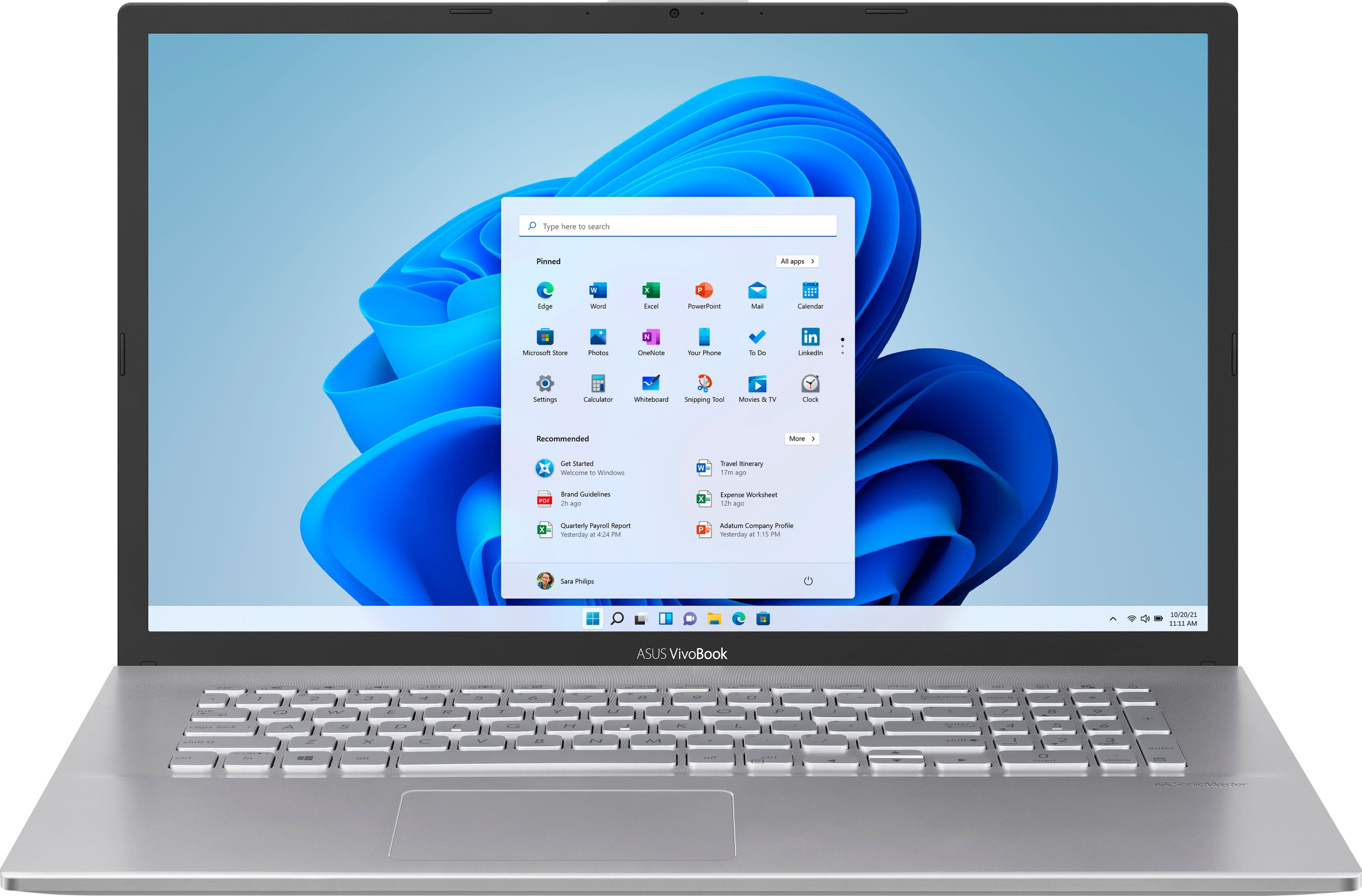
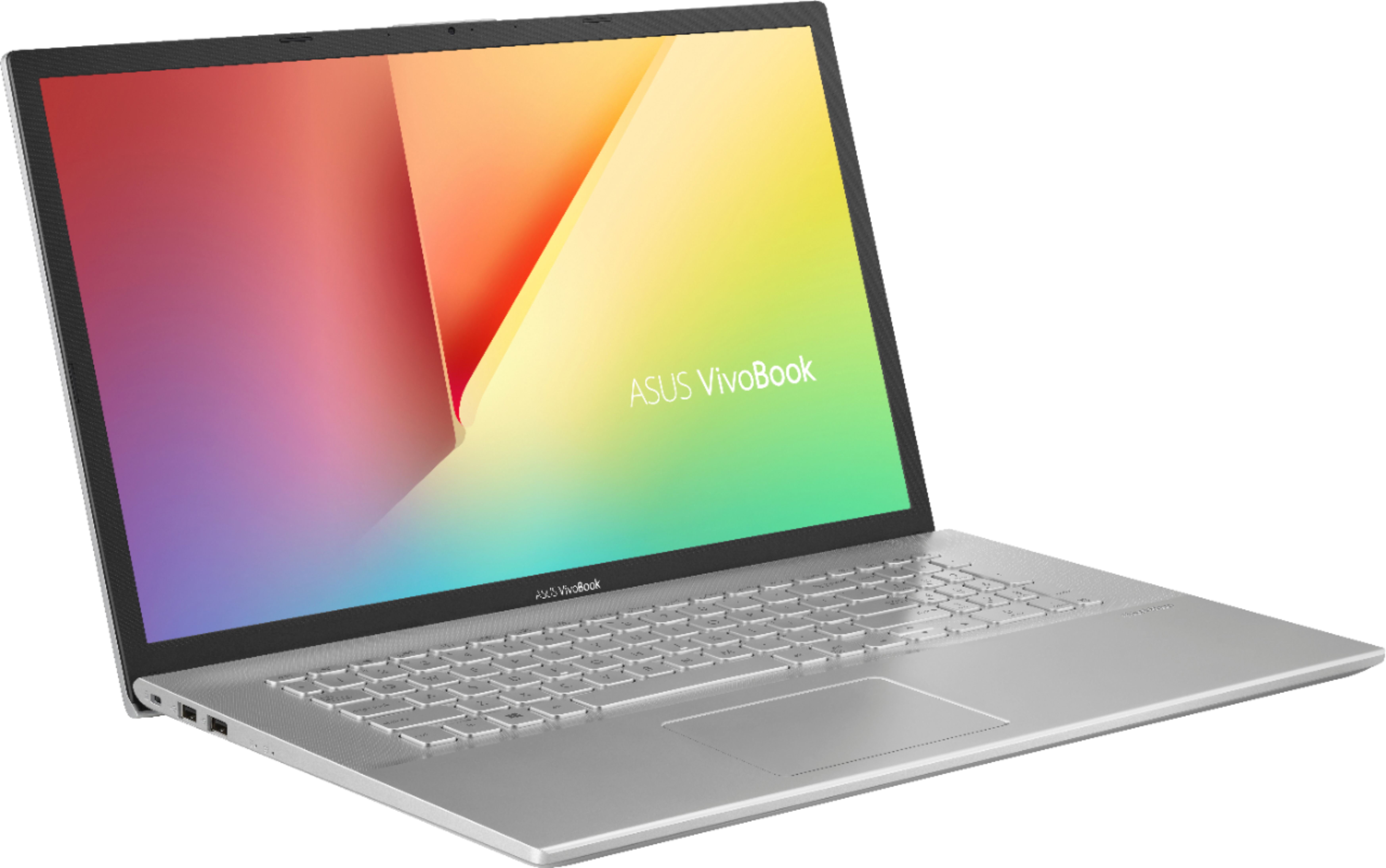
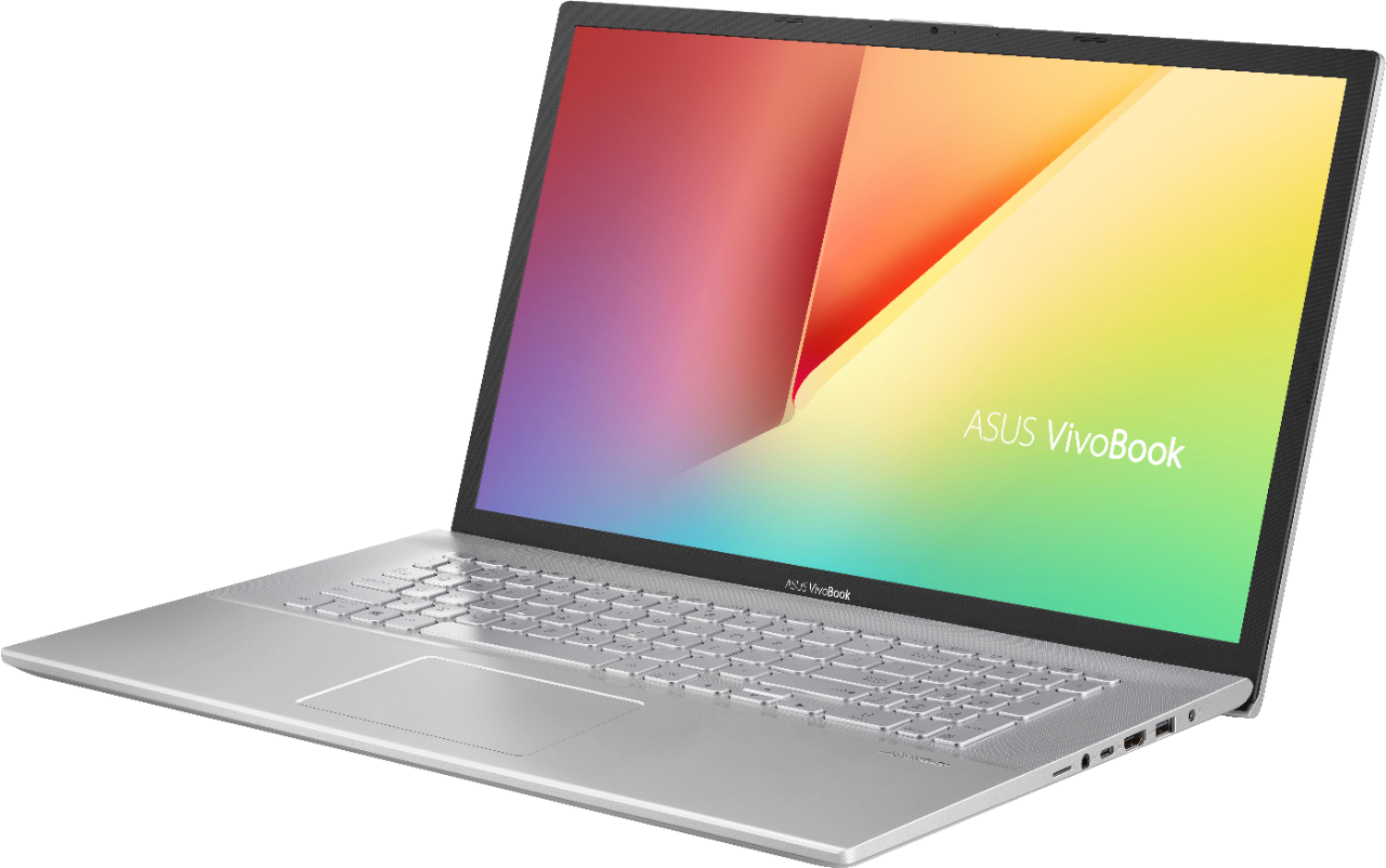

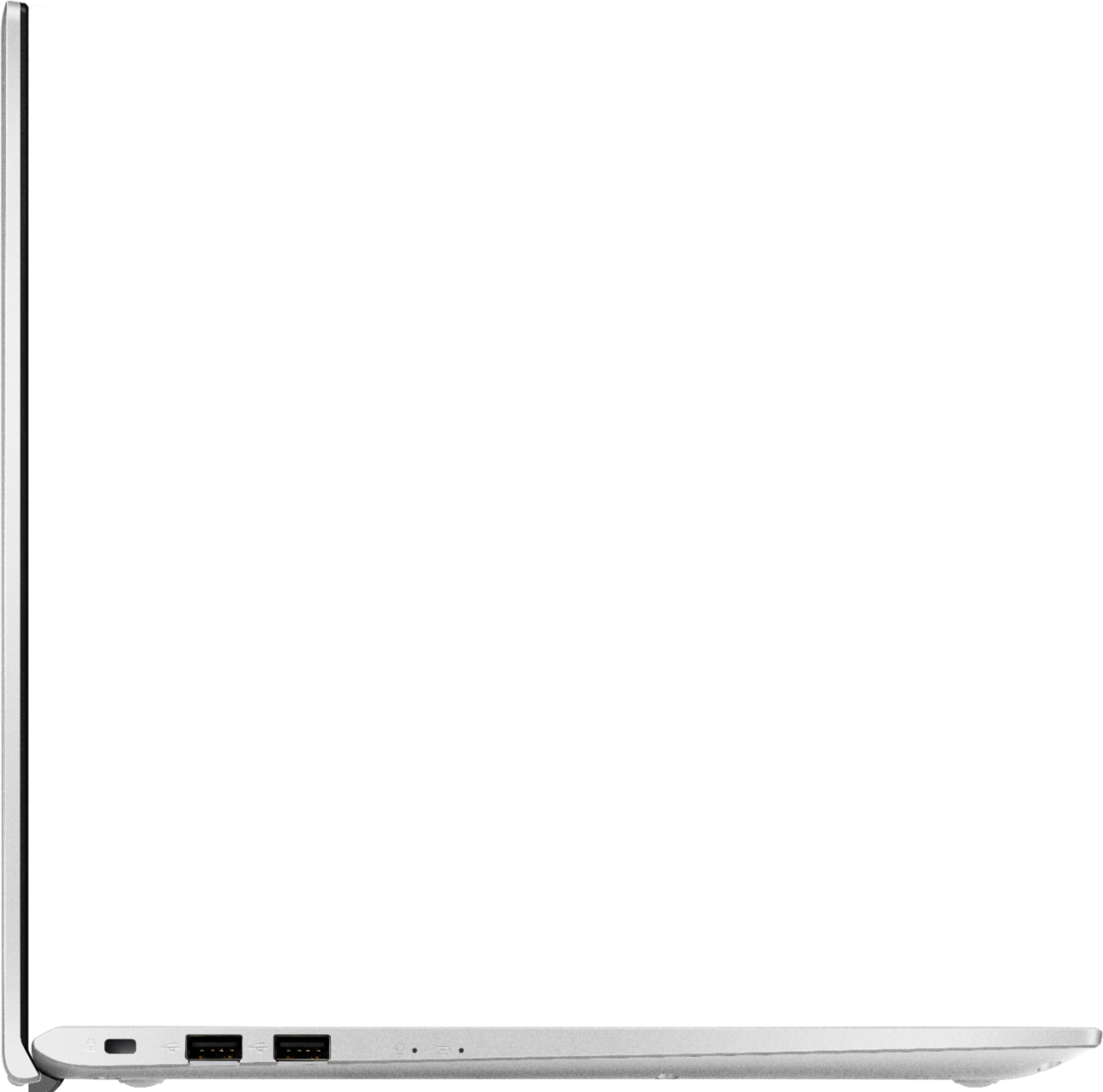



- Model:
- X712DA-202.MV
- SKU:
- 6425900
Rating by feature
- Battery Life
Rating 4.2 out of 5 stars
- Speed
Rating 4.3 out of 5 stars
- Display
Rating 4.2 out of 5 stars
Customers are saying

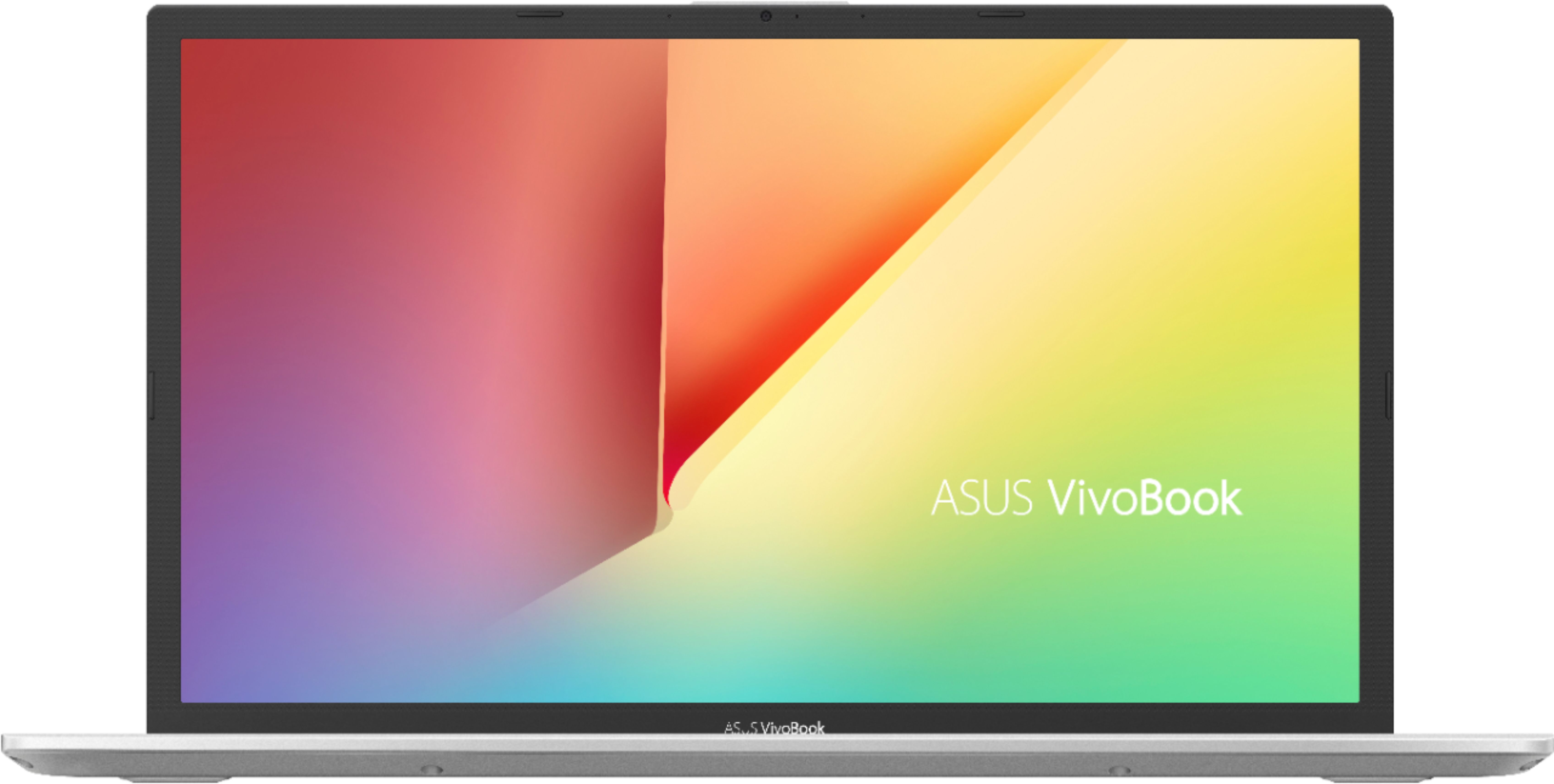
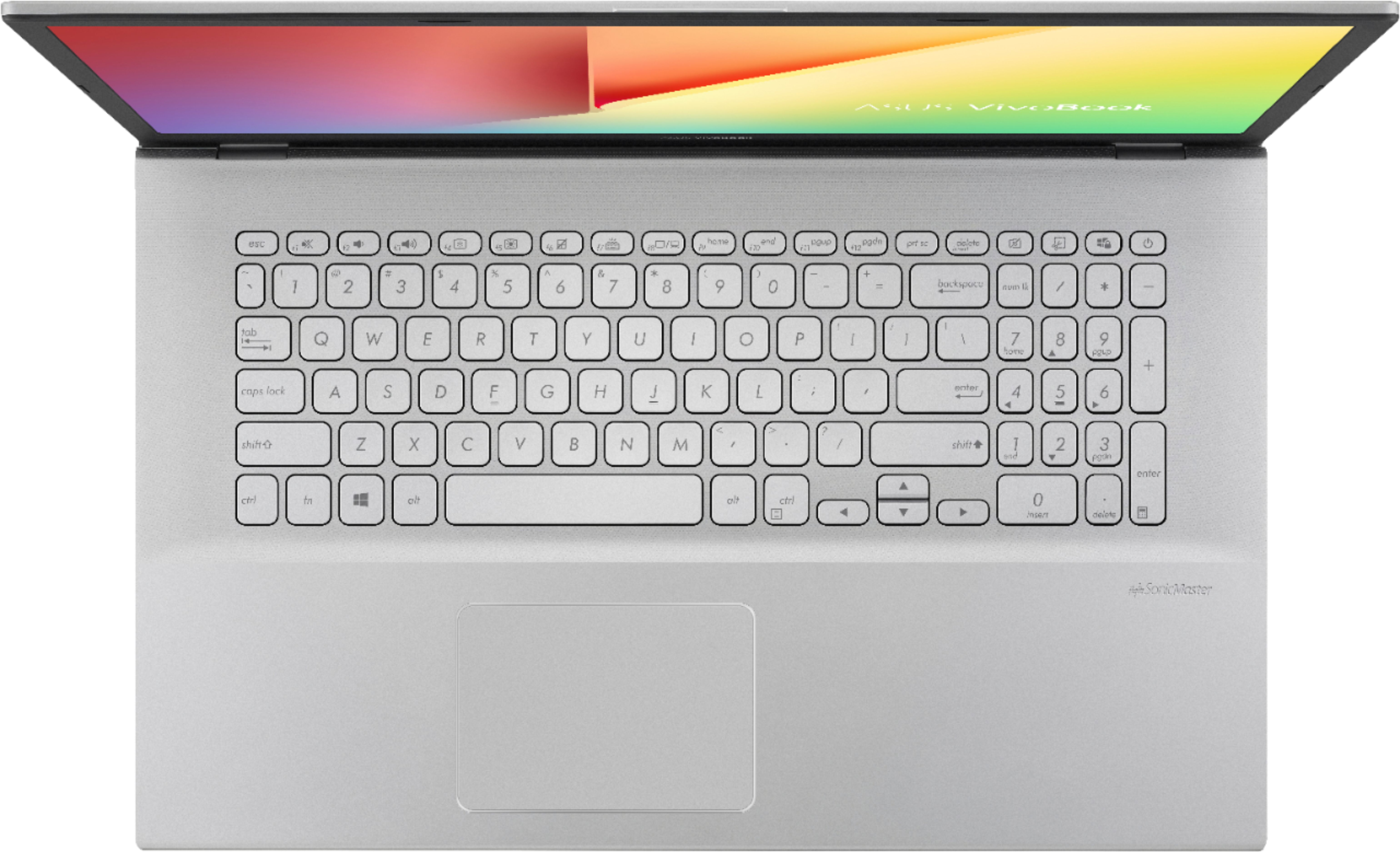
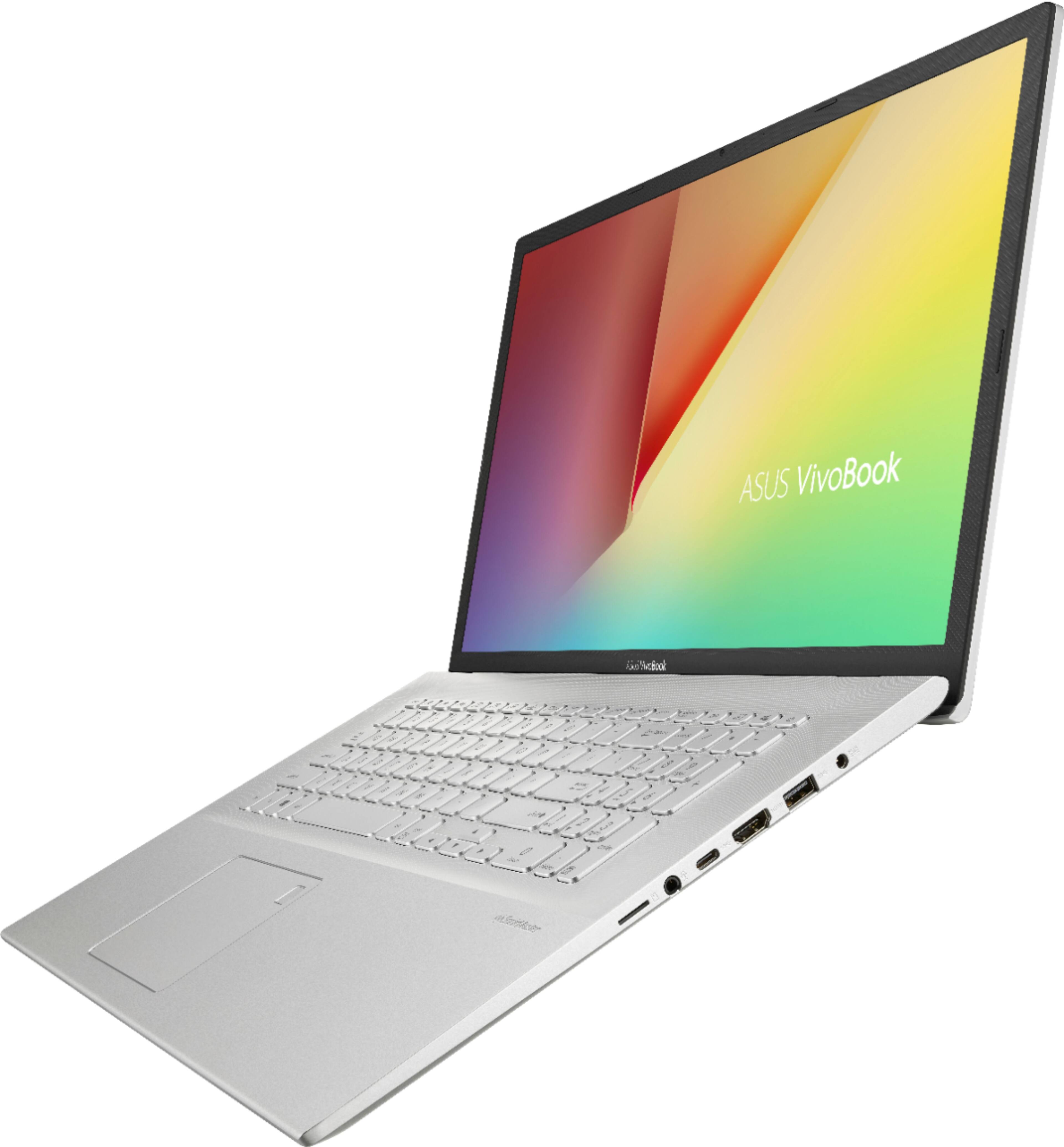
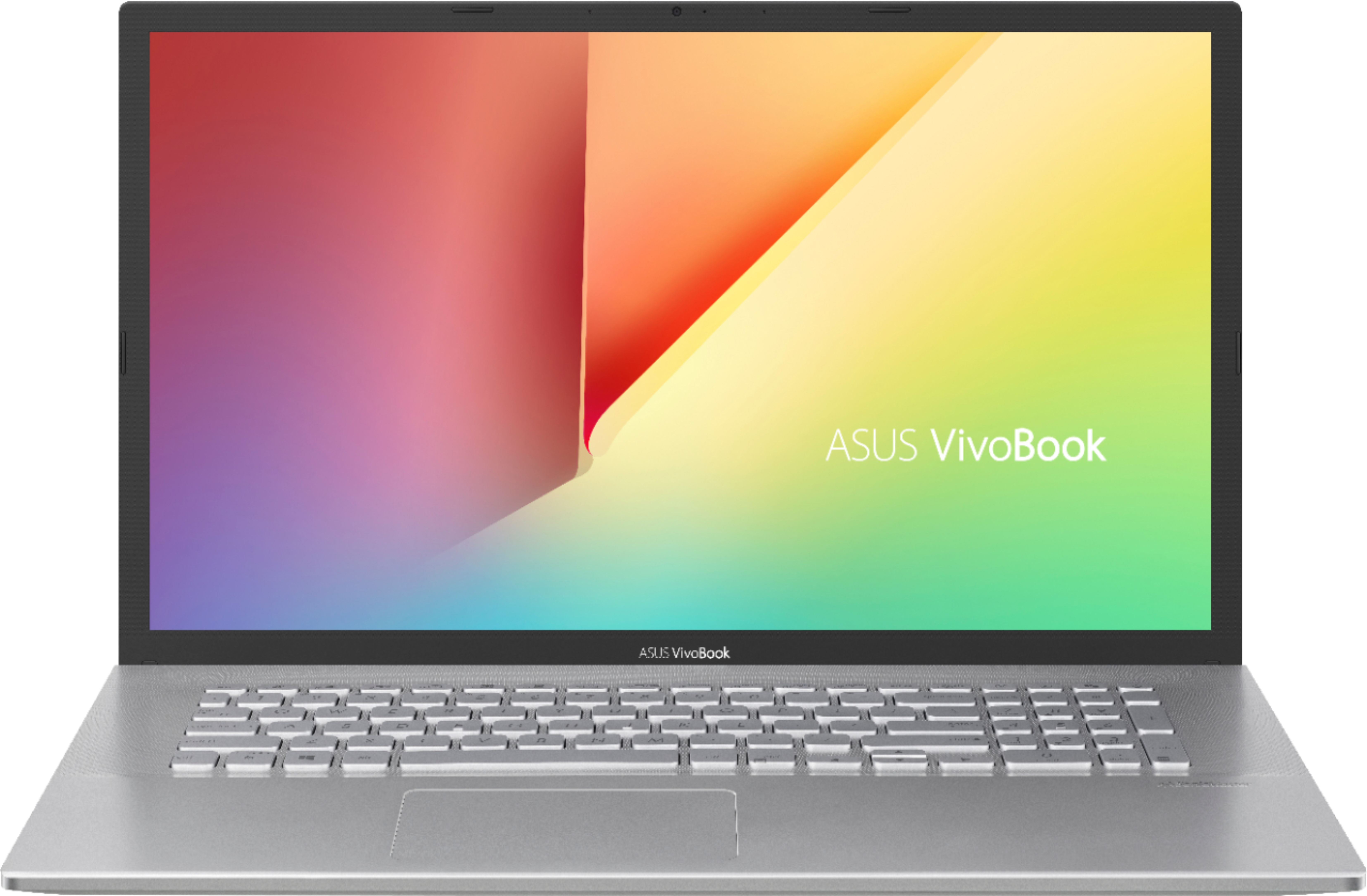
Customers value the Vivobook's large screen size, affordable price, and easy-to-use interface. However, they criticize its keyboard's poor visibility, short battery life, and difficult-to-see keys.
This summary was generated by AI based on customer reviews.
- Pros mentioned:Screen size
if you can't see what is on the screen get glasses
Posted .This reviewer received promo considerations or sweepstakes entry for writing a review.great laptop almost runs it self 17.3 screen great
I would recommend this to a friend Good, but poor audio
Posted .This reviewer received promo considerations or sweepstakes entry for writing a review.For the price of the laptop, I expected a bit more. The video quality is good, so is the response time. The keys are comfortable to type on, but the audio is horrible. I have to put the audio to 100 to hear most of my lectures. When I tested on my old laptop, the quality is much clearer and I don't have to have the volume so high. I wish I would've stayed with a Lenovo.
No, I would not recommend this to a friendBrand response from ASUS Answers
Posted .Dear Kyoshi,
We are terribly sorry for the sound quality of the device and for the inconvenience this has caused you. ASUS products undergo intensive quality control testing and final inspections for both hardware and software before we send them out to the stores worldwide. ASUS provides a warranty for the unit in order to fix or repair any isolated factory escape defect. This information will be passed on to our development team. We are very happy to assist you. We are recommending to reinstall the audio driver from the ASUS support website.
1. After the download is completed, go to where you saved the folder.
2. Right-click on the folder and choose ''Extract All'' and then choose ''Extract'' again.
3. After all the contents have been extracted, you may delete/disregard the folder with the zip icon.
4. Next, open the SETUP file.
5. Please choose to 'repair' or 'update' the existing installation (driver) if any one of those options does appear in the setup. Finally, restart after the installation is completed.
We truly appreciate your feedback. If you need any further assistance, please don't hesitate to contact us via email: [email protected] and provide this link for reference or contact our general support at https://www.asus.com/us/support. Our customer loyalty department is dedicated to bringing a resolution to all issues related to our products.
Thank you for choosing ASUS!
Best Regards,
Lamoya
ASUS Customer Loyalty US Support
terrible display, sub-par cpu
Posted .This reviewer received promo considerations or sweepstakes entry for writing a review.terrible 1600x900 display on this laptop. on a 17" laptop, 1600x900 means terrible resolution. display also has terrible viewing angles. weak AMD Ryzen™ 7 3700U processor as well. we returned this within a couple of hours of buying it - not even worth the steeply discounted price it was available at.
No, I would not recommend this to a friendBrand response from ASUS Answers
Posted .Dear Exliontamer,
We are truly sorry for the issue you've had with the device display screen and for the inconvenience, this has caused you. ASUS products undergo intensive quality control testing and final inspections for both hardware and software before we send them out to the stores worldwide. ASUS provides a warranty for the unit in order to fix or repair any isolated factory escape defect. This information will be passed on to our development team. We would be very happy to assist you.
We truly appreciate your feedback. If you need any assistance, please don't hesitate to contact us via email: customerloyalty@asus.com and provide this link for reference or contact our general support at https://www.asus.com/us/support. Our customer loyalty department is dedicated to bringing a resolution to all issues related to our products.
Thank you for choosing ASUS!
Best Regards,
Lamoya
ASUS Customer Loyalty US Support