Customer Ratings & Reviews
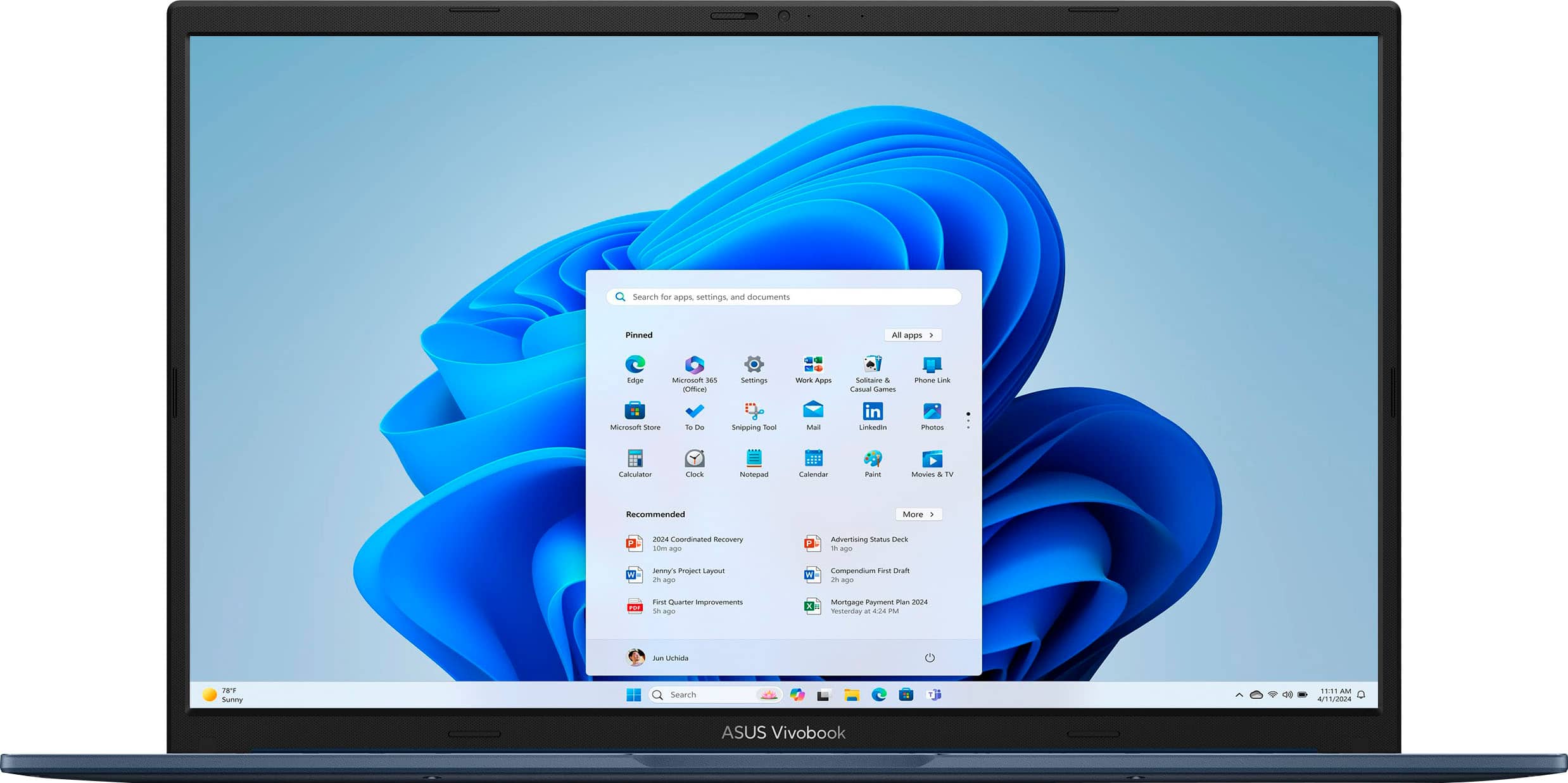
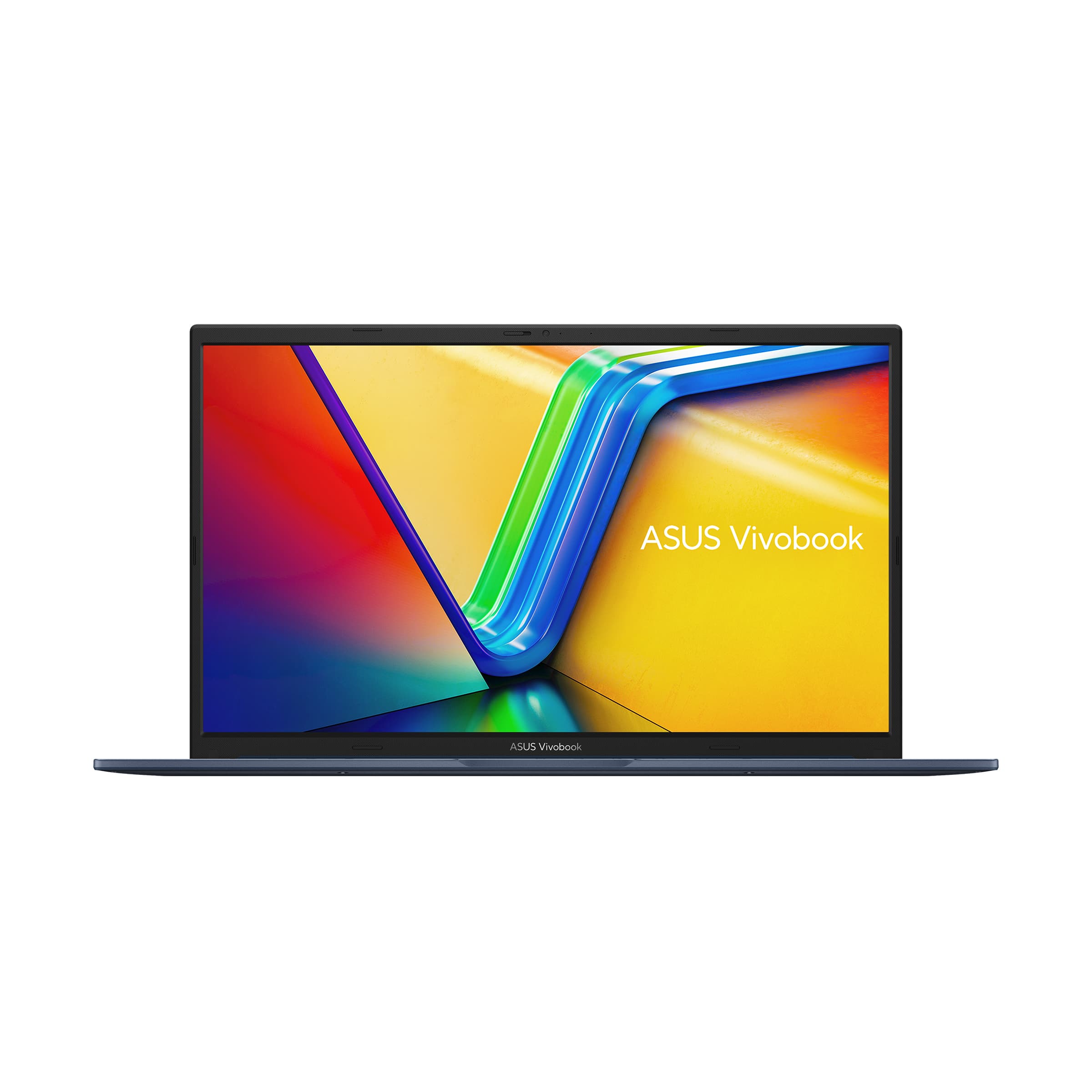
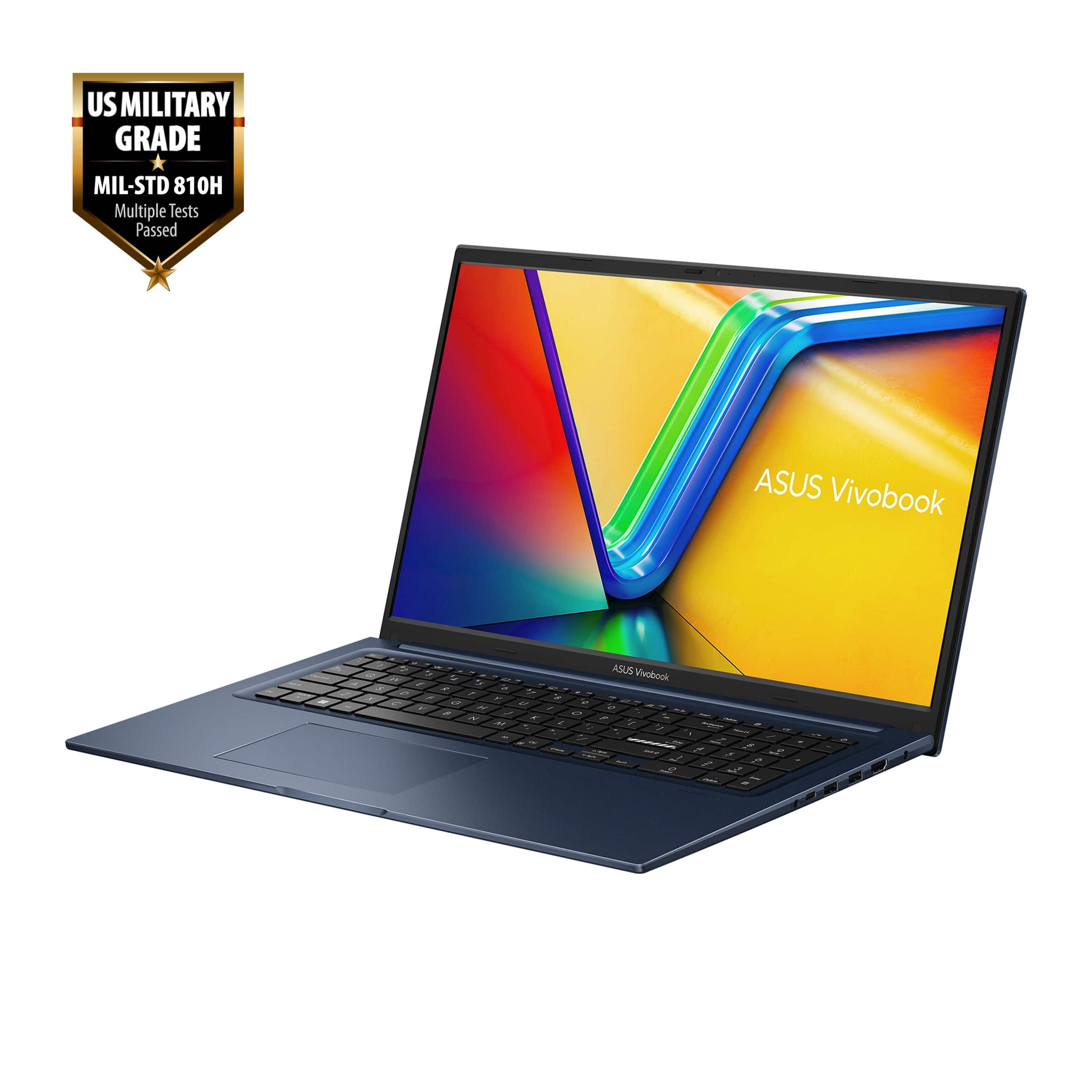
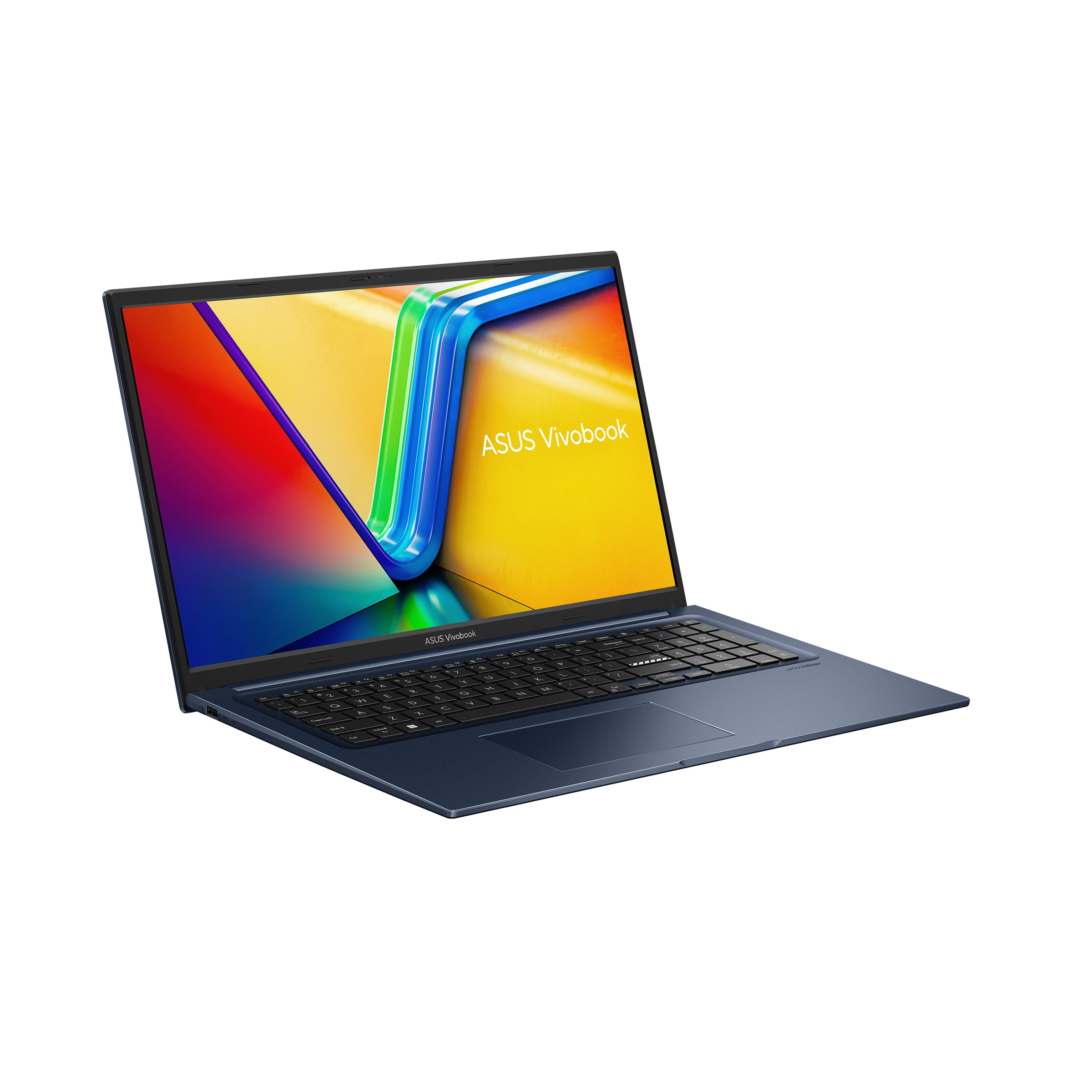
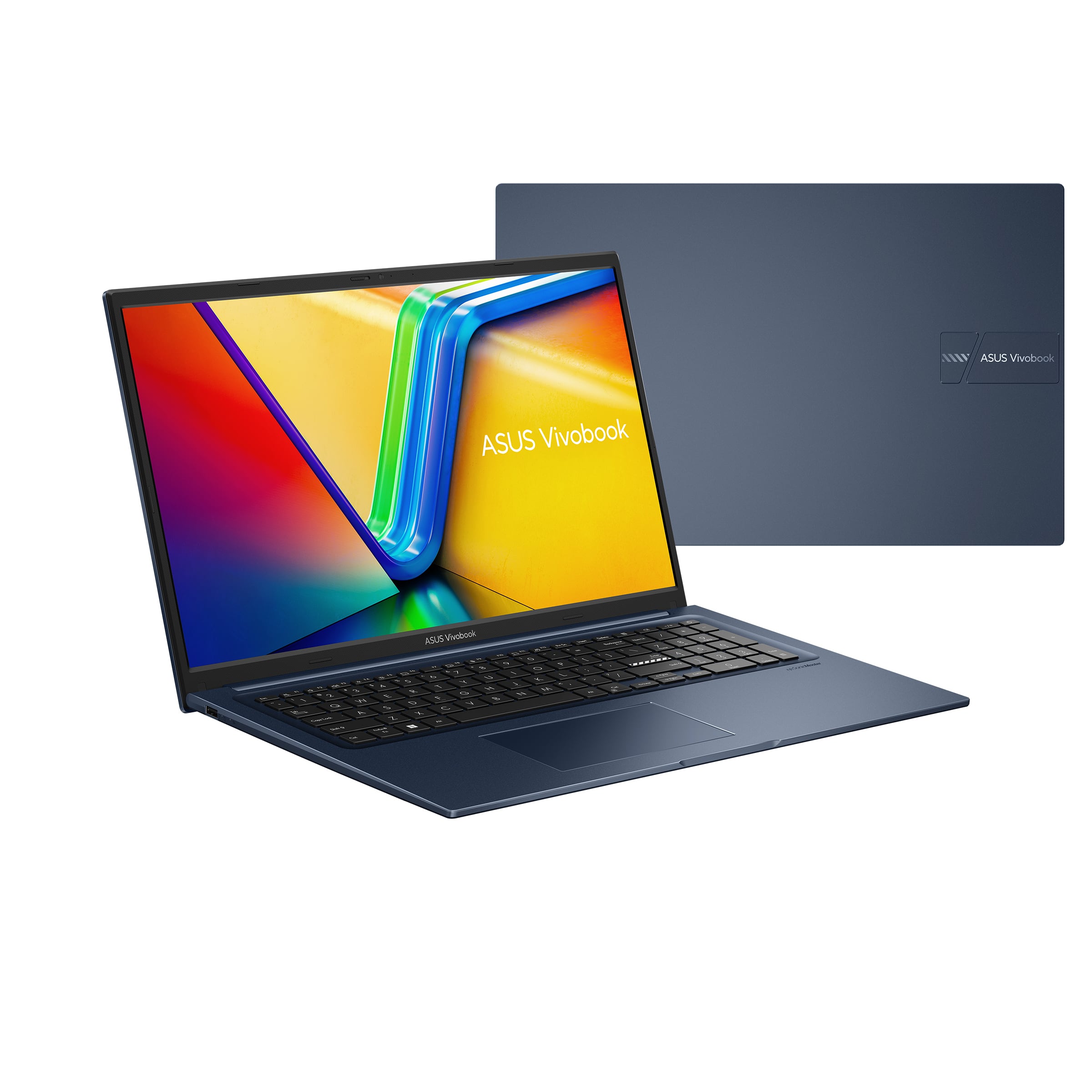
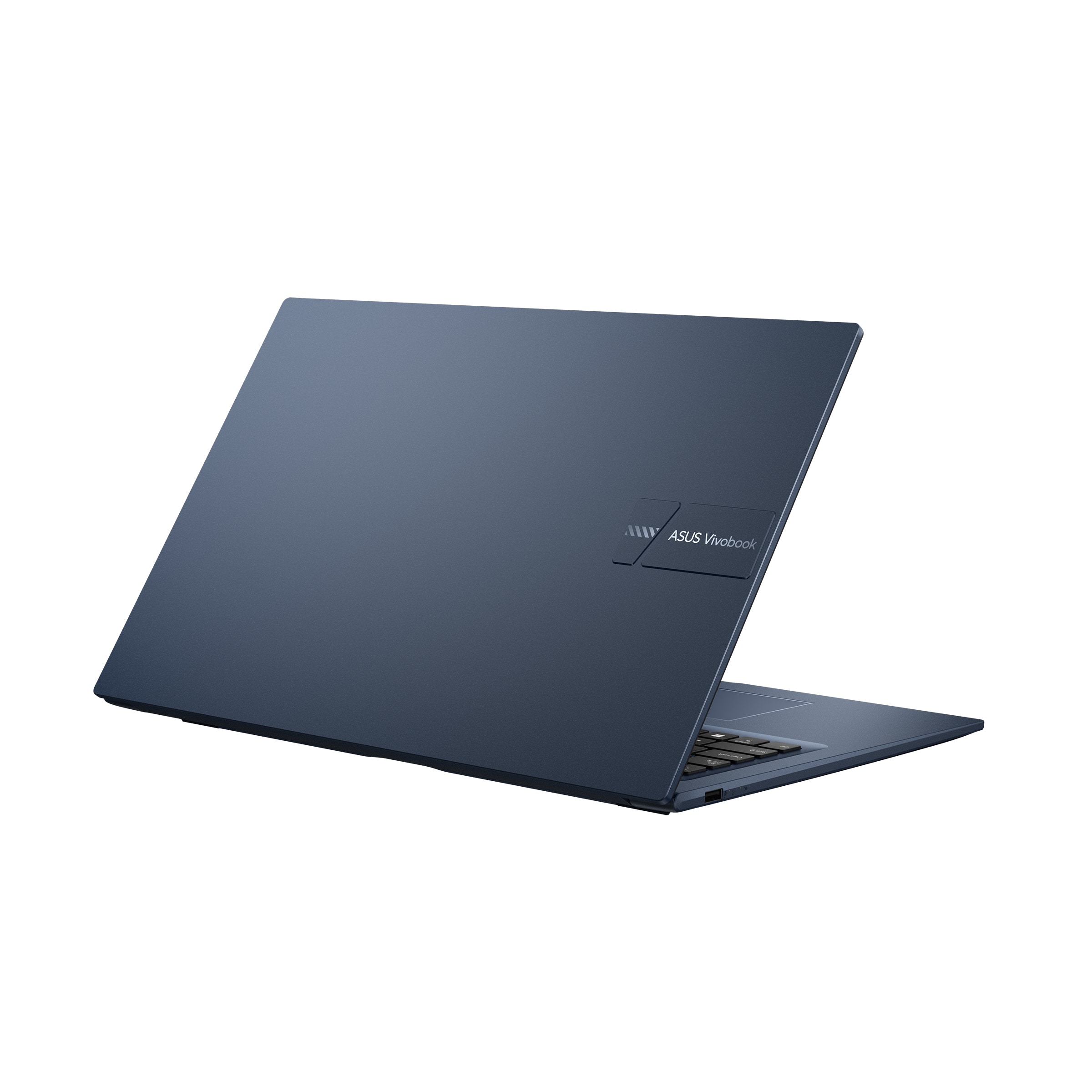
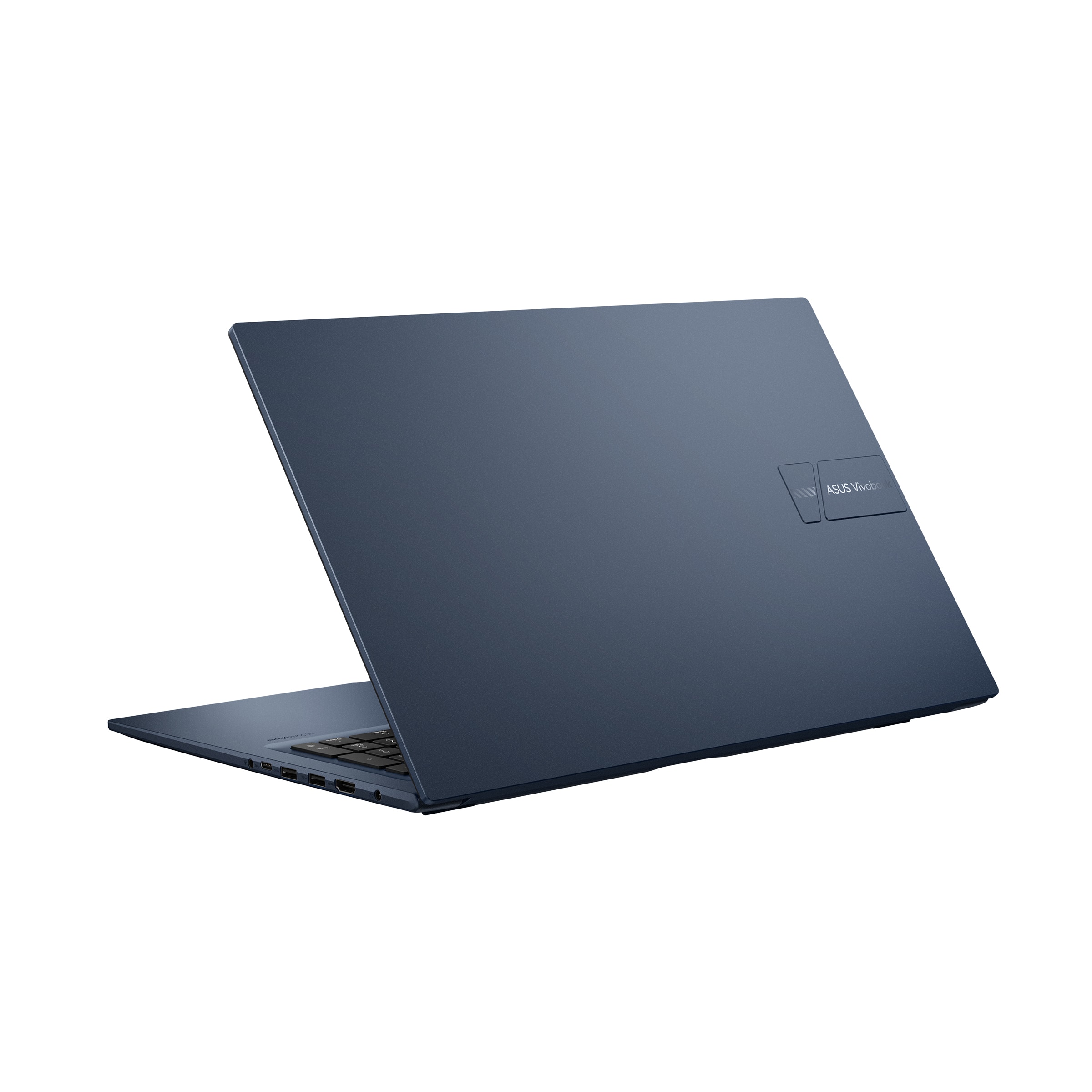
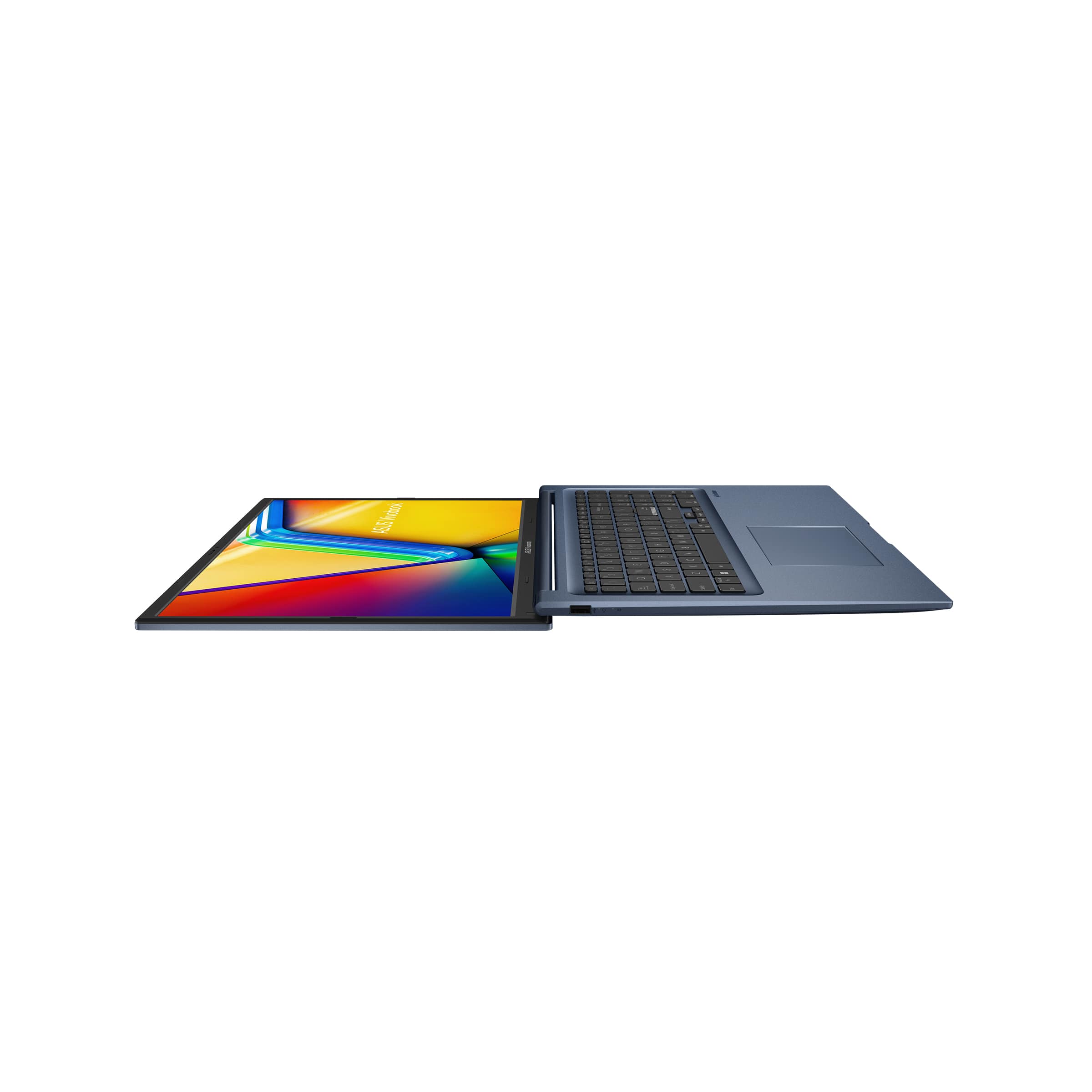
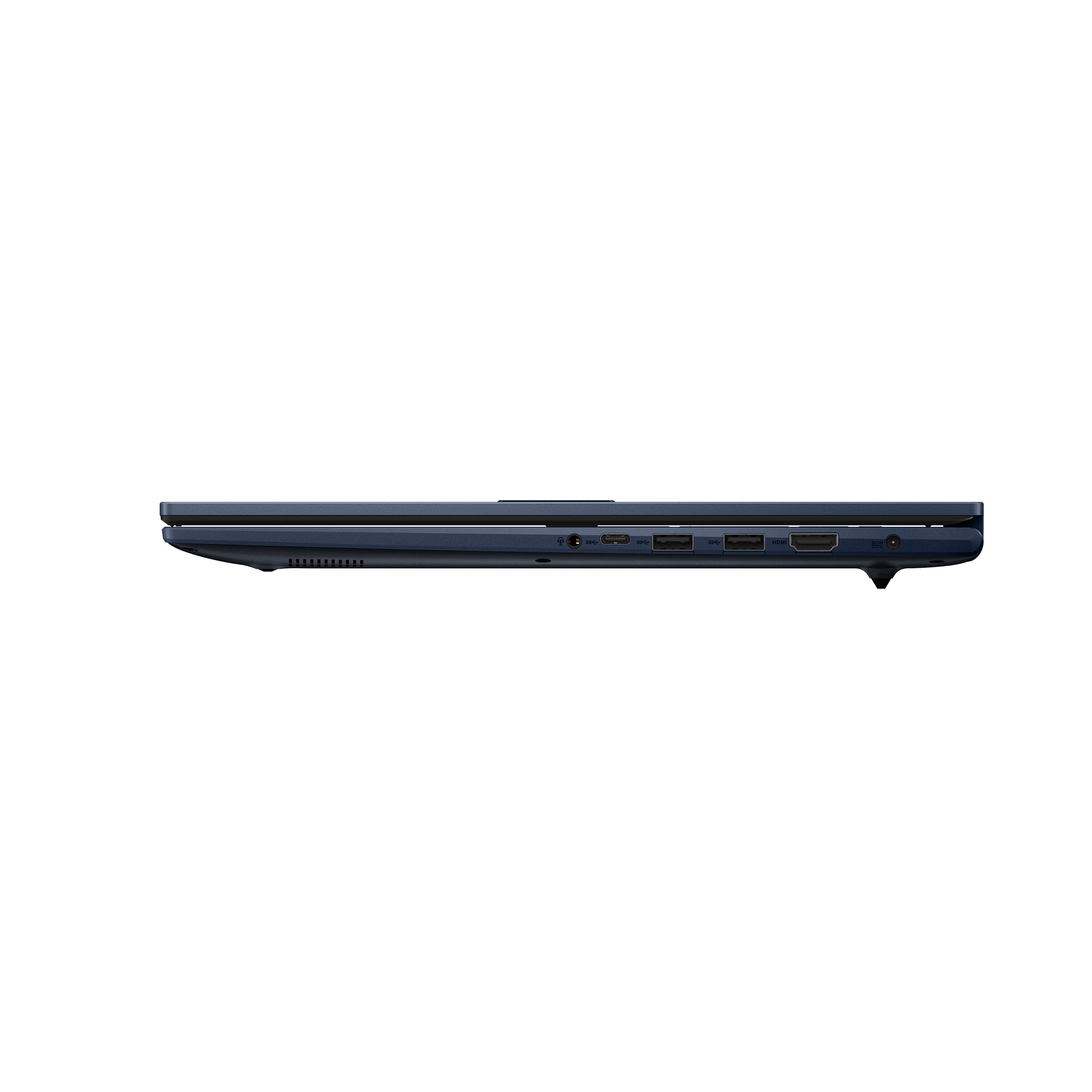
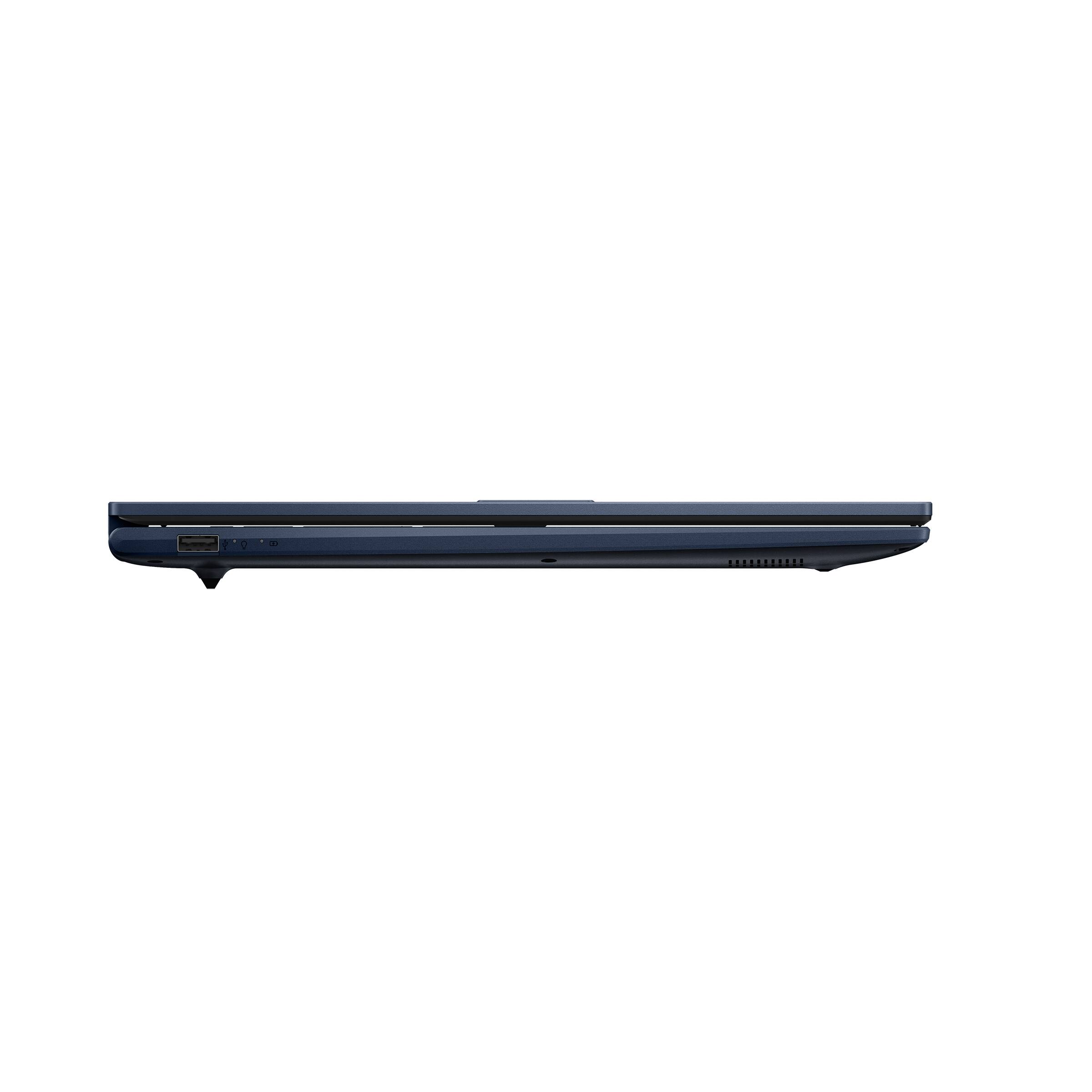
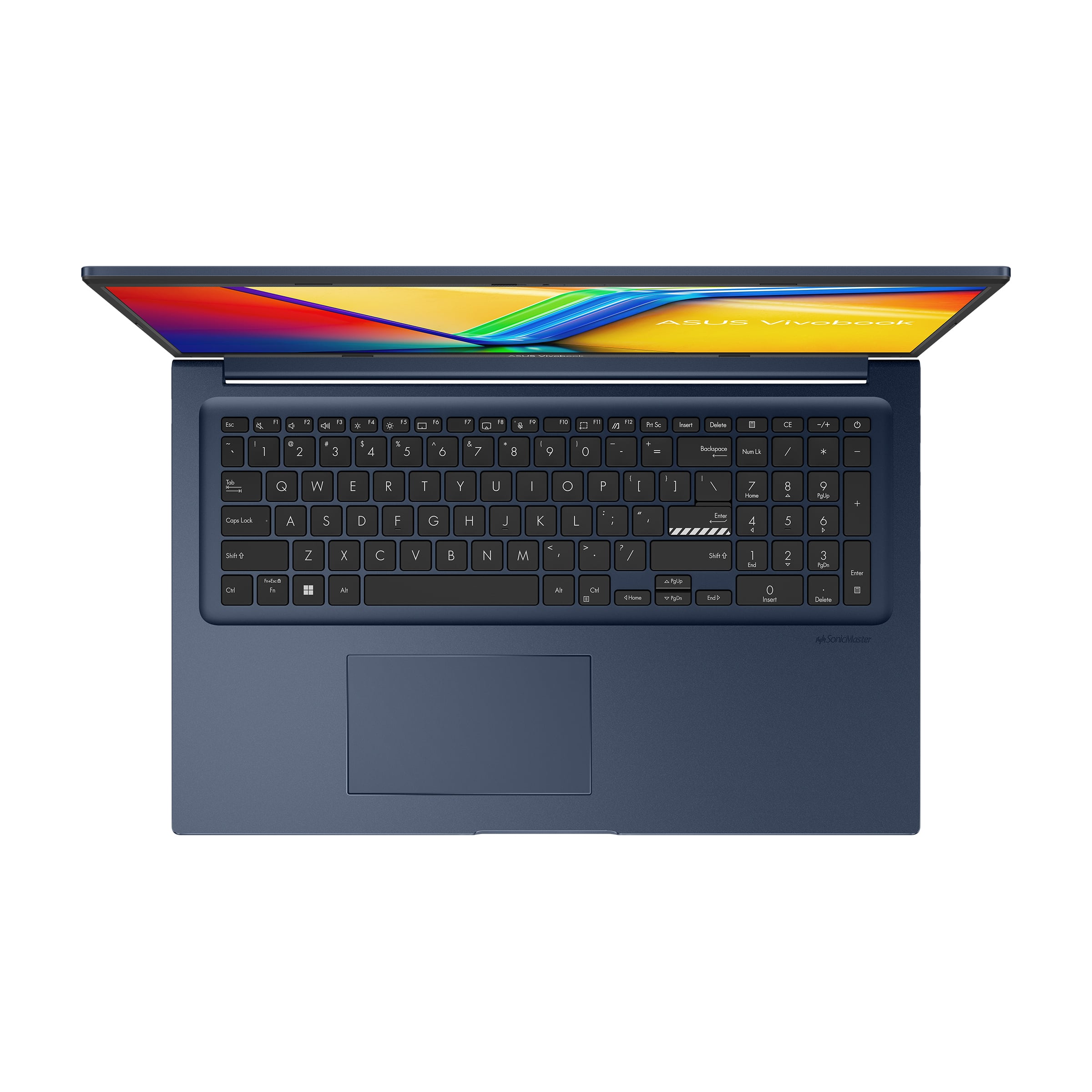

- Model:
- X1704ZA-I38512
- SKU:
- 10565304
Rating by feature
- Battery Life
Rating 4.4 out of 5 stars
- Speed
Rating 4.5 out of 5 stars
- Display
Rating 4.7 out of 5 stars
THE MOUSE PAD IS GOT STUCK ALL THE TIME
||Posted . Owned for 1 year when reviewed.This reviewer received promo considerations or sweepstakes entry for writing a review.Nice thin design and good screen size, but the build feels flimsy. The mouse tracking keeps getting stuck, which makes it really frustrating to use
No, I would not recommend this to a friendNot good for general use
||Posted . Owned for 2 months when reviewed.This reviewer received promo considerations or sweepstakes entry for writing a review.it seemed good when I was logging in. I was hoping this would be a decent work laptop, but it couldn’t even load its own settings menu. I thought it was a fluke so I restarted it and it still got stuck on this screen. It also flashed blue several times and turned very sluggish. I gave up and packed this thing back up for return
No, I would not recommend this to a friendBrand response from ASUS Answers
Posted .Dear Julian,
Thank you for your feedback regarding the ASUS X1704ZA Laptop. We’re sorry to hear about the challenges you experienced and understand how disappointing that must have been. We acknowledge that the unit was returned and hope that you were able to obtain a functional replacement.
We stand behind our products and continuously strive to improve our products and processes to achieve customer service excellence. If you require any further assistance, please email us at customerloyalty@asus.com and include the case number "N2502012137-0007" as a reference. We will do our best to resolve your case quickly. Your feedback is very important to us, and it enables us to improve our support channels. Thank you for choosing ASUS.
Best Regards,
Chantae
ASUS Customer Loyalty US Support
not good option for everyday use
||Posted . Owned for 1 week when reviewed.This reviewer received promo considerations or sweepstakes entry for writing a review.not a very good choice for everyday use, but a good choice for minimal work and school work, id recommend another option
No, I would not recommend this to a friendBrand response from ASUS Answers
Posted .Dear Sweetg,
Thank you for sharing your comments regarding the ASUS Vivobook 17 Laptop. We understand that it didn't meet your full expectations, and we sincerely apologize for that as we do understand your concerns. We are committed to providing our customers with the highest-quality products and we will forward your review to our Product team for review.
We stand behind our products and continuously strive to improve our products and processes to achieve customer service excellence. If you require any further assistance, please email us at customerloyalty@asus.com and include the case number "N2412015960-0004" as a reference. We will do our best to resolve your case quickly. Your feedback is very important to us and enables us to improve our support channels. Thank you for choosing ASUS.
Best Regards,
Chantae
ASUS Customer Loyalty US Support
I was disappointed with Best Buy
||Posted .This reviewer received promo considerations or sweepstakes entry for writing a review.I very disappointed with Best Buy. I purchased this computer and after 17 day it was give me trouble. I call Best Buy and was told that i only had 15 days to return it.
No, I would not recommend this to a friendBrand response from ASUS Answers
Posted .Dear AngeliaS,
Thank you for your comment.
We do understand your dissatisfaction with the quality of your recent customer service experience from your seller and the inconvenience this may have caused. Reseller usually provides a 15 days return window. If you are exeperiencing issues with this laptop and need further assistance, please email me at cl-rodel@asus.com and I would be more than happy to help. Or, you are most welcome to call Product Support Hotline at: 1(888) 678-3688. Also, you can chat with an ASUS live support agent from the link: https://www.asus.com/us/support/article/1135/.
Thank you for choosing an ASUS product.
Regards,
Rodel
ASUS Customer Loyalty
Meh
||Posted . Owned for 1 month when reviewed.This reviewer received promo considerations or sweepstakes entry for writing a review.ASUS seems to add another level to the login process.
No, I would not recommend this to a friendBrand response from ASUS Answers
Posted .Dear CloudyDay,
We are sorry to hear that you are having trouble logging into the laptop, and we apologize for any inconvenience caused. To troubleshoot this issue, we recommend following the steps in the FAQ below. Should the issue persist, please contact our support team at https://www.asus.com/us/support/CallUs to further investigate the problem.
We stand behind our products and continuously strive to improve our products and processes to achieve customer service excellence. For more information, email us at customerloyalty@asus.com and include the case number "N2412015960-0005" as a reference. We will do our best to resolve your case quickly. Your feedback is very important to us and enables us to improve our support channels. Thank you for choosing ASUS.
Best Regards,
Chantae
ASUS Customer Loyalty US Support
[Windows 11/10] Troubleshooting - PIN (Windows Hello) Login Failed - https://www.asus.com/support/faq/1050249/
Hardware Problems
||Posted .This reviewer received promo considerations or sweepstakes entry for writing a review.Laptop worked for 3 months, used only to access streaming services, and experienced multiple stop codes, and is now bricked. Unknown if it can be repaired.
No, I would not recommend this to a friendBrand response from ASUS Answers
Posted .Dear Anon,
Thank you for sharing your experience with the ASUS X1704ZA laptop. We sincerely apologize for the difficulties you encountered, especially with the device becoming unresponsive after only a few months of use. We understand how frustrating this situation must be.
To further investigate the issue and explore possible repair options, we recommend contacting our support team directly at https://www.asus.com/us/support/CallUs. Our team will be able to provide detailed guidance and assist you with the next steps.
We stand behind our product and we continuously strive to improve our products and processes in order to achieve customer service excellence. For more information send us an email at customerloyalty@asus.com and provide the case number "N2502012137-0009" for reference. We’ll do our best to provide a quick resolution to your case. Your feedback is important as it helps with improvements to ASUS Support channels. Thank you for choosing ASUS.
Best Regards,
Chantae
ASUS Customer Loyalty US Support
Poor quality
||Posted . Owned for 4 months when reviewed.This reviewer received promo considerations or sweepstakes entry for writing a review.This laptop died after the first few months of light use. It will not power on.
No, I would not recommend this to a friendBrand response from ASUS Answers
Posted .Dear OscarV,
We're sorry to hear that your ASUS X1704ZA laptop is not powering on after just a few months of light use and apologize for the inconvenience this has caused. To address the issue, we recommend performing a Hard Reset, which may help restore functionality.
Hard Reset
1. Remove all external devices such as the AC adapter, USB devices, etc.
2. Press and hold the power button for 60 seconds.
3. Reconnect the AC adapter.
4. Turn on the power of the device.
If the problem continues after this step, please contact our support team at https://www.asus.com/us/support/CallUs so we can assist you further or arrange repair services if needed.
We stand behind our products and continuously strive to improve our products and processes to achieve customer service excellence. For more information, email us at customerloyalty@asus.com and include the case number "N2502012137-0008" as a reference. We will do our best to resolve your case quickly. Your feedback is important to us and enables us to improve our support channels. Thank you for choosing ASUS.
Best Regards,
Chantae
ASUS Customer Loyalty US Support
Junk?
||Posted . Owned for 2 months when reviewed.This reviewer received promo considerations or sweepstakes entry for writing a review.I got this for Christmas and it keeps crashing for no reason just when I’m browsing the Internet, but nothing else running in the background
No, I would not recommend this to a friendBrand response from ASUS Answers
Posted .Dear Marka R,
We're sorry to hear that the notebook is constantly crashing and we apologize for the inconvenience this has caused you. To troubleshoot the issue described, we recommend following the steps in the FAQ below. Should the issue persist, please contact our support team at https://www.asus.com/us/support/CallUs to further investigate the problem or assist with repairing the device.
We stand behind our products and continuously strive to improve our products and processes to achieve customer service excellence. For more information, email us at customerloyalty@asus.com and include the case number "N2502012137-0001" as a reference. We will do our best to resolve your case quickly. Your feedback is very important to us and enables us to improve our support channels. Thank you for choosing ASUS.
Best Regards,
Chantae
ASUS Customer Loyalty US Support
[Windows 11/10] Troubleshooting - Resolving System Error Messages or Unresponsiveness (Freeze/Black Screen/White Screen during usage) - https://www.asus.com/support/faq/1038855/
- Pros mentioned:Screen size
Large screen, good batter, battery good, HDMI bad.
Posted .This reviewer received promo considerations or sweepstakes entry for writing a review.On a work trip my laptop broke so I stopped into a Best Buy and got this one because of its large screen and relatively low price. Nice large screen. Solidly built. A little slow despite 8GB RAM. No monitor or power through it's USB C port so the only options are wireless (spotty from 10' away) and HDMI which worked for 6 months then quit. Battery life is better than expected.
No, I would not recommend this to a friendBrand response from ASUS Answers
Posted .Dear AwesomeLaptops,
Thank you for sharing your feedback on the ASUS Vivobook 17 and we apologize for the issues you've encountered. What you've experienced was not intentional.
To troubleshoot the slow performance and HDMI issue described, we recommend following the steps in the FAQ below. Should the issue persist, please contact our support team at https://www.asus.com/us/support/CallUs to further investigate the problem or assist with repairing the device.
We stand behind our products and continuously strive to improve our products and processes to achieve customer service excellence. For more information, email us at customerloyalty@asus.com and include the case number "N2502012137-0003" as a reference. We will do our best to resolve your case quickly. Your feedback is very important to us and enables us to improve our support channels. Thank you for choosing ASUS.
Best Regards,
Chantae
ASUS Customer Loyalty US Support
[Windows 11/10] Troubleshooting - External Display Connection Issues - https://www.asus.com/support/faq/1047158/
[Windows 11/10] Troubleshooting - System is running slowly - https://www.asus.com/support/faq/1042398/
- Pros mentioned:Overall performance
Learning the laptop.
Posted .This reviewer received promo considerations or sweepstakes entry for writing a review.Good for an everyday laptop. I am learning how to use it. I use my tablet for browsing the internet and tv for youtube. I can't give an accurate review until i learn the things the laptop is capable of.
I would recommend this to a friend - Pros mentioned:Overall performance
Good value for Money
Posted .This reviewer received promo considerations or sweepstakes entry for writing a review.Its a solid one! The only thing i would say misisng is keyboard backlit lights. Otherwise its a very good powerful machine.
I would recommend this to a friend Good Choice
Posted .This reviewer received promo considerations or sweepstakes entry for writing a review.Just gave this to my husband for Christmas. So far it seems great. Very easy to set up!
I would recommend this to a friend- Pros mentioned:Overall performance
Asus vivobook
Posted .This reviewer received promo considerations or sweepstakes entry for writing a review.This is my 2nd vivobook. book been very good computetrs
I would recommend this to a friend need memory part numbers to expand
Posted .This reviewer received promo considerations or sweepstakes entry for writing a review.I would like to know part numbers for memory expansion that Best Buy sells for this ASUS - Vivobook 17" FHD Laptop - Intel Core i3-1215U with 8GB Memory - 512GB SSD - Quiet Blue.
I would recommend this to a friendComputer is slow and freezes a lot
Posted .This reviewer received promo considerations or sweepstakes entry for writing a review.I dont know if its the OS (windows 10) or hardware, but the laptop is very slow, you spend a lot of time watching the spinning circle, or worse just looking at frozen screen not knowing if it will start working or need to reboot system. Im very disappointed. I would recommend you look at other brands of laptops,
No, I would not recommend this to a friendBrand response from ASUS Answers
Posted .Dear Edna M,
We sincerely apologize for the system performance issues you're experiencing with the notebook and for the inconvenience caused. To troubleshoot the issue described, we recommend following the steps in the FAQ below. Should the issue persist, please contact our support team at https://www.asus.com/us/support/CallUs to further investigate the problem or assist with repairing the device.
We stand behind our products and continuously strive to improve our products and processes to achieve customer service excellence. For more information, email us at customerloyalty@asus.com and include the case number "N2412015960-0001" as a reference. We will do our best to resolve your case quickly. Your feedback is very important to us and enables us to improve our support channels. Thank you for choosing ASUS.
Best Regards,
Chantae
ASUS Customer Loyalty US Support
[Windows 11/10] Troubleshooting - System is running slowly - https://www.asus.com/support/faq/1042398/