Customer Ratings & Reviews







- Model:
- Q533MJ-U73050
- SKU:
- 6568760
Rating by feature
- Battery Life
Rating 4.3 out of 5 stars
- Speed
Rating 4.6 out of 5 stars
- Display
Rating 4.7 out of 5 stars
Customers are saying
Customers love the Vivobook Pro 15 for its overall performance, impressive screen quality, and fast processor. Many are also pleased with the battery life, ample RAM, and lightweight design. Some customers have noted concerns about the refresh rate, fan noise, and occasional lag with the GPU.
This summary was generated by AI based on customer reviews.
Not worth the price.
||Posted . Owned for 8 months when reviewed.This reviewer received promo considerations or sweepstakes entry for writing a review.Only because it was on sale and I paid a fantastic price for an I7 and an RTX3050 did I buy this computer that day. For the first 5 mos. it was fine, maybe a few quirks here and there nothing too serious. In the past 2-3 weeks I have had reset it 2x after a screensaver freeze. Even after the 2 resets and it's still very slow and laggy. I have disabled the screensaver, but even when plugged in and sleep mode not on the screen will go black after a few min of inactivity and I have to power it on and off. I have gone through all the ASUS troubleshooters and read as many of their forums as I could find. I have seen a few people with the same/close to the same issues. After a factory reset the issues have all crept back in. I would not buy this machine again. It had great reviews, it appears I have gotten a bad one.
No, I would not recommend this to a friendBrand response from ASUS Answers
Posted .Dear Jay167,
Thank you for your feedback.
We certainly understand your disappointment and the inconvenience this may have caused if you started experiencing stability issues. We recommend to check the BIOS verion, update if necessary. The latest BIOS version is posted at: https://www.asus.com/us/laptops/for-home/everyday-use/asus-vivobook-pro-15-oled-q533/helpdesk_bios?model2Name=Q533MJ . If problem persists, we recommend sending it in for warranty service.
A RMA number is required to send it in for service.
For RMA details, please go to: https://www.asus.com/us/support/article/818/.
If you need more information or further assistance with the warranty for the product, please email me at cl-rodel@asus.com and I would be more than happy to help. Or, you are most welcome to call Product Support Hotline at: 1(888) 678-3688. Also, you can chat with an ASUS live support agent from the link: https://www.asus.com/us/support/article/1135/.
Thank you for choosing an ASUS product.
Regards,
Rodel
ASUS Customer Loyalty
Everything was great but the sound system
||Posted . Owned for 1 week when reviewed.This reviewer received promo considerations or sweepstakes entry for writing a review.Everything was great except for the speakers. They always made a popping sound when the volume was high and they were not very loud.
I would recommend this to a friendBrand response from ASUS Answers
Posted .Dear Phillip S,
We sincerely apologize for the speaker issue you've faced with the notebook and the inconvenience caused. This is not the kind of quality to expect from ASUS products and it's not the norm. At ASUS, we take quality control, testing, and inspections seriously to ensure our products meet high standards. What you've experienced was not intentional or representative of our brand. The decision to make a purchase can be important, and we want to ensure that our customers receive the best products and services. We understand the impression this may have created and we hope this will not be a long-term lasting impression as you have chosen ASUS as a trusted brand for excellence. Providing our customers with a high level of satisfaction is our top priority, and we'll forward your feedback to our Product Team for review.
Please allow us to make your experience with ASUS a better one. To troubleshoot the issue described, we recommend following the steps in the FAQ below. Should the issue persist, please contact our support team at https://www.asus.com/us/support/CallUs to further investigate the problem or assist with repairing the device.
We stand behind our products and continuously strive to improve our products and processes to achieve customer service excellence. For more information, email us at customerloyalty@asus.com and include the case number "N2406018936-0001" as a reference. We will do our best to resolve your case quickly. Your feedback is very important to us and enables us to improve our support channels. Thank you for choosing ASUS.
Best Regards,
Chantae
ASUS Customer Loyalty US Support
https://www.asus.com/support/faq/1015070/
Not worth for the buy
||Posted . Owned for 1 week when reviewed.This reviewer received promo considerations or sweepstakes entry for writing a review.Laptop specifications are good but subpar performance. Build quality is also not good.
No, I would not recommend this to a friendBrand response from ASUS Answers
Posted .Dear Venkatesh V,
Thank you for sharing your feedback on the laptop. We understand that it didn't meet your full expectations, and we sincerely apologize for that as we do understand your concerns. At ASUS, we take quality control, testing, and inspections seriously to ensure our products meet high standards. Our goal is to ensure that our customers receive the best products and services when it comes to making their purchase decisions. Providing our customers with a high level of satisfaction is our top priority, and we'll forward your feedback to our team for review. If you require any further assistance, don't hesitate to get in touch with our support team at https://www.asus.com/us/support/CallUs.
We stand behind our products and continuously strive to improve our products and processes to achieve customer service excellence. For more information, email us at customerloyalty@asus.com and include the case number "N2406018936-0005" as a reference. We will do our best to resolve your case quickly. Your feedback is very important to us and enables us to improve our support channels. Thank you for choosing ASUS.
Best Regards,
Chantae
ASUS Customer Loyalty US Support
Laptop
||Posted . Owned for 1 week when reviewed.This reviewer received promo considerations or sweepstakes entry for writing a review.Was too big for my needs. I returned & got a smaller laptop. The laptop was ok otherwise
No, I would not recommend this to a friendBrand response from ASUS Answers
Posted .Dear Jan L,
Thank you for sharing your feedback on the laptop. We understand that it didn't meet your full expectations, and we sincerely apologize for that as we do understand your concerns. Having returned the device in exchange for one that meets your needs, and we hope that you enjoy using it.
We stand behind our products and continuously strive to improve our products and processes to achieve customer service excellence. If you require any further assistance, email us at customerloyalty@asus.com and include the case number "N2406024009-0006" as a reference. We will do our best to resolve your case quickly. Your feedback is important to us and enables us to improve our support channels. Thank you for choosing ASUS.
Best Regards,
Chantae
ASUS Customer Loyalty US Support
Not bad not good
||Posted . Owned for 4 months when reviewed.This reviewer received promo considerations or sweepstakes entry for writing a review.I got good deal for gamin laptop buuut laptop means laptop
No, I would not recommend this to a friendBrand response from ASUS Answers
Posted .Dear Sukhtulga E,
Thank you for sharing your comments regarding the ASUS Vivobook Pro 15 Laptop. We understand that it didn't meet your full expectations, and we sincerely apologize. Your feedback is greatly appreciated and will be passed to our Product Team for review.
We stand behind our products and continuously strive to improve our products and processes to achieve customer service excellence. If you require any further assistance, please email us at customerloyalty@asus.com and include the case number "N2406018936-0012" as a reference. We will do our best to resolve your case quickly. Your feedback is very important to us and enables us to improve our support channels. Thank you for choosing ASUS.
Best Regards,
Chantae
ASUS Customer Loyalty US Support
Economic
||Posted . Owned for 1 week when reviewed.This reviewer received promo considerations or sweepstakes entry for writing a review.Decent could be faster with it bandwidth preformance
I would recommend this to a friendBrand response from ASUS Answers
Posted .Dear Valued Customer,
Thank you for sharing your feedback on the laptop. We understand that it didn't meet your full expectations, and we sincerely apologize for that as we do understand your concerns. At ASUS, we take quality control, testing, and inspections seriously to ensure our products meet high standards. Our goal is to ensure that our customers receive the best products and services when it comes to making their purchase decisions. We understand the impression this may have created and we hope this will not be a long-term lasting impression as you have chosen ASUS as a trusted brand for excellence. Providing our customers with a high level of satisfaction is our top priority, and we'll forward your feedback to our team for review. If you require any further assistance, don't hesitate to get in touch with our support team at https://www.asus.com/us/support/CallUs.
We stand behind our products and continuously strive to improve our products and processes to achieve customer service excellence. For more information, email us at customerloyalty@asus.com and include the case number "N2406018936-0006" as a reference. We will do our best to resolve your case quickly. Your feedback is very important to us and enables us to improve our support channels. Thank you for choosing ASUS.
Best Regards,
Chantae
ASUS Customer Loyalty US Support
Only worth it for OLED
||Posted .This reviewer received promo considerations or sweepstakes entry for writing a review.3050 was far too weak, felt laggy while using. Overloaded with buggy asus firmware.
No, I would not recommend this to a friendNot Ideal
||Posted . Owned for 6 months when reviewed.This reviewer received promo considerations or sweepstakes entry for writing a review.I've had the laptop for about 6 months now and it has not performed as advertised. I bought it for schoolwork and video editing, but have had trouble working on anything but basic schoolwork. It has been super slow on both web browsers and video editing software. I don't do extensive editing or run large programs. Recently, the screen has started freezing and won't turn off normally, so I am forced to do a hard reset. Even though I bought this laptop on sale, the long loading times and slow software has made it feel like a waste of money. My 7 year old laptop runs better than this one.
No, I would not recommend this to a friendBrand response from ASUS Answers
Posted .Dear TechUser1,
We sincerely apologize for the performance issues you're experiencing with the ASUS Vivobook Pro 15 Laptop and for the inconvenience this may have caused you. This is not the kind of quality to expect from our products and it's not the norm.
To troubleshoot the slow performance and freezing issue described, we recommend following the steps in the FAQ below. Should the issue persist, please contact our support team at https://www.asus.com/us/support/CallUs to investigate the problems further or assist with repairing the device.
We stand behind our products and continuously strive to improve our products and processes to achieve customer service excellence. For more information, email us at customerloyalty@asus.com and include the case number "N2406011242-0015" as a reference. We will do our best to resolve your case quickly. Your feedback is very important to us and enables us to improve our support channels. Thank you for choosing ASUS.
Best Regards,
Chantae
ASUS Customer Loyalty US Support
[Windows 11/10] Troubleshooting - System is running slowly - https://www.asus.com/support/faq/1042398/
[Windows 11/10] Troubleshooting - Resolving System Error Messages or Unresponsiveness (Freeze/Black Screen/White Screen during usage) - https://www.asus.com/support/faq/1038855/
I regret buying this
||Posted . Owned for 1 month when reviewed.This reviewer received promo considerations or sweepstakes entry for writing a review.After a month of light use, the ssd is quite loud and the battery life is pretty terrible compared to what is advertised. I wish I could return it but it started having issues after the return period. Should have done more research.
No, I would not recommend this to a friendBrand response from ASUS Answers
Posted .Dear Jlewis,
We are sorry to hear about the battery draining issues you are experiencing. At ASUS, we stand by our products and are committed to continuously improving our processes to achieve customer service excellence. Please follow the troubleshooting steps outlined in our FAQ below. If you have completed all the steps and the issue persists, kindly reach out to us via email at customerloyalty@asus.com and include the link to this review for reference. We will do our best to resolve your case promptly. Your feedback is valuable as it helps us enhance ASUS support channels. Please refer to this case number: N2406024009-0005
Thank you for choosing ASUS.
Best Regards,
Schottky
ASUS Customer Loyalty US Support
https://www.asus.com/support/faq/1043914/
Terrible! Stay far far away!
||Posted . Owned for 2 months when reviewed.This reviewer received promo considerations or sweepstakes entry for writing a review.This laptop is terrible. It doesn’t work if you dock it and want to use it off monitors on a desk. And you can only use it if it is at 100% power and plugged in. Even then, it slowly loses power over time. But if you use it without power for even an hour, it will start to turn off on your. I bought 2 of these and both do the same thing. They are awful. Stay far away. And I’m mad at you too Best Buy because your team steered me away from Lenovo that I used for 5 years to this brand saying it would be better but it’s awful. Wish I had realized it inside the return window but I’m like 10 days outside of it. Sucks.
No, I would not recommend this to a friendBrand response from ASUS Answers
Posted .Dear Scott B,
We sincerely apologize for the issues you're experiencing with the notebook and for the inconvenience caused. This is not the kind of quality to expect from our products and it's not the norm.
To troubleshoot the battery/charging issue described, we recommend following the steps in the FAQ below. Should the issue persist, please contact our support team at https://www.asus.com/us/support/CallUs to further investigate the problem or assist with repairing the device.
We stand behind our products and continuously strive to improve our products and processes to achieve customer service excellence. For more information, email us at customerloyalty@asus.com and include the case number "N2406011242-0006" as a reference. We will do our best to resolve your case quickly. Your feedback is very important to us and enables us to improve our support channels. Thank you for choosing ASUS.
Best Regards,
Chantae
ASUS Customer Loyalty US Support
https://www.asus.com/us/support/faq/1012793/
- Pros mentioned:Processor speed

A very nice, powerful laptop with a great display!
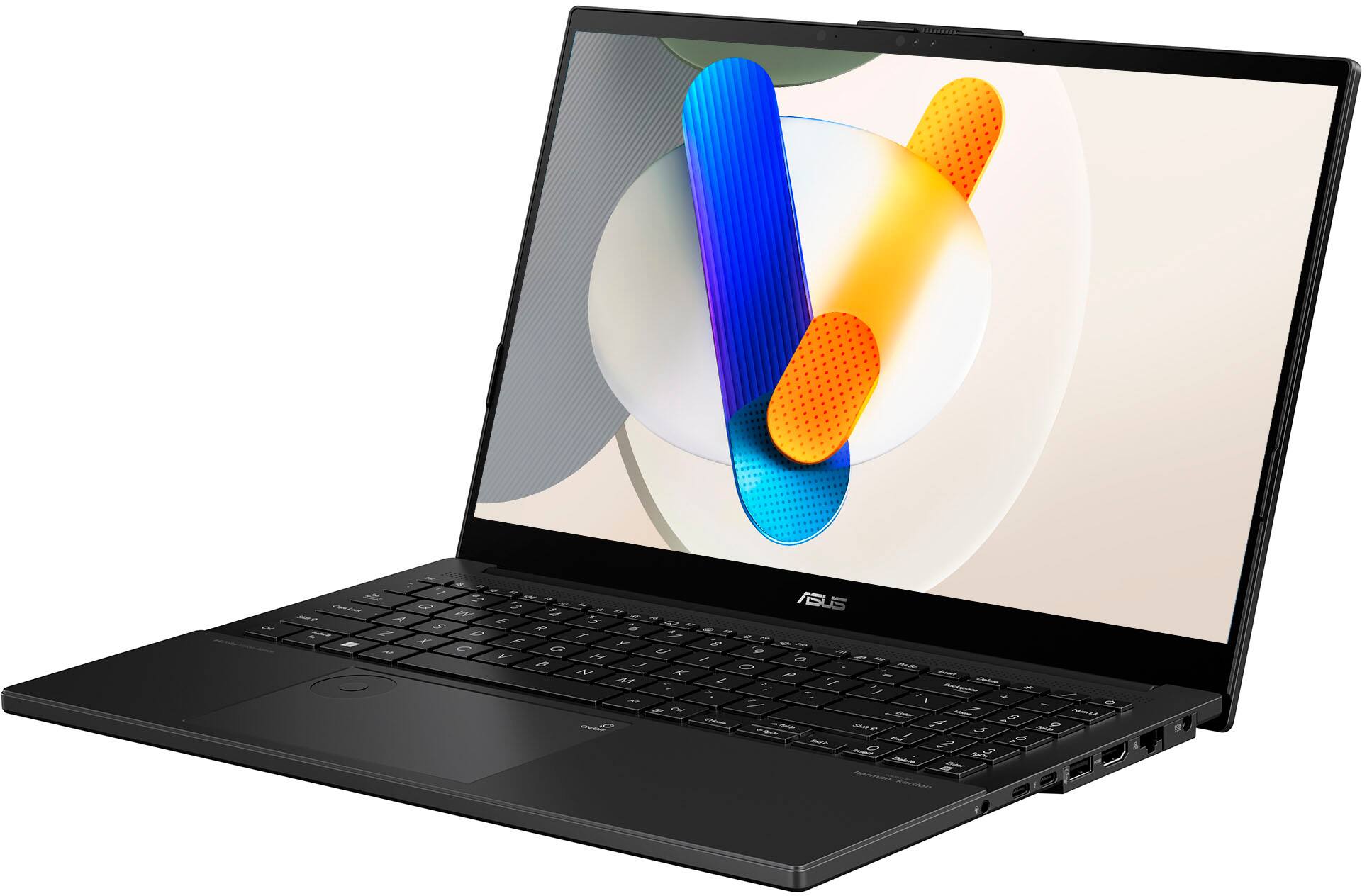
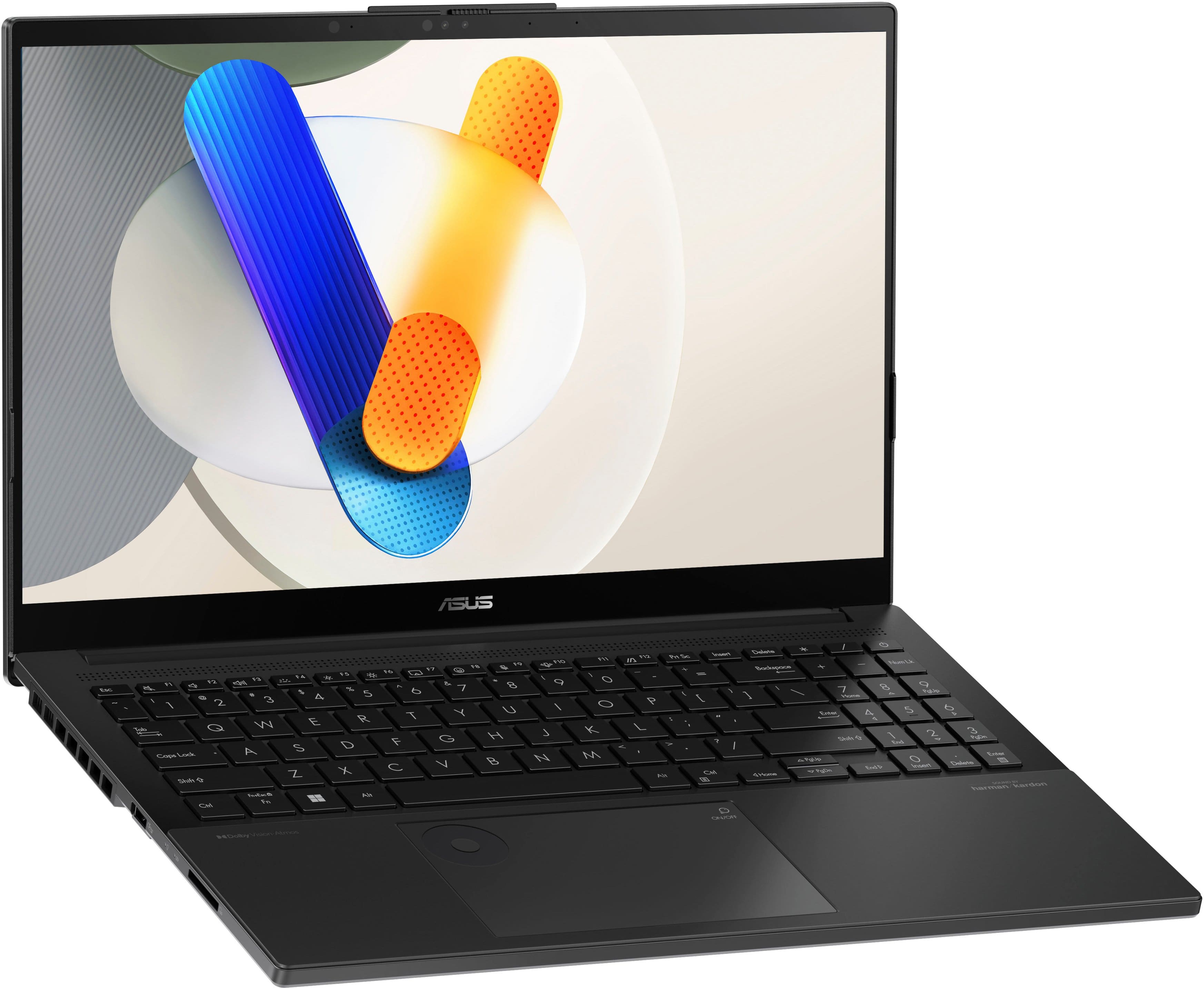
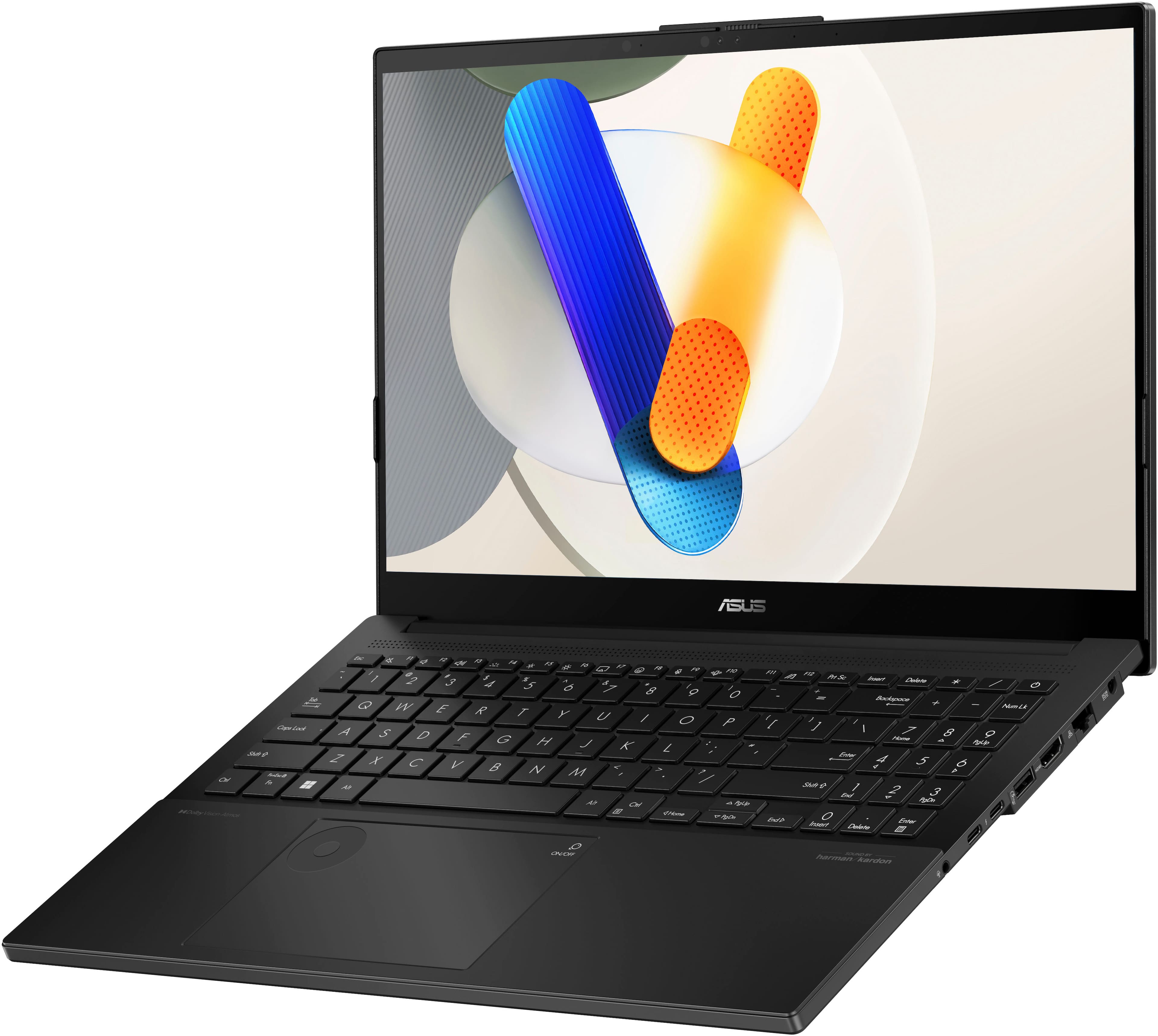
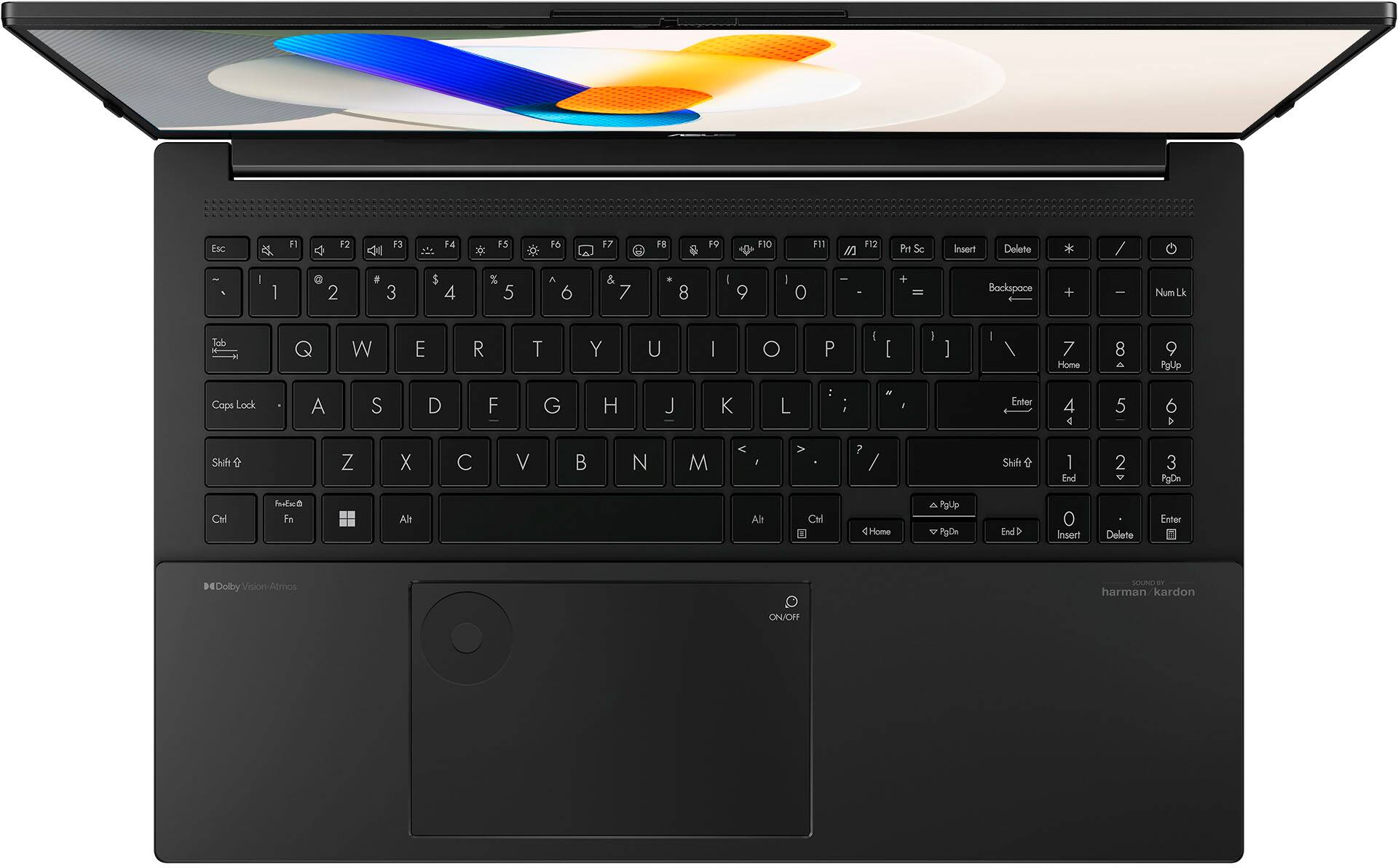
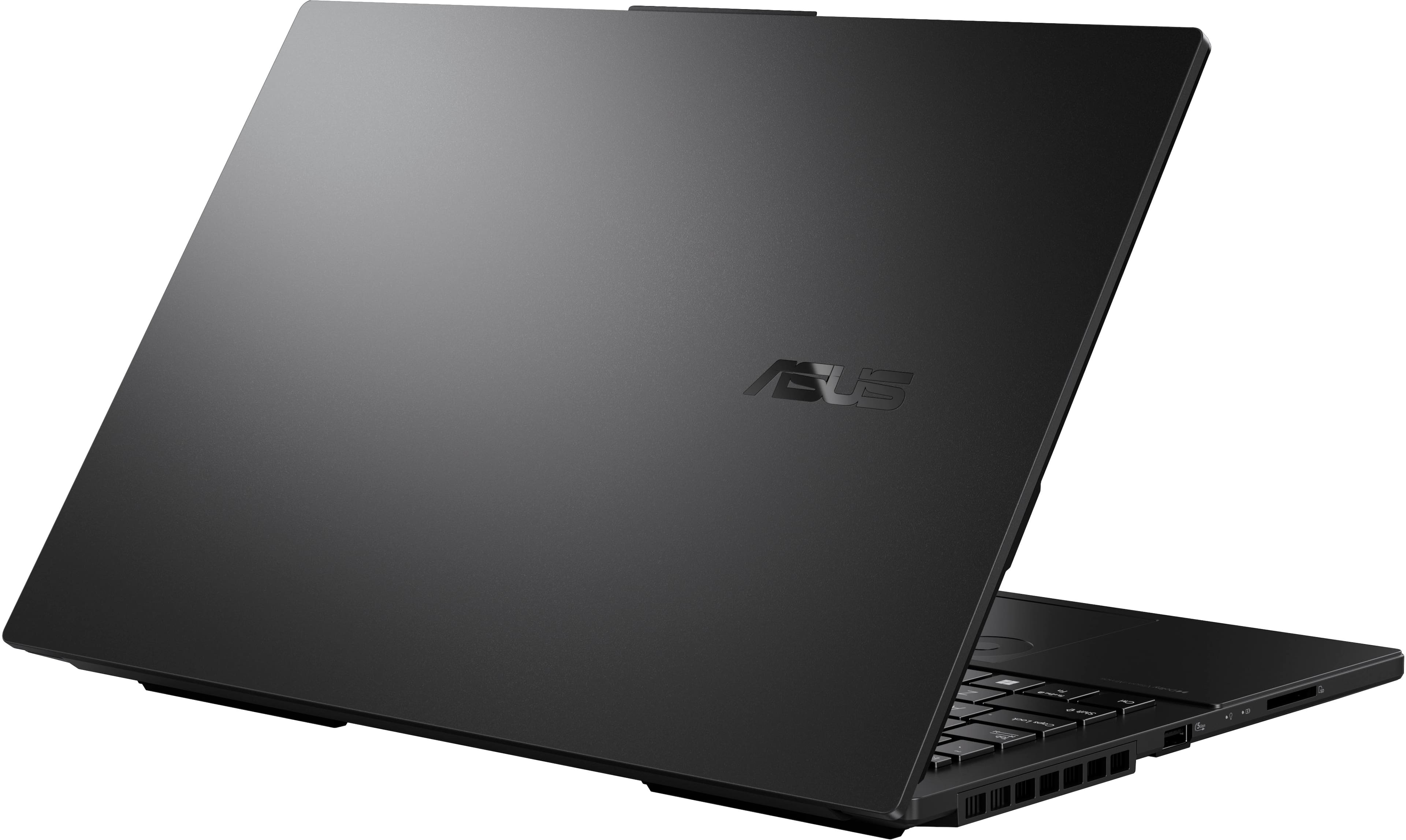
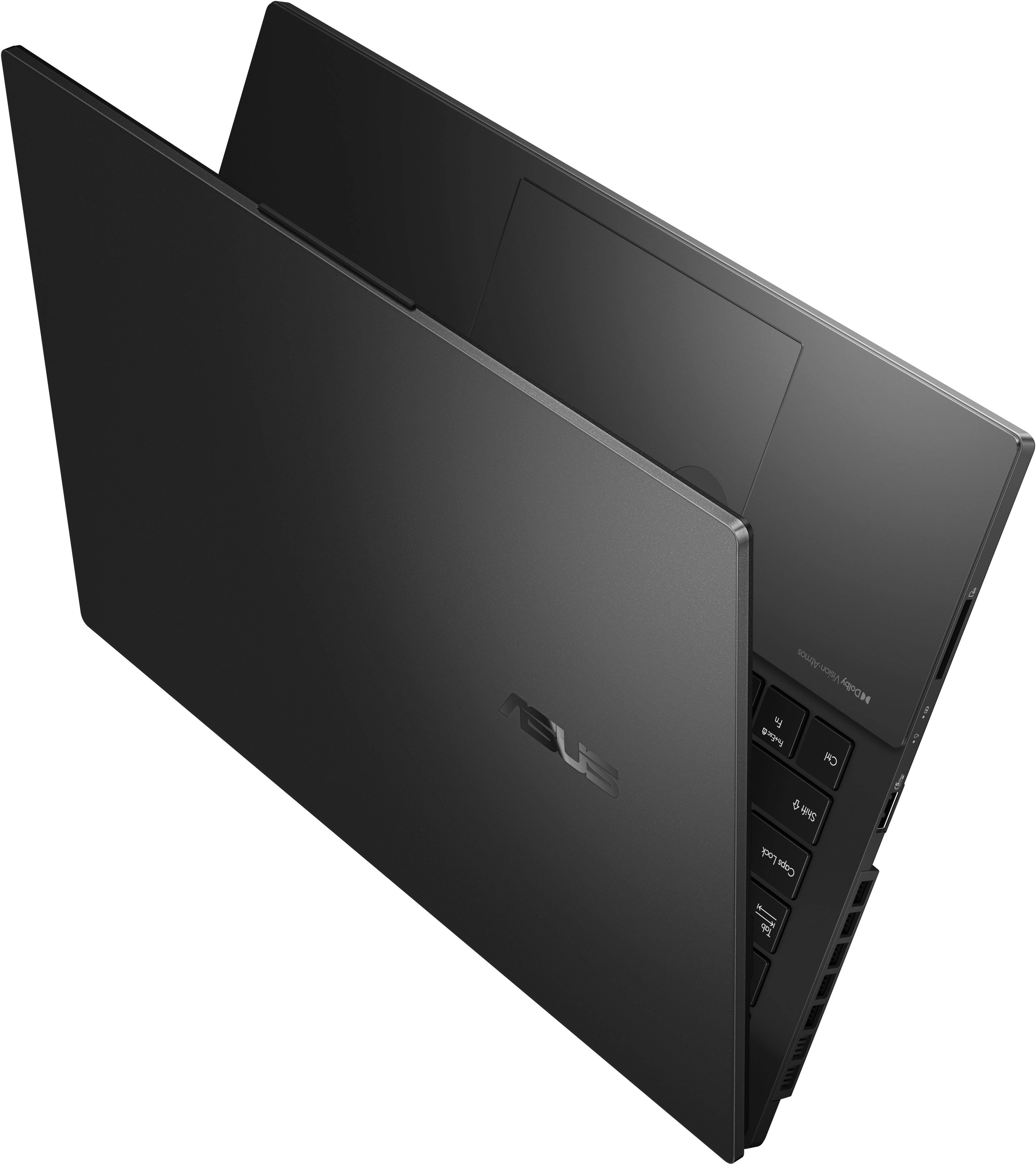
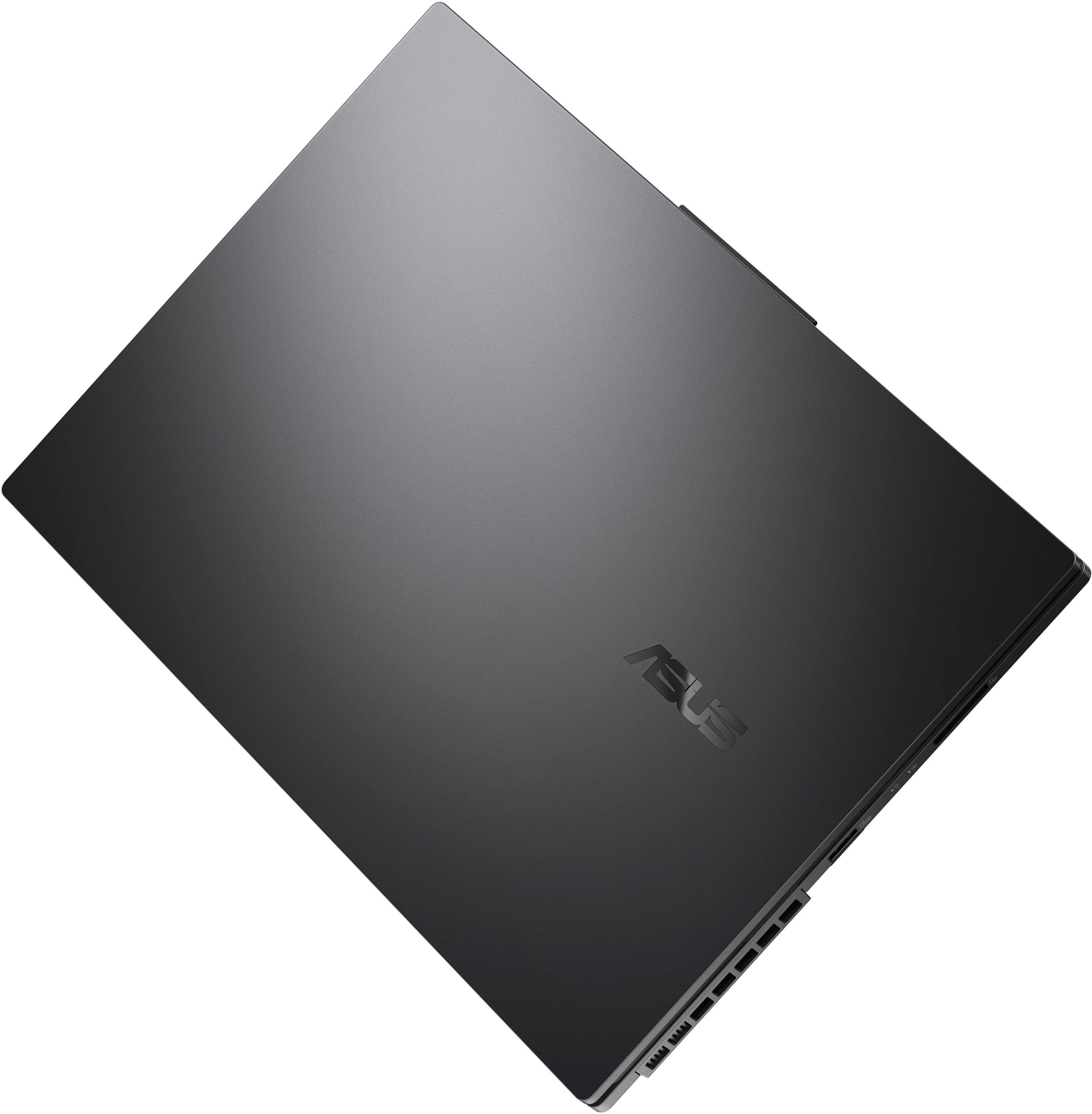
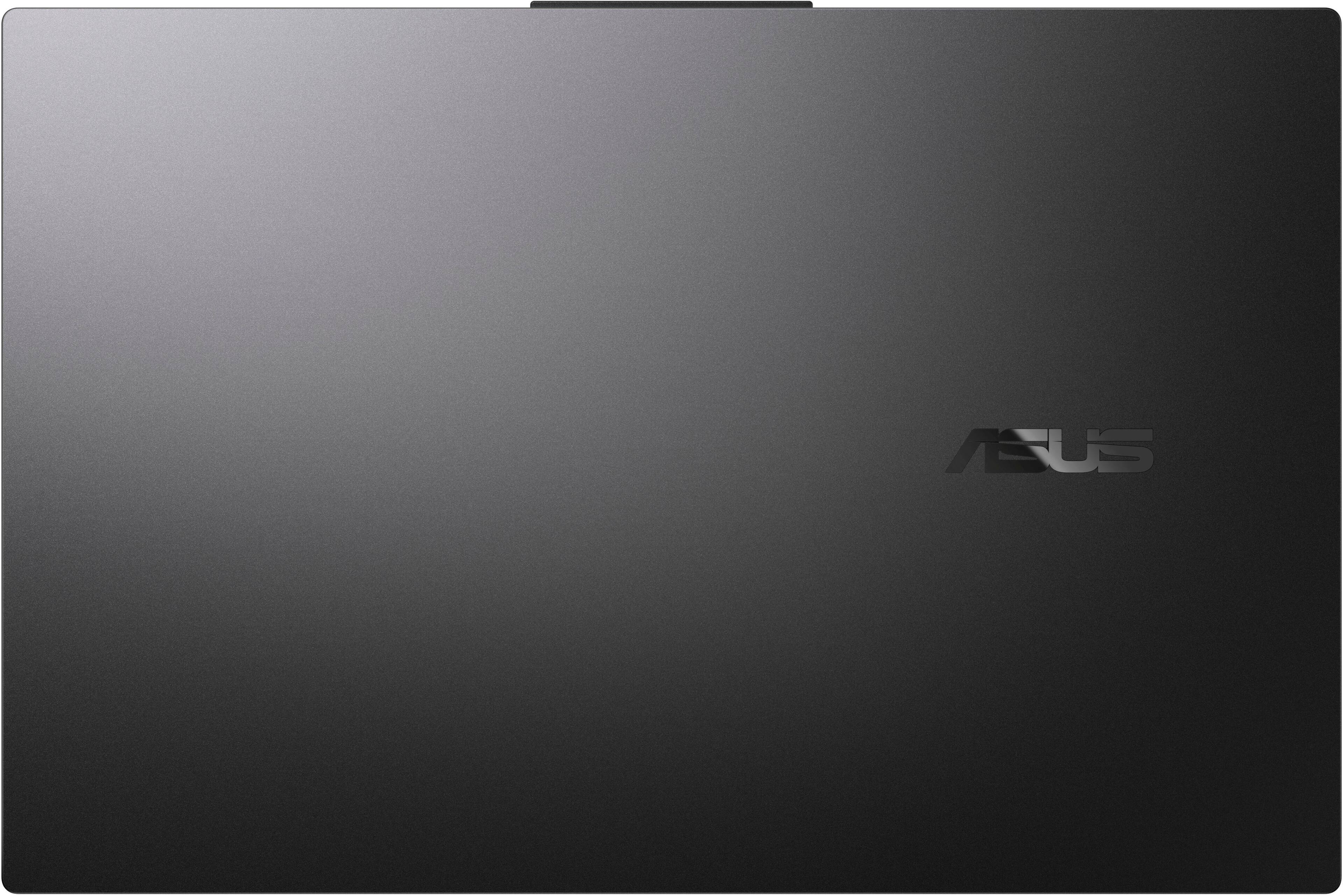
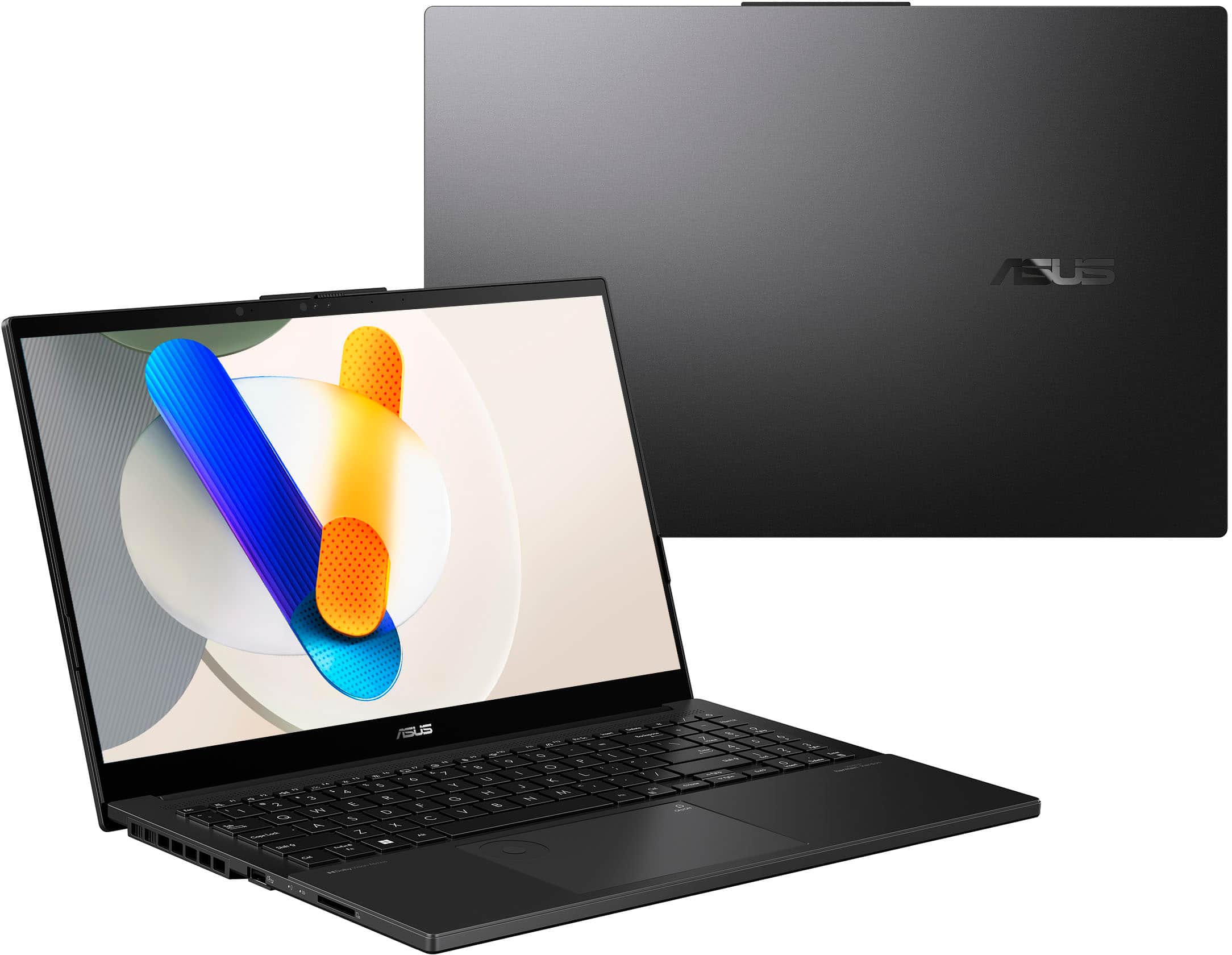
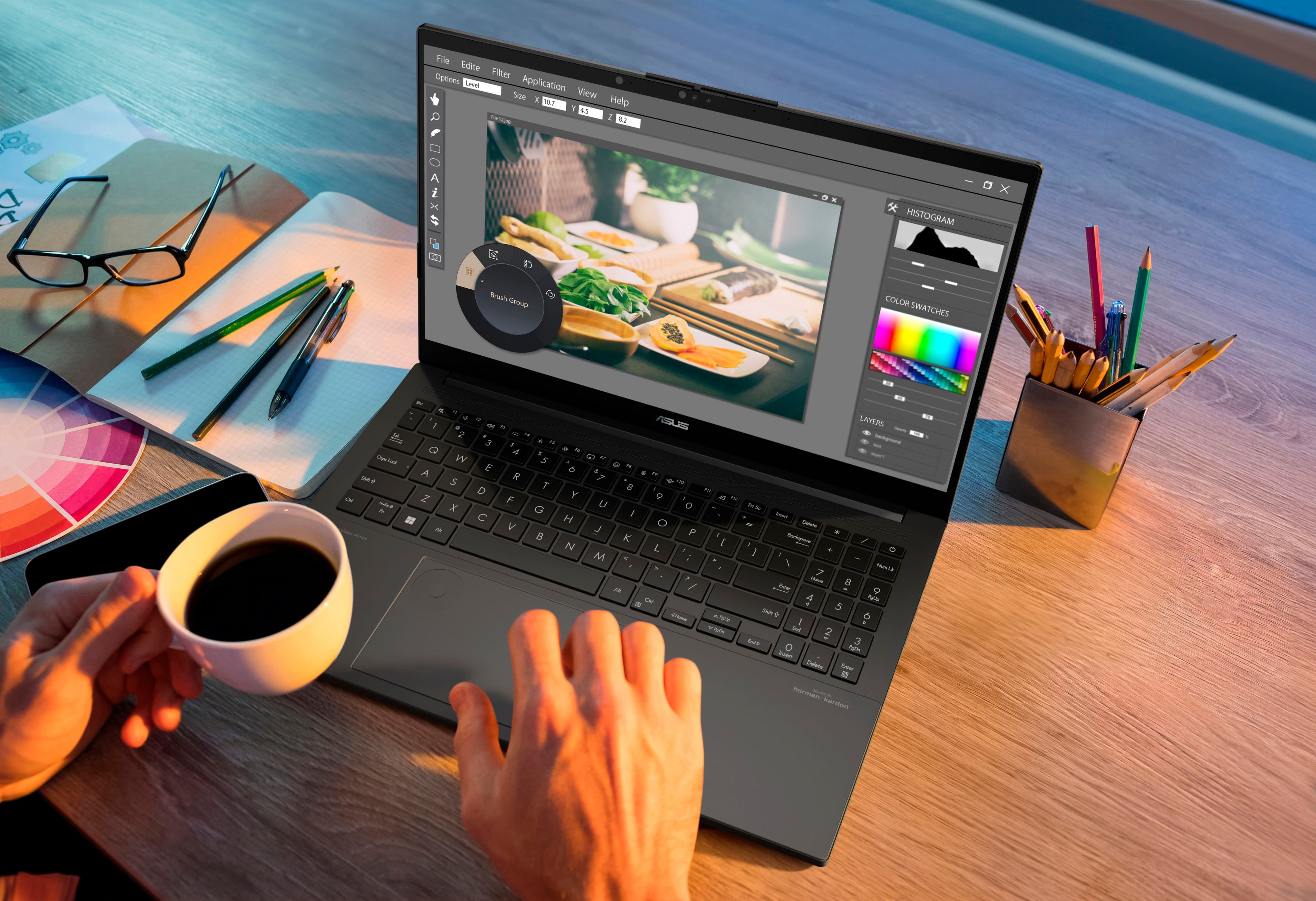
|Posted .This reviewer received promo considerations or sweepstakes entry for writing a review.The Vivobook Pro 15 (Q533 model series) is a well-designed, nicely equipped laptop. From the Intel Core Ultra 7 155U CPU (the new naming of what used to be the higher end i7 processors), to the separate NVIDIA RTX 3050 graphics processor to the vivid Lumina OLED display, it is ready to do just about anything asked of it! The processing capabilities are plentiful. Being a programmer as well as doing some video editing and graphics design, I say more power the better. The Intel Core Ultra 7 155U CPU, with 12 cores and 14 threads, gives the power needed. Having the NVIDIA RTX 3050 GPU is great for gaming, plus it can also be used for hardware acceleration when rendering the edited videos files (when I'm not playing any games). Also helpful is the 16GB RAM and a 1GB NVMe SSD drive. For the available external ports, it as 2x USB A, a USB3.2 Gen 2 USB-C (with Power Delivery and DisplayPort), a Thunderbolt 4 USB-C, 2x USB3.2 Gen 2 USB-A, a slim RJ-45 Ethernet jack, an SD card slot, and an HDMI 2.1. For a full 15.6" display laptop, it has a much smaller footprint than other laptops I have used. It is a full inch narrower than my work laptop, and half inch less deep. This falls in line with providing the narrow bezel for the awesome looking OLED display, but also is the reason for one of my concerns… One of the nice to have things that I was looking forward to was it having a full keyboard with a keypad (even if it is had narrow keys). I was unfortunately disappointed once I started to use the keypad the first time and realized that that the key locations for the period, enter, and + - / * are not in the usual locations. This is a big downside for those of us who use the keypad all the time. The metallic lid has a nice look to it, that is until you touch it. It does seem to like to let you leave your fingerprints all over it, and I couldn't get them removed until I pulled out a microfiber cloth. The lid has a built-in slide cover for the camera for extra ensured privacy. The touchpad works with ease. Something that is built into it in the top left corner is the ASUS DialPad. When configured in the Dial app for selected programs, it gives a shortcut to certain processes/procedures. It will most likely be better used for possibly graphic design apps and such. The DialPad can also be configured to be used as a Microsoft Wheel Device, which is then configured in the Wheel Device settings in Windows Settings. The built-in speakers are by harman/kardon, and are more than decent. Is the bass extremely thumping? No, not quite, but overall it has a really good sound especially after either adjusting the equalizer in the Dolby app or in the Media Player app (I think I got better sound with using the equalizer in the Media Player app). The power supply "brick" is a fairly decent size, but it is a 220W power supply. Although it mentions that only the included power supply should be used to charge the laptop, you can actually use a Power Delivery (with USB-C) charger, but it will mention when plugged in that it is using a low-powered USB charger and recommends closing some apps (even with the 45W PD charger I was testing with). I'm not endorsing using a USB-C charger, but it could possibly be used as an option if the official power supply is not available. There are some Asus apps pre-installed that have some very nice functionality! The MyASUS App is the "command center" for not only the laptop, but a few other ASUS devices as well! With one of my monitors being a newer ASUS model, the app is actually able to control most of the settings available on the On-Screen Menu on the monitor, such as color display modes, brightness/contrast settings, and some of the gaming features settings built into the monitor. It seems that it can also connect to configure ASUS routers as well. Then there is the GlideX app. When the companion app is installed on a mobile device (phone or tablet), that device can be used as an additional screen. Or the mobile device screen can be mirrored back to the laptop. This will be great for me when I am not at home connected to all my monitors and can use my tablet as a second display. The GlideX app also has other ways to interact with the connected device. I know this is in the "Laptop" category, but I am going to say that this should be considered more of a portable computer, at least by itself. The reason is that on the bottom, it has a couple of somewhat thin risers near the back on both the left and right. Those are great, and necessary, for getting proper airflow for cooling, but they are not exactly the most comfortable on the legs (leaving decent indentions after a while). I would recommend using a lap desk to make it more comfortable. In general, this is a great option for a computer that is portable, can take care of productivity needs and can handle some fun during downtime.
I would recommend this to a friend Disappointed with its performance
||Posted . Owned for 1 month when reviewed.This reviewer received promo considerations or sweepstakes entry for writing a review.I recently encountered significant performance issues with my laptop. It frequently hangs and operates at a sluggish pace, which has made day-to-day tasks frustratingly slow. The system seems to struggle with even basic operations, and applications often freeze or crash unexpectedly. This has been a major setback, as I rely on my laptop for both work and personal use. Despite attempts to troubleshoot and optimize the system, the performance issues persist. Overall, this laptop has not met my expectations, and I am disappointed with its reliability and speed. Feel free to adjust it based on specific details or experiences you had.
No, I would not recommend this to a friendBrand response from ASUS Answers
Posted .Dear YeswanthkumarK,
We sincerely apologize for the performance issues you've faced with the notebook and for the inconvenience caused. This is not the kind of quality to expect from our products and it's not the norm. At ASUS, we take quality control, testing, and inspections seriously to ensure our products meet high standards. We understand the impression this may have created and we hope this will not be a long-term lasting impression as you have chosen ASUS as a trusted brand for excellence. Please allow us to make your experience with ASUS a better one.
To troubleshoot the freezing and slow system issue described, we recommend following the steps in the FAQ below. Should the issue persist, please contact our support team at https://www.asus.com/us/support/CallUs to further investigate the problems or assist with repairing the device.
We stand behind our products and continuously strive to improve our products and processes to achieve customer service excellence. For more information, email us at customerloyalty@asus.com and include the case number "N2406011242-0004" as a reference. We will do our best to resolve your case quickly. Your feedback is very important to us and enables us to improve our support channels. Thank you for choosing ASUS.
Best Regards,
Chantae
ASUS Customer Loyalty US Support
https://www.asus.com/in/support/faq/1038855/
Fraud
||Posted . Owned for 2 weeks when reviewed.This reviewer received promo considerations or sweepstakes entry for writing a review.I bought the notebook on Black Friday. I was shipped a defective unit without drivers or MS operating system. Best Buy said they would replace but canceled the replacement order while they had stock (I have screen prints). Could not get Best Buy to replace the defective item. Fraud, choosing not to fulfill an order for a low price when you have stock. I have yet to be credited for the returned order.
No, I would not recommend this to a friendBrand response from ASUS Answers
Posted .Dear Sheryl H,
Please be assured that we are sorry to hear that you received a defective notebook and apologize for the difficulties you have encountered with the reseller team trying to obtain a replacement or refund. If you wish to file a formal complaint, we recommend contacting BestBuy's customer service at 1-888-237-8289.
We stand behind our products and continuously strive to improve our products and processes to achieve customer service excellence. If you require any further assistance, please email us at customerloyalty@asus.com and include the case number "N2406011242-0008" as a reference. We will do our best to resolve your case quickly. Your feedback is very important to us and enables us to improve our support channels. Thank you for choosing ASUS.
Best Regards,
Chantae
ASUS Customer Loyalty US Support
Speakers no good
||Posted . Owned for 1 week when reviewed.This reviewer received promo considerations or sweepstakes entry for writing a review.The speakers started making an annoying noise soon after I started using them. The power supply seemed to get quite hot. And the computer seemed to get quite hot. Maybe that's normal, I don't know, but I don't like it.
No, I would not recommend this to a friendBrand response from ASUS Answers
Posted .Dear Alan W,
We sincerely apologize for the issues you've faced with the notebook and for the inconvenience caused. This is not the kind of quality to expect from ASUS products and it's not the norm. At ASUS, we take quality control, testing, and inspections seriously to ensure our products meet high standards. What you've experienced was not intentional or representative of our brand. The decision to make a purchase can be important, and we want to ensure that our customers receive the best products and services. We understand the impression this may have created and we hope this will not be a long-term lasting impression as you have chosen ASUS as a trusted brand for excellence. Providing our customers with a high level of satisfaction is our top priority, and we'll forward your feedback to our Product Team for review.
Please allow us to make your experience with ASUS a better one. Considering the issues you've described, the product seems to be defective. We recommend contacting the place of purchase for an exchange if you are still within the window. Please rest assured that if you cannot gain resolution when contacting the place of purchase, we will be glad to provide further assistance.
We stand behind our products and continuously strive to improve our products and processes to achieve customer service excellence. For more information, email us at customerloyalty@asus.com and include the case number "N2406024009-0003" as a reference. We will do our best to resolve your case quickly. Your feedback is important to us and enables us to improve our support channels. Thank you for choosing ASUS.
Best Regards,
Chantae
ASUS Customer Loyalty US Support
Junk
||Posted . Owned for 2 months when reviewed.This reviewer received promo considerations or sweepstakes entry for writing a review.Complete junk. Only owned the laptop for two months and the OLED display already broke. Was told I had to send it in for a warranty repair but I can't be without my laptop for that long. I had an ASUS for 7 years with no problems until I bought this one. What happened to ASUS making this piece of junk.
No, I would not recommend this to a friendBrand response from ASUS Answers
Posted .Dear Joseph,
We regret to hear that the laptop screen broke and we apologize for any inconvenience this may have caused you. We understand the impression this may have created and we hope this will not be a long-term lasting impression as you have chosen ASUS as a trusted brand for excellence. We would like to make your experience with us a better one.
Please send us an email at customerloyalty@asus.com and include the case number "N2406011242-0014" as a reference so that we can further investigate this issue. We know that maintaining a functioning unit is an urgent matter, and we are committed to helping you.
We stand behind our products and continuously strive to improve our products and processes to achieve customer service excellence. We will do our best to resolve your case quickly. Your feedback is very important to us, and it enables us to improve our support channels. Thank you for choosing ASUS.
Best Regards,
Chantae
ASUS Customer Loyalty US Support
Think twice!
||Posted .This reviewer received promo considerations or sweepstakes entry for writing a review.The processor in the computer is slow and has a tendency to freeze. And worst of all, the unit no longer wants to charge. It is dead now and will need to take it for repairs only 6 months after purchasing. I would not recommend it; if I could return, I would. SI should have stayed with Lenovo.
No, I would not recommend this to a friendBrand response from ASUS Answers
Posted .Dear AlejandroS,
Thank you for your comment.
We do understand your disappointment and the inconvenience this may have caused if you are experiencing slow performance and system freeze on this laptop. This laptop will run resource-intensive applications without compromising system stabilioty and performance.
To resolve this issues, ensure Windows, drivers, BIOS and applications are up to date. Updates for this laptop are available at: https://www.asus.com/us/laptops/for-home/everyday-use/asus-vivobook-pro-15-oled-q533/helpdesk_download?model2Name=Q533MJ . Keeping this laptop updated will maintain optimum system stability and performance. Additionally, while accessing web applications, please ensure this laptop has access to an established router and internet service is working properly since poor and unstable internet connection will definitely affect system speed and performance. Also, clearing internet cache or browsing history will improve system performance. If these steps were performed to no avail, please try to run a diagnostics or optimization test using the "My ASUS" utility software or application. If this is not pre-installed on the laptop, please download the application at the Microsoft Store. For details on how to use "My ASUS", please go to: https://www.asus.com/support/FAQ/1041686/. If you need further assistance with the product, please email me at cl-rodel@asus.com and I would be more than happy to help. Or, you are most welcome to call Product Support Hotline at: 1(888) 678-3688. Also, you can chat with an ASUS live support agent from the link: https://www.asus.com/us/support/article/1135/.
Thank you for choosing an ASUS product.
Regards,
Rodel
ASUS Customer Loyalty
Nothing but a rip off…
||Posted . Owned for 4 months when reviewed.This reviewer received promo considerations or sweepstakes entry for writing a review.Would never recommend a single product from Best Buy rip off city!!! Over priced items so they can employ full grown men to stand in front of their store instead of checking people out… always fun to see the four grown men standing there doing absolutely nothing and getting paid for it.
No, I would not recommend this to a friendBrand response from ASUS Answers
Posted .Dear Dustin S,
We regret learning of the difficulties you have encountered during the purchase process with the place of purchase. This is not the kind of experience we want our customers to have with our resellers. If you wish to file a formal complaint, we recommend contacting Best Buy customer service.
We do stand behind our products and continuously strive to improve our products and processes to achieve customer service excellence. If you require any further assistance, email us at customerloyalty@asus.com and include the case number "N2406011242-0018" as a reference. We will do our best to resolve your case quickly. Your feedback is very important to us and enables us to improve our support channels. Thank you for choosing ASUS.
Best Regards,
Chantae
ASUS Customer Loyalty US Support
Regret buy
||Posted . Owned for 2 months when reviewed.This reviewer received promo considerations or sweepstakes entry for writing a review.I absolutely despise this laptop. It will randomly freeze, the screen will go black, and super slow. It’s not my internet because my HP laptop works perfectly fine and my clunky 8 year old Dell even works. Don’t waste your money on this trash unless you like to be frustrated
No, I would not recommend this to a friendBrand response from ASUS Answers
Posted .Dear Molly,
We sincerely apologize for the system performance issue you're experiencing with the notebook and for the inconvenience caused. To troubleshoot the issue described, we recommend following the steps in the FAQ below. Should the issue persist, please contact our support team at https://www.asus.com/us/support/CallUs to further investigate the problem or assist with repairing the device.
We stand behind our products and continuously strive to improve our products and processes to achieve customer service excellence. For more information, email us at customerloyalty@asus.com and include the case number "N2406011242-0011" as a reference. We will do our best to resolve your case quickly. Your feedback is very important to us and enables us to improve our support channels. Thank you for choosing ASUS.
Best Regards,
Chantae
ASUS Customer Loyalty US Support
[Windows 11/10] Troubleshooting - Resolving System Error Messages or Unresponsiveness (Freeze/Black Screen/White Screen during usage) - https://www.asus.com/us/support/faq/1038855/
Bad warranty coverage
||Posted . Owned for 7 months when reviewed.This reviewer received promo considerations or sweepstakes entry for writing a review.The laptop died within 6 months. Bestbuy local center tried to repair but couldn’t. Offered to ship it to their regional center for an upfront charge of $80 despite the product under warranty and covered by 2 years of total membership protection.
No, I would not recommend this to a friendBrand response from ASUS Answers
Posted .Dear Shweta S,
We regret to hear that the laptop is unable to power on, and we apologize for the difficulties you have encountered with the reseller's team regarding the repair of the device. We would like to make your experience with ASUS a better one.
To further investigate this problem or obtain assistance with getting the device repaired, we recommend contacting our support team at https://www.asus.com/us/support/CallUs.
We stand behind our products and continuously strive to improve our products and processes to achieve customer service excellence. For more information, email us at customerloyalty@asus.com and include the case number "N2406011242-0013" as a reference. We will do our best to resolve your case quickly. Your feedback is very important to us and enables us to improve our support channels. Thank you for choosing ASUS.
Best Regards,
Chantae
ASUS Customer Loyalty US Support
- Pros mentioned:Battery life, Ram
A one laptop does it all solution!
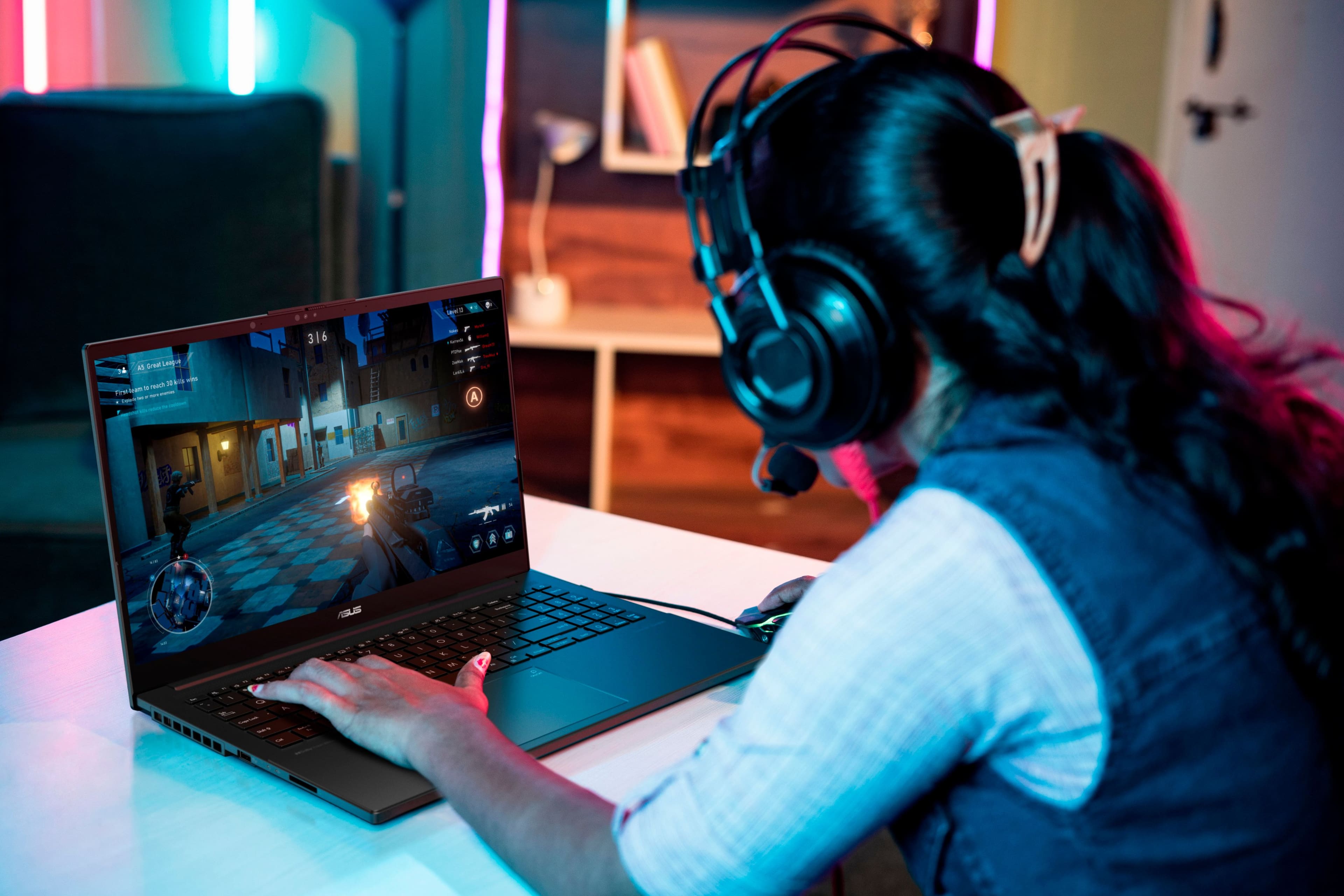
|Posted .This reviewer received promo considerations or sweepstakes entry for writing a review.Asus has been knocking it out of the park lately and this is no exception. This laptop does it all and does it well. I just recently got my first OLED TV. I had been wanting one for years, and when I finally got it all the praise I had seen and read about finally made sense. Well this is my first OLED laptop and I get that same “WOW” feeling all over again. The screen is absolutely immaculate. Even at “only 1080p FHD” its beautiful. Colors pop off the screen, text and everything else is super sharp. Just like with my TV I didnt think I needed OLED, but now that I have it there isnt any going back! As far as ports go it has all the bases covered. One HDMI 2.1, one Thunderbolt 4, Two USB-A 3.0, Two USB-C 4, headphone, and microphone. And for Wi-Fi it has Wi-Fi 6E. Performance for your everyday tasks is extremely fast and responsive with no latency at all. Boot up times with the 1TB SSD is almost instant. And with the NVIDIA RTX 3050 you can use this as your gaming PC, but also as your content creator and editor as well. And it also has 16gb of ram. The one thing that has almost always been the case with any laptops that you can game on in the past has been loud fans, and uncomfortable heat if its on your lap. The thermal tech in this makes everything cool and quiet. Which of course helps with overall performance as well. Battery life of course completely depends on use. But it does have a 75Wh capacity, and 50% charging in about 30 minutes. Its on par with the best out there for sure. Audio from laptops is usually not all that great, and most people just know theyll be using some sort of external option. But the stereo audio from the Asus is great. Not sure what certified by Harman Kardon actually means, but I do know they are well known audio experts. So along with the Dolby Atmos tech the audio is very crisp, loud (but not distorted) and will be just fine for most. So in summary this is one of the best all around laptops I have. In order for me to actually want to replace my current laptops the one I am getting needs to be something special. Not just a minor yearly iterative upgrade. And the Asus Vivobook definitely meets that requirement and then some. Im sure I have only scratched the surface of what this laptop has to offer, but thats what makes this so fun. Experimenting with it and saying to yourself “Oh, it can do that too?”.
I would recommend this to a friend