Customer Ratings & Reviews

- Model:
- UX3405CA-U9321TB
- SKU:
- 10512917
Rating by feature
- Battery Life
Rating 4.7 out of 5 stars
- Speed
Rating 4.8 out of 5 stars
- Display
Rating 4.7 out of 5 stars
- Pros mentioned:Battery life, Portability
A really good buy for the price
||Posted .This reviewer received promo considerations or sweepstakes entry for writing a review.This is a really good laptop with battery lasting around one full day on medium use which is pretty good for a student like me who didnot want much weight to carry everywhere i go. The only downside i personally feel is you can often notice your reflection in the screen when you lower the brightness.
I would recommend this to a friend - Pros mentioned:Overall performance, Portability
Powerful and Light
||Posted . Owned for 2 weeks when reviewed.This reviewer received promo considerations or sweepstakes entry for writing a review.Powerful and mobile. Love this laptop. It’s quick and light. I’m in commercial real estate and it has been a game changer. It can comfortably handle Excel and all the software I need.
I would recommend this to a friend - Pros mentioned:Battery life, Portability
Asus zenbook 32 gb 1 tb review
||Posted .This reviewer received promo considerations or sweepstakes entry for writing a review.I really loved the product. It’s unimaginable beautiful and lightweight product with no compromise on battery and functionality
I would recommend this to a friend - Pros mentioned:Overall performance
Title: Excellent Product and Delivery
||Posted .This reviewer received promo considerations or sweepstakes entry for writing a review.I recently purchased the Asus Zenbook and I’m very satisfied with the entire process. The laptop arrived in perfect condition and performs exactly as expected — it’s a high-quality device with great tension on the hinge, smooth performance, and premium build quality. The seller ensured the order arrived on time, and everything was handled professionally from start to finish. The packaging was secure, and even the FedEx team followed the detailed instructions provided to guarantee safe delivery. Overall, it was a seamless experience — from the product quality to the delivery process. I highly recommend both the Asus Zenbook and the seller for their excellent service.
I would recommend this to a friend - Pros mentioned:Portability, Processor speed
Best computer for the money
||Posted .This reviewer received promo considerations or sweepstakes entry for writing a review.Best travel laptop ever. Lighter than a MacBook air and faster than the MaCbook pro. Amazing computer.
I would recommend this to a friend One of the best decisions I’ve made!!
||Posted . Owned for 3 months when reviewed.This reviewer received promo considerations or sweepstakes entry for writing a review.I didn’t expect a laptop to change my daily routine, but this luxurious looking monster actually did. The Oled screen is on another level deep blacks, rich colors, and incredibly sharp. I find myself enjoying even simple tasks more because everything just looks better. It’s fast, lightweight, and easy to carry, which fits perfectly into my on the go lifestyle. It feels premium without trying too hard, and that balance is rare. Honestly, this is one of those devices you don’t realize you needed until you start using it every day. Fun fact: I almost went with a MacBook, but I’m genuinely glad I didn’t.
I would recommend this to a friend- Pros mentioned:Processor speed
ASUS HAS A WINNER!
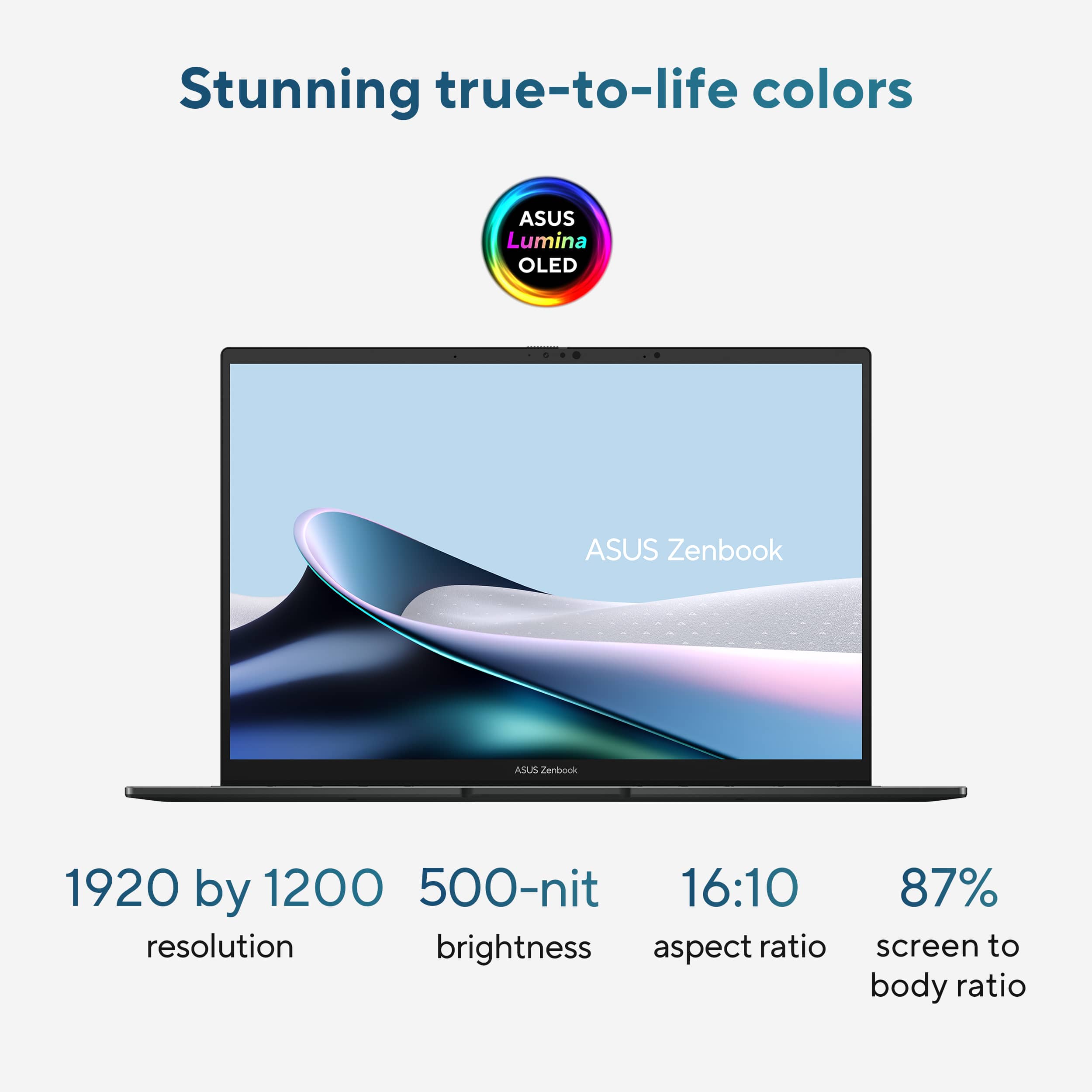
||Posted . Owned for less than 1 week when reviewed.This reviewer received promo considerations or sweepstakes entry for writing a review.OMG - This laptop is absolutely AMAZING! The speed this laptop has mind blowing! It has every bell and whistles on it, the only drawback is the screen resolution 1920x1200, coming from a dell xps with 3840x2160 resolution its somewhat of a letdown, but one I can live with for sure! Having 16 cores makes a huge difference in handling multiple applications! The new design for the ZenBook is nice, has a nice keyboard and touchpad response! I DEFINITELY RECOMMEND THIS LAPTOP, THE PRICE POINT ON THIS LAPTOP IS WELL WORTH IT!
I would recommend this to a friend - Pros mentioned:Oled quality
Laptop
||Posted . Owned for 1 month when reviewed.This reviewer received promo considerations or sweepstakes entry for writing a review.Laptop computer . I had just recently purchased a laptop computer from Acer. I had one in the store in one of the branches in Anderson South Carolina where the very helpful staff had helped me make a final selection of what is it that I would the most benefit from and was able to purchase this computer
I would recommend this to a friend So far so good on 3rd week
||Posted . Owned for 2 weeks when reviewed.This reviewer received promo considerations or sweepstakes entry for writing a review.On the 3rd week of use, the ASUS ZENBOOK 14 14" FHD+OLED JASPER GRAY has been glitch free. Initially used with a KV switch but had the same problems with the previous Dell Inspiron 7506 2n1 so it must be due to the KV switch. Removed the KV switch and so far has not had any glitches like not getting the preview window when I use EPSON SCANNER on preview scan etc. Will update as I go along.
I would recommend this to a friend- Pros mentioned:Overall performance
Good Pc Laptop
||Posted . Owned for 1 month when reviewed.This reviewer received promo considerations or sweepstakes entry for writing a review.The Laptop is very good... only the camera dont like ... but it's ok
I would recommend this to a friend Long Battery Life, Great Performance.
||Posted . Owned for 2 months when reviewed.This reviewer received promo considerations or sweepstakes entry for writing a review.Very fast, and a long battery life, even with light gaming. I play Fortnite and Asphalt Legends connected to my tv via hdmi, and I barely hear the fan. I charge it overnight, and it lasts all day unplugged. Photo added as I am posting this!
I would recommend this to a friend- Pros mentioned:Overall performance
Happy to buy Asus from best buy
||Posted . Owned for 1 month when reviewed.This reviewer received promo considerations or sweepstakes entry for writing a review.It’s was good product i enjoy it while using powerful product
I would recommend this to a friend - Pros mentioned:Battery life
Dependable Brand
||Posted . Owned for 1 week when reviewed.This reviewer received promo considerations or sweepstakes entry for writing a review.This laptop is amazing. To color is vibrant and connectivity is wonderful. I do wish the battery life was longer but it is much better than older laptops. Brand is dependable!
I would recommend this to a friend - Pros mentioned:Battery life
Zenbook
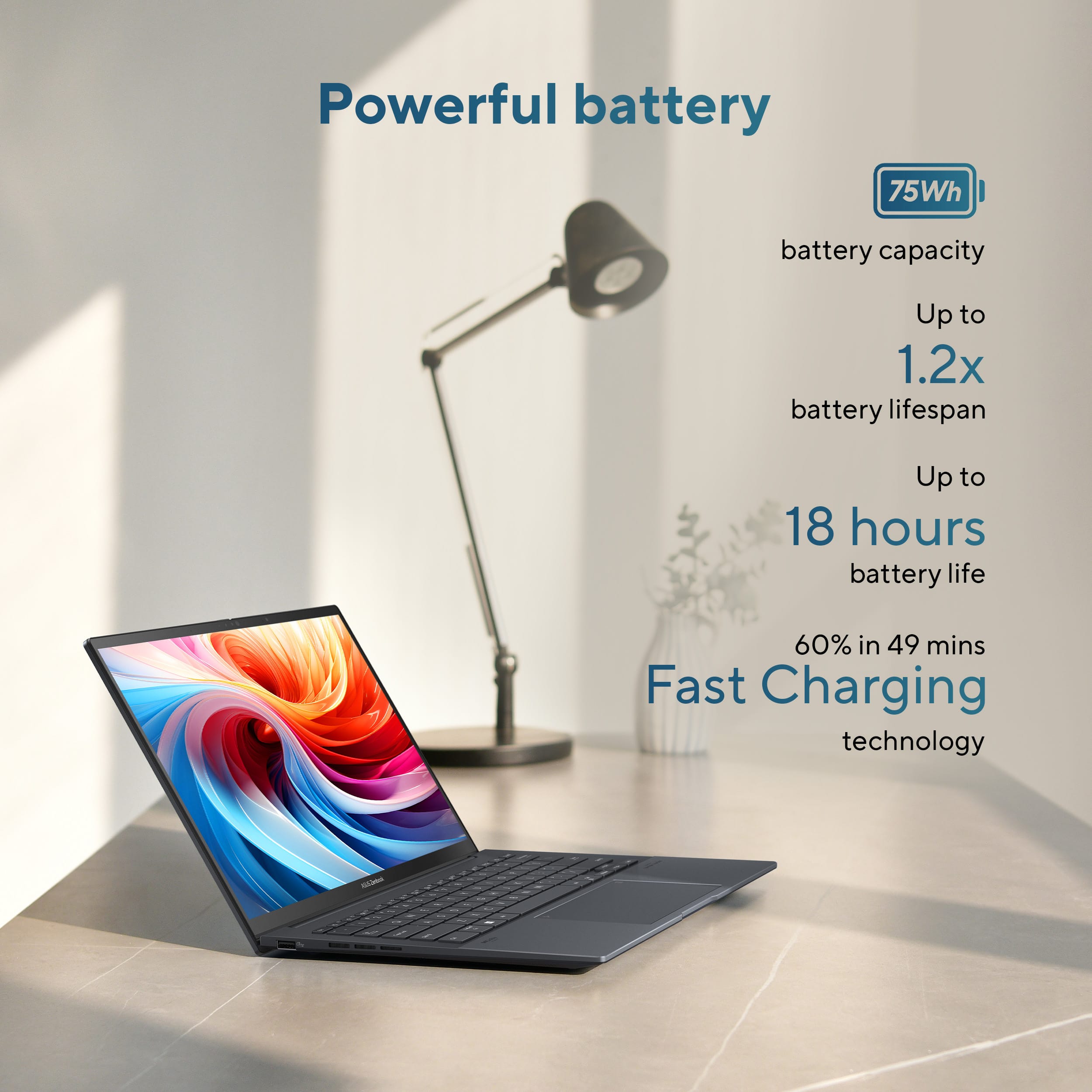
||Posted . Owned for 2 weeks when reviewed.This reviewer received promo considerations or sweepstakes entry for writing a review.This laptop is very recommends for multitasking and very reliable for programming stuffs. The battery also lasts very long around 18 hrs w/o charging.
I would recommend this to a friend - Pros mentioned:Processor speed
Laptop nice
||Posted . Owned for 1 month when reviewed.This reviewer received promo considerations or sweepstakes entry for writing a review.It is a very good laptop for the price paid. It had a good discount . very good investment . it is fast and the best its screen
I would recommend this to a friend Mighty and Portable
||Posted . Owned for 2 weeks when reviewed.This reviewer received promo considerations or sweepstakes entry for writing a review.Lightweight yet truly powerful! This 14” Asus Zenbook even fits in a padded folio making a great organizer and protective sleeve. Easy to write a novel on and powerful enough to make the cover art in Photoshop.
I would recommend this to a friend- Pros mentioned:Processor speed
Lightweight and Fast
||Posted .This reviewer received promo considerations or sweepstakes entry for writing a review.This is a nice little laptop that does a fast processing for everyday use. The sound system is powerful and enjoyable. Fast charging is excellent.
I would recommend this to a friend - Pros mentioned:Battery life, Oled quality, Overall performance

A True Productivity Workhorse with Copilot
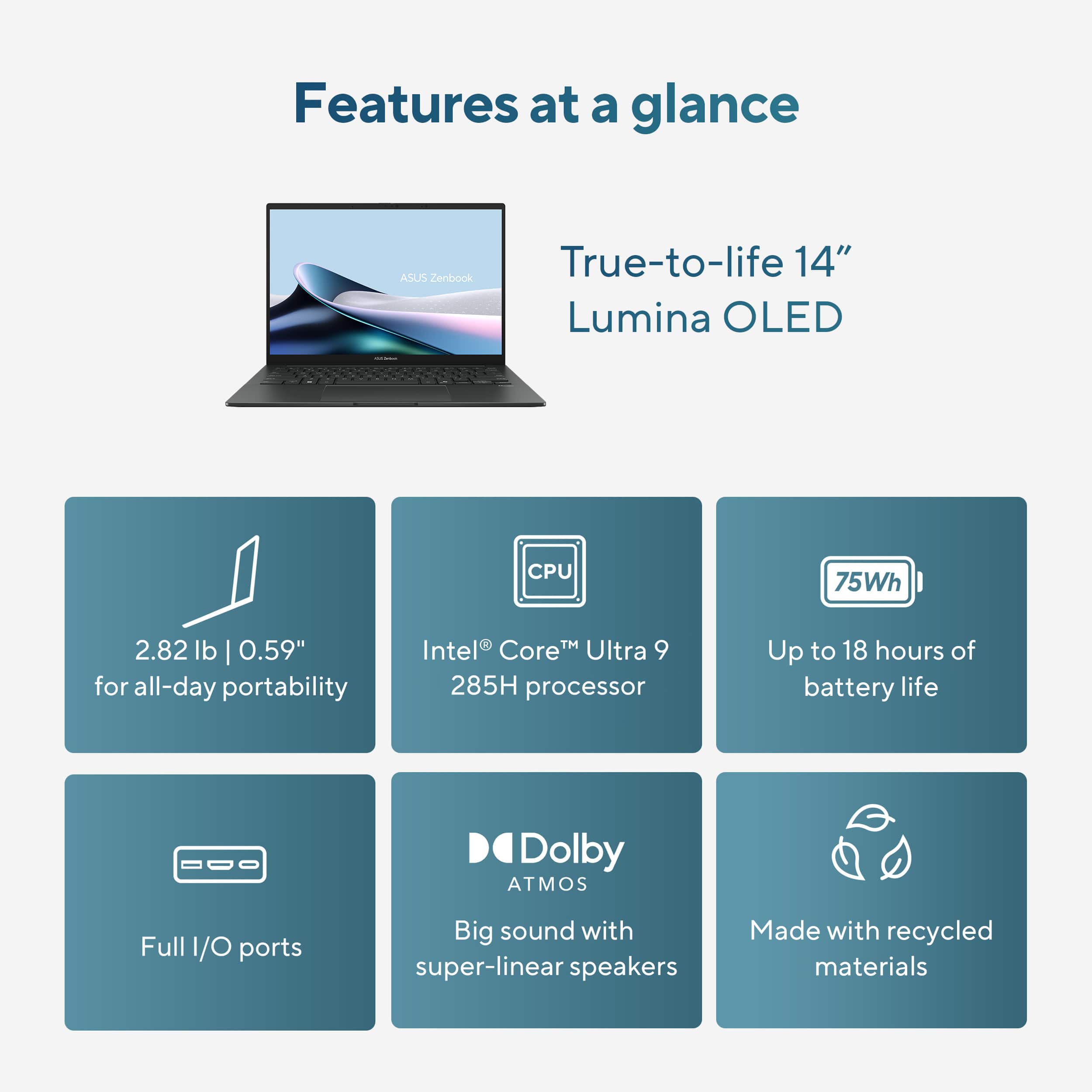
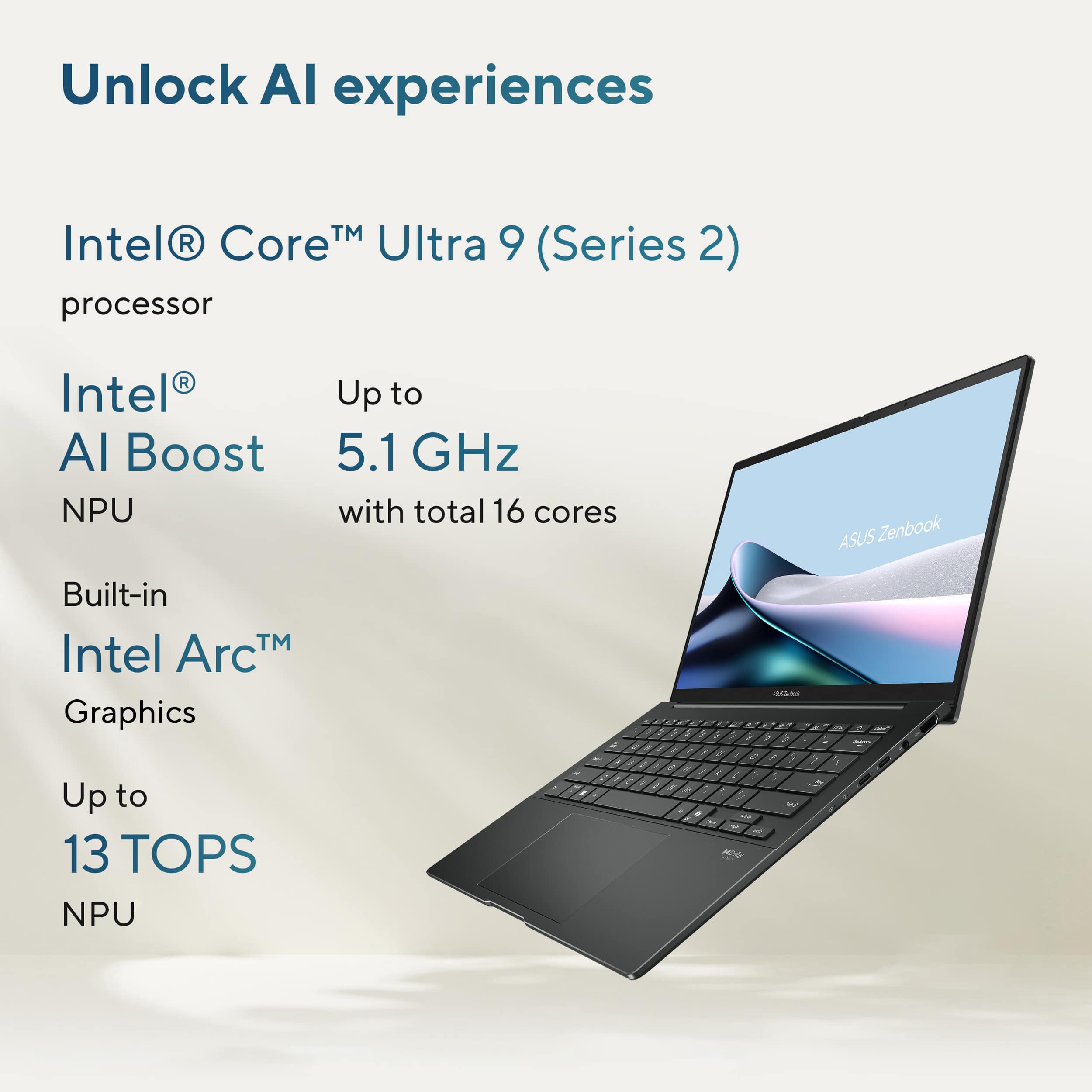
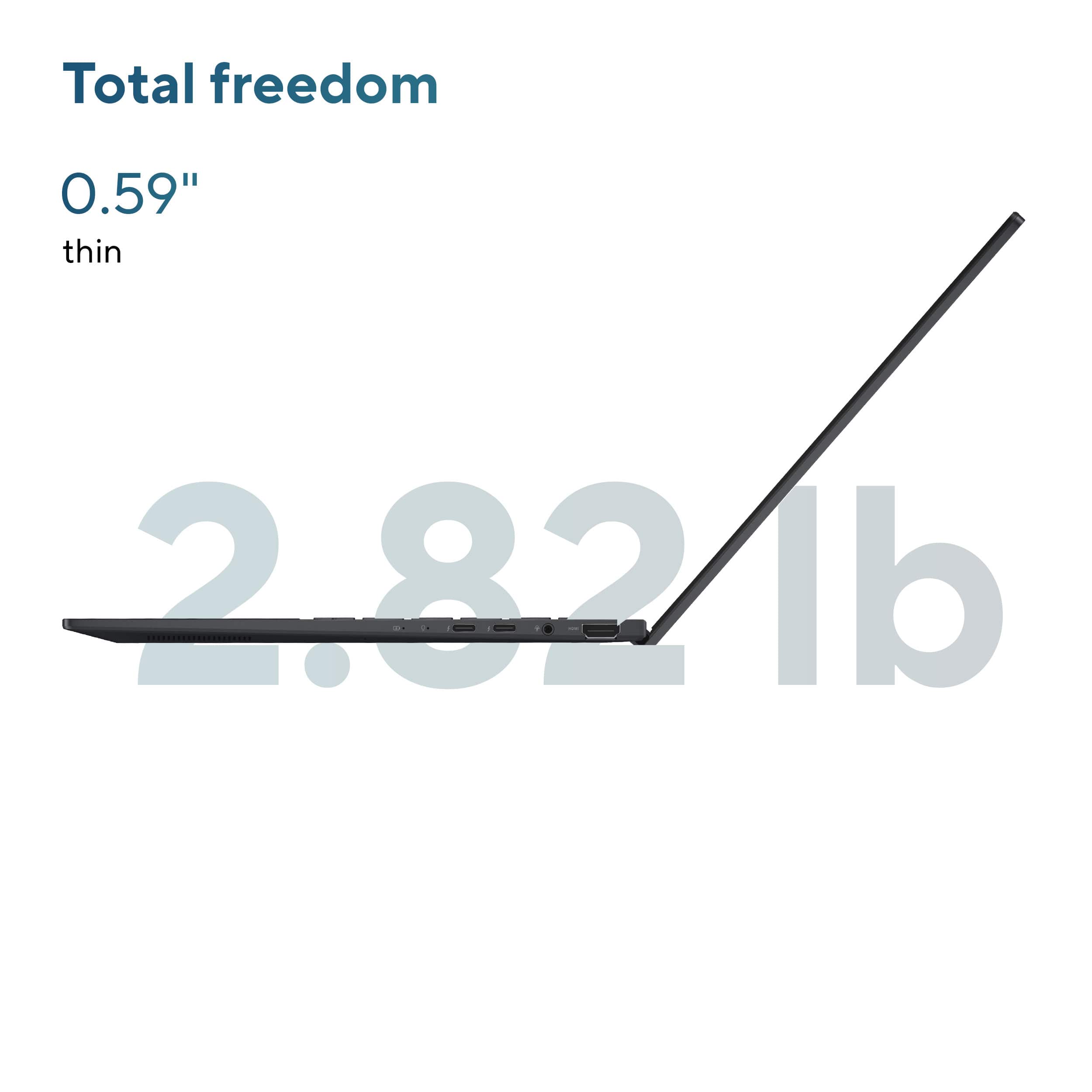
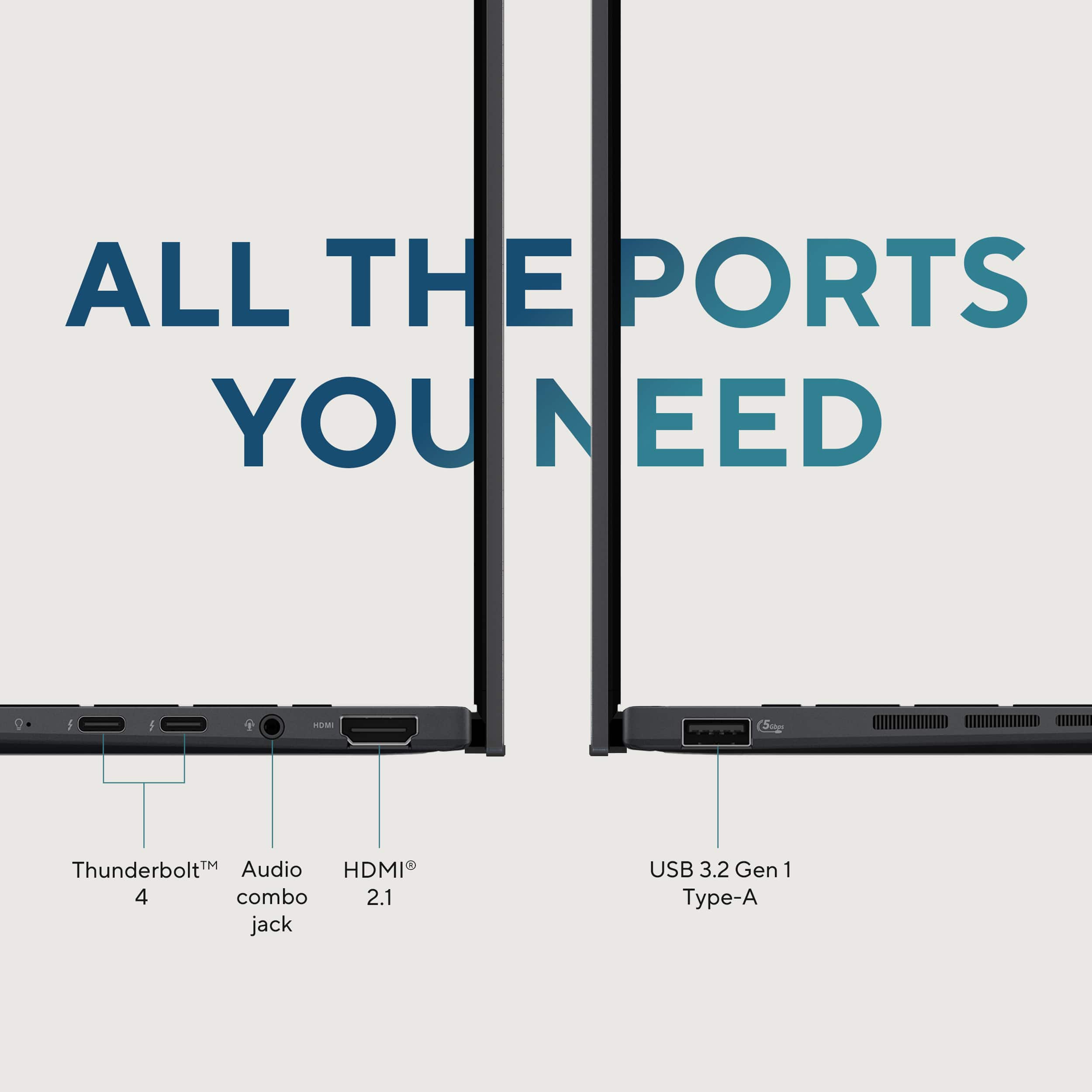
|Posted .This reviewer received promo considerations or sweepstakes entry for writing a review.The ASUS Zenbook 14 OLED (UX3405) powered by Intel Core Ultra 9 is one of the most balanced laptops I’ve used in a long time. It’s lightweight, powerful, and built for today’s multitasking and AI-powered tasks without sacrificing portability or user experience. It was preloaded with Windows 11 Pro. What Stood Out Right Away • Intel Ultra 9 with Neural Processing Unit (NPU): I immediately noticed how quickly AI-enhanced tasks like summarizing documents, Copilot code prompts, and meeting transcriptions ran without any hiccups - they didn’t interrupt everything else I was working on. With the NPU handling AI in the background, I could keep Teams, Edge, Photoshop, and Excel open without feeling any performance dip. I loved that I could use Copilot to summarize meeting notes, action items, etc., during the Teams meeting without having to worry my Teams or any application crashing. The NPU does boost the battery life given how efficiently it handles various tasks without having to run the PC fan all the time. • OLED Display for all day work or for watching movies: I spend hours reviewing documents and jumping between dashboards — and this 14" 3K OLED 120Hz display makes a noticeable difference. The colors are vibrant, and the higher refresh rate makes scrolling feel smoother and more natural. The adaptive sync automatically adjusts the refresh rate for smooth visuals. After using this, my older displays feel sluggish. And with Dolby Atmos and ASUS Audio Booster, watching movies on this 3K OLED screen is actually fun. • Feels Light. Works Heavy. I travel a lot for work, and the 2.8 lb all-metal build meant I could toss it in my bag without thinking twice. The Zasper Gray finish gave it a premium look at an affordable cost. I used it for back-to-back meetings and content edits during a recent trip. I was able to charge it to 60% in under 50 minutes, which was super useful when you're constantly running between meetings and don’t want to carry the charger around all the time. What I think sets this Zenbook Itself Apart 1) Built for AI, Not Just Faster Apps I’ve used plenty of fast machines, but this is one of the first where AI is built into the workflow. The NPU offloads tasks like Studio Effects in Teams, Copilot commands, and smart app enhancements — freeing the CPU and saving battery. I didn’t need to change how I work, it just made everything feel smoother and more responsive. 2) OLED + 120Hz = Visual Comfort All Day Whether I’m reading long-form content, working in Power BI, or reviewing a video edit, the OLED panel with 120Hz makes a difference. It’s one of the first displays I’ve used that strikes a perfect balance between vibrant visuals and work-friendly brightness. After long sessions, I definitely felt less visual fatigue. 3) Hardware-First Premium Build with Thoughtful Upgrades Has great spec across the board • 2x Thunderbolt 4 ports for display, data, and charging • 75Wh battery that balances power with portability, supported by 65W USB-C fast charging • 32GB LPDDR5X RAM and 1TB Gen 4 SSD — a configuration you don’t often see this refined at under 3 lbs. Final thoughts on technical highlights Component Description Tier & Relevance CPU Intel Ultra 9 185H, 16-core, up to 5.1GHz Very High – Snappy multitasking & AI NPU Intel AI Boost – handles on-device Copilot+ features Very High – Native AI offloading Memory 32GB LPDDR5X (soldered) Very High – Heavy workloads & no slowdowns Storage 1TB PCIe 4.0 SSD Very High – Fast load times & capacity Display 14” OLED, 2880 × 1800, 120Hz, HDR, 100% DCI-P3 Very High – Media, design, and reading Graphics Intel Arc (integrated) Mid – Fine for visuals, not for intense gaming Ports 2x Thunderbolt 4, HDMI 2.1, USB-A, audio jack Very High – No dongles needed Connectivity Wi-Fi 6E, Bluetooth 5.3 Very High – Solid wireless performance Build 2.82 lbs, 14.9mm thin, all-metal chassis Very High – Premium feel & travel-ready Final Verdict The ASUS Zenbook 14 OLED (UX3405) is built for modern productivity — not just in terms of speed, but in how it offloads AI tasks, manages power, and lets you get more done without compromise. If you’re looking for a premium Copilot+ PC that’s built for real multitasking, AI-powered enhancements, and day-long usability in a travel-friendly form factor, this machine delivers across the board. This one feels like the most well-rounded, future-ready option in the premium ultrabook space. It’s built for how we work today and ready for what’s next
I would recommend this to a friend Grreat laptop
||Posted . Owned for 1 month when reviewed.This reviewer received promo considerations or sweepstakes entry for writing a review.Great laptop. Fits my needs perfectly for trading. There is some bloatware, so I recommend reinstalling windows and going from there
I would recommend this to a friend- Pros mentioned:Portability
Highly recommended for students
||Posted .This reviewer received promo considerations or sweepstakes entry for writing a review.I love the portability of this device. It’s also powerful enough to run engineering softwares and multitasking.
I would recommend this to a friend