Customer Ratings & Reviews







- Model:
- Q407IQ-BR5N4
- SKU:
- 6403819
Rating by feature
- Battery Life
Rating 4.4 out of 5 stars
- Speed
Rating 4.4 out of 5 stars
- Display
Rating 4.4 out of 5 stars
Customers are saying
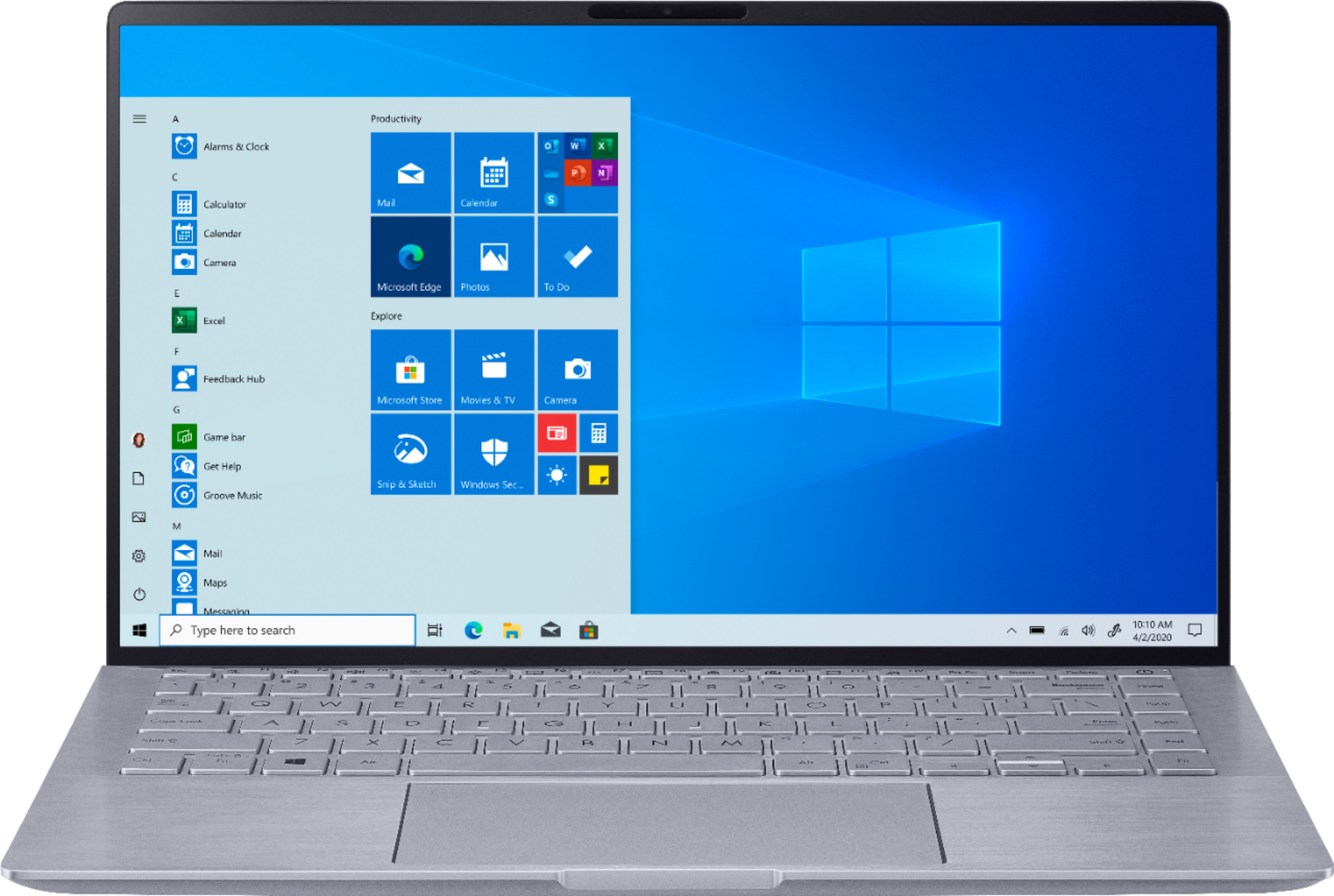
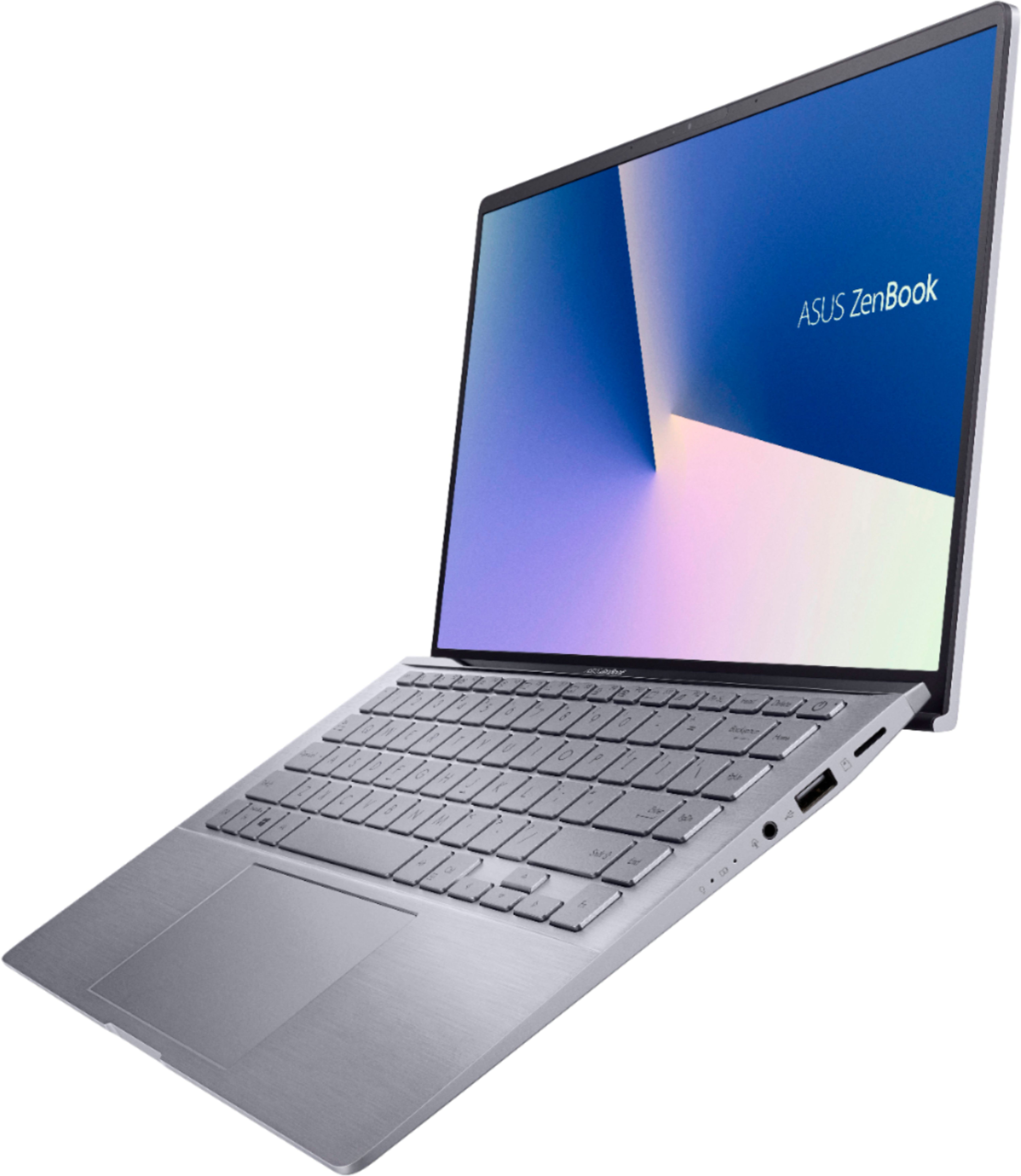
Customers are positive about the lightweight, price, battery life, and performance of the Zenbook 14" Laptop. They appreciate its portability, affordability, long battery life, and ability to handle daily tasks and simple gaming. However, customers are negative about the keyboard, fan noise, soldered RAM, heating issues, and key visibility. They find the keyboard difficult to use due to poor backlighting and faint print, and express concerns about the laptop's cooling and RAM expandability.
This summary was generated by AI based on customer reviews.
It still does pretty okay even years later
||Posted . Owned for 1 year when reviewed.This reviewer received promo considerations or sweepstakes entry for writing a review.Years later after buying it. I can safely say this is an decent laptop. Lack of Thunderbolt ports for USB-C charging hurts which is good that they improved that in newer models.
I would recommend this to a friend- Pros mentioned:Price
Great
||Posted . Owned for 1 month when reviewed.This reviewer received promo considerations or sweepstakes entry for writing a review.Great product for the price. My daughter loves it.
I would recommend this to a friend Great laptop
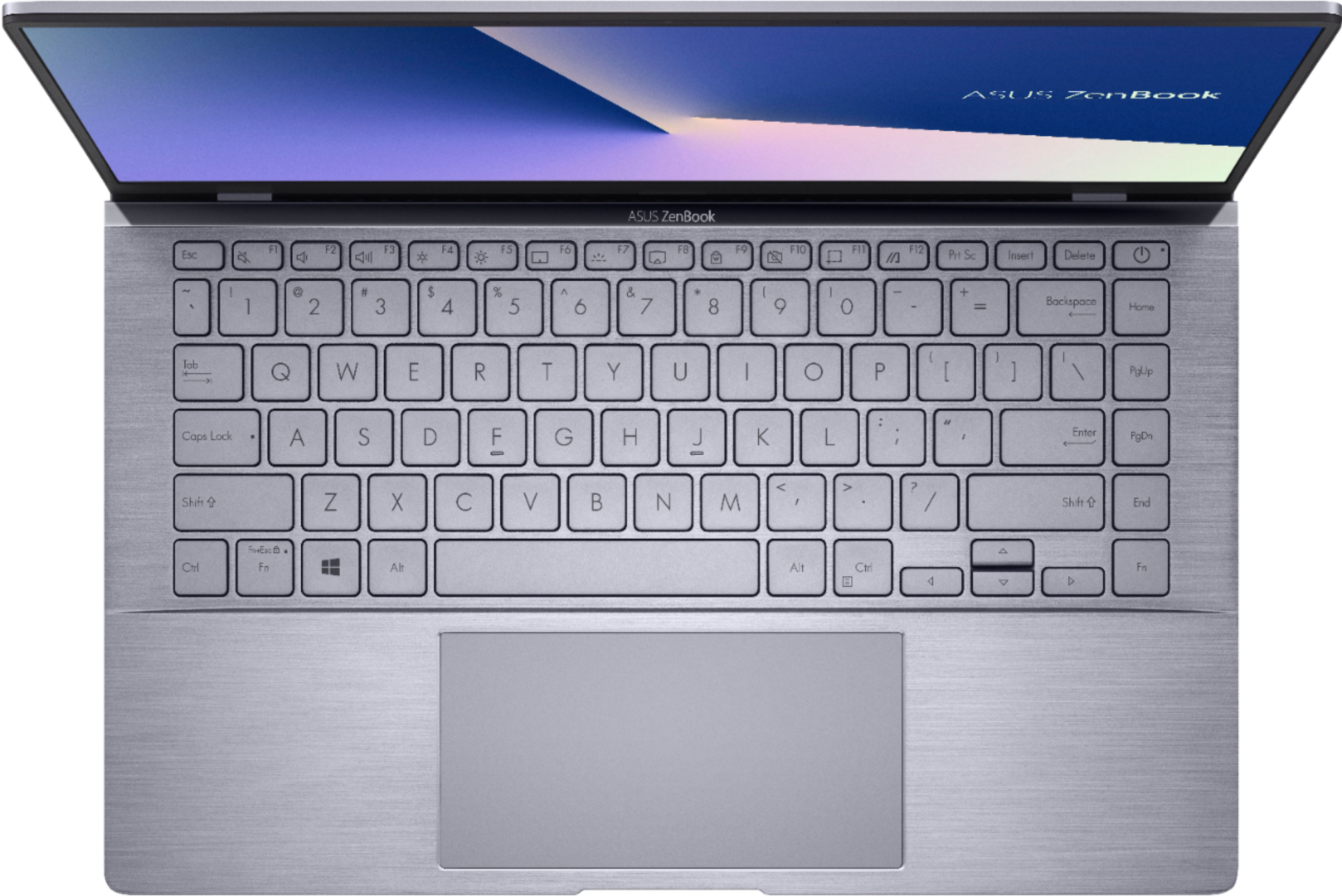
||Posted . Owned for 2 weeks when reviewed.This reviewer received promo considerations or sweepstakes entry for writing a review.Really love this laptop! I have the white version and have to keep the keyboard light off when not really needed in real darkness, because it blends with the white of the keyboard and you can't see them clearly. But I love the white design. Also, search in YouTube for optimal settings for Nvidia 2060 GPU for better performance.
I would recommend this to a friend- Pros mentioned:Weight
I though I might not like it but I definitely do.
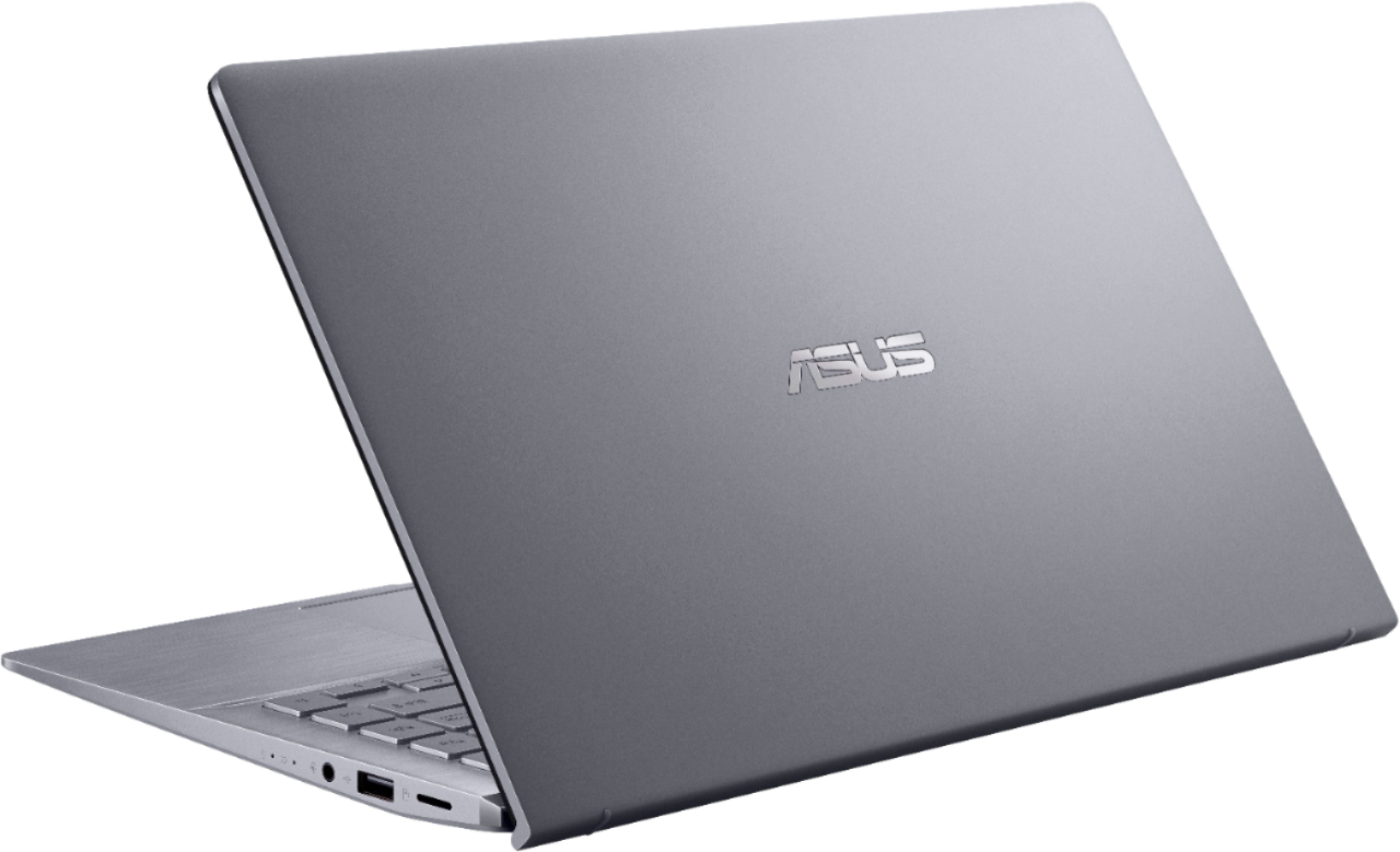
||Posted .This reviewer received promo considerations or sweepstakes entry for writing a review.I like it because it's light and very easily carried.
I would recommend this to a friend Sleek, lightweight, fast and reliable laptop
||Posted . Owned for 1.5 years when reviewed.This reviewer received promo considerations or sweepstakes entry for writing a review.Has proven to be very reliable, go-to laptop with great battery life, graphics, quick power-on/wake-up with SD memory. Like to see 4K graphics in current models at similar price point by now
I would recommend this to a friendGreat laptop for our college kid
||Posted .This reviewer received promo considerations or sweepstakes entry for writing a review.Good reviews to read, it boots up fast and has good keyboard feel. Mouse pad is big for tracking across screen with ease.
I would recommend this to a friend- Pros mentioned:Battery lifeCons mentioned:Keyboard

Great portability and surprisingly powerful
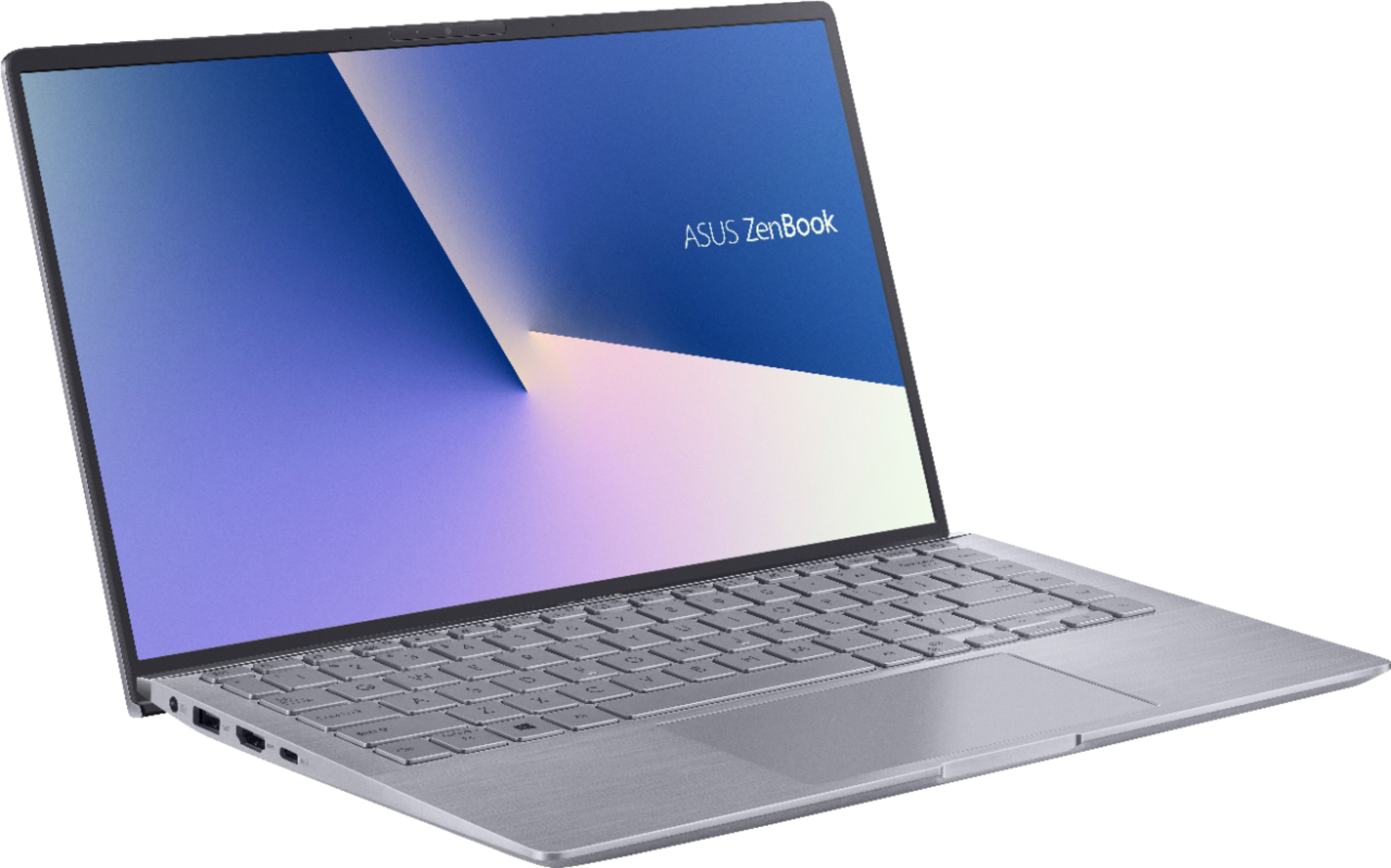
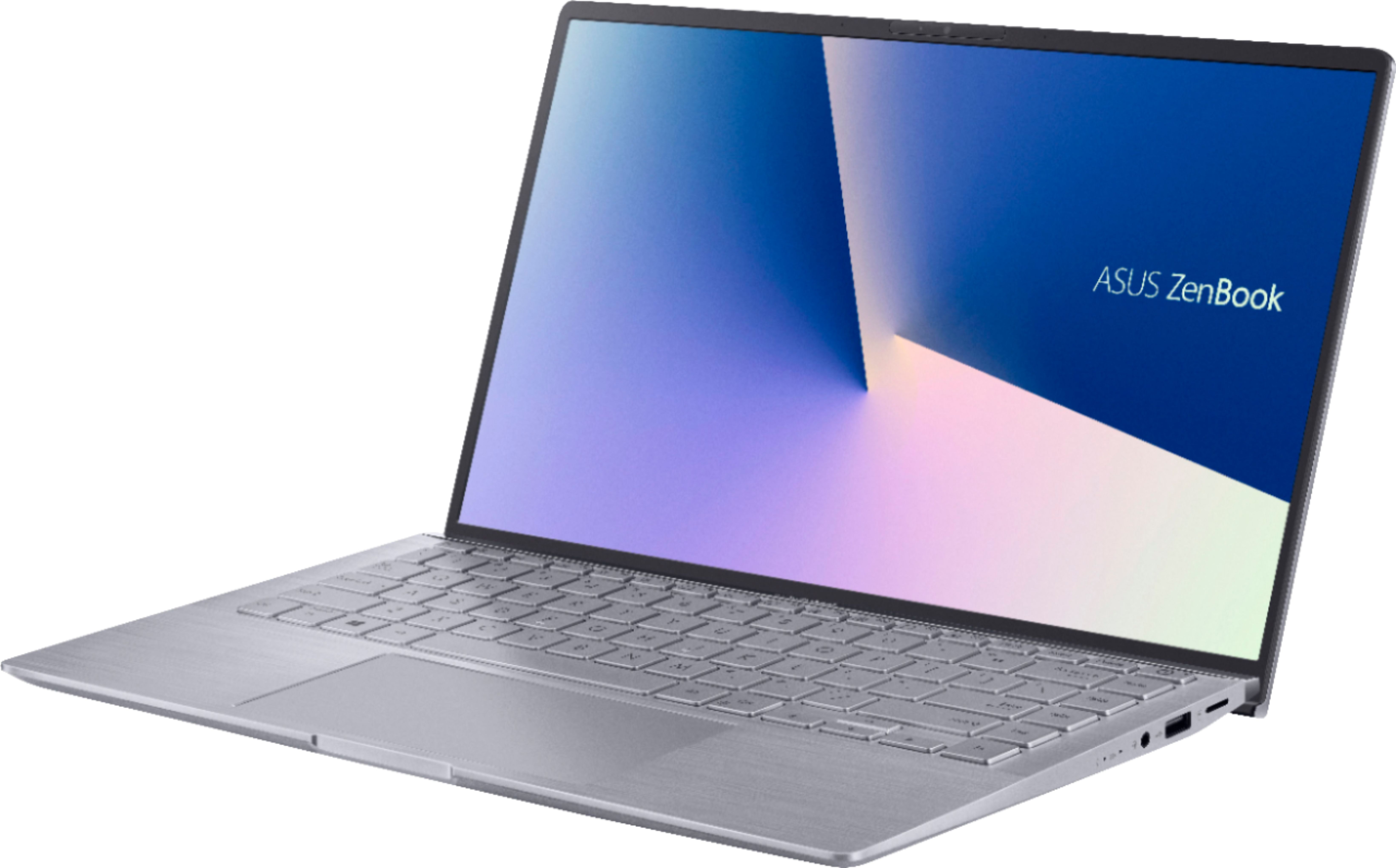
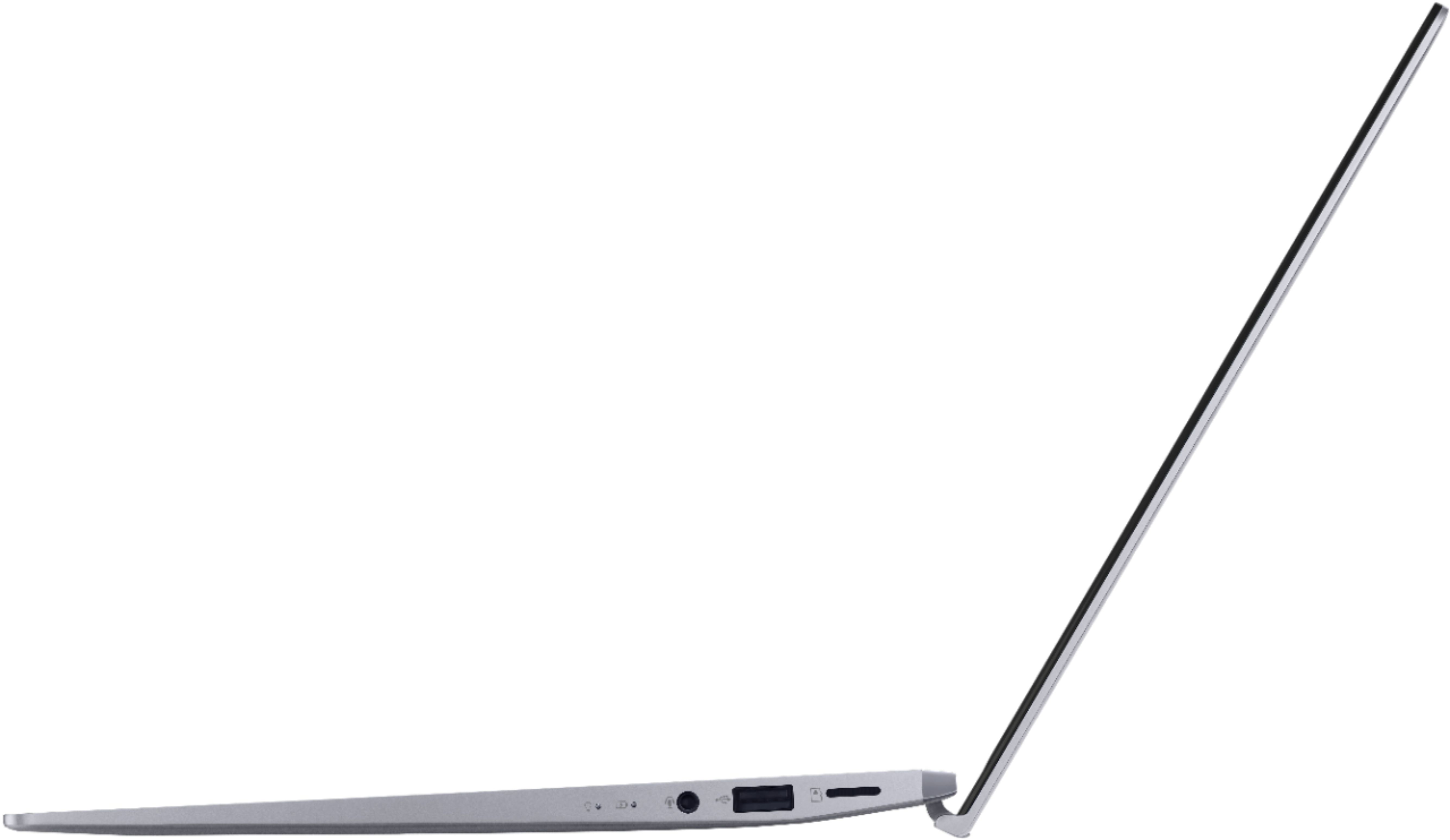
|Posted .This reviewer received promo considerations or sweepstakes entry for writing a review.This is my review of the ASUS - Zenbook 14" Laptop - AMD Ryzen 5 - 8GB Memory - NVIDIA GeForce MX350 - 256GB SSD Let me start by saying that I spend 8-10 hours a day on laptops as a full-time remote IT professional. I spend another chunk of time on personal devices and gaming laptops for entertainment purposes. To be honest, I didn’t have very high expectations of this little Zenbook. I mean, what could it possible due to compete with my $2K-$3K gaming laptops? (yes…I have more than 1…I know…I have a problem…) Portability is really the only reason I picked one up. I wanted something light and small to grab for a weekend getaway. Something with just enough power to watch a streaming service in a hotel room that wouldn’t cost me an arm and leg. First, the good… At ~$700, I was hoping this Zenbook could fit the bill. Boy was I surprised by the power packed into this tiny little package. The Zenbook has a crisp 1080P screen with very nice color and contrast. I appreciate the matte finish as it cuts down on glare when I work outdoors. The combination of AMD, NVIDIA and an SSD produces a very snappy laptop. It will cold boot in less than 10 seconds. It has performed very well. It hasn’t hesitated once on anything I’ve thrown at it. Very responsive. I didn’t really expect to have a keyboard that small feel comfortable, but I have been pleasantly surprised. It is both comfortable and responsive. Obviously, there is no number pad on a footprint this small. That said, everything else is exactly where I would intuitively expect it to go. I don’t have to search for anything. Even the half-sized keys sit right where my fingers instinctively land while typing up a storm. I have been incredibly impressed by the graphics capabilities of the NVIDIA MX350. At this price point, you can’t expect to get true gaming level performance, but this little thing can really hold it’s own in common games like Fortnight. I was able to play Fortnight on the medium preset with Epic view distance settings while maintaining my 60fps hard cap with no trouble at all. Everything was perfectly smooth. I even pulled the power cord and played for an hour on battery just to see how much performance I lost. Even on balanced power settings, it handled the game just fine. I also loaded up a high-end video production software and took a few minutes to poke at a project. It was able to render effectively and didn’t show any signs of lag in my preview window. Not quite as nice as my high-end equipment, but I wouldn’t expect it to be. The wifi seems to be stable and pretty quick. It connected to my high-end router at about 520mbps. Some of my other devices connect at faster speeds, but again, at this price point, I was impressed. I haven’t seen any packet loss. Everything has been smooth and stable. I’m very impressed with the batter. I’m used to gaming laptops that aren’t really meant to run on battery. They last like 45 minutes if I’m lucky. This thing looks like it would run all day if you were just browsing and sending email. I ran a 3.5 hour zoom call at full screen brightness during my weekly DnD session with virtual backgrounds going and it still had 30% battery life left after the call ended. When fully charged and just doing normal stuff, it says it has about 8 hours of battery life when I hover over the battery indicated. I don’t doubt it. I haven’t run it down to test it fully, but I’m satisfied. It does offer different battery life maintenance modes. If it’s always plugged in, you can limit the battery charge level to 60% so that it doesn’t overcharge the batter. There is also a mid-range limit of 80%, and of course a full 100% charge option if you plan to run it on batter most of the time and need to get a full day out of it. The charger isn’t huge and bulky, so it won’t add a lot of weight to your laptop bag. It has 2 standard USB ports (one 2.0 and one 3.0), 1 USB C port, and an HDMI port. There are plenty of options there for connecting external monitors, peripherals, hubs, etc. It is Bluetooth ready. I had no problem connecting my Bose wireless earbuds. It also has a combination headphone/mic jack if you prefer a wired headset. Now for the not so great…. For all the great surprises the Zenbook had in store for me, there is room for improvement in a few areas. There is a feature built into the My Zenbook app that allows you to cast your cellphone screen to your laptop screen via Bluetooth. I was excited about this feature and really wanted it to work. I do a lot of video recording on my cell phone, and this would have allowed me to use my laptop screen as a sort of monitor so I could see what my phone is seeing without having to look at my phone. Unfortunately, I just cant get it to work. I have a pretty new premium Android smart phone. The app sees everything, it even shows the phone screen on the laptop in a pop out window, but as soon as you actually do anything on the phone, the app freezes up on the laptop end. I don’t have any iOS devices to test with. Perhaps it works better on that platform. Next is the audio. Look…this thing is little, and there isn’t any space for great speakers. I totally get that. Just know that you will have pretty much no low end frequency in your sound. It’s actually pretty loud for it’s size, but it’s all treble. There is some audio software that allows you to select different simulated environments. It’s fun to play with, but ultimately, there is just no low end in the speaker array. I was disappointed in the keyboard back-lighting. There are only 4 presets. Off, Low, Med, High. The problem is, High isn’t bright enough. Just the brightness from the screen washes out the keyboard. I’m a proficient typist, so I know where my fingers are going anyway, but if you need to look at the keyboard to type of play games, you might find yourself annoyed by how hard it is to see which key is which. My last little complaint would be around a bug that has popped up twice now. After falling asleep, when I work up the laptop, the keyboard didn’t seem to come back to life. I couldn’t hit ctrl+alt+del to log back in. I had to hard boot the laptop by holding the power key. It boots up very quickly, so it’s not a huge deal, but if I has some unsaved work in the background, I would be in trouble. I’m hoping this one goes away over time with updates, but for now, I just can’t quite trust it to wake up properly after being asleep. So, to summarize…. I would definitely recommend this as a budget friendly option for people who want something easily portable. Pros: Great price Portable Great Screen Great Processor and SSD Great Video Card Great Battery Plenty of ports for its size Cons: Trouble with the Asus cell phone mirror software on Android Audio has virtually no low end Keyboard back-light isn’t bright enough Buggy when waking up from a sleep
I would recommend this to a friend Good
||Posted . Owned for 4 months when reviewed.This reviewer received promo considerations or sweepstakes entry for writing a review.I love my laptop, is small enough to take it anywhere but big enough to see the screen, the color looks very elegant. Also, the processor is very quick. If there would be only one down it would be that the keys are a very similar color of the computer so if there is a lot of light is kind of hard to see them.
I would recommend this to a friendGreat small computer
||Posted . Owned for 1 month when reviewed.This reviewer received promo considerations or sweepstakes entry for writing a review.Great small ultra book computer! Very compact for a 14" screen. No issues with fan noise. Only had problem with the time not automatically setting. It's definitely worth the $500 I paid for it.
I would recommend this to a friend- Cons mentioned:Keyboard
Keys are invisible
||Posted . Owned for less than 1 week when reviewed.This reviewer received promo considerations or sweepstakes entry for writing a review.Computer is great but the keyboard backlighting kills it. You need a very dark room or you can't read the keys.
No, I would not recommend this to a friendBrand response from ASUS Answers
Posted .Dear Valued Customer,
Thank you so much for your honest feedback, I'm sorry to hear about your experience with the keyboard. I will be letting the related department know about the issues you are experiencing for continuous improvements to the product line.
You can use the F7 key to adjust the brightness, if you have any other inquires, feel free to send us a tweet or direct message to our Official ASUS North America Support Twitter at AsusHelpUS. We’ll do our best to provide a quick resolution to your case. Your feedback is important as it helps with improvements to ASUS Support channels. Please copy a link to this post as a reference.
Thank you for choosing ASUS!
Best Regards,
Jamalie,
ASUS Customer Loyalty US Support
- Cons mentioned:Keyboard
Its an ok laptop
||Posted . Owned for 1 month when reviewed.This reviewer received promo considerations or sweepstakes entry for writing a review.Have issues with the keyboard nit working if i let it go to sleep mode on its own. Geek squad had no appointments.
No, I would not recommend this to a friendBrand response from Asus_Answers
Posted .Dear JBorroel,
Do understand your concern regarding the keyboard not working to wake up the laptop from sleep mode.
If the unit has been in sleep mode for a long time, or in hibernate mode, the power button needs to be pressed and held down until the unit wakes up successfully. A key stroke will not work. The keyboard will only response, to wake up computer, in standby or sleep mode.
Another step is to try shutting down the unit completely by pressing and holding the power button until it power off. Wait for at least 10 seconds then press the power button to power on. Wait until the unit bootup normally into the Home screen.
If you need further assistance with the product, please email me at [email protected] and I would be happy to help. Or, you can speak to an ASUS live support agent at http://bit.ly/AsusLiveChat.
Thank you for choosing an ASUS product.
Regards,
Rodel
ASUS Customer Loyalty
- Pros mentioned:Lightweight
It's okay
||Posted . Owned for 1 week when reviewed.This reviewer received promo considerations or sweepstakes entry for writing a review.It's nice, but I often hear it revving up to cool down. The buttons do not stick or anything and are located lightweight for a backpack as well.
I would recommend this to a friendBrand response from ASUS Answers
Posted .Dear Careerstudent2021,
I'm sorry to hear that your fan is acting abnormally, that certainly sounds like a frustration. If your model supports this feature, I recommend opening MyASUS and adjusting the fan control with one of the alternate presets. You should be able to adjust the acoustics of the machine to something more reasonable. If you have any general or technical questions, please email me at cl-lane@asus.com and include case #N2104029461 for reference.
Thank you for choosing ASUS!
Best regards,
Lane
ASUS Customer Loyalty – US Support
MyASUS: https://www.asus.com/support/faq/1038576
Great product, easy to use.
||Posted . Owned for 3 weeks when reviewed.This reviewer received promo considerations or sweepstakes entry for writing a review.I think this Asus laptop is close to perfect you can get for price. The face recognition sign in, built in Alexa are both quite handy and make the interface less hands on. I do wish the screen was a little bigger but we compensated for that by buying an second screen, which makes working from home so much easier.
I would recommend this to a friend- Cons mentioned:Keyboard
Keyboard color is a problem for me
||Posted . Owned for 1 month when reviewed.This reviewer received promo considerations or sweepstakes entry for writing a review.An otherwise good laptop is faulted by a keyboard you cannot see. The white light that illuminates the keys does not contrast enough to be useful.
No, I would not recommend this to a friend - Cons mentioned:Keyboard
Great prices
||Posted . Owned for 1 week when reviewed.This reviewer received promo considerations or sweepstakes entry for writing a review.Keyboard didn’t work:( had to get a new computer! but computer was a good quality for price and i did get a better computer but recommended the brand!
I would recommend this to a friend Almost perfect ! keyboard color not great
||Posted . Owned for 1 month when reviewed.This reviewer received promo considerations or sweepstakes entry for writing a review.i really like my laptop minus the keyboard letters color. but good thing i found a keyboard skin in ebay.
I would recommend this to a friendNo complaints! Great for all ages and applications
||Posted . Owned for 3 months when reviewed.This reviewer received promo considerations or sweepstakes entry for writing a review.We have elementary, middle school, and college students in our home. Everyone has this laptop (their own) and no one has been disappointed yet. Its durable, reliable, practical, and a fair price. We're considering purchasing another!
I would recommend this to a friendSpeedy
||Posted . Owned for 2 weeks when reviewed.This reviewer received promo considerations or sweepstakes entry for writing a review.For the price it seems it will do for school this next fall for my kids. Bad thing is you can not add more memory. Good screen so far not bad.
I would recommend this to a friendGood school laptop
||Posted . Owned for 1.5 years when reviewed.This reviewer received promo considerations or sweepstakes entry for writing a review.It's a decent laptop, I only use it for school so I can't complain. Haven't had any major issues with it.
I would recommend this to a friendWonderful laptop in a small, light package
||Posted . Owned for 3 weeks when reviewed.This reviewer received promo considerations or sweepstakes entry for writing a review.My first laptop purchase in seven years and a huge improvement. I was impressed by the size and quality of the screen given the small size of the chassis. With an SSD it loads WIN 10 in a few seconds and has handled everything I threw at it. Very happy with the purchase.
I would recommend this to a friend