Customer Ratings & Reviews
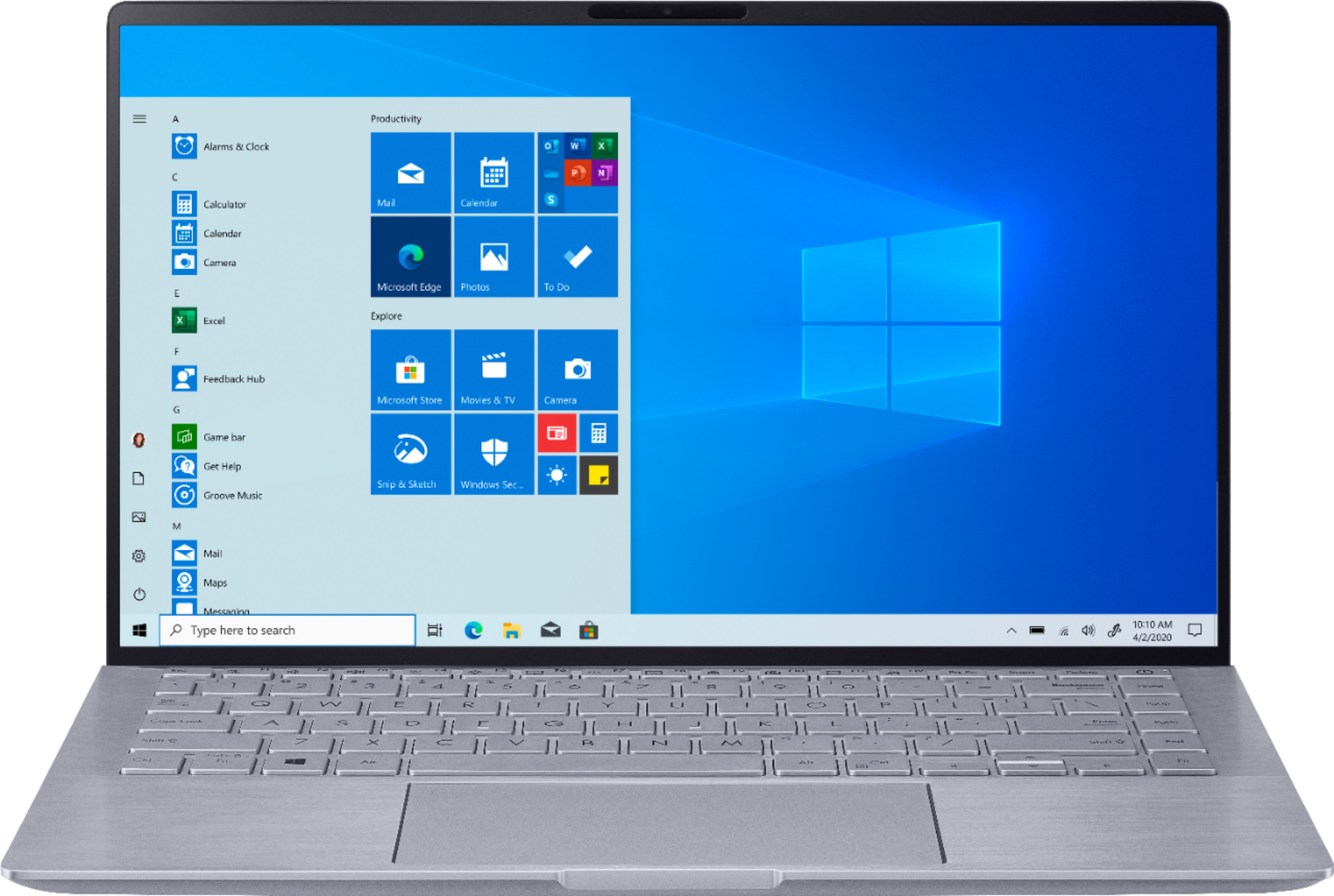
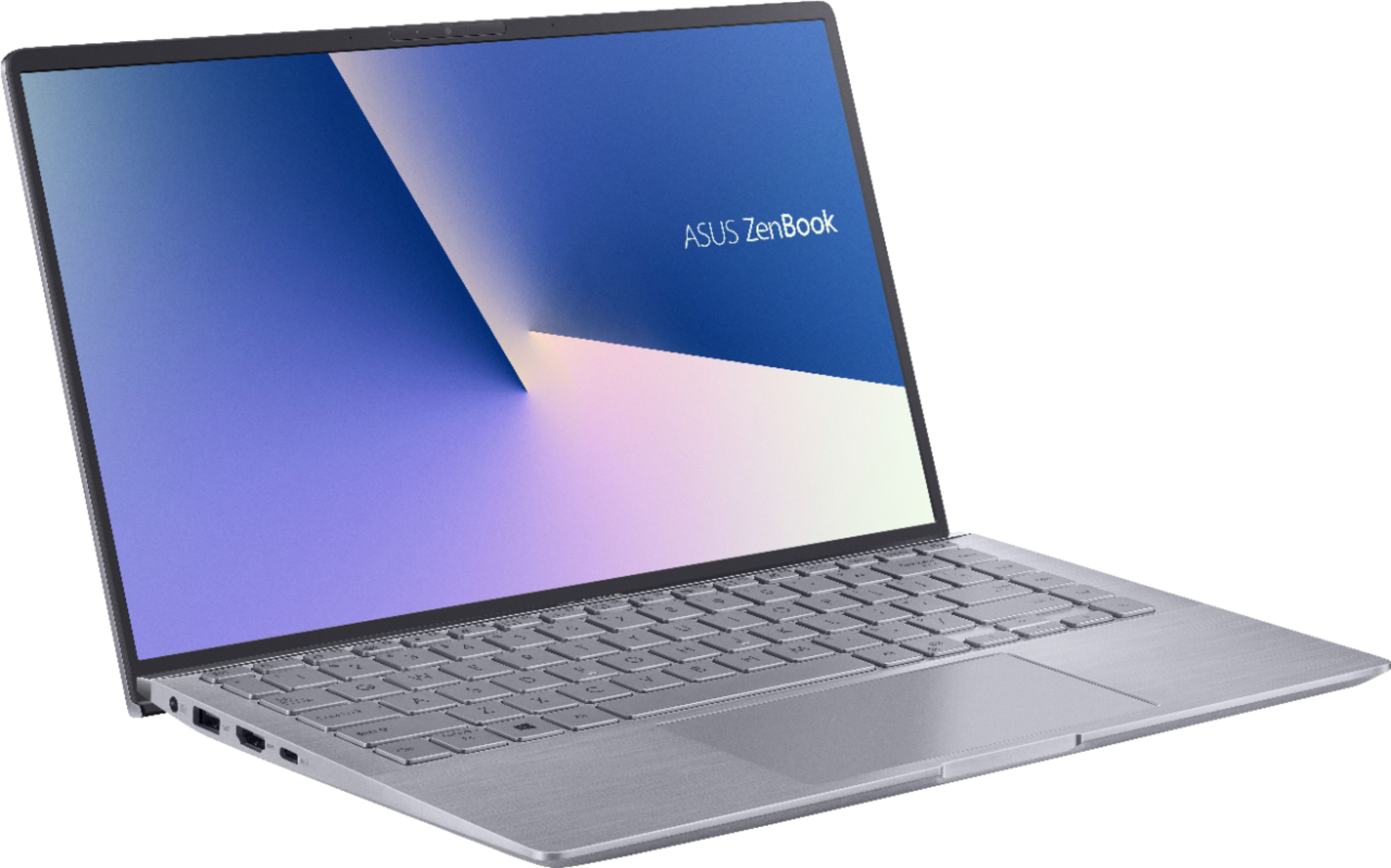
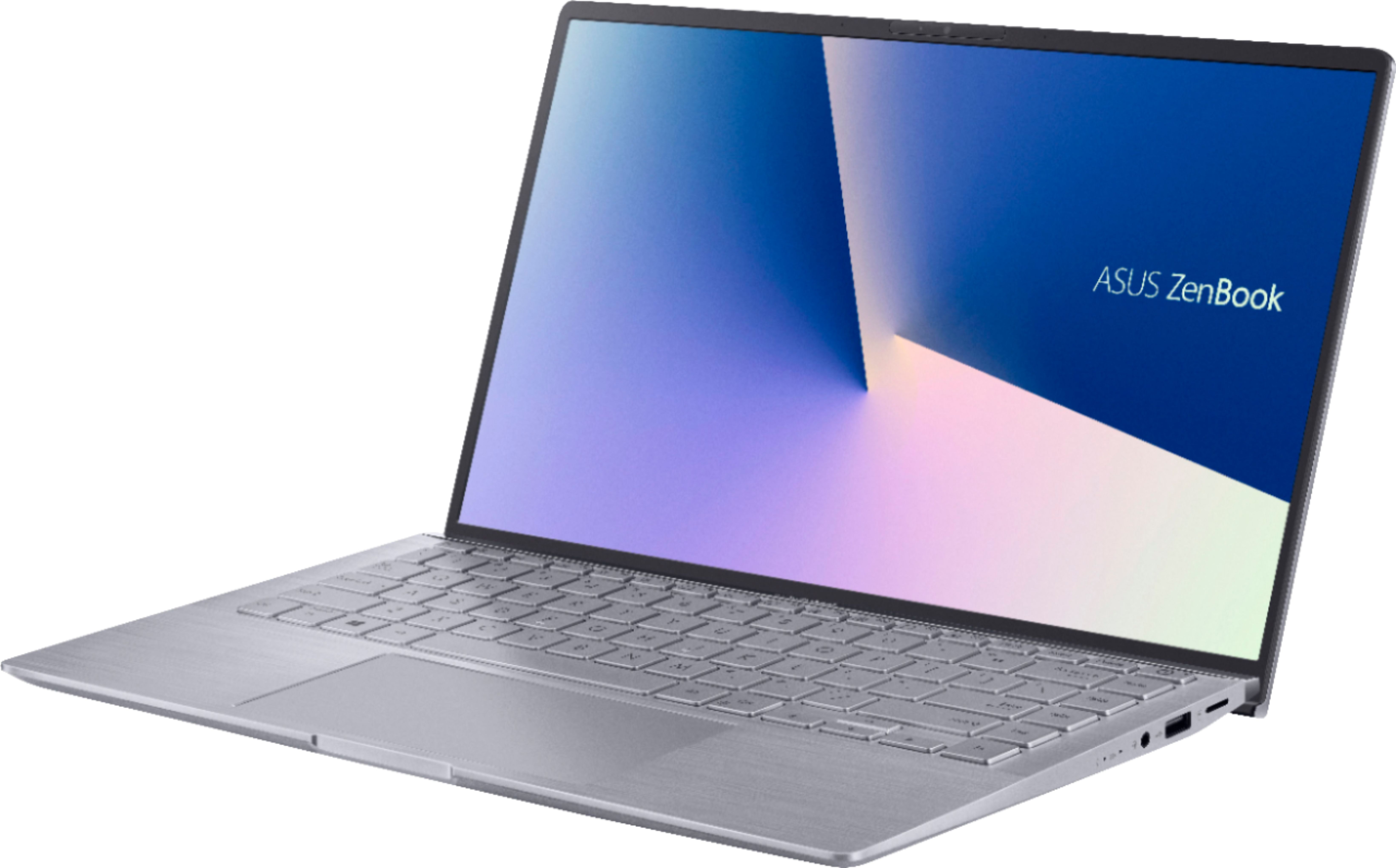
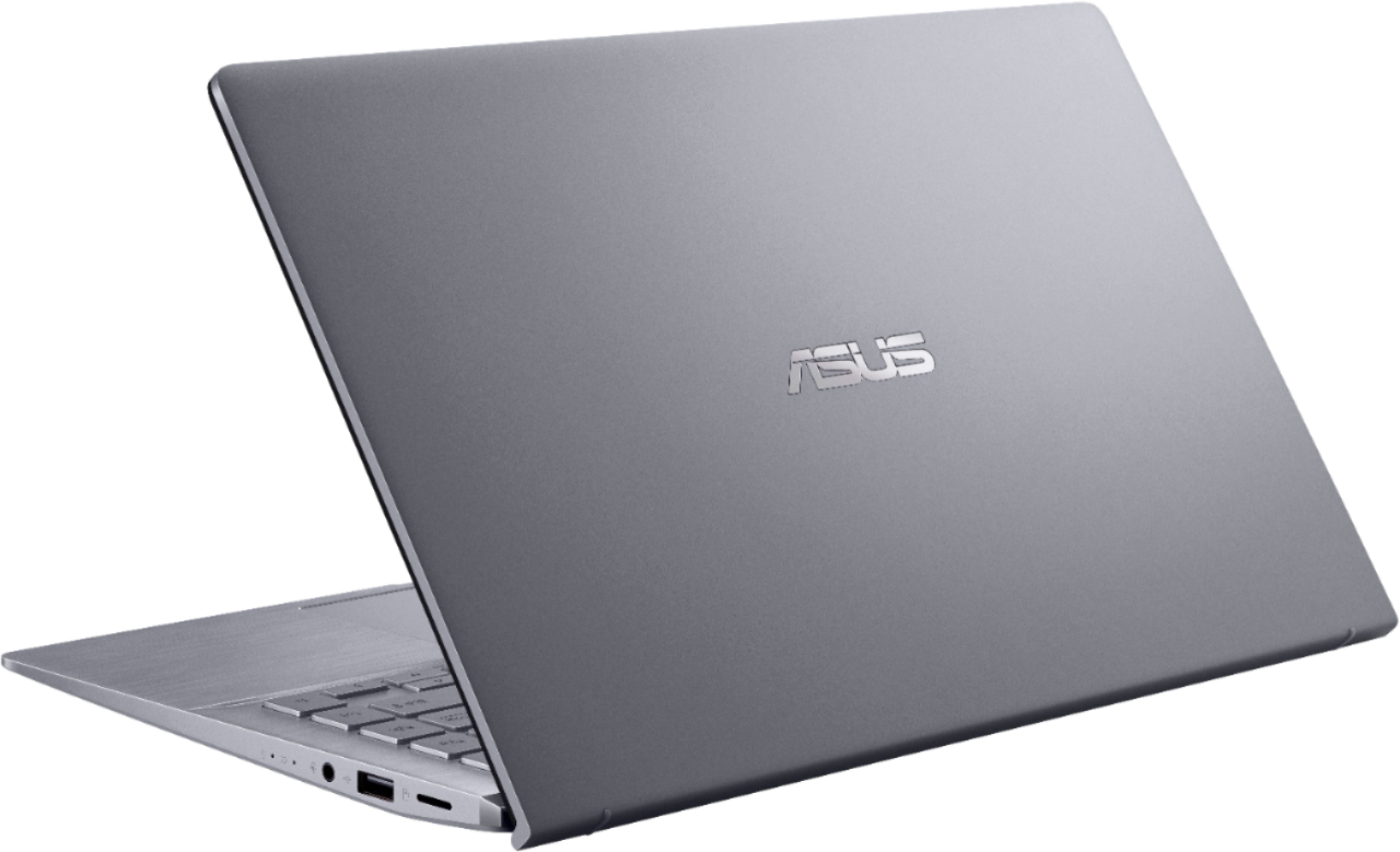







- Model:
- Q407IQ-BR5N4
- SKU:
- 6403819
Rating by feature
- Battery Life
Rating 4.4 out of 5 stars
- Speed
Rating 4.4 out of 5 stars
- Display
Rating 4.4 out of 5 stars
Customers are saying
Customers are positive about the lightweight, price, battery life, and performance of the Zenbook 14" Laptop. They appreciate its portability, affordability, long battery life, and ability to handle daily tasks and simple gaming. However, customers are negative about the keyboard, fan noise, soldered RAM, heating issues, and key visibility. They find the keyboard difficult to use due to poor backlighting and faint print, and express concerns about the laptop's cooling and RAM expandability.
This summary was generated by AI based on customer reviews.
A good experience marred by hardware issues.
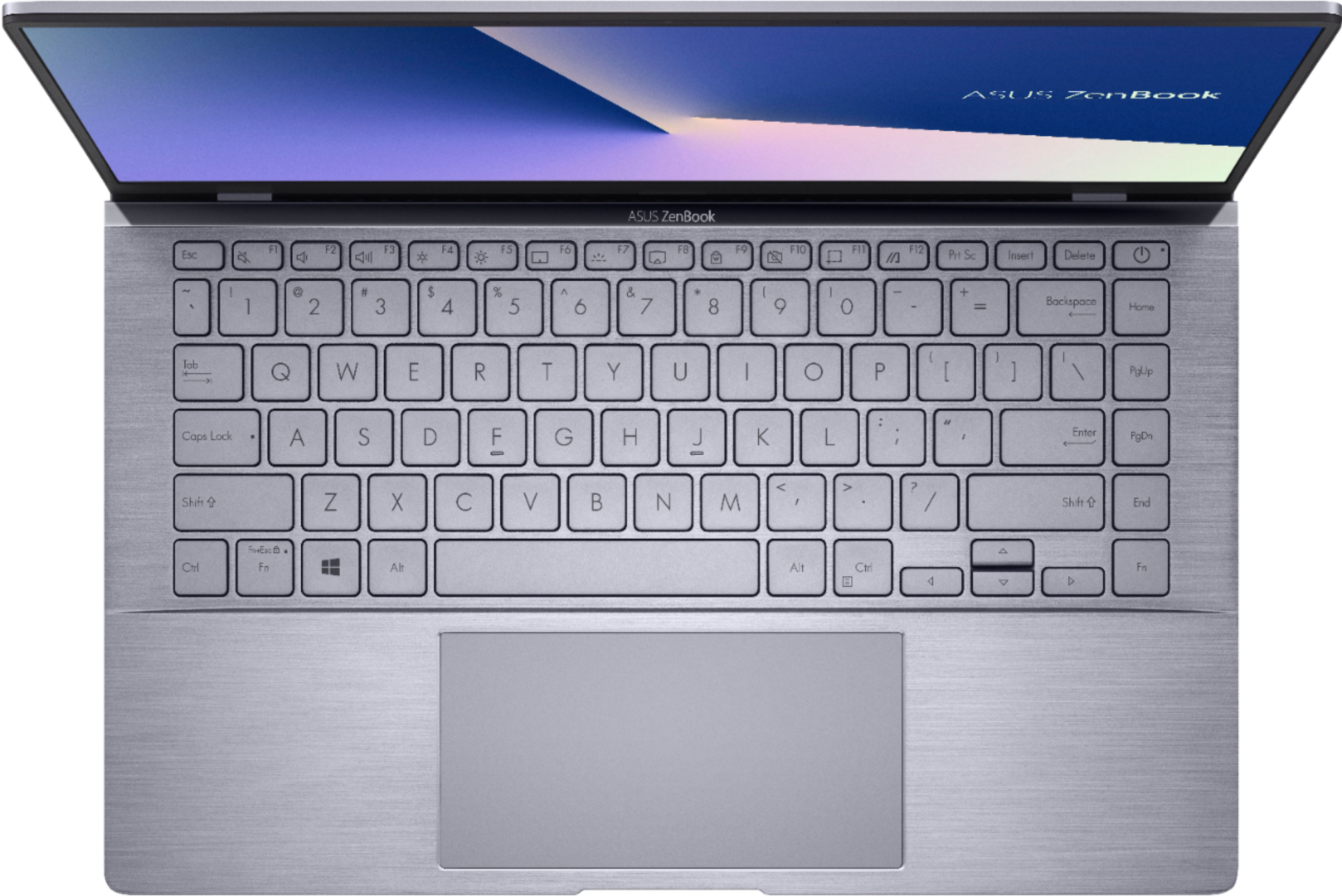
Posted .This reviewer received promo considerations or sweepstakes entry for writing a review.As a windows laptop to replace my aging Macbook Air, this laptop is supposedly a pretty great experience that is ruined by a couple of issues while operating the laptop. * Pros * – A pretty color accurate and decently bright screen. – A very capable processor paired with a slightly stronger discrete GPU. Usable for video/photo editing and some casual gaming in medium 900p graphics settings. – The keyboard feels clicky and overall great to type on, in spite of the weak backlighting and subpar readability of the keys. – Trackpad is large and smooth and feels like it was made with quality in mind. – An alright 6-7 hour maximum battery life. – The overall chassis of the laptop feels pretty light (weighs nearly as much as my 11" Macbook Air but not as dense) and constructed with quality materials. * Cons * – No USB-C charging, which is pretty annoying when I want to charge all of my devices with just one cable. Why even bother putting in a USB-C port when it can neither charge the laptop or be used as a display port? – The trackpad, despite it's size and the quality of materials used, does not feel that precise. It feels like it doesn't track slower speeds as well as my Macbook Air, giving it a more slippery feel. In fairness, it's not too bad but still noticeable. – Keyboard has been giving me issues on a regular basis whenever I wake the laptop. After waking the laptop, the keyboard has like a 40% chance that it stays turned off, forcing me to restart the computer every time it happens to fix it. Resetting the keyboard drivers does not resolve this issue. As a matter of fact, this is my 2nd unit after I returned the first for this main (and another important) reason and it's still been giving me this issue. Apparently, after reading other reviews of this laptop, this seems to be a pretty widespread problem and cannot understand why ASUS has not fixed this issue. – While the screen color quality looks pretty good, there is a harsh amount of backlight bleeding on the corners of my screen, especially noticeable when it is displaying a dark image or all black. This was even worse on my 2nd unit. – Occasionally, when the laptop falls asleep for quite a long time or even if I close it, sometimes the display turns on but stays entirely black. Nothing else happens after this, so I'm forced to reset the computer by holding down the power button. Not sure if this is the so-called hibernation feature or another issue but it is equally frustrating to deal with akin to the keyboard issue I've been having. Overall, I would not recommend this laptop to any else for their convenience, but if all of these issues are fixed within the future, then maybe I would give it a more positive review.
No, I would not recommend this to a friendBrand response from Asus_Answers
Posted .Dear Sola,
Thank you for taking some time to write a comment and for sharing your experience with the laptop.
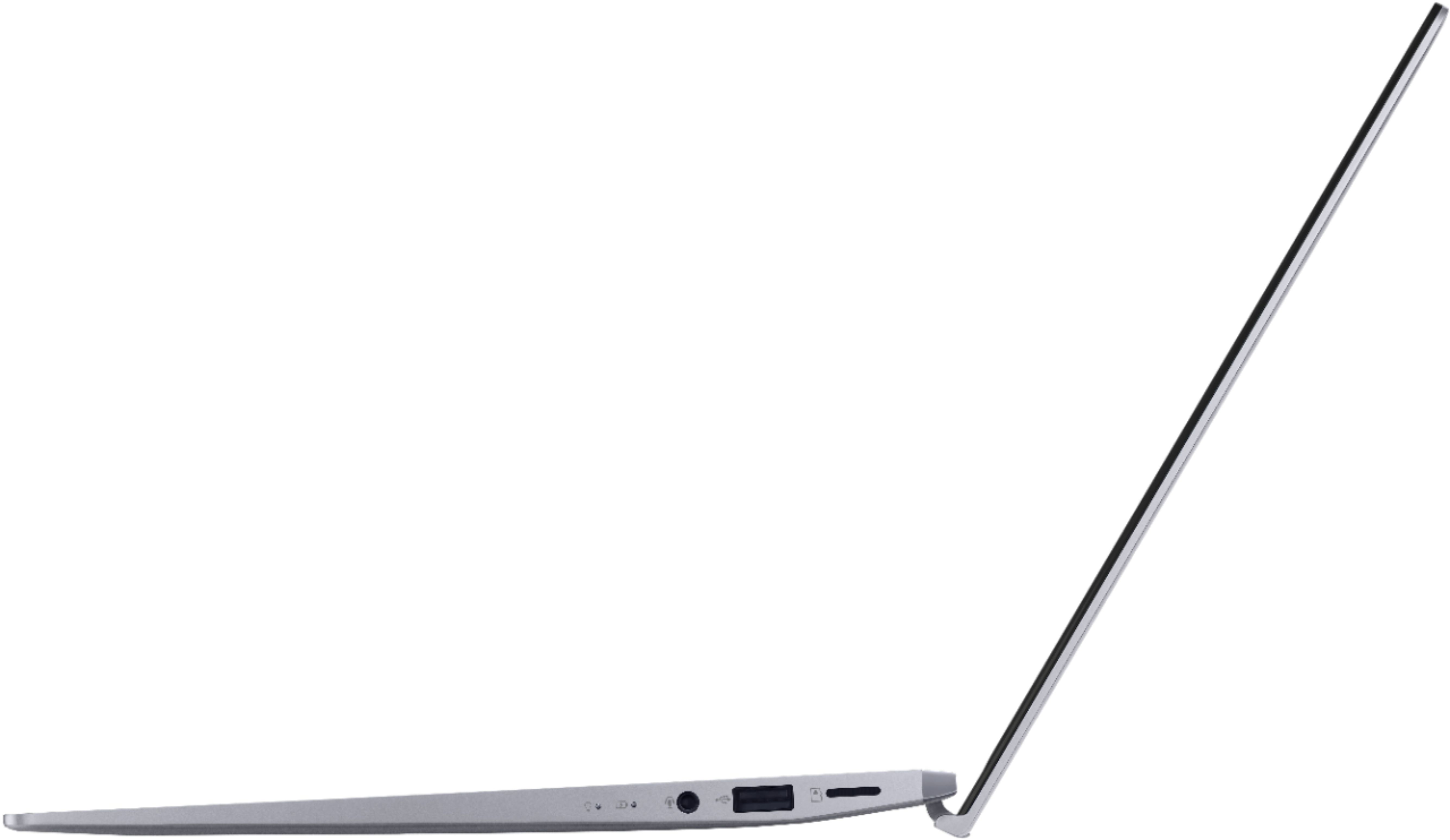
The USB-C port is a version 3.2 Gen 2, which doesn't allow charging laptop or output video signal through a display port.
Regarding the keyboard not being responsive when waking up the the laptop from sleep mode depends on what state is the laptop is. If it has been in sleep mode for a long time, the power button needs to be pressed and held down until the unit wakes up successfully, a keyboard stroke will not work. Please keep Windows current in order to improve adavnce configuration power interface within the OS. This will keep the touchpad responsive, also.
The backlight bleeding is a common characteristics of LED panel. The issue might be within the industry's standard tolerance. However, if the bleeding is excessive, we recommend taking it to the nearest BestBuy store for further inspection and analysis.
If you need further assistance with the product, please email me at cl-rodel@asus.com and I would be happy to help. Or, you can speak to an ASUS live support agent at http://bit.ly/AsusLiveChat.
Thank you for choosing an ASUS product.
Regards,
Rodel
ASUS Customer Loyalty
- Cons mentioned:Fan noise
Fan noise sounds like pouring rain drives me crazy
Posted .This reviewer received promo considerations or sweepstakes entry for writing a review.I got this 10 days ago from the local best buy store. The sellers are nice, quick, very helpful, took me 5mins to buy this laptop. But maybe I should had spent more time before buying it. It got a major fan problem that every time I have this laptop running the fan is running on its max and wind literally blowing on my fingers, that's cold. Sounds like those buzz you would hear from a black and white TV... It annoys me so much that drives me crazy. I made a phone call with it, my friend though I was in a heavy rain and told me to take care. I went ahead and search for this Zenbook noise problem, it came up with a brunch on the Internet.
No, I would not recommend this to a friendBrand response from Asus_Answers
Posted .Dear Valued Customer,
We're sorry to hear about the issues you're having with the fan on this model. Please allow us to make your experience with ASUS a better one. We would recommend that you update the BIOS on this model. You can do by clicking on the link below: https://www.asus.com/us/Laptops/ZenBook-14-Q407IQ/HelpDesk_BIOS/ For more information, you can reach out to us at our Official ASUS North America Support twitter at AsusHelpUS. We’ll do our best to provide a quick resolution to your case. Your feedback is important as it helps with improvements to ASUS Support channels. Please copy a link to this post as a reference.
Thank you for choosing ASUS.
Best Regards,
Joan
ASUS Customer Loyalty US Support
Don't Buy this computer
Posted .This reviewer received promo considerations or sweepstakes entry for writing a review.I had so many issues with this computer. I had to reinstall drivers for wifi after every update. Worst computer I have ever owned.
No, I would not recommend this to a friend- Cons mentioned:Keyboard
Illegible keyboard
Posted .This reviewer received promo considerations or sweepstakes entry for writing a review.You've got two ways of interacting with this computer: Touchpad and keyboard. The touchpad is okay. The keyboard is miserable. Why? You can't actually -read- the keycaps unless the lights are off and the backlighting is on. In daylight, there's not enough contrast between the characters and the key background. Move to dim lighting where the backlighting begins to kick in and the keyboard is totally illegible. Move along...nothing to see here...literally.
No, I would not recommend this to a friendBrand response from ASUS Answers
Posted .Dear Valued Customer,
We appreciate you sharing your feedback on this model. We're sorry to hear about the issues you're having with the keyboard on this model. Rest assured we will have this information passed on to our development team for a review.
We do value our customers and take negative customer service experience very seriously. This is not the quality of service expected from ASUS. We do stand behind our product and we continuously strive to improve our approach and processes in order to achieve customer service excellence.
For more information, you can reach out to us at our Official ASUS North America Support twitter at AsusHelpUS. We’ll do our best to provide a quick resolution to your case. Your feedback is important as it helps with improvements to ASUS Support channels. Please copy a link to this post as a reference.
Thank you for choosing ASUS.
Best Regards,
Joan
ASUS Customer Loyalty US Support
Asus
Posted .This reviewer received promo considerations or sweepstakes entry for writing a review.Great product First laptop for my kid - she loved it
I would recommend this to a friend!!!!DONT BUY THIS!!!!!
Posted .This reviewer received promo considerations or sweepstakes entry for writing a review.I bought this laptop about 4 months ago and after about 4 months of owning it the headphone jack went faulty so I called Asus about it and they said I could take it back up there to best buy and return for a new one and the person who I talked to up there said sorry we can't take it back because it's been 4 months since you bought it so I asked for the manager and they said I'm the manager the person didn't even look old enough to be the manager of the store and then they said if you have a problem with that you can take it up with corporate I think best buy needs to up there return policy to at least 120 days if I would have bought this laptop from Amazon I could have returned it and bought a new one and from now on all the laptops I'm going to buy are going to be from Amazon so if something breaks or goes faulty then I can return it
No, I would not recommend this to a friendBrand response from ASUS Answers
Posted .Dear Valued Customer,
It's unfortunate to hear that the headphone jack failed. This is absolutely not the kind of experience we want any of our customers to have. Please attempt the steps from the FAQ below. For further troubleshooting, feel free to reach out to me at customerloyalty@asus.com and provide this link for reference. I'll do my best to provide a quick resolution to your case. Your feedback is important as it helps with improvements to ASUS Support channels.
Thank you for choosing ASUS!
Best Regards,
Jamalie,
ASUS Customer Loyalty US Support
Troubleshooting - https://www.asus.com/us/support/FAQ/1015070/
- Pros mentioned:Price
Good on sale, bad build quality.
Posted .This reviewer received promo considerations or sweepstakes entry for writing a review.This was a good deal at 550 bucks for the processor and GPU, but the audiojack has broke 4 days into use. I've done everything, but the audio jack won't work. This is quite sad for a half a grand Laptop.
No, I would not recommend this to a friendBrand response from ASUS Answers
Posted .Dear Camden Jones,
We are extremely sorry that you're having issues with the device audio jack and for the inconvenience this has caused you. ASUS products undergo intensive quality control testing and final inspections for both hardware and software before we send them out to the stores worldwide. ASUS provides a warranty for the unit in order to fix or repair any isolated factory escape defect. This information will be passed on to our development team. We would be very happy to assist you.
We are recommending to have the unit return to Best Buy and request a replacement once you're within the return time period. This model also comes with warranty coverage for any issue that you may experience. You can also have the unit send to ASUS for repairs. A Return Merchandise Authorization (RMA) can be created Online by visiting our support page and selecting "service and repair", below that option please select "Create Online RMA." You also have the option to contact us directly, and we will create the RMA for you. For further assistance or if you would like to discuss this matter further, please reach out to our customer support team.
Thank you for choosing ASUS!
Best Regards,
Lamoya
ASUS Customer Loyalty US Support
Asus Zenbook
Posted .This reviewer received promo considerations or sweepstakes entry for writing a review.This laptop performs like absolute garbage when on battery power. Games and video editing is impossible. This ASUS doesn't even have to power to project a game running on low settings to a television. You might want to consider something more powerful.
No, I would not recommend this to a friendBrand response from ASUS Answers
Posted .Dear John,
We do understand your disappointment and the inconvenience this may have caused you.
The battery life is approximately 7 hours with light to medium workload.
The laptop was not intended for heavy gaming and professional video-editing. However, it may run some games if the laptop meets system requirements and it works for basic or light video-editing as long as Windows is current with update. Keeping the system updated will maintain optimum system stability and performance. Also, while accessing web applications, please make sure the laptop has access to an established router and internet service is working properly since this will definitely affect system speed and performance.
If you need further assistance, please email me at cl-rodel@asus.com and I would be happy to help. Or, you are most welcome to call Product Support Hotline at: 1(888) 678-3688. Also, you can chat with an ASUS live support agent at: http://bit.ly/AsusLiveChat.
Thank you for choosing an ASUS product.
Regards,
Rodel
ASUS Customer Loyalty
Don’t purchase for gaming
Posted .This reviewer received promo considerations or sweepstakes entry for writing a review.This laptop was horrible, didn’t run anything, all apps were blurry and computer was lagging only a day after purchasing. Do not recommended.
No, I would not recommend this to a friendBrand response from ASUS Answers
Posted .Dear Beedle,
Certainly, the laptop was designed to run popular computing applications without compromising system stability and performance. It is not a gaming laptop, however, it does support basic or casual gaming.
The slow system speed or performance is temporary during the initial WINDOWS setup and before installing cumulative WINDOWS Update, regardless what brand name of computer this may be. This may take a longer time depending on the network traffic from the update server and the stability of your high-speed internet service. Also, laptop will do several system reboot, black screen temporarily or restart during the update process. Once initial setup and WINDOWS Update installation completed, system speed or performance will be optimized. Keeping Windows updated will maintain optimum system stability and performance.
Also, while accessing web applications, please make sure the unit has access to an established router and internet service is working properly since this will definitely affect system speed and performance. Also, clearing internet cache or browsing history will improve system performance.
If the above-mentioned steps were already performed to no avail, please try to run a diagnostics or optimization test using the "My ASUS" utility software or application. If this is not pre-installed on the laptop, please download the application at the Microsoft Store. For details on how to use "My ASUS", please go to: https://www.asus.com/support/FAQ/1041686/.
If you need further assistance, please email me at cl-rodel@asus.com and I will be more than happy to help. Or, call Product Support Hotline at: 1(888) 678-3688. Also, you can chat with an ASUS live support agent at http://bit.ly/AsusLiveChat.
Thank you for choosing an ASUS product.
Regards,
Rodel
ASUS Customer Loyalty