Customer Ratings & Reviews











- Model:
- UX3407QA-X1P512
- SKU:
- 10498046
Rating by feature
- Battery Life
Rating 4.8 out of 5 stars
- Speed
Rating 4.7 out of 5 stars
- Display
Rating 4.8 out of 5 stars
- Pros mentioned:Portability
Fair product
||Posted . Owned for 1 month when reviewed.This reviewer received promo considerations or sweepstakes entry for writing a review.Nice and light but not as good as macbook air form the price.
I would recommend this to a friendBrand response from ASUS Answers
Posted .Dear VIVEK,
Thank you for sharing your thoughts on the ASUS UX3407QA laptop. We're glad to hear you appreciate its lightweight design. We understand that value and performance are important considerations, and we appreciate your honest comparison. Your feedback is valuable and will be shared with our product team.
We stand behind our products and continuously strive to improve our products and processes to achieve customer service excellence. If you require any further assistance, please email us at customerloyalty@asus.com and include the case number "N2507000882-0009" as a reference. We will do our best to resolve your case quickly. Your feedback is very important to us, and it enables us to improve our support channels. Thank you for choosing ASUS.
Best Regards,
Chantae
ASUS Customer Loyalty US Support
Not Compatible with many USB Divers
||Posted . Owned for 1 week when reviewed.This reviewer received promo considerations or sweepstakes entry for writing a review.The computer is nice size and light weight. The reason for the 1 star is I was pointed toward the snapdragon processor by best buy sales reps in the store, that they were an excellent and fast processor and would do everything that I needed. We even discussed my needs. The issue is that most USB drivers are not compatible with Snapdragon processors, so if you need the computer to do anything other than simple applications it is not a good option. I fought with trying to get programs to work for multiple days with no luck, to find out that it all has to do with snapdragon not being compatible with prolific and some other USB drivers.
No, I would not recommend this to a friendBrand response from ASUS Answers
Posted .Dear Farmer,
Thank you for sharing your experience with the ASUS UX3407QA Laptop. We’re glad to hear that you appreciate the size and lightweight design, but we sincerely apologize for the difficulties you've encountered with software and USB driver compatibility related to the Snapdragon processor. We understand how frustrating it must have been to spend time troubleshooting only to discover these limitations. This is not the seamless experience we aim to provide, and we regret that your expectations were not met.
Your feedback is very valuable to us, and we will ensure it is passed along to our product team for further review.
We stand behind our products and continuously strive to improve our products and processes to achieve customer service excellence. For more information, email us at customerloyalty@asus.com and include the case number "N2506017063-0019" as a reference. We will do our best to resolve your case quickly. Your feedback is very important to us and enables us to improve our support channels. Thank you for choosing ASUS.
Best Regards,
Chantae
ASUS Customer Loyalty US Support
Asus a14
||Posted . Owned for 1 month when reviewed.This reviewer received promo considerations or sweepstakes entry for writing a review.It came up with scratches by some reason,awesome screen and Soc
I would recommend this to a friendLaptop purchase
||Posted . Owned for 1 month when reviewed.This reviewer received promo considerations or sweepstakes entry for writing a review.Excellent purchase at a good price. Snapdragon X plus is a plus on laptops.
I would recommend this to a friendVery Happy Customer
||Posted . Owned for 1 month when reviewed.This reviewer received promo considerations or sweepstakes entry for writing a review.I absolutely love it! First of all it beautiful. Very sleek &does everything i need it to do.
I would recommend this to a friend- Pros mentioned:Overall performance
Great
||Posted . Owned for 1 month when reviewed.This reviewer received promo considerations or sweepstakes entry for writing a review.This product is great, but it's not suitable for my job.
I would recommend this to a friendBrand response from ASUS Answers
Posted .Dear XiaodongSun,
Thank you so much for the feedback. We are glad that you are happy with this product. We do stand behind our product, and we continuously strive to improve our approach and processes in order to achieve customer service excellence. Feel free to reach out to me at customerloyalty@asus.com and provide this link for reference. I'll do my best to provide a quick resolution to your case. Your feedback is important as it helps with improvements to ASUS support channels. Please refer to this case number (N2507000882-0007) for us to better assist you. Thank you for choosing ASUS!
Best Regards,
Schottky,
ASUS Customer Loyalty US Support
Freezes Constantly
||Posted . Owned for 2 weeks when reviewed.This reviewer received promo considerations or sweepstakes entry for writing a review.This laptop seriously suffers from processing problems. Just open Google Chrome and watch the laptop start to sputter. It locks up with nothing open. The background Copilot programs and Windows seem to be overloading the PC. I tried closing everything and it still happens anyway. Since I bought the laptop a few weeks ago it has frozen at least 20 times. For the price point I expect it to at least handle basic programs. I did read this in some reviews so I'll take some responsibility for that. The battery doesn't last quite as long as advertised as well. You'd have to shut everything off. I mainly bought this computer just for web surfing and writing so this is a major disappointment and I do not recommend it to anyone.
No, I would not recommend this to a friendBrand response from ASUS Answers
Posted .Dear Carlos Hernandez,
Thank you for sharing your experience with the ASUS UX3407QA Laptop. We sincerely apologize for the performance issues you’ve encountered, including freezing during basic tasks and the battery not lasting as long as expected. We regret the inconvenience this has caused and understand your disappointment.
To help troubleshoot the matter, we recommend following the steps outlined in our FAQ guide linked below. If the issue continues, please contact our support team at https://www.asus.com/us/support/CallUs so we can assist you further or arrange repair service if necessary.
We stand behind our products and continuously strive to improve our products and processes to achieve customer service excellence. For more information, email us at customerloyalty@asus.com and include the case number "N2506017063-0014" as a reference. We will do our best to resolve your case quickly. Your feedback is very important to us and enables us to improve our support channels. Thank you for choosing ASUS.
Best Regards,
Chantae
ASUS Customer Loyalty US Support
[Windows 11/10] Troubleshooting - Resolving System Error Messages or Unresponsiveness (Freeze/Black Screen/White Screen during usage) - https://www.asus.com/support/faq/1038855/
[Windows 11/10] Troubleshooting - Short Battery Life (Rapid Battery Drain) - https://www.asus.com/support/faq/1043914/
- Pros mentioned:Portability
asus zenbook
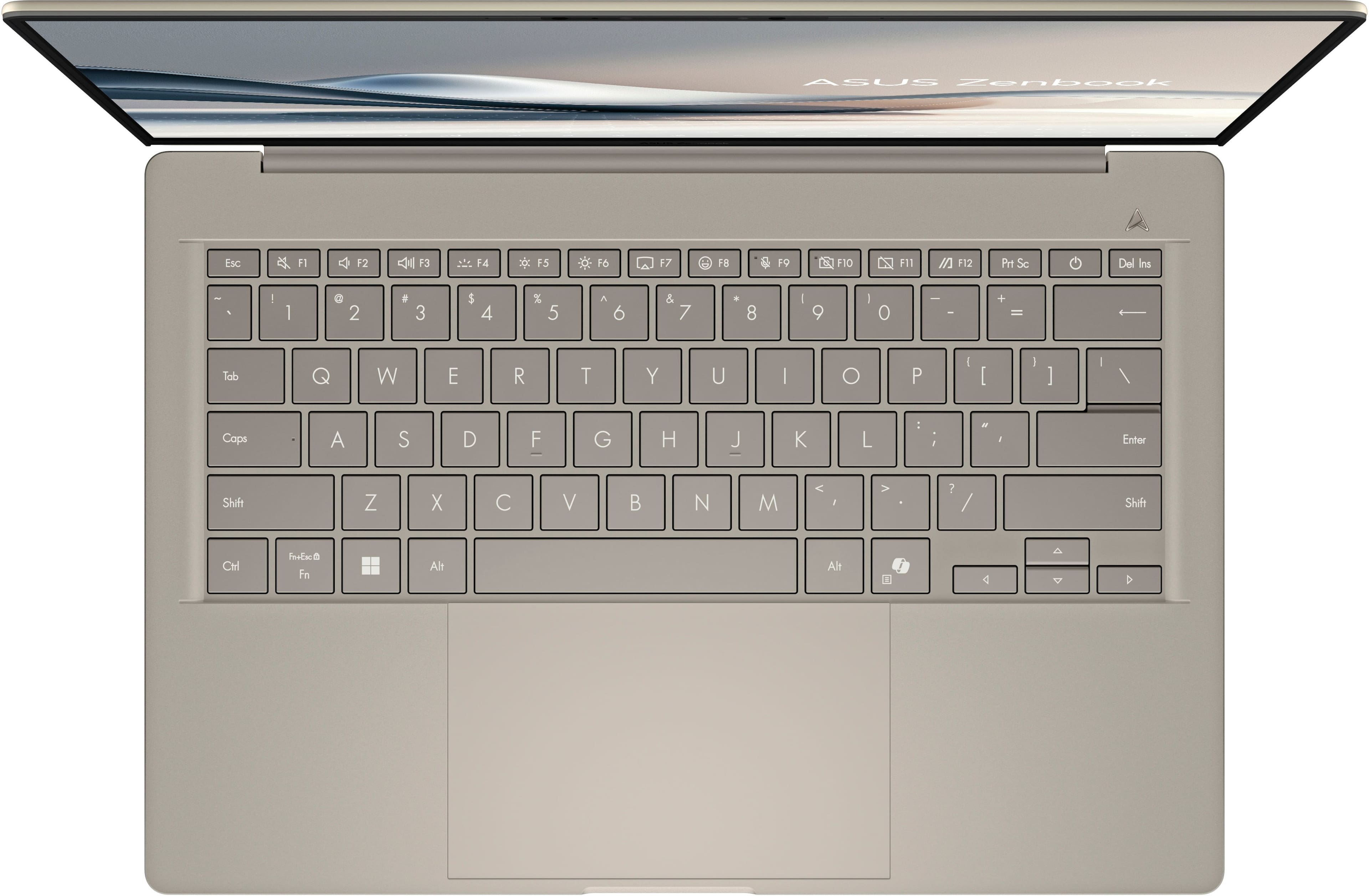
||Posted . Owned for 3 weeks when reviewed.This reviewer received promo considerations or sweepstakes entry for writing a review.pretty, light weight, but I returned it because I missed having touchscreen. Also, the letters and numbers on keyboard are hard to read
No, I would not recommend this to a friendBrand response from ASUS Answers
Posted .Dear Alice,
Thank you for sharing your experience with the ASUS UX3407QA laptop. We sincerely apologize that the lack of a touchscreen and the readability of the keyboard characters did not meet your expectations. We understand how important these features are for comfort and usability.
Your feedback is appreciated and will be passed along to our product team.
We stand behind our products and continuously strive to improve our products and processes to achieve customer service excellence. If you require any further assistance, please email us at customerloyalty@asus.com and include the case number "N2506001833-0004" as a reference. We will do our best to resolve your case quickly. Your feedback is very important to us, and it enables us to improve our support channels. Thank you for choosing ASUS.
Best Regards,
Chantae
ASUS Customer Loyalty US Support
Review
||Posted . Owned for 3 weeks when reviewed.This reviewer received promo considerations or sweepstakes entry for writing a review.slower than I thought it would be after reading specs and talking to store rep.
No, I would not recommend this to a friendBrand response from ASUS Answers
Posted .Dear Turbowash,
Thank you for sharing your experience with the ASUS UX3407QA laptop. We sincerely apologize that the performance has not met your expectations after reviewing the specifications and consulting with the store representative. We understand how disappointing it can be when a new device does not deliver the speed you anticipated.
To help improve performance, we recommend following the steps outlined in our FAQ guide linked below. If the issue continues, please contact our support team at https://www.asus.com/us/support/CallUs so we can assist you further.
We stand behind our products and continuously strive to improve our products and processes to achieve customer service excellence. For more information, email us at customerloyalty@asus.com and include the case number "N2507000882-0015" as a reference. We will do our best to resolve your case quickly. Your feedback is very important to us and enables us to improve our support channels. Thank you for choosing ASUS.
Best Regards,
Chantae
ASUS Customer Loyalty US Support
[Windows 11/10] Troubleshooting - System is running slowly - https://www.asus.com/support/faq/1042398/
- Pros mentioned:Portability
It’s okay
||Posted . Owned for 2 months when reviewed.This reviewer received promo considerations or sweepstakes entry for writing a review.Had lots of issues with the mousepad in the same week of buying it. Love how light the item is and probably would have loved it over all if it wasn’t for the mousepad issue.
No, I would not recommend this to a friendBrand response from ASUS Answers
Posted .Dear Leslie C,
Thank you for sharing your experience with the ASUS UX3407QA laptop. We're sorry to hear about the touchpad issues you encountered shortly after purchase. We appreciate your positive remarks about the device’s lightweight design.
To help resolve the issue, we recommend reviewing the steps in the troubleshooting FAQ linked below. If the issue continues, please contact our support team at https://www.asus.com/us/support/CallUs so we can assist you further or arrange repair service if necessary.
We stand behind our products and continuously strive to improve our products and processes to achieve customer service excellence. For more information, email us at customerloyalty@asus.com and include the case number "N2506001833-0002" as a reference. We will do our best to resolve your case quickly. Your feedback is very important to us and enables us to improve our support channels. Thank you for choosing ASUS.
Best Regards,
Chantae
ASUS Customer Loyalty US Support
[Notebook] Troubleshooting - Touchpad abnormal problems - https://www.asus.com/support/faq/1042539/
Smh bro
||Posted . Owned for 1 month when reviewed.This reviewer received promo considerations or sweepstakes entry for writing a review.The computer was cool at first, but 2 days before a month in; the touchpad stopped working randomly (not the f key that disables the touchpad) and the day after (right now) it won’t turn on.
No, I would not recommend this to a friendBrand response from ASUS Answers
Posted .Dear Thugshaker,
We’re sorry to hear about the touchpad and power issues you’re experiencing with your ASUS Zenbook. This is not the level of performance we aim to deliver. To address the power issue, we recommend performing a Hard Reset, which may help restore functionality.
Hard Reset
1. Remove all external devices such as the AC adapter, USB devices, etc.
2. Press and hold the power button for 60 seconds.
3. Reconnect the AC adapter.
4. Turn on the power of the device.
If the problem continues after this step, please contact our support team at https://www.asus.com/us/support/CallUs so we can assist you further or arrange repair services if needed.
We stand behind our products and continuously strive to improve our products and processes to achieve customer service excellence. For more information, email us at customerloyalty@asus.com and include the case number "N2507000882-0004" as a reference. We will do our best to resolve your case quickly. Your feedback is important to us and enables us to improve our support channels. Thank you for choosing ASUS.
Best Regards,
Chantae
ASUS Customer Loyalty US Support
Would recommend
||Posted . Owned for 1 month when reviewed.This reviewer received promo considerations or sweepstakes entry for writing a review.Great laptop that gets the job done while at work and at home
I would recommend this to a friendIt was highly recommended
||Posted . Owned for 2 weeks when reviewed.This reviewer received promo considerations or sweepstakes entry for writing a review.So far so good I just have to remember it’s not touch screen
I would recommend this to a friendLaptop
||Posted . Owned for 1 week when reviewed.This reviewer received promo considerations or sweepstakes entry for writing a review.We had the best experience purchasing this laptop!
I would recommend this to a friendTouchscreen and mouse issued
||Posted . Owned for 3 weeks when reviewed.This reviewer received promo considerations or sweepstakes entry for writing a review.The touchscreen and mouse keep locking up so I had to purchase another mouse to finish the job I was working on. Touchscreen worked well this morning, but it is not working now.
No, I would not recommend this to a friendBrand response from ASUS Answers
Posted .Dear Carol K,
We’re sorry to hear about the touchscreen and touchpad issues you’re experiencing with your ASUS Zenbook A14 Laptop. This is not the level of performance we aim to deliver. To help resolve the issue described, we recommend reviewing the steps in our troubleshooting guide linked below. If the issue continues, please contact our support team at https://www.asus.com/us/support/CallUs so we can assist you further or arrange repair service if necessary.
We stand behind our products and continuously strive to improve our products and processes to achieve customer service excellence. For more information, email us at customerloyalty@asus.com and include the case number "N2507000882-0006" as a reference. We will do our best to resolve your case quickly. Your feedback is very important to us and enables us to improve our support channels. Thank you for choosing ASUS.
Best Regards,
Chantae
ASUS Customer Loyalty US Support
[Windows 11/10] Troubleshooting - Touchscreen / Touch Panel problems - https://www.asus.com/support/faq/1042685/
[Notebook] Troubleshooting - Touchpad abnormal problems - https://www.asus.com/support/faq/1042539/
Okay option if you dont mind marks
||Posted . Owned for 2 weeks when reviewed.This reviewer received promo considerations or sweepstakes entry for writing a review.Seemed like a decent laptop for the small amount off time i had it only thing i dont like is brand new from the box it had stains/marks on it dont find that accepted for a new product at its price
No, I would not recommend this to a friendBrand response from ASUS Answers
Posted .Dear Paladin,
Thank you for sharing your experience with the ASUS UX3407QA Laptop. We're pleased to hear that the laptop met your expectations in terms of performance, but we’re truly sorry to learn that it arrived with visible stains or marks. That’s not the standard of quality we strive to deliver, especially for a brand-new product. We recommend reaching out to our support team at https://www.asus.com/us/support/callus/ so we can investigate the issue and assist with a resolution.
We stand behind our products and continuously strive to improve our products and processes to achieve customer service excellence. For more information, email us at customerloyalty@asus.com and include the case number "N2507000882-0008" as a reference. We will do our best to resolve your case quickly. Your feedback is very important to us and enables us to improve our support channels. Thank you for choosing ASUS.
Best Regards,
Chantae
ASUS Customer Loyalty US Support
NIce machine with cosmetic defects!
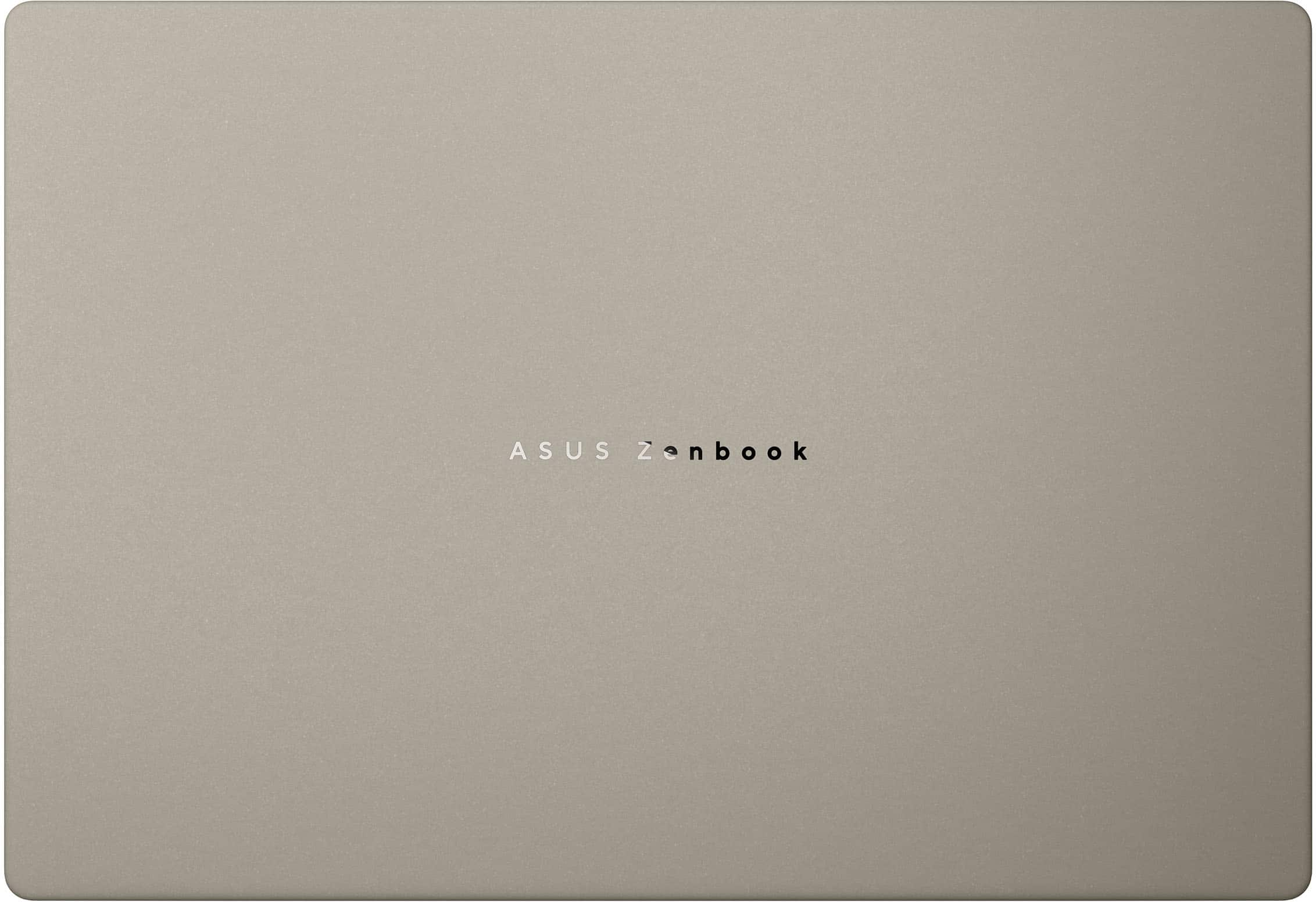
||Posted . Owned for 4 months when reviewed.This reviewer received promo considerations or sweepstakes entry for writing a review.Very nice machine with a major flaw! Defects in the finish in the corners of the palm rests and around the edges, especially around the touch pad. Dark spots that look like the finish is thin and the dark metal underneath is showing through. Liked the machine but couldn't live with the defects so I traded for another which had the same issues! I found out that this is a common issue so I gave up!
No, I would not recommend this to a friendBrand response from ASUS Answers
Posted .Dear Bill,
We certainly understand your disappointment with your notebook. We certainly value your feedback on this matter, and I will be letting the related department know about the issues you are experiencing regarding continuous improvements to the product line. If you need any assistance, feel free to contact me at customerloyalty@asus.com. We'll be happy to provide a quick resolution to your case, and I will help you to the best of my abilities. I am here to assist our customers with our products and am dedicated to bringing resolution to all issues that they may come across. Your case for reference is [N2506017063-0015] for us to better assist you.
Thank you for choosing ASUS!
Best Regards,
Anya M.
ASUS Customer Loyalty US Support
No sound
||Posted . Owned for 2 weeks when reviewed.This reviewer received promo considerations or sweepstakes entry for writing a review.Laptop was nice but has fo return because of no sound
I would recommend this to a friendBrand response from ASUS Answers
Posted .Dear Missy2005,
Thank you for your comment.
We do understand your disappointment with this laptop and the inconvenience this may have caused if you had no sound from the get-go. To resolve this issue, please check inside the Volume Control properties and check if the volume was set to the correct listening level and not muted, and the internal speakers are selected as the output device Also, please verify if the laptop is running with the most current Windows update and the Qualcomm driver package and audio driver posted at: https://www.asus.com/us/laptops/for-home/zenbook/asus-zenbook-a14-ux3407/helpdesk_download?model2Name=UX3407QA were installed. Should you need further assistance, please email me at cl-rodel@asus.com and I would be more than happy to help. Or you are most welcome to call Product Support Hotline at: 1(888) 678-3688. Also, you can chat with an ASUS live support agent from the link: https://www.asus.com/us/support/article/1135/.
Thank you for choosing an ASUS product.
Regards,
Rodel
ASUS Customer Loyalty
The worst display ever
||Posted .This reviewer received promo considerations or sweepstakes entry for writing a review.The display is AWFUL! There is no way in this or any other universe in which this thing is 1920x1200; my old laptop, which is 780, is sharper than this. The letters are not sharp at all and I can see each pixel. One review mentioned small letters were a problem, but it's not only small letters, it's everything. Also, there are these stain-looking marks all over the laptop, like it was used. Unfortunately, due to travel I'm past the return window so I'll have to keep this thing, but I am sorely disappointed.
No, I would not recommend this to a friendBrand response from ASUS Answers
Posted .Dear user954803,
We regret to learn that you are experiencing display resolution issues. To troubleshoot this issue, we recommend following the steps in the FAQ below. Should the issue persist, please contact our support team at https://www.asus.com/us/support/CallUs to further investigate the problem or assist with repairing the device.
We stand behind our products and continuously strive to improve our products and processes to achieve customer service excellence. For more information, email us at customerloyalty@asus.com and include the case number "N2506017063-0005" as a reference. We will do our best to resolve your case quickly. Your feedback is very important to us and enables us to improve our support channels. Thank you for choosing ASUS.
Best Regards,
Schottky
ASUS Customer Loyalty US Support
FAQ-How to change Screen Size, Display Resolution, and Refresh Rate in Windows Display https://www.asus.com/me-en/support/faq/1013049/
- Pros mentioned:Battery life, Processor speed, Weight

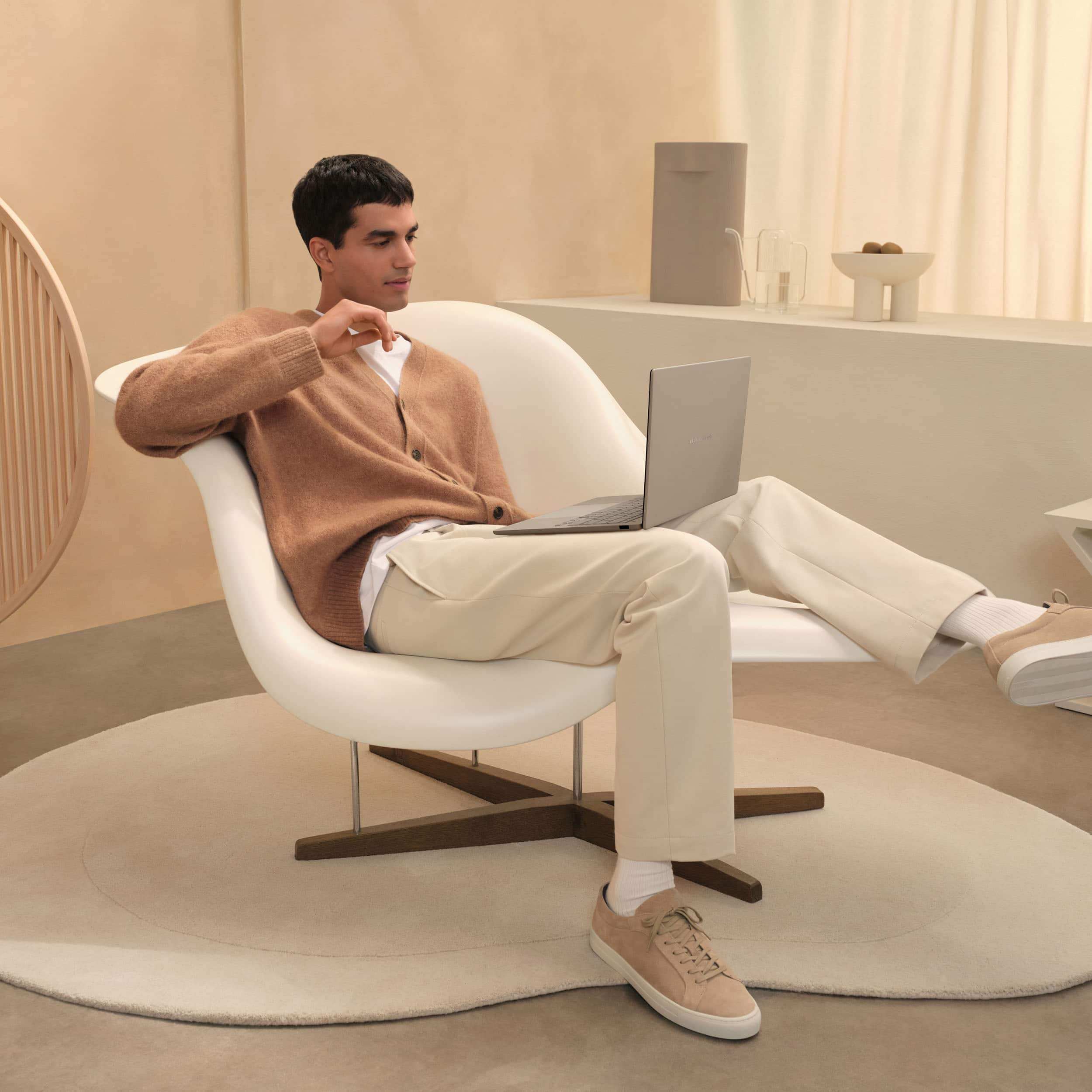
Light, Long Battery Life, Great For Everyday Use
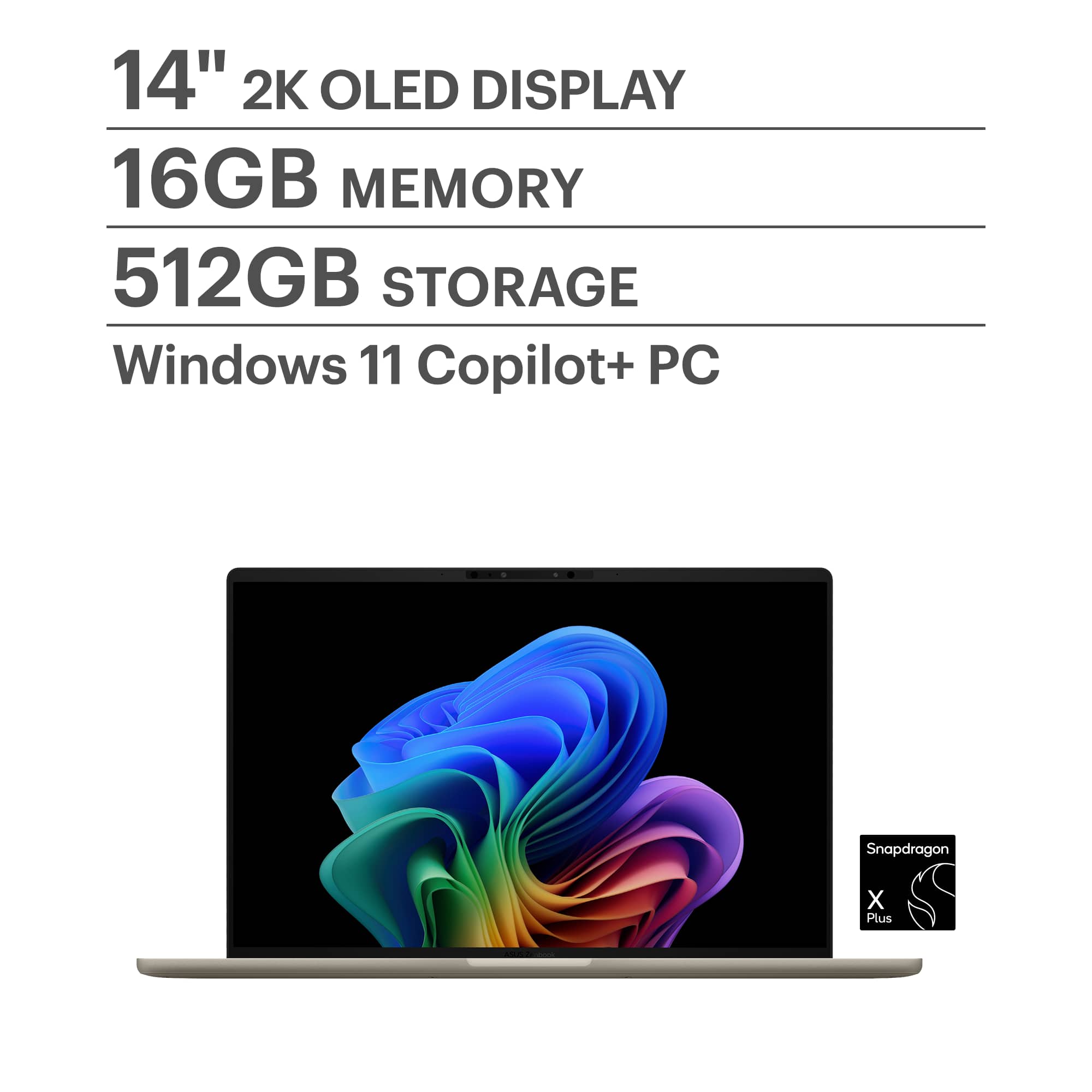
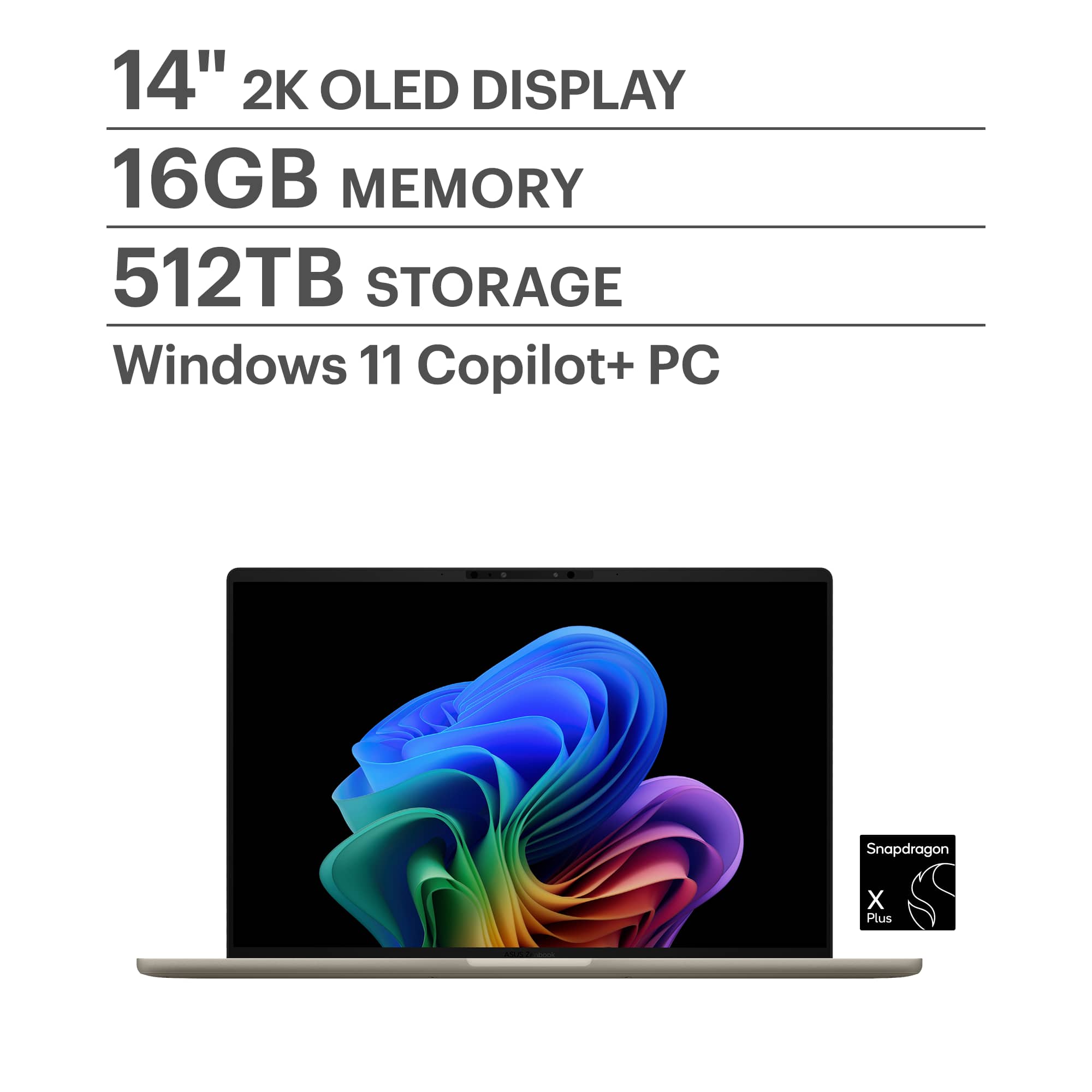
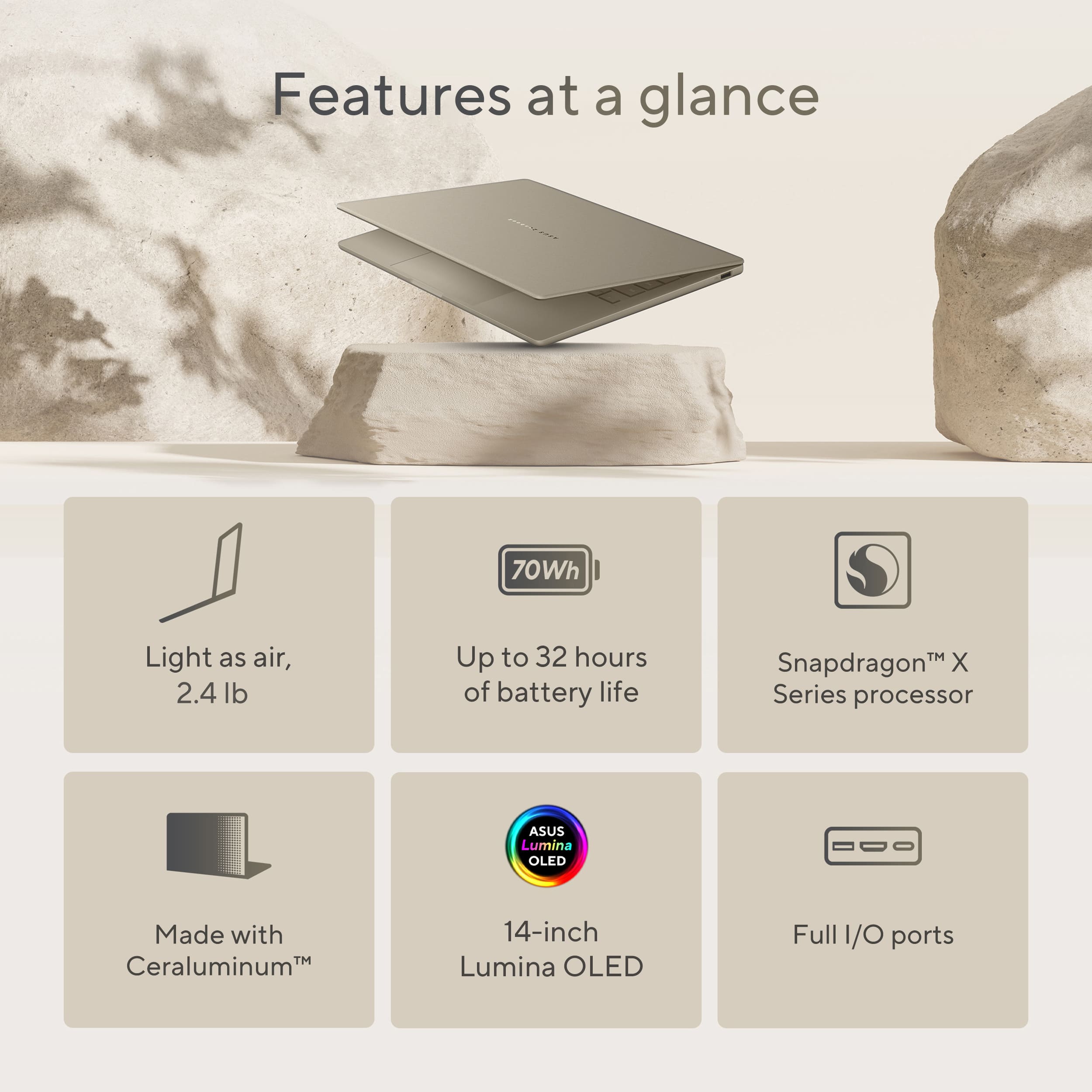
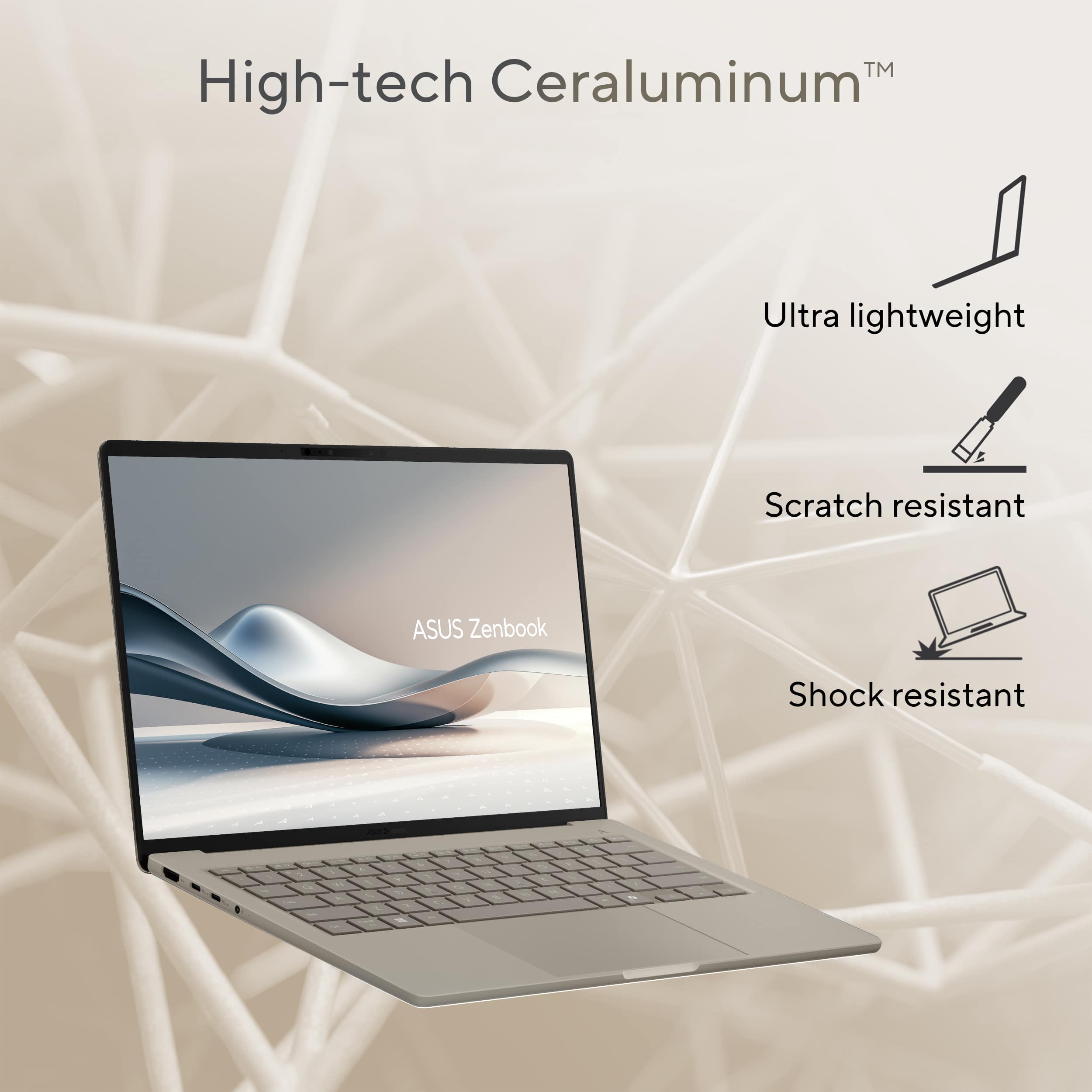
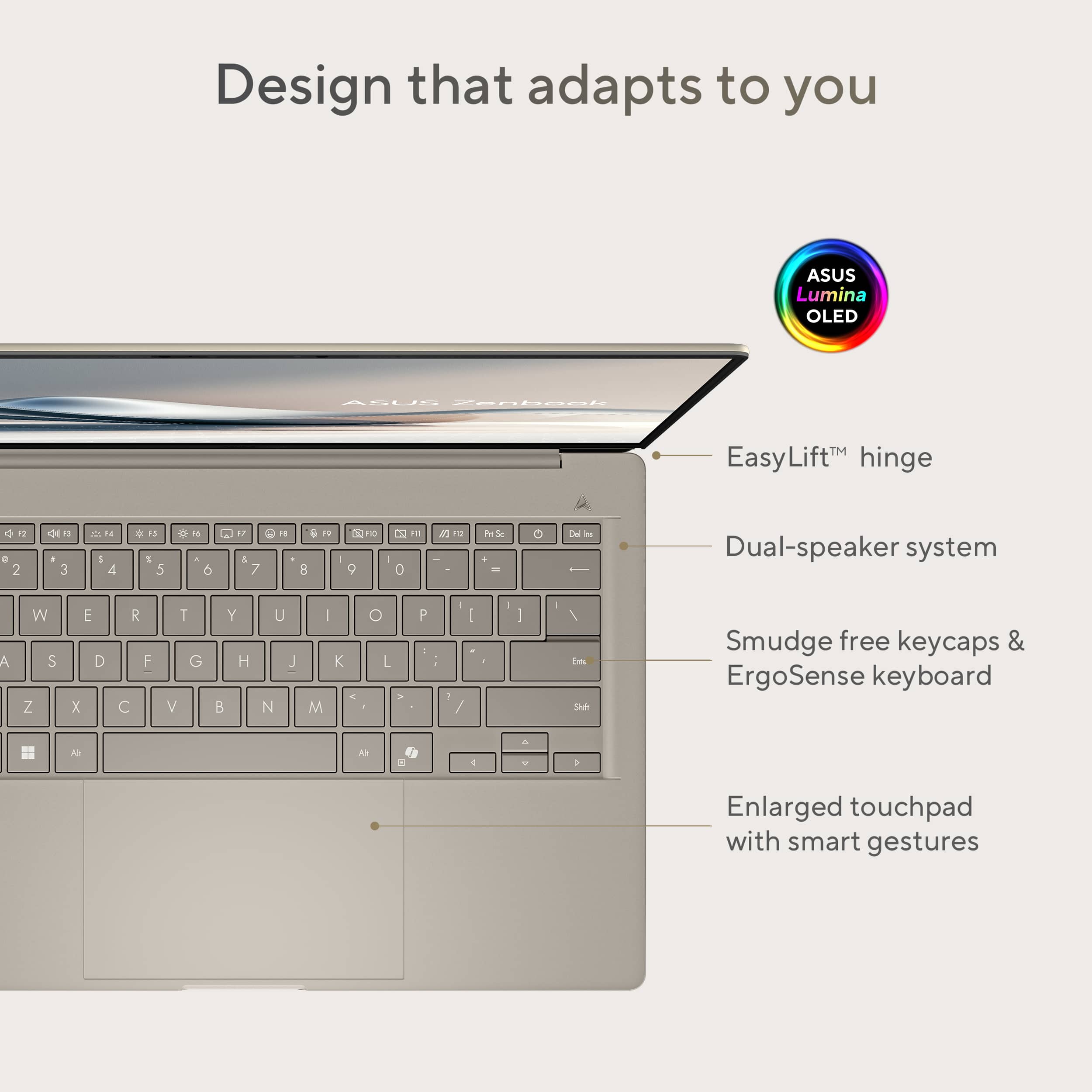
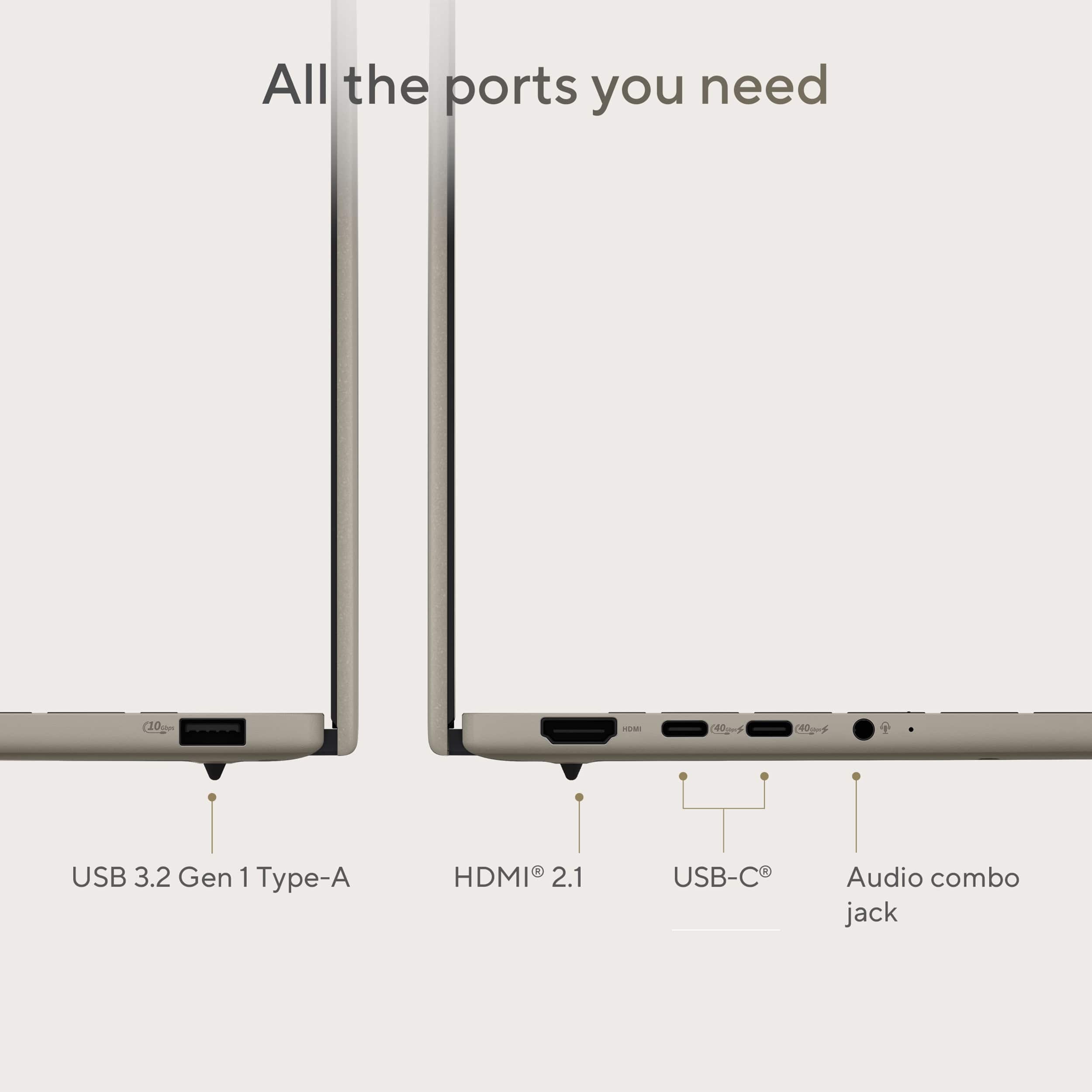
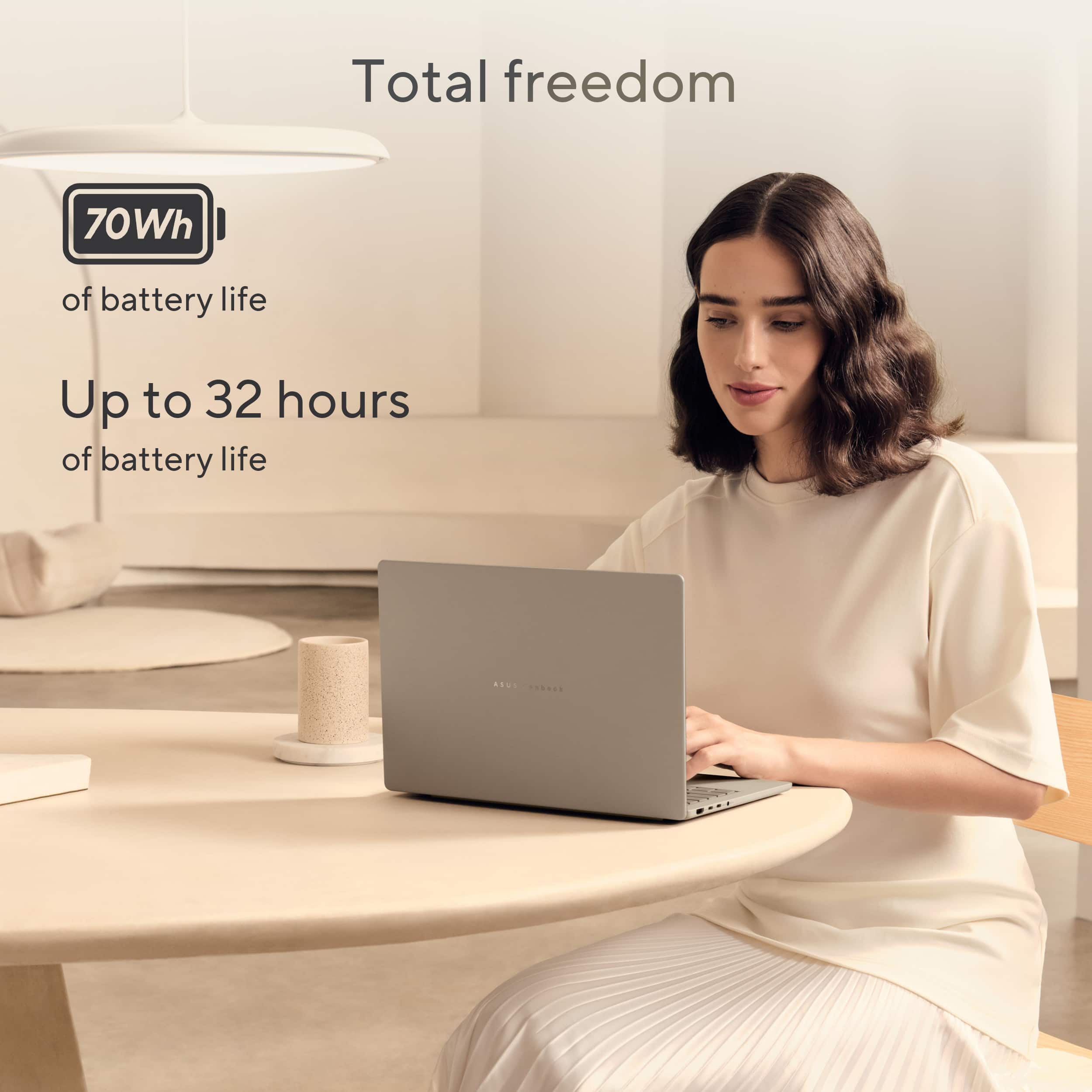
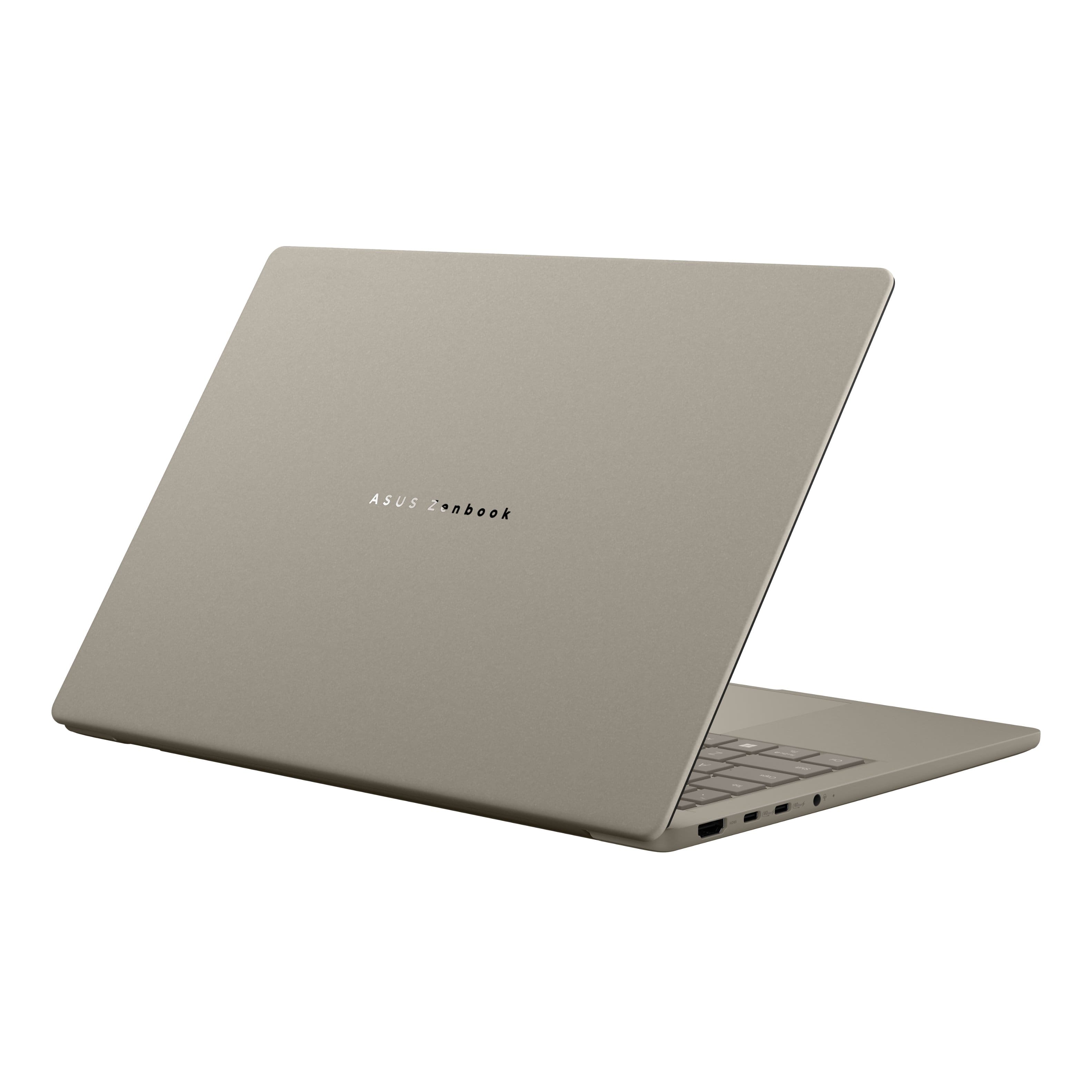
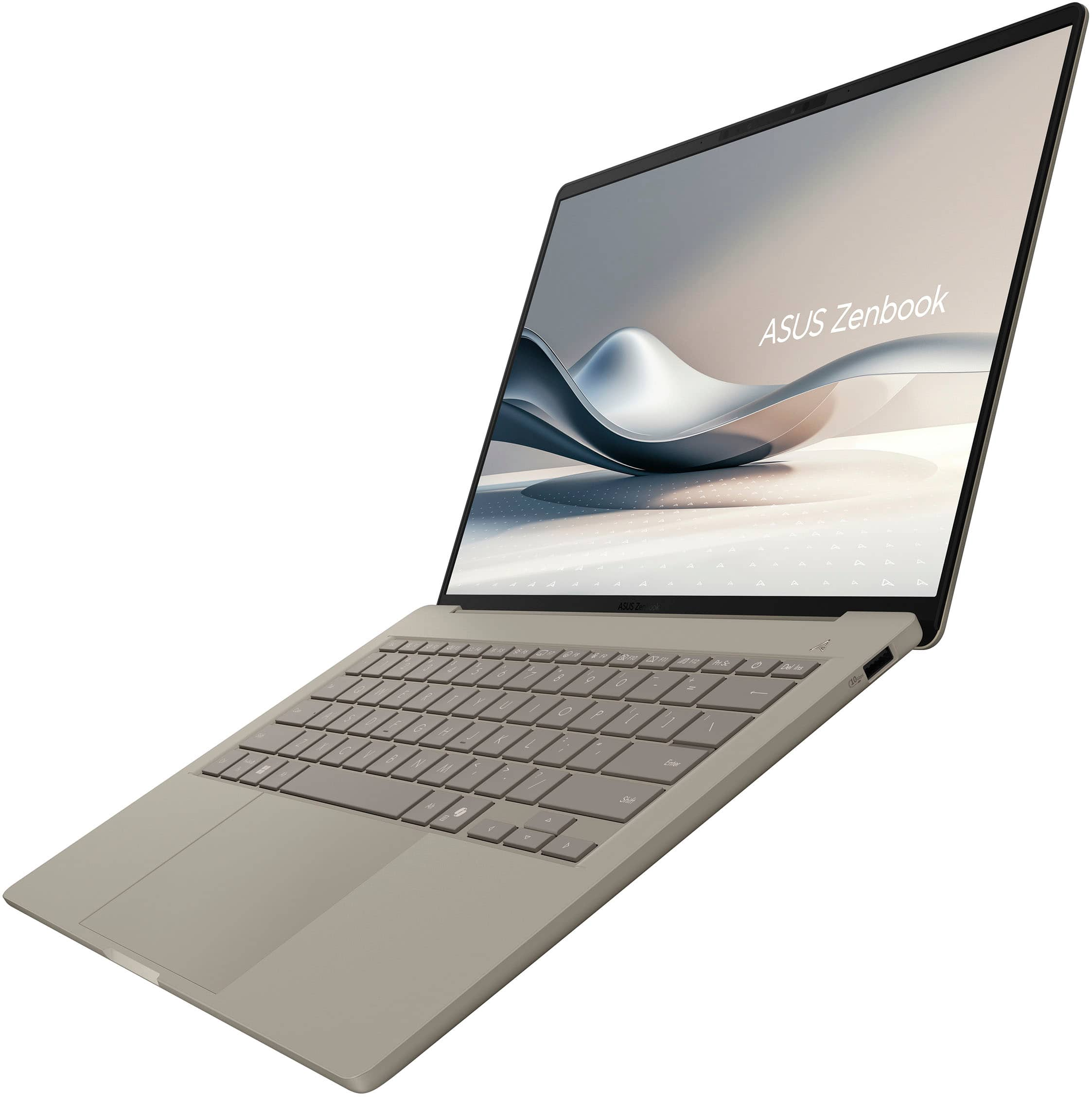
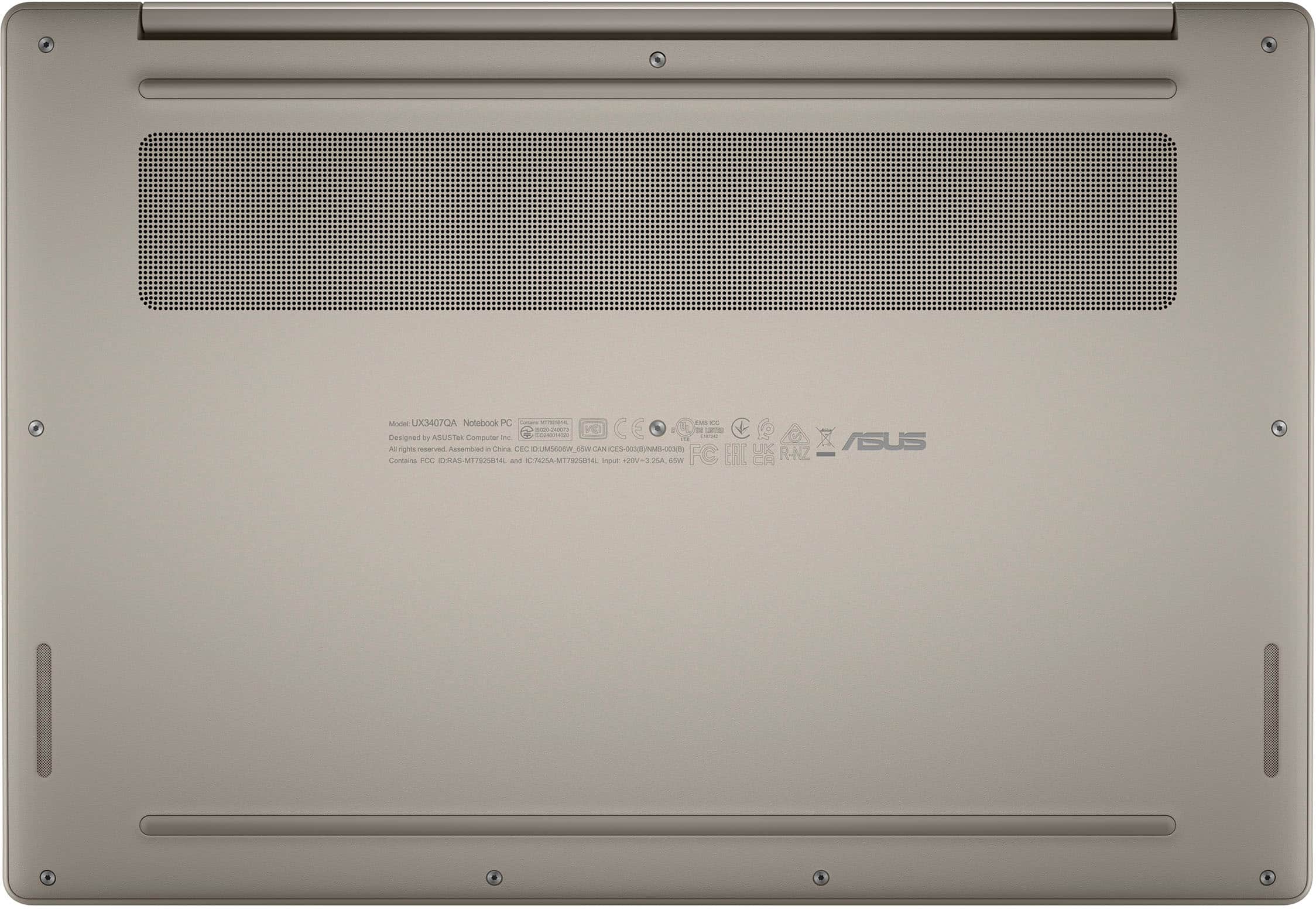
|Posted .This reviewer received promo considerations or sweepstakes entry for writing a review.ASUS is known for packing in a lot of value and innovation in their laptops. The ASUS Zenbook A14 with the Snapdragon X Processor is no exception. Qualcomm is relatively new to the Windows PC market, as their chips are mostly used in phones and tablets that are ARM devices. ARM processors and Windows have not historically played well together, but that has changed quite a bit in the last year. Windows 11 has an ARM version of the OS, and many other software companies have products that run natively on ARM or on the included Windows ARM emulator. That technobabble aside, this ASUS laptop features a new case material that is a blend of ceramic and aluminum. This makes the laptop lightweight, but has the added benefit of great heat transfer and no fingerprints. I have last year's ASUS Zenbook 14, which runs on the Intel Core Ultra 5 with 8GB of memory. So some of my comparisons will be with that system, which has been amazingly good. This Zenbook weighs in about 7 oz less than my older Zenbook--for a total of about 2 lbs, 6 oz. It fits great in my backpack when I ride my bike or motorcycle into work. The build quality is very good, and the laptop power supply is compact. You can actually lift the lid of the laptop without the base lifting off the surface--nice! There are ample connection ports on the laptop, which includes a USB-A, two USB-C (40 Gbps), a full-size HDMI (thank you) and a headphone jack. Note that plugging in the power supply uses one of the USB-C ports. As far as performance, the Snapdragon X Plus CPU is the middle of the road. The Elite is the top of the line (at several hundred dollars more), and the X is the base (at several hundred dollars less). The Elite also has a much better integrated GPU than the Plus or the X. Like with any laptop, you need to know what you are going to be using it for to pick the best processor, integrated GPU and memory for your needs. I have owned laptops with the Elite, and I will confidently say that the performance of the Elite is far superior to the Plus for certain tasks--like gaming, complex calculations, and video editing specifically. However, if your usage is mostly limited to typical tasks like Microsoft Office, e-mail, web browsing, light gaming, and other less complex computing tasks, this Snapdragon X Plus will feel quite peppy and there will be no graphics lag when scrolling on the internet or through documents. Programs like Word and Excel start up almost instantly. I would put the performance of the X Plus processor in line with the Intel Core Ultra 5 for single- and multi-core speeds, which is quite impressive. However, the Core Ultra 5's integrated GPU is far superior to the X Plus' integrated GPU, and that showed up not only in the Geekbench numbers (25424 vs. 9654), but also with video encoding (326 frames per second vs. 154 frames per second). The Elite actually performed better all around than the Core Ultra 5, as an additional comparison to consider. The keyboard has very good feel, and the tan color allows for nice contrast with the backlighting. The trackpad is responsive, is a good size, and has some special features on the far left and right sides that are indicated with a nice instructional sticker that is applied to the trackpad when you pull the laptop out of the box. The OLED display is crisp with deep blacks and bright whites. The contrast is wonderful, especially if you are coming from a different technology of screen. OLED screens are naturally bright enough to use outside, but you do need to be aware of the glare. Note that the display is not a touch screen. The built-in camera has good resolution, but there is no physical toggle switch to cover the camera. Sound quality is good, but this laptop does not feature premium speakers from Harman Kardon, like some other ASUS laptops. The Harmon Kardon speakers on my other ASUS Zenbook sound better. The last thing I want to mention is compatability. There are still some compatability issues with Windows PCs running ARM processors. There are some games that will be glitchy or will run slow (or not at all) through the emulator. I have newer Canon and Brother printers. While the printer drivers included with Windows run the print functions of both machines just fine, scanning is a different story. For example, Brother's iPrint and Scan flat out does not install and I had to find an alternative program for scanning. There are plenty of free choices available on the internet--you just need to look for them (I like NAPS2). For Canon, one of my favorite utilities for printing photos also will not work (it is a bit older), and I had to find an alternative. Be sure to do a little bit of research and make sure all the programs you like to use either have an ARM version or will run on the emulator. These were the only two I ran into. Overall, I found the emulator works well and does not slow down the laptop considerably for most applications. The one I found that slowed down the most was a statstics package I use occasionally. Analyzing 100,000 data points on the Core Ultra 5 was instantaneous, while on the Snapdragon X Plus, it took almost 13 seconds. In conclusion, this ASUS laptop is really nice. It's lightweight and I literally had the battery last nearly 26 hours on a single charge. Wow. The overall feel is wonderful and it has peppy performance. Minus one or two compatability issues because of the ARM processor (which I found go-arounds for), it performs tasks well.
I would recommend this to a friend