Customer Ratings & Reviews










- Model:
- UX3407QA-X1P512
- SKU:
- 6615728
Rating by feature
- Battery Life
Rating 4.8 out of 5 stars
- Speed
Rating 4.7 out of 5 stars
- Display
Rating 4.8 out of 5 stars
Customers are saying
Customers admire the Zenbook A14 for its portability, fantastic battery life, and overall performance. The processor speed stands out for everyday tasks and AI, while the screen quality and lightweight design are also appreciated. However, some customers have reported issues with the cosmetic condition of the computer upon arrival, such as stains and scratches.
This summary was generated by AI based on customer reviews.
- Pros mentioned:Battery life, Processor speed, Weight

Really nice package
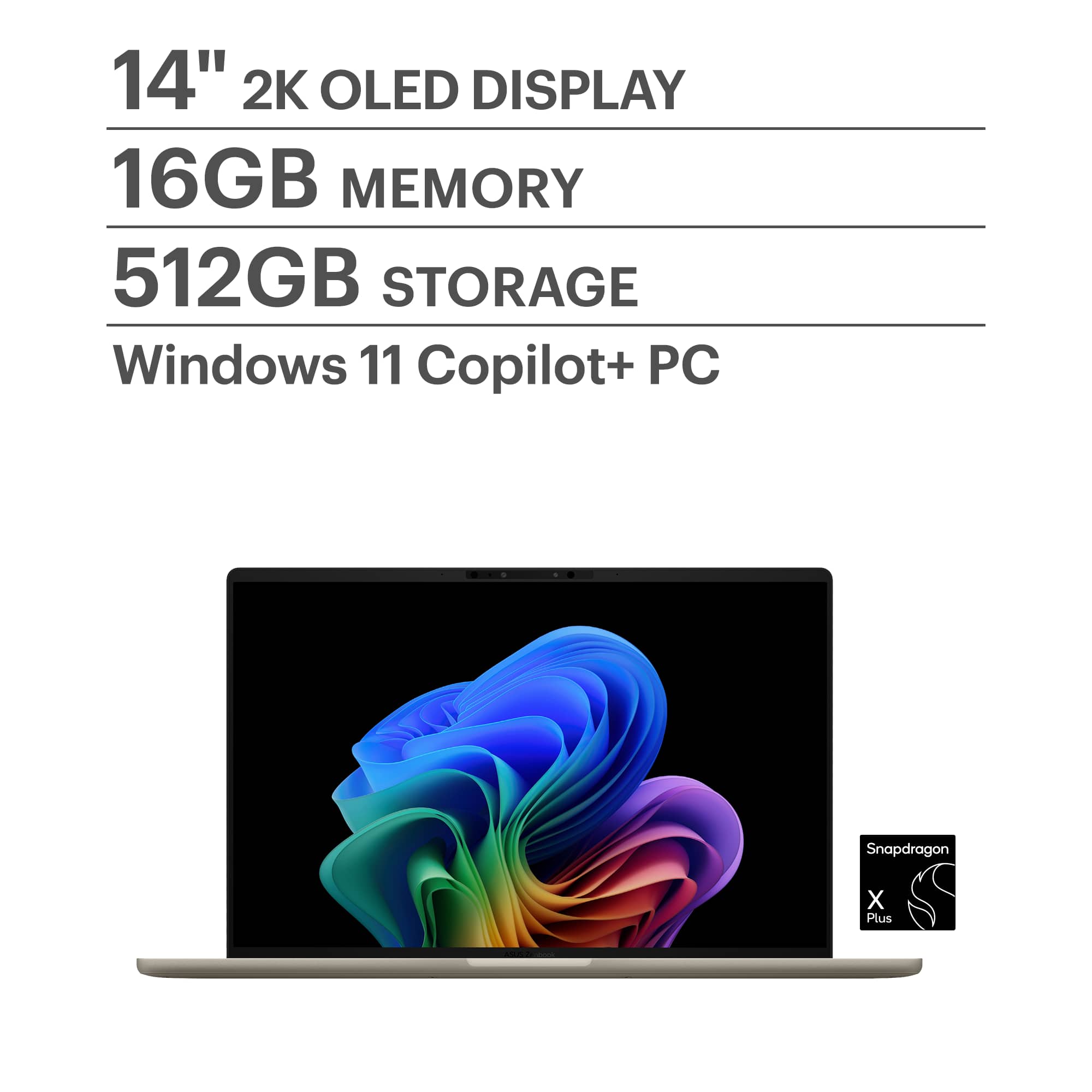
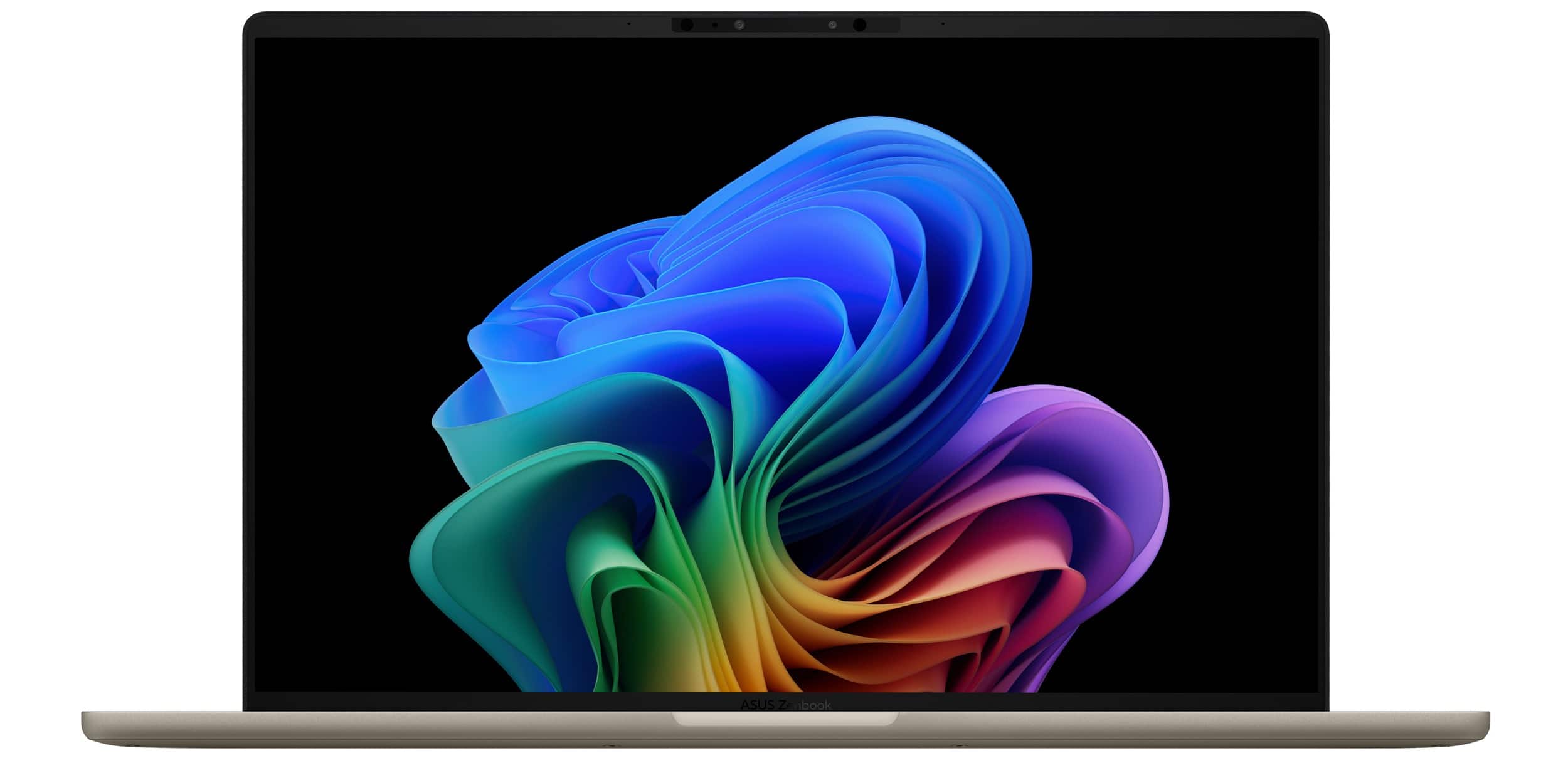
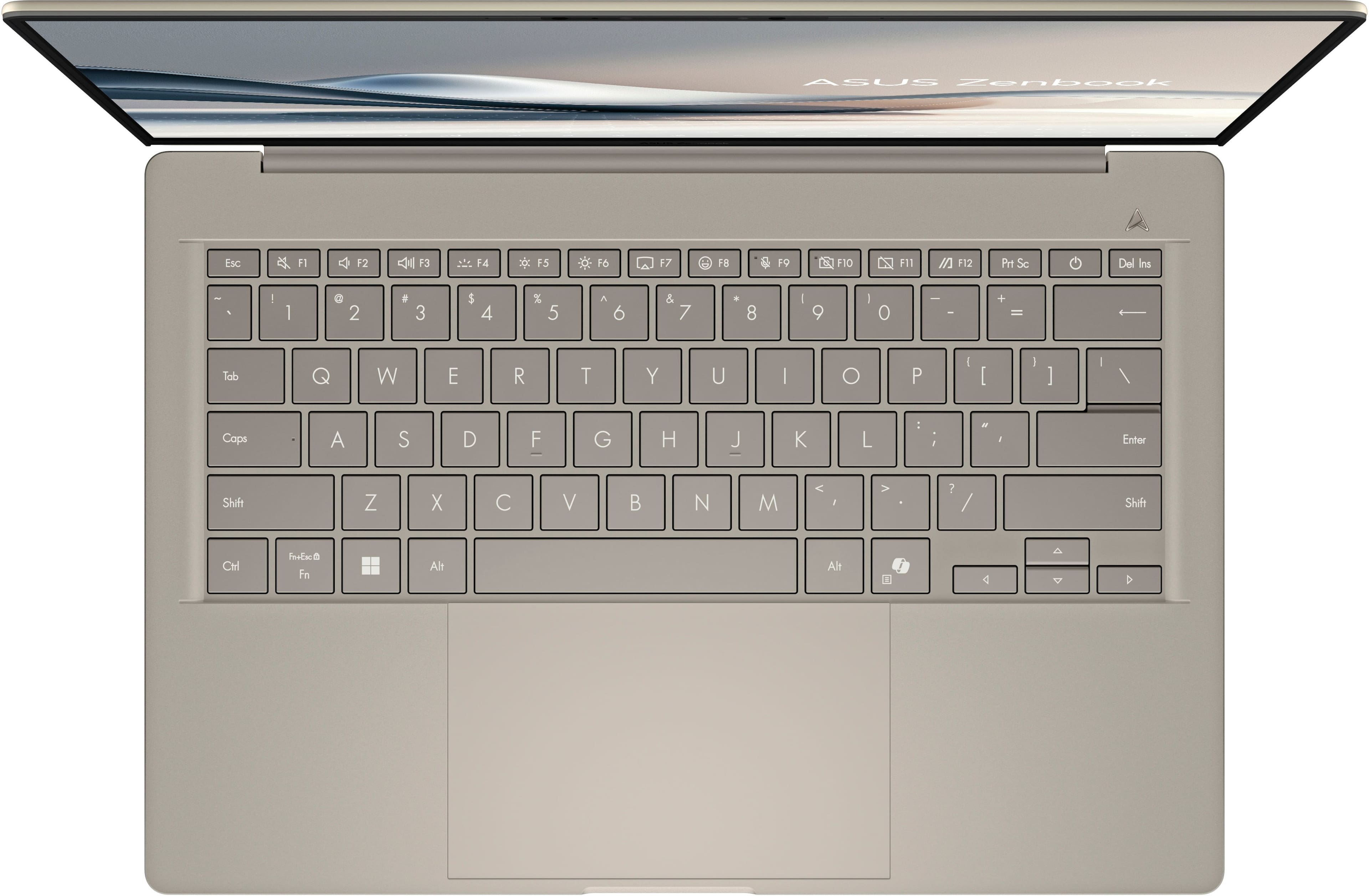
|Posted .This reviewer received promo considerations or sweepstakes entry for writing a review.The OLED screen is simply beautiful. The colors are pure and the blacks are very dark. It’s also very lightweight. The battery life is exceptional.The half terabyte SSD is adequate as a main drive. This is my first Snapdragon CPU (8 cores so fewer lags) and it seems quite fast when web browsing and O365 use. The touchpad is very responsive. One downside, the speakers are “meh”. The sound seems to come mostly from the left side. The addition of a neural processor means that it’s more than Copilot-ready, though honestly I couldn’t tell the difference between copilot’s responsiveness with the neural processor compared to another laptop without the accelerator. The specs on the Pluton security processor are good and the design seems sound, but time will tell. Security features take time to bake. The human presence sensor is a nice touch as it should prevent the screen from shutting off when watching a movie, but I didn’t test that. That feature, together with the face recognition are a nice pairing. All in all, this is a very nice laptop for the price with a lot of high end features. If your use is mostly web and Office-based, this is ideal. It is, however, not a gaming laptop.
I would recommend this to a friend Perfect computer when it worked
||Posted .This reviewer received promo considerations or sweepstakes entry for writing a review.died after 4 months of light usage. calling best buy today to try to get it to work again. :(
No, I would not recommend this to a friendBrand response from ASUS Answers
Posted .Dear LongIslandCS,
Thank you for sharing your experience with the ASUS UX3407QA Laptop. We sincerely apologize for the inconvenience caused by the device failing after only a few months of light usage.
To help resolve the issue, we recommend performing a Hard Reset, which may restore functionality:
Hard Reset
1. Disconnect all external devices, including the AC adapter and any USB devices.
2. Press and hold the power button for 60 seconds.
3. Reconnect the AC adapter.
4. Attempt to power on the device.
If the issue persists after these steps, we recommend contacting our support team directly at https://www.asus.com/us/support/callus/ so we can further investigate and assist with repair options.
We stand behind our product and we continuously strive to improve our products and processes in order to achieve customer service excellence. For more information, send us an email at customerloyalty@asus.com and provide the case number "N2506017063-0010" for reference. We’ll do our best to provide a quick resolution to your case. Your feedback is important as it helps with improvements to ASUS Support channels. Thank you for choosing ASUS.
Best Regards,
Chantae
ASUS Customer Loyalty US Support
Worst manager ever
||Posted . Owned for 1 week when reviewed.This reviewer received promo considerations or sweepstakes entry for writing a review.The store manager Michael is the worst human on planet earth.
No, I would not recommend this to a friendBrand response from ASUS Answers
Posted .Dear Abhijit V,
We regret learning of the difficulties you have encountered during the purchase process with the place of purchase. This is not the kind of experience we want our customers to have with our resellers. If you wish to file a formal complaint, we recommend contacting Best Buy customer support.
We do stand behind our products and continuously strive to improve our products and processes to achieve customer service excellence. If you require any further assistance, email us at customerloyalty@asus.com and include the case number "N2506017063-0003" as a reference. We will do our best to resolve your case quickly. Your feedback is very important to us and enables us to improve our support channels. Thank you for choosing ASUS.
Best Regards,
Chantae
ASUS Customer Loyalty US Support
Be better
||Posted . Owned for 1 month when reviewed.This reviewer received promo considerations or sweepstakes entry for writing a review.It came with mold,and it looked like is was used already
No, I would not recommend this to a friendBrand response from ASUS Answers
Posted .Dear Quintero,
Thank you for sharing your experience with the ASUS UX3407QA Laptop. We sincerely apologize for the condition in which you received the product, including the presence of mold and the appearance that it may have been used. While ASUS does not control third‑party seller policies, we recommend contacting Best Buy Customer Support directly to arrange an exchange or return. This is not the kind of experience we want our customers to have with our resellers, and your feedback will be passed to the appropriate team for review.
We stand behind our products and continuously strive to improve our products and processes to achieve customer service excellence. If you require any further assistance, please email us at customerloyalty@asus.com and include the case number "N2506017063-0011" as a reference. We will do our best to resolve your case quickly. Your feedback is very important to us, and it enables us to improve our support channels. Thank you for choosing ASUS.
Best Regards,
Chantae
ASUS Customer Loyalty US Support
Zen not for me
||Posted . Owned for 1 month when reviewed.This reviewer received promo considerations or sweepstakes entry for writing a review.Loved the small size but it was too complicated for me. Nothing was intuitive. Word and excel were highly unstable.
No, I would not recommend this to a friendBrand response from ASUS Answers
Posted .Dear Robert G,
Thank you for sharing your experience with the ASUS UX3407QA laptop. We're glad you appreciated its compact design, and we’re sorry to hear that the interface and software performance did not meet your expectations. Your feedback regarding usability and application stability is important and will be shared with our product team for further review.
We stand behind our products and continuously strive to improve our products and processes to achieve customer service excellence. If you require any further assistance, please email us at customerloyalty@asus.com and include the case number "N2506017063-0006" as a reference. We will do our best to resolve your case quickly. Your feedback is very important to us, and it enables us to improve our support channels. Thank you for choosing ASUS.
Best Regards,
Chantae
ASUS Customer Loyalty US Support
- Pros mentioned:Battery life, Weight
Wow! Super light and powerful for everyday tasks!
|Posted .This reviewer received promo considerations or sweepstakes entry for writing a review.Immediately upon unboxing I noticed how light and how high quality this laptop feels. As for the overall feel, it's super thin, extremely light and the finish/feel of it feels premium and high quality yet very rigid and durable. Let's dive in! Powering it on and charging it the first time is pretty quick, and you'll be up and going in a matter of a few minutes. Setup asks a few questions and gets you to create an account or sign in to an existing Microsoft account which is easy and makes it easy to sync your mobile phone to this PC so you can get all your messages and photos with ease and even use your phone's internet connection when you're not on your home or work Wifi. This also enables you to sign in to the other Microsoft apps and Edge browser (all of which is optional) and helps add even more features to make it easier to use and keep things in sync across multiple devices. With setup out of the way, the software included is mostly just to support the PC and help you get the latest updates from Asus, though Asus does bundle a few extras which are totally optional. Display, Keyboard, and Speakers: The screen is rich, vibrant and crisp and has some minor glare but not as bad as other laptops I've used. I do really like this laptop's OLED display's brightness and colors. As for the keyboard, it feels pretty solid and is one that I found I was able to type easily on, it had the right amount of activation on the keys and the backlighting is definitely nice to have when using it in darker areas. The sound quality the speakers have is good, and pretty loud. I'd equate it to the same kind of quality and sound you'd expect to hear out of a tablet. Not the loudest, or most bass but just right for everyday use. Connectivity, Ports: This laptop definitely has good connectivity with Wifi that seems stable and fast as I had no issues connecting and doing transfer tests on my internal 6E Wifi network. All of the file transfers were as fast as those I'd see on gigabit ethernet, so this machine does seem to have a good Wifi chipset. For ports, there are plenty for expansion and high speed docks. This machine does have a USB-C that supports displays and high speed data transfer so it's easy to connect it to an external monitor and other peripherals. Performance: Where this laptop shines is battery life and performance. For the common things you could do on this laptop, email, word processing and light photo editing you'll get excellent battery life where the battery can easily last a day with casual use. It is powerful enough to support heavier tasks but at the expense of battery life. In my use though, I found that I have been able to go a whole day without charging in most circumstances with pretty moderate use throughout the day. Overall this laptop has been great and would be an excellent choice for entertainment (not necessarily gaming) school, or office work. It's super light, has great battery life and to me hits all the right marks for these uses. I'd absolutely recommend this laptop.
I would recommend this to a friend - Pros mentioned:Battery life, Portability
feather light, long lasting AI productivity
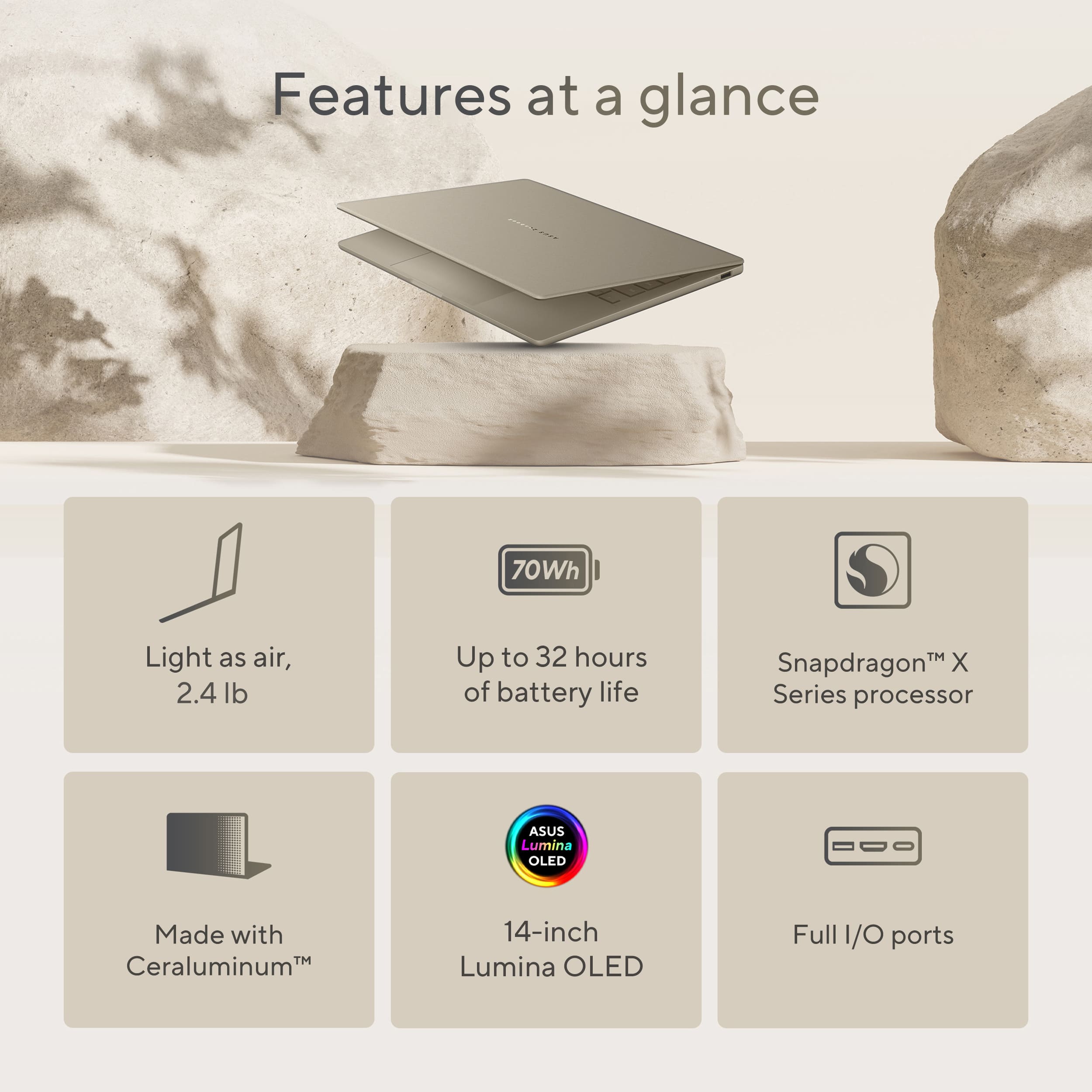
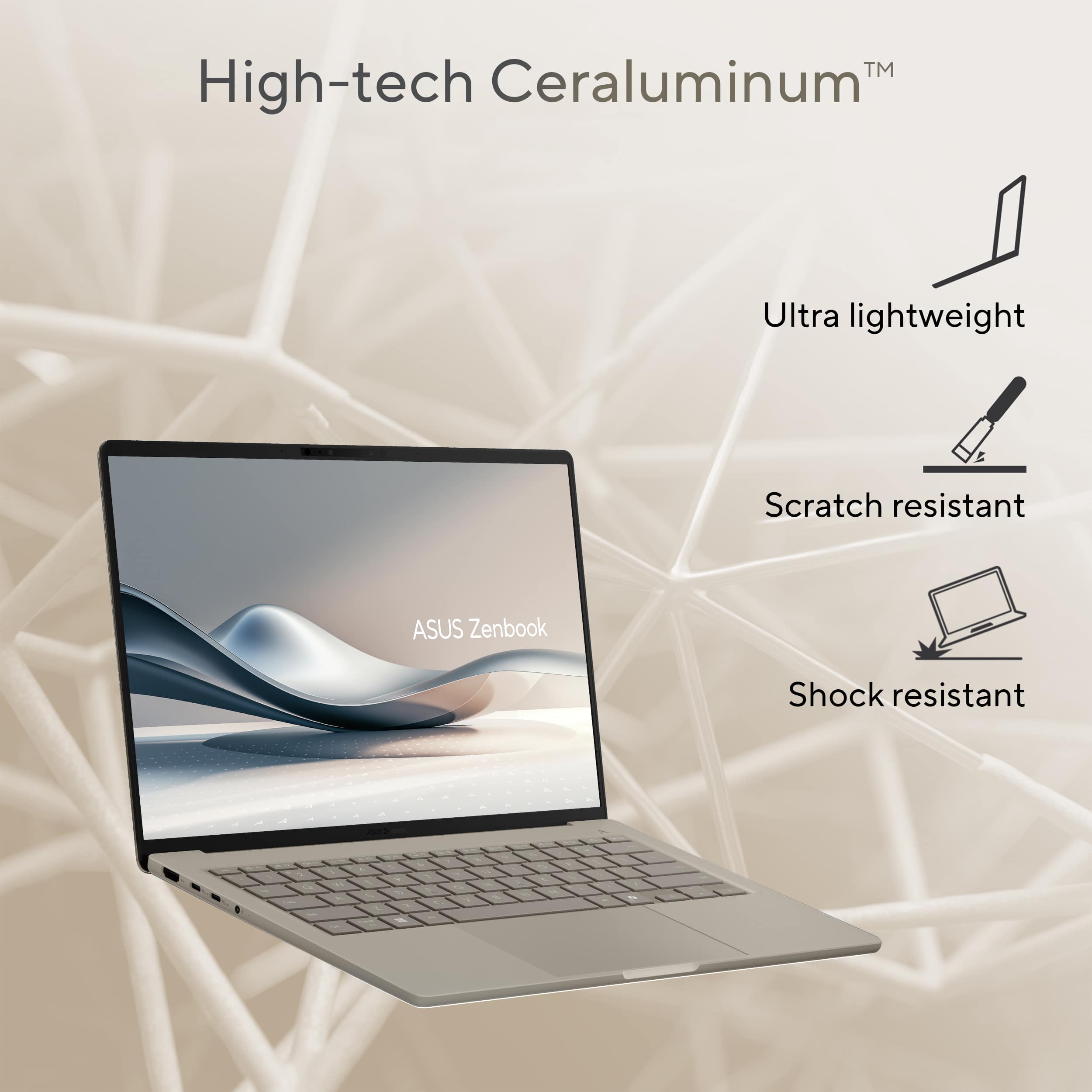
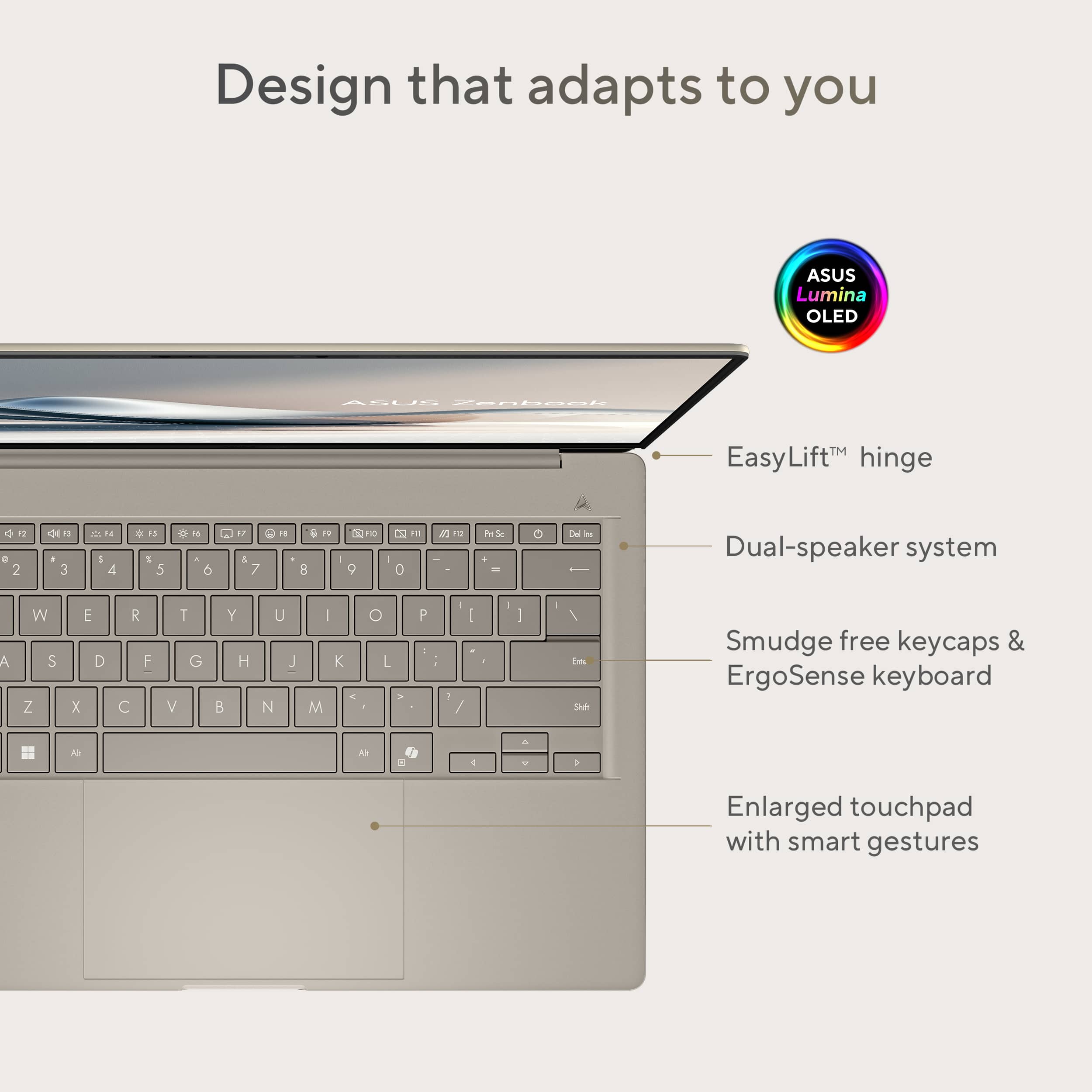
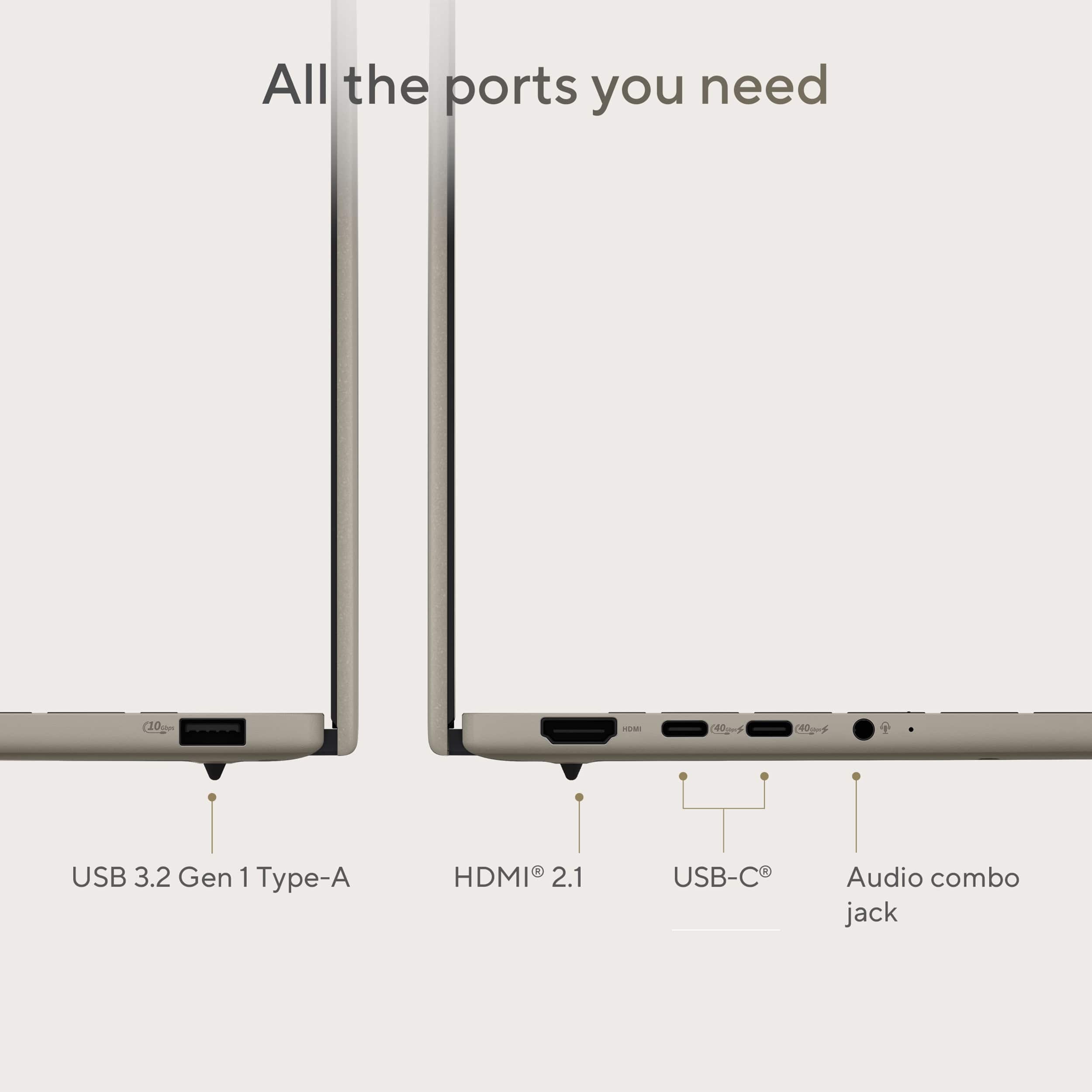
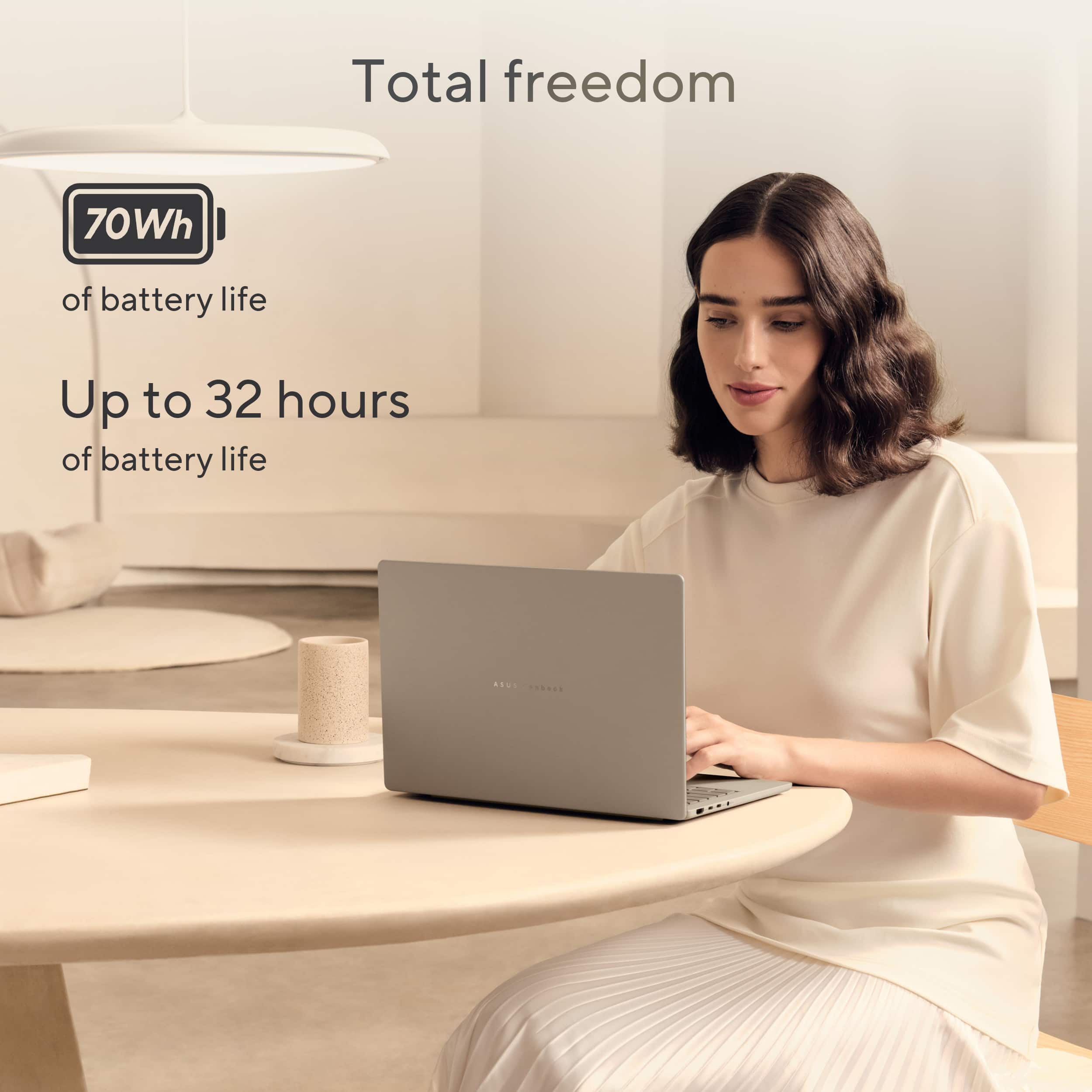
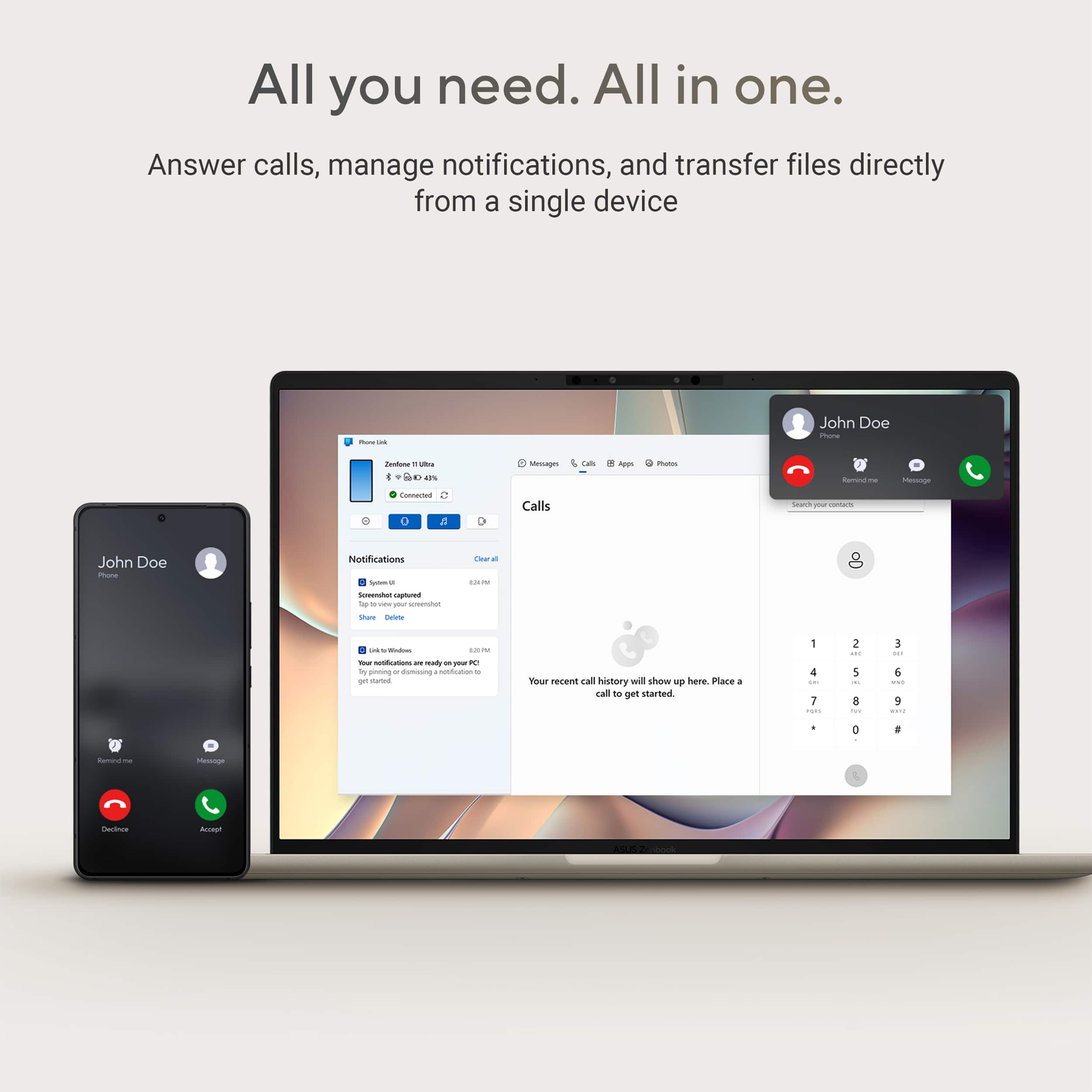
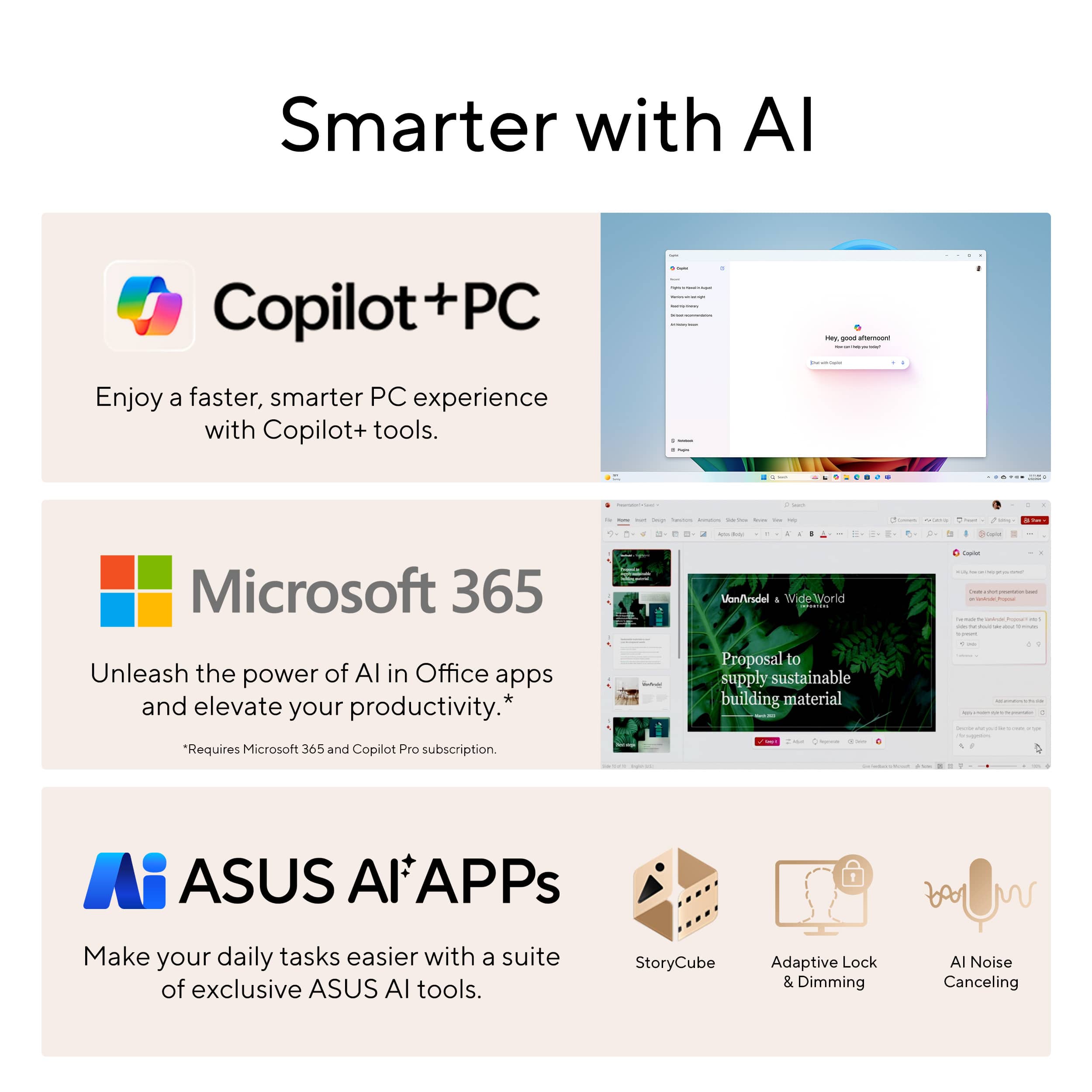
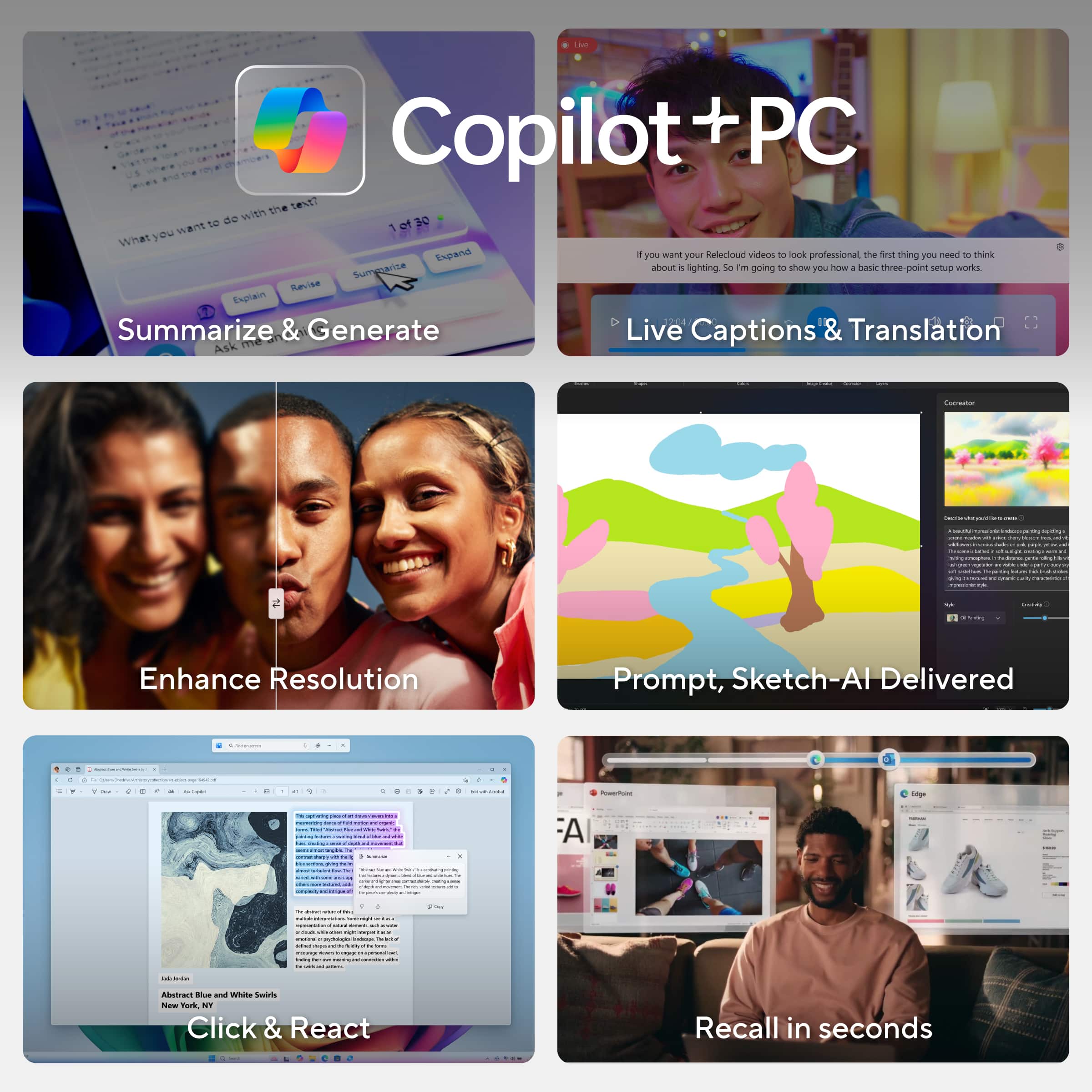
|Posted .This reviewer received promo considerations or sweepstakes entry for writing a review.AI and ASUS are the next gen answer to productivity. ASUS has several different laptop models with Microsoft Copilot installed as the focus of its infrastructure. You just need to figure out which model best suits your needs. Something focused on performance for gaming, intense productivity or in-depth creativity, with limited battery life or something a little less intense with a much greater battery life. I have the Zenbook A14 with the Qualcomm Snapdragon X Plus processor. Some of the other current models include the Intel Core Ultra 9 processor for more demanding needs. The Snapdragon X Plus processor is an ARM based processor. Unlike the x86 processors, this Qualcomm processor offers a good balance of power and efficiency, with the bulk of its attributes leaning more towards efficiency with the best battery lasting times in the current 14” Zenbook line up. This model’s battery life can provide up to 32 hours of use in certain situations. Obviously, more demanding tasks can shorten this expectation. I will tell you that most of my uses were very close to that expectation. I could easily go for several days before needing to charge the battery again. My primary uses would entail working through emails, using Excel spreadsheets, Word docs, PDF editing and some picture editing. The built in AI makes the workload not only go smoother but a lot quicker. Because of the low draw cpu and gpu the laptop never seems to actually get too warm like older laptops or high performance laptops would. Some of my other laptops would actually get almost too hot to touch but this stays virtually cool almost all the time The only time I saw it get a little bit warm was while I was using it when it was plugged in and charging. The heat pipe and dual lightweight aluminum fans with ASUS’s advanced cooling system keeps everything pretty cool for hours. I cannot believe how light and thin this laptop is at less than three pounds it barely feels like you're carrying anything at all, And the 14 inch screen makes this laptop small enough to fit in any backpack or carry bag. This feels more like a chromebook than a laptop. It seems crazy at this point in time that computers can virtually think for themselves. Today's AIs are leaps ahead of the digital personal assistants that most of us were familiar with using on our phones and computers. Copilot is very intuitive, and has a nice set of narratives to keep everything clean, respectful, safe and extremely helpful. I was easily able to use Copilot to summarize information needed to write a document advising employees of upcoming changes. Copilot not only includes the facts but can create the document in an empathetic way if desired, or keep it precise and to the point with just the facts. The options seem to be endless, and with Zenbook’s NPU working at Up to 45 TOPS, most everything seems to happen with the blink of an eye. Obviously more tasking operations will take a bit more time, depending on the amount of data needing to be processed. NPUs typically work in conjunction with CPUs and GPUs, not as replacements. The NPUs can then accelerate AI-specific computations, as that is their primary goal, freeing up the CPU and GPU for other tasks. NPU- Neural Processing Unit a specialized processor designed to accelerate neural network computations and AI-related tasks Unlike CPUs and GPUs, NPUs are optimized for parallel processing, making them efficient for tasks like image recognition, natural language processing, and other AI-intensive workloads. They are increasingly common in devices like smartphones, laptops, and even PCs, where they help offload AI tasks from the main CPU and GPU, improving performance and power efficiency They say that a good NPU for general AI use should be able to handle 40 TOPS. TOPS= Tera Operations Per Second (Which is how many trillions of operations a processor can perform in a single second) 45 TOPS should be sufficient for most AI photo editing and image generation. I did try out Copilot in the Paint app, to enhance some sketches. You can alter the amount of the AI “creativity” with a slide bar, for a little enhancement, or full on liberties. You can also edit photos in the Paint app, and remove objects and backgrounds or insert something created by AI. Super resolution in photos, enhances the resolution of any picture to increase the photo size and clarity. On a side note , if Microsoft's Copilot is not your preferred AI, there are other Windows based options out there. Also, the microphone must have excellent gain on it, because the room needs to be completely silent in order for me to get a non interrupted conversation with the AI. If you have the TV or radio on, it will respond to anything being said through those speakers. Even with the TV muted, I have a fan in the background, and the AI stutters as it picks up the noise from the fan or any other background sound. (There should be a way to adjust the sensitivity on what the AI is listening to) I tried benchmarking the laptop, but because it has an ARM processor, most of the benchmark software I have wouldn’t work with it. I was able to get a rating with Cinemark and it received a 520 for the multi core test putting it in the 4th tier, with 1625 being the top score. In the single core test, it received a 108, with the top contender getting a 113. The Passmark rating was 2842.5 I would also like to point out, that the scores received were pretty much the same on battery power or plugged in. While this laptop doesn’t score in the top tiers, it did manage to handle all the productivity apps and multitasking I threw at it without issues. I had a secondary monitor plugged in and was running Excel, Chrome, Citrix, Word, and a PDF editor all with no issues. Separately I was able to run some video editing software like Davinci without issues. I did try to run some games just to see how they would work. Fortnite wouldn’t run because of a 430 error (which was not a capability issue), but either way it wouldn’t start. I was able to run Marvel Rivals, but not very well. It was very laggy with the standard setting, and was only able to reach an average of 8FPS. After adjusting the display setting to the lowest, the game ran at 11FPS, but still extremely laggy. So, gaming on this laptop is probably going to be limited to web based games and stuff like solitaire. The 14-inch WUXGA OLED Display is pretty stunning with full HD, 1920 x 1200 resolution (16:10) and a 600-nit peak HDR brightness and brilliant Pantone®-validated colors even outdoors and a smooth 60Hz refresh rate. The screen is just big enough, and bright enough to make streaming your favorite videos, weekly shows, and the latest movies most enjoyable. The audio is pretty loud and very clear with the dual super-linear speakers. Windows Hello Infrared (IR) camera allows you to unlock your laptop quickly and securely Enhance your video calls with improved lighting, background blur and video effects. Live Captions - offer real time translations as you talk MyASUS provides a collection of handy apps and tools that help you get more out of your laptop, while GlideX enables you to get more done by sharing screens across devices. Plus, ScreenXpert helps you manage app windows across all connected displays GlideX is a cross-device screen-sharing solution, with Mirror and Extend features that give you a bigger and better space for work and play. The Unify Control feature lets you use a single mouse and keyboard set to control different devices from one PC, across different OSes, so you don’t need to switch between devices The recall feature is pretty nice although you have to have either a fingerprint or face recognition active. To Start it and use it. Although If you are the type of person that does not like to use the camera on laptops and such you can tape over the camera while attempting to use this as it will just ask you for your pin or password. You can select any text on the screen while viewing the pictures taken from the recall app. You can also copy images and edit the pictures for sharing. Once you are in the recall app You can either slide the scroll bar left or right to review the screenshots recorded while you have been using the laptop. You can also use the arrow keys left and right to navigate the same screenshots. The oversized touch pad is nice, It makes using it a lot easier the shortcuts to adjust the brightness and volume on the touchpad are a nice convenient feature. There's even a shortcut on the touch pad to open up the ScreenXpert menu, In which you can set up items for task grouping and quick toggles of some features. One of my favorite things about this laptop is the fact that it has virtually all the ports of a full sized laptop, and it comes with a scratch resistant exterior and shock resistant features with US Military-Grade laptop durability MIL-STD 810H. It is also resistant to high and low temperature ranges. Overall, this isn’t the most powerful laptop, but it has all the necessary features to get your work done. The NPU and embedded AI work great, helping to enhance and simplify any task. The laptop and webcam are good enough for content creators and streamers. It is also perfect for watching and listening to your favorite types of media. All this coupled with a light-weight design and low-power consumption architecture, makes for an extremely portable laptop with an incredible battery life.
I would recommend this to a friend Dont buy used from best buy.
||Posted .This reviewer received promo considerations or sweepstakes entry for writing a review.Don't buy anything used here. I used pc once, tried to use today nothing but blue screens. Wont even let me reset. Go figure it's 7 days past return window.
No, I would not recommend this to a friendBrand response from ASUS Answers
Posted .Dear Paul D,
Thank you for sharing your experience with the ASUS UX3407QA Laptop. We're sorry to hear you've encountered blue screen issues, especially so early on. We understand how frustrating that can be and appreciate you bringing it to our attention. To help resolve this issue, we recommend reviewing the steps in the troubleshooting guide linked below. If the issue continues, please contact our support team at https://www.asus.com/us/support/CallUs so we can assist you further or arrange repair service if necessary.
We stand behind our products and continuously strive to improve our products and processes to achieve customer service excellence. For more information, email us at customerloyalty@asus.com and include the case number "N2506017063-0004" as a reference. We will do our best to resolve your case quickly. Your feedback is very important to us and enables us to improve our support channels. Thank you for choosing ASUS.
Best Regards,
Chantae
ASUS Customer Loyalty US Support
[Windows 11/10] Troubleshooting - Blue Screen Errors in Windows (BSOD) - https://www.asus.com/support/faq/1042499/
- Pros mentioned:Battery life, Portability
Lightweight and feature packed
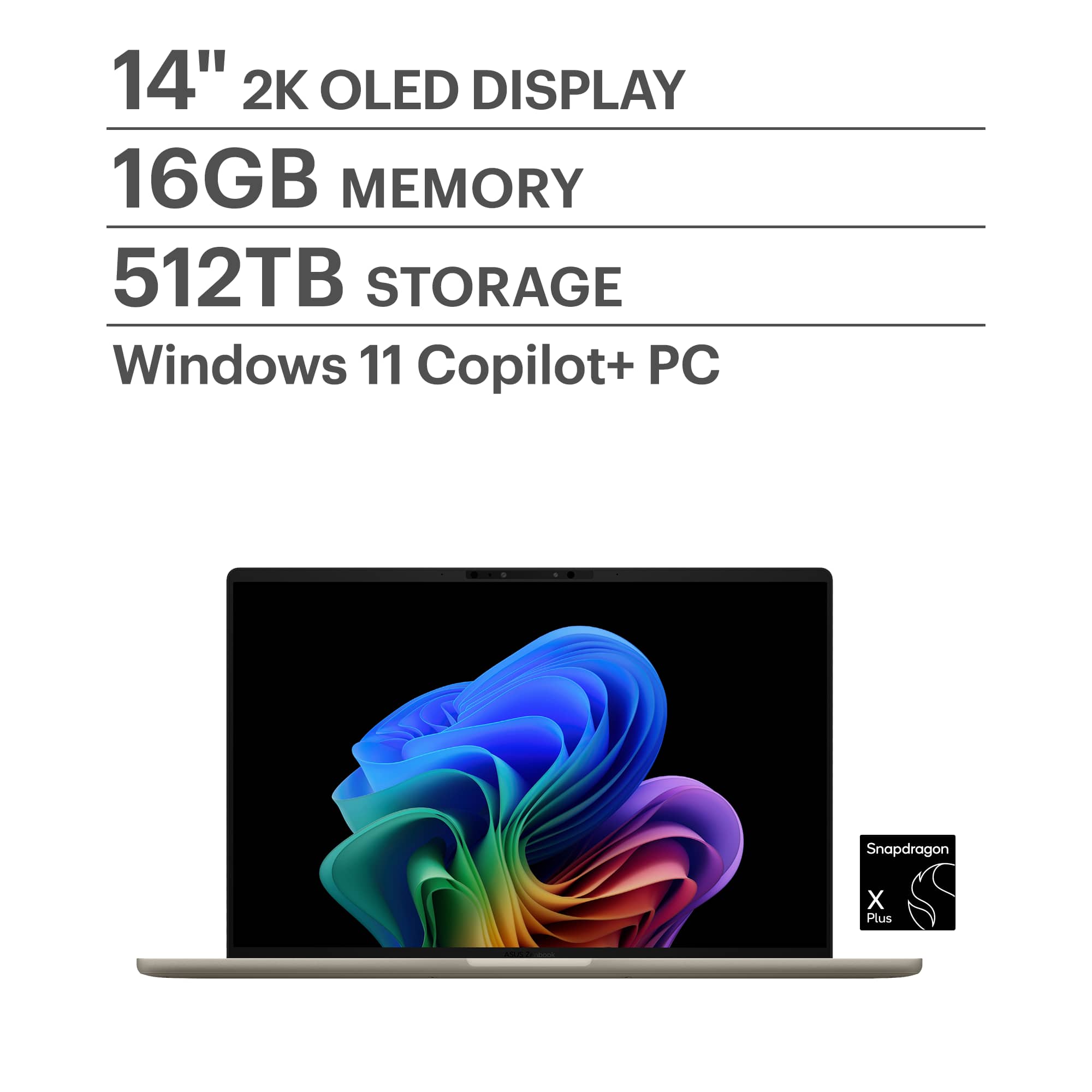
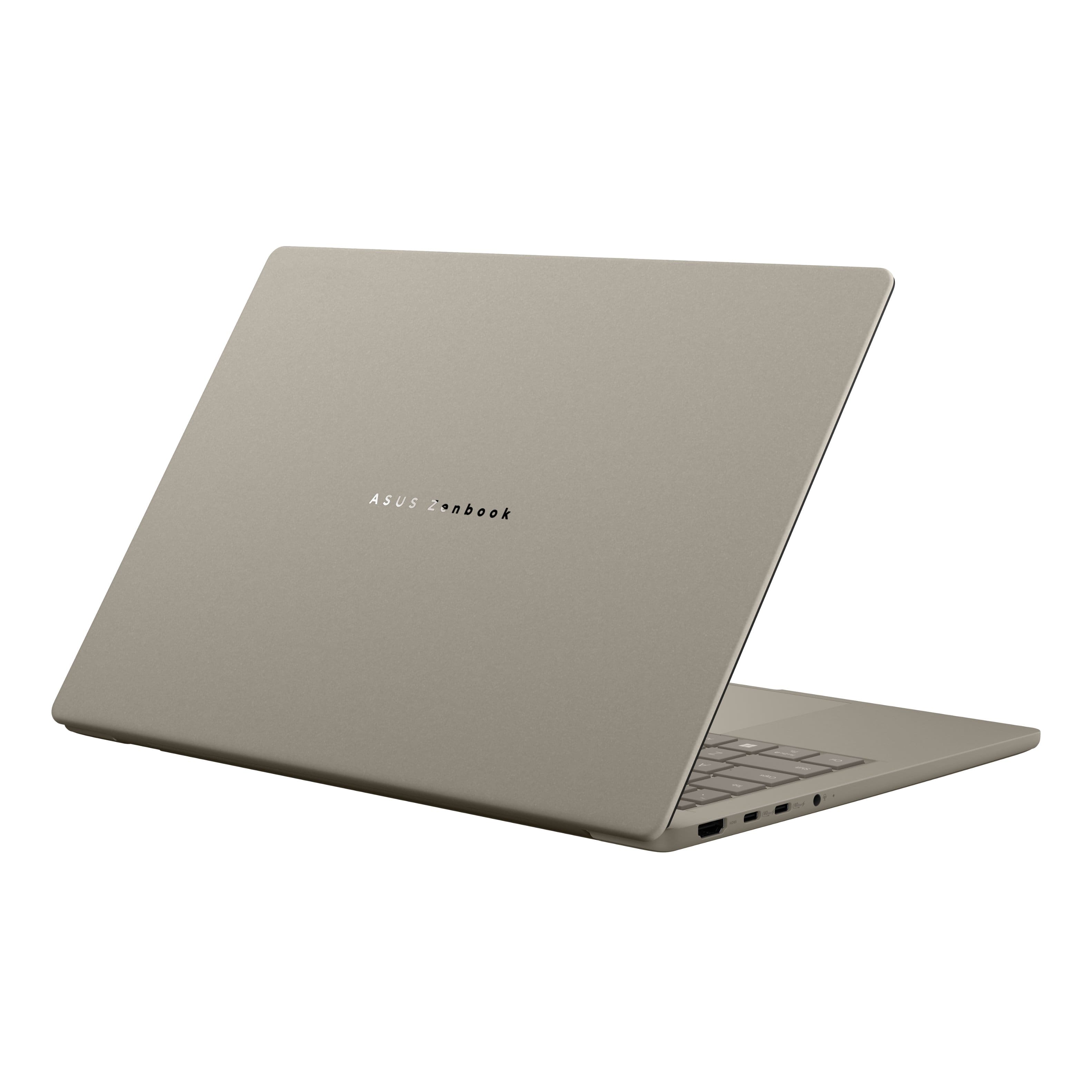
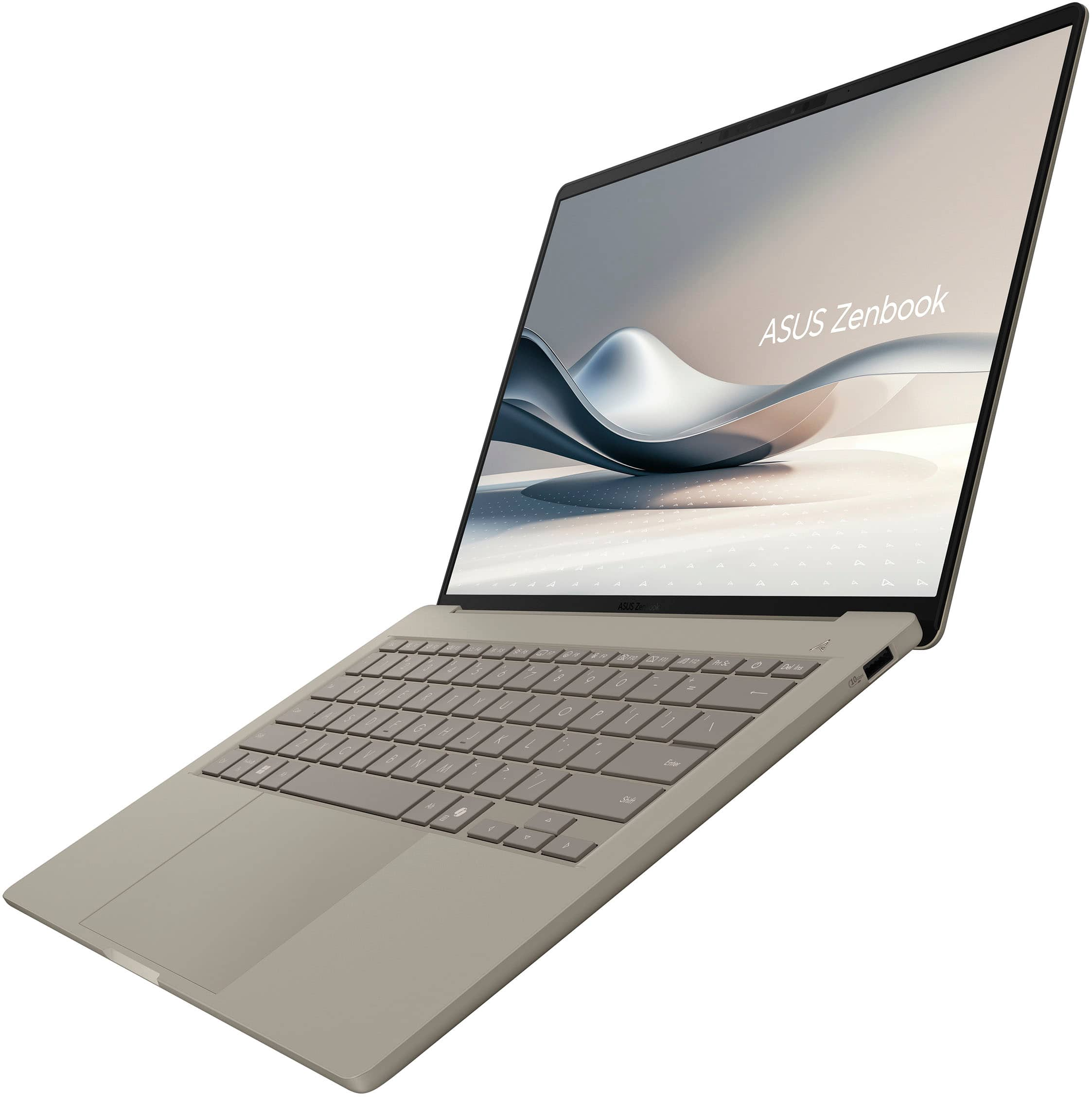
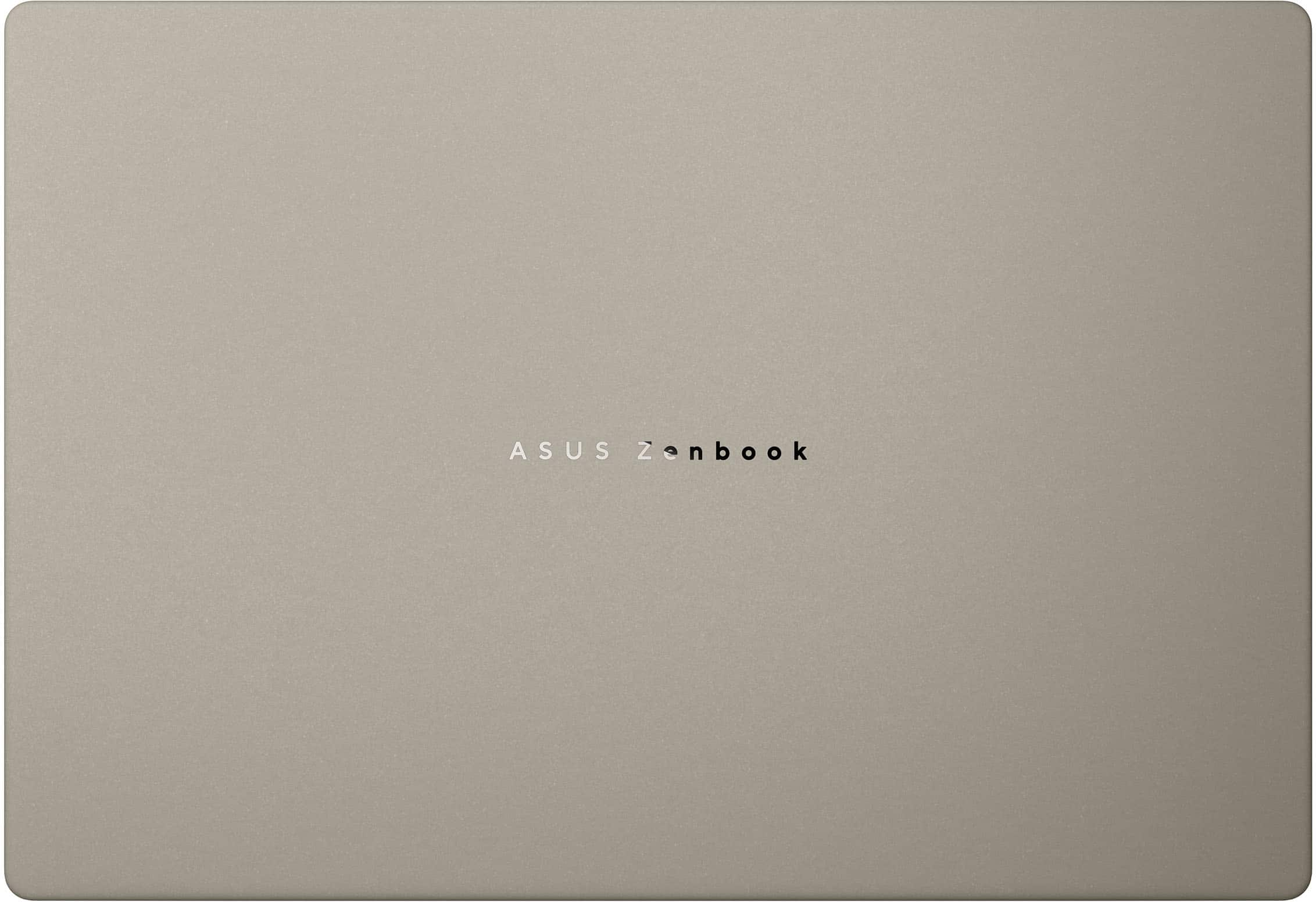
|Posted .This reviewer received promo considerations or sweepstakes entry for writing a review.This laptop packs a ton of features in a very light weight package. To achieve this light weight, you will of course forfeit any medal in the laptop housing. Even though it is all plastic, it feels really well made and durable. The light brown color looks amazing, and the keys are backlit for ease of use in low light conditions. The screen hinge seems heavy duty and the screen is bright and crisp. Startup is fast and setup was quick and easy. It comes with no bloatware and the only added programs are what comes built into Windows. There is no included anti-virus software so you can either use Microsoft's free Defender or add an existing subscription or purchase a security suite. The CPU is powerful yet efficient to maximize battery life. 16gb of RAM gives plenty of memory for multi-tasking and the 512gb hard drive is sufficient for loading a lot of programs and an external backup drive can be added for storing larger documents and picture files. My son is using it currently for his home schooling and he really likes the looks and the ease of portability. Co-Pilot can be launched easily with a hotkey and the CPU is built for AI. This computer provides just the right mix of power, energy efficiency and portability that works perfect for everyday tasks.
I would recommend this to a friend - Pros mentioned:Battery life, Processor speed
Great Option!
|Posted .This reviewer received promo considerations or sweepstakes entry for writing a review.There are so many things I enjoy about this laptop. The OLED screen is so satisfying to watch movies, shows, YouTube, and it's great for productivity as well. Eye strain hasn't really been an issue, but it's easy to fix with settings if you're particularly sensitive to that. It is extremely snappy and fluid. The 16GB RAM is very much appreciated and should probably be standard at this point haha. With the Qualcomm Snapdragon X Plus processor, this bad boy handles pretty much anything you would need to at this level. Great for homework, browsing, editing, and processing. The battery life is fantastic! I can fully charge it, and it easily lasts the whole day. You could probably squeeze a full second day out of it if you run on low power mode, but that is not for me. I also appreciate the larger touchpad, it's very nice for someone who has larger fingers, such as myself. One issue I have is that it only comes with a 512GB hard drive. I feel like 1TB is the sweet spot, especially nowadays when everything takes so much memory. Other than that, you get exactly what's advertised, and I think they did a great job of balancing budget and performance.
I would recommend this to a friend - Pros mentioned:Battery life, Weight
Nice Compact Laptop
|Posted .This reviewer received promo considerations or sweepstakes entry for writing a review.The Asus Zenbook A14 Laptop comes nicely packaged. It comes with a printed User Guide but there are minimal instructions in the booklet. I needed to review the keyboard layout since I could not find the power button. It does tell you how to charge the laptop, along with a diagram. Once charged, I then got it turned on. The laptop is very lightweight and easy to hold. You can sit with it on your lap for long periods of time and unlike older devices, it does not get hot. The display screen colors are beautiful. The keyboard is very nice and many of the controls are in the function keys and I suddenly found one the lights up the keyboard since they are hard to see in soft lighting in the evening. This versions of brightness stays on for several minutes and then shuts off which I am sure helps to preserve the battery. Then I found the key that showed me how to create a Asus account. I mainly use an Apple IPad so I tend to revert to touching the screen rather than using the mouse so I find it frustrating to use a device that has a screen that doesn’t respond to touch. The mouse pad also seems slow so adding an external mouse may help. Overall, this is a nice compact laptop and the battery life seems very good since I inadvertently left it on for 2 days and it was still charged.
I would recommend this to a friend - Pros mentioned:Portability
A very nice and portable laptop
|Posted .This reviewer received promo considerations or sweepstakes entry for writing a review.This ASUS Zenbook A14 replaces a 16” laptop I’ve had for about four years. My old laptop and Android phone are the two most used devices in my tech arsenal, so the A14 is going to get a good workout. I wasn’t sure if the A14’s smaller 14” screen size was going to be a problem for me having used a larger screen for years, but thus far it has been an easy transition. In fact, the A14 has been a nice change in general. From a weight perspective, the A14 is incredibly light weight and has been like playing with a kid’s toy. I never feel like I’m going to drop the unit, plus it fits in my backpack with plenty of room to spare. Even the power brick is more compact than my old laptop. The A14 is also runs much cooler than I’m used to. The older one put out so much heat that sitting it on my lap felt like I was burning my skin. The A14 does put out some heat when plugged in but it’s minor in comparison. The keyboard on the A14 has a good tactile feel to it, and its smaller form factor has been a non-issue. Getting the A14 set up and running was uneventful. The only issue I had was getting my BT mouse working. It wasn’t a huge issue but was somewhat problematic because I kept touching the screen forgetting that it’s not a touch-screen monitor. I know, I know. But since I never ever used the mouse pad on my older unit, I had to fumble around with the A14’s mouse pad until I remembered what I was doing. Not a big issue, for sure. Getting the A14 set up and running was a simple process as it walked me through all the necessary steps. Other than having to enter my credentials for many apps, it was a breeze. Before I forget, the A14 is outfitted with the following: • Qualcomm Snapdragon X Plus processor, 8 cores • 16gb Ram • 2 USB-type C charging ports • 1 HDMI 2.1 Thunderbolt 4 • 512 GB solid State Drive. Note that available storage space dropped after getting everything installed and configured, close to 100gb was used. • Battery life can be up to 32 hrs • Comes with Windows 11 Home Edition • It also has a headphone jack for wired headphones • It supports WiFi and Bluetooth • It also supports facial recognition when logging in I have the battery saver turned on, so it only charges to 80% full capacity versus 100%. You can change this to 100% easily. I was on the A14 for hours and still found adequate battery remaining. As noted above, it has a claimed battery of up to 32 hours. Since receiving the A14, I have decided to put my old laptop to rest. I may have to look into donating it to a worthy cause. Thus far, I’ve used the A14 for a number of different tasks. Included are the following: • Word processing • Youtube videos • Spreadsheets • Gmail • Calendaring I’ve also been using CoPilot a ton more and the A14 has been impressive in its responsiveness handling these queries. Heck, I’m even using CoPilot to do day-to-day math calculations. I’m very pleased with this ZenBook. As such, I’m rating the Asus ZenBook A14 5-stars.
I would recommend this to a friend - Pros mentioned:Weight
Impressive
|Posted .This reviewer received promo considerations or sweepstakes entry for writing a review.I love my new laptop! The touchpad stopped working on my old one, and I really needed a replacement for work, but I was trying to save up for the newer model from the previous brand. A whopping $2,000, which has been hard to do between rent, car note and every day expenses. Being that my very first tablet was an Asus model, they really were the company who introduced me to personal devices. I loved that tablet so much, I'd gifted it to a few people close to me! That said, I'd stayed loyal to the other brand for my last three laptops, wasn't sure if this one would compare. This Zenbook was a GREAT choice! For one, it's just so fun to hold and to look at. Super cute! Smooth surface and upscale neutral color. It's light as a feather, too, which is very important to me as I'm a hybrid office worker. I have the option of using a company issued laptop, but they're so flippin' heavy! I didn't want anything that hurt to carry on one arm, and this one fit that bill perfectly. I did expect the touchpad to be a larger, across the entire bottom of the unit beneath the keyboard, I guess I just didn't pay close enough attention to the photos online, but this pad is still a step up from my older one. Very smooth and sensitive, which is adjustable, so another plus. The screen is clear with crisp type and colors. The icons / widgets pop, the UI is also smooth, I haven't experienced any lag, even on not so great wifi networks. I'm still a novice with using AI, mainly because I don't quite trust it fully. On my other devices, I find AI can often not have accurate results? However, I have used CoPilot to help me with summarizing long email threads and a huge lease document for work, saving me a lot of time. Several hours of reading for sure. Just yesterday, I asked for ideas for decorating a baby shower and sourcing the products at low prices and was impressed with the results. The only thing I wish this model had, which some people might not care about either way, is that the screen isn't a touchscreen. I got so used to having that feature on my old one, and I find myself tapping the screen out of habit, and feeling let down! Lol Honestly, this is such a great value for the high quality of this unit, I'll get over it.
I would recommend this to a friend - Pros mentioned:Overall performance
Asus laptop
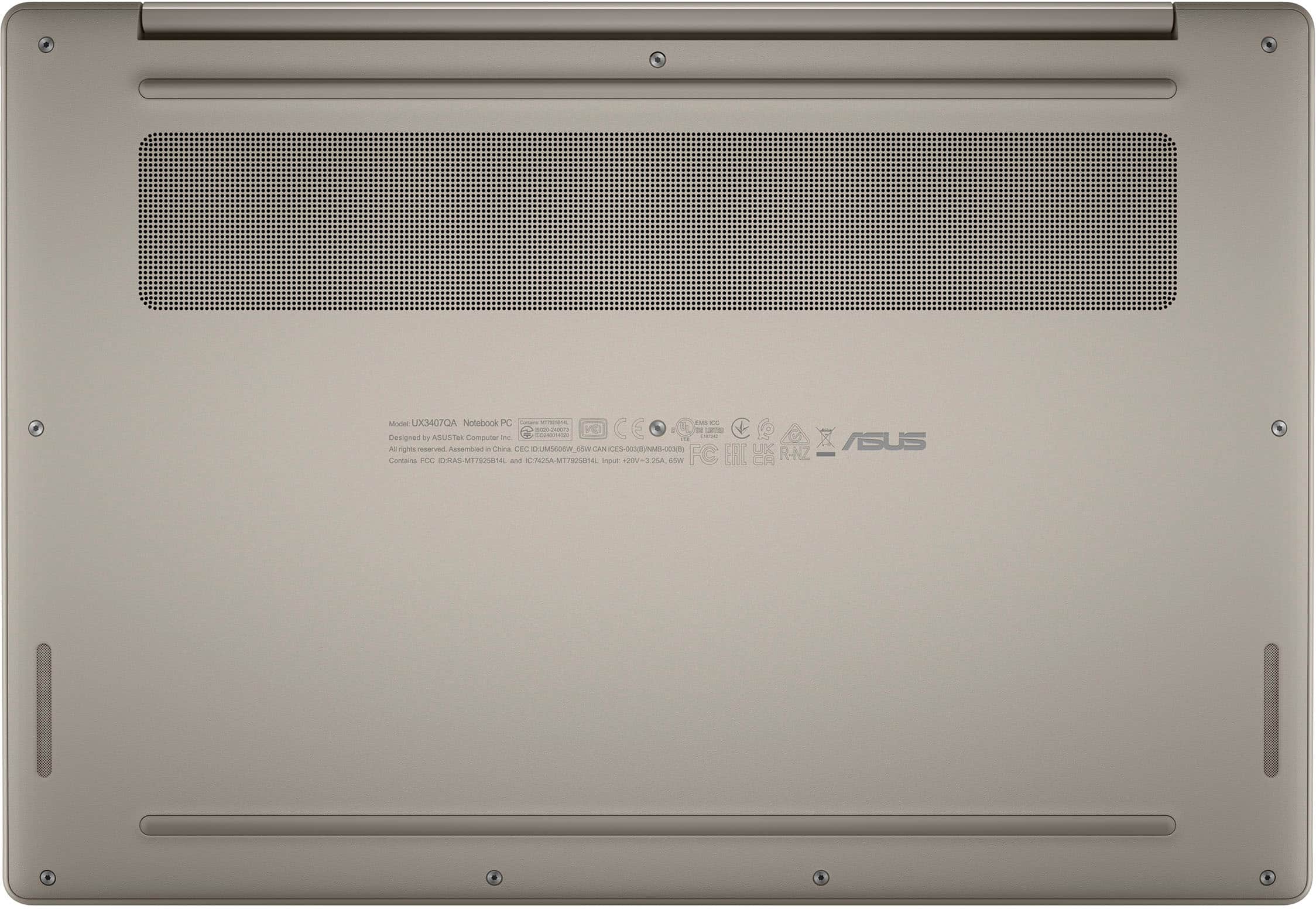
|Posted .This reviewer received promo considerations or sweepstakes entry for writing a review.First and always of importance to me in regards to sustainability. The laptop was packaged in cardboard, even the pull up handle on the box was cardboard. Way to go! I really love the small size and weight, it almost feels like I'm carrying around a tablet. Even when it's closed the profile on it is very thin. Start up is a simple step by step that most will know the drill, also if you have Gmail it takes care of a lot. I was impressed to have the option of downloading data from my current computer, but because I chose not to I can't tell you the process. Security options are also given during this time, ex. Pin or biometrics. I had to look up how to turn on the power, I guess I had been so used to a side I/O that I did't even think to look at the keyboard. LOL. The keys are super quiet which in my book is a plus and backlit for non typers like me, in a dim room. The display is crystal clear while watching a movie, no lag or pixelation. Which brings me to my last observations, I have been using touchscreens for the last 5 years yet for some reason I thought that a laptop without would be ok. Boy was I wrong! Once you go touch, it's really hard to go back and I'm not really sure (unless this is just an entry level machine) why Asus chose not to incorporate it. And my second kind of gripe. The speakers are on the bottom of the computer, which is fine if it's sitting on a flat surface because the bottom has a bit of a riser that lifts it. However if you're like me and like to watch TV, play on your phone and have your laptop on your lap...well the sound gets a bit muffled. That said, although the speakers don't get really loud, they don't have that metallic like sound to them and are actually pretty decent. I'm still on the fence about the touchscreen, which I understood when requesting the laptop and will continue to try working with. But it just may be a deal breaker for me
I would recommend this to a friend - Pros mentioned:Overall performance, Portability
Beautiful display & powerful performance
Posted .This reviewer received promo considerations or sweepstakes entry for writing a review.This laptop is exactly what I needed for design and multitasking. The display is stunning, vibrant and crisp resolution that really pop, especially when editing photos or watching videos. It handles heavy software like Photoshop and multitabs with ease, and the performance has been smooth so far. I also appreciate the quiet fan, sleek design, and quick startup. Great for creatives or anyone who wants a reliable, powerful machine that still feels lightweight and portable.
I would recommend this to a friend - Pros mentioned:Portability
Laptop review
Posted .This reviewer received promo considerations or sweepstakes entry for writing a review.Great laptop very lightweight and the beige color looks amazing
I would recommend this to a friend - Pros mentioned:Processor speed
A lot to like
Posted .This reviewer received promo considerations or sweepstakes entry for writing a review.I just purchased it so this review is not comprehensive but I have some initial thoughts about it. It's well packaged and presented. The design, chassis material, oled screen and weight makes it seem premium. It has a good selection of i/o ports. I'm trusting that the arm architecture won't be a challenge with the mostly basic business and minimal creative work I'll use it for. It's very fast. So far I'm really liking it. Two things I'm not happy with. When I took the computer out of the box there were black smudges around the keyboard. They wouldn't come off with mild cleaners so I think they're permanent. It's really not a big deal but it's disappointing Asus doesn't have better qc. The other issue is the computer isn't a touchscreen. I bought it on sale and it's a great computer at that price but if I'd paid the regular price I think I would have considered returning it for not having a touchscreen.
I would recommend this to a friend An Apple Alternative!
Posted .This reviewer received promo considerations or sweepstakes entry for writing a review.Great laptop for students and anyone that needs something functional and stylish. Great if you like the look of an Apple laptop, but prefer PC.
I would recommend this to a friend- Pros mentioned:Overall performance, Portability
Very Happy with my purchase
Posted .This reviewer received promo considerations or sweepstakes entry for writing a review.This laptop allows me to be free from carrying a power cord everywhere I go and is light like a feather to carry. Great performance as well
I would recommend this to a friend - Pros mentioned:Battery life
very Sleek laptop
Posted .This reviewer received promo considerations or sweepstakes entry for writing a review.Keyboard is smooth, laptop is light, thin, sleek, glass trac pad, and the battery last hours and hours of use - the best battery life I have ever experience on a laptop. I have used it for a few weeks not and i love this thing! would highly recommend!
I would recommend this to a friend