Customer Ratings & Reviews
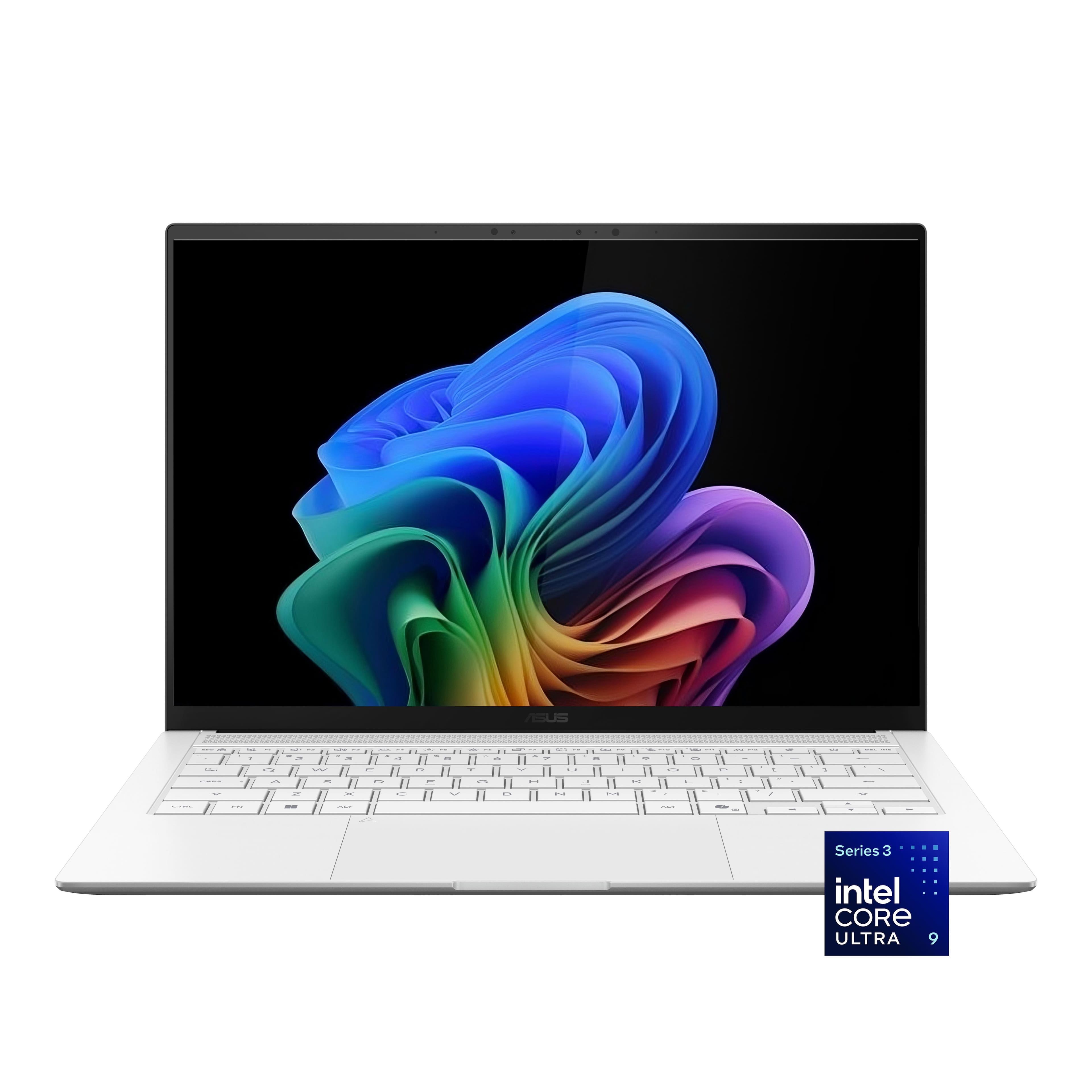
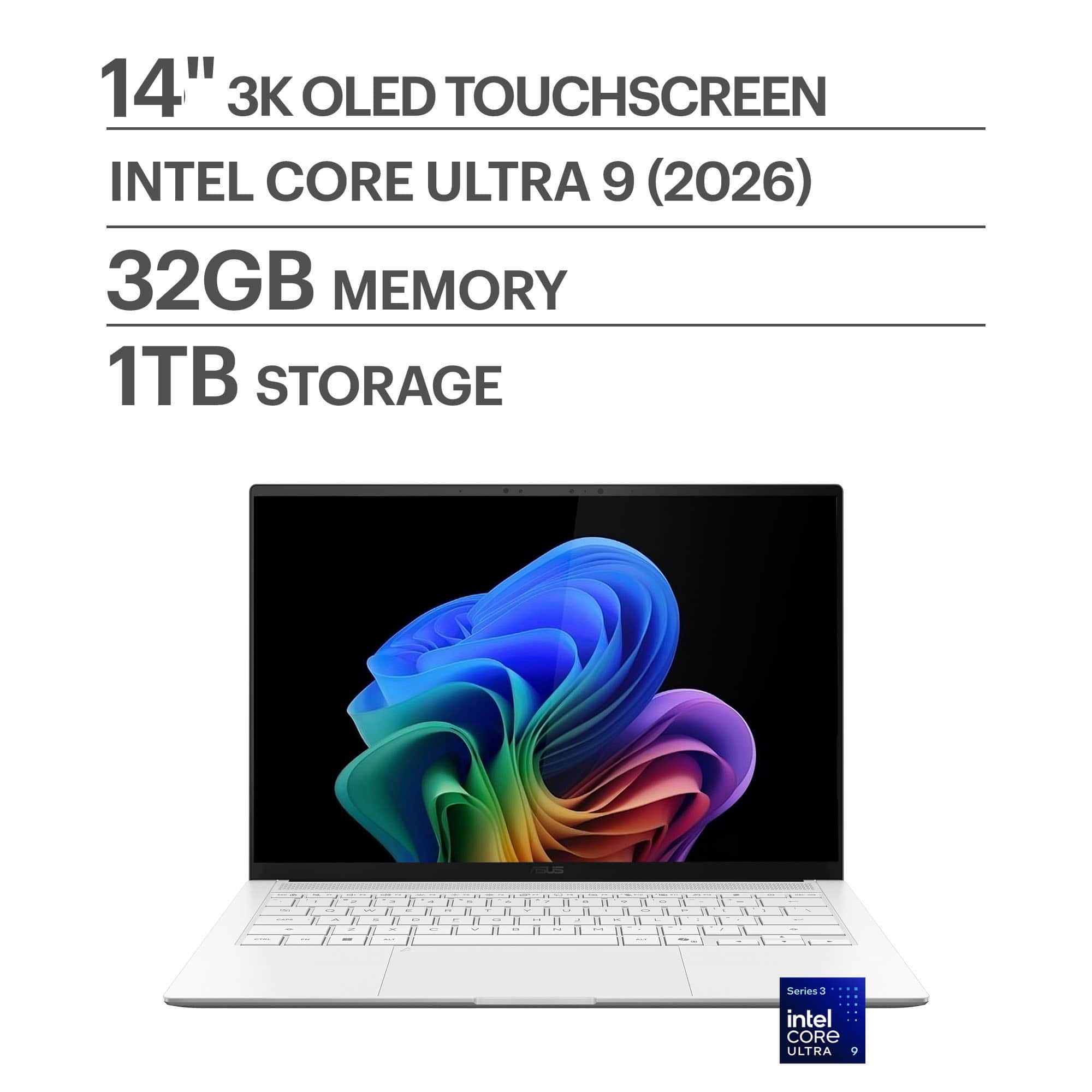
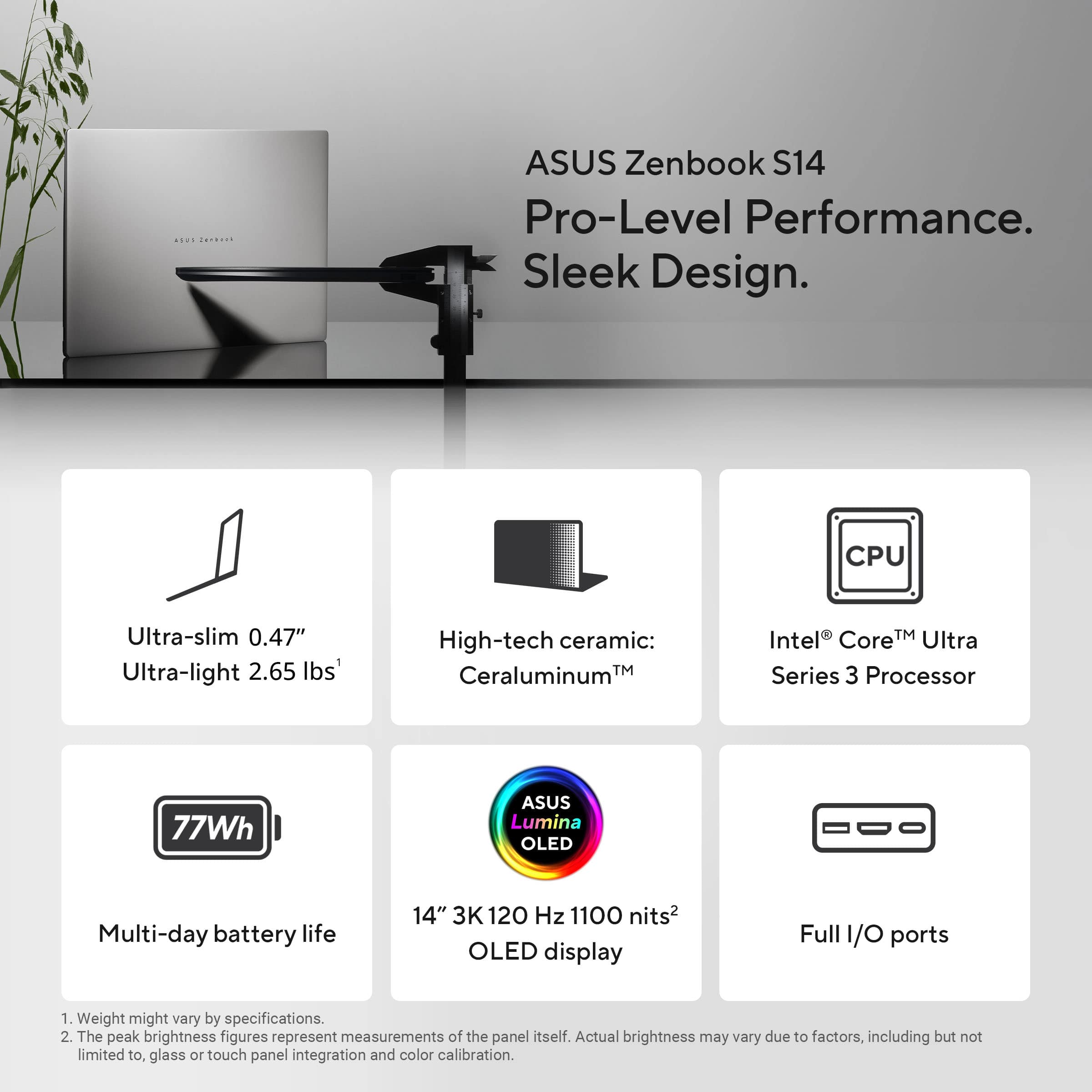
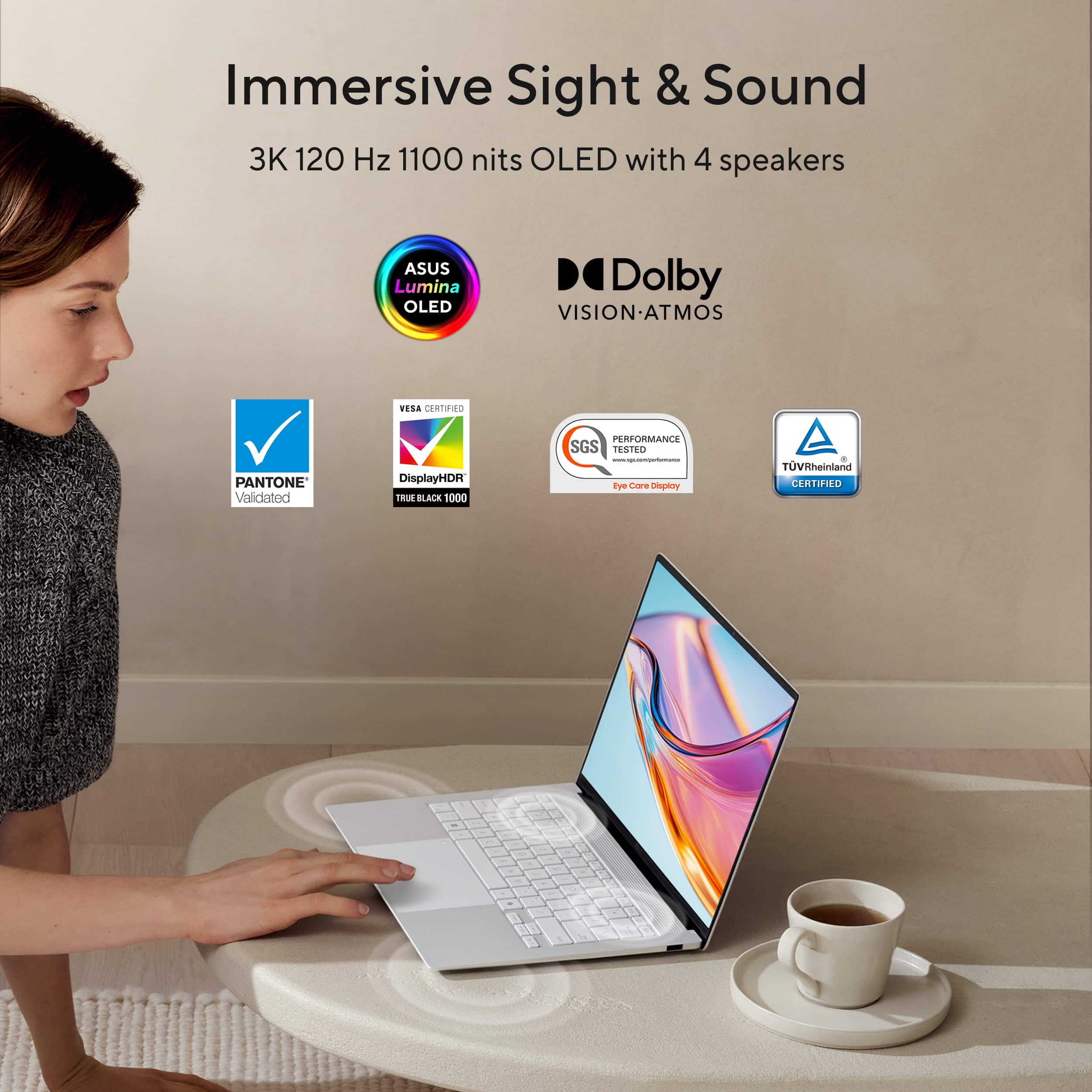
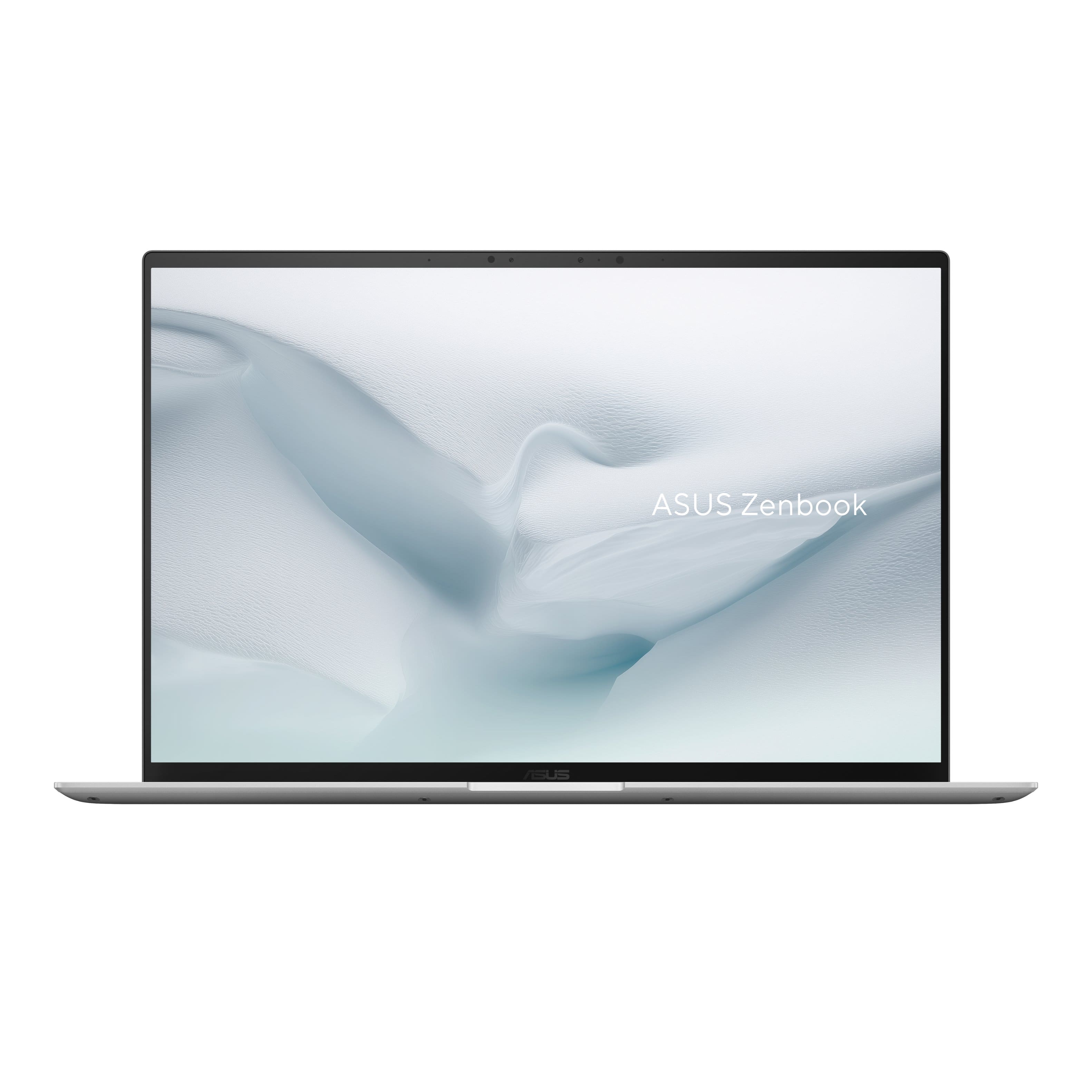
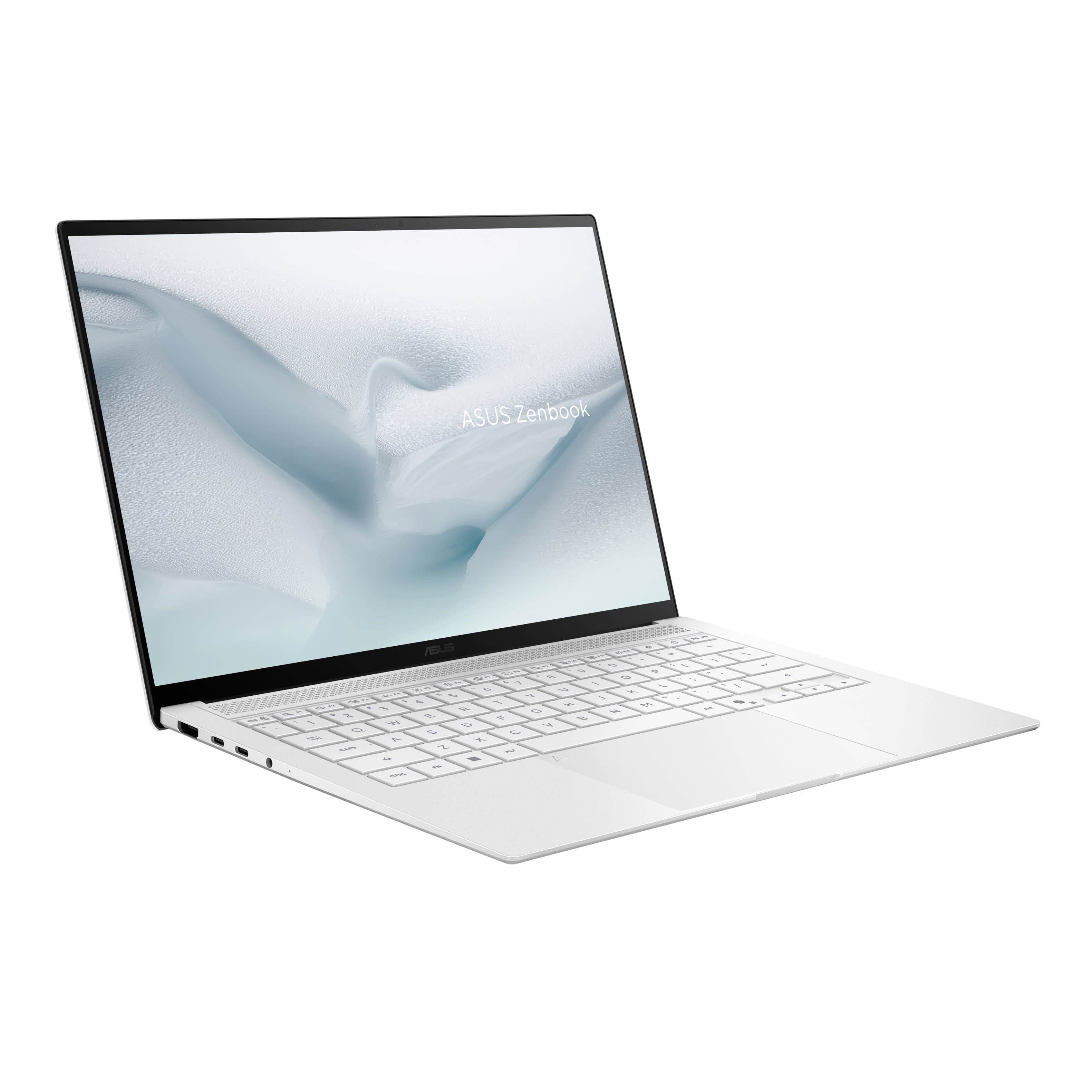
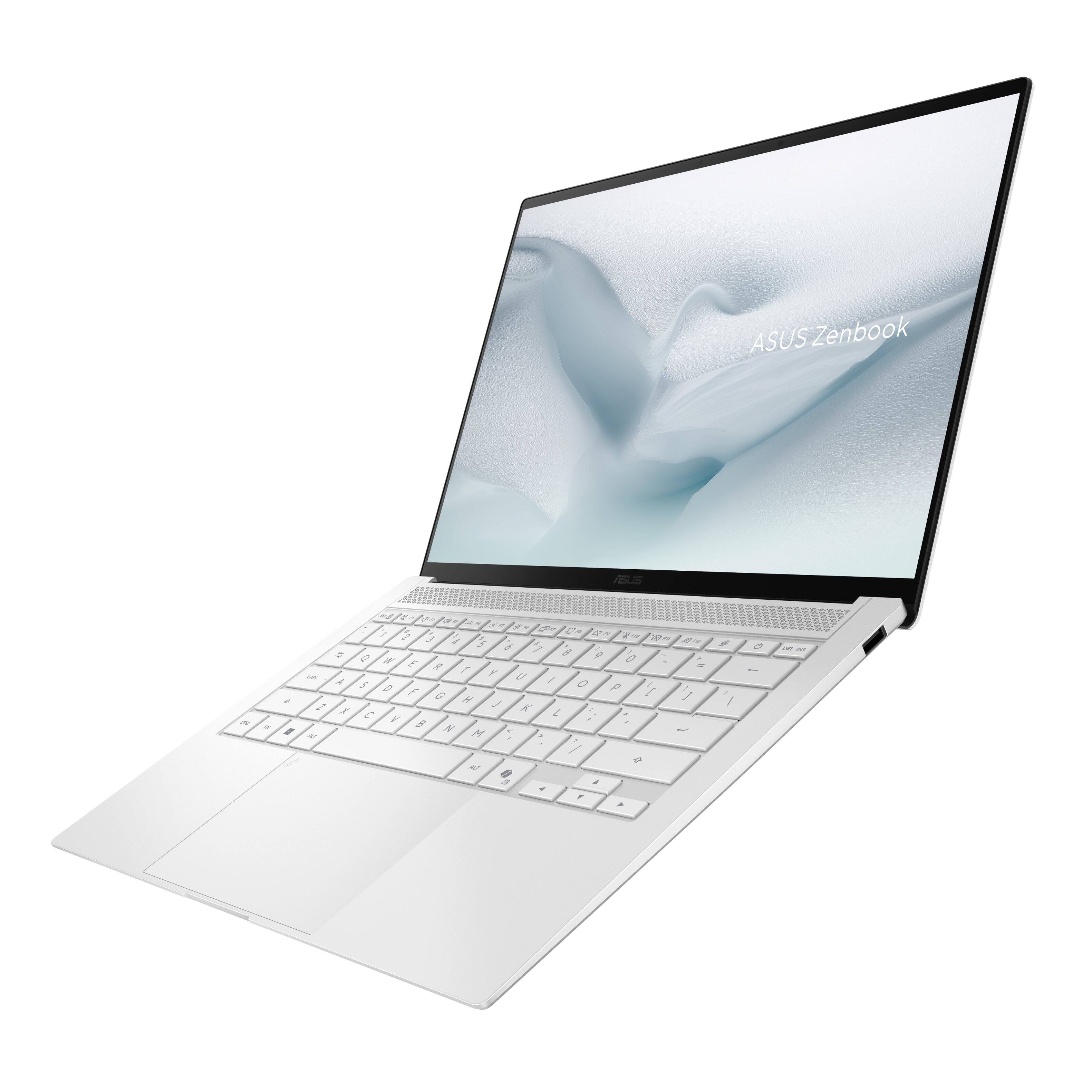

- Model:
- UX5406AA-ZB/S14_90
- SKU:
- 6671015
to a friend
Customers are saying
Customers frequently mention the product's high-end build quality, impressive battery life, and excellent portability, highlighting its fast processor speed and flawless performance. They also appreciate the gorgeous OLED screen, impossibly lightweight design, convenient facial recognition, and excellent port selection, though some users find the keyboard keys feel cheap.
This summary was generated by AI based on customer reviews.
- Pros mentioned:Battery life, Build quality, Oled qualityCons mentioned:Keyboard backlighting

Performance and quality 5/5, questionable designs
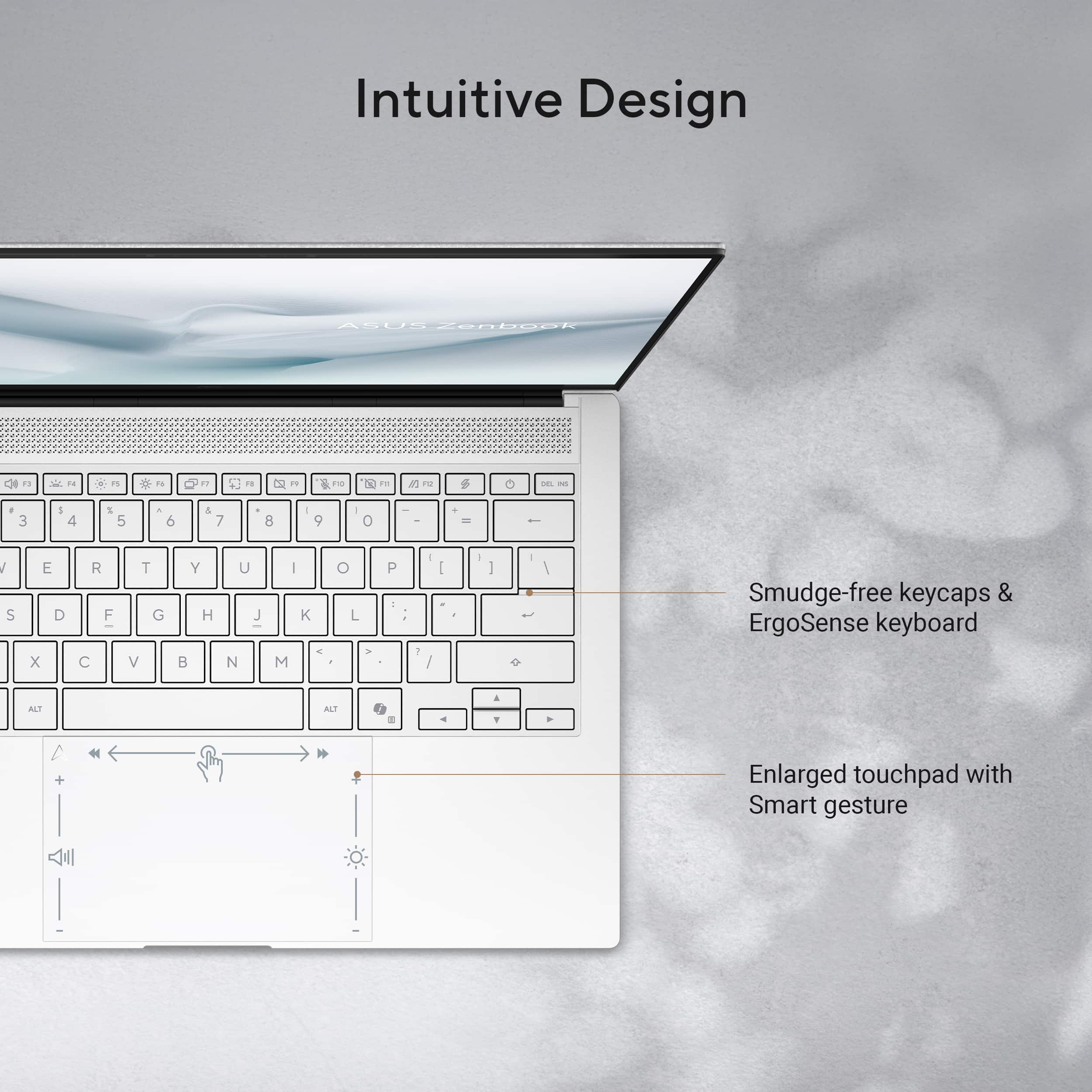
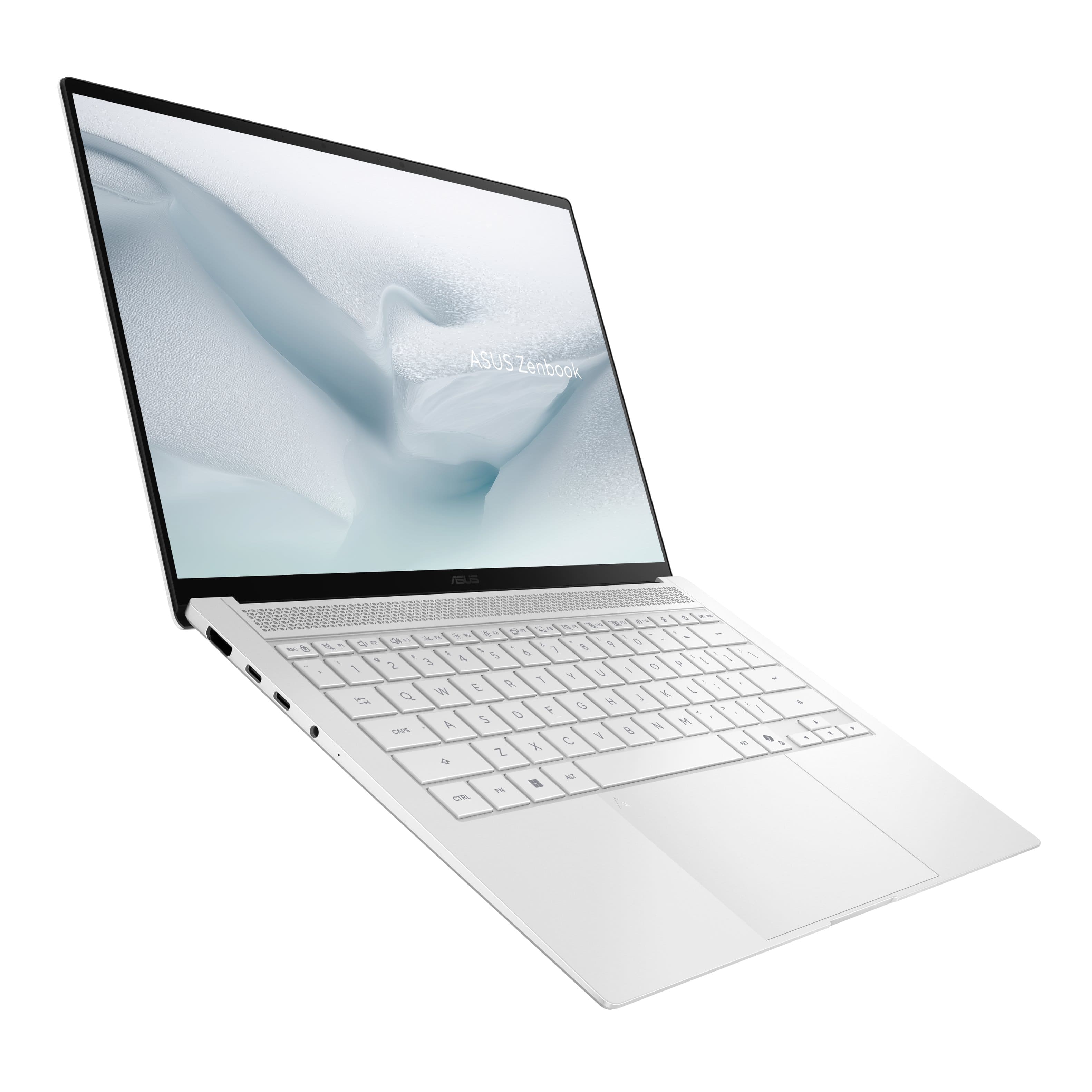
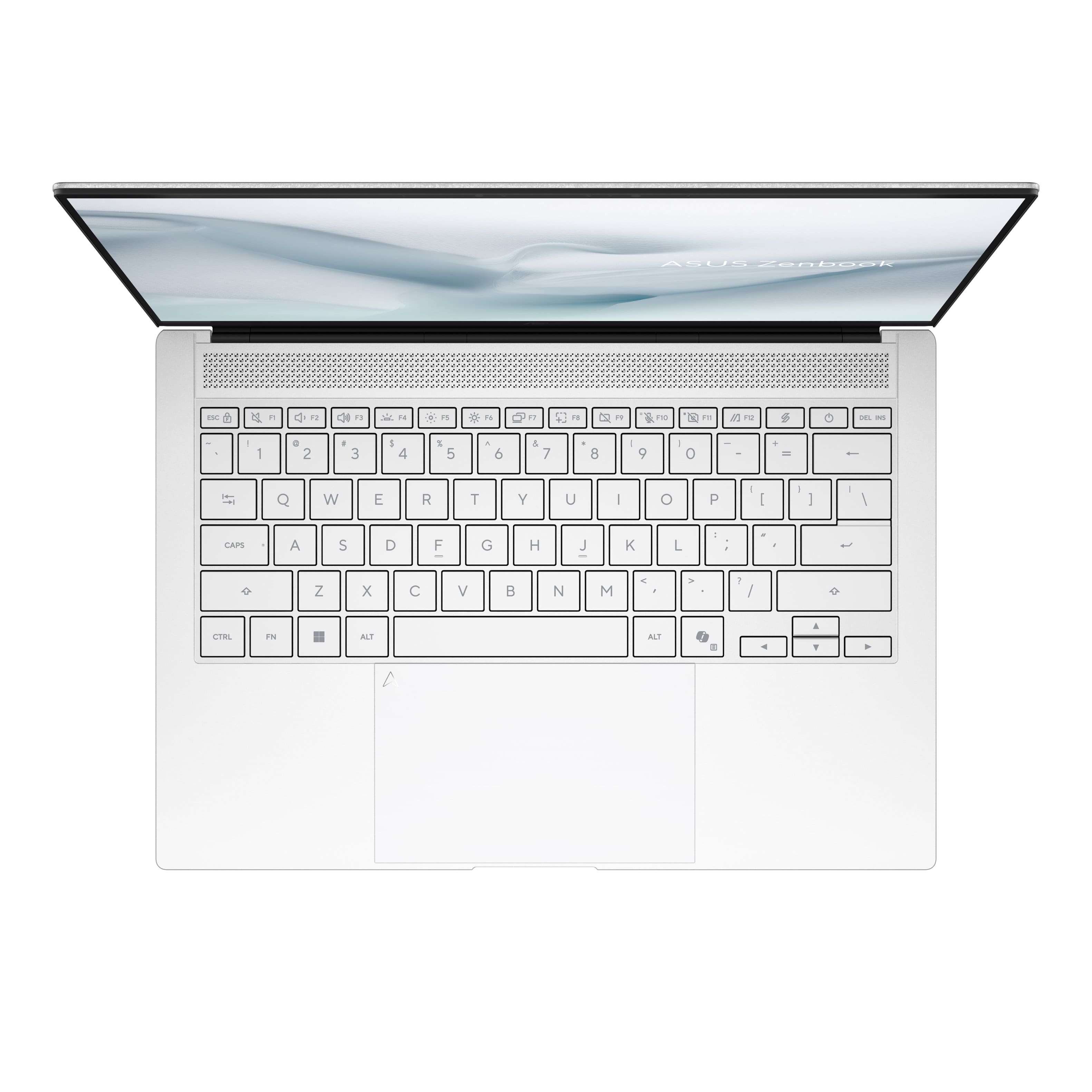
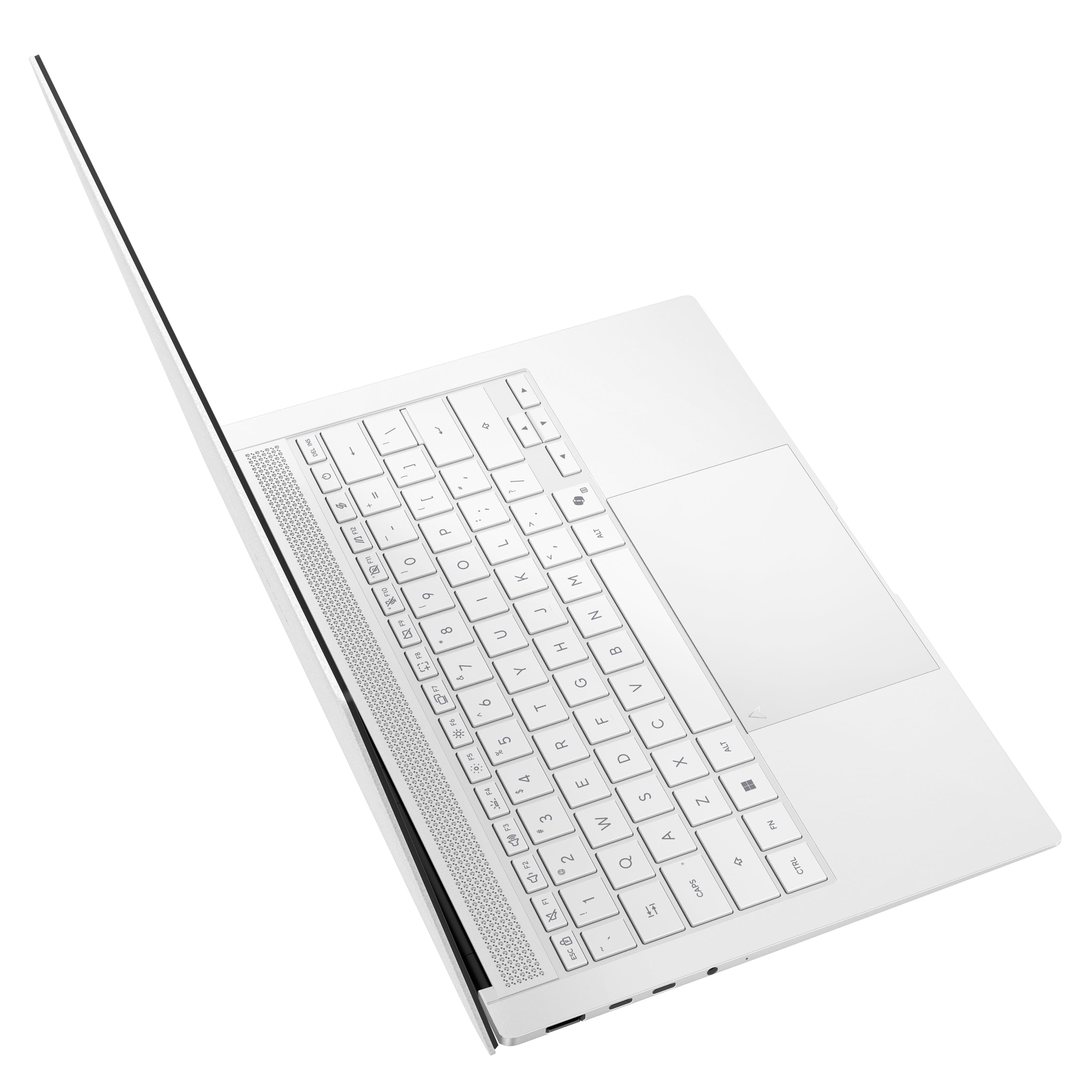
|Posted .This reviewer received promo considerations or sweepstakes entry for writing a review.I have been using this laptop for several days now. It is a great laptop, just for the cost there are a few questionable design choices that overshadow the laptop. The good: Right out of box you will notice how thin and light it is. I cannot believe how they can pack so much in such a small form factor. That's 2026 for ya. From the YouTube videos I've watched, ASUS is trying hard to mimic Apple MacBook Air design, and I would say that they have achieved that. 0.51" thick and 2.76 kg. It is lighter than my 12.4" Surface Laptop Go. You'll also notice the premium build quality. I am impressed. Look, I get that some people are gamers. If you are a gamer, then you shouldn't look for a $1900 laptop with no dedicated graphics. Ignore anyone who complains about that. This laptop is intended to be a highly portable laptop that has the beef to get all types of office-type tasks done quick. I don't play games, but I'd imagine that if I did it would perform admirably. So, I am not bummed by the lack of dedicated graphics. The performance is great. Coming from a Core i5-1135G7 on a Surface Laptop Go 2 with 8 GB of RAM and 256GB SSD to this is a huge leap and is amazing. The 32 GB of RAM lets me do things I could only imagine with 8 GB. So chalk up performance as a "good" for me. USB C charging. Yes, I know it is standard now, but I'm coming from a Surface product with the proprietary magnetic charger from Microsoft. The battery life is incredible. I am extremely impressed about how long it lasts. The cooling. I noticed some people who have already written reviews mentioned ASUS improved the cooling capabilities. I can certainly attest to this laptop being cool. I never feel the keyboard hot when the CPU is chugging hard. Beautiful screen. The OLED really pops. Minimal bloat. Just the usual ASUS software and that's it. The letters on the keyboard are big and well-lit by the backlighting, which comes with dimming control. 1 year of accidental damage protection. This a nice touch! The ok: The lid I would rate as one hand and a half open. You can open with one hand until you get to around 100 degrees at which point it requires a second hand. 22.72 GB of recovery partitions. I wish there was none. That is a lot of wasted space. Of course, this is fixable with a fresh ISO install of Windows 11, but that requires me doing that, which takes time. The Bad: The keyboard backlight. I don't understand how they chose to skip backlighting all the characters, all of them: ~!@#$%^&*()_+{}|:"<>?. They all lack backlight. For me coming from a Surface Laptop Go 2 with NO backlight, I'm fine, but I imagine this would be a problem for someone coming from a PC with full backlight. The touchpad is too big. When you rest your wrists for typing you have a 100% chance that the edges of your palms will contact the pad and move the mouse. The touchpad has this stupid ASUS logo in the top left. The color of it is so perfect that you will constantly think that you have a hair on your touchpad. The USB C ports are only on one side of the laptop. I can understand Microsoft putting the charge port on only one side since it is proprietary, but USB C? You can't put a port on each side? I don't much care for the Screen Xpert key (next to power). Waste of a key on the keyboard. While the laptop in total feels high quality, the keyboard keys feel cheap. Coming from the Surface Laptop Go 2 is a downgrade in this department. Moreover, the travel is far too low. I had to reduce the double click speed in Windows settings because I was constantly typing double characters. To be fair to the design choices, there have been premium laptops throughout history with extremely dubious design choices. The Dell XPS laptop at one point had a capacitive touch set of F1-F12 keys. Terrible idea. My problem with ASUS's design choices (the backlight keyboard, USB C location) is that they weren't trying out something new that has never been done before. No, it simply appears as attempts to cut a small corner here and there. It is a great laptop, dont get me wrong. Just these small design choices makes the experience of using the laptop slightly annoying at times (in typing this review I had to fix many double-clicked letters).
I would recommend this to a friend - Pros mentioned:Build quality, Oled quality, PortabilityCons mentioned:Keyboard backlighting
Very Nice Zenbook S14
|Posted .This reviewer received promo considerations or sweepstakes entry for writing a review.Exciting user specs with one minor exception and I will explain. Intel's i9 Processor combined with fast 32gb memory is great for multitasking, installing programs, watching YT Videos or any streaming, video and photography production, music production, Excel and the list goes on! The ssd storage is upgradable. Purchasing a MS Pro key upgrade is even better, but not necessary. The only slight disappointment is having integrated graphic meaning the chip has no real memory of its own, it will use up to half of the 32gbs of memory depending on demand so heavy gaming is not the real purpose of this Zenbook. Basic gaming is ok. So that being said, this is still a Very Nice Laptop. Ultra Slim and light. The keyboard keys have a good response feel and there are 3 levels of back light for the keys. The actual symbols # $ % on the number keys do not light up, I don't understand this reasoning! The Touch pad is very good and also features Volume and Screen Light controls with the slide of your finger on the edges. Of course there is the AI Key for copilot which for me did not work after set up so I simply downloaded and installed from the Microsoft store and it was corrected. The chassi has a nice Ceramic feel/finish with aluminum. The 3K oled touch screen has good color and deep blacks. Speakers are decent and acceptable for this size laptop. Set up initially took approx 30 minutes. It really depends on your IP Speed. The laptop itself is very fast. So, If your looking for something fast and reliable to make the best use of your time, then this is it. Enjoy
I would recommend this to a friend Zenbook is great
||Posted . Owned for 2 weeks when reviewed.This reviewer received promo considerations or sweepstakes entry for writing a review.The speed is excellent and it is so easy to use. Glad we purchased it!
I would recommend this to a friend- Pros mentioned:Build quality, Portability, Processor speed
Awesome Notebook
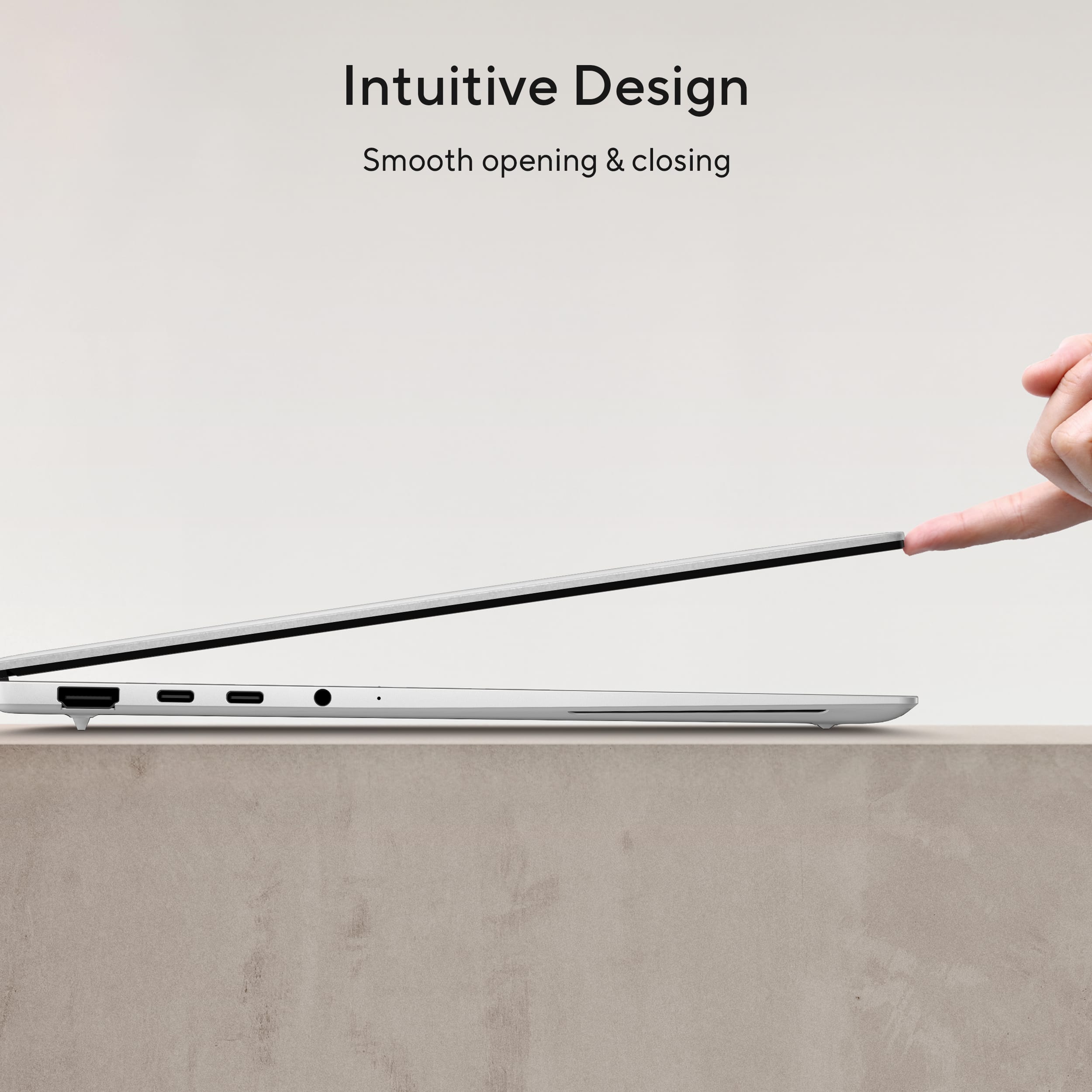
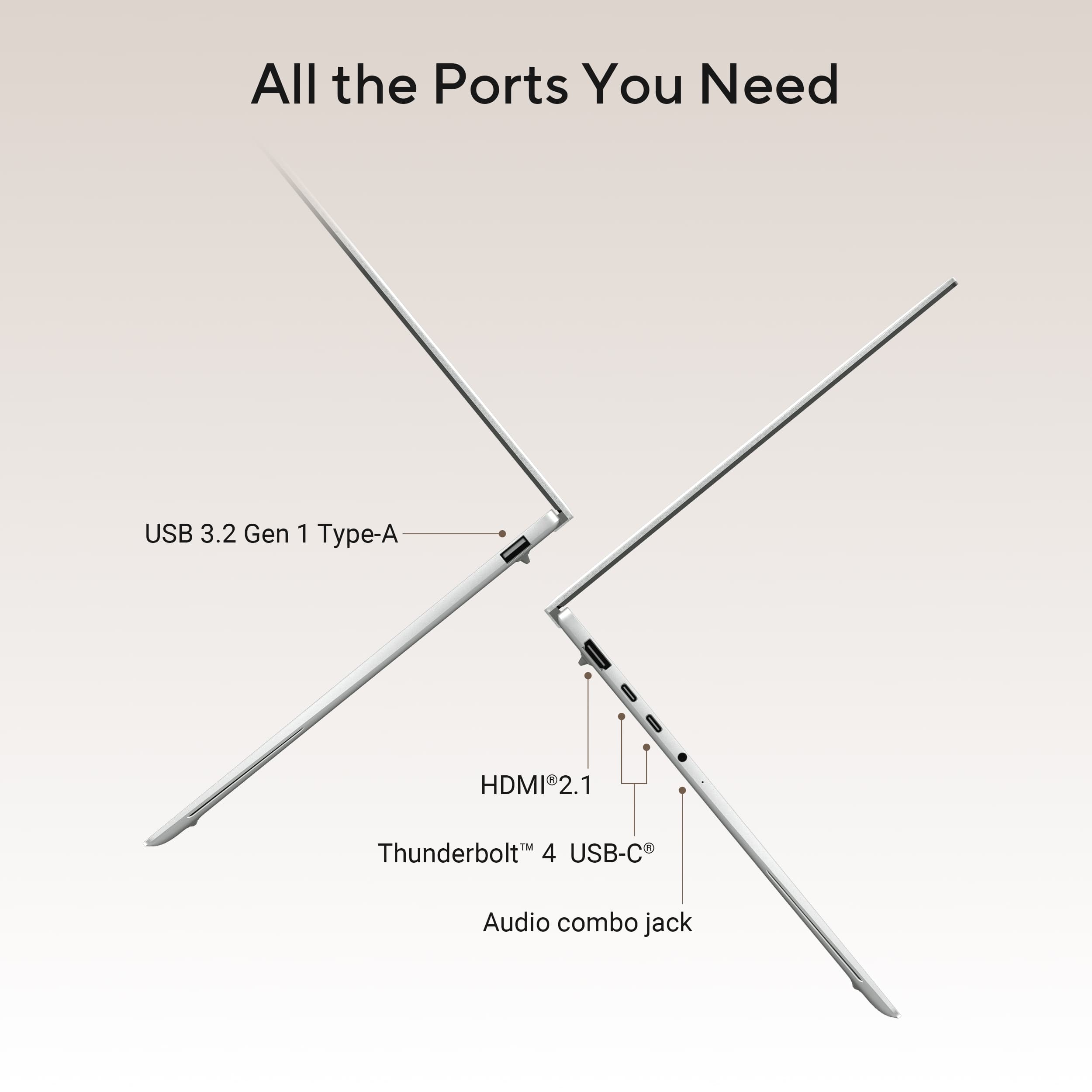
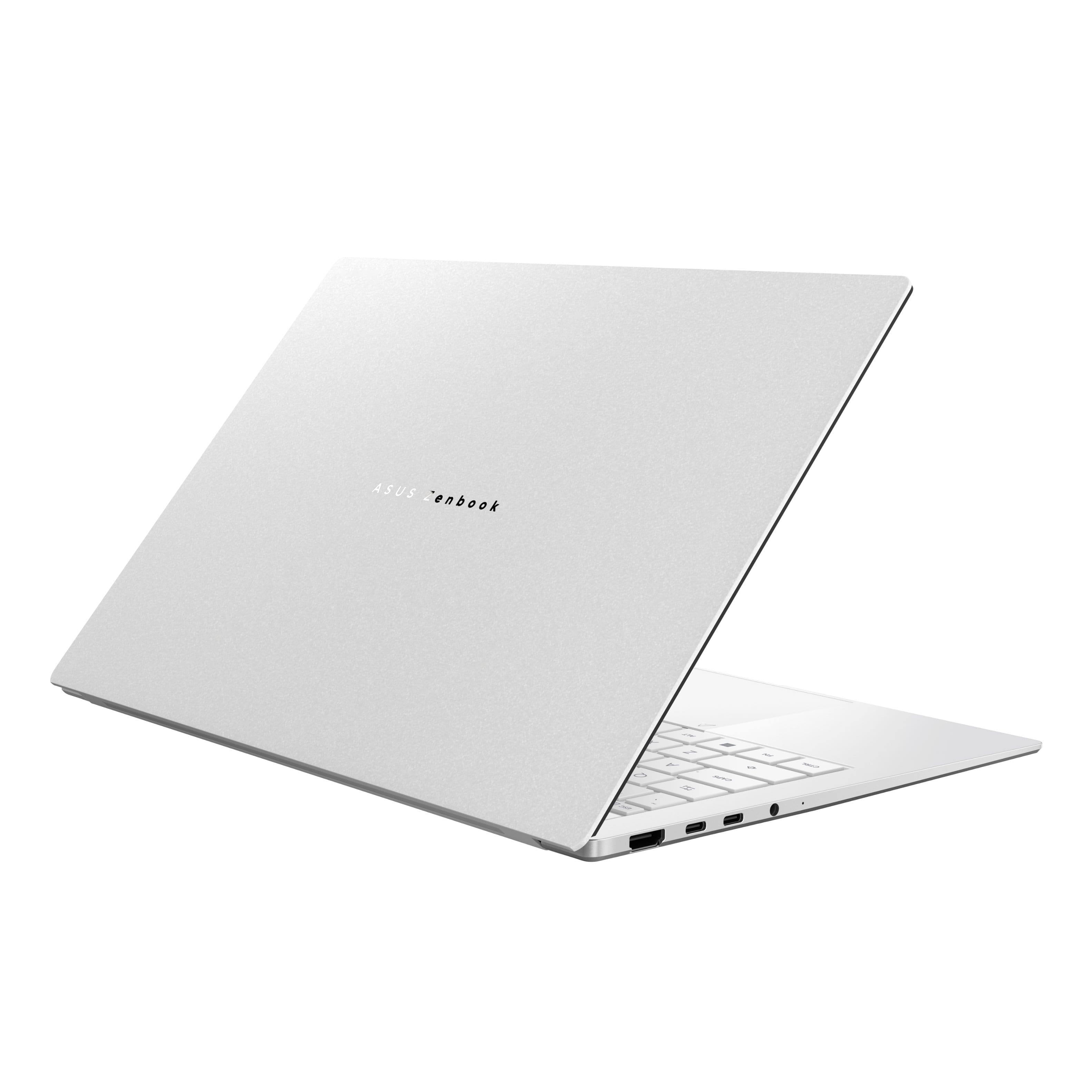
|Posted .This reviewer received promo considerations or sweepstakes entry for writing a review.Design * The casing is built solid with the Ceraluminum (ceramic + aluminum). It hides dust and fingerprints while also making the surface less slippery. * Ultra-slim at 0.47” * Ultra-light at 2.65 lbs. With all the performance and battery life, it is surprising and welcomed for this machine to be this light and thin. * Easy to open and close. It actually starts to flip over when the screen is at or near 90 degrees. Opening the lid does not start the computer. You have to push the power button and I’m ok with that. * Has all the ports I need: * USB-A * Dual Thunderbolt 4 * HDMI 2.1 * 3.5 mm audio jack * A MicroSD card reader would have been nice. * The keyboard is comfortable and quiet. It has more travel than my MacBook. The backlight is super bright with 3 brightness settings. * The touchpad is smooth fairly large and it is precise and responsive. It supports finger gestures; up to 4 fingers. * I just wish Asus and every other PC brand would stop putting those silly, useless stickers on laptops. At the very least, they could take the time to apply them straight. * The power brick plugs directly to the outlet so make sure you have room. Performance * Intel Core Ultra 9 Series 3 * Copilot+ PC running Windows 11 Home * I’m not a fan of the current Start menu. I think it’s useless and should just be removed. * It takes about 24 seconds to boot to the login screen. * Glad that it wasn’t pre-loaded an anti-virus software!!! * Supports multiple desktops for easier multi-tasking. I like to assign apps on their own desktop. I noticed on Windows that if I click on an app that is not assigned to that desktop, it will open the app on the current desktop. In MacOs, it will slide to the assigned desktop. Media & Camera * Dolby Vision / Atmos * Full HD camera. With the specs on this machine, I’d expect a higher resolution camera. * Windows Hello facial recognition still fails frequently, and it doesn’t seem like it has improved since launch. Maybe it’s just me. * Studio Effects automatically puts you in frame and in focus. Useful for those web meetings. Screen * 14” is the perfect size for what I do, office documents and virtual meetings and watching movies. * OLED WQXGA+ 16:10 touchscreen * 2880 × 1800 (3K) * 120Hz is fast and awesome for your favorite action movie. Not much of a gamer anymore but I’m sure gamers will appreciate it too. * 1100 nits Wow — the touchscreen is very responsive and precise. The display is beautiful and vibrant. In a side-by-side comparison with my MacBook Pro M5, this actually performed better in shadows and contrast thanks to the OLED panel. I didn’t think 1100 nits was possible on an OLED display, but this screen gets incredibly bright. Sound * The sound is good, but not great. It lacks bass and fullness. * Atmos? It does ok, not impressive. * Speakers can handle the high volume without distortion but it is not as loud as the MacBook Pro. Battery Life & Features * Handles intensive software well * Multi-day battery life Final Thoughts This is a powerful and beautiful machine. Best Windows PC I’ve owned. It’s a bit pricy but the specs and build quality justifies it. Asus has always made good products and this machine is another example.
I would recommend this to a friend The best laptop I've bought since 1997.
||Posted . Owned for 1 week when reviewed.This reviewer received promo considerations or sweepstakes entry for writing a review.Absolutely zero complaints. Its just a perfect laptop.
I would recommend this to a friend- Pros mentioned:Battery life, Build quality
Great!
|Posted .This reviewer received promo considerations or sweepstakes entry for writing a review.The unit arrived in a double packed box with some paperwork and a USB charger. The weight, size and look of the unit was impressive. Very clean compact size, extremely lightweight, and very impressive in looks. I do wish it had some darker colors and that the colors on the keys had more accent. It took me awhile to find the "@" key as it was more of a secondary marker on the keys. However, this is not to say that the overall look, feel and texture was not excellent. The screen, motion and operation was also impressive and using the unit was a great experience. I did have some issues finding the secondary key function, but am getting use to it. The sound was impressive, and watching YouTube was impressive with the clear bright screen and quickness of the operation. Battery life was impressive, and so far after an hour of watching a movie, the battery drain was very minimal. This truly is a top class unit and design and build shows. The USB C charging is a nice touch vs the brand charging adapter. I really prefer having USB C. Overall, I am impressive and very satisfied with this laptop. Made me wonder why I settled for other laptops in the past !
I would recommend this to a friend - Pros mentioned:Portability
Mighty Little Computer With Big Specs
|Posted .This reviewer received promo considerations or sweepstakes entry for writing a review.ASUS has long been known for excellent gaming computers, and in an era where Apple usually steals the show with regard to paper-thin, paper-light, super-powerful laptops with the Air and now the Neo... the ASUS Zenbook S14 is the answer if you want a Microsoft-powered equivalent. The first thing you notice as you take the laptop out of the box is the lightness. It's not so light as to feel unsubstantial, but not so heavy as to create problems for you hauling it around. For a 14" laptop, it also seems to have a LOT of ports: a USB-A, 2x USB-C/Thunderbolts (one of which doubles as your charging port), an HDMI port, and a headphone jack. All that is to say: you don't need a dongle. No adapter. No nothing. Just pop it in your backpack and go. There's a LOT of thought that's gone into this laptop and someone who needs a hyper-portable, travel-ready, powerful productivity machine is gonna find it here. Whether you spend most of your day in a browser or in design apps, you'll be able to make it work with this ASUS Zenbook. The color and texture of the exterior computer is interesting: ceraluminum creates a nice feel that is somewhat cool to the touch and is also incredibly light for a durable-feeling computer. There's a lot of waxing philosophical about that - but it's got a very nice feel compared to a traditional "aluminum" or painted finish and the somewhat toothy texture means it doesn't feel like it's slick enough to go flying out of your hands when carrying it around. There are two parallel "feet" stabilizers on the bottom of the laptop which weren't uncomfortable with it on an actual lap top, provided nice stability and probably some heat dissipation for working at a table. The body and edges of the entire laptop are very nice - as is the ratio of wrist space and distance to the keyboard and the generous size of the trackpad. The keys themselves are large and square with a good feel to them, and VERY bright when lit. The screen itself is generously sized with a truly tiny bezel and gorgeous color display as well as really nicely rendered text. The touchscreen aspect is my favorite: such a time saver for browsing tasks or when working with clients. Responsive and accurate. The 1080 FHD webcam in the center top of the monitor makes web conferencing a breeze. The array microphone means you won't need an external microphone for most use cases, but the audio and the speakers themselves are decent enough (it's really hard to get exceptional audio out of such thin laptops and the assumption is you're gonna be using headphones anyway). The Intel Core Ultra 9 Series 3 processor is snappy for everything from daily browsing tasks and Microsoft Office apps to blasting through games. I tested out mid-to-high level graphics while plugged in and on battery on various games and noticed very little difference between the two. While you wouldn't want to run full spec games on battery power (or necessarily on a 14" laptop to begin with), you certainly could thanks to the speedy 32 GB of ram and responsive 1TB of SSD storage... and the thing with laptops like this: if you're traveling, you're not traveling with your gaming laptop. You're traveling with something light and easy to carry with you with stellar battery life, so if you want to dive into some BG3 or whatever else, you should be able to. And I had no problems doing that here. Beyond gaming, doing things like video, audio, or heavy graphic design and production worked really well. Leveraging Adobe tools, rendering large Illustrator and Photoshop files worked better than expected for a laptop this size without a dedicated graphics card. There's some real magic happening there which made those tasks less viable on older versions of this laptop. On that note: even running at full steam while plugged in, I didn't notice the laptop getting noticeably hot or kicking on fans. The WiFi 7 BE is truly magical when paired with super-fast WiFi. Moreover: the battery life was ridiculously good. Like, ridiculously good and very quick to charge to a reasonable level. I've long complained about dumb power packs that accompany "travel" laptops like this one: and in this case, the power pack is a slim USB-C power cord with a generous length. The ONLY downside is that the prongs don't fold down into the power pack. I will also say: ASUS is good about not bundling bloatware with their computers (and where they do it's easy to uninstall). The setup process was EASY AND FAST with no crazy nonsense popups or weird "you have to sign in to our proprietary nonsense to get the full functionality out of this computer...". Nothing crazy like that. Within about 30 minutes of unboxing had most of my apps loaded up and ready to go. All in all, I'm very impressed and this little computer is well worth your time to consider.
I would recommend this to a friend - Pros mentioned:Build quality, Processor speed
I can't believe this thin and light is so good
|Posted .This reviewer received promo considerations or sweepstakes entry for writing a review.I have always liked Asus as a brand. They have an innovative streak that feels premium. I haven't been using Windows much for a long time but have been enjoying using it again and wanted a thin and light to be an everyday carry for me, but without much compromise. I realize I can't expect a gamer, so ok. The Zenbook S14 has blown my mind. There is so much here that I didn't expect, and it begins with the sound. One of the things I anticipated was a very thin soundstage, no bass, really an experience that pushed me straight to my headphones. This wasn't and isn't the case at all. For such a small machine, the speakers in this machine are so good. Of course, they don't blow away dedicated speakers or even headphones really but considering the small package they provide a broad range of sound, respectable bass, clear highs, and a mid soundstage that makes me think there are speakers beside the machine and not in the machine. Next, the screen. It's a 14 canvas honestly. Touchscreen, OLED, such a clear and beautiful experience. I streamed some content the other evening and was completely satisfied watching on the screen rather than plugging it into my TV. This bodes well for traveling with this machine. I can easily see using the Zenbook on a plane tray table or taking it out waiting for boarding and not wishing I had a different device. I also did some CAD work on this and not only did it do it without sweating, the screen is so sharp I can use my finger to draw on the screen and not grab the wrong element. As for the keyboard, the keys have short travel, as you would expect for a thin and light, but they are chiclet style and are full size so they are very comfortable to type with. The backlighting is also very good. the trackpad is a diving board type, so the bottom responds, the top doesn't. It is glass though, or feels that way, so it's pretty nice. Performance wise the new series 3 intel core ultra 9 processor is a beast. I have no slow down with CAD, any office task, and light photo editing. The integrated graphics are supposed to be a decent upgrade from last series processors, but I haven't yet tried gaming on the Zenbook, it's not my priority here. Overall, I would recommend this machine to anyone looking for a well-built, fast, and beautiful PC.
I would recommend this to a friend My favorite portable laptop
|Posted .This reviewer received promo considerations or sweepstakes entry for writing a review.Design: The first thing you will notice when unboxing the Zenbook S14 is how good it looks. It has such a sleek design that is both stylish and professional looking. They call the color Scandinavian White which is a warm white. Almost silverish in color. When you pick it up you will notice how light and thin it is. A true Ultrabook. Just like all the previous Zenbooks the build quality is solid. Its made out of what they call ceraluminum which is a ceramic and aluminum mixture. It looks great is feels very premium. Display: This specific model has a 14-inch 3k 120Hz 16:10 OLED display. Asus calls it a Lumina display. Its sharp, with great contrast, vibrant colors, and deep blacks. Its glossy and supports touch. What more could you ask for? It looks amazing. It also gets bright enough to the point I don't need to set to to max brightness when using. Keyboard: Its uses a sleek looking chiclet-style keyboard. It has full arrow keys as well! Its responsive and extremely easy to type on. Its also backlit and has 3 levels of brightness. My only complaint is that the secondary keys do not light up which can be a bit frustrating in dark rooms. Touch Pad: A large touch pad is a must for me and this thing delivers that as well. Basically as big as they could make it with a added Asus logo in the top left corner. The edges of the touchpad have gesture controls for things like screen brightness, volume, and so on which are pretty handy. Webcam: It has a full HD camera built in that supports Windows Hello so you can login with facial recognition which so far has been working extremely well. I prefer this over password or finger print biometrics any day. Sound: Speakers actually sound pretty descent for how thin this thing is. Good enough for every day use but if you turn them up too loud they do distort. I'm not sure where they are located since there is no grills but they seem to fire upward. Performance: Mine has the Series 3 Intel Core Ultra 9 processors which has 16 total cores. These are a lot better than the Intel series 2 processors from last year. It has a CPU, a GPU, and a NPU for AI. Performance-wise the only downside I see is the GPU which is pretty low end but this isn't a gaming laptop so its not an issue. The 32GB of RAM handles multitasking with ease. Everything loads and responds quickly as you would expect. I noticed no lag at all. It wakes instantly after opening the lid and is ready to go. I have never had a laptop wake up this quickly. Doing general every day stuff like surfing the web this laptop was completely silent. You will hear the fans spin up if you push it for example installing windows updates, watching high res videos, or installing software. Seems to stay pretty cool though. Battery: It charges with a 68 watt usb-c charger. No bulky power brick here, just something close to a phone charger in size and convenience. The battery is 77Wh which takes up most of the chassis. Note that battery life is genuinely impressive, outperforming most Windows laptops I've used. If you want even better you will want to look at the arm64 version of this laptop. Once topped off, I feel completely comfortable taking this thing with me on the go and not bringing my charger with me. Summary: Overall this Asus Zenbook S14 is a fantastic all-around laptop. There are a lot of good Windows laptops out there but the Zenbook is my go to for a powerful, portable Windows laptop with great battery life. I barely notice it in my backpack. Great for people like me who need a laptop to take on the go.
I would recommend this to a friendGreat Slim Laptop Held Back by Poor GPU
|Posted .This reviewer received promo considerations or sweepstakes entry for writing a review.I’ve always loved this size of laptop – a 14” screen is about my ideal screen and having a touch screen is always a plus. This size of laptop fits easily into any backpack or bag and is ultra-portable in my opinion. I’ve had laptops in the past that had the screen size, but I haven’t had many where the size of the screen was matched with a slim case that packed this level of technology in it. With the Ultra 9 processor, 32 GB of memory (shared with the graphics card), and a 1TB disk, this laptop is loaded with powerful hardware that should last several years and still hold its own against new releases. This machine might be more of an investment, but it should also pay off in the long run. In addition to a powerful foundation, the laptop has almost everything that I would need in a daily driver. It has HDMI, one USB A and two USB C ports on the side. The keyboard is a nice size, doesn’t feel too cramped, and arrives with a backlight to boot. I will admit that the touchpad can use some work – it’s clicky, but only on the bottom of the pad. The top near the keyboard is static. This, combined with it being sometimes insensitive to tap clicks makes for an occasionally frustrating experience (Google Maps is _not fun_ to use on this trackpad – thankfully the touchscreen picks up its slack). Finally, the speakers are _amazing_ on this laptop – no, they’re not studio sounding speakers, but the fidelity that these speakers offer for the size of the laptop beat most laptops I’ve tried of this size. There are speaker ports on the sides, but these seem to be something like a bass port versus a down firing speaker. Very impressive sound to say the least. It arrives with several applications from ASUS – which is where things start to take a downturn in terms of quality. If memory serves, it came with about six ASUS apps, including advertisements for an online storage platform and Adobe products along with several generic apps coded by ASUS, up to and including a little desktop “assistant” that walks around your screen while you’re working claiming to help with... I’m not quite sure what. I’m not a huge fan of opening a new laptop and discovering that it has a multitude of applications running in the background that need to be uninstalled or otherwise disabled. The applications have several underlying services and processes to run, and they all feel like they just take up parts of the memory that could be better utilized simply by being empty. To top it off, many application pages have broken English on them requiring some actual thought to be given to what a button might do. The app that got me the most irritated was the “MyASUS” app. It corresponds to the F12 key on the laptop and control several hardware aspects of the laptop like “what is the color profile of the screen”, “should apps in the background dim when not in use”, and UEFI BIOS updates. All this functionality is hidden behind an ASUS account. If you don’t have one, you don’t get any of those settings. I find it frustrating that to control basic functionality of the laptop, you need an account – I’ve never seen this before with other laptop control tools. This app in particular is also somewhat at odds with the Windows settings. For instance, it has a setting to change the OLED panel brightness which is cool – but it recommends that you keep the Windows system brightness to no less than 60%. The brightness keys on the keyboard control the Windows system brightness, not the OLED screen’s brightness. Having both settings makes for two individual ways to change the setting _and_ makes for two different places that I would have to debug it when a relative says their screen is not bright enough. Finally on my list of complaints is the graphics. For this price point, I would expect a higher tier graphics solution. The one provided is the base processor integrated graphics. It can play some games, but if you’re getting this laptop and expecting any number crunching from it, being physics games or local LLM usage, it’s just not going to perform. If you’re planning on using this laptop for business, schoolwork, or light gaming, it will perform more than well enough for your needs. My expectation at this price point would be a dedicated graphics chip – even if it was an Intel ARC processor. The two wishes I have for this laptop are extraordinarily minor. First, I wish that the camera was a hardware switch that blocks out the camera instead of a hotkey on the keyboard to software disable the camera. Second, with the buttons taken up with the microphone mute, the camera block, and two ASUS buttons, there would be more than enough space to add some hardware media playback controls. Overall, this laptop is great – the challenges I’ve been complaining about are mostly fixable by either ignoring them entirely or with software updates from ASUS. The only thing that is not fixable is the graphics card (or lack thereof).
I would recommend this to a friendAwesome Computer
|Posted .This reviewer received promo considerations or sweepstakes entry for writing a review.The Asus Zenbook S14 is a great computer. It has so many advantages and features that I absolutely love. First, the Asus Zenbook S14 comes well packed. Unboxing is an experience but turning it on is where the real experience begins. The Asus Zenbook S14 keyboard has a great feel. I love how the keys respond and it really feels high end. The backlit keyboard is bright and has 4 adjustments. The least dim is still a little bright. The computer has great power. 32 gm memory and an intel ultra 9 chip. This laptop does not lag. What is so impressive is how thin and light it is. With all this power. Asus packs a lot into this package. The display is spectacular, crisp and clear. The screen is touch screen but it does not fold all the way back to create a tablet but who uses that anyways. My only complaint is very petty and that’s the computer easily gets fingerprints on it. If you want a powerful computer, the Asus Zenbook S14 is a great choice. I love this machine and performs well.
I would recommend this to a friend