Customer Ratings & Reviews
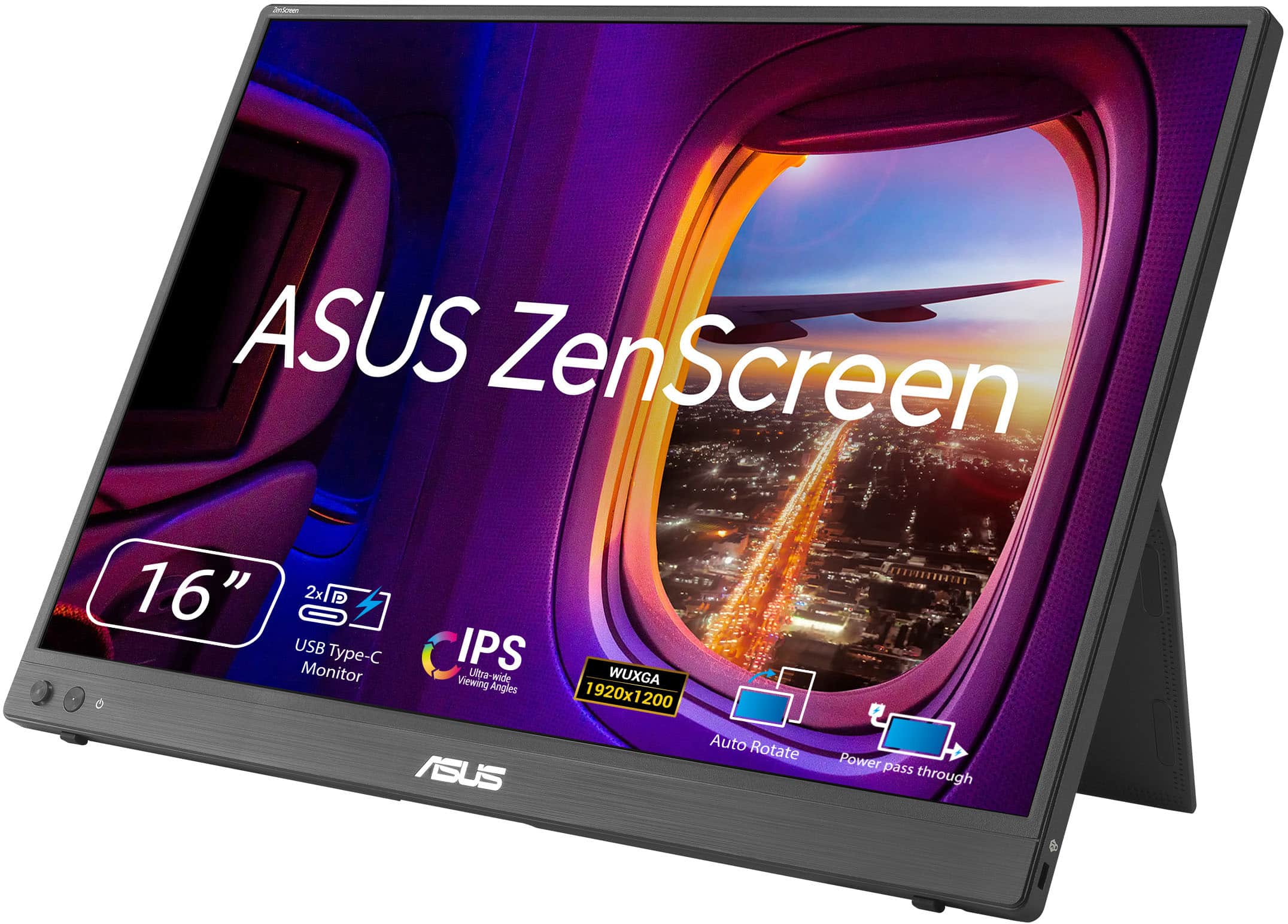
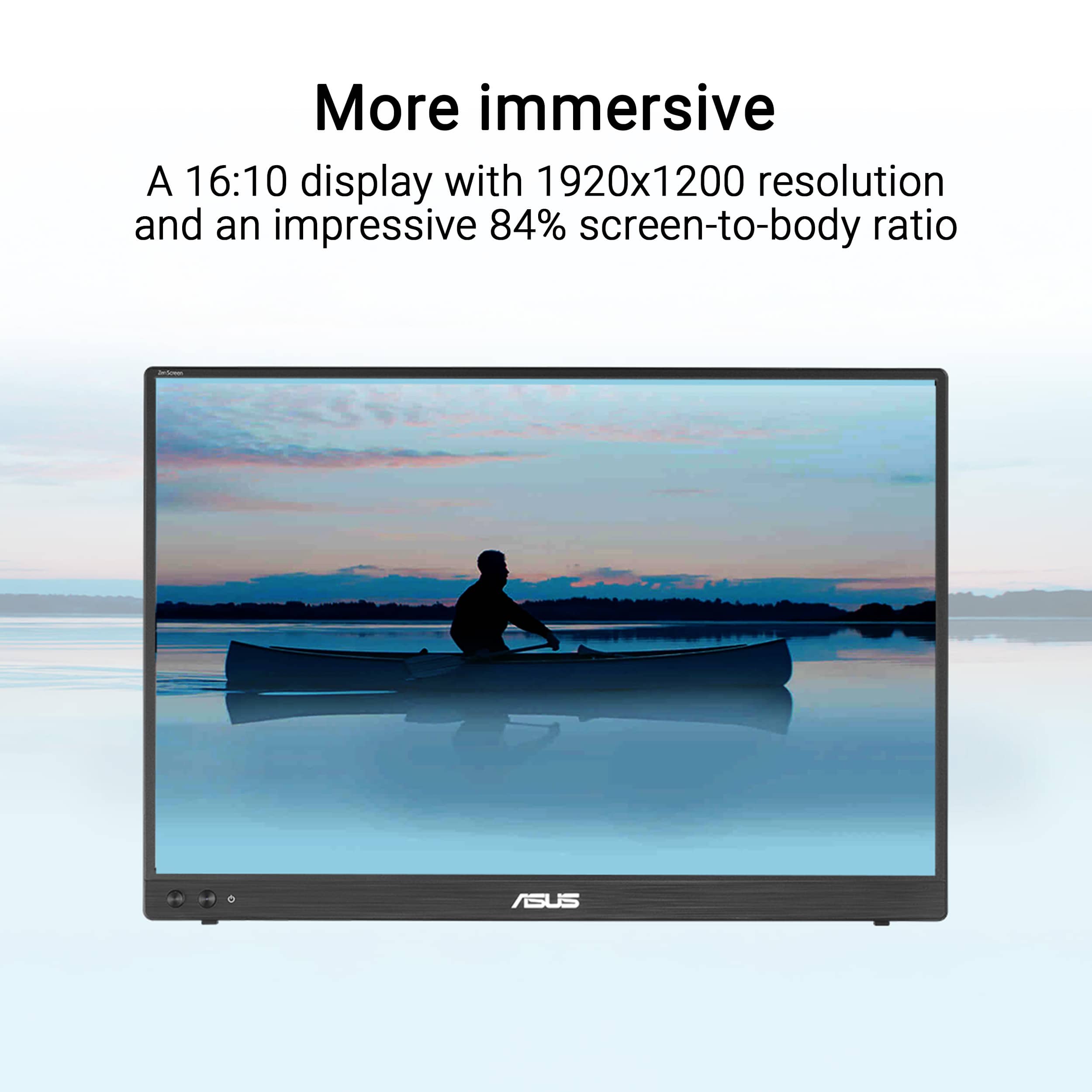
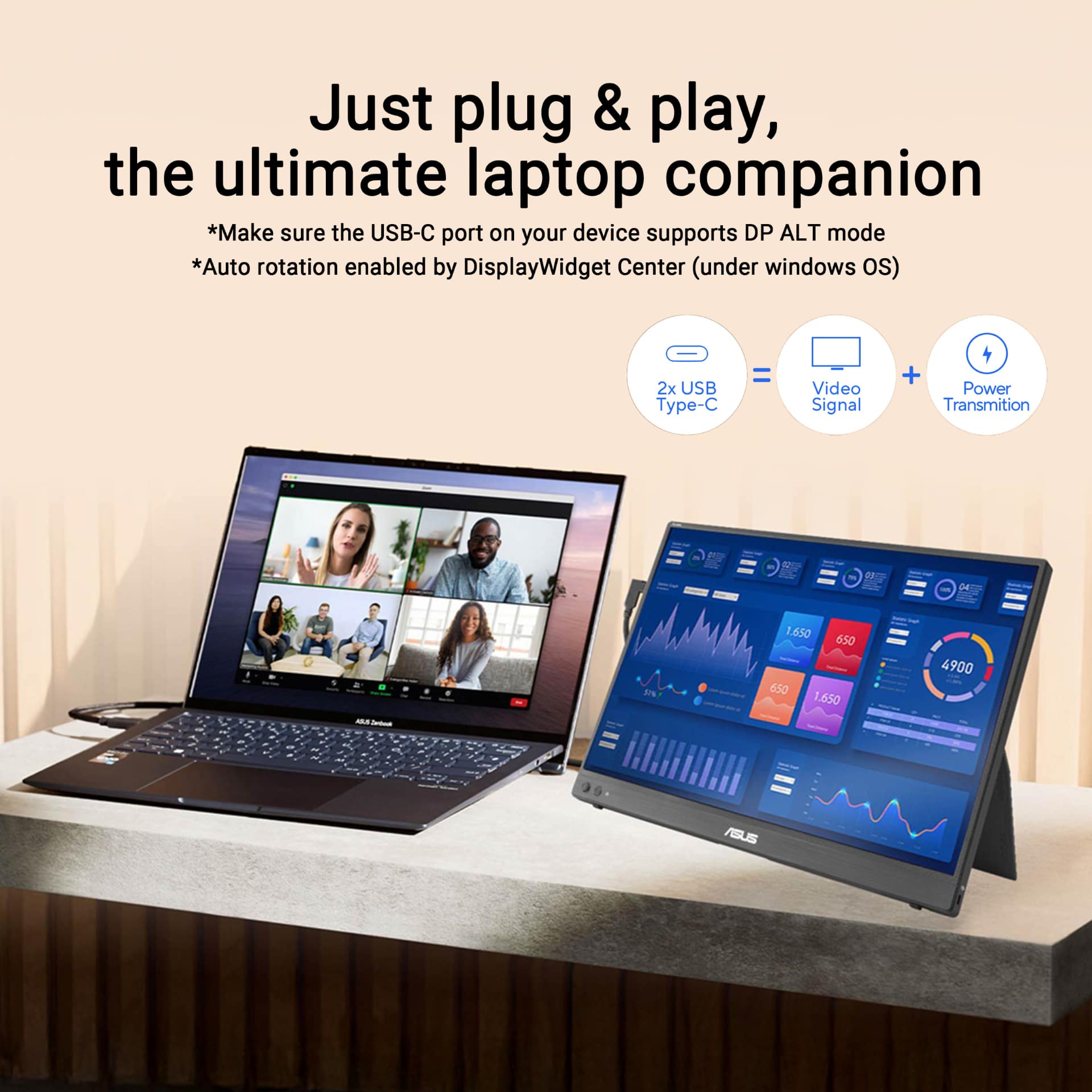
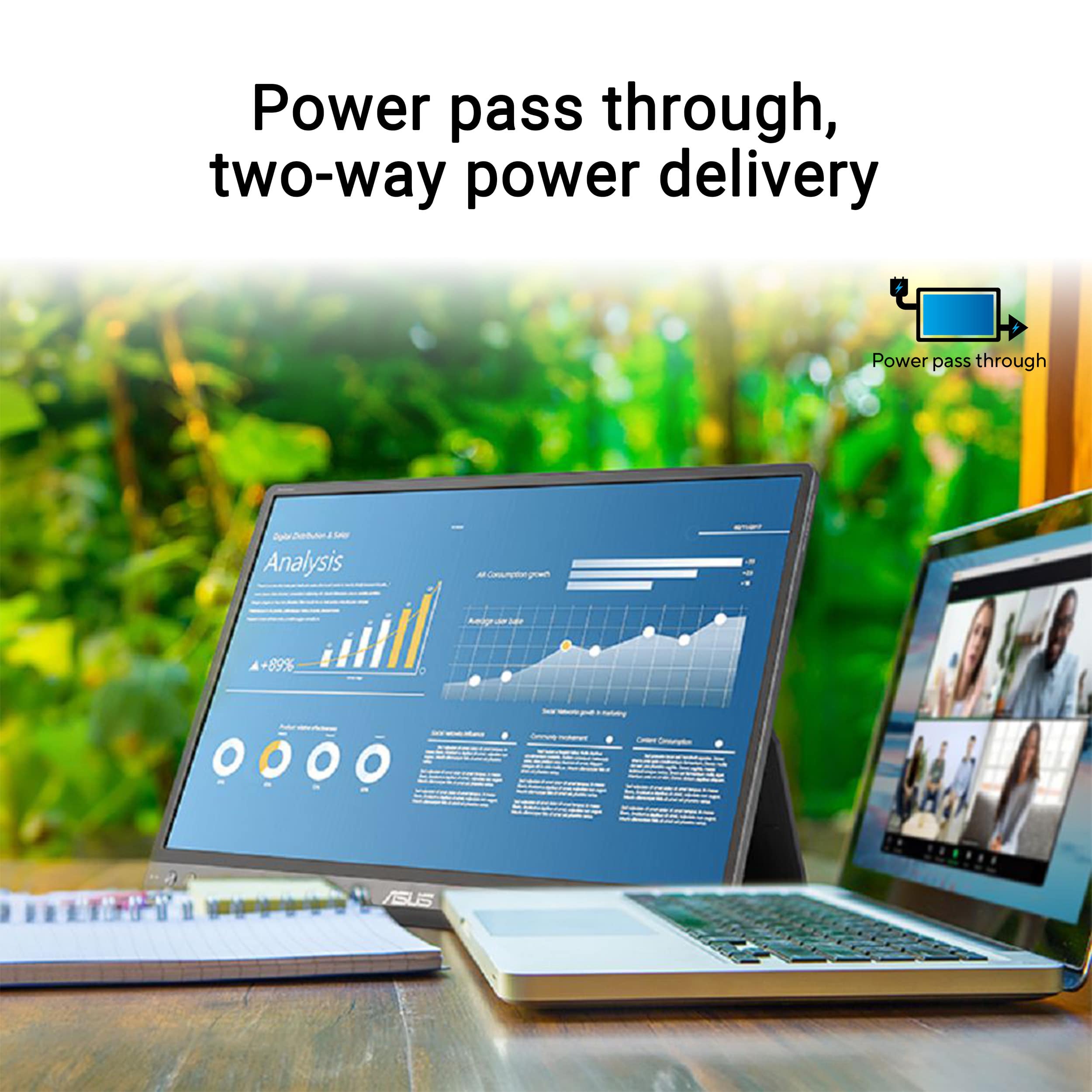
- Model:
- MB16FC
- SKU:
- 6668645
to a friend
Customers are saying
Customers are enthusiastic about the portability and impressive display quality of this screen, which users describe as bright and crisp. Many appreciate the low-maintenance connectivity and the convenience of the included accessories. Additionally, users frequently highlight the high resolution, lightweight design, and seamless compatibility with their laptops.
This summary was generated by AI based on customer reviews.
great product
||Posted . Owned for 1 week when reviewed.This reviewer received promo considerations or sweepstakes entry for writing a review.good price , good quality, good size , just what I needed
I would recommend this to a friend- Pros mentioned:Connectivity, Display quality, Included accessories

Great portable monitor
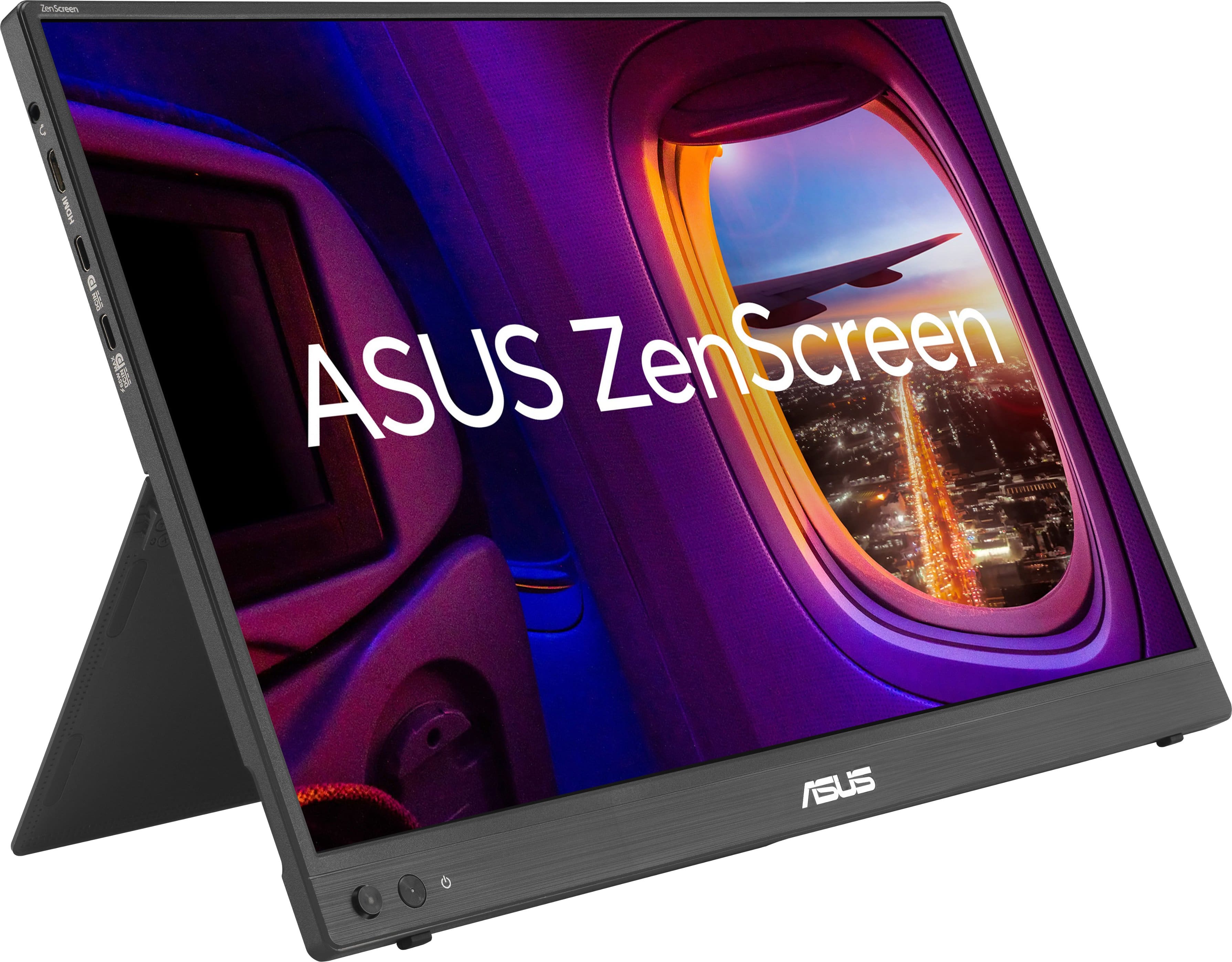
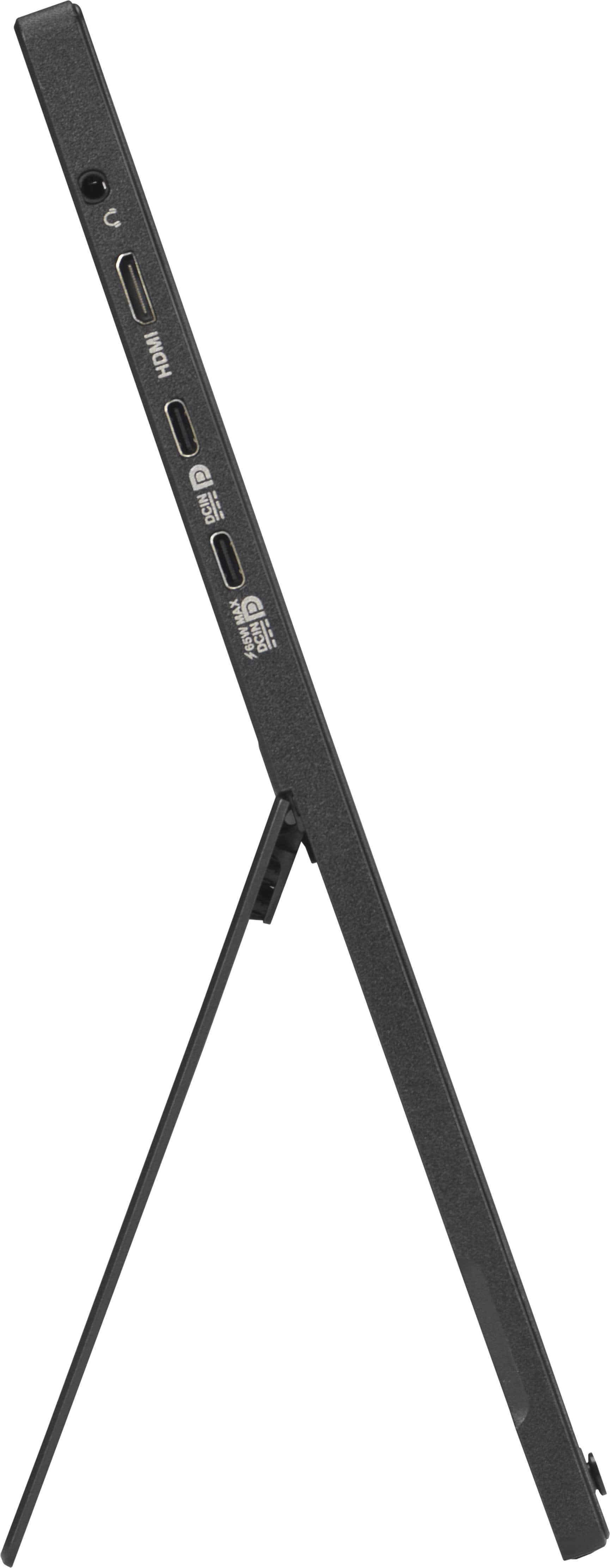
|Posted .This reviewer received promo considerations or sweepstakes entry for writing a review.This is the first time I've used a portable monitor before and I'm impressed with what you get for the price . It's a 16:9 widescreen IPS monitor for less than $200 dollars. It's 1080P and while it's not great won't win any awards or anything it's fine. It's 60hz and the resolution isn't anything special but for under $200 it's great for a second screen. I actually tried this with my Nintendo switch 2 docked and it was nice if you can't hook it up to a TV. I just need to connect it to a speaker or something. Great if you're travelling and say in a hotel room. It has a stand as well which is great. The ports on this monitor is 2 USB C ports as display ports and mini HDMI. I'm not mad about the mini HDMI because of how thin it is. It comes with a USB C cable and a mini HDMI to HDMI cable. I've also used this as a second screen for my laptop and you can easily set it up so you can have two screens. Tho you could also use it main screen as well if you wanted to. If you don't mind not having a high resolution, higher refresh rate and it being an IPS screen this is great for the price
I would recommend this to a friend premium monitor for regular use
||Posted . Owned for 1 week when reviewed.This reviewer received promo considerations or sweepstakes entry for writing a review.it's easiest to use this whenever you have it set up the right way on your phone first
I would recommend this to a friend- Pros mentioned:Resolution
Awful contrast, unusable for work
||Posted . Owned for 1 week when reviewed.This reviewer received promo considerations or sweepstakes entry for writing a review.Love the form factor and resolution but the contrast was so low that you couldn’t even see the lines on an excel sheet.
No, I would not recommend this to a friendBrand response from ASUS Answers
Posted .Dear Valued Customer,
Thank you for your feedback regarding the ASUS MB16FC ZenScreen. We sincerely apologize that the contrast performance did not meet your expectations and caused difficulty in viewing details such as Excel grid lines. We understand the importance of clear visibility for productivity and regret the inconvenience this has caused.
To help improve your viewing experience, we recommend adjusting the brightness and contrast through the on‑screen display settings, as well as enabling the Blue Light Filter to enhance clarity and reduce eye strain.
If these steps do not resolve the issue, we kindly advise contacting our support team at https://www.asus.com/us/support/callus/ for further assistance. Our specialists will further investigate and provide additional solutions.
We stand behind our products and continuously strive to improve our products and processes to achieve customer service excellence. For more information, email us at customerloyalty@asus.com and include the case number "N2607011145-0001" as a reference. We will do our best to resolve your case quickly. Your feedback is very important to us and enables us to improve our support channels. Thank you for choosing ASUS.
Best Regards,
Chantae
ASUS Customer Loyalty US Support
- Pros mentioned:Connectivity, Display quality, Portability
Lightweight and Portable Monitor!
|Posted .This reviewer received promo considerations or sweepstakes entry for writing a review.I think we have all found ourselves in a situation at some point where we needed more "real estate" when it comes to a computer monitor. Sometimes the laptop screen just is not large enough for all the tasks that need to be completed. When this happens, we end up swapping back and forth between tabs on our web browser. Thankfully, those days are over. ASUS has made a great solution to the problem. The ZenScreen Portable Monitor bring much needed screen space to your on the go lifestyle without the weight of a normal computer monitor. Clocking in at just under two pounds, this screen adds, in my opinion, no noticeable weight to my bag. As far as screen size goes, 16 inches is larger than my original laptop screen, so it is a great size for adding an additional monitor to assist my work flow. You can connect it to your computer either using an included HDMI cable or USB-C cable. It can even be powered by the USB-C cable at he same time you are using it for the monitor connection. The monitor does not have built in speakers, however, that is not a deal breaker for me since speakers are already installed in my laptop. The display is clear and has great backlighting. There are also plenty of adjustments that can be made using the buttons on the monitor or by downloading the ASUS app on your connected computer. All in all, if you buy this monitor, you will be impressed at its lightweight portability. It is a game changer when you are in serious need of more monitor space!
I would recommend this to a friend - Pros mentioned:Display quality, Included accessories, Portability
A real standout portable screen
|Posted .This reviewer received promo considerations or sweepstakes entry for writing a review.After an initial setback with my first unit being unable to use the Display Widget Software to control the screen, Asus promptly sent me a replacement unit, and the new one works flawlessly. I like the various preset screen settings with brightness and contrast, but it is also infinitely adjustable with your own settings within the software. Highly configurable and easy to change via the software. The screen is bright, crisp, and not very reflective in a bright room, a nice touch when I am at conferences and set up next to windows in hallways outside meeting rooms. The fold-out stand is similar to a Microsoft Surface device, which allows infinite tilt levels. It functions well in portrait or landscape modes, but I have only used it in portrait. Windows instantly recognizes it as a second screen and links via the provided USB-C cable. I power it with a separate USB-C power supply because my laptop's power supply doesn't have enough extra power. The screen has two USB-C inputs; if you need external USB power, plug it into the top slot, and connect the video signal to the lower one. It also comes with a Mini HDMI (at the screen end) -to-HDMI cable, but I have not used it yet. It also includes a well-padded carrying case with a pocket for the cables and a USB charger, which is not included. Asus customer service is very responsive; they provided a shipping label to send the defective one back to them, and the replacement was delivered in a couple of days. I can't say enough good things about their desire to make it right -something sadly missing in the electronics industry today. This is a wonderful solution for a road warrior who needs an additional screen or someone who needs multiple portable screens for displays. Light and compact, it is a great combination of portability and high quality for a very competitive price. Highly recommended!
I would recommend this to a friend Asus portable screen
||Posted . Owned for 2 weeks when reviewed.This reviewer received promo considerations or sweepstakes entry for writing a review.mine blinked on/off so going to return it and try a different one
I would recommend this to a friendBrand response from ASUS Answers
Posted .Dear Wfpmi,
Thank you for sharing your experience with the ASUS MB16FC ZenScreen. We sincerely apologize for the inconvenience caused by the blinking issue. This is not the standard of reliability we strive to deliver, and we regret the disruption it has caused.
We understand that you have returned the ZenScreen, and we hope you were able to obtain a fully functional replacement.
We stand behind our products and continuously strive to improve our products and processes to achieve customer service excellence. If you require any further assistance, please email us at customerloyalty@asus.com and include the case number "N2606000294-0001" as a reference. We will do our best to resolve your case quickly. Your feedback is very important to us, and it enables us to improve our support channels. Thank you for choosing ASUS.
Best Regards,
Chantae
ASUS Customer Loyalty US Support
- Pros mentioned:Connectivity, Display quality, Portability
Nice Output. Portable. Simple. Versatile.
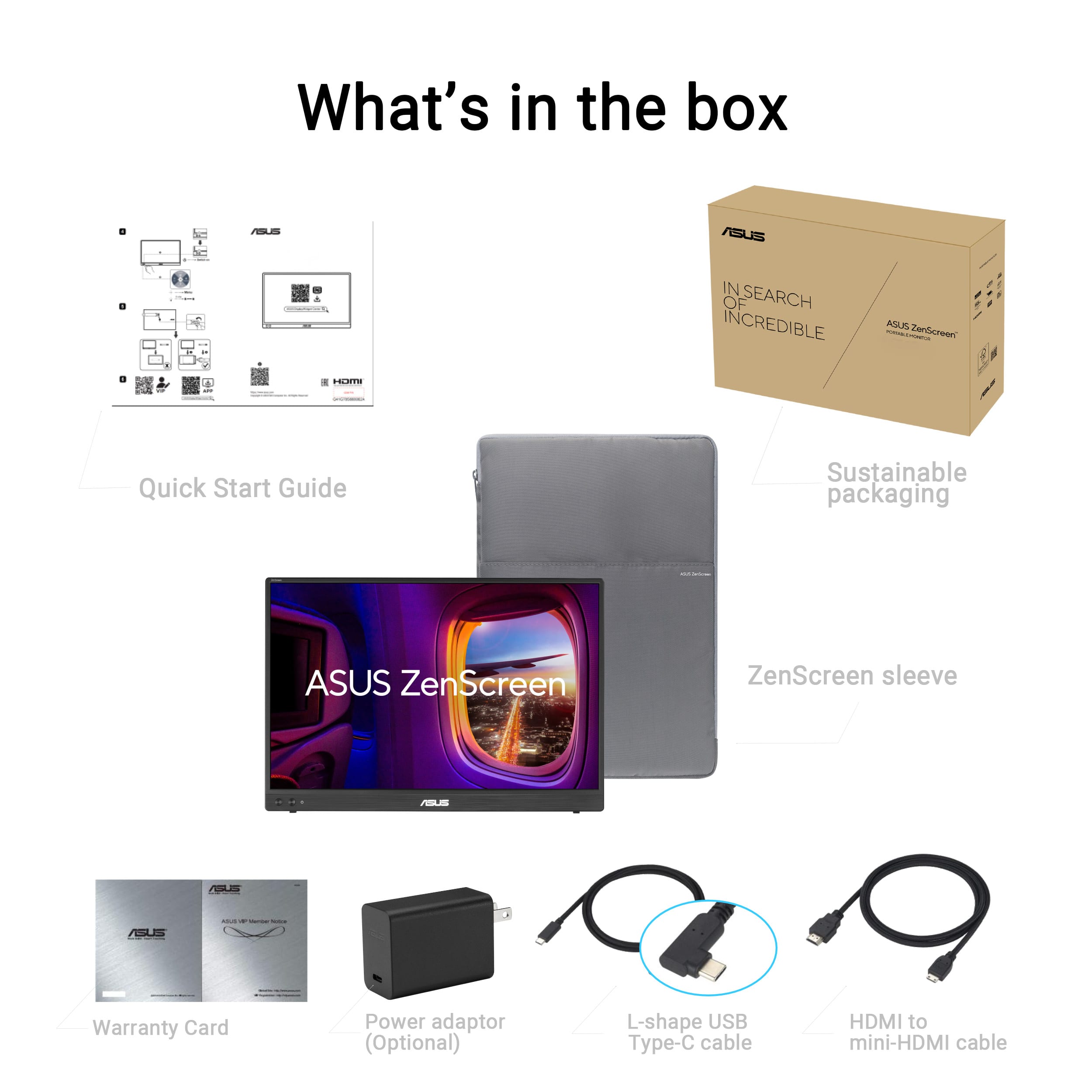
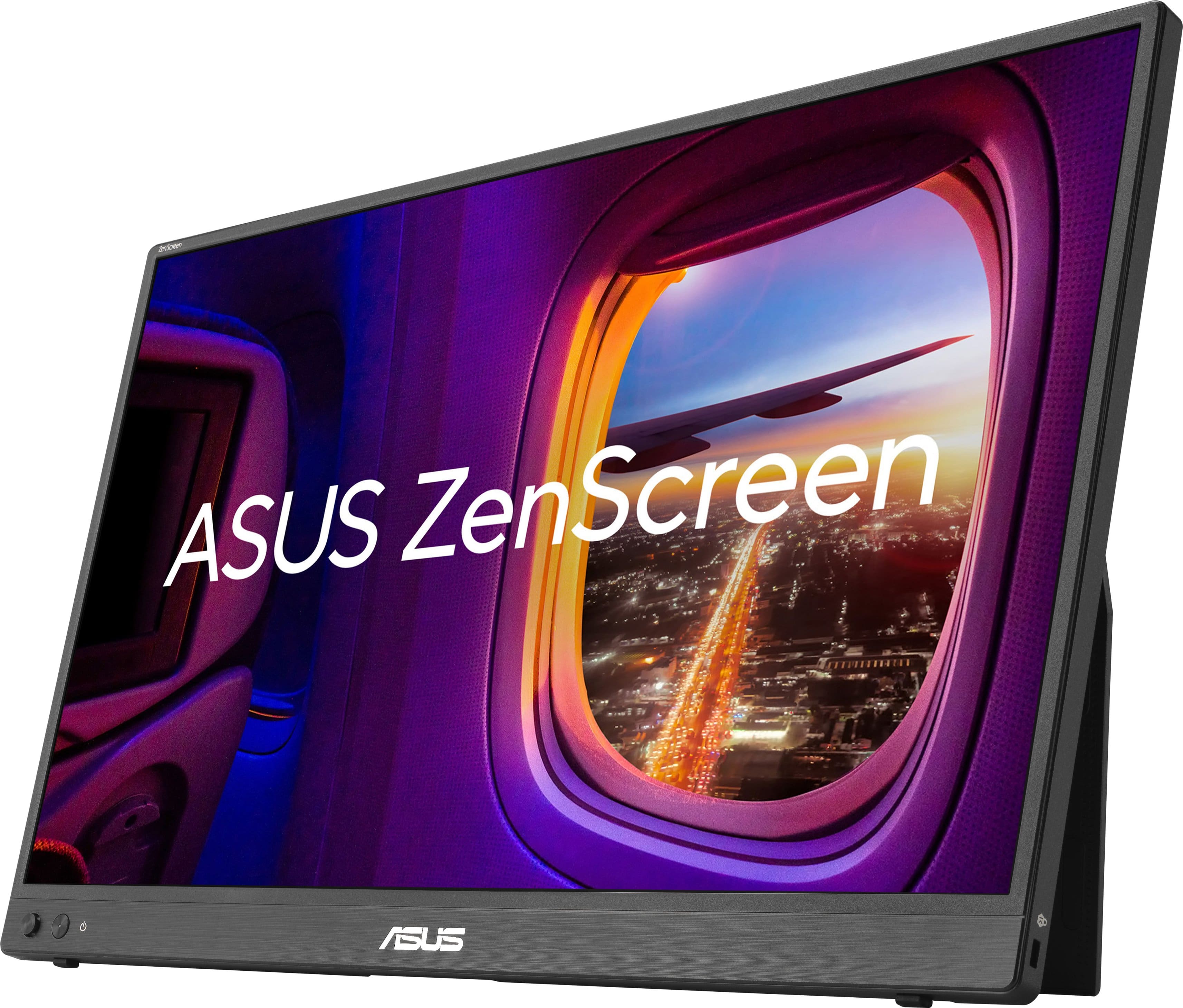
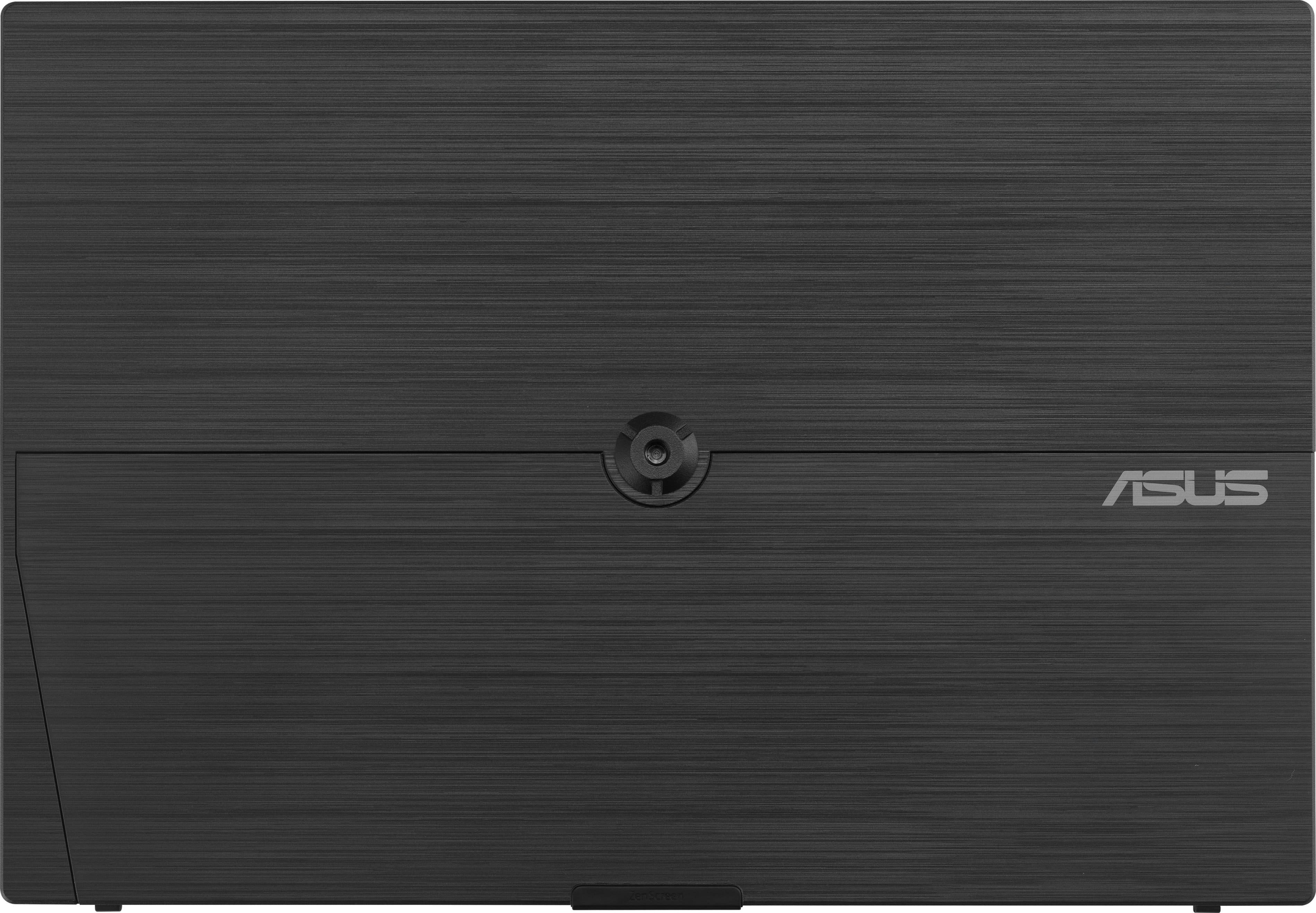
|Posted .This reviewer received promo considerations or sweepstakes entry for writing a review.For me, this is a great solution for some additional screen real estate. Mostly for my work environment, but also on the go, as well as at home. It is a nice, yet portable, size, weight, and form factor, displays good output, and is ridiculously easy to use. Pretty much plug and play. One cable. That is it. Exactly what I am looking for. It is light, yet solid and built well. Bezels are small, save the main “bottom,” but even that is not excessive, and you are getting a lot of screen for the overall size. I like the connectivity, HDMI or USB-C, 1 and 2 ports respectively, but I assume most will use USB-C as it can handle both power (with two-way pass through) and video. Regardless, options are always welcome. As for looks, well, this is a personal thing, but I like it. Plain. Simple. Black. Boring? Maybe, but that is what I like. I would even prefer a blacked-out ASUS logo, given the use case, but that won’t happen. A man can dream. As I alluded to, you don’t need much for this, but they give you all you need. The display itself, mini HDMI cable, USB-C cable (L-Shape which is a nice little add), a sleeve for transport and all the standard paperwork. There is also some nice stuff on the software side, with their display tool, blue light filter, and flicker free tool. It is worth the time to check them all out. In use, this has been great for me. Easy to transport, easy to get running, easy to use. The kickstand makes it simple for either horizontal or vertical alignment. I have mostly been using this for work while on location, some on the go, but also at home for both productivity and fun. Having the extra workspace makes things easier for me, easier for others I am with to access when needed, and just all-around “better.” The display itself produces quality output. It is not jaw dropping quality, but quite good. Great size, good resolution, crispy, and colors are accurate. All good. Further, and this has always been a personal thing for me, but I like the IPS panel as well as the matte type of display. I may lose some vividness, but I hate glares overall, and with this use case I think that, as well as improved viewing angles, are extremely important here. As a whole, I am quite happy with the picture. Ultimately, I think this is a solid panel, it provides a lot of utility to me, and I like it. Quite a bit. It is easy, versatile, works very well, and simply, just improves my time on machine. For me, that is perfect. I think for use cases like mine, most would agree, but I think there is more there as well. Some gaming, second screen viewing, coding, there is a lot that can be done with this. I think looking at the entire package, portability, feature set, and versatility, there is a lot of value here, and most would be happy with it.
I would recommend this to a friend - Pros mentioned:Connectivity, Display quality, Portability
Outstanding portable screen for multiple uses
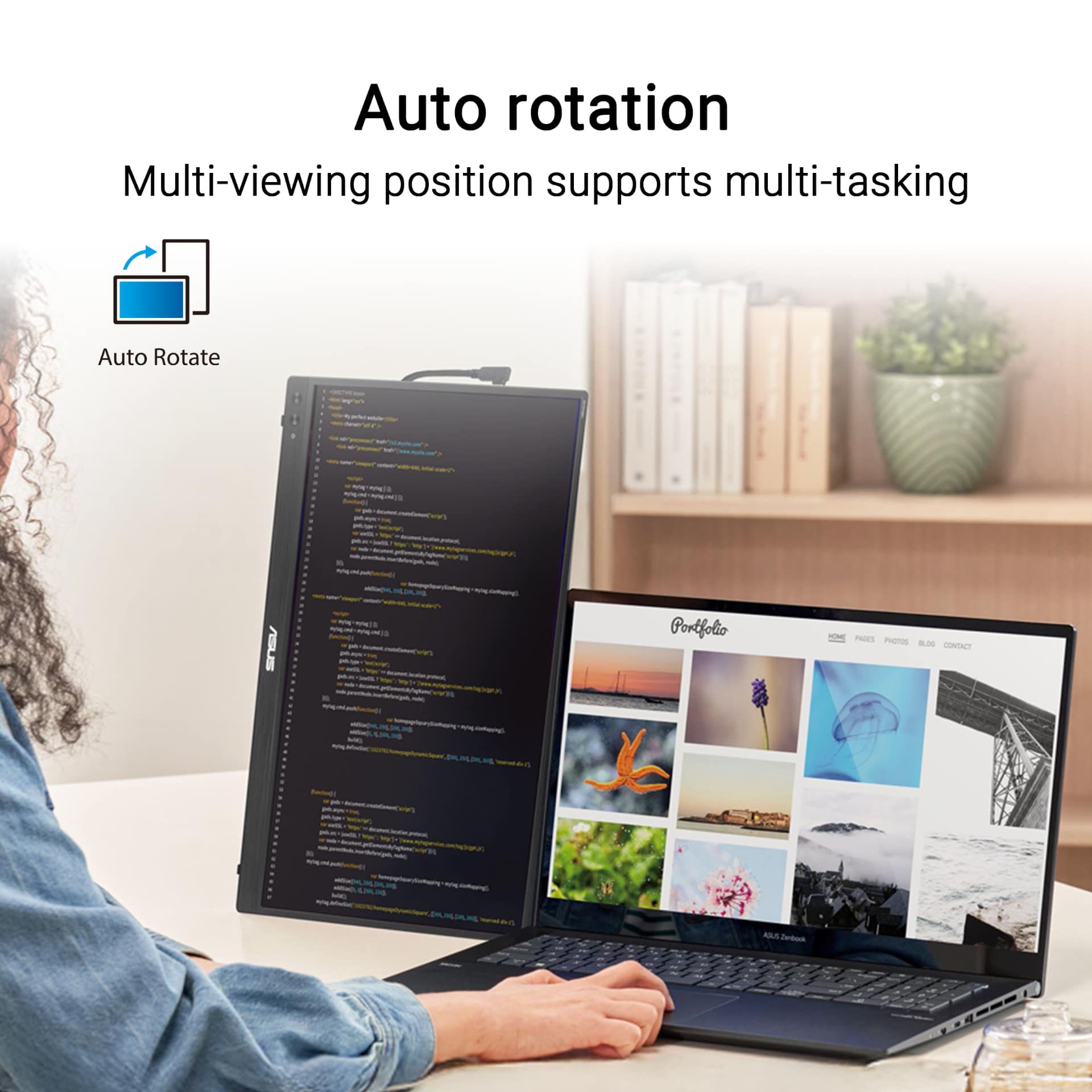
|Posted .This reviewer received promo considerations or sweepstakes entry for writing a review.Overall, I really like this Asus ZenScreen - Asus has been making portable monitors for some time now and it really shows in the level of polish and features they put in their products. The screen itself on this one is great - a 16:10 (1920x1200) IPS panel that's thin, light and still bright and clear. The screen is mostly plug and play on Windows or Mac (it even worked with my iPad) and you get a lot of screen real estate to work with with a 16 inch display size, so I could really up my productivity on the go. I'm using this MOSTLY for productivity and media consumption and it does well at both - you could probably play games on it, but it's not really a gaming monitor specifically. Where the polish comes in are mostly the things AROUND the monitor that make it easier to use on a daily basis, Things like the stand which is easy to use (it's a simple kickstand), very stable in use and works in both portrait and landscape modes equally well. Things like the on screen display / settings menus that are both logically laid out and easy to navigate. And things like the power pass through and combination of both USB-C and mini-HDMI that offer ways to connect most things. Besides the monitor, you also get the cable you would need to hook it up, a power adapter and a fairly nice carrying case (again showing that polish) in the box. The whole package is well put together / very thought out and the monitor itself is well-built and should last being taken on the go quite well. Perhaps the only two qualms I have (and they're small ones) is that the auto-rotation feature ONLY works on Windows (not Mac) and that the HDMI port is mini-HDMI vs full-sized, requiring an adapter. But both of those are relatively minor things in the grand scheme of a great monitor. So if you're in the market for a secondary screen for additional productivity, to use while presenting, or even to consume media while working, this is a great option to check out. Give it a try today.
I would recommend this to a friend - Pros mentioned:Connectivity, Included accessories, Portability
Light, solid kickstand, perfect portable monitor
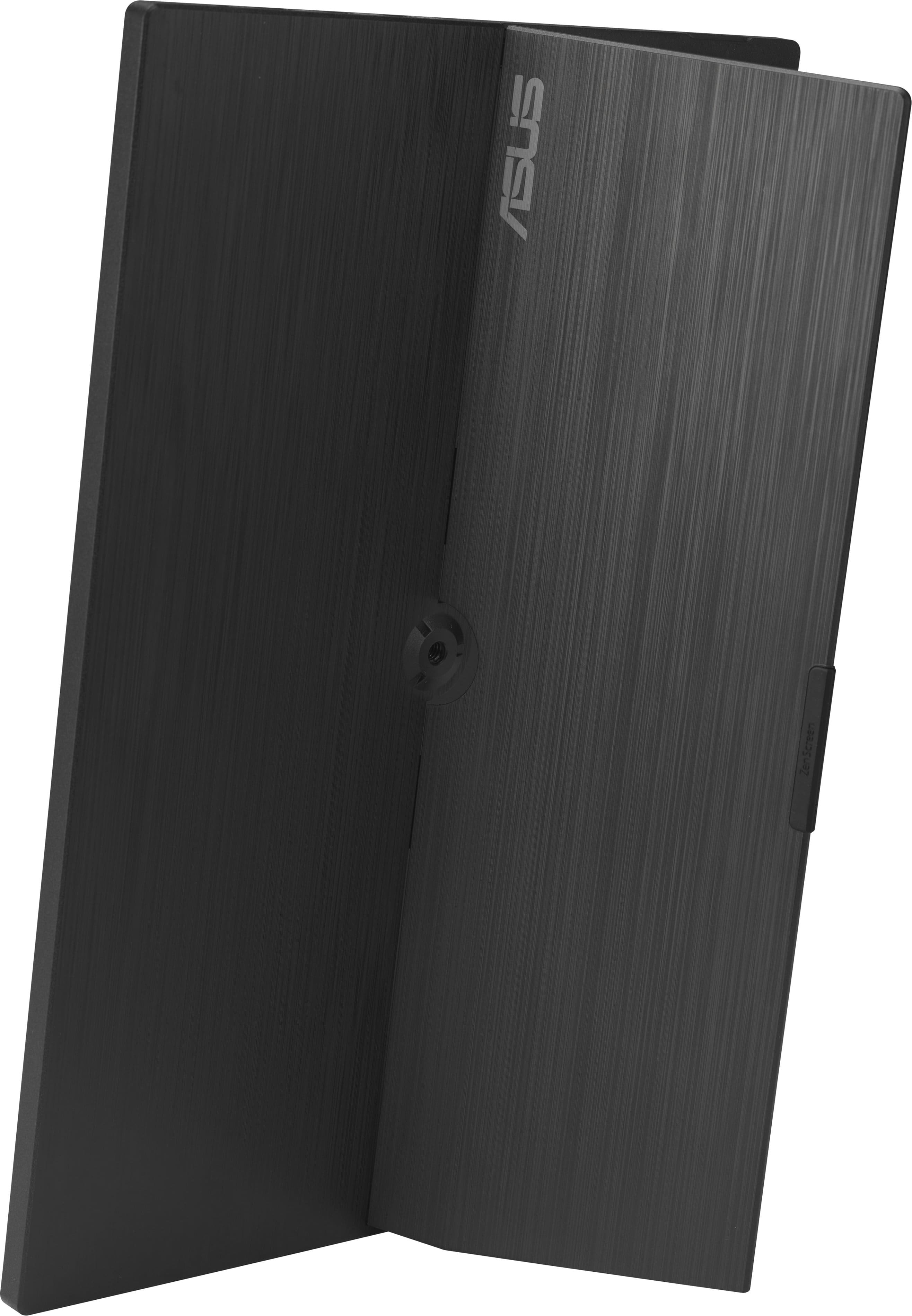
|Posted .This reviewer received promo considerations or sweepstakes entry for writing a review.The ASUS Zenscreen 16” comes packaged with a nice soft case with a large open front kangaroo pocket. Including a case was nice, but I would have preferred a more secure pocket to prevent cables from sliding out of the bag. At least the main compartment for the monitor is zippered with decent soft padding to protect it in my bag during commutes. The screen itself, which is the most important, is a nice 16” FHD panel. Large enough to be a viable second screen to boost productivity, with a smooth kickstand that will support the screen at a nice angle. Porte include 2x USB-C, 1 mini-HDMI. The Zenscreen comes with a USB-C to USB-C cable as well as a mini-HDMI to mini-HDMI cable for connectivity. One of the USB-C ports provides pass through power for one cable functionality if your device has sufficient power. Set up was as simple as simply plugging in the screen. Testing out the screen with my iPhone, it worked flawlessly. The Zenscreen auto-rotates between landscape and portrait mode, so it can easily fit your workflow needs. The monitor is made of plastic, so it is very light and portable. The downside is that it does not feel super substantial/stiff like a magnesium chassis would, however, the price would subsequently be significantly increased. Overall, this is a great second screen to either boost productivity for people working off laptops, or as a larger viewing screen for phones for entertainment.
I would recommend this to a friend - Pros mentioned:Connectivity, Display quality, Portability
Great Job Asus. Great product at a great price.
|Posted .This reviewer received promo considerations or sweepstakes entry for writing a review.When I saw that I had the option to test out the Asus Zenscreen 16 inch portable IPS Monitor, I genuinely could not be more excited. I have never used a portable monitor before and the prospect of using one lived up to the hype. The Asus Zenscreen is a 16 inch portable monitor with a kickstand at the back that is extremely versatile for portrait or landscape mode. Using USB-C for power pass through (and also video signal transmission), or a mini HDMI port this thing connected flawlessly with my Macbook Pro and my Surface Laptop Pro. The 16 inch screen is not heavy at all (unsure of the weight) and fit perfectly in my backpack which I bring to and from work. It is a simple plug and play to add the extra screen being a major bonus. The panel if 1920 x 1080 which is all I need for a portable monitor and it also has a 3.5mm headphone jack, which I have not had to use but it is nice to have that option. I have tested this product as a "mock test" as if I was traveling for work and going to a hotel, by putting it in my backpack with a laptop and chargers and set up in a conference room to mimic a hotel room desk. Set up was seamless and I worked like this for a few hours with no issue at all. I am excited to travel with this and put it to the test. For $109 it really is a no brainer addition and I can see this for not just travelers, but students on a budget, or people who have limited space on a desk at home who want a second monitor.
I would recommend this to a friend - Pros mentioned:Display quality, Portability
Great monitor for on the go!
|Posted .This reviewer received promo considerations or sweepstakes entry for writing a review.I’m happy to say this monitor has been a really nice addition to my travel and work away from home setup. I've packed the ASUS ZenScreen into my bag for a recent work trip and hauled it to my local co-working space since somedays I just need to get out of my basement, and both times it delivered exactly what I needed. Having a full 16-inch display available wherever I land has completely changed how productive I can be away from my home office. This is one of those things I didn't realize I needed until I had it, and now I don't want to travel without it. The screen quality is genuinely impressive for a portable monitor. Colors look rich and sharp, and the IPS panel means I'm not fighting viewing angles when I shift around in my seat or share my screen with someone next to me. It doesn't feel like a compromise. It feels like a real monitor. Portability is where this thing really shines. It's slim, light enough to toss in a backpack without thinking twice, and the ergo kickstand gives you a solid, adjustable setup on whatever surface you're working from. I've been running it over USB-C, which keeps the cable situation simple. One cable to my laptop and I'm up and running. The one thing to plan for is having the right cables on hand. Depending on your setup, there's a little bit of trial and error before you land on the configuration that works best for you, so give yourself a few extra minutes the first time. Once you've got it sorted, though, setup is quick. If you're someone who works outside a traditional office even occasionally, this monitor is absolutely worth it.
I would recommend this to a friend - Pros mentioned:Portability, Resolution
Perfect remote work companion
|Posted .This reviewer received promo considerations or sweepstakes entry for writing a review.Lately I've found myself working at coffeeshops more and more often, and having this second screen has been an absolute game-changer. My primary device is a MacBook Neo and the biggest downside of it has been difficulty multitasking - and that is a thing of the past for me now. I have nothing but great things to say about the ZenScreen - the resolution is great (it looks right at home sitting next to my laptop), the colors are accurate, the brightness isn't an issue whatsoever, and the best part is that it's powered by USB-C. I love that it's just one single cable to both send video and power from my laptop. Another unsung benefit is just how light the screen is; I don't notice it being in my bag at all. The included sleeve keeps the screen safe from scratches, and it even has a little pouch to keep the USB-C cable in. I can also confirm that the ZenScreen doesn't care about what OS you're using; I plugged it into my Mac, a PC laptop, and a Chromebook and each machine was able to use it as a second screen flawlessly. I'm very pleased with my new remote work companion, and it will be in my bag for years to come.
I would recommend this to a friend - Pros mentioned:Display quality, Portability
Excellent portable monitor
|Posted .This reviewer received promo considerations or sweepstakes entry for writing a review.I have used a handful of these portable usb monitors over the years, but I have to say this ASUS model is my favorite so far. The carrying case is great. I offers some protection when putting the monitor in a backpack or bag, and it has a pocket for the usb and hdmi cables. Many portable monitors I have used in the past do not come with cases, and there are just loose cables that have to be stored separately. This is a convenient grab-and-go package. The screen itself is thin, light, and has good picture quality. The size is just right for a 2nd laptop screen, or for working on another computer when additional screen space is needed. Setup was quick and easy. Once the USB cable and/or hdmi cable is connected, both my laptop and my gaming pc recognized the screen almost instantly, and it connected without any problems. I work in IT and this screen has been great for running a mobile dual-monitor setup while traveling, as well as having a quick and easy monitor to hook up to a desktop pc when needed. I would definitely recommend this model to anyone looking for a thin an light portable monitor.
I would recommend this to a friend - Pros mentioned:Display quality, Portability
Versatile and clear screen for work trips
|Posted .This reviewer received promo considerations or sweepstakes entry for writing a review.Been using this Asus ZenScreen 16" FHD+ IPS Portable Monitor a little over a week now. Very handy and so nice to have a 2nd screen when on work trips! Not quite the same as working at home, but gets the job done. I like the wide kickstand format. Very sturdy, allows for variable angles (from about 35 to 85 degrees), and can even stand vertically at about an 80 degree angle. Images ae clear, sharp, bright, and responsive. No issues side by side next to my laptop. I actually like the screen on this Asus ZenScreen better than my Dell laptop screen. Very glad I got this. So handy for work especially with this 2nd screen!
I would recommend this to a friend - Pros mentioned:Connectivity
Almost perfect, but hoping for a firmware update
|Posted .This reviewer received promo considerations or sweepstakes entry for writing a review.This monitor ticked a bunch of boxes for different situations I wanted to use it for. As a second monitor on my work laptop, it worked extremely well. One cable via USB-C display port and Windows started output in seconds. No fuss, no muss. If I wanted to run in portrait mode, Windows built in screen rotation worked as expect, no extra software needed. As a second monitor on my camera it worked as expected. I did have to get an HDMI union cable to get it to work, but I will likely updated from a mini HDMI to mini HDMI cable in the near future. As I rotated the camera for portrait work, I could rotate the screen on the 1/4 thread mount. As a monitor for my phone, this is where is failed, and while it's edge case, it could have been avoided. On my phone, a Pixel 9, if I did screen mirroring in portrait mode, the monitor output a shrunk screen in landscape mode. There was no way to override this. It has auto tilt function which only works in Windows and which Windows doesn't need. That firmware space could have gone toward giving us a rotate option in monitor. Again, edge case, but something I noticed. And on the lines of portrait mode, I also noticed that the kick stand does not have a rubber grip in that orientation. It stands fine and most people going for portrait mode are likely using the 1/4 thread, but it's the small detail I noticed. For everyone else, this is a great monitor with a nice carrying case. If you need an easy to use second monitor for on the go, this is for you.
I would recommend this to a friend - Pros mentioned:Display quality
Nice design
|Posted .This reviewer received promo considerations or sweepstakes entry for writing a review.These sunscreen, FHD +16 inch is nicely designed and is the first accessory mobile monitor that I have used that has the clever USB charging pass through function. The monitor can utilize display port over USB-C or micro HDMI to connect to your PC or Mac. The power can come from the computer driving the monitor or a second USB-C power port is also on the monitor and can receive charge from an external device such as a wall USB-C charger and not only power the monitor, but also provide up to 65 W of pass-through power To the host computer via the USB-C display port cable. The monitor draws about 5 W. I tested this configuration with my surface 12 as well as my MacBook Neo and the pass though worked well and provided charging for both situations. This would be useful if you had a desk where you kept the Jesus monitor plugged into the wall and a single extra cable to plug-in and charge your MacBook or PC. I also tested this with Dell mobile workstation and the 65 W not adequate to charge. Note that the Del precision has a high-end video card and intentionally utilizes a non-standard USB-C 120 W charger. The quality of the display despite good. I was able to calibrate it at 300 DICOM calibration which I have never achieved successfully on a mobile accessory monitor. The unit has a handy built-in hinge, which is not a fixed via an external magnetic panel, but actually integrated. The external panel method can sometimes become loose and adds extra weight. No external cover is provided, but there is a padded external pairing case which does add a good bit of bulk but not much weight. The unit is made of a textured plastic, which does have some flex compared to some of the older metal accessory monitors, but is quite functional and the bevels are small. The monitor control is the excellent splendid system, which is easy to operate via a button/joystick integrated to the front of the monitor vessel.
I would recommend this to a friend Perfect Portable Monitor
|Posted .This reviewer received promo considerations or sweepstakes entry for writing a review.I have seen portable monitors for laptops for years. I have always thought I really didn't need one until I got one. This Asus portable monitor is light for a 16 inch monitor. It is thin and super bright. These come packaged super protective. Also comes with a great carrying case that you can slide your connecting wires into the outside zipper pocket. I initially thought this would work best on laptops, but I was wrong! This monitor comes with both a USB C and hdmi to micro hdmi cord that will fit maybe 98 percent of your devices out there right now. Saying this, just using it is basically plug and play and it's fantastic! There are buttons and this is not a touch screen. It's a great extension of a desktop. I have to say I went crazy and tried it on my chromebook, an XPS laptop, my Pixel 9 phone, and also an All-In-One computer. All I needed was an open USB C port on the device I wanted to connect to. I was very impressed that my phone connected and gave me the option of extending the display or mirroring. Very impressive! But what got me was that I was able to connect my All-In-One machine with just an open USB port and it connected like it was supposed to. No issues at all. You can download the widget software, which controls some of display stuff, but you can basically do that with the physical buttons on the monitor itself. The auto rotation to portrait from landscape is awesome. There's no special setting just simple use. I have to say, because the display is so bright, the monitor will draw a good amount of power from your devices unless you use a USBC to USBC charger to offset the draw. Or if you are using it on a laptop, just make sure your laptop is plugged in while using the monitor. This is an awesome add on for traveling office people that want to show others their display by just giving them the option of turning this second display over. It connects super fast on every device I threw at it. Probably one second connection time. It is an awesome monitor. I totally recommend it!
I would recommend this to a friendPlug in, be productive!
|Posted .This reviewer received promo considerations or sweepstakes entry for writing a review.After years of in-office and WFH pampering, I pretty much can’t do any real work on my computer without 2 monitors- even while traveling! After lending out my prior portable monitor to someone so long ago that I can no longer remember where it might be, I was quite eager for the opportunity to review the ASUS ZenScreen 16" FHD+ IPS Portable Monitor with Ergo Kickstand. What I needed was simply an easy to set up, plug & play portable monitor that allows me to extend my laptop screen; the ASUS ZenScreen 16" FHD+ IPS Portable Monitor with Ergo Kickstand delivers on ALL fronts! Open box, plug in USB-C cord- presto, 2nd screen. Granted, my laptop is already prepped for an extended screen set-up, but for anyone remotely familiar with the process (and/or able to google same) it is super simple. I’m not generally one to mess too much with color, brightness and sharpness settings, but they’re all there with an intuitive interface via controls on the monitor OR after being plugged in for awhile I was also prompted to download (if I chose to) a control panel that allows for control from the laptop itself. Really couldn’t be happier with the ASUS ZenScreen 16" FHD+ IPS Portable Monitor with Ergo Kickstand!
I would recommend this to a friend