Customer Ratings & Reviews
- Model:
- GC513B
- SKU:
- 6288528
Rating by feature
- Value
Rating 4.4 out of 5 stars
- Quality
Rating 4.5 out of 5 stars
- Ease of Use
Rating 4.3 out of 5 stars
Customers are saying
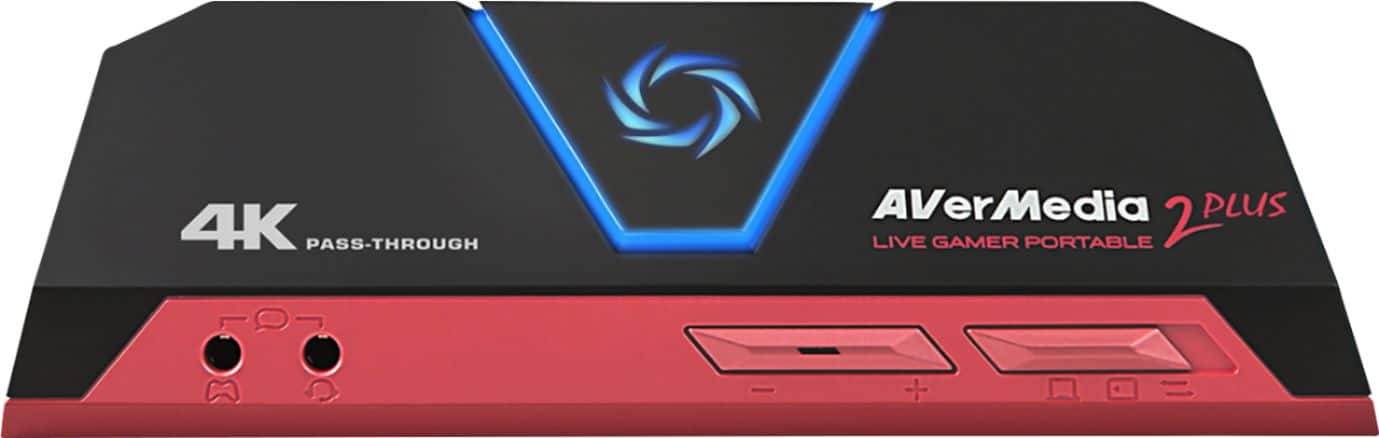
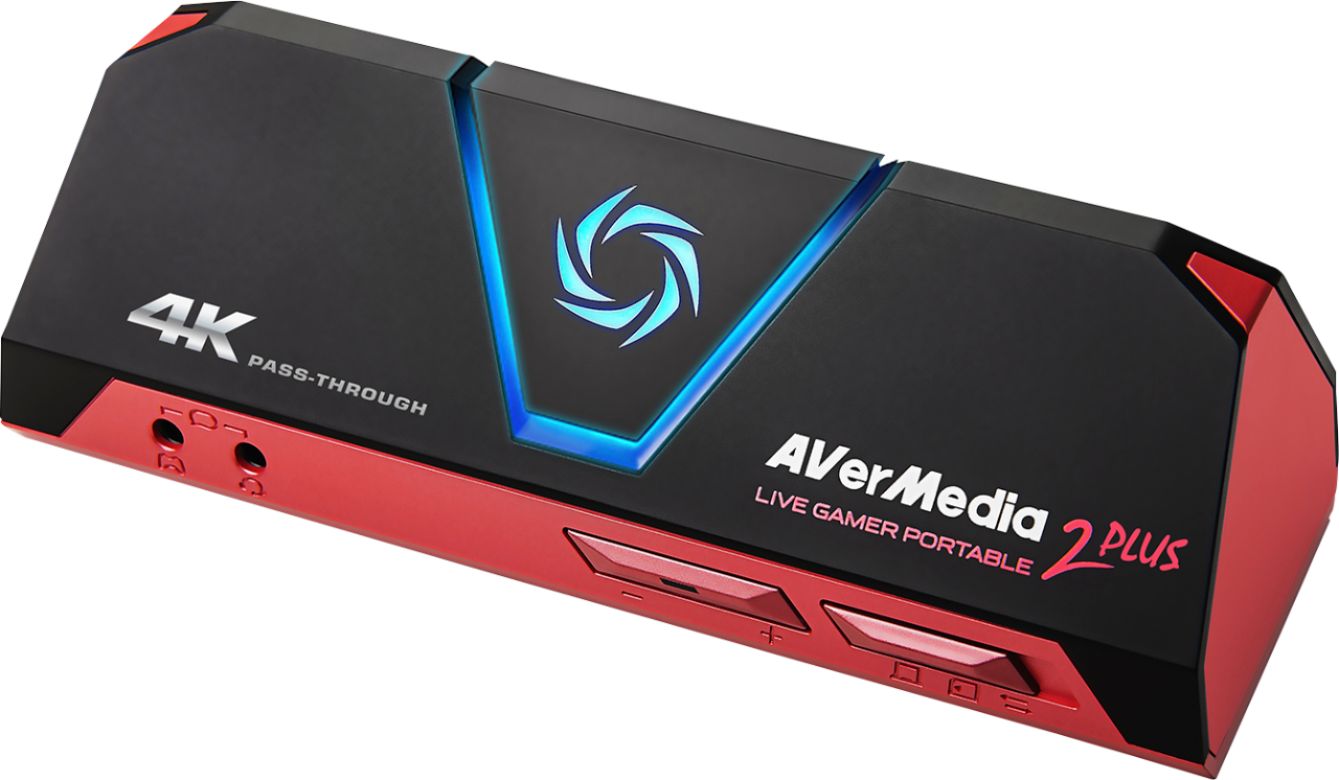
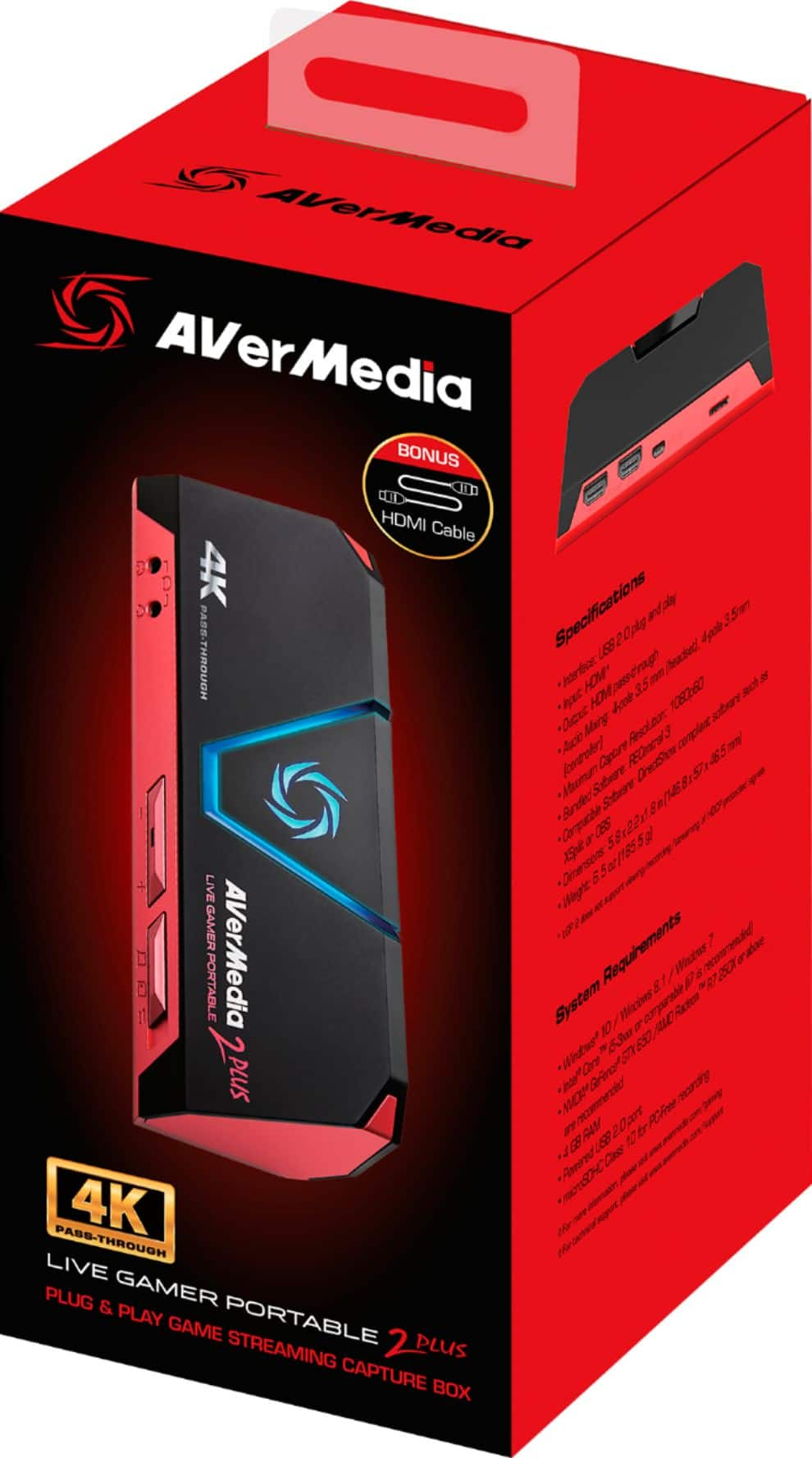
Customers are enthusiastic about the Live Gamer Portable 2 Plus's ease of use and video quality. Many appreciate its compact size and straightforward setup, while some users found the software and included HDMI cable length to be less than ideal. Despite some minor drawbacks, the positive feedback on its performance and affordability is noteworthy.
This summary was generated by AI based on customer reviews.
This thing stinks
||Posted . Owned for 8 months when reviewed.This reviewer received promo considerations or sweepstakes entry for writing a review.This thing sucks not compatible with streamlabs or anything, uses its own proprietary software
No, I would not recommend this to a friendTotal trash
||Posted . Owned for 3 weeks when reviewed.This reviewer received promo considerations or sweepstakes entry for writing a review.Very user unfriendly, skip this and go with elgato. This thing isn't worth 1.39 let alone 139.
No, I would not recommend this to a friend- Pros mentioned:Video quality

Great Video Capturing
|Posted .This reviewer received promo considerations or sweepstakes entry for writing a review.I have been using this device for a few weeks and the only issue I had was installation on my XBOX ONE. I kept getting the red circle and I tried to format my memory card, reinstall cables, etc... I then looked into youtube and avermedia forums. It turs out that if you use the XBOX ONE to view Netflix/hulu, the copyright protection kicks in and the avermedia will not record and flashed the red light. I cleaned the XBOX ONE Cache and chose the power saving mode on the XBOX ONE and reinstalled the avermedia device...SUCCESS!!! Once it was connected and ready to got he capture ability is very easy and straight forward. I use it in the PC FREE mode. I sim ply tap the record button and it seamlessly starts to record. I have then moved the sd card to my pc for viewing or uploading and the video file transfers over easily. It is in .MOV format but that was not an issue for me. I truly enjoy the quality allowed when recording and now I can capture all the FMV videos of my favorite games. I definitely recommend it.
I would recommend this to a friend - Cons mentioned:Instructions
Great little device, a few quirks
|Posted .This reviewer received promo considerations or sweepstakes entry for writing a review.This device made my son the happiest he has been in a very long time, lol. As an aspiring gamer, he watches youtube videos of people playing video games for hours on end. He can do it all day if you let him. Now that he is 11, he has been asking how to make his own videos. Now we finally have the tool! While this item is a godsend for my autistic son, it was a bit of a nightmare for me at first. The instructions that come with it are abysmal. They just show how to plug the thing in, nothing on how to use it. We went to the website and the info there wasn’t much better. We really had to use trial and error to figure it out. For this reason, I deducted a star. Once we got it figured out, it really does do what it is supposed to do. We use the card to capture video and commentary on PS4 and with PC, it saves to the hard drive. My son is making videos and hopes to have his youtube page up and running soon!
I would recommend this to a friend Expected more
||Posted . Owned for 1 week when reviewed.This reviewer received promo considerations or sweepstakes entry for writing a review.This was a failed purchase. The pass through isn’t so pass thru.
No, I would not recommend this to a friend- Pros mentioned:Size
Great capture device
|Posted .This reviewer received promo considerations or sweepstakes entry for writing a review.The AVerMedia - Live Gamer Portable 2 Plus is a small but powerful capture device that simply works as advertised. It works well in both PC and PC-free modes and I didn’t have any issues testing it out with my Xbox One. The 4K pass through is a great feature but note that it still only records in 1080p. Overall this is a great capture device and I highly recommend it!
I would recommend this to a friend - Pros mentioned:Ease of use
Perfect for streaming device
|Posted .This reviewer received promo considerations or sweepstakes entry for writing a review.Unboxing this was very easy hookup was very easy capture and Playback was very easy. It doesn't get simpler than this. I've often thought about putting more on my YouTube channel but with the PS4 you can only catch up to 30 minutes with this I could do a lot more and capture the 4K capability of my PS4 Pro and my 4K TV. This is the perfect device for that.
I would recommend this to a friend - Pros mentioned:Video quality
Great for a first timer
Posted .This reviewer received promo considerations or sweepstakes entry for writing a review.Its my first capture card ever and really made it easy to start recording and streaming on both my PS4 and Switch. The quality is also top notch.
I would recommend this to a friend Portable Capturing Done Well
|Posted .This reviewer received promo considerations or sweepstakes entry for writing a review.The packaging is a very neat design, though it leaves no room for a proper instruction document, so if you happen to need those, you'll need to visit their website. Item is very light, and even the additional cables and cords don't add a whole lot of weight, so it doesn't reduce the portability of the product. Computer mode works like other similar capture devices, though the required program does have a nice feature: it gives you exactly how much time remaining you have based on the size of the harddrive on the attached computer. It's also got a very "24" vibe to the readout, which is cool. PC Free mode is what this item is really about, though, and it works well. There's no difference in quality, though you obviously lose the option to preview. The mandatory (and unfortunately NOT INCLUDED) 128 GB microSD card, based on a bit of extrapolation, will seemingly hold somewhere between 20-25 hours of footage, if my estimates are correct. That's quite a bit of storage on it, and should easily last a trip if you need to go anywhere remote and capture. Like other capture devices, it is unable to capture sound from a PS4 if you plug in a USB headset, though that's more a failing of the PS4 than the capture device, I'd say.
I would recommend this to a friend- Pros mentioned:Ease of use
Superb video capture / streaming
|Posted .This reviewer received promo considerations or sweepstakes entry for writing a review.A great way to capture / stream gaming and other realtime events the hardware is stylish, portable and easy to implement. I have used some of their other lower level devices and have always been please with the results.
I would recommend this to a friend Good recording, confusing software installation
|Posted .This reviewer received promo considerations or sweepstakes entry for writing a review.The AVerMedia Live Gamer Portable 2 plus does what it's supposed to: record game play and other streaming functions. My only complaint is that installing the software was a bit of a nightmare. It certainly wasn't plug and play for me. Following the software download link brought me to a page in Chinese. Once I got the software installed properly all was well. Google translate is your friend!
I would recommend this to a friendOK recorder, not easy to setup
|Posted .This reviewer received promo considerations or sweepstakes entry for writing a review.The recorder is an okay product. It is a bit cumbersome to setup since it needs to be setup between your game system and your tv as well as connect any mic/remote if you want to record audio too. Initially I had setup issues and when I went to the website for assistance, it was in a different language. It took a while to get help from customer service. But eventually they sent a replacement. You will need to provide hdmi cables for additional wiring and it requires its own power. Once setup it records the video/audio from your game and will record the audio from your mic. I would not recommend for a kid to setup and may need some game/electronic expertise to get running.
No, I would not recommend this to a friendPC free capture!
|Posted .This reviewer received promo considerations or sweepstakes entry for writing a review.Great little streamer device. Small form factor, 4k passthrough support. PC free capture with consoles. Doesn't eat up CPU cycles on the broadcasting device. WIN-WIN!
I would recommend this to a friendSo close to perfect for a causal gamer
Posted .This reviewer received promo considerations or sweepstakes entry for writing a review.Let me start off by saying I absolutely love the design! I’m not sure why some people don’t like it, and not that it really matters when it comes to a capture card seeing as it doesn’t need to look pretty. It records so well on my PS4 (not pro). MY ONLY GRIEVANCE is that the instruction manual is not at all detailed. It gives you the layout of the capture card, but it doesn’t give you the instructions or anything, BUT there’s literally a website you visit to find the manual that is more helpful when it comes to the colors that it displays. When you’re downloading the software it comes with, you will notice there is a “what-to-do” section for each tab on the website. Aside from the instructions, I love it!
I would recommend this to a friendAn incredible device
Posted .This reviewer received promo considerations or sweepstakes entry for writing a review.I’ve been scouting for a capture card to use for my console, specifically the Nintendo Switch, to stream and record videos, and I found the one that does it all and in great quality. I was testing it in a Twitch stream to check for any problems, but there was none to be found. If you don’t have the money to purchase an expensive capture card like an Elgato, then this is the perfect alternative capture card for you. It does everything advertised and I would definitely reccommend it.
I would recommend this to a friendGreat for recording game play
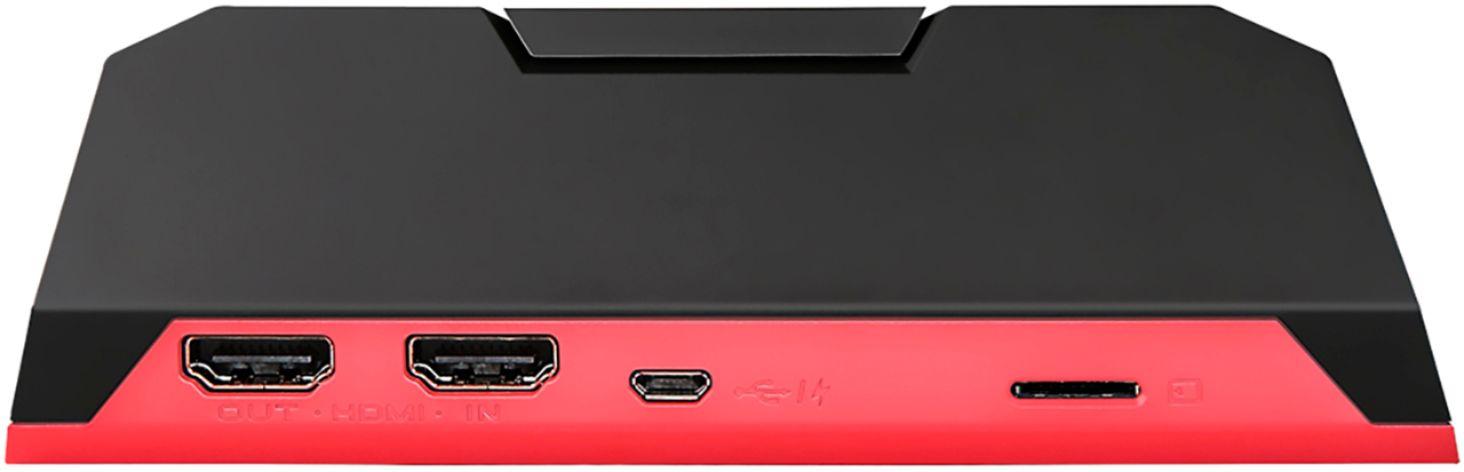
Posted .This reviewer received promo considerations or sweepstakes entry for writing a review.The device does a great job of recording content. I have not noticed any lag/ stutters or issues to date after having used it for just over a month now. The only "issue" I have with the device is the microSD card slot is in the back which is a little inconvenient when taking out or swapping cards. By no means should this stop someone from buying the device. I would honestly rate it a 4.5 for the above oversight by their engineers, but the system forces a 4 or a 5, so I rounded up. :) I would recommend this over the current El Gato items.
I would recommend this to a friendcouldn't use, find a suitable use case
|Posted .This reviewer received promo considerations or sweepstakes entry for writing a review.From what I understand you should be able to record game play from your Gaming console. I had issues connecting this to my PS3, as a matter of fact I had HDCP issues with everything I attached to this unit, so I had really no way of confirming how this unit operates. I have worked with other video capture devices in the past, however that was with component video, HDMI is copy protected to the hilt and with that drastically limits the use case for this product. Finding tech support or a KB to resolve these issues was also a real difficult task,
No, I would not recommend this to a friendbroke within a year
Posted .This reviewer received promo considerations or sweepstakes entry for writing a review.Worked okay at first but to turn it off you must pull power cable. It doesn't have a off switch. I do other things on my laptop and need to unplug it there is no safe way to power down device. I just been removing the cable to shut it off. Now it doesn't want to start up again 150 wasted
No, I would not recommend this to a friend