Customer Ratings & Reviews
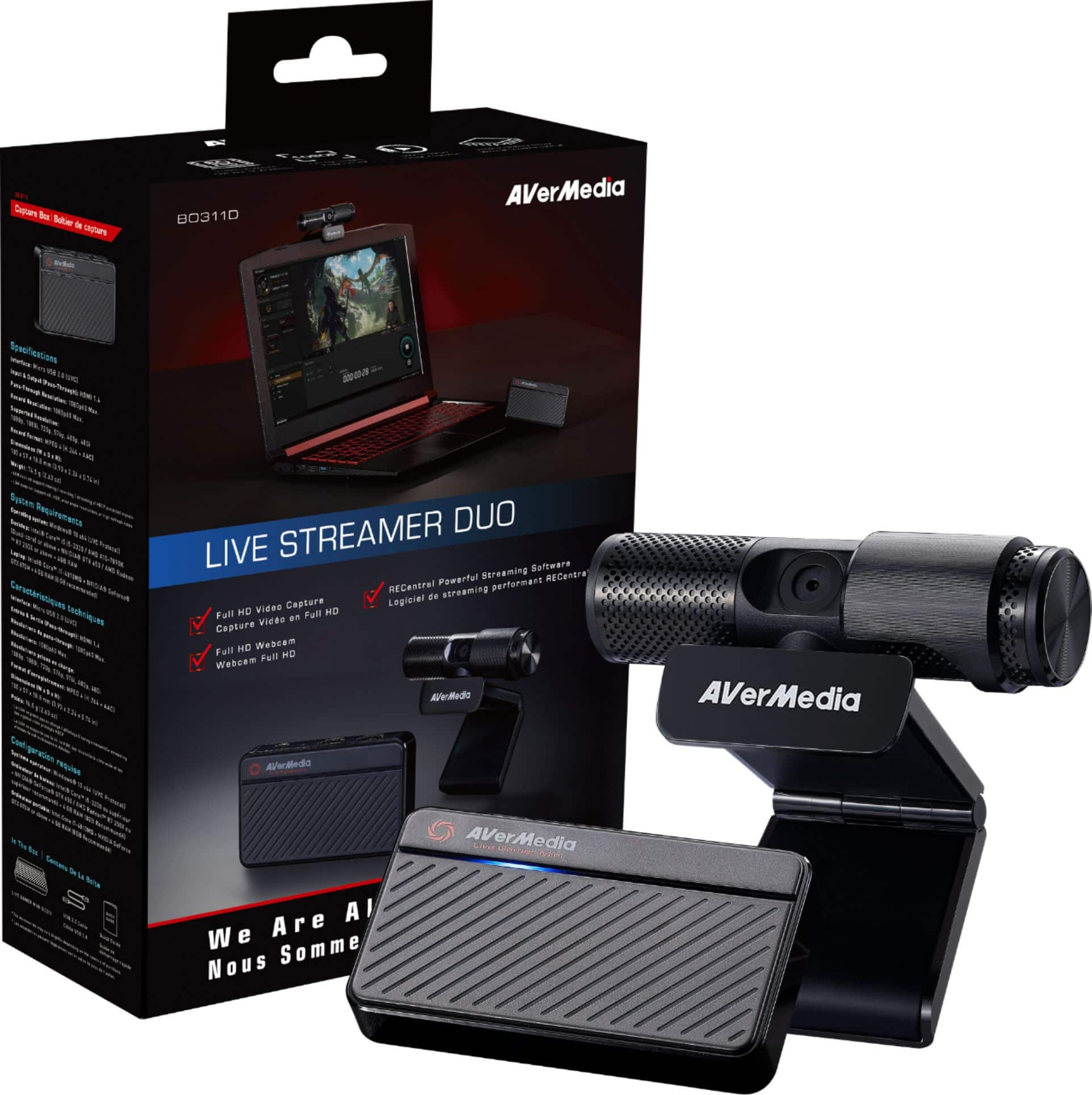
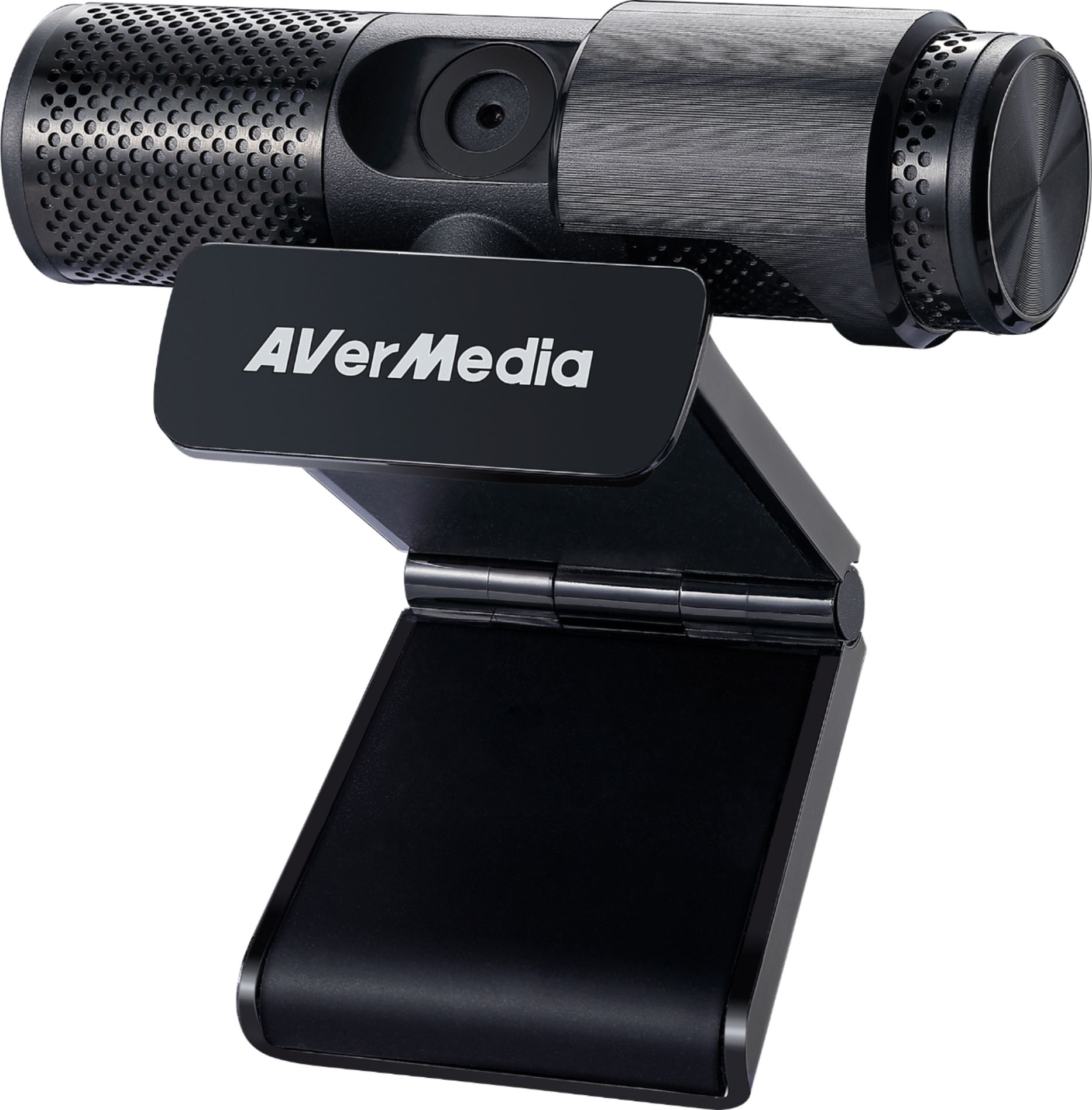
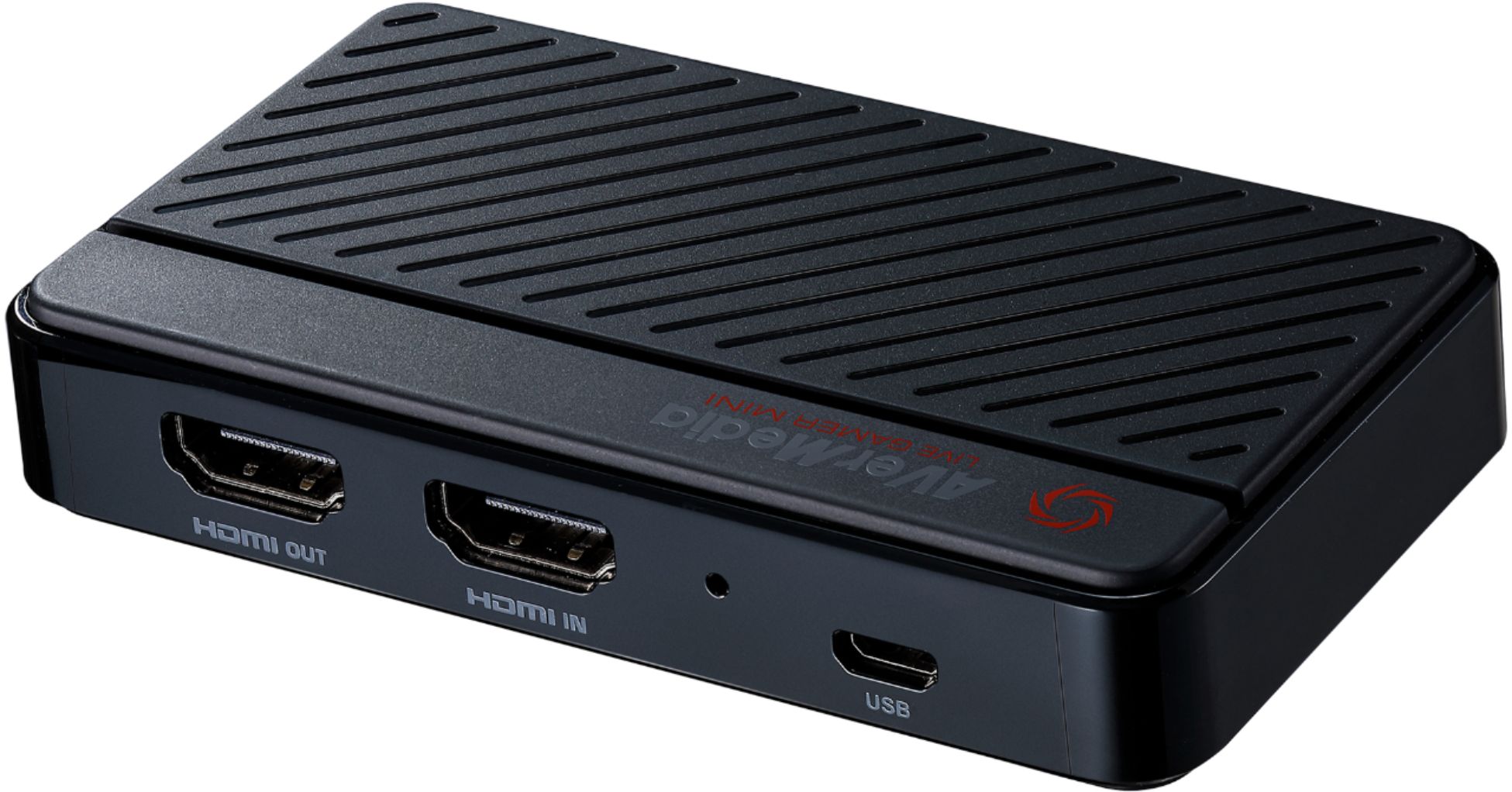
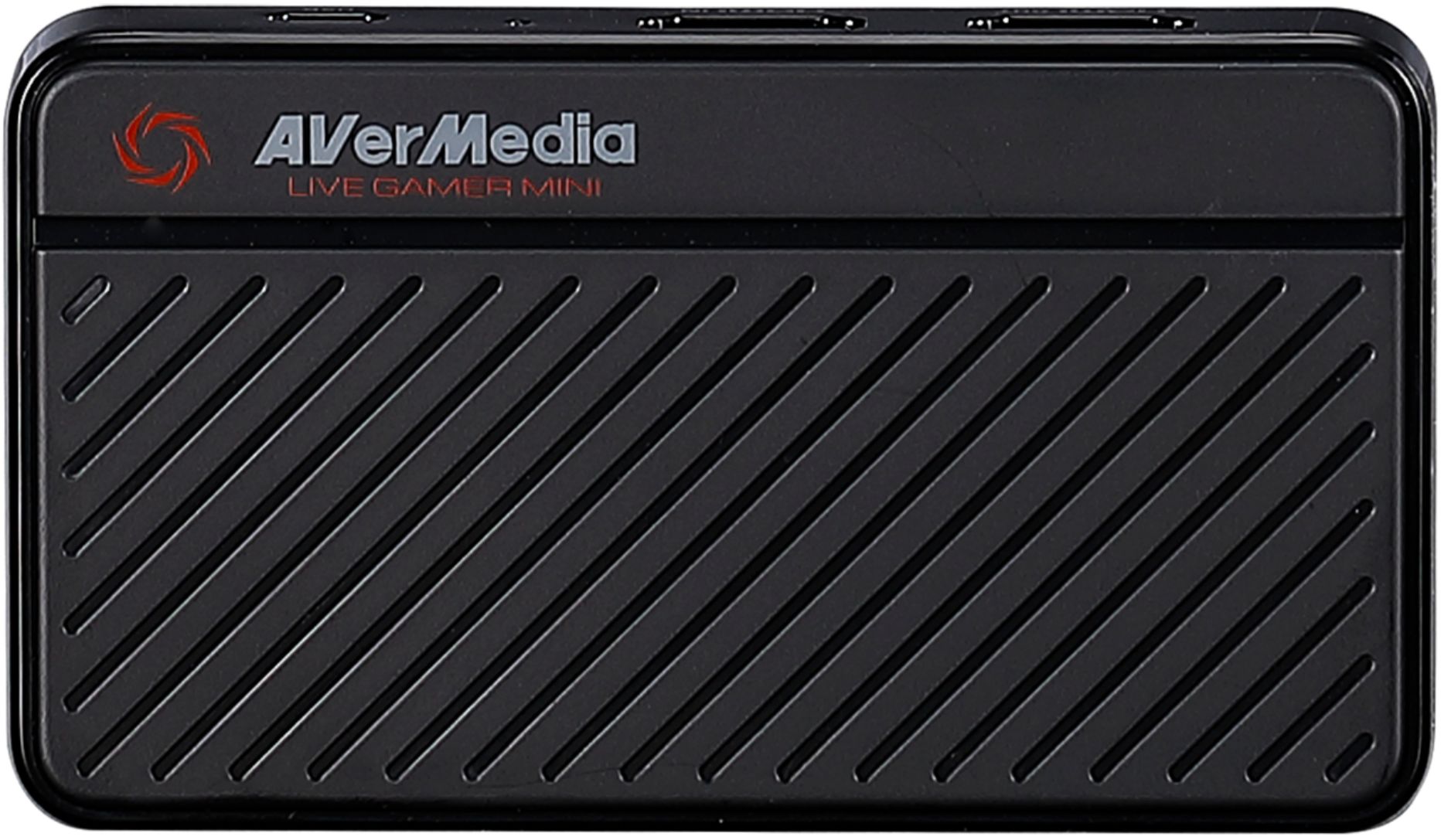
- Model:
- BO311D
- SKU:
- 6367746
Rating by feature
- Value
Rating 4.2 out of 5 stars
- Quality
Rating 4.3 out of 5 stars
- Ease of Use
Rating 4.3 out of 5 stars
Customers are saying
Customers are pleased with the Live Streamer DUO 1080 Webcam Bundle's camera quality, ease of use, and the included capture card. Many appreciate the 1080p resolution and find the software user-friendly, while the price point is also frequently praised. However, some users experienced difficulties with the setup process and HDCP compatibility.
This summary was generated by AI based on customer reviews.
- Pros mentioned:Camera qualityCons mentioned:Hdcp

Entry level package
|Posted .This reviewer received promo considerations or sweepstakes entry for writing a review.If you want to dabble in streaming, or even just recording your console gaming on a PC, this Live Streamer Duo bundle is a decent starting package. You get the Live Gamer Mini video capture box and a decent camera for nearly the price of what a similar webcam can cost alone. Connecting it is easy enough, you will need another HDMI cable, and two USB ports on your computer. The included directions are very minimal, but they do recommend getting the RECentral software. If you plan on using something else, at least get the AVerMedia StreamEngine. The AVermedia RECentral software is fairly simple to setup and use. However, I had a couple times where the video from the capture device would just stop while the webcam and audio continued. Using OBS I had no such issue though it does take a little more to configure OBS. With OBS I had to select the video device as Live Gamer Mini Stream Engine to properly capture the consoles audio. With the RECentral software, there is a setting you may have to change for the Live Gamer Mini if you happen to trigger the HDCP copy protection warning. No matter how much power cycling and restarting I did, once I triggered it while attempting to watch a streaming show on the XBox while everything was still running, I couldn’t get it to go away. The only thing that removed the copy protection warning and returned capture video was turning the HDCP Detection off. However, that setting prevents streaming services from working again till returned, to prevent recording of copyrighted material. As my subject reads, this is entry level as it is only 1080p, to include passthrough. Full HD is fine for streaming and TV/ Monitors that only support 1080, but if you enjoy your higher resolution locally, this won’t support it. The webcam is better than most built in laptop cameras and the built-in microphones aren’t bad, but there are better out there. Besides, it is mini and if you like to do this on the move, it is all a small enough package to throw in with a laptop.
I would recommend this to a friend - Pros mentioned:Camera quality, Resolution
Excellent starter package.
|Posted .This reviewer received promo considerations or sweepstakes entry for writing a review.The AVerMedia - Live Streamer DUO Webcam Bundle includes the AVerMedia Live Gamer MINI (which I reviewed earlier) and their Live Streamer webcam. The Gamer MINI hasn't changed other than a firmware update, so I'm posting my thoughts from when I reviewed it last spring: Right off the bat it was a little frustrating. The link provided for the software in the instructions was no good. I did a search and found it -- or so I thought. After installing it the capture software couldn't find my device. After a bit more research I found another version with the same title, and after uninstalling the first one and installing the second, it found my device. The software was actually very easy to use, however it shouldn't have been such a chore to find and install the correct on. It has an HDMI passthrough which is very useful. Unfortunately you're limited to 1080P (it passes through the 4k source but records in 1080P) so my Xbox One X wasn't useful as far as the resolution. It's great that is so small (about the size of a credit card, but of course thicker) but I'm not sure that's an advantage as while it's portable, it doesn't actually record to the device meaning you will have to have a laptop or pc to store a recording. I would recommend this capture box, but with a caveat; If you want to get started in streaming or creating youtube content, this is good device at a reasonable price for beginners, but if you're already into it, I would look for a more capable version with a better feature set. Of course, you should also expect to pay more. It's a good value at it's pricepoint. So now onto the the new bundle which includes the Live Streamer webcam. The first think is the software installation has been updated. No broken links like before -- you simply plug in the hardware, download the software assistant, and it will download everything you need. No negative marks for the software this time; The setup is quick and easy. The webcam itself is a lot like the Gamer MINI I reviewed earlier: a solid piece of hardware with decent software, but more suited for starting out (which is the market this bundle is going for) but it doesn't offer anything else that would make it stand out from its competition. It records in 1080P, rotates 360 degrees, and has a nice privacy slider which you can use to cover the camera lens when not in use, and even comes with some built-in filters. The picture is sharp, boasts good color, and offers good brightness and contrast. There's really nothing to complain about. It's even small enough that combined with the mini it's quite portable and easy to pack with you if you want to stream from a laptop from a different location. The updated software takes away the frustration I experienced earlier with the MINI, and the MSRP of the bundle makes it an excellent value for those getting into some streaming fun. The MINI combined with the webcam comes in around the same price as the standalone AVerMedia Live Gamer MINI. If you want to dabble in recording games and/or streaming them, absolutely buy this package. It's a great value and will deliver results you'll be quite pleased with.
I would recommend this to a friend - Pros mentioned:Camera quality
Works PERFECTLY
||Posted . Owned for less than 1 week when reviewed.This reviewer received promo considerations or sweepstakes entry for writing a review.Super affordable and streams HD smoothly!! Great buy!!
I would recommend this to a friend - Pros mentioned:Camera quality, Ease of use
One Stop Shop of Ease
|Posted .This reviewer received promo considerations or sweepstakes entry for writing a review.Super satisfied. Those are the only things I really need to say about this duo pack. I've used this brand before, but was always forced to have two non-matching capture card/devices, cams and mics. Now thanks to this bundle I can easily use all features right out of the box. No need to go hunting for nice to have accessories. I am in the process of finishing my basement and recently created a new place for me to stream on both console and PC. The camera has super high res and the mic is not flimsy either! I am running this at the highest settings in terms of both FPS and sound quality and have yet to see any stuttering, shuttering or glitching. Its a breeze to install and breaks down to be on the move as easy as it does to get hooked up. All in all if you are a vet or a novice streamer this bundle is literally all you need, aside from a PC to get you up and running on any streaming platform! Worth picking up, especially at this price point.
I would recommend this to a friend - Cons mentioned:Setup
Live Game Streaming
|Posted .This reviewer received promo considerations or sweepstakes entry for writing a review.So I'm not much of a gamer but my nephew is and I purchased this for him. He loves playing his games online and records his videos and posts them online . So I got this for him to try out and see if he could live stream his gaming experience. So first of all he absolutely loved the product and what it was capable of doing, but the setup was a not as easy as described. We did have to watch a video on how to set everything up but after that worked great. He absolutely loved it. This bundle is definitely a good value and definitely worth it if your into online streaming.
I would recommend this to a friend - Pros mentioned:Camera quality
Best Suited For Recording/Streaming on Switch
|Posted .This reviewer received promo considerations or sweepstakes entry for writing a review.The AVerMedia Live Streamer DUO Webcam Bundle is just an okay product for capturing and streaming your video game play. Let me start by saying that you don't need a capture card if you are just streaming/recording on one pc. If you are gaming on one pc and processing on another; or you are playing on a console like XBox Playstation or Switch, that is when you'll need a capture card. I think this is best suited for capturing Switch gameplay because it only captures a max of 1080p at 60fps. Anything with better graphics will be lost in translation. I found setup of the Live Gamer Mini to be confusing, even though it's just an HDMI input, HDMI output and usb connection. The instructions are pretty much non-existent other than telling you to download RECentral to your PC. After that, it's off to YouTube or wherever else to figure out what to do next. The webcam was easy plug and play and was recognized right away by OBS Studio and RECentral programs. Its picture quality and microphone are both adequate. If you're a beginner streaming from console games or with two computers, this might be for you, just be prepared for a lot of trial and error to get things working satisfactorily.
No, I would not recommend this to a friend Good Starter Bundle
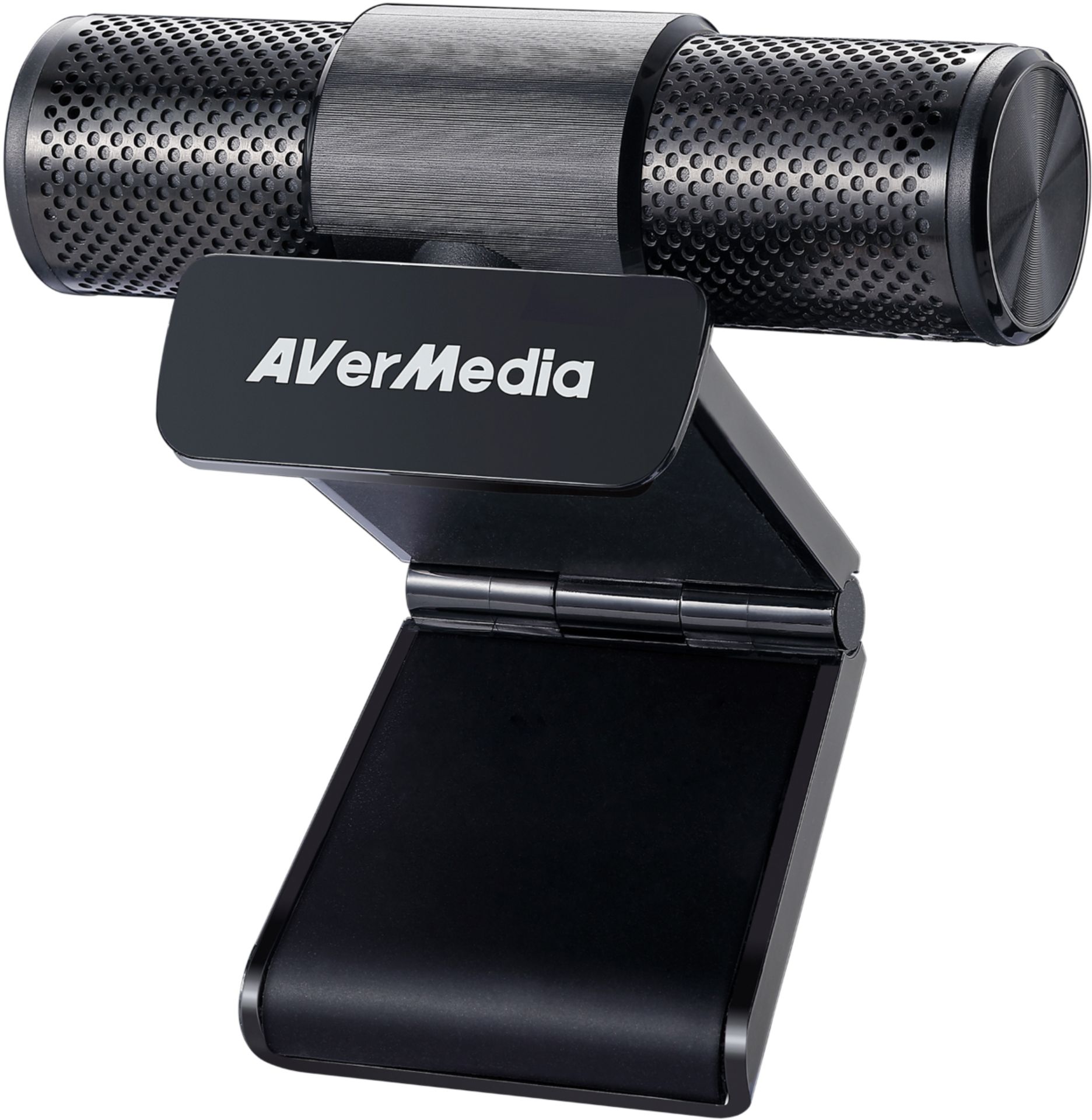
|Posted .This reviewer received promo considerations or sweepstakes entry for writing a review.The Avermedia Live Streamer Duo is an entry level streaming kit that comes with a camera/mic and mini capture card. This is a 1080p (FHD) streaming kit – both camera and capture card are FHD. Using the setup for a week I’ve been able to get a good feel for the strengths/weaknesses of this setup. Its not the perfect kit, but it does a number of things well. My streaming PC setup uses an i-5 7600K and GTX 1060 3GB, as well as a couple of consoles (360, XBONE). I only do 1080p gaming across these systems so this streaming kit fits my needs. First Impressions The camera has a solid build to it. The mount holds its position and easily grabs onto the top of the monitor. The mount also has a threaded insert for tripod usage – nice if you are using a laptop or just don’t want the camera on top of your monitor. The camera also comes with a privacy slider to cover the camera lens – doesn’t stop the mic from hearing you, but does a good job covering the lens. The slide does feel a little sloppy/loose, but still does its job just fine. There’s not much to say about the capture card. It has a nice case and doesn’t feel cheap or anything. It does come with a really nice braided USB cable. Software The included software – Avermedia RECentral has a few good things going for it, but also some roadblocks. First off, the good stuff. The software does a good job of immediately recognizing the connected hardware. The software allows for a great amount of control over the camera. You can add in overlays, effects, etc through the software. One nice thing with the software was Chroma key support to add in your own green screen effect. It works pretty well too, which is a big plus. There are a few downsides though. On first installation I was prompted to update the firmware. Not a big deal, but all it did was give me a link that directed me to the website. The biggest negative was I couldn’t get the software to actually stream. I entered in all the required info, but it wouldn’t connect to Twitch. So until I figure out the issue, I won’t be able to use the software to stream. So I ended up switching over to OBS to run my streams. It took a little fiddling to get everything working, but its running fine now with just a few issues. The issues I occasionally run into with OBS seem to come from using the capture card. I get some screen tearing along the bottom of the screen. The stream would also occasionally freeze – usually 4 or 5 min into it. It happens at random. There’s typically no issues for about 80% of the time. With the capture card taken out of the mix, the issues drop away. The camera/mic worked flawless though – no issues stemmed from it whatsoever. Camera The camera and microphone combo overall have been excellent. Its only a 1080p camera, but its still pretty good quality. This is still an entry level setup, so I feel the resolution fits the aim of this kit. I haven’t had a single issue with the use of the camera at this point. The privacy shutter is a nice addition that blocks the view of the camera. It doesn’t block the mic, but I wouldn’t necessary expect something like this shutter to do that. Recording quality of the camera is better than expected. The image is crisp and well produced. It’s not grainy or overexposed, so even in lower light the camera captures a good image. The mic does a great job picking up my voice. Its clear and easy to understand what I’m saying, so pretty good for a mic integrated into the camera. Capture Card The capture card has 3 ports – 2 HDMI and 1 micro USB. The USB goes to the computer, HDMI out heads to the TV, and HDMI in comes from the console/PC. The capture card supports H.264 hardware encoding that offloads the video encoding load to the card. This directs encoding the load off the CPU and onto the capture card. The capture card supports capturing at 1080p @ 60 FPS. Console games won’t push this limit, but PC games will. I was having some issues with screen tearing on PC capturing, so I wonder if it has to do with a framerate mismatch. If I have to cap my framerate at 60 to stop this tearing while capturing, that would severely limit the usefulness of this card in competitive games (Overwatch, CSGO, Fortnite, PUBG, etc.). I need to investigate this further, but that answer may already exist on a forum somewhere. When I ran my console setup I mostly used the pass through, which was HDMI in (from the console) and USB out to the PC. From there I played on my computer monitor with the stream fullscreened. As I said above I experience some screen tearing and color artifacting issues with the setup. If it occurred it usually started 3-4 minutes into the stream and sometimes lead to the image freezing or blacking out. The setup worked fine about 80% of the time, but these issues were truly deal breakers for the pass through. I will probably avoid the pass through in the future unless this gets resolved (last firmware update was a beta back in Feb. ’19). The hardware encoding is really useful if you are PC gaming. Usually at 1080p you are going to find yourself with a PC bottleneck in most games. That’s mostly due to the graphics card being able to chuck out a high rate of frames that the CPU then has to process. With the stream hardware encoding being done on the mini card it returns some of that processing overhead back to the CPU that otherwise would have been taken up by the video encoding. Overview Overall this is a good starter kit that presents a solid value – the parts separately would cost you $200+. The camera is really well done and definitely worth it. I had zero issues from day 1, so that’s definitely a winner. The capture card on the other hand was plagued with a number of issues. The pass through was unreliable at a high enough rate for me to question ever using it in anything other than single player games. That’s a problem for me since I mostly play games like competitive Overwatch – can’t have screen tearing/artifacts/freezing mid match. I can still say I’d recommend this bundle because it is a good entry level kit. Hopefully the issues with capture card get sorted out in a future firmware update. Just be prepared in case some of the issues I mentioned crop up.
I would recommend this to a friend- Pros mentioned:Camera quality, Capture card
Good value for the price
||Posted . Owned for 1 year when reviewed.This reviewer received promo considerations or sweepstakes entry for writing a review.Overall a great starter kit for anyone looking to stream. The camera looks so clean and I’ve been using it for over a year now with no issues. The capture card itself does exactly what it’s supposed to and I’ve used it with both my Xbox and Switch and have had no issues on OBS or Streamlabs
I would recommend this to a friend - Pros mentioned:Camera quality, Capture card
It's a pretty good deal for a beginner
||Posted . Owned for 3 weeks when reviewed.This reviewer received promo considerations or sweepstakes entry for writing a review.I bought this bundle as the final birthday gift to myself (I set up a gaming/youtube video making computer area), and I planned to originally just buy the capture card instead of the webcam as I'm not a big webcam user. However, I'm extremely surprised at how much of a deal this bundle really is. For context, the webcam itself is about $80, and the capture card is about $130 (both without tax). The fact that this was much cheaper than buying the two separately is amazing. Now onto the quality part. I am pleased especially with the capture card, as I mainly wanted the capture card to record my Switch and Wii for my small channel. From the day I bought it (my birthday, 9/11), I made a few test recordings on the channel with both Wii and Switch games. The capture card did a fantastic job at taking Animal Crossing footage, and I was extremely surprised with how nicely the Wii footage turned out (combined with my Wii to HDMI converter). With my Wii footage especially I was expecting to have fuzzy quality, but that was gladly not the case. For the webcam, I tested it by reading a small portion of a youtube video script I am writing that requires my face to be shown. The quality seemed pretty good, stays at a nice 720p even with my lights all on. The only gripe is with low light, my face looks a lot darker than usual (let's just say mama needs a ring light). I haven't tested streaming with the bundle yet, but for recording it gets the job done. My YouTube channel is the same as my screen name, so you can see my second most recent video using capture card footage from my Wii. If you're looking for a nice deal for a capture card and a webcam but know how expensive the good ones can be, give this bundle a whirl. You'll be pleasantly surprised.
I would recommend this to a friend - Pros mentioned:Camera quality, Ease of use
Beginner webcam
||Posted . Owned for more than 2 years when reviewed.This reviewer received promo considerations or sweepstakes entry for writing a review.This webcam is really good for any beginner streamer or youtuber the qualitys really nice and pretty easy to setup as well
I would recommend this to a friend - Pros mentioned:Camera quality, Ease of use
Great Deal For The Bundle
||Posted . Owned for 1 week when reviewed.This reviewer received promo considerations or sweepstakes entry for writing a review.The capture card is smaller than I expected, which is a nice touch. I have it connected to my PS4 and after the updated drivers were installed, I am able to stream via OBS with absolutely no lag. The camera is high quality as well. Easy to adjust levels with a dedicated windows app. Overall, this is a very good deal for the price level.
I would recommend this to a friend - Pros mentioned:Ease of use, Price
Perfect combo to begin with.
||Posted . Owned for 1 month when reviewed.This reviewer received promo considerations or sweepstakes entry for writing a review.Great for a first streaming set-up. Easy to install and upload programs. A must grab for price.
I would recommend this to a friend - Pros mentioned:Camera quality, Ease of use
Awesome worth the price
||Posted . Owned for 3 weeks when reviewed.This reviewer received promo considerations or sweepstakes entry for writing a review.I bought this to do live streaming on Facebook and ultimately a YouTube live channel. I am using the devices on a MacBook Pro. Items were plug and play and easy to use with very little set up needed. I am using the OBS software to broadcast my content. Camera is definitely HD quality and does a nice job. The colors are a bit over driven. Due to me using this with a MacBook Pro I have not found any settings to adjust the camera although some of the included software which I am not using will make these color corrections. This worked so well that I bought a second one to do a two camera shoot. The interface is a true pass-through unit which is great if you are broadcasting gaming. I have hooked up a GoPro for to this unit for a third camera and it works without issue. Plain and simple, this just works right out of the box.
I would recommend this to a friend Nice video caputre is standard not high qualilty
||Posted . Owned for 1 month when reviewed.This reviewer received promo considerations or sweepstakes entry for writing a review.Needs some improvements. Hoping forr better quality resolution. Would say it is worth buying if you are not looking for 4k quality. Make sure to be running on direct usb 3.0 or higher eport straight into computer or may you may have problems.
I would recommend this to a friend- Pros mentioned:Camera quality
It's good!
||Posted . Owned for 3 months when reviewed.This reviewer received promo considerations or sweepstakes entry for writing a review.I have to be clear, i haven't even tried using the capture card here because the price point was good enough to buy it just for the webcam, and the webcam IMO is pretty dang good with how much webcams have been costing since the pandemic hit. Even without testing the capture card in the multiple months i've had it, i still rate it high because for the price i paid it's just worth it for the webcam. It's not the best, it's not even 60fps which i thought i would be kicking myself over -- but the quality even in not-well-lit situations is great and with nvidia broadcast software this thing is simple and it shines If it's the same price for this as it is for just a webcam itself -- how can you go wrong if you even REMOTELY want a capture card? :D
I would recommend this to a friend - Pros mentioned:Ease of use
Great product
||Posted . Owned for 3 weeks when reviewed.This reviewer received promo considerations or sweepstakes entry for writing a review.Great for a first time blogger will do exactly what we need it for
I would recommend this to a friend - Pros mentioned:Camera quality
Great beginner item!!
||Posted . Owned for 3 weeks when reviewed.This reviewer received promo considerations or sweepstakes entry for writing a review.Amazing product!! Before I had this and would stream off console and my stream would look pixelated but since I got this and started streaming with this it’s very clear and I get no lag what so ever!! Twitch is Pequen017 check it out for yourself!!! Definitely recommend this item! Great beginner product!!
I would recommend this to a friend - Pros mentioned:Capture card
Don't forget to update the card!
||Posted . Owned for 1 week when reviewed.This reviewer received promo considerations or sweepstakes entry for writing a review.I didn't need the camera but the capture card is useful. But as a heads up! The capture card has an update that's mandatory in order for the RECentral to actually let you do anything with it. The internet recommends updating your graphics card, but make sure the capture card is also fully updated! It gets really hot during use (I plan to sit it on an ice pack while recording) but there's no lag between what the game does and what you see on your computer, which is way better than my last card. I totally recommend this bundle, especially since it's more cost effective than getting the card by itself.
I would recommend this to a friend - Pros mentioned:Camera quality, Capture card
Excellent for the price
||Posted . Owned for 2 weeks when reviewed.This reviewer received promo considerations or sweepstakes entry for writing a review.Install only takes a few minutes. That is not the issue, downloading streaming software is the biggest part of all this, capture card works great streams in 1080p, I can't tell a difference between this and the Elgato, the audio seemed better on the Avermedia.
I would recommend this to a friend - Pros mentioned:Ease of use, Price
Excellent for the price, very user friendly
||Posted . Owned for 3 weeks when reviewed.This reviewer received promo considerations or sweepstakes entry for writing a review.For the price, this is a great starter bundle. Connected it to Twitch via OBS and after a quick search on OBS I found both the camera and the capture card. Very user friendly and the price was great considering you get both a capture card and a webcam.
I would recommend this to a friend