Customer Ratings & Reviews
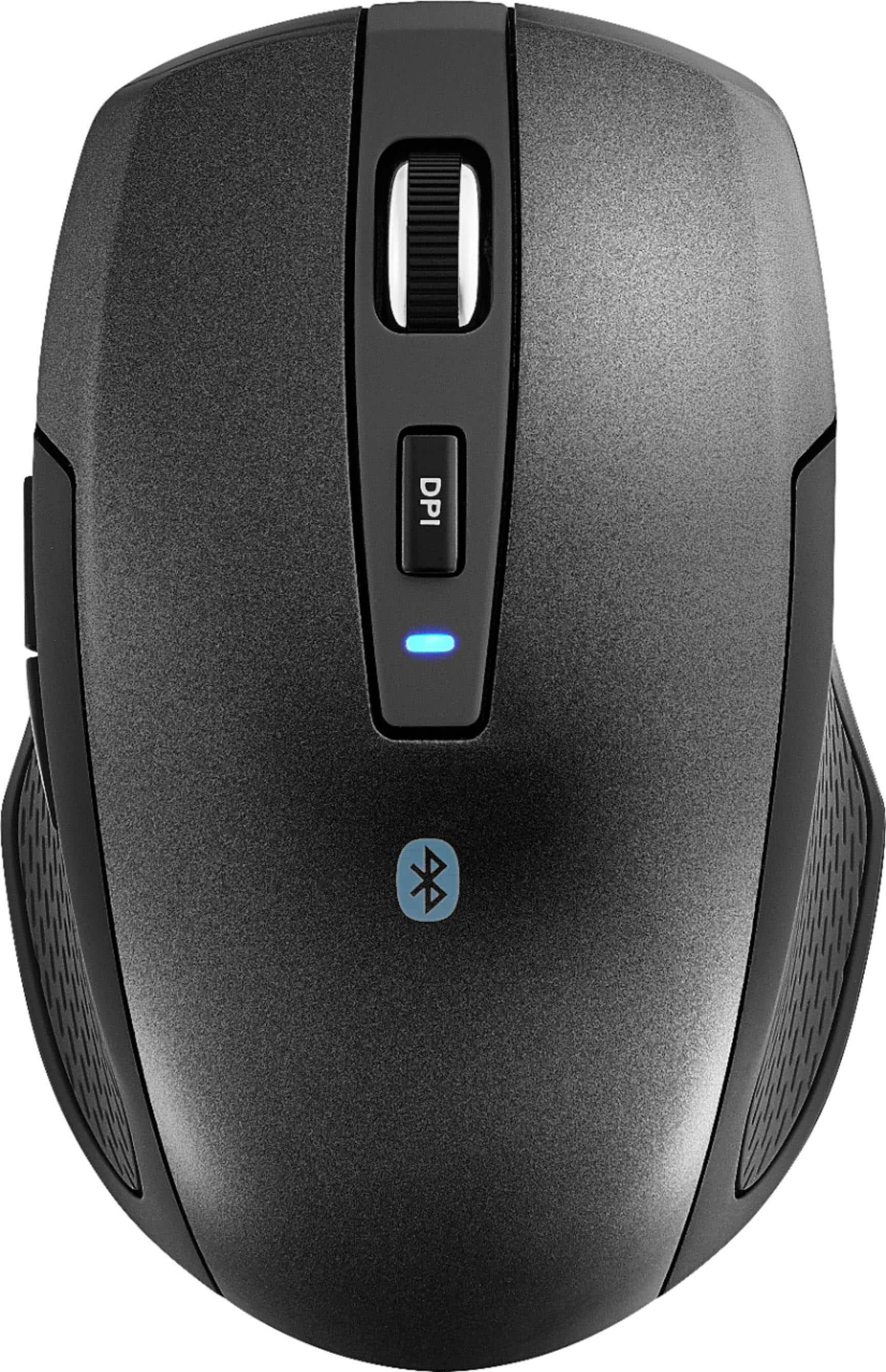
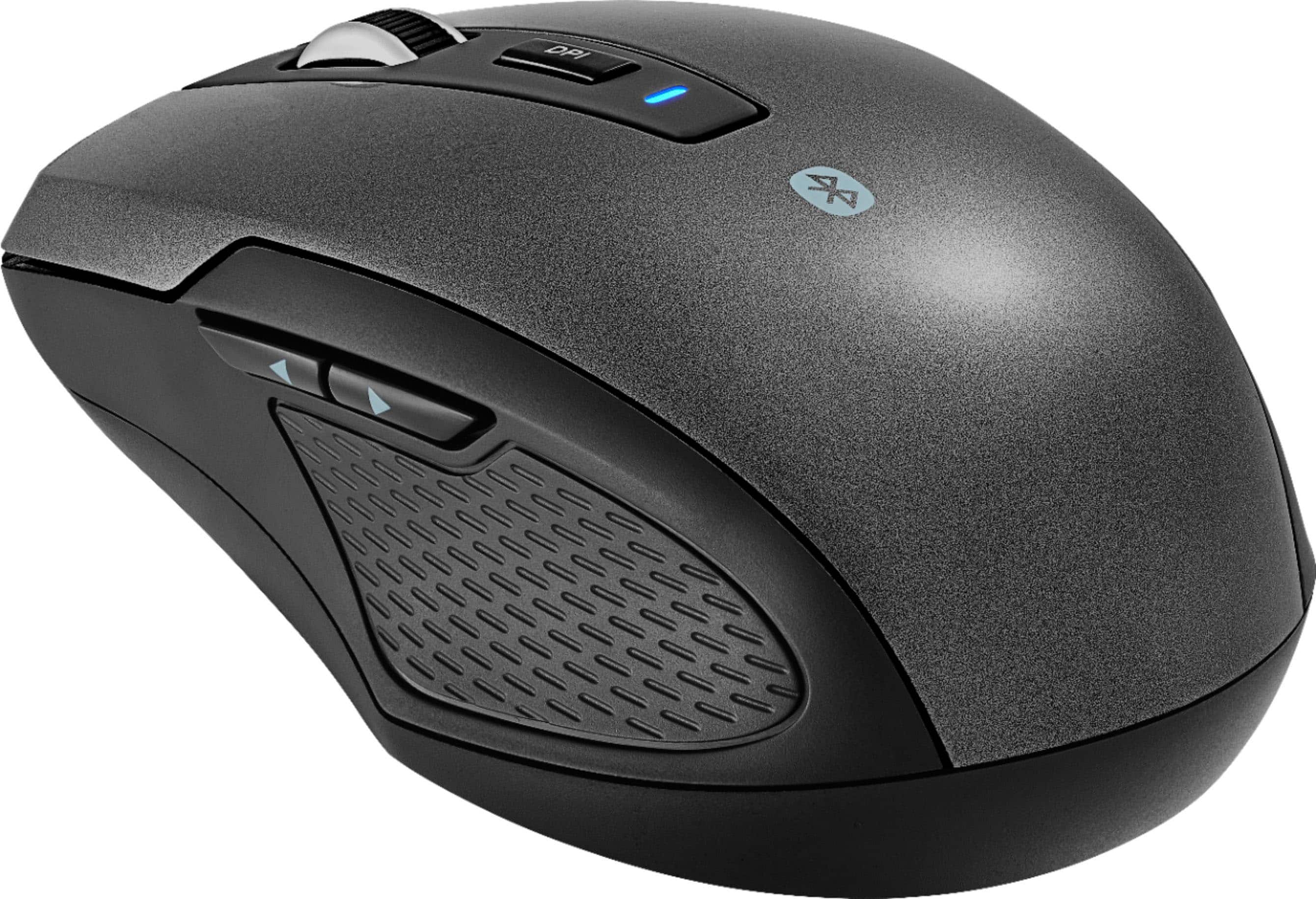
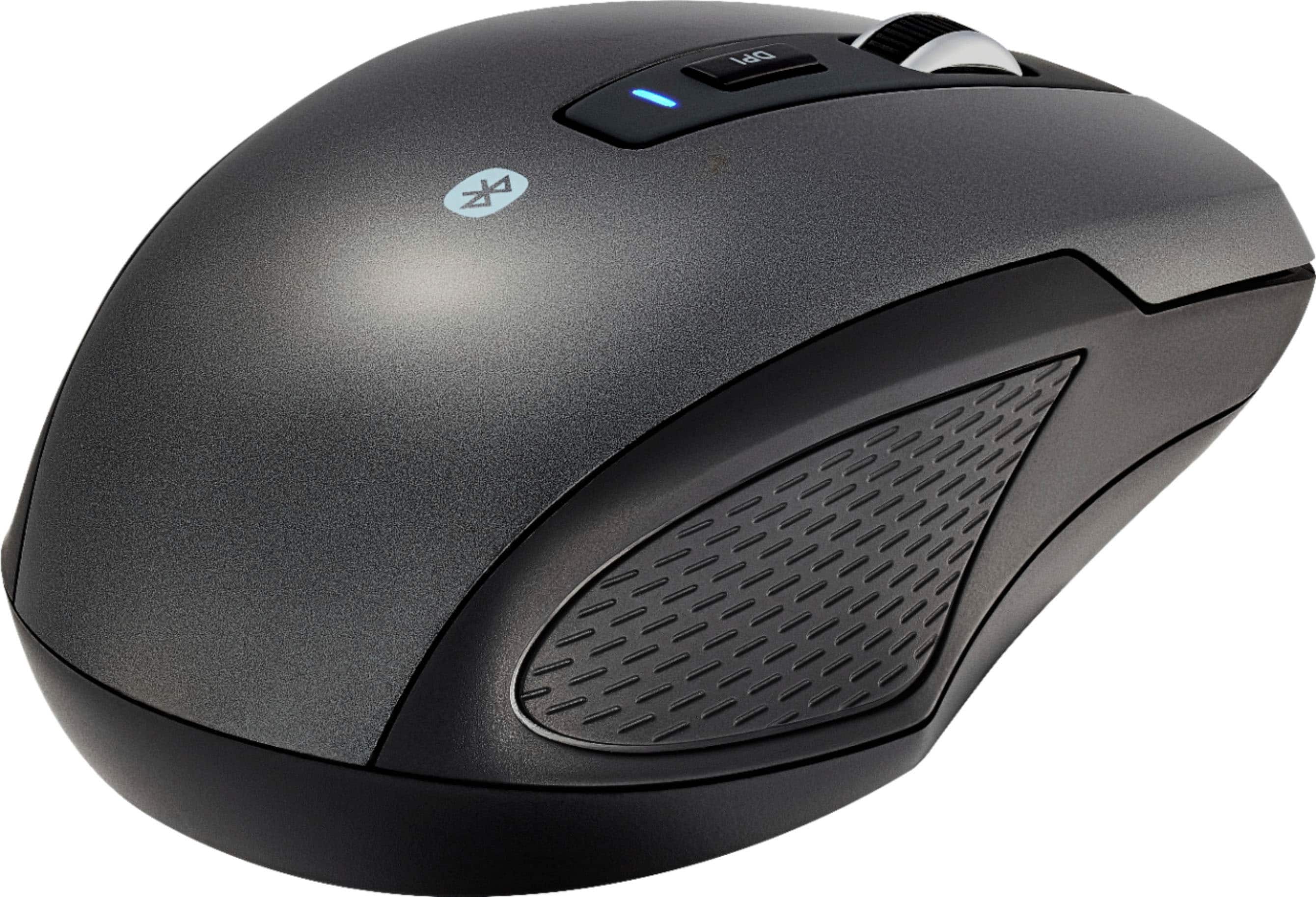
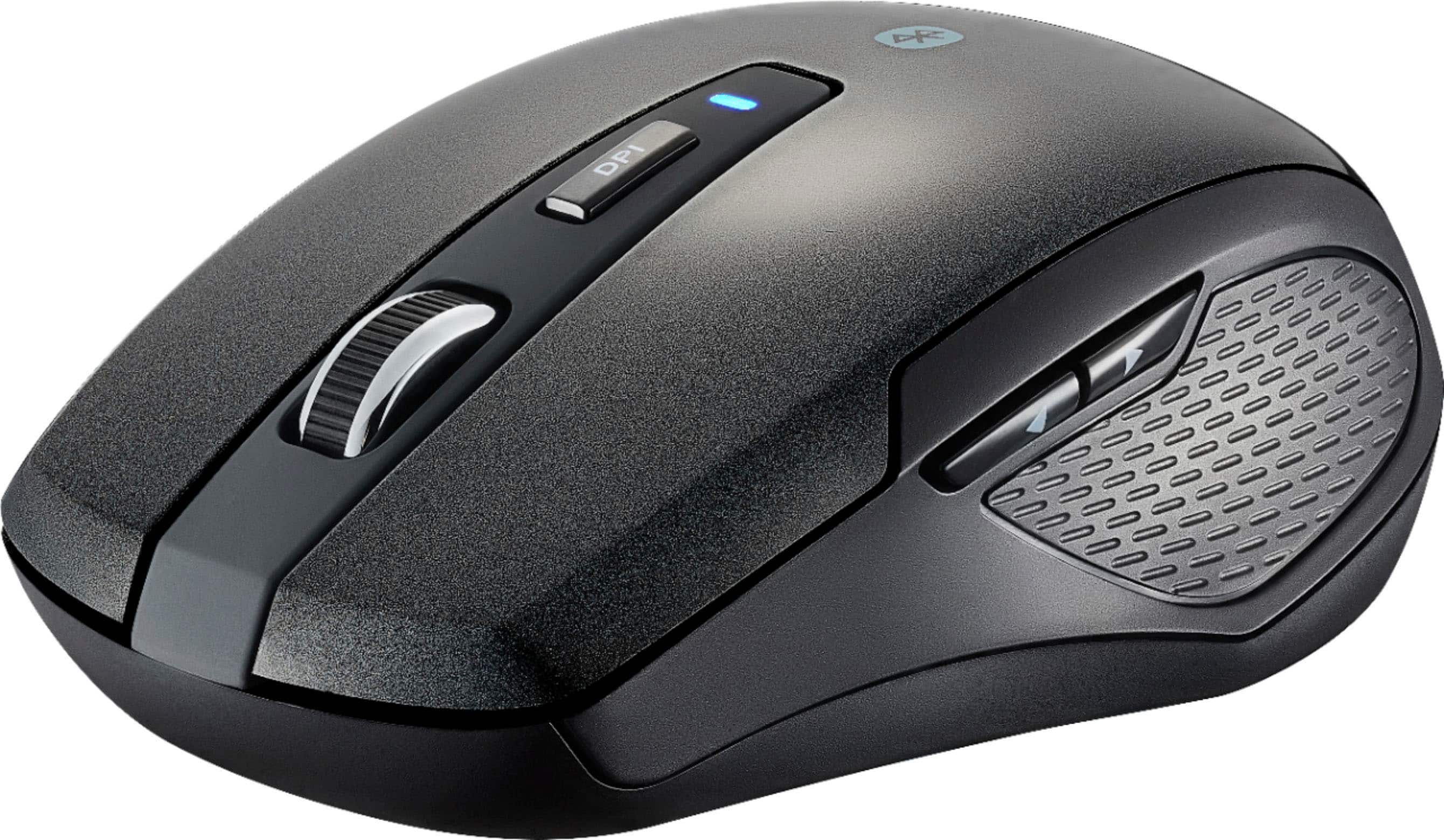

- Model:
- BE-PMBT6B
- SKU:
- 6453629
Rating by feature
- Value
Rating 4.6 out of 5 stars
- Quality
Rating 4.5 out of 5 stars
- Ease of Use
Rating 4.6 out of 5 stars
Customers are saying
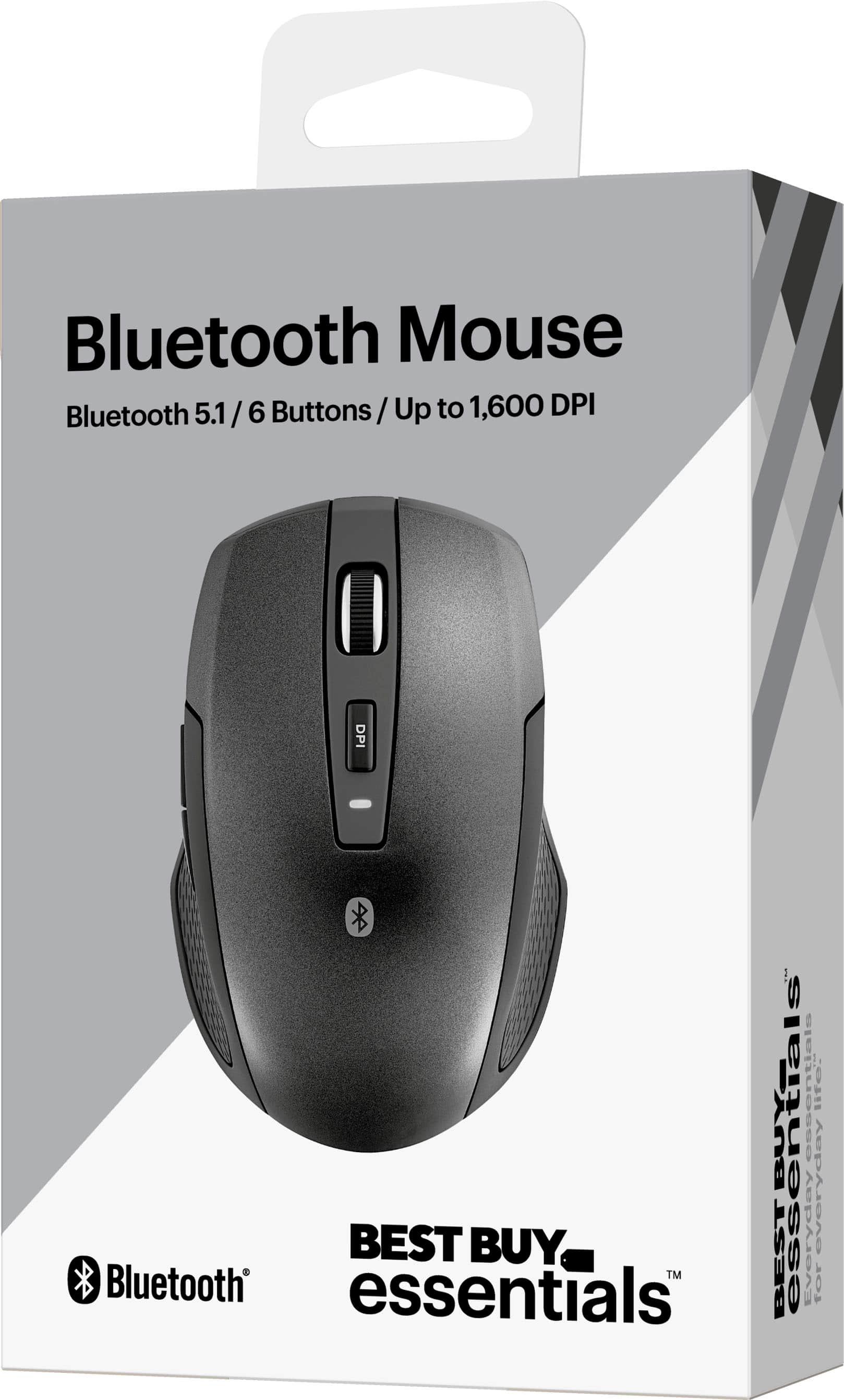
Customers are satisfied with the Lightweight Bluetooth Optical Standard Ambidextrous Mouse, especially its Bluetooth connectivity, overall performance, and ease of use. Many find the price surprisingly great and appreciate the battery life, weight, and size. The mouse's ergonomics and compatibility also receive positive feedback. However, some customers have expressed concerns about the scroll wheel's functionality.
This summary was generated by AI based on customer reviews.
crap.absolute crap.
Posted .This reviewer received promo considerations or sweepstakes entry for writing a review.Crap. Absolute crap. It worked off & in for less than 5 hours before it dropped signal permanently.
No, I would not recommend this to a friendBrand response from BestBuyEssentialsSupport Team
Posted .Hi, Thanks for your review. Stopped work with PC, please follow below: 1. Turn your PC's Bluetooth and mouse off, then on. Re-pair the Bluetooth connection. 2. Or check your PC Bluetooth firmware, make sure that the Bluetooth driver is updated. See your device's manual for instruction on updating drivers.
