Deals Worth GiftingShop now

Skip to content
Gift Ideas
Main Content

Customer Ratings & Reviews
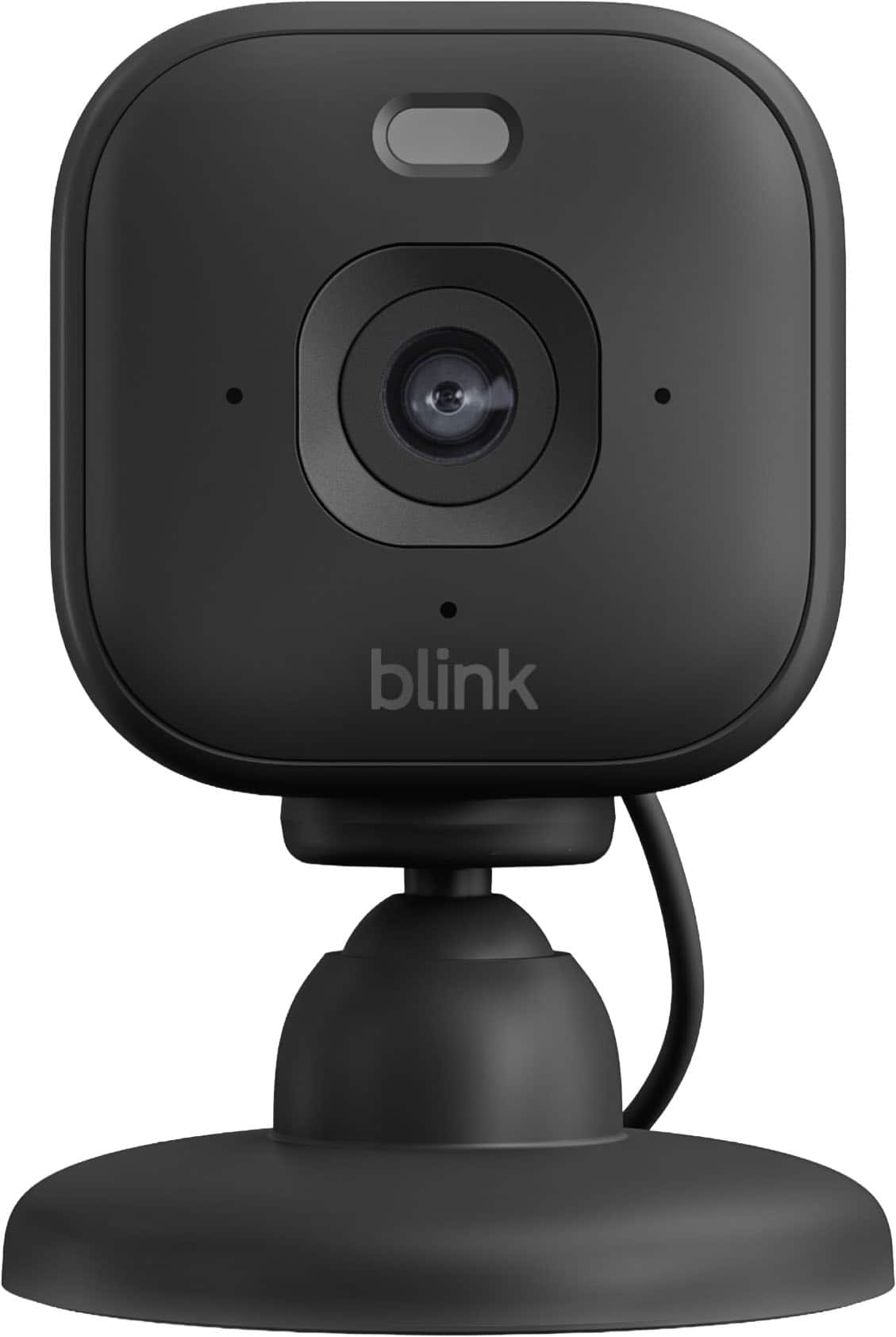
Your price for this item is $24.99
The comparable value price is $49.99

Customer reviews

Rating 4.5 out of 5 stars with 34 reviews

Rating Filter

97%
would recommend
to a friend
The vast majority of our reviews come from verified purchases. Reviews from customers may include My Best Buy members, employees, and Tech Insider Network members (as tagged). Select reviewers may receive discounted products, promotional considerations or entries into drawings for honest, helpful reviews.
Page 2 Showing 21-34 of 34 reviews
  • Tech Insider Network Member

    Rated 5 out of 5 stars

    A mighty camera in a small form-factor

    |
    Tech Insider Network Member
    Posted .
    This reviewer received promo considerations or sweepstakes entry for writing a review.

    This is my first Blink camera of any model. Let me start by saying that its small size is quite impressive. I’ve been wanting a camera to better monitor activity in and around my garage, and I felt this Blink camera would fit the bill. My research indicates that the Blink line of cameras are integrated with the Alexa Smart Home tools - which I don’t happen to have at this time. My initial observations are quite good. Setting up the Blink App was super easy. Download the app, establish credentials, plug the Blink camera into a power source and away you go. The picture quality was quite good. In my closed garage during the day with the garage lights off, all the items in my garage appeared as gray’ish in color. Turn on the Blink camera’s light, and all the proper colors of boxes and containers are displayed true to life. Turn off the camera’s light and turned on my internal garage light, and the results were close to identical. I’ve used wi-fi cameras both inside my home and outside for years, and this Blink camera activates the camera live feed about as quickly as cameras costing hundreds more. When you activate the camera feed, some options become selectable. They are: • Camera Light On • Camera Light Off • Live View Saved • Tap to Mute/Unmute • Extended Live View Off • Device Settings • Siren On • Siren Off The Device Settings are fairly comprehensive • General Settings o Blink Camera Name o Change Wi-fi o Network Strength o Delete Device • Motion Settings o Motion Detection o Motion Sensitivity o Motion Zones o Retrigger Time • Video and Photo Settings o Motion Clip Length o Video Quality o End Clip early if motion stops o And more • Audio Settings o Speaker Volume • And more, including Lighting Settings, Privacy Settings, and Help There is also a 30-day free trial that turns on features such as saving copies of videos and photos for up to 60 days, coverage for unlimited cameras and doorbells at all locations, Extended Live View (lets you stream video from your Blink for up to 90 minutes), AI Smart detection, and more. In the end, I found this Blink camera and its advanced offerings to be quite a bargain, one that rivals much more expensive solutions. As such, I’m giving it 5 stars.

    I would recommend this to a friend
  • Tech Insider Network Member

    Rated 5 out of 5 stars

    Blink Mini 2K+ Video Camera

    |
    Tech Insider Network Member
    Posted .
    This reviewer received promo considerations or sweepstakes entry for writing a review.

    So I received my Blink Mini 2K+ video camera about a week ago and have been testing it out. Blink is a brand that I'm still warming up to. They are basically a company that was acquired by Amazon several years ago. They have wide range of home security products and such. I first used Blink while installing a new Blink doorbell camera a couple years ago at my office and its held up so far, so I figured why not give this Blink Mini 2+ video camera a try and see how I like it. Unboxing: * Blink Mini 2+ video camera * USB-A to USB C Cable * Power Adapter * User Documentation To get started, you will need to download the Blink app from the App Store for iOS or the Google Play Store for Android devices. Once you have the app installed, you will need to create an account if you don't have one already. After creating an account, simply follow along with the app to get the Blink Mini 2K+ installed and up and running. You may need to do a firmware update so just be aware. Once everything is installed and updated you're good to go. Now, I must say that this little camera says Mini but it packs a nice punch. First off the video quality is just amazing. 2K resolution is just as stunning as 4K. And the field of view is just as nice. Another great feature is AI Smart Detection which allows it to detect when a person or vehicle is nearby. Now this is part of the Blink subscription. Certain features are standard but more advanced features are behind a paywall, which is par for the course of most home security cameras and devices nowadays. The Blink Mini 2K+ also features what blink is calling Enhanced Audio. And I can say that the audio coming from this little camera has been just as impressive as its video quality. The Blink Mini 2K+ can be used either indoors and outdoors (we have ours sitting on the mantle in our living room). Just make sure your placement has adequate reach to a power outlet nearby as this camera is only powered through an outlet. Its not wireless, which may be a dealbreaker for some, but for us its just another way to have peace of mind, especially with the holidays coming up and people coming over, its nice to have something to help keep and eye on your place during gatherings.

    I would recommend this to a friend
  • Tech Insider Network Member

    Rated 5 out of 5 stars

    Compact and Clear

    |
    Tech Insider Network Member
    Posted .
    This reviewer received promo considerations or sweepstakes entry for writing a review.

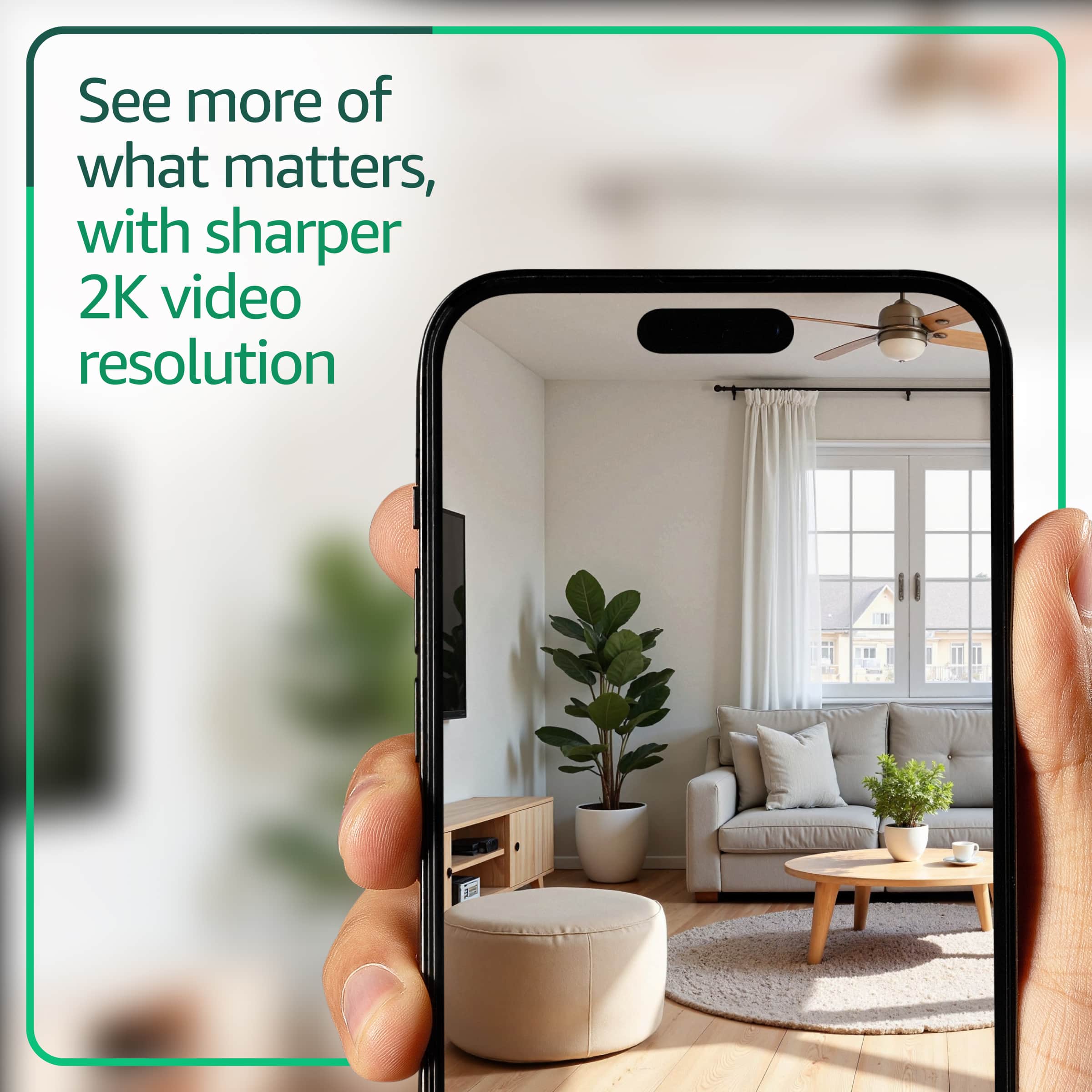
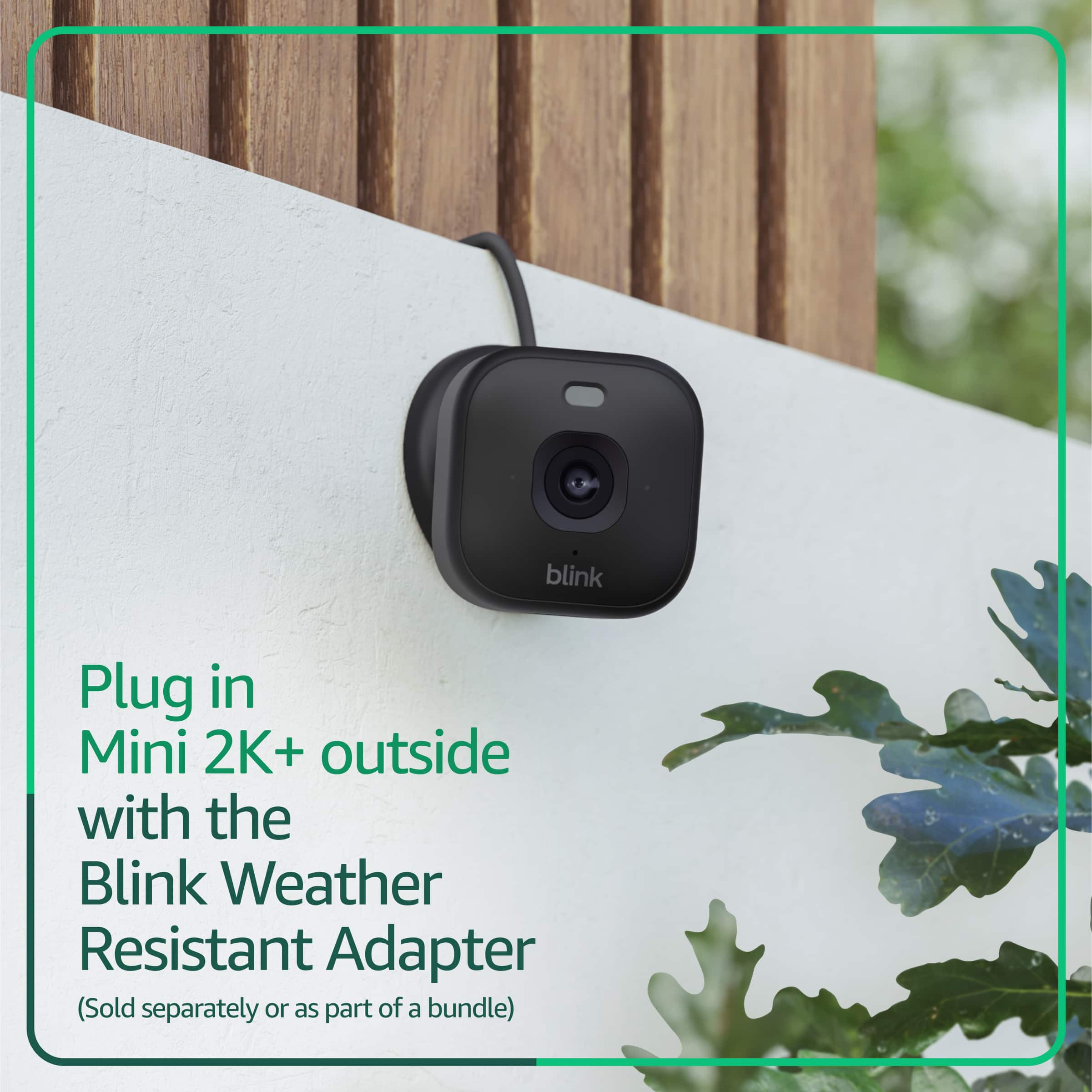
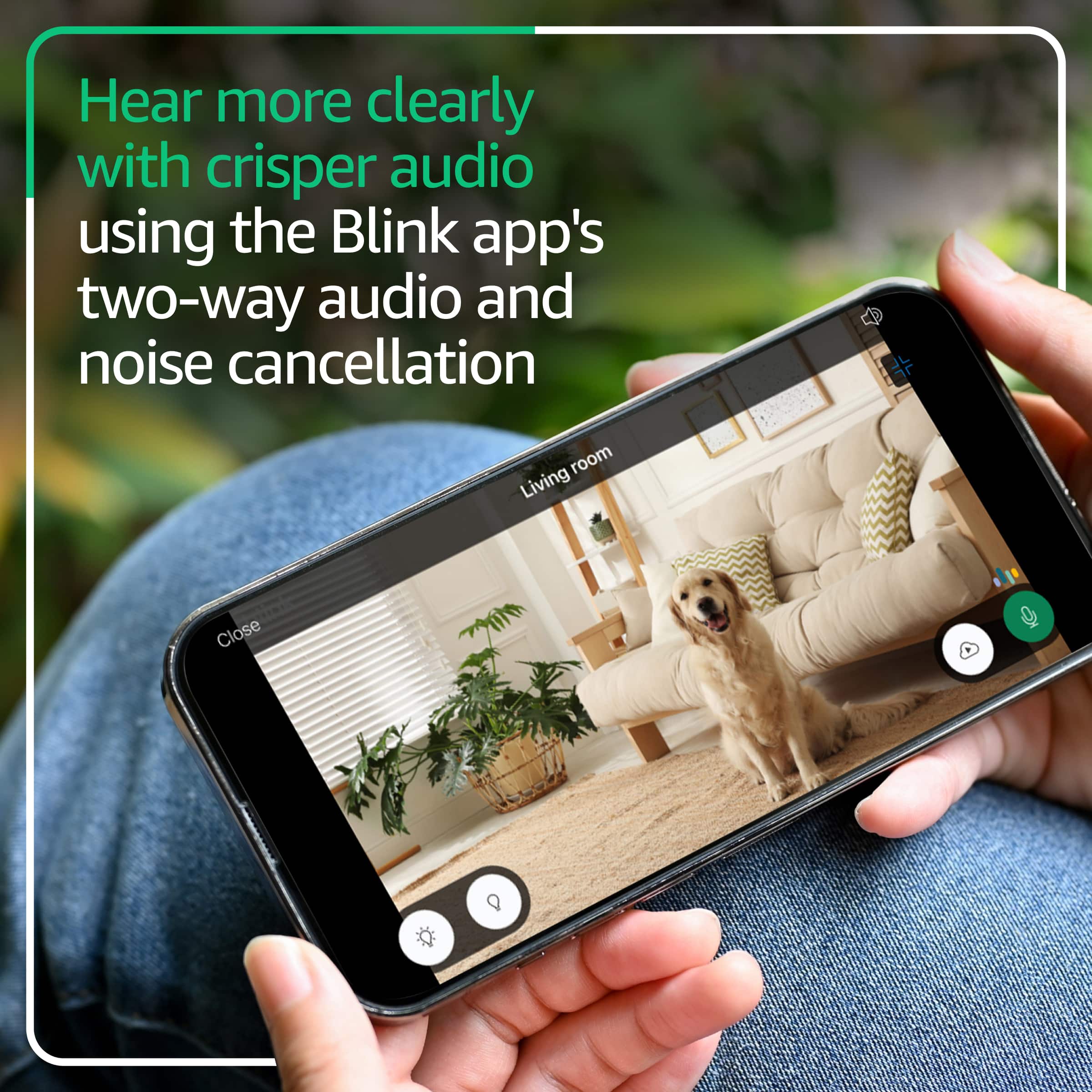
    Home security systems have many features these days, and the new craze on the market is enhanced clarity. I have both the Blink system and Ring systems that compliment my whole house. So When I saw a new blink mini 2K+ i was excited, because resolution is always wanted to see more clearly. While most of the time smaller cameras have the clarity loss a few feet away from the camera. The Compact plug-in security camera from blink offers a 2k resolution, with a 138 degree FOV. this allows a much wider viewing angle of the surrounding areas. It also has color night vision which is really good since mots have had that black and white color profile past few years. It also has the new Ai smart detection features which help distinguish between people and vehicle ( sadly you need the subscription plan to activate that aspect) Testing this out was very simple, took me all of 10 minutes to get its installed and hooked up. I had a powered source in the fascia of roof, so was very ideal for plugging in. ( I did have to order an outdoor plug in adapter which delayed my testing by almost a week thanks to some shipping issues). I went on vacation and was able to check on my system from the middle of the ocean and get real time feedback, and crystal clear images. The two talk function was nice as I was bale to let the fedex man know where I wanted my package left. In all, very compact and durable system, but if you are going to use this outdoors, add the outdoor weather resistant plug adapter ( about $10 but takes over a week to ship) it has for screws to secure that device as well. Overall I'm really happy with this product and would recommend it to anyone look for something that is discrete and not a massive eye sore on your house security exterior.

    I would recommend this to a friend
  • Tech Insider Network Member

    Rated 5 out of 5 stars

    The picture quality is stunning.

    |
    Tech Insider Network Member
    Posted .
    This reviewer received promo considerations or sweepstakes entry for writing a review.

    I am a huge fan of the Blink security cameras. Their diminutive size makes placing a ton of these things around the property easy, stress free and inexpensive. Camera quality was great when they first hit the market a number of years back, but as 4K security cameras came down in price the Blink cameras felt more and more outdated. There’s always a trade off between working with the power from two double-A batteries with the security requirement to record as much as possible and overall Blink balanced this well. The original hockey puck design continued to be functional, but outdated. This new 2K camera solves the two biggest problems I’ve always had with Blink: the first problem is that they rely on lithium ion batteries that require removing the back plate to replace and the second problem is that the picture quality compared to 4K is terrible. As an added bonus the Mini 2K+ field of view is much wider than the hockey pucks making it a much better viewing experience from my mobile phone. The Mini sits comfortably on the built in stand and offers a wide range of adjustment capability to get the angle you are looking for with your security footage. My primary use case is monitoring an aging senior with dementia who has trouble walking without a walker. It doesn’t help that it’s a two-story home with low ceilings and he has a tendency to wonder off without his walker and fall on a regular basis. The cameras needed to be strategically placed in bedrooms and bathrooms, the two places he’s most prone to falling. I was burning through lithium ion batteries, but loved how simple it is to navigate the blink app. It’s nice to have a camera option now that is hard wired. The most shocking part about this camera is the quality of the color night vision, especially compared with the existing Blink cameras. It’s that quality jump from VHS to UHD Blu-ray, it’s quite stunning. And the audio quality of the two-way microphone has also been dramatically improved. Overall this is just a fantastic upgrade to the Blink camera ecosystem and if you are an existing Blink user you should buy as many of these as you can afford.

    I would recommend this to a friend
  • Tech Insider Network Member

    Rated 4 out of 5 stars

    Compact, great video quality, can be laggy

    |
    Tech Insider Network Member
    Posted .
    This reviewer received promo considerations or sweepstakes entry for writing a review.

    I’m someone who enjoys trying new products and am constantly looking for things to improve my ever evolving smart home setup. This is the first Blink camera I’ve had, at least as far as I can remember and it’s actually a pretty good device. I’m more familiar with them and their outdoor wireless cameras, so I thought I’d try this and see if it’s worth adding to my current system. The Blink mini is a pretty small camera by comparison to some of the existing devices I have, but it works surprisingly well. Setup was very easy after creating an account and then adding the device. It took probably 10 minutes from start to finish, although I didn’t exactly time myself. Once I had the camera added, I put it in a high traffic area in my house to try it out. While the video recordings were very high quality, there was a noticeable amount of time after motion was detected, before I got the alert on my phone. It’s entirely possible that it was a network issue related to my WiFi connection, so I will give it the benefit of doubt on that end. I will say, I wasn’t disappointed and was actually pleasantly surprised how well it worked, given its small size. The one downside for me is that the only option for saving recordings is to pay for the cloud storage which is $4/month or $40 annually. All I need is another paid subscription, so it would be more preferable to have the option of a memory card. It seems a lot of companies are leaning away from that options in order to keep customers using subscription plans. Other than that, I have no complaints and am very happy with the Blink camera. I believe it works with Alexa so that is a bonus for those in that Ecosystem.

    I would recommend this to a friend
  • Tech Insider Network Member

    Rated 4 out of 5 stars

    Great affordable camera

    |
    Tech Insider Network Member
    Posted .
    This reviewer received promo considerations or sweepstakes entry for writing a review.

    I’ve got a few security cameras around my place, including some outside, a doorbell camera, and a few inside ones from different brands. When I saw the Blink camera, I was really interested, especially since it was so affordable. Setting it up was a breeze, just like with other cameras I’ve used. You download the app, scan the QR code, and you’re all set. However, this one kept throwing me an error. I kept trying to link the camera to my account, but I kept getting an error message. I ended up closing the app and coming back in. When I reopened it, the camera was already there, so I’m guessing it was just a glitch. The video quality is fantastic. I set it up in my office, and I can see everything clearly, no matter how dim the lighting is. The only thing that was a bit strange was dealing with the app. I’m using the iOS version, and I can’t figure out how to get it to record anything unless it’s set to Armed. If you leave it on Disarmed, you won’t get any notifications or recordings. After using it for a few days, I ended up disabling notifications altogether because it was sending me so many while it was Armed. I feel like some other cameras/apps I’ve used handle this part a bit better. This is also coming from the fact that I’m using their free trial of their premium service. I really like this little camera, and for the price, it’s hard to beat. If you haven’t used any other cameras like this before, the software might not be an issue. In my case, the software is a small annoyance. Other than that, the rest of the camera is a great experience and an easy recommendation.

    I would recommend this to a friend
  • Tech Insider Network Member

    Rated 5 out of 5 stars

    Easy install, crisp picture/good colors/great view

    |
    Tech Insider Network Member
    Posted .
    This reviewer received promo considerations or sweepstakes entry for writing a review.

    I am an established Blink user with multiple indoor and outdoor cameras in and around and outside our home. I have also tried a bunch of other security camera systems and I would definitely say that the Blink system is the best. The cameras are frequently on sale for very good prices and they certainly get the job done. This newest version of the mini indoor plug-ins does not disappoint. The view is even clearer, the colors are crisper, the resolution more defined. The nighttime vision is also improved. I like that it can detect between objects—distinguish between a person or a car. There is a two-way talk system if you’re so inclined to use it (I don’t particularly utilize this feature but I have tried it and it works; my husband and children and I were able to have a regular conversation without having to shout or take extraordinary measures to hear each other). I particularly like that these indoor Blink minis can be used with what is called the “extended live view”—I use the monitoring system via the Blink app on my smartphone and/or tablets to watch out the window for people I’m expecting or a package I’m waiting for, or for other uses where I need to keep the monitor view on for longer periods of time versus just a quick look. Note: you have to have a subscription to the Blink cloud service in order to utilize the extended live view; I have had the yearly plan for the past four or five years and will say that I have been satisfied with it. As for installation, if you are already a Blink user like myself and have the Blink app, installation cannot be easier or faster! It’s just a matter of adding it in the Blink app. But if this is your first foray into the Blink system, have no fear, it is still easy, with good step-by-step instructions.

    I would recommend this to a friend
  • Tech Insider Network Member

    Rated 5 out of 5 stars

    Amazing quality in this little camera

    |
    Tech Insider Network Member
    Posted .
    This reviewer received promo considerations or sweepstakes entry for writing a review.

    The Blink Mini Camera is a compact yet powerful device that has exceeded my expectations in both design and performance. Its small footprint makes it easy to place discreetly anywhere, and it arrives with everything you need to get started—a camera, USB-C cable, and quick start guide. Setup is refreshingly simple, with the camera connecting to Wi-Fi quickly without any technical headaches. Once online, the performance shines: the video quality is crisp and detailed, even surpassing my outdoor cameras, which was a pleasant surprise. The camera offers live view and motion detection alerts, so you can check in instantly or be notified when activity occurs. Audio is another strong point, with two-way communication that allows you to listen and speak through the camera, making it useful not only for monitoring but also for interacting with family or pets. Night vision ensures clear footage even in low-light conditions, which has been especially helpful for my unique use case—tracking my sleep. I’ve placed the Blink Mini in my bedroom, and it reliably records every toss and turn, complete with timestamps that let me see how long I remain still between movements. This has given me valuable insight into my sleep patterns in a way that feels effortless and consistent. The camera integrates seamlessly with the Blink app, where you can adjust settings, view recordings, and manage multiple devices if you expand your system. Overall, the Blink Mini Camera combines ease of use, excellent video quality, and versatile features like motion alerts, two-way audio, and night vision into a small, affordable package.

    I would recommend this to a friend
  • Tech Insider Network Member

    Rated 5 out of 5 stars

    Great value and performance in a mini size

    |
    Tech Insider Network Member
    Posted .
    This reviewer received promo considerations or sweepstakes entry for writing a review.

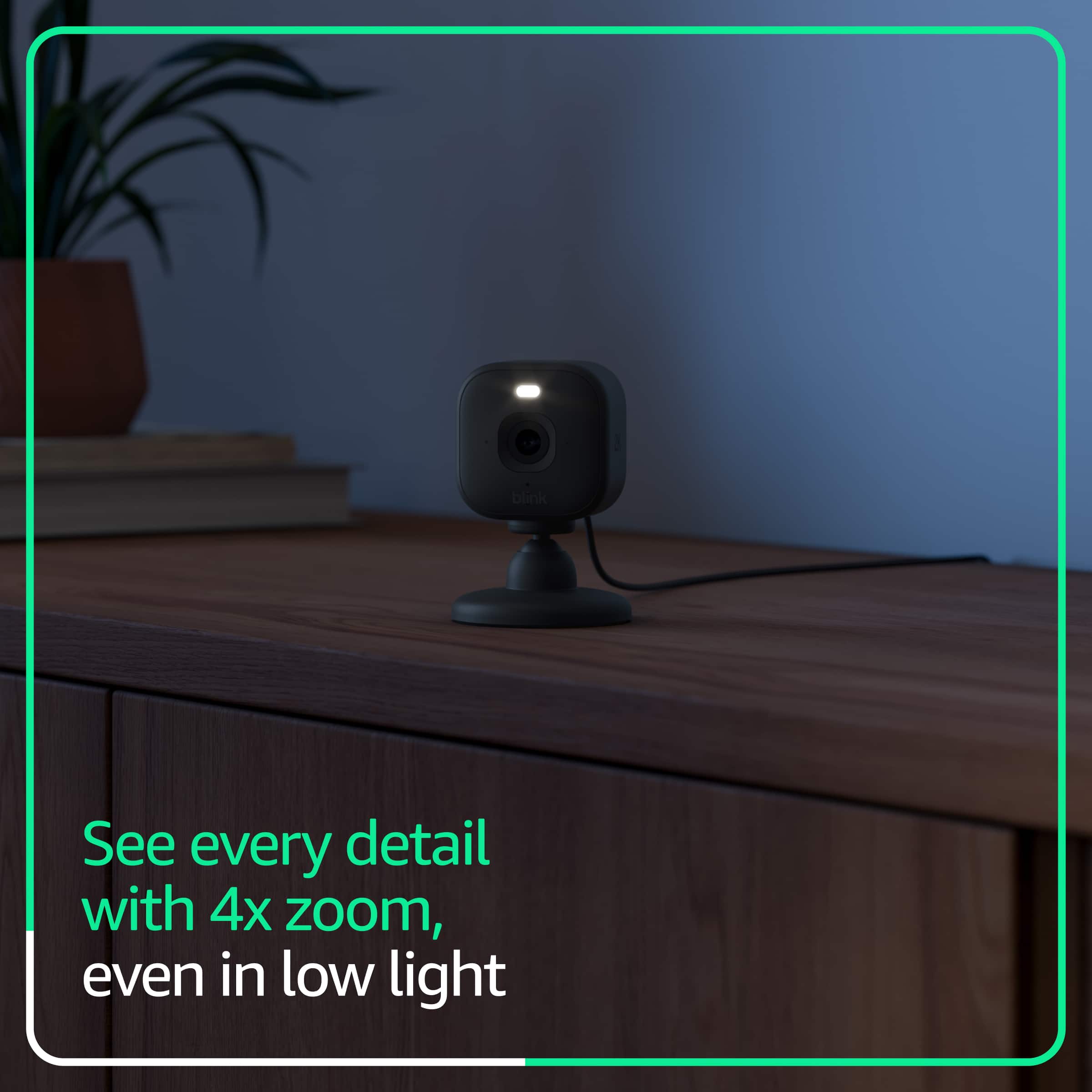
    I found this camera to be super easy to use, and robust enough for outdoor use with an optional outdoor power adapter. I was already pleased with my Blink doorbell, so adding this camera was an easy choice. It can be used as a plug-in chime for the doorbell. I got this camera to keep an eye on an elderly family member. For both of us it brings real peace of mind. The video is nice and sharp, and the audio works really well sounding very natural. The audio has noise cancellation. Night vision also works well. It has a built-in LED spotlight for color night vision that can be turned on/off as desired. It can capture video clips 60 seconds long. The camera does have a wide-angle view and 4x zoom, so it’s possible to get a complete view of the room it’s installed in. Of note is that it has no battery or local storage. If you want local storage, this can be done using the Sync Module XR. I am using the Sync Module XR for my Blink doorbell, to capture video clips already. Adding this camera is a perfect fit into a Blink ecosystem. There is no pan/tilt function. Many of the enhanced features require a subscription. In my case I was looking for real-time monitoring so that wasn’t a concern. For someone looking for an affordable security or pet camera, this is a great choice.

    I would recommend this to a friend
  • Tech Insider Network Member

    Rated 4 out of 5 stars

    Nice little security cam

    |
    Tech Insider Network Member
    Posted .
    This reviewer received promo considerations or sweepstakes entry for writing a review.

    I needed a cam to live stream my 3d printer, so I could walk away and still see the progress. Well, this does not do that unless I pay for a viewing package. Even with that, I can only see 90 mins of it. So it did not meet my needs in that regard. But, there is many good things about this that will make it useful otherwise. 1. great low light viewing 2. really sharp resolution 3. many options for movement and how it captures video 4. base can be removed and you can get optional mounts for different needs (like to a wall or at a angle) 5. way easy to setup and get going in short time 6. app is great to use and a sinch to navigate 7. ball joint is easy to move around to get best viewing angle 8. small size means you can place it anyway to hide it if needed 9.has small light so you can illuminate the small area around the viewing field. 10. decent field of view covering most of the room if set in far wall or corner. I plan on using to view my house when I am away at random times since I will not be watching this on my phone for long periods. So in that case, it will work flawlessly.

    I would recommend this to a friend
  • Tech Insider Network Member

    Rated 4 out of 5 stars

    2k Smart Camera

    |
    Tech Insider Network Member
    Posted .
    This reviewer received promo considerations or sweepstakes entry for writing a review.

    This is a cute little camera with excellent video results. It comes packaged with some screws / mounts, a cable (no power brick) and attached stand. I already had the Blink app installed from other camera, so adding this was easy. Even if you didn't have the app, set up and downloading is fairly easy. The app walks you through the whole set up process. Once connected, picture quality is good, and night vision is acceptable. I have the camera sitting in my garage so it is dark with no windows. The camera has a flood light seems bright but does not have much effect. The camera has 2 way talk and sound which I found makes my dog confused as it hears but doesn't see me =) There are optional features such as smart detections, but as with all Blink devices, it requires a life long subscription to activate and use. All in all, I am pleased with this camera, wish it wasn't white (black seems to better blend in) and that there were no subscriptions. But as a simple camera it does well. The field of vision is good and the resolution excellent.

    I would recommend this to a friend
  • Tech Insider Network Member

    Rated 4 out of 5 stars

    Great addition to your home security setup

    |
    Tech Insider Network Member
    Posted .
    This reviewer received promo considerations or sweepstakes entry for writing a review.

    I've been setting up my home security system using mostly Blink products. This last little piece was the remaining camera I was looking to add. In addition to a doorcam and a secondary wall camera, this mini 2k serves as the main camera in my place at the moment, this one looks out onto the living room as well as the front door. This thing is very small and lightweight yet provide really high quality images. This is the main reason I went with this one as the primary home security camera in my place. Works great and can be mounted pretty much anywhere with the included hardware. Whether in day or night time, this camera gives off really great image quality. Considering this is the main camera in my system, makes sense to have the best looking camera serve this function. Haven't encountered any issues with this camera once installation was completed. Works perfectly and is relatively out of place due to its white color and small size. Great addition to the camera suite at my place.

    I would recommend this to a friend
  • Tech Insider Network Member

    Rated 3 out of 5 stars

    Good Camera, Don't Like Cloud Storage Process

    |
    Tech Insider Network Member
    Posted .
    This reviewer received promo considerations or sweepstakes entry for writing a review.

    This mini camera was easy to install. I had it working within 3 minutes. I did already have a Blink account and other Blink cameras as well as Sync modules. I added this camera to one of my Sync modules and this operation went smoothly except relative to putting clips on the Sync local storage. The Blink instructions included a minor mistake during the setup by telling users to find a QR code in the Quick Start Guide to facilitate installation, even though the guide doesn't contain the QR code. The QR code is only on the back of the camera. The video and audio are both excellent, including night vision recordings as well. However, the night recordings are not in color as claimed. I did set the Night Vision to Auto which should have enabled color night vision. The Night Vision setting that would force black and white only was off. The storage of clips is a bit confusing in that I could not get the new camera to record video to the local storage in my Sync module. This could be due to the fact that the installation of the new camera started a trial subscription to record to the Cloud. Indeed all my cameras are now ignoring the local storage and recording clips to the Cloud which I did not want. The instructions should be updated to clarify this process and/or make it easy to find the settings to use the local storage. I did see a note that indicated that clips would download to the local storage after 24 hours but this isn’t happening. I expect if I terminate the Cloud storage option that all the recordings including the new camera will go to the local storage on my Sync modules. I would suggest that much better documentation from Blink is needed to help folks figure out how to use the local storage instead of the Cloud. I cannot recommend this camera since it does not record color night vision as advertised - only black and white; and also cannot recommend due to the storage process that seems to require the Cloud although it is clearly stated that I could record clips from the new camera to the Sync module local media.

    No, I would not recommend this to a friend
    • Brand response from Amazon Devices Customer Support
      Posted .

      Hello RalphHenry. Thank you for your feedback on the Blink Mini 2K+ Compact plug-in security camera! I'm glad the installation was quick and straightforward, and I appreciate you pointing out the documentation error regarding the QR code location. Regarding the color night vision issue, the Blink Mini 2K+ requires sufficient ambient light to function in color mode—the camera automatically switches between color and black-and-white based on available lighting conditions, and if the area is too dark, it defaults to infrared black-and-white night vision even with Auto enabled. For the local storage confusion, when a Blink Subscription Plan trial is active, clips automatically save to the cloud rather than local storage on your Sync Module, and to restore local storage recording, you'll need to let the trial expire or cancel the subscription through your account settings—once the cloud subscription is inactive, your cameras should immediately resume saving clips to the USB drive connected to your Sync Module. Thank you for sharing this comprehensive review, as it helps both Blink improve their documentation and helps other customers understand the storage configuration process and color night vision properties! AmazonDevices

  • Tech Insider Network Member

    Rated 3 out of 5 stars

    Decent camera by Blink

    |
    Tech Insider Network Member
    Posted .
    This reviewer received promo considerations or sweepstakes entry for writing a review.

    The Blink Mini 2K+ Compact plug-in security camera is a camera that’s created and supported by Blink. It comes with a camera that supports 2K video resolution. The camera comes packaged with a small pamphlet with font that too small to read and instructions on the inside top portion of the box it comes in with instructions informing you to download the Blink Home Monitor app to install. I was able to use the included USB-C charger to plug up the camera and begin the setup process. The first attempt of setting up the camera failed. It was stuck on Connecting to Blink Servers for a while, followed by a screen that said my camera filed to connect. It said to try again, but when I clicked the Try Again button, I received a prompt that said System is busy, please wait. I tried a second time, and it failed again. I was about to give up, but tried a third time. It was finally able to connect on my third attempt. Once I had the camera finally connected I was able to finish setting it up. The camera quality is decent for 2k resolution. It has black and white night vision. It also has colored night vision, but it seems to only work when the included motion light is on. The LED light can be turned on or off using the app in settings, and you can also toggle it on and off in live view. There’s a slight delay from what happens in real time, and the time it gets to the app. I would turn the light on using the app. The camera would respond immediately, but it would take a second or two before I was able to see what happened in real time in the app. The camera comes with a 60 day trial, then after that you it requires a subscription. Overall, it’s a decent camera despite the shortcomings of the setup process.

    I would recommend this to a friend
    • Brand response from Amazon Devices Customer Support
      Posted .

      Hello CDF3. Thank you for your detailed feedback on the Blink Mini 2K+ Compact plug-in security camera! I appreciate you sharing your comprehensive experience with the setup process and camera performance. I'm sorry to hear you encountered connection failures during the initial setup attempts, requiring three tries before successfully connecting to the Blink servers—that frustration is understandable and shouldn't be part of the experience. Once connected, it's good to hear the camera is performing well with decent 2K video quality and both black-and-white and color night vision options, though I understand the color night vision requiring the motion light to be active is a limitation. The slight delay between real-time events and the app display is typical of cloud-connected cameras but can be noticeable in certain situations. Regarding the setup challenges you experienced, the most common causes are Wi-Fi connectivity issues—ensuring the camera is within range of your router, connecting to a 2.4 GHz network (as Blink cameras don't support 5 GHz), and verifying your Blink app is updated to the latest version can help prevent connection failures. For the subscription requirement after the 60-day trial, you can use local storage with a Sync Module 2 and USB drive to save motion-triggered clips without ongoing subscription costs if you prefer to avoid the recurring fee. Thank you for sharing your feedback! AmazonDevices