Customer Ratings & Reviews

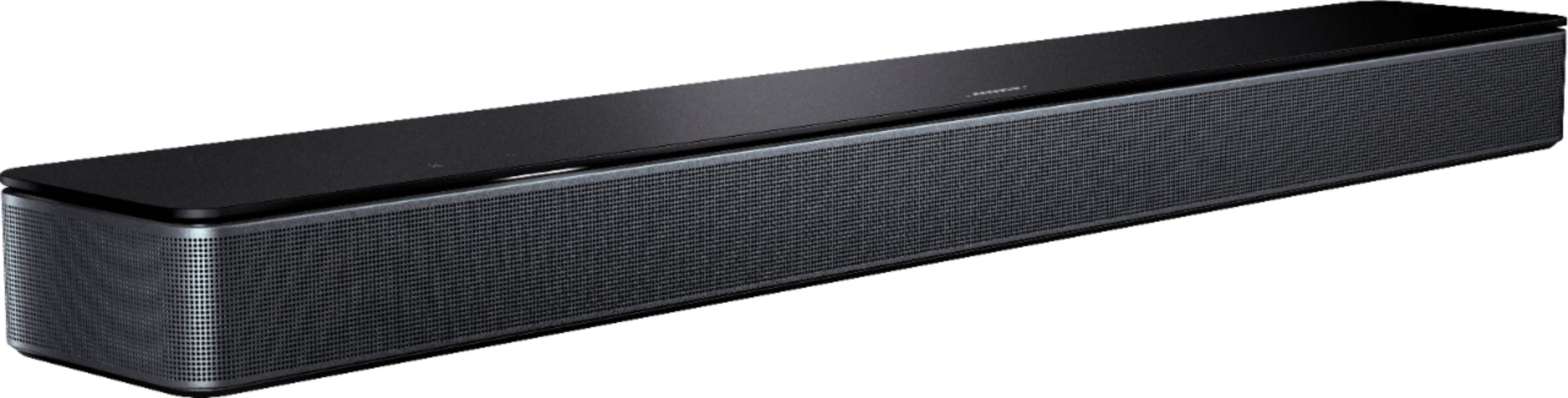
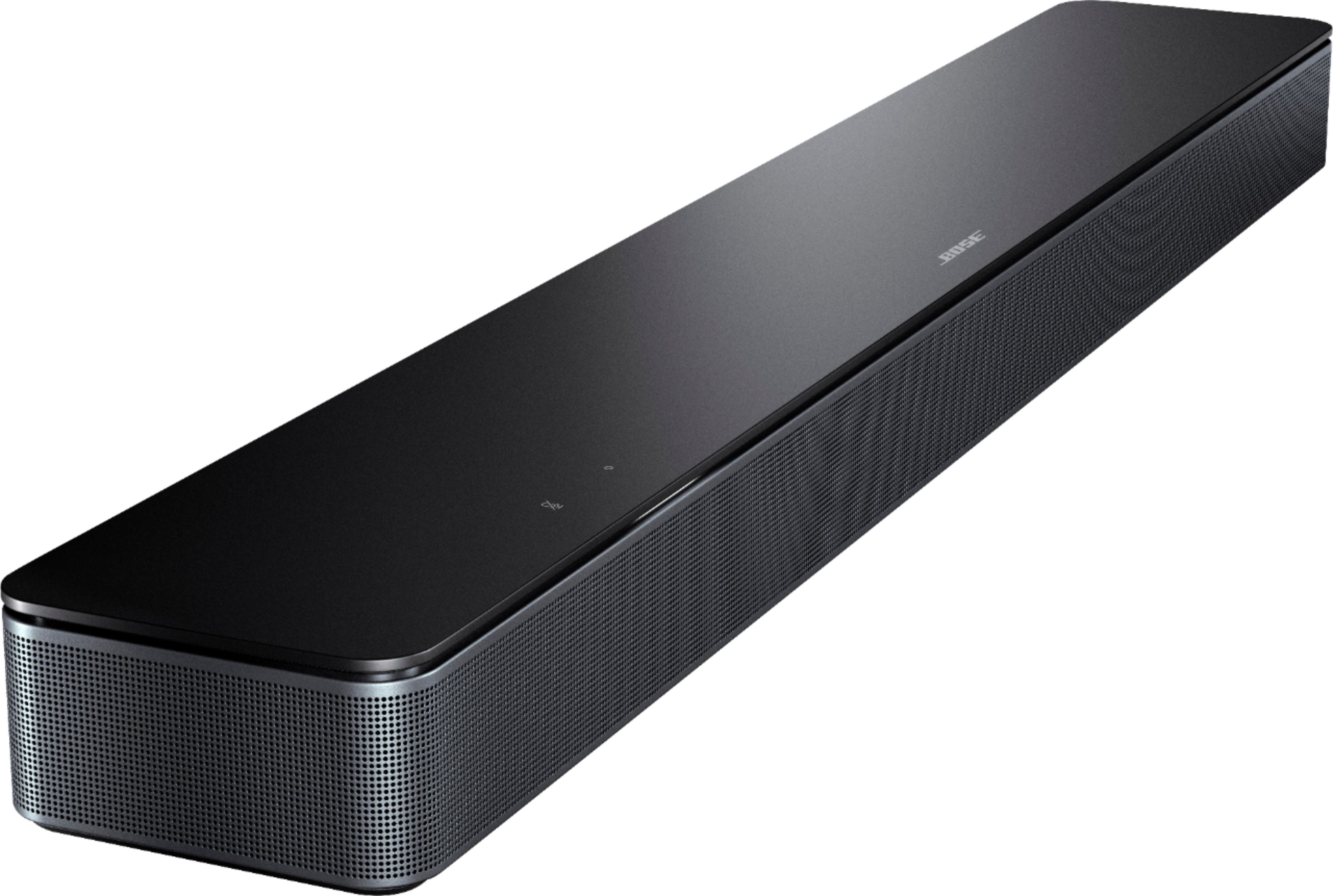
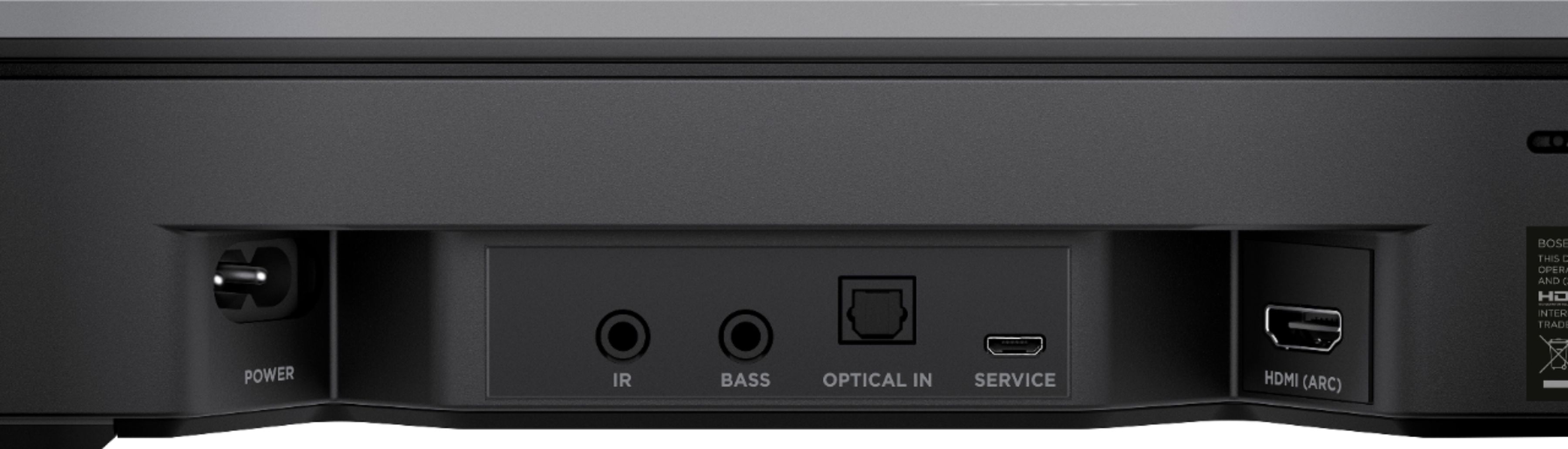


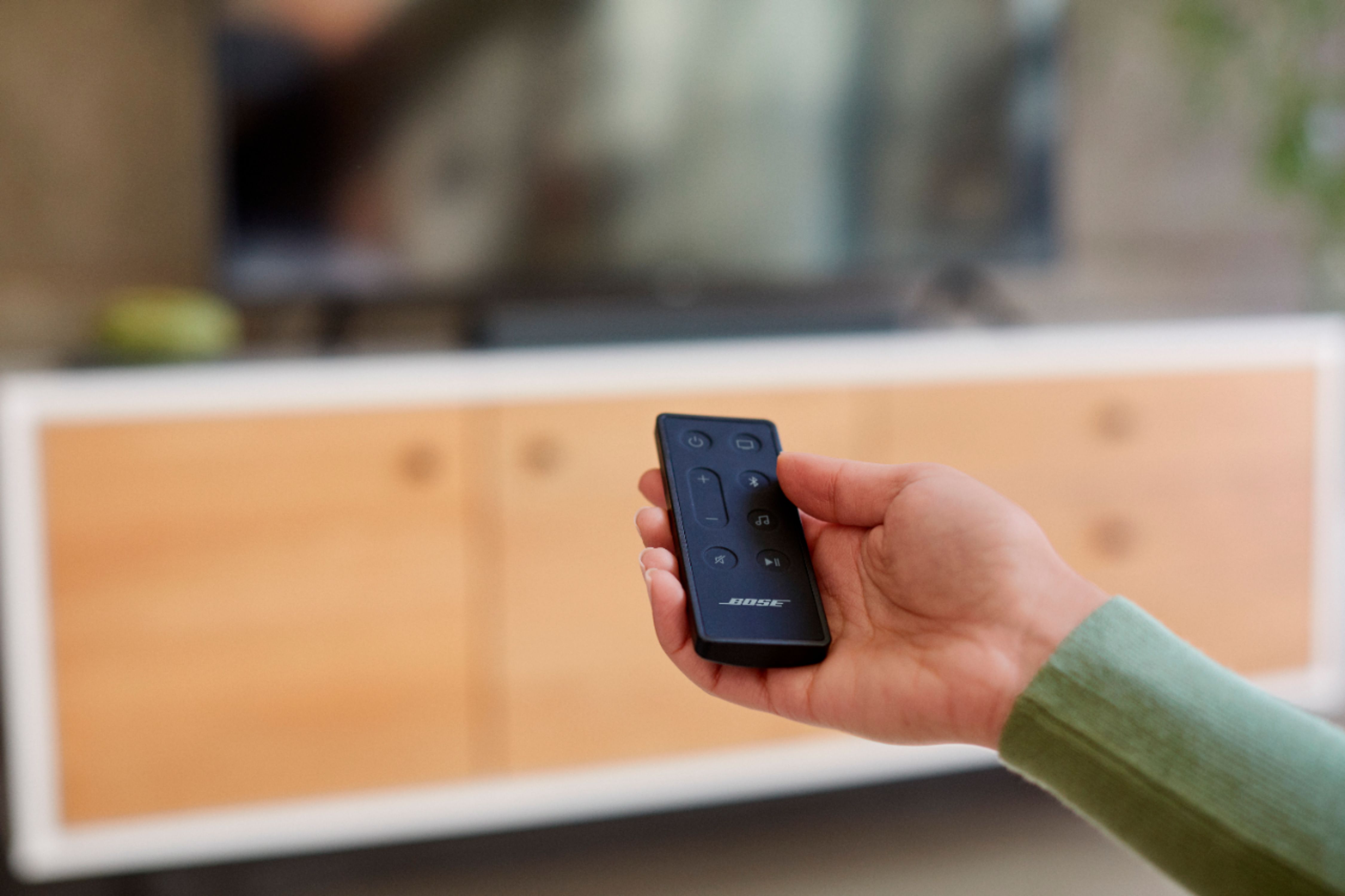


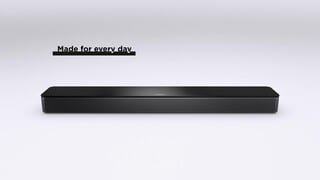
- Model:
- 843299-1100
- SKU:
- 6423428
Rating by feature
- Value
Rating 4.3 out of 5 stars
- Quality
Rating 4.7 out of 5 stars
- Ease of Use
Rating 4.5 out of 5 stars
Customers are saying
Customers praise the Smart Soundbar 300 with Voice Assistant for its exceptional sound quality, describing it as amazing, crisp, and clear with a great range. The soundbar's compact size and affordable price are also well-received. However, some customers have expressed dissatisfaction with the remote control and connectivity issues.
This summary was generated by AI based on customer reviews.
- Pros mentioned:Sound quality
Bose speaker
Posted .This reviewer received promo considerations or sweepstakes entry for writing a review.It is a at ally good speaker it sounds really nice I recommend this product you won’t regret your decision
I would recommend this to a friend - Pros mentioned:Sound quality
Great little sound bar
Posted .This reviewer received promo considerations or sweepstakes entry for writing a review.Excellent sound bar, amazing sound and small footprint.
I would recommend this to a friend - Cons mentioned:Connectivity
The not so smart idiot sound bar
Posted .This reviewer received promo considerations or sweepstakes entry for writing a review.This is a horrible sound bar for connecting to your tv and PS5 it's trying to do too much and doesn't even turn on or connect to your tv randomly. Horrible piece of not so smart tech. Avoid
No, I would not recommend this to a friendBrand response from Bose Support
Posted .Hi Alfred.
Thank you for your post. Sorry to hear that you are having an issue with the proper set up of the soundbar. Please follow the steps here, https://bose.life/3NP3ft9. Once you have it set up, here is how you can sync the power commands for your Bose system and other devices you have programmed your remote to control, https://bose.life/3NrxPHX. If you have further questions, just reach out to us here, https://bose.life/3BgUIIU. We would love to help.
- Marvin
Overpriced and poor value
Posted .This reviewer received promo considerations or sweepstakes entry for writing a review.This soundbar was great for the first 18 to 20 months, but now frequently becomes disconnected from the hdmi arc digitally. I would not recommend this soundbar or any other Bose sound bar. I have an insignia brand sound bar that works all the time with no issues for a fraction of the cost.
No, I would not recommend this to a friendSound
Posted .This reviewer received promo considerations or sweepstakes entry for writing a review.This is a great product. It offers amazing features. This is a great investment. This is a definitely a must have.
I would recommend this to a frienda little expensive
Posted .This reviewer received promo considerations or sweepstakes entry for writing a review.Performs well and is easy to install and setup. Is a little expensive compared to it's competitors at this level.
I would recommend this to a friendSMALL BUT MIGHTY
Posted .This reviewer received promo considerations or sweepstakes entry for writing a review.LOVE LOVE LOVE IT definitely nice for a bedroom. You won’t be disappointed :)
I would recommend this to a friendNot Impressed At All
Posted .This reviewer received promo considerations or sweepstakes entry for writing a review.I have been a loyal Bose customer for years and I must say this was a horrible Bose purchase. I purchased this set up based on the fact that the speakers on the TV I just bought were absolutely horrible, no surprise there. Brought the soundbar and sub woofer home and hooked them up so my 75" Sony X90H TV. Read through the directions and installed everything according to the owners manual. Downloaded the Bose Music App, installed the updated software, paired the sub woofer, and I was ready to go, or so I thought. I tried everything to get the soundbar and sub woofer to sound good. Yes it was an improvement over the speakers on the TV however, it didn't give you that WOW factor Bose systems in the past have given me. I tried changing the audio settings, moving the sub woofer to a different location, moving furniture, you name it I tried it. I started with the HDMI ARC connection, switched HDMI cables, still sounded horrible. Switched to optic, still horrible. Bass was seriously lacking even with the bass turned all the way up on the sub and soundbar. Double checked the audio settings on the TV, everything was correct. You should be able to hear the bass with thunder claps, barely anything. Packed everything back in their respected boxes and I will be returning it today to Best Buy. For my own curiosity I decided to break out a 4 year old Samsung 3.1 HW-K550 system I had mothballed a few years ago that I had installed on my daughters old TV just to make sure it wasn't an issue with the TV itself (new TV so I figured process of elimination, check everything). The 4 year old Samsung system sounded a million times better than the Bose system did, using the same audio I did for the Bose system when it was hooked up! So this evening I will be spending some time with a Magnolia team member at Best Buy looking for a different option.
No, I would not recommend this to a friendSound Bar 300 - Dead - will not turn on
Posted .This reviewer received promo considerations or sweepstakes entry for writing a review.Waste product. I had Bose Sound Touch bar for 2 year or so now and product is DEAD. it will not power on. Talked to Bose Customer Care to get the neccessary service, but seems they charge huge amount for repair. $154+ Taxes for repair of a unit which i got for $300. Seems like bose has serious issue of product being DEAD. This is 2nd time i am facing issue with a bose product. Earlier it was with Portable speaker which was dead and they chareged $80 for repair for $200 product. I will never recommend Bose to anyone.
No, I would not recommend this to a friendBrand response from Bose
Posted .Hey!
I'm sorry to hear that you are experiencing some issues with your Soundbar 300.
We would be more than happy to help you! I encourage you to reach out to our support team so we can discuss this with you further. You can do this by clicking the link here: https://bose.life/3eYpnQm, selecting the country and scrolling down to 'Contact Us'. We will do all we can to help you!
Kerri - Bose Customer Support
100% HONEST REVIEW
Posted .This reviewer received promo considerations or sweepstakes entry for writing a review.I have had this for 3 years and I can honestly suggest you save your money. I have been waiting for update after update to fix the strange "popping" sound coming from the Bose subwoofer and have yet to see a fix. IT'S REALLY ANNOYING. I have tried all possible solutions, moving my subwoofer to different places, resetting it, restarting it, updating it, you name it, i've done it. ABSOLUTELY ZERO FIX. I am in the middle of a movie and I'm writing this review because of how annoying it is. BOSE has definitely let me down. Don't let it happen to you
No, I would not recommend this to a friendBrand response from Bose
Posted .Hi Typicaljess.
The Bose Smart Soundbar 300 has just been launched Sept. last year. You could be referring to the Soundtouch Soundbar 300. It is such a very good soundbar.
With regard to the issue you are having, try connecting the bass module to soundbar using a 3.5mm aux cable. If the issue no longer occurs when the bass module has a wired connection to the console, wireless interference was causing the issue.
Gatz - Bose Customer Support
No Youtube Music, cannot use TV remote. Try Sonos
Posted .This reviewer received promo considerations or sweepstakes entry for writing a review.Youtube Music not available. I don't pay for much when it comes to TV and entertainment services. But Youtube Premium is that rare thing. Using TV remote - I just don't want to have to grab the soundbar's remote for a basic thing like volume control. It so happens that my Samsung Smart TV from 2016 cannot control this soundbar using IR. With Sonos Beam it's easier - it's got setup to allow you enable your TV remote. Tried contacting customer support -no email no forum. Tried to type overything through SMS, go response that live agent will join soon but that didn't happen.
No, I would not recommend this to a friendBrand response from Bose Support
Posted .Hi,
We are working hard to add new features to our Smart speakers and Soundbars. Chromecast integration is currently being worked on to be enabled for support.
Support for third party remotes is based on the remote manufacturer. Nothing needs to be enabled on the soundbar to enable third party remote support. Please check with your remotes manufacturer to find out how to program their remote if possible.
We have different methods of contacting our support, these are phones, SMS, Social Media like Facebook, or Twitter. You can find our SMS and phone support options here https://bose.life/34PA8lC.
-Nic Bose Customer Support.
Stopped working within a few months
Posted .This reviewer received promo considerations or sweepstakes entry for writing a review.This $500 piece of trash is stuck in an update just a few months from purchased and there's nothing you or Bose can do. You have to pay for it to get fixed. Good sound, trash product.
No, I would not recommend this to a friendBrand response from Bose
Posted .Hello! Sorry to hear that your Soundbar is stuck in an update, I would recommend that you try placing the soundbar into recovery mode to refresh the system and push the update through. You can follow the steps here: https://bose.life/3zIbVrD. All our soundbars have a factory one year warranty, so If you continue to have issues, please contact our local support team and they will be happy to assist you further, you can find their contact details here: https://bose.life/3i4aUny.
Liam - Bose customer support