Customer Ratings & Reviews
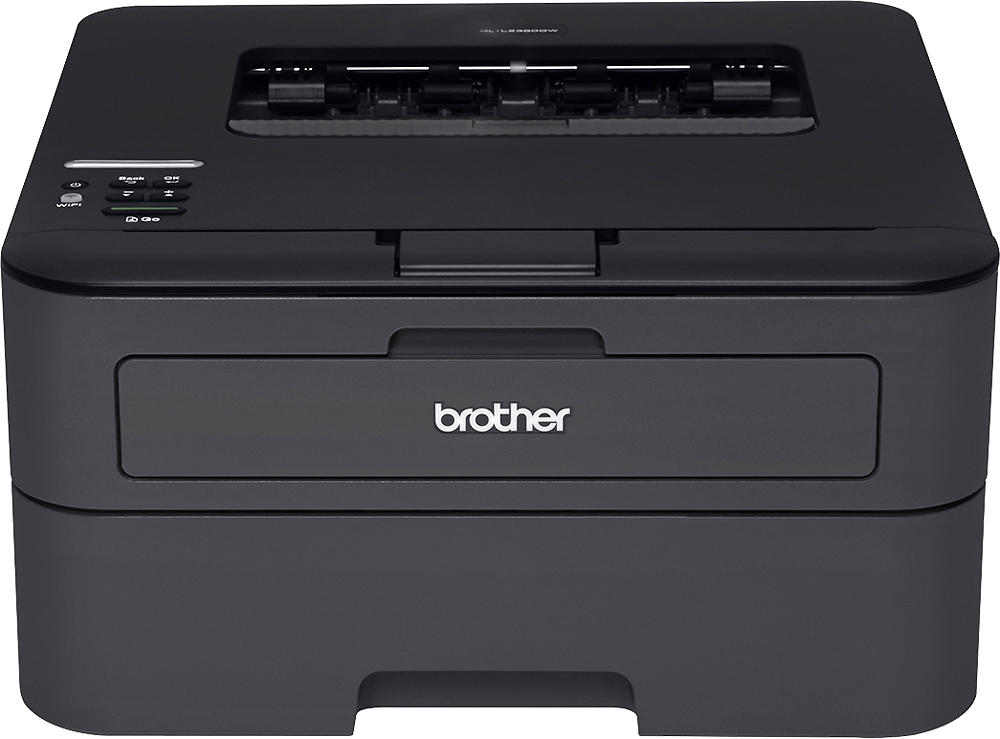
- Model:
- HL-L2360DW
- |
- SKU:
- 6130209
Customer reviews
Rating 4.6 out of 5 stars with 2002 reviews
(2,002 customer reviews)Rating by feature
- Value4.7
Rating 4.7 out of 5 stars
- Quality4.3
Rating 4.3 out of 5 stars
- Ease of Use4.2
Rating 4.2 out of 5 stars
Customers are saying
Customers enjoy the HL-L2360DW Wireless Black-and-White Printer's excellent print quality, ease of use, and wireless functionality. Many appreciate its compact size and affordable price, finding it easy to set up and quiet during operation. A small number of users experienced challenges with the printer's sleep mode affecting network connectivity. Overall, the positive feedback on key features outweighs the reported issues with sleep mode.
This summary was generated by AI based on customer reviews.
- Pros mentioned:Wireless
Rated 5 out of 5 stars
Great wireless printer
Posted .This reviewer received promo considerations or sweepstakes entry for writing a review.Works well on my wireless system. I print from my phone or laptop with no issues.
I would recommend this to a friend - Pros mentioned:Print quality
Rated 4 out of 5 stars
Decent
Posted .This reviewer received promo considerations or sweepstakes entry for writing a review.- Printing is quick - Cartridges are cheap - Setup can be a pain, but works well after.
I would recommend this to a friend Rated 3 out of 5 stars
returned
Posted .This reviewer received promo considerations or sweepstakes entry for writing a review.I returned this printer because I didn't like the scanning method. It was too difficult to scan more than 1 page.
No, I would not recommend this to a friendRated 4 out of 5 stars
Great but poor instructions and tiny toner include
Posted .This reviewer received promo considerations or sweepstakes entry for writing a review.Beware... the included cartridge only yieds about 200 pages... get a refill when you buy it. The documentation is weak. I'm a programmer... hooking it up wirelessly and setting it up w Google cloud print is not outlined well. Too much digging... good luck to anyone that isn't near expert. Once past that it's great. Fix the documentation. ...
I would recommend this to a friendRated 5 out of 5 stars
Excellent printer for $, needs more documentation.
Posted .This reviewer received promo considerations or sweepstakes entry for writing a review.The printer works very well and was supported on Windows and Mac. Wireless was a little difficult to configure however, and the printer could use better documentation. All there was for documentation was a single folded sheet. I did get it setup though and it is working very well.
I would recommend this to a friendRated 1 out of 5 stars
Don't expect to use WIFI
Posted .This reviewer received promo considerations or sweepstakes entry for writing a review.Doesn't work over WIFI. It will stop printing before the toner is completely used. Overall, it is a very frustrating printer to use. Brother's support website is not very useful and hasn't been updated (a lot of the information is for Windows XP and no mention of Windows 10, at least for the Hl_L2360DW). Have two other WIFI printers (HP and Lexmark), much less expensive that worked right away. Stay away from Brother printers.
No, I would not recommend this to a friendRated 4 out of 5 stars
Not so easy wifi setup....
Posted .This reviewer received promo considerations or sweepstakes entry for writing a review.Horrible lack of instructions. I just stumbled on the setup. +++ (=network) ok (=wired lan) - (=WLAN) ok + (until = setup wizard) ok (= searching Ssid) select your network name, enter network passcode, ok. Done! Just would be nice to have that info. Not intuitive. Or just call them?
I would recommend this to a friendRated 1 out of 5 stars
Waste of money
Posted .This reviewer received promo considerations or sweepstakes entry for writing a review.I got so sick of having to buy a new inkjet printer every six months so I switched to laser. The predecessor of this printer served me well for almost 18 months. Then it broke and was no longer available. This one didn't even last six months. It takes the same toner cartridge as the predecessor. I took the toner from the old one and put it in this one. It worked. But when that toner ran out, this printer didn't recognize the toner cartridge that came in the box with it. Despite repeatedly taking it out and replacing it, probably at least 100 times over 4 days, it still didn't recognize the toner. Another printer going to the landfill. What a waste. I have no idea what I am going to do for a printer now.
No, I would not recommend this to a friendRated 5 out of 5 stars
Couldn't Be Better
Posted .This reviewer received promo considerations or sweepstakes entry for writing a review.Bought it yesterday. Easy wireless set up. Was printing 10 minutes after slicing the box open. Brother printers last, this one is more functional than the last one I bought because I can put it anywhere.
I would recommend this to a friendRated 5 out of 5 stars
Couldn't ask for more!
Posted .This reviewer received promo considerations or sweepstakes entry for writing a review.A great unit for the money, I am never disappointed by Brother printers, they are well built, have great features, and (relatively) inexpensive to maintain.
I would recommend this to a friendRated 1 out of 5 stars
Worked real good in the beginning
Posted .This reviewer received promo considerations or sweepstakes entry for writing a review.First of all,I got what I paid for.....Worked real good for the first 400 pages,then it stopped. the replace toner started flashing so I bought toner and replaced the cartridge as per instructions. Still said replace cartridge. So I read the book over and over and tried everything. You want to know what I did next?? THREW IT IN THE DUMPSTER and bought a Samsung
No, I would not recommend this to a friend- Pros mentioned:Print quality
Rated 1 out of 5 stars
I wanted to throw it out the window
Posted .This reviewer received promo considerations or sweepstakes entry for writing a review.The company recommends installing the printer using a USB cable but then does not provide one. I had no USB printer cable, so I tried both of the two alternative options: via ethernet cable and via the wireless network. Neither option worked. I eventually got the printer onto the network but that required me to type the network key into the actual printer which was done by cycling through the alphanumeric characters using an up and down arrow. I also went through half a ream of paper getting failed network connection print outs. Every time I had attempted to connect the printer to the network, it would give me a handy printout to tell me I had failed. Finally, I thought I had it working, but I was wrong. Sometimes it prints when I ask, sometimes it doesn't. I tried uninstalling and reinstalling the software, but it just created two versions which further served to confuse the printer. I will try to sort this whole mess out. If I can get it working properly, I will upgrade my review. I will say it printed those failed network connection papers very quickly.
No, I would not recommend this to a friend Rated 5 out of 5 stars
Works great!!
Posted .This reviewer received promo considerations or sweepstakes entry for writing a review.I have purchased these both for personal use and business use! Very happy. I'll continue to buy these.
I would recommend this to a friend- Pros mentioned:Print quality
Rated 1 out of 5 stars
Printed well but WiFi stopped working
Posted .This reviewer received promo considerations or sweepstakes entry for writing a review.WiFi stopped working & I returned it. Printed well but WiFi very unreliable.
No, I would not recommend this to a friend Rated 5 out of 5 stars
printer
Posted .This reviewer received promo considerations or sweepstakes entry for writing a review.Epson is a very good printer, was very pleased with the product
I would recommend this to a friendRated 5 out of 5 stars
love it
Posted .This reviewer received promo considerations or sweepstakes entry for writing a review.great product use it daily... on the road ... love it
I would recommend this to a friendRated 1 out of 5 stars
DO NOT buy if you have Apple Products
Posted .This reviewer received promo considerations or sweepstakes entry for writing a review.I purchased this printer after reading NOTHING but good reviews. I originally bought this model from Walmart. The printer would not connect to either of my MacBooks. After a call to customer support we got it connected, but it lost connection the next day. Again, customer service call and got it working. The next day no connection. I returned the Walmart printer and bought a Best Buy version (thinking Walmarts may have been faulty). The Best Buy printer also did the same thing. Connected, then looses it the next day. Im on day 5 since buying the printer and Brother's customer support has no info for me, other than to walk me through the same installation instructions. It always works after the phone call, but once the printer goes to "sleep" it looses all connections (two iPads, two iPhones and two MacBook pros). When the printer works it is great!! But alas, it still isn't working without reinstalling ALL drivers on a daily basis. Ive installed a firmware patch that was suppose to help, Ive manually adjusted settings according to customer service instruction, customer service instructed me to adjust the settings to "optimize use by Mac computers" which didn't help. I guess Im just at a loss...this is the first time Ive researched the best equipment and its failed. Im moving on to a Samsung, which has worse reviews than the brothers, but perhaps better connectivity.
No, I would not recommend this to a friend- Cons mentioned:Sleep mode
Rated 1 out of 5 stars
Frustrating - never connects
Posted .This reviewer received promo considerations or sweepstakes entry for writing a review.I can never get anything to print using wifi, which is the whole reason I bought this piece of crap. It normally stays in sleep mode and is difficult to get online. Then when the menu finally displays Ready, it still won't accept incoming print requests.
No, I would not recommend this to a friend Rated 1 out of 5 stars
Great Printer, Terrible Flaw.
Posted .This reviewer received promo considerations or sweepstakes entry for writing a review.Oh my god. I'm writing this review in frustration. I switched from an Inkjet to this Laser printer and I love it, but there's one issue. It goes into this terrible dark place called "sleep mode" and it won't wake up. When I print, the printer does not wake itself out of sleep mode. It's constant and requires to turn it on and do a little boot up and then reprint it again. My inkjet is right next to it and at this point, this printer is going back to returns. Major flaw Brother. Major.
No, I would not recommend this to a friendRated 1 out of 5 stars
Doesn't work with Windows 8
Posted .This reviewer received promo considerations or sweepstakes entry for writing a review.I've wasted 3 hours trying everything I could. I'm not sure how many more times I can restart my computer. It's just not going to work. I've disabled firewalls, connected wirelessly, connected via USB, paired the thing (it reads it just fine), and attempted to finally install the driver no less than 15 times. Every single time I get an unsolvable error. Come on, Brother. Fix your software.
No, I would not recommend this to a friend