Customer Ratings & Reviews
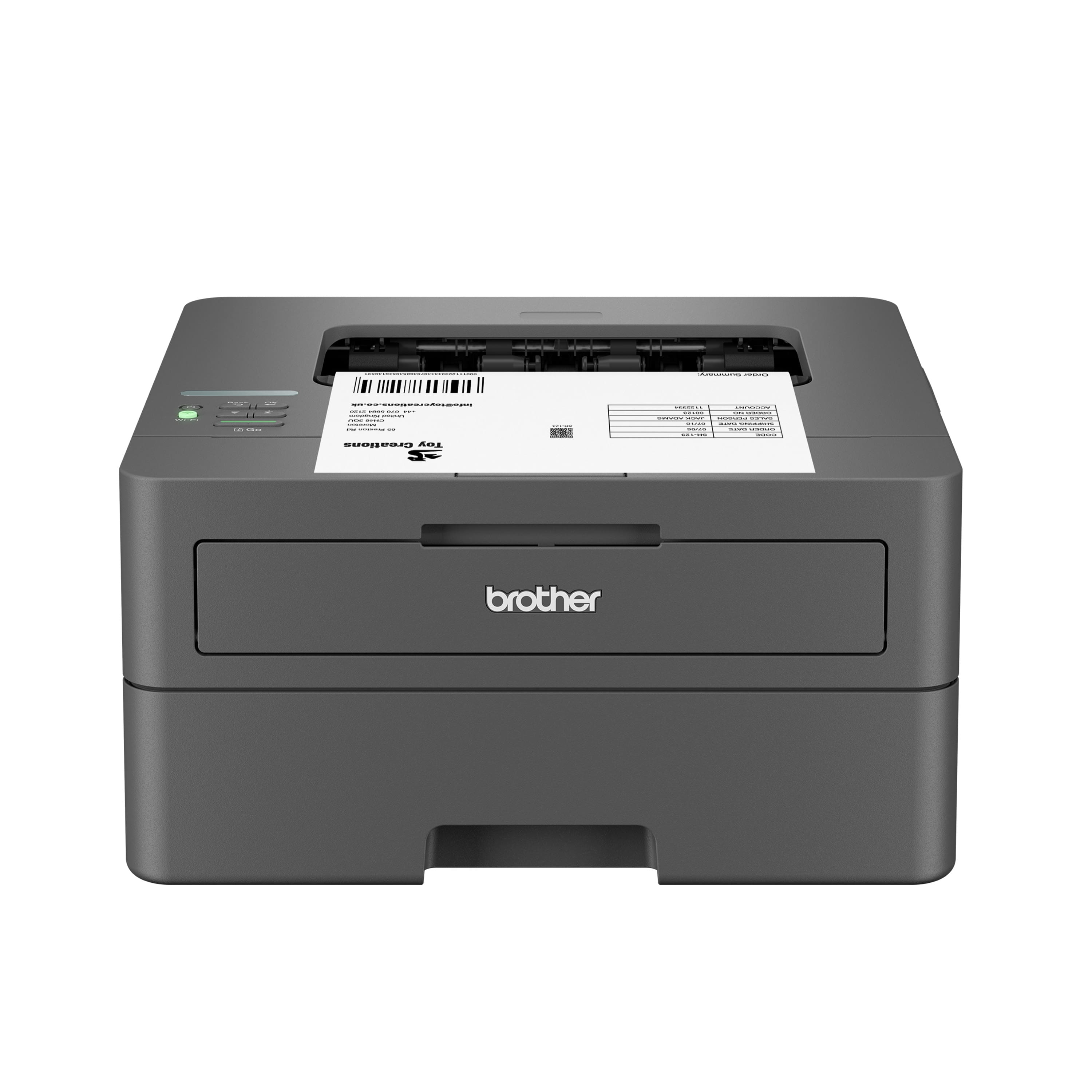
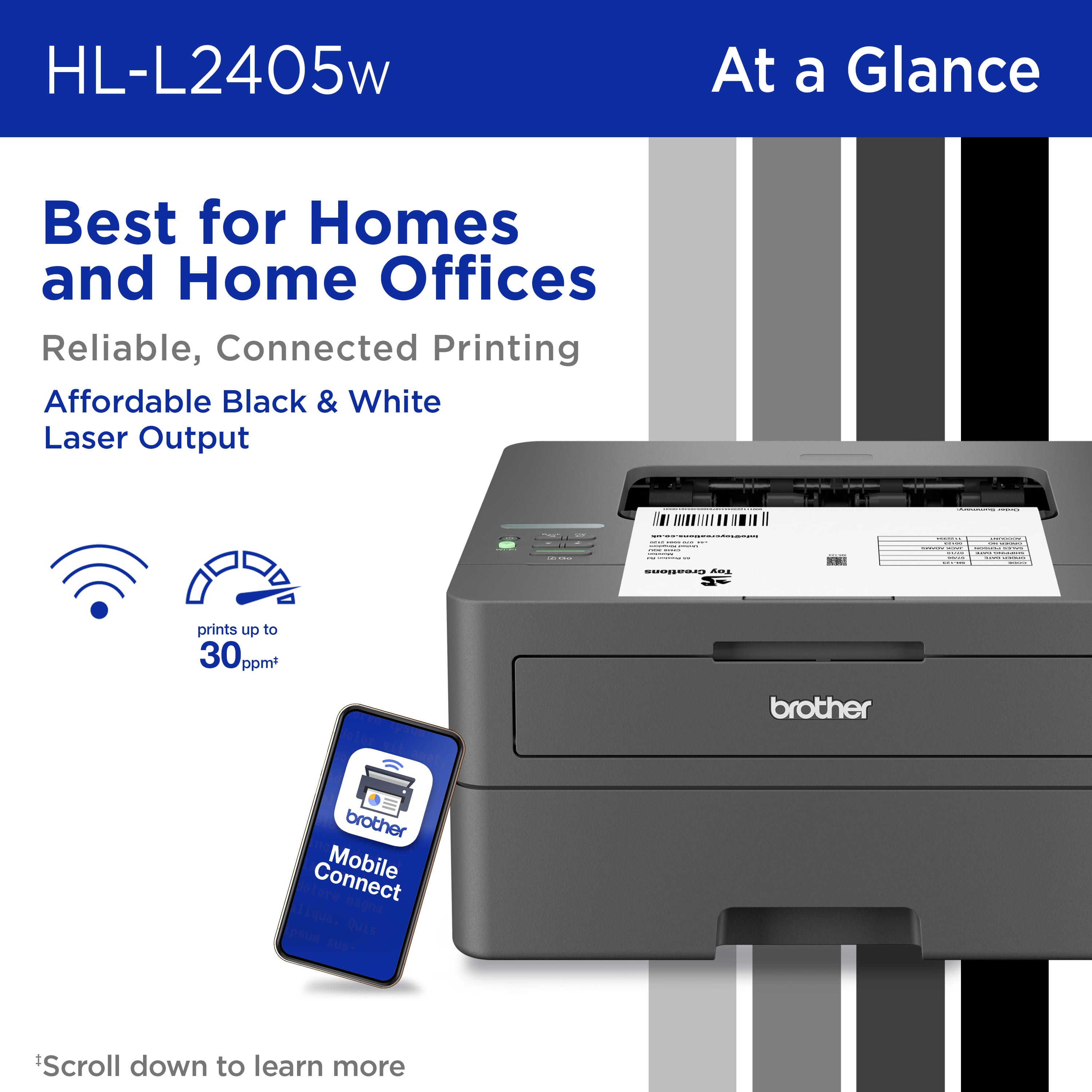
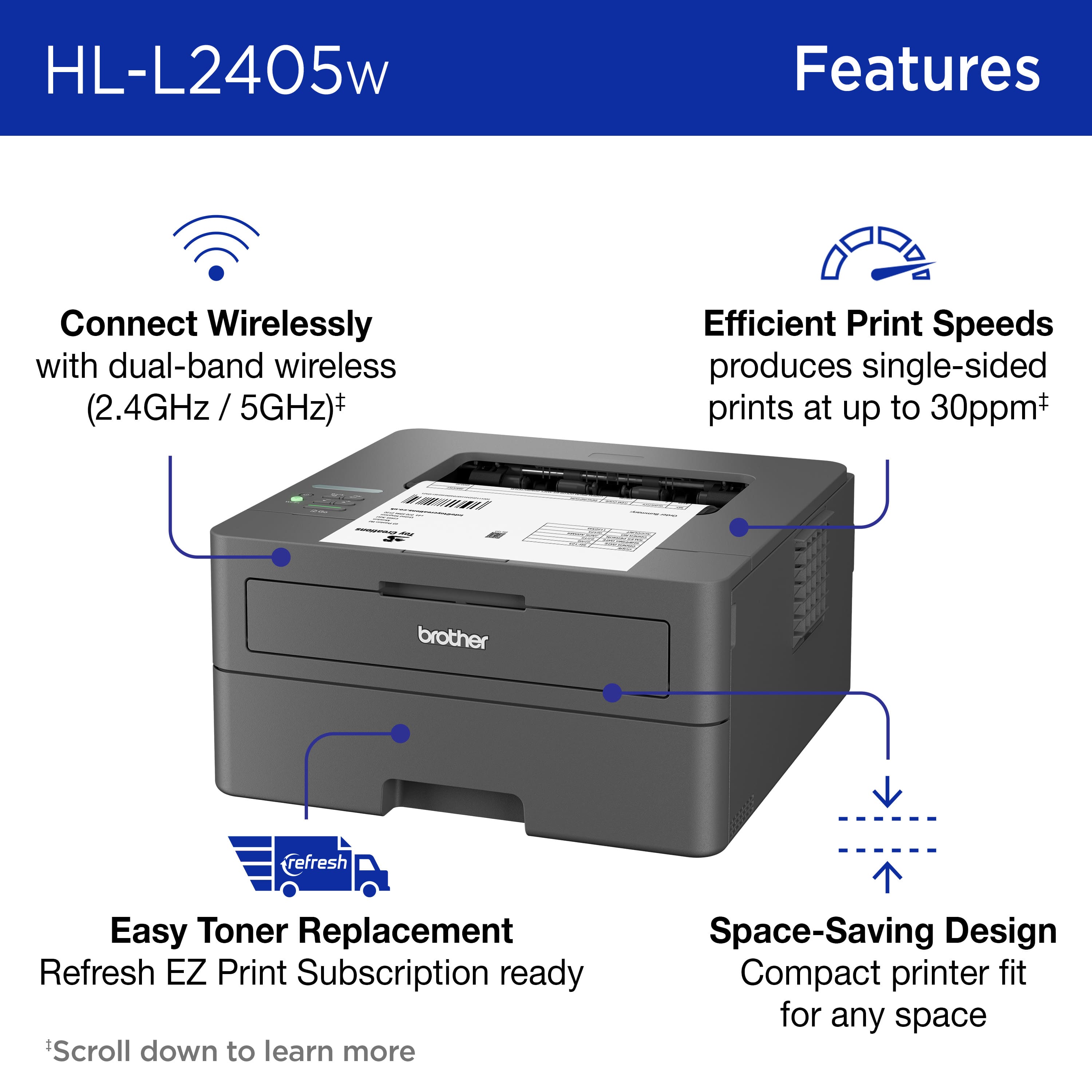
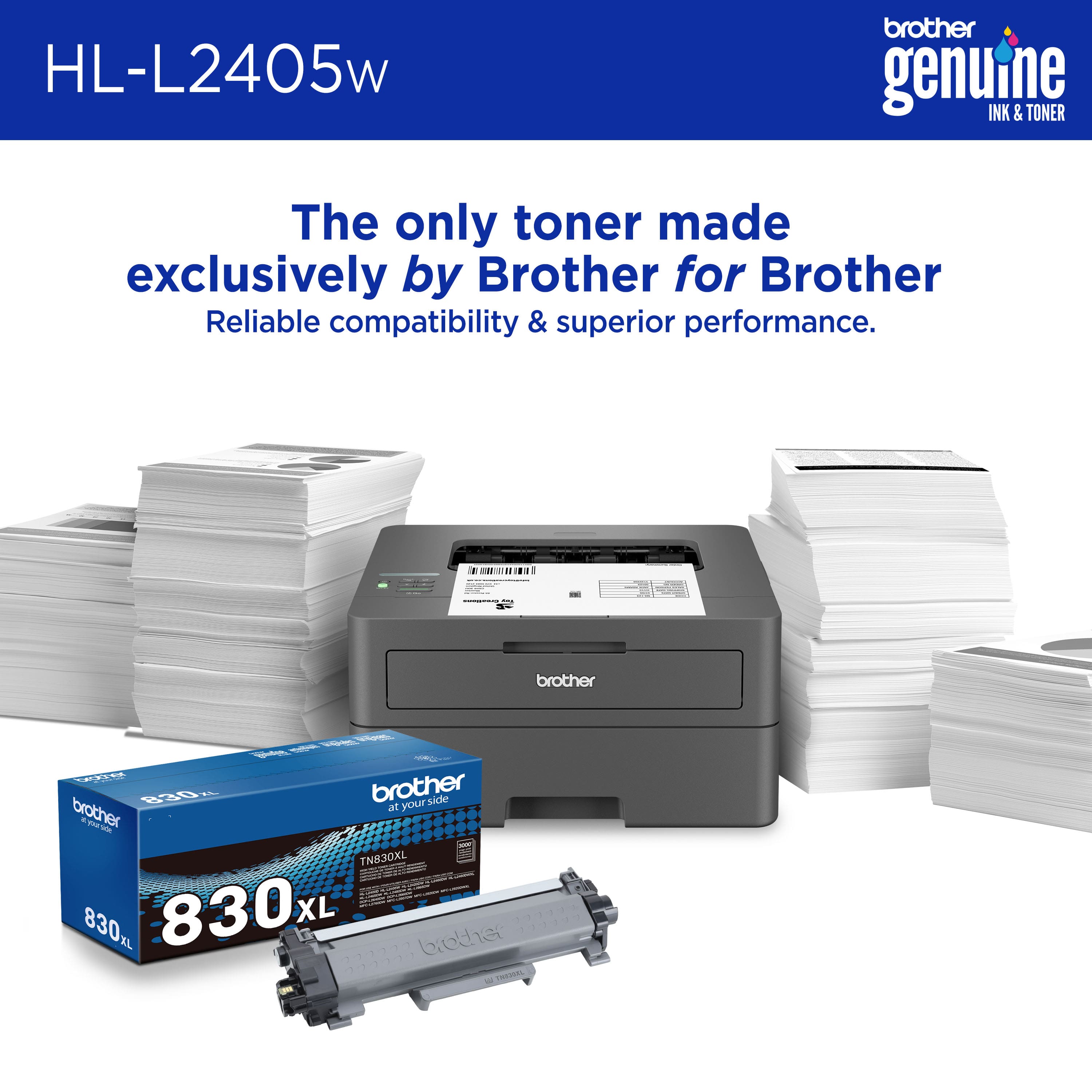
- Model:
- HL-L2405W
- SKU:
- 11956732
Rating by feature
- Value
Rating 4.7 out of 5 stars
- Quality
Rating 4.7 out of 5 stars
- Ease of Use
Rating 4.6 out of 5 stars
to a friend
ok
Posted .This reviewer received promo considerations or sweepstakes entry for writing a review.works well setup is easy, their software sucks though if duplex printing (printing on both sides) is important to you do not buy this printer.
No, I would not recommend this to a friendBrand response from Brother
Posted .We would like to take this opportunity to thank you for your feedback. At Brother, customer satisfaction is something we take seriously. Your feedback is important to us and will be reviewed.
Thank you for being a Brother customer. Please know that we will be here, should you need to contact us in the future. Please contact us directly at:
https://www.brother-usa.com/support/HLL2405W
Grab toner when you buy it!
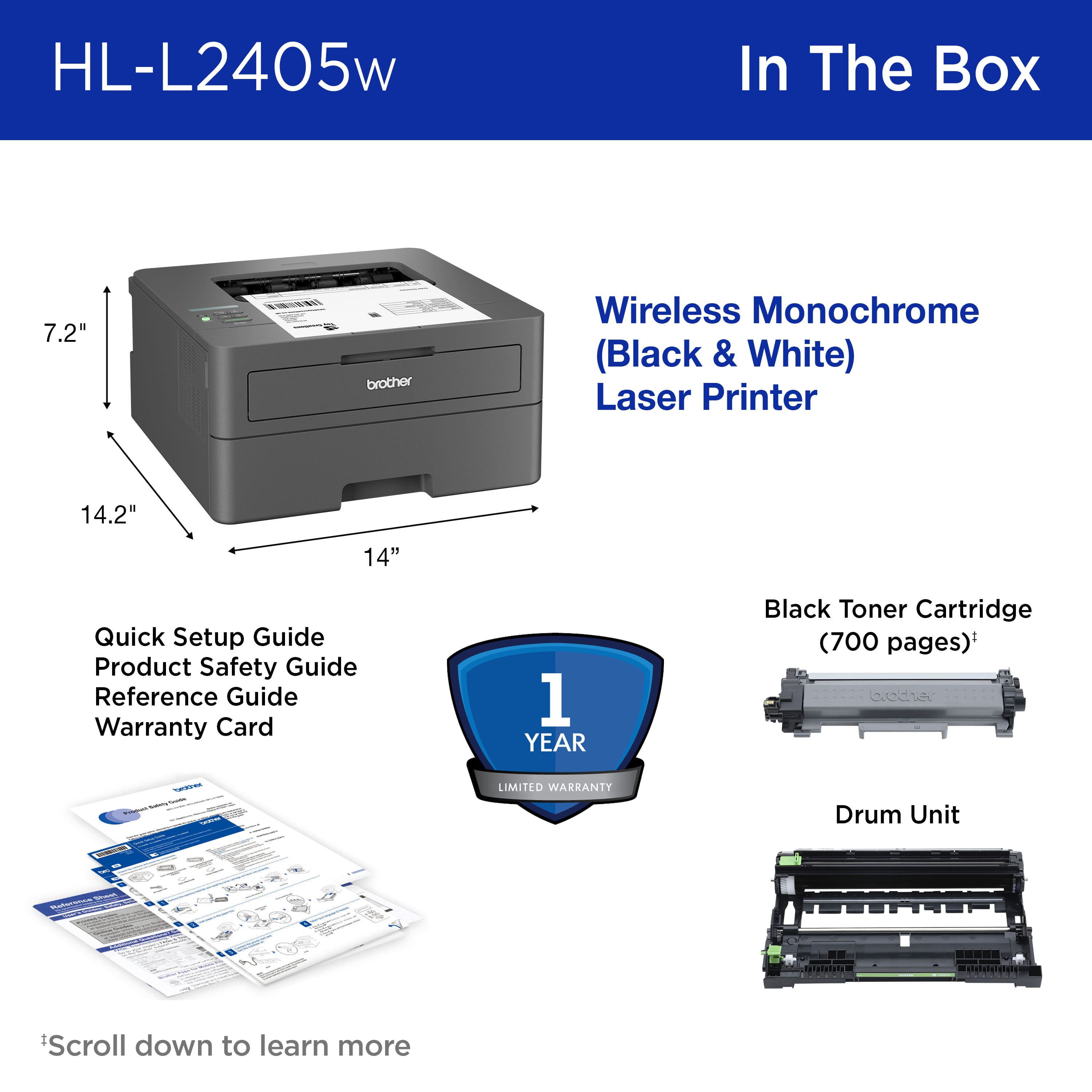
Posted .This reviewer received promo considerations or sweepstakes entry for writing a review.Bought this to replace older Brother laser printer. Finally got the wifi setup and started to print. Got about 100 pages printed and wow the toner is empty! Seriously Brother, could you not include a regular cartridge with purchase????? Now I have to go to store tomorrow and spend $50 more to get a cartridge. What a scam! Make sure to buy a cartridge when you the printer!
I would recommend this to a friendBad at printing envelopes/Can't print from phone
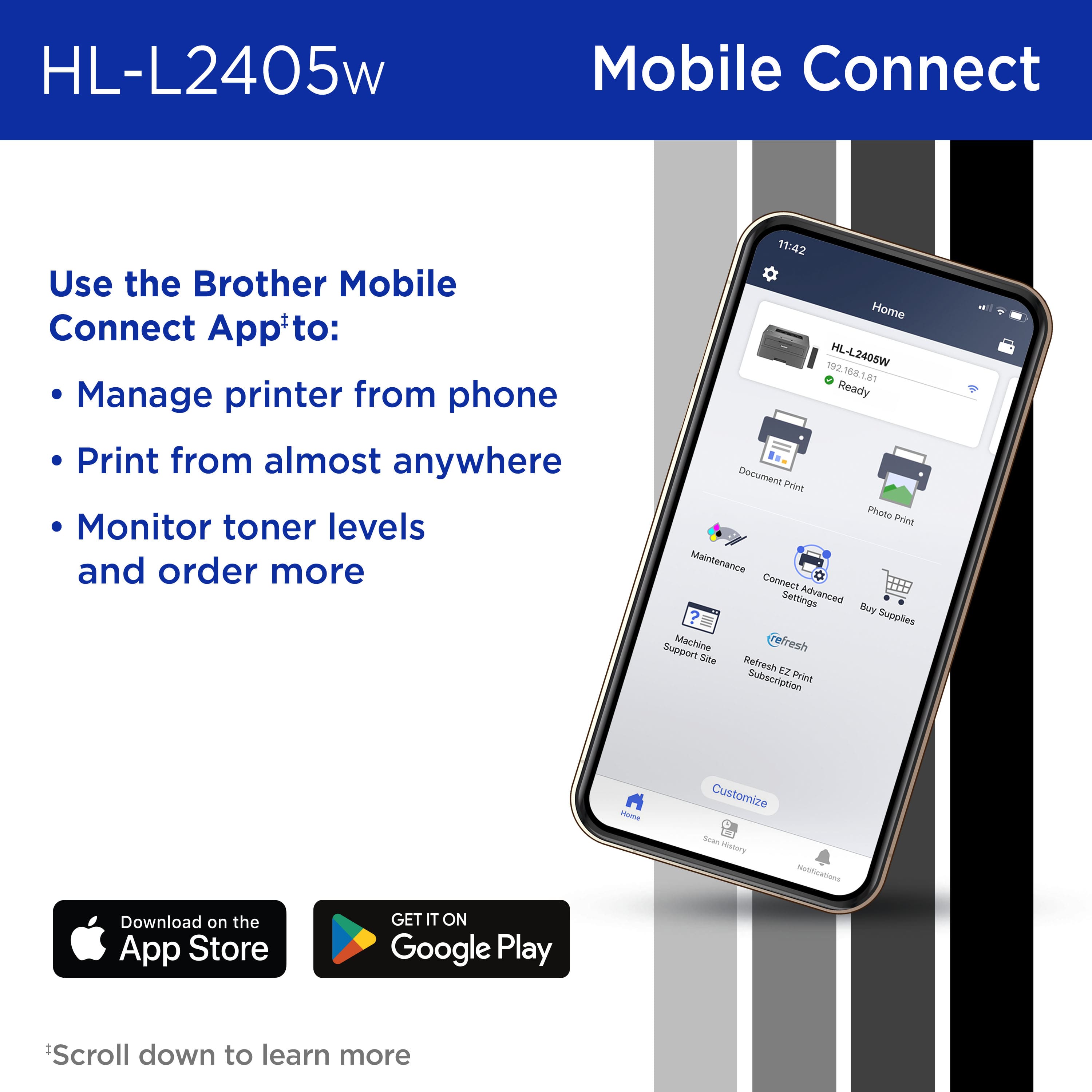
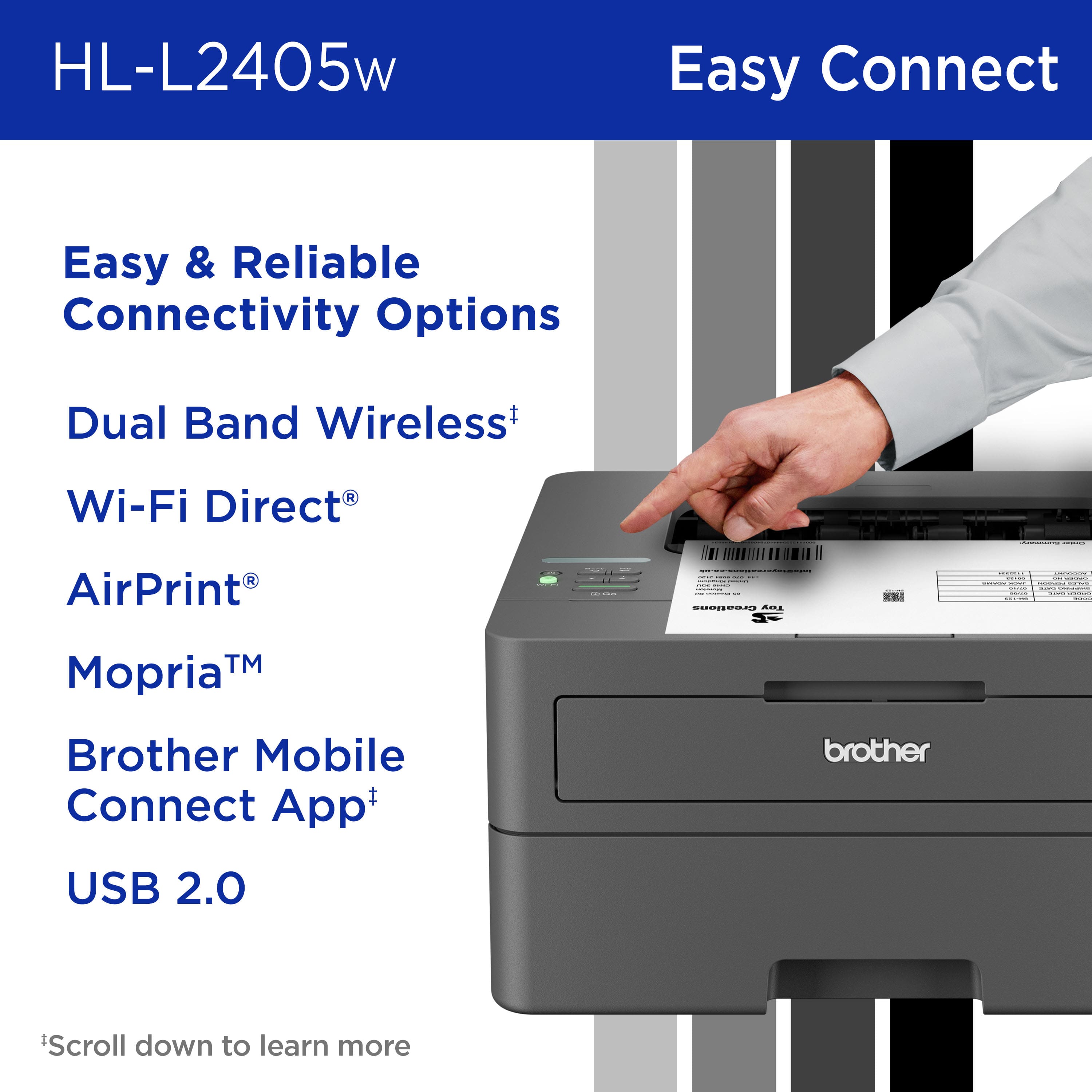
Posted .This reviewer received promo considerations or sweepstakes entry for writing a review.I bought it to print envelopes, primarily, in addition to regular printing. When I tested an envelope on it, it squeezed the envelope and pulled and wrinkled it, and sealed the glue so I had to pry the envelope open. I'm not sure how secure the glue would be after being partially sealed during printing. The second test envelope printed everything crookedly. It was not a professional looking envelope. Also, it has WIFI, but this printer doesn't hook up to your phone. I viewed the QR code on the face of the printer, which instructed me to download an app so I could print from my phone, but when I when to the store I was told the phone app didn't work with this printer. No telling why they have the QR code on the printer if it's telling you to do something that doesn't work. I returned it for a refund.
No, I would not recommend this to a friendworks great
Posted .This reviewer received promo considerations or sweepstakes entry for writing a review.works great, works great, works great, works great
I would recommend this to a friendSturdy but poorly made
Posted .This reviewer received promo considerations or sweepstakes entry for writing a review.When you want it to print, it prints. It's lasted me over 5 years and still currently works. However if it's plugged in it constantly surges power from your house dimming the lights every 100 seconds. Recently it completely killed a set of USB ports on my computer, I believe stemming from this issue. I would do nothing but pass on this machine. It's not worth the money.
No, I would not recommend this to a friendBrand response from Brother
Posted .We understand you are experiencing issues with your Brother HLL2405W not updating properly. We'd like to help. Please contact the Brother USA support team at: https://www.brother-usa.com/support