Customer Ratings & Reviews
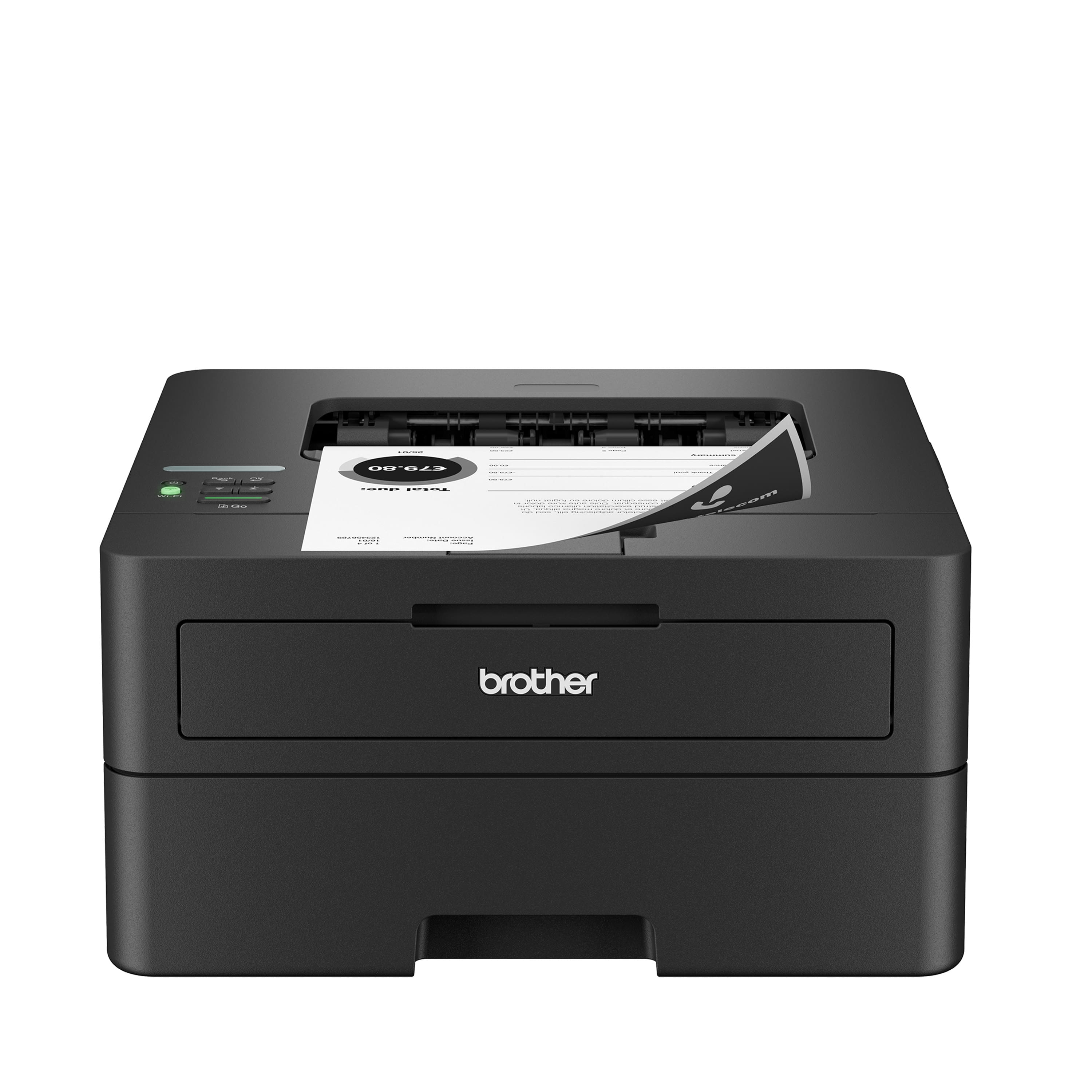
- Model:
- HL-L2460DW
- |
- SKU:
- 6569816
Customer reviews
Rating 4.5 out of 5 stars with 208 reviews
(208 customer reviews)Rating by feature
- Value4.5
Rating 4.5 out of 5 stars
- Quality4.5
Rating 4.5 out of 5 stars
- Ease of Use4.4
Rating 4.4 out of 5 stars
Customers are saying
Customers have good things to say about the HL-L2460DW's print quality, ease of use, and reliability. Many appreciate its compact size and straightforward setup process, along with the wireless printing capabilities. Positive feedback also highlights the printer's quiet operation. However, some users mention concerns about toner costs and occasional toner spillage.
This summary was generated by AI based on customer reviews.
Rated 1 out of 5 stars
Printer wrinkles pages when it prints
||Posted . Owned for 1 month when reviewed.This reviewer received promo considerations or sweepstakes entry for writing a review.From the first day I bought it, the printed turned out wrinkled papers. It still doesn't print smooth sheets of paper.
No, I would not recommend this to a friend- Pros mentioned:Print quality, Setup
Rated 4 out of 5 stars
A solid little reliable Laser Printer
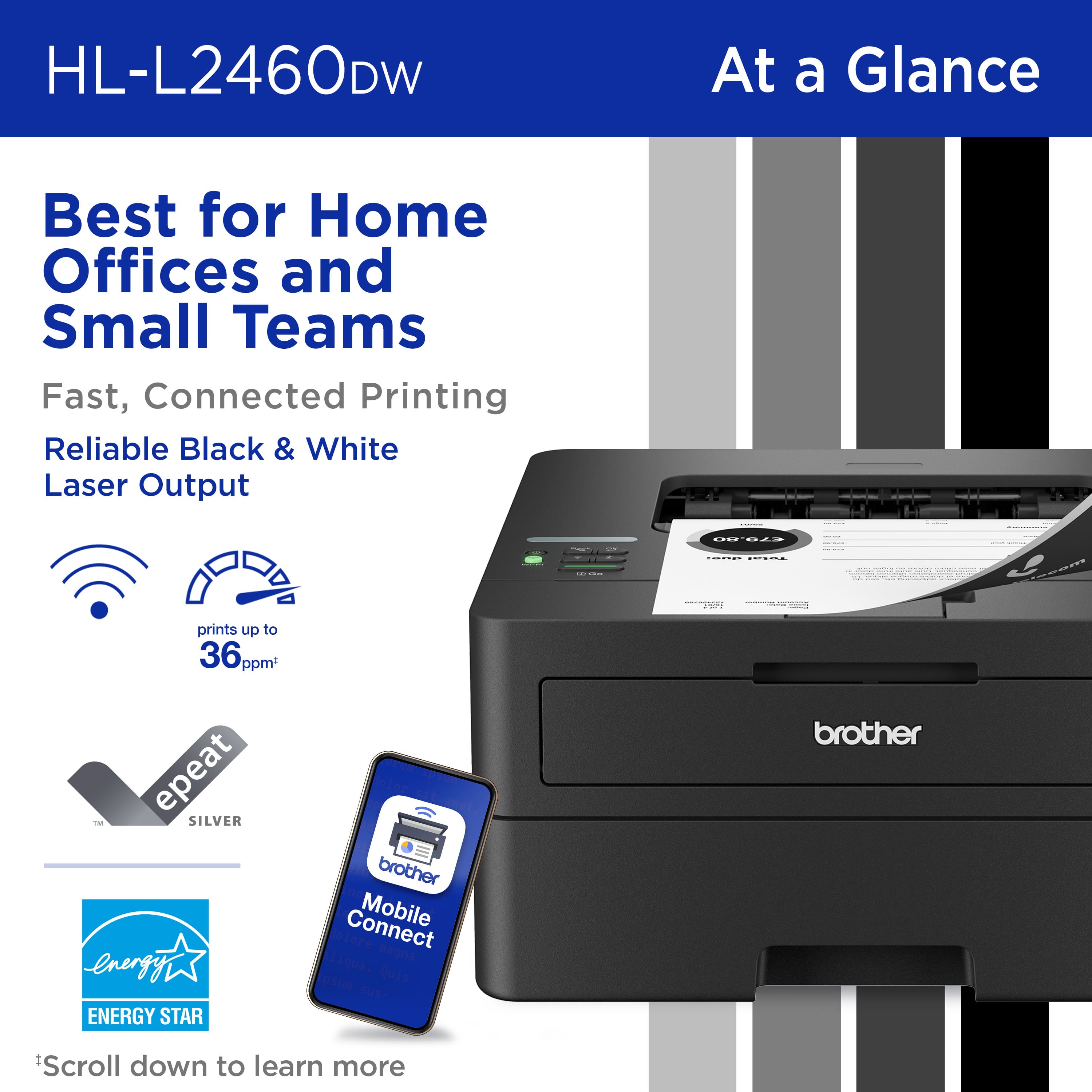
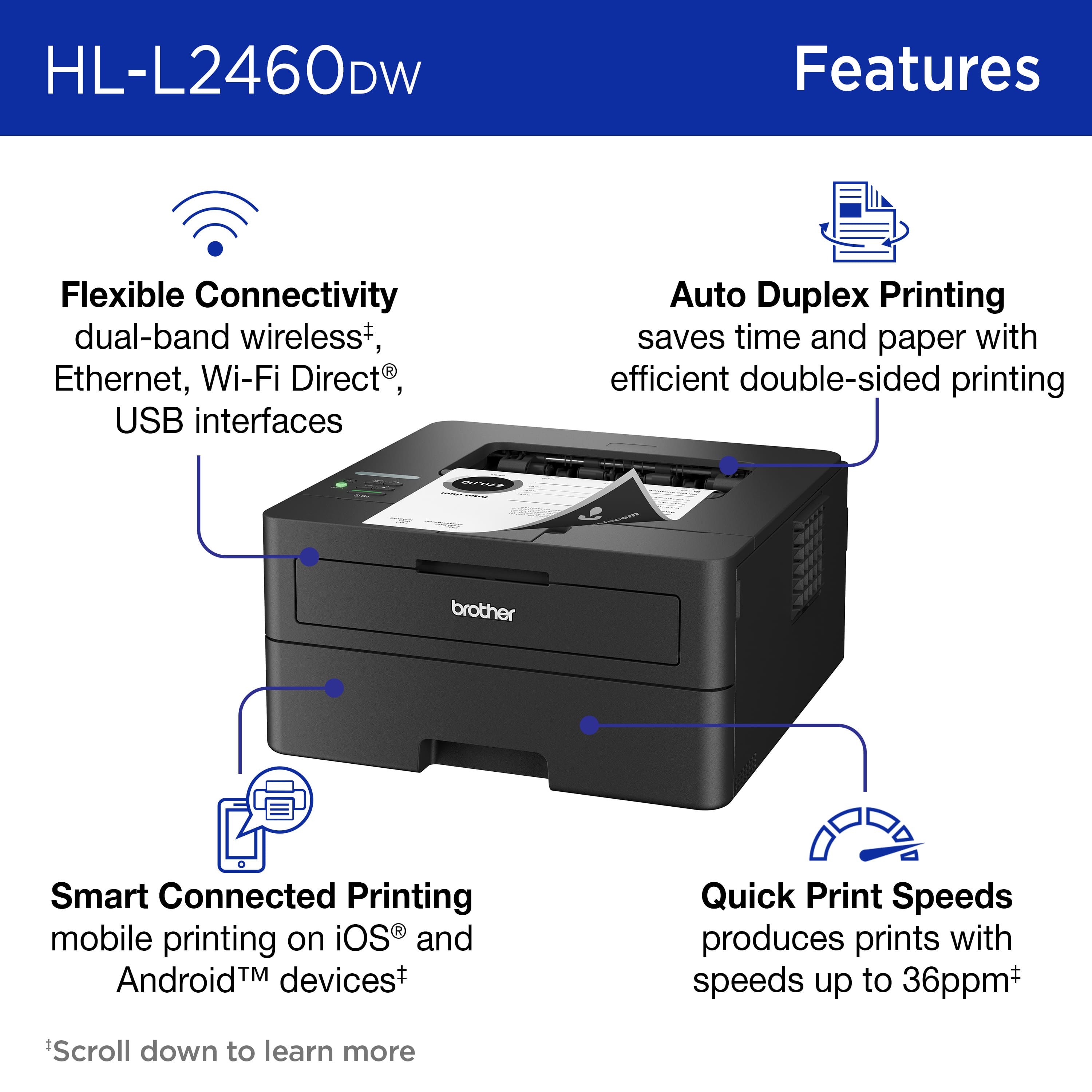
|Posted .This reviewer received promo considerations or sweepstakes entry for writing a review.I own a small business and I needed a new printer for my office. I was interested in a small B&W laser printer that can print about 50 sheets of paper every day. I use mostly regular letter stock paper, but I also want to print on labels and envelopes. I understand the critical role that a reliable printer plays in day-to-day operations. I have found that the Brother HL-L2460DW laser printer is an excellent choice for my needs The HL-L2460dw uses laser technology, which means it prints quickly and consistently. The HL-L2460DW is designed with efficiency in mind. It's compact, which means it won't hog precious office space; can print out up to 36 pages per minute all at a very low cost to buy, use and maintain. As a small business owner, every dollar counts, and this printer delivers. When I'm handing out proposals, I want them to look sharp. This Brother printer consistently produces crisp black and white prints. I am very impressed, and I know my clients will be too. There are several connectivity features such as dual-band wireless (2.4GHz and 5GHz). Now I can print from the sales floor or from my office with ease - from my laptop, tablet, or phone. There's also an ethernet port and a USB 2.0 port available on the back. It handles my regular letter stock, but it's also prints on labels. The 250-sheet paper tray lasts for several days before I have to refill it. The manual feed slot is for specialty stock, and odd-sized printing (like envelopes). It also features Double-Sided Printing eliminating paper usage waste. The Brother HL-L2460DW has been uber dependable and I've never had a problem with it. It was easy to set up, the included software installed easily on my Windows 11 laptop. I also use it with my mobile phone. The app provided prints directly from my phone and tablet. The toner is still not emptied, Brother’s toner cartridges are efficient and last a long time. I won’t need to replace them frequently but if I do Brother offers a replenishment service. This service ensures effortless toner supply management, eliminating the need for last-minute panic buys. It offers substantial savings over the printer's lifetime. Cartridge recycling means less waste and is better for the environment. The subscription includes discounts on replacement cartridges. Overall, it saves me money and ensures I always have a supply of toner ready to print with. This printer was a perfect replacement for the old HP printer I had. It is not an all-in-one type unit, this is a printer only - which is fine because I already have a copier. Why buy features I will never use? This printer takes up less space. is quick, reliable, and easy to use. A bargain for a small business like mine!
I would recommend this to a friend Rated 1 out of 5 stars
Garbage
||Posted .This reviewer received promo considerations or sweepstakes entry for writing a review.I'm glad others were able to get this heap of junk working. In my case, my iPhone could never connect to the printer's internal WiFi to complete the setup, so I returned in about an hour after buying it.
No, I would not recommend this to a friendBrand response from Brother
Posted .Thanks for taking the time to review your experience with the Brother HLL2460DW. We appreciate your feedback. If you still need assistance, we would like to help. Please contact the Brother USA support team at: https://www.brother-usa.com/support
- Pros mentioned:Connectivity, Print qualityCons mentioned:Sleep mode
Rated 4 out of 5 stars
Great Printer
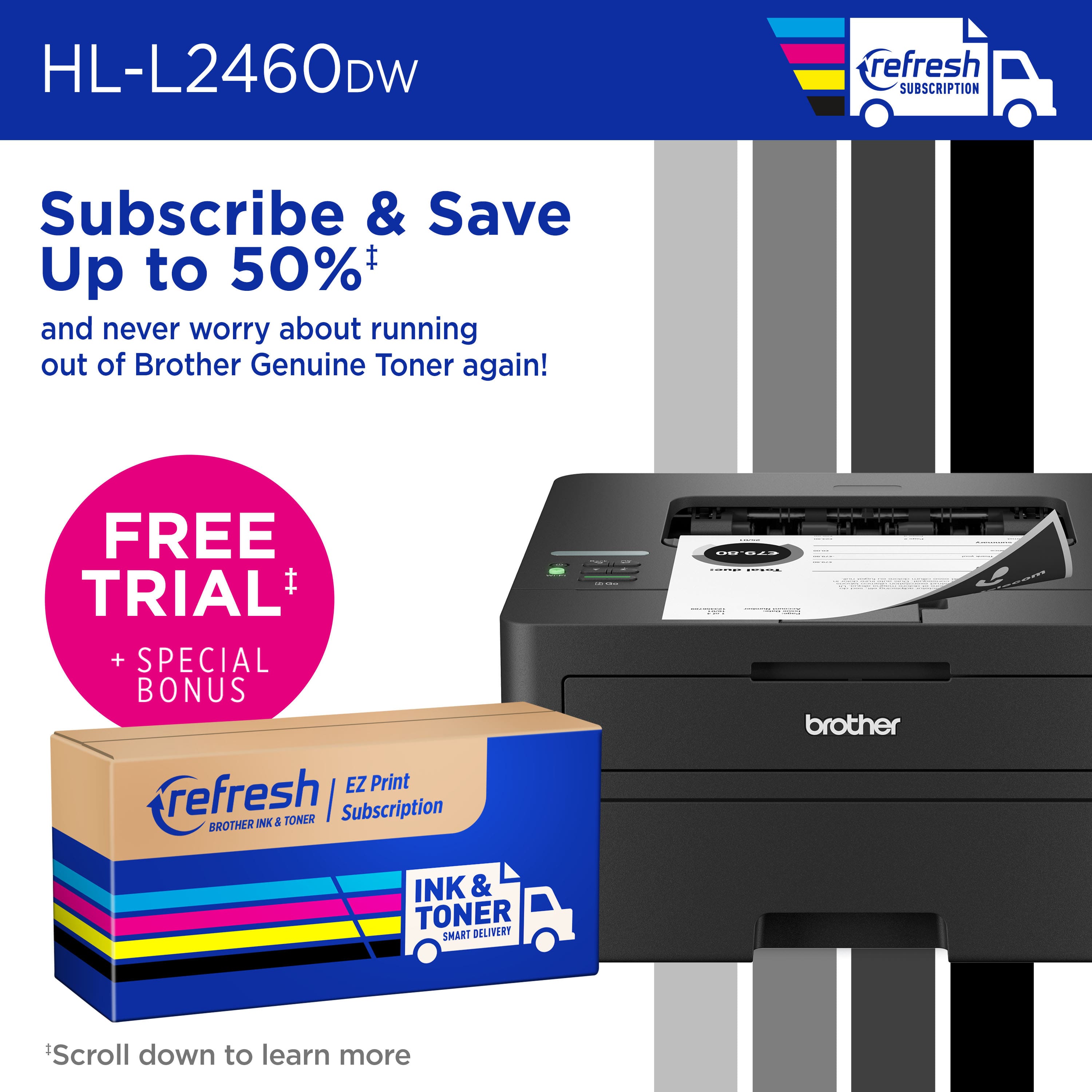
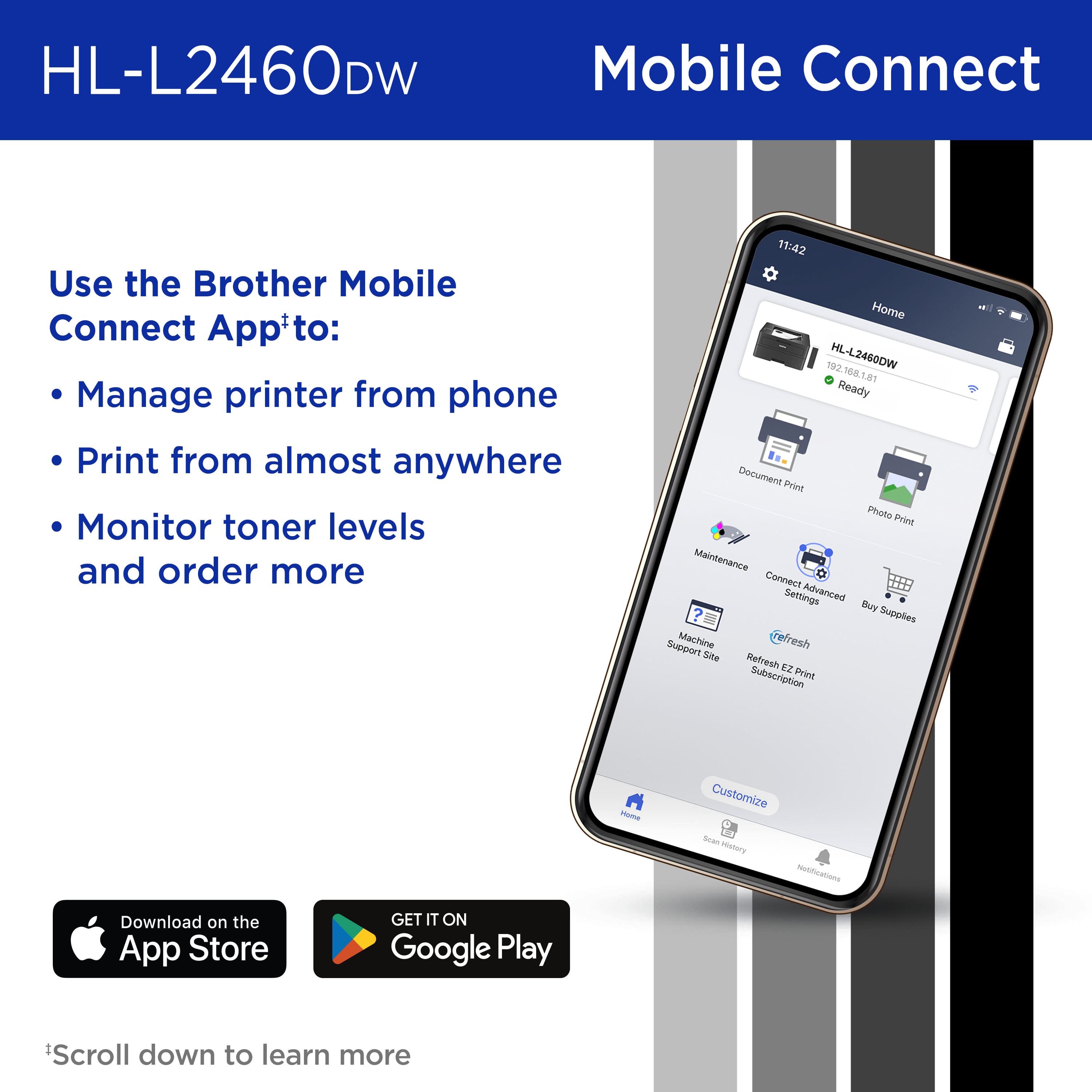
|Posted .This reviewer received promo considerations or sweepstakes entry for writing a review.The Brother - HL-L2460DW Printer is a compact black and white laser printer. It is connected to your network either via network cable or Wi-Fi. This printer automatically senses duplex documents and prints them in duplex which saves the time it takes with most printers to find the correct settings for duplex printing. Brother provides a 4-month free trial of their Refresh smart ink and toner service. When the trial expires you get enough toner for the fixed number of monthly copies that you signed up for. In the past I found this automatic toner program to be much economical than purchasing toner when I ran out. Paying the small monthly fee seems less painful than paying for cartridges all at once. This printer is rated to print up to 36 pages per minute. The paper tray holds 250 sheets. The included Brother Mobile Connect app allows mobile printing from almost anywhere as well as the ability to control printer settings and order supplies. All of my print jobs have been crisp, clear and fast with this printer. We both are able to print from our computers, phones and tablets with ease. I have one issue with this printer, it goes into a deep sleep and often will not wake up without powering down and repowering. While this is sporadic and not major, I deduct a star for this inconvenience. Aside from the deep sleep issue, this is the perfect laser printer for our home use and I'm sure it has the capability to handle much more work than we give it.
I would recommend this to a friend - Pros mentioned:Ease of use, Print qualityCons mentioned:Toner
Rated 4 out of 5 stars
Excellent Basic Function Printer
|Posted .This reviewer received promo considerations or sweepstakes entry for writing a review.Since my daughter spilled a drink on her laser printer she decided that she needed to snatch my laser printer and left me with having to print docs from work. So when the HL-L2460DW became available I decided to give it a shot. It's pretty much standard with a drum unit and toner cartridge - I still don't understand how these two parts can cost more than an entire printer that includes them! Since I use my printers with multiple devices I have it set up on the network easily and started printing in no time. The printer is just a basic printer with the added feature of running duplex prints. This will save paper on occasions where I don't need single sheets. The speed and text quality are excellent and good enough for what I need. Photos struggle a bit, but maybe some more tweaking in the settings could eek out a bit more quality. Overall this is a great printer for home and small office that can be shared easily with anyone else in the household that needs to have access to the printer. It doesn't have all the bells and whistles of an All-in-one, but I don't need the extras and the HL-L2460DW handles everything I need.
I would recommend this to a friend Rated 1 out of 5 stars
DO NOT BUY IF YOU WANT A PRINTER THAT WORKS
||Posted . Owned for 3 weeks when reviewed.This reviewer received promo considerations or sweepstakes entry for writing a review.I’ve had this less than a month and it’s no longer returnable. But, in that time, it has already stopped working completely.
No, I would not recommend this to a friendBrand response from Brother
Posted .Thanks for taking the time to review your experience with the Brother HLL2460DW. We appreciate your feedback. I’m sorry to hear your Brother HLL2460DW is not working. I sincerely apologize for any inconvenience this issue may have caused you. We’d like an opportunity to help. Please contact us directly at:
https://www.brother-usa.com/support/HLL2460DW

- Pros mentioned:Print quality, Setup
Rated 5 out of 5 stars
Minimalistic and Efficient
|Posted .This reviewer received promo considerations or sweepstakes entry for writing a review.Printers are one of those things that everyone needs and has yet never seem to work seamlessly. However, Brother is the exception to this issue as they have always seemed to serve me well compared to other brands. This printer is no exception as it works absolutely flawlessly. First, right out of the box this printer has a minimalistic appearance with the matte black. The form factor is also extremely minimal which was a nice feature considering the features of this printer. You can also tell it is a quality printer as it is not so lightweight as to where it feels as though it is just made of cheap plastic. Moving onto the actual performance though setup was amazingly simple! It was essentially just plug and play. Using the usb cable printing is quick and efficient, but printing wirelessly was also just as simple here as each of my computers/laptops did not have an issue connecting with the printer. The mobile printing feature also worked without any issues as printing from my tablet and phone could not be any easier. The ability of this printer to print so quickly at such a high volume is absolutely great! The tray holds up to 250 sheets where it prints just over 30 pages per minute so it was extremely quick printing off those larger projects. The duplex printing feature here is also one of those must have features as having to hassle with flipping pages never works as it should on the first try so you just avoid that hassle all together here. Only having the printer a week I can`t speak for the longevity of the toner cartridge, but I can guarantee it will last much longer than any inkjet printer you have to deal with plus it won`t end up drying out either. Overall, you really can`t go wrong with this printer from it`s form factor to ease of use, printing speed, and multiple printing methods. For those looking for a printer that is going to last and be easily usable for everyone in your household or business, this is definitely the way to go!
I would recommend this to a friend - Pros mentioned:Ease of use, Print quality
Rated 4 out of 5 stars
Good laser printer for home office
|Posted .This reviewer received promo considerations or sweepstakes entry for writing a review.Pro: Compact form factor Fast and clear prints AirPrint Con: No display for menu navigation The Brother HL-L2460DW laser printer may only have basic features, but it prints well, fast, and is easy to connect to PC and phones. Setting up was straightforward. Once the installer is downloaded from Brother’s site, it’s a step by step to setup. There’s not much to it, select the printer, connect to wifi and done. However there were some annoying complications. First the installer failed to detect my network, so I had to manually connect the printer to my wifi. Since the printer has no display (other than one line of text) or keypad, it was a pain to navigate the menu and enter the password by scrolling through each letter. There’s also a firmware update right after installation, which requires the password on the back of the printer. It’s not a major issue, it just seems out of date. Form factor is relatively compact. There’s no paper tray or feeder sticking out. The toner is easily replaced in the front. There's a flip out paper feeder for longer paper size in front, above the toner, as well. The printing is fast, taking only seconds to start a print and each page prints instantly. Print quality is clear with texts looking sharper than an inkjet printer. The printer can be connected to your phone, but since it is AirPrint compatible, I didn’t have to do any setup for it to work with my iPhone. It’s instantly recognized and able to print from any app. Overally, a nice laser printer for home office. There’s no scanner. It just prints, but the prints are fast and sharp. Navigating the menu on the printer is a pain since there’s no display or keypad, but there shouldn’t be a need to do so often.
I would recommend this to a friend - Pros mentioned:Print qualityCons mentioned:Toner
Rated 3 out of 5 stars
Might be OK if it were not so hard to set up
|Posted .This reviewer received promo considerations or sweepstakes entry for writing a review.If you remember that old saying about first impressions, you'll understand why some folks probably are not too crazy about this Brother HL-L2460DW laser printer. Once you get it up and running, it is a perfectly adequate, if unremarkable, low-priced laser printer. But getting it up and running can be a challenge if you are depending on the printer and Brother's own web-based setup procedures to get you going. User friendly it is not. The main problem, if you are attempting a wireless wifi setup, is the printer display -- a tiny one line affair that is not backlit and therefore very hard to see. Even worse, there is no number or letter keypad. Which is a problem since you must manually input both your SSID and home network password using this tiny LCD screen. You better hope those words are short becasuse each letter or number must be selected from a scroll of ALL numbers and letters and symbols, which is slow and cumbersome. Tiny up and down arrow keys control the scroll, followed by a push of the OK button once you get the right character. Very tedious. If that were not bad enough, once you get all that information input, and you finally get connected to the wifi network, I found the Brother's own setup software could never connect the printer to my computer. That maddening little spinning icon just kept on spinning and nothing was ever resolved. I finally just shut down the Brother web interface and did a manual connection through Windows setup, which was fairly quick and easy. Windows automatically downloaded the necessary drivers, as it would with any plug and play device. Although I later discovered these were generic drivers, and I would have to uninstall them if I wanted to use the Brother drivers, which are needed to use any of Brother printer software. No thanks. Since this printer also supports both ethernet and USB connections (you must supply your own cables ) I would highly recommend most users go that that route in the beginning, since it is likely to be easier. I would also recommend you start the setup process at the support.brother.com web site. (this is NOT what the quickstart guide recommends) I found a firmware update was available there (although special password is needed just to download that, another unnecessary hurdle) along with a user manual, correct drivers and some software to support this printer. Once you finally get it connected, printer operations are pretty simple since controls on the printer itself are very limited and/or somewhat cryptic. (The "Go" button, for example, is used to cancel print jobs and clear error messages) Just print as you nornally would from your computer (or smartphone using the Brother Mobile Connect app) . There are very few options, beyond using a portrait or landscape format and turning double sided printing on or off. You also can print envelopes via a somewhat complicated rear feed system. Since it is a laser printer, print speed is fairly fast, around 36 pages per minute. Print quality (back and white only, of course) is good too, using Brother's "starter" toner cartridge, which is rated for 700 pages. That is a good deal less than the standard base toner cartridge, which is rated for 1200 pages. High-capacity cartridges will do a lot more but are more expensive. Don't expect any extras with this bare bones printer. No scanning or copying. No sheet feeder. It just prints simple text and black and white graphics. I found it a bit on the noisy side. Unpacking and basic setup up was farily easy at least. Just remove all the tape holding all rhe various doors closed, unwrap and slide in the the toner cartridge, fill the paper tray (letter and legal paper are supported along with some smaller oddball sizes) and hit the on button. In the end, it works OK. But many may not feel it is worth effort.
No, I would not recommend this to a friend - Pros mentioned:Connectivity, Print quality
Rated 5 out of 5 stars
Compact, affordable and excellent quality
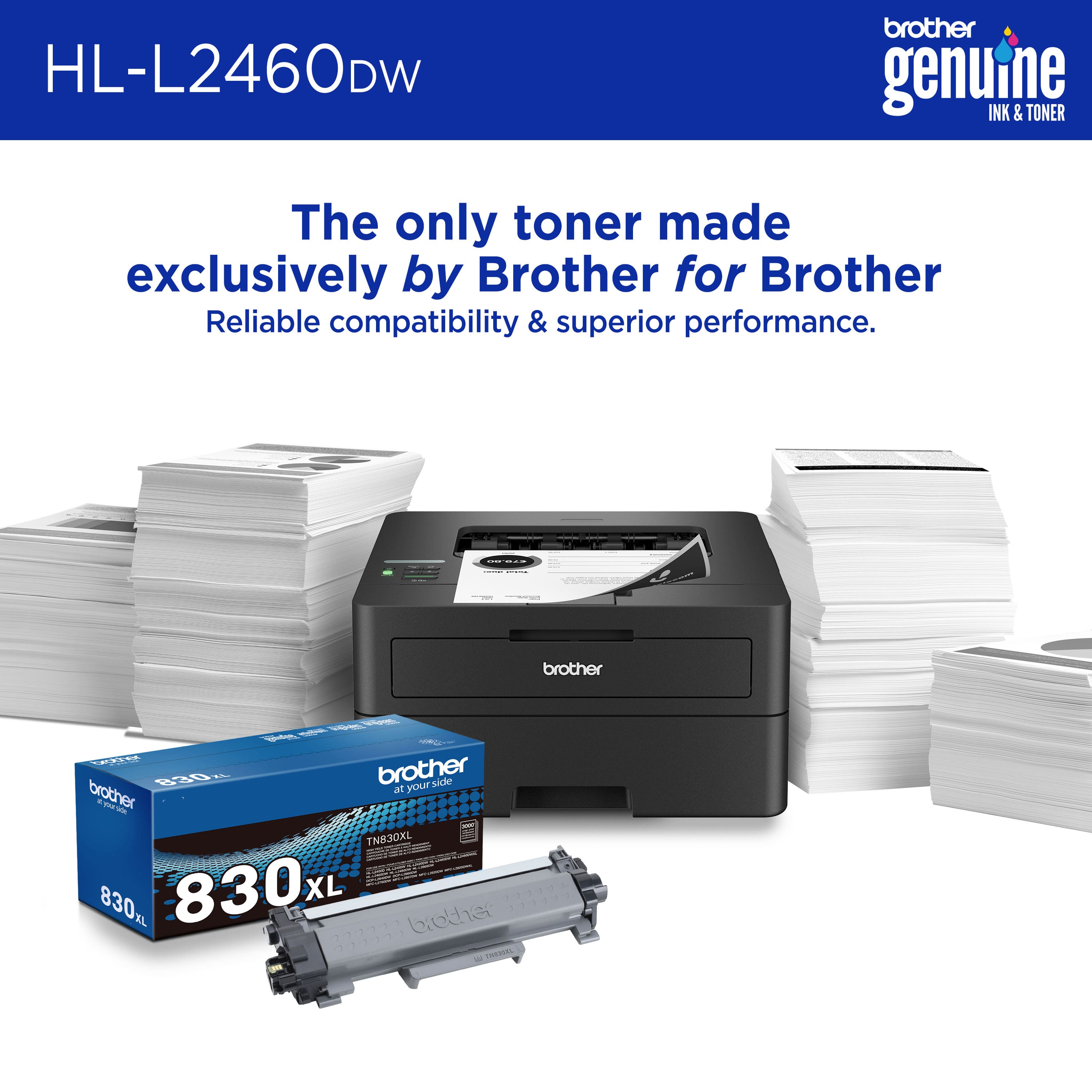
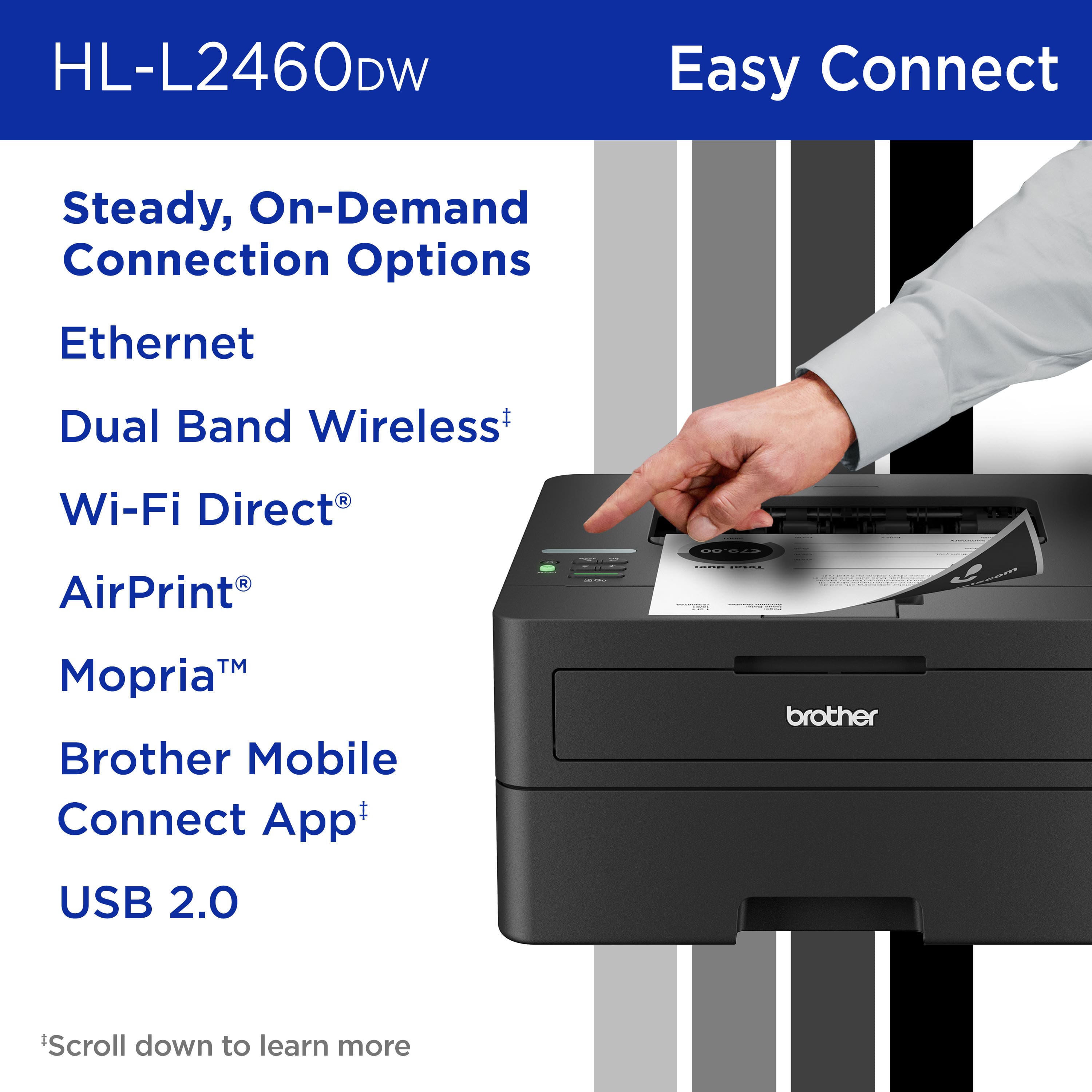
|Posted .This reviewer received promo considerations or sweepstakes entry for writing a review.Compact Laser Printer with Wireless Networking and Duplex Printing. Very easy to install. Remove all tapes, install the print head/drum and toner, plug in the power cable and press the power button to power it on. For PC, go to setup.brother.com and download the app, there is only 1 app on the website. Run the app and it will prompt you to enter the model number of the printer and it will proceed to download the correct driver and software. After download, it will install the driver and software, when completed, you will see two printers in Windows's Printers & scanners screen, one called "Brother HL-L2460DW" using Microsoft WSD IPP port and the other called "Brother HL-L2460 Printer" using tcpip port. For phone, go to setup.brother.com and the page has the link to the mobile app on app store called Brother Mobile Connect. Install the android app and run the app and register (it means add) the printer to your home network. I chose "connect your machine to wifi", it will prompt you for the model number of the printer and next it will give you step by step instruction to get the printer connected to your wifi network. Example, the first step is to press and hold the wifi button on the printer, the LCD will show "check PC/device". Then from the phone, connect to the printer wifi AP etc. Unfortunately, I could not get it to connect, the printer was trying and then timed out. I had to manually configure using the printer's buttons and screen to get it connected to my wifi. Luckily my wifi password is not too complicated. Once setup is completed, it is very easy to print and the print quality is excellent. Text are sharp and crisp. Print speed of up to 34ppm and produces crisp text and excellent graphics at up to 1200 x 1200 dpi. Uses TN-830 toner. Support wireless LAN 2.4 and 5.0Ghz
I would recommend this to a friend - Pros mentioned:Print quality
Rated 5 out of 5 stars
Typical Brother quality, and that's a good thing
|Posted .This reviewer received promo considerations or sweepstakes entry for writing a review.So far this printer has been awesome. I'm coming from a roughly 10 year year-old brother 2270DW laser printer that simply will not die. It even has the original drum and still prints just fine. The reason I upgraded was because of the age of the 2270. While I don't print a ton of black-and-white documents, when I do need to print high-quality text documents, there is nothing better than a Brother, laser and this new model is no exception. I figured having an entirely updated, modern laser printer was a good idea since when you have to print something you don't want to deal with any potential mechanical breakdown. One thing I noticed right off the bat was the new one as much quieter and seems to draw less power than my old one. The lights in my office would dim for a second as the 2270 powered on, but that doesn't happen with this new model, likely due to it being more power, efficient. Also, after it prints and goes idle, it's really quiet. The print quality is even better than my older model, but honestly, both results are of typical Brother's laser print quality. The duplex feature works great, and I appreciate the comparatively small footprint versus other laser printer brands. Not much more to say as it's a simple, black-and-white, laser printer, but I will definitely say Brother makes the highest quality laser printers on the market. Plus their toner replacements are reasonably priced, and there's always knock offs if you're into that. I have zero regrets about upgrading to a newer model and would recommend it to anyone who wants high-volume, high-quality black-and-white, text documents!
I would recommend this to a friend - Pros mentioned:Ease of use, Print quality
Rated 4 out of 5 stars
Small capable duplex capable printer
|Posted .This reviewer received promo considerations or sweepstakes entry for writing a review.I used to think was “what is the point of a black and white printer?”, then I realized how much longer laser black and white cartridges lasted and now I have one monochrome and one color as monochrome is the workhorse for daily needs. This prints as fast as I need and can print double-sided fast, which is impressive; I printed a hundred-page document, and it just went to work and got it done. Now when I tried that from the mobile app, it only printed what it had loaded while the app was open on my phone (fold 5). So, I wouldn’t recommend printing large files from your mobile devices only you plan to leave the app open until it is done printing. The printing tray takes a few different sizes but honestly with monochrome 8.5x11 is really all I plan to use it for and maybe legal every once in a while, which it can duplex legal too which is really nice. Setup was a breeze from the phone and then printing from my computer was as easy as searching for the printer and adding it. I like the balance of capability and size and would recommend this printer for anyone looking for a capable simple printer.
I would recommend this to a friend - Pros mentioned:Ease of use, Print quality
Rated 5 out of 5 stars
Very easy set-up, easy to use
|Posted .This reviewer received promo considerations or sweepstakes entry for writing a review.The Brother HL-L2460DW printer impressed me with its simplicity and functionality. Unboxing and setup were a breeze thanks to straightforward instructions and a compact design that suits my small home office. There was only one part to install, which was the ink cartridge. Installation was hassle-free and the cartridge snapped into place easily. Connecting the printer to Wi-Fi with my mobile phone took less than three minutes. The adjustable paper tray is convenient, but after adjusting it, make sure the tray fits the paper snugly, or else the printer will have trouble grabbing the paper. One standout feature is the printer's lack of forced sign-ups or registrations. The only information you need to put into the mobile app is the printer's model number. The app has a simple user interface that my eight-year-old granddaughter could use. For basic black and white home printing needs, the Brother HL-L2460DW is a good choice. It prints quickly and clearly without the complexity of advanced features or subscriptions. It's an ideal choice for those seeking a straightforward and efficient printer.
I would recommend this to a friend - Pros mentioned:Print quality
Rated 4 out of 5 stars
Everything you need in a compact form factor
|Posted .This reviewer received promo considerations or sweepstakes entry for writing a review.Is it sad that in the year 2023 the thing I printed most was Amazon return shipping labels? With a daughter in college and a son in high school I figured there were be lots of random printing requirements in the year but almost everything they are asked to create is digital. A quick poll of my family and friends all confirmed the same - they barely touched their printers last year many ended up with ruined ink cartridges from them sitting for so long with no use. How is any of this relevant to your decision to buy this Brother printer? For starters if your printing needs are as simple as mine you don’t need a lot of fancy features - you just want simple reliable printing. The Brother HL-L2460DW is a compact LaserJet printer that provides this level of simplicity. Without a lot of fuss beyond the initial configuration, the printer supports double-sided printing, it supports Apple AirPrint and includes both ethernet or wifi printing configurations (or USB printing) and it’s simple black coloring and compact design prevent it from being an eye-sore. I keep mine is a separate room from my office and enjoy the speed of LaserJet printing with all but the largest print jobs being completed before I can walk from my desk to the printer. Setup is done from your mobile phone using the Brother Mobile Connect app. For networks with multiple Wifi networks the app allows you to select the specific wifi network to use for configuration; unlike many other mobile apps that assume the Wifi your phone is on is the one you want to use. For more advanced configuration options, the printer has a web-based administration tool and a day-0 firmware update is recommended. The one-time-password you’ll need to get to the admin page is printed on the back of the printer then changed as part of the initial setup process. I’m concerned about the Maintenance Information as the page counter shows the total pages printed is quadrupled from what I’ve actually printed. IT Admins will appreciate support of PCL6 language support via HP LaserJet emulation mode allowing applications that previously required HP printers to work with this Brother printer or BR-Script 3. The printer supports IPv6, it supports IPv4 filtering, SSL certificate configuration (direct creation or importing an existing CA Cert) and includes up to TLS 1.3.
I would recommend this to a friend - Pros mentioned:Print quality
Rated 4 out of 5 stars
Brother is the leading home printer company
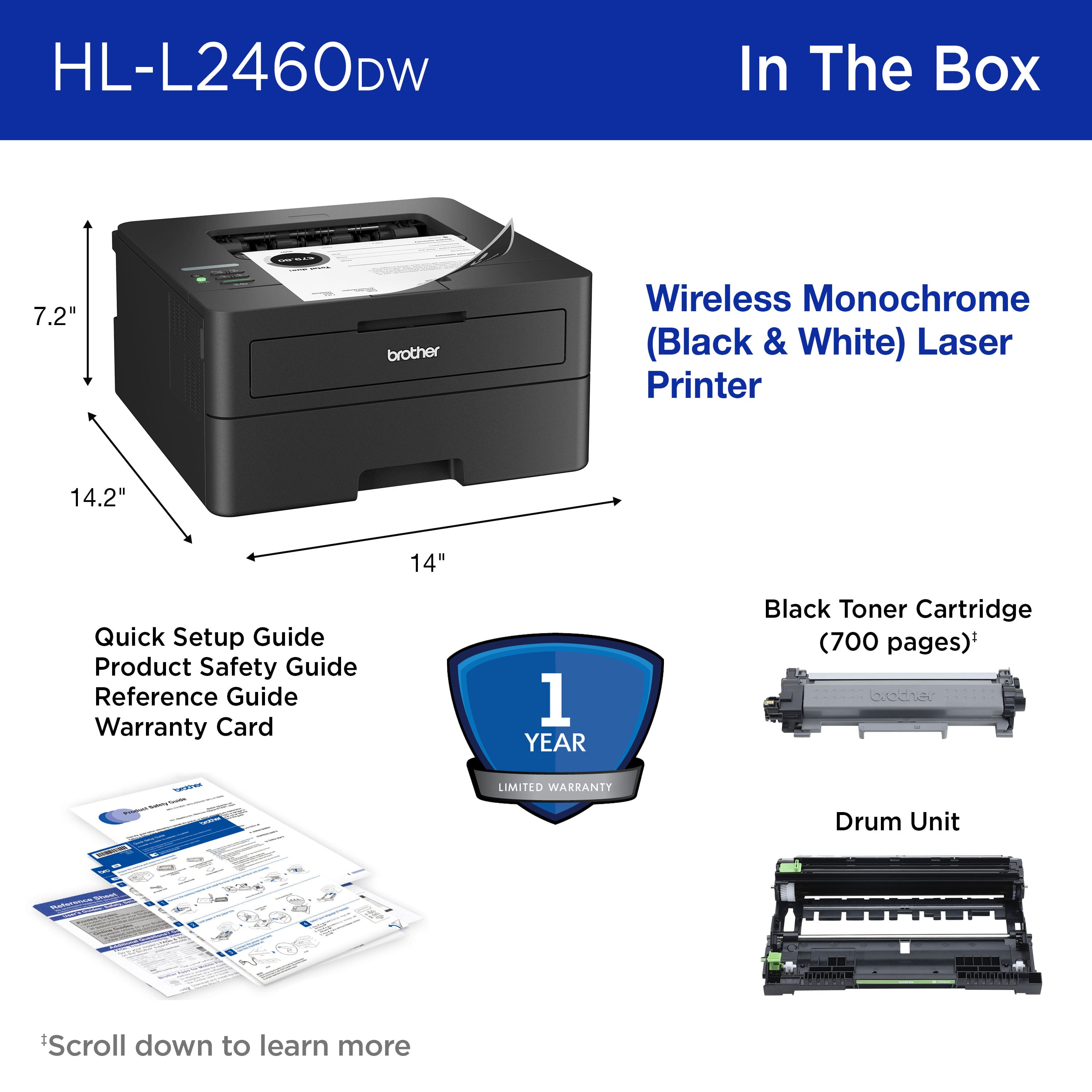
|Posted .This reviewer received promo considerations or sweepstakes entry for writing a review.I’ve always loved Brother printers. They tend to offer great bang for the buck, very reliable and tons of features. The Brother Wireless HL-L2460DW continues that tradition, even more so. Let’s look at the features, functions, and benefits: Connectivity: Covers everything you could ever need - USB 2.0, Ethernet & Wi-Fi. Stick to the Wi-Fi or Ethernet. USB is nice but it is slow. Print Speed and time to first print: A listed 36 ppm is totally on mark. I was shocked at how fast it printed for a printer in this price range. Brother lists the first page out at 8.5 seconds. I timed about 10 seconds (which feels like an eternity for my impatient soul,) but it got better as the printer warmed up. Regardless, this is a fast printer. Features: All standard fare for most laser printers. Duplex printing, print resolution of 1200 x 1200 dpi, 250-sheet input tray all in package that is 7.2 inches high. You read that right, 7.2 inches. I have HP in my TV cabinet that has similar features, but it is nearly 9 inches tall and barely fits. This printer will be replacing it. Build quality: It is impossible to tell the true quality without taking it apart, so I am going to leave you with this thought. It has a recommended duty cycle of up to 2500 pages and maximum of 35000 per month. An HP unit of comparable price and features has the same recommended monthly but has a 50,000 maximum. Of course, that does not mean the Brother HL-L2460DW is of less quality but there has to be some reason for a 30% less maximum. Consumables – This is an area of strength for Brother that crushes HP. Brothers’ toners are about half the cost of HP’s. Now HP high capacity is 4000 pages to Brothers 3000 pages but that is not always an accurate gauge. Regardless, the cost per page is about 30% less. It really will add up. In conclusion, the HL-L2460DW is a feature rich, top notch performer in this price segment. The only downside is the included toner is only good for 700 pages. Brother offers lifetime product support and the HL-L2460DW comes with the Brother 1 year warranty. It is easy to set up and compatible with multiple devices.
I would recommend this to a friend - Pros mentioned:Print quality
Rated 4 out of 5 stars
Easy setup, fast, quiet and love that it's black!
|Posted .This reviewer received promo considerations or sweepstakes entry for writing a review.I've been using the Brother HL-2460DW for over a week now. Owning it couldn't have come at a better time as I started the year having to print A LOT of letters, documents, and more. In the box you get the Brother HL-2460DW, a power cable, toner cartridge, and some instruction leaflets. Setup on my dual band WiFi network was easy, although TIP take a photo of the default password is on a label on the back of the printer before you put the printer where it will live on your desk, etc. It will help with setup later. The Brother Mobile Connect App is one of the best printer mobile apps I have used and makes WiFi setup easy. Print quality is VERY good, as is print speed. FYI, printed paper output is at the top of the printer. So no need to worry about pages falling out onto the floor if you print a lot. I have to point this out because I am upgrading from a non-laser non-Brother printer and it was not setup this way. Brother rate the printer at 36ppm. I mostly print letters, receipts, etc. so can't test the accuracy of the claim. What I do like is it's tray handles envelopes! wohoo! so for the letters I need to said, no more hand scrawl on the front and I am printing professional looking envelopes! I also have had no problem using iOS AirPrint direct from my phone. In terms of toner life, it's too early to tell but I know from having owned Brother printers in the past, they are on the more affordable side of replacement toner. Brother also have an EZ Print subscription service where you can subscribe to ink delivery. I don't print enough to warrant this, but at the basic level, it's less than a few bucks a month - which is surprisingly affordable to never have to worry about running out of ink. Overall, impressed. Love that it's black, setup was super fast, it's quiet and fast oh and if you don't want to use WiFi, it also has a network port. btw it also prints duplex, so it's perfect for my home office! recommended!!
I would recommend this to a friend - Pros mentioned:Ease of use, Print quality
Rated 5 out of 5 stars
Does exactly what I want it to do.
Posted .This reviewer received promo considerations or sweepstakes entry for writing a review.Does exactly what I want it to do (simple wired network printer). Worked with minimal set up. (It defaulted to wifi, I had to muck about in the settings to get it to work on the wired connection.) Built-in duplex printing! Not using the refresh subscription. Assuming that I can continue to not use the refresh subscription, this is perfect for my needs. Would be better if I didn't even have to worry about it.
I would recommend this to a friend - Pros mentioned:Print quality
Rated 2 out of 5 stars
Wireless connection is terrible, printer is ok
|Posted .This reviewer received promo considerations or sweepstakes entry for writing a review.I got this Brother printer to replace an aging inkjet printer that only got used for printing black and white documents. The printer itself is relatively compact so it will easily fit into smaller spaces and isn’t a massive eyesore. Once you get it set up (more on that later) it does print pretty quickly and documents are crisp and clear as one would from a laser printer. I like the large paper tray and the fact that the documents come out on the top of the machine rather than out the front (no more spilling documents on the floor!!). I have a few issues with this printer though which keeps me from recommending it. First, there is a single line monochrome display window that is nearly impossible to read. There is no backlighting and, as far as I can find, no way to adjust the contrast to make it readable in various lighting conditions. But by far the largest issue I have is with the wireless setup. I spent nearly two hours trying to get this thing connected using different laptops, phones, and tablets. Although the printer itself would say it was connected and online, none of my devices could reliably “see” it on the network. On the rare occasion I could connect, my device would say the printer was offline. After trying every conceivable fix and method of connecting, I finally resigned myself to using this as only a wired printer. Plugged in a USB cable to my desktop and was able to start printing. Obviously, this isn’t an ideal situation and completely defeats the purpose of having a wireless printer. I have set up countless printers in my day and never had this much trouble getting one up and running. Because of that major issue, I just can’t recommend this particular model.
No, I would not recommend this to a friend - Pros mentioned:Print quality
Rated 5 out of 5 stars
Great small form factor black & white laser
|Posted .This reviewer received promo considerations or sweepstakes entry for writing a review.This is a great desktop / small foot print black and white laser printer. At 36 pages per minute this sucker is QUITE speedy. All the expected connection options are there - multiple bands of wifi, ethernet, and USB. The paper tray is generous enough for small business use, handling a ream of paper at a time, and also offering a manual feed for printing things like labels, stickers, or envelopes is quite nice when there isn't a 2nd tray. I tried the brother print app from my iPhone and was easily able to find it on my network and print to it with no issues. I find the "print from anywhere" features to sometimes be unnecessary, but it is still an option for you here. Also following in the footsteps of subscription based inkjet printers, this new offering from Brother is eligible for their toner subscription service, and includes a free trial. I'm unsure of when I'll run out of toner, probably not any time soon with my casual home/home office use, but it's still nice to know it's there and the printer can communicate directly with the vendor, and the result is that you get a discount on supplies. Print quality is excellent, and what i expect from a black and white laser printer in 2023. Overall this little workhorse is perfectly at home in your home or small business where you don't want to sacrifice speed or 2-sided for small footprint.
I would recommend this to a friend - Pros mentioned:Print quality
Rated 5 out of 5 stars
Reliable, well built, typical of a brother printer
|Posted .This reviewer received promo considerations or sweepstakes entry for writing a review.Brother Printers are known to be ultra reliable and printers that you can depend on. I have owned many brother printers over the years and to me this seems to be the biggest upgrade to previous and similar models that I have owned / used like the HL-L2300D. This is a wifi enabled printer for both wireless and mobile printing. These both work exceptionally well and even documents printing from my iphone print how I would expect them to with a computer. The setup for wifi is a little tedious as you must enter your wifi password on the printer using up and down arrows to set the password. This is my only downside to the printer, but it is quite small considering you only have to do this once. The printer also has a subscription service now where when you are low on toner brother will send a replenishment. I print quite a bit so this is a handy feature. The paper tray is also quite large and holds about 250 sheets of paper. It is important to note that this is not a color printer and it is only black and white. This is perfect for my needs. Also, one of the neatest features if the duplex printing. So you can print a two sides sheet of paper now without the need for the sheet to be refed into the printer to print on the other side. Overall, it is a super solid, well built and reliable printer for not a lot of money. It is worth the purchase.
I would recommend this to a friend