Customer Ratings & Reviews
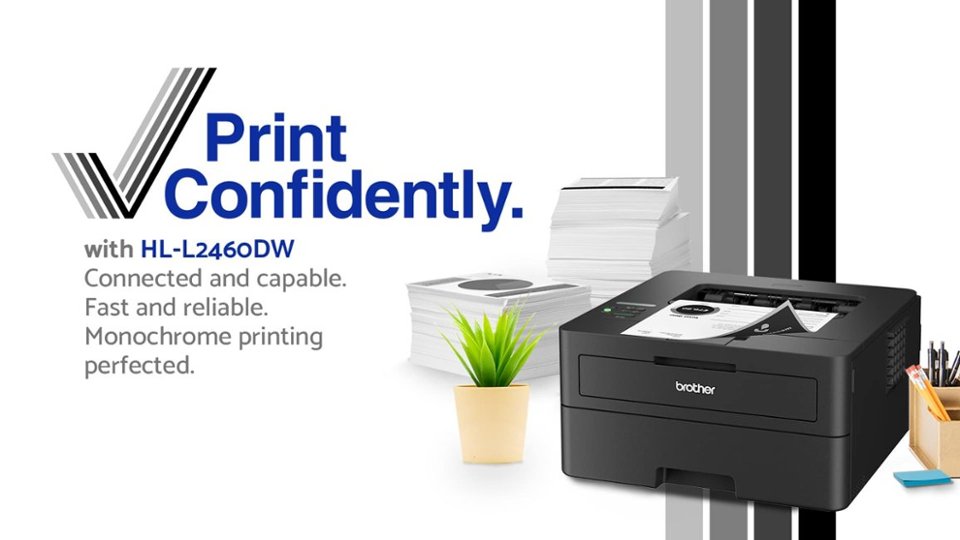
- Model:
- HL-L2460DW
- SKU:
- 6569816
Rating by feature
- Value
Rating 4.5 out of 5 stars
- Quality
Rating 4.5 out of 5 stars
- Ease of Use
Rating 4.4 out of 5 stars
to a friend
Customers are saying
Customers value the HL-L2460DW printer for its excellent print quality, overall great performance, and ease of use. Users appreciate its simple setup and connectivity, as well as its compact size and relatively quiet operation. Some customers have noted that the genuine Brother replacement toner can be expensive, and a few have experienced issues with the printer entering a deep sleep mode.
This summary was generated by AI based on customer reviews.
No need to use the App. Here's how!
Posted .This reviewer received promo considerations or sweepstakes entry for writing a review.You can join your WiFi with the front panel. Depending how long your password is, it's a one-time exercise in patience to up/down arrow through the 0123abcABC for each letter, but it avoids using the app to avoid the Refresh Subscription junkware. After you join the WiFi, you'll need to print the Network Config, because you will need the IP Address and the PWD to login from your computer or tablet. To print the Network Configuration Report: in the Menu, arrow to Print Reports > OK > Network Config > OK. It should tell you to press Start/Go to print the report. It will need 2 sheets of paper. You can then open the IP address on your computer, something like 192.168.1.22 but use the IP address that actually printed on your papers. You will have to enter the pwd password to login and then once more to change the password to something you can actually remember. In the web config I recommend disabling Firmware Update and also disable Online Functions. That way, if you ever think you want to use non-"Genuine" toner it won't brick the printer for doing so. If you want to change any other settings you can browse around, for example if you always want it to print double sided there's a setting for that as the default. Lastly, the printer defaults to using "Deep Sleep" which can cause issues with the printer waking up for some people. The only way to turn off Deep Sleep is through the top panel controls using the following trick: Use Arrow and OK to navigate to General Setup > Ecology > Sleep Time. While in the Sleep Time menu, press Back and Down simultaneously. This should then show the hidden "Deep Sleep" toggle so you can turn it Off. When you insert the paper drawer notice the front panel, it asks if you want to change the paper type. You can say No, then it asks if you want it to ask every time and you can say No again. I set it that way because I'll never use the paper drawer for anything but Letter. If I want to feed anything else I'll just open the front manual feed, and select paper size when I print and set it to print to manual feed. Optional but you can also give the printer a static IP in your router's DHCP if you want it to always be the same IP after power failures and such. So without installing any software or using any app, after the above I was able to use Windows "Add Printer" to find it instantly and install it, and use Mac Tahoe v26.3.1 to Add Printer and it found it instantly and installed it.
I would recommend this to a friendCANNOT GET NEW PRINTER TO WORK
||Posted . Owned for 1 month when reviewed.This reviewer received promo considerations or sweepstakes entry for writing a review.Well, I would like to say something nice about this printer but I cannot get it hooked up to work! Very frustratimg!!
No, I would not recommend this to a friendBrand response from Brother
Posted .I’m sorry to hear your experience with connecting Brother HL-L2460dw was a bit difficult. If you’ll give us another chance, We’d like to make things right. Please contact us directly at:
https://www.brother-usa.com/support
Accounting & Purchasing Manager
||Posted . Owned for less than 1 week when reviewed.This reviewer received promo considerations or sweepstakes entry for writing a review.It was difficult to set up the printer on line without a physical manual. You had to go online to get the manual.
No, I would not recommend this to a friendBrand response from Brother
Posted .We would like to take this opportunity to thank you for your feedback. At Brother, customer satisfaction is something we take seriously. Your feedback is important to us and will be reviewed to help us improve our future products.
Thank you for being a Brother customer. Please know that we will be here, should you need to contact us in the future. Our Brother Customer Support Team is available to assist you direct: www.brother-usa.com/brother-support
Don't use it to replace your frustrating HP
||Posted . Owned for 3 weeks when reviewed.This reviewer received promo considerations or sweepstakes entry for writing a review.Bought this printer because I was tired of having issues with my HP printer. BUT this Brother is just as mind numbingly hard to connect and use. Won't stay connected, won't print. I swear to God that every printer company are scammers!
No, I would not recommend this to a friendBrand response from Brother
Posted .We would like to take this opportunity to thank you for your feedback. At Brother, customer satisfaction is something we take seriously. We would love to hear from you with more details to be able to better assist you. Our Brother Customer Support Team is available to assist you direct: www.brother-usa.com/brother-support
no hook up to wireless
||Posted .This reviewer received promo considerations or sweepstakes entry for writing a review.could never get it to hook up to wireless. hooking it up was time consuming and difficult.
No, I would not recommend this to a friendBrand response from Brother
Posted .Thanks for taking the time to review your experience with the Brother HLL2460DW. We appreciate your feedback. I’m sorry to hear that you are having wireless setup issues with the Brother HLL2460DW. I sincerely apologize for any inconvenience this issue may have caused you. We can help with that.
Please be advised, Reset the network card to factory default first and then connected the machine to the wireless network.
I have included a link to the FAQ answer that should assist you. Please follow all the steps listed in the following link:
Answer Link: https://help.brother-usa.com/AgentWeb/api/contextmanager/v.32510100001/workspaceContext/workspace/processedPrint/Answer/185649
Answer Link: https://help.brother-usa.com/AgentWeb/api/contextmanager/v.32510100001/workspaceContext/workspace/processedPrint/Answer/185671
If you still have difficulties, please contact Brother Customer Service at:
https://www.brother-usa.com/support/HLL2460DW

A solid little reliable Laser Printer
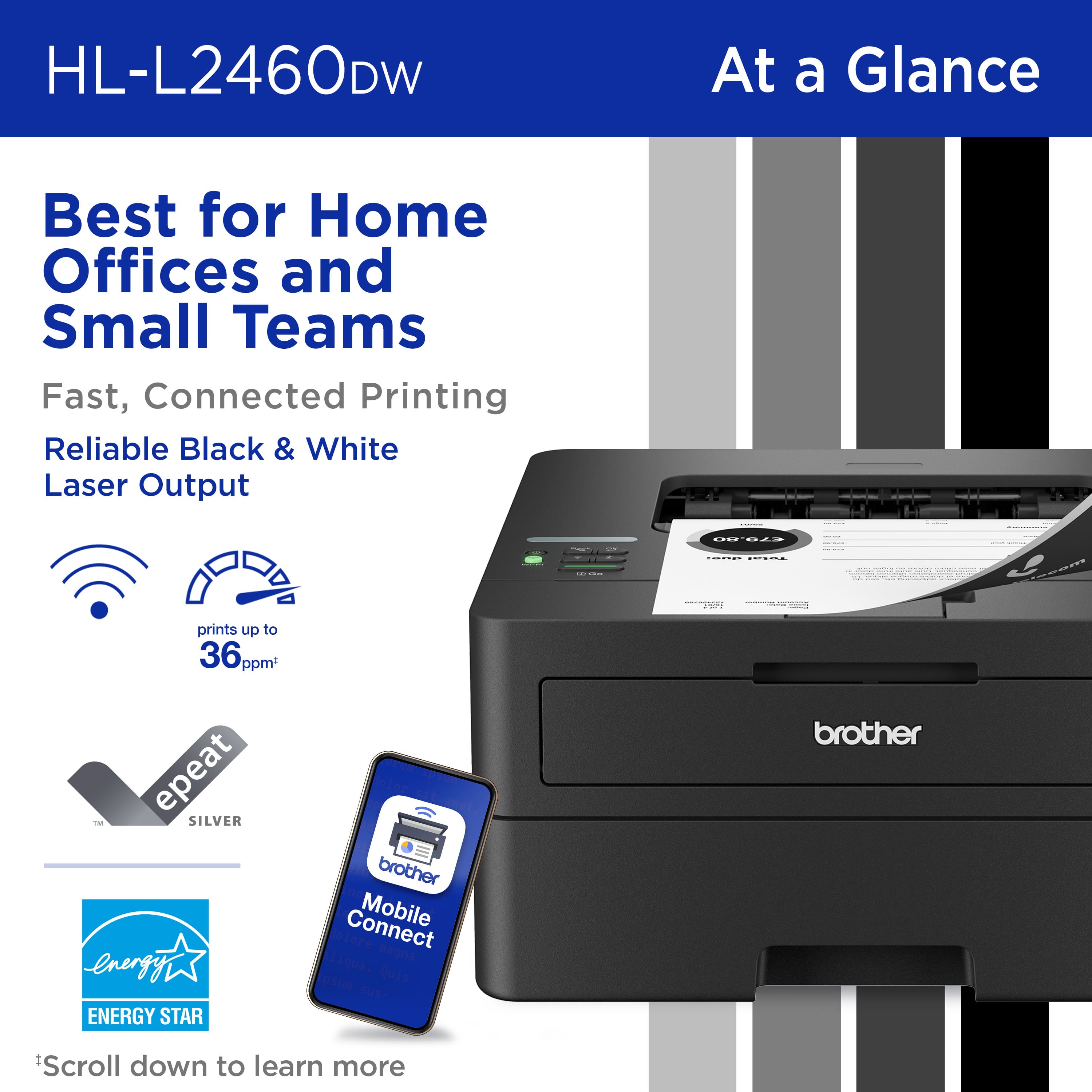
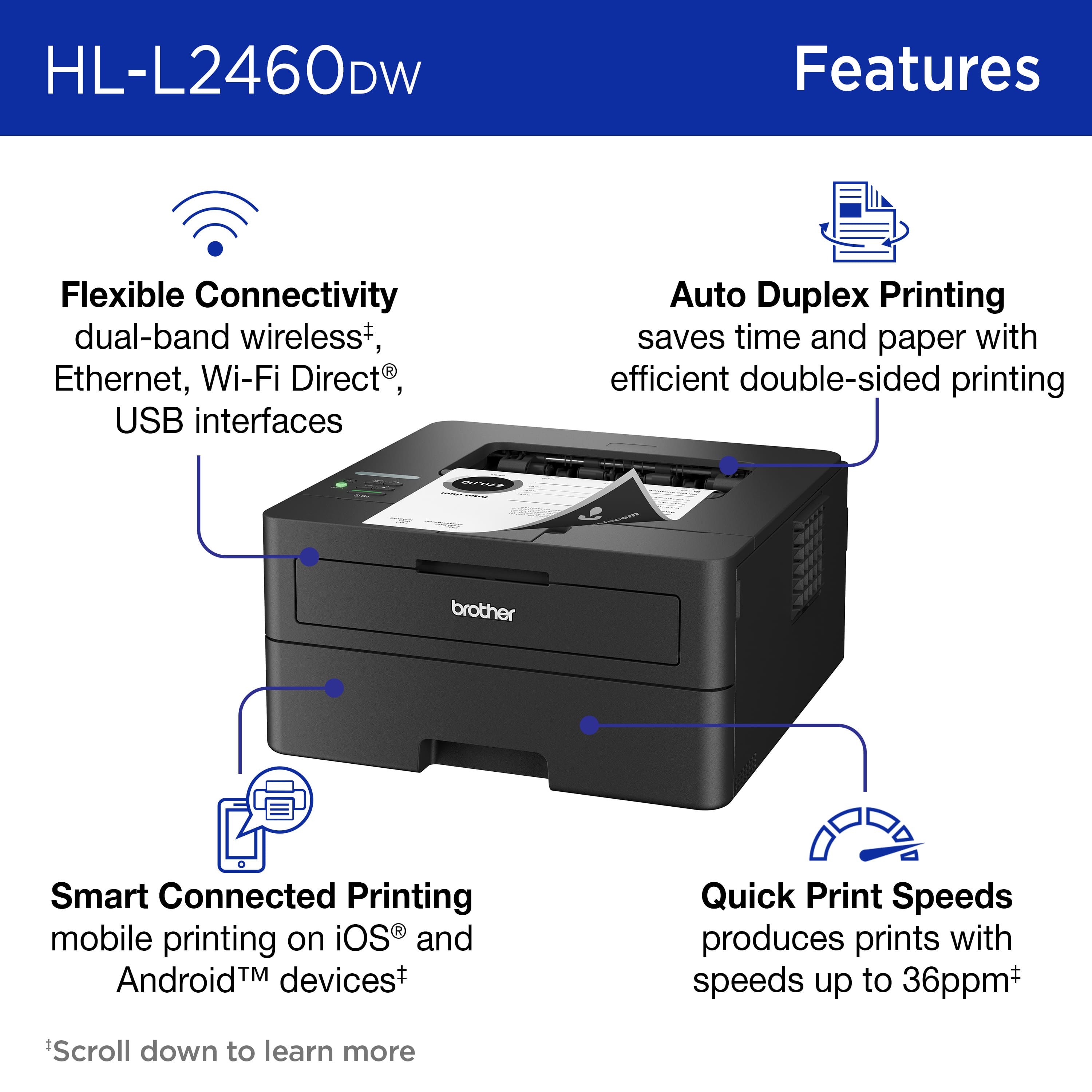
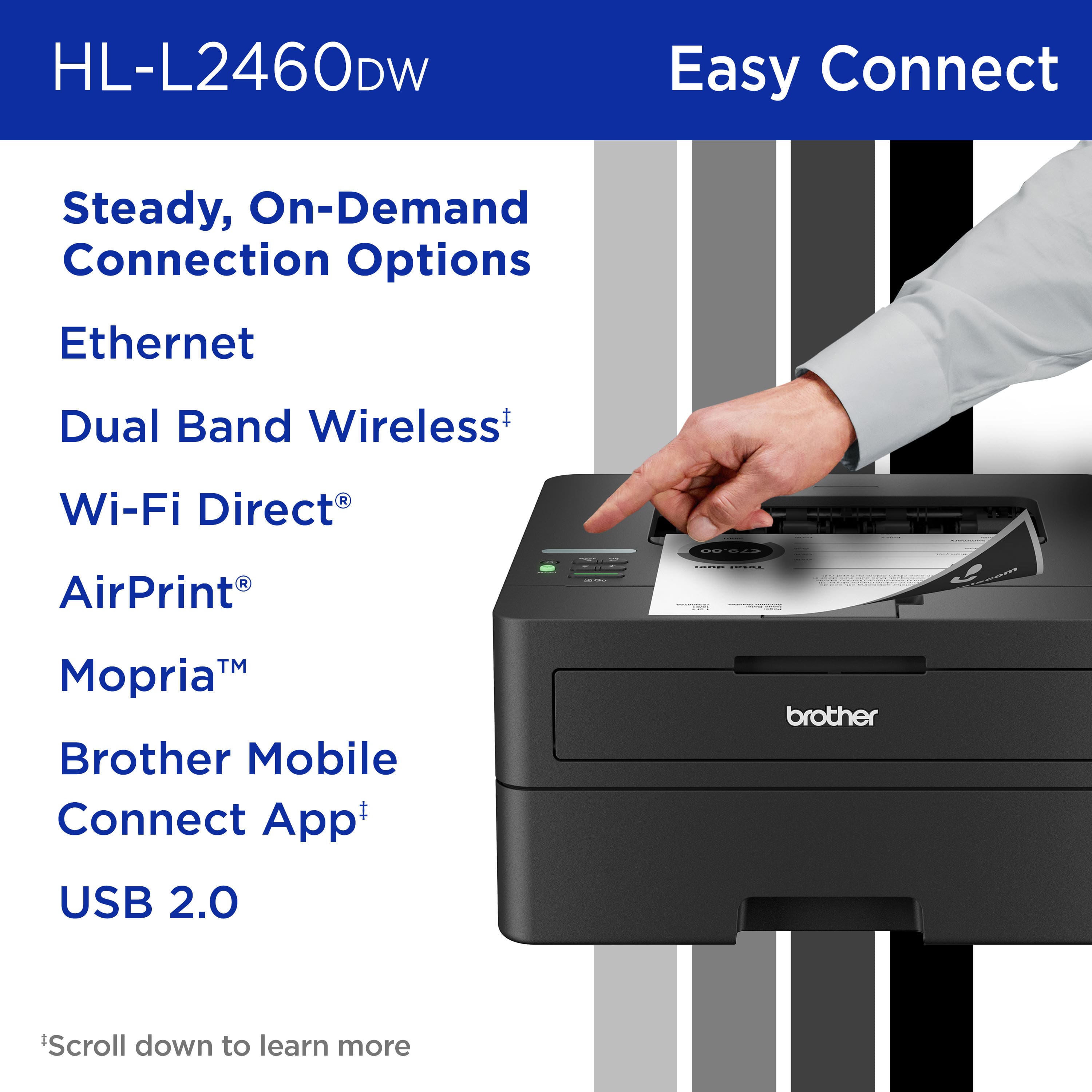
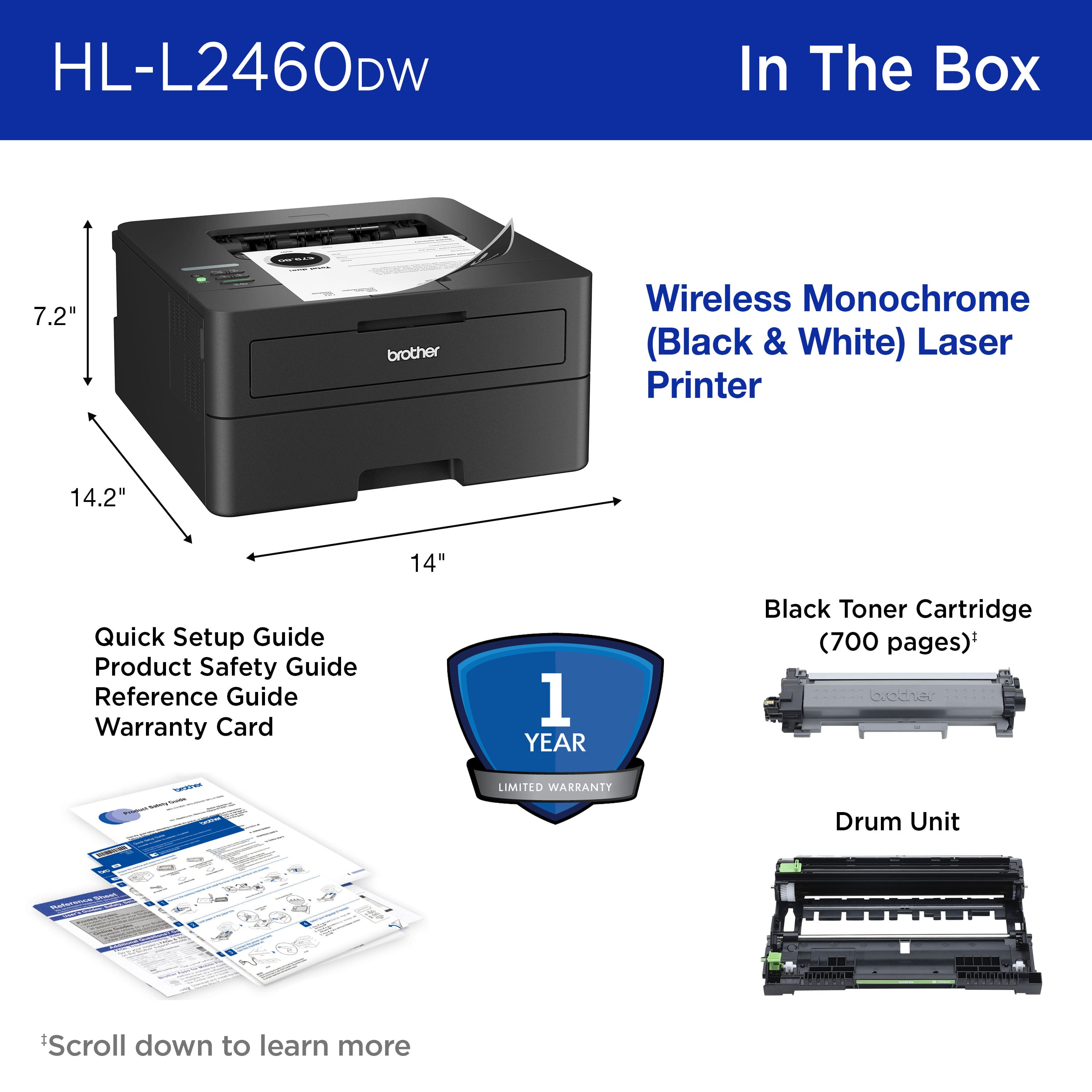
|Posted .This reviewer received promo considerations or sweepstakes entry for writing a review.I own a small business and I needed a new printer for my office. I was interested in a small B&W laser printer that can print about 50 sheets of paper every day. I use mostly regular letter stock paper, but I also want to print on labels and envelopes. I understand the critical role that a reliable printer plays in day-to-day operations. I have found that the Brother HL-L2460DW laser printer is an excellent choice for my needs The HL-L2460dw uses laser technology, which means it prints quickly and consistently. The HL-L2460DW is designed with efficiency in mind. It's compact, which means it won't hog precious office space; can print out up to 36 pages per minute all at a very low cost to buy, use and maintain. As a small business owner, every dollar counts, and this printer delivers. When I'm handing out proposals, I want them to look sharp. This Brother printer consistently produces crisp black and white prints. I am very impressed, and I know my clients will be too. There are several connectivity features such as dual-band wireless (2.4GHz and 5GHz). Now I can print from the sales floor or from my office with ease - from my laptop, tablet, or phone. There's also an ethernet port and a USB 2.0 port available on the back. It handles my regular letter stock, but it's also prints on labels. The 250-sheet paper tray lasts for several days before I have to refill it. The manual feed slot is for specialty stock, and odd-sized printing (like envelopes). It also features Double-Sided Printing eliminating paper usage waste. The Brother HL-L2460DW has been uber dependable and I've never had a problem with it. It was easy to set up, the included software installed easily on my Windows 11 laptop. I also use it with my mobile phone. The app provided prints directly from my phone and tablet. The toner is still not emptied, Brother’s toner cartridges are efficient and last a long time. I won’t need to replace them frequently but if I do Brother offers a replenishment service. This service ensures effortless toner supply management, eliminating the need for last-minute panic buys. It offers substantial savings over the printer's lifetime. Cartridge recycling means less waste and is better for the environment. The subscription includes discounts on replacement cartridges. Overall, it saves me money and ensures I always have a supply of toner ready to print with. This printer was a perfect replacement for the old HP printer I had. It is not an all-in-one type unit, this is a printer only - which is fine because I already have a copier. Why buy features I will never use? This printer takes up less space. is quick, reliable, and easy to use. A bargain for a small business like mine!
I would recommend this to a friendWill NOT wake up to print.
||Posted . Owned for 11 months when reviewed.This reviewer received promo considerations or sweepstakes entry for writing a review.This printer is garbage. The printer always goes to sleep and never wakes up to print. When you do wake it up manually you have to print 3-5 times for it to finally print once. Stay away from brother products. Trying HP or Canon.
No, I would not recommend this to a friendA Piece of Junk
||Posted .This reviewer received promo considerations or sweepstakes entry for writing a review.I’ve had 12 different printers, this is by far the worst. Consumer Reports rates them well. But they are Clueless, on just about everything they review.
No, I would not recommend this to a friendBrand response from Brother
Posted .We would like to take this opportunity to thank you for your feedback. We are sorry to hear that you are not satisfied with your Brother HLL2460DW. At Brother, customer satisfaction is something we take seriously. Your feedback is important to us. We would love to hear from you with more details to be able to better assist you. Our Brother Customer Support Team is available to assist you direct: www.brother-usa.com/brother-support/HLL2460DW
Not a good purchase
||Posted . Owned for less than 1 week when reviewed.This reviewer received promo considerations or sweepstakes entry for writing a review.Just purchased the printer and after countless attempts to connect the wireless feature, still failed . Even after an extended conversation with customer support. Most likely will return printer to the store and purchase something else. Consumer Reports mentioned it is very difficult.
No, I would not recommend this to a friendGarbage
||Posted .This reviewer received promo considerations or sweepstakes entry for writing a review.I'm glad others were able to get this heap of junk working. In my case, my iPhone could never connect to the printer's internal WiFi to complete the setup, so I returned in about an hour after buying it.
No, I would not recommend this to a friendBrand response from Brother
Posted .Thanks for taking the time to review your experience with the Brother HLL2460DW. We appreciate your feedback. If you still need assistance, we would like to help. Please contact the Brother USA support team at: https://www.brother-usa.com/support
Great Printer
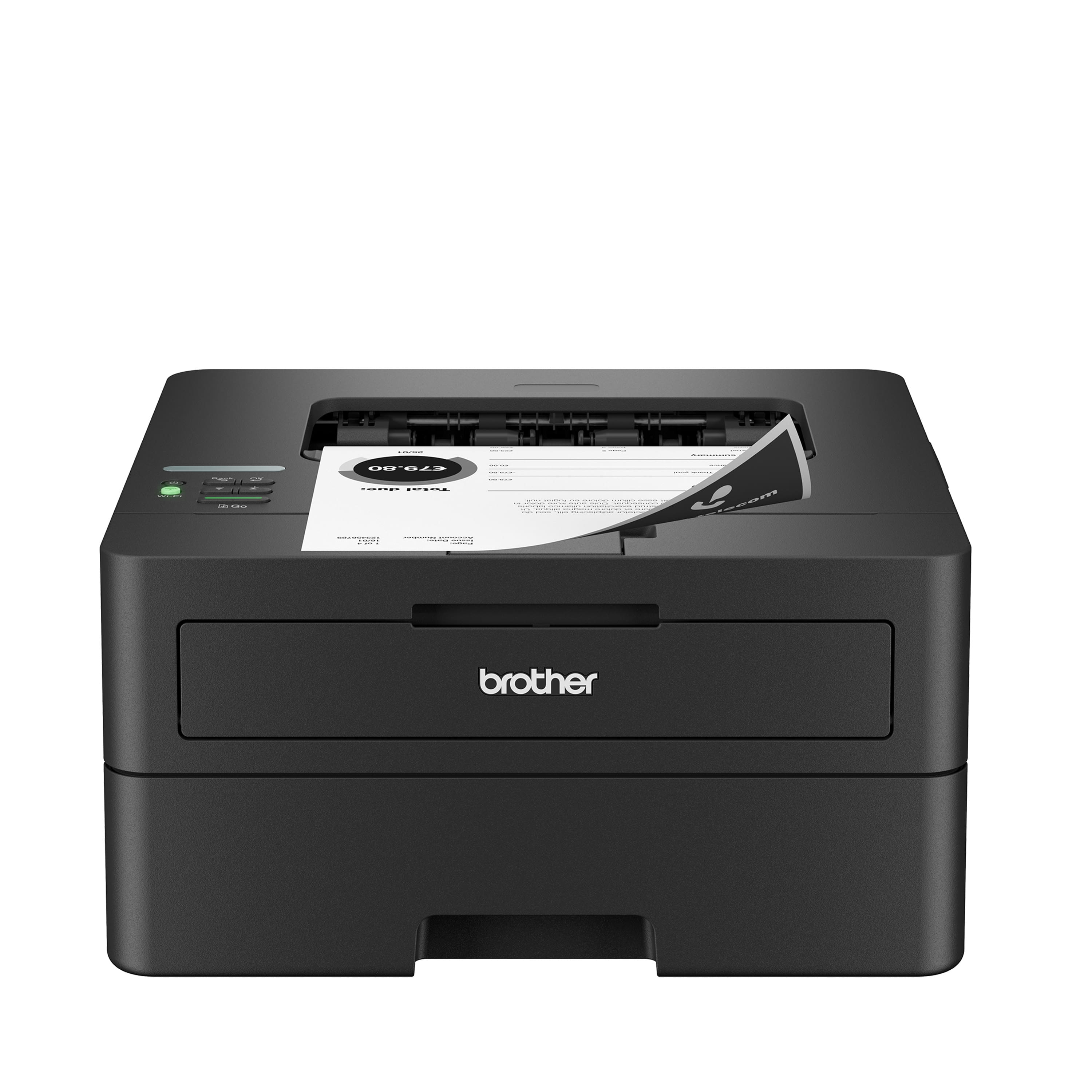
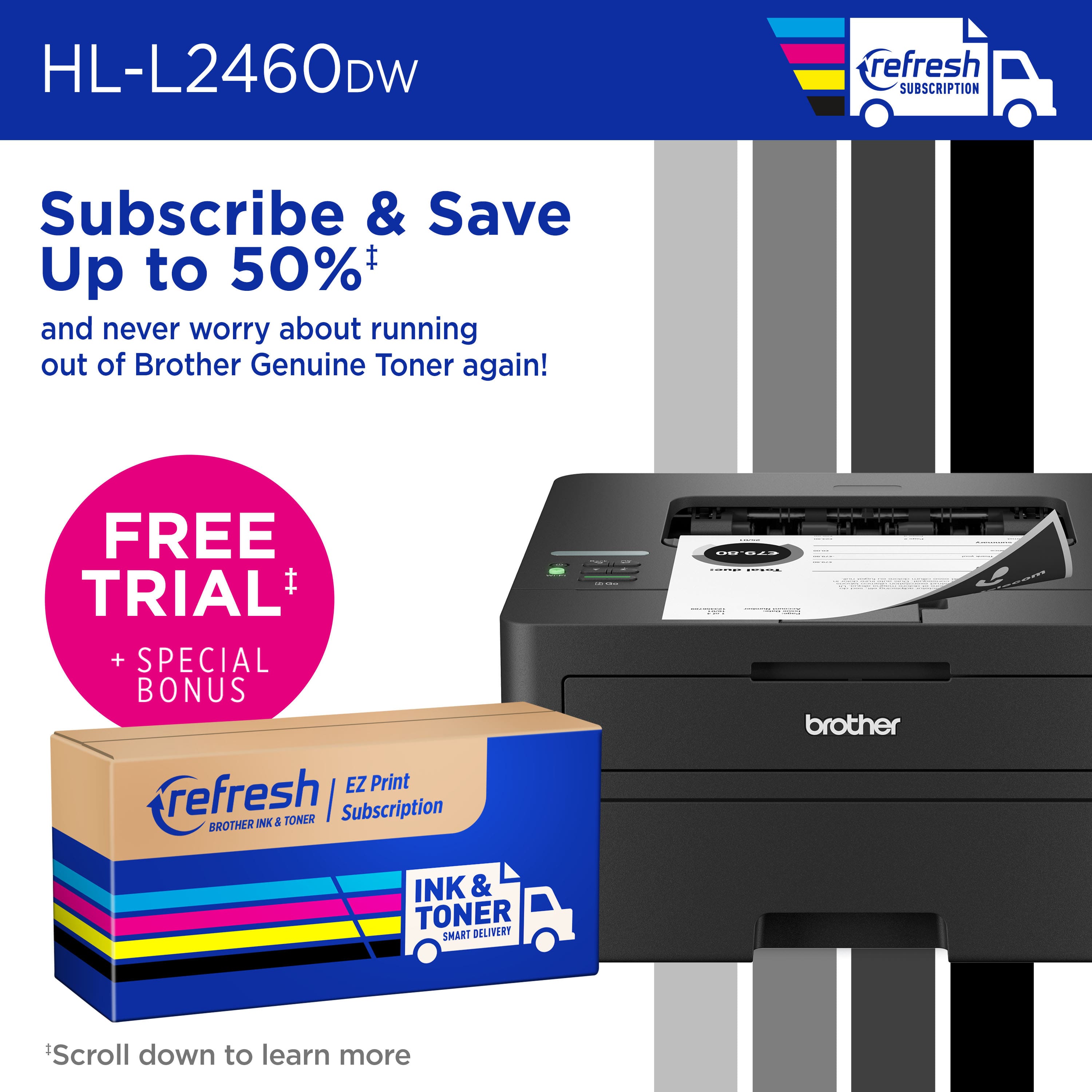
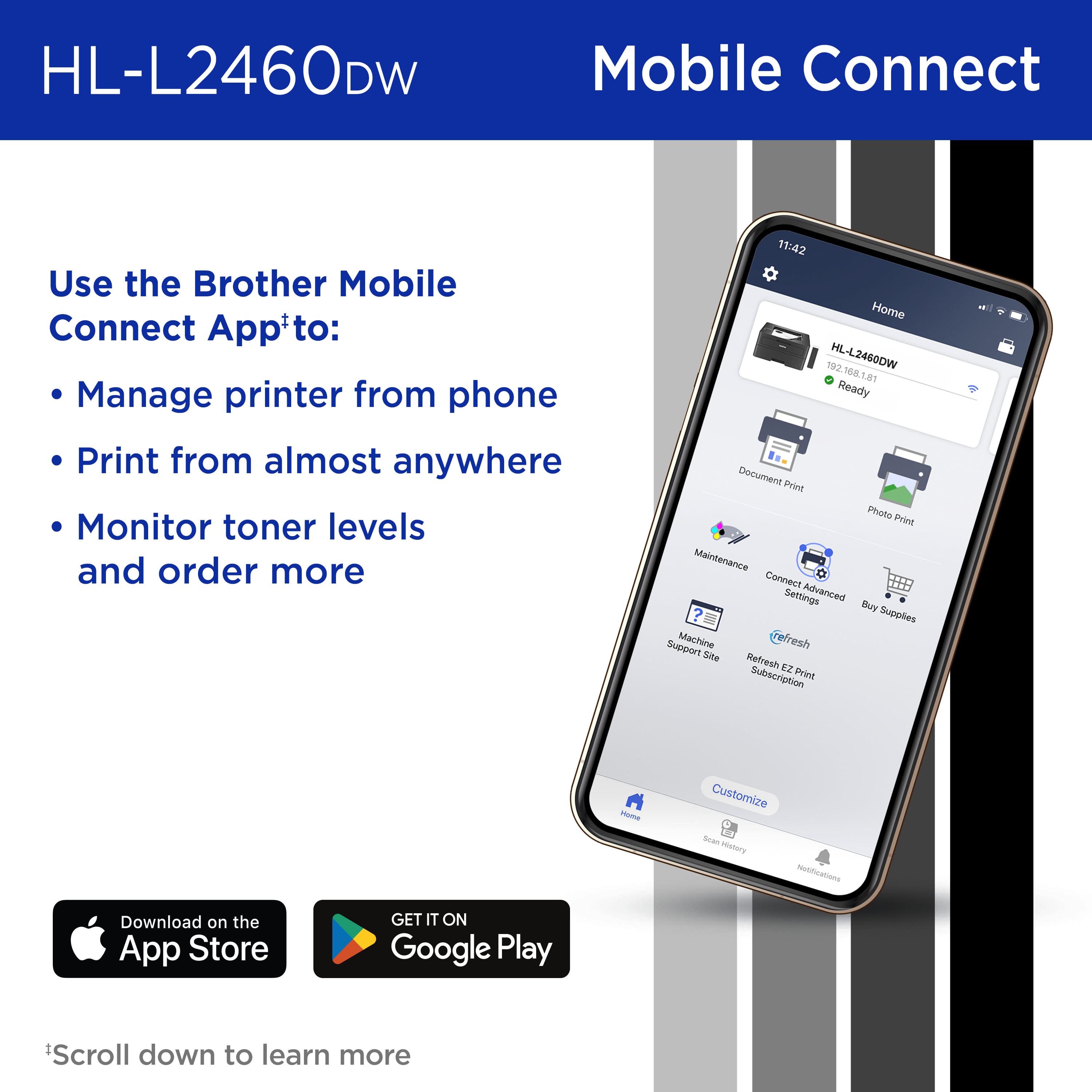
|Posted .This reviewer received promo considerations or sweepstakes entry for writing a review.The Brother - HL-L2460DW Printer is a compact black and white laser printer. It is connected to your network either via network cable or Wi-Fi. This printer automatically senses duplex documents and prints them in duplex which saves the time it takes with most printers to find the correct settings for duplex printing. Brother provides a 4-month free trial of their Refresh smart ink and toner service. When the trial expires you get enough toner for the fixed number of monthly copies that you signed up for. In the past I found this automatic toner program to be much economical than purchasing toner when I ran out. Paying the small monthly fee seems less painful than paying for cartridges all at once. This printer is rated to print up to 36 pages per minute. The paper tray holds 250 sheets. The included Brother Mobile Connect app allows mobile printing from almost anywhere as well as the ability to control printer settings and order supplies. All of my print jobs have been crisp, clear and fast with this printer. We both are able to print from our computers, phones and tablets with ease. I have one issue with this printer, it goes into a deep sleep and often will not wake up without powering down and repowering. While this is sporadic and not major, I deduct a star for this inconvenience. Aside from the deep sleep issue, this is the perfect laser printer for our home use and I'm sure it has the capability to handle much more work than we give it.
I would recommend this to a friendPrinter wrinkles pages when it prints
||Posted . Owned for 1 month when reviewed.This reviewer received promo considerations or sweepstakes entry for writing a review.From the first day I bought it, the printed turned out wrinkled papers. It still doesn't print smooth sheets of paper.
No, I would not recommend this to a friendDO NOT BUY IF YOU WANT A PRINTER THAT WORKS
||Posted . Owned for 3 weeks when reviewed.This reviewer received promo considerations or sweepstakes entry for writing a review.I’ve had this less than a month and it’s no longer returnable. But, in that time, it has already stopped working completely.
No, I would not recommend this to a friendBrand response from Brother
Posted .Thanks for taking the time to review your experience with the Brother HLL2460DW. We appreciate your feedback. I’m sorry to hear your Brother HLL2460DW is not working. I sincerely apologize for any inconvenience this issue may have caused you. We’d like an opportunity to help. Please contact us directly at:
https://www.brother-usa.com/support/HLL2460DW
Minimalistic and Efficient
|Posted .This reviewer received promo considerations or sweepstakes entry for writing a review.Printers are one of those things that everyone needs and has yet never seem to work seamlessly. However, Brother is the exception to this issue as they have always seemed to serve me well compared to other brands. This printer is no exception as it works absolutely flawlessly. First, right out of the box this printer has a minimalistic appearance with the matte black. The form factor is also extremely minimal which was a nice feature considering the features of this printer. You can also tell it is a quality printer as it is not so lightweight as to where it feels as though it is just made of cheap plastic. Moving onto the actual performance though setup was amazingly simple! It was essentially just plug and play. Using the usb cable printing is quick and efficient, but printing wirelessly was also just as simple here as each of my computers/laptops did not have an issue connecting with the printer. The mobile printing feature also worked without any issues as printing from my tablet and phone could not be any easier. The ability of this printer to print so quickly at such a high volume is absolutely great! The tray holds up to 250 sheets where it prints just over 30 pages per minute so it was extremely quick printing off those larger projects. The duplex printing feature here is also one of those must have features as having to hassle with flipping pages never works as it should on the first try so you just avoid that hassle all together here. Only having the printer a week I can`t speak for the longevity of the toner cartridge, but I can guarantee it will last much longer than any inkjet printer you have to deal with plus it won`t end up drying out either. Overall, you really can`t go wrong with this printer from it`s form factor to ease of use, printing speed, and multiple printing methods. For those looking for a printer that is going to last and be easily usable for everyone in your household or business, this is definitely the way to go!
I would recommend this to a friendGood laser printer for home office
|Posted .This reviewer received promo considerations or sweepstakes entry for writing a review.Pro: Compact form factor Fast and clear prints AirPrint Con: No display for menu navigation The Brother HL-L2460DW laser printer may only have basic features, but it prints well, fast, and is easy to connect to PC and phones. Setting up was straightforward. Once the installer is downloaded from Brother’s site, it’s a step by step to setup. There’s not much to it, select the printer, connect to wifi and done. However there were some annoying complications. First the installer failed to detect my network, so I had to manually connect the printer to my wifi. Since the printer has no display (other than one line of text) or keypad, it was a pain to navigate the menu and enter the password by scrolling through each letter. There’s also a firmware update right after installation, which requires the password on the back of the printer. It’s not a major issue, it just seems out of date. Form factor is relatively compact. There’s no paper tray or feeder sticking out. The toner is easily replaced in the front. There's a flip out paper feeder for longer paper size in front, above the toner, as well. The printing is fast, taking only seconds to start a print and each page prints instantly. Print quality is clear with texts looking sharper than an inkjet printer. The printer can be connected to your phone, but since it is AirPrint compatible, I didn’t have to do any setup for it to work with my iPhone. It’s instantly recognized and able to print from any app. Overally, a nice laser printer for home office. There’s no scanner. It just prints, but the prints are fast and sharp. Navigating the menu on the printer is a pain since there’s no display or keypad, but there shouldn’t be a need to do so often.
I would recommend this to a friendCompact, affordable and excellent quality
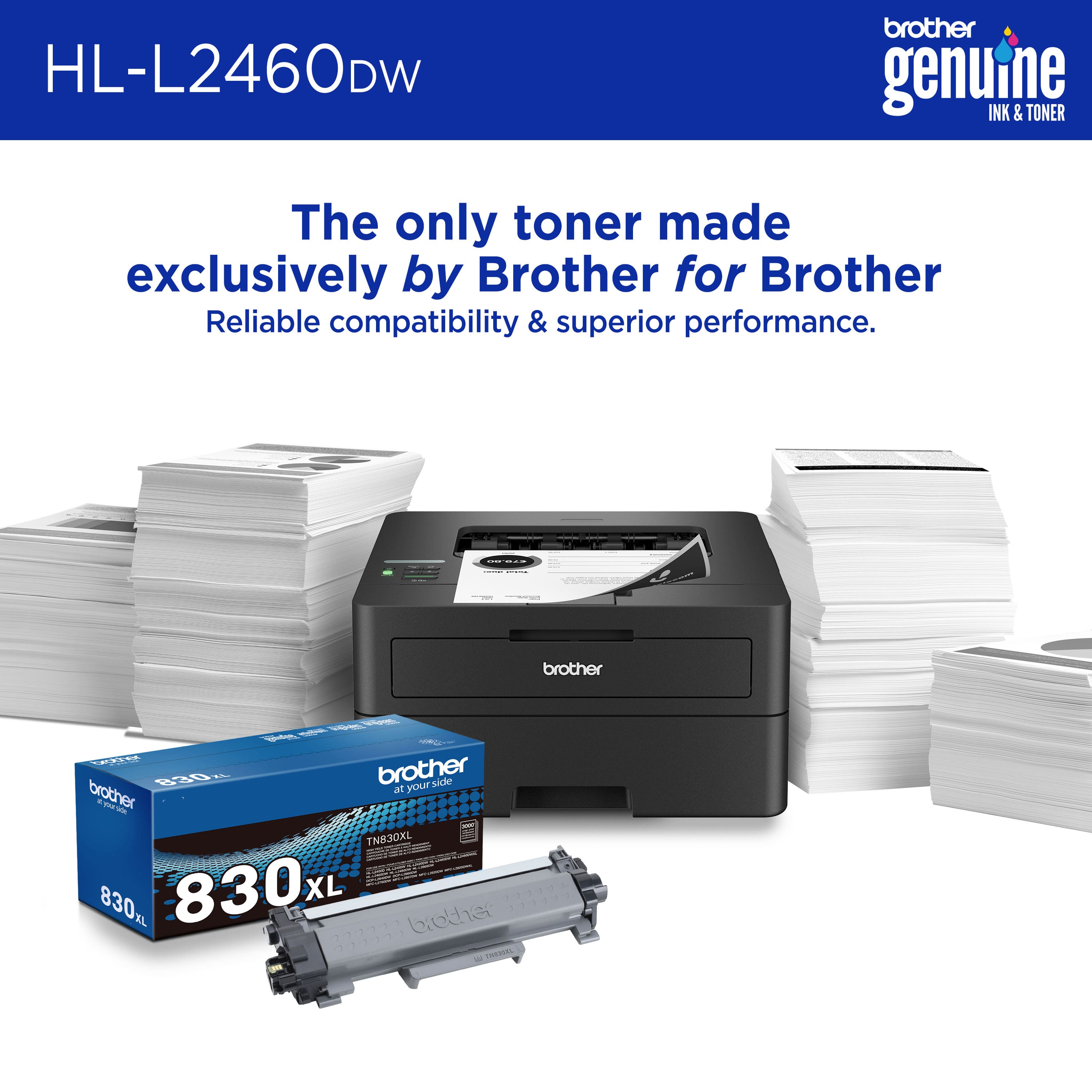
|Posted .This reviewer received promo considerations or sweepstakes entry for writing a review.Compact Laser Printer with Wireless Networking and Duplex Printing. Very easy to install. Remove all tapes, install the print head/drum and toner, plug in the power cable and press the power button to power it on. For PC, go to setup.brother.com and download the app, there is only 1 app on the website. Run the app and it will prompt you to enter the model number of the printer and it will proceed to download the correct driver and software. After download, it will install the driver and software, when completed, you will see two printers in Windows's Printers & scanners screen, one called "Brother HL-L2460DW" using Microsoft WSD IPP port and the other called "Brother HL-L2460 Printer" using tcpip port. For phone, go to setup.brother.com and the page has the link to the mobile app on app store called Brother Mobile Connect. Install the android app and run the app and register (it means add) the printer to your home network. I chose "connect your machine to wifi", it will prompt you for the model number of the printer and next it will give you step by step instruction to get the printer connected to your wifi network. Example, the first step is to press and hold the wifi button on the printer, the LCD will show "check PC/device". Then from the phone, connect to the printer wifi AP etc. Unfortunately, I could not get it to connect, the printer was trying and then timed out. I had to manually configure using the printer's buttons and screen to get it connected to my wifi. Luckily my wifi password is not too complicated. Once setup is completed, it is very easy to print and the print quality is excellent. Text are sharp and crisp. Print speed of up to 34ppm and produces crisp text and excellent graphics at up to 1200 x 1200 dpi. Uses TN-830 toner. Support wireless LAN 2.4 and 5.0Ghz
I would recommend this to a friendTypical Brother quality, and that's a good thing
|Posted .This reviewer received promo considerations or sweepstakes entry for writing a review.So far this printer has been awesome. I'm coming from a roughly 10 year year-old brother 2270DW laser printer that simply will not die. It even has the original drum and still prints just fine. The reason I upgraded was because of the age of the 2270. While I don't print a ton of black-and-white documents, when I do need to print high-quality text documents, there is nothing better than a Brother, laser and this new model is no exception. I figured having an entirely updated, modern laser printer was a good idea since when you have to print something you don't want to deal with any potential mechanical breakdown. One thing I noticed right off the bat was the new one as much quieter and seems to draw less power than my old one. The lights in my office would dim for a second as the 2270 powered on, but that doesn't happen with this new model, likely due to it being more power, efficient. Also, after it prints and goes idle, it's really quiet. The print quality is even better than my older model, but honestly, both results are of typical Brother's laser print quality. The duplex feature works great, and I appreciate the comparatively small footprint versus other laser printer brands. Not much more to say as it's a simple, black-and-white, laser printer, but I will definitely say Brother makes the highest quality laser printers on the market. Plus their toner replacements are reasonably priced, and there's always knock offs if you're into that. I have zero regrets about upgrading to a newer model and would recommend it to anyone who wants high-volume, high-quality black-and-white, text documents!
I would recommend this to a friendExcellent Basic Function Printer
|Posted .This reviewer received promo considerations or sweepstakes entry for writing a review.Since my daughter spilled a drink on her laser printer she decided that she needed to snatch my laser printer and left me with having to print docs from work. So when the HL-L2460DW became available I decided to give it a shot. It's pretty much standard with a drum unit and toner cartridge - I still don't understand how these two parts can cost more than an entire printer that includes them! Since I use my printers with multiple devices I have it set up on the network easily and started printing in no time. The printer is just a basic printer with the added feature of running duplex prints. This will save paper on occasions where I don't need single sheets. The speed and text quality are excellent and good enough for what I need. Photos struggle a bit, but maybe some more tweaking in the settings could eek out a bit more quality. Overall this is a great printer for home and small office that can be shared easily with anyone else in the household that needs to have access to the printer. It doesn't have all the bells and whistles of an All-in-one, but I don't need the extras and the HL-L2460DW handles everything I need.
I would recommend this to a friendSmall capable duplex capable printer
|Posted .This reviewer received promo considerations or sweepstakes entry for writing a review.I used to think was “what is the point of a black and white printer?”, then I realized how much longer laser black and white cartridges lasted and now I have one monochrome and one color as monochrome is the workhorse for daily needs. This prints as fast as I need and can print double-sided fast, which is impressive; I printed a hundred-page document, and it just went to work and got it done. Now when I tried that from the mobile app, it only printed what it had loaded while the app was open on my phone (fold 5). So, I wouldn’t recommend printing large files from your mobile devices only you plan to leave the app open until it is done printing. The printing tray takes a few different sizes but honestly with monochrome 8.5x11 is really all I plan to use it for and maybe legal every once in a while, which it can duplex legal too which is really nice. Setup was a breeze from the phone and then printing from my computer was as easy as searching for the printer and adding it. I like the balance of capability and size and would recommend this printer for anyone looking for a capable simple printer.
I would recommend this to a friendVery easy set-up, easy to use
|Posted .This reviewer received promo considerations or sweepstakes entry for writing a review.The Brother HL-L2460DW printer impressed me with its simplicity and functionality. Unboxing and setup were a breeze thanks to straightforward instructions and a compact design that suits my small home office. There was only one part to install, which was the ink cartridge. Installation was hassle-free and the cartridge snapped into place easily. Connecting the printer to Wi-Fi with my mobile phone took less than three minutes. The adjustable paper tray is convenient, but after adjusting it, make sure the tray fits the paper snugly, or else the printer will have trouble grabbing the paper. One standout feature is the printer's lack of forced sign-ups or registrations. The only information you need to put into the mobile app is the printer's model number. The app has a simple user interface that my eight-year-old granddaughter could use. For basic black and white home printing needs, the Brother HL-L2460DW is a good choice. It prints quickly and clearly without the complexity of advanced features or subscriptions. It's an ideal choice for those seeking a straightforward and efficient printer.
I would recommend this to a friend