Customer Ratings & Reviews
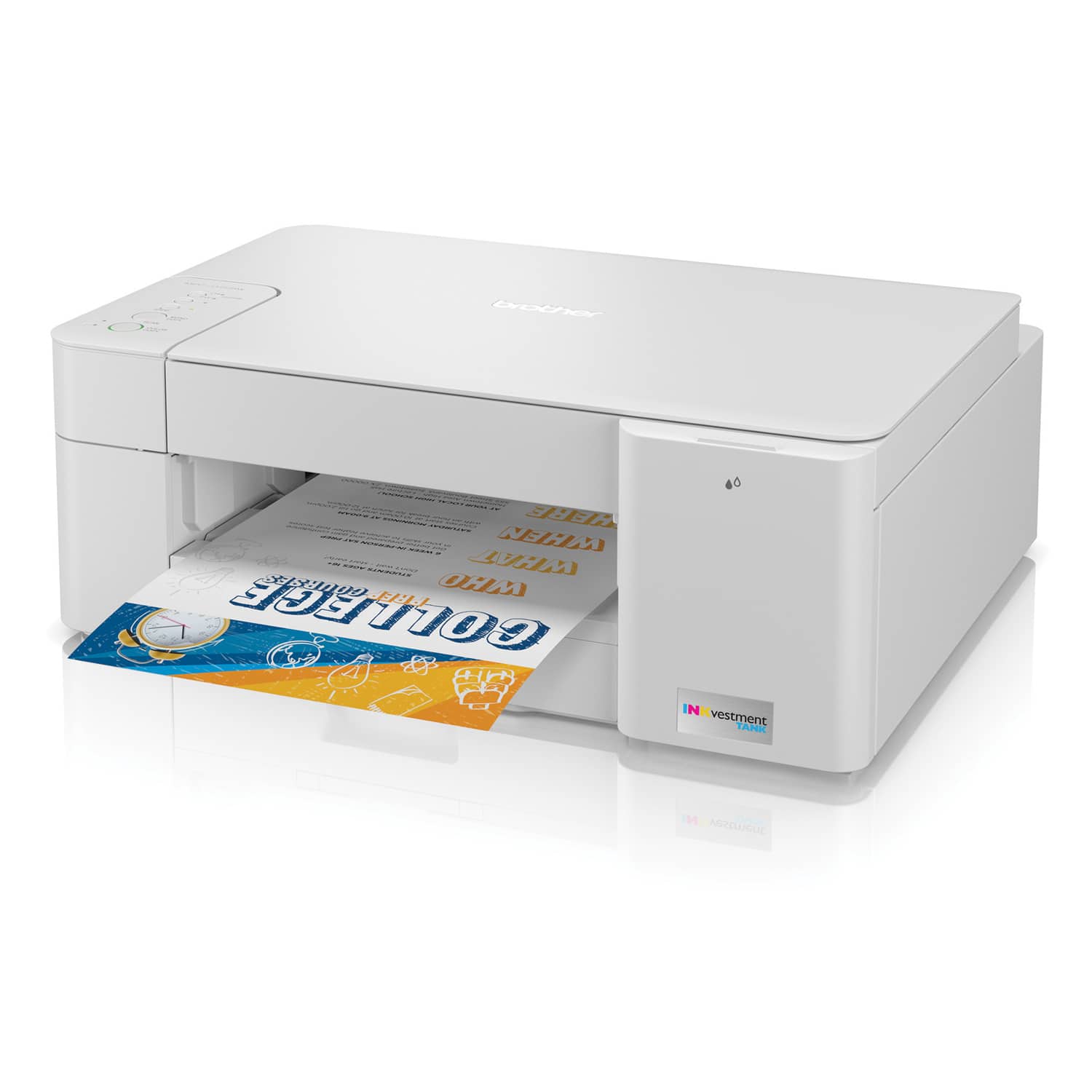
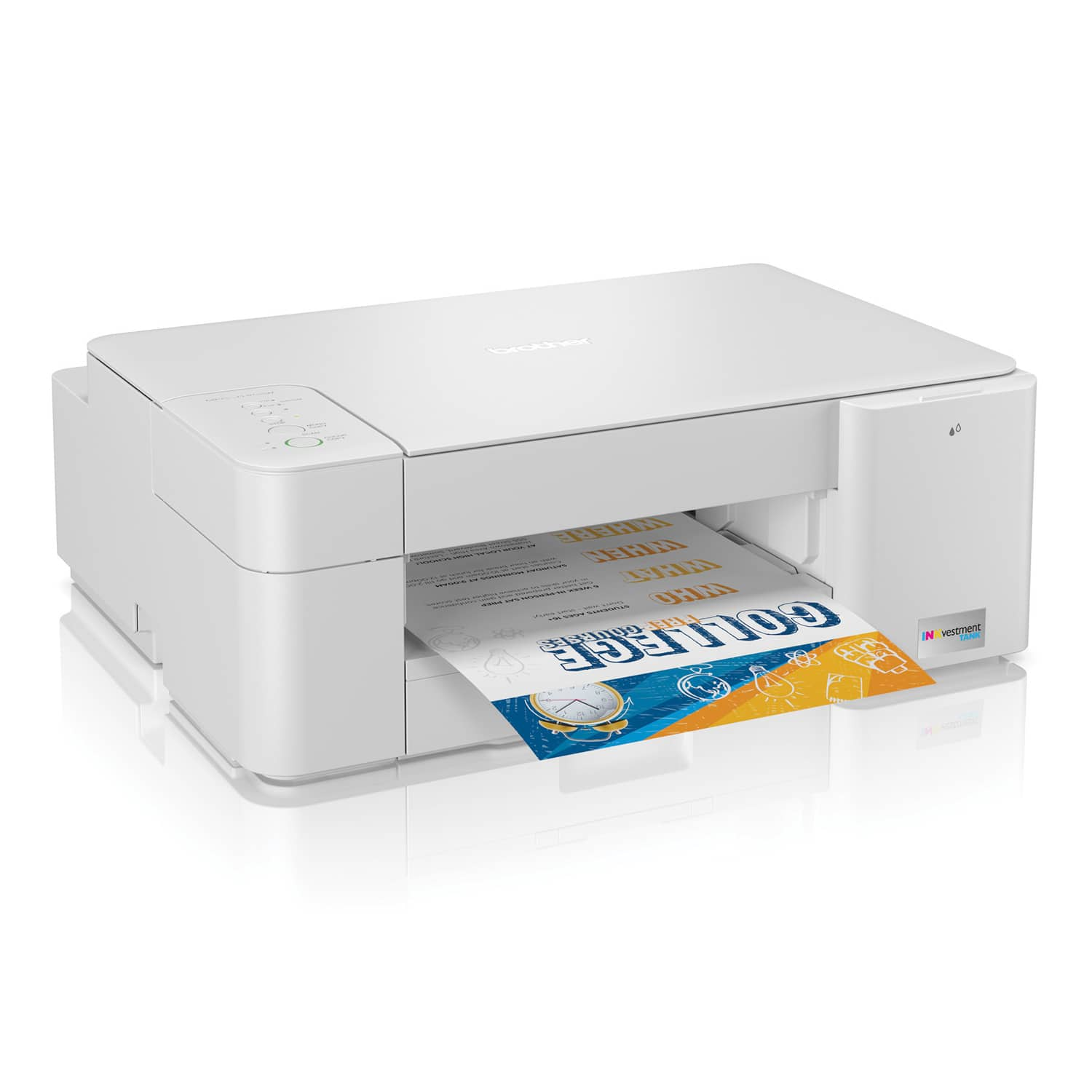

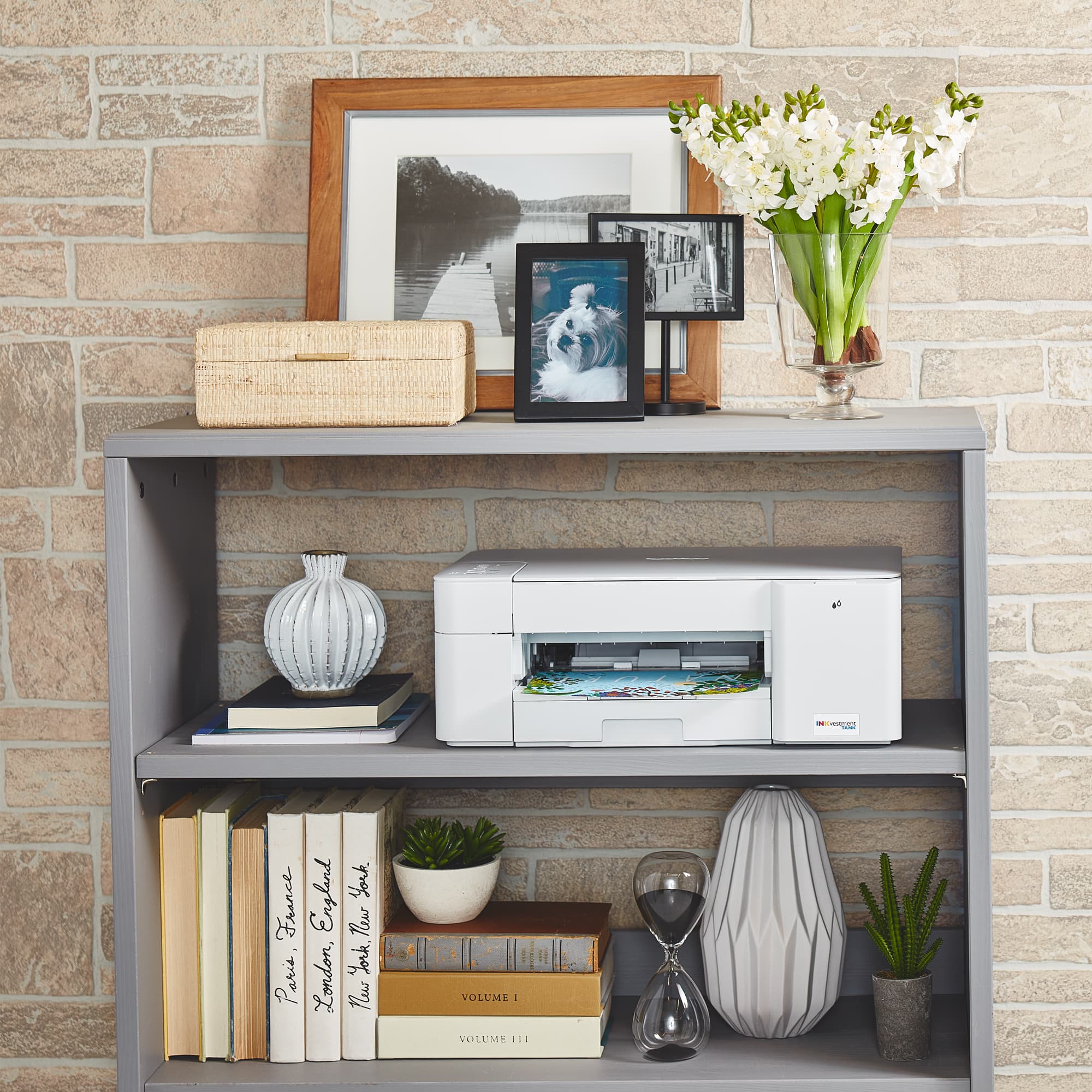
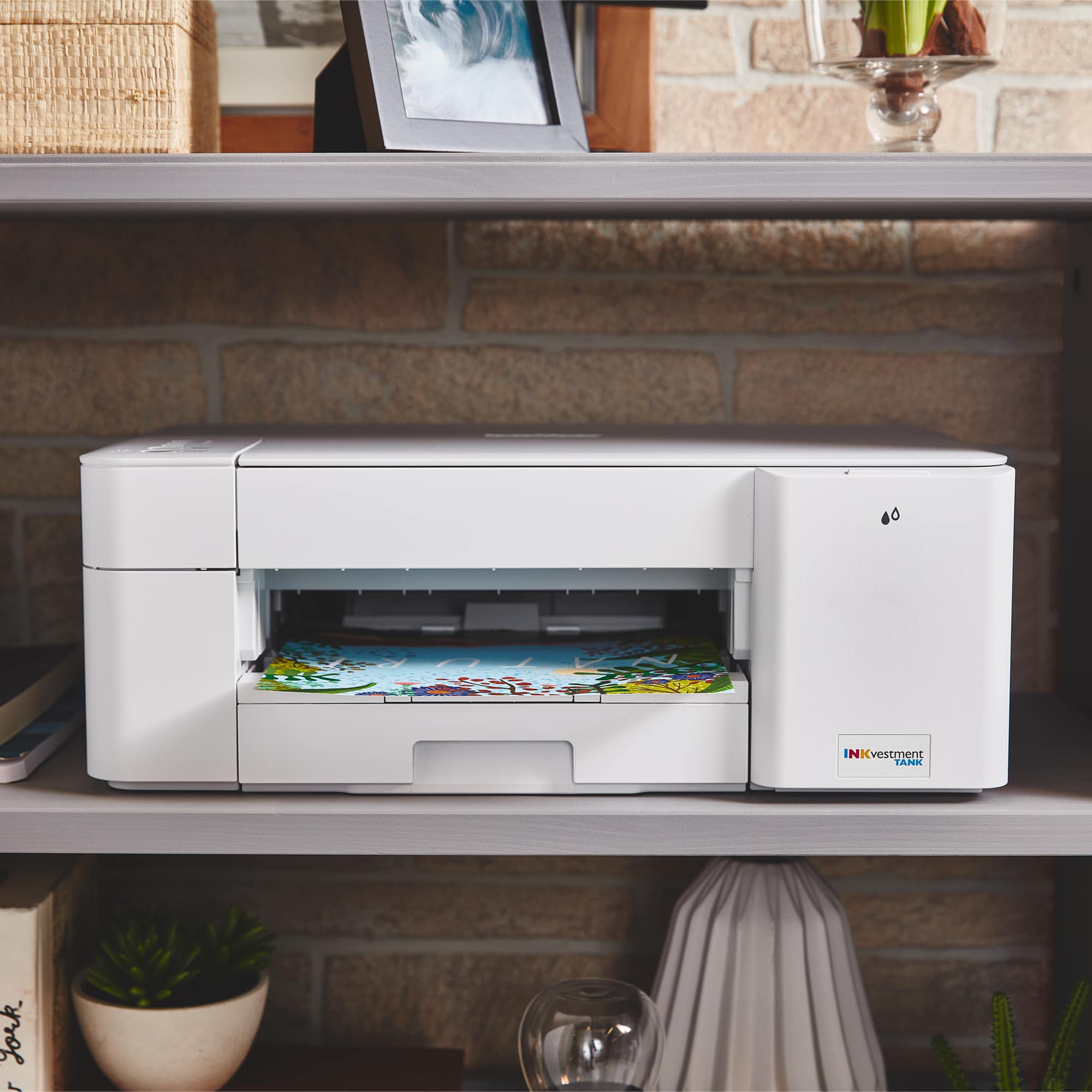



- Model:
- MFCJ1205W
- SKU:
- 6461474
Rating by feature
- Value
Rating 4.4 out of 5 stars
- Quality
Rating 4.3 out of 5 stars
- Ease of Use
Rating 4.3 out of 5 stars
Customers are saying
Customers are pleased with the INKvestment MFC-J1205W's print quality and ease of use, frequently praising its compact size and quiet operation. Many also appreciate the printer's affordable price and straightforward setup process, finding it reliable for their printing needs. However, some users experienced challenges with establishing a wireless connection.
This summary was generated by AI based on customer reviews.
- Pros mentioned:Noise level, Print quality, Size
Great printer!
||Posted . Owned for 3 weeks when reviewed.This reviewer received promo considerations or sweepstakes entry for writing a review.Its a great printer so far. Setup was fairly easy, I had to complete it on my laptop versus my mobile. But since setup, I'm able to do everything via the mobile app. Print quality and speed are great. I love being able to print from anywhere. It's quiet which wasn't necessary but is nice. And the footprint is convenient for a small home office. We've always had HP printers but the ink has to be changed frequently and they usually don't last long. This printer is well built and I like the ink system. I'd highly recommend this printer.
I would recommend this to a friend - Pros mentioned:Print quality

Quality printer-with cable management
|Posted .This reviewer received promo considerations or sweepstakes entry for writing a review.I never really pay much attention to the cabling on printers. Usually every single brand does the same thing, put all the ports in the back of the machine and assume this works for everyone. 9 out of 10 times, I prefer to just push it against the wall and leave it there. As long as I can extend my arm to grab a sheet of paper or open the trey, it works for me. Adding all the ports on the back makes that an issue since pressing it against the wall would then add pressure to the connections. So you have to fiddle with it a bit to find the right spot where the cables would be fine without putting too much pressure on the ports or the boot of the cables. The Brother printer goes a different route and puts the power connector on the side and other ports under the scan tray lid. They’ve even added a small channel along the side to bring your cables out through the back of the printer. I really love that about this printer. The ink cartridges has a nice twist to them as well. No, they didn’t make them self-refillable, or at least not meant to anyway. They make them in a clear housing that allows you to visually see the ink levels rather than just relying on the software telling you that you’ve run low on ink. Setup was cake with the INKvestment printer just pair to the same network connection and with 3 taps of the screen, you are paired. The Brother Connect app has a simple, yet stylish interface. You got your Printer model at the very top, ink information on the side, IP of the printer below the model, the printers status below that (printing, sleep, etc), then your typical document/photo print buttons, scan, copy, and maintenance buttons. If anything, it’s missing the bells and whistles other printer manufacturers throw into their apps such as camera print, cloud print, and the likes. The higher, more premium models seem to have some of that functionality built into the smart displays. But, lets face it, you’re printing from your phone, just open your favorite cloud service to print any document directly. In terms of print quality, the Brother INKvestment printer handles everything you throw at it. From pictures, to documents and anything else. Pictures would appear to do really well. I didn’t have any glossy photo paper, which is why I think I got a so-so result. I got very little grain from drone photography and milky way images
I would recommend this to a friend - Pros mentioned:Ease of use, Print quality
Affordable printer with long lasting INK
||Posted .This reviewer received promo considerations or sweepstakes entry for writing a review.Its been 2 years with this printer and i havent even had to use the refill ink. Absolutely happy with the Long Lasting INK. Setup was quick, and the wireless connection works well with my laptop and phone. The biggest win has to be the The ink .it really does last! I’ve printed dozens of pages and haven’t come close to running out. Print quality is sharp for both documents and color prints. It’s not the fastest printer out there, and it doesn’t auto-duplex, but for home or light office use, it gets the job done without draining your wallet.
I would recommend this to a friend Great 3in1 large ink capacity printer!
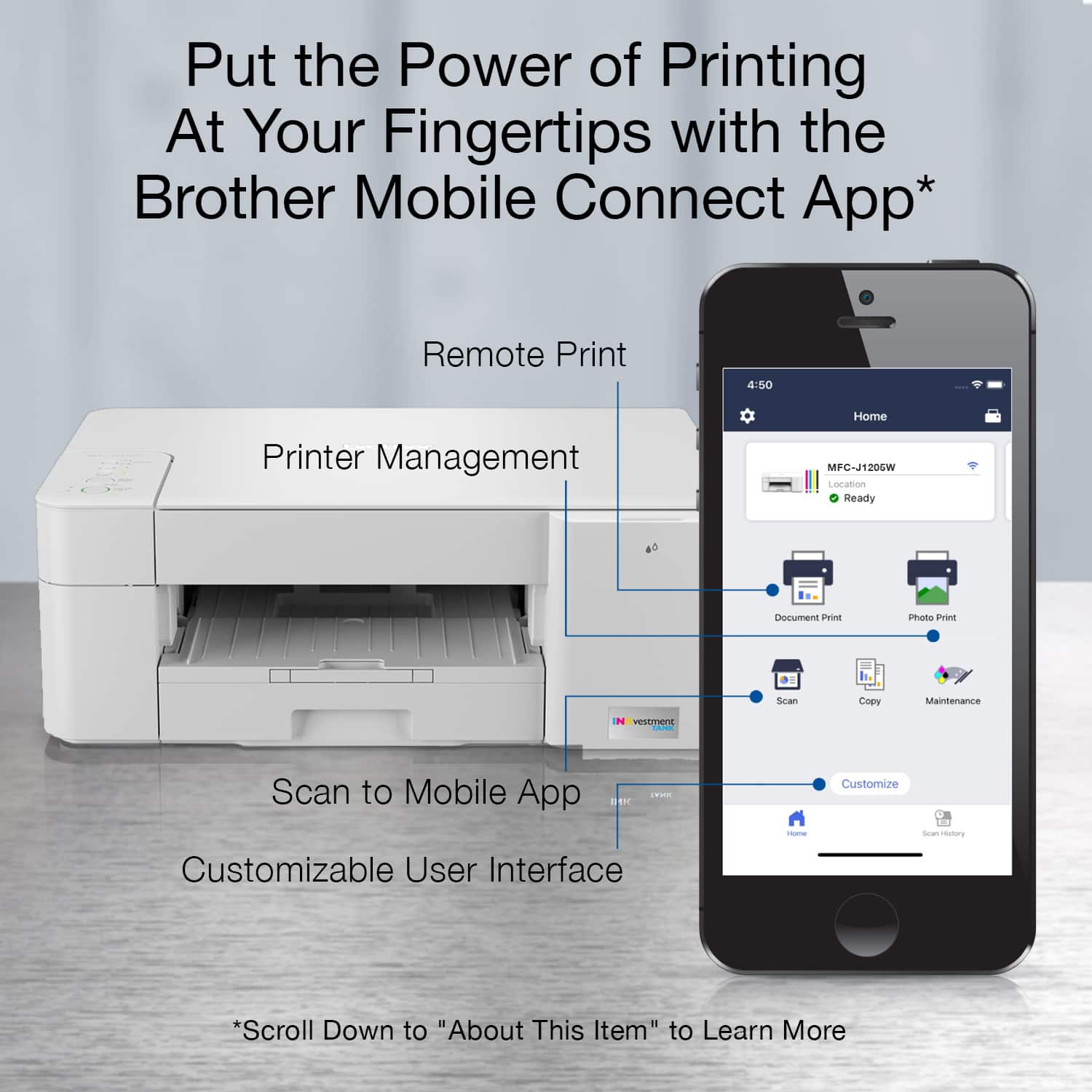
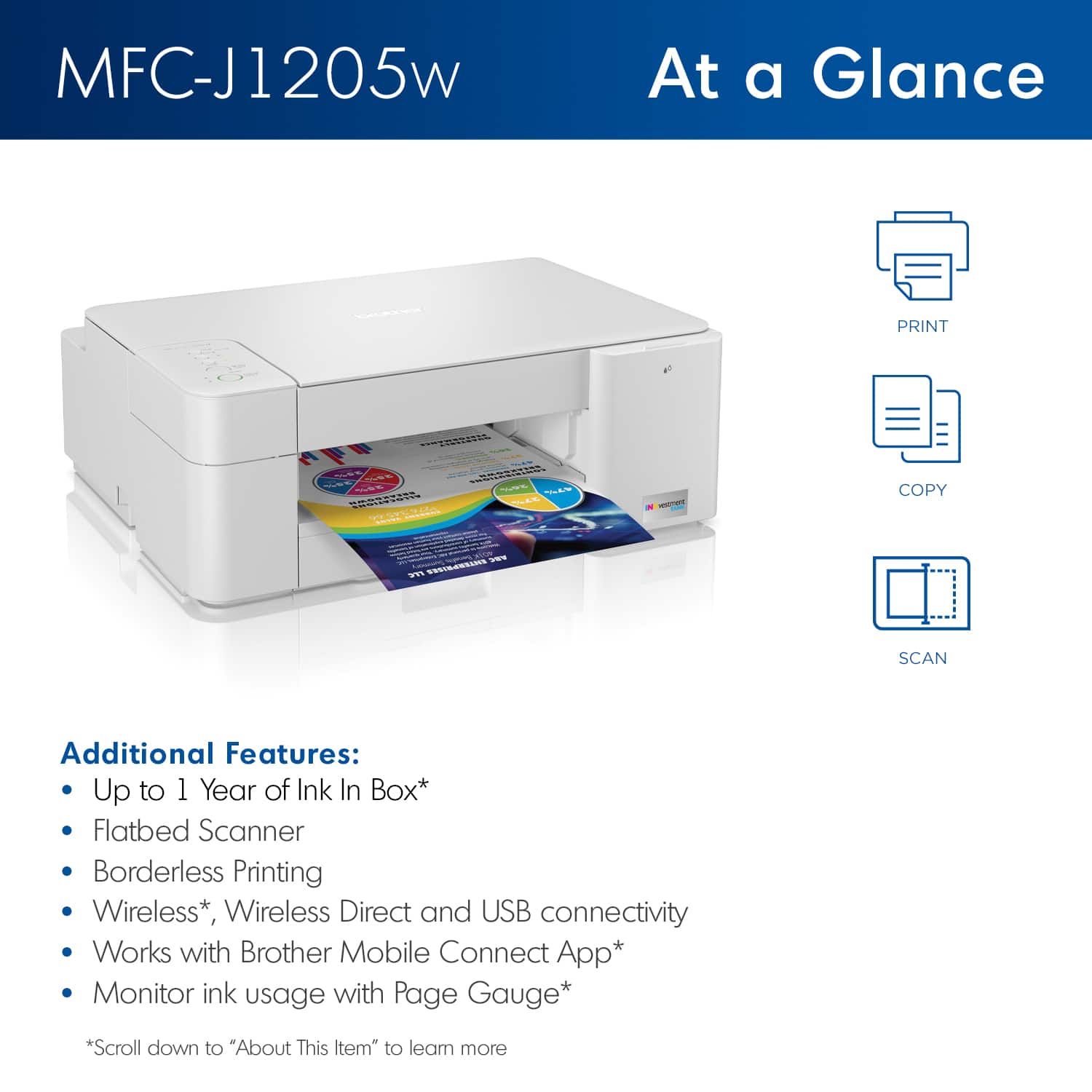
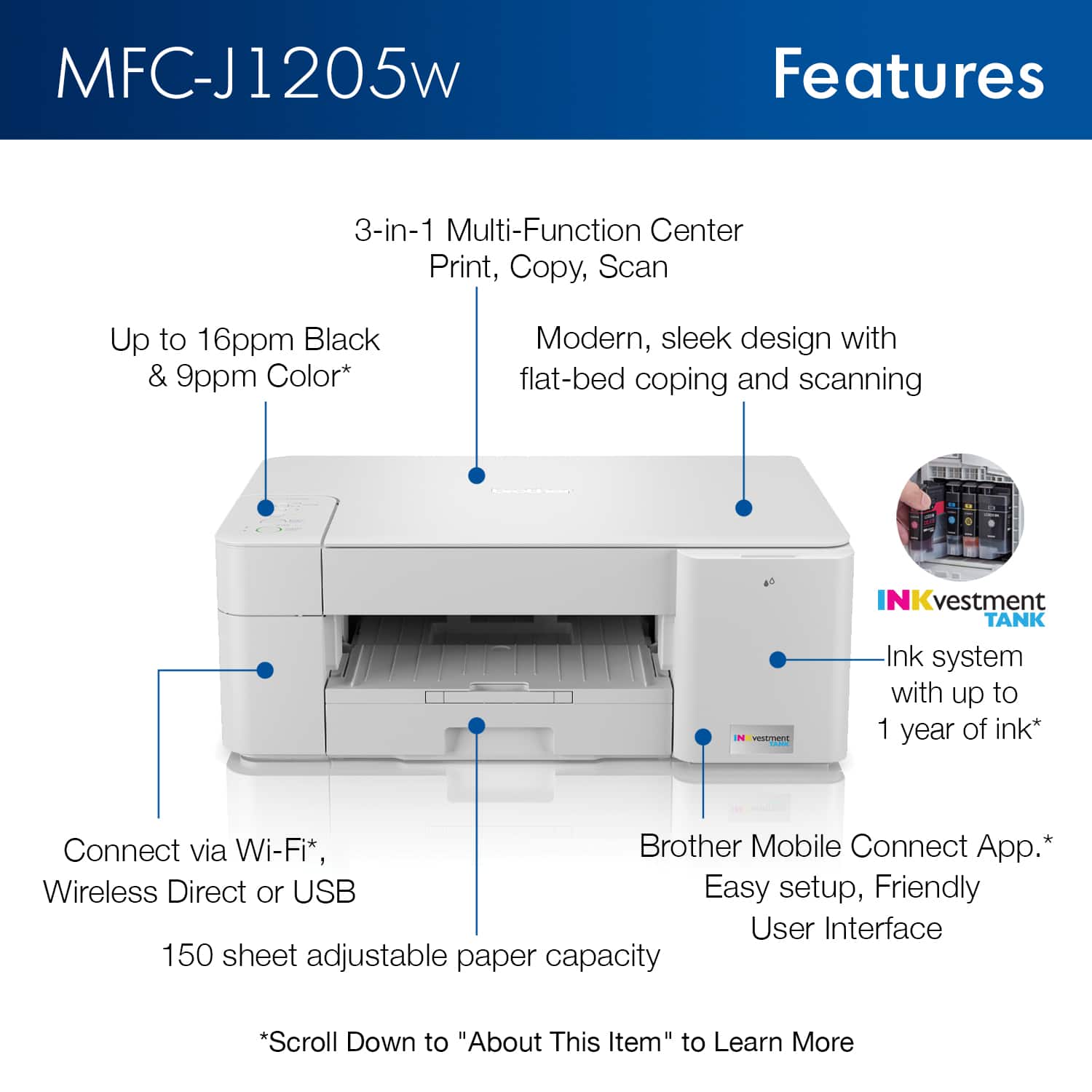
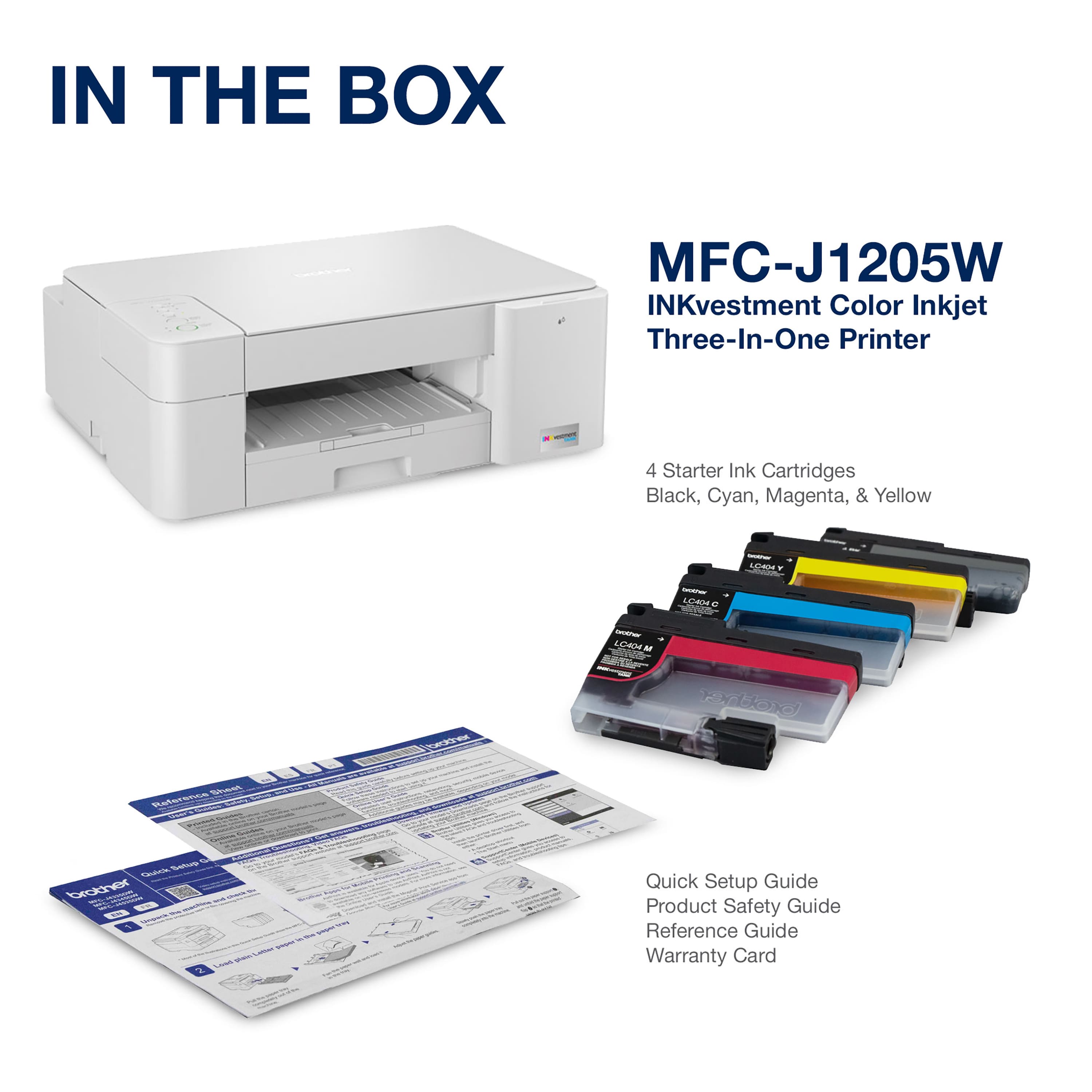
|Posted .This reviewer received promo considerations or sweepstakes entry for writing a review.The Brother MFCJ1205W INKvestment printer seems like Brothers entry-level INKvestment printer seeing that it is just your basic 3in1 Print, Copy and Scan printer. However, it does come with wireless technology by the way of WIFI and has an app called Brother Mobile Connect that enables you to print any document or picture you desire from your phone. The app is very well laid out and easy to use. I would have liked to have seen more info on the different ways to set up the printer on the network with direct connect and using the IP address of the printer and cloud print in the set up instructions. The easiest way to get it online is to just add it to your network during set up on your computer when it gives you the choice. I tried setting it to local on the computer it was connected to and it still prompted me to let it be connected to the internet on a couple of the additional steps for diagnostics and ink management etc. I was going to connect it local and use direct connect to print from my phone and I could not get it to work that way like I have before with other printers. It may do it but with the Brother software suite installed on the computer they really want the printer online so they can tell you when to buy more Brother ink for it and for diagnostics as well as the online suite that is available. I just went ahead and installed all of the software including the extra document handling software that seemed to be quite useful and included pdf software. The MFCJ1205W holds a lot of paper in the slide out paper tray. I do not know if it is 250 sheets but it seemed like at least 150 maybe 200. More than twice as much as the old printer it replaced. It also has easy-to-access ink tanks on the right front of the printer. You just open up a door and there is a separate compartment for just the ink rather than having to open up half the printer to replace cartridges like other inkjet printers I have had. I really loved the ease of access and simplicity involved with changing ink tanks. Another feature I liked was the hideaway USB cord connection on the side under the scanner lid. Additionally, I noticed is that for a compact all-in-one printer the Brother MFCJ1205W has some weight to it and feels like it is very well built and sturdy. For anyone looking for a simple 3in1 printer without a document feeder or fax capability, this is actually the best one I have come across and the fact that you can get it for $99.00 and it is an INKvestment printer with large capacity ink tanks available makes it a great deal to me. I would not hesitate to recommend it!
I would recommend this to a friend- Pros mentioned:Print quality
Compact and Great Results
|Posted .This reviewer received promo considerations or sweepstakes entry for writing a review.My Inkvestment printer has great print out qualities, took about 4 minutes to set up from start to printing the test page. Since I just got mine I don’t know if the ink actually lasts a year but I do love how slim the ink cartridges were. Setting up the printer via the application by Brother would be my suggestion for you. It was easy and painless. The paper cassette won’t hold an entire package of paper but I’m okay with that since I don’t use it for high volume printing. A great family printer for our home office for sure!
I would recommend this to a friend Great print quality, Large Footprint, Odd Design
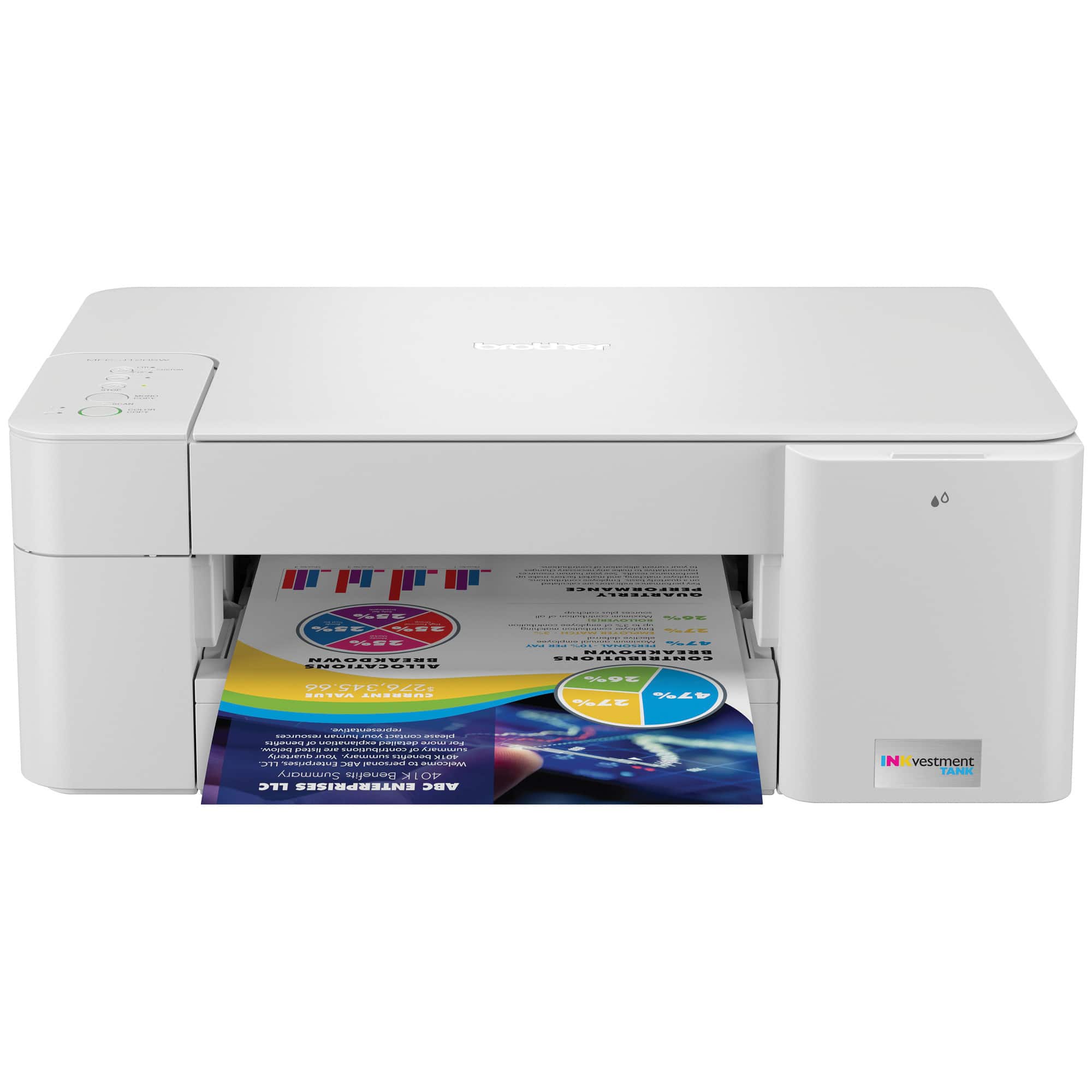
|Posted .This reviewer received promo considerations or sweepstakes entry for writing a review.The Brother MFC-J1205w is a color inkjet printer. Brother call it an "inkvestment tank" printer and claim you get up to a year of ink in the box. It has only been a few days, so I don't know about the year part yet but I am confident that is true for black. :-) The Brother support website says the black is rate for 750 pages which would definitely be more than a year for me based on our current average printer use. I will say, each ink cartridge on the MFC-J1205w is the same size (width) but the black carries a lot more ink than the colored cartridges. Brother has also made the cartridges transparent - so you can see how much ink is left. A nice touch rather than hoping the printer is reporting the correct amount (see photo). I'm not sure how much replacement cartridges cost. As this Brother printer is a very new model, Best Buy doesn't yet stock replacement cartridges although it does seem to be cartridge compatible with the MFC-J1215w This is the more affordable of the Brother Inkvestment printers, so there's no LCD screen. You do all the setup via the Brother mobile app. There's a QR code sticker on the printer to download the app, but oddly it goes to a support page and you have to scroll to the end to find the app link. Or just search for "Brother Mobile Connect" in the app store. The Brother app is MUCH improved over earlier generation brother iPrint apps. The app is free. Setup once you get the app is smooth. No need to register as part of the setup (Thank you!) I was able to connect to my WiFi 6 network, first go, no problem. Once connected, loaded with ink and paper and I was able to print directly from my phone (iOS AirPrint) and Windows 10 laptop. I should not the Brother MFC-J1205w has NO LAN port. There is a USB port but it's in the weirdest location (under the scanner cover, kind of behind all the buttons). There's a space to run the cable out but it's a very unusual design choice and I don't feel it's even practical - means you need an extra-long USB cable (no USB cable included). Print quality is great. Yes, you can AirPrint from iOS. It's an Inkjet, so for the best results, invest in good quality paper. At black, I seem to be getting 15-16 pages per minute in my tests. Color is about 7-8 when printing on standard paper stock. These are not scientific speed test results, just me with my phone stopwatch. I do like that the MFC-J1205w has a fully enclosed paper tray and the tray supports 4x6" photo card stock. Scanning quality is great too and it scans fast, straight to your phone. Which I love. The biggest (no pun intended) is the size of the Brother MFC-J1205w printer. It's wide, about 17" and it's just noticeably BIG. Wider than comparable "tank" style printers from other manufacturers. So it looks big on your desk. Overall, would I recommend it? This is a tough one but I think not and it's why I landed at 3 stars. The print quality is great, but the large footprint, weird location of the USB port means I wouldn't recommend it. I still can't get over the weird USB port location, the first time I had to read a manual to find the USB port. Ha! If you like Brother and the size doesn't matter, I'd probably upgrade to the next model up that has the LCD screen. Btw, I like that Brother makes the users guide HTML (not PDF). If you want to read more before you buy, check out the user guide here https://support.brother.com/g/s/id/htmldoc/mfc/cv_mfc1205w/use/index.html
No, I would not recommend this to a friend- Pros mentioned:Print quality
JKeith
||Posted . Owned for less than 1 week when reviewed.This reviewer received promo considerations or sweepstakes entry for writing a review.Came back to Brother after Windows 10 drivers were no longer available for my HP all-in-one. Well packed, setup was easy out of the box, clear instructions (wait ~15 minutes for the ink wells to fill - first time). Needed a cheap scanner for small items (20 in one setting) and this fits the bill. Don't need an LED screen; the buttons were explained in detail. Definitely like the way the paper tray was set up. Print quality is good enough for home use and school work as we won't be using for photo paper or envelopes. Overall, good for home use, and possibly light office work. Need to see if the ink tanks will really last a year vs. a cartridge system. For the money, this will fit the bill.
I would recommend this to a friend - Pros mentioned:Print quality
Good Printer/Good Price
||Posted . Owned for less than 1 week when reviewed.This reviewer received promo considerations or sweepstakes entry for writing a review.I give this PRINTER Five Stars! Why? Easy Setupp. Basically remove from box, plug in add ink. Just look at easy instruction guide. I had the app already downloaded to my Android Google Pixel when the internet was activated on the printer it automatically prints a Test page with the Serial number which you will need for set up and registration on the app. I printed right away but noticed it was very slow from cell to printer. So I went to my wireless chrome laptop and found the printer under settings and was able to print without connecting a USB cable or turning on bluetooth or using a bluetooth device because both devices are using the same wifi. The printing speed was much faster. I recommend using with a laptop instead if you can. I printed from laptop about 30 pages all in full color (pictures) for a project and the print and color was good. I am very happy, also you can see the ink levels from the app. Good printer for a good price.
I would recommend this to a friend - Pros mentioned:Print quality
Good Buy for Those on a Budget
||Posted . Owned for 3 weeks when reviewed.This reviewer received promo considerations or sweepstakes entry for writing a review.It prints, scans, and copies. Slow but the price fit my budget. Set up was moderately easy. Recommend registering the product first before you install the drivers. Otherwise, you'll be bombarded with messages about other goodies that come with the computer. I still haven't received my welcome package that was promised after registering my printer. Wish it came with the male/female USB cord. Although wireless, future buyers should ensure their shared internet will work. I'm unable to print using a shared internet service because my landlady has a Brother printer, too. I have to rely on the USB connection so to avoid problems. When she prints, she doesn't choose her own printer. The color is okay. I was spoiled by a laser jet, so I won't be super critical. Just know that ink jet printers will not provide the same quality of color printing like a laser jet printer. I loved that I didn't have to go out and buy ink separately. I print a few documents a month, so I'm good with the amount of ink. The year supply and wireless option and price were the top three reasons I purchased this printer.
I would recommend this to a friend - Pros mentioned:Ease of use, Print quality, Size
Nice printer.
||Posted . Owned for 3 weeks when reviewed.This reviewer received promo considerations or sweepstakes entry for writing a review.Good small printer. Works wonderfully for what I need. Colors look good. Easy to setup and easy to use. Haven't used the scanner yet. I did buy the cord to connect directly to the computer because the wi-fi was difficult to work with.
I would recommend this to a friend - Pros mentioned:Print quality
Solid Printer
||Posted . Owned for 1.5 years when reviewed.This reviewer received promo considerations or sweepstakes entry for writing a review.I recently purchased the Brother INKvestment Tank MFC-J1205W Wireless All-in-One Inkjet Printer, and I am thoroughly impressed with its performance and features. Here’s a detailed review based on my experience: Design and Build Quality The Brother INKvestment Tank MFC-J1205W sports a sleek and modern design with a white and gray color scheme that blends well with most home or office decor. The build quality feels sturdy and durable, giving confidence that it will last for years. Setup and Connectivity Setting up the printer was a breeze. The wireless setup was straightforward, thanks to the user-friendly instructions provided. The printer supports various connectivity options, including Wi-Fi and USB, making it versatile and convenient for different devices and operating systems. The Brother Mobile Connect app is an excellent addition, allowing seamless printing and scanning from smartphones and tablets. Performance The print quality of the MFC-J1205W is outstanding for both text and images. The colors are vibrant, and the text is crisp and clear. It handles various paper types and sizes with ease, making it suitable for diverse printing needs. The printing speed is decent for an inkjet printer, efficiently handling large documents and high-resolution photos. INKvestment Tank System One of the standout features of this printer is the INKvestment Tank system. Brother promises up to a year of ink in the box, which is a game-changer for reducing frequent cartridge replacements. The ink tanks are easy to refill, and the cost per page is significantly lower compared to traditional ink cartridges, providing excellent value for money. Multifunction Capabilities As an all-in-one printer, the MFC-J1205W excels in copying and scanning as well. The scanner produces high-quality digital copies, and the copying function is quick and accurate. The automatic document feeder (ADF) would have been a nice addition, but its absence doesn’t detract much from the overall functionality. Conclusion Overall, the Brother INKvestment Tank MFC-J1205W Wireless All-in-One Inkjet Printer is an excellent choice for both home and small office use. Its combination of high print quality, cost-effective INKvestment Tank system, and reliable wireless connectivity make it a standout in its category. I highly recommend this printer for anyone looking for an efficient and economical printing solution. Rating: 4.5/5
I would recommend this to a friend - Pros mentioned:Print quality
Great all in one printer
||Posted .This reviewer received promo considerations or sweepstakes entry for writing a review.Purchased this for our small business to replace a color laser printer that was costing too much to replace toner. This printer is quick and efficient and does an excellent job. It doesn’t have a display screen, so you need to set it up using a computer. But that is no problem at all.
I would recommend this to a friend - Pros mentioned:Ease of use, Print quality
Good value and easy to use and quality printing
||Posted . Owned for 2 weeks when reviewed.This reviewer received promo considerations or sweepstakes entry for writing a review.Set up was easy and printer quality was nice. This came with the one year worth inn. Considering the toner is expensive, this is a good deal and multiple functions, so I can do copy, scan, etc easy to use.
I would recommend this to a friend - Pros mentioned:Noise level, Print quality, Size
All around great printer.
||Posted . Owned for 1 year when reviewed.This reviewer received promo considerations or sweepstakes entry for writing a review.This Brother printer has served me well. I do not print all that much but everything I have ever printed has been perfect. Scanning is easy to use and allows me to save and email items. It is quiet and compact. It fits in the small area I have perfectly.
I would recommend this to a friend Ink Cartridges Ran Out After About 9 Months
Posted .This reviewer received promo considerations or sweepstakes entry for writing a review.Purchased this printer in the middle of Jan 2022. As for the printer it does a good job in the wifi mode. The 3 colored ink cartridges are now empty and the b/w is at approx. 1/8 level. The ream of 500 sheets I bought with the printer is about 1/2 left. The ad says that you get a years supply of ink in the box. I got about 9 weeks. My high school student does not really use the printer and we don't have a business. Yes we do print but only half a ream and the ink is gone. $76 for the 3 color cartridges and one black (L404) Quality: It works well, Value: Ink didn't last and not cheap, Ease of use: Wifi hook up took a while to complete. Recommend: Only if you rarely print.
No, I would not recommend this to a friend- Pros mentioned:Ease of use, Size
Nice small printer
||Posted . Owned for 10 months when reviewed.This reviewer received promo considerations or sweepstakes entry for writing a review.I have had this printer for a few months and I really like it! I did not have problems setting it up and enjoy using it. I like the fact that if the color cartridges run out, you can still use the black cartridge. The cartridges are a little pricey; have lasted a long time; but I don't print that much. It is very easy to use the app to check on ink levels or make an adjustment before you print. The printer is smaller, so it doesn't take up a lot of space. I bought it on sale and it was very affordable. I read a lot of reviews before deciding on this printer and trust the Brother brand.
I would recommend this to a friend - Pros mentioned:Ease of use, Price, Print quality
Brother all in one inkjet printer.
||Posted . Owned for 1 month when reviewed.This reviewer received promo considerations or sweepstakes entry for writing a review.Easy to set up, and easy to use. Print quality is good. I like the barrel ink instead of the cartridges. Good for the less expensive budget.
I would recommend this to a friend - Pros mentioned:Ease of use, Price, Print quality
She loves it!!
||Posted . Owned for 3 weeks when reviewed.This reviewer received promo considerations or sweepstakes entry for writing a review.We are 70 year olds. This printer was for my wife. Easy to hook up, inexpensive, prints fast and clear. She loves it!! Going Brother when my HP needs replacing.
I would recommend this to a friend - Pros mentioned:Ease of use, Print quality
Great, wireless printer for a home office!
||Posted . Owned for 4 months when reviewed.This reviewer received promo considerations or sweepstakes entry for writing a review.This printer is awesome. The setup took no time and having an app to troubleshoot is convenient. The year of ink already in the box is such a game-changer. I print full-color documents often and still have plenty of ink since I got it in September. The wireless printing worked right away and was so easy to set up. I print from my iPhone and MacBook with no issues. The colors could be a tad bit more vibrant but if you really need that, just adjust a setting. I use it for my remote job and for personal needs.
I would recommend this to a friend - Pros mentioned:Print quality
Great simple printer, poor WiFi setup
||Posted . Owned for 3 months when reviewed.This reviewer received promo considerations or sweepstakes entry for writing a review.If you just print occasionally, this printer is the one for you. The setup portion was pretty poor, it had trouble finding my desktop through WiFi and was forced to initially hook it up with a USB cable then migrate to a WiFi connection. Afterward, the printer has been great. Prior I had a cheap $40 HP printer, which would constantly jam and have trouble feeding paper. This has none of those issues, it has a deep paper tray and a large amount of ink (again, if you use it occasionally as I do, it's a lot). Black and white prints come out near-instantly the second you print it. My recommendations are to leave it plugged in 24/7 otherwise the printheads will dry out and don't try to use it as a professional printer if you're at an office. The bad reviews I see here are trying to print 50+ pages in a single go or scan a bunch of stuff, that's not what this is meant for.
I would recommend this to a friend