Customer Ratings & Reviews

- Model:
- MFC-J6545DW
- SKU:
- 6302030
Rating by feature
- Value
Rating 4.5 out of 5 stars
- Quality
Rating 4.5 out of 5 stars
- Ease of Use
Rating 4.5 out of 5 stars
Customers are saying
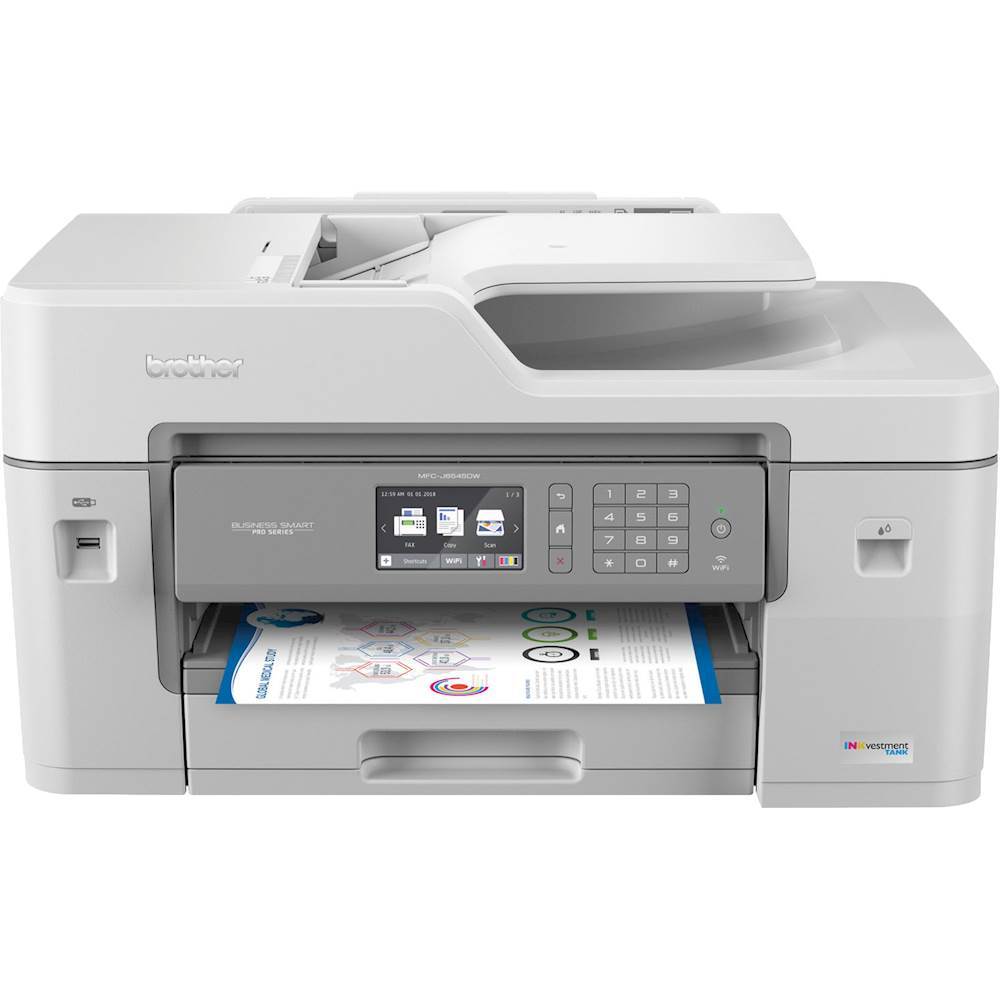
Customers are delighted by the crisp, high-resolution print quality of the INKvestment Tank MFC-J6545DW Wireless Color All-In-One Inkjet Printer. Many appreciate the good color and print quality, even on standard settings. However, some find the printer's size to be quite large and potentially inconvenient for home use due to its bulk. The substantial size may require ample space and accessibility around the printer.
This summary was generated by AI based on customer reviews.
- Pros mentioned:Print quality

Great Solution for Small Businesses
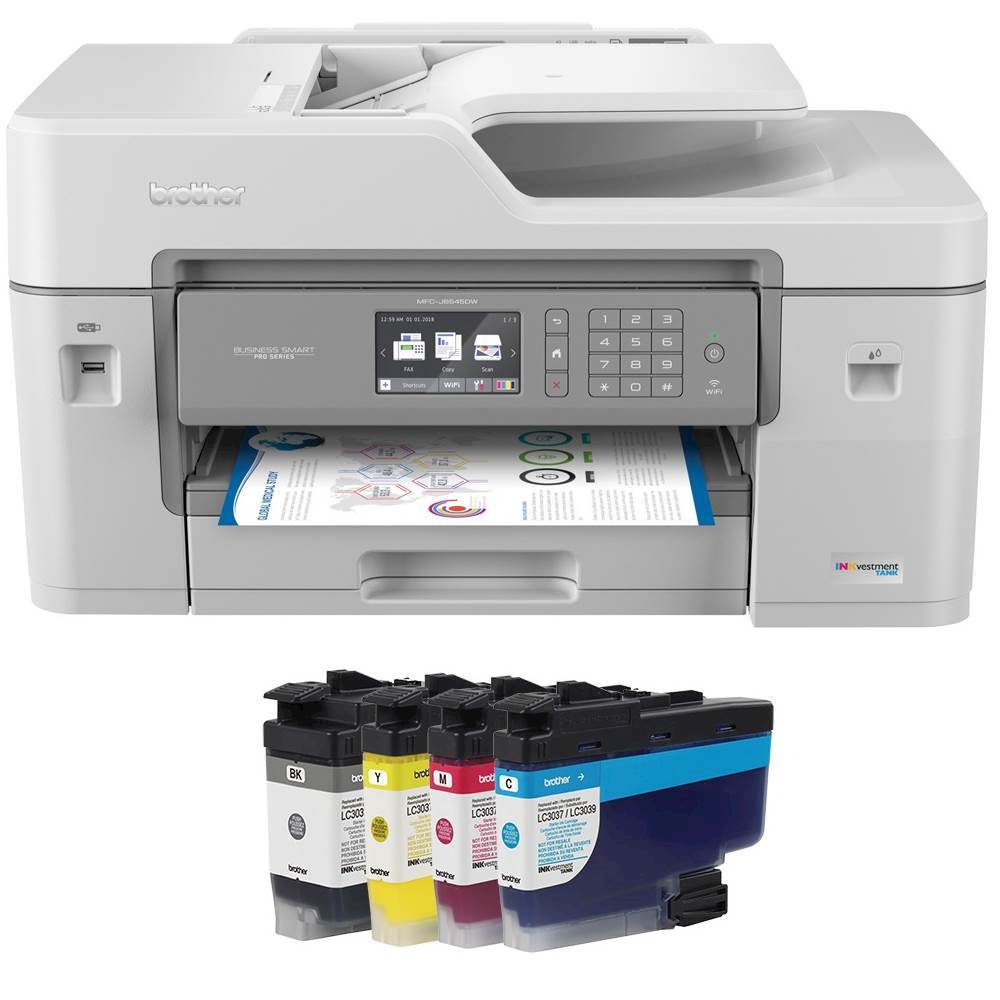
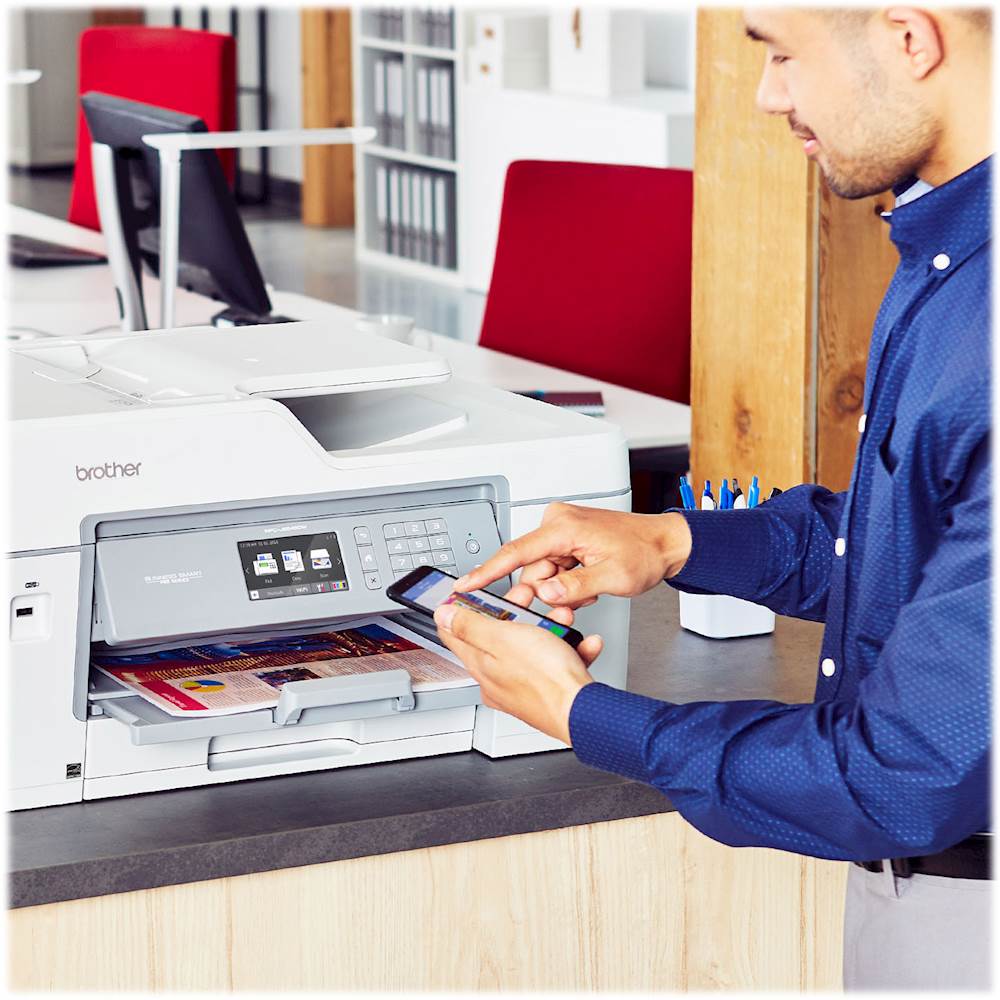
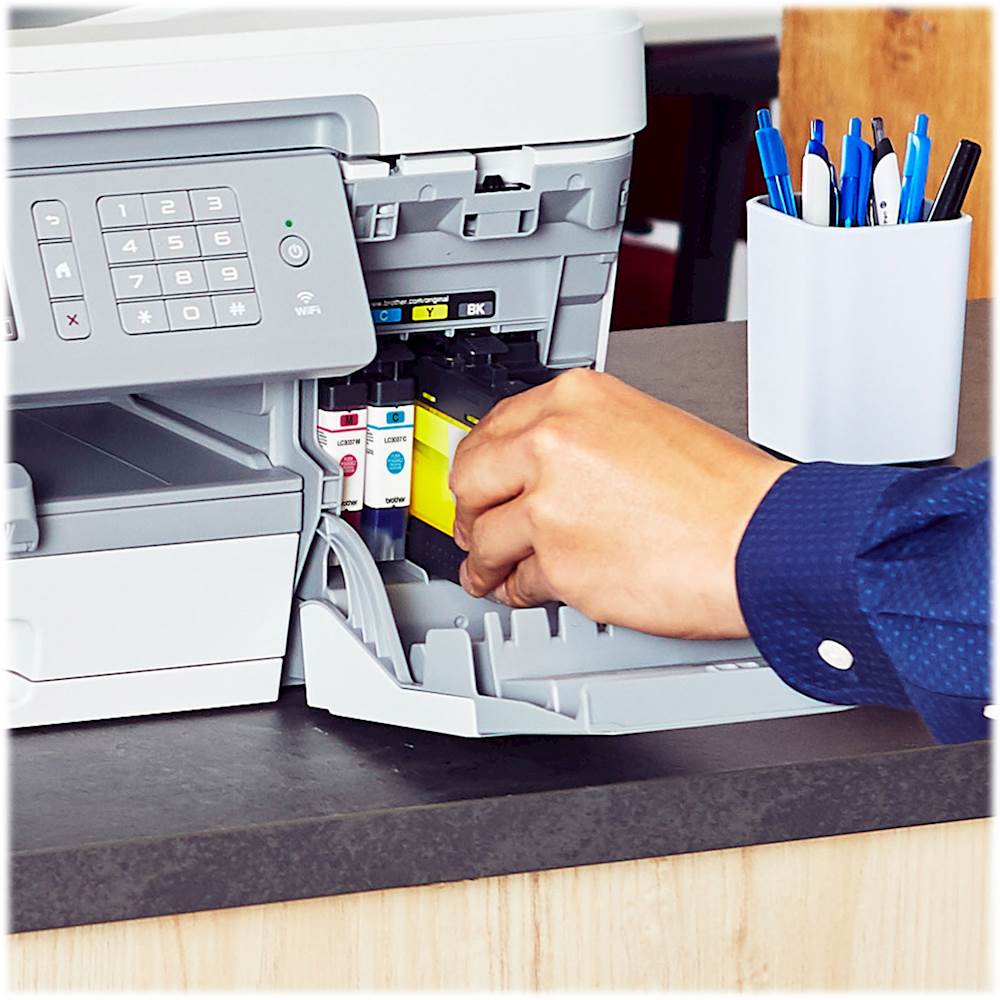
|Posted .This reviewer received promo considerations or sweepstakes entry for writing a review.---SETUP--- The setup for this Brother printer is time consuming if you’ve never used an inkvestment type printer before. The size of the printer requires two people for safe handling. The ink cartridges are easy to install and have a unique wedge per color to prevent wrong insertion. The black ink, however, must be shaken 15 times before it can be used. After that, it takes 8 minutes for the ink tanks to do their first cycle. If you do all the steps back to back and with no errors, you’re looking at a 20 minute setup with WiFi. ---FEATURES--- The key feature of this printer is that it uses “inkvestment” technology. All that means is that the ink tanks (read: cartridges) have been modified to fit more ink, require less changing, and be cheaper to replace. The box touts to have 1 year’s worth of ink included in the box printing 300 pages per month. Additionally, it works as a fax, scanner (with OCR), and copier. It has up to 4800 x 1200 DPI color resolution, the ability to air-print (iOS and Android), and scan to cloud services. ---PERFORMANCE--- The performance of this Brother printer was excellent with a few mishaps that may or may not affect you. This printer is meant for small business, but not all businesses use all features. When it comes to printing, the quality is above par. I printed a high-quality color image on photo paper with photo-quality settings and the image looked incredible. Additionally, I printed a similar image on card stock fed through the alternate multipurpose tray that can be used for envelopes or other sizes and paper types and the results were equally impressive. Printing on paper is great as well, but I did find a tiny issue with this. As my multi-paper document was printing, at some point, one of the papers didn’t land flat on the bed. Instead, it curled up causing a few others to coil up behind it (pictured). It only happens once, but I thought I should mention it since it did occur in a setting where there was no air source coming through and the printer was on a stable surface. Another thing that I noticed was that scanning an image through the feeder tray didn’t come out entirely straight, but it’s not a feature I plan on using often. Lastly, I did print using my iPhone, which didn’t require any additional apps once the printer was connected to my network. Printing via the phone, though, has limitations on the options of what tray to print from as well as other functionalities. ---EXPECTATIONS--- The product meets my expectations. This is not the first inkvestment-type printer I own. Being a teacher, I have a lot of printing needs when school printers shut down. These types of printers do live up to their name of saving you money when having to buy ink again. For my needs, it will serve a good purpose. ---VALUE--- The price for the printer in terms of value makes it a good trade-off vs. how much you will save on ink. ---APPROVAL--- I highly recommend this product for people who own a small business, educators, or people who print in large quantities monthly.
I would recommend this to a friend - Pros mentioned:Print quality
Business class inkjet at small business price
|Posted .This reviewer received promo considerations or sweepstakes entry for writing a review.About 7 years ago I made the (reluctant) choice to try a Brother AIO printer. I was frustrated that I was wasting money on "the other guys" only to have their printers die after a year or two. I had noticed that we had Brother fax machines at the office that had been used daily and looked like they were manufactured in the 1980s, so I brushed my fear aside and gave Brother a shot. Unfortunately, 7 yrs later my entry-level AIO gave up the ghost. I was more than willing to buy another AIO and was very interested in the INKvestment Tank "technology" used in the MFC-J6545DW. Honestly, I don't know that "bigger ink" equals "technology" but the thought of not replacing a bunch of tiny ink cartridges all the time is quite nice. Regardless, when the printer arrived at my doorstep I was also shocked at how big the printer itself is. That's my fault for just shopping online and not stopping to think that a device that can scan and printer in ledger size has to be twice the size of my 8.5x11 all-in-one. First impression, size aside, is how easy the setup was. I chose to connect to wifi manually, but they offer WPS for anyone who wants the "push button" option for connecting to wifi. The longest part of setup was the 8 minute wait after loading the ink. Apparently the device needs to siphon the ink from the cartridge into internal storage tanks. Regardless, less than 15 minutes from unbox to printing for me. My Windows 10 laptop found the printer without any action on my behalf (other than clicking on "find printers"). I have been impressed with how quick, clean, and crisp the output is. Documents print about twice as fast as my old Brother personal printer...which was still pretty quick. The printer also holds about 5x as many pages of paper than my old printer which is nice. (I was always running out of paper mid-job.) To get the full benefit of the printer, like scanning documents to cloud accounts, you need to install the FULL driver. It comes on a CD in the box. Fortunately it is also available for download on the Brother website. Speaking of scanning, the ADF (auto document feeder) claims to hold 50 sheets. It is important to note that it will NOT scan/copy both sides of a sheet automatically. (You need to step up a model for that option.) Scanning speeds are just average. I tried using the ADF to scan some old 4x6 photos and had mixed results with some photos getting stuck. Additionally, the Brother scanning software isn't the greatest forcing you to set the scan size rather than "auto-detecting." There might be a way around that but I have not spent enough time scanning to know for sure. It would be nice to be able to lay photos on the glass and have the scanner detect the individual images or scan without cutting off the edge because you set the wrong size in the software. I love the scan to cloud (OneDrive, Google Drive, Evernote) options. JPEG, TIFF and PDF are the only options. I am disappointed PNG is not a built-in file format for scans. You can also scan docs with OCR. The scanner can "scan and send via email" if you don't want to save to the cloud, flash drive, or PC folder. The scan quality felt average for photos and good as a copier, and as mentioned previously, scanning is not much faster than my old scanner--but at the same time, it is scanning twice the surface area. The touchscreen is small. Icons for navigating the touch screen are large, but when it comes to selecting items or typing words on the touchscreen, it can get a bit hairy if you have big fingers or an unsteady hand. A larger touchscreen would be nice, but at least it pivots to help with glare and angles. My Android phone, which still had the old Brother printing app on it, found the printer without any effort. I was able to print direct from phone just as fast and easily as printing from the laptop. If I can get the same life out of this Brother AIO as I did my old one, it will be a good investment. There are devices out there that will undoubtedly scan more clearly and maybe even faster, but the Brother MFC-J6545DW has enough features (especially since I can forego automatic double-sided scanning) and a high quality output perfect for my needs at a reasonable price.
I would recommend this to a friend Huge Ink Jet printer
|Posted .This reviewer received promo considerations or sweepstakes entry for writing a review.The Brother MFC-J6545DW INKvestment Tank all-in-one inkjet printer is a beast of a printer and I mean that literally. This thing is huge, to include the ink cartridges, and requires a two person lift to move it. However, the size is important if you need to be able to scan/print/copy or fax ledger (11x17) size documents. For a small business, this printer has pretty much everything higher end printers have and “1 years worth of ink” in the box. The included ink is listed as 3,000 black and 1,500 color pages, so the 1 year is subjective to use. But, compared to regular inkjet cartridges that tend to max out at 600 pages, this is a huge difference on cost advantage. Comparing to some other Brother Genuine cartridges you can get the ultra yield that has nearly 10 times the ink of regular inkjets (6,000 pages) for about $0.01 a page. While comparing to other inkjet printers the quality on this one is on par with most others I have had but a bit faster on the actual output with a rating of 22ppm. On black, or pages with minimal color, it is noticeable how quick it is. Printing full color or photos does take a while and even comes out kind of damp feeling. Though capable of printing borderless photos, I wouldn’t say it is intended as such as the quality looks flat. As for scanning, the automatic document feeder can hold up to 50 pages, but the 6545 model only supports single sided scanning through the ADF, you can do double sided if you use the bed or get the 6945 model. The copy quality is pretty good, but if comparing copies side by side, you can see the minor differences. The paper tray holds half a ream of paper and expands to hold the ledger size paper. This makes it stick out, but not any further than the paper output tray already is. There is also a multi-purpose tray in the back which makes it easy if you need to print something on card stock, photo paper or a different size than you already have loaded. You can connect this printer using Ethernet, WiFi or USB 2.0 and it is simple to do so. However, once you connect this device to your network, I highly suggest you connect to it through a web browser and change the default password that is listed in the Online User’s Guide, not found in the included Reference Guide. Through the network settings you can enable additional security features such as firewall and external card readers as well as many other advanced configurations that can’t be changed through the touch screen. Printing from any computer and mobile device on my network was simple and worked completely to include double sided printing without additional drivers installed. However, to use other features such as scan to device or send fax from PC/mobile device you need the CD/Downloaded software or the Brother iPrint&Scan app.
I would recommend this to a friend- Pros mentioned:Print quality
Large format printing capabilities in a multi-func
|Posted .This reviewer received promo considerations or sweepstakes entry for writing a review.Large format printing capabilities in a multi-function machine. It was easy to set up. The large ink tanks boast 300 pages per month for a full year. The bottom tray hold 250 sheets. The rear tray hold 100 sheets of different sizes. The flat bed scans up to ledger sheets. Great for CAD drawings and such. I do a lot of CAD work, so this will be perfect for large drawings. Being a multi-function machine, it FAXes, scans and prints in B&W and color. Very cost effective per page printing. Cloud print via most common apps and cloud drives. No problems printing from my moto e6 cellphone, WIN10 laptop and iPAD. Love the crisp high resolution print quality. I definitely recommend this for a small office where many people can share a great quality printer at a low cost.
I would recommend this to a friend - Pros mentioned:Print quality
Functional, efficient, and affordable.
||Posted . Owned for 3 months when reviewed.This reviewer received promo considerations or sweepstakes entry for writing a review.Is the best printer for the price when it comes to all the different paper formats it can print in, and features. The INKvestment tank does save money compared to other similarly prices printers as well. Overall a great home office printer for those that need a lot of features for a affordable price.
I would recommend this to a friend - Pros mentioned:Print quality
Excellent for small business
||Posted .This reviewer received promo considerations or sweepstakes entry for writing a review.Really like this printer. Great color prints. Fast print/scan. Large scan plate for legal docs. Love the touch screen control panel. Holds a nice amount of paper. Easy set up and easy to figure out all of the features.
I would recommend this to a friend - Pros mentioned:Print quality
very good printer
||Posted . Owned for 3 weeks when reviewed.This reviewer received promo considerations or sweepstakes entry for writing a review.For the price this is probably the best value printer for small businesses. The ink seems to last pretty good... not going to last a year as advertised, it does 11x17 which was a must for me and the quality of prints are pretty decent.
I would recommend this to a friend - Pros mentioned:Print qualityCons mentioned:Size
Nice printer let down by software and support
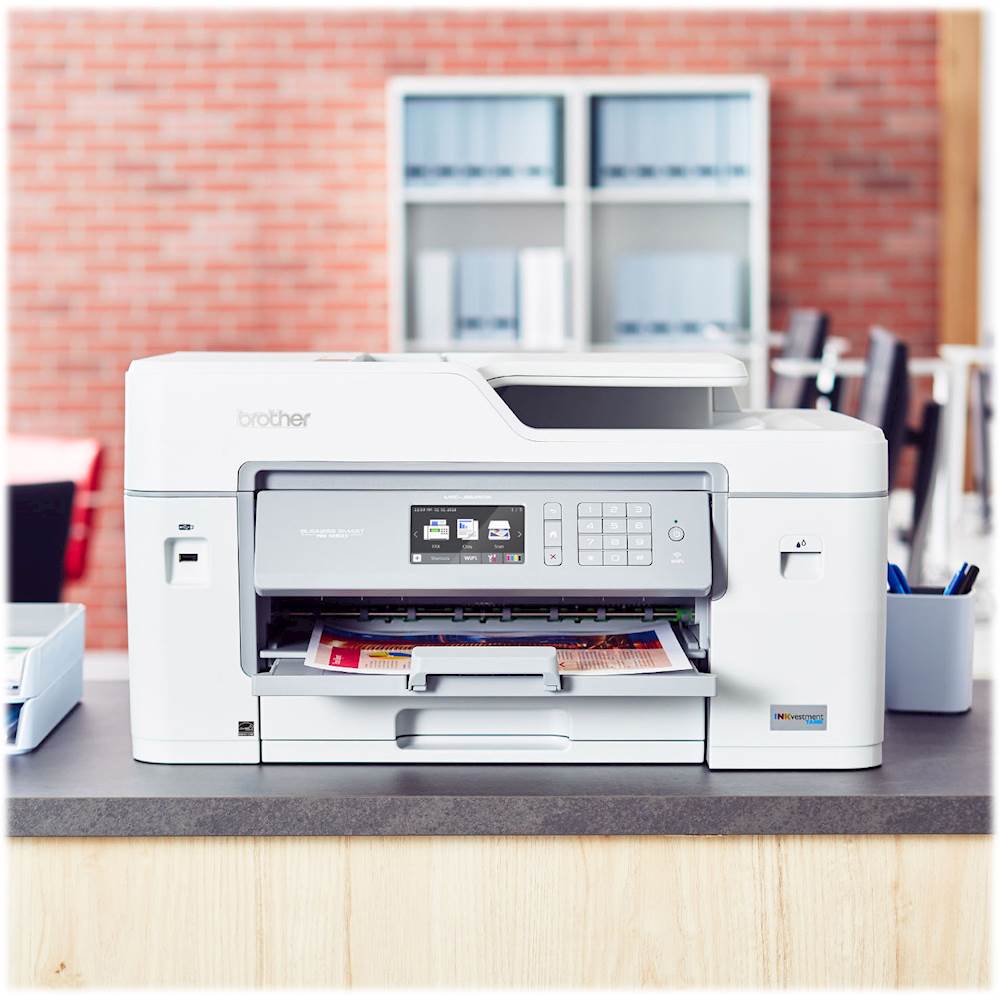
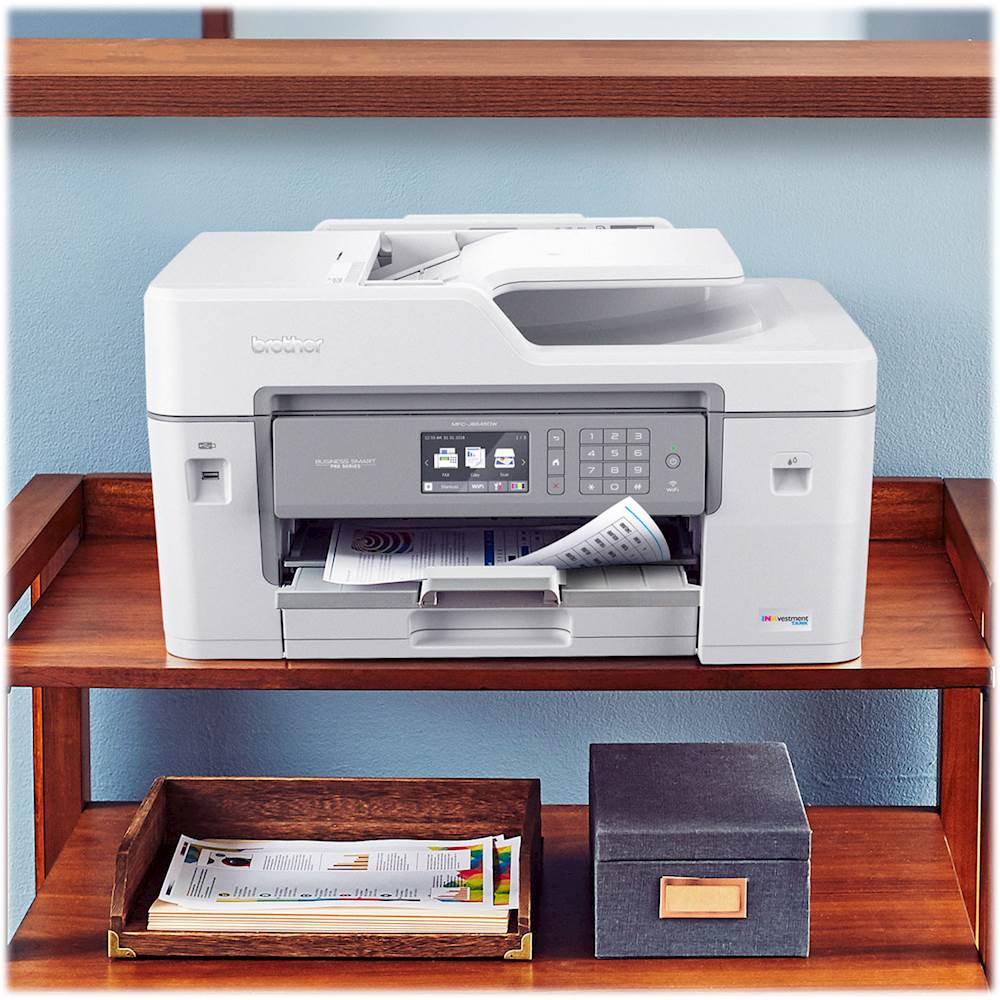
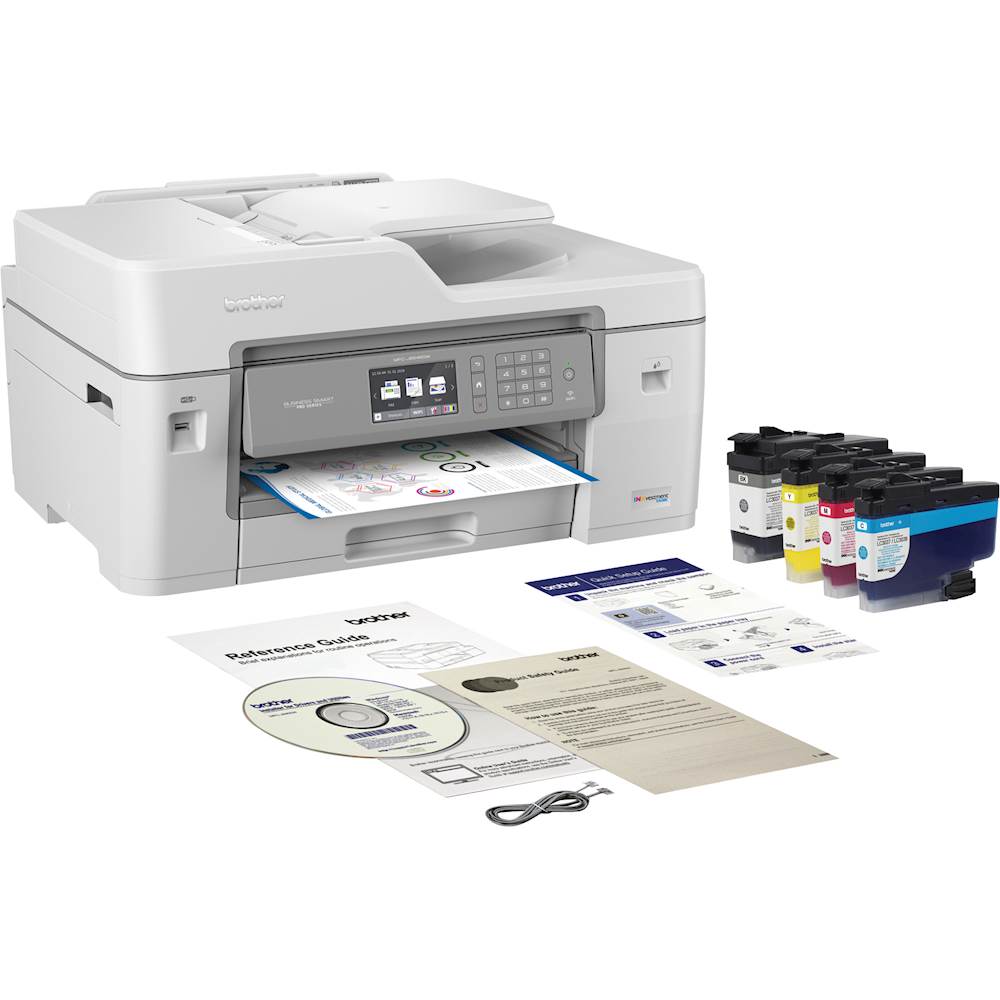
|Posted .This reviewer received promo considerations or sweepstakes entry for writing a review.Overall, when able to print it works well (4 stars) – but given the software issues (2 stars) – I have to give it an overall rating of 3 and recommend if it is your only Brother printer. The printer is let down by what I would describe as disastrously buggy software that would not let inkjet work/print properly with a Brother laser model MFC-L3770CDW I already had installed (iPrint&Scan, utilites and update software particularly). I had no problem finding the printer(s) when installing but afterward I kept getting no print driver error and/or printer(s) offline leaving me unable to print from either printer. I tried uninstalling/reinstalling with no luck. So, I contacted Brother but it took over 6 days to get support from them and that was only after I contacted BB TIN network for help. When I finally was contacted by support the person was great but it did take a while for them to uninstall and delete everything out before re-installing both printers’ software/drivers. They accessed my computer remotely, which was fine with me. I don’t know what happened in this instance as I received excellent support last year with a print issue with the laser (wasn’t using laser paper to print pictures – my operator error). Unfortunately, I have several laptops/desktops/phone that I am having same issues as above when trying to add this printer to work in conjunction with the laser. I suspect if this is your only Brother printer it would probably work fine – as my laser did before trying to add this inkjet. The printer itself I think is nice if a tad large (22.5W x 19D and 25.5D with MP open in back and paper collector open in front - x 12.5H inches) and heavy, at around 44lbs. I think this size could make it somewhat impractical for home use as wherever it is placed you really need to be able to access all sides of printer in case of jam, etc. I put it on a rolling metal cart I already had. In the box are; Instructions Power cord about 6 feet. It has NO cumbersome brick. 4 toner cartridges (black, cyan, magenta and yellow) Telephone line cord This printer checks a lot of boxes; Grayscale and color printing up to 1200 x 4800 dpi Automated duplex printing Scanner – 19200 x 19200 dpi interpolated 1200 x 2400 dpi (scanner glass) 600 x 600 dpi (from ADF) Copier – 1200x 4800 dpi Fax – I didn’t use this function Wireless/ethernet/usb connections. Ethernet and USB connections require you to flip open under the scanner to access the connections. Does include phone cable but no USB or ethernet cable. Has a 3.5-inch color touchscreen. You can do a lot of adjustments using this and it is pretty intuitive but I found it a tad touchy when trying to scroll. Luckily there are up/down/side arrows which I found easier to use to navigate by. Easily accessed USB 2.0 port in front to allow printing from thumb drives, etc. Main tray has 250 sheet capacity holding up to 11x17. Multi-purpose (MP) tray has 100 sheet capacity up to 11x7 I found the duplex printing to be very fast whether using greyscale or color. Scanning worked well producing very accurate replication. Also has adjustments for resolution, size, etc. But no auto 2-sided scan, you must flip over manually. As such 2-sided cannot be done if using ADF. If using the plate to scan the top expands upward an inch or so to allow for thicker source such as scanning from a book, etc. Can scan up to 11x17 source. Text printing was very crisp and clear with no smudging even if using lowest resolution and ink saving option(s). Pictures came out great except for fast as it left a few lines running across the pic. But wouldn’t normally use this resolution if printing a picture, but wanted to mention. 2-year warranty Dislikes: Software as mentioned above. I am concerned that this unit with its ink “tank”. I have had issues in the past with inkjet printers ink drying up between prints leaving me constantly wasting ink needing to “clean” the heads. Only time will tell if this unit has any of these dry ink issues. Printer is a tad noisy with all of its buzzing and clicks. Although I did not try quiet mode – which lengthens print times. Manual 2-sided copies/scanner.
I would recommend this to a friend - Cons mentioned:Size
Great printer for the price.
||Posted . Owned for 2 months when reviewed.This reviewer received promo considerations or sweepstakes entry for writing a review.Dpi isn’t the absolute best, but it’s great for 99% of the things I do.... dpi is on par for printers in this price range..... easy setup. Just a little bulky.
I would recommend this to a friend - Pros mentioned:Print quality
Great for a small home office
||Posted . Owned for 7 months when reviewed.This reviewer received promo considerations or sweepstakes entry for writing a review.Excellent print quality and low ink consumption. Easy to set up in our network. Does ecerything we need in a small business office.
I would recommend this to a friend - Pros mentioned:Print quality
EXCELLENT
||Posted . Owned for 3 weeks when reviewed.This reviewer received promo considerations or sweepstakes entry for writing a review.GREAT PRODUCT, EASY TO SET UP. QUIET AND PRINTS GOOD COPY.
I would recommend this to a friend Love this printer
||Posted . Owned for 1 month when reviewed.This reviewer received promo considerations or sweepstakes entry for writing a review.I have never owned a Brother printer. I have been very happy with my purchase. I’ve been an Epson user for years. But have been having issues with my last Epson printer. Decided to make a change based on the reviews of the Brother printer. No regrets!
I would recommend this to a friendGreat printer.
||Posted . Owned for 1.5 years when reviewed.This reviewer received promo considerations or sweepstakes entry for writing a review.This printer has been workhorse of the the past couple years. Great for being able to print 11"x17" drawings. Ink has lasted a long time as well. Scanner works nicely.
I would recommend this to a friendGreat color 11x17 printer
||Posted . Owned for 3 weeks when reviewed.This reviewer received promo considerations or sweepstakes entry for writing a review.So far so good. Printer does everything is was intended to do. I have not owned long enough to know if the ink goes as far as the manufacture says it will.
I would recommend this to a friendNicec
||Posted . Owned for 3 weeks when reviewed.This reviewer received promo considerations or sweepstakes entry for writing a review.I was very impressed by the size of the printer and many features it has to offer for my needs and I am very happy I had made this purchased
I would recommend this to a friendgreat printer
||Posted . Owned for 1.5 years when reviewed.This reviewer received promo considerations or sweepstakes entry for writing a review.It has worked flawlessly for two years now. I love the fact that it has the tanks.
I would recommend this to a friendEasy to setup
||Posted .This reviewer received promo considerations or sweepstakes entry for writing a review.The printer was easy to set up and easy to connect to Wi-Fi bringing functions.
I would recommend this to a friend- Pros mentioned:Print quality
Powerful all-in-one for small business
|Posted .This reviewer received promo considerations or sweepstakes entry for writing a review.This Brother wireless all-in-one is a workhorse for small offices and home offices. It holds a large ink supply, is well-designed, is intuitive to use, and you can print wirelessly within a few minutes. The printer uses four large ink cartridges (Cyan, Magenta, Yellow, Black) and has an internal ink tank so does not need replacement cartridges often. It prints single-sided pages very quickly, up to 22 ppm, and easily prints double-sided documents without paper jams or misfeeds. The color and print quality are good on the “normal” setting, fine for most everyday business documents. I printed a 30-page spreadsheet double-sided with no problems, and the quality of text and graphics was good. The features that stand out the most are its ink capacity and the ability to scan and print pages up to ledger/ tabloid size (11 x 17-inch). The Brother all-in-one can print multiple pages on a single sheet of paper, allowing you to print brochures, booklets and other marketing materials. You can use different paper types and print quality settings. The printer comes ready to use. Just plug in the power cord and follow the on-screen instructions to insert the ink tanks. It takes up to 10 minutes to insert the cartridges and fill the internal ink supply. If you want to use the fax function, then open the printer and plug in the included phone cord, attach to a land line or VOIP phone, and enter your fax ID settings using the screen prompts. I recently ditched my VOIP, so did not test this function. For wired printing, connect a USB or Ethernet cable (not included) to your computer, also by plugging it inside the unit and laying it inside a cleverly-designed channel. For wireless setup, identify the network to which you want to connect your computer, smartphone or tablet. Then print... I was able to print seamlessly from my iPhone. It took a bit more work to download printer drivers for my laptop. Pros: - Ready to print, right out of the box - Intuitive controls and large color screen - Wireless and wired network capability - Auto document feeder - Large scanner bed - Print up to 11 x 17-inch documents - Fast print speed - Connects to smartphones and tablets without loading print driver software - Large ink tanks - Front paper tray plus rear paper feed path - Printer control screen has adjustable angle - Ability to scan to USB drive, email, cloud Cons: - Took bit of trial and error to get printer to work with laptop on wireless network - Large printer footprint because of 11 x 17-inch scanner bed and paper tray I recommend this printer for small offices and home offices, as it yields professional results. I would give this printer 4.5 stars, mainly because of the two issues listed above.
I would recommend this to a friend - Pros mentioned:Print quality
Great printer for the price
|Posted .This reviewer received promo considerations or sweepstakes entry for writing a review.Brother - INKvestment Tank MFC-J6545DW Wireless Color All-In-One Printer - White/Gray. The Brother MFC-J6545DW inkjet printer is an all in one solution to your printing needs. On this particular model there is only 1 actual paper tray as well as the manual paper feed tray. The automatic document feeder is only single sided. For the removal of the second tray and second scan head they have added larger ink tanks and cartridges. I own 2 other Brother printers and I can say that this one feels a bit less, tight?. The scanner/ADF lid doesn’t seem to fit quite as well as with my other 2 printers. They are all in the same line as this one, I’m guessing they shifted manufacturing plants. This in no way effects the performance of the printer. The printer does double sided printing all the way up to the 11 X 17 size paper. It will do double sided copies or scans manually. You have to flip the original over on the scanner glass. Or you can place 2 originals in the ADF and have it make those 2 originals into 1 double sided copy. Functionality is top of the line. After making about 50 prints/copies, there is still perfect quality. The software is a slightly different story. By the time you read this review Brother will probably have these issues fixed. I normally like to install my printers using the online drivers/software from the manufacture. This gets away from outdated CD’s they come packaged with. When installing this printer from the online source I found that several functions failed to work correctly. Like scan to computer, or selecting what type of scan you want. After trying the online software/drivers twice, I uninstalled all of it and used the CD. Once I installed it with the CD everything worked as it should. Like I said, Brother probably has this fixed already. On a separate note about drivers. I noticed that when I restarted my computer the printer disappeared. It was easy to just do an “Add a printer” from windows. Knowing all the software was already installed I gave this a shot. It reinstalled it in the printer section with all the software associated with it. I’m going with this was a result of the attempts with the online drivers. Quite mode slows the printer down slightly but shows no sign of a difference in print quality. I have checked both options with a printers loop and find no difference. The Inkvestment option is a good deal if it works as advertised. With Inkvestment the cost per copy is about $0.07 per sheet. With my other Brother printer, that is slightly better than this one in respect to features, the cost per copy is $0.12 per sheet. This is really a huge difference and I will be retiring my old Brother printer in favor of this one. A replacement set of Inks will set you back about $100.00, but cost per copy is so low that this is really a non issue. It can print pictures form USB drive. It can not print any other documents from the USB drive. It can scan to the USB drive with all the standard scan options. The LCD windows gives you a preview of any pictures that are on the USB drive. I did not set up any FAX options because I do not use them. I also did not set up the options to scan to the web, as again I do not use that. I did print from my phone and the results were perfect. The phone is a Galaxy S8, I know, old. My bottom line is, for the cost, this printer can’t be beat. It comes with what they say is a years worth of ink. My guess is it wont last quite that long, but 50 sheets in and the ink levels have barely moved at all. With other printers 50 pages would be a noticeable chunk of your ink. Remember, once features and quality are out of the equation, it’s cost per copy that wins the game.
I would recommend this to a friend - Pros mentioned:Print qualityCons mentioned:Size
Printer is YUGGGGEEEEE
|Posted .This reviewer received promo considerations or sweepstakes entry for writing a review.Just received my Brother MFC-J6545DW printer. Man this thing is huge and heavy. It was well packed inside the box with enough cushion to protect it. After lifting it out of the box and the plastic bag it sits in, I was ready to get it up and running. Also in the box aside from the printer was the user manual and quick start guide, the INK cartridges (magenta, yellow, cyan, and black), a telephone cord for faxing capabilities, and a CD for software installation. After loading paper and plugging it up, it started right up and walked me through the setup process which took all of 10 minutes (including setting it up on WiFi). My initial printing seemed to take a bit longer than I expected for it to print, however, that is probably something I have to tweak in the easy to use touch screen menu. Not a dealbreaker but I've tested a few other printers half the size of this monster, with claims of more INK (2+ years). This Brother printer estimates enough INK is included for up to a year. But I guess it also depends on how much printing you do on a regular basis. This is an amazing printer and has the heft and color quality to prove it. May be more suitable for a home office/business. However, it would be great for anyone.
I would recommend this to a friend