Customer Ratings & Reviews
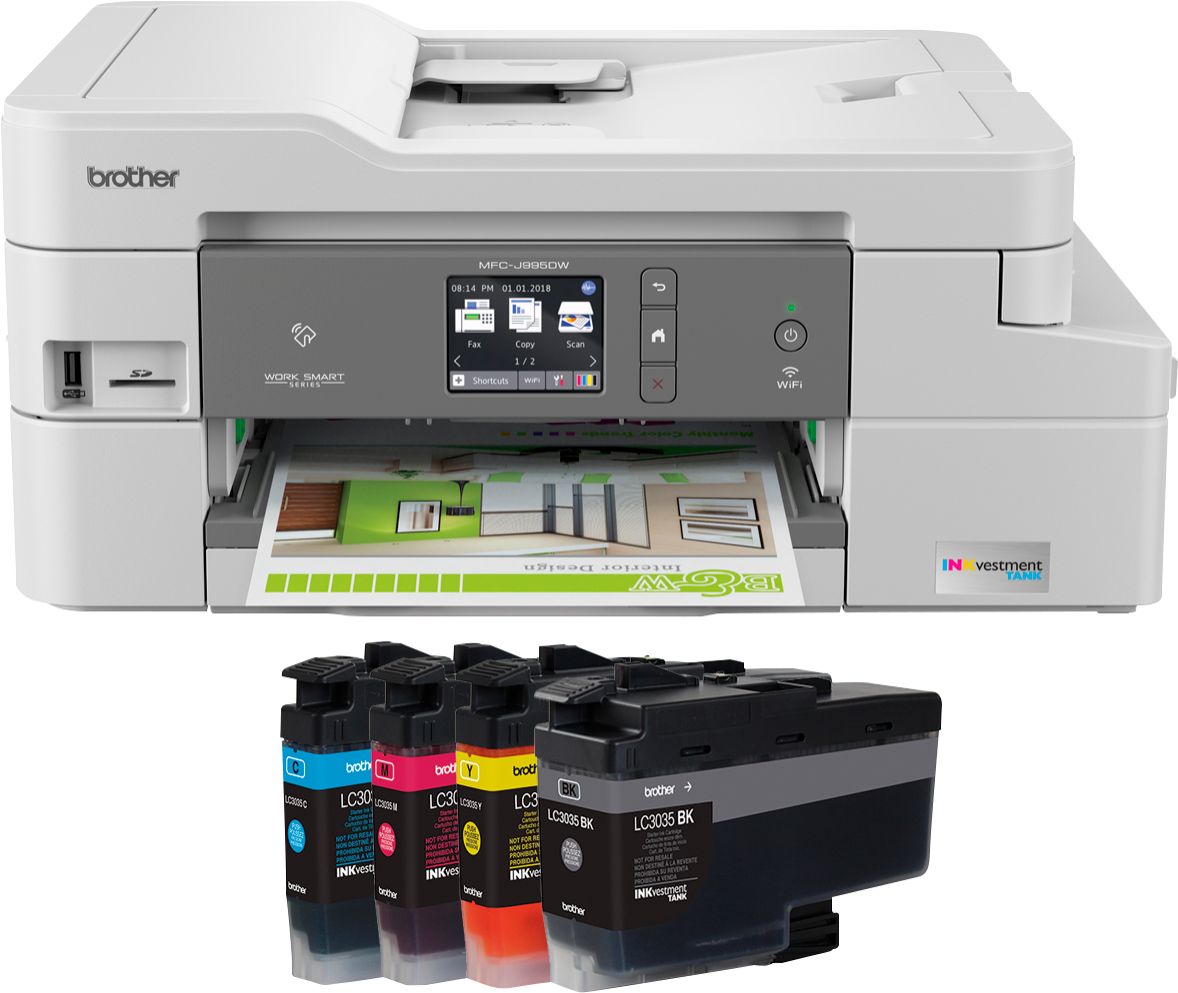
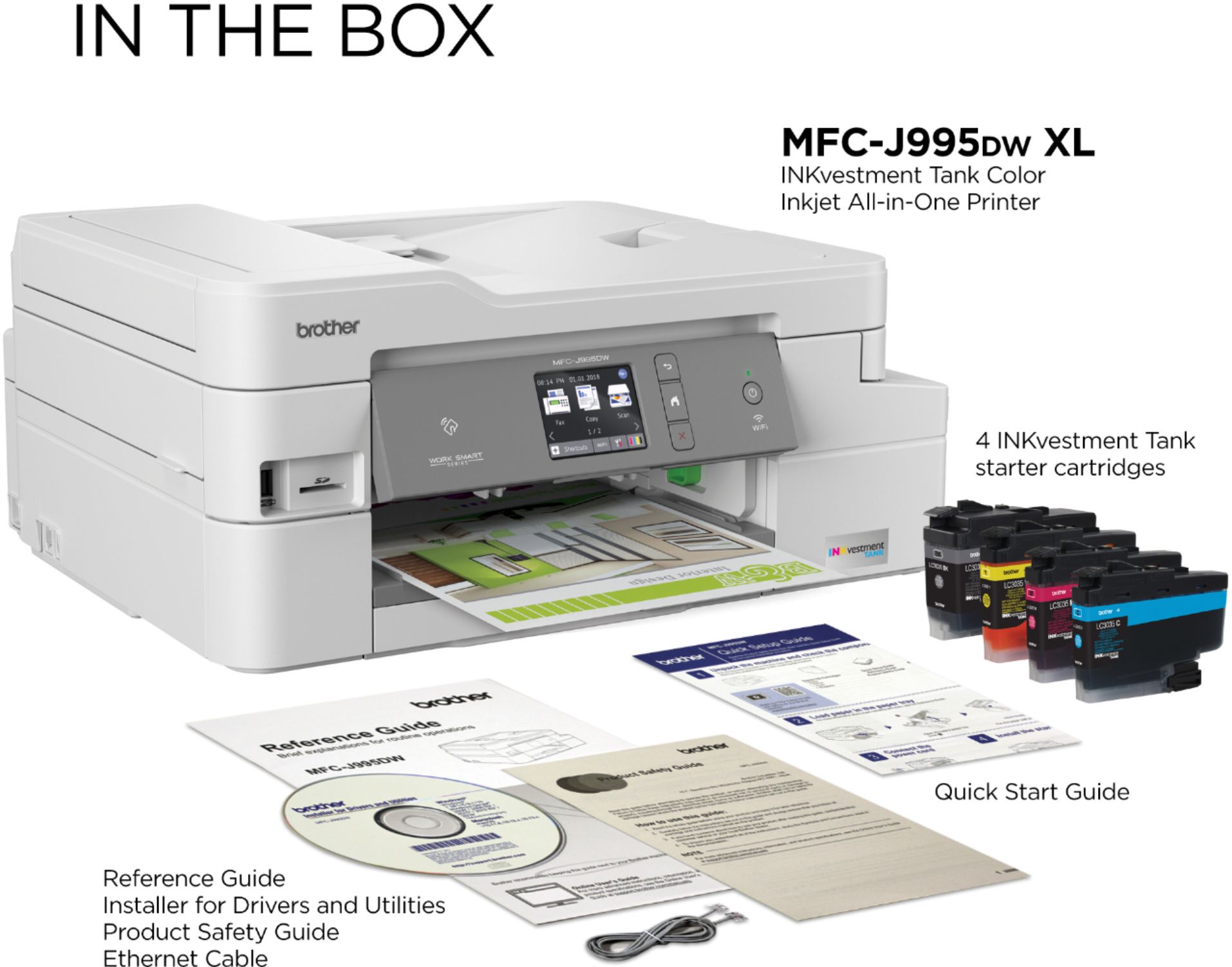
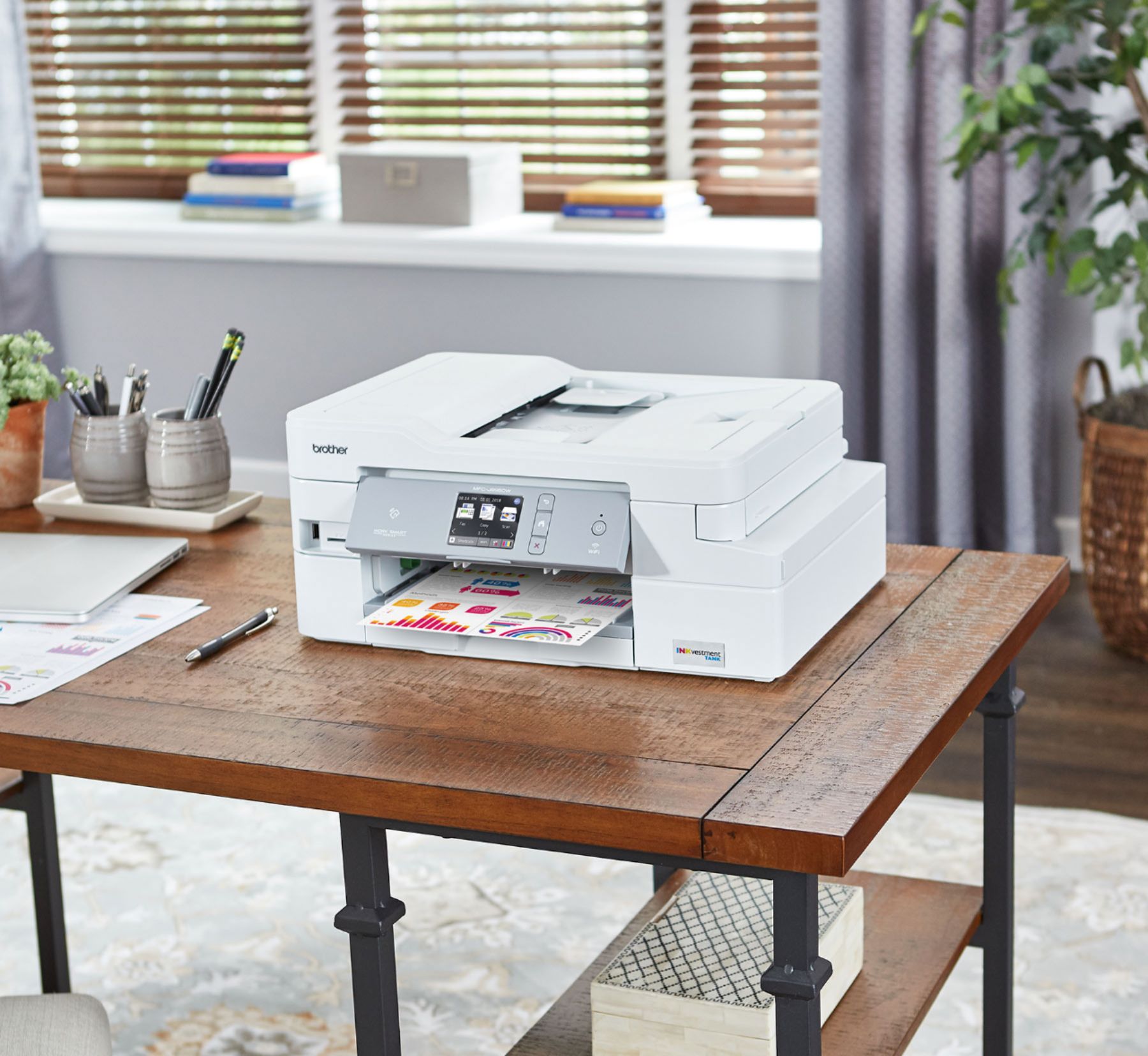
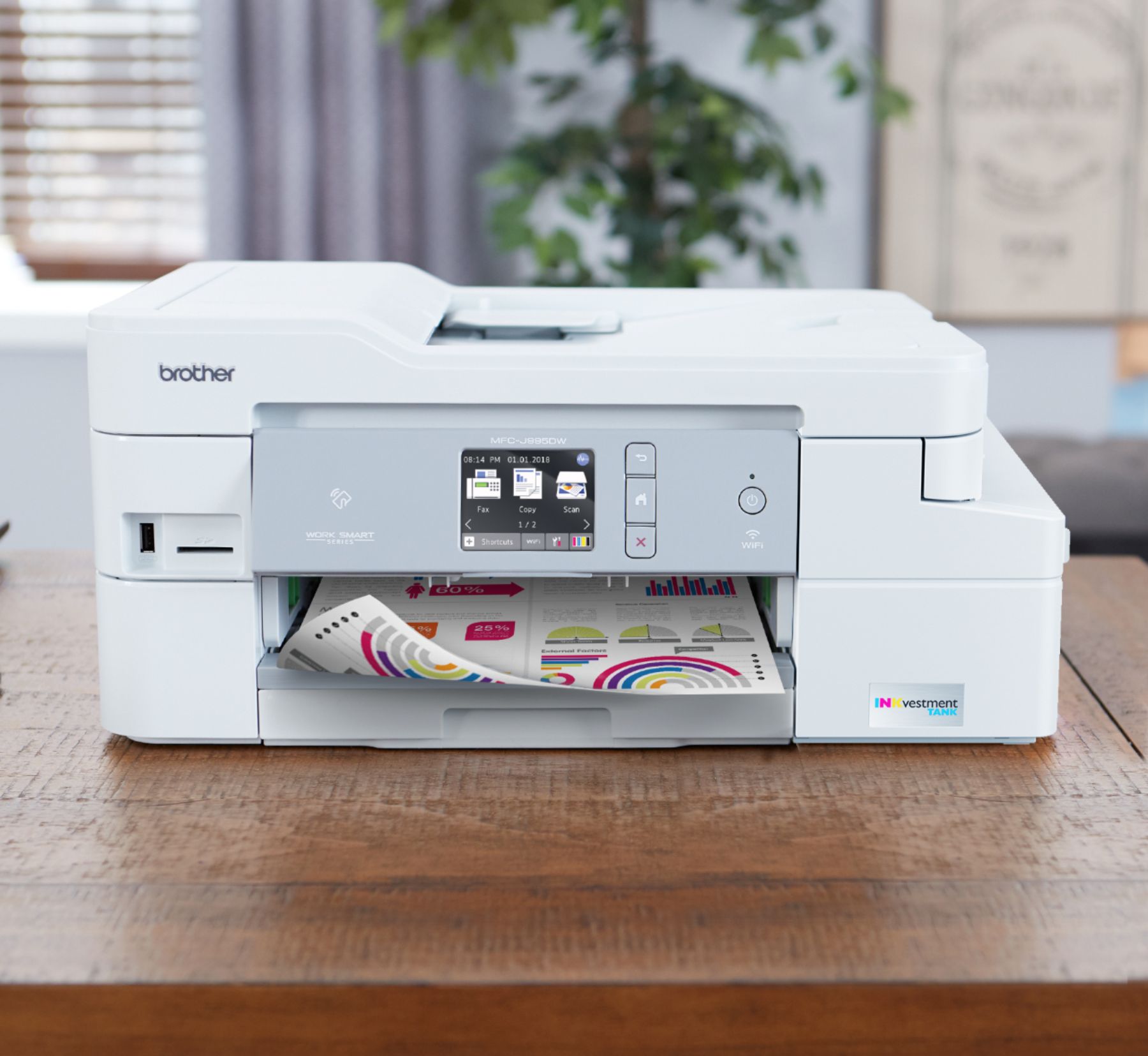


- Model:
- MFC-J995DWXL
- SKU:
- 6255015
Rating by feature
- Value
Rating 4.2 out of 5 stars
- Quality
Rating 4.3 out of 5 stars
- Ease of Use
Rating 4.4 out of 5 stars
Customers are saying
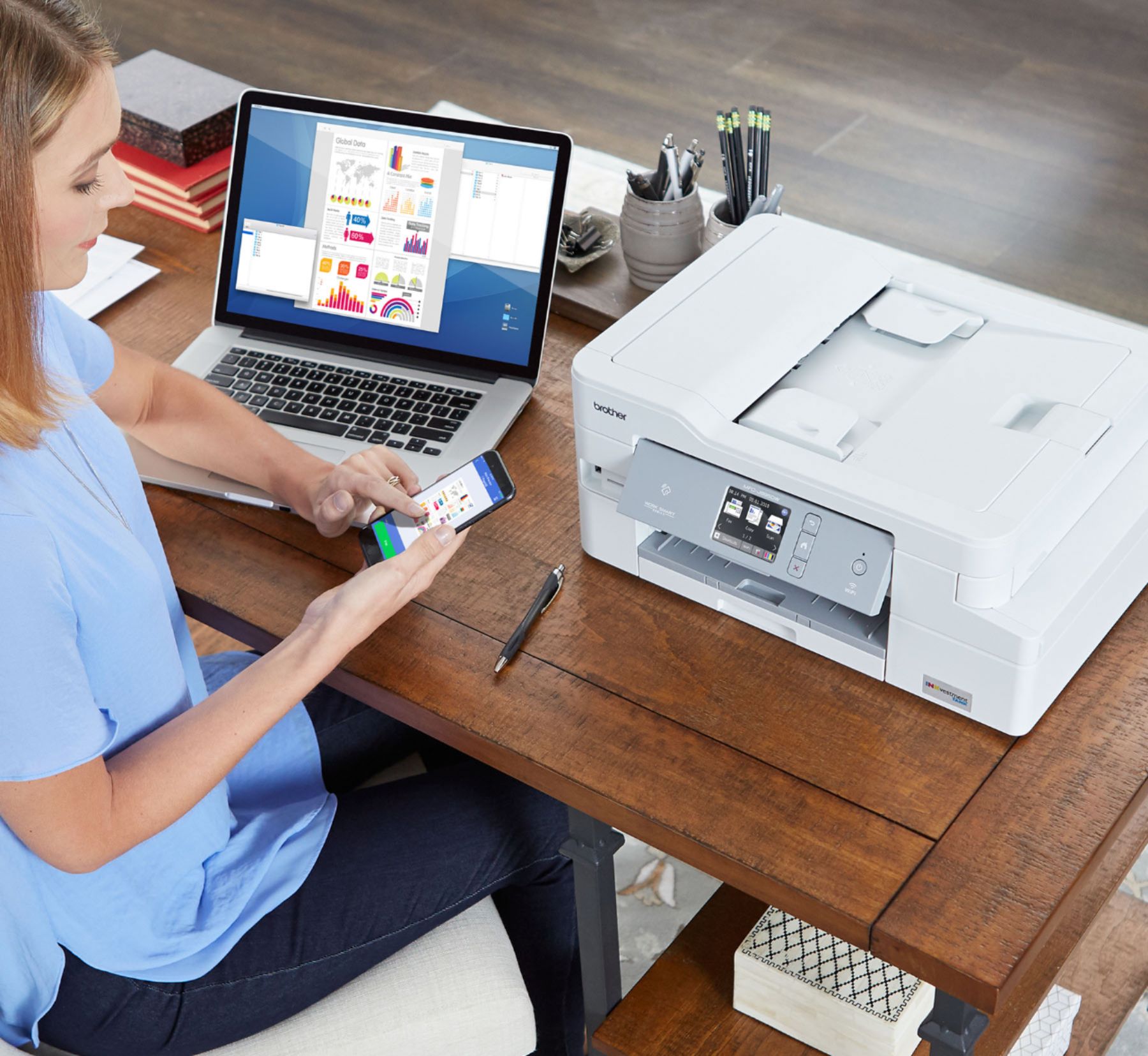
Customers express satisfaction with the INKvestment Tank MFC-J995DW XL Wireless All-In-One Inkjet Printer's print quality and ease of use, citing positive experiences with setup and its compact size. Many appreciate the wireless functionality and the inclusion of fax capabilities. However, some users reported issues with paper jams and limited paper tray capacity.
This summary was generated by AI based on customer reviews.
- Pros mentioned:Print quality

Solid Home Printer
|Posted .This reviewer received promo considerations or sweepstakes entry for writing a review.Overall Impression of the Brother MFC-J995DW Printer: The printer was very easy to set up compared to other printers. The instructions were very clear and easy to follow. The wifi setup was very straightforward and my Mac found it right away once it was on the network. The build quality is fair. The paper tray felt a little too plasticy compared to other printers I’ve owned. For the list price I expected more. The print quality is good, but this prints a bit slower than other printers in its class. One of the great things about this printer is the INKvestment Tank cartridges. The idea that you can get a year out of the ink cartridges under normal use it fantastic! If it lives up to it’s claims, it would be well worth the cost of the printer over the long haul as print cartridges are very expensive. Print quality is on par with other ink jet printers I have owned. Photos are clear and text is crisp and professional. The scanning feature is fantastic! I was able to scan documents and email them directly from the printer without having to go through a long setup process. The scans were crisp and clear and the color reproduction was spot on. The copy function worked flawlessly was well. Overall this printer performs very well. Although the build quality feels a bit cheap, the overall performance is excellent. I wouldn’t necessarily recommend this printer for a hard core business user, but it is perfect for a solid home/family printer.
I would recommend this to a friend - Pros mentioned:Print quality
Great ink capacity - well engineered printer!
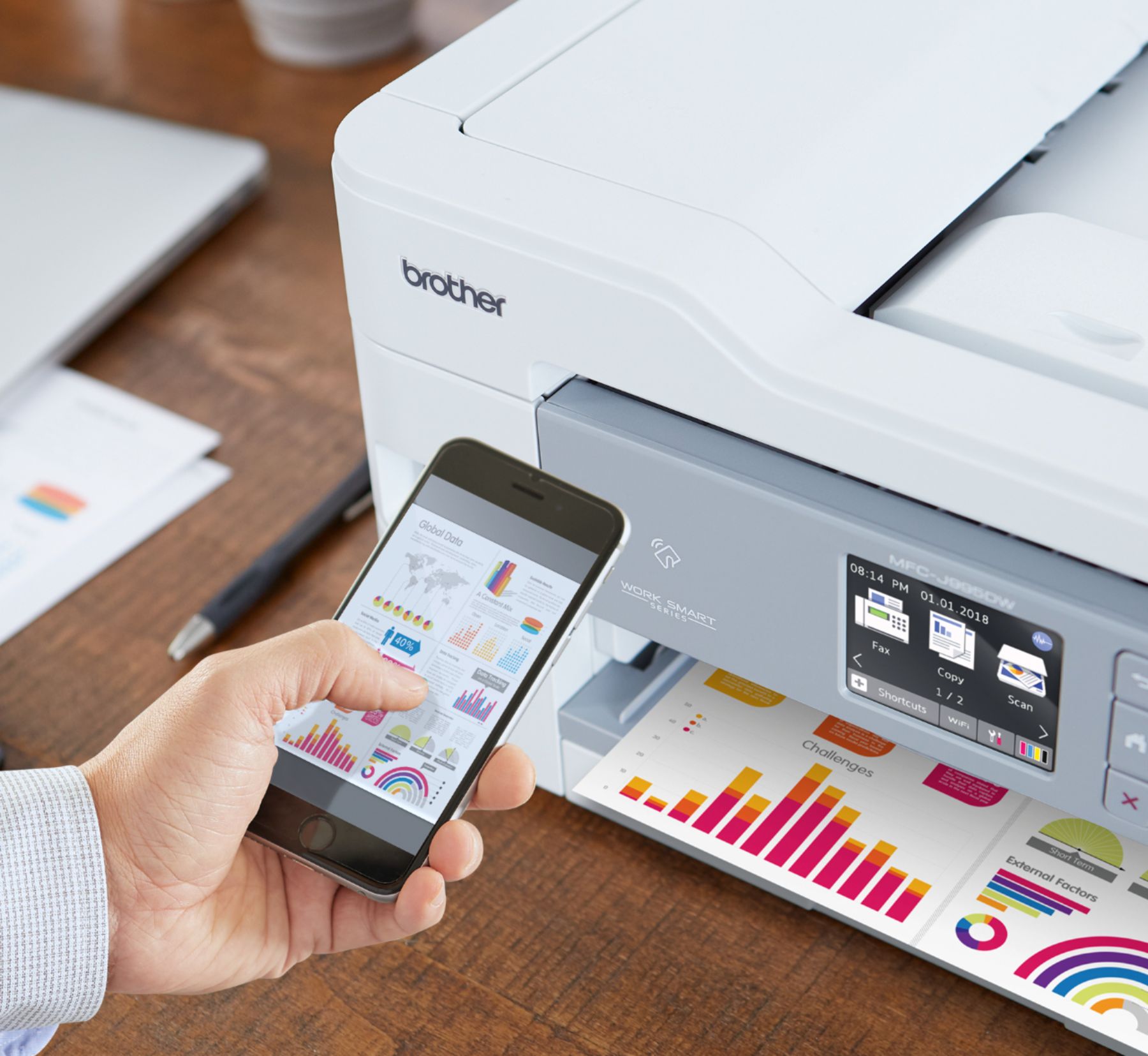
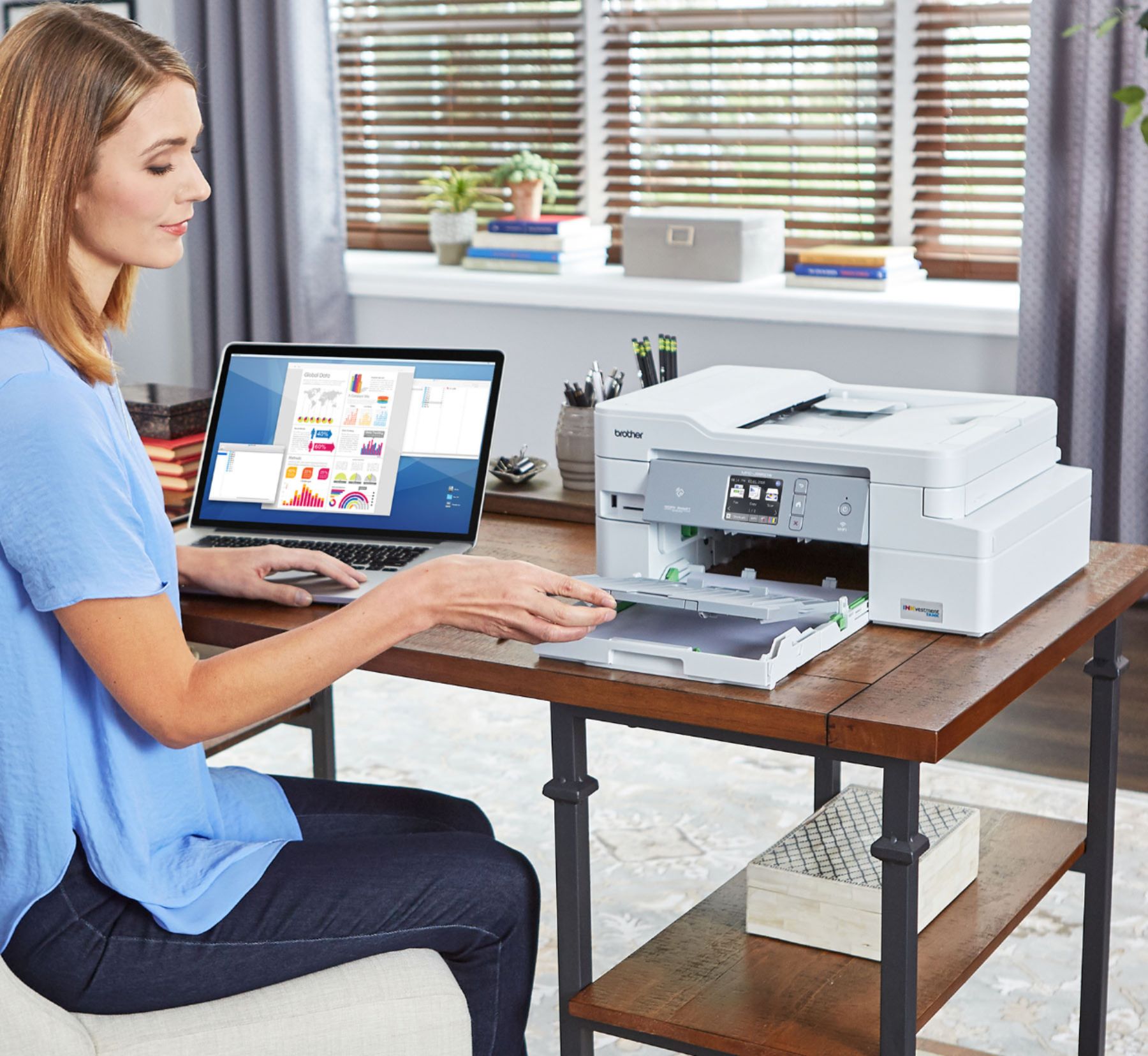
|Posted .This reviewer received promo considerations or sweepstakes entry for writing a review.The Brother - INKvestment Tank MFC-J995DW XL Wireless All-In-One Printer is a great choice for your home or small office. The MFC-J995DW XL has INKvestment Tank cartridges along with an internal ink storage tank allowing it to deliver uninterrupted printing for up to 2-years without the need to purchase ink according to Brother. Great features include printing to mobile devices, several paper handling options, and automatic two-sided printing. I really like the extended ink tank storage, so you do not need to order ink all of the time. The extended use is based on printing approximately 300 pages per month, using only the cartridges provided. The ink cartridges hold more ink and print more pages without sacrificing the compact, desktop footprint. Your prints cost less than $0.01 per page in black and less than $0.05 per page in color using the INKvestment Tank Ultra High-Yield cartridges. The Page Gauge helps to take the guesswork out of when to replace ink. It has built-in wireless, Ethernet, and a USB interface. It includes mobile printing and NFC print and scan capabilities. This means you can print wirelessly from your desktop, laptop, smartphone and/or tablet. The automatic document feeder, bypass tray, or 150-sheet capacity paper tray that adjusts for multiple sizes of paper combined with automatic duplex (2-sided) printing can save paper. It has a color touchscreen display. Print-from and scan-to cloud apps using Google Drive™, Dropbox, Box, OneDrive, and Brother Cloud Apps etc. It includes a 2-Year Limited Warranty and free online, call, or live chat support for the life of your printer. – Nice!
I would recommend this to a friend Leaked bad quality prints
||Posted . Owned for 2 months when reviewed.This reviewer received promo considerations or sweepstakes entry for writing a review.I purchased this printer to print stickers and from day 1 the quality was just horrible. I adjusted the settings and called tech support but still junk. Leaks ink too.
No, I would not recommend this to a friendBrand response from Brother
Posted .Hi, I know this is frustrating. I'll be happy to help. Below are instructions to improve the print quality.
https://support.brother.com/g/b/faqend.aspx?c=us&lang=en&prod=mfcj995dw_us&faqid=faq00000259_031
charged additional 50.00
||Posted .This reviewer received promo considerations or sweepstakes entry for writing a review.149.00 on the floor right under display.. place was closing so I had no time to argue as I needed asap back at office... but bottom line, was charged $50.00 extra
I would recommend this to a friend- Pros mentioned:Print quality
Prints Fast and Quality is Fantastic
|Posted .This reviewer received promo considerations or sweepstakes entry for writing a review.This printer was very easy to setup and connect to wifi. Finding the printer on my phone and computer worked the first time and printed without a hitch. I opted to download the software for the printer on my Mac since it doesn't have a cd drive and found the software and installed it with no problems. Since then, I've printed on letter size paper, printed photos, used the copier, and the tray scanner. I have not and do not plan on using the fax machine portion so I cannot speak to that. The printer is quick; almost as fast as a laser printer for color pages and just as good of quality. The pictures I've printed so far look fantastic. They look just as good as any digital printer I've sent pictures to at stores. I am hopeful that the promise of two years worth of ink that came with this printer holds up. I was expecting multiple ink cartridges in the box but there is only one of each color! Let's hope it really lasts! The scanner works awesome. I've scanned several work documents to my computer and they look just like any scans I would make on the large machine at my office. Keeps me from having to go to the office just to scan something. The copier works good too. Black and white and color copies look almost as good as the original. Would definitely recommend to anyone!
I would recommend this to a friend Had problem with Scanner, Brother had to exchange
||Posted . Owned for 1 month when reviewed.This reviewer received promo considerations or sweepstakes entry for writing a review.Could not setup scanner, Brothers had to exchange printer for a new one. The new printer seem tobe working fine.
No, I would not recommend this to a friendBrand response from Brother
Posted .Hi Cliff, we are sorry you had a issue with setting up the printer. I hope the new model is working great! Please let us know if you need any further assistance. 1-877-BROTHER.
Printer
||Posted . Owned for less than 1 week when reviewed.This reviewer received promo considerations or sweepstakes entry for writing a review.Brother printer is very slow and the color not good. Very disappointed.
No, I would not recommend this to a friendBrand response from Brother
Posted .Hi, I know this is disappointing to have a printer that prints slow and print quality is not good. I have provided you with some helps tips that will resolve both issues you are experiencing. Click the links below:
https://help.brother-usa.com/app/answers/detail/a_id/155826
https://support.brother.com/g/b/faqend.aspx?c=us&lang=en&prod=mfcj995dw_us&faqid=faq00000259_031
Bad computer auto doc feeder sucks
||Posted . Owned for 1 month when reviewed.This reviewer received promo considerations or sweepstakes entry for writing a review.Copy or scan multiple pages sucks. Cheaply made. Not many options
No, I would not recommend this to a friendBrand response from Brother
Posted .We understand you have problems scanning and copying multiple pages on the Brother MFC-J995DW. We'd like to help. Please contact Brother Customer Service directly at the following link so we can help
https://www.brother-usa.com/support/mfcj995dw
- Pros mentioned:Print quality
Really good everyday color printer
|Posted .This reviewer received promo considerations or sweepstakes entry for writing a review.Super easy to set up with WiFi capabilities so anyone in the house can print to it! I love the scan to anywhere feature: computer, media, cloud, e-mail. Paper tray could be a little bigger (only 150 pages), but the bypass tray allows for specialized printing of just a few pages at a time. Good copy / print quality, but over-saturation tends to cause ripples in standard copy paper when printing heavily colored items such as pictures, etc. All in all, a really good everyday personal AIO.
I would recommend this to a friend - Pros mentioned:Print quality
Excellent Print Quality
|Posted .This reviewer received promo considerations or sweepstakes entry for writing a review.Printer was out of the box and and up and running in less than 10 minutes. Print Quality is exceptional and the colors are vibrant.The touch screen on the front of the printer is the control screen and makes it very easy to copy, scan, or fax. It is nice knowing too that I will not have to run out and buy ink every month. Wonderful!!!
I would recommend this to a friend Good printer all in one..
|Posted .This reviewer received promo considerations or sweepstakes entry for writing a review.I thought that I would try an inkjet again after having a laser printer because of the cost of laser printer refills. The set up of this printer was really easy and I was printing in no time. The scanner works great and I could scan to my USB drive and then open with my big computer. I made copies that looked good, and was able to send print jobs from my iPad too. When I had to print a flyer with a photograph in the flyer, this is when the laser printer is differentiated from the inkjet. The photo from the brother inkjet was good, but not as vibrant as the laser on a plain piece of paper. Just recently, the printer is showing that it is offline. Don't know why...maybe because it goes to sleep for energy savings. Last couple of times I wanted to print to it, I got an error and switched back to my laser printer. So, this printer can do everything my laser can do with that one exception.
I would recommend this to a friendTop Quality As Expected of Brother
|Posted .This reviewer received promo considerations or sweepstakes entry for writing a review.I own the brother HL-2280DW for home printing (B&W Laser Printer) as well as a brother MFC-J5920DW for the office, and this INKvestment tank is truly a TANK. It's actually a bit smaller than the J5920 but otherwise performance is about the same. It works well! Prints as it should, has cool features like being able to print things from your phone, and the primary key factor is the 2 year ink guarantee. We'll see about that. I'm sure this is based on moderate usage. If you're looking for a high quality printer that's not over-priced and are tired of buying ink repeatedly for work or for school and want to split the cost with your roommates, this is the printer for you!
I would recommend this to a friendGreat all-in-one.
|Posted .This reviewer received promo considerations or sweepstakes entry for writing a review.This is a great all around printer. The setup was very easy. I had it up and running on the network in a couple minutes. Printing pictures from your phone is easy with the app or NFC. It has a quiet mode which didn't reduce the sound much to me, it just slowed down the print speed. Two sided printing is easy, you just set it up through the menu. The ink tank is large and after printing numerous pages and pictures it still shows full. I would much rather pay an honest price for a printer that has ink that can last so long than pay a fraction for a printer and spend $50 every couple of months on ink. I definitely recommend this all-in-one printer.
I would recommend this to a friend- Pros mentioned:Print quality
Printer won't work over wifi -- must use USB cable
Posted .This reviewer received promo considerations or sweepstakes entry for writing a review.Print quality is nice, works fine wired by USB, but this printer does NOT work as a wireless printer. It goes to sleep, disconnects from the wifi network, and never rejoins. The only way to print to this printer wirelessly is to reboot the printer whenever you want to print. Brother should not advertise this as a wireless printer.
No, I would not recommend this to a friendBrand response from Brother
Posted .We understand you're experiencing communication issues with your Brother MFCJ995DWXL once it goes to sleep mode. We'd like to help.
Below are two FAQ that may help to correct the issue. Please follow the steps on the link that corresponds to your computer's operating system:
Windows:
https://help.brother-usa.com/app/answers/detail/a_id/163156
Macintosh
https://help.brother-usa.com/app/answers/detail/a_id/162654
If you continue to have issues, our Brother Customer Support Team is available to assist you direct: www.brother-usa.com/brother-support
- Pros mentioned:Print quality
Great Printer, Horrendous Software
Posted .This reviewer received promo considerations or sweepstakes entry for writing a review.I had a large 9 year old HP wireless all-in-one I wanted to replace. I bought this since the quality of the scans and printing was comparable, if not slightly better than my current one, in a very small package. The InkTank was a bonus. Unfortunately, I spent days trying to get the software to update. I am relatively tech savvy and most of my scanning/printing is directly done from my phone these days. I never could successfully update the software. Even to get the time/date to update appropriately was extremely complicated since I had to go into the printer IP address and not through the printer itself! My old HP had a far superior and user friendly app, but I could just do everything I needed from the printer’s screen interface, as well. The brother app was also absolutely terrible and the app often prompted me to update or change settings by going to the printer IP site and making adjustments there. It is not intuitive and not worth the trouble. This was with hardwired Ethernet as well as trying it wirelessly. Returned it after a week of trying to get help from brother support (and not getting any) and never be able to update the settings.
No, I would not recommend this to a friend Drinks ink and requires constant head cleaning.
Posted .This reviewer received promo considerations or sweepstakes entry for writing a review.This printer drinks ink. When it's not drinking ink, it's drying out and requiring you to clean the heads, which drinks more ink. When my ink got low, it started printing poorly. I replaced the ink and it's still printing the exact same way. I have cleaned the heads multiple times. And good luck getting support.
No, I would not recommend this to a friendvery good household printer
Posted .This reviewer received promo considerations or sweepstakes entry for writing a review.Bought this over about one year ago. It has operated satisfactorily, and doesn't run out of ink every 5 minutes.
I would recommend this to a friend- Pros mentioned:Ease of use
Printer heads failed at exactly 2yrs.
Posted .This reviewer received promo considerations or sweepstakes entry for writing a review.Print quality was not great from day one. Easy to use and set up, was used every week and left on so it was able to perform regular self maintenance. At exactly 2 years when the warranty was up the black printer heads failed. The colors are fine just the black failed. No amount of head cleaning was able to fix it, I never used aftermarket ink. Now I have full new cartridges and a pretty new machine that is basically garbage, it would be cost prohibitive to have it serviced, such a wasteful shame. I’ll be purchasing an Eco Tank.
No, I would not recommend this to a friendBrand response from Brother
Posted .We are sorry that you are experiencing issues with your Brother MFCJ995DWXL machine and we understand your disappointment. Our Brother Customer Support Team is on stand-by to provide quality products and service to our customers via online, email or live chat:
www.brother-usa.com/brother-support
Broken within 4 months
Posted .This reviewer received promo considerations or sweepstakes entry for writing a review.The printer broke within 4 months of minimal use. Had to call Brother to figure out what the issue was. I was on hold for 45 minutes before a technician came on the line. The call dropped halfway (20 minutes) through the diagnostic process. Luckily the technician called back. Brother ended up replacing the printer but the time (2 hours) and hassle were not worth it.
No, I would not recommend this to a friendBrand response from Brother
Posted .Hi, Oh no! That's not what we like to hear. I'm glad that our Customer Support Team was ready to assist you and resolve the issue.