Customer Ratings & Reviews
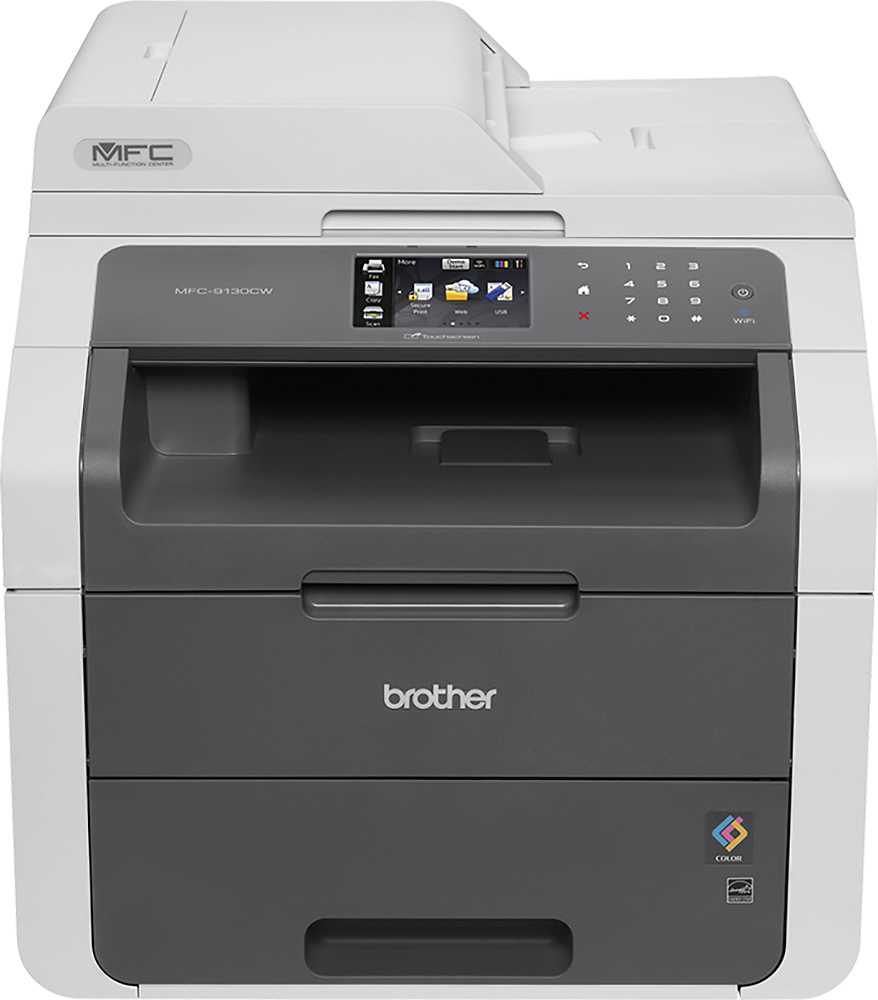
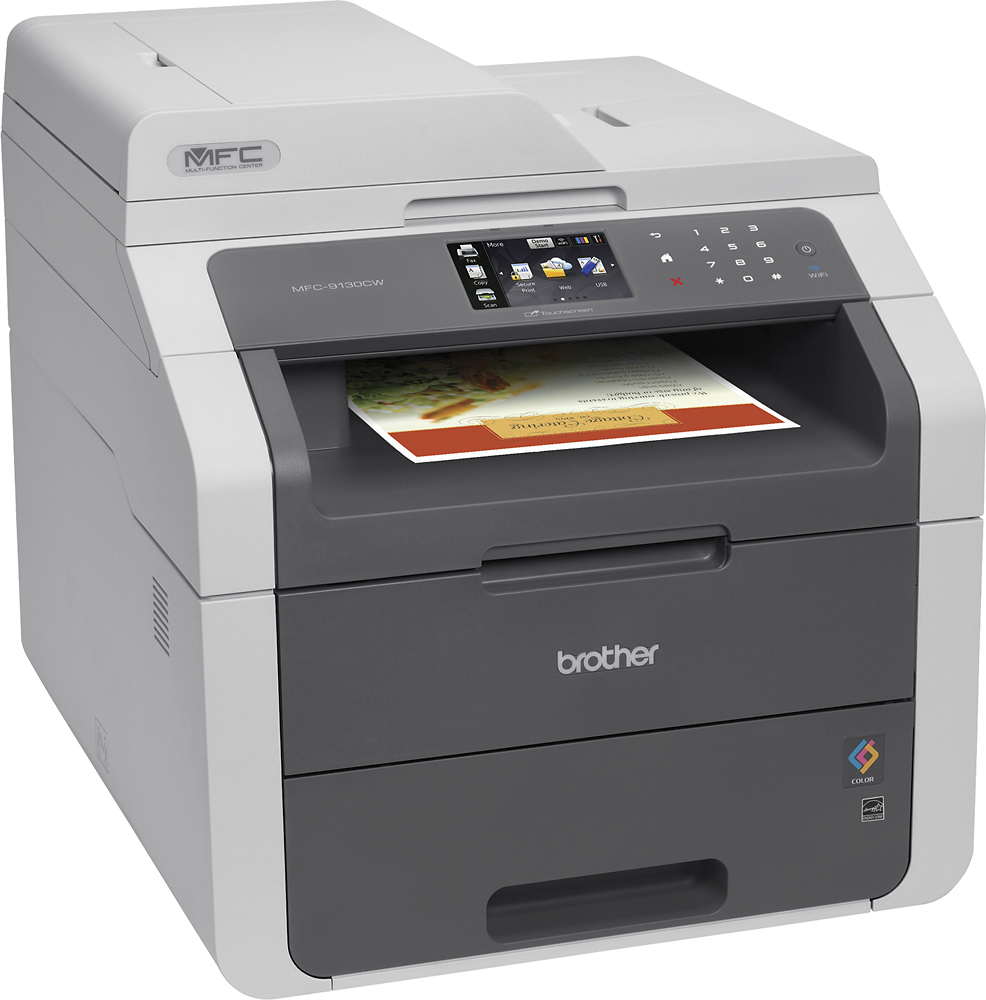
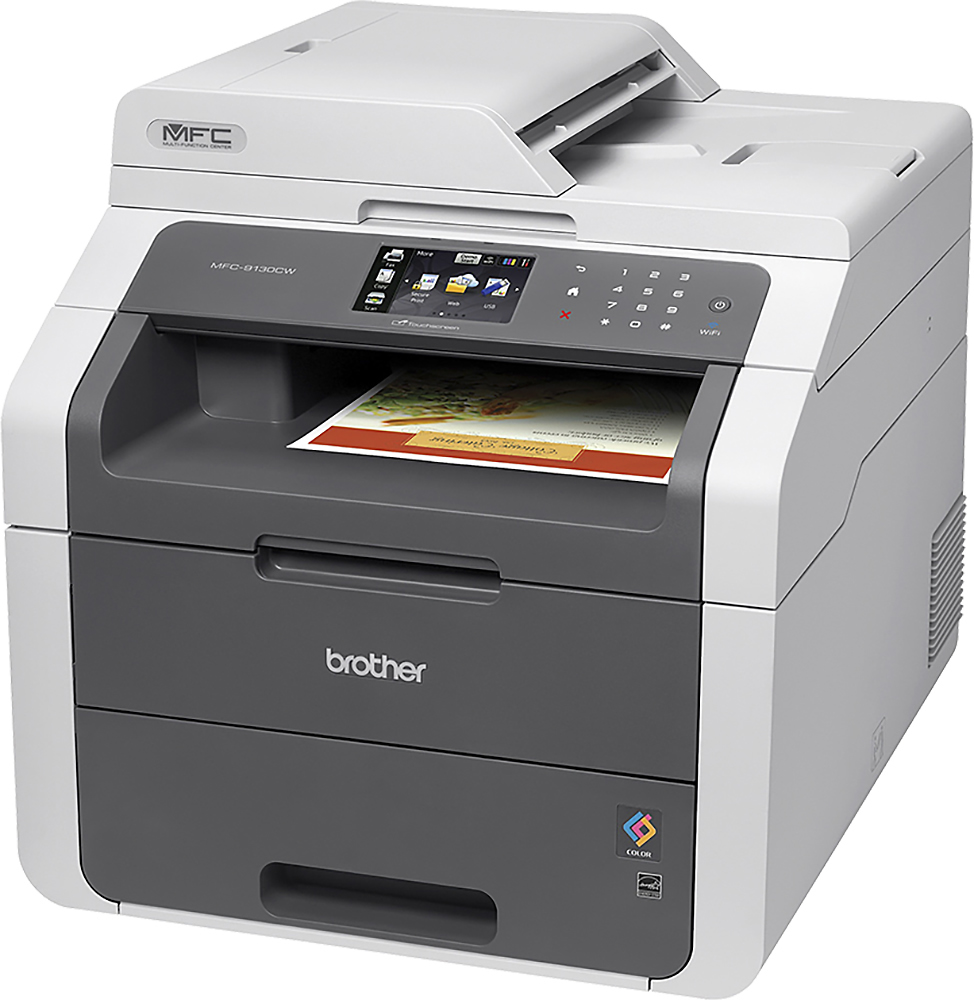

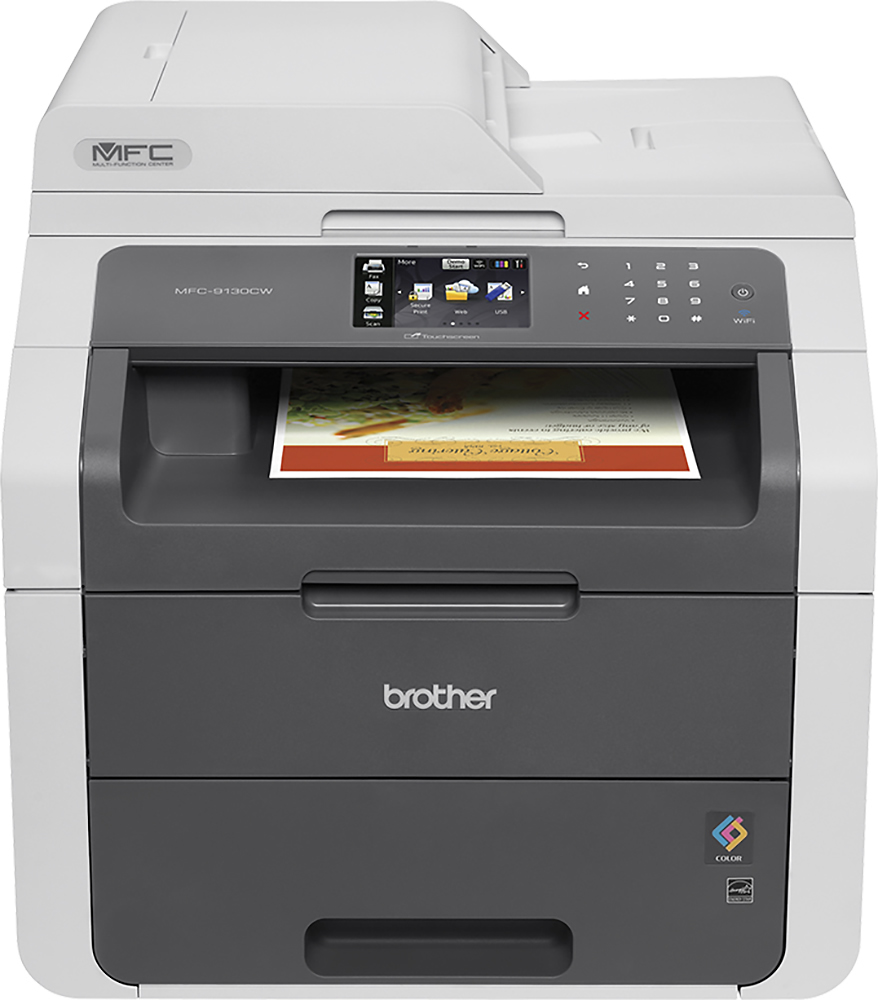
- Model:
- MFC-9130CW
- |
- SKU:
- 8475049
Customer reviews
Rating 4.5 out of 5 stars with 939 reviews
(939 customer reviews)Rating by feature
- Value3.4
Rating 3.4 out of 5 stars
- Quality3.4
Rating 3.4 out of 5 stars
- Ease of Use3.7
Rating 3.7 out of 5 stars
Customers are saying
Customers are impressed with the MFC-9130CW Color Wireless Laser Printer's excellent print quality and ease of use. Many appreciate its wireless functionality, straightforward setup, and reliable performance. The printer's value for the price point is also frequently praised. While some find it to be heavy, the positive feedback on other features outweighs this concern.
This summary was generated by AI based on customer reviews.
Rated 1 out of 5 stars
The printer is a piece of garbage
||Posted .This reviewer received promo considerations or sweepstakes entry for writing a review.Only lasted 3 years and is garbage the cartridges are 500 each time you need them and it is not worth it the brain of the printer is gone it is worthless do not buy it.
No, I would not recommend this to a friendRated 1 out of 5 stars
Paper is keep jamming
||Posted .This reviewer received promo considerations or sweepstakes entry for writing a review.After a month use paper is keep jamming. After the paper jams there is a burn smell and found burned paper in the printer. Returned it. I do not recommend this printer.
No, I would not recommend this to a friendRated 1 out of 5 stars
Difficult set-up. Still not working properly.
||Posted .This reviewer received promo considerations or sweepstakes entry for writing a review.Difficult tp set-up. Still not working properly after a month. .Could be me or maybe I am spoiled with other automatic set-up disc.
No, I would not recommend this to a friend- Pros mentioned:Print quality
Rated 5 out of 5 stars
Like a Champ
Posted .This reviewer received promo considerations or sweepstakes entry for writing a review.This printer is great. I prints, prints, and prints.... and prints some more. The color function really helps me out with creating stationary for the small business I work at. Now remember the color isn't really for photo printing. If you want to print photos you need to remember to go into the settings and change the quality and the type of paper you will use. But like I said it's really just a strong work printer that "can" do photo printing. But the BEST PART IS THE EASY WIFI NETWORK SET UP! My job used to have a HP 8500a Plus Pro and my god that thing had so many issues with wifi set up. I would set it up and then a week later it would go off line on the printer side and I would have to reset the thing over and over. We were so frustrated that we moved it to an another area so we could hardwired to a network. But then other issues emerges so we said to hell with this. We had a Brother MFC-8710DW at another location and I was super impressed with it. It was the main reason we purchased MFC-9130CW. Setting up this printer was really easy. Installed the software on my laptop and assisted with communicating to the printer. After that it worked... no errors or anything else. The amount of printing to the amount toner we buy is fair in my opinion. We use the color for printing a large amount of custom stationary like letter heads and envelopes. Printing Reports with color is very fast and the communication between the wireless network and the printer is very fast compared to a office line inkjet. The only thing I will say that I wished it had is the ability to scan to a usb drive. The 8710DW has that and it's a real time saver when you just need a file scanned on the fly so you can email it or print later (without turning on a computer). Scanning on this printer with the auto feeder is the same with any other all in one I have used. Great for a few sheet but you will get some sheets scanned slanted if you start giving it 10 or more. The only scanner that scanned perfectly 100% of the time was the HP 9250c but for almost $3000 for a scanner it better have.
I would recommend this to a friend - Pros mentioned:Print quality
Rated 5 out of 5 stars
Brother-Mfc-9130Cw
Posted .This reviewer received promo considerations or sweepstakes entry for writing a review.What a great Laser Printer haven't had a problem yet. cons. no automatic Duplex. other then that works everytime. I love how fast it prints 1st page out 9sec after it warms up. love the google cloud don't have to print on network. fast scanner/ get rid of the ink jet printer.... I have 100 pages printed color and black and still on the starter toner. don't like that there's parts that have to be replaced every 50,000 pages and 14000 pages. drums, belt, waste toner, fuser,and paper kit. but ill get over it. I been threw 3 of the same laser printers. had problem with 2 out of 3. thank you best buy. make sure you buy the plan from best buy. I usely never leave feedback but this time I think I have a great item.
I would recommend this to a friend - Pros mentioned:Print quality
Rated 5 out of 5 stars
Best Printer I've Ever Owned
Posted .This reviewer received promo considerations or sweepstakes entry for writing a review.Printer set-up was fast and friendly. Very easy to follow directions. Print quality is professional looking. I have not yet used it for photos. From pressing print on computer, (with printer in off mode), it took approximately 10 seconds for it to start, warm up and document to print. Amazing. It makes no loud noise when printing. Big Plus. Does not shake my heavy, sturdy, wooden file cabinet like old printer did. Fax, scan, print, document feeder. Everything you need. Very happy with purchase.
I would recommend this to a friend - Pros mentioned:Ease of use
Rated 5 out of 5 stars
Easy set up. Works great.
Posted .This reviewer received promo considerations or sweepstakes entry for writing a review.I bought this for my freelance graphic design business. I work on a Macbook Pro and set the printer up to work wirelessly. I have zero experience setting up a printer and it was VERY easy. My macbook doesn't have a CD ROM, but the driver software was simple to find and install from the Brother website. I used the set up wizard on the machine to connect to the wireless router. The entire unpacking/setup took me maybe ten minutes.
I would recommend this to a friend - Pros mentioned:Print quality
Rated 5 out of 5 stars
Brother Printer Is The Best Printer I've Ever Used
Posted .This reviewer received promo considerations or sweepstakes entry for writing a review.This is my first laser printer and so far I am surprisingly satisfied with this printer. I've been using inkjet printer for many years and when I finally got tired of its constant breaking down and paper jam and ink problems...I decided to shop for Laser. And after inquiring with all my resources, colleagues, and friends, they all told me to get the Brother and don't look anywhere else (I'm one of those ppl that I hate studying about the specs and spending my time comparing different brands, just tell me the exact product to get and I'll take your word for it!). I bought the MFC9130 because I wanted a color printer with multi-function but I was afraid of spending too much on an even higher model since this is my very first laser printer. So far the printer has been printing and copying and scanning for me completely perfect and seamless, the experience really is much better compared to all my inkjet printers. I especially wanted to point out that their phone customer support has been very helpful to me. I had trouble setting up the printer to print wirelessly and I immediately called their support number and within five minutes I got to speak with a live person that is actually located in the states. They guided me all the way through the end until I could start printing on both my Windows PC and iMac computer. I was never able to get this kind of support from any of the other printer companies, and btw the customer support from Brother is free for the lifetime of your purchased product. I really wished I could've known about Brother a few years earlier. I've always had more trust in a product when I know it's made from a Japanese company, so I guess this product has proven that to me once again. (I would like to point out that I'm writing this review completely on my own desire. I am not getting any compensation from Brother or any other companies to write this. I might sound a little excited but it's all because of the experience I've had so far with this printer, it's made my office work so much easier and most important seamless)
I would recommend this to a friend - Pros mentioned:Setup
Rated 3 out of 5 stars
Just OK
Posted .This reviewer received promo considerations or sweepstakes entry for writing a review.Overall this is a decent printer. The salesman at the Eden Prairie store assured me that this is a laser printer. Now I know that it is not a laser printer, but in fact a LED printer. I tested the printer when I got home and I am pleased with the text quality; it looks comparable to laser. Then I tested the picture quality and found it to be quite poor. The photos look like they were printed on a 15 year old machine. If you need good photo quality, DO NOT BUY. The set up was smooth and I love the features. LED printers, as I found out, have some reliability advantages over laser as well. I recommend this printer if you do not need picture printing.
I would recommend this to a friend - Pros mentioned:Wireless
Rated 5 out of 5 stars
Great Printer
Posted .This reviewer received promo considerations or sweepstakes entry for writing a review.I was looking for an all in one that would also print wirelessly. The best part is the color toner is not that expensive. I would recommend always using the brother brand toner. This is a great printer for the home or small office.
I would recommend this to a friend - Pros mentioned:Print quality
Rated 5 out of 5 stars
Highly Reccomended Great Quality
Posted .This reviewer received promo considerations or sweepstakes entry for writing a review.Having aTeacher in the family generates hundreds of copies on a weekly basis. We finally made the switch to a laser printer. We are very pleased with every aspect of the easy setup and print quality of our new Brother MFC.
I would recommend this to a friend - Pros mentioned:Setup, Wireless
Rated 5 out of 5 stars
great buy
Posted .This reviewer received promo considerations or sweepstakes entry for writing a review.was easy to set up but the drivers cd was useless. Wasted time with it and would not completely download drivers. Instead go to Brother website download drivers. It takes a little time but just follow the prompts. When I was done I had 2 computers set up wireless. Its a little slow reacting when wanting to print but overall its great. sick of inkjet printer eating dollars. should have bought this years ago.
I would recommend this to a friend - Pros mentioned:Ease of use
Rated 5 out of 5 stars
great printer
Posted .This reviewer received promo considerations or sweepstakes entry for writing a review.Really good printer, easy set up and works great It's worth the money and there never a problem
I would recommend this to a friend Rated 2 out of 5 stars
OK, but stupid design
Posted .This reviewer received promo considerations or sweepstakes entry for writing a review.This printer is hardly "blazing fast" as stated in the description, although it is adequate. Don't plan on putting it up against a wall if it is not on a rolling cart of some sort. To utilize the manual feeder, as in for feeding letter head or printing envelopes, you must be able to access the back panel. For envelopes, you must open the drop down panel, and push 2 levers (nearly impossible to find as you are leaning over the top of the printer and looking down) downward(very hard so you feel like you might be breaking something) . Then return to your computer, press the print button and rush back to the machine where, at the front of the printer, you carefully feed the envelope at just the right pressure so it catches and pulls into the machine. Then if you are lucky and don't get a jam (happens about 75% of the time), be sure to be leaning back over the machine to catch the envelope as it comes slowly out the back before it drops to the floor. Oh, BTW, if you have not carefully pulled the fax line away from the drop down door opening before the envelope or paper comes out the back, then it will be wrinkled as it bumps up against the fax line inconveniently plugged in above the door panel. If the machine jams, again, about 75% of the time, it can take up to 5 or 6 re-tries to get the machine to accept the envelope. Sometimes it doesn't accept the settings you have chosen on the printer (size 10 standard mailing envelope) and simply shoots out a full sheet of paper out the back set up as a 9X11 envelope (yes, I checked my print set up). Oh lets not forget paper jams, which happen frequently, and most often when you are trying to print envelopes....yes, envelopes. To clear a paper jam, one must take all printer cartidges out, take out another item I presume is a fuser or something to access the bottom of the printer where the paper is jammed. Very tightly I must add. I could go on and on..... Don't buy this machine.
No, I would not recommend this to a friend- Pros mentioned:Price
Rated 5 out of 5 stars
Very good Printer!
Posted .This reviewer received promo considerations or sweepstakes entry for writing a review.The printer does the job. The price is also very good.
I would recommend this to a friend - Pros mentioned:Print quality
Rated 4 out of 5 stars
Almost as good as 9340 but no duplex or flashdrive
Posted .This reviewer received promo considerations or sweepstakes entry for writing a review.This 9130 is cheaper than the 9340 model by $50. Then, with a current sale it went lower by another $100. It's almost as perfect as 9340, both very similar, except 9130 has no duplex printing, duplex scanning and slot for you to insert a flashdrive. I download the driver from Brother's website and was able to print wirelessly from my pc right away. I also installed Brother iPrint on my Andriod and I can print photos and documents on my phone wirelessly as well. Quality of photo is acceptable. It's all good.
I would recommend this to a friend Rated 2 out of 5 stars
Slow, prone to paper jams
Posted .This reviewer received promo considerations or sweepstakes entry for writing a review.How people could rate this printer so highly is bizarre to me. I have been using it for not even a year (May would make it a year) as a secondary printer at the office. The printing is S-L-O-W -- both in receiving the data and in actual output and the color printing is sub-par and not at all vibrant compared to the main office printer (a freestanding Sharp) which, I grant, may be an unfair comparison. The envelope feeding is excruciating -- I can only feed one envelope at a time and, if you don't feed it in just so at the right moment, the printer grabs it wrongly and pulls in a paper from the tray at the same time, thus jamming the printer. I gave the rating an extra star only because it does a decent print job on the textured 100% Cotton stationery (letterhead and envelopes) that our office uses...but ONLY if you feed it gently, 'just so' in angle and timing and wait for the ponderous grip by the printer.
No, I would not recommend this to a friendRated 5 out of 5 stars
So Far So Good!
Posted .This reviewer received promo considerations or sweepstakes entry for writing a review.So far, this has been a great printer/scanner. No issues to speak of yet!
I would recommend this to a friendRated 5 out of 5 stars
Yes, it is Windows 10 compatible
Posted .This reviewer received promo considerations or sweepstakes entry for writing a review.I have been waiting for this one to be on sale, and my luck it was the Deal of the Day! FYI, the CD that comes with it lists the various OS' and Windows up to Windows 8, but going to brother-usa.com I was able to easily download the Windows 10 software which includes the scanner software as well as the printer driver. Running the Windows 10 all-in-one setup was easy, one click and wait til done. The printer shows up, and a GREAT FEATURE is you can right-click on the printer and the submenu has "Scan", well, at least on Windows 10 I know it does. The printer is much faster than any of my inkjet printers, and making copies is so easy it's basically your personal copier machine. WiFi setup is easy so I was able to stick the printer in a corner of the house with an electrical outlet, no other wires or mess. Super clean and easy to setup. Oh yeah and the reason why I waited for the Brother color laser is the toner is by far the least expensive. Roughly $50 or less...!
I would recommend this to a friendRated 5 out of 5 stars
Great printer
Posted .This reviewer received promo considerations or sweepstakes entry for writing a review.I had no problem connecting the printer to my network, it covers all my needs. Very satisfied.
I would recommend this to a friend