Customer Ratings & Reviews
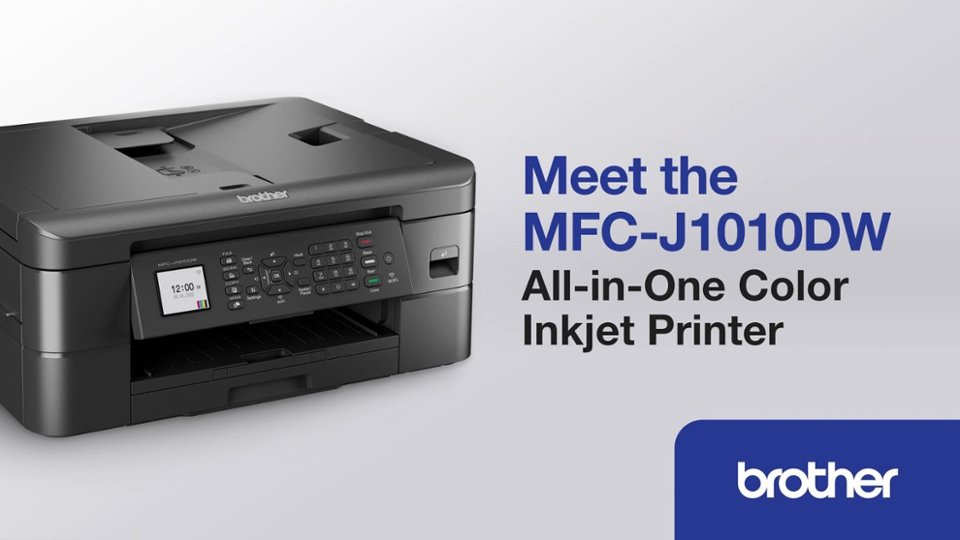
- Model:
- MFCJ1010DW
- SKU:
- 10752985
Rating by feature
- Value
Rating 4.6 out of 5 stars
- Quality
Rating 4.5 out of 5 stars
- Ease of Use
Rating 4.5 out of 5 stars
to a friend
Pass on this
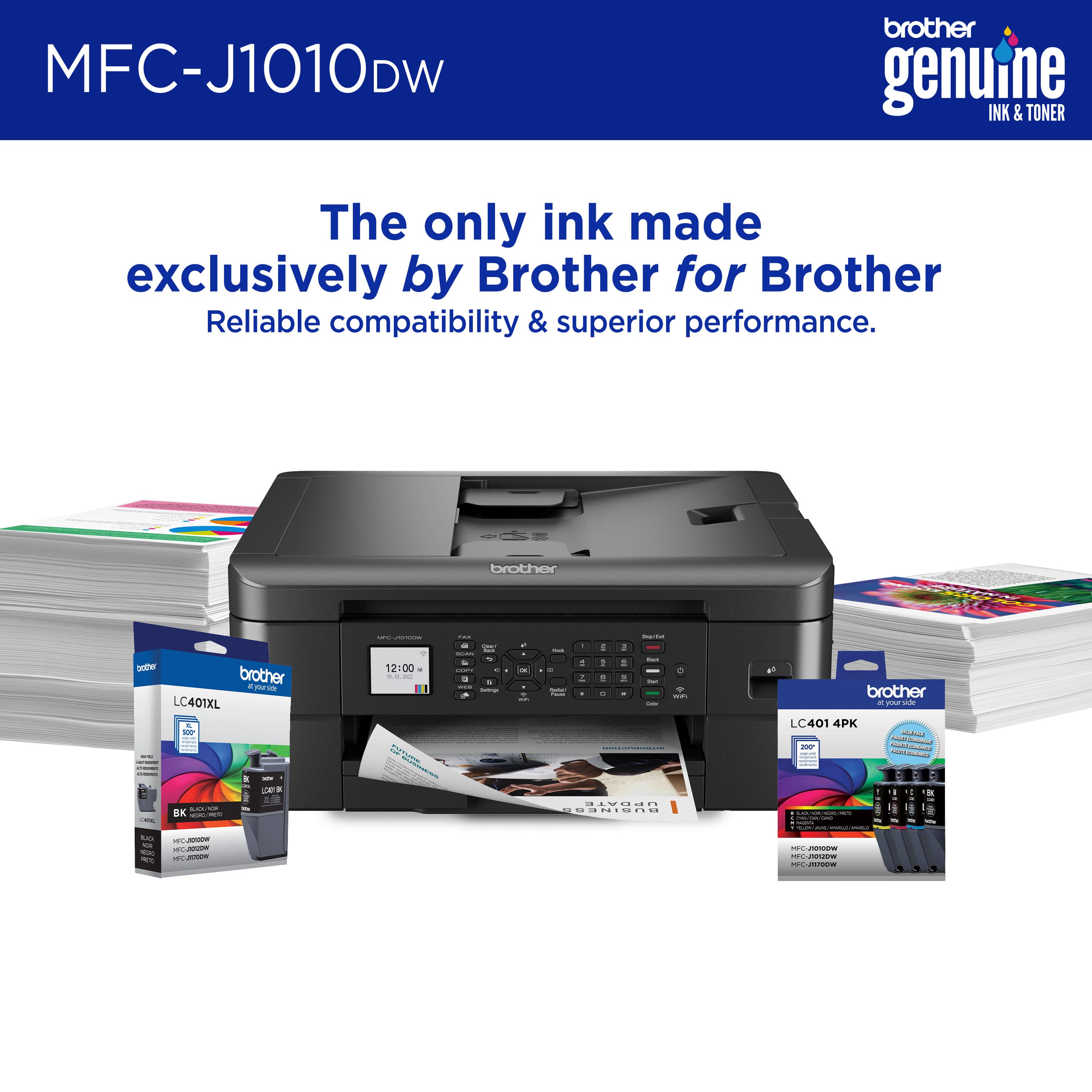
||Posted . Owned for 6 months when reviewed.This reviewer received promo considerations or sweepstakes entry for writing a review.Worked well until I couldn’t get black ink for it ANYWHERE for weeks.
No, I would not recommend this to a friendBrand response from Brother
Posted .We would like to take this opportunity to thank you for your feedback. At Brother, customer satisfaction is something we take seriously. We understand you are experiencing issues finding LC401 cartridges for your Brother machine. We are working hard to get this item back in stock as soon as possible. If you have any questions, our Brother Customer Support Team is available to assist you direct: www.brother-usa.com/brother-support

Where’s the ink?
||Posted . Owned for 9 months when reviewed.This reviewer received promo considerations or sweepstakes entry for writing a review.What’s the use of a printer if they don’t make ink for it?
No, I would not recommend this to a friendRipoff
||Posted . Owned for 3 weeks when reviewed.This reviewer received promo considerations or sweepstakes entry for writing a review.Used 100% of ink and didn't print until I purchased more ink!!! Ripoff
No, I would not recommend this to a friendBrand response from Brother
Posted .We understand your Brother MFCJ1010DW cartridge did not last long. We'd like to help. The stated page yields for genuine Brother cartridges are based on the ISO testing standards. The number of pages that can be printed with a cartridge is affected by several factors, including paper size, number of pages per print job, amount of print on each page, font size, and print content (graphics, charts, etc.). Print jobs with large text fonts, graphics, charts, and/or large amount of solid coverage (black or any given color) will use much more ink and will shorten the life of the ink cartridge. If you have any questions about your Brother Genuine cartridge, please contact Brother customer service: https://www.brother-usa.com/brother-support

Nice home printer
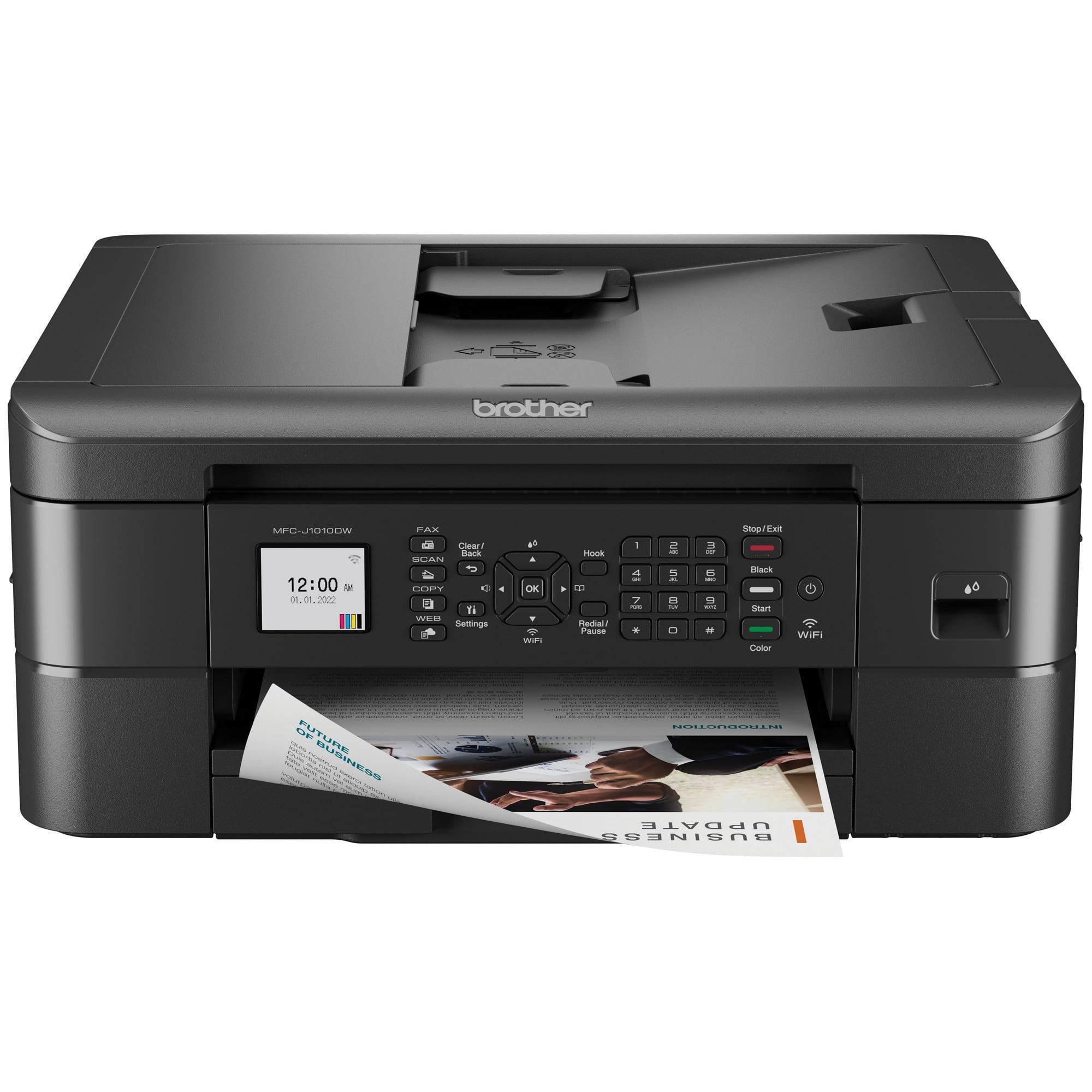
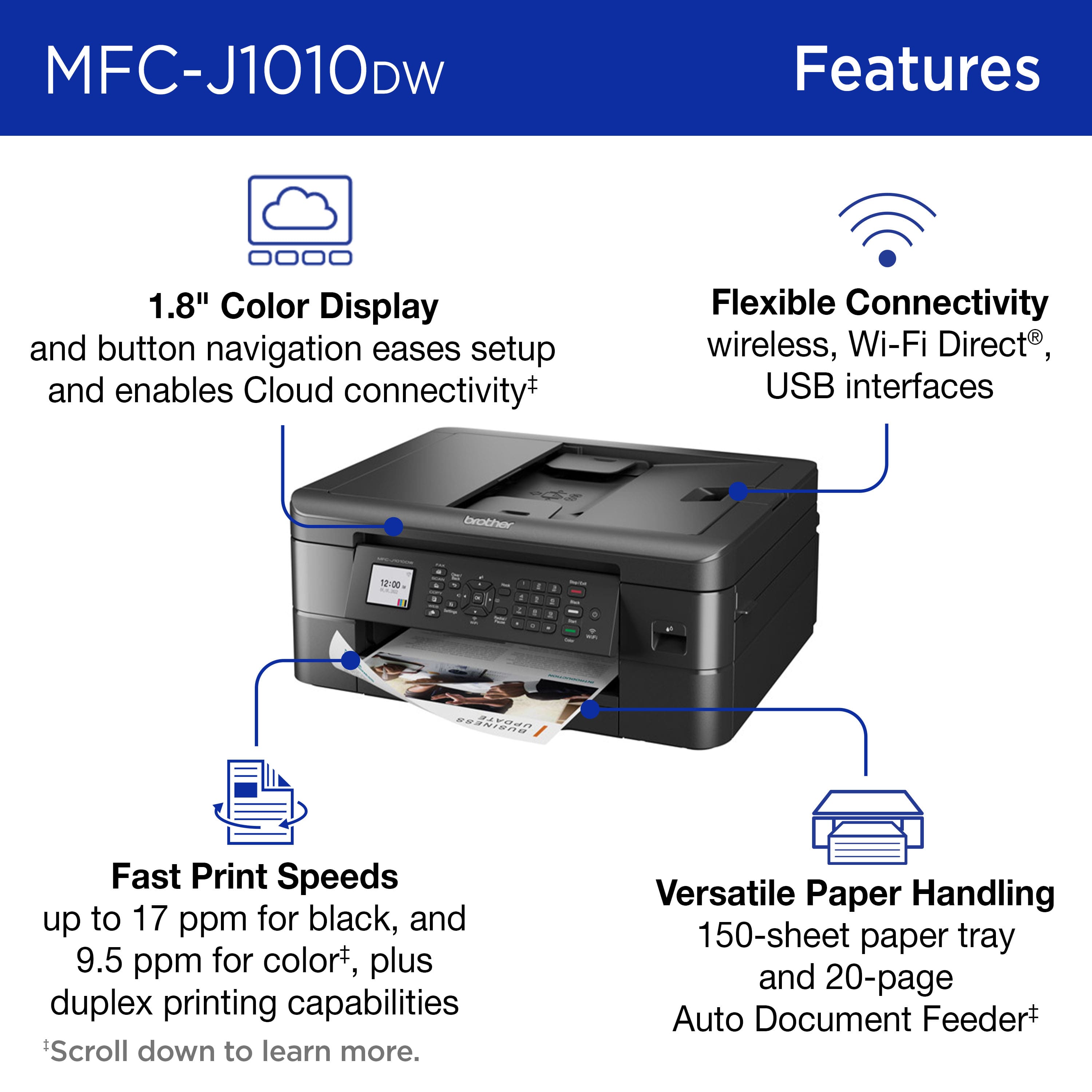
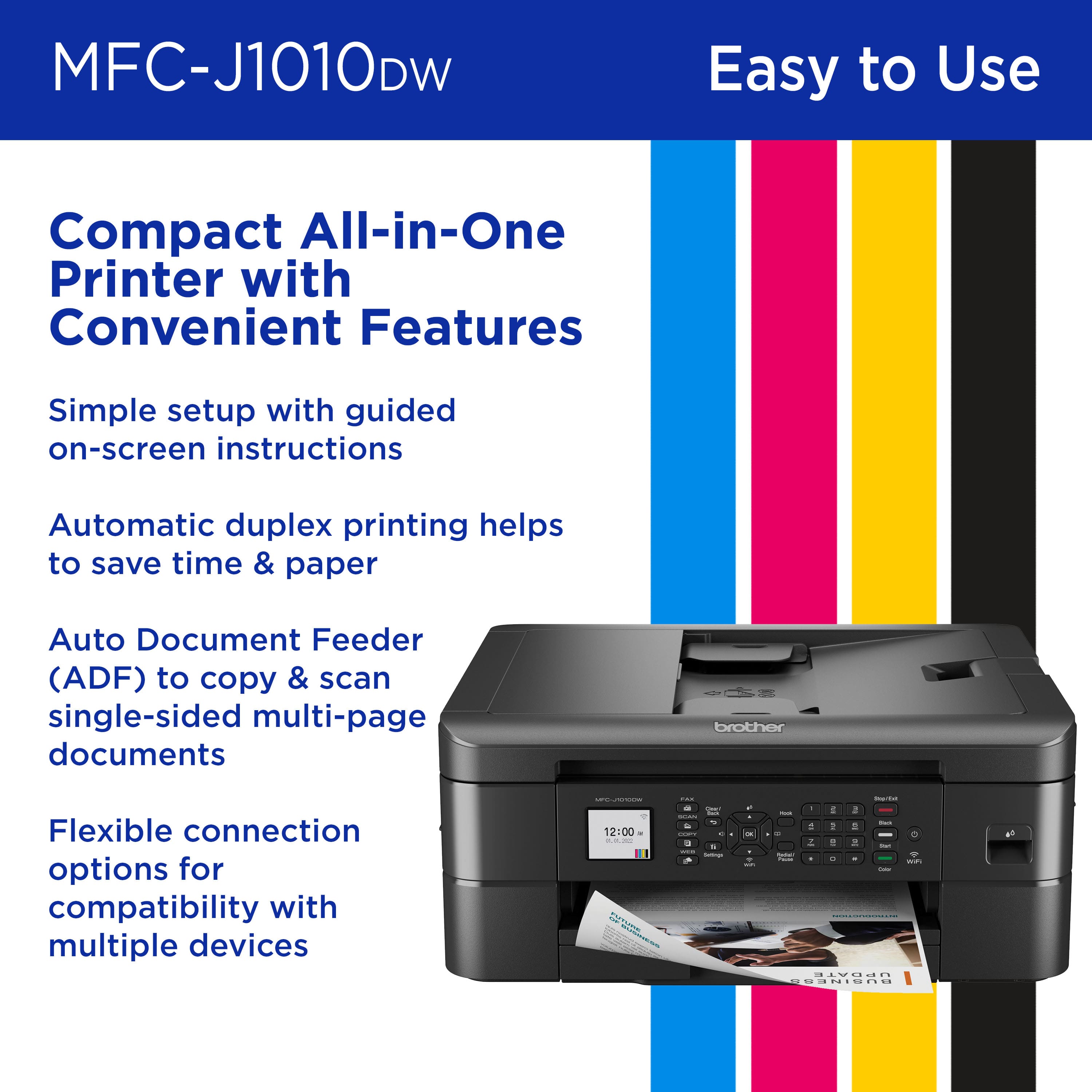
|Posted .This reviewer received promo considerations or sweepstakes entry for writing a review.Brother wireless all in one inkjet printer, has been amazing, I work from home so it has worked out perfectly it prints fast and the size is great isn’t to big like my previous, I don’t do high volume printing so a this is a perfect cost budget printer, quick & easy set up with easy step by set set up just follow the screen instructions, it does not include usb cable in case you need one which I didn’t so I was fine. It has a single tray paper feeder so if you use different size paper you’d need to change it out also does envelopes with clear tray instructions which way to load paper which is nice most printer that I have have been a little trial and error when it comes to printing double sided, the wireless printing from my phone, laptop and tablet have been the easiest once set up which was also easy. Printing, scanning & coping fast and easy, it also capable of faxing which I have not tired but sure works just as well as the other features, nice size touchscreen display but all full button options also which is nice. It comes with black and color inks seems to be full cartridges so depending on how much you print should last a few months, you can change individual inks if needed, there is an ink level gage which is handy to let you know what is left so your not mid way printing a bunch and end up wasting a few pages that didn’t have enough ink, the black & white print is awesome, color printing I wish the colors were a bit more vivid, I printed some photos they were okay usable not high quality, it does take longer to print full color versus black and white but still fast. I’m pretty satisfied and would recommend if someone doesn’t do high volume printing.
I would recommend this to a friendEasy-to-Print, Does the Job
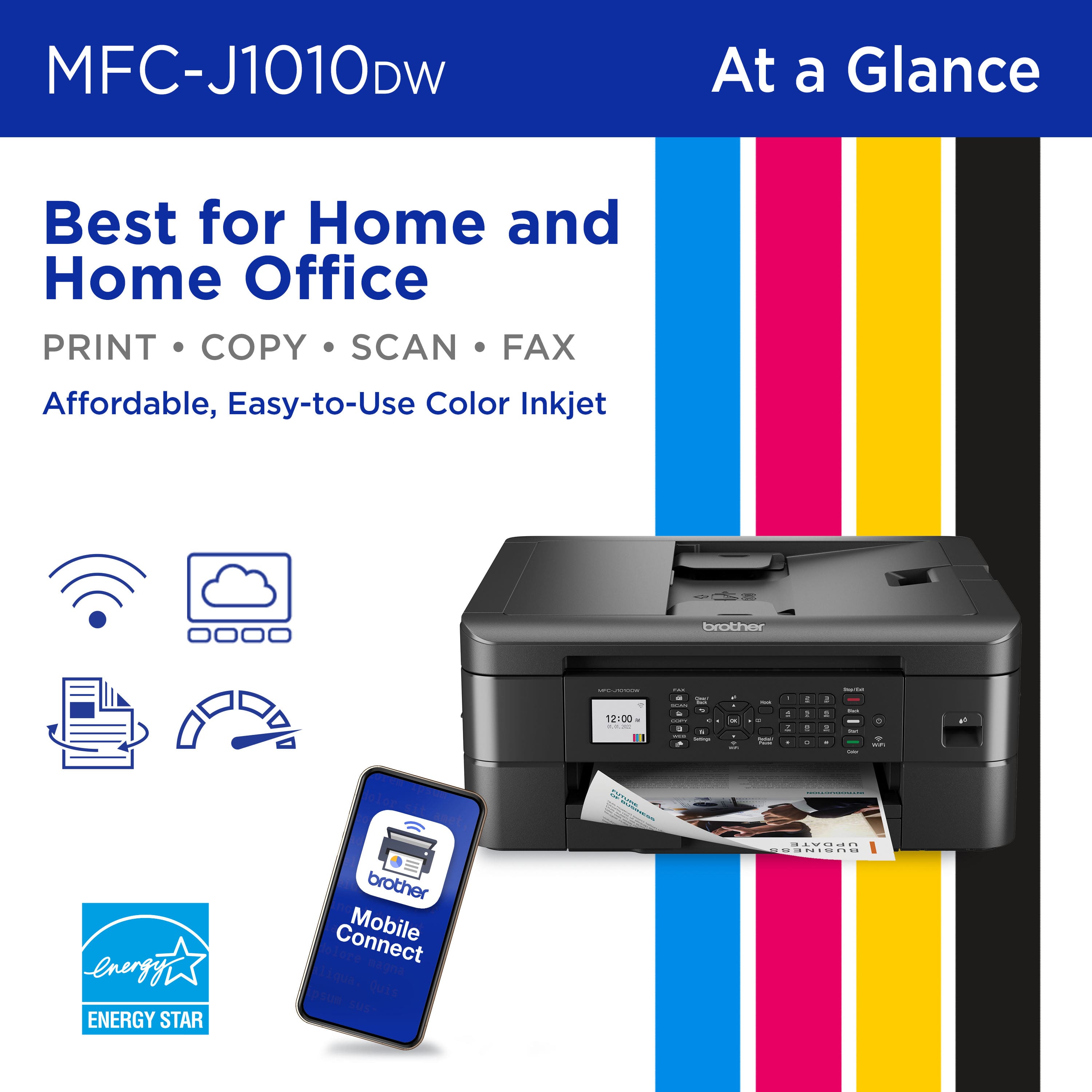
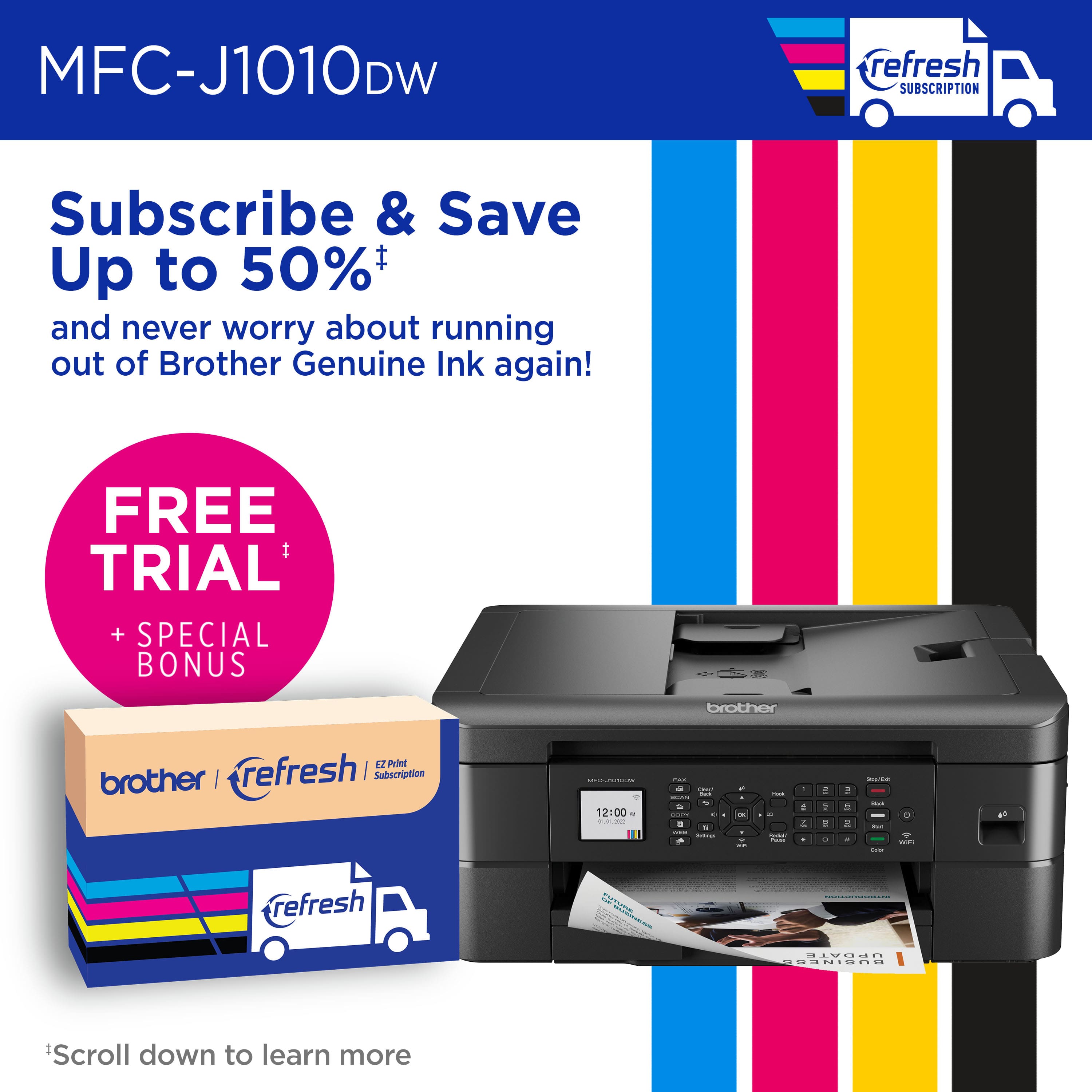
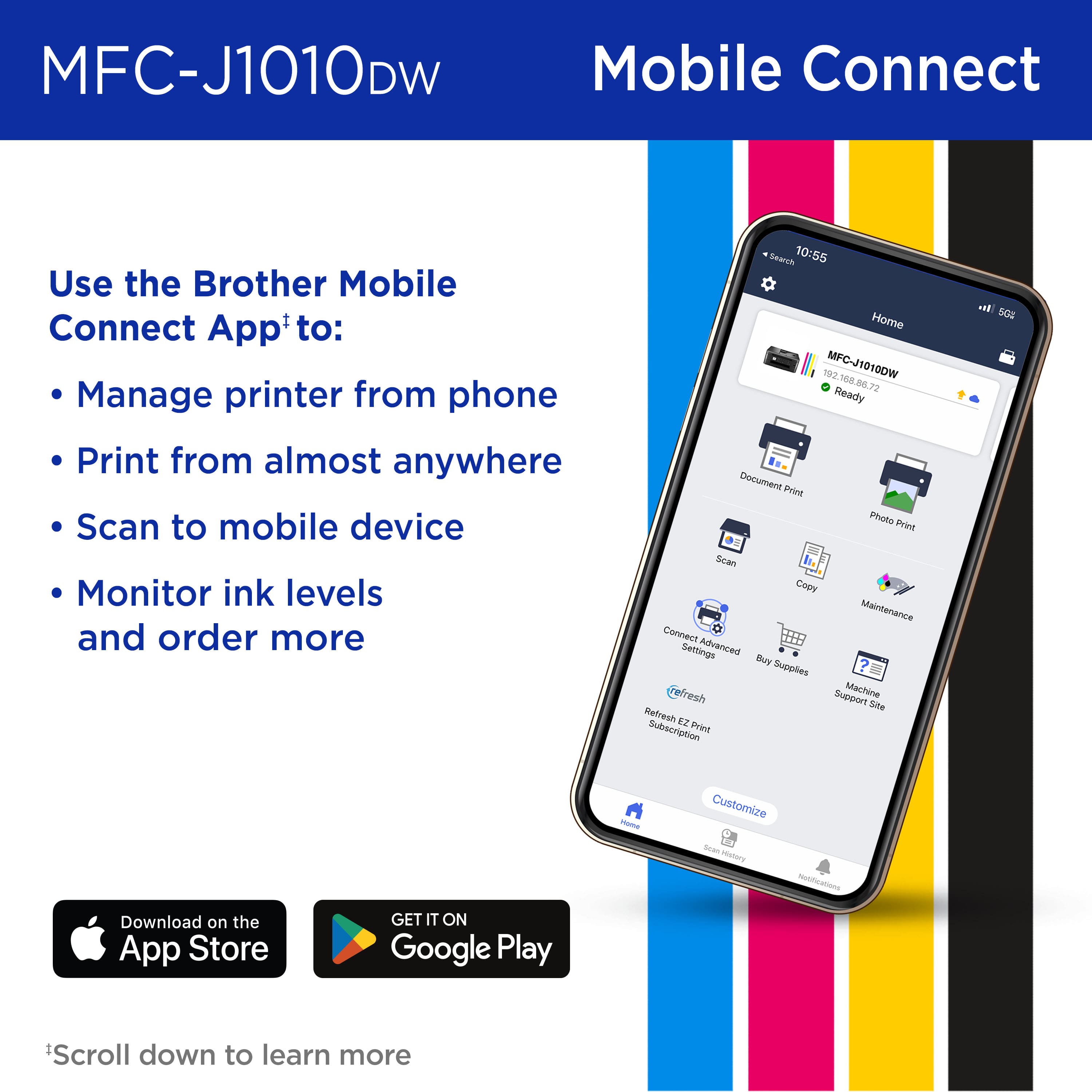
|Posted .This reviewer received promo considerations or sweepstakes entry for writing a review.Brother is one of my top three recommendations when it comes to my personal experience with different brands of printers I've previously owned. This Brother MFC-J1010DW Wireless All-in-One Inkjet Printer lived up to my expectations. Setup was pretty straightforward by simply following the included instructions. There is an app - Brother Mobile Connect - which makes using this wireless printer all that more convenient, as I'm often wanting to print documents and photos from my cell phone or tablet. Besides being able to use your printer remotely, the app allows you to monitor your printer's ink levels, order replacement ink, and even sign up for Brother's Refresh EZ Print Subscription Service (a particularly useful feature for those who do a great deal of printing and want that added convenience). And it is nice being able to fax from home, for those few instances that option may be needed. While the speed of printing both text documents or photos isn't 'lightning fast', it's on par with the other printers I've used. The quality of printed photos is what I'd call, average. Nothing really exemplary. Simply adequate for a budget home office printer. However, I will say that when the printer is working, it runs relatively quiet, compared to some I'm familiar with. Finally, do I recommend this Brother printer? Yes. It does the job - print, copy, scan, fax - and the price is just right.
I would recommend this to a friendPoor quality
||Posted . Owned for less than 1 week when reviewed.This reviewer received promo considerations or sweepstakes entry for writing a review.Unable to get thru set-up process returning printer
No, I would not recommend this to a friendBeautiful images and quality
|Posted .This reviewer received promo considerations or sweepstakes entry for writing a review.I needed a printer scanner for the occasional days when I work at home. I have been impressed with the quality of this Brother machine so far. It’s a bit bigger and heavier than I was anticipating but it’s not awkward to move, thankfully. Right out of the box it was easy to set up. I completed the initial setup on the actual printer screen and I appreciate that the cartridges came packaged and needing to be installed because now I know going forward how quick and easy it is to do. Next I downloaded the app. It was easy to add the printer into the app and just as simple to connect it to my laptop as well. I had to print a few documents that were each 15 pages and they actually completed quicker than I was expecting in just a couple minutes. A few pages had to be scanned in which frustrated me at first because I couldn’t figure out the scan to computer function but I ended up figuring out scan to email which was even easier because then I was able to just forward them. My favorite feature is being able to print photos directly from my phone with the wireless capability. Overall I’m very happy that I chose this Brother model to add to my home office and would definitely recommend it as a great home use option.
I would recommend this to a friendNice little all-in-one office printer
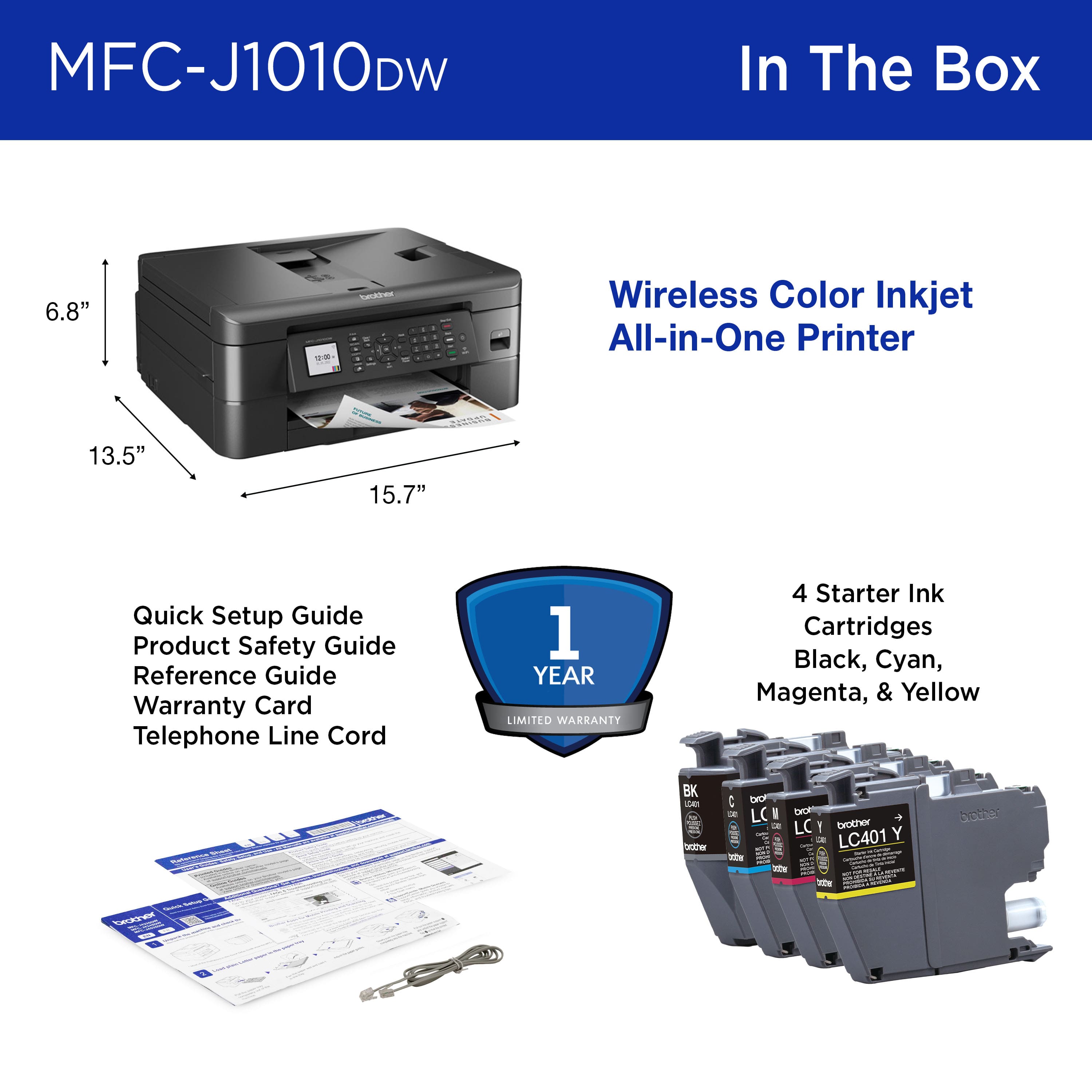
|Posted .This reviewer received promo considerations or sweepstakes entry for writing a review.This Brother Wireless color All-in-one inkjet printer is a pretty good value for its price point. With the built-in wireless functionality you can easily print from your phone with the Brother mobile app, or from other computers on the network which I greatly appreciate. The printer has a pretty good photo scanner/copy machine and the ability to do faxes. One of the coolest features I think is that you can scan a document and save it directly to your phone using the app. You get the standard four colors ink cartridges in the box, and I am quite pleased with the speed and print quality of the black prints. The color prints however are okay but I would not recommend doing photo prints with this machine. But if you have some text documents with different colors then this machine will do fine. The ink cartridges are quite small so you might have to spring for them quite frequently if you do a lot of printing, they last approximately 200 pages, but there is an option for high capacity cartridges that expect a yield of 500 pages. The color screen is about two inches and I find it to be more than adequate to navigate and change the settings on. Some of the print can be quite small, so that might be a deterrent for some people. But the UI is pretty simple and easy to use. Overall this is a great little All-in-one printer for any home office.
I would recommend this to a friendNot windows 11 friendly
||Posted . Owned for 1 month when reviewed.This reviewer received promo considerations or sweepstakes entry for writing a review.I've installed hundreds of printers. This connected just fine to a windows 10 laptop but refused to install on windows 11. After countless hours troubleshooting it was returned
No, I would not recommend this to a friendPerfect balance
|Posted .This reviewer received promo considerations or sweepstakes entry for writing a review.Looking for the perfect printer for home or small office? The brother printer is a workhouse that gives high quality print jobs every single time! Upon getting the printer you will notice it is packaged very nicely and soundly. It’s will take a few minutes to unwrap and get it all cleaned up with the removal of protection tape and plastics. Once all cleaned up it’s time to connect it to your network! Going through the steps on your computer it’s pretty simple to get connected and added to your wireless network over Wi-Fi. It even pops up on my IPhone as a printer now!! Once everything was setup I was off to the races printing documents, certificates and some legal documents. I decided to put it through its paces and see what it could handle. 1. Certificates: it came out colorful and full of bright ink, no smearing or smudging. No noticeable swamp was of excessive inks. 2. Legal documents: crip clear defined wording with no letter bleeding on edges. 3. Stickers/ photos: the documents came out very well and was easy to select the document change type. Overall perfect printer to meet home and small business needs.
I would recommend this to a friendGreat
|Posted .This reviewer received promo considerations or sweepstakes entry for writing a review.The Brother MFC J1010DW wireless color printer is another great product for the Brother line. I had an older printer that needed to be replaced in my office, and decided to try out something from Brother. I was looking specifically for something small, with wireless printing, duplex, and in the black color to match my decor. This model fit all of those requirements. Great print quality, eben when printing from my mobile devices. The software that is included has tons of functionality as well. You can subscribe to a monthly subscription, but I chose not to at this time. Setup was very simple. It comes with a USB cable as well. I chose to go wireless. There was a firmware update that needed to be done when I first got it on. There is a key located on the back of the printer that is used when doing all updates to the printer's firmware. More secure that way. All in all, the printer is great. I have had no issues while using it, and can recommend the Brother J1010 to anyone looking for a small printer for home or office use.
I would recommend this to a friendPerfect Wireless Printer with Printer AI App
Posted .This reviewer received promo considerations or sweepstakes entry for writing a review.I recently purchased the Brother MFC Printer, and it has exceeded my expectations in every way! Setup was a breeze—within minutes, I had it connected to my Wi-Fi and printing seamlessly from my laptop, phone, and tablet. ✅ Key Pros: Fast & Reliable Connection: No annoying disconnections or lag when printing wirelessly. High-Quality Prints: Crisp text and vibrant colors—perfect for documents and photos. Smart App Integration: I’ve been using the [Your AI Printer App Name], and it has made printing even easier! The app provides AI-driven print recommendations, troubleshooting tips, and even helps with ink management. User-Friendly Mobile Printing: Directly print and scan from my phone using AirPrint & the app. Quiet & Efficient: Fast printing without excessive noise. Cost-Effective Ink Usage: Ink lasts longer than expected, saving money over time. With the AI Printer , I can now print directly from my phone with ease, check ink levels, and even get smart printing suggestions. It’s a must-have for anyone using wireless printers! Highly recommend this setup for home and office use. You can get it from app store by type in search Printer AI
I would recommend this to a friendCompact budget printer
|Posted .This reviewer received promo considerations or sweepstakes entry for writing a review.The Brother MFC-J1010DW Wireless Color all in one inkjet printer is a budget friendly, all in one machine. Set up was fairly straight forward and not difficult. It did take about 45 minutes to go through all the steps and get the device connected to wifi and download and install the software that is required for the printer to work. I set up the wifi connection although you can connect the printer via ethernet cable (not included of course) if you desire to go that route. Machine does have fax capability but I did not test that. The scan function works very well and creates crisp clear documents, scans of photos etc. The paper tray can hold about 40 sheets of paper at a time which is fine for home applications, but not for office uses. The print speed is quite slow when printing in color or photos. You do have to download the Brother print and scan app from the App Store for full functionality of the device. After downloading the app and connecting the printer to your wifi network you will be able to us AirPrint with this printer which is a definite requirement for me. The ink that comes with the machine will print about 200 pages. I do like that the app lets you know how many pages (approximately) that you have left to use before the ink runs out. Hope that the refills that you buy at the store last much longer. Overall this is a great little printer and would work best for students with school work.
I would recommend this to a friendBrother -MFC -J1010DW
Posted .This reviewer received promo considerations or sweepstakes entry for writing a review.Printer setup was easy to setup and the print quality is great.
I would recommend this to a friendPerfect Inkjet Printer
Posted .This reviewer received promo considerations or sweepstakes entry for writing a review.The setup instructions were specific and clear, including the wireless instructions. The ink cartridges are easy to install and it prints quickly. I love the way it looks on my desk and the color of the copies is beautiful and realistic. I love it!
I would recommend this to a friendEntry Level Printer at Affordable Price
|Posted .This reviewer received promo considerations or sweepstakes entry for writing a review.This printer has some good features and some bad features. Starting with the installation it is far below other printers in ease of setup. Part of this was due to the problem that my computer could not find the printer over wireless, even though the printer was right next to the computer. Finally, I had to go to the printer itself and use its controls to connect wirelessly. This caused another problem in that the printer’s physical interface is rather primitive and entering the WiFi password was cumbersome. Once connected next (at the printer), it asked if I wanted to update the firmware. I began the process when I was asked to enter the WiFi password at the printer again (or so I thought). I eventually found out it was not the WiFi password being requested, but instead a password that is on a label on the back of the printer. I found this out when I updated the firmware from the computer interface and the installation software at the computer told me it wanted the password from the back of the printer. Bottom line is that although this printer has a more affordable price, the printer controls should be updated and also the software in the printer should be updated as well. Now on the good side. This is a well-made printer that does print well and is very sturdy. It does not print very vibrantly but its printing is satisfactory. The printed documentation to setup the printer was clear enough to get things installed not withstanding my comments above. I would recommend this printer as an entry level unit at a very nice price considering the printing features it provides like fax, scanning and document feeder. You also get some nice utilities via the ‘Brother Creative’ application which is included.
I would recommend this to a friendBest Little Printer this side of the Mississip!
Posted .This reviewer received promo considerations or sweepstakes entry for writing a review.This is the second one purchased, this time for a friend. You can't beat the amount of prints you can get out of one cartridge....the original one that came with it lasted almost a year! Very reliable printer, with quality copies and at a bargain price!
I would recommend this to a friendGreat All In One printer
|Posted .This reviewer received promo considerations or sweepstakes entry for writing a review.The Brother MFC-J1010DW is a nice all in one inkjet printer. It was very easy to take out of the box and proceed to the setup process. The quick start guide instructions that are numbered with detailed instructions and illustrations. I wish the WiFi setup was a bit more user friendly. When connecting the Brother mobile app to your printer, you have to enable the WiFi on the printer, then disconnect from your home’s WiFi to the Brother printer’s WiFi during the setup process. I was able to proceed with no issues using that method, but I’m sure those who aren’t as tech savvy may feel as though it’s a bit challenging. I prefer the setup process of devices that do all of the connecting to and from the device on its on. The panel which has the LCD screen and buttons can be flipped up at angle for better viewing. The LCD screen is not touchscreen. You have to use the arrow and enter buttons for navigating through menu items. The ink cartridges were very easy to install. The slots are color coded and labeled. Placing the cartridges in their slots were effortless. The print quality is good for an ink jet printer. The speed is decent. It’s not as fast as other ink jet printers I’ve owned in the past. The scanner works great. The top tray is a multi-sheet scanner. Placing the documents faced down and scanning multiple pages works great. The scanner is fairly quiet, and it not as loud as other scanners I’ve owned. It also scans pretty fast for an all in one printer. Overall, I’m enjoying this Bother all in one printer.
I would recommend this to a friendNot Worth the Price
||Posted . Owned for 1 month when reviewed.This reviewer received promo considerations or sweepstakes entry for writing a review.Absolutely not worth the buy, maybe a few months old and it already doesn't work. Skip this item
No, I would not recommend this to a friendBrand response from Brother
Posted .We understand you're experiencing issues with your Brother MFCJ1010DW machine not working properly. We'd like to help. Please contact our Customer Service department and we will work with you to resolve this issue. Brother Customer Support Team is available to assist you direct: www.brother-usa.com/brother-support
Brother MFC-J1010DW is my new favorite printer
Posted .This reviewer received promo considerations or sweepstakes entry for writing a review.I LOVE my new Brother printer! After trying SEVERAL other brands of printer, I decided to give the Brother a try. It prints fast and has good quality of print. I haven't needed to print any photos yet, but I'm sure it's up to the job.
I would recommend this to a friend