Customer Ratings & Reviews
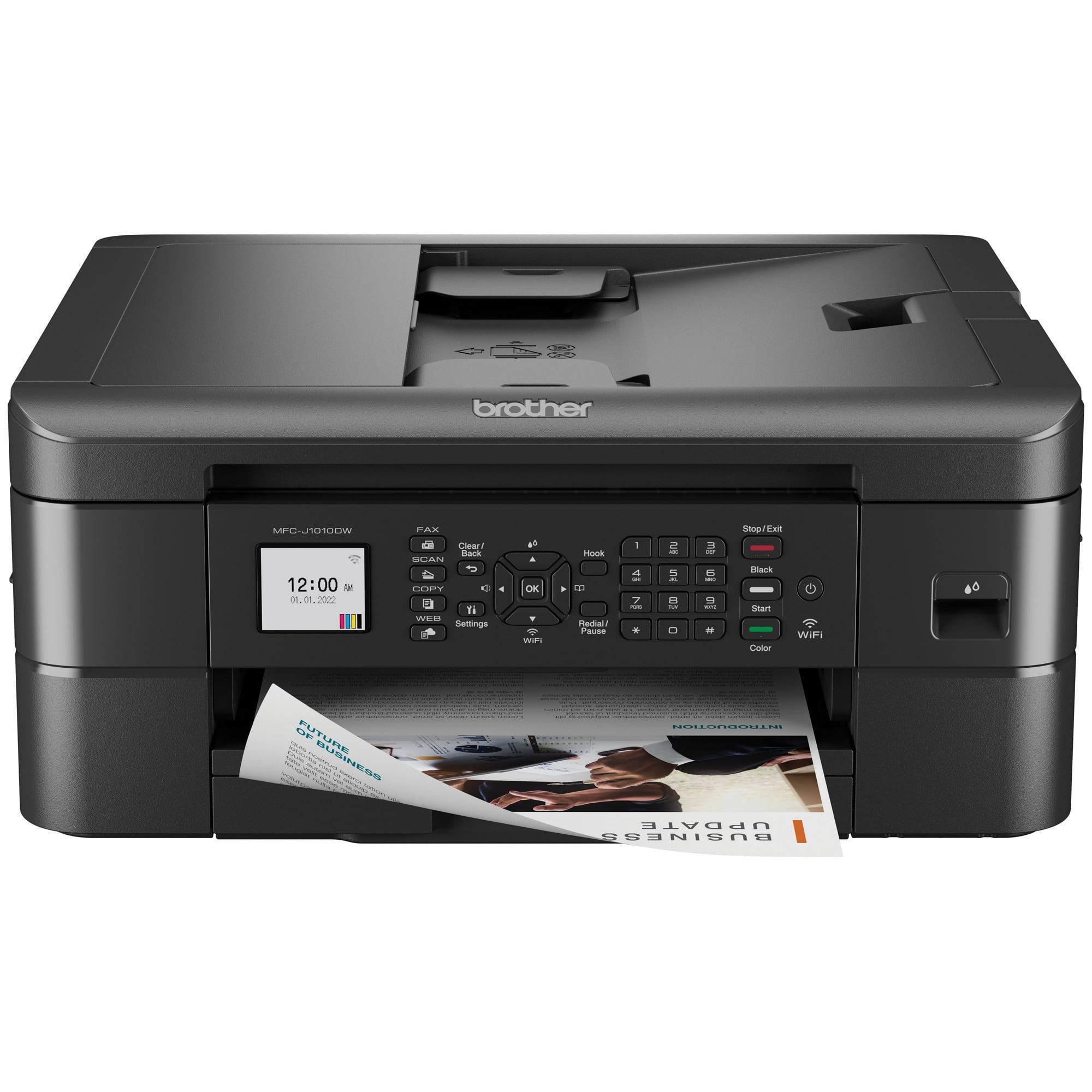
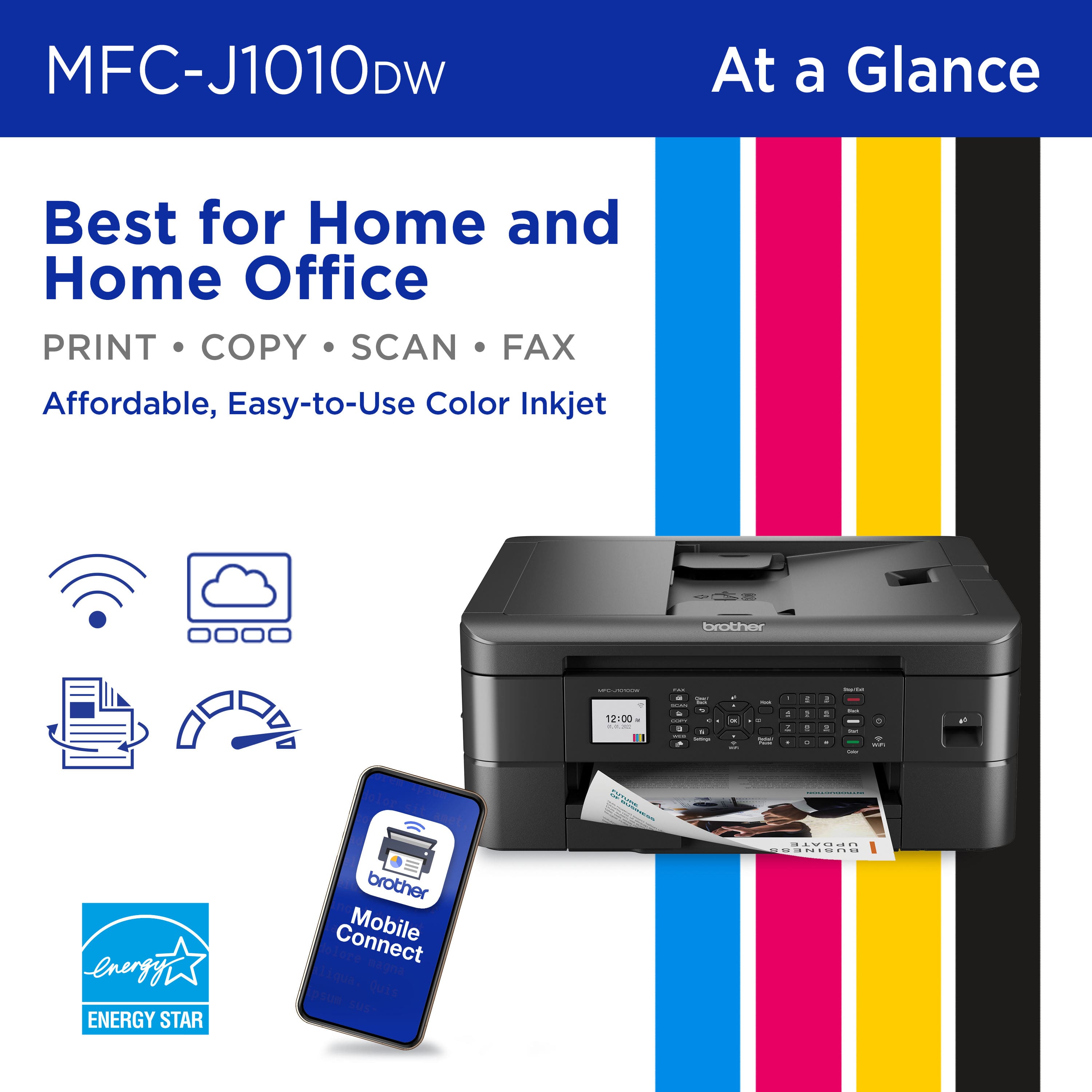
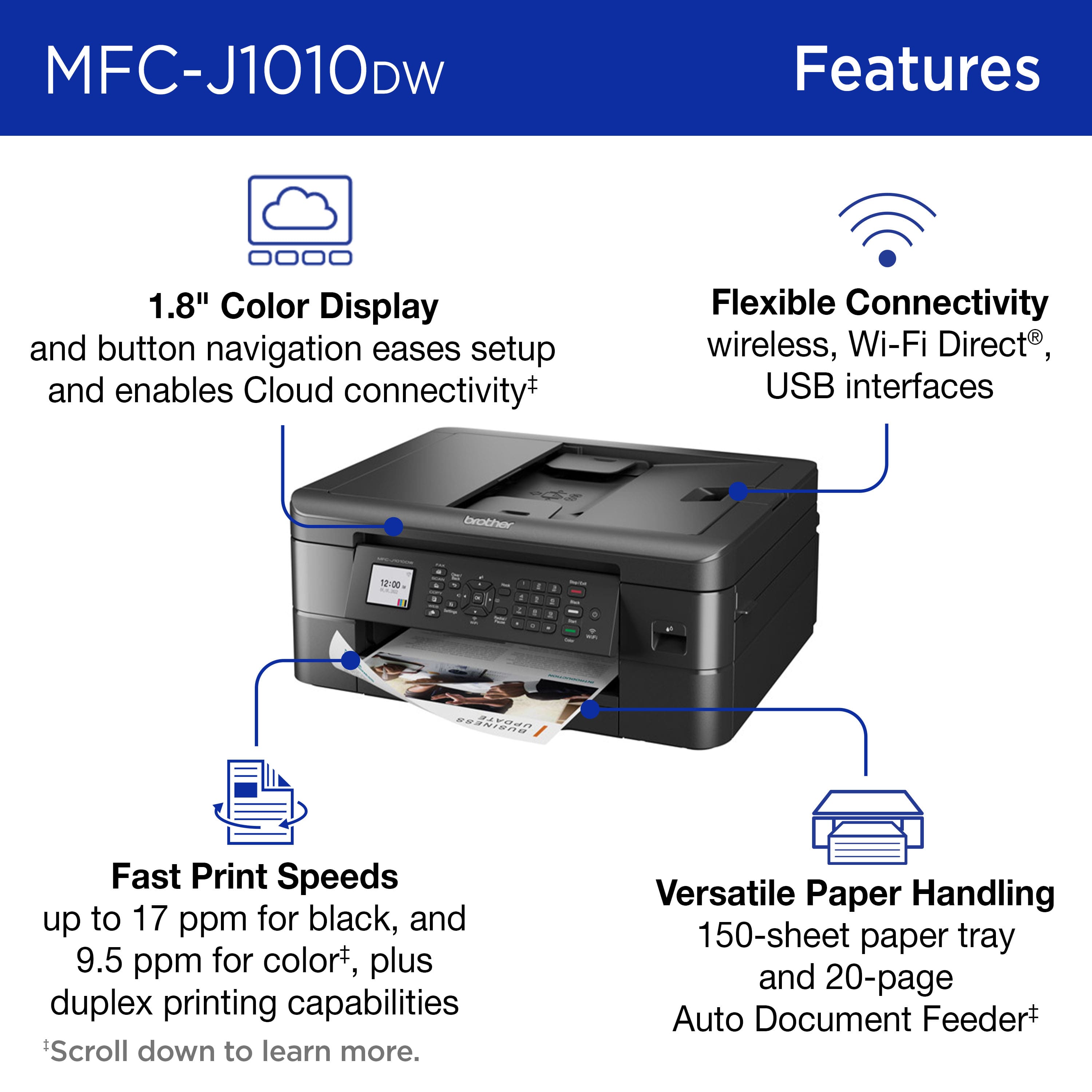
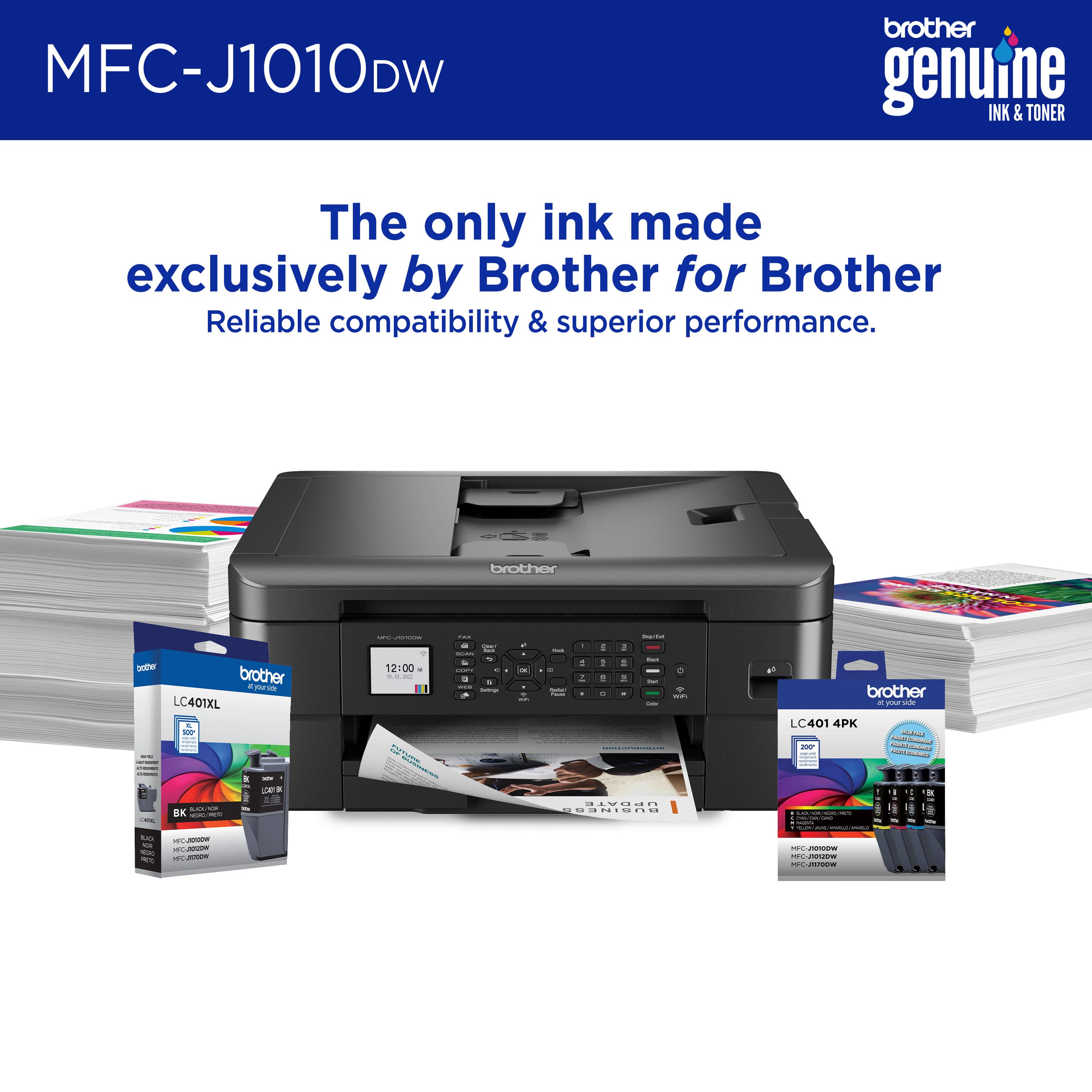
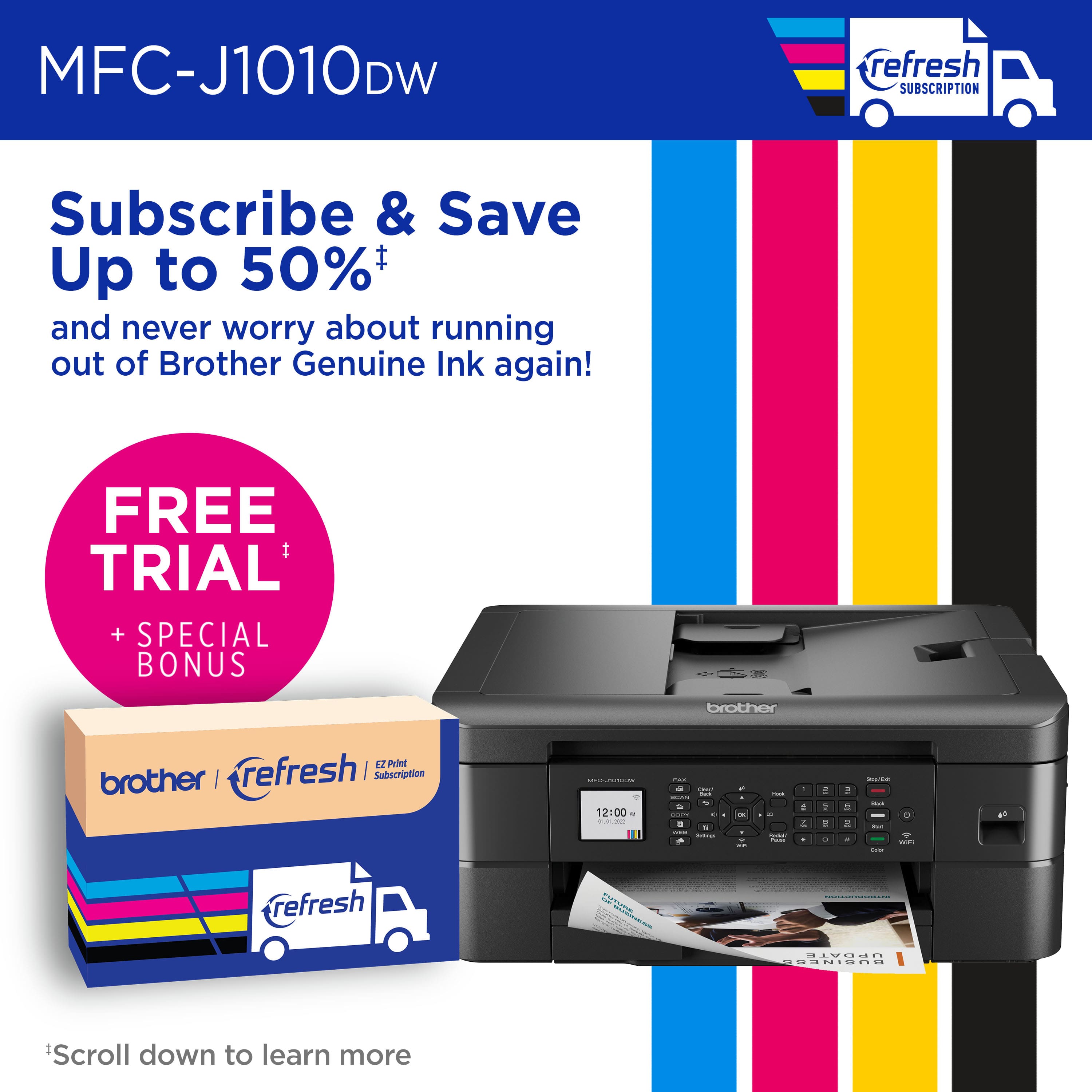
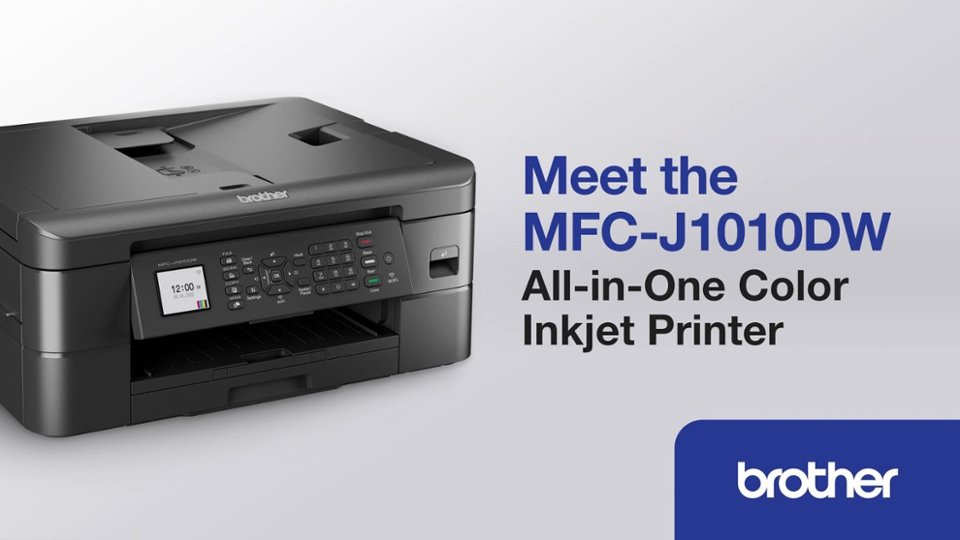
- Model:
- MFCJ1010DW
- SKU:
- 10840252
Rating by feature
- Value
Rating 4.6 out of 5 stars
- Quality
Rating 4.5 out of 5 stars
- Ease of Use
Rating 4.5 out of 5 stars
to a friend
??
||Posted .This reviewer received promo considerations or sweepstakes entry for writing a review.It took a little time to set up and use with ease.
I would recommend this to a friendNoisy printing
||Posted . Owned for 3 weeks when reviewed.This reviewer received promo considerations or sweepstakes entry for writing a review.The noise when the printer is printing is quite loud.
I would recommend this to a friendCartridges
||Posted . Owned for 2 weeks when reviewed.This reviewer received promo considerations or sweepstakes entry for writing a review.It’s very good but you have the cartridges in stock
I would recommend this to a friendNo ink = expensive paperweight
||Posted . Owned for 6 months when reviewed.This reviewer received promo considerations or sweepstakes entry for writing a review.For an affordable printer - this was a great option. I could print color, double-sided and scan multiple (only 1-sided) pages at a time. However, now knowing that I cannot get ink for this printer. It's not worth it. Buy a Canon
No, I would not recommend this to a friendBrand response from Brother
Posted .We would like to take this opportunity to thank you for your feedback. At Brother, customer satisfaction is something we take seriously. We understand you are experiencing issues finding LC401 cartridges for your Brother machine. We are working hard to get this item back in stock as soon as possible. If you have any questions, our Brother Customer Support Team is available to assist you direct: www.brother-usa.com/brother-support

Not great if you have a Mac
||Posted . Owned for more than 2 years when reviewed.This reviewer received promo considerations or sweepstakes entry for writing a review.I liked the printer when I first got it, and it worked well with macOS 13, but once I upgraded to MacOS 14, the driver changed, and the interface is almost useless. Now it is advised to use Air Print, but that didn't work well with this printer either. Only buy this if you are on a Windows computer.
No, I would not recommend this to a friendBrand response from Brother
Posted .Thank you for taking the time to review your experience with the Brother MFCJ1010DW and the Brother iPrint&Scan app. Here is an FAQ which may help: https://help.brother-usa.com/app/answers/detail/a_id/185118 If you still need help, please contact the Brother USA support team at: https://www.brotherusa.com/support
wished I purchased a different printer
||Posted . Owned for 1 year when reviewed.This reviewer received promo considerations or sweepstakes entry for writing a review.not real happy that I chose this printer. It is a real ink burner to begin with. It constantly reminds you of ink refills to the point of being very annoying. wifi connection is very unreliable. would not recommend this printer
No, I would not recommend this to a friendBrand response from Brother
Posted .Thanks for taking the time to review your experience with the Brother MFCJ1010DW. We appreciate your feedback. I’m sorry to hear that you are having Ink and connectivity issues with the Brother MFCJ1010DW. I sincerely apologize for any inconvenience this issue may have caused you. We’d like an opportunity to help. Please contact us directly at:
https://www.brother-usa.com/support/MFCJ1010DW
So Far So Five Stars
||Posted . Owned for 3 weeks when reviewed.This reviewer received promo considerations or sweepstakes entry for writing a review.So far so good, wifi direct very easy. So Far So Five Stars
I would recommend this to a friendHighly not recommended !!!!
||Posted . Owned for 1.5 years when reviewed.This reviewer received promo considerations or sweepstakes entry for writing a review.Immensely disappointed and frustrated with this purchase. Spent the last 2 years printing at work, friends or relatives because the printer does not work as soon as soon one the ink cartridge is low. Even if you want to print in simple black the printer won t work because the blue cartridge is low. Will never buy this brand or kind of product again!!! Waste of time, money and energy!!!!
No, I would not recommend this to a friendGreat Little Printer
||Posted . Owned for 1 month when reviewed.This reviewer received promo considerations or sweepstakes entry for writing a review.Stand alone printer great backup easy to install. The only annoyance is 4 cartridges and the dumb usb-c cable port feed. Free Refresh subscription good for Canadian residents only
I would recommend this to a friendPro
||Posted . Owned for 1 month when reviewed.This reviewer received promo considerations or sweepstakes entry for writing a review.Greet printer for the price my granddaughter loves it
I would recommend this to a friendFirst time user of this product
||Posted . Owned for 6 months when reviewed.This reviewer received promo considerations or sweepstakes entry for writing a review.Haven't had this product that long, still really not sure, it took me too long to try to figure out all the settings it's bothersome to me, I haven't used it that much, so right now, I just don't know time will tell.
No, I would not recommend this to a friendBrand response from Brother
Posted .We would like to take this opportunity to thank you for your feedback. At Brother, customer satisfaction is something we take seriously. We would love to hear from you with more details to be able to better assist you. Our Brother Customer Support Team is available to assist you direct: www.brother-usa.com/brother-support
great.. until you need to replace the black ink
||Posted . Owned for 5 months when reviewed.This reviewer received promo considerations or sweepstakes entry for writing a review.I would give this 5 stars if Brother would restock their black ink or the printer was compatible with other brands of ink. I have been out of black ink for months and cannot find it in stock anywhere. The printer is only compatible with Brother ink and it isnt even in stock on the Brother website. It has rendered the printer useless for me. If there was a way to print without black ink it wouldnt be as egregious.
No, I would not recommend this to a friendWon't let u print if ANY cartridges are empty!
||Posted . Owned for 9 months when reviewed.This reviewer received promo considerations or sweepstakes entry for writing a review.I bought this about 9 months ago, but came back just to leave a review because of this awful "feature." If you are low on ANY of the ink cartridge, it will not let you print! I wanted to print a black and white document, but the yellow ink cartridge was empty. IT WILL NOT LET YOU PRINT IT EVEN IF YOU HAVE PLENTY OF BLACK INK! What a ripoff to hassle you to buy more ink. Never again buying a brother printer with this gimmick.
No, I would not recommend this to a friendBrand response from Brother
Posted .We would like to take this opportunity to thank you for your feedback. We are sorry to hear that you are not satisfied with your Brother MFCJ1010DW. At Brother, customer satisfaction is something we take seriously. Your feedback is important to us and will be reviewed to help us improve our future products.
Your Brother MFCJ1010DW is designed to stop ALL printing operations when any of the ink cartridges have reached their end-of-life. This is to ensure the life of the printhead and to maintain premium print quality. Some ink from all the ink cartridges is used in periodic cleaning cycles. This helps to prevent issues such as printhead clogs and poor print quality.
Below is an answer link with more information on the black and white print only with your Brother MFCJ1010DW.
Answer Link: https://help.brother-usa.com/AgentWeb/api/contextmanager/v.32305180005/workspaceContext/workspace/processedPrint/Answer/176522
Thank you for being a Brother customer. Please know that we will be here, should you need to contact us in the future.
Not Happy!
||Posted . Owned for 10 months when reviewed.This reviewer received promo considerations or sweepstakes entry for writing a review.I bought a Brother-MFC-J1010DW Wireless Color All-in-One Printer June of 2024. I was not aware that I would have to buy Color Ink in order for I to print in Black only! I never used the Color Ink because I need this, but yet one day I wanted to print in Black and they it stated I needed to replace the color ink before I could print. This is no good! I have a new printer for nothing.V
No, I would not recommend this to a friendBrand response from Brother
Posted .The Brother MFCJ1010DW is designed to stop ALL printing operations when any of the ink cartridges have reached their end-of-life. This is to ensure the life of the printhead and to maintain premium print quality. Some ink from all the ink cartridges is used in periodic cleaning cycles. This helps to prevent issues such as printhead clogs and poor print quality. There is no way to bypass this feature.
If one or more color ink cartridges are low but not at the end of their usable life and you want to minimize the use of color ink, change the settings in the Brother software to print with black ink only (grayscale). If you print with black ink only, the other ink cartridges must have ink for the printer to print. When an ink cartridge is depleted, you must replace it before you can print.
If you print with black ink only, the printer may still use small amounts of ink from all the ink cartridges for occasional servicing tasks. Brother recommends that you replace any low ink cartridges to avoid any interruptions in printing.
Below is an answer link with more information on black and white Print Only with the Brother MFCJ1010DW.
Answer Link: https://help.brother-usa.com/AgentWeb/api/contextmanager/v.32503030001/workspaceContext/workspace/processedPrint/Answer/176522
Some frustrations
||Posted . Owned for 3 months when reviewed.This reviewer received promo considerations or sweepstakes entry for writing a review.Overall, this all-in-one print, copy, scan does the job well. The two main issues I found were : Changing the password, I am trying to secure the printer while on-line and change the default password, which is printed directly on the back of the device & they are saying the password is incorrect? -Very frustrating! Second- INK- the black ink runs out very quickly, even with minimal use. HP cartridges last much longer. Running all over town to find ink cartridges is also very frustrating, especially when there was not any waring the ink was getting low?!
No, I would not recommend this to a friendBrand response from Brother
Posted .We would like to take this opportunity to thank you for your feedback. We are sorry to hear that you are some issues with your Brother MFCJ1010DW. At Brother, customer satisfaction is something we take seriously. Your feedback is important to us and will be reviewed to help us improve our future products.
We would like to hear more details to be able to better assist you. Our Brother customer support team is available to assist you directly at www.brother-usa.com/brother-support
Love it
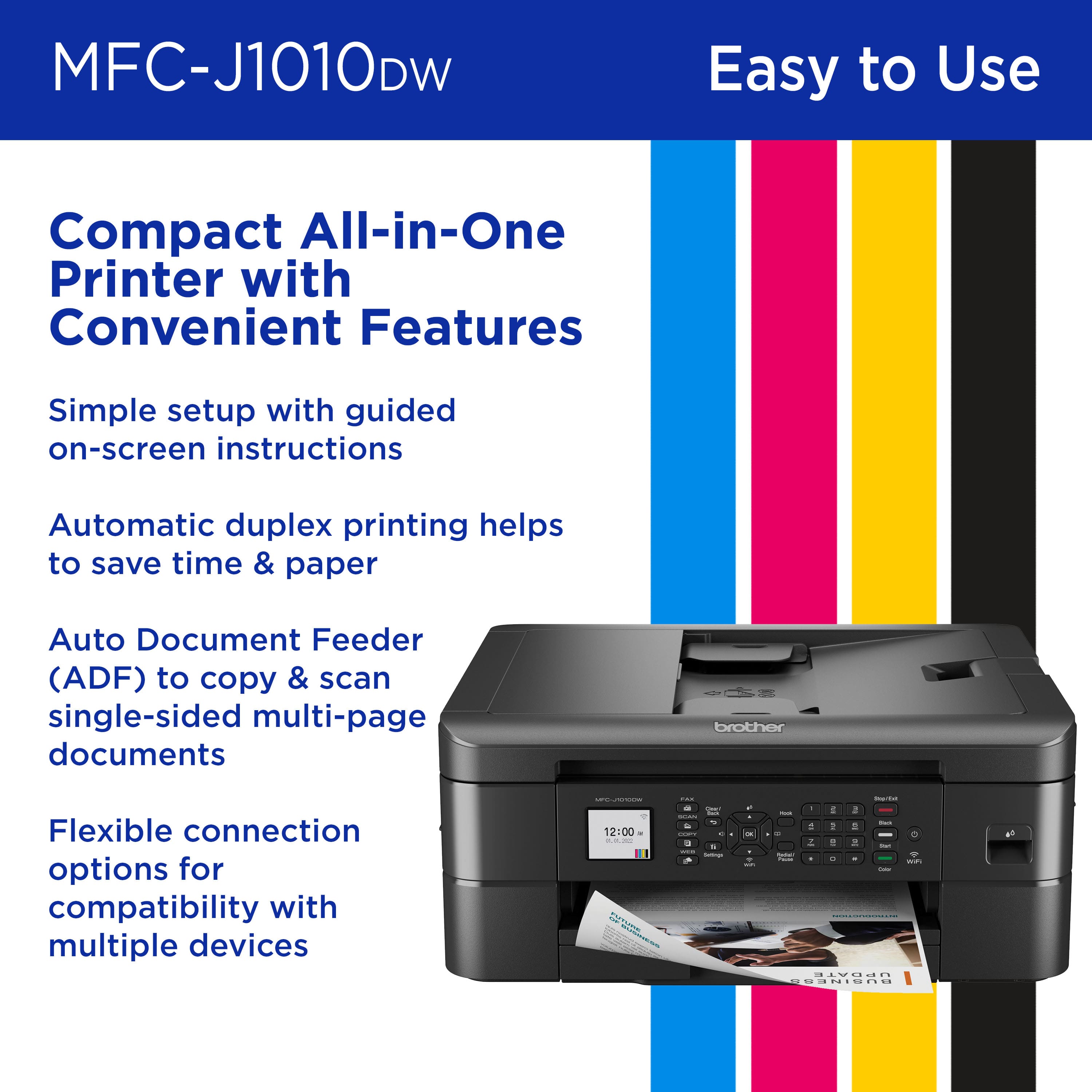
||Posted . Owned for 2 weeks when reviewed.This reviewer received promo considerations or sweepstakes entry for writing a review.It was really easy to setup, and very easy to use. Well worth the $99 price tag on this printer. Highly recommend to someone looking for a basic hood printer
I would recommend this to a friendMeh
||Posted . Owned for 6 months when reviewed.This reviewer received promo considerations or sweepstakes entry for writing a review.Sometimes it connects to my devices, sometimes it doesn't.
No, I would not recommend this to a friendBrand response from Brother
Posted .Thanks for taking the time to review your experience with the Brother MFCJ1010DW. We appreciate your feedback. I’m sorry to hear that you are having connectivity issues with the Brother MFCJ1010DW. . I apologize for any inconvenience this issue may have caused you. We can help with that. I have included a link to the FAQ answer that should assist you. Please follow all the steps listed in the following link:
Answer Link: https://help.brother-usa.com/AgentWeb/api/contextmanager/v.32410110003/workspaceContext/workspace/processedPrint/Answer/73618
If you still have difficulties please contact Brother Customer Service at:
https://www.brother-usa.com/support/MFCJ1010DW
Useless Printer DO NOT BUY
||Posted . Owned for 5 months when reviewed.This reviewer received promo considerations or sweepstakes entry for writing a review.DO NOT BUY. Black ink is non existent and the printer will not work without it. As mentioned in other reviews, the black ink has been out of stock for months so you will only be able to print approx. 200 pages before this printer is useless. Will not print at all, even in other colors, once one cartridge runs out. They should take the printer off the market until this shortage is corrected.
No, I would not recommend this to a friendBrand response from Brother
Posted .We would like to take this opportunity to thank you for your feedback. We are sorry to hear that you are having issues finding the black ink for your Brother MFCJ1010DW. At Brother, customer satisfaction is something we take seriously. Your feedback is important to us and will be reviewed to help us improve our future products.
Due to strong demands, we are experiencing stock fluctuation for some products. We apologize for any inconvenience as we continue to work to support your order as quickly as possible. Unfortunately, the black ink for your Brother MFCJ1010DW is currently out of stock. However, availability is expected soon. We apologize for any inconvenience this may cause.
Below is a link to our web page with the item. We recommend to open the link and click on the where to buy tab next to the out of stock tab. In order to see the other Brother Authorized Dealers that may have the item in stock.
https://www.brother-usa.com/products/LC401BKS
Thank you for being a Brother customer. We appreciate your business.
Not for me
||Posted .This reviewer received promo considerations or sweepstakes entry for writing a review.Slow printing and disappointing color photos. A little clunky
No, I would not recommend this to a friendBrand response from Brother
Posted .Thanks for taking the time to review your experience with the Brother MFCJ1010DW. We appreciate your feedback. I’m sorry to hear that you are having slow print and print quality issues with the Brother MFCJ1010DW. I sincerely apologize for any inconvenience this issue may have caused you. We can help with that. I have included a link to the FAQ answer that should assist you. Please follow all the steps listed in the following link:
Answer Link: https://help.brother-usa.com/AgentWeb/api/contextmanager/v.32508170002/workspaceContext/workspace/processedPrint/Answer/182439
Answer Link: https://help.brother-usa.com/AgentWeb/api/contextmanager/v.32508170002/workspaceContext/workspace/processedPrint/Answer/186071
If you still have difficulties, please contact Brother Customer Service at:
https://www.brother-usa.com/support/MFCJ1010DW
Excellent
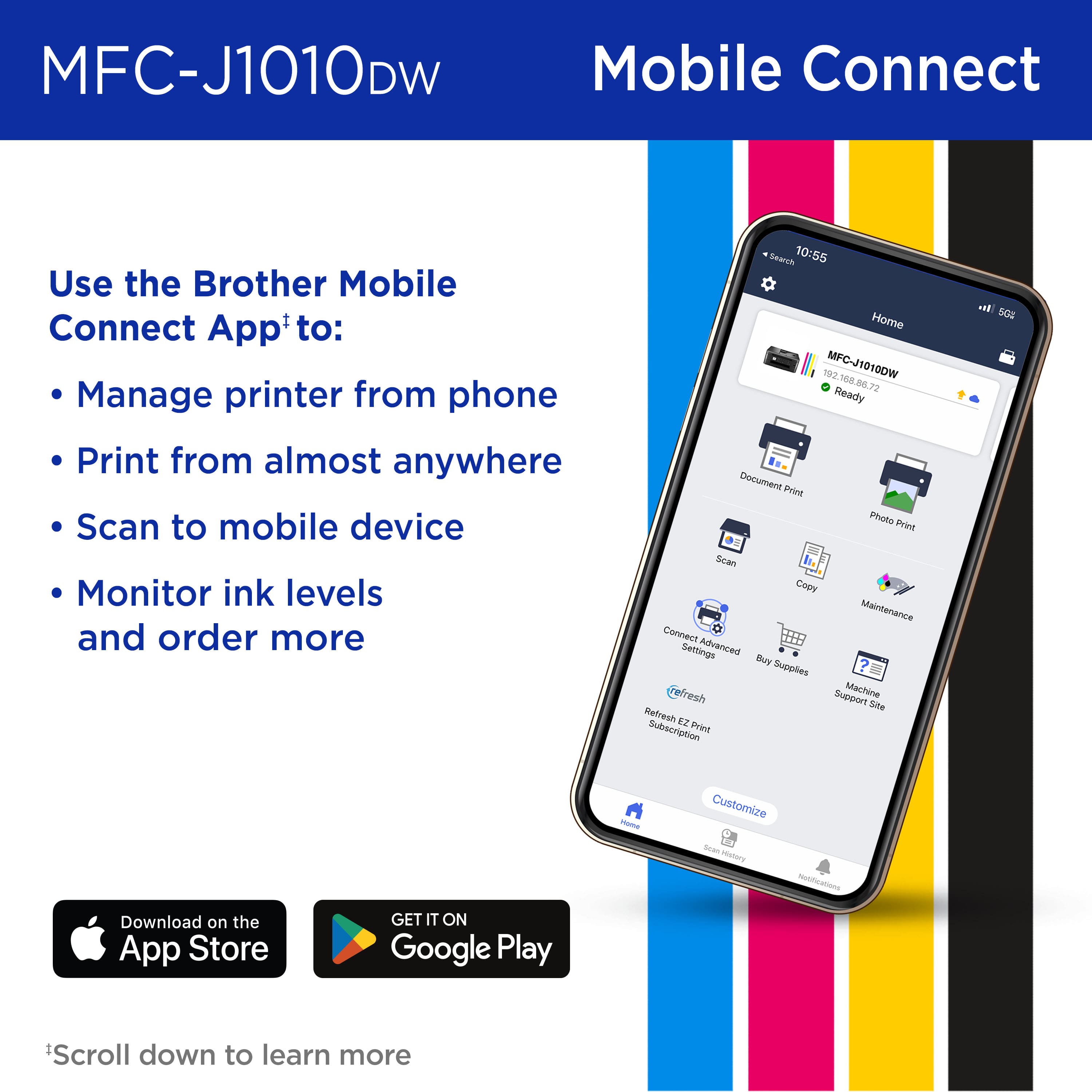
||Posted . Owned for 1 month when reviewed.This reviewer received promo considerations or sweepstakes entry for writing a review.It's a great printer. It's all in one. Fast printing speed. Nice color display. Wireless scanning and printing available from Mobile app, which is great.
I would recommend this to a friend