Customer Ratings & Reviews
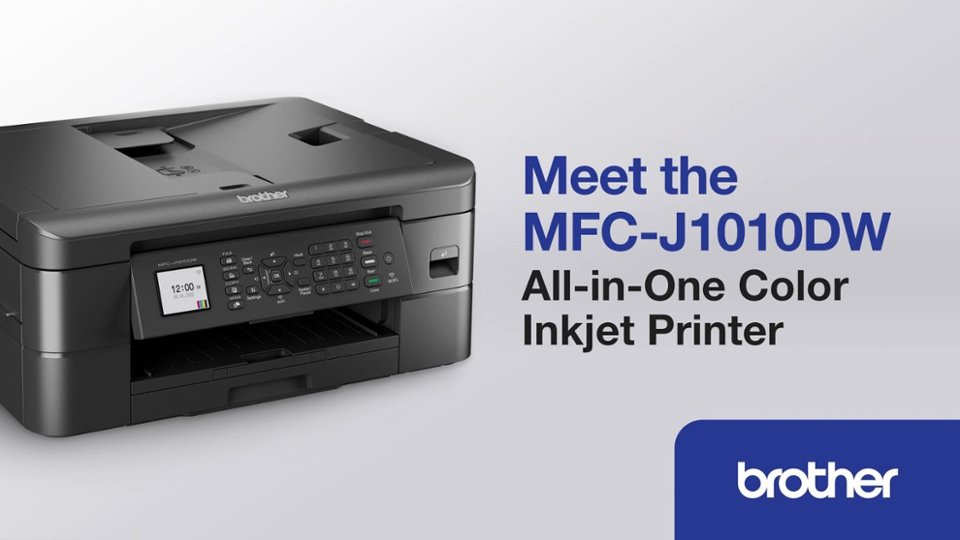
- Model:
- MFCJ1010DW
- SKU:
- 6503815
Rating by feature
- Value
Rating 4.6 out of 5 stars
- Quality
Rating 4.5 out of 5 stars
- Ease of Use
Rating 4.5 out of 5 stars
Customers are saying
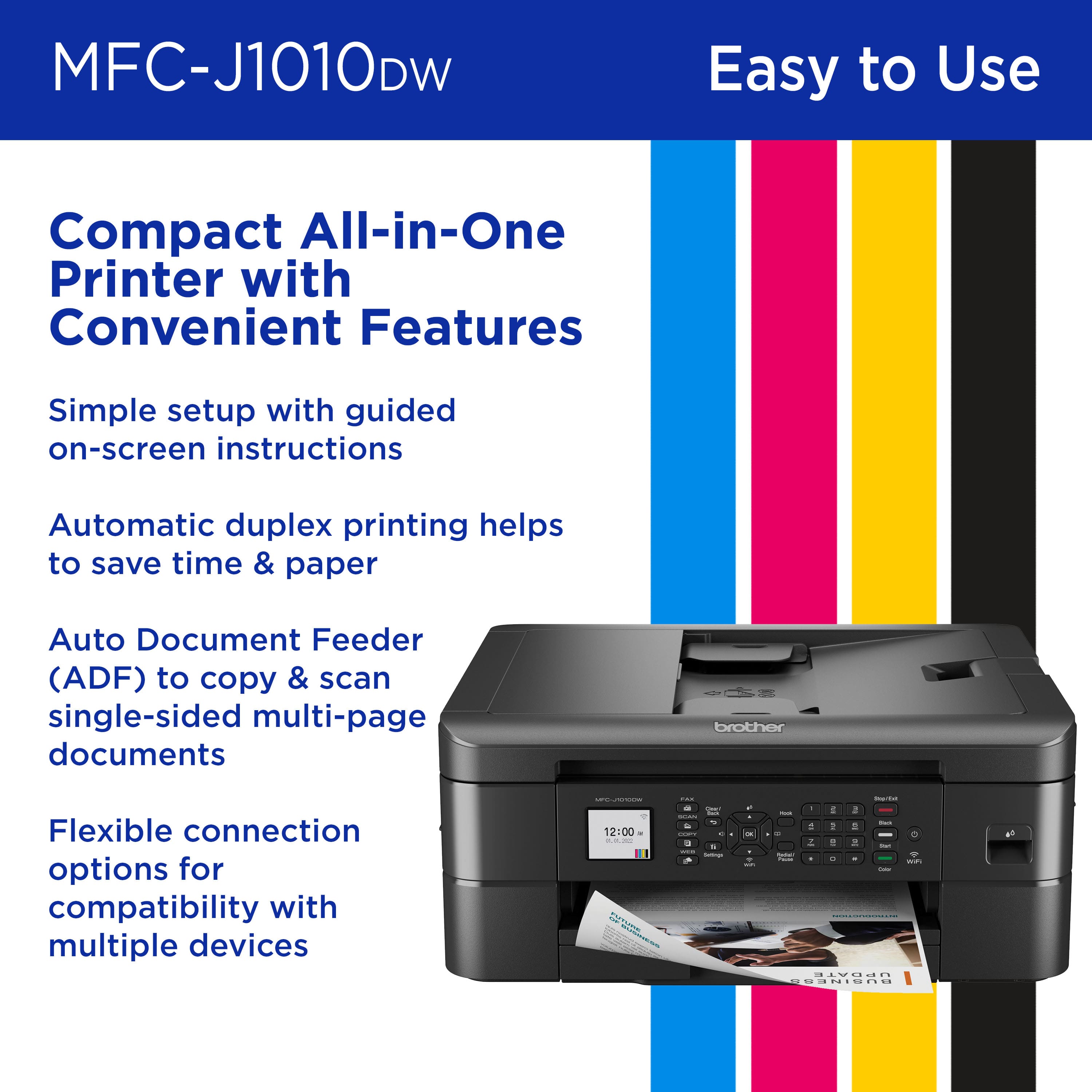
Customers are positive about the MFC-J1010DW Wireless Color All-in-One Inkjet Printer's print quality and ease of use. Many find its overall performance satisfactory and appreciate its compact size. Additionally, customers praise its connectivity and easy setup.
This summary was generated by AI based on customer reviews.
The best Brother that I have ever purchased!
||Posted . Owned for 2 weeks when reviewed.This reviewer received promo considerations or sweepstakes entry for writing a review.This Brother MFC-J1010DW is a excellent, Printer,scanner, and Fax Machine!
I would recommend this to a friendAdequate
||Posted . Owned for 1 month when reviewed.This reviewer received promo considerations or sweepstakes entry for writing a review.This printer does what it's supposed to and for the price you can't beat. However the reason I gave it four stars instead of five is because the print time can be very long depending on what you're printing.
I would recommend this to a friendSo glad they had this printer!
||Posted . Owned for 1 month when reviewed.This reviewer received promo considerations or sweepstakes entry for writing a review.I really love this printer, really a whole lot! I had my last one a year an a mont, I wish I would have purchased this one sooner. The only thing I say is negative is getting the ink for it. But I really love this printer.
I would recommend this to a friendPrints well, but not easy to make greating cards
||Posted . Owned for 1 month when reviewed.This reviewer received promo considerations or sweepstakes entry for writing a review.Did not print duplex on card stock. This was not mentioned in literature. When scanning to file, it makes separate pdf file for each page
I would recommend this to a friendBrand response from Brother
Posted .We would like to take this opportunity to thank you for your feedback. At Brother, customer satisfaction is something we take seriously. You are correct the Brother MFCJ1010DW does not support printing duplex on cardstock or heavier types of paper. The machine can scan a multi-page document into a single PDF file. Below is a FAQ that may help you with this issue:
https://help.brother-usa.com/app/answers/detail/a_id/177990
If you continue to have issues, our Brother Customer Support Team is available to assist you direct: www.brother-usa.com/brother-support
5 Star
||Posted . Owned for 1 month when reviewed.This reviewer received promo considerations or sweepstakes entry for writing a review.Great printer... My wife had no problem setting it up and connecting to Wifi.
I would recommend this to a friendHard to set up and link other PCs to it
||Posted . Owned for 2 months when reviewed.This reviewer received promo considerations or sweepstakes entry for writing a review.It works and is for education anyways. Kids use it. Mom’s attending night school
No, I would not recommend this to a friendBrother Mac-J1010DW Printer
||Posted . Owned for 7 months when reviewed.This reviewer received promo considerations or sweepstakes entry for writing a review.Best printer we’ve ever had, until we bought the 6200 anyway. The only thing all printers do that is frustrating is to do a deep sleep and require a restart every single day to be able to be used.
I would recommend this to a friendSet-up is too difficult for no good reason
||Posted . Owned for 1 week when reviewed.This reviewer received promo considerations or sweepstakes entry for writing a review.I've been searching for a printer that is easy to use and reliable for someone who doesn't need to print very often, but still needs access to a printer. This printer is not that. From the very first step this printer had issues even being set up. First, when loading the paper, the printer wouldn't actually accept the paper until the print rollers were cleaned. Why these needed to be cleaned from the factory I don't know, but they did. After that, the printer accepted paper just fine and ran a print test. When it came time to align the print heads, it printed an alignment sheet and told me to place it on the scan glass with the black circle in the upper left corner. So I did, and then it said it couldn't auto-adjust and to ensure the black circle was in the upper-left corner. Here's the thing: even though I made sure several times that the circle was in the correct corner, letter paper was selected, and the paper was lined up with the arrows on the scan glass, it just wouldn't work. Powering off by the button was disabled for some reason, so I unplugged and then rebooted and the issue persisted. Come to find out, the issue is due to an auto-crop setting that requires a third party Windows app to disable. At this point I repackaged it and am going to return this for a refund. There's no reason for the set-up process to be as difficult as it is.
No, I would not recommend this to a friendBrand response from Brother
Posted .We would like to take this opportunity to thank you for your feedback. We are sorry to hear that you are having some issues with your Brother MFCJ1010DW. At Brother, customer satisfaction is something we take seriously. Your feedback is important to us and will be reviewed to help us improve our future products.
We would like to hear more details to be able to better assist you. Our Brother customer support team is available to assist you directly at www.brother-usa.com/brother-support.
The way I solved a printing issue
||Posted . Owned for 1 year when reviewed.This reviewer received promo considerations or sweepstakes entry for writing a review.I'm very satisfied with my order. There was an incident where the ink wasn't printing properly. Using the cleaning feature didn't solve the problem. I ended up conducting a Print Test, and that solved the issue.
I would recommend this to a friendSr
||Posted . Owned for 1 month when reviewed.This reviewer received promo considerations or sweepstakes entry for writing a review.Very professional and so responsable personal, Greta service
I would recommend this to a friendGood printer
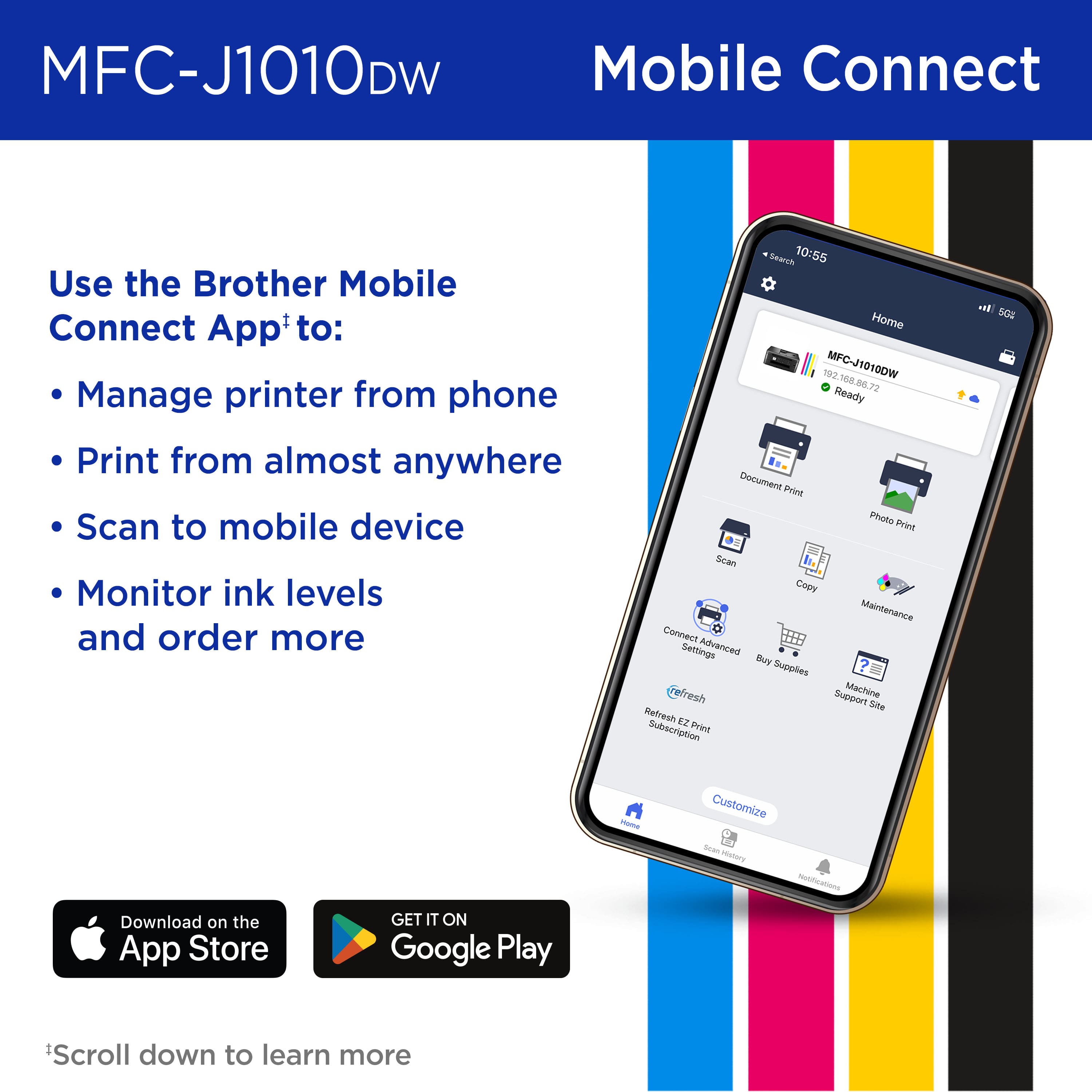
||Posted . Owned for 1 month when reviewed.This reviewer received promo considerations or sweepstakes entry for writing a review.Great printer, but I'm having a hard time finding ink that isn't in a 4 pack. I don't use all the inks at the same rate. The other issue was that it was difficult getting help to enact the wireless scanning.
I would recommend this to a friendGood Printer-so far
||Posted . Owned for 1 month when reviewed.This reviewer received promo considerations or sweepstakes entry for writing a review.So far so good. Good product for the money but I've only had it for a few weeks so we'll see how it holds up. Not the fastest printer out there but for a basic printer, this gets the job done.
I would recommend this to a friendPrinter
||Posted . Owned for 3 weeks when reviewed.This reviewer received promo considerations or sweepstakes entry for writing a review.It is a great product over all but the plastic is still looking like a cheaper quality one
I would recommend this to a friendPrinter
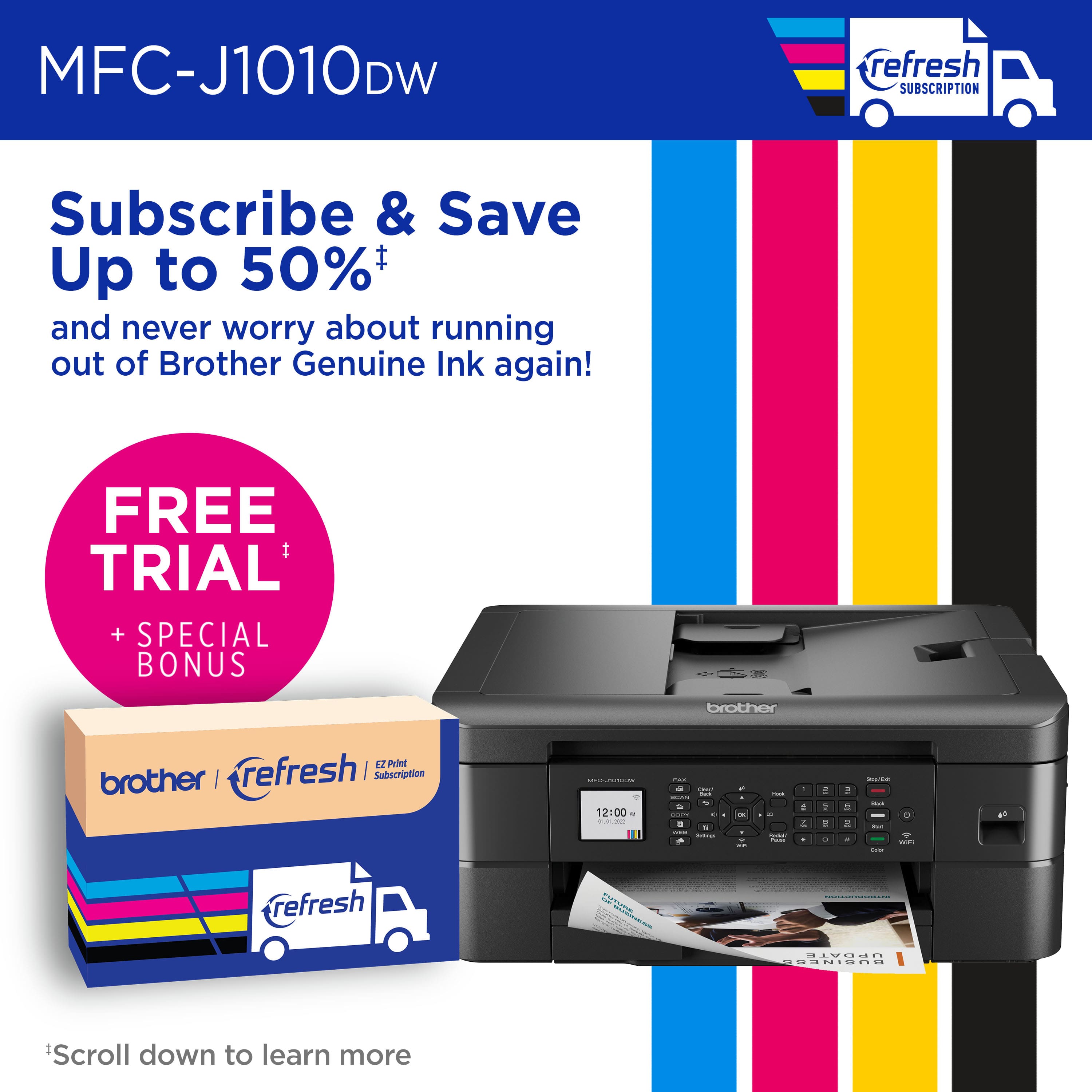
||Posted . Owned for 9 months when reviewed.This reviewer received promo considerations or sweepstakes entry for writing a review.Good printer. It does use a lot of ink it seems. Especially for the amount that I use it. Thank goodness for the free four month trial of ink refresh.
I would recommend this to a friendGreat Service
||Posted . Owned for 1 month when reviewed.This reviewer received promo considerations or sweepstakes entry for writing a review.Love the brother printer. I was greeted by an associate and he assisted me right away. I was shown an multiple printers and the associate detailed product specs!
I would recommend this to a friendWireless??!
||Posted .This reviewer received promo considerations or sweepstakes entry for writing a review.It's unfortunate but true, wireless maybe. If your WiFi router doesn't have a password of greater than 7 characters this printer will not allow you to sign on to your WiFi thus making it a mandatory direct wired input to the printer. As a senior living in a senior living community I don't have an ability to change the password to greater than 7 characters. Oh well, live and learn.
I would recommend this to a friendBrand response from Brother
Posted .Thanks for taking the time to review your experience with the Brother MFCJ1010DW. We appreciate your feedback. I’m sorry to hear that you are having connectivity issues with the Brother MFCJ1010DW. I sincerely apologize for any inconvenience this issue may have caused you. We would love to hear from you with more details to be able to better assist you. Our Brother Customer Support Team is available to assist you direct: www.brother-usa.com/brother-support/MFCJ1010DW
Good printer
||Posted . Owned for 1 month when reviewed.This reviewer received promo considerations or sweepstakes entry for writing a review.Overall good, but ink levels are reading incorrectly.
I would recommend this to a friendPrinter
||Posted .This reviewer received promo considerations or sweepstakes entry for writing a review.Good price! Good product! Good Service! I would order from them again.
I would recommend this to a friend- Pros mentioned:Ease of use, Print quality
Love it
||Posted . Owned for 1 month when reviewed.This reviewer received promo considerations or sweepstakes entry for writing a review.Easy set up, nice print. Wireless works with my Surface. This replaced my older Brother that the wireless wasn't working with my Surface.
I would recommend this to a friend Great for what it is built for
||Posted . Owned for 1 month when reviewed.This reviewer received promo considerations or sweepstakes entry for writing a review.better built than most other options for an All in one. I don't print a lot of stuff or I would opt for a laser printer, but this is the best in the All-in-one category.
I would recommend this to a friend