Customer Ratings & Reviews
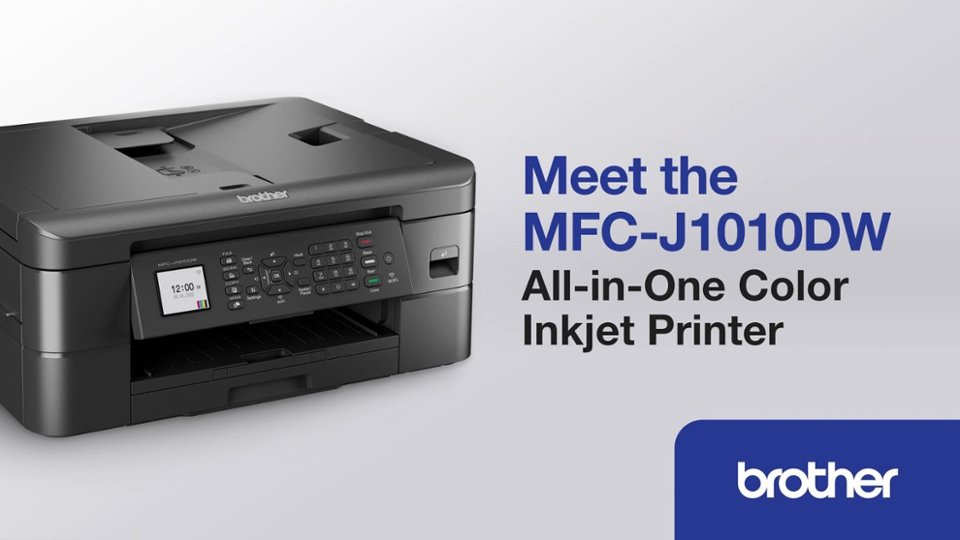
- Model:
- MFCJ1010DW
- SKU:
- 6503815
Rating by feature
- Value
Rating 4.6 out of 5 stars
- Quality
Rating 4.5 out of 5 stars
- Ease of Use
Rating 4.5 out of 5 stars
Customers are saying
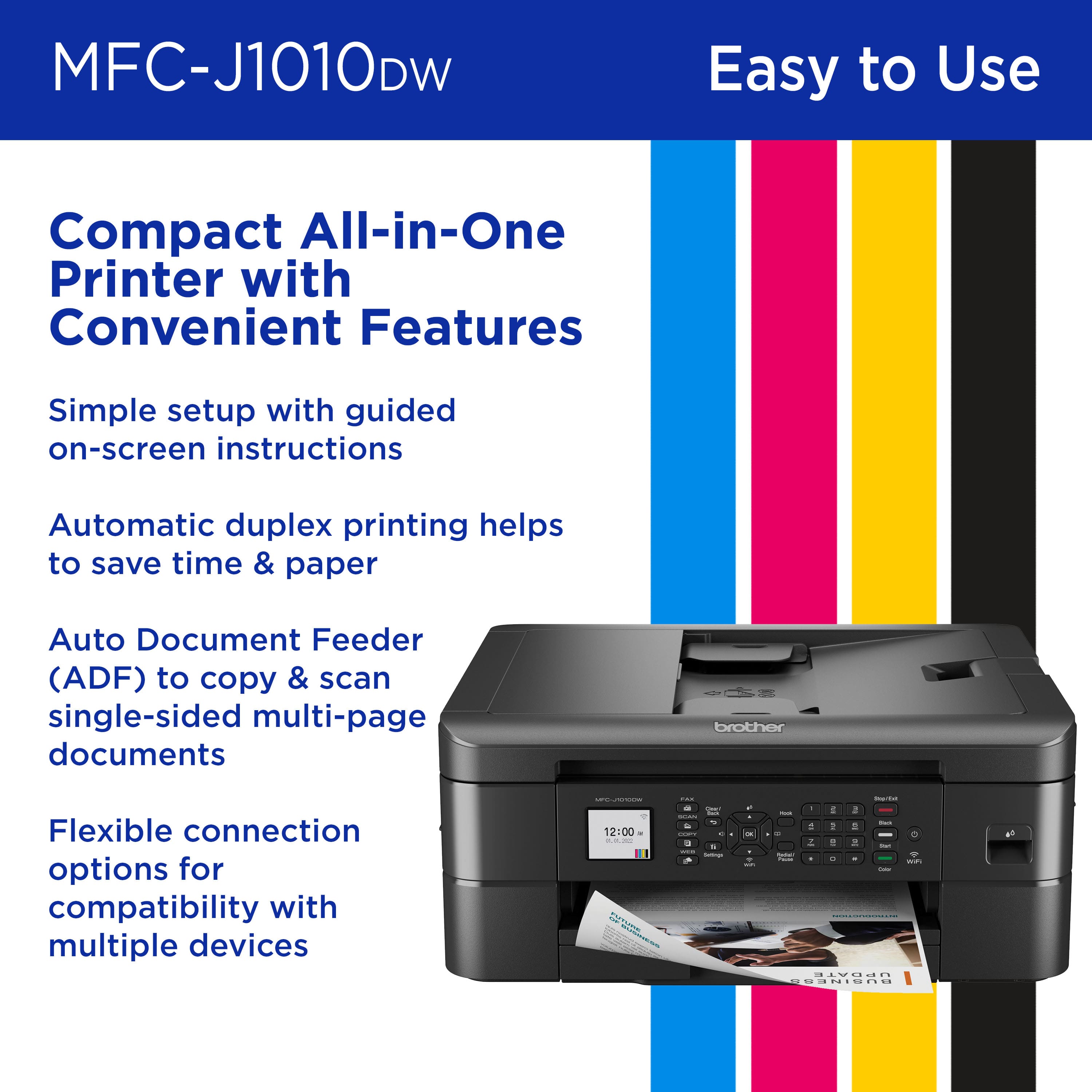
Customers are positive about the MFC-J1010DW Wireless Color All-in-One Inkjet Printer's print quality and ease of use. Many find its overall performance satisfactory and appreciate its compact size. Additionally, customers praise its connectivity and easy setup.
This summary was generated by AI based on customer reviews.
- Pros mentioned:Ease of use
Love it
||Posted . Owned for 2 weeks when reviewed.This reviewer received promo considerations or sweepstakes entry for writing a review.It was really easy to setup, and very easy to use. Well worth the $99 price tag on this printer. Highly recommend to someone looking for a basic hood printer
I would recommend this to a friend Not Happy!
||Posted . Owned for 10 months when reviewed.This reviewer received promo considerations or sweepstakes entry for writing a review.I bought a Brother-MFC-J1010DW Wireless Color All-in-One Printer June of 2024. I was not aware that I would have to buy Color Ink in order for I to print in Black only! I never used the Color Ink because I need this, but yet one day I wanted to print in Black and they it stated I needed to replace the color ink before I could print. This is no good! I have a new printer for nothing.V
No, I would not recommend this to a friendBrand response from Brother
Posted .The Brother MFCJ1010DW is designed to stop ALL printing operations when any of the ink cartridges have reached their end-of-life. This is to ensure the life of the printhead and to maintain premium print quality. Some ink from all the ink cartridges is used in periodic cleaning cycles. This helps to prevent issues such as printhead clogs and poor print quality. There is no way to bypass this feature.
If one or more color ink cartridges are low but not at the end of their usable life and you want to minimize the use of color ink, change the settings in the Brother software to print with black ink only (grayscale). If you print with black ink only, the other ink cartridges must have ink for the printer to print. When an ink cartridge is depleted, you must replace it before you can print.
If you print with black ink only, the printer may still use small amounts of ink from all the ink cartridges for occasional servicing tasks. Brother recommends that you replace any low ink cartridges to avoid any interruptions in printing.
Below is an answer link with more information on black and white Print Only with the Brother MFCJ1010DW.
Answer Link: https://help.brother-usa.com/AgentWeb/api/contextmanager/v.32503030001/workspaceContext/workspace/processedPrint/Answer/176522
Meh
||Posted . Owned for 6 months when reviewed.This reviewer received promo considerations or sweepstakes entry for writing a review.Sometimes it connects to my devices, sometimes it doesn't.
No, I would not recommend this to a friendBrand response from Brother
Posted .Thanks for taking the time to review your experience with the Brother MFCJ1010DW. We appreciate your feedback. I’m sorry to hear that you are having connectivity issues with the Brother MFCJ1010DW. . I apologize for any inconvenience this issue may have caused you. We can help with that. I have included a link to the FAQ answer that should assist you. Please follow all the steps listed in the following link:
Answer Link: https://help.brother-usa.com/AgentWeb/api/contextmanager/v.32410110003/workspaceContext/workspace/processedPrint/Answer/73618
If you still have difficulties please contact Brother Customer Service at:
https://www.brother-usa.com/support/MFCJ1010DW
Useless Printer DO NOT BUY
||Posted . Owned for 5 months when reviewed.This reviewer received promo considerations or sweepstakes entry for writing a review.DO NOT BUY. Black ink is non existent and the printer will not work without it. As mentioned in other reviews, the black ink has been out of stock for months so you will only be able to print approx. 200 pages before this printer is useless. Will not print at all, even in other colors, once one cartridge runs out. They should take the printer off the market until this shortage is corrected.
No, I would not recommend this to a friendBrand response from Brother
Posted .We would like to take this opportunity to thank you for your feedback. We are sorry to hear that you are having issues finding the black ink for your Brother MFCJ1010DW. At Brother, customer satisfaction is something we take seriously. Your feedback is important to us and will be reviewed to help us improve our future products.
Due to strong demands, we are experiencing stock fluctuation for some products. We apologize for any inconvenience as we continue to work to support your order as quickly as possible. Unfortunately, the black ink for your Brother MFCJ1010DW is currently out of stock. However, availability is expected soon. We apologize for any inconvenience this may cause.
Below is a link to our web page with the item. We recommend to open the link and click on the where to buy tab next to the out of stock tab. In order to see the other Brother Authorized Dealers that may have the item in stock.
https://www.brother-usa.com/products/LC401BKS
Thank you for being a Brother customer. We appreciate your business.
- Pros mentioned:Print quality
Excellent
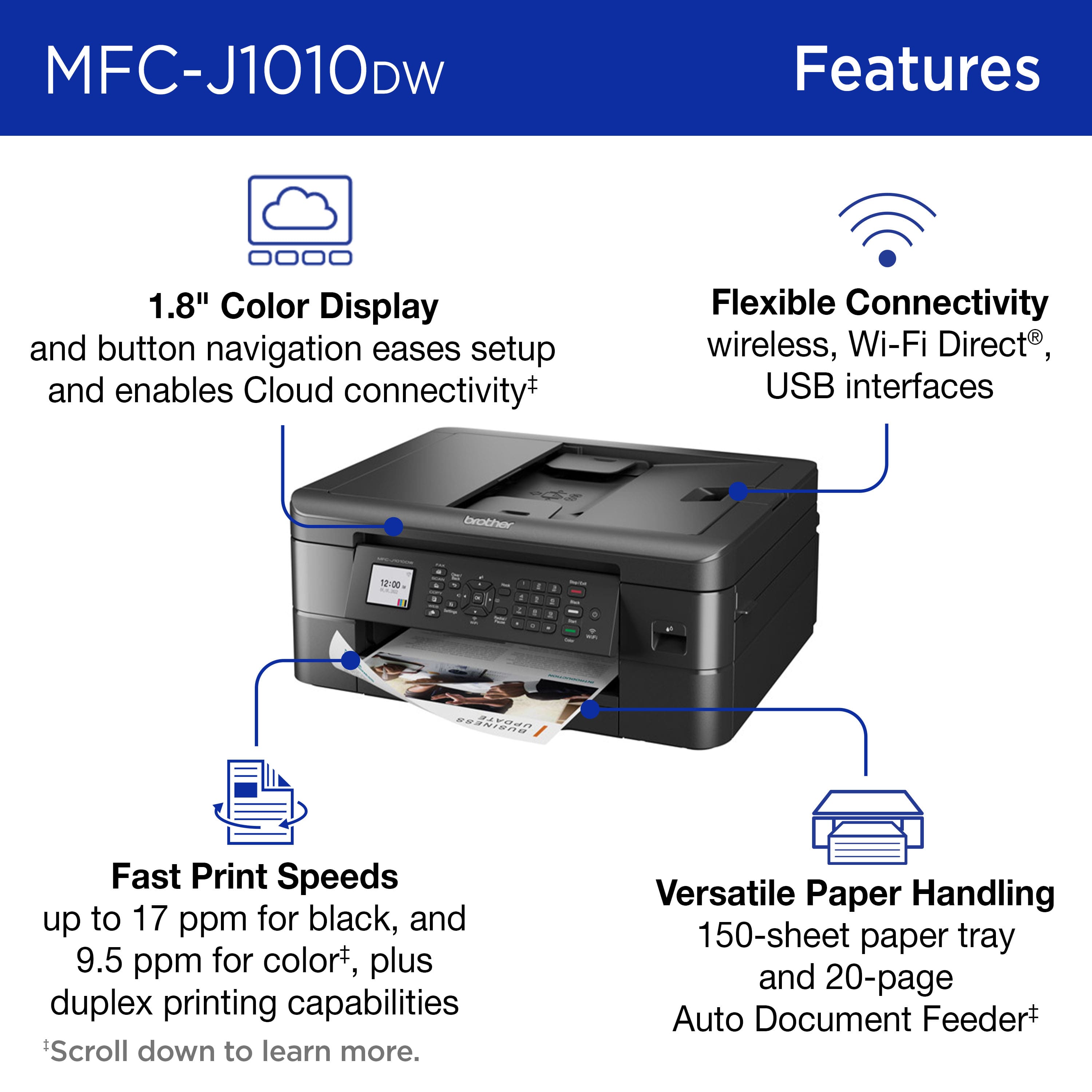
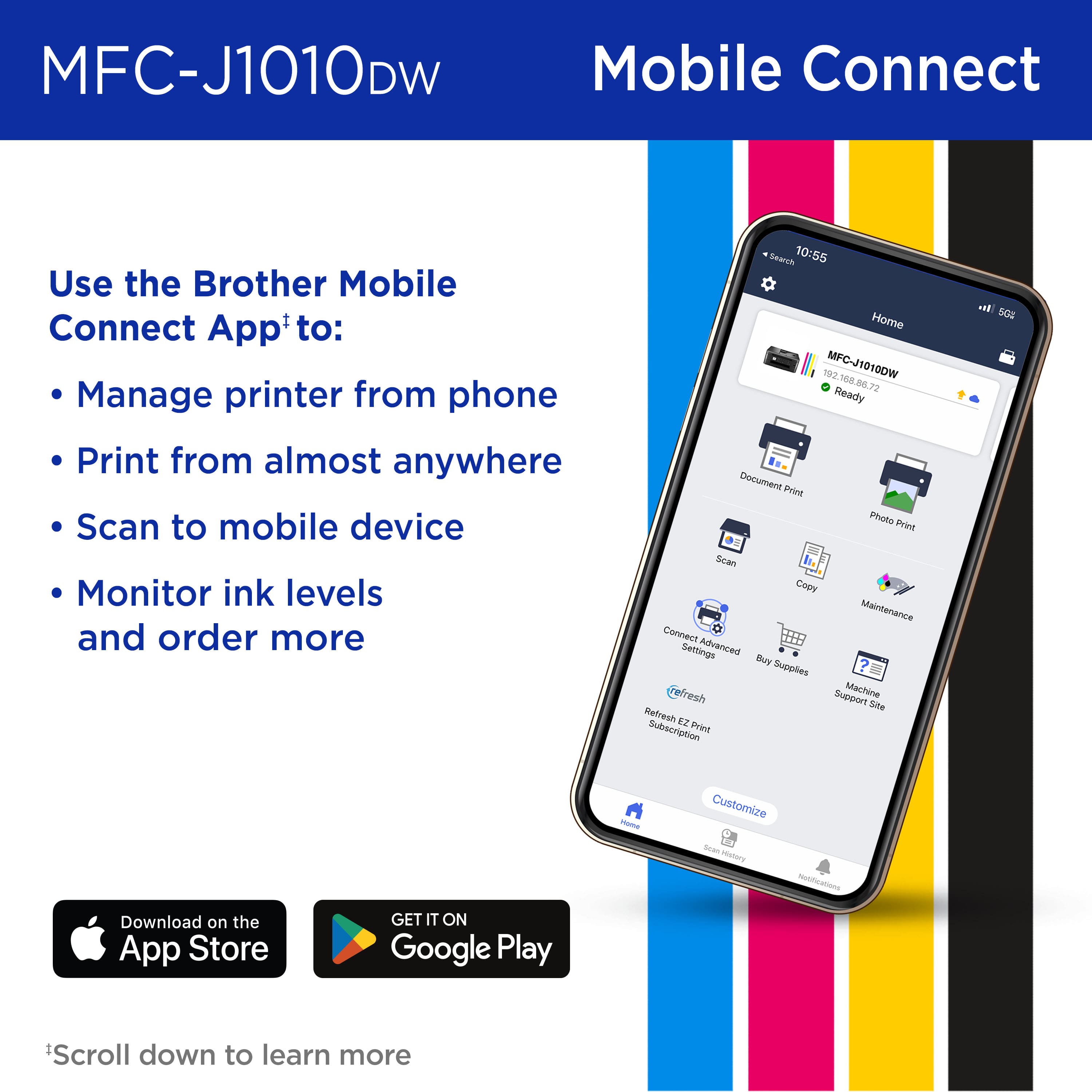
||Posted . Owned for 1 month when reviewed.This reviewer received promo considerations or sweepstakes entry for writing a review.It's a great printer. It's all in one. Fast printing speed. Nice color display. Wireless scanning and printing available from Mobile app, which is great.
I would recommend this to a friend - Pros mentioned:Overall performance
Excellent
||Posted . Owned for 1 month when reviewed.This reviewer received promo considerations or sweepstakes entry for writing a review.I bought this for my son’s Christmas gift & he loves it. We are a Brother Family & they are the Best. I would highly recommend this to anyone. Bren
I would recommend this to a friend - Pros mentioned:Print quality
Wireless printer
||Posted . Owned for 3 weeks when reviewed.This reviewer received promo considerations or sweepstakes entry for writing a review.It is nice to be able to sent a print job to the printer from my laptop. I am able to send a print job from my tablet also and from my phone.
I would recommend this to a friend Disappointed
||Posted . Owned for 3 months when reviewed.This reviewer received promo considerations or sweepstakes entry for writing a review.I am very disappointed with this product. Have tried to set up the printer with a wireless connection but it just won’t do it. I must use a usb cord to get a connection between the printer and my computer. I’ve called Brother Service Rep. and after hours they will get the printer connected then after a day or two the wireless connection will drop, and I’ll have to start the process all over again. I already have a Brother printer that I’ve owned for years and connecting wireless has never been a problem. I feel that this PARTICULAR PRINTER is TRASH.
No, I would not recommend this to a friendBrand response from Brother
Posted .We would like to take this opportunity to thank you for your feedback. At Brother, customer satisfaction is something we take seriously. We would love to hear from you with more details to be able to better assist you. Our Brother Customer Support Team is available to assist you direct: www.brother-usa.com/brother-support
Great at first, then lots of networking issues.
||Posted . Owned for 10 months when reviewed.This reviewer received promo considerations or sweepstakes entry for writing a review.Prints fine, when it prints. At first it was great, but I had so many networking issues. I would randomly be unable to print from one or both of my computers, and my work on more than either. Then one day it just decided to stop accepting print jobs. nothing changed on my network it showed as connected, but every device shows the printer not available. I give up.
No, I would not recommend this to a friendBrand response from Brother
Posted .We would like to take this opportunity to thank you for your feedback. We are sorry to hear that you are unable to print from computer with your Brother MFCJ1010DW. At Brother, customer satisfaction is something we take seriously. Your feedback is important to us and will be reviewed to help us improve our future products.
I have included a link to the FAQ answer that should assist you. Please follow all the steps listed in the following link.
Answer Link: https://help.brother-usa.com/AgentWeb/api/contextmanager/v.32311020002/workspaceContext/workspace/processedPrint/Answer/174347
If you need more assistance, we would be glad to help you. Our Brother customer support team is available to assist you directly at www.brother-usa.com/brother-support.
Not for me
||Posted .This reviewer received promo considerations or sweepstakes entry for writing a review.Slow printing and disappointing color photos. A little clunky
No, I would not recommend this to a friendBrand response from Brother
Posted .Thanks for taking the time to review your experience with the Brother MFCJ1010DW. We appreciate your feedback. I’m sorry to hear that you are having slow print and print quality issues with the Brother MFCJ1010DW. I sincerely apologize for any inconvenience this issue may have caused you. We can help with that. I have included a link to the FAQ answer that should assist you. Please follow all the steps listed in the following link:
Answer Link: https://help.brother-usa.com/AgentWeb/api/contextmanager/v.32508170002/workspaceContext/workspace/processedPrint/Answer/182439
Answer Link: https://help.brother-usa.com/AgentWeb/api/contextmanager/v.32508170002/workspaceContext/workspace/processedPrint/Answer/186071
If you still have difficulties, please contact Brother Customer Service at:
https://www.brother-usa.com/support/MFCJ1010DW
- Pros mentioned:Ease of use
Michelle H
||Posted . Owned for 3 weeks when reviewed.This reviewer received promo considerations or sweepstakes entry for writing a review.So easy to use now that it is set up. I needed my tech savvy nephew to set it up for me remotely. I would have never got it.
I would recommend this to a friend - Pros mentioned:Print quality
Great Office Printer
||Posted . Owned for 3 weeks when reviewed.This reviewer received promo considerations or sweepstakes entry for writing a review.I love this printer. I lovw the fact that i can print wireless! So i can print from my phone as well!
I would recommend this to a friend Would Not Purchase Again
||Posted . Owned for 1 month when reviewed.This reviewer received promo considerations or sweepstakes entry for writing a review.Every time I use this printer it has to be re-installed and then half the time still does not work. This is the worst printer I have ever owned and I have had Brother printers before that were great. Thought the price was reasonable and it would have been if the printer worked.
No, I would not recommend this to a friendBrand response from Brother
Posted .Thanks for taking the time to review your experience with the Brother MFCJ1010DW. We appreciate your feedback. I’m sorry to hear that you are having software issues with the Brother MFCJ1010DW. I sincerely apologize for any inconvenience this issue may have caused you. We would love to hear from you with more details to be able to better assist you. Our Brother Customer Support Team is available to assist you direct: www.brother-usa.com/brother-support/MFCJ1010DW
So many negative things
||Posted . Owned for 1 year when reviewed.This reviewer received promo considerations or sweepstakes entry for writing a review.As others have said it never stays connected. Always says offline when trying to print and impossible to reconnect. Maybe its just mine but I dont use it often and seem to always be out of ink. Now mine shows yellow ink is out and says black and white printing only so i try to print black and white and it wont even do that and says to order more ink. I refuse to spend more money on this thing and will be tossing it on trash day and purchasing another brand…
No, I would not recommend this to a friendBrand response from Brother
Posted .We would like to take this opportunity to thank you for your feedback. At Brother, customer satisfaction is something we take seriously. We would love to hear from you with more details to be able to better assist you. Our Brother Customer Support Team is available to assist you direct: www.brother-usa.com/brother-support
Good for price
||Posted . Owned for 3 weeks when reviewed.This reviewer received promo considerations or sweepstakes entry for writing a review.Missing some features but good for price if you can find black ink cartridges. Brothers even have a backlog order .
I would recommend this to a friendBrand response from Brother
Posted .We would like to take this opportunity to thank you for your feedback. We are sorry to hear that you are having issues finding the black ink and missing features for your Brother MFCJ1010DW. At Brother, customer satisfaction is something we take seriously. Your feedback is important to us and will be reviewed to help us improve our future products.
Due to strong demand, we are experiencing stock fluctuation for some products. We apologize for any inconvenience and thank you for your patience as we continue to work to support your order as quickly as possible.
Unfortunately, the Brother LC401BK is currently out of stock. However, availability is expected soon. We apologize for any inconvenience this may cause.
Below is a link to our web page with the item. We recommend to go open the link and click on the where to buy tab next to the out of stock tab. In order to see the other Brother Authorized Dealers that may have the item in stock.
https://www.brother-usa.com/products/LC401BKS
Thank you for being a Brother customer. We appreciate your business.
Bad deal
||Posted . Owned for 1 month when reviewed.This reviewer received promo considerations or sweepstakes entry for writing a review.Couldnt get print to paper. C.ustomer service wanted control of my work computer which i could not allow. They said a different dept would call me back within 10 min to do it thru my phone. Never called.me bsck. Returned the printer for refund
No, I would not recommend this to a friendDO NOT BUY
||Posted . Owned for 7 months when reviewed.This reviewer received promo considerations or sweepstakes entry for writing a review.The black ink cartridges have not been available for months. The machine will not print without black ink. It is entirely useless once you run out of the ink that comes with the machine. Brother is unable to provide a work around or an estimate of when the issue will be resolved. They also refuses to take responsibility and refund machines that cannot serve their primary function. Even though the machine is effectively broken and the "part" unavailable for the foreseeable future.
No, I would not recommend this to a friendBrand response from Brother
Posted .We would like to take this opportunity to thank you for your feedback. At Brother, customer satisfaction is something we take seriously. We understand you are experiencing issues finding LC401 cartridges for your Brother machine. We are working hard to get this item back in stock as soon as possible. If you have any questions, our Brother Customer Support Team is available to assist you direct: www.brother-usa.com/brother-support
- Pros mentioned:Print quality
Brother MFC-J1010DW
||Posted . Owned for 1 month when reviewed.This reviewer received promo considerations or sweepstakes entry for writing a review.So far everything works great! Replacing a 10 year old Brother MFC.....things sure have become much faster.
I would recommend this to a friend Poorly Thought Out
||Posted . Owned for less than 1 week when reviewed.This reviewer received promo considerations or sweepstakes entry for writing a review.Poorly thought out set up and navigation, tiny buttons, small, hard to read LCD screen. It couldn't print out a Lee Jeans return label from a website and the addtional download it required to do that didn't work. I ended up printing out a screenshot which was incredibly slow. It sounds like it's broken when it starts to print and the print quality itself is just ok. It's also heavier than most ink jet printers I've had. I'd especially avoid this printer if you have poor eyesight and simply want it to print and copy. Although inexpensive at $99, I wouldn't want it if it were free.
No, I would not recommend this to a friendBrand response from Brother
Posted .We would like to take this opportunity to thank you for your feedback. We are sorry to hear that you are not satisfied and are having some issues with your Brother MFCJ1010DW. At Brother, customer satisfaction is something we take seriously. Your feedback is important to us and will be reviewed to help us improve our future products.
We would like to hear more details to be able to better assist you. Our Brother support team is available to assist you directly at www.brother-usa.com/brother-support
Loser printer/scanner
||Posted . Owned for 1 month when reviewed.This reviewer received promo considerations or sweepstakes entry for writing a review.This printer has been a nightmare. The color is very poor when we print. It is very light. We had a very difficult time setting up the Scanner. I was on hold with customer service for hour an hour and a half and then the line was disconnected so I never got to talk with them. I sent an email to which they responded but they neglected to tell me that I could not reply to the email. I had to create an account with Brother and login to reply. When I logged in, then it showed that the incident had been resolved when it was not resolved, so I had to start the whole process over. ARGH!!!
No, I would not recommend this to a friendBrand response from Brother
Posted .We would like to take this opportunity to thank you for your feedback. At Brother, customer satisfaction is something we take seriously. We understand you're experiencing printing and scanning issues with your Brother MFCJ1010DW machine. We'd like to help. Our Brother Customer Support Team is on stand-by to provide quality products and service to our customers via phone, email or live chat: www.brother-usa.com/brother-support