Customer Ratings & Reviews
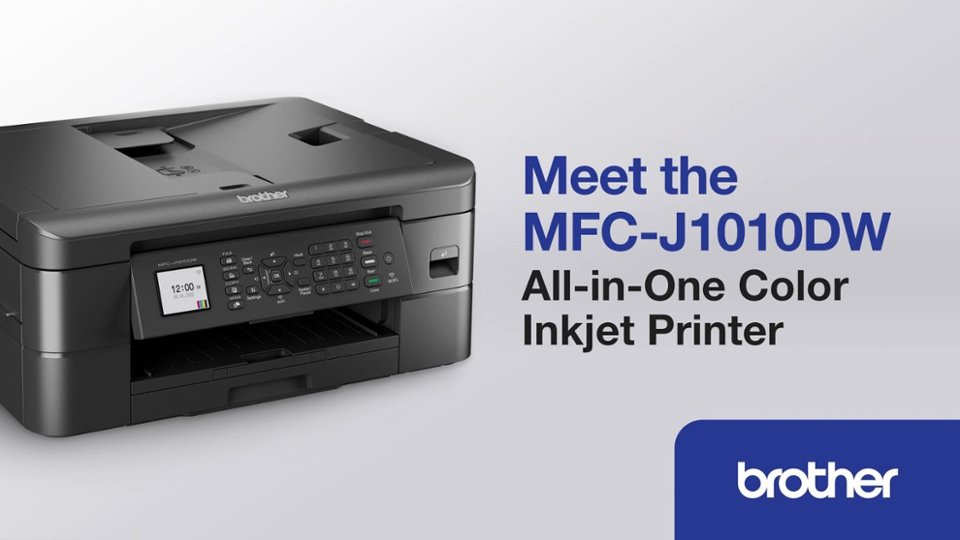
- Model:
- MFCJ1010DW
- SKU:
- 6503815
Rating by feature
- Value
Rating 4.6 out of 5 stars
- Quality
Rating 4.5 out of 5 stars
- Ease of Use
Rating 4.5 out of 5 stars
Customers are saying
Customers are positive about the MFC-J1010DW Wireless Color All-in-One Inkjet Printer's print quality and ease of use. Many find its overall performance satisfactory and appreciate its compact size. Additionally, customers praise its connectivity and easy setup.
This summary was generated by AI based on customer reviews.
Brother Printers are a joke.
||Posted . Owned for 4 months when reviewed.This reviewer received promo considerations or sweepstakes entry for writing a review.The printer is very slow, had free ink for 4 months. The first ink cartridge sent to me was the wrong cartridge. Customer service is terrible. I will never buy a Brother Printer again.
No, I would not recommend this to a friendBrand response from Brother
Posted .We would like to take this opportunity to thank you for your feedback. We are sorry to hear that you are not satisfied with your Brother MFCJ1010DW. At Brother, customer satisfaction is something we take seriously. Your feedback is important to us and will be reviewed to help us improve our future products.
We would like to hear more details to be able to better assist you. Our Brother customer support team is available to assist you directly at www.brother-usa.com/brother-support.
No ink available
||Posted . Owned for 6 months when reviewed.This reviewer received promo considerations or sweepstakes entry for writing a review.There 1s no LC-401 black ink available anywhere including Brother's site. I'm regretting my purchase.
No, I would not recommend this to a friendBrand response from Brother
Posted .We would like to take this opportunity to thank you for your feedback. We are sorry to hear that you are having issues finding the Inks for your MFCJ1010DW. At Brother, customer satisfaction is something we take seriously. Your feedback is important to us and will be reviewed to help us improve our future products.
You are a valued customer to us. Unfortunately the Brother LC401 Inks are currently out of stock. However, availability is expected within 2-4 weeks. We apologize for any inconvenience this may cause.
Thank you for being a Brother customer. We appreciate your business.
- Pros mentioned:Ease of use, Print quality, Size

You want good prints, this is the printer for you.
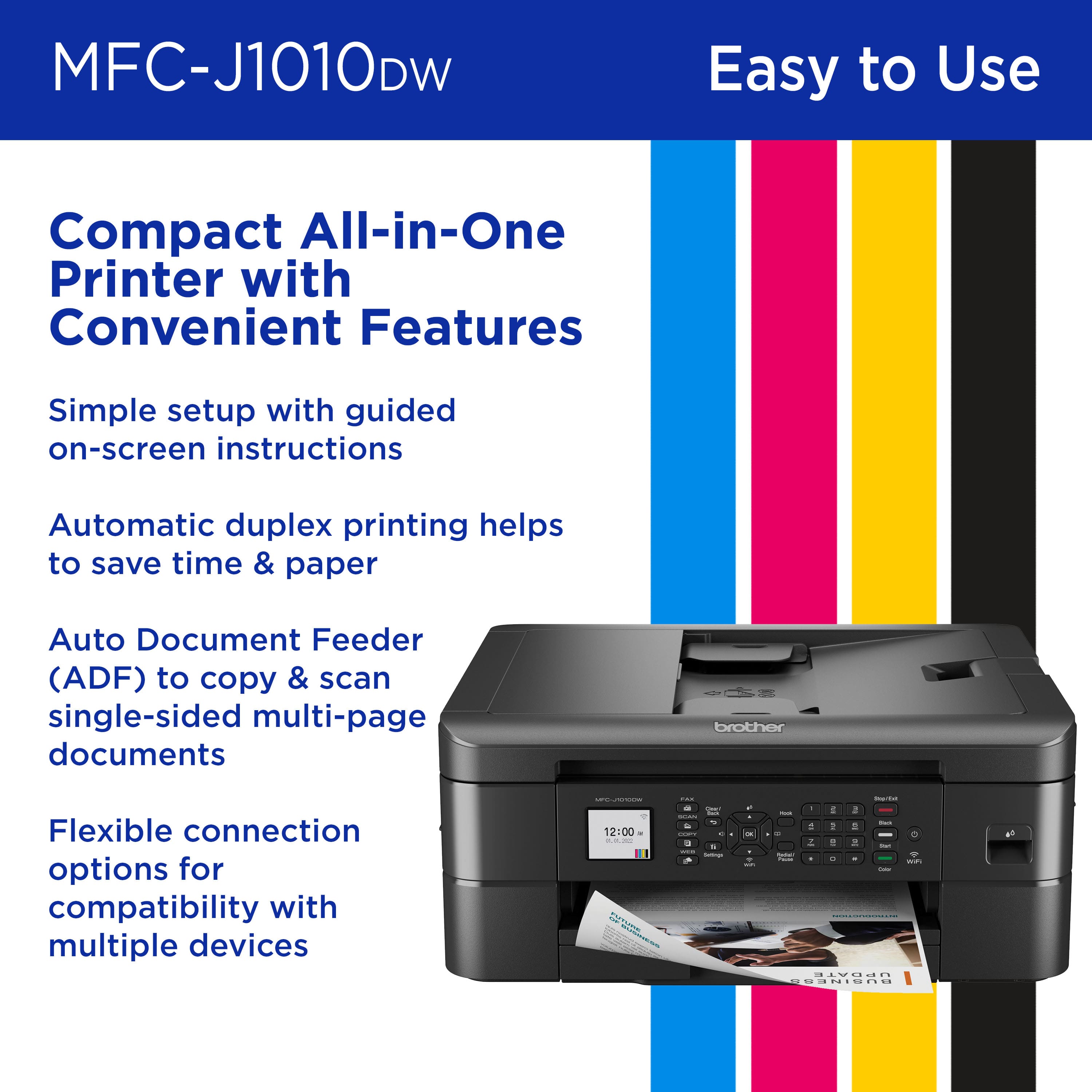
|Posted .This reviewer received promo considerations or sweepstakes entry for writing a review.First thing I noticed about this printer was the ease of setting it up. This printer was not at all bulky but able to be put nicely in a corner and take up no space at all. The screen is easy to read and the prompts made it effortless to be able to guide a not-so-savvy person to be able to follow the directions and get it set up. The printer quality is fantastic. Printing out documents, the quality is impeccable to be able to present in meetings or just everyday things. The price of the ink is average but for the price it is very good quality. The printing speeds is really fast. If you need documents to print in a speedy manner and great quality, this is the printer for you. This printer scans documents as well as faxes and copies. The screen is a tad small but the wording is very easy to read. The test and printer sheet shows a clear image of what the quality of your prints are going to be like. I highly recommend this printer if you want great quality prints and good price on ink……..
- Pros mentioned:Connectivity, Ease of use, Print quality
Love this printer copier
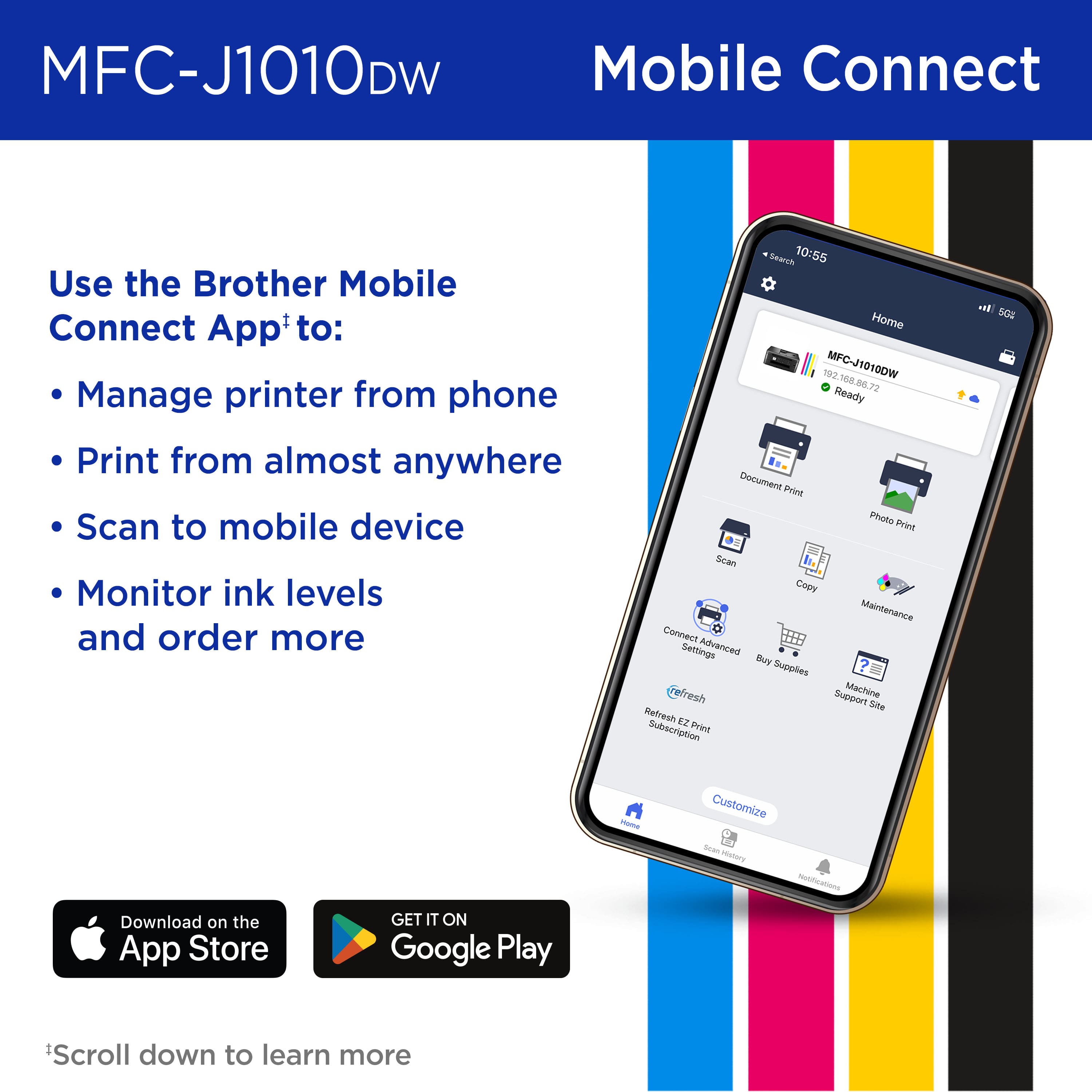
Posted .This reviewer received promo considerations or sweepstakes entry for writing a review.Very fast printer comes with lots of ink, easy to connect to Internet all around easy use and a hook right up to my mobile printer for Brother MLC – J1010TW mobile connection. I am very satisfied at this point with this printer. Hope to have it for quite a long time in the future and a very good deal at Best Buy.
I would recommend this to a friend - Pros mentioned:Print quality, Size
Brother printer a gem
Posted .This reviewer received promo considerations or sweepstakes entry for writing a review.Amazingly simple to print a page or document once setup. When needing more elaborate layout, options are available on the unit otherwise the printer responds quickly and hands free for most printing needs. Scanning or copying is quick and painless. The footprint on my desk is compact, space saving, quiet.
I would recommend this to a friend Ink Waster
||Posted . Owned for 10 months when reviewed.This reviewer received promo considerations or sweepstakes entry for writing a review.I've printed maybe 20 pages and now it is hounding me for ink and won't print.
No, I would not recommend this to a friendBrand response from Brother
Posted .We would like to take this opportunity to thank you for your feedback. At Brother, customer satisfaction is something we take seriously. We would love to hear from you with more details to be able to better assist you. Our Brother Customer Support Team is available to assist you direct: www.brother-usa.com/brother-support
Thumbs down.
||Posted . Owned for 1 month when reviewed.This reviewer received promo considerations or sweepstakes entry for writing a review.Difficulty setting up, could not get ink anywhere I had to return next day.
No, I would not recommend this to a friendBrand response from Brother
Posted .We would like to take this opportunity to thank you for your feedback. We are sorry to hear that you are not satisfied with your Brother MFCJ1010DW. At Brother, customer satisfaction is something we take seriously. Your feedback is important to us and will be reviewed to help us improve our future products.
Thank you for being a Brother customer. Please know that we will be here, should you need to contact us in the future. Our Brother customer support team is available to assist you directly at www.brother-usa,com/brother-support
No ink anywhere
||Posted . Owned for 10 months when reviewed.This reviewer received promo considerations or sweepstakes entry for writing a review.Where is the ink, can’t find ink anywhere, not recommended
No, I would not recommend this to a friendBrand response from Brother
Posted .We would like to take this opportunity to thank you for your feedback. At Brother, customer satisfaction is something we take seriously. We would love to hear from you with more details to be able to better assist you. Our Brother Customer Support Team is available to assist you direct: www.brother-usa.com/brother-support
Seemed like a good buy, but hasn't worked so far
||Posted . Owned for 1 month when reviewed.This reviewer received promo considerations or sweepstakes entry for writing a review.Cannot get printer to work. Tried unplugging, setting up again, powering off, etc.
No, I would not recommend this to a friendBrand response from Brother
Posted .We would like to take this opportunity to thank you for your feedback. At Brother, customer satisfaction is something we take seriously. We would love to hear from you with more details to be able to better assist you. Our Brother Customer Support Team is available to assist you direct: www.brother-usa.com/brother-support
Cheap
||Posted . Owned for 3 weeks when reviewed.This reviewer received promo considerations or sweepstakes entry for writing a review.Guess you get what you pay for. If I use the feeder to scan or fax it puts lines on the document. I should have to clean the rollers when it is brand new.
No, I would not recommend this to a friendBrand response from Brother
Posted .We understand you're experiencing lines on your scanned or faxed documents with your Brother MFCJ1010DW machine. We'd like to help. Please contact our Customer Service department and we will work with you to resolve this issue. Brother Customer Support Team is available to assist you direct: www.brother-usa.com/brother-support
Nice, but not with Android phone.
||Posted . Owned for 1 year when reviewed.This reviewer received promo considerations or sweepstakes entry for writing a review.Did not work with my phone or laptop, so returned this printer, see my other review.
No, I would not recommend this to a friendBrand response from Brother
Posted .We would like to take this opportunity to thank you for your feedback. We are sorry to hear that you are not satisfied with your Brother MFCJ1010DW. At Brother, customer satisfaction is something we take seriously. Your feedback is important to us and will be reviewed to help us improve our future products.
Thank you for being a Brother customer. Please know that we will be here, should you need to contact us in the future.
Do Not Buy
||Posted . Owned for 1 month when reviewed.This reviewer received promo considerations or sweepstakes entry for writing a review.-0- Unable to get paper to load.... absolute waste of money and time.
No, I would not recommend this to a friendBrand response from Brother
Posted .We understand you're experiencing issues loading paper with your Brother MFCJ1010DW machine. We'd like to help. Please contact our Customer Service department and we will work with you to resolve this issue. Brother Customer Support Team is available to assist you direct: www.brother-usa.com/brother-support
No black ink
||Posted . Owned for 7 months when reviewed.This reviewer received promo considerations or sweepstakes entry for writing a review.You can't get the black ink cartridge for this printer. Black ink has been unavailable since January 2023
No, I would not recommend this to a friendBrand response from Brother
Posted .We would like to take this opportunity to thank you for your feedback. At Brother, customer satisfaction is something we take seriously. We understand you are experiencing issues finding LC401 cartridges for your Brother machine. We are working hard to get this item back in stock as soon as possible. If you have any questions, our Brother Customer Support Team is available to assist you direct: www.brother-usa.com/brother-support
INK EATER!!
||Posted .This reviewer received promo considerations or sweepstakes entry for writing a review.Eats Ink like crazy… nowhere near the page count it says for both bw and color
No, I would not recommend this to a friendBrand response from Brother
Posted .We understand your Brother MFCJ1010DW ink cartridges did not last long. We'd like to help. The stated page yields for genuine Brother cartridges are based on the ISO testing standards. The number of pages that can be printed with a cartridge is affected by several factors, including paper size, number of pages per print job, amount of print on each page, font size, and print content (graphics, charts, etc.). Print jobs with large text fonts, graphics, charts, and/or large amount of solid coverage (black or any given color) will use much more ink and will shorten the life of the ink cartridge. If you have any questions about your Brother Genuine cartridge, please contact Brother customer service: https://www.brother-usa.com/brother-support
With new Mac OS it is a NO-GO!
||Posted . Owned for less than 1 week when reviewed.This reviewer received promo considerations or sweepstakes entry for writing a review.If you have Mac Ventura operating system, just say no to this printer.
No, I would not recommend this to a friendBrand response from Brother
Posted .We would like to take this opportunity to thank you for your feedback. We are sorry to hear that you are having some issues with your Brother MFCJ1010DW. At Brother, customer satisfaction is something we take seriously. Your feedback is important to us and will be reviewed to help us improve our future products.
We would like to hear more details to be able to better assist you. Our Brother customer support team is available to assist you directly at www.brother-usa.com/brother-support
Pass on this
||Posted . Owned for 6 months when reviewed.This reviewer received promo considerations or sweepstakes entry for writing a review.Worked well until I couldn’t get black ink for it ANYWHERE for weeks.
No, I would not recommend this to a friendBrand response from Brother
Posted .We would like to take this opportunity to thank you for your feedback. At Brother, customer satisfaction is something we take seriously. We understand you are experiencing issues finding LC401 cartridges for your Brother machine. We are working hard to get this item back in stock as soon as possible. If you have any questions, our Brother Customer Support Team is available to assist you direct: www.brother-usa.com/brother-support
Where’s the ink?
||Posted . Owned for 9 months when reviewed.This reviewer received promo considerations or sweepstakes entry for writing a review.What’s the use of a printer if they don’t make ink for it?
No, I would not recommend this to a friendRipoff
||Posted . Owned for 3 weeks when reviewed.This reviewer received promo considerations or sweepstakes entry for writing a review.Used 100% of ink and didn't print until I purchased more ink!!! Ripoff
No, I would not recommend this to a friendBrand response from Brother
Posted .We understand your Brother MFCJ1010DW cartridge did not last long. We'd like to help. The stated page yields for genuine Brother cartridges are based on the ISO testing standards. The number of pages that can be printed with a cartridge is affected by several factors, including paper size, number of pages per print job, amount of print on each page, font size, and print content (graphics, charts, etc.). Print jobs with large text fonts, graphics, charts, and/or large amount of solid coverage (black or any given color) will use much more ink and will shorten the life of the ink cartridge. If you have any questions about your Brother Genuine cartridge, please contact Brother customer service: https://www.brother-usa.com/brother-support
- Pros mentioned:Print quality, Size
Nice home printer
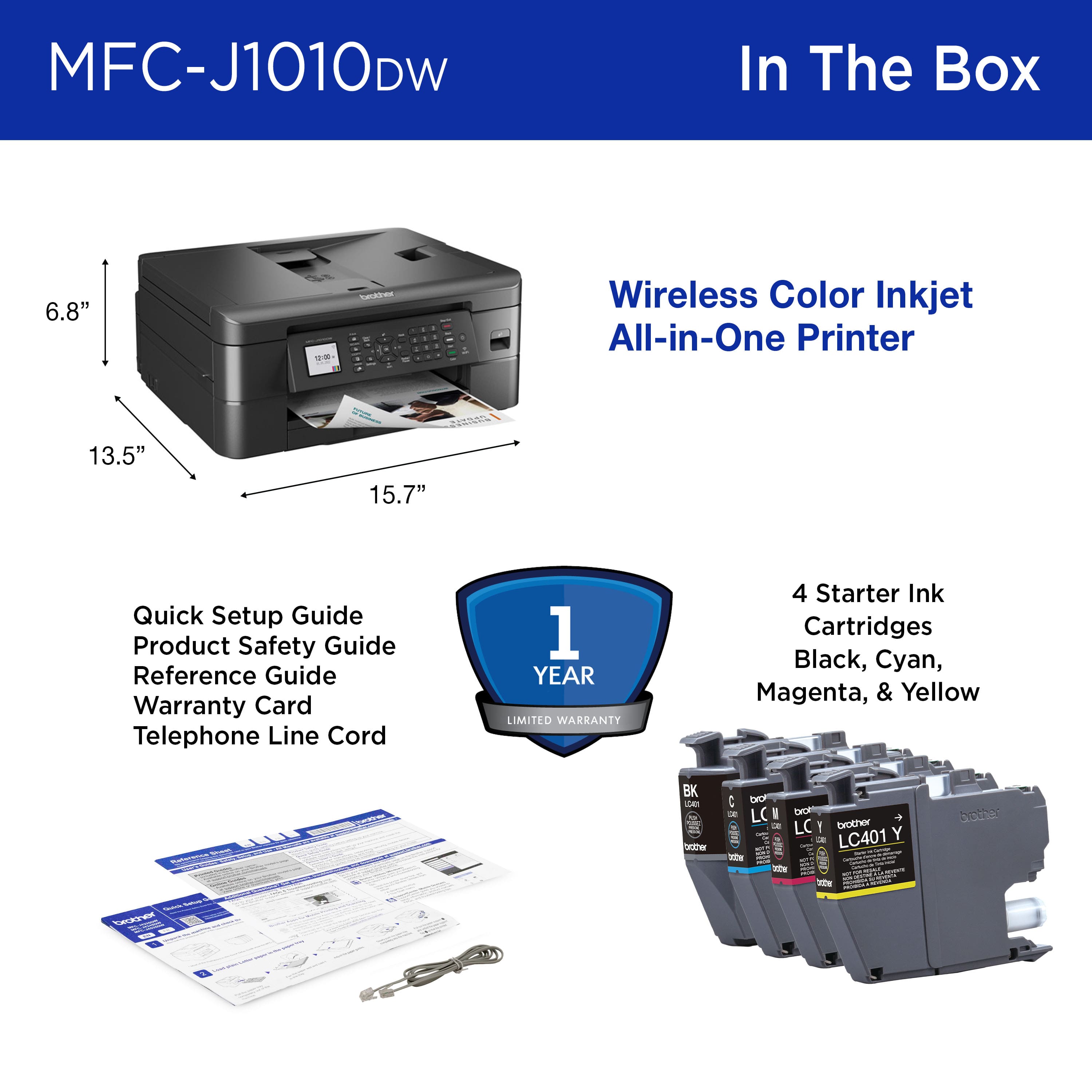
|Posted .This reviewer received promo considerations or sweepstakes entry for writing a review.Brother wireless all in one inkjet printer, has been amazing, I work from home so it has worked out perfectly it prints fast and the size is great isn’t to big like my previous, I don’t do high volume printing so a this is a perfect cost budget printer, quick & easy set up with easy step by set set up just follow the screen instructions, it does not include usb cable in case you need one which I didn’t so I was fine. It has a single tray paper feeder so if you use different size paper you’d need to change it out also does envelopes with clear tray instructions which way to load paper which is nice most printer that I have have been a little trial and error when it comes to printing double sided, the wireless printing from my phone, laptop and tablet have been the easiest once set up which was also easy. Printing, scanning & coping fast and easy, it also capable of faxing which I have not tired but sure works just as well as the other features, nice size touchscreen display but all full button options also which is nice. It comes with black and color inks seems to be full cartridges so depending on how much you print should last a few months, you can change individual inks if needed, there is an ink level gage which is handy to let you know what is left so your not mid way printing a bunch and end up wasting a few pages that didn’t have enough ink, the black & white print is awesome, color printing I wish the colors were a bit more vivid, I printed some photos they were okay usable not high quality, it does take longer to print full color versus black and white but still fast. I’m pretty satisfied and would recommend if someone doesn’t do high volume printing.
I would recommend this to a friend - Pros mentioned:Connectivity, Print quality
Great printer
Posted .This reviewer received promo considerations or sweepstakes entry for writing a review.Easy setup. Prints fast. Reliable wireless connectivity. Excellent price performer. Recommend A+
I would recommend this to a friend