Customer Ratings & Reviews
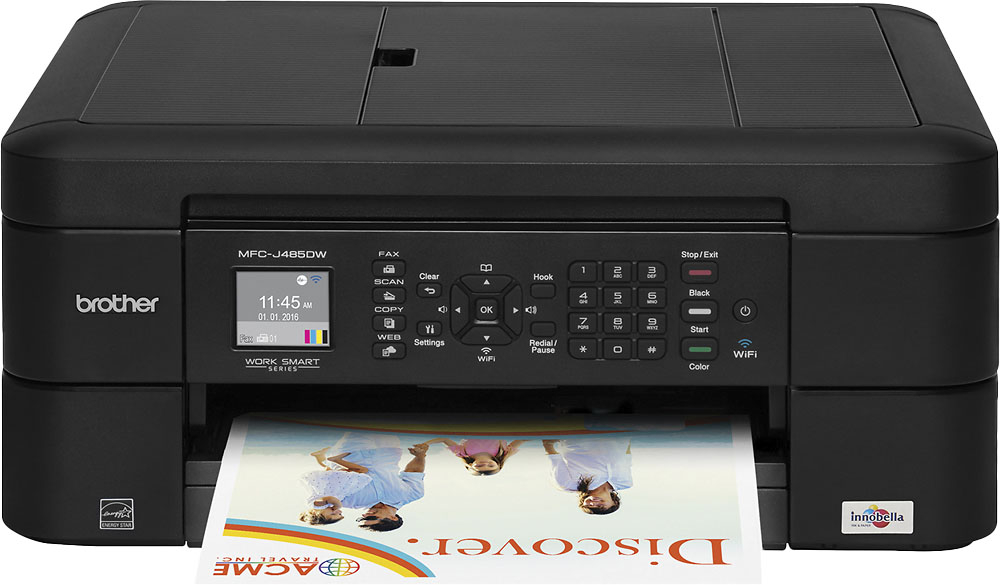
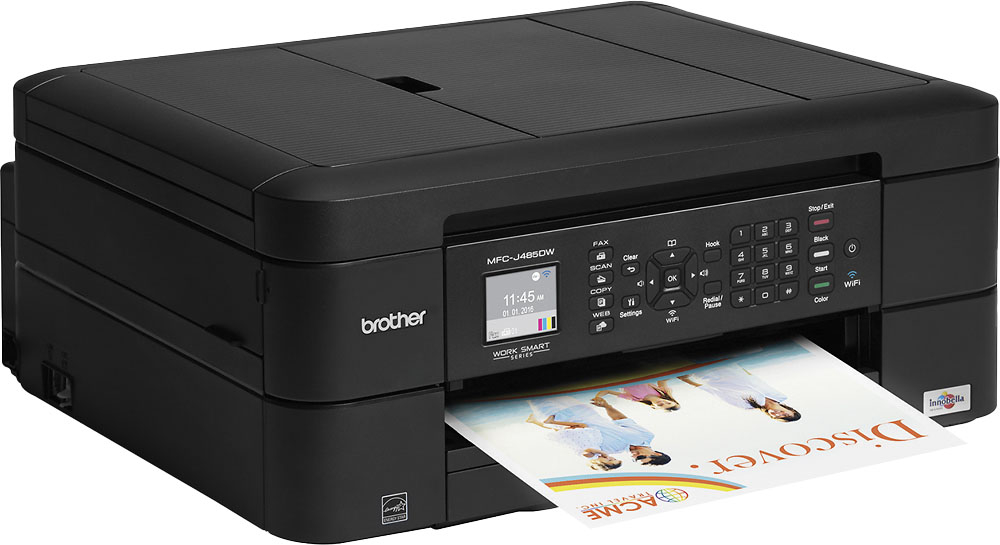
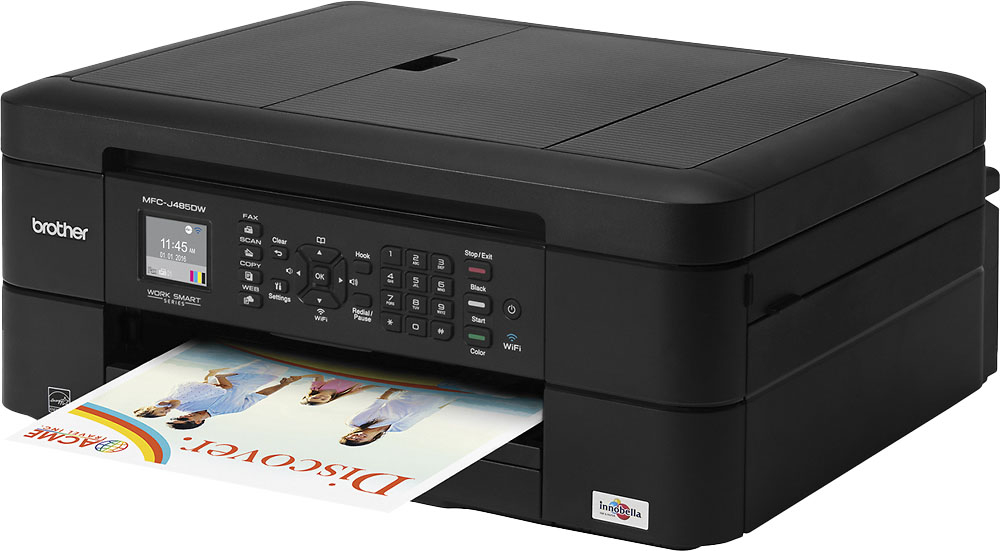
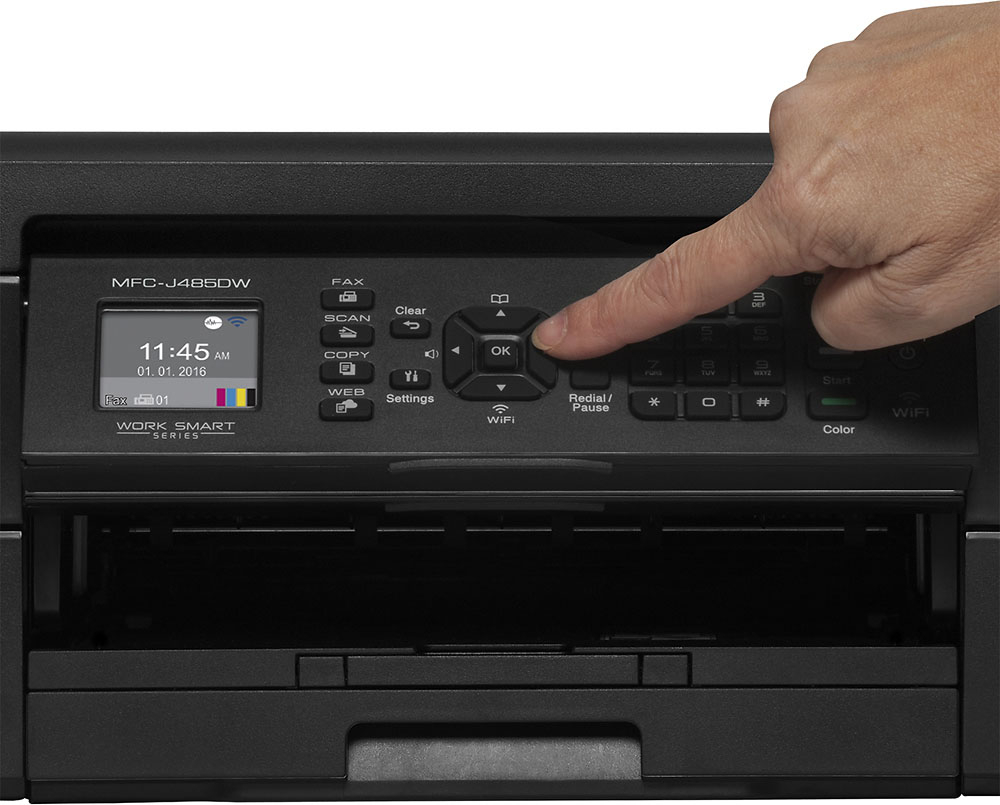
- Model:
- MFC-J485DW
- |
- SKU:
- 4274000
Customer reviews
Rating 4.4 out of 5 stars with 3280 reviews
(3,280 customer reviews)Rating by feature
- Value4.0
Rating 4.0 out of 5 stars
- Quality3.9
Rating 3.9 out of 5 stars
- Ease of Use3.8
Rating 3.8 out of 5 stars
Customers are saying
Customers value the MFC-J485DW's high-quality prints and ease of use, frequently praising its wireless capabilities and compact size. Many appreciate its affordability and straightforward setup process, while some find the noise level during printing and paper tray design less than ideal. The printer's faxing and scanning capabilities also receive positive feedback.
This summary was generated by AI based on customer reviews.
- Pros mentioned:Ease of use
Rated 4 out of 5 stars
Easy set-up
||Posted .This reviewer received promo considerations or sweepstakes entry for writing a review.This printer was easy to set-up and easy to use. The cloud print from several devices is great.
I would recommend this to a friend - Pros mentioned:Print quality
Rated 5 out of 5 stars
easy to set up
||Posted .This reviewer received promo considerations or sweepstakes entry for writing a review.good quality prints, easy to connect-was purchased for an out of town location and was successfully shipped out of town by Best Buy
I would recommend this to a friend - Pros mentioned:Print quality
Rated 4 out of 5 stars
Uses more printer ink than MFCJ4700
||Posted .This reviewer received promo considerations or sweepstakes entry for writing a review.Use more ink than its replacement, Slower than the replacement.Still good print jobs
I would recommend this to a friend - Pros mentioned:Ease of use
Rated 4 out of 5 stars
Great printer
||Posted .This reviewer received promo considerations or sweepstakes entry for writing a review.It was very easy to set up. Seems to work well. I only use it for small color print jobs.
I would recommend this to a friend - Pros mentioned:Ease of use
Rated 4 out of 5 stars
Good printer for the money
||Posted .This reviewer received promo considerations or sweepstakes entry for writing a review.Easy to setup and use. Love the ability to print from cell phone e.g. Emails and pics
I would recommend this to a friend Rated 5 out of 5 stars
still happy
||Posted . Owned for more than 2 years when reviewed.This reviewer received promo considerations or sweepstakes entry for writing a review.I forgot I have had it for over 2 years. Still working. It costs pretty cheap Just what I need
I would recommend this to a friend- Pros mentioned:Price
Rated 4 out of 5 stars
Great for the money.
||Posted .This reviewer received promo considerations or sweepstakes entry for writing a review.This printer does everything you need for a much lower price than other printers. Great buy.
I would recommend this to a friend - Pros mentioned:Wireless
Rated 5 out of 5 stars
Amazing
||Posted .This reviewer received promo considerations or sweepstakes entry for writing a review.This item is very helpful to us and much needed. I am glad that Best Buy had it available. Loving the wireless feature.
I would recommend this to a friend - Cons mentioned:Paper tray
Rated 4 out of 5 stars
Works good
||Posted .This reviewer received promo considerations or sweepstakes entry for writing a review.Works good. Only complaint is it always asks for response when you open the paper tray.
I would recommend this to a friend - Pros mentioned:Print quality
Rated 5 out of 5 stars
I love this item good
||Posted .This reviewer received promo considerations or sweepstakes entry for writing a review.Brother - Mfc-j485dw Wireless All-in-one Printer - Black this was very good I have told a lot of families and friends about this
I would recommend this to a friend - Pros mentioned:Wireless
Rated 5 out of 5 stars
Good at home wireless printer
||Posted .This reviewer received promo considerations or sweepstakes entry for writing a review.This printer works well at home for my husband and I! Love the wireless capabilities with my MacBook and the auto 2 side print option
I would recommend this to a friend - Pros mentioned:Ease of use
Rated 4 out of 5 stars
Seems to work OK
||Posted .This reviewer received promo considerations or sweepstakes entry for writing a review.Easy to set up and seems to work OK. Wish it didn't use so many ink cartiages.
I would recommend this to a friend - Pros mentioned:Price
Rated 5 out of 5 stars
Review
||Posted .This reviewer received promo considerations or sweepstakes entry for writing a review.This printer lasted over 3 years and worked perfectly and the price is amazinv
I would recommend this to a friend Rated 3 out of 5 stars
Works OKay for iPad, Windows 10 and Linux
||Posted .This reviewer received promo considerations or sweepstakes entry for writing a review.Was not an easy setup. The firmware needed updating. The firmware update did not work. You have to download the full package (300+ MB) package if you don't have a dvd drive. Download it to windows and install the brothers software. Advise not to check the box for additional software. It was called Page### something. Worthless. You can try it. I did not like it. Once it is installed there are other apps you can chose to download from the printer software if needed. On my iPad I downloaded the Brothers app. This was a great help. Still figureing everything out. I would not hesitate to suggest the printer...but only to a computer savy person. Also for linux you have to download the deb or rpm for your machine. select the 2017 stuff. The larger deb was all I needed. Just sudo bash Whatever it was called and answer the questions. Also know ahead of time the url for the brother printer. The iPad app will tell you that. It will be 192.168.0.### ONLY enter a number that starts with 192.168... Thats the stuff at YOUR house (router)...Good price. Good on ink. Worth the trouble. I only gave it three stars because of the installation hassle.
I would recommend this to a friend- Pros mentioned:Ease of use
Rated 5 out of 5 stars
Easy set up and professional printing
||Posted .This reviewer received promo considerations or sweepstakes entry for writing a review.Love the printer and how easy it was to set up had it up and printing in less then 10 mins and the printing application very helpful.
I would recommend this to a friend - Pros mentioned:Ease of use
Rated 5 out of 5 stars
Great printer and ink is very low in price
||Posted .This reviewer received promo considerations or sweepstakes entry for writing a review.Printer is very easy to use and operate. Someone with limited knowledge will be very happy with the printer.
I would recommend this to a friend - Pros mentioned:Wireless
Rated 5 out of 5 stars
Great printer
||Posted .This reviewer received promo considerations or sweepstakes entry for writing a review.Brother All-in-One Printer: Print important documents right from your compatible mobile device with this printer, which features
I would recommend this to a friend - Pros mentioned:Print quality
Rated 4 out of 5 stars
Good printer
||Posted .This reviewer received promo considerations or sweepstakes entry for writing a review.The ink is reasonably priced. The quality for printing at home is good.
I would recommend this to a friend - Pros mentioned:Ease of use
Rated 5 out of 5 stars
Wireless that is easy to work
||Posted .This reviewer received promo considerations or sweepstakes entry for writing a review.This multifunctional wireless printer does it all easy and efficiently. Step by step instructions are given and easy to follow.
I would recommend this to a friend - Pros mentioned:Ease of use
Rated 4 out of 5 stars
User friendly
||Posted .This reviewer received promo considerations or sweepstakes entry for writing a review.Product is easy to install. Copies are clear. User friendly. Like the touchscreen feature.
I would recommend this to a friend