Customer Ratings & Reviews
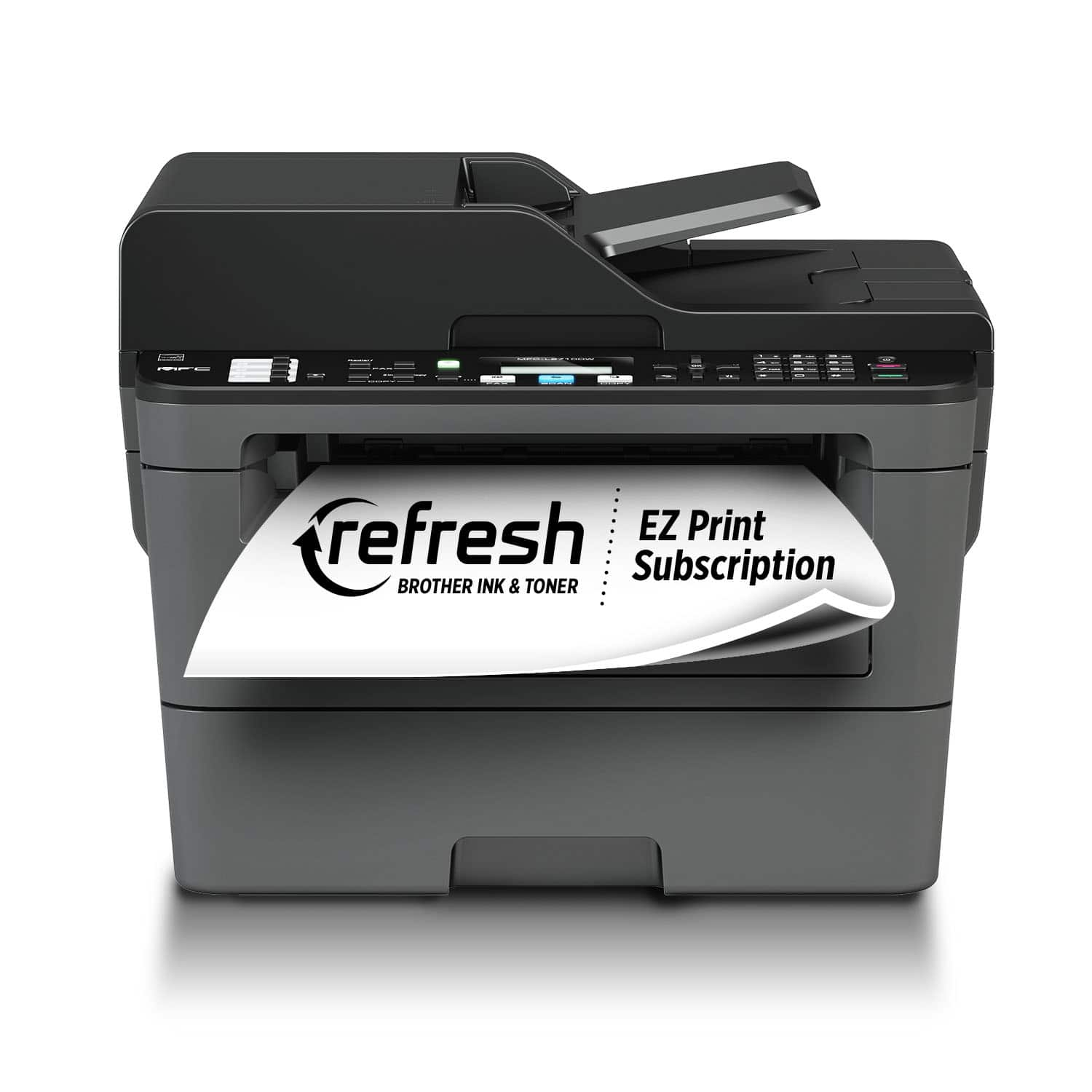
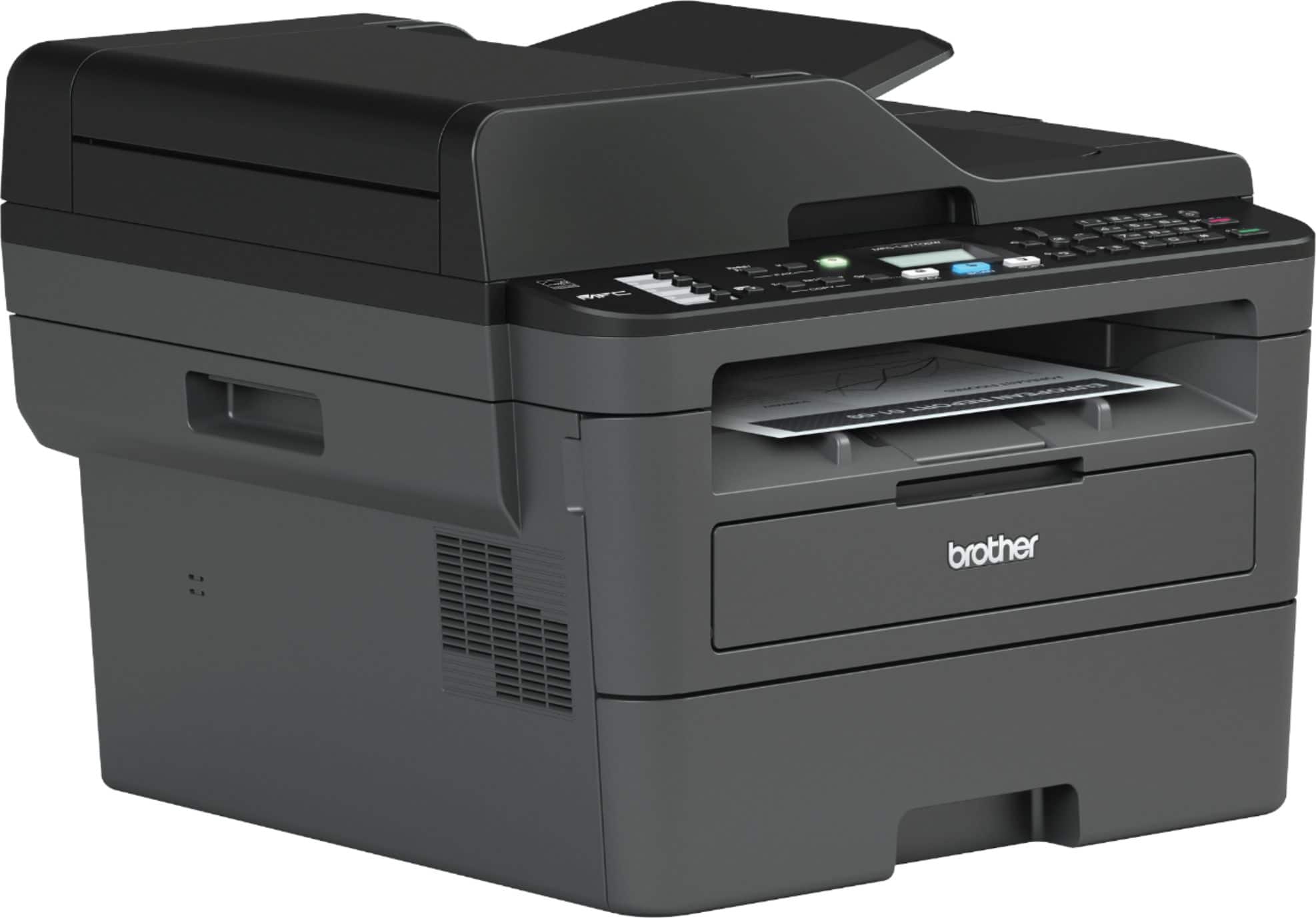
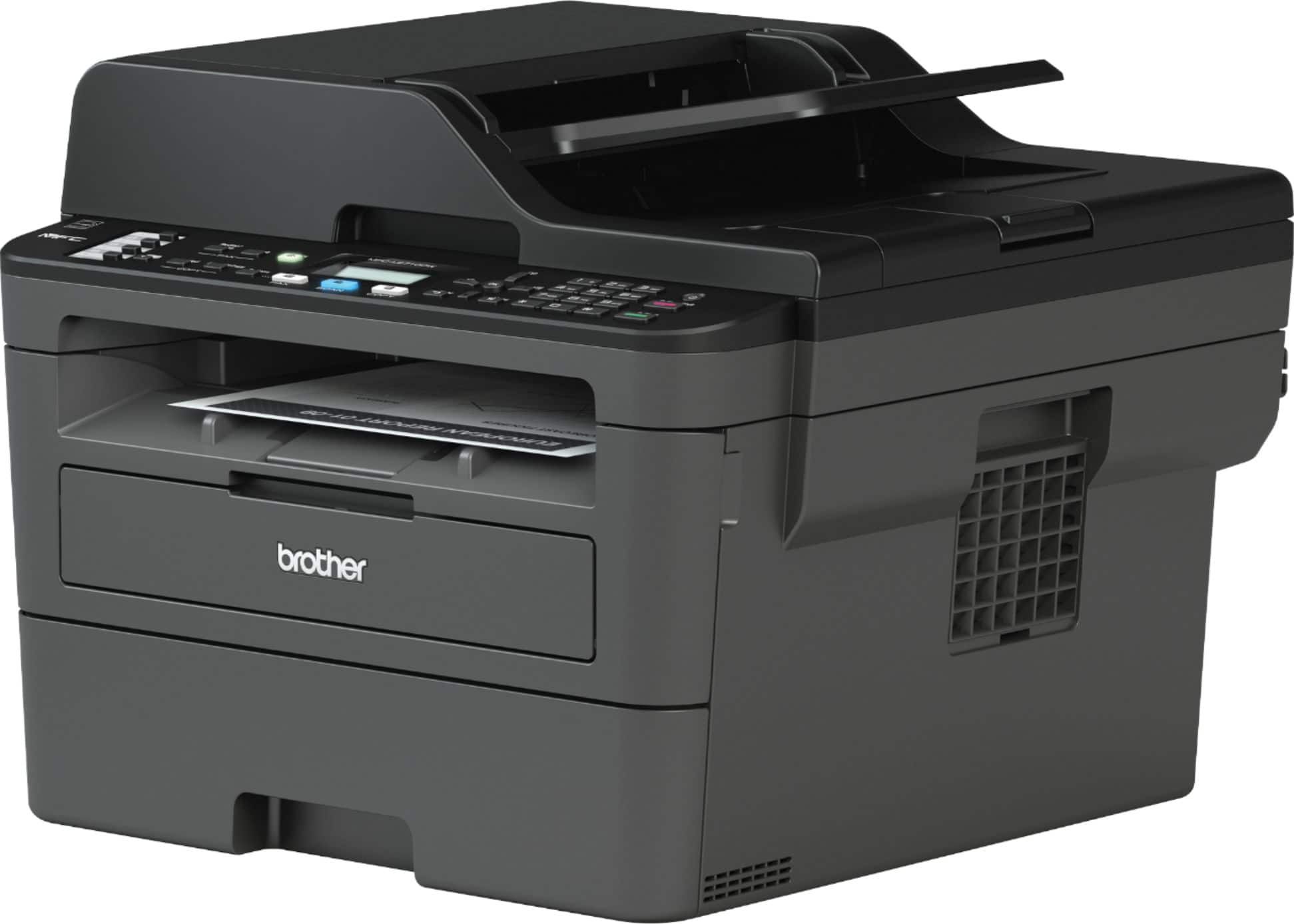
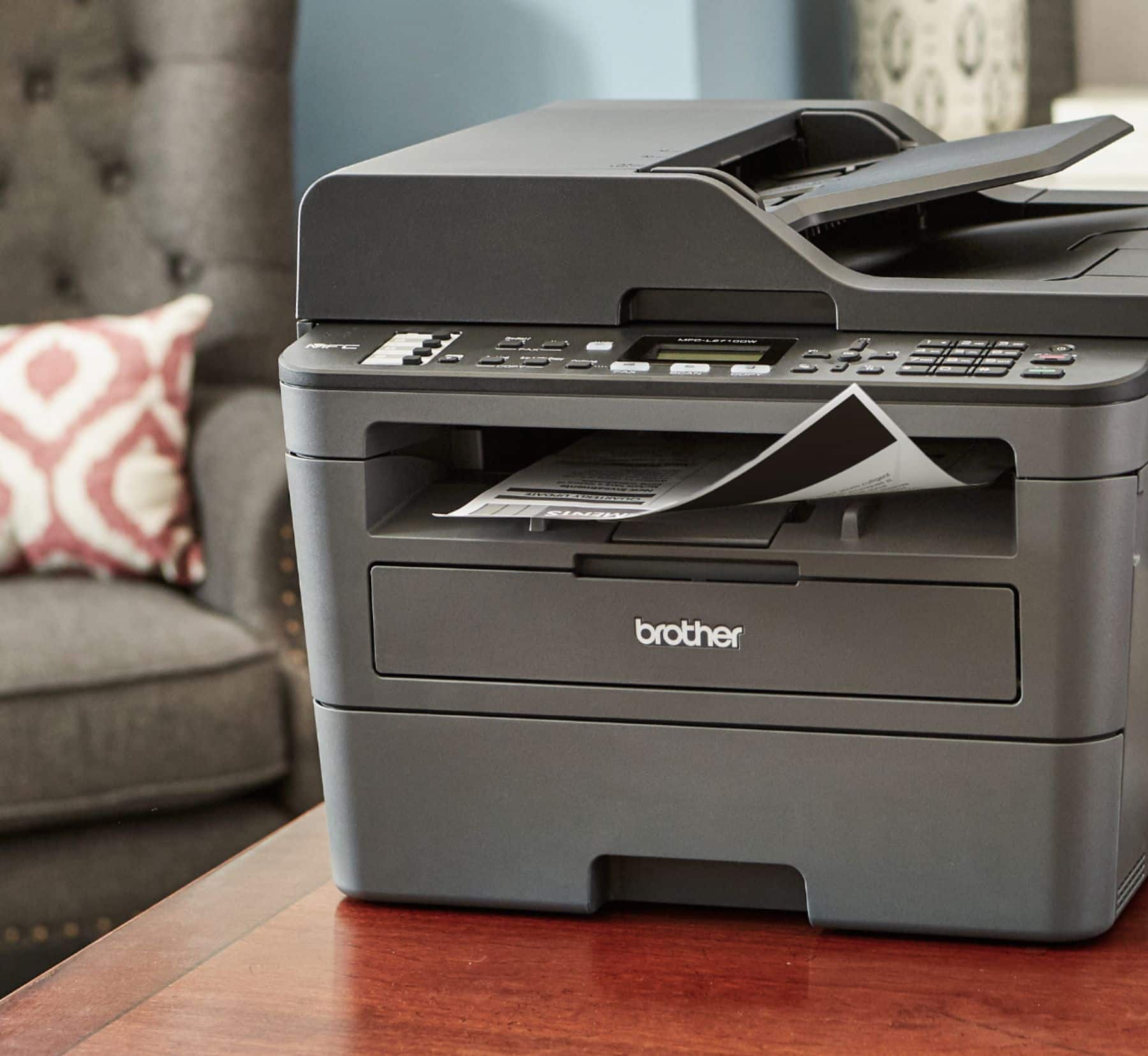
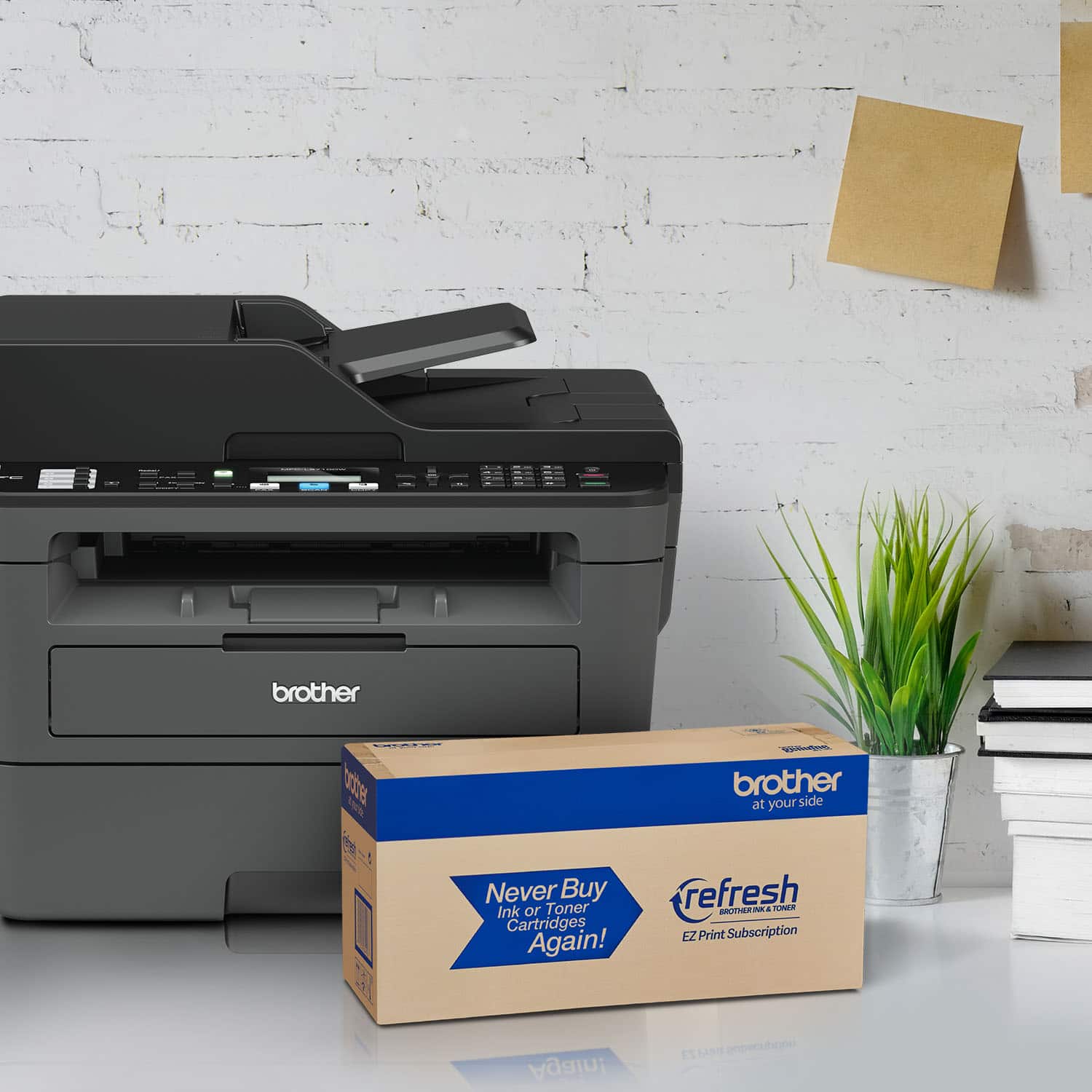
- Model:
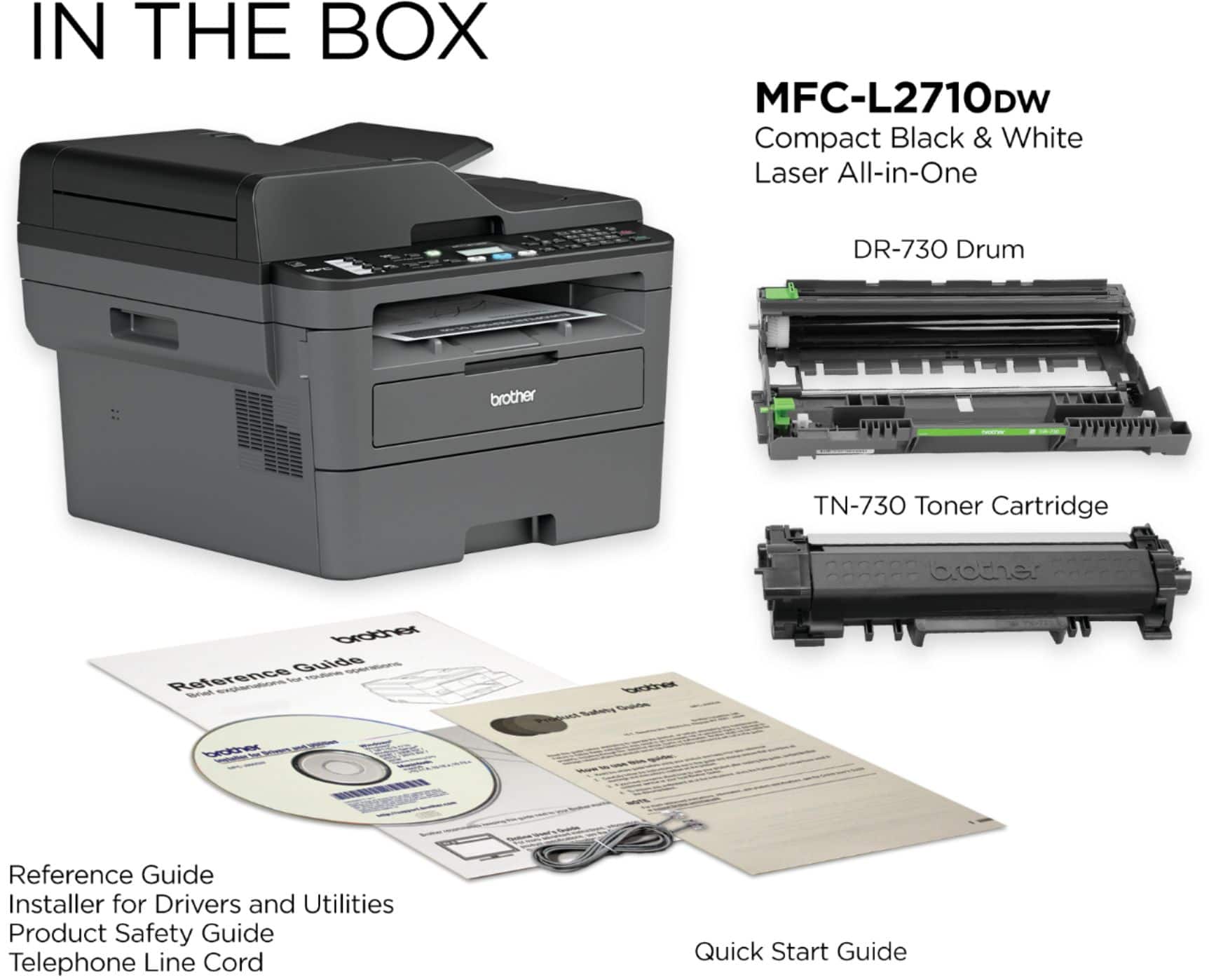
- MFC-L2710DW
- SKU:
- 6138321
Rating by feature
- Value
Rating 4.6 out of 5 stars
- Quality
Rating 4.6 out of 5 stars
- Ease of Use
Rating 4.4 out of 5 stars
Customers are saying
Customers commend the MFC-L2710DW for its excellent print quality, ease of use, and reliability. Many appreciate its wireless functionality, affordable price, and straightforward setup. Positive feedback also highlights the printer's compact size and quiet operation. While some users found the software needed improvement, the overall experience is largely positive.
This summary was generated by AI based on customer reviews.
BROTHER MULTIFUNCTION PRINTER
Posted .This reviewer received promo considerations or sweepstakes entry for writing a review.A GREAT MULTIFUNCTION PRINTER AT A RESONABLE PRICE!
I would recommend this to a friendNot recommended—honest review
Posted .This reviewer received promo considerations or sweepstakes entry for writing a review.This is our third Brother printer, hoping each new "generation" would be better than the previous one. But no, These are very cheap quality machines. Scanner is very loud and becomes louder with use. Scanning coverage area is about 90% despite ample room on the scanning screen. Paper jams with the feeder are very common. Printing is loud too. These machines are not durable in our opinion. We've had OEM toner and drum issues plus more (see below). We never had these issues with Lexmark and other brands. The installation software is ridiculous buggy. The naming convention of the downloaded files are absurd and completely irrational. The manual is ok but when you run into an issue when things don't go as planned, the manual is useless and you're forced to search online. Should you need to add another printer such as a warranty replacement, the software doesn't play nice when trying to install, especially the printer as a network printer. The consumables are not accurate after adding a replacement, especially when under warranty. Brother doesn't send drum and toner, you have to use the old one and insert it into the new. Even though the toner level is not 100% it shows up as 100%. There doesn't seem to be a way to change this in the settings. When you run into software installation issues, the only workaround is to re-install Windows or if you used the Brother uninstall tool which doesn't work (and is not user friendly) system restore. The troubleshooting section of Brother's website is again, not user friendly. These devices are not user friendly. We will never buy Brother again.
No, I would not recommend this to a friendBrand response from Brother
Posted .We are sorry to hear that your Brother MFCL2710DW machine is not working properly. We know this is frustrating. We would love to hear from you with details to be able to get your machine up and running again. Our Brother Customer Support Team is on stand-by to provide quality products and service to our customers via online, email or live chat: www.brother-usa.com/brother-support

Piece of junk
Posted .This reviewer received promo considerations or sweepstakes entry for writing a review.I absolutely revile printers and have managed to live without one for almost three years. But with the pandemic, I can't go anywhere to print things so finally broke down and bought this printer. I should have just lived without. Set up was a pain but not terrible. Would not print from Word for Mac 2011 and didn't have time to trouble shoot it. I tried to print an email and return barcode and some other things. EVERYTHING SINGLE TIME THE PRINTER JAMMED. I didn't get one single thing printed straight out of the box. It's not dirty or sticky. It's not damaged. I tried adjusting the paper and flipping it over. Nothing. I'm not going to bother trying different paper. I used new Target brand printer paper that my old Canon had no trouble with. If the printer doesn't work out of the box, it's getting returned.
No, I would not recommend this to a friendBrand response from Brother
Posted .Hi, Oh no! That's not what we like to hear. I know the constant jams are frustrating. I'd like to help. I would like suggest that using the recommended paper may prevent jams.
https://help.brother-usa.com/app/answers/detail/a_id/151721?R3ModelID=MFCL2710DW
If you have cleared all paper jams and the issue persists, please contact our customer support team for further assistance via Email or Live Chat:
https://help.brother-usa.com/app/ask/p/9213
Spend a little more
Posted .This reviewer received promo considerations or sweepstakes entry for writing a review.I have had nothing but issues with this printer. Connecting to a mac was exhausting. There are still connectivity issues. The feeder almost always crumples up the paper. Had to figure out scan settings because the pages werent clear (fixed resolution) the pages scan crooked. Not having the ability to scan double sided is annoying (knew before hand). All in all I would opt on for a better model. NOTE YOU ONLY HAVE 15 DAYS TO RETURN so this means by the time I learned I didnt like it, it was too late.
No, I would not recommend this to a friendBrand response from Brother
Posted .Hi, we understand you are experiencing an issue with your network connection and we understand you frustration. We'd like to help. Below are some FAQ's that can assist you.
https://help.brother-usa.com/app/answers/detail/a_id/151953
https://help.brother-usa.com/app/answers/detail/a_id/149584
If you continue to have issues, our Brother Customer Support Team is available to assist you direct:
https://www.brother-usa.com/brother-support
Average
Posted .This reviewer received promo considerations or sweepstakes entry for writing a review.It works fine for copying, but it goes to sleep after 5 minutes. It's an aggravation having to press the "On" button everytime I need to copy anything.
I would recommend this to a friendBrand response from Brother
Posted .We would like to take this opportunity to thank you for your feedback. At Brother, customer satisfaction is something we take seriously. I understand that your MFC-L2710DW goes to sleep after 5 minutes, please note that the Sleep Mode (or Power Save Mode) setting can reduce power consumption, however, you can adjust the sleep timer by following the steps listed in the FAQ link below: https://help.brother-usa.com/app/answers/detail/a_id/146052 . If you continue to have issues, our Brother Customer Support Team is available to assist you direct: www.brother-usa.com/brother-support
Worked for a month
Posted .This reviewer received promo considerations or sweepstakes entry for writing a review.Used it for one month. Says it needs new toner. Replace the toner still says it needs new toner.
No, I would not recommend this to a friendBrand response from Brother
Posted .We understand you're experiencing a replace toner error with your Brother MFCL2710DW machine. We'd like to help. Please contact our Customer Service department and we will work with you to resolve these issues. Brother Customer Support Team is available to assist you direct: www.brother-usa.com/brother-support
Similar to MFC7420
Posted .This reviewer received promo considerations or sweepstakes entry for writing a review.Noisy when starting to print. Scan function, selection of area to be scanned is too small, unless I am doing it wrong
I would recommend this to a friendBrand response from Brother
Posted .We are sorry that you are experiencing scanning and printing issues with your Brother MFCL2710DW. We'll be happy to help you. Our Brother Customer Support Team is on stand-by to provide quality products and service to our customers via online, email or live chat: www.brother-usa.com/brother-support
Unreliable Product
Posted .This reviewer received promo considerations or sweepstakes entry for writing a review.This printer stopped working; it just blacked out.
No, I would not recommend this to a friendBrand response from Brother
Posted .We understand you're experiencing issues with your Brother MFCL2710DW machine not working properly. We'd like to help. Below is a FAQ that may help you with this issue:
https://help.brother-usa.com/app/answers/detail/a_id/151290
If you continue to have issues, our Brother Customer Support Team is available to assist you direct: www.brother-usa.com/brother-support
PRINTER HAS KNOWN DEFECT
Posted .This reviewer received promo considerations or sweepstakes entry for writing a review.HAS KNOWN DEFECT! Features are great yes. However, every time you power it up it will blow a fuse or breaker on a 15 amp circuit (most homes). I have one in home office. This is a known problem, just search the web and you will see many others grappling with this problem. The Brother suggested firmware update solution did not work. Turing off all the other lights on the circuit does not work. Brother knew of this problem but just kept selling it. I can operate hair dryer on this circuit but not this printer. I don't know whether they have fixed it yet. I bought mine in late 2019. A call to Brother and they said hire an electrician and rewire my modern house!
No, I would not recommend this to a friendPaper
Posted .This reviewer received promo considerations or sweepstakes entry for writing a review.I’m having problems with the paper storage.. paper gets stuck and I’m having o waist good paper
No, I would not recommend this to a friendBrand response from Brother
Posted .We are sorry that you are experiencing tray issues with your Brother MFCL2710DW machine and we understand your disappointment. Our Brother Customer Support Team is on stand-by to provide quality products and service to our customers via online, email or live chat: www.brother-usa.com/brother-support
Excess toner...flakes everywhere
Posted .This reviewer received promo considerations or sweepstakes entry for writing a review.Easy install & so far, so good, but there are toner flakes everywhere.
No, I would not recommend this to a friendBrand response from Brother
Posted .We understand you're experiencing toner issues with your Brother MFCL2710DW machine. We'd like to help. Please contact our Customer Service department and we will work with you to resolve this issue. Brother Customer Support Team is available to assist you direct: www.brother-usa.com/brother-support
Piece of poo
Posted .This reviewer received promo considerations or sweepstakes entry for writing a review.Well the title says it. It will print mind you but when you go to scan... look out... if you do it wireless it will start and stop and start and stop and then you will have to cancel and re-do and then it will do it all over again! Now if you do it corded you should be ok.
No, I would not recommend this to a friendBrand response from Brother
Posted .Hi, I see you are experiencing an issue with scanning wireless. I'd like to help. You must ensure that the Brother machine is connected to the same wireless network as the Windows Phone® mobile device. Click the link to assist you.
https://support.brother.com/g/b/faqend.aspx?c=us&lang=en&prod=mfcl2710dw_us_eu_as&faqid=faq00002943_000
Printer not discoverable over wifi.
Posted .This reviewer received promo considerations or sweepstakes entry for writing a review.This printer is not really wifi capable. I connect it to WLAN and I have Mac, PC and iPhones. Once the printer goes to sleep mode. Thats it! There is no way to get it back online discoverable by devices like iPhone without restarting.
No, I would not recommend this to a friendBrand response from Brother
Posted .We understand that you are experiencing wireless network connection issues with your Brother MFC-L2710DW and we'd like to help. Constant disconnections can occur due to several factors, such as interference from other devices, distance from the router, multiple access points or router misconfiguration. The following answer may help resolve this issue: https://help.brother-usa.com/app/answers/detail/a_id/153109
If the issue persists, feel free to contact Brother Customer Service directly at: https://www.brother-usa.com/support/mfcl2710dw
Struggling with printing
Posted .This reviewer received promo considerations or sweepstakes entry for writing a review.I bought this printer today. Loaded the tray with papers. Got the error message - No Paper. Struggling with it.. Very frustrated that despite being a new printer, it is giving this error..
No, I would not recommend this to a friendBrand response from Brother
Posted .Hi Sunil, No Paper" will appear on your MFC-L2710DW display if the machine is out of paper, the paper isn't loaded correctly in the paper tray, or the paper source isn't correctly selected in the printer driver or application. Here is a FAQ that may help.
https://help.brother-usa.com/app/answers/detail/a_id/151829?R3ModelID=MFCL2710DW
If you still have the issue, please let us know by Email or Live Chat.
https://www.brother-usa.com/support/mfcl2710dw
Don't buy if you want to scan
Posted .This reviewer received promo considerations or sweepstakes entry for writing a review.It has an ethernet port but doesn't allow you to scan to a network folder or anything other than a PC running their garbage software
No, I would not recommend this to a friendBrand response from Brother
Posted .Unfortunately based on the specifications of the machine, the Brother MFCL2710DW machine is not able to scan to a network folder.
brother mfc l2710dw
Posted .This reviewer received promo considerations or sweepstakes entry for writing a review.wireless problems. called the customer service for 2 hours and they couldnt fix it. was returned.
No, I would not recommend this to a friend