Customer Ratings & Reviews
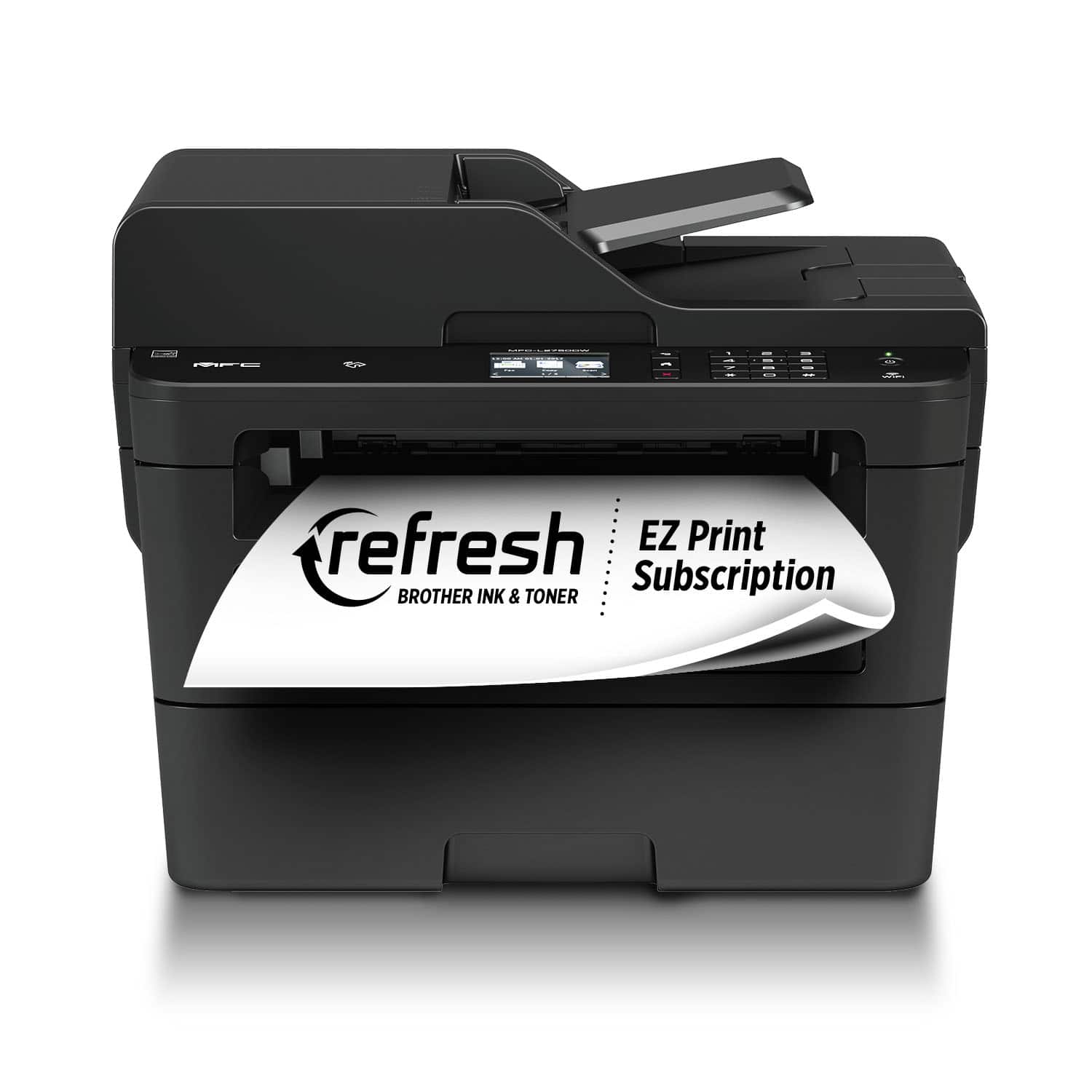
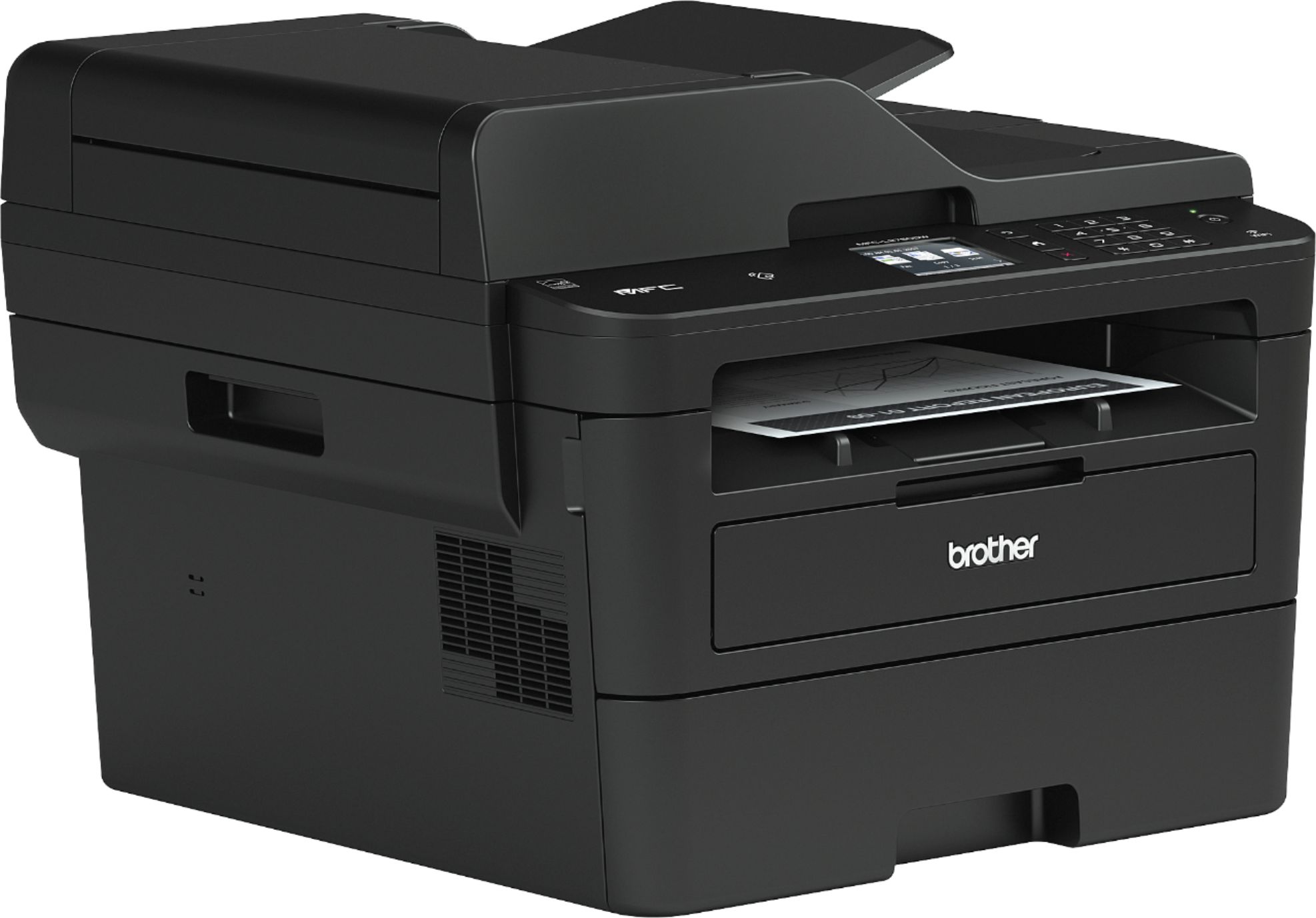
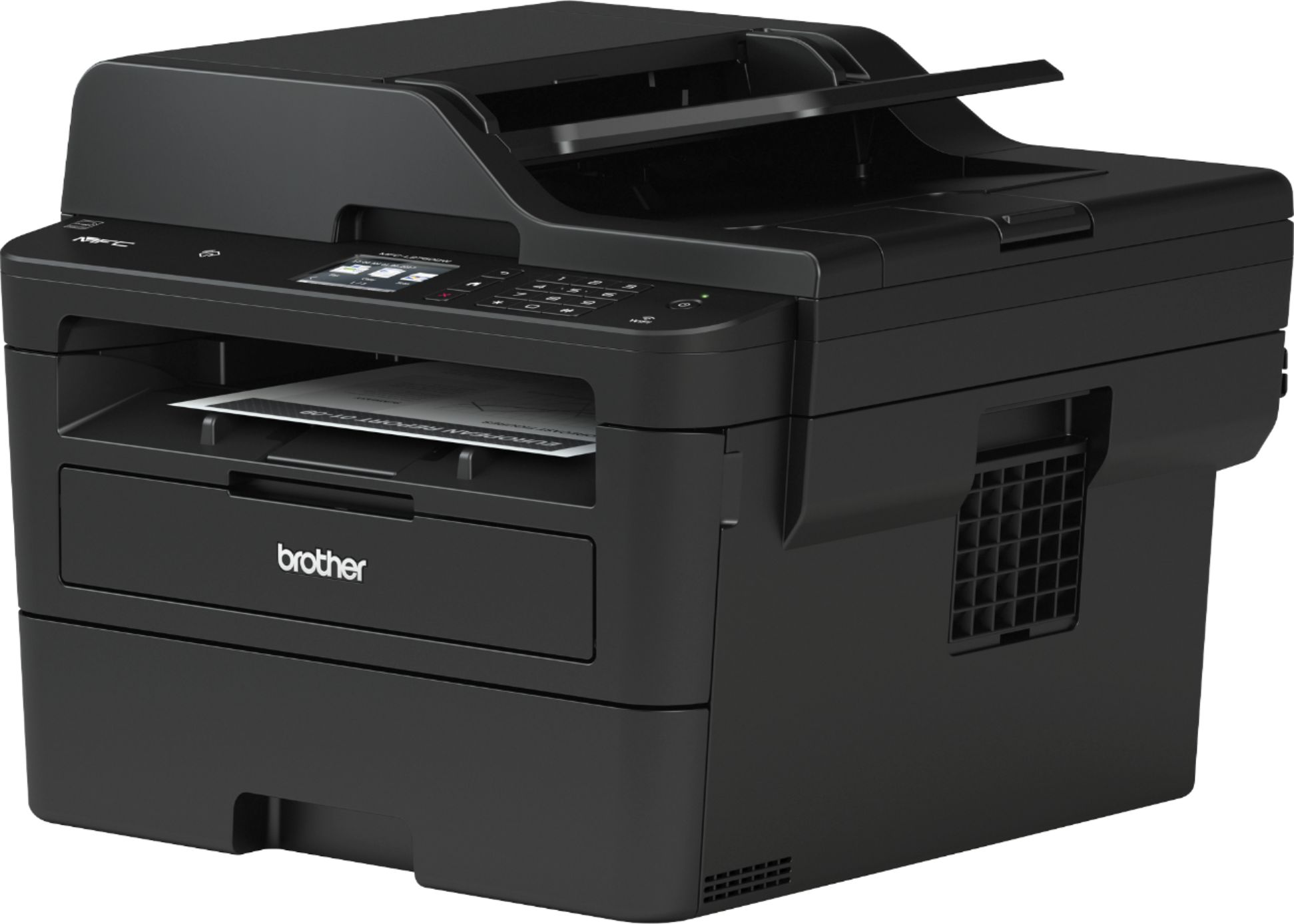
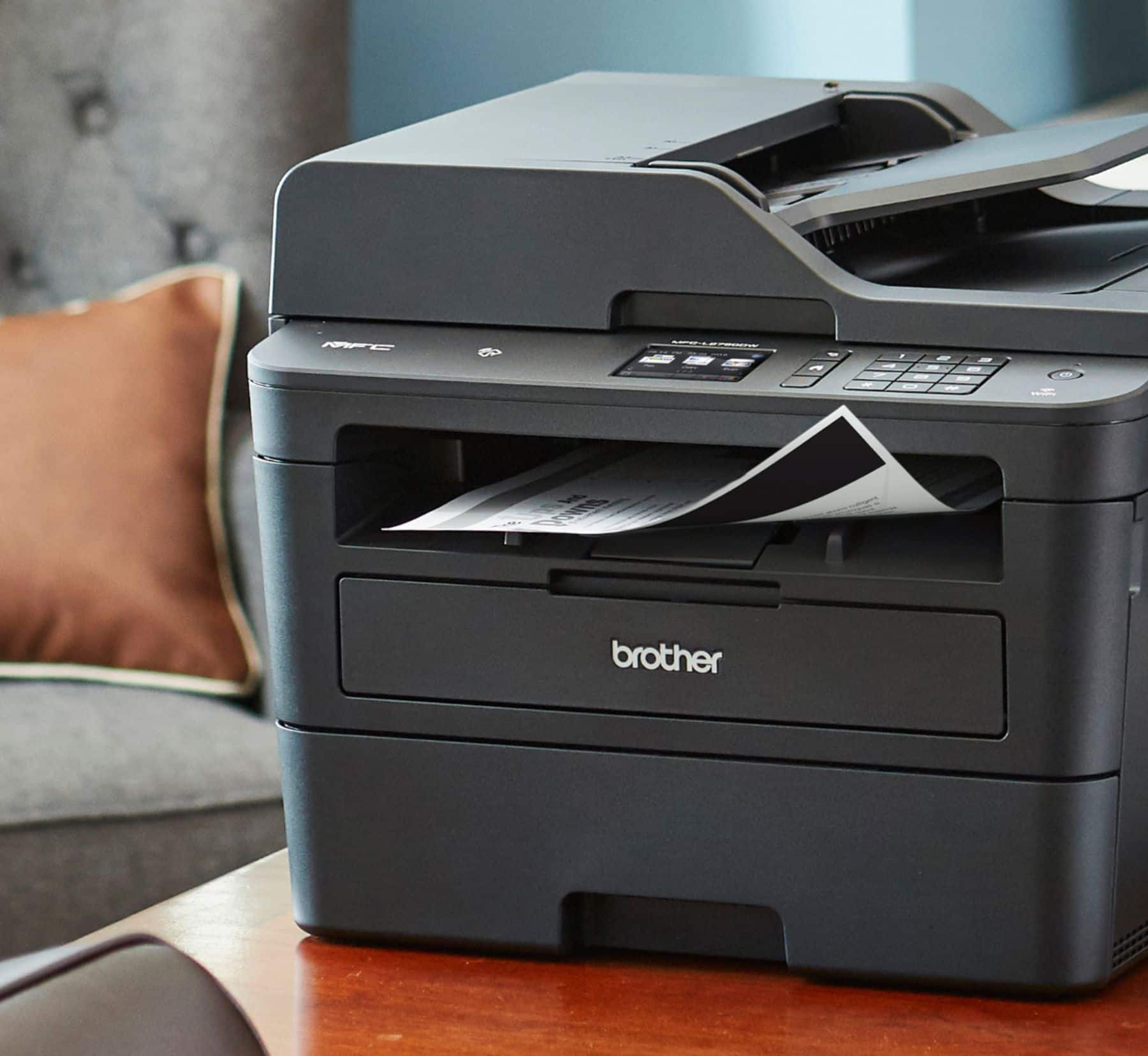
- Model:
- MFC-L2750DW
- SKU:
- 6130101
Rating by feature
- Value
Rating 4.6 out of 5 stars
- Quality
Rating 4.6 out of 5 stars
- Ease of Use
Rating 4.6 out of 5 stars
Customers are saying
Customers enjoy the MFC-L2750DW's excellent print quality, ease of use, and wireless functionality. Many appreciate its straightforward setup and the value for its price. Positive feedback also highlights the printer's reliability and quiet operation. The scanner is also frequently praised for its capabilities.
This summary was generated by AI based on customer reviews.
Great all in one printer,but
||Posted . Owned for 1 month when reviewed.This reviewer received promo considerations or sweepstakes entry for writing a review.I had the last version of this printer and it only lasted two years. That’s with minimal use. I’m pleased with the performance but, two years old. Not so much.
I would recommend this to a friendNot like they used to be.
||Posted . Owned for 1.5 years when reviewed.This reviewer received promo considerations or sweepstakes entry for writing a review.The ink cartridge that came with it only lasted for about 100 pages. Total rip-off. The driver interface fights with the computer.
No, I would not recommend this to a friendBrand response from Brother
Posted .Hello, stated page yields for genuine Brother cartridges are based on the ISO testing standards. The number of pages that can be printed with a cartridge is affected by several factors, including paper size, number of pages per print job, amount of print on each page, font size, and print content (graphics, charts, etc.). Print jobs with large text fonts, graphics, charts, and/or large amount of solid coverage (black or any given color) will use much more toner and will shorten the life of the toner cartridge.
If you still understand the Toner yield is inaccurate, we have a procedure that will allow us to calculate the exact page count coverage of your printed documents in order to confirm if the toner cartridge has met its life. We will be happy to walk you through the steps over the phone. Brother Customer Service is available Monday - Friday from 9:00am -9:00pm EST excluding holidays and can be reached at 1-877-Brother (1-877-276-8437).
- Pros mentioned:Print quality
Great black and white printer.
||Posted .This reviewer received promo considerations or sweepstakes entry for writing a review.Prints clear and fast with no problems. Connected to the Wi-Fi with no issues.
I would recommend this to a friend GOOD CHOICE
||Posted .This reviewer received promo considerations or sweepstakes entry for writing a review.WORKS GREAT FOR NOW. I guess we will see how long it'll last with out any issues.
I would recommend this to a friendOh Brother ...
||Posted .This reviewer received promo considerations or sweepstakes entry for writing a review.It copies, prints etc but has yet to fax. It is suppose to fax but it doesn't. I had to use my old faxphone to fax documents. I should have taken this back.
No, I would not recommend this to a friendGreat new Model
||Posted . Owned for 1 month when reviewed.This reviewer received promo considerations or sweepstakes entry for writing a review.My last brother laser printer just died so I got this one. Of course my old ink cartridge doesn’t work in this one. However I like the new model. It connects to my Wi-Fi a lot easier for easy wireless printing.
I would recommend this to a friendIt's not color
||Posted .This reviewer received promo considerations or sweepstakes entry for writing a review.My only knock is it's not a color printer. I didn't know there was a printer that doesn't print in color anymore. But it's good otherwise.
No, I would not recommend this to a friend- Pros mentioned:Print quality
Great
||Posted .This reviewer received promo considerations or sweepstakes entry for writing a review.Good all in one fax , copy, print. I’ve a medical office.
I would recommend this to a friend Good deal
||Posted .This reviewer received promo considerations or sweepstakes entry for writing a review.Very affordable gift that actually serves a purpose and did not feel like I wasted my money on something the person did not need.
I would recommend this to a friendScanning
||Posted .This reviewer received promo considerations or sweepstakes entry for writing a review.Printer will not scan over the network. It is extremely hard to setup relying on the Brother website to get all the drivers.
No, I would not recommend this to a friendProduct is ok .Little overpriced
||Posted . Owned for 1 month when reviewed.This reviewer received promo considerations or sweepstakes entry for writing a review.Product is average quality but I expected little more quantify prints out of laser printer
I would recommend this to a friendBrand response from Brother
Posted .Hi Mira, I apologize you are experiencing an issue with print quality. Every model printer, fax machine, and all-in-one machine that Brother offers has different print properties and capabilities. This laser machine is designed for low-cost printing for our customers. If you've switched to this machine after printing with an inkjet or high-end laser printer, you might notice a difference in the print output. There are some steps you can try to adjust the darkness of the print.
Brother strongly recommends that customers use only genuine Brother drum units and/or toner cartridges. Each Brother laser printer is designed to work at pre-set temperatures that are matched exactly to each of our individual toner formulations. Each individual component is designed to work with the other to ensure quality and reliability. Using non-Brother supplies may affect the hardware performance, print quality, and machine reliability. The Brother limited warranty does not apply to any problem that is caused by the use of third party drum units, toner cartridges, or toner.
Here is a FAQ with additional information. https://help.brother-usa.com/app/answers/detail/a_id/152397?R3ModelID=MFCL2750DW
Please contact us through support with additional questions. https://www.brother-usa.com/support/mfcl2750dw
Easy to use
||Posted . Owned for 1 month when reviewed.This reviewer received promo considerations or sweepstakes entry for writing a review.High yield toner expected to print 3000 pages but in reality does only 1200 pages.
I would recommend this to a friendBrand response from Brother
Posted .Hi Idris, We are sorry to hear the toner yield was not as expected. Below is a link to a FAQ I believe will explain.
https://help.brother-usa.com/app/answers/detail/a_id/151390?R3ModelID=MFCL2750DW
- Pros mentioned:Ease of use
Works great
||Posted .This reviewer received promo considerations or sweepstakes entry for writing a review.Works great easy to use but the paper doesn’t come out enough
I would recommend this to a friendBrand response from Brother
Posted .Thank you for taking the time to review our Brother MFC-L2750DW printer. Your feedback is very important to help us improve our product. We would like to help with the issue and ask that you please reach out to our customer support via chat, email, or phone by using the following URL so we can continue to assist you. Brother does offer FREE support for the life of this machine: https://www.brother-usa.com/brother-support
- Pros mentioned:Print quality
Fast printer
||Posted . Owned for 3 weeks when reviewed.This reviewer received promo considerations or sweepstakes entry for writing a review.Prints super fast printer but the ink does not last
No, I would not recommend this to a friendBrand response from Brother
Posted .We understand your Brother MFCL2750DW cartridge did not last long. We'd like to help. The stated page yields for genuine Brother cartridges are based on the ISO testing standards. The number of pages that can be printed with a cartridge is affected by several factors, including paper size, number of pages per print job, amount of print on each page, font size, and print content (graphics, charts, etc.). Print jobs with large text fonts, graphics, charts, and/or large amount of solid coverage (black or any given color) will use much more toner and will shorten the life of the toner cartridge. If you have any questions about your Brother Genuine cartridge, please contact Brother customer service: https://www.brother-usa.com/brother-support
Too complicated for no reason...
||Posted .This reviewer received promo considerations or sweepstakes entry for writing a review.What a dissappointment. Almost a month of trying EVERY DAY. My new H.P. Computer wont connect with the BROTHER 2750. Too many steps to take including un-neccesary pass words. I have connected both the WiFi And USB cable... Seperately and together. Used the inluded Cd-rom disc, (it provides NO owners manual) Turned Everything on and off as instructed. The darn thing STILL WONT PRINT. The info-instruction screen repeatedly says " cannot find the printing device"
No, I would not recommend this to a friendBrand response from Brother
Posted .Hi, we see you are receiving an error message no device found. We'd like to help. Make sure that your computer is on the same network that your Brother MFC-L2750DW is connected to. Below is a FAQ that will assist you.
https://help.brother-usa.com/app/answers/detail/a_id/140767
If you continue to have issues, our Brother Customer Support Team is available to assist you direct:
https://www.brother-usa.com/brother-support
Great b&w laser printer
||Posted . Owned for 1 month when reviewed.This reviewer received promo considerations or sweepstakes entry for writing a review.Prints a scans double sided will. Autofeed for scanning works well
I would recommend this to a friendUsed product
||Posted . Owned for 7 months when reviewed.This reviewer received promo considerations or sweepstakes entry for writing a review.Purchased based on a number of positive reviews. Unfortunately this was obviously used, no manual opened cartridge bag. Was disappointed I was given a returned product .
No, I would not recommend this to a friendDon’t
||Posted .This reviewer received promo considerations or sweepstakes entry for writing a review.This printer runs out of ink ALL OF THE TIME! This quality is good but DO NOT purchase this printer if you are not willing to refill the ink constantly!!! I had to purchase another one very soon after buying this one. I simply couldn’t justify continuing to use it and pay the expensive prices for ink!
No, I would not recommend this to a friendStick w Canon, can't get wireless printing to work
||Posted . Owned for 2 months when reviewed.This reviewer received promo considerations or sweepstakes entry for writing a review.Have followed every suggestion and cannot get this printer to print wirelessly. Even printing using a cable seems to sometimes work and sometimes not. I have set up a Canon printer to do wireless printing, so I am not a novice. I have followed all of the troubleshooting guides and nothing works. Would never buy a Brother printer again
No, I would not recommend this to a friendBrand response from Brother
Posted .We would like to take this opportunity to thank you for your feedback. At Brother, customer satisfaction is something we take seriously. We would love to hear from you with more details to be able to better assist you. Our Brother Customer Support Team is available to assist you direct: www.brother-usa.com/brother-support
Gift, so not much use yet
||Posted . Owned for 1 month when reviewed.This reviewer received promo considerations or sweepstakes entry for writing a review.This was a gift to my wife in mid August. Too early to review.
I would recommend this to a friend