Customer Ratings & Reviews
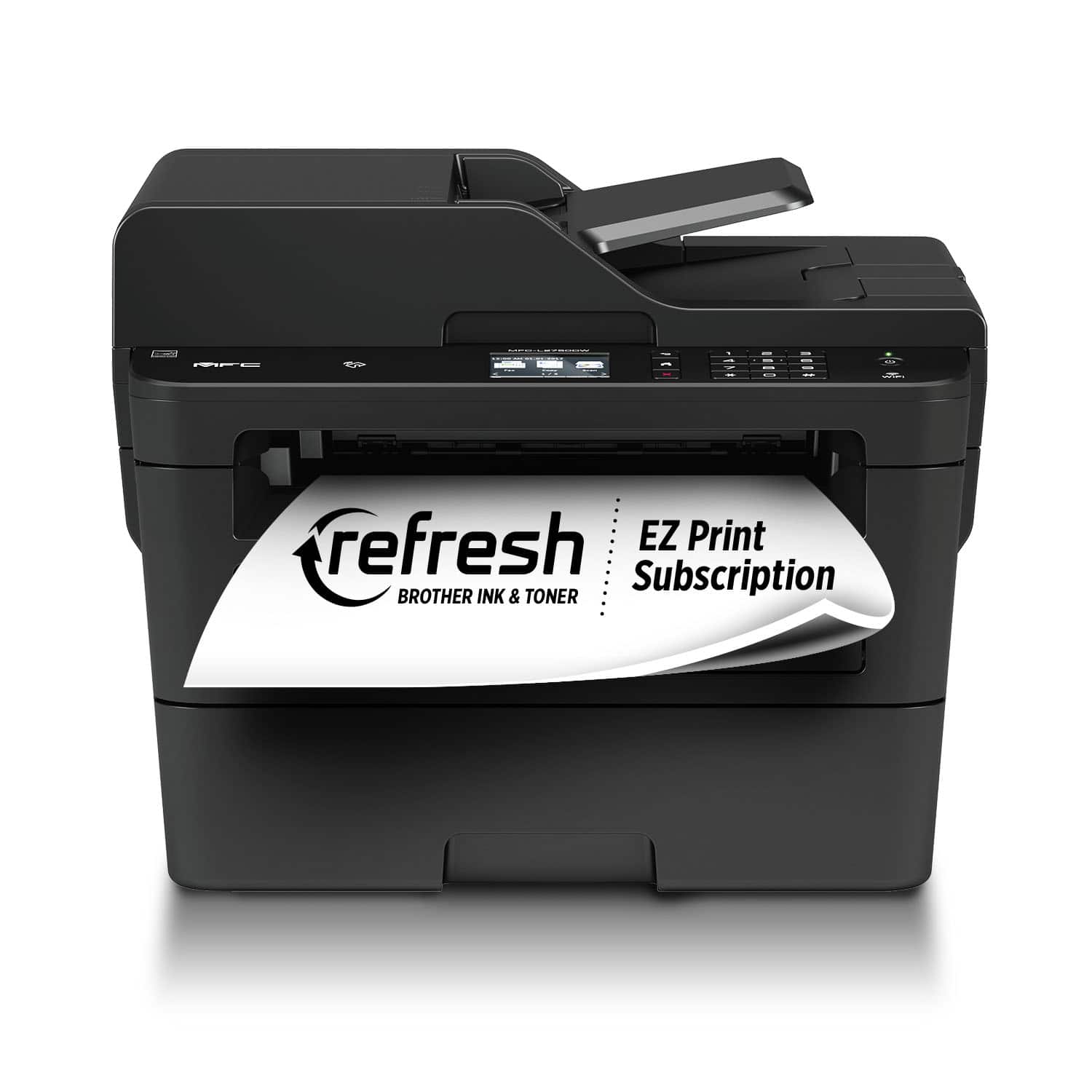
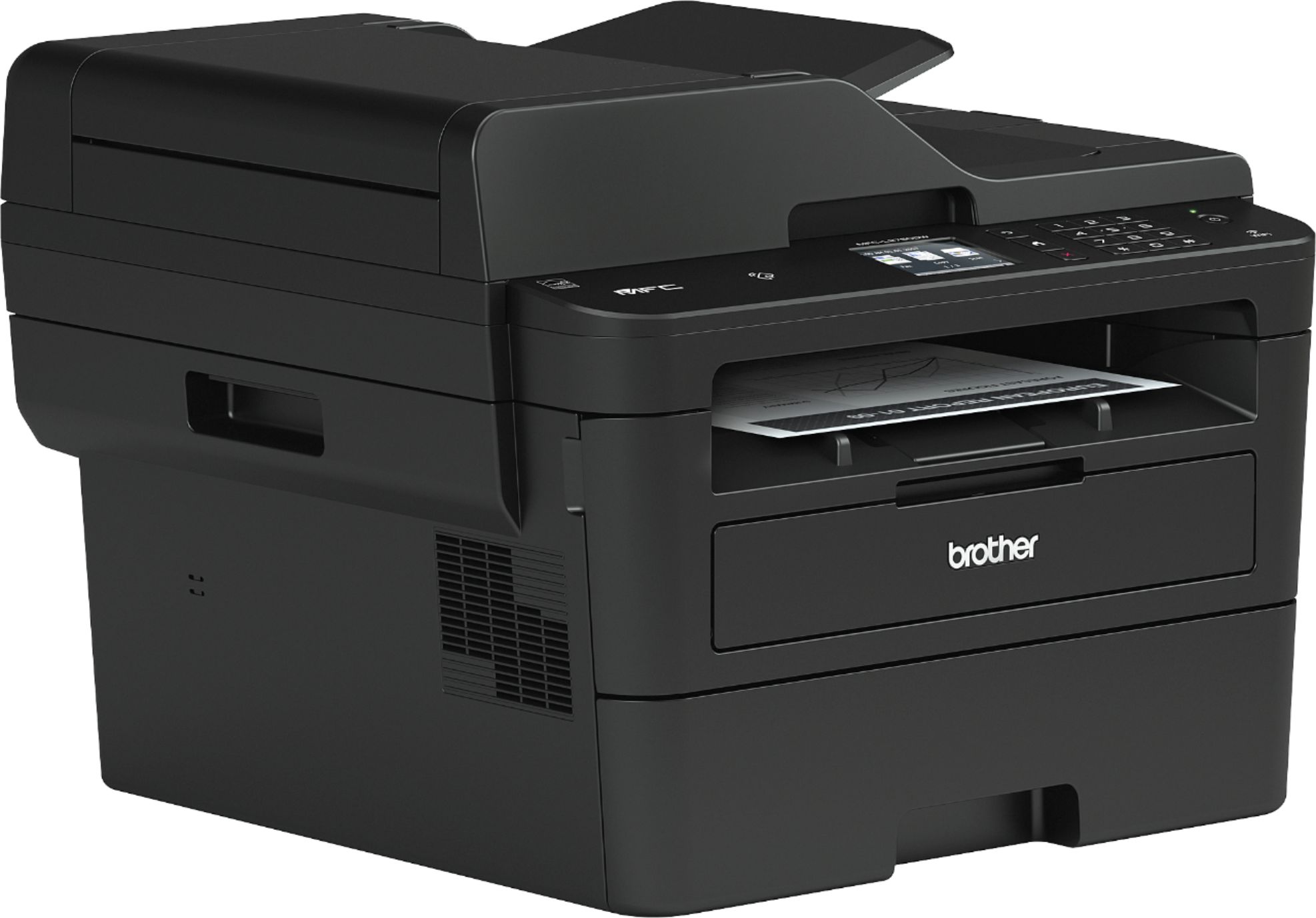
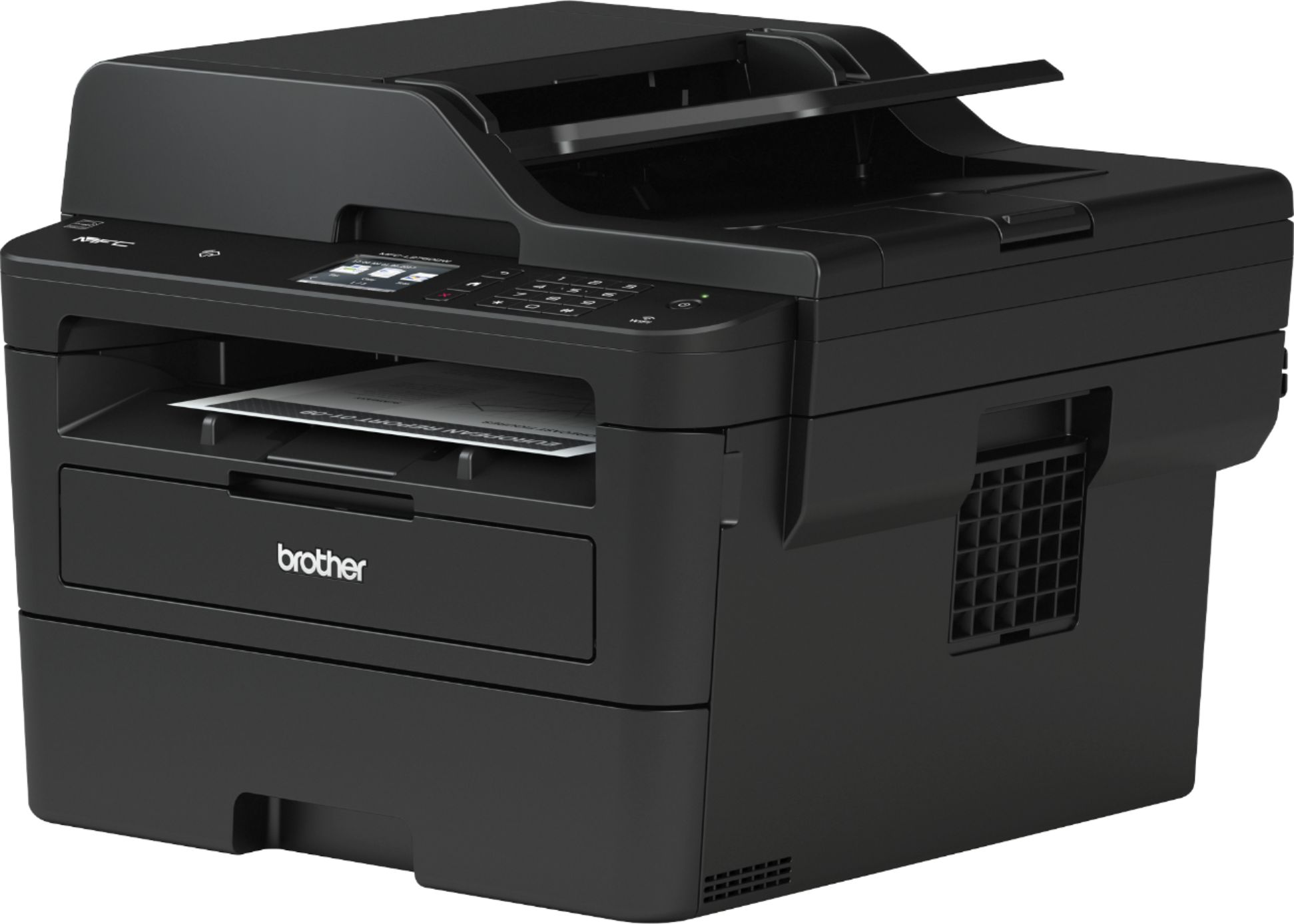
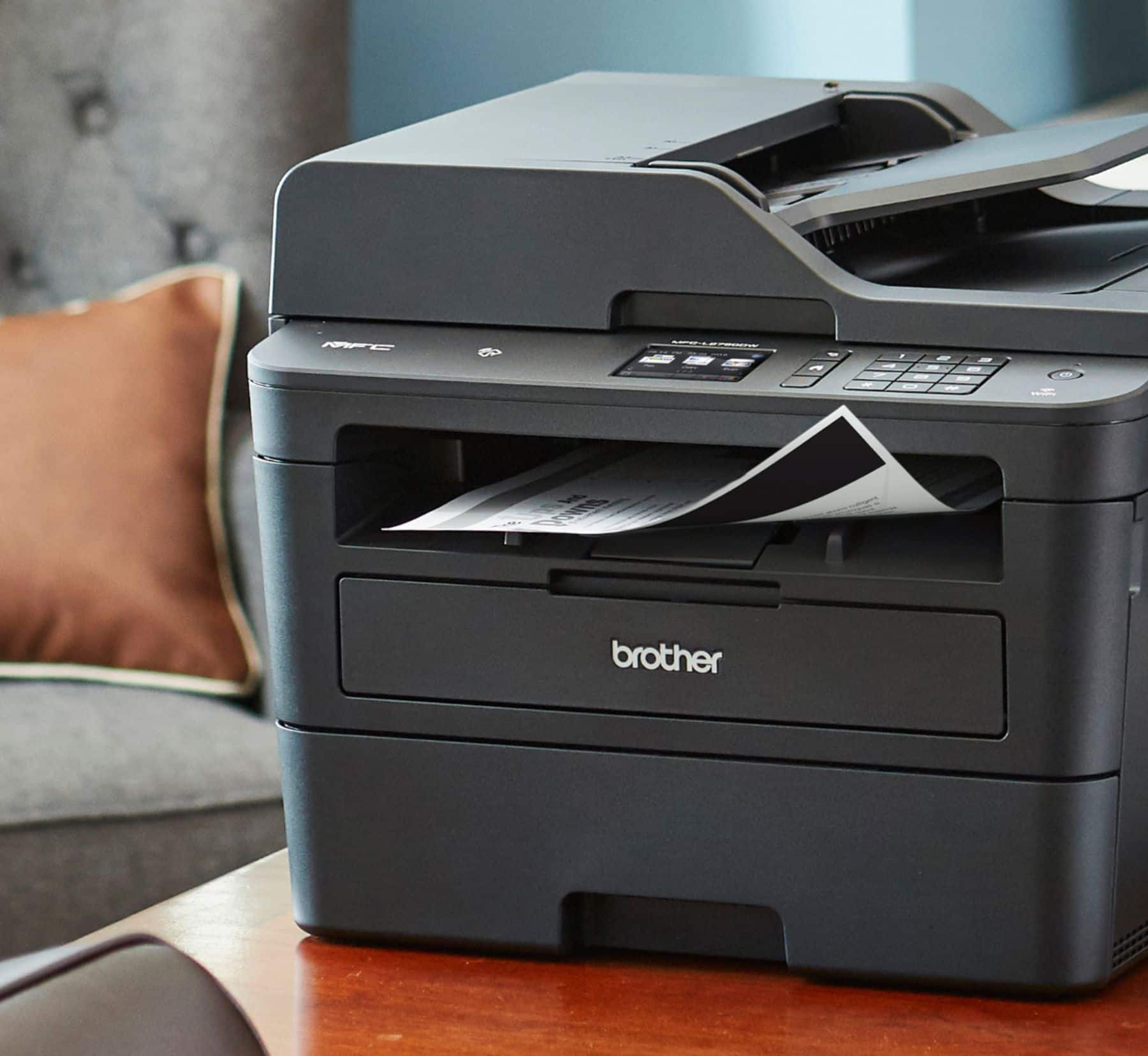
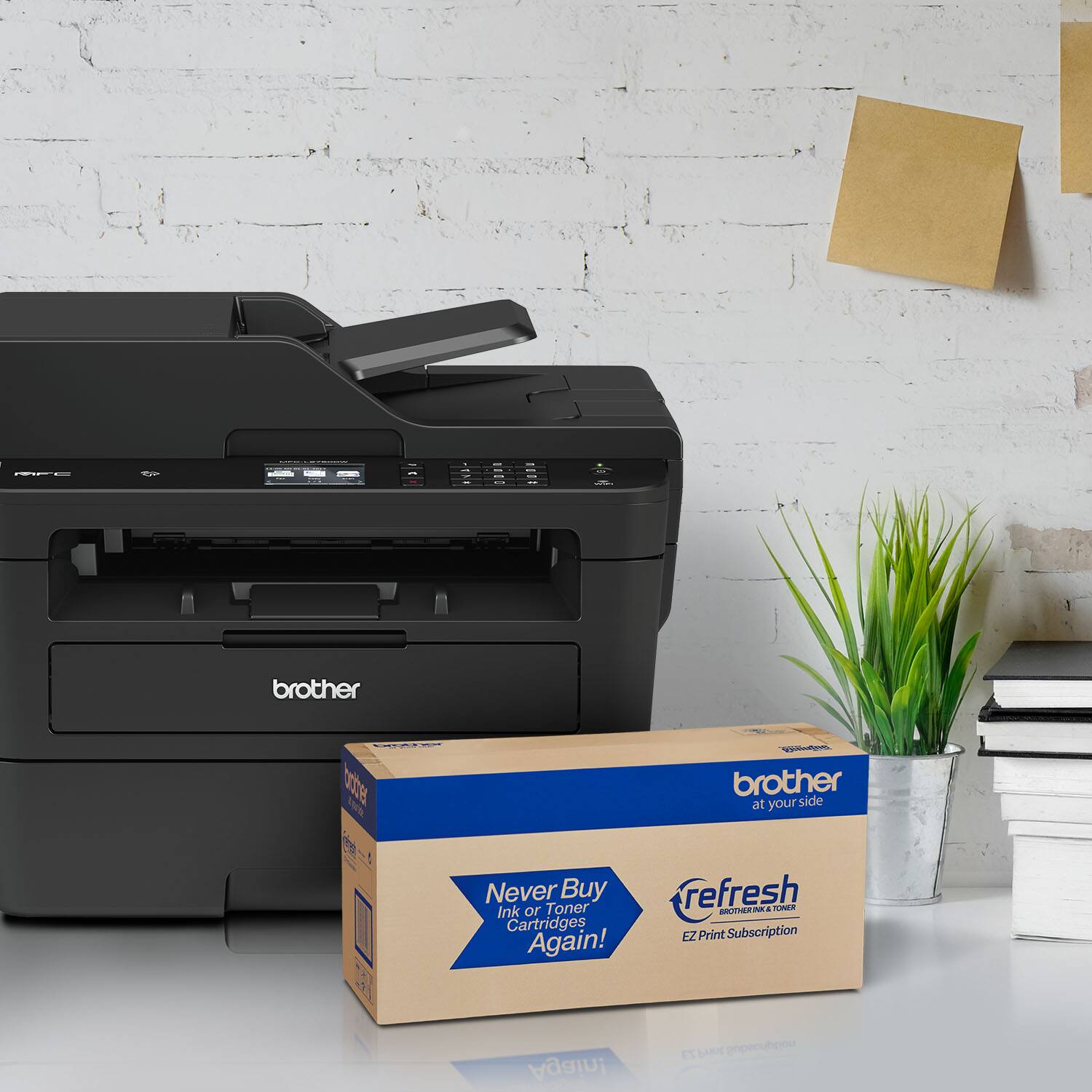

- Model:
- MFC-L2750DW
- SKU:
- 6130101
Rating by feature
- Value
Rating 4.6 out of 5 stars
- Quality
Rating 4.6 out of 5 stars
- Ease of Use
Rating 4.6 out of 5 stars
Customers are saying
Customers enjoy the MFC-L2750DW's excellent print quality, ease of use, and wireless functionality. Many appreciate its straightforward setup and the value for its price. Positive feedback also highlights the printer's reliability and quiet operation. The scanner is also frequently praised for its capabilities.
This summary was generated by AI based on customer reviews.
Nice multi use printer
||Posted .This reviewer received promo considerations or sweepstakes entry for writing a review.I have been using Brother printers for about 2 years but have not used this series. I was concerned because I didn’t want to waist tine and money. I have been pleased with its use and connectivity. My only remaining issue is that it is a little bit louder than the others I have used.
I would recommend this to a friendok, easy set up
||Posted .This reviewer received promo considerations or sweepstakes entry for writing a review.Easy set up, found same unit cheaper at Staples. Too costly at Best Buy
No, I would not recommend this to a friendValue for money
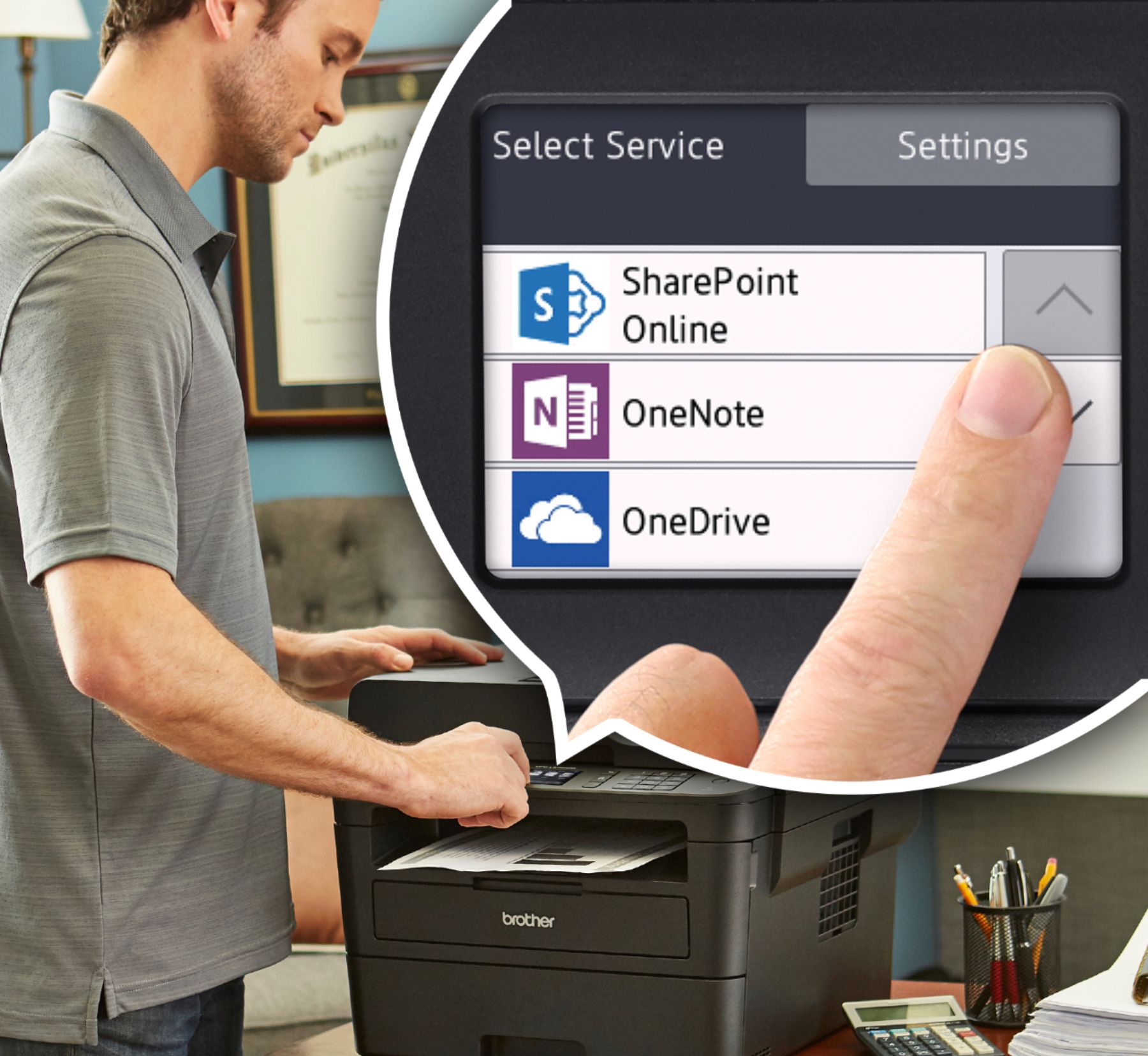
||Posted .This reviewer received promo considerations or sweepstakes entry for writing a review.Was skeptical about purchasing this printer because of all the mixed reviews. But it has been working flawlessly. It has built-in scan-to-mail or scan to google drive/onedrive options that are extremely convenient.
I would recommend this to a friendGreat if you print in black and white only
||Posted .This reviewer received promo considerations or sweepstakes entry for writing a review.I got tired of buying color ink all the time. I mainly print in black and white only so it saves me money. The toner seems costly however you get more copies. Compared to buying colored ink it is really cheaper.
I would recommend this to a friendgood
||Posted . Owned for 1 week when reviewed.This reviewer received promo considerations or sweepstakes entry for writing a review.Brother - MFC-L2750DW Wireless Black-and-White All-In-One Refresh Subscription Eligible Laser Printer - Gray
I would recommend this to a friendBrother Printer
||Posted . Owned for 1 week when reviewed.This reviewer received promo considerations or sweepstakes entry for writing a review.Replaced the same model and got about 5 years out of the 1st
I would recommend this to a friendNot worth the effort.
||Posted .This reviewer received promo considerations or sweepstakes entry for writing a review.From the beginning the scan function did not work. I have wasted hours on Brothers website trying to find a fix. There isn't any. I would never buy a Brother Printer again, If Best Buy doesn't not accept a return, I will never look to Best Buy for again. This apparently is a known problem. Why would Best Buy knowingly sell a multi-function printer when a main function does not work?
No, I would not recommend this to a friendBrand response from Brother
Posted .We are sorry to hear that your experience with the Brother MFC-L2750DW printer has not been favorable so far and we'd like to help. We have many helpful resources which should address this issue, including the following link with step by step instructions: https://help.brother-usa.com/app/answers/detail/a_id/152365
If the problem persists, feel free to contact Brother Customer Service directly at https://www.brother-usa.com/support/mfcl2750dw
Not fully compatible with my Mac version 10.14.6
||Posted .This reviewer received promo considerations or sweepstakes entry for writing a review.Nice machine similar to the MFC-L2740, however the interface with my OS made it more cumbersome to use and didn't offer full functionality. Unable to use the Control Center that is a great interface with the MFC-L2740.
No, I would not recommend this to a friendBrand response from Brother
Posted .Hi, the Brother MFC-L2750DW ControlCenter 2 is not supported by Mac. However, the iPrint&Scan and Apple Image Capture are alternative for scanning.
If you continue to have issues, our Brother Customer Support Team is available to assist you direct:
https://www.brother-usa.com/brother-support
worked great for 1 1/2 yrs
||Posted . Owned for 1.5 years when reviewed.This reviewer received promo considerations or sweepstakes entry for writing a review.like 2 other previous brother all in one printers, it lived a short life. I would consider buying again with the 4 yr geek squad repair because each of these has had light use and lasted less than 4 yrs
No, I would not recommend this to a friendNot pleased with this purchase
||Posted .This reviewer received promo considerations or sweepstakes entry for writing a review.Haven’t been able to set up air-print, after much work and phone calls. The touch screen is ridiculously small and not very responsive. Not pleased with this purchase!
No, I would not recommend this to a friendBrand response from Brother
Posted .We are sorry that you are experiencing connection issues with your Brother MFCL2750DW machine and we understand your disappointment. Our Brother Customer Support Team is on stand-by to provide quality products and service to our customers via online, email or live chat: www.brother-usa.com/brother-support
Terrible
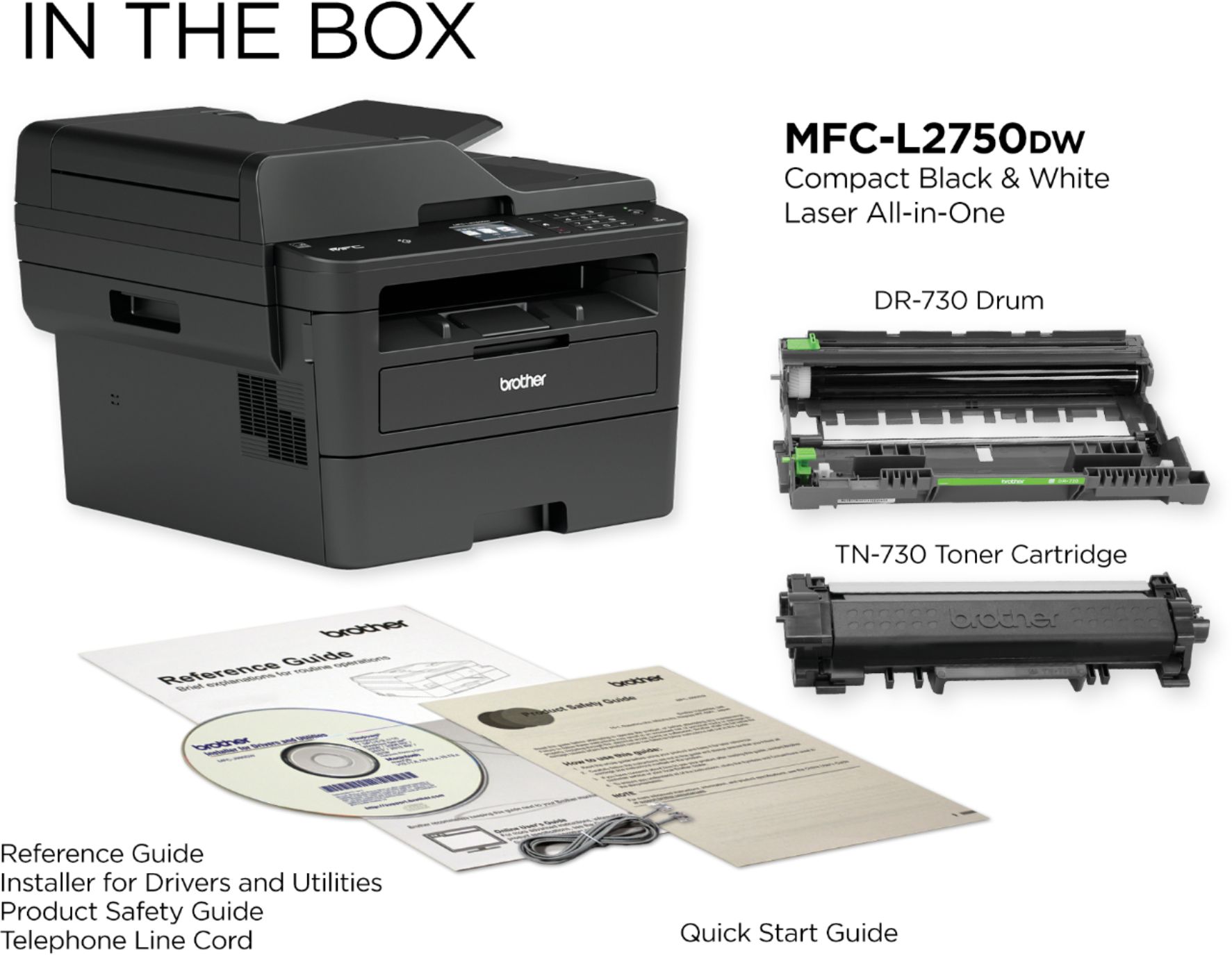
||Posted . Owned for 1 month when reviewed.This reviewer received promo considerations or sweepstakes entry for writing a review.Was recommended to buy this printer and there it sets cause I can't use it. No way to install as you recommended I buy a laptop that I can't put a disc in. All I wanted was a digital printer.I don't have fax and don't need scan
No, I would not recommend this to a friendBrand response from Brother
Posted .I understand you are having issues installing the full drivers for your Brother MFCL2750DW. I apologize for any inconvenience this issue may have caused you. We can help with that. Note you do not need a CD to install the full drivers you can install from our web page. I have included a link to the FAQ answer that should assist you. Please follow all the steps listed in the following link:
Answer Link: https://help.brother-usa.com/AgentWeb/api/contextmanager/v.32404290001/workspaceContext/workspace/processedPrint/Answer/151859
If you still have difficulties please contact Brother Customer Service at:
https://www.brother-usa.com/support
Only worked for a year
||Posted . Owned for 1 year when reviewed.This reviewer received promo considerations or sweepstakes entry for writing a review.Bought this in Nov of 18. Was seldom used. In March of 20, it stopped working. Will not power on. Tried every fix from Brother to no avail. I have two other Brother printers that have been working for a few years now. I will not replace this with a brother... Only a little over a year in service. Out of warranty after a year.
No, I would not recommend this to a friendBrand response from Brother
Posted .Hi, I'm sorry to hear the machine stop working. We will glad to assist you with your machine. Please contact our customer support team via Email or Live Chat:
https://help.brother-usa.com/app/ask/p/9214
Scans Are Crooked
||Posted . Owned for 1 month when reviewed.This reviewer received promo considerations or sweepstakes entry for writing a review.The Brother MFC-L2750DW scans are noticeably crooked. So I exchanged it for the same printer thinking it was a manufacturing defect, but the new printer also scanned crooked. It seems that there might be a serious issue with the scanner/printer software that Brother has yet to fix. As a result, I have decided to exchange it for a different brand.
No, I would not recommend this to a friendBrand response from Brother
Posted .We would like to take this opportunity to thank you for your feedback. We are sorry to hear that you are not satisfied with your Brother MFCL2750DW. At Brother, customer satisfaction is something we take seriously. Your feedback is important to us and will be reviewed to help us improve our future products.
Thank you for being a Brother customer. Please know that we will be here, should you need to contact us in the future. Our Brother customer support team is available to assist you directly at www.brother-usa,com/brother-support.
Cheap. Machine will say it’s out of paper when not
||Posted .This reviewer received promo considerations or sweepstakes entry for writing a review.Machine malfunctions and states no paper when there is plenty of paper in it. It will also click and grind and then will not print or copy. I got what I paid for. Even if I can’t return it I’m Considering trashing this and getting a much better one.
No, I would not recommend this to a friendGood printer works right out of the box
||Posted .This reviewer received promo considerations or sweepstakes entry for writing a review.Printer good. Touchpad kinda small and too close for fat fingers. Typical bloatware for the "Control panel" And why would you need Brother to install a Device Status Monitor choking life out of your desktop?
I would recommend this to a friendfaster and more reliable than inkjet printers
||Posted .This reviewer received promo considerations or sweepstakes entry for writing a review.The Bestbuy sales consultant recommended this printer over an ink jet printer. I am very satisfied so far with this purchase
I would recommend this to a friendInsecure Garbage, no USB Port
||Posted .This reviewer received promo considerations or sweepstakes entry for writing a review.Does not have a USB port. If you want to connect by wire, you need an ethernet cable and an adapter. That would be tolerable if the wireless protocols were useful. They're not. This thing only connects by WEP, the least secure of wireless standards. And if your router is like mine, you will have to give up your (more secure) WPA2 settings *for everyone* to connect via WEP for this demanding little piece of crap. 90% sure will return. Do not buy.
No, I would not recommend this to a friendBrand response from Brother
Posted .Hi, The Brother MFC-L2750DW does not have a USB port. However, you are able to connect the machine to your wireless network. Follow the instructions in the link below to connect your machine.
https://help.brother-usa.com/app/answers/detail/a_id/151707
If you continue to have issues, our Brother Customer Support Team is available to assist you direct:
https://www.brother-usa.com/brother-support
after 1 good day of use
||Posted . Owned for 1 week when reviewed.This reviewer received promo considerations or sweepstakes entry for writing a review.I just purchased it and it was good use. It was helpful until it ran out of paper. I added more paper and it continue to tell me paper jam and there no paper in there. This really slows up my work at home flow. I have to take it back and purchase something else just to be able to work. waste of time.
No, I would not recommend this to a friendBrand response from Brother
Posted .Hi, we understand you are experiencing an issue with no paper and paper jam error messages with your Brother MFC-L2750DW. Be sure the paper is loaded correctly in the paper tray to prevent the error messages. Below are some FAQ's that will be able to assist you.
https://help.brother-usa.com/app/answers/detail/a_id/151827
https://support.brother.com/g/b/faqend.aspx?c=us&lang=en&prod=mfcl2750dw_us_eu_as&faqid=faq00000694_036
If you continue to have issues, our Brother Customer Support Team is available to assist you direct:
https://www.brother-usa.com/brother-support
Brother - MFC-L2750DW Wireless Black-and-White All
||Posted .This reviewer received promo considerations or sweepstakes entry for writing a review.Brother - MFC-L2750DW Wireless Black-and-White All-In-One Printer - Gray.... Love it
I would recommend this to a friendgood multifunctional printer, fax & copier
||Posted .This reviewer received promo considerations or sweepstakes entry for writing a review.I only purchased Brother MFC printers for all my offices and they have served us well.
I would recommend this to a friend