Customer Ratings & Reviews
- Model:
- MFC-L2820DW
- |
- SKU:
- 6569813
Customer reviews
Rating 4.6 out of 5 stars with 250 reviews
(250 customer reviews)Rating by feature
- Value4.6
Rating 4.6 out of 5 stars
- Quality4.7
Rating 4.7 out of 5 stars
- Ease of Use4.6
Rating 4.6 out of 5 stars
Customers are saying
Customers admire the MFC-L2820DW's excellent print quality, overall performance, and ease of use. Many appreciate its straightforward setup and versatile connectivity options, finding it easy to integrate into their home or office. The printer's compact size is also frequently praised. While some users noted the printer could be quieter, the positive feedback on its functionality significantly outweighs this concern.
This summary was generated by AI based on customer reviews.
- Pros mentioned:Connectivity, Print quality, Setup
Rated 5 out of 5 stars
Built like a Tank!
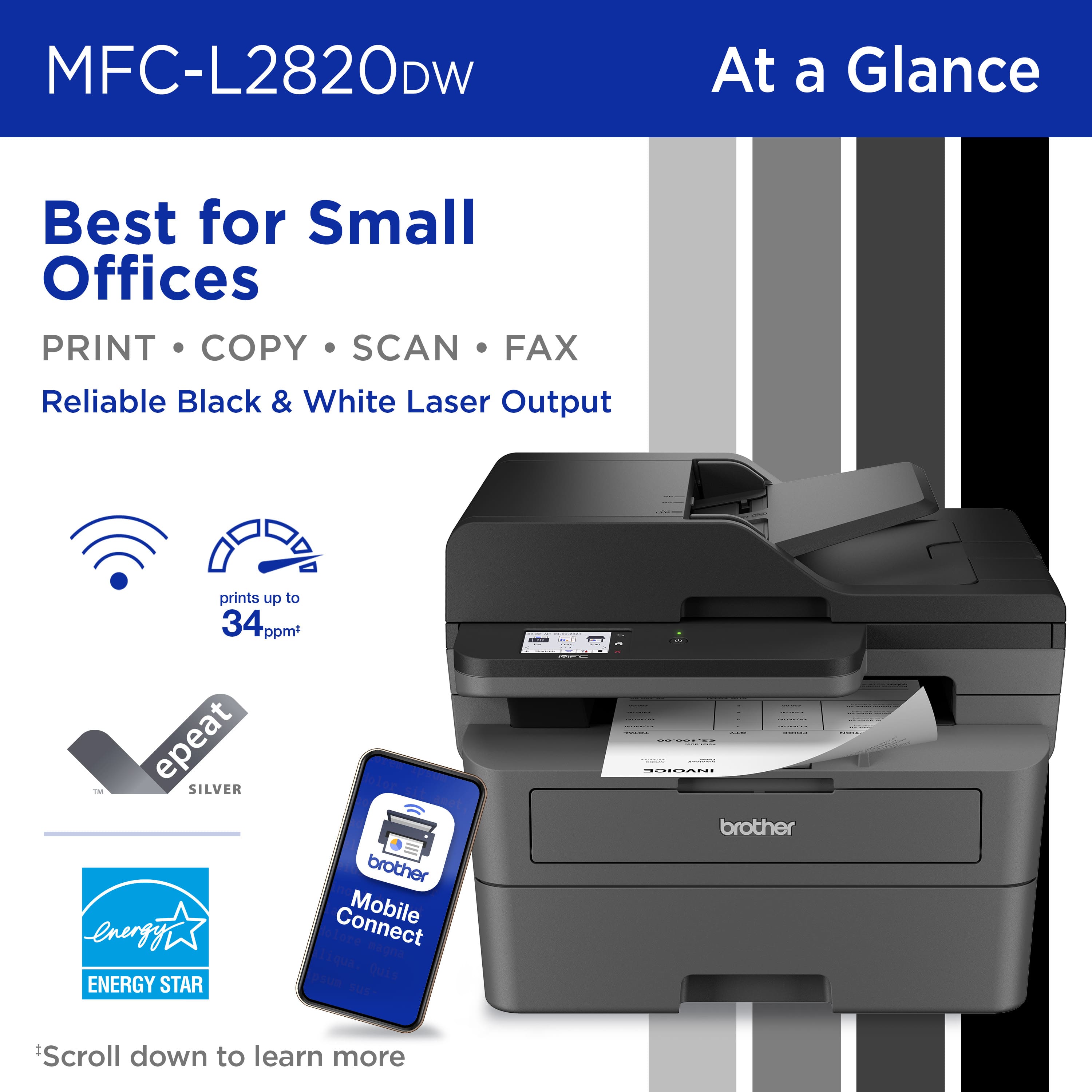
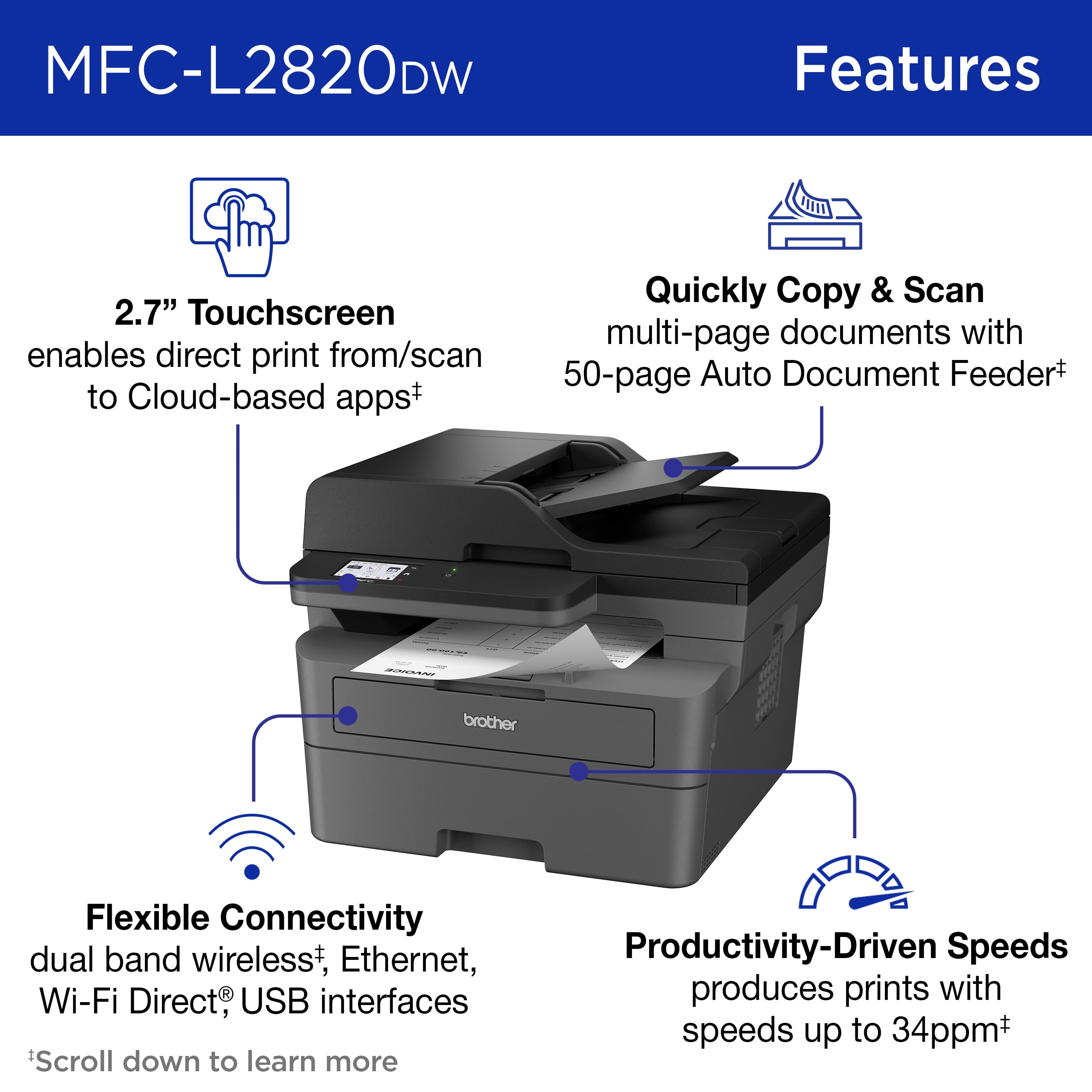
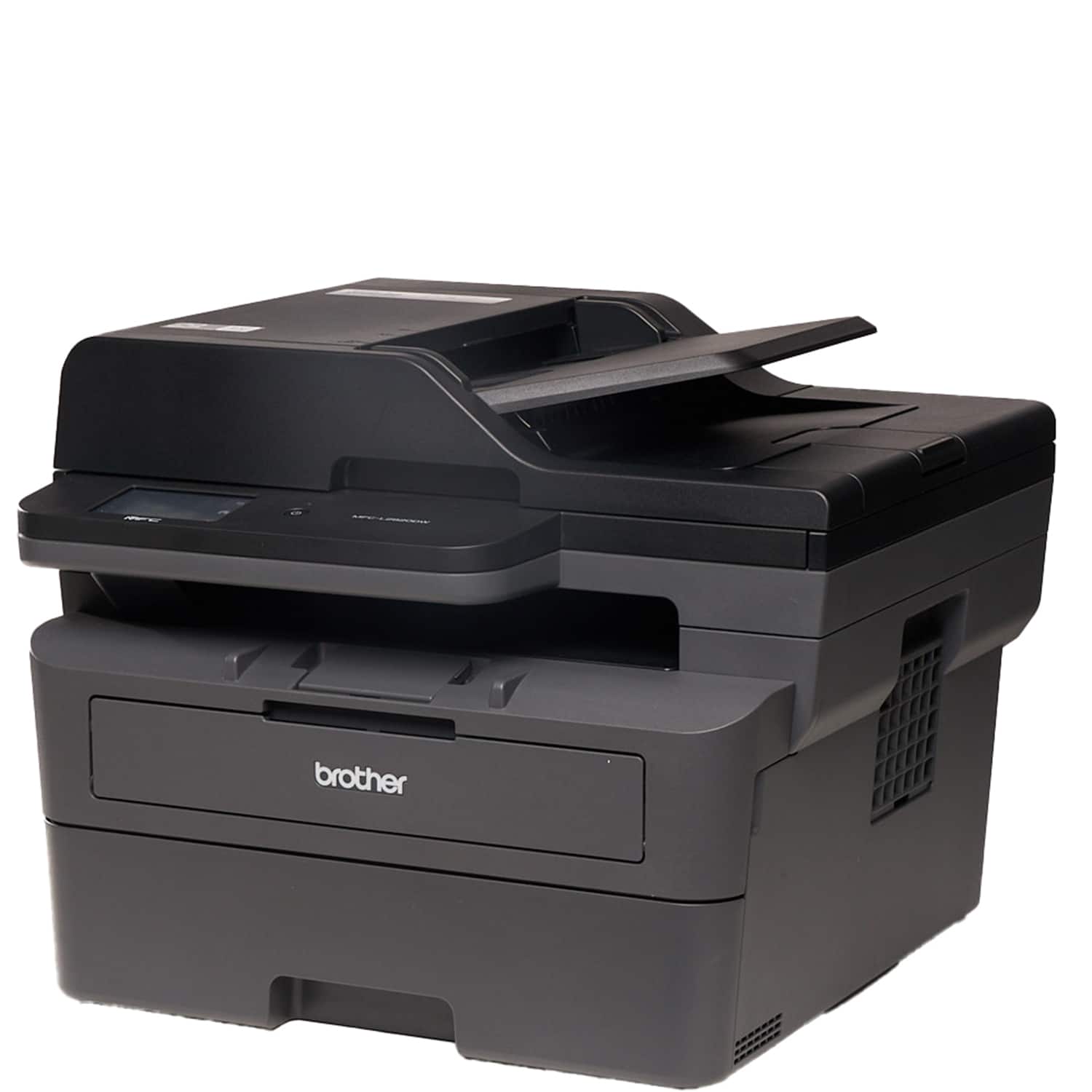
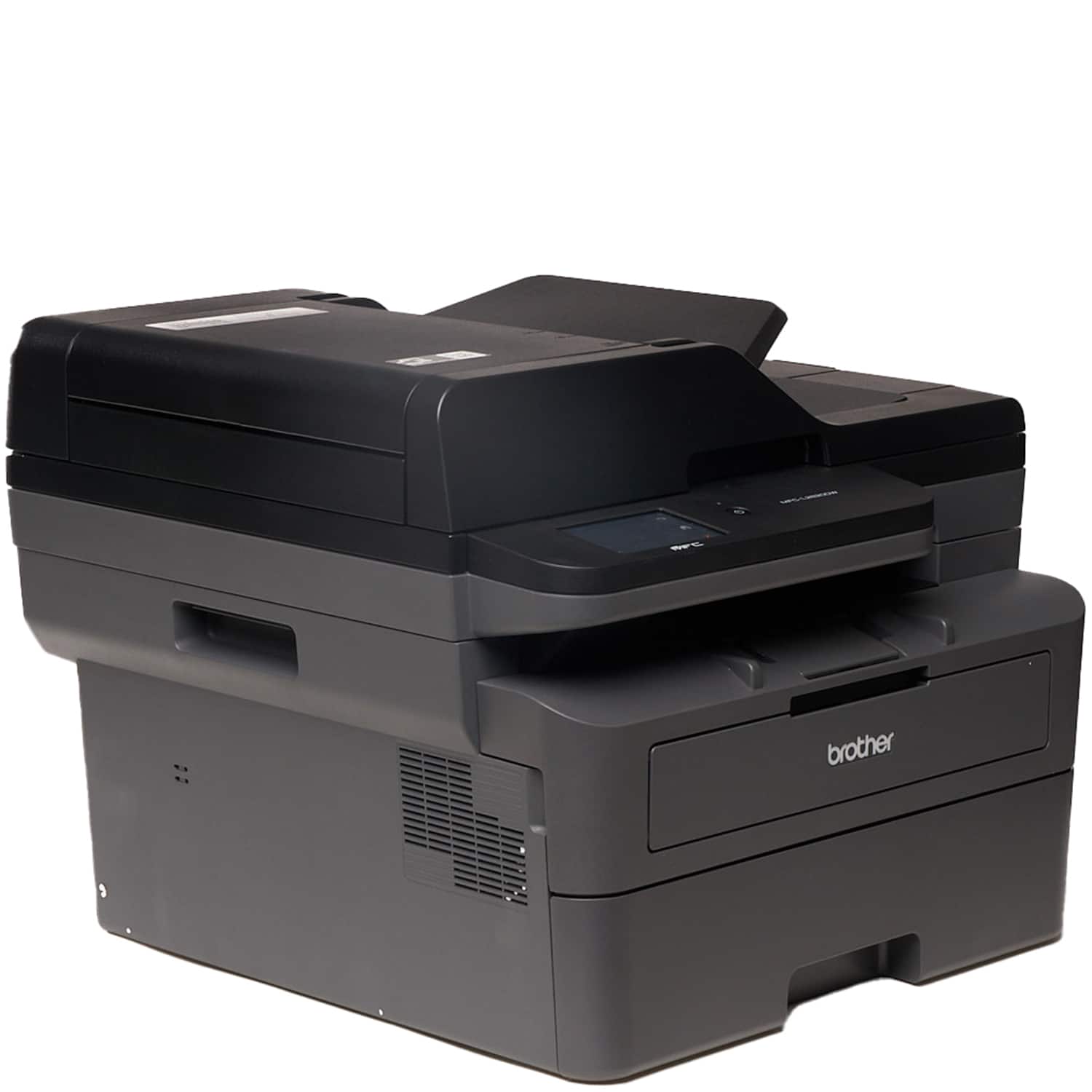
|Posted .This reviewer received promo considerations or sweepstakes entry for writing a review.Brother has always been a reliable brand for printers and this new Brother MFC-L2820DW is a All-in-One Monochrome Laser Printer that will not disappoint you. When I think of a Laser printer, I think speed and this printer does just that, as it literally prints a page full of text and graphics in seconds. I threw a number of different type of documents and the printer "spits" them out like a professional thousand dollar heavy duty printer. This printer is built like a tank with good quality plastics and parts, it is a bit on a heavy side however it is not of course meant to be moved around, you set it next to your desk and forget it. The set up was very easy and went without any hiccups whatsoever: choose your Wi-Fi or Ethernet connection, follow step by step instructions and you are done. The app is also handy as it allows me to print documents right from my Galaxy phone. The 2.7" Color Touchscreen is handy and has all the necessary information for the end user like me. It is easy to read and it will notify you of any changes like if you are low on ink or out of paper. Having printing, scanning, copying, and faxing functions is a must for me, as I do a lot of scanning. The printer provides a 50-sheet Auto Document Feeder and does the job quickly and efficiently. I sent a 34 pages document and it indeed printed the job in about 57 seconds. I was pretty impressed! One advice I would give to a prospective buyer: use good quality paper. Your documents will stand out, be vivid and crisp. I would not blame the printer if you use a poor quality paper. This printer is a must have for any home, any small business, does it job as a professional printer and will last you for a long time. Highly recommend.
I would recommend this to a friend - Pros mentioned:Ease of use, Print quality, Setup
Rated 5 out of 5 stars
Awesome black and white printer for professionals
|Posted .This reviewer received promo considerations or sweepstakes entry for writing a review.Normally I've only dealt with laser printers at work. The ease of use and speed has always been a thing for me. In the time I've used the Brother MFC - L2820 has absolutely lived up to my expectations. Set up was about as easy as any other printer I've had before. Everything is already assembled minus the laser toner cartridge needing to be installed. The brother printer's set up app has a few ads in it for their products, which, was a bit annoying, but it's a one time thing (so far). I noticed that setup with my iphone only showed the app in the Apple App store. Curious as to whether it was available on Android I checked with my Android phone and it showed in the Google Play store. Once it was all set up I tested out the printing and it worked super smooth and fast. I didn't even have to print via the app. When I chose to print something on my phone the printer popped up because it was now on the network. Because the printer can print two sided I noticed it defaulted to double-sided when not printing via the app on my phone, so you have to make sure to uncheck that when you go to print something If you want one sided. Printing via the app it defaulted to one-sided. The quality of the docs I printed was super sharp. I printed a document and a resume and got professional level results. Scanning worked just as easy and provided quality results as well. Overall, the Brother MFC-L2820DW is a great printer. My only knock on it is that it's black and white only, but if you purchase this that's what you're looking for. I look forward to seeing how long the laser toner lasts. I'd highly recommend this to anyone looking for a solid printer for documents.
I would recommend this to a friend Rated 1 out of 5 stars
The worst investment
||Posted . Owned for 1 month when reviewed.This reviewer received promo considerations or sweepstakes entry for writing a review.Bought warranty on it and had to pay for warranty 3 times exchanging it three times since by the second week it gives an error
No, I would not recommend this to a friendBrand response from Brother
Posted .Thanks for taking the time to review your experience with the Brother MFCL2820DW. We appreciate your feedback. I’m sorry to hear that you are having issues with the Brother MFCL2820DW. I sincerely apologize for any inconvenience this issue may have caused you.
Please be advised, the Brother MFCL2820DW has a 1 year manufacture warranty. We will gladly stand behind the terms of our warranty. During the warranty period, we will repair or replace the machine for manufacturing defects. In order to confirm issue is covered by terms of warranty, troubleshooting will need to be performed.
We would love to hear from you with more details to be able to better assist you. Our Brother Customer Support Team is available to assist you direct: www.brother-usa.com/brother-support/MFCL2820DW
- Pros mentioned:Print quality, SetupCons mentioned:Noise level
Rated 4 out of 5 stars
Solid performance at an adorable price point!
|Posted .This reviewer received promo considerations or sweepstakes entry for writing a review.The Brother MFC-L2820DW is a versatile all-in-one monochrome laser printer that caters to the needs of home offices and small businesses. Its compact design and multifunctionality make it a convenient choice for users looking to streamline their workspace.One standout feature is the printer's fast printing speed, capable of delivering up to 27 pages per minute. This makes it efficient for handling various printing tasks, from important documents to lengthy reports. The automatic duplex printing is another plus, saving both paper and the environment. The wireless connectivity options provide flexibility, allowing users to print directly from their smartphones or tablets. The setup process is relatively straightforward, making it accessible for users with varying technical expertise. The inclusion of Wi-Fi Direct is a notable convenience for quick and hassle-free printing. However, the MFC-L2820DW does have its shortcomings. The absence of color printing may limit its appeal for users who require vibrant and detailed color output. Additionally, the absence of a touchscreen display might be seen as a drawback in comparison to some competitors in the market. One noticeable concern is the occasional paper jam issue that I experienced. While it doesn't seem to be a widespread problem, it's worth mentioning as it can be frustrating when it occurs. The paper handling capacity is decent but may not be sufficient for larger print jobs, requiring more frequent refilling. In terms of noise levels, the MFC-L2820DW operates relatively quietly, but it could be quieter during printing. This might be a consideration for users in shared or quiet office spaces. In summary, the Brother MFC-L2820DW is a reliable monochrome laser printer that excels in speed, wireless connectivity, and duplex printing. Its compact design makes it suitable for smaller spaces. However, the lack of color printing, absence of a touchscreen display, occasional paper jam issues, and moderate noise levels are factors to weigh. Considering these aspects, I would rate the Brother MFC-L2820DW a solid 4 out of 5 stars. It's a strong performer with some minor drawbacks that may or may not impact the user's specific needs.
I would recommend this to a friend - Pros mentioned:Connectivity, Print quality, Setup
Rated 5 out of 5 stars
Very Nice Laser Printer
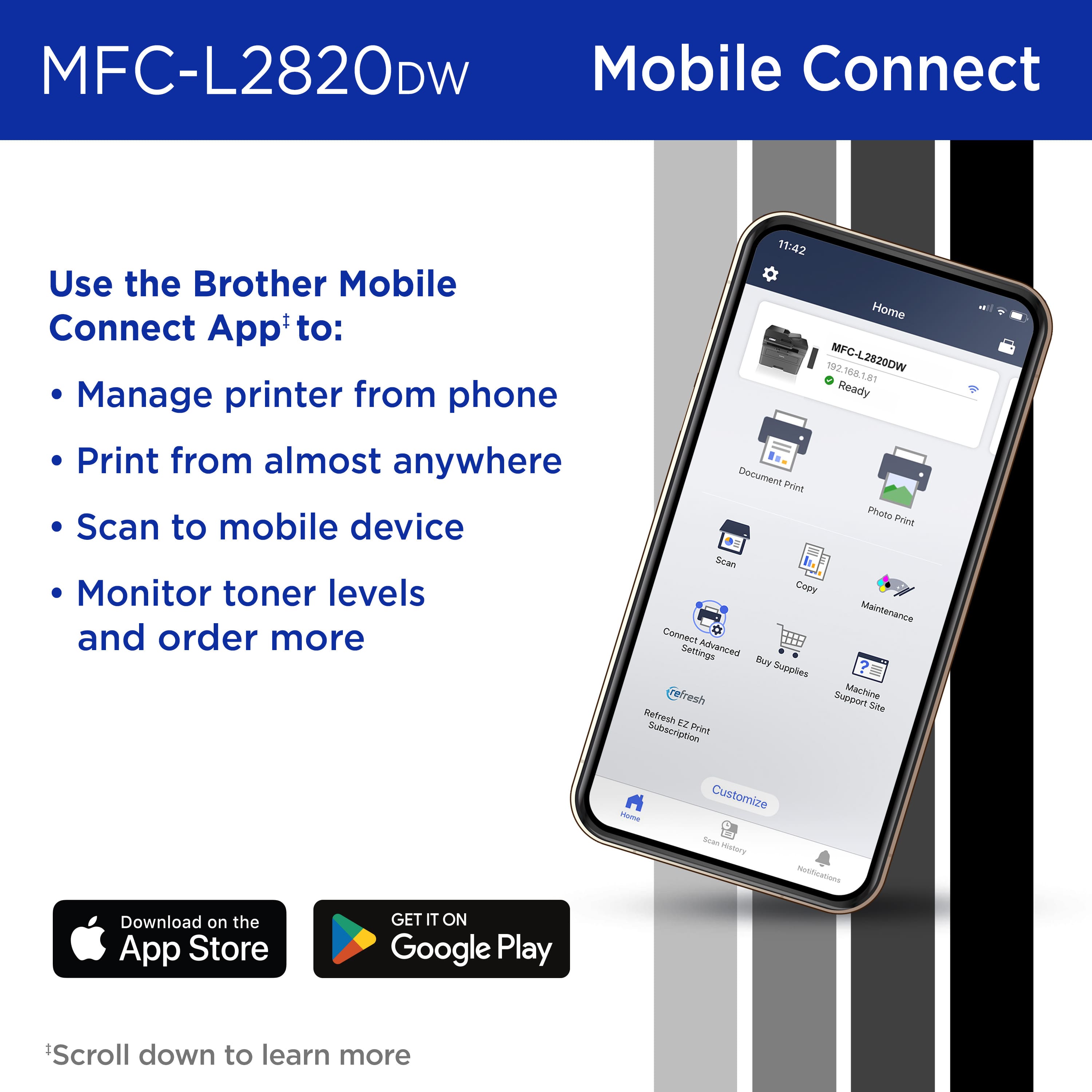
|Posted .This reviewer received promo considerations or sweepstakes entry for writing a review.This review is on a Brother - MFC-L2820DW Wireless Black-and-White All-In-One Laser Printer. My needs were simple so I got exactly what I was looking for. All I need is the ability to scan and print documents. This is not for a business situation but just a personal one so I don't need to print lots of letters fast. This printer does everything I need it to do, well. The product was packaged very securely. Toner was sealed in a bag and was easy to put into the printer. Setup was also easy. Once turned on you scan a code on your phone that sends you to an app to download. The app helps you sign onto the printers' Wi-Fi. Once connected, you can input a hidden network or connect to the one that you see in the list. It connected fast and the rest of the setup for the printer didn't take long. Then you can go to their website and download the software for your PC. It was easy to install and all you have to do is give it the Model name of the printer and quickly finds the printer. Software that is installed is a Utility, iPrint&Scan, and a link to their Creative website. When loading a document to scan in the tray at top, it will make a sound to let you know you have placed it correctly. After scanning the document there are many options. You can save it in 8 different formats. PDF is my favorite. It can also be saved to a Cloud Service, Email, SharePoint or it can be opened within your set application. You can also integrate with Dropbox, Google Drive or OneDrive. Pages can be printed on both sides and quality looks great from scans and prints.
I would recommend this to a friend - Pros mentioned:Connectivity, Ease of use, Print quality
Rated 5 out of 5 stars
Great multifunction laser printer
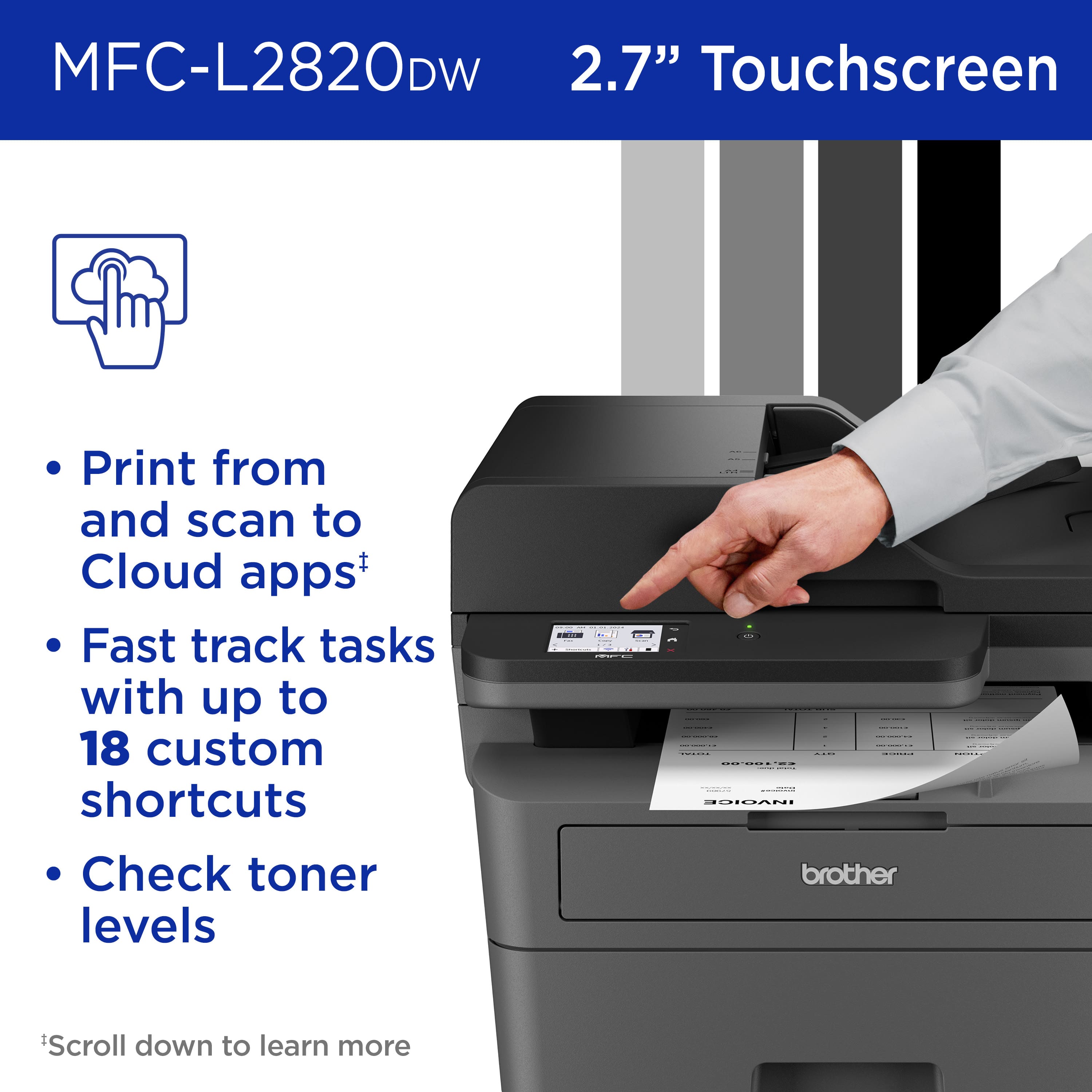
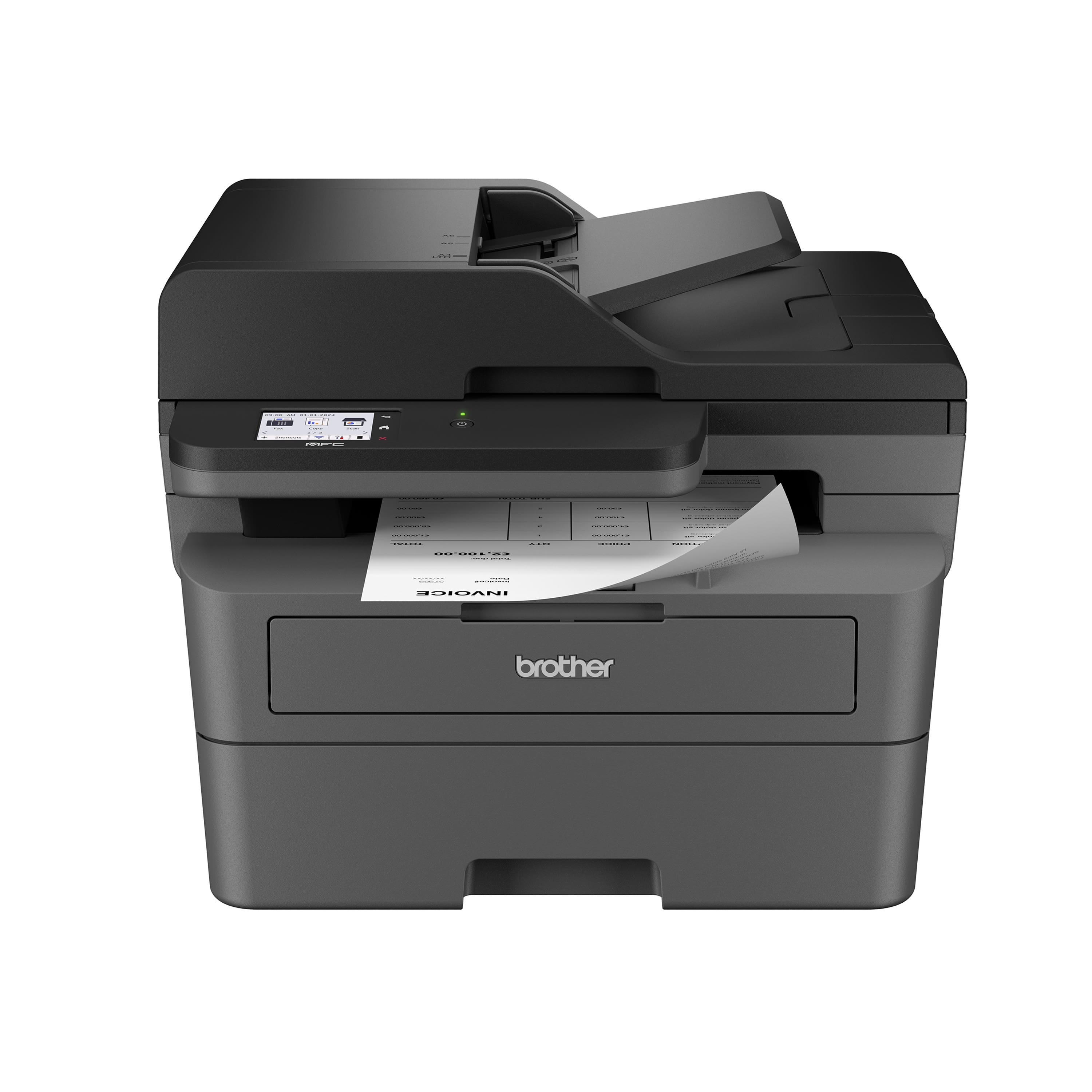
|Posted .This reviewer received promo considerations or sweepstakes entry for writing a review.Now this is a great printer. Brother never lets me down. I have been a fan of their products for years. They consistently create printers that just work. I have given a few of them away after I have upgraded to a new model for a while now. The Brother - MFC-L2820DW is another great monochrome laser printer that will save you frustration and time over a ink jet printer. Lines are smooth, text is crisp and the images are clear. Setting up this printer out the box is fairly straight forward. Follow the instructions and you will have no issues (unless Murphy is hanging out at your house the day you decide to install the printer). The touchscreen is clear and easy to read. Connectivity has all the options you would need. Ethernet, WIFI and USB 2.0 (who needs USB 3.0 for a printer?) Print/copy/scan/fax never changes. From the brief time I have spent with it no surprises so far. Which I expect from a Brother product. The ability to print documents from my cellphone is another excellent piece of the pie that Brother and pretty much everyone else uses. Haven't used it long enough to know how long the toner lasts but I know it will outlast a inkjet. I would definitely recommend buying this if you print a lot in black and white and or have a small office or side hustle where you want clean professional documents going out.
I would recommend this to a friend Rated 1 out of 5 stars
Ok
||Posted . Owned for 2 weeks when reviewed.This reviewer received promo considerations or sweepstakes entry for writing a review.Printer seems to work properly and am somewhat pleased. Best buy membership and credit card are not worth it. All empty promises and lies!
I would recommend this to a friend- Pros mentioned:Connectivity, Print quality, Setup
Rated 5 out of 5 stars
Quick printing
|Posted .This reviewer received promo considerations or sweepstakes entry for writing a review.The Brother - MFC-L2820DW Wireless Black-and-White All-In-One Laser Printer is a great printer for my needs. Setup was easy and took me a normal time to get it all setup and working properly. This is a bulkier printer so you will need a good space to set this up. Once i got this all set up i used the mobile app so that i could try printing from my phone. Connectivity was on point and i was able to connect my ohone making it easier to print documents that i needed for my kids and my small buisness. The app guides you through connecting making it convenient. I love that i can print, copy, and scan from this printer. It prints fast and in seconds making it convenient for when i am on a time crunch. I can peint one sheet or multiple sheets in a timely manner. Scanning documents is quick and easy as well. I can scan all the kids work and save it with ease. Overall i love this printer for its ease of connectivity, quality of printing, and scanning. I wish it wasnt as bulky but its a great printer for your needs.
I would recommend this to a friend - Pros mentioned:Print quality, Setup
Rated 5 out of 5 stars
Easy setup and all the need functions
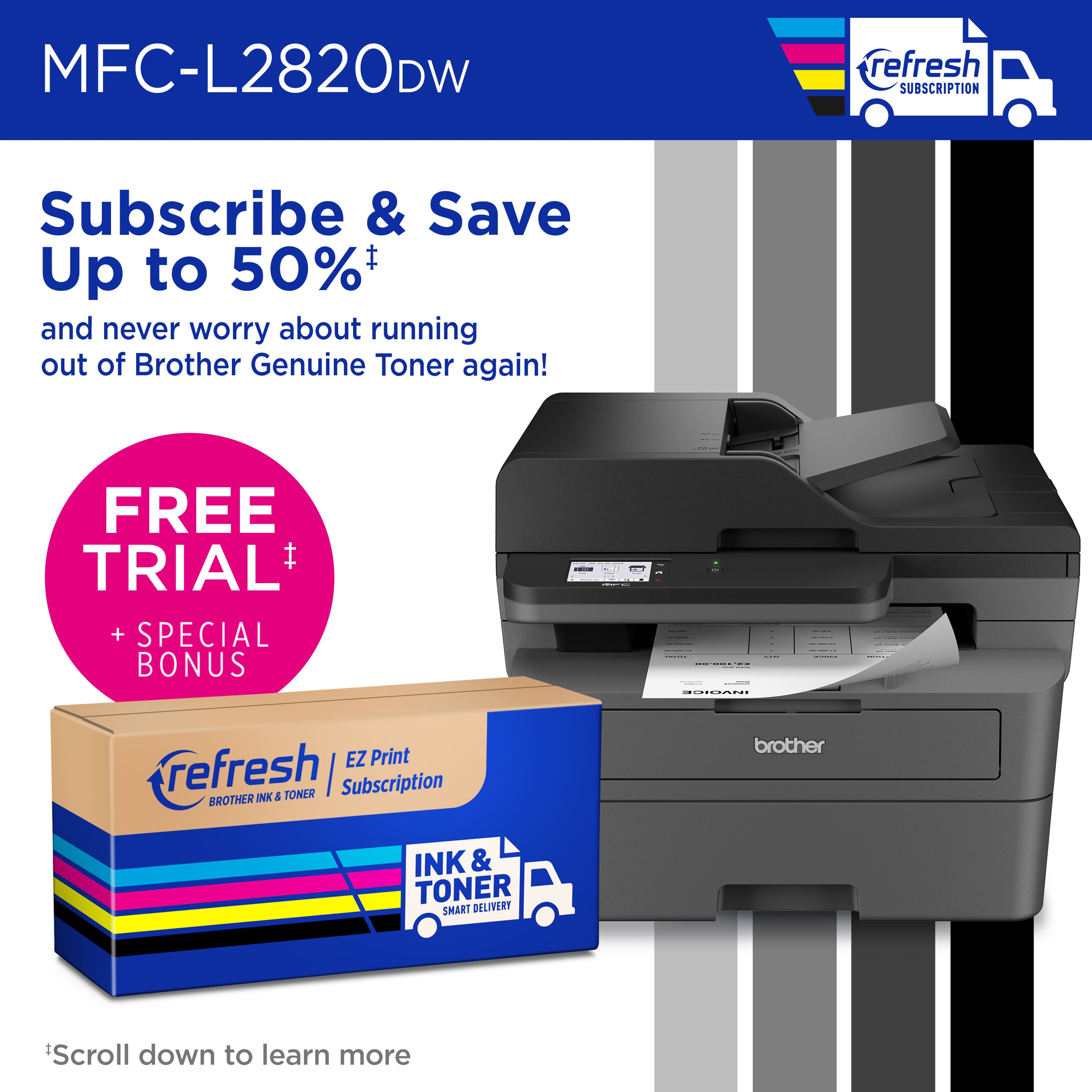
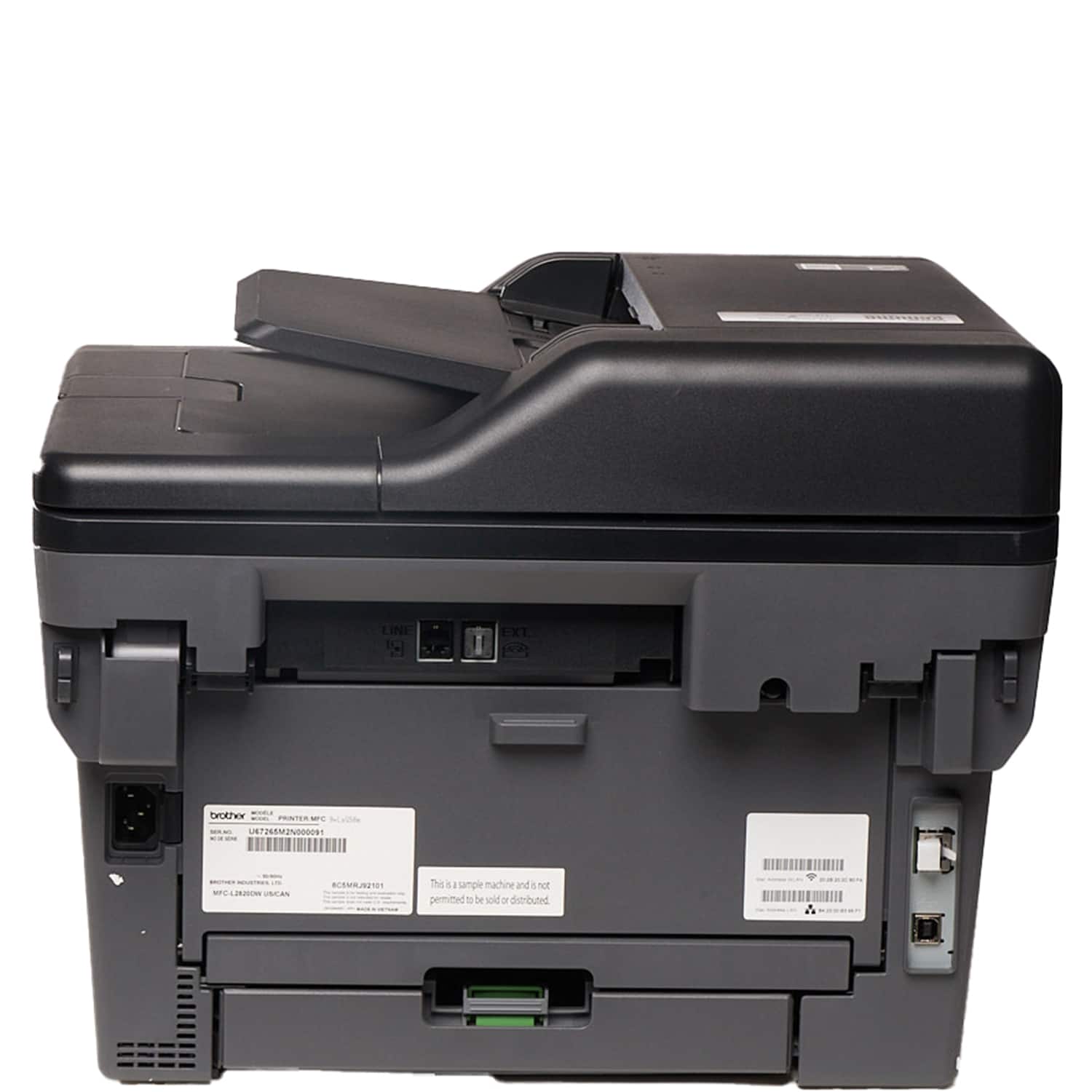
|Posted .This reviewer received promo considerations or sweepstakes entry for writing a review.This printer comes packaged well and is to get setup quickly out of the box. The instructions are easy to understand, and the printer can either be setup through the mobile application or by downloading the PC software. The print cartridge comes already installed in the drum and all you have to do is open the packaging, remove the plastic clip and slide into the cartridge slot. It is actually much easier than having to fill individual liquid tanks or installing multiple cartridges individually. There was no calibration needed and it was ready to print right away. I easily connected to my WiFi network from the touchscreen information panel directly on the printer. The PC software and drivers are easy to download and recognized my connected printer right away. The initial firmware update only took a few minutes and the software checks for updates on a daily basis. You also can print directly from your phone by using the mobile app. Printed pages are quick, and the quality is very good. Cartridge replacements run between $50 to around $100 pages but you are expected to get between 1500 to over 2000 pages per cartridge. This makes very economically over other options that will only get you about a fourth of this use. You also have the option to subscribe to a cartridge service that only starts at .89 per month. This will give you 25 pages per month and $1.00 for each additional page. $3.99 will give 100 pages per month and the subscriptions go up if you need more. Unused pages carry over and do not expire so you this will make it even more economical over time. You will receive replacement cartridges on a monitored basis without have to budget for a larger purchase. The footprint is compact and can be placed almost anywhere. It is a little heavy and seems to be very well made.
I would recommend this to a friend - Pros mentioned:Print quality, Setup
Rated 5 out of 5 stars
Great BW all in one printer, scanner, copier!
|Posted .This reviewer received promo considerations or sweepstakes entry for writing a review.This is a great printer for a small office or home office that offers many all in one features you need for work, school and small home projects. Setup is really easy, simply plug it in after following the instructions to remove all of the packing materials and then install the toner. Once that's done, it's just a matter of configuring your phone, tablet or computer to use the printer and scanner. This printer is also compatible with a toner service where you can have peace of mind that you'll never run out of toner and best of all it saves from buying cartridges and risking getting an inferior non-branded cartridge which in my experience is a roll of the dice. As for print quality, this printer is amazing, it prints extremely fast and has a large paper tray that ensures there's enough paper for large printouts. The large color touchscreen display makes it easy to use the multifunction features where you can scan, and make copies. Even though this printer prints in black and white it does scan in color and the document feeder takes the work out of scanning/copying multi-page documents. This machine is perfect for running a small office or just to have at home in a small home office setup for the occasional prints and scans though it can handle a good amount of volume when you need it to. It's quick to wake up and doesn't make much noise too, very impressed. I'd definitely recommend this printer as it's so far been solid for me and I've printed several multipage documents and use the copy function to make duplicate copies all without any issue.
I would recommend this to a friend - Pros mentioned:Print quality
Rated 5 out of 5 stars
A welcome addition for any small office
|Posted .This reviewer received promo considerations or sweepstakes entry for writing a review.Another great printer from Brother. If you want the blackest blacks and sharpest text with the highest DPI then laser jet is the only way to go these days. This printer is very fast even when compared to last year's model, Brother keeps taking strides in product improvements. The copying and scanning function are great to have and produce more than adequate results. I use Windows Scanner instead of the bulky manufacturer software though. Unfortunately, the GUI interface from the setup to web configuration interface is still very 1990's but then again so are most printers. Not sure why. I guess the opinion is "if it works, don't change it - ever". There is an app for your phone and the app works well but, in my opinion, that GUI could use a refresh as well. That's really all there is to complain about and the GUI in no way henders the performance of this awesome printer. I really like how relatively small yet powerful these printers are getting. The setup was pretty straightforward and I was up and printing in about 15-20 minutes from unboxing. The build quality is as good as any printer in this class. Wobbly plastics are just par for the course. If you are relatively careful when moving the printer, you should never actually be able to break off anything. The trays are collapsible and that will protect them well enough in the event of relocating. Overall, a great little office laser jet printer.
I would recommend this to a friend - Pros mentioned:Print quality
Rated 5 out of 5 stars
Nothing will beat the classics
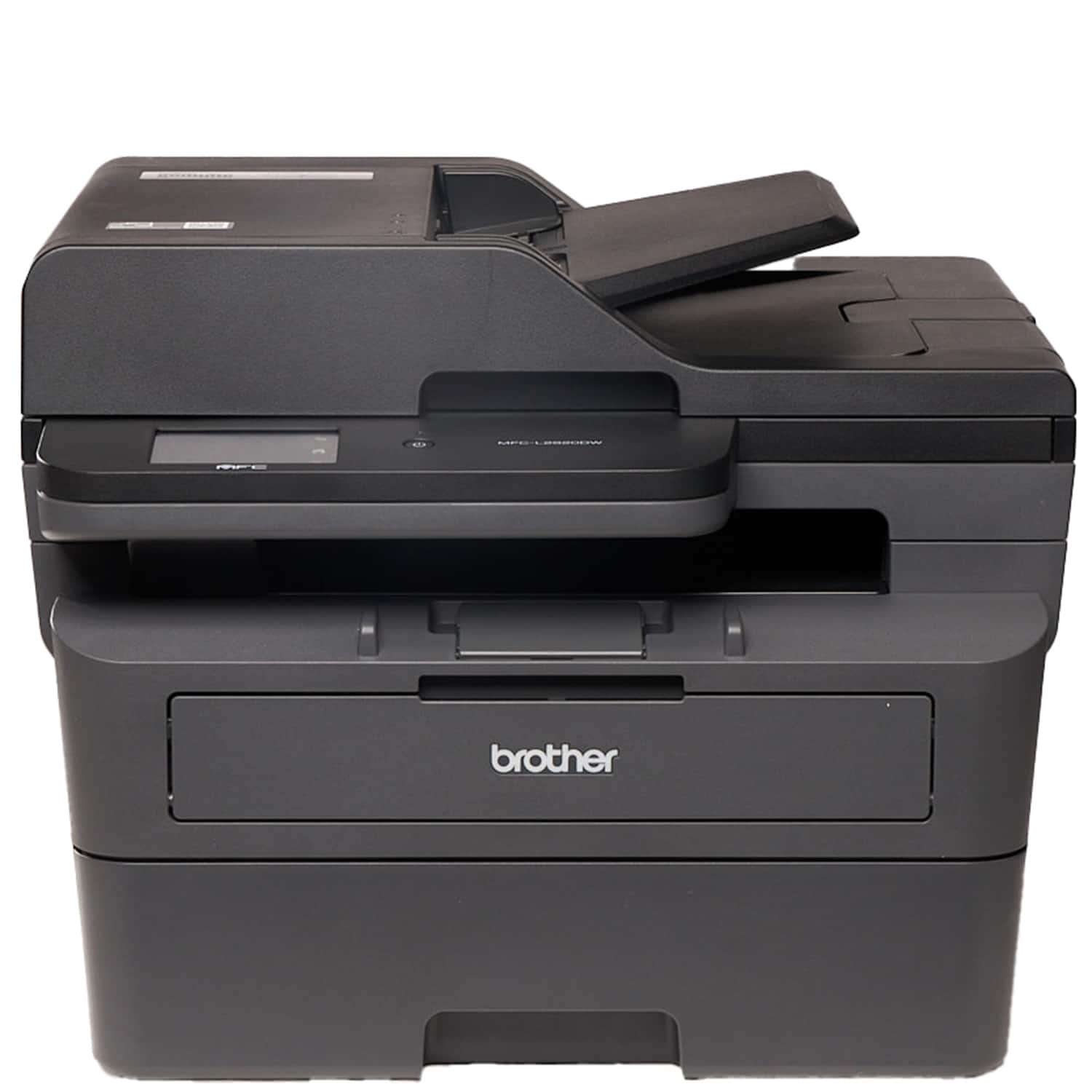
|Posted .This reviewer received promo considerations or sweepstakes entry for writing a review.Today printing remains essential for countless individuals and businesses. This black-and-white laser printers offer crisp text and sharp lines, making them ideal for documents, reports, and everyday printing needs. It is a compact yet powerful entry in this category, promising efficient performance and versatile functionality. It has a sleek and minimalist design. Its compact footprint, makes it perfect for small offices or home workspace like mine. The printer feels solidly built, with a sturdy plastic casing that feels the part. The control panel is straightforward in my opinion, featuring a 2.7-inch touchscreen for navigating menus and configuring settings. Paper loading is equally simple, with a 250-sheet paper tray and a 50-sheet automatic document feeder, its a great home and everyday printer. Print quality is excellent, with sharp text and crisp lines. Whether printing business documents, reports, or PDFs, the text remains clear and legible even at small font sizes. However, for graphics and images, the lack of color may be a limitation for users who occasionally need basic image printing. All in all I'm happy with this. Brother is a fixture in my house since I was a kid. This printer holds up that honor very high. Be sure to get one soon.
I would recommend this to a friend - Pros mentioned:Print quality
Rated 5 out of 5 stars
Another great printer by Brother.
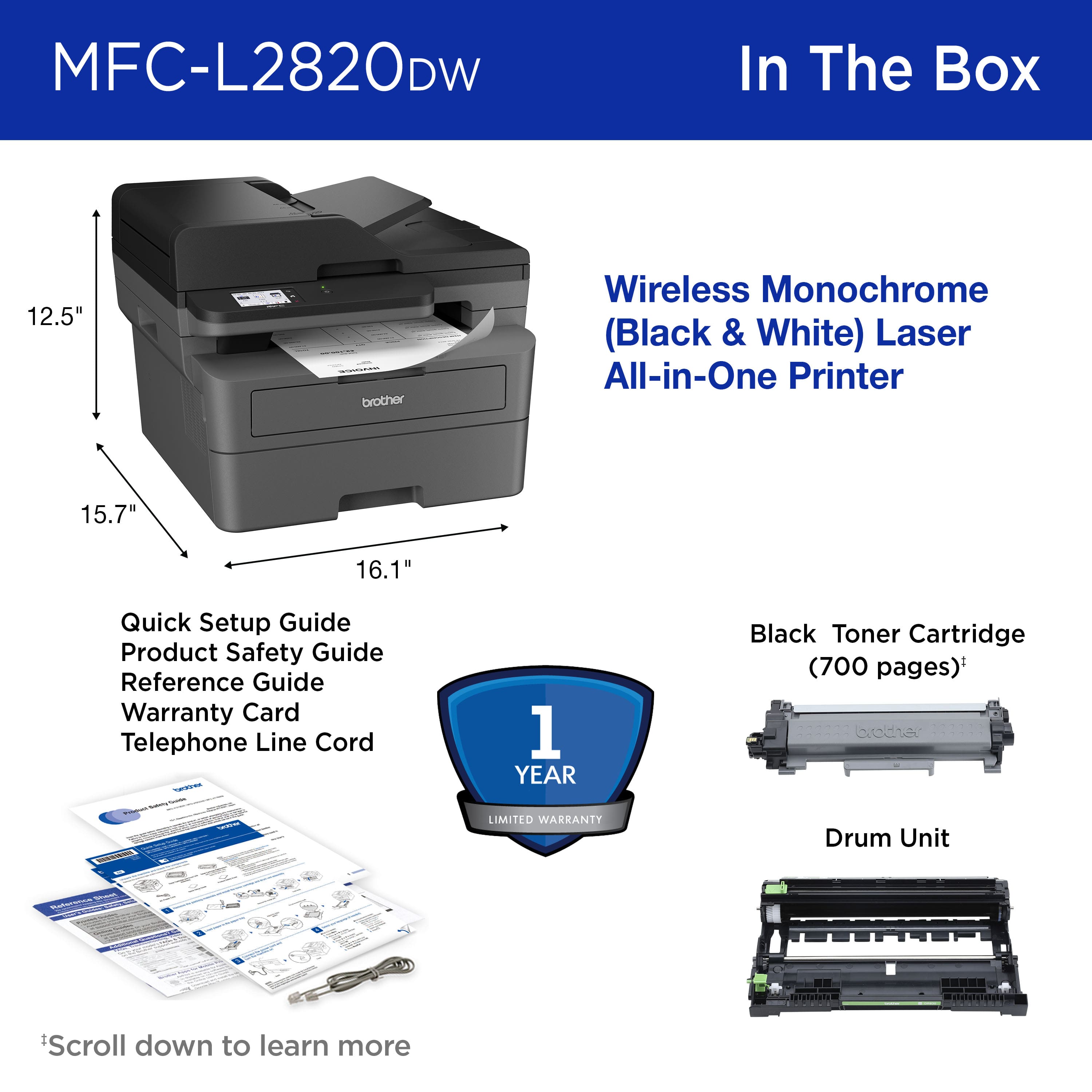
|Posted .This reviewer received promo considerations or sweepstakes entry for writing a review.I have used a lot of Brother printers over the years, both for work and at home, so I had a pretty good idea of what I was expecting when I ordered this printer. Unboxing - The procedure for unboxing the printer is very good, the top foam piece is two part, allowing it to be removed completely before taking the printer out. They put the printer in a large enough bag to grasp the top and pull it out instead of requiring the box be turned over. Installation - It is fairly straightforward to set up the printer, using the latest drivers from the website is always a good idea and a disk is no longer packaged with the printer. Unfortunately, the cartridge that comes with the printer is only 700 page capacity, so a new one is needed fairly quickly. Brother Renew toner program - I was happy that there is a 4 month trial included with the printer, although I despise subscription programs for these kind of products! They also include 1000 free pages for each of the first two months so you can find out your average monthly use within the trial period. When I signed up, they were also offering a $20 credit, so even after the first two months, I don't have to worry about going over too much. I expect to switch to me buying toner cartridges after the trial period, but I will see. One thing that I noticed is that the status web page updates very slowly, leaving you wondering how many pages you have actually printed recently. Print Quality - The print quality is excellent, providing very crisp text and images look very good (once I turned down the darkness of my images. I tried prints at several of the available resolutions and can hardly see a difference between them, making even the default very useful for prints. First-page time - this is a bit slower than some of the Brother laser printers I have had but not by much, it is definitely faster than some machines I have used. The auto two-sided printing is necessary these days and works very well. Paper handling - I wish Brother would develop a paper level indicator! It has been one of my pet peeves about their printers for many years. There isn't even a window of any kind in the front, so you just print until it stops, hopefully not in the middle of a document you need immediately! Even if a level indicator is too much, having a small window would be a big help for the user. Scanning and copying - The scanner is single sided, making it hard to scan double-sided pages using the ADF which is a shame. The ADF works very well and it would really have done well being able to scan both sides without having to use the scan bed as the front panel and software instructs. Toner and Drum - Brother continues its familiar layout and design, allowing the toner cartridge to be replaced separate from the drum. This should lead to much more economical toner in the future - although this new cartridge costs a premium right now! Hope to see it go down in the future since that has always been a big reason I recommend these printers to my school families and friends. Overall, Brother has produced a competent printer that does almost everything I expect at this price point. I doubt anyone will be too frustrated by the small things I pointed out.
I would recommend this to a friend - Pros mentioned:Print quality
Rated 5 out of 5 stars
Nice Printer by a Customer Focused Company
|Posted .This reviewer received promo considerations or sweepstakes entry for writing a review.When I discovered this printer, I was happy because I'm a writer and sometimes I like to print parts of my book to edit while I have coffee. This printer seemed ideal. When I got it, I started setting it up. I had some issues getting it connected to my home WIFI but after some time, it was fine. Next, came printing. I opened my notes app on my phone and chose a small section of my book to print. I was disappointed to find that no matter which app I used to print with, I could not select to print double sided. However, I believe this might be an issue with using a phone and not an issue with the printer or its software because I could print easily from my tablet. The selection I printed was clean and clear. Things seemed to print slower than I thought they should but I wasn't in a hurry. I just let it go. The unit comes with a starter cartridge, which I expected. But I didn't expect that it only printed about 50 pages. I subscribed to the Brother EZ Print subscription service the day I got my printer and everything seemed fine. However, when received my Refresh cartridge, it didn't work so I contacted Brother right away. They haven't been able to pinpoint the reason for the problem, but they have been awesome as far as customer service. They sent me out a non-refresh XL cartridge and the printer works great with it. The one big thing I will say is this. The printer is setup default to tell you to change the toner cartridge when it thinks it's getting low. Not only that, the machine stops. It won't print anymore. Initially, that was a deal breaker for me. But then I found a setting to change it. Tap all settings, then general setup then scroll down to 'replace toner'. By default it says 'stop'. Change that to 'Continue' and that's it. Depending on what you print, you should get at least a few more good quality pages from the cartridge with no problem and it's eco friendly instead of changing the cartridge too soon. Overall I like this printer. The tray capacity is great and it scans at 300dpi by default which is standard. There is a paper catch for the paper you scan, but it only lengthened the tray. It didn't really catch the paper. I scanned a section of something I printed and the papers ended up on the floor. I then found that the catch has two parts. You unfold it twice and the papers stay.
I would recommend this to a friend - Pros mentioned:Print quality
Rated 5 out of 5 stars
Clear, reliable, and quick print jobs
|Posted .This reviewer received promo considerations or sweepstakes entry for writing a review.There are only three things in life you can rely on: death, taxes, and Brother printers. Fast, easy, and consistent printing is the game here, and Brother continues its stellar reputation with the MFC-L2820DW laser printer. If you're in need of a solid, no-hassle black-and-white printer, this is the one for you. Packed with the machine is an AC power cord, toner cartridge and drum unit assembly, and some simple quick setup and safety guides. There is also a phone cable for the fax. The unit is not too big and can fit nicely under any standard home office desk and on a printer platform. Its paper tray is a decent size too, holding about half a ream of paper at capacity. Assembly is easy: simply remove the securing tape, install the toner/drum assembly, load paper, plug in, and turn it on. The printer will ensure its software is updated after you search for and connect to your Wi-Fi network. All of this is a breeze as usual with Brother printers. If you run into any issues, the included troubleshooting guide gives simple-to-follow instructions to get your machine up and running again as well as provide information to Brother's support services. You'll never use them though, because this printer is as smooth as it gets. The printer shoots out print jobs fast and quiet. It never jammed up on me once, and I don't expect it to either. I love that it doesn't need to warm up with a ton of pre-printing noise that will wake up the kids if I need to use it at night. The page quality is great, but I'm not looking for vibrance or high contrast with a black-and-white laser printer. I want clean and quick, with no streaks or ink blotting on the pages, and the MFC-L2820DW does that beautifully with no fuss. This is true for print jobs out of my mobile devices and desktop computer but also for copying jobs as well. One last thing to note is Brother participates in a Refresh EZ Print Subscription if you stick with original equipment manufacturer (OEM) ink and print plans interest you. I personally find this more useful for color printers, as B&W machines (and Brother printers in general) seem to have a knack for stretching its ink cartridges to last a very long time. While I've only had a little more than a week with this machine, I haven't seen any quality downturns while testing through pretty heavy usage. It is reliable and worth your trust in your home office.
I would recommend this to a friend - Pros mentioned:Print quality
Rated 5 out of 5 stars
Brother MFC L2820-DW
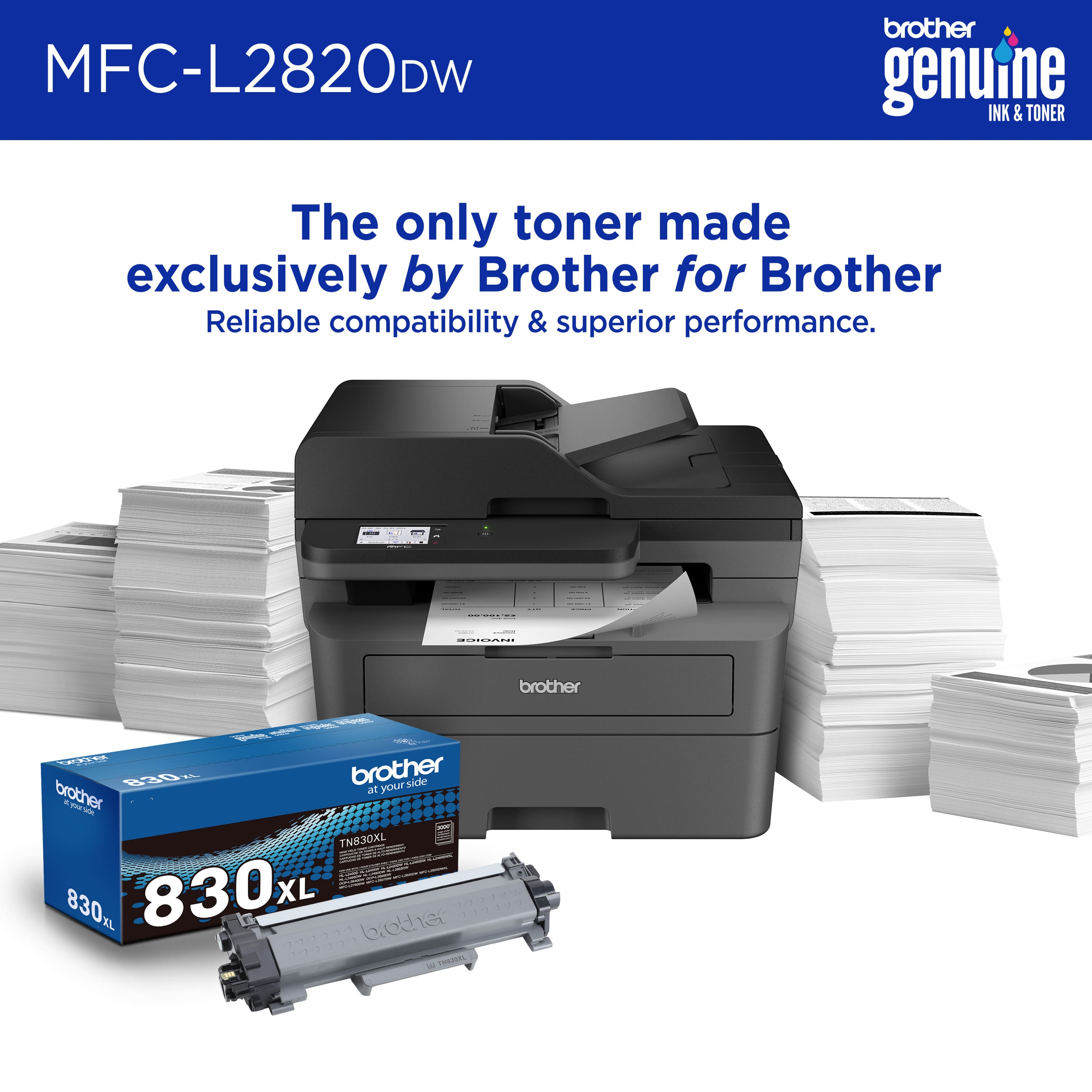
|Posted .This reviewer received promo considerations or sweepstakes entry for writing a review.The Brother MFC L2820 DW is the newest rendition of Brothers Monochrome all in one laser printer. With the latest features it can Print up to 34 pages per minute, it also does automatic duplexing. It can also copy up to 34 pages per minute with a resolution of 600 x 600 maximum dpi. Unfortunately, there is no ability to copy using duplexing. The copy function also allows for sorting. The Fax software allows for up to 250 broadcast locations. There is no call waiting feature, but there is Caller ID and distinctive ring. As with copying there is no duplexing for the outbound fax. The fax is also only set up for black and white. With a download from brother, it will also support internet faxing. There is also an out-of-paper feature that will hold the fax in memory until the paper is refilled. The machine will also store up to 200 dial numbers. Other built-in features include the ability to scan to a searchable PDF, forward to E-mail, scan to Microsoft Word, PowerPoint, and Excel. There is also a one button wireless setup (WPS). The software is compatible to Windows Mac Linux and even Chrome OS. Connection to the internet is available through Ethernet, Dual Band wireless 802.11 b/g/n (2.4GHz) and 802.11 a/n (5GHz). There is also a high-speed USB 2.0 connection available. The automatic document feeder has a capacity of 50 pages. The minimum size for the ADF is 4.1 by 5.8 inches. The printer will hold up to 250 sheets of paper in the input tray. The printer will print at a maximum of 1200 x 1200 DPI and utilizes a toner and drum cartridge. The Standard yield cartridge is 1,500 pages and the High yield cartridge is 3,000 pages. This is the Brother TN830 and TN830XL cartridge packs. With a recommended monthly print volume of 35,000 pages this all-in-one is well suited for the average home office/small business. The speed and crispness of each printed page makes this printer a must have if you are looking for an All-in-one monochrome machine.
I would recommend this to a friend - Pros mentioned:Print quality
Rated 5 out of 5 stars
Brother MFC-L2820DW Monochrome Laser All-In-One
|Posted .This reviewer received promo considerations or sweepstakes entry for writing a review.So I received my new Brother MFC-L2829DW Monochrome Laser All-In-One Printer a few days ago and have been putting it through its paces. This All-In-One multifunctional center features: print, copy, scan, and fax. Just about all you need to get work done in either a small business office or a home office. It is black which no doubt will blend in with any workplace or home office. Unboxing: * Brother MFC-L2820DW Monochrome Laser All-In-One * Short Ethernet Cable * Toner Cartridge & Drum Unit Assembly * Power Cord * User Documentation After you get everything unboxed, next just remove all of the prepackaging tape, install the toner cartridge & drum unit assembly, and connect the power cord to the back of the printer. Load paper and you're ready to go. Over the years I have used various other Brother products (i.e. printers, scanners, etc.) and have come to love the Brother brand and their top quality products I knew I'd love this printer as well. Once everything was connected I simply added it to my Wi-Fi network via the touch screen on the front of the printer. Next I did a quick search to see if there was any firmware updates and it was ready to go. The settings allow you to tweak them to your liking. I left everything as is and started my first print run by pulling up a phot from my iPhone 15 Pro Max and sending it directly to the printer via AirPrint, which worked flawlessly and quickly. No smudges, no bleeding of color (even though this is just a monochrome printer), the photo looked amazing. I continued with a few other test runs and it continued to print quality documents and photos. I love this print and recommend it to anyone looking for a nice addition to your small business or home office.
I would recommend this to a friend - Pros mentioned:Print quality, Setup
Rated 5 out of 5 stars
Printer
Posted .This reviewer received promo considerations or sweepstakes entry for writing a review.This printer was easy to hookup and the print is great.
I would recommend this to a friend - Pros mentioned:Ease of use, Print quality
Rated 5 out of 5 stars
Brother Laser MFC-L2820DW Black and white printer
Posted .This reviewer received promo considerations or sweepstakes entry for writing a review.The new Brother laser printer/copier I just purchased is amazing! Great printing and remarkably easy to use. I does everything I tell it to do in no time flat. If you're in the market for a printer, the Brother MFC-L2820DW, black and white is simply the best one to get.
I would recommend this to a friend - Pros mentioned:Print quality
Rated 5 out of 5 stars
Love This Well-Designed Laser Printer
|Posted .This reviewer received promo considerations or sweepstakes entry for writing a review.The Brother - MFC-L2820DW laser printer is a very well built unit. I was very happy to see that the packaging was top notch and that the printer was in perfect condition after unpacking it. I noticed the installation was intuitive as soon as I began. Most important, the toner cartridge easily slipped into place smoothly – so nice design by the Brother engineers. A very nice clear and bright LCD screen made all interactions with the printer easy to see and select . WiFi setup also was simple. The printer is fast and the clarity of the output was superb. I’d say the printing was the best I’ve seen in a laser printer so far and I have used many laser printers over the years. I did utilize the Brother Mobile Connect app. Also the automatic 2-sided printing worked perfectly, and of course saves paper. I used the 2.7” color touch screen to access many printer options and functions and the engineers did a great job with the GUI. Printing two sided documents and scanning documents took seocnds with this printer. You can scan documents diretly to the printer or directly to e-mail. Fax capability is also available, although I just prefer attaching documents to emails, but this ability is good to have if you do need it. You can scan up to 50 pages at one time which is awesome. This printer does everything I need in a laser printer. I’ve been using it more and more so I can also save color ink printing which I mostly don’t need. Tip of my cap to the engineers at Brother. The printouts are so clear that I'm replacing my other main laser printer with this one. I do highly recommend it.
I would recommend this to a friend