Customer Ratings & Reviews
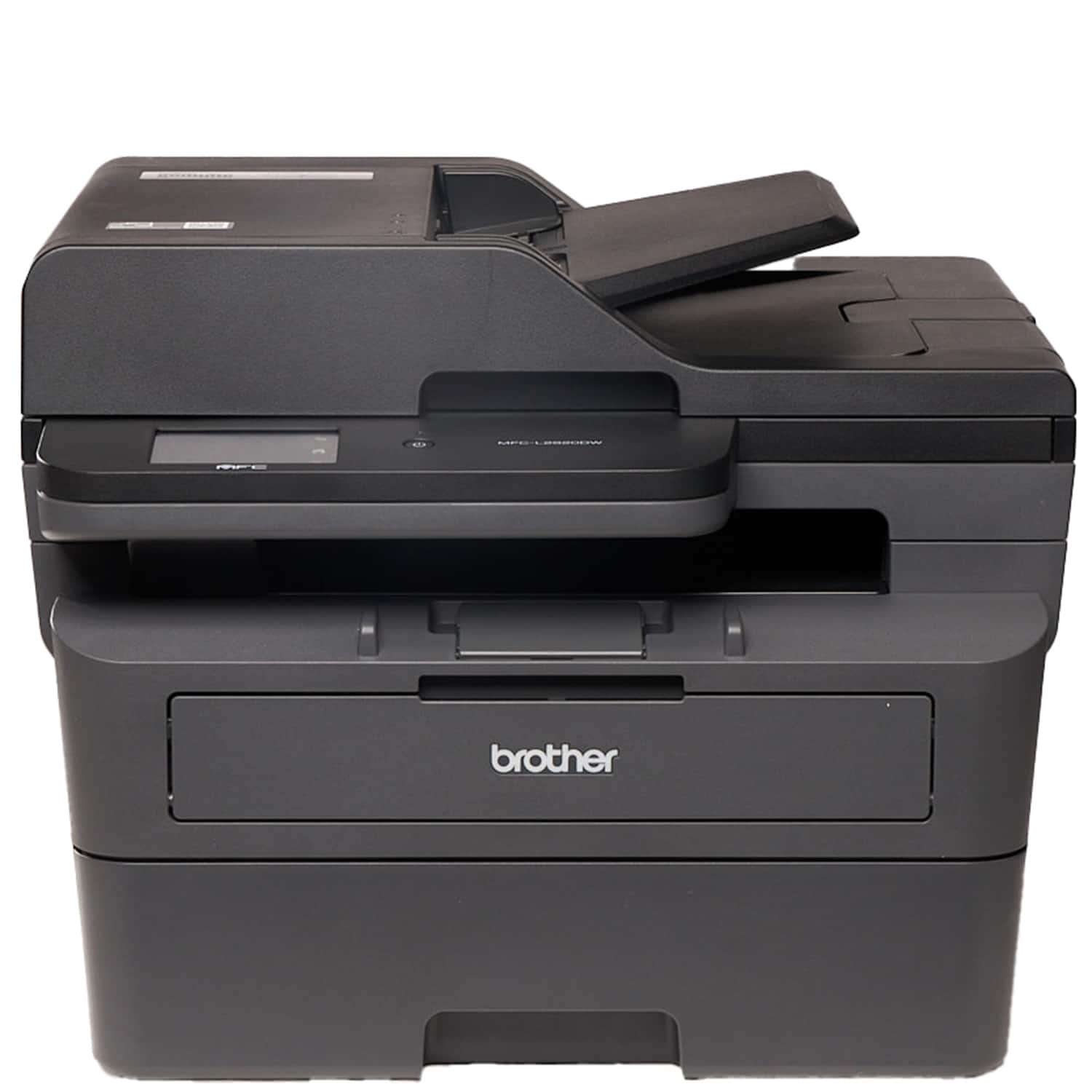
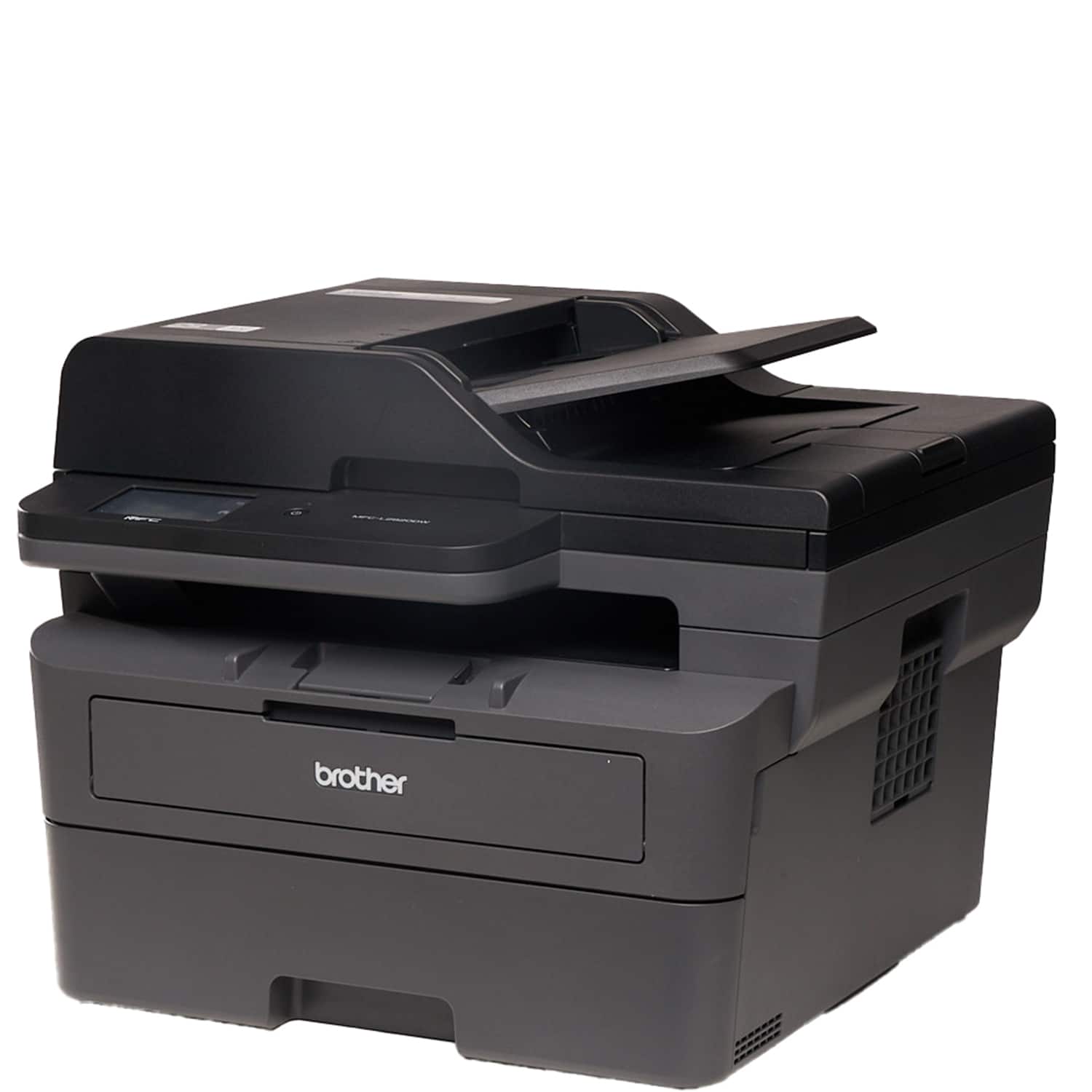
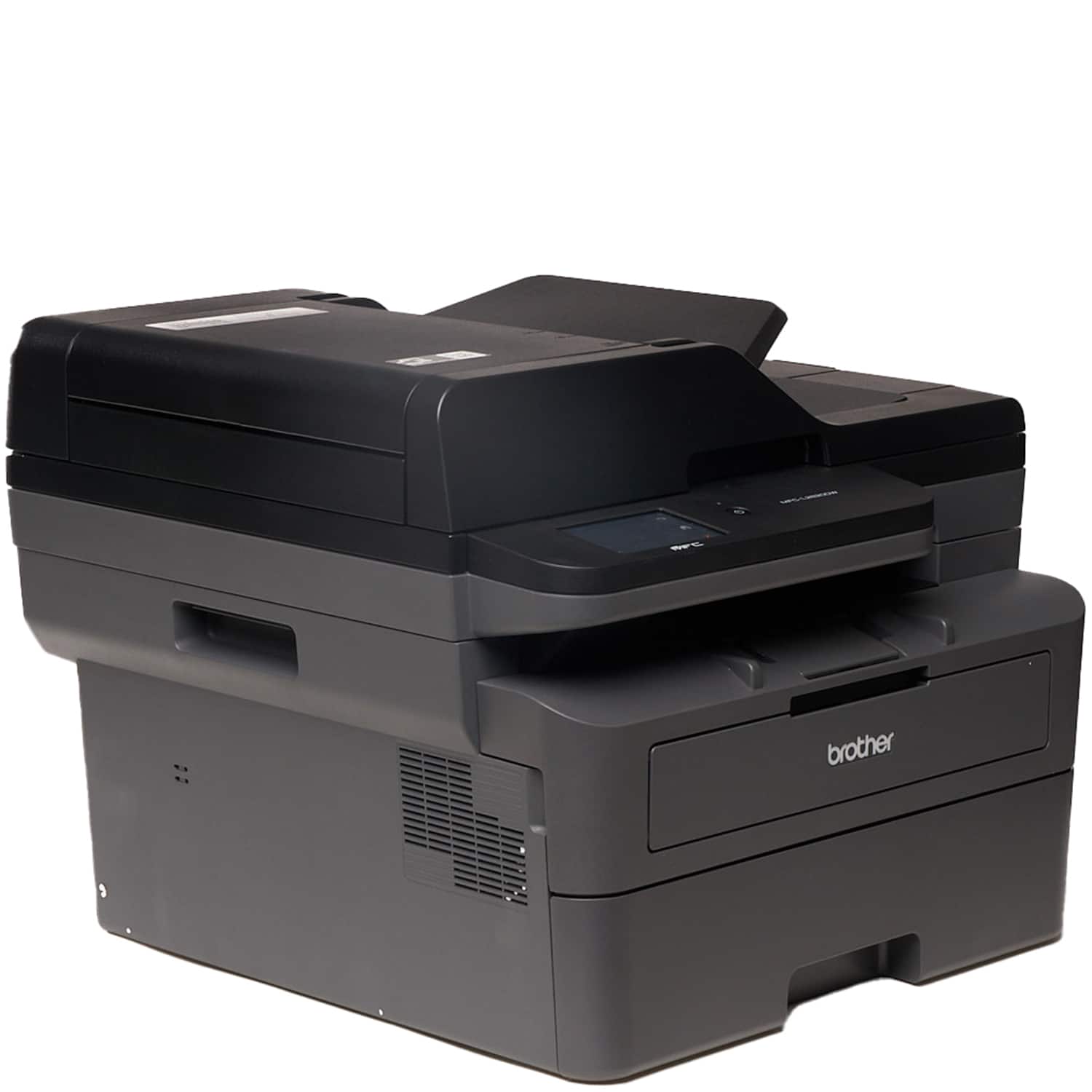
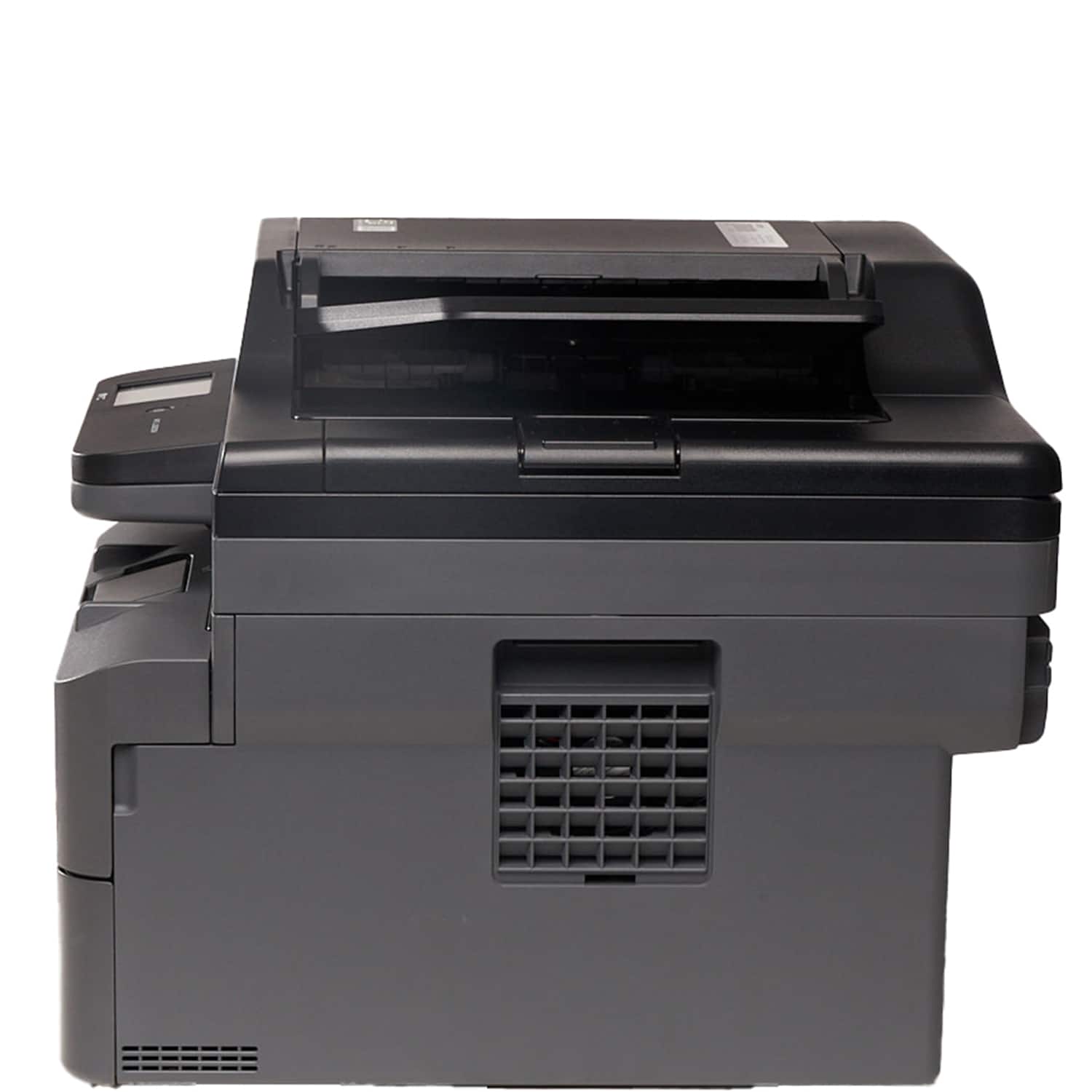
- Model:
- MFC-L2820DW
- SKU:
- 6569813
Rating by feature
- Value
Rating 4.6 out of 5 stars
- Quality
Rating 4.7 out of 5 stars
- Ease of Use
Rating 4.6 out of 5 stars
Customers are saying
Customers recognize the MFC-L2820DW printer for its good print quality, excellent overall performance, and ease of use. Users appreciate the simple setup, versatile connectivity options, and suitable size for a home office. The printer's noise level was mentioned as a potential drawback.
This summary was generated by AI based on customer reviews.
Myself
||Posted . Owned for 1 week when reviewed.This reviewer received promo considerations or sweepstakes entry for writing a review.I like brother printer. I bouthet it two weeks ago this product
I would recommend this to a friendBrothers Printer
||Posted . Owned for 1 month when reviewed.This reviewer received promo considerations or sweepstakes entry for writing a review.For over $200 for a black/ white printer it should at least had auto feed for dual sided printing. My old HP was much cheaper and had auto feed 2 sided printing. Very disappointing and misleading on 2 sided printing.
No, I would not recommend this to a friendBrand response from Brother
Posted .Thanks for taking the time to review your experience with the Brother MFCL2820DW. We appreciate your feedback. I’m sorry to hear that you are having 2-sided printing issues with the Brother MFCL2820DW. I sincerely apologize for any inconvenience this issue may have caused you. We would love to hear from you with more details to be able to better assist you. Our Brother Customer Support Team is available to assist you direct: www.brother-usa.com/brother-support/MFCL2820DW

You are not my Brother's Keeper!
||Posted . Owned for 4 months when reviewed.This reviewer received promo considerations or sweepstakes entry for writing a review.I've had this printer since Feb 2024. This printer has been nothing but a pain! I purchased this because I was tired of spending hundreds of dollars on ink every few months, with my xerox printer. If you have a small office and you have people using both wired and wifi, DO NOT purchase this machine. It can only work with one source at a time, either has to be wired/ network for Lan connections, and has to switch to wifi, if someone needs to print via wifi device. Switching back and fort is a headache and the settings get out of wack and then you waste hours trying to get Lan reconnected. If you need a budget friendly modern printer, that can hand wired and wifi traffic, this is not the one you want. Last Brother I'll ever buy!
No, I would not recommend this to a friendBrand response from Brother
Posted .We understand you are experiencing connectivity issues with your Brother MFCL2820DW machine. We'd like to help. Please contact the Brother USA support team at: https://www.brother-usa.com/support
Worthless
||Posted . Owned for 1 month when reviewed.This reviewer received promo considerations or sweepstakes entry for writing a review.UNABLE TO SET UP. DOES NOT CONNECT. First time purchasing the Brother brand. Their customer service (2-3+ hours on hold in queue) and tech support do not assist with anything but swapping out machines. Do NOT buy this printer. We’ve had it for a little over a month and have been unable to use it. Instructions in the box we received are not for our machine. Finally spoke with a rep who had no interest in doing anything but filing a claim. Shameful. I’ll never entertain this brand again
No, I would not recommend this to a friendBrand response from Brother
Posted .Thanks for taking the time to review your experience with the Brother MFCL2820DW. We appreciate your feedback. I’m sorry to hear your experience with Brother Customer Service was poor. If you’ll give us another chance, we’d like to make things right. Please contact us directly at:
https://www.brother-usa.com/support/MFCL2820DW
- Pros mentioned:Connectivity, Print quality, Setup

Great Home Office Solution
|Posted .This reviewer received promo considerations or sweepstakes entry for writing a review.I’ve been searching for a good printer work, and this one does a great job of covering most of my needs. If you’re looking for an all-in-one solution for your black and white printer needs this will take care of that for you. This was a simple setup, if you have every had to setup a printer before, it’s what you would expect. Plug in the power cord, connect to the wifi, and then add it to your laptop. My mobile devices see it when on the network so I can easily print to it from my iPad and phone. This does a quick job of printing/copying with no issues. I was able to load up 15 pages front and back and this was able to make a copy of them with no issues very quickly. I’ve printed from my PC, iPad, and iPhone over the last couple of weeks and once the job is delivered to the printer it is able to print out everything in a flash. I had to print out some worksheets and this printed out all 8 pages in seconds. This takes care of all of my copying, printing, and scanning needs. I am able to make 2 sided prints/copies without having to manually load up pages. I can scan/copy a bunch of pages in the page loader without having to keep restarting jobs. It’s a fairly small solution so it doesn’t take up a lot of space in my office. Connect to my wifi so that I can wirelessly print to it from anywhere and from most of my devices. All of this and it manages to be pretty snappy as well. Easy recommendation for your home office.
I would recommend this to a friend I expected more
||Posted . Owned for 1 month when reviewed.This reviewer received promo considerations or sweepstakes entry for writing a review.For the price I expected a faster printer and scanner. Specsilly the scanner is not the best . Printer jams papers randomly
No, I would not recommend this to a friendBrother Printer
||Posted . Owned for 3 weeks when reviewed.This reviewer received promo considerations or sweepstakes entry for writing a review.To print an envelope you have to open the back of the printer, printer did not feed envelopes or paper correctly so it all came out crinkled and creased
No, I would not recommend this to a friendBrand response from Brother
Posted .Thanks for taking the time to review your experience with the Brother MFCL2820DW. We appreciate your feedback. I’m sorry to hear that you are having Wrinkles or creases envelopes issues with the Brother MFCL2820DW. I sincerely apologize for any inconvenience this issue may have caused you. We’d like an opportunity to help. Please contact us directly at:
https://www.brother-usa.com/support/MFCL2820DW
Another garbage printer
||Posted . Owned for 3 months when reviewed.This reviewer received promo considerations or sweepstakes entry for writing a review.Stopped connecting to the network after a month and no longer prints anything. Tried Wi-Fi and Ethernet, completely reinstalled all the applications, hard reset everything, nothing worked for this.
No, I would not recommend this to a friendMachine
||Posted . Owned for 3 weeks when reviewed.This reviewer received promo considerations or sweepstakes entry for writing a review.No connection to internet for use. Returned. Wrong explanation by associate, despite of continued explanation of my needs
No, I would not recommend this to a friendBrand response from Brother
Posted .Thanks for taking the time to review your experience with the Brother MFCL2820DW. We appreciate your feedback. I understand you are planning to return the Brother MFCL2820DW. If you still have the machine, we’d like an opportunity to help. Please contact us directly at:
https://www.brother-usa.com/support/MFCL2820DW
Refresh is not an option
||Posted . Owned for 3 weeks when reviewed.This reviewer received promo considerations or sweepstakes entry for writing a review.Do not buy this printer if you don’t want to su BBC scribe to the Refresh service. Because I did not want the service, my printer would not turn on. I was told, before buying, that it was subscription eligible. That was my true. Refresh is not an option, it is mandatory.
No, I would not recommend this to a friendBrand response from Brother
Posted .We would like to take this opportunity to thank you for your feedback. At Brother, customer satisfaction is something we take seriously. the Brother Refresh EZ Print Subscription is not a mandatory program, it is optimal.
We would love to hear from you with more details to be able to better assist you. Our Brother Customer Support Team is available to assist you direct: www.brother-usa.com/brother-support
Wish I could return it
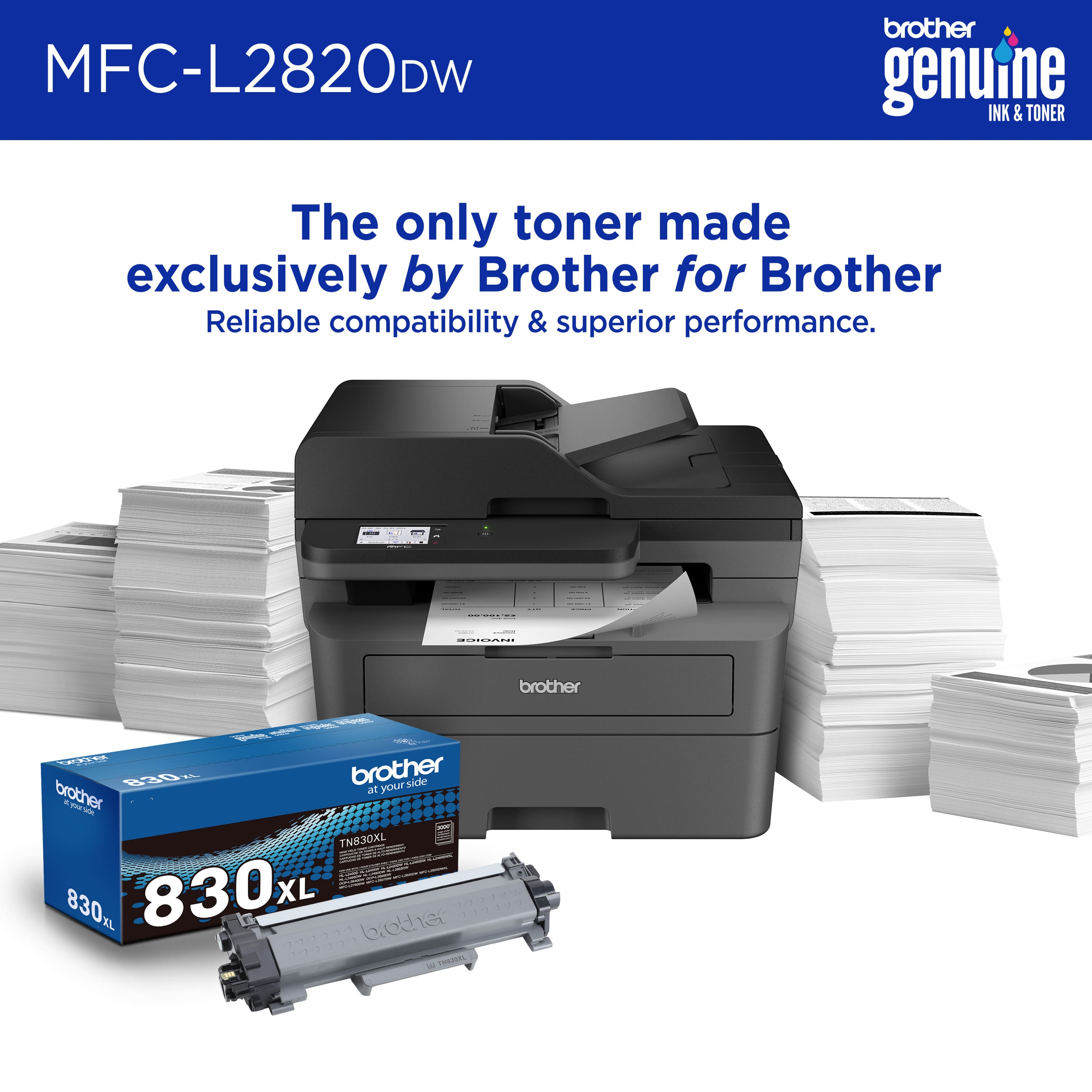
||Posted . Owned for 3 months when reviewed.This reviewer received promo considerations or sweepstakes entry for writing a review.Bought the XL toner, and it lasted only 15 days. Wish I could return it, but by the time I realize the toner doesn't last, I am outside the return window. Have extra toner on hand, because when it runs out, there is no warning...just stops working
No, I would not recommend this to a friendBrand response from Brother
Posted .Thanks for taking the time to review your experience with the Brother MFCL2820DW. We appreciate your feedback. I’m sorry to hear that you did not get the toner yield as expected with the Brother TN830XL Toner. I sincerely apologize for any inconvenience this issue may have caused you. We would love to hear from you with more details to be able to better assist you. Our Brother Customer Support Team is available to assist you direct: www.brother-usa.com/brother-support/MFCL2820DW
It only scans one face
||Posted . Owned for 1 month when reviewed.This reviewer received promo considerations or sweepstakes entry for writing a review.It only scans one face and this information is hidden or malicious.
No, I would not recommend this to a friendBrand response from Brother
Posted .Thanks for taking the time to review your experience with the Brother MFCL2820DW. We appreciate your feedback. I’m sorry to hear that you are having scaning issues with the Brother MFCL2820DW. I sincerely apologize for any inconvenience this issue may have caused you. We would love to hear from you with more details to be able to better assist you. Our Brother Customer Support Team is available to assist you direct: www.brother-usa.com/brother-support/MFCL2820DW
- Pros mentioned:Connectivity, Print quality, Setup
Built like a Tank!
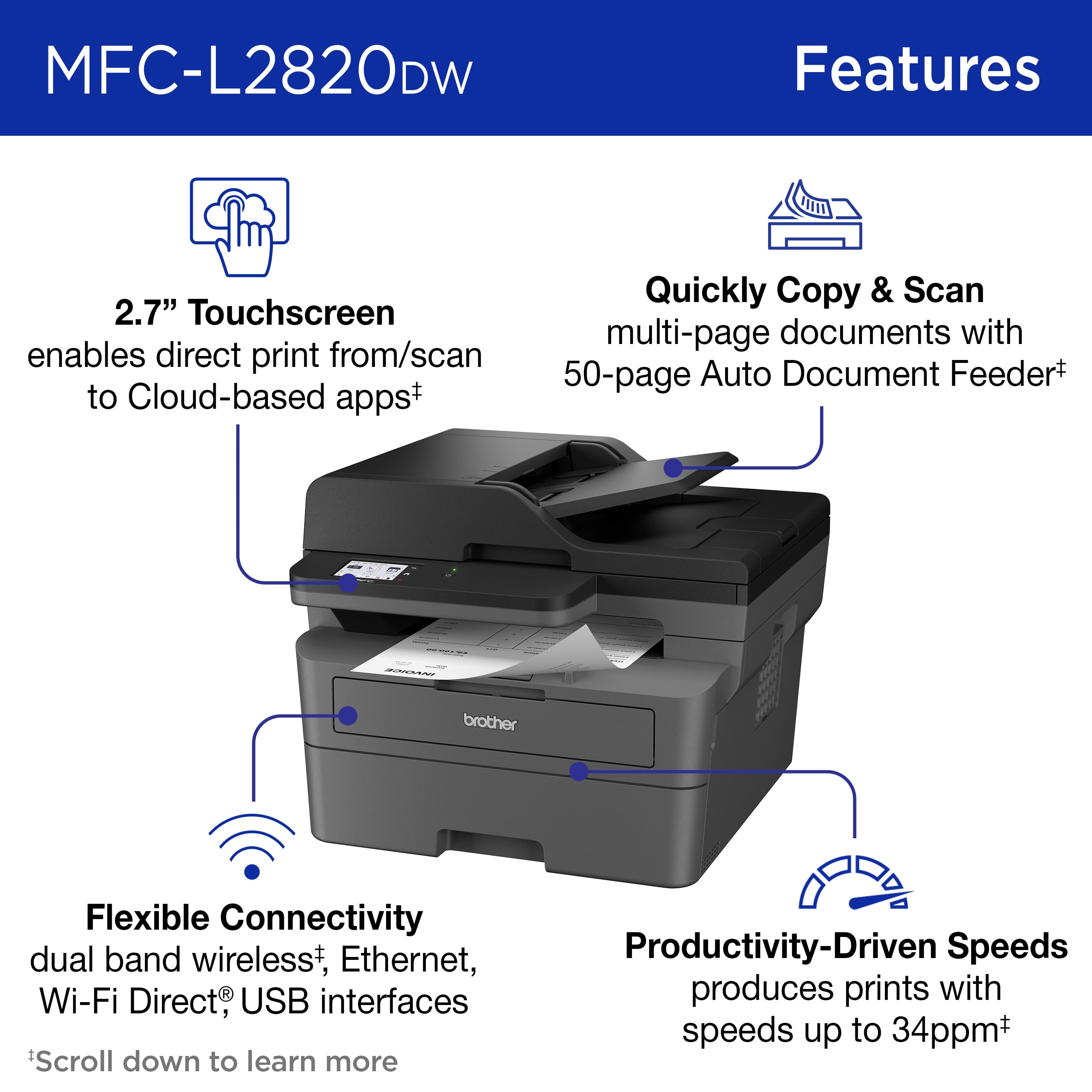
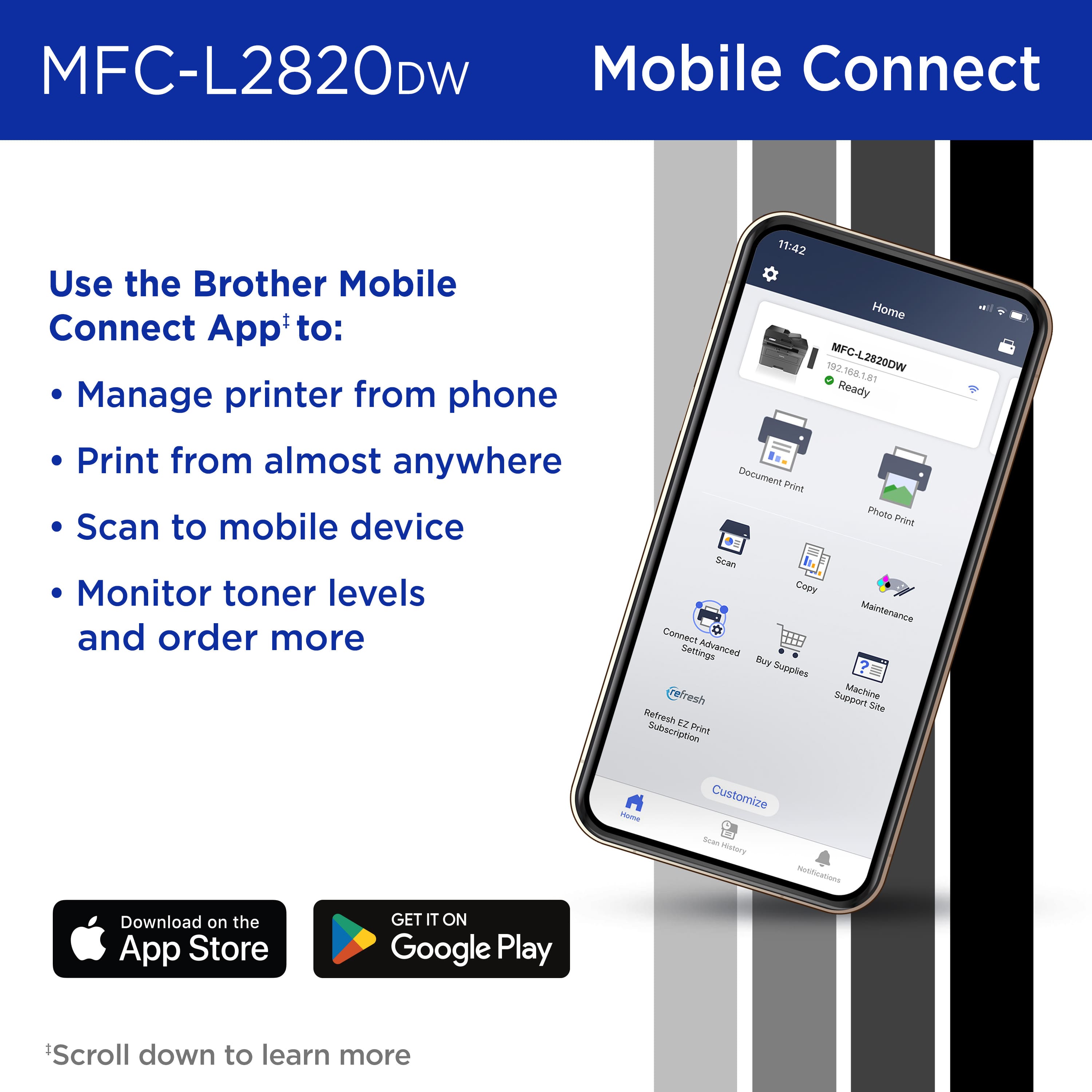
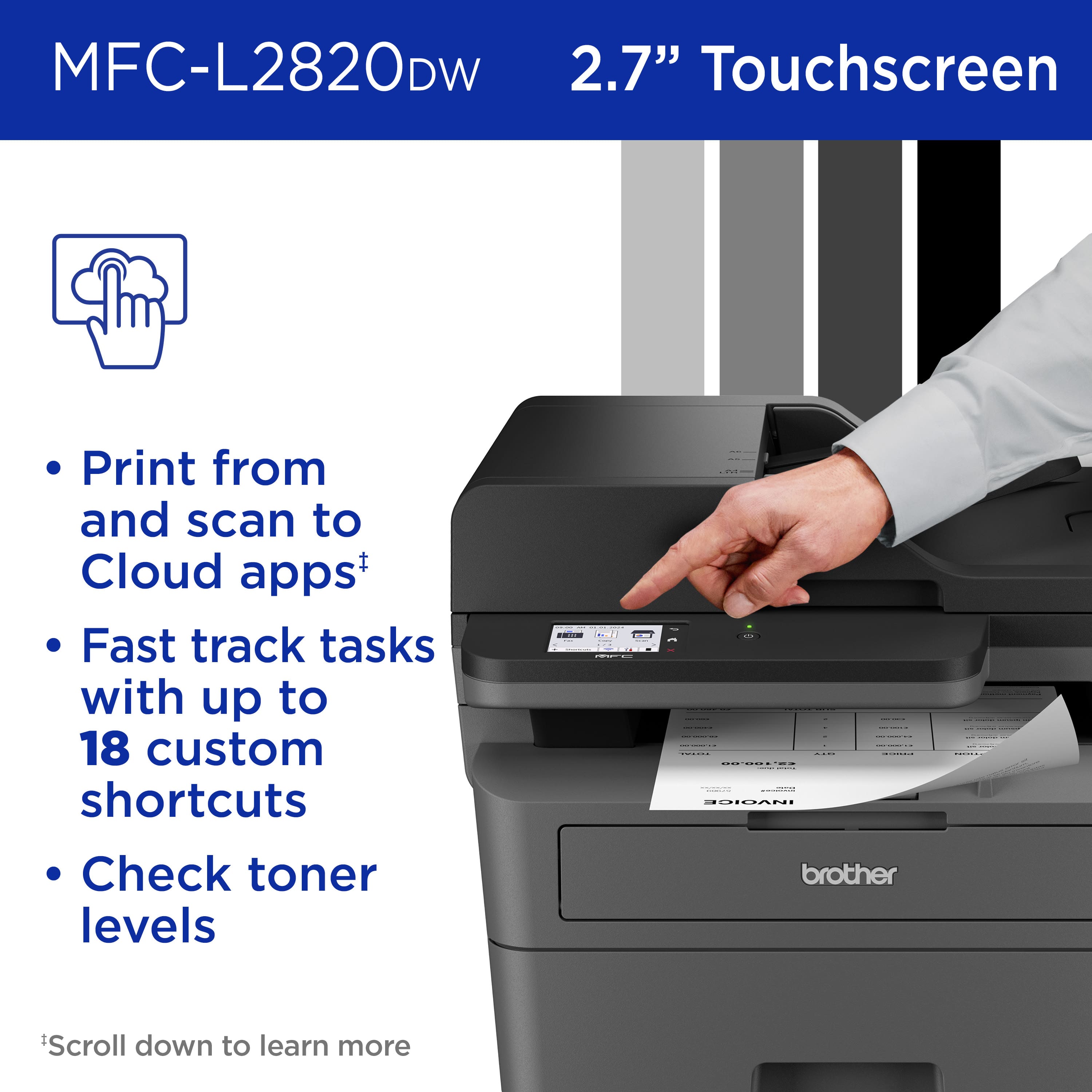
|Posted .This reviewer received promo considerations or sweepstakes entry for writing a review.Brother has always been a reliable brand for printers and this new Brother MFC-L2820DW is a All-in-One Monochrome Laser Printer that will not disappoint you. When I think of a Laser printer, I think speed and this printer does just that, as it literally prints a page full of text and graphics in seconds. I threw a number of different type of documents and the printer "spits" them out like a professional thousand dollar heavy duty printer. This printer is built like a tank with good quality plastics and parts, it is a bit on a heavy side however it is not of course meant to be moved around, you set it next to your desk and forget it. The set up was very easy and went without any hiccups whatsoever: choose your Wi-Fi or Ethernet connection, follow step by step instructions and you are done. The app is also handy as it allows me to print documents right from my Galaxy phone. The 2.7" Color Touchscreen is handy and has all the necessary information for the end user like me. It is easy to read and it will notify you of any changes like if you are low on ink or out of paper. Having printing, scanning, copying, and faxing functions is a must for me, as I do a lot of scanning. The printer provides a 50-sheet Auto Document Feeder and does the job quickly and efficiently. I sent a 34 pages document and it indeed printed the job in about 57 seconds. I was pretty impressed! One advice I would give to a prospective buyer: use good quality paper. Your documents will stand out, be vivid and crisp. I would not blame the printer if you use a poor quality paper. This printer is a must have for any home, any small business, does it job as a professional printer and will last you for a long time. Highly recommend.
I would recommend this to a friend - Pros mentioned:Ease of use, Print quality, Setup
Awesome black and white printer for professionals
|Posted .This reviewer received promo considerations or sweepstakes entry for writing a review.Normally I've only dealt with laser printers at work. The ease of use and speed has always been a thing for me. In the time I've used the Brother MFC - L2820 has absolutely lived up to my expectations. Set up was about as easy as any other printer I've had before. Everything is already assembled minus the laser toner cartridge needing to be installed. The brother printer's set up app has a few ads in it for their products, which, was a bit annoying, but it's a one time thing (so far). I noticed that setup with my iphone only showed the app in the Apple App store. Curious as to whether it was available on Android I checked with my Android phone and it showed in the Google Play store. Once it was all set up I tested out the printing and it worked super smooth and fast. I didn't even have to print via the app. When I chose to print something on my phone the printer popped up because it was now on the network. Because the printer can print two sided I noticed it defaulted to double-sided when not printing via the app on my phone, so you have to make sure to uncheck that when you go to print something If you want one sided. Printing via the app it defaulted to one-sided. The quality of the docs I printed was super sharp. I printed a document and a resume and got professional level results. Scanning worked just as easy and provided quality results as well. Overall, the Brother MFC-L2820DW is a great printer. My only knock on it is that it's black and white only, but if you purchase this that's what you're looking for. I look forward to seeing how long the laser toner lasts. I'd highly recommend this to anyone looking for a solid printer for documents.
I would recommend this to a friend - Pros mentioned:Connectivity, Print quality, Setup
Very Nice Laser Printer
|Posted .This reviewer received promo considerations or sweepstakes entry for writing a review.This review is on a Brother - MFC-L2820DW Wireless Black-and-White All-In-One Laser Printer. My needs were simple so I got exactly what I was looking for. All I need is the ability to scan and print documents. This is not for a business situation but just a personal one so I don't need to print lots of letters fast. This printer does everything I need it to do, well. The product was packaged very securely. Toner was sealed in a bag and was easy to put into the printer. Setup was also easy. Once turned on you scan a code on your phone that sends you to an app to download. The app helps you sign onto the printers' Wi-Fi. Once connected, you can input a hidden network or connect to the one that you see in the list. It connected fast and the rest of the setup for the printer didn't take long. Then you can go to their website and download the software for your PC. It was easy to install and all you have to do is give it the Model name of the printer and quickly finds the printer. Software that is installed is a Utility, iPrint&Scan, and a link to their Creative website. When loading a document to scan in the tray at top, it will make a sound to let you know you have placed it correctly. After scanning the document there are many options. You can save it in 8 different formats. PDF is my favorite. It can also be saved to a Cloud Service, Email, SharePoint or it can be opened within your set application. You can also integrate with Dropbox, Google Drive or OneDrive. Pages can be printed on both sides and quality looks great from scans and prints.
I would recommend this to a friend - Pros mentioned:Print quality, SetupCons mentioned:Noise level
Solid performance at an adorable price point!
|Posted .This reviewer received promo considerations or sweepstakes entry for writing a review.The Brother MFC-L2820DW is a versatile all-in-one monochrome laser printer that caters to the needs of home offices and small businesses. Its compact design and multifunctionality make it a convenient choice for users looking to streamline their workspace.One standout feature is the printer's fast printing speed, capable of delivering up to 27 pages per minute. This makes it efficient for handling various printing tasks, from important documents to lengthy reports. The automatic duplex printing is another plus, saving both paper and the environment. The wireless connectivity options provide flexibility, allowing users to print directly from their smartphones or tablets. The setup process is relatively straightforward, making it accessible for users with varying technical expertise. The inclusion of Wi-Fi Direct is a notable convenience for quick and hassle-free printing. However, the MFC-L2820DW does have its shortcomings. The absence of color printing may limit its appeal for users who require vibrant and detailed color output. Additionally, the absence of a touchscreen display might be seen as a drawback in comparison to some competitors in the market. One noticeable concern is the occasional paper jam issue that I experienced. While it doesn't seem to be a widespread problem, it's worth mentioning as it can be frustrating when it occurs. The paper handling capacity is decent but may not be sufficient for larger print jobs, requiring more frequent refilling. In terms of noise levels, the MFC-L2820DW operates relatively quietly, but it could be quieter during printing. This might be a consideration for users in shared or quiet office spaces. In summary, the Brother MFC-L2820DW is a reliable monochrome laser printer that excels in speed, wireless connectivity, and duplex printing. Its compact design makes it suitable for smaller spaces. However, the lack of color printing, absence of a touchscreen display, occasional paper jam issues, and moderate noise levels are factors to weigh. Considering these aspects, I would rate the Brother MFC-L2820DW a solid 4 out of 5 stars. It's a strong performer with some minor drawbacks that may or may not impact the user's specific needs.
I would recommend this to a friend - Pros mentioned:Connectivity, Ease of use, Print quality
Great multifunction laser printer
|Posted .This reviewer received promo considerations or sweepstakes entry for writing a review.Now this is a great printer. Brother never lets me down. I have been a fan of their products for years. They consistently create printers that just work. I have given a few of them away after I have upgraded to a new model for a while now. The Brother - MFC-L2820DW is another great monochrome laser printer that will save you frustration and time over a ink jet printer. Lines are smooth, text is crisp and the images are clear. Setting up this printer out the box is fairly straight forward. Follow the instructions and you will have no issues (unless Murphy is hanging out at your house the day you decide to install the printer). The touchscreen is clear and easy to read. Connectivity has all the options you would need. Ethernet, WIFI and USB 2.0 (who needs USB 3.0 for a printer?) Print/copy/scan/fax never changes. From the brief time I have spent with it no surprises so far. Which I expect from a Brother product. The ability to print documents from my cellphone is another excellent piece of the pie that Brother and pretty much everyone else uses. Haven't used it long enough to know how long the toner lasts but I know it will outlast a inkjet. I would definitely recommend buying this if you print a lot in black and white and or have a small office or side hustle where you want clean professional documents going out.
I would recommend this to a friend The worst investment
||Posted . Owned for 1 month when reviewed.This reviewer received promo considerations or sweepstakes entry for writing a review.Bought warranty on it and had to pay for warranty 3 times exchanging it three times since by the second week it gives an error
No, I would not recommend this to a friendBrand response from Brother
Posted .Thanks for taking the time to review your experience with the Brother MFCL2820DW. We appreciate your feedback. I’m sorry to hear that you are having issues with the Brother MFCL2820DW. I sincerely apologize for any inconvenience this issue may have caused you.
Please be advised, the Brother MFCL2820DW has a 1 year manufacture warranty. We will gladly stand behind the terms of our warranty. During the warranty period, we will repair or replace the machine for manufacturing defects. In order to confirm issue is covered by terms of warranty, troubleshooting will need to be performed.
We would love to hear from you with more details to be able to better assist you. Our Brother Customer Support Team is available to assist you direct: www.brother-usa.com/brother-support/MFCL2820DW
Ok
||Posted . Owned for 2 weeks when reviewed.This reviewer received promo considerations or sweepstakes entry for writing a review.Printer seems to work properly and am somewhat pleased. Best buy membership and credit card are not worth it. All empty promises and lies!
I would recommend this to a friend- Pros mentioned:Connectivity, Print quality, Setup
Quick printing
|Posted .This reviewer received promo considerations or sweepstakes entry for writing a review.The Brother - MFC-L2820DW Wireless Black-and-White All-In-One Laser Printer is a great printer for my needs. Setup was easy and took me a normal time to get it all setup and working properly. This is a bulkier printer so you will need a good space to set this up. Once i got this all set up i used the mobile app so that i could try printing from my phone. Connectivity was on point and i was able to connect my ohone making it easier to print documents that i needed for my kids and my small buisness. The app guides you through connecting making it convenient. I love that i can print, copy, and scan from this printer. It prints fast and in seconds making it convenient for when i am on a time crunch. I can peint one sheet or multiple sheets in a timely manner. Scanning documents is quick and easy as well. I can scan all the kids work and save it with ease. Overall i love this printer for its ease of connectivity, quality of printing, and scanning. I wish it wasnt as bulky but its a great printer for your needs.
I would recommend this to a friend