Customer Ratings & Reviews
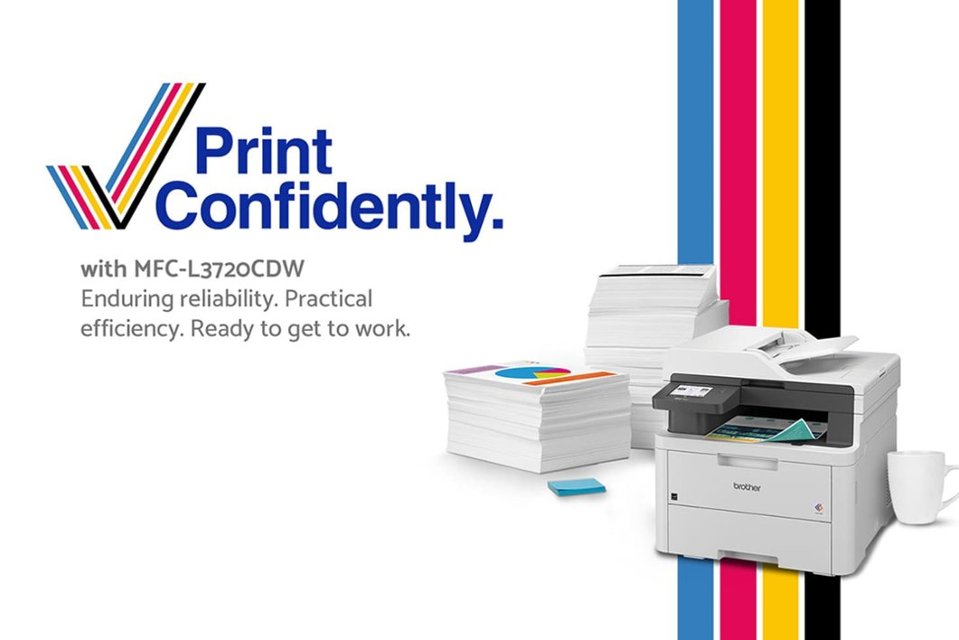
- Model:
- MFC-L3720CDW
- SKU:
- 12638422
Rating by feature
- Value
Rating 4.5 out of 5 stars
- Quality
Rating 4.7 out of 5 stars
- Ease of Use
Rating 4.5 out of 5 stars
Customers are saying
Customers are satisfied with the excellent print quality and the overall reliable performance of this printer. Users frequently highlight how simple the setup process is and appreciate the convenience of its multiple connectivity options. Additionally, the device is praised for its quiet operation, compact size, and responsive full-color touchscreen.
This summary was generated by AI based on customer reviews.
- Pros mentioned:Connectivity, Print quality

Prints clear text and graphics, almost laser like
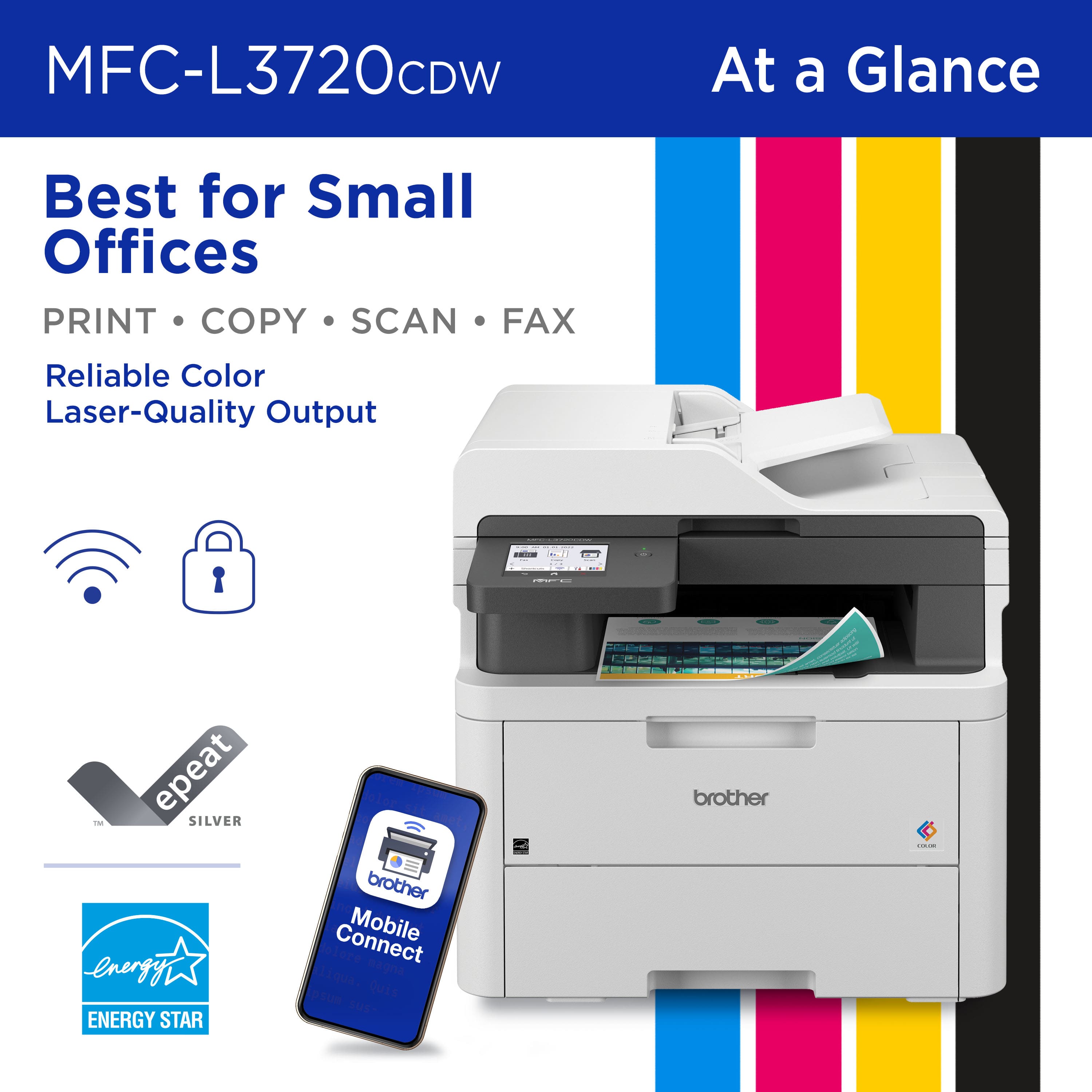
|Posted .This reviewer received promo considerations or sweepstakes entry for writing a review.Installation on Sonoma on Mac was confusing because software does not fully support Sonoma yet (as of this writing). You have to download iPrint&Scan software version for MacOS 13. It works fine so far. The software is really basic and really worth talking about. Start up until ready to print in about 20 seconds. First page out from sleep takes about 17 seconds and second page in 7 seconds. A page with colored graphics with text took about 20 seconds to print from sleep. Text print quality is sharp and clear. However, the black could be a bit darker, not solid black like a laser printer. The white text on a black background was nice and clean, no noticeable bleeding. According to the specs, this printer is not photo printing capable. I tried printing a photo on glossy photo paper and I have to admit that they’re right. It wasn’t bad but definitely not a photo printer. There’s only one setting for media quality, NORMAL. Maybe this is a limitation on Mac OS. This is not the fastest printer (19 PPM) but there is another model that has a faster print speed. Available connections: Wi-Fi, ethernet, USB and AirPrint. You can scan and save to Google drive, One Drive, Drop Box and other platforms. You can also print from anywhere using the Mobile Connect app. Scan to Word, Excel and PowerPoint or searchable PDF. Toner cartridges can be bought as needed or you can subscribe to Brother’s Toner Refresh. The cartridges are easy to install. Cons: - BOOOO! NO duplex (double-sided) scan feature. This is a big deal breaker for my work at home use. At the $400 price point, it should have duplex scanning. - I had a hard time getting the printed papers out. - The bottom part of the touchscreen that has the HOME, BACK and CANCEL buttons is not backlit so in darkness, you can’t see where those buttons are. - The 3.5” LCD screen is fixed, does not tilt. ** Note the machine password on the back of the printer before installation.
I would recommend this to a friend - Pros mentioned:Print quality
A very nice digital laser printer
|Posted .This reviewer received promo considerations or sweepstakes entry for writing a review.I’m a big fan of Brother printers. Years earlier I used to be a number of other manufacturers’ products, but I started gravitating to Brother when I bought one and found how dependable they were, their ink usage was much more conservative than other products, and the Brother automatic document reader was enormously more consistent. I mean that I have never had a problem with their ADT, ever! I do a ton of scanning, and there is nothing more irritating than to find original document pages jammed in the ADT. Or the scanned images skewed and unreadable. All my older printers have been inkjet models, so this is my first digital printer. I rarely ever need to output professional-grade printouts, so inkjet models were the perfect choice for me. Not to mention that most older laser printer models were beyond my budget, and that I like color printouts and the laser printers I looked at were limited to black and white. Unboxing the printer. I really appreciate how this printer was packaged. I typically find it a pain getting the larger printers out of their shipping boxes. This one was easy as pie. The printer was surrounded by the usual styrofoam, but more importantly was cradled in a thick plastic material that looked like the plastic bags you bring home from the food store. Using this bag material, just lift the printer out of the box using its plastic handhold cutouts and set it down where you plan on using it. It has been a while since I’ve purchased a new printer, so perhaps this approach is more common now-a-days. I’m easily impressed and just wanted to share. The printer has a large display panel on it for entering and selecting information (greatly appreciate its size, Brother), making it very easy to configure the printer to my network. Before I got to this point, it was necessary to remove all packing tape strips and the like from the printer itself. The toner cartridges have a protective cap on either end, so those had to be removed as well. Once done, I downloaded the printer driver from the Brother website, registered the product, placed paper in the paper drawer, added it to my network, and got the iPrint&Scan app working on my cellphone. The real proof of the pudding for me was testing out the ADT. Once everything was ready to go, I placed a 10-page, single-sided document in the ADT and pressed Copy on the printer’s display screen. The ADT was impressively fast scanning in the pages, as were the printed copies. And the resulting documents looked perfect. Once I installed the new printer driver on my desktop and laptop, I tested out printing (wirelessly, from the laptop) and those print sessions finished without any issues. The iPrint&Scan app also sits on those systems, too. Everything I’ve tested out with this printer has worked seamlessly. And one very big improvement from using an inkjet printer, I never have to worry about the toner drying out. That is because digital toner is already dry. Brother is also pushing their EZ Replacement toner cartridge plan. While I know that I didn’t have to sign up for this plan this early, I know that I can cancel at any time if I’m not happy with it in the future. Essentially, this replacement plan allows Brother to monitor my toner cartridge capacity, such that they will send me new toner cartridges without cost whenever it gets low. They offer different plans depending on your needs. I chose the 75-and-under printed page plan, which is the lowest cost plan at $9.99/monthly. It allows me to roll over up to 150 unused pages from month to month. I don’t print nearly as much as I have in the past, so I’m hoping that this works well for me. If I go over my 75-page allocation each month, I get charged for the overage. I’m still looking to confirm this, but I believe printing on both sides of one physical page translates to printing 2 pages. Thus, printing on both sides of a 10-page physical document is the same as printing 20 pages. I had to question how many times I’ve printed draft reports where multiple pages have overflowed to the next page. This is akin to you printing a one-page memo only to find that the signature line at the bottom is now on its own page. Yep, you’ve just printed 2 pages. One benefit to signing up for this replacement plan is that Brother will push out my extended warranty another year from July 2024 to July 2025. That presumes, of course, that the EZ Replacement Plan stays in effect. Despite my uneasiness with the EZ Replacement plan, I’m actually very happy with the printer. As such, I am giving it a 5-star review.
I would recommend this to a friend - Pros mentioned:Print quality
Fast Printer With Great Color
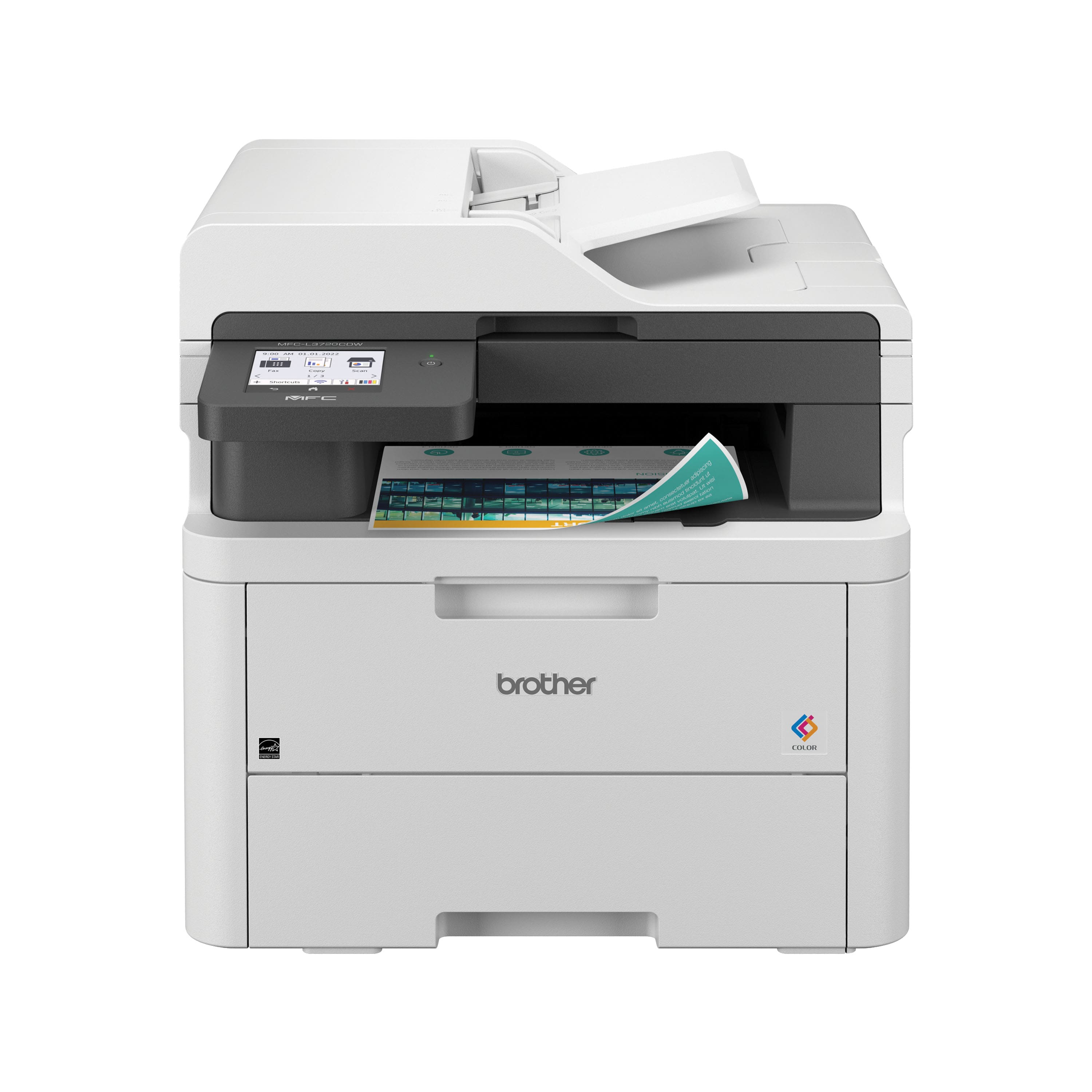
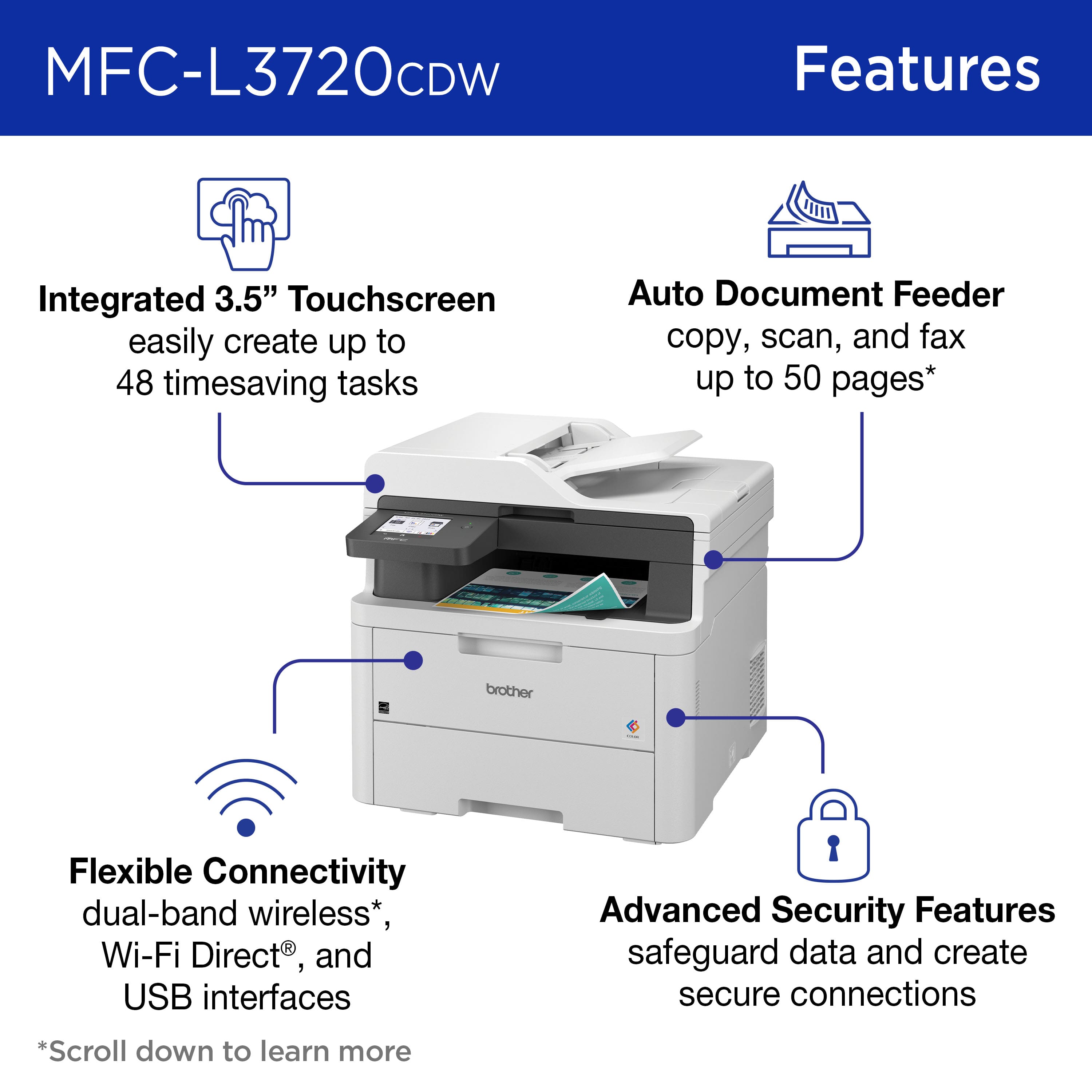
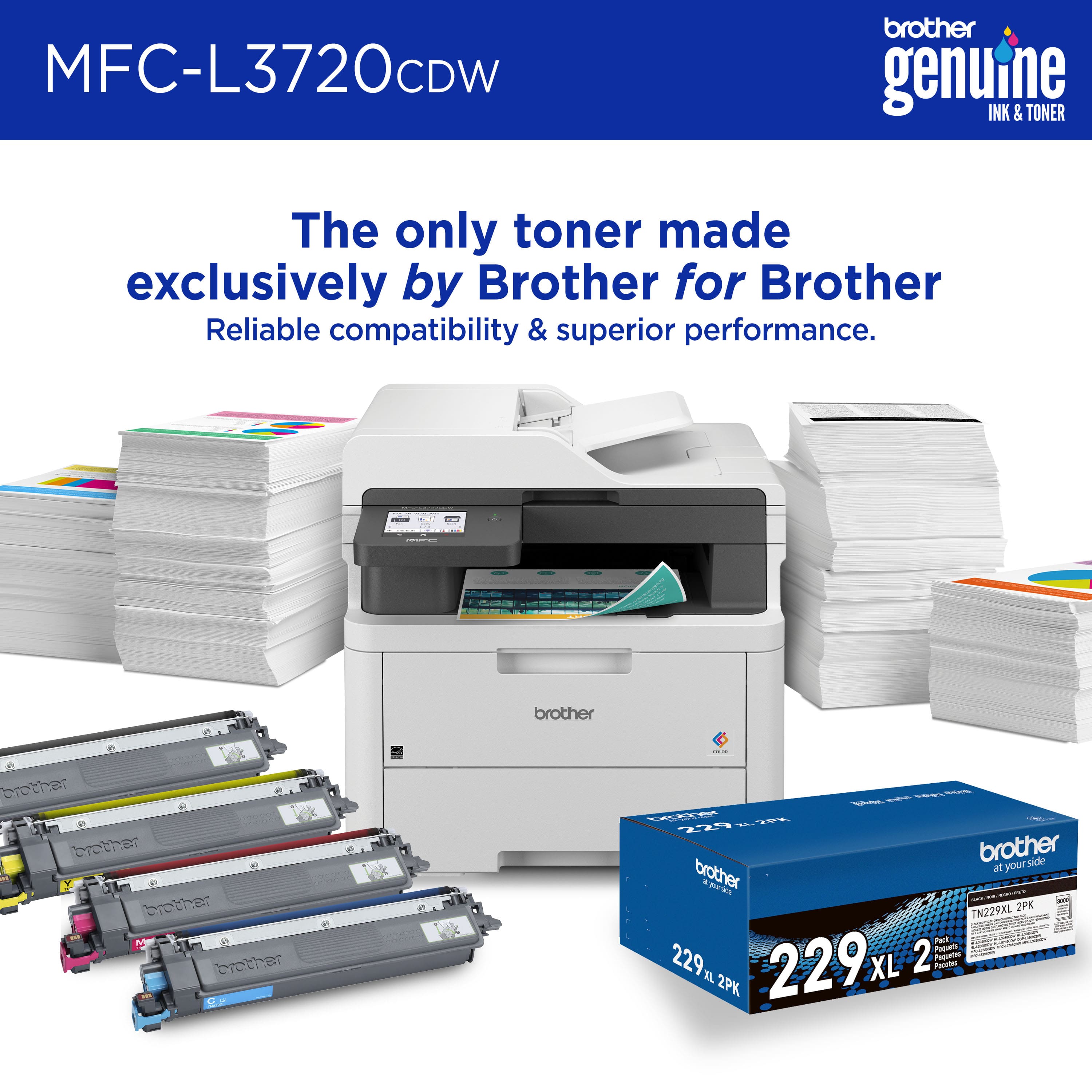
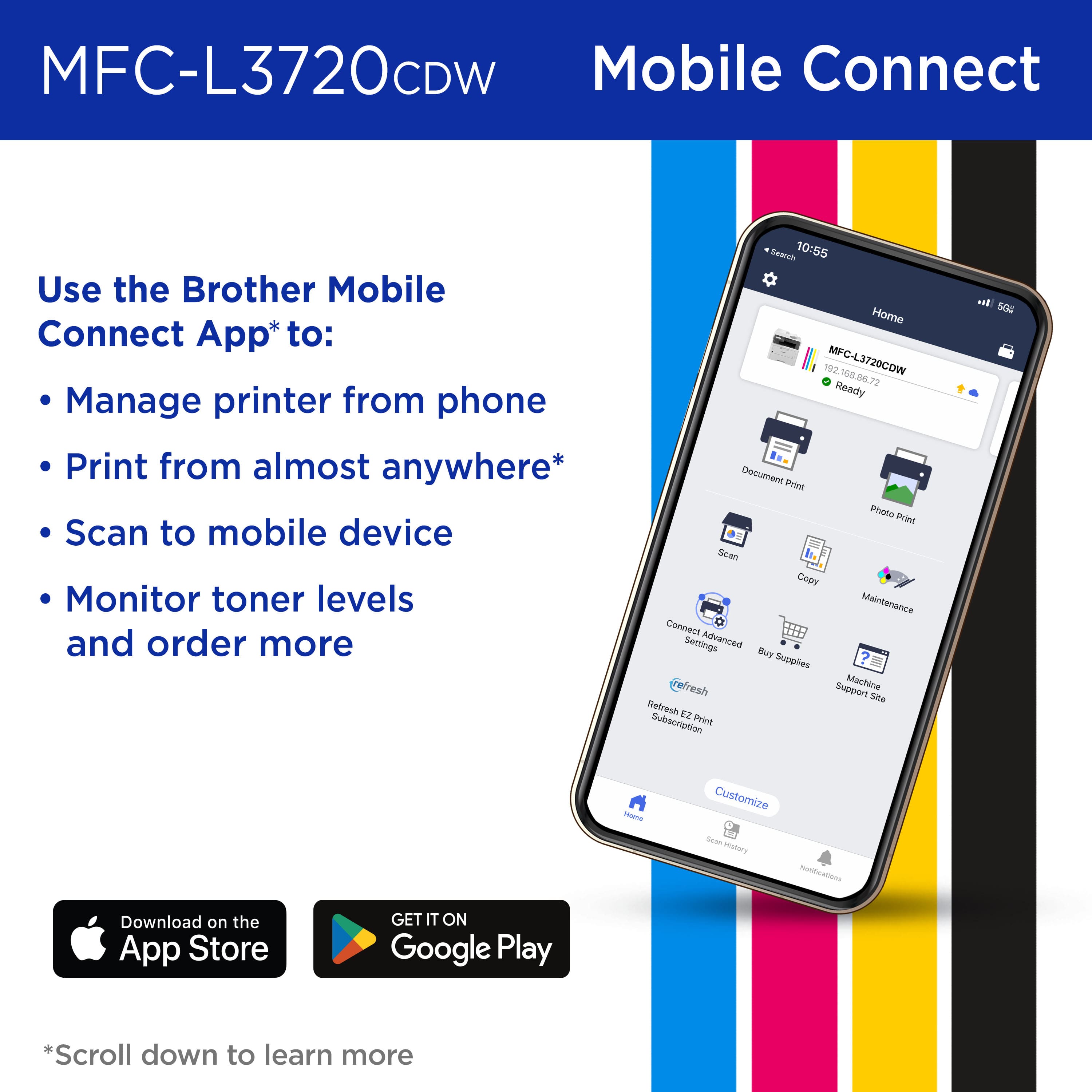
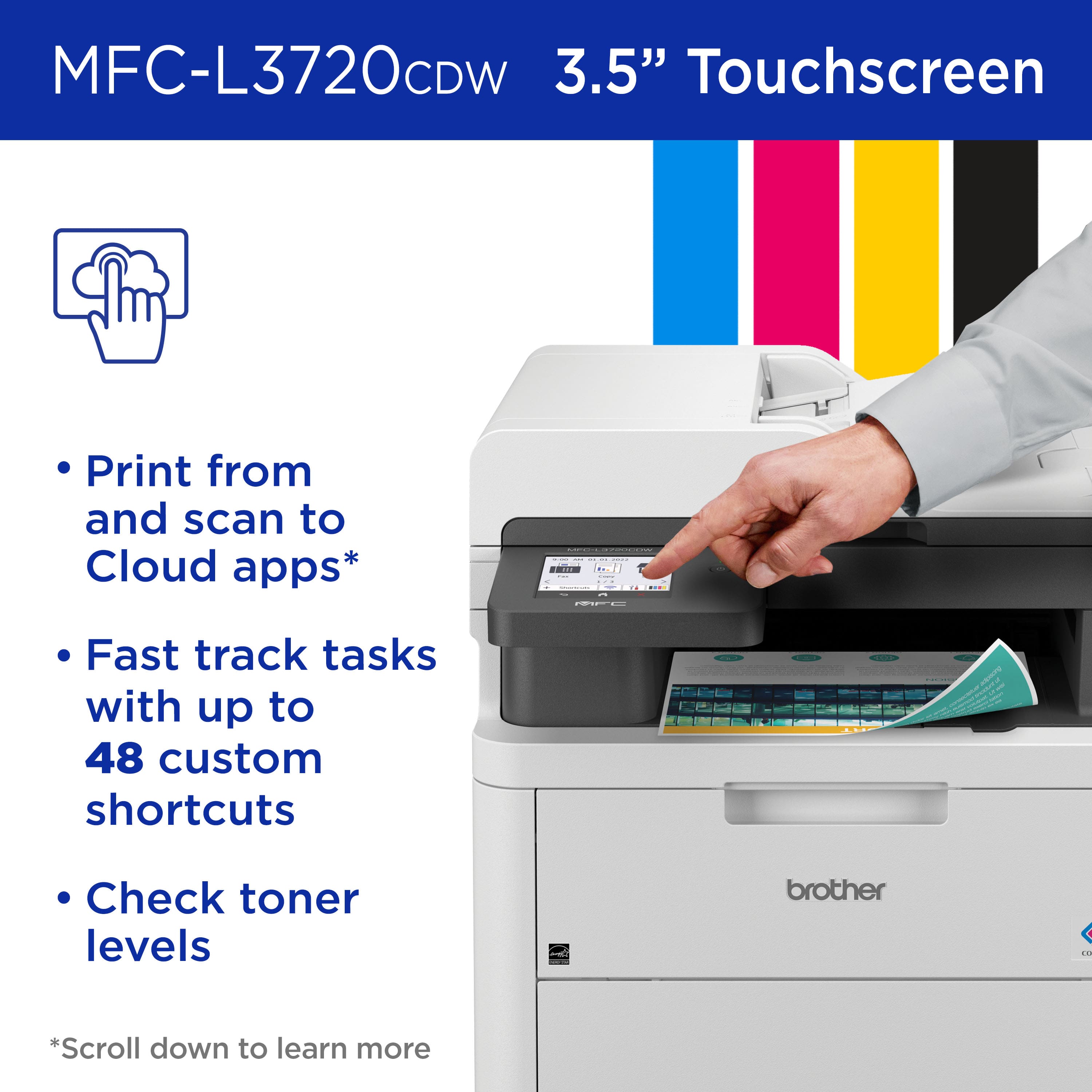
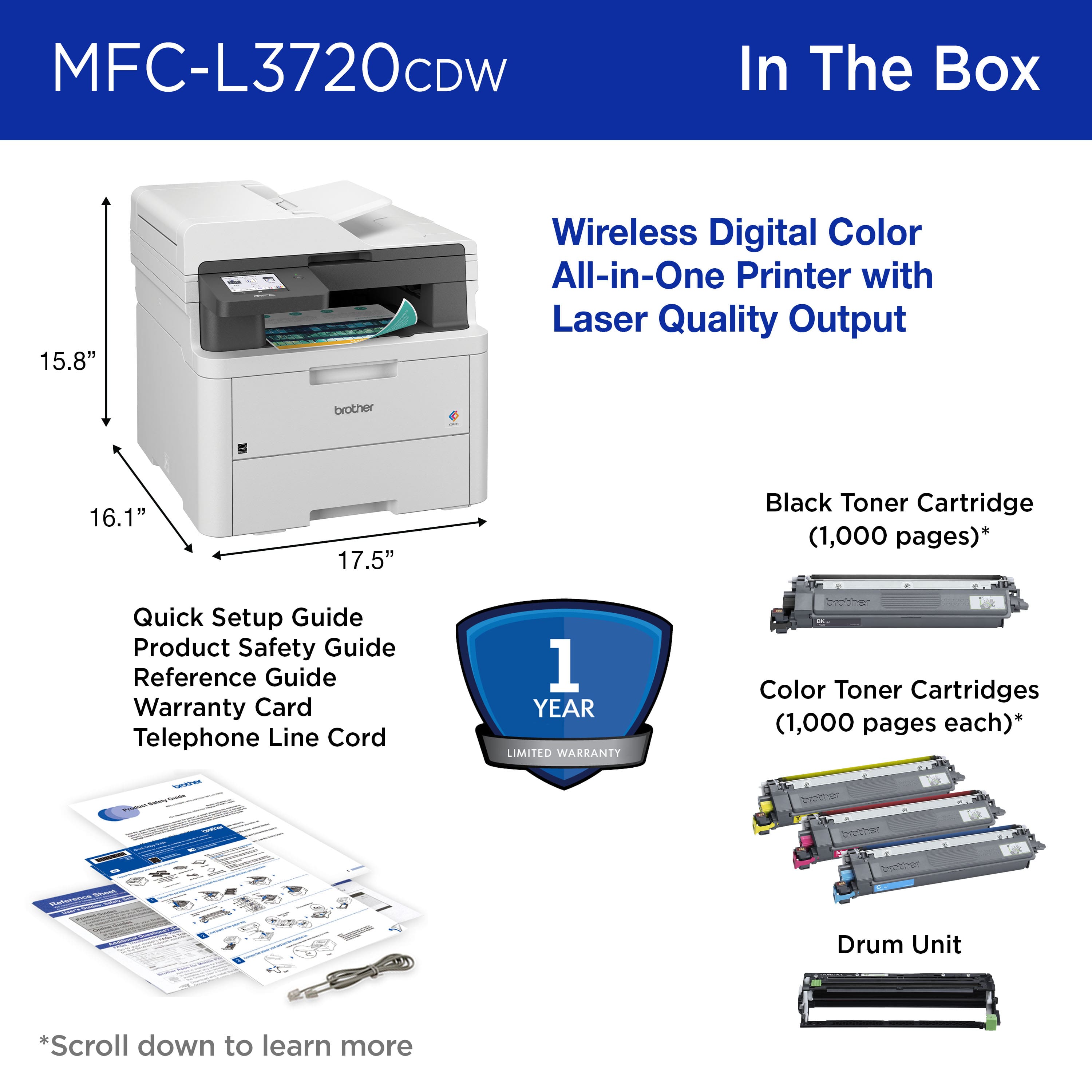
|Posted .This reviewer received promo considerations or sweepstakes entry for writing a review.This is a laser printer and is a bit larger and heavier than the average inkjet printer. The measurements are approximately 17.5 inches across and depth, so you will need to find a large enough spot for it. I have mine set up in my home office. This is an all-in-one printer. This will print, copy, scan and fax. Most people don’t really use fax machines anymore, but it is a nice feature to have just in case you need it. When setting up this printer, make sure to remove all the packing materials and tape (look everywhere) and reinstall the toner cartridges after removing some parts. Load up the paper tray, plug it in, turn it on and follow the instructions on the touchpad. It is so easy to install. This printer has an easy to use 3.5 inch touch screen for your use and you will be able to see your choices on this screen. Whether you are printing in color or black and white, it will print 19 pages per minute for one-sided prints. The paper tray holds 250 sheets. If you need to scan or copy documents, the automatic document feeder can hold up to 50 sheets. If you have more than that, you will need to divide it up. There are three color and one black toner cartridges that come with the printer. I like that you have the option of printing double sided. I find this helpful when trying to save on paper and I always look for this feature when buying a printer. I tried to scan pictures with this and they printed out very nicely. The optical scan resolution is 1200 x 1200 dpi resolution. I have not tried the fax feature on this, since I don’t personally have any use for it. If you download the Brother Mobile Connect app to your phone or tablet, you will be able to print pictures or documents from either of these devices. I recommend this printer for school, personal use at home or office and it prints fast and was easy to setup.
I would recommend this to a friend - Pros mentioned:Print quality
Great printer and cheap to use so far
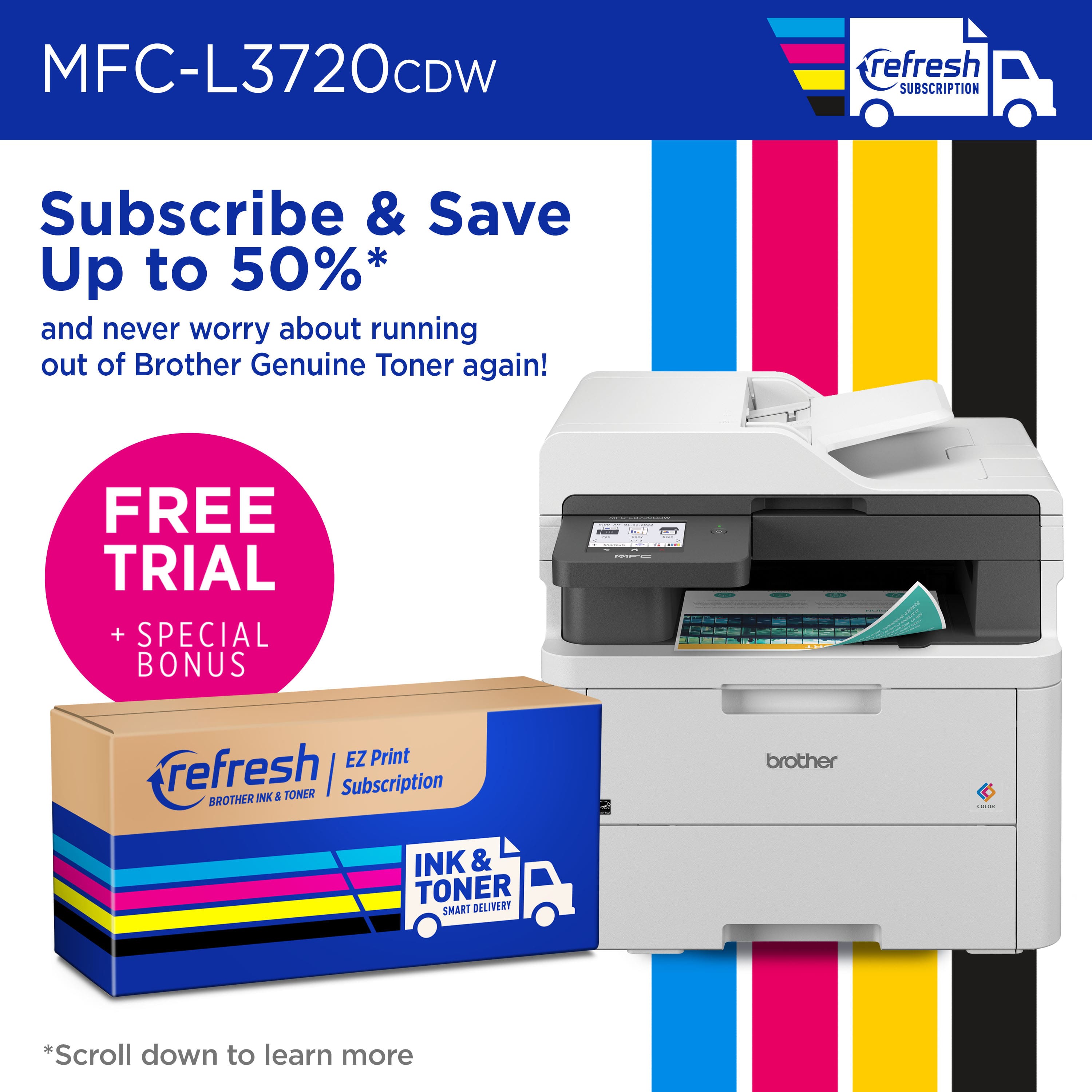
|Posted .This reviewer received promo considerations or sweepstakes entry for writing a review.Print FREE for 4 Months This printer is Refresh eligible! When you sign up for the Refresh EZ Print Subscription, the smart ink & toner service from Brother, you'll enjoy no-thinking-required ink & toner delivery to your door, when you need it. Zero-commitment, free delivery, and all the convenience. For a limited time only, enjoy a FREE 4 Month Trial So that is a nice bonus but make sure to cancel at the end or before the trial runs out. The plan has 3 price points from $10 to $35 depending on what you select for your monthly usage. Anyway the device can and does print at up to 19 pages per minute color or b/w. The included duplex 50 page feeder is to date not jam able…a big big plus so far. The 4 included ink cartridges are 1000 page capacity but less so far based on color printing. The included drum set supposedly needs to be replaced after 30000 pages but probably sooner but not too bad at under $200. For me not a problem since I am not a heavy user, the drum should last me forever. The overall setup took under 5-10 minutes, WiFi connection rock solid and fax capability same for reliability. The output via b/w is superb as is the color output. The images are photographic quality and suitable to frame if you use good paper. I love the app and how so far I can use air print very easily and never have to search for the printer like my prior unit. The overall cost for this unit if on sale to me is a bargain. So far the toners after almost a month still read for the color Very happy with the connectivity, speed, quality and durability and overall footprint.
I would recommend this to a friend - Pros mentioned:Print quality
The perfect home office printer
|Posted .This reviewer received promo considerations or sweepstakes entry for writing a review.I’ve needed a wireless color AIO laser printer for some time now. I have now moved back into a in-person office again, even though half the week. So, I needed a laser printer for the days I would be at home and in need to print my daily census and slides for presentations. My kids also needed a laser printer for all of their projects this Fall semester. Set up was pretty simple, and the Brother app is easy to navigate. The printer was on my home Wi-Fi in no time and my computers and smart phones/tablets were able to locate it and print from it quickly. I was a,axed at how fast this prints in both color and black&white: 25 pages a minute, so roughly a page every 2 seconds. This was such a welcome work flow compared to my ink printers which took about 5 seconds for color and about 3 for black and white. This can hold about half a ream of paper (20-24 lb), and can take a 40 lb card stock through as well. The touch pad at the upper left corner near the top tray is a breeze to use. It is very responsive to to push and easy to navigate. This is a quality in Brother printers I wish all other brands would adopt. It is a rather good sized printer but does fit on top of the desk nicely, as it is vertically tall. The toners are costly to replace so be aware about how much you print. But the quality it prints is amazing and very professionally crisp looking. I don’t blame you if you want to keep printing. My son printed up some comics on line and they look just as good as buying the actually book in store.
I would recommend this to a friend - Pros mentioned:Print quality
Solid Performance, Great Value
|Posted .This reviewer received promo considerations or sweepstakes entry for writing a review.I have used Canon and HP for years in the multifunction printer space. They have always served me well, but they are generally more expensive in the laser printer space than many competitors. When my six year old HP gave out I decided to try something different and give Brother a chance. Brother has been making printers for years and is probably more popular than the bigger brands at this point. After a couple weeks with the new MFC-L3720CDW I can see why. This multifunction laser printer does everything my outgoing HP did at less than half the price. The printer is reasonably compact given the type of printer it is and usually the addition of an auto-document feeder adds to the size. Overall, I tested everything (minus the fax functionality) and it worked without a hitch. Printing is fast and reliable in both color and B&W. No jams and output quality is crisp and sharp. Full color documents looked every bit as good as my HP and I have zero qualms with the performance. The auto-document feeder worked reliably as well for scanning large volumes of documents and both my MacBook Pro and iPhone worked seamlessly with the device. The print function is definitely quieter than my outgoing printer and overall I feel the Brother is a winner. I can easily recommend the Brother MFC-L3720CDW as a solid multifunction laser printer for home or small office use. I can see why Brother has made the in-roads over the years it has in this space. Great job Brother!
I would recommend this to a friend - Pros mentioned:Print quality
Great Brother
Posted .This reviewer received promo considerations or sweepstakes entry for writing a review.This machine is suitable for use in an office and I'm just one person - the quality of the print is great - very crisp - color is true and commands are easy to program. Over the top for me, but it's great!
I would recommend this to a friend - Pros mentioned:Print quality
Best all around printer out there
Posted .This reviewer received promo considerations or sweepstakes entry for writing a review.Excellent choice for jet printer. The wireless signal to print from your mobile phone, laptop and desktop is fast. If you print out a lot of paper, this is the one for you! Copy machine works fantastic also.
I would recommend this to a friend - Pros mentioned:Print quality
Good for small businesses
Posted .This reviewer received promo considerations or sweepstakes entry for writing a review.Great quality printer, easy to set up and get things going. Easy to replace toner, though I will say it runs out quicker than I expected it to.
I would recommend this to a friend - Pros mentioned:Overall performance
Mr.
Posted .This reviewer received promo considerations or sweepstakes entry for writing a review.Great product. It is working perfect until now. Not more then 2 months using it.
I would recommend this to a friend Printer
Posted .This reviewer received promo considerations or sweepstakes entry for writing a review.Nic machine Ordered and received as quoted. Prompt service
I would recommend this to a friendNice printer
Posted .This reviewer received promo considerations or sweepstakes entry for writing a review.Nice printer ! Easy to use. …………………..,,, ………………..
I would recommend this to a friend