Customer Ratings & Reviews
- Model:
- MFC-L3780CDW
- SKU:
- 11149490
Rating by feature
- Value
Rating 4.4 out of 5 stars
- Quality
Rating 4.6 out of 5 stars
- Ease of Use
Rating 4.6 out of 5 stars
- Pros mentioned:Print quality

A new monster printer for your office!
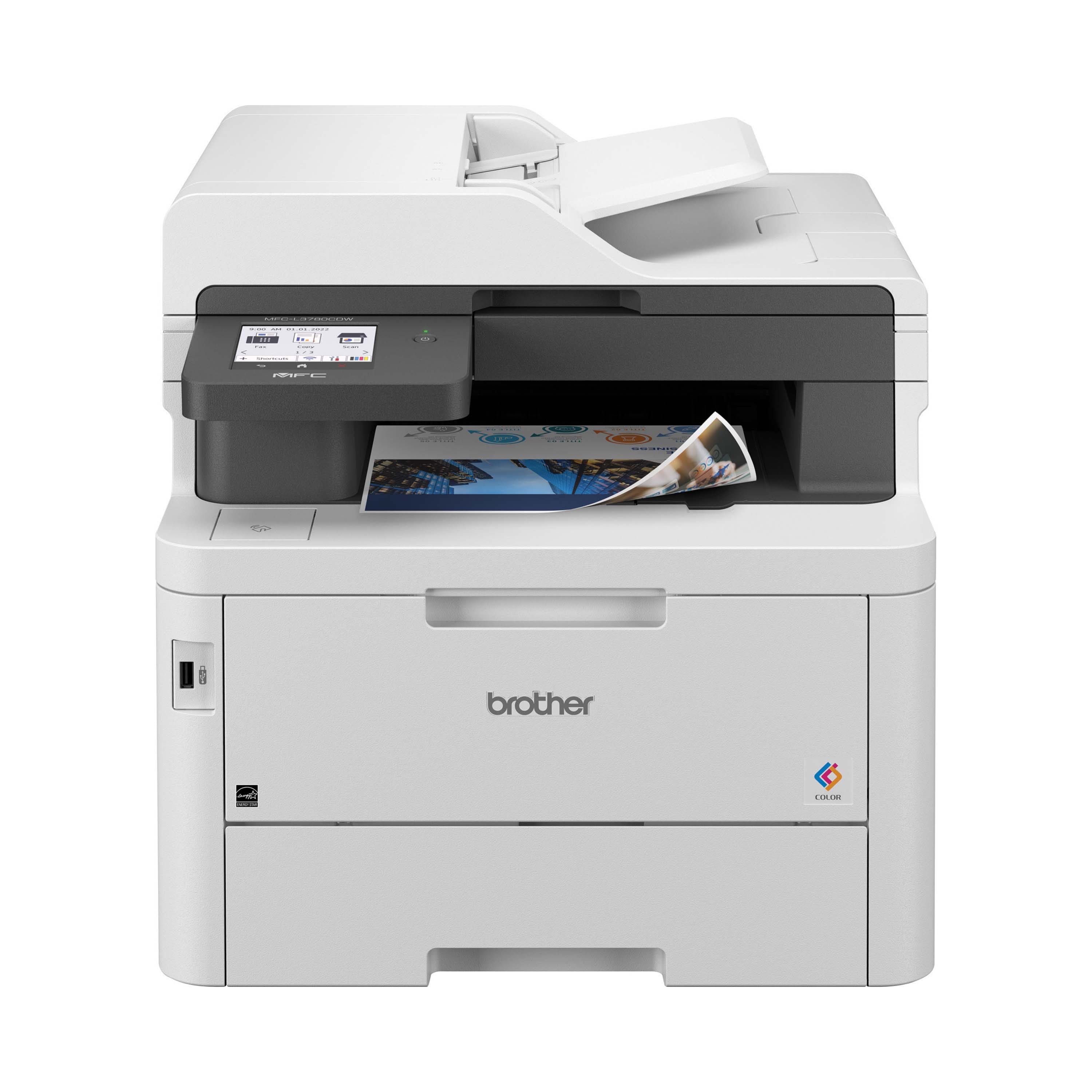
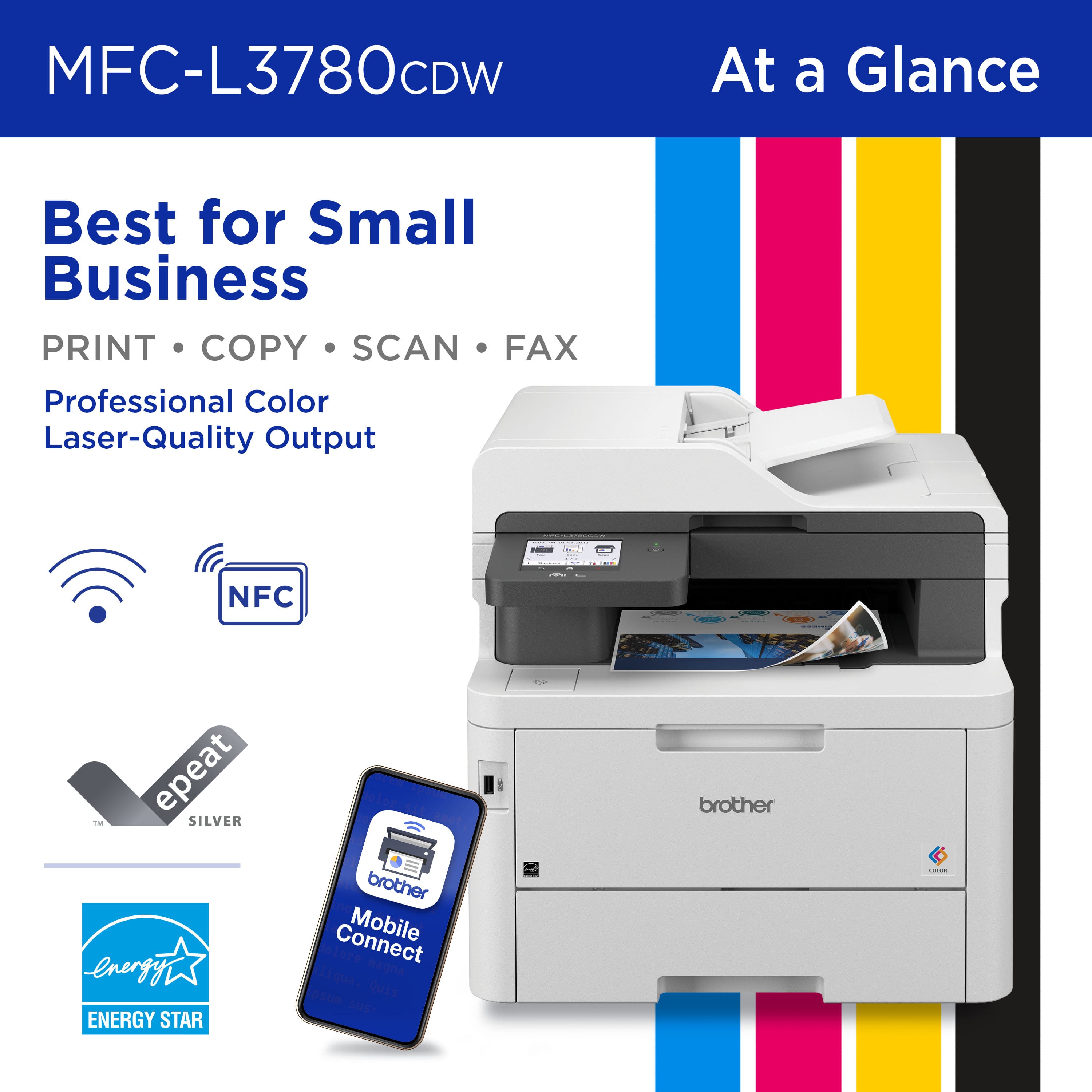
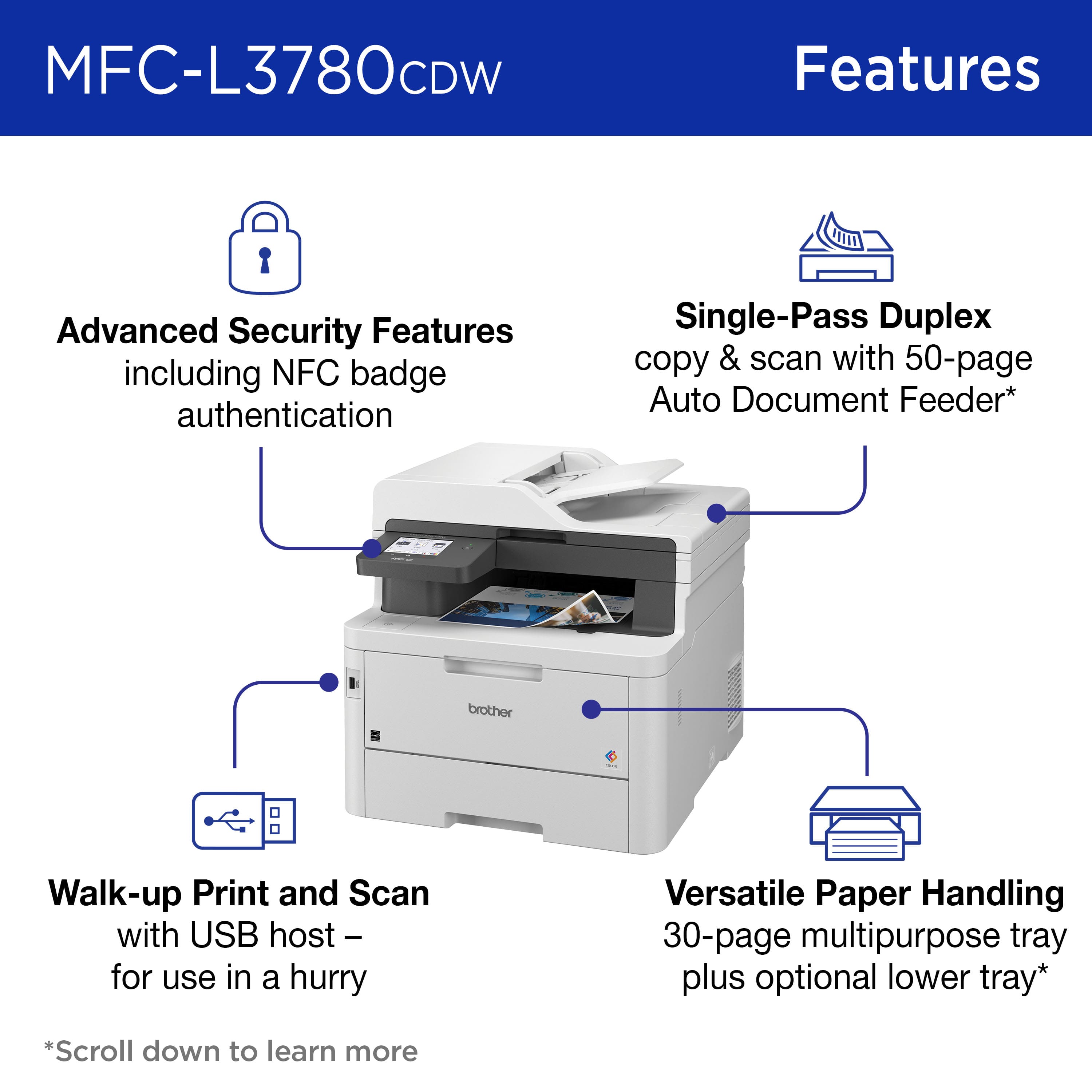
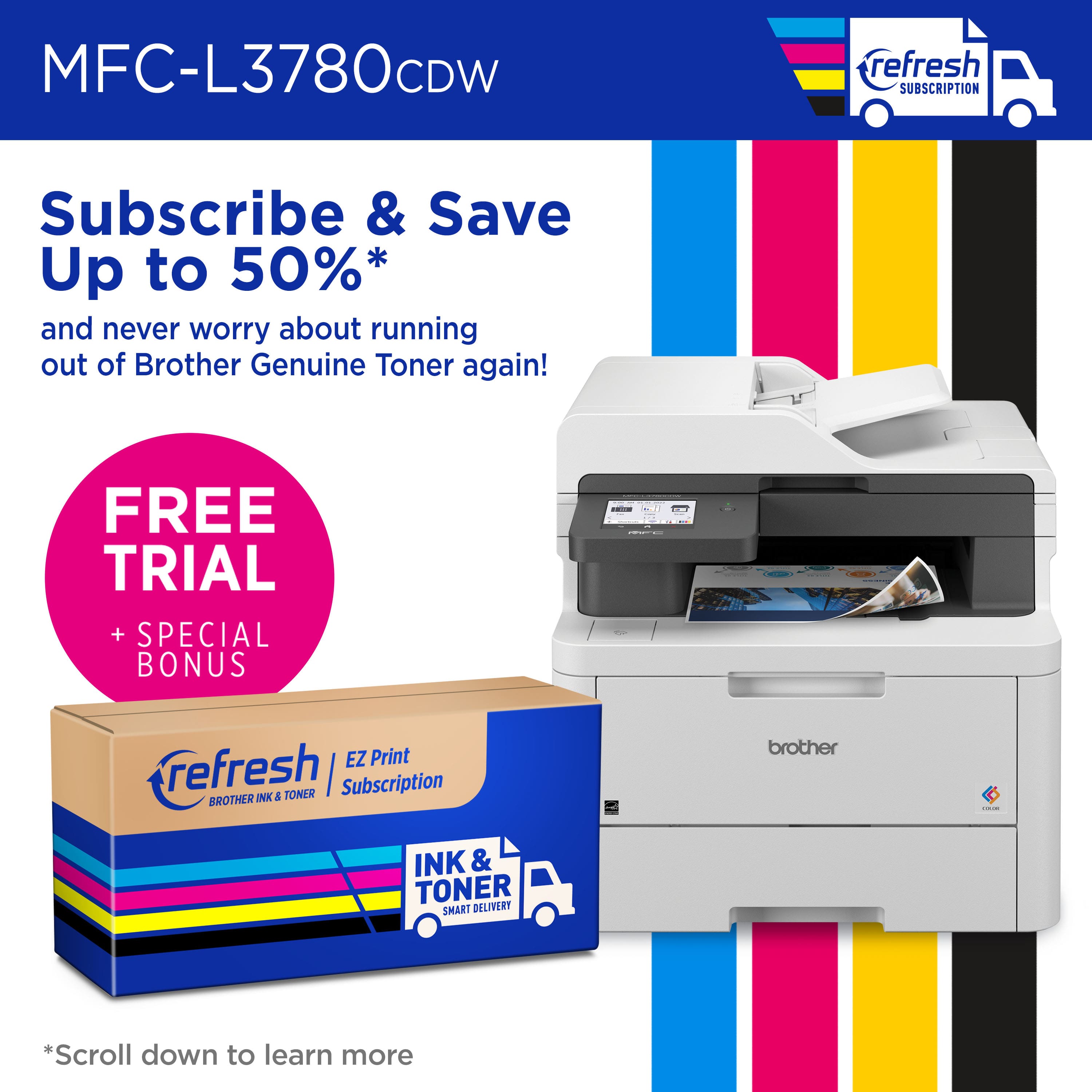
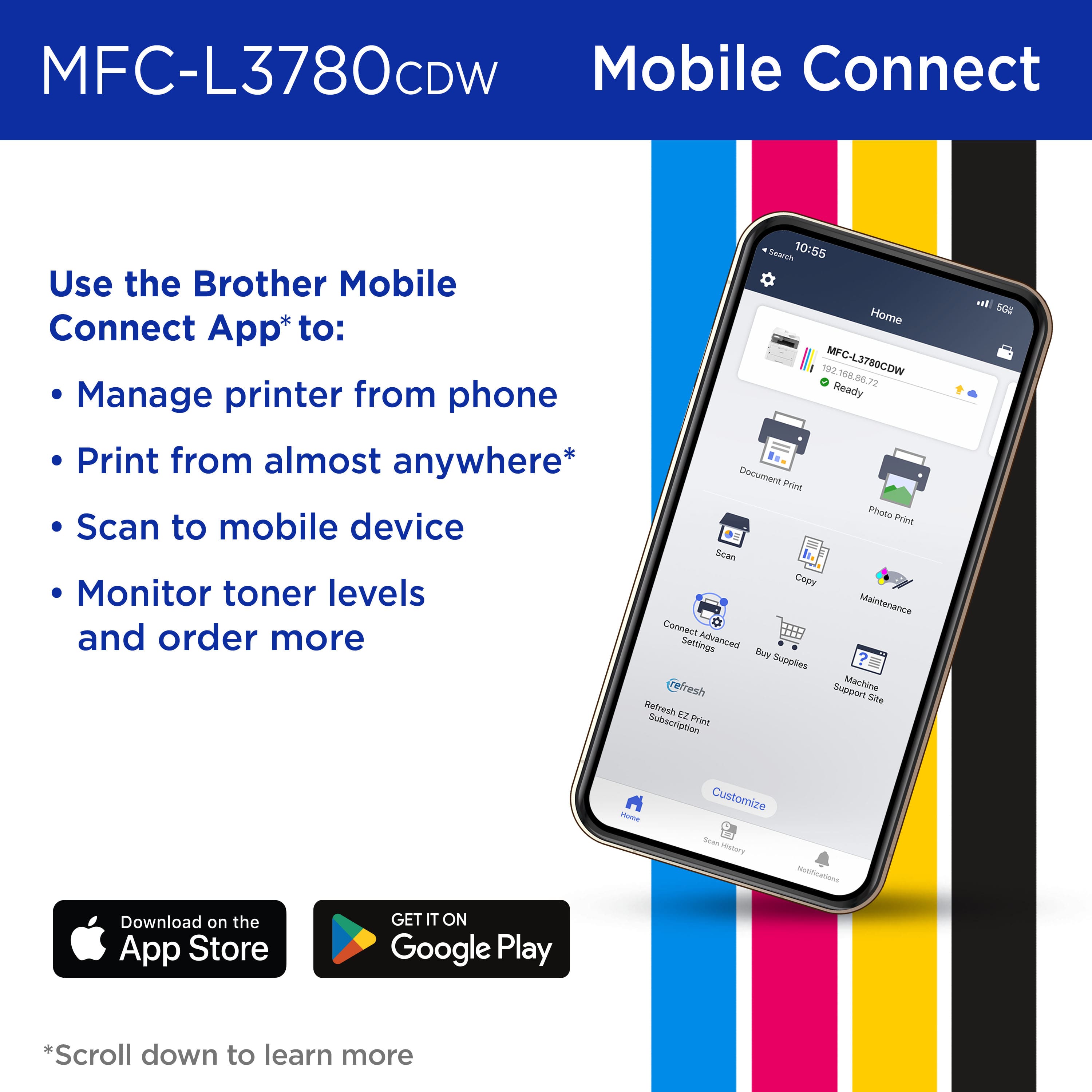
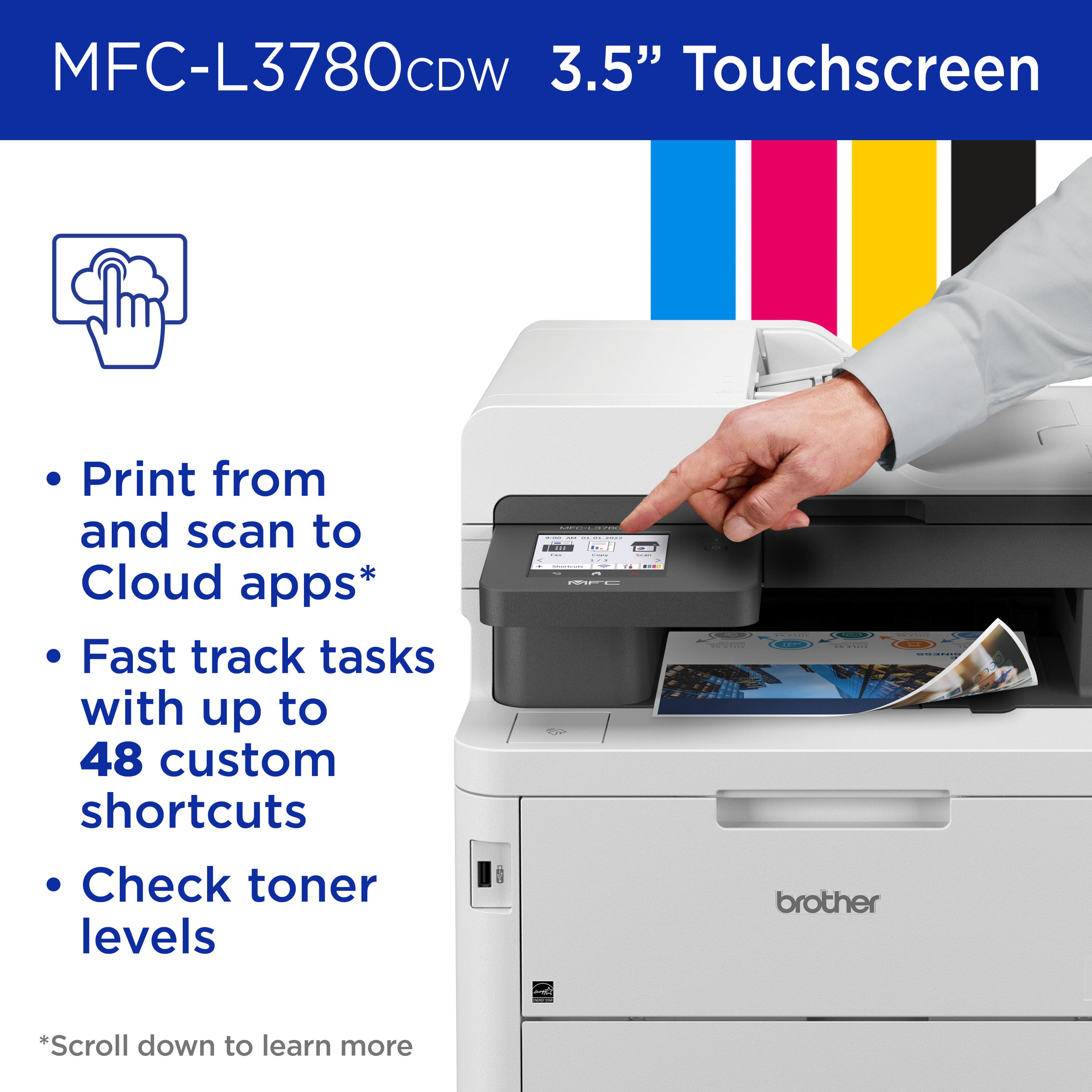
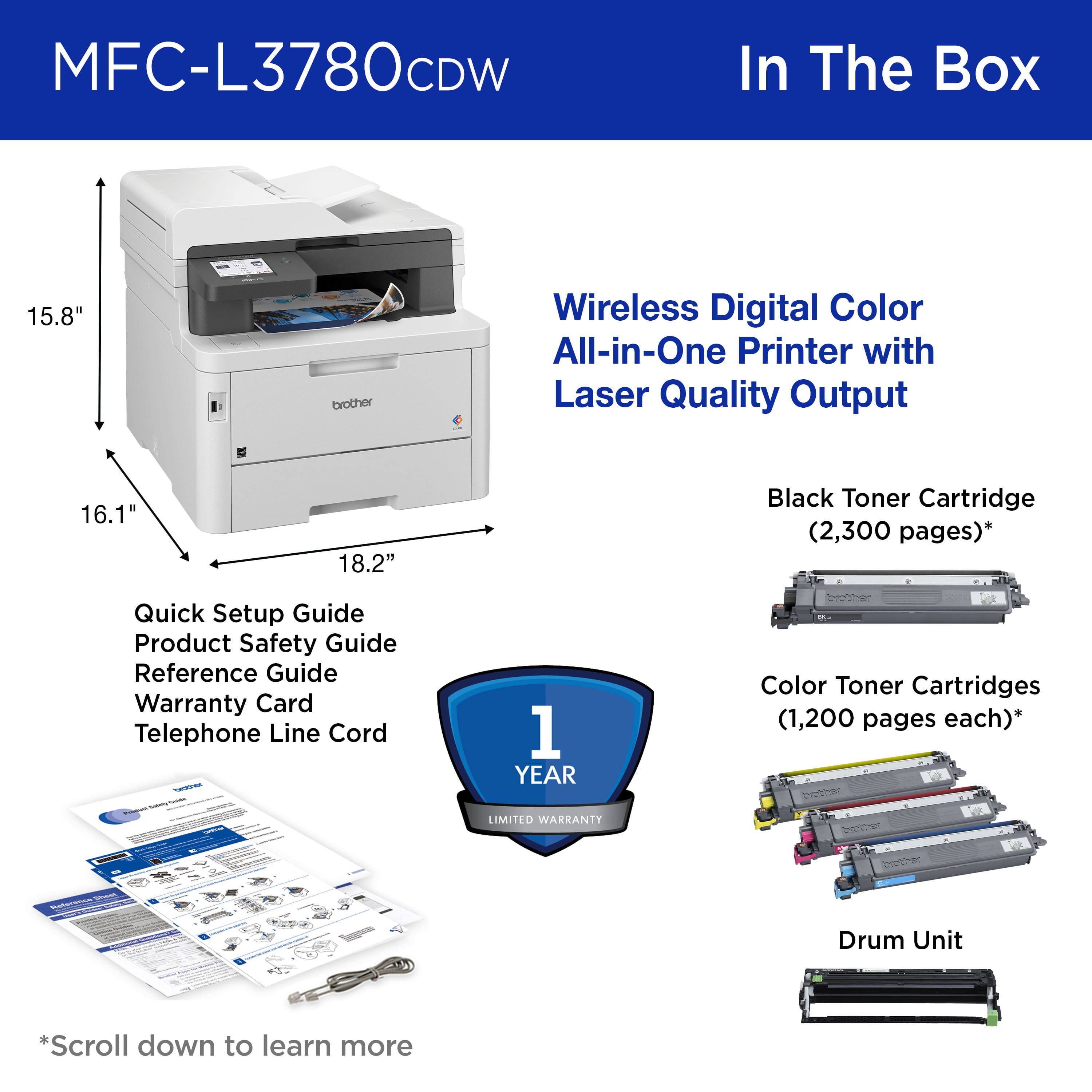
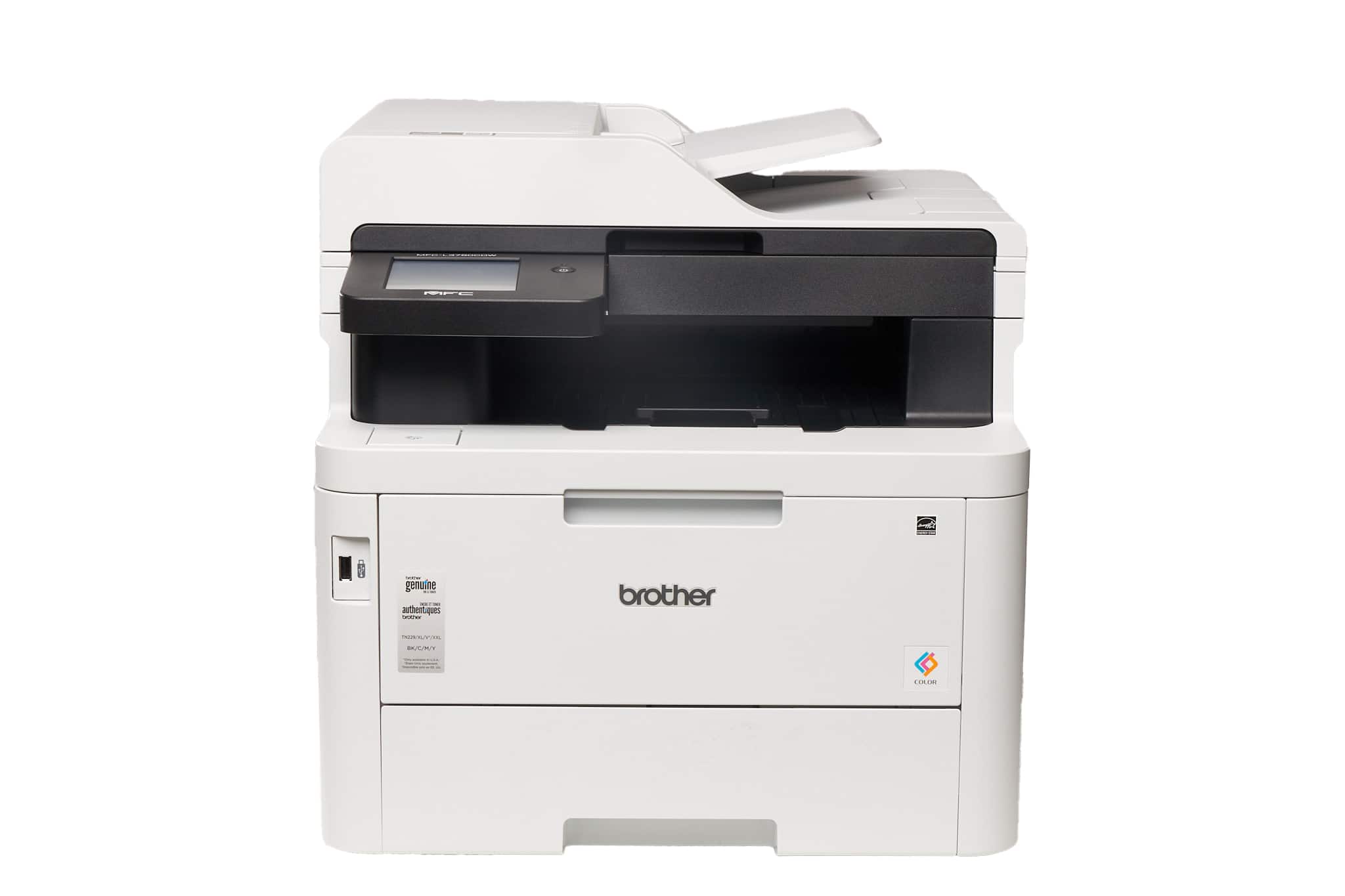
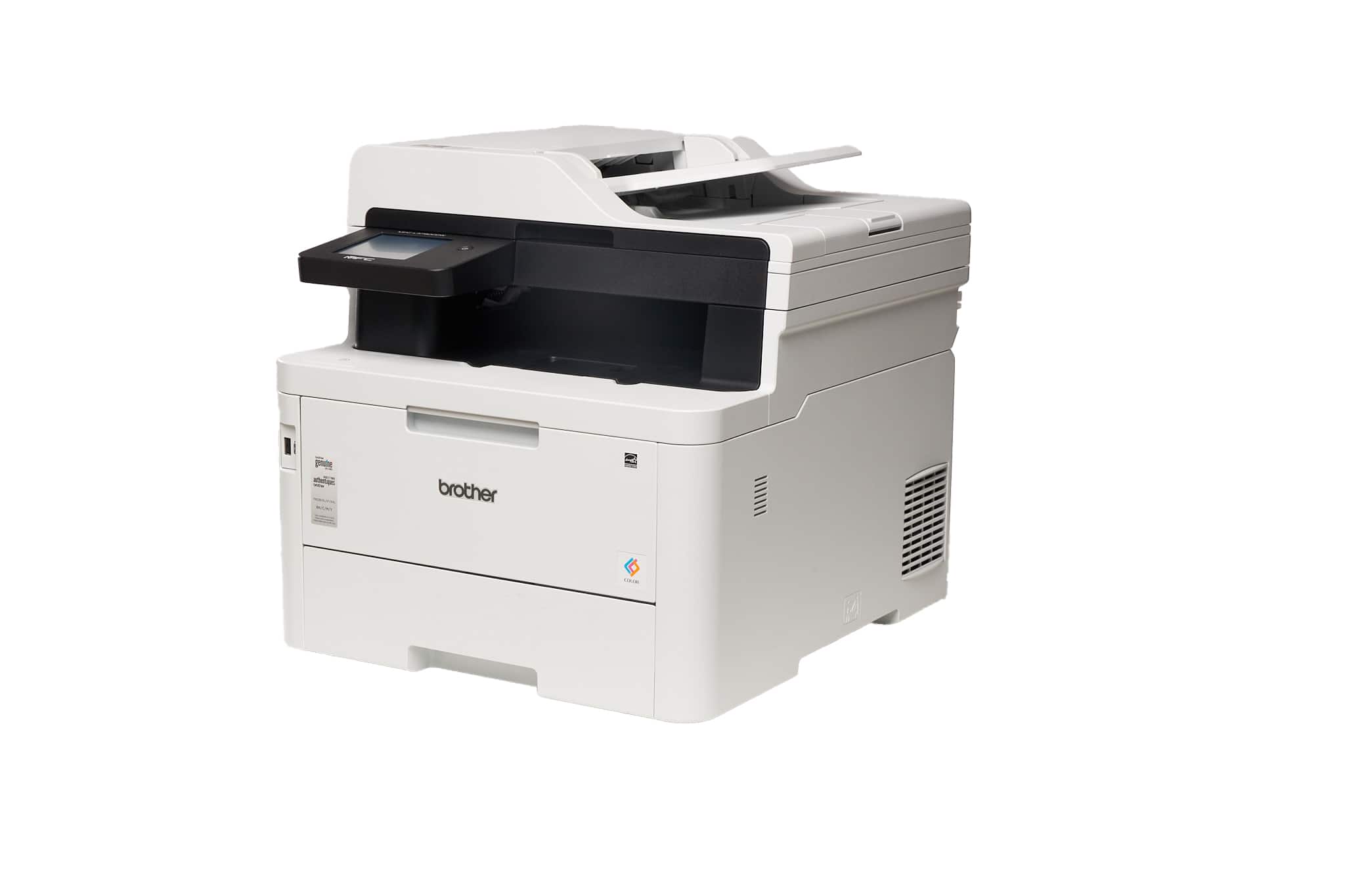
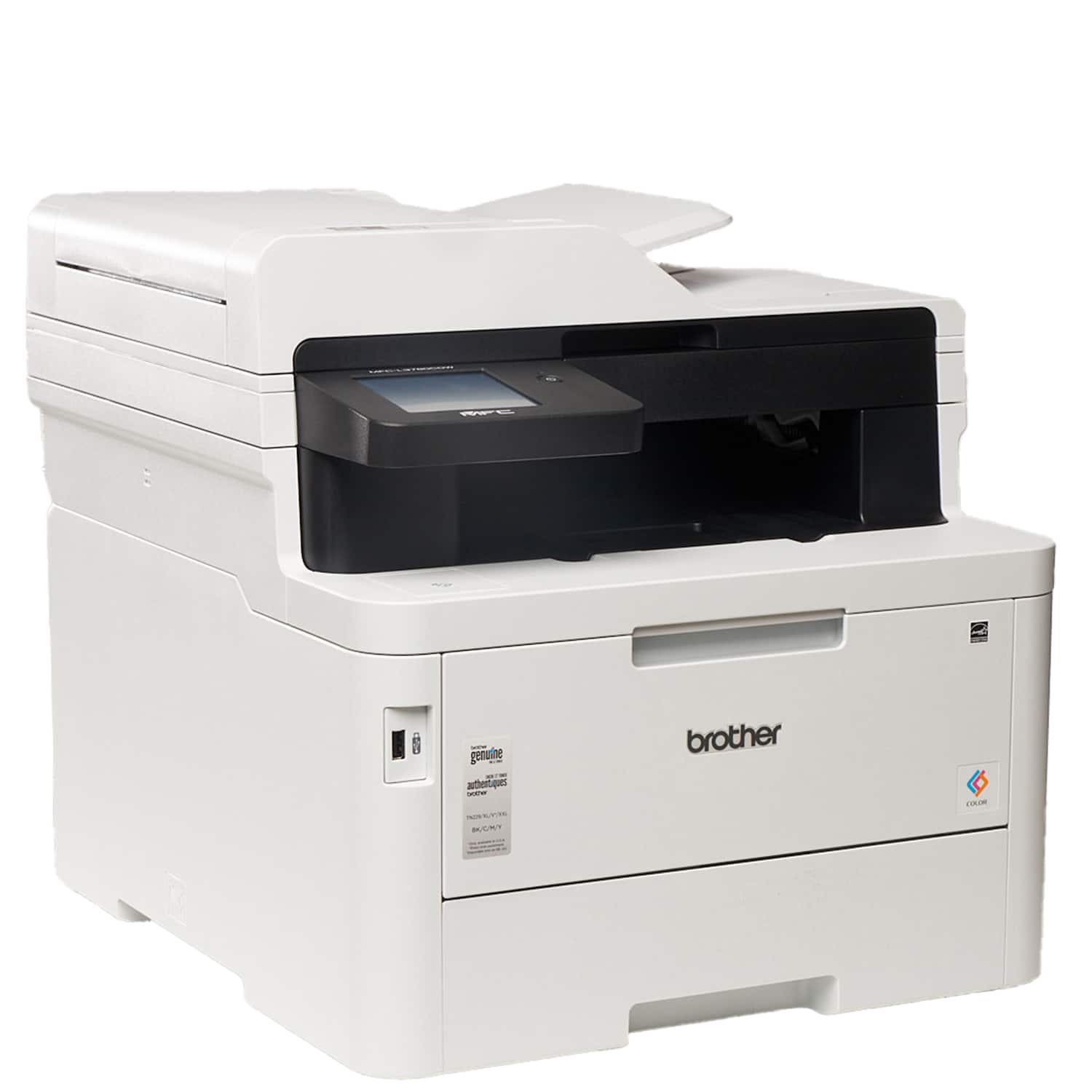
|Posted .This reviewer received promo considerations or sweepstakes entry for writing a review.The Brother 3780 printer is a must have for any business. It is meant for small business', but is really versatile in any setting. The printer comes well packed, and out of the box you can tell there is a great level of quality in the printer, as you would expect with Brother products all together. Set up is pretty easy, and you will need to download the Brother mobile connect app to utilize all of its features. After setting up on your network and installing the print drivers on your devices, you can start printing, scanning, copying or faxing. All of that controllable by the 3.5" touchscreen, which is very acurate and responsive. The touchscreen menus are easy to navigate and manage printer tasks. You can also set up printing with Alexa, and use other services like Apple Air print as well. The paper tray is easy to pull out and fill. It holds half a ream of paper which is enough to cover the whole day of printing for me which is nice. Printing itself is amazing. The laser quality printing and super speed mean my customers get to spend less time standing around waiting for invoices or receipts to print, and get clear, crisp printing every time. The double sided printing is awesome and is some of the quickest I have ever seen. This printer can handle up to 30 pages a minute. The quick scan copying works flawlessly and can handle up to 50 pages at a time. The scan quality is really great considering how fast it scans the documents. It has worked really great any time I need to copy outside invoices into my pc or duplicate customer order sheets that need to be picked from multiple areas. It really cuts down on time over all. One nice touch is the enhanced NFC security protocol to protect your wirless transmissions. Having that extra protection gives peace of mind from sensitive documents being intercepted by prying eyes. I have really enjoyed using this printer and it has been a major upgrade for my business. One nice things is it comes with a 4 month refresh subscription trial which is a pretty cool service and saves you up to 50 percent on cartriges. . Overall, this is an excellent printer and is well worth the investment for your small business. It does come with faxing features as well as scan and print from usb features as well that I have not yet needed to utilize.
I would recommend this to a friend - Pros mentioned:Print quality
Perfect workhorse for a home office/small business
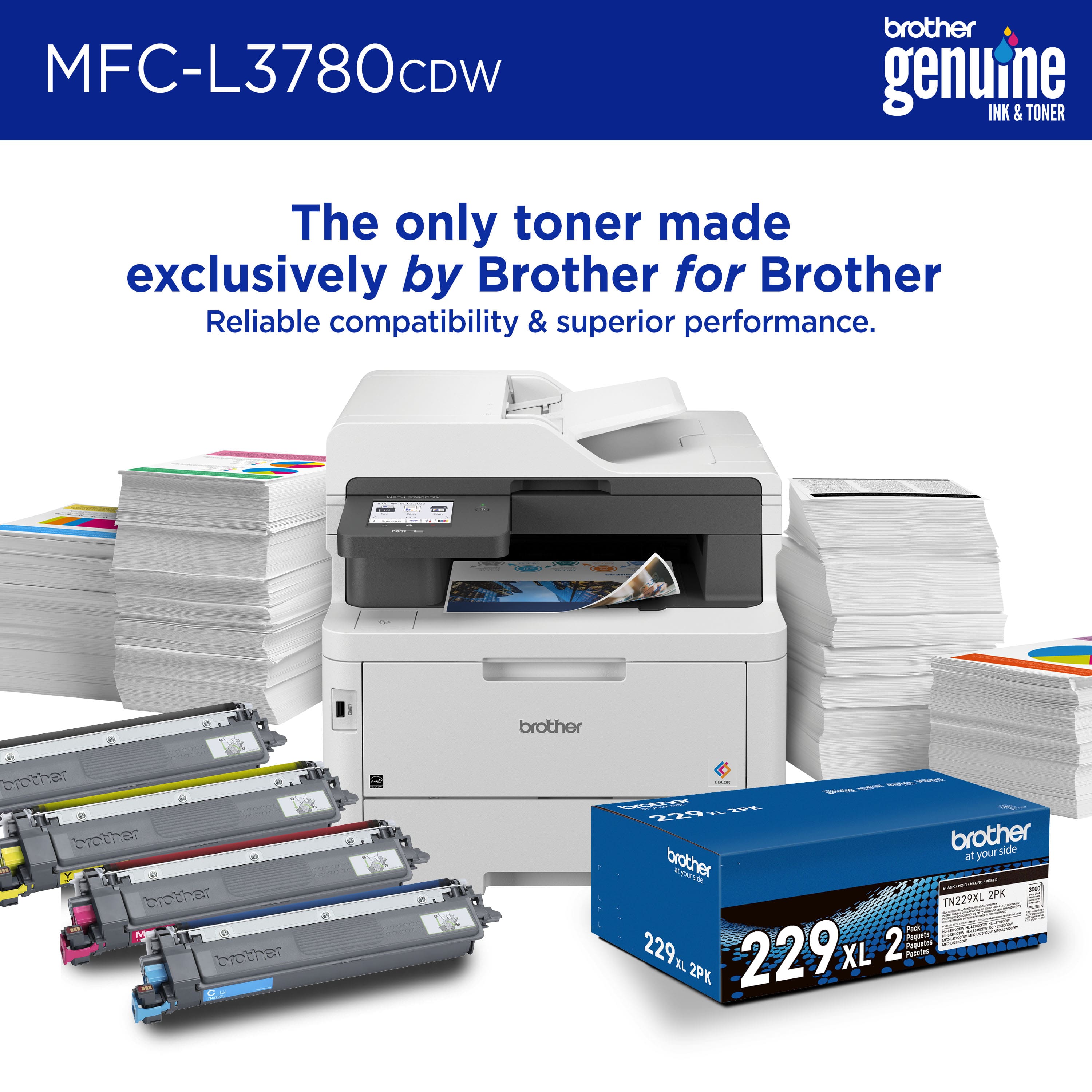
|Posted .This reviewer received promo considerations or sweepstakes entry for writing a review.This is the second Brother color laser printer that I have and this one is better than my HL-L3270CDW series printer. This one is a true All-in-One and is great for mobile device users as well. This one adds the Refresh Subscription option which I use with other brands that I own. The subscription service has a bunch of different plan options to fit your needs. If you print anywhere from 25 to 1,500 pages per month, there is a plan for you. I signed up for the moderate plan that includes 200 pages per month which costs $20/month for color printing and allows you to roll over up to 400 unused pages for up to two months. The ink will be mailed to you automatically which helps avoid having to go to the store for ink. The plan also extends the warranty up to an additional year if I remember correctly, as long as you are enrolled in the service. The app is where this really shines. I work from home a couple of days per week and use both a laptop and a tablet for working. With the app, you can print and scan documents using the app. You can also check the ink status and update your Refresh Subscription service. When you scan a document you can save it directly to your mobile device. Within the app, you can select paper size, color/mono, double sided and even which pages to print. This app is fully functionable and an awesome addition to a great printer. You can also use a thumb drive and print directly from that as well. I have a thumb drive that is USB-C on one end and USB-A on the other. It works with my tablet and laptop and you can select the folder and file directly from the color touchscreen on the printer. I found the printing to be very fast and clean with no smearing or wet ink after its done. This works great for work and our home based small business as well. I cant really say enough about this machine and I would definitely recommend it.
I would recommend this to a friend - Pros mentioned:Print quality
Good Laser Color Printer
|Posted .This reviewer received promo considerations or sweepstakes entry for writing a review.Brother - MFC-L3780CDW Wireless Color All-in-One Laser Printer is a solid printer. I use it at home for work (teacher) and personal. I;m not sure how long the included toner will last, but I've printed a lot so far and it doesn't seem to be running out. Here are some stats that I tested and recorded. It printed my 30 black and white single sided copies in 1:17. The first page was printed at 17 seconds. It printed my 15 black and white double-sided copies in 2:45. The first page was printed at 17 seconds. It printed my 15 Black and white, tiniest amount of color copies in 2:45. First page in 25 seconds. I have printed in full color but forgot to time it at the time of this review. The color quality of the laser printer compared to the inkjet of another brand that I own is rather underwhelming. I was going to get rid of the inkjet, but I will keep it. If I only had one printer, this would still get the job done. I might play around with some settings or research and see how I can get a better quality color print. It's just that the lines don't seem crisp. I purchased high quality laser paper intentionally, but that didn't seem to do the trick. There is a Brother app you can download to your phone. I have printed using the app. If you download a document to your iphone and print through the app, you have access to all the printing features that you do on your laptop. I haven't had it long enough to have an opinion on the ink delivery system since I haven't had a delivery yet, although I enrolled in the free 4 month trial. In summary, the Brother - MFC-L3780CDW Wireless Color All-in-One Laser Printer prints quickly, gets the job done, and I would recommend it to others.
I would recommend this to a friend - Pros mentioned:Print quality
Really Love This Thing!!
|Posted .This reviewer received promo considerations or sweepstakes entry for writing a review.This printer arrived in my world at just the right time. As someone who owns their own business as a side job AND is also a deeply involved parent in my child's school I often have a need to print a large amount if items on a regular basis. For my business I print promotional material as well as documentation and invoices. Printing on this printer gives all of those a really great professional look that says I pay attention to detail. Colors are nice and crisp and lines are sharp and well defined. Even down to the smallest of details. I thought my previous printer was good at it's job, but this one has shown me that it was barely past the OK line. For all of the things I do for the school I am so very impressed with the overall speed I get from this printer. I often print upwards of three to four hundred surveys, letters, or notification flyers to be distributed among multiple classes. Previously, I had to stagger my print jobs across several days because my old printer couldn't handle that much all at once without jamming or slowly degrading image quality from the begging and the end of the batch. This one, however, just ripped through it all, laughing all the way. If you're looking for an excellent small office / home office machine then look no further. This one will have basically everything you'll have a need for.
I would recommend this to a friend - Pros mentioned:Print quality
Never going back to inkjet
|Posted .This reviewer received promo considerations or sweepstakes entry for writing a review.I’ve struggled with inkjet printers for use. The cartridges always dry out between uses or need alignment or get clogged and they run out of ink so easily. They’re also slow for multiple pages and the quality stinks even on the highest settings. This printer changes all that. Literally every issue I’ve had with my past printers is resolved. The quality laser cartridges perform quickly and quiet with sharp lines, bright colors, and even support dual sided printing with no additional action from the user. I can print any documents remotely or even scan documents directly to my phone using the Brother Mobile Connect App, perfect for synchronizing work documents with my phone. It has a large touch screen that keeps the interface clean and doesn’t overwhelm the user with too many options. Ink levels are displayed clearly on the home screen so you never have to hunt through settings to find out. Multiple paper trays allow for simultaneous printing of different mediums without having to swap out the tray for each kind. For higher security, the printer even supports close range NFC badge authentication. All in all I can’t recommend this printer enough. My business partner always complained about our old printer being low quality and those complaints are gone!
I would recommend this to a friend - Pros mentioned:Print quality
Very good choice
Posted .This reviewer received promo considerations or sweepstakes entry for writing a review.Compact size for all its functions. Easy to use. Good scanning and printing quality.
I would recommend this to a friend A great color all in one business printer
|Posted .This reviewer received promo considerations or sweepstakes entry for writing a review.I started working remotely in 2009 and at the time I purchased a Dell 2335dn high volume printer with scanner. That was a beast, big, heavy and 2009 technology. It was becoming increasingly hard to setup the printer with new devices and really really hard to find toner for it. With an advertised volume slightly less than but comparable to my Dell, full color options, and LCD touch screen this seemed like it would be a worthwhile upgrade. After using it for a while now I can say that overall my feelings are mixed, but over the long term I anticipate it being a worthy replacement to my home office needs. In addition to my home office needs, which admittedly see reduced printing needs year after year (I can do most receipts online and post pandemic most contracts have been executed on DocuSign), we as a family do have robust needs for printing on our social calendar. Between my wife and I we server on school committee, PTO, a couple local charitable orgs, the park and recreation department and coach one or two youth sport teams most seasons. This busy social calendar does mean color flyers, practice schedules and other documents are in high demand. I was please to see that this prints color far more efficiently than most ink jets that I've dealt with in the past, I haven't tried photos but adding a splash of color works really well: "business" uses. I will say for high volume print jobs in black and white, like research papers etc. that may run 40 - 80 pages this printer takes noticeably longer than my older one but not enough to be a burden. I did give 4 stars instead of 5 for two major reasons: 1) This was the hardest device I've had to setup in a number of years. I'm wondering if part of the issue was use of wired LAN instead of WiFi but the out of the box network configurations didn't work and prevented registration, firmware, etc from working and made it very confusing. 2) I wasn't a fan of the Refresh subscription. 2a) I really didn't like being asked to commit to a plan before I had learned how much we really print in a month. If I had to guess I'd say over 100 pages a month, but the cost of that plan is around $180 annually. 2b) Doing that arithmetic made this feel like a bum deal, in 14 years on my last printer I bought toner 7 times at a rough cost of $65 to $110 depending on if I could find recycled cartridges. While I recognize CMYB is 4 times the cartridges of a simple black and white, I want the flexibility to print work documents that may run up to 200 pages and if in the long run I need to replace cartridges annually or more I'm probably not going to be happy.
I would recommend this to a friendBrother Printer not a good as what reviews said
Posted .This reviewer received promo considerations or sweepstakes entry for writing a review.This Brother printer is good not great. I had an HP printer that was about 10yrs old that I replaced with this Brother printer and I would say the HP printer was better, color print quality was better. expensive printer for the quality of prints
No, I would not recommend this to a friend- Pros mentioned:Print quality
Excellent unless you need to print envelopes
Posted .This reviewer received promo considerations or sweepstakes entry for writing a review.So far (a few months) this printer has been a peach but we're still on the original toner cartridges so I can't speak to longevity. Clear printing, only one paper jam (and that was duplexing with very thick paper so almost expected). The one irritant is printing envelopes. Clearly this is a cludge workaround: Open the multifunction paper tray, put in UP TO only three envelopes, and worst of all you have to open the back of the printer and flip two levers to enable envelope printing. If I'd known this beforehand I'd have looked around a bit more before buying it. If you need to print a lot of envelopes I suggest you look elsewhere. We don't, so I'll keep it, but what a cludge workaround just to print envelopes. I expected - and deserved for the price - a better way to print a normal item like an envelope.
No, I would not recommend this to a friendBrand response from Brother
Posted .We understand you're experiencing issues printing envelopes with your Brother MFCL3780CDW machine. We'd like to help. Please contact our Customer Service department and we will work with you to resolve these issues. Brother Customer Support Team is available to assist you direct: www.brother-usa.com/brother-support

- Pros mentioned:Ease of use, Print quality
This is the printer!
Posted .This reviewer received promo considerations or sweepstakes entry for writing a review.Easy to use, great quality! Set up was very straightforward.
I would recommend this to a friend Manager
Posted .This reviewer received promo considerations or sweepstakes entry for writing a review.Third Brother printer currently owned. Great performance and reliability. I abandoned HP printers because of their nonexistent service. Although the brother printer is somewhat larger than what I wanted, its trouble free performance one the day.
I would recommend this to a friendJust replace the whole printer when you run out.
Posted .This reviewer received promo considerations or sweepstakes entry for writing a review.Lesson learn, it's far better to toss the printer and buy a new one when you run out of toner. Spent more than $400 on new cartridges from BB only for the printer to permanently streak. That's $1000 totals... Just trash it and get another. It's cheaper.
No, I would not recommend this to a friendBest Buy Falsely Adverises
Posted .This reviewer received promo considerations or sweepstakes entry for writing a review.Purchased printer as BB advertised it as compatible w/ Windows 7. About 2 wks for shipping & it was damaged. I learned it did not work w/ operating system after several calls w/ Brother tech support. BB refused to give refund although falsely advertised.
No, I would not recommend this to a friend