Customer Ratings & Reviews
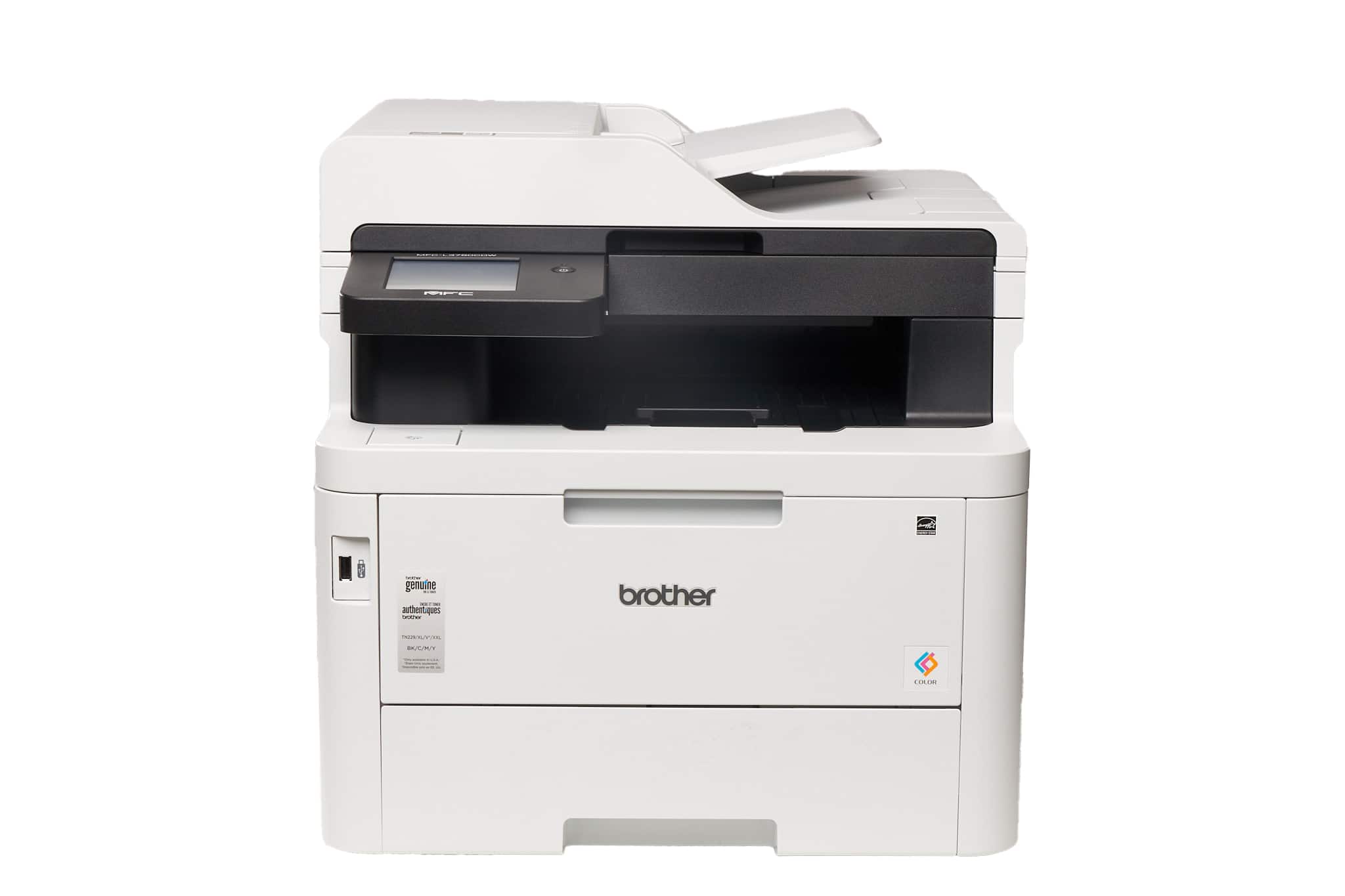
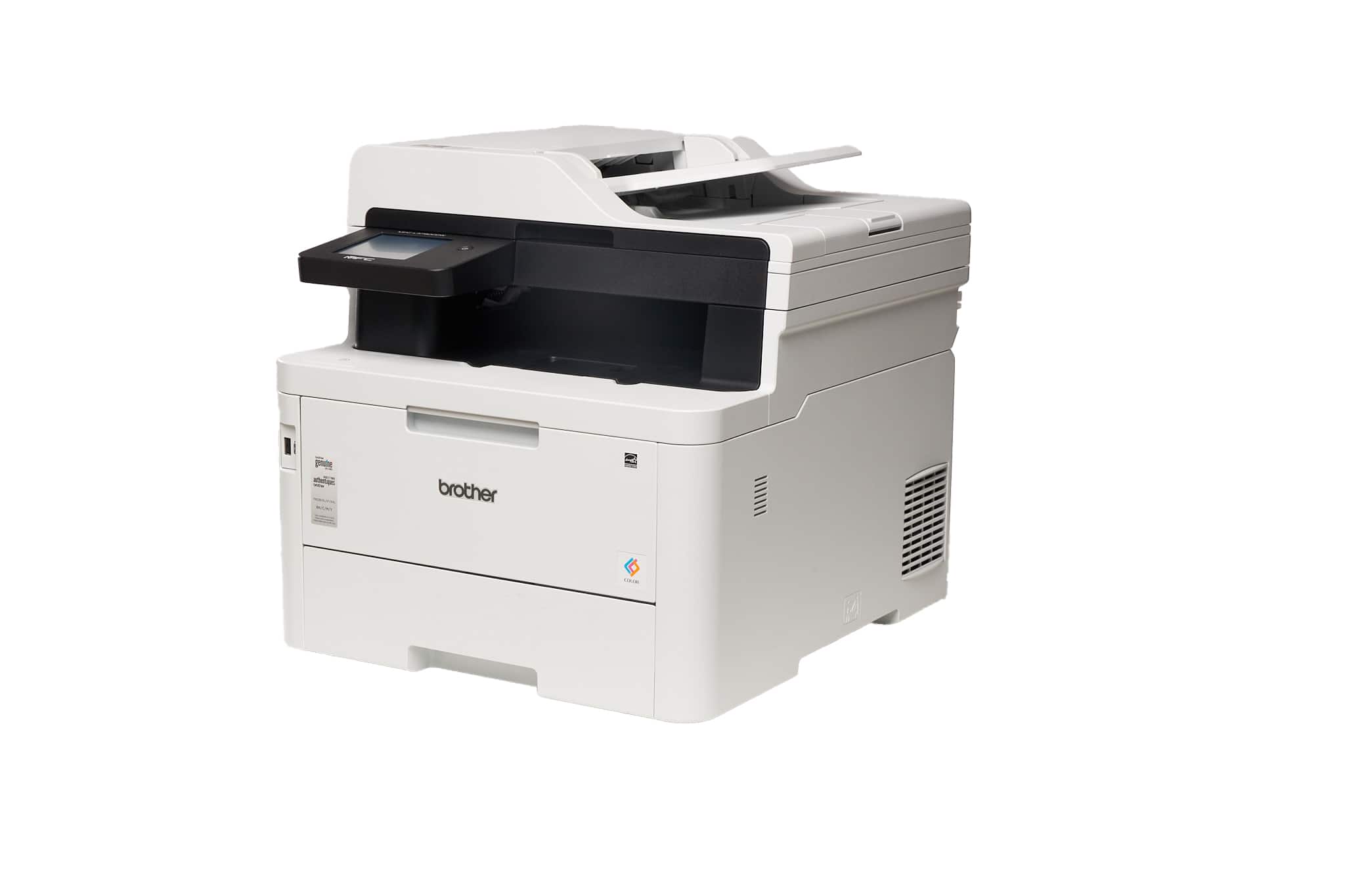
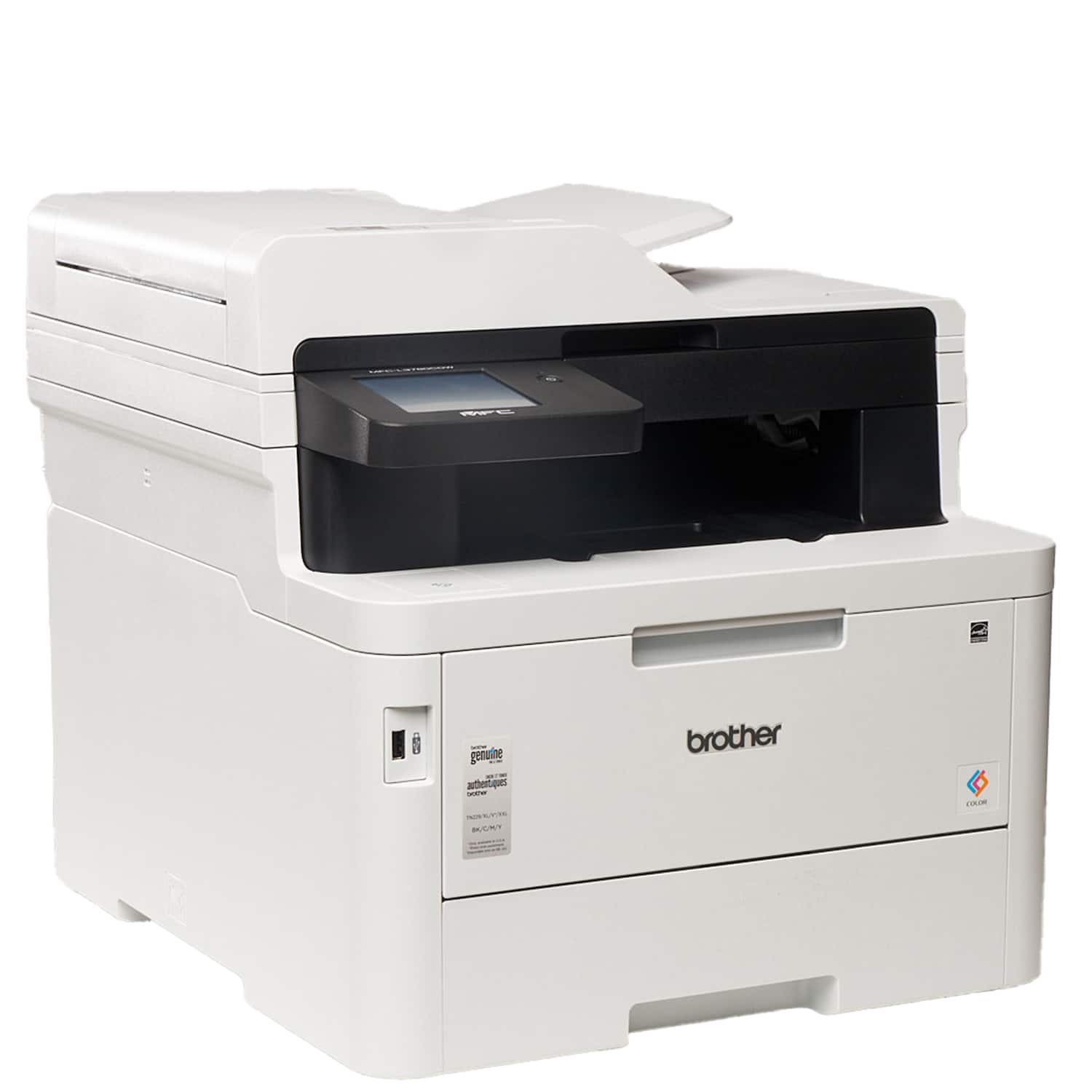
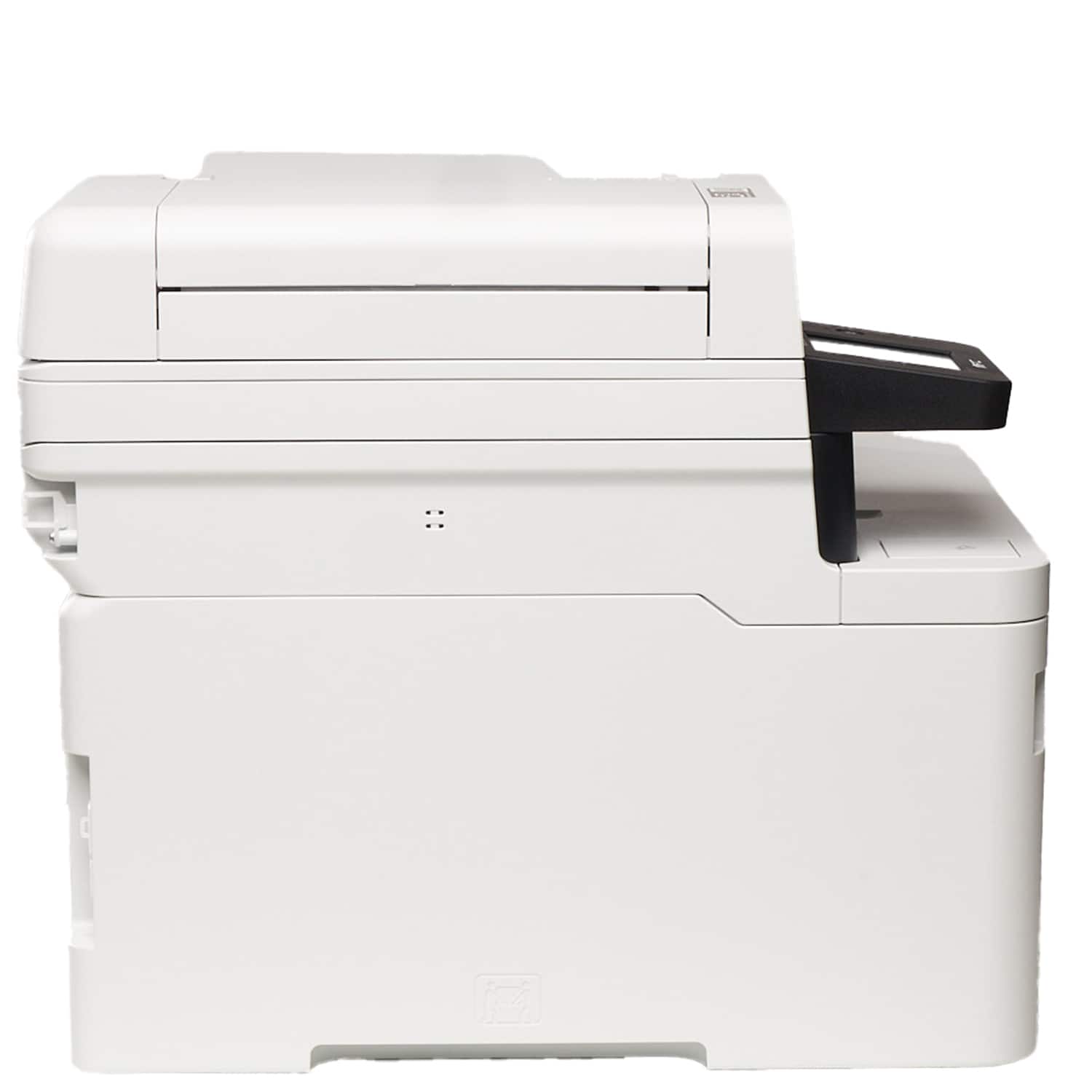
- Model:
- MFC-L3780CDW
- SKU:
- 6560840
Rating by feature
- Value
Rating 4.4 out of 5 stars
- Quality
Rating 4.6 out of 5 stars
- Ease of Use
Rating 4.6 out of 5 stars
Customers are saying
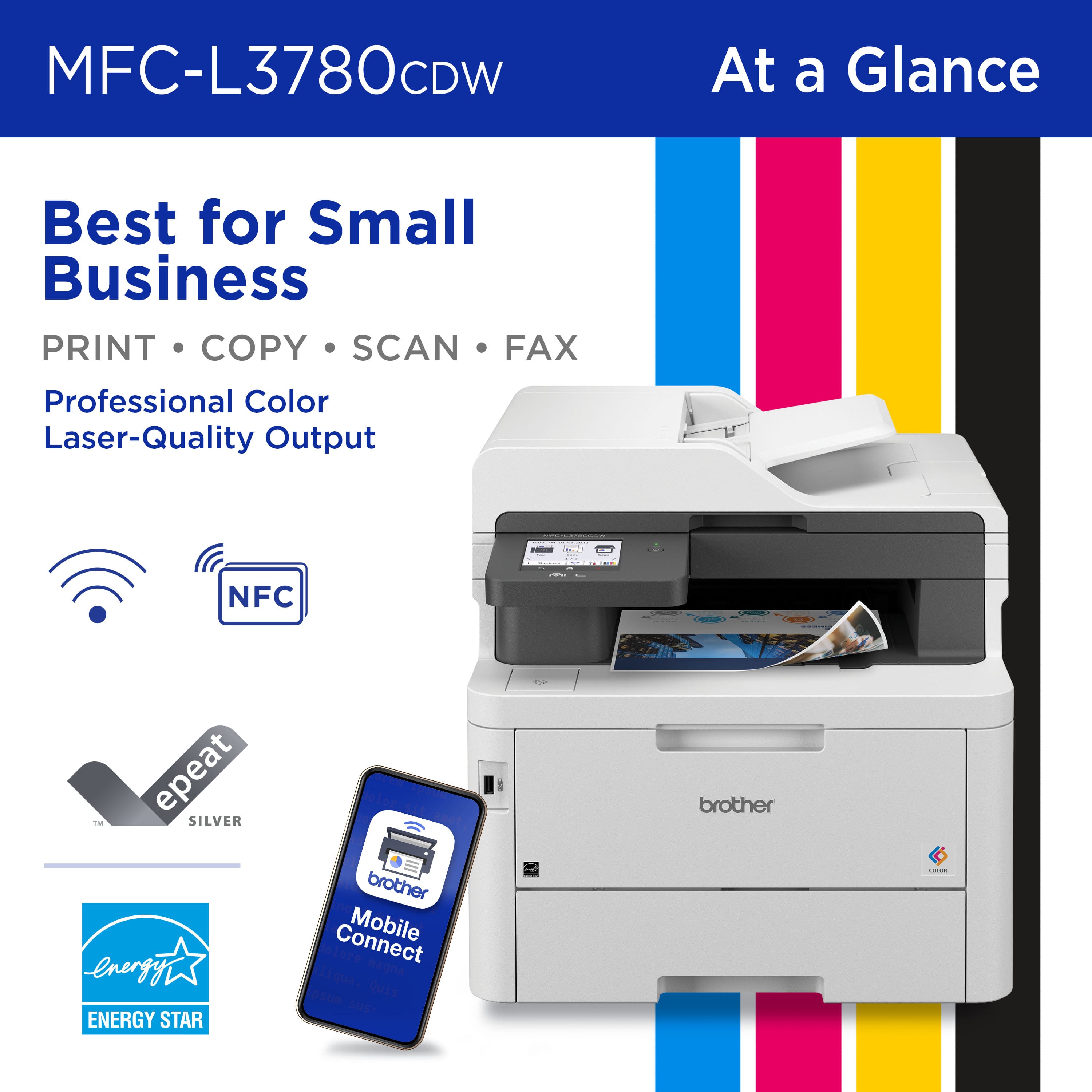
Customers commend the MFC-L3780CDW for its excellent print quality, reliable performance, and smooth setup. Users appreciate its ease of use, great connectivity, quiet operation, and speed. The only notable drawback mentioned by some customers is its weight.
This summary was generated by AI based on customer reviews.
- Pros mentioned:Overall performance
Printer
||Posted . Owned for 1 week when reviewed.This reviewer received promo considerations or sweepstakes entry for writing a review.Printer does a great job for what I need. I will recommend
I would recommend this to a friend - Pros mentioned:Print quality
Great printer.
||Posted . Owned for 3 weeks when reviewed.This reviewer received promo considerations or sweepstakes entry for writing a review.The printer has consistently worked well. Print quality is good. No glitches with software. Scan features have proven useful and easy to use
I would recommend this to a friend - Pros mentioned:Print quality
Great product!!
||Posted . Owned for 1 week when reviewed.This reviewer received promo considerations or sweepstakes entry for writing a review.I do love the product (brother digital color laser printer), best quality of printing!!
I would recommend this to a friend Works and performs like you'd expect of a Brother
||Posted . Owned for 3 weeks when reviewed.This reviewer received promo considerations or sweepstakes entry for writing a review.This is my second Brother Laser Printer that I've owned. I chose Brother due to my past positive experiences with the Brother line. This particular unit took only a few minutes to unpack, set up and connect the internet. I opted to connect via Cat 5 ethernet than via wirelessly to my WiFI. Everything works as I'd expected.
I would recommend this to a friendWouldn't Recommend
||Posted . Owned for 4 months when reviewed.This reviewer received promo considerations or sweepstakes entry for writing a review.I didn't give it one star because I do like the some of the features and the scanning is nice but this is the second Brothers printer I have had and the paper curling after printing is extremely annoying. I've tried doing everything to correct this and nothing seems to fix it. Also, at least once a week, I have to remove the ink and toner to clean inside the printer. I know it is time to do this because it leaves streaks on the paper after I print. I can't give advice on what printer you should purchase, but I would recommend doing some research and giving another brand a try. This is the second brother's printer I've had and I have the same issues.
No, I would not recommend this to a friendBrand response from Brother
Posted .We understand you're experiencing some issues with your Brother MFCL3780CDW machine. We'd like to help. Please contact our Customer Service department and we will work with you to resolve these issues. Brother Customer Support Team is available to assist you direct: www.brother-usa.com/brother-support

WORST COLOR PRINTER
||Posted .This reviewer received promo considerations or sweepstakes entry for writing a review.Exactly after the warranty expired, this machine started acting weird, I have to open it and slide the color tabs every 5 or 6 prints of one page. The paper tray has to be totally but if it's a little less, it say "no paper". I recently changed all color cartridges but once in while it says i need to replace them again. I have to turned it off & on the machine in order for the machine to work. It´s very frustrating
No, I would not recommend this to a friendBrand response from Brother
Posted .Thanks for taking the time to review your experience with the Brother MFCL3780CDW. We appreciate your feedback. I’m sorry to hear that you are having no paper error issues with the Brother MFCL3780CDW. I sincerely apologize for any inconvenience this issue may have caused you. We can help with that. I have included a link to the FAQ answer that should assist you. Please follow all the steps listed in the following link:
Answer Link: https://help.brother-usa.com/AgentWeb/api/contextmanager/v.32511070003/workspaceContext/workspace/processedPrint/Answer/185036
If you still have difficulties, please contact Brother Customer Service at:
https://www.brother-usa.com/support/MFCL3780CDW
Document Cover Loose/Defective Straight out of Box
||Posted . Owned for 3 weeks when reviewed.This reviewer received promo considerations or sweepstakes entry for writing a review.We previously had a Brother MFC9340CDW, which worked quite well for almost 10 years before breaking (repeated paper jam at fuser fixing unit/roller). We bought the MFCL3780CDW to replace it, but unfortunately, this item was defective out of the box. Before even fully unwrapping the printer, we found the document cover to be loose. For those who aren't well-versed in laser printer anatomy (like me) the document cover is the name of the "lid" that you open up in order to place a paper on the glass for scanning/copying. This cover had two hinges and one appeared not to be attached at all. When the cover was lifted, this one hinge would rock out of alignment. We contacted Brother service chat, and after troubleshooting, they offered to send us a brand new printer to replace the new one we had just opened. We opted to return the unit to a local Best Buy store, instead, and ended up buying a comparably priced HP laser printer - gave up automatic duplex scanning/copying for much better/dummy-proof software interface.
No, I would not recommend this to a friendBrand response from Brother
Posted .We would like to take this opportunity to thank you for your feedback. At Brother, customer satisfaction is something we take seriously. Your feedback is important to us and will be reviewed to help us improve our future products.
Thank you for being a Brother customer. Please know that we will be here, should you need to contact us in the future.
- Pros mentioned:Connectivity, Print quality, SetupCons mentioned:Size
Not bad
||Posted . Owned for 1 month when reviewed.This reviewer received promo considerations or sweepstakes entry for writing a review.This customer mentions the MFC-L3780CDW's exceptional print quality, and praising its speed and clarity. Setting up the printer is generally straightforward, with a ratty LCD UI. The wireless connectivity is well-received, with seamless printing from various devices. While this user finds the printer's size to be a drawback, so far the MFC-L3780CDW meets the needs of this SOHO user, who seeks a reliable and efficient color laser printer. But I haven't had to replace toner yet, so what do I know.
I would recommend this to a friend - Pros mentioned:Print qualityCons mentioned:Size

Gigantic Printer For When You Need EVERYTHING
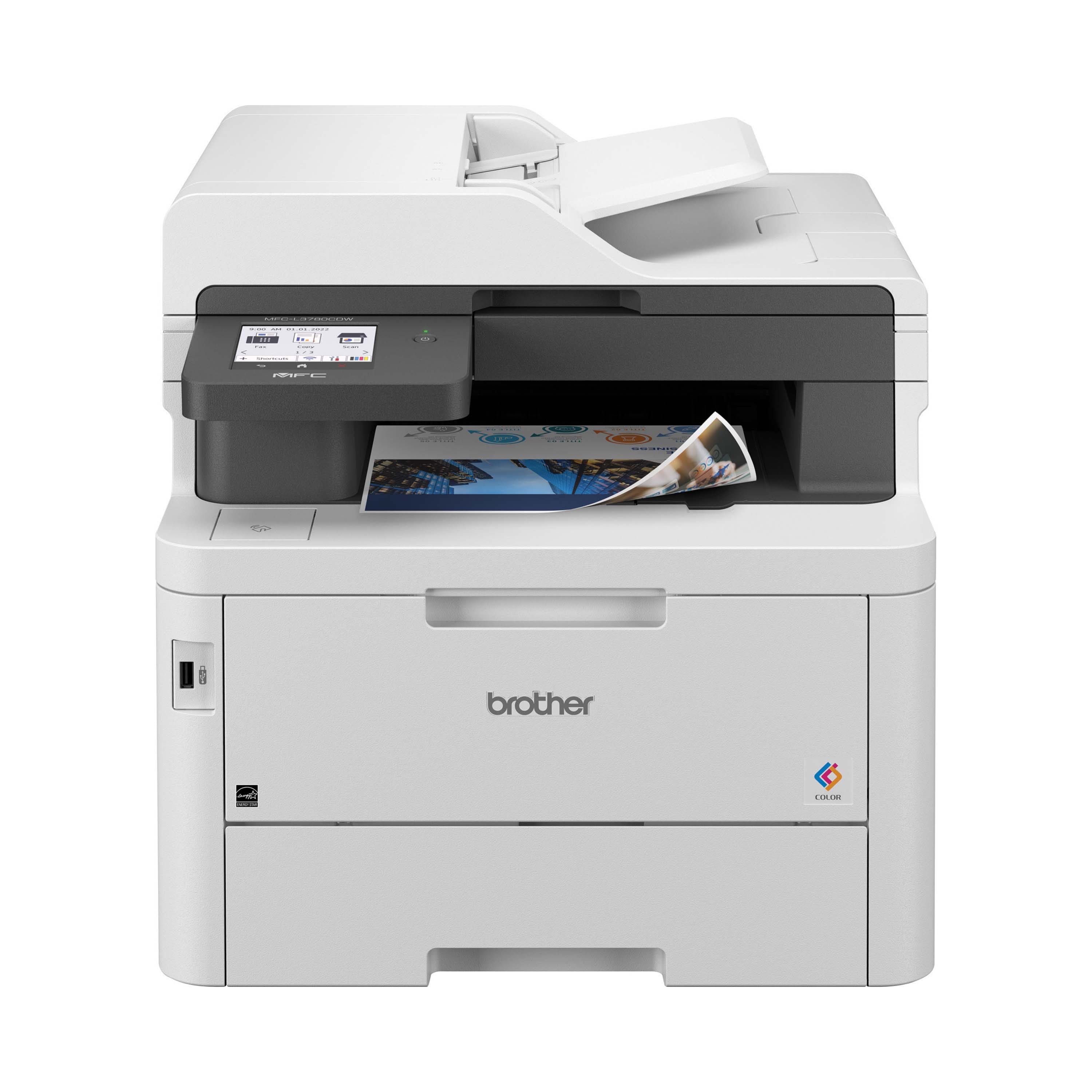
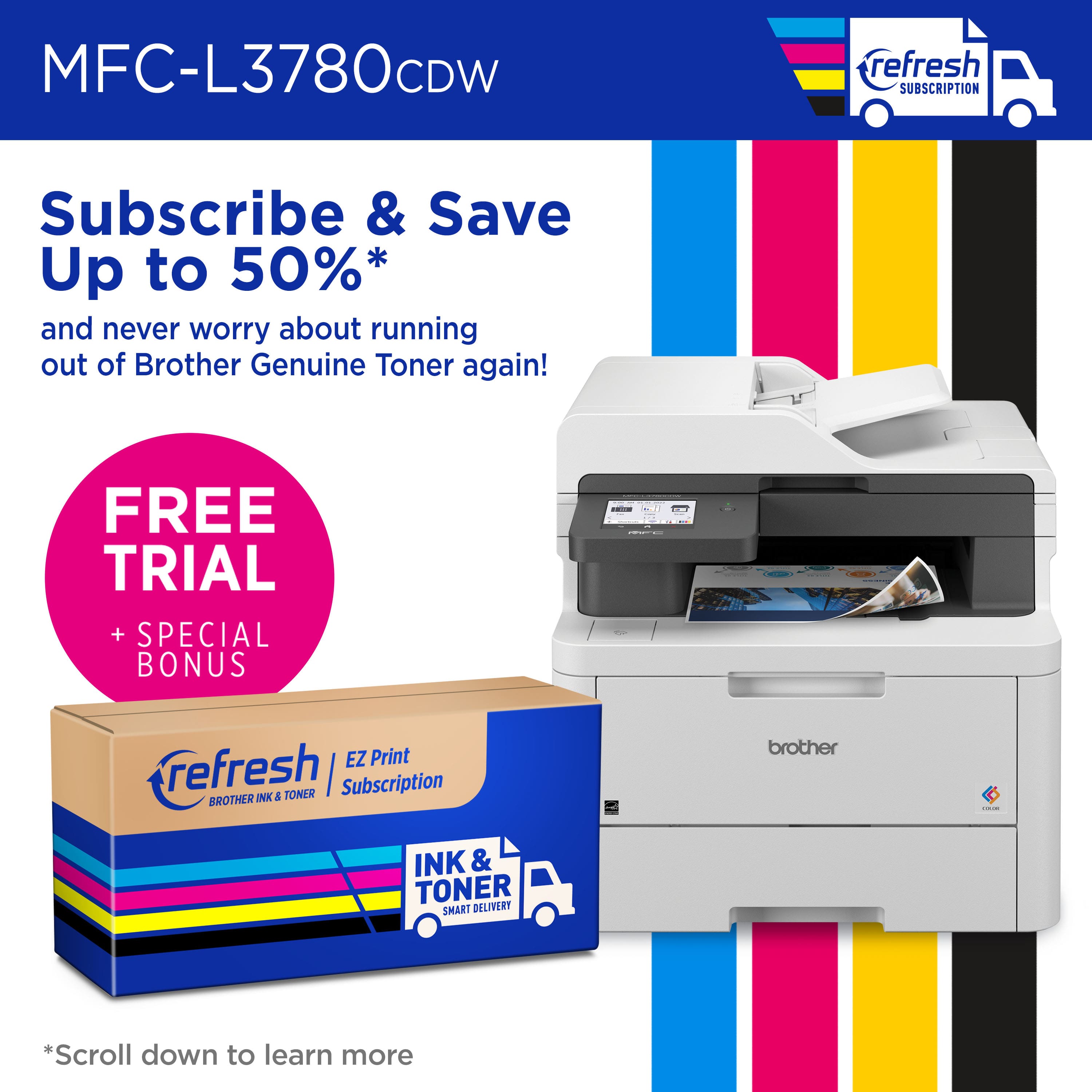
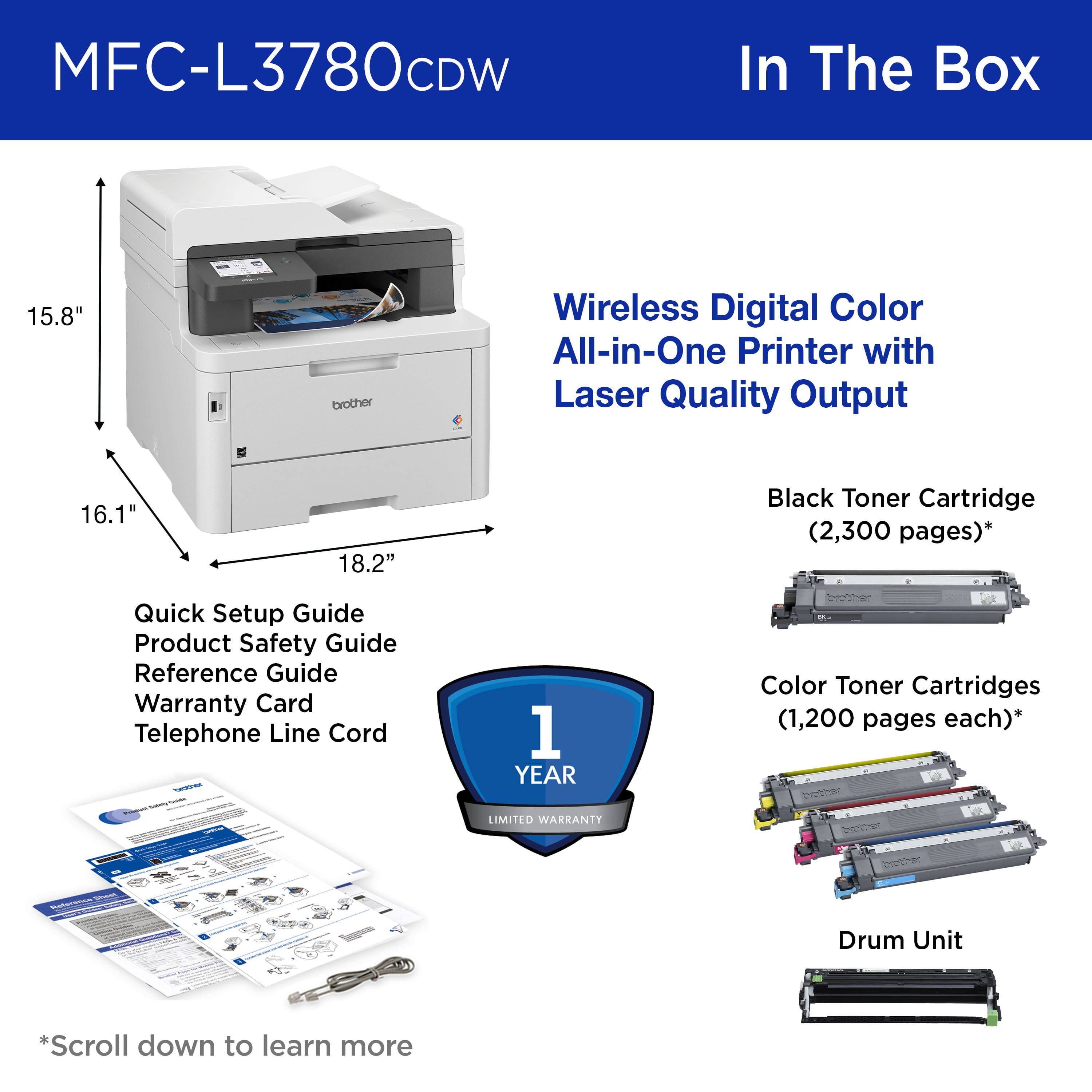
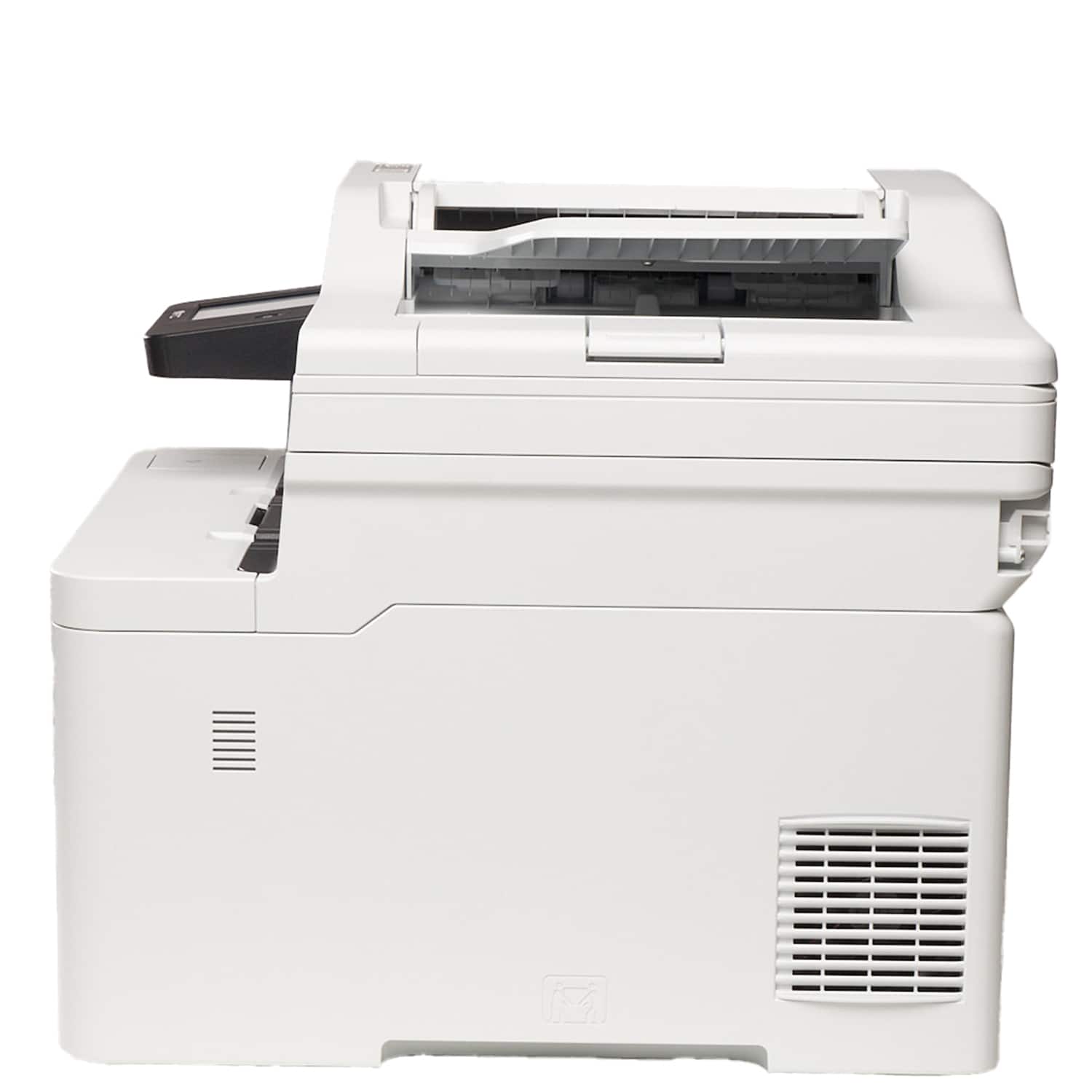
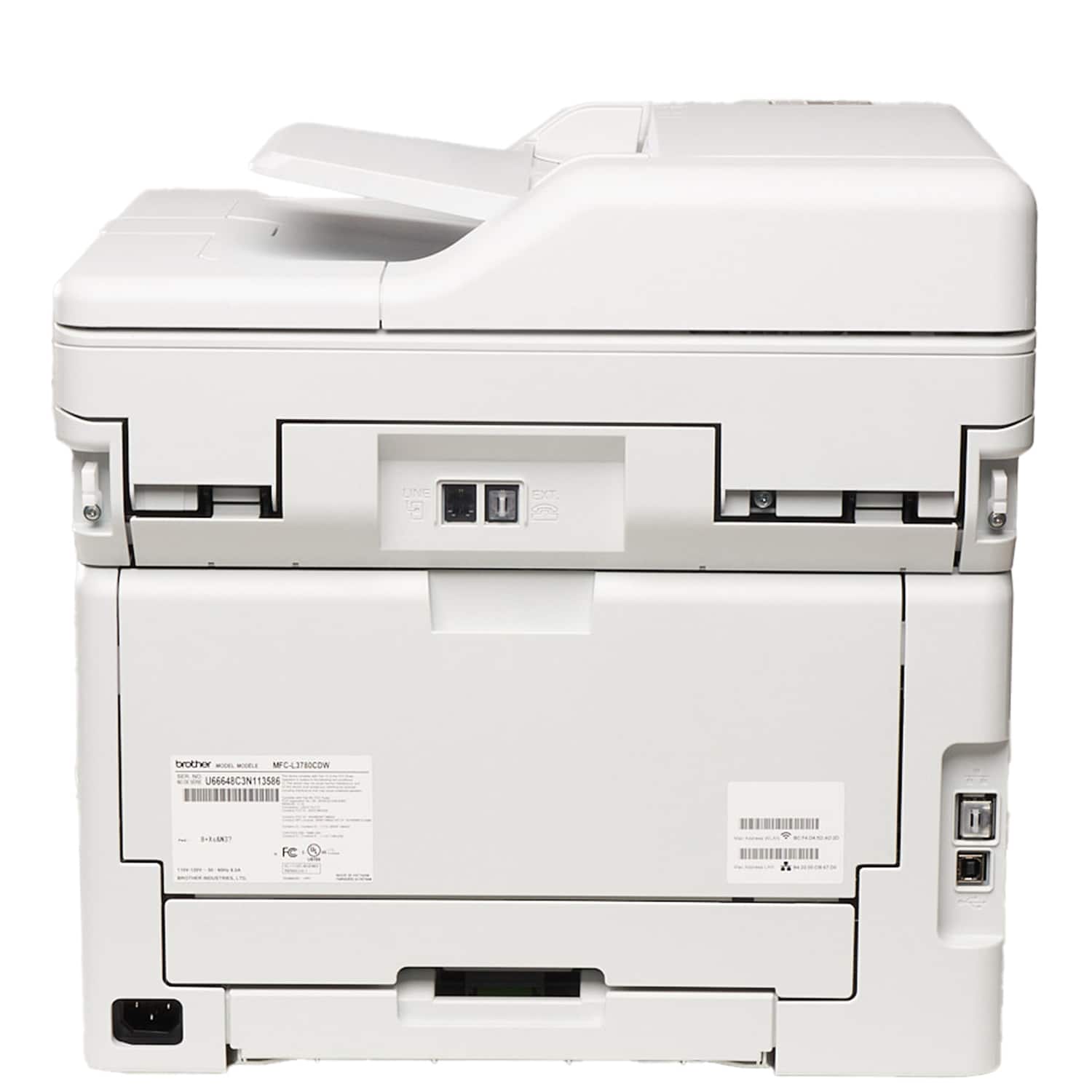
|Posted .This reviewer received promo considerations or sweepstakes entry for writing a review.We all know how printers work, there’s not much setup to this review. What I can tell you right away is that it’s NOT a printer for a small home office or apartment. This box arrived and it was huge, then I attempted to pick it up and I almost killed myself! It’s a large, heavy, dense, absolute UNIT of a laser printer!!! In the box is the printer, an assortment of paperwork in two or three languages, a phone cable, a power cable, and the beast of a printer itself. Once you get the printer unearthed from the styrofoam and papers there’s a plastic bag with handles around it which you can utilize to get it out of the box if you’re brave. I am not brave, I reached deep and just deadlifted it out onto the desk where it will live forever. There’s what I assume to be rubber pads on the bottom as it doesn’t scoot easily so be sure you place it correctly right away. Setup is pretty easy, the usual removing tape and plastic guards from your ink cartridges but you’ll want to be sure to check EVERY nook and cranny as I almost missed a large piece of tape and a moisture absorbing packet in the paper tray. With power the printer comes on and goes to the main menu allowing you to copy or scan and there’s a message about updating firmware and setting up wifi. I set up the wifi quickly and without hassle and the firmware took maybe 4-5 minutes to update. Scanning quality to file is beautiful, detailed, and I have no complaints….this is on par with every scanner I’ve used before. Copying was equally simple and satisfactory, nothing to report there. Printing is a dream! Documents almost fly out, the speed is very quick. Pictures printed just as fast as black and white and came out looking crisp and high definition unlike some color prints I’ve done elsewhere with some kind of color shade differences making them look blurry or not quite up to par. Very impressive color printing, this would be the reason to consider this printer above anything else you’re looking at, the speed and clarity is unmatched in my experience. There’s a number of features that would make your small business or your office run so much more efficiently such as password protected printing which stores your print request but doesn’t print until you arrive and put in your password. There’s scan to PC, USB, mobile device which do exactly what you’d think. It’s a lot more than necessary for a home environment but its nice to have the extra features in case you need them for something. Great printer, highly recommended but you’re going to need a large space to set this up as the footprint is huge, approximately 18x16x16. If you can fit this beautiful machine in your living space then you’ll not be disappointed. Laser printers look as good or better than ink printers and their ink seems to last much longer!
I would recommend this to a friend - Pros mentioned:Overall performance, Print quality
Great Printer, Won't Get the Refresh Subscription
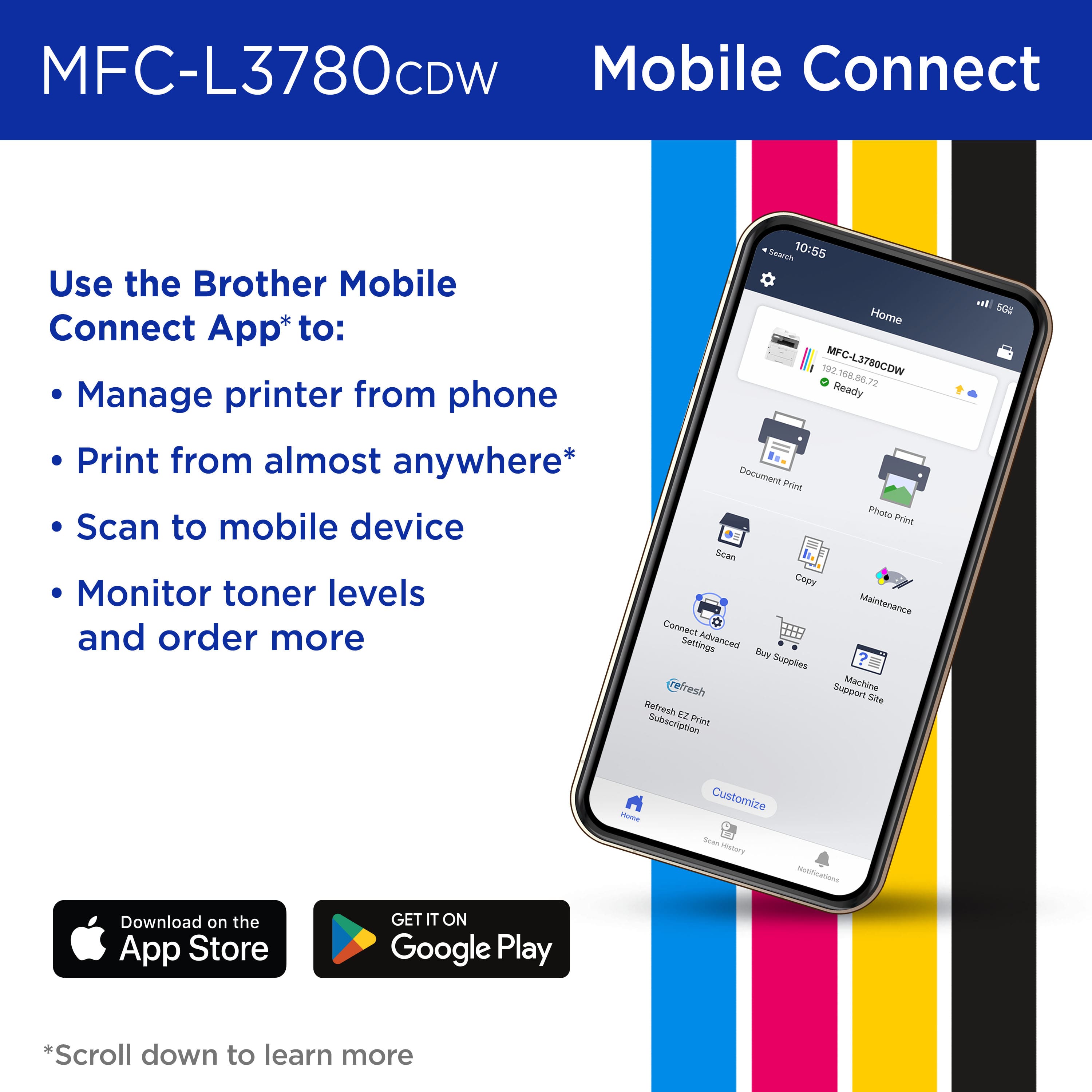
|Posted .This reviewer received promo considerations or sweepstakes entry for writing a review.This printer is fantastic for the four of us at home. It's probably a little overkill, but I usually don't go with tech that isn't. This replaces a basic, black & white laser printer which worked well but left us without a color option. This Brother printer gives us the ability to print in color, and so much more. Setup was quick and easy. The most difficult part was finding all the tape they used for shipping. I had it out of the box and printing within 15 minutes! Features: Color - We are back to printing in color but now we have laser speed! The color prints are great for most things. The only thing I wouldn't use the 3780CDW for is photo printing. I have tried with so many printers and never liked the results. Reliability - I have never met an inkjet printer I liked. Most of the time I want to relive the scene from "Office Space" with inkjet printers. Inkjet printers are horribly unreliable. This printer has worked flawlessly from the start. All four of us connected easily and have printed from it. We've never had that good of luck straight out of the box. Versatility - I the conveniences of the machine. It holds 250 sheets of paper at a time. I can make copies in black & white or color. There are even options to increase or decrease the size of what you copy. Scanning documents with the 3780CDW is super easy as well from the Brother app. The Brother Mobile Connect app is highly rated (4.6/5 stars) on the App Store and works really well. There is a lot to like about this printer. One thing I do not like, nor will I participate in, and that is Brother's "Refresh EZ Print Subscription." For one, I am pretty much over this "subscription era" we are in right now. I don't need another subscription. That said, this is an OPTIONAL program. You do not have to participate in order to use your printer. The EZ Print is offered as a 4-month trial, then you pay a monthly fee. The entry-level for this printer is $9.99/month and includes 75 pages per month. They give you rollover pages to use the next month if you don't use all 75. Wait, this sounds familiar. Does anyone else remember the old cellular plans that limited your minutes but allowed rollover? No thanks. I'll get the ink when I need it. Off my soapbox now, I really do like the printer. It's great for the four of us. It would also be great for a small office.
I would recommend this to a friend - Pros mentioned:Print qualityCons mentioned:Weight
Functional but a bit outdated
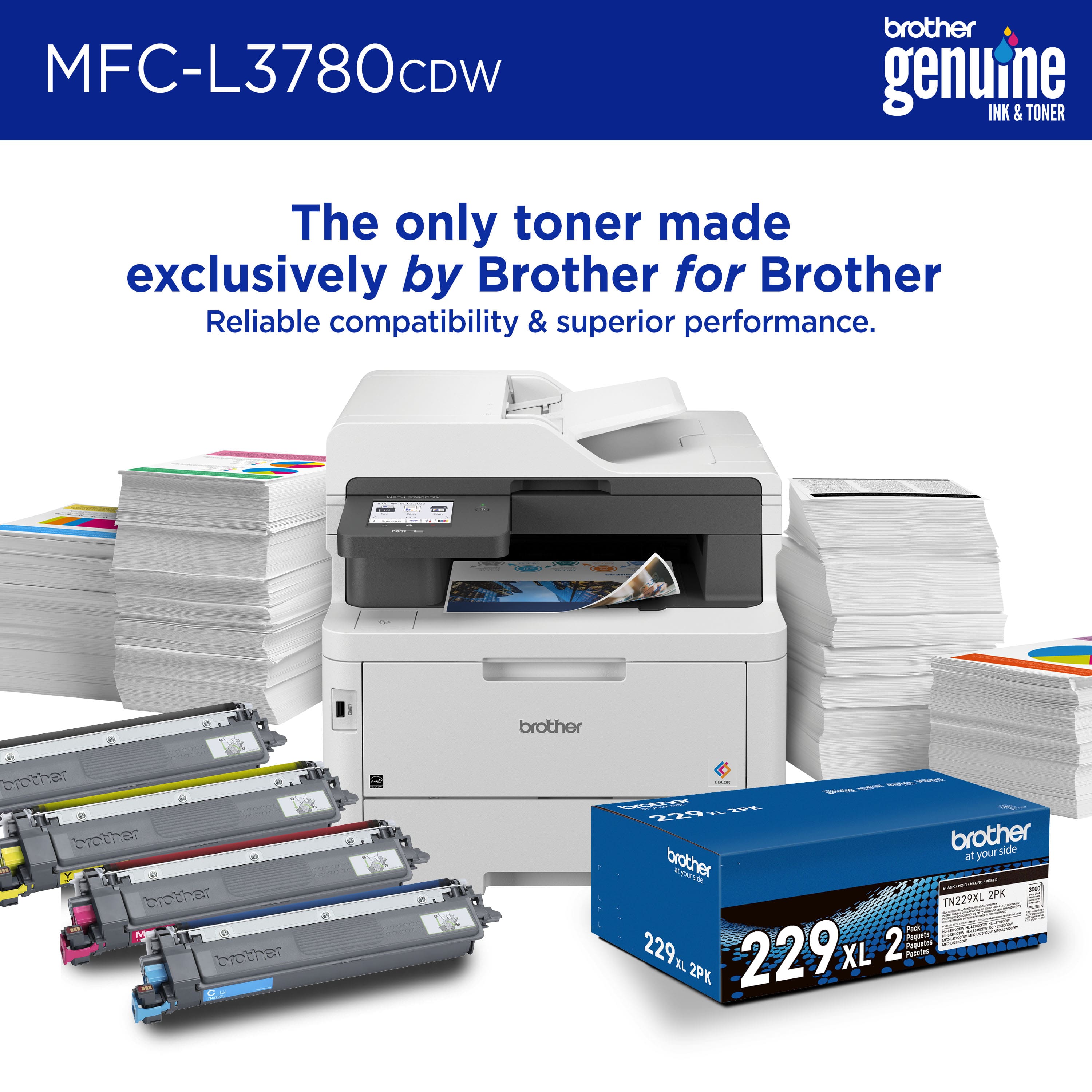
|Posted .This reviewer received promo considerations or sweepstakes entry for writing a review.Let me get one thing out of the way. This printer is a heavy piece of office equipment. I feel bad for the delivery person that had to deliver this. Once you successfully get the printer out of the box and unwrap and remove all of the Styrofoam, you can finally place the printer where you want. The printer itself looks like any other multifunction printer. There's a top feeder and a flatbed for scanner. Personally I prefer the top feeder to multiple documents. The flatbed is more suited for scanning cards or anything that won't go into a feeder. One of the nicer features of the printer are the large toner cartridges. You get the three main colors; cyan, magenta, and yellow for better color accuracy. There's also a separate black. You have multiple way of printing such as a USB drive, from your smart phone, and of course, your computer. One of the perplexing things is that it comes with a phone cable... I'm guessing this is for the fax. I don't understand why you would still be sending a fax in an age where you can scan a document and email it... it's been this way for over 15 years now. I digress... You can download the app. The app isn't necessary, but it does offer a few benefits. As mentioned, if you want to print a photo or document from your phone, then that's the biggest benefit. Whenever you open the app, you're bombarded with the EZ print subscription. Luckily you can turn off the marketing notifications in the settings. You can see your ink levels, scan, subscribe to their ink program, buy supplies, etc. One of the things that makes this printer feel outdated is the touch screen. It looks almost identical to a multifunction printer screen that I had on a printer I had back in 2009. I'm mainly basing to opinion to the user interface. When it comes to actually printing, it's a beefy machine. I was able to print out 25 pages of a presentation I was working on in less than a minute. This is office quality speed. The colors of my pivot tables popped, and text were bold. If you need a nice family or home office printer, you can't go wrong with the Brother all-in-one. I think one way of modernizing the screen would be to make it a screen that covers the width of the front facia of the printer. That way you could have more icons and options without having the hit the back button so often. All in all, a nice printer with a minor flaw.
I would recommend this to a friend - Pros mentioned:Print quality, Setup
Nice, Small Office Printer
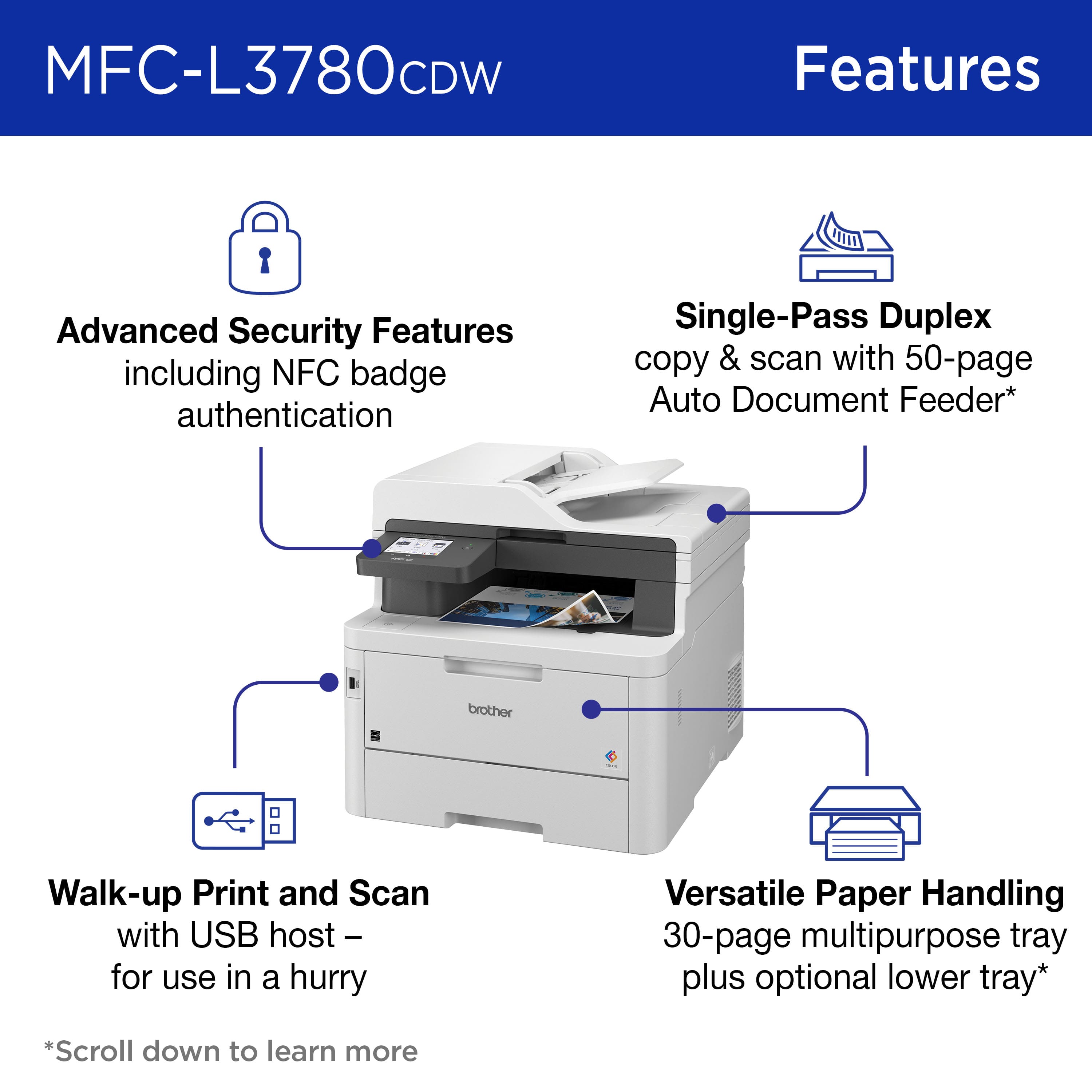
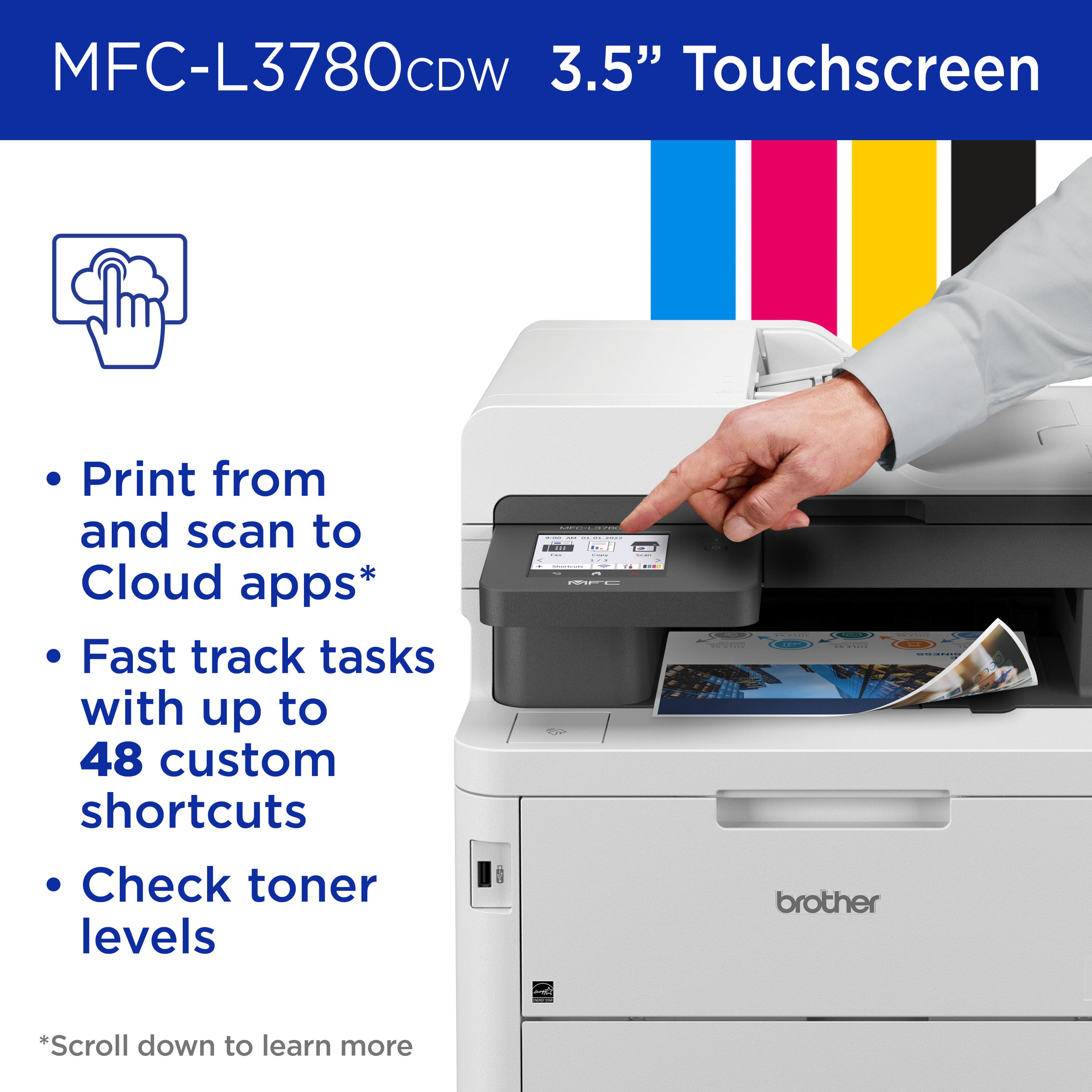
|Posted .This reviewer received promo considerations or sweepstakes entry for writing a review.Gone are the days of office printers being big heavy dinosaurs that took up a whole corner of the room. This printer is perfect for those looking for a simple, not so "office" type, compact printer. The printer itself does not feel large and has a small footprint. I found setting up the printer to be super simple and easy. I scanned the QR code on the front of the printer with my phone camera and went through the steps to set it up from my phone. It walked me through connecting the printer to my WiFi and was then ready to use. I did experience an issue with attempting to print from my phone though. On my Android phone, I had to download the Brother Mobile Connect app as well as the Brother Print Service Plugin. Once that issue was resolved, I was able to print without trouble. I printed out a flier on legal size paper, and the colors looked clean and crisp. The pages were not damp, even after printing multiple flyers. I was also able to print double sided pages while not having to flip the page. Whether I printed content with graphics or text, the quality and speed of the prints left me impressed. As far as the toner cartridges, the standard black cartridge lasts for 1,500 pages while the XL cartridge for 3,000 pages. Brother also offers a toner replacement service named “Refresh EZ Print” where Brother will send you toner before you run out and based on your usage. Brother offers this service free for four months and afterwards starts at $0.89 per 25 pages per month. As for scanning, the printer supports double sided scanning without having to flip the page in between scans as well. Also, I like that the tray itself is adjustable to your paper size. With the push and pull of 2 buttons, you're able to extend it to a paper size larger than 8x11, with 8x14 being the largest size (legal size) able to print paper on. Some pros include an easy-to-understand touchscreen display and the use of buttons is minimized, with the only button being the power button. Also, you have the option of choosing to scan on the flatbed or using the feeder. The one thing I do wish this printer had and I felt was missing was the additional larger capacity paper tray (has to be purchased separately). Overall, this is a great option for home businesses, small businesses, or those looking to print frequently and want great quality prints.
I would recommend this to a friend - Pros mentioned:Connectivity, Print quality
Brother MFC-L3780CDW
||Posted . Owned for 1 month when reviewed.This reviewer received promo considerations or sweepstakes entry for writing a review.I purchased the Brother MFC-L3780CDW as a replacement to an old HP all-in-one for my small business. This is a great printer and meets all of my needs. Set up & connectivity to my network was easy and took a few minutes. All of my devices (phone, tablets, and laptops) found the printer on the network. The black and color print quality is excellent. Text is clear and images look fantastic. Color text gives a professional-look to all documents. The display is clear, bright, and very intuitive to use. The touch screen responds to requests quickly and packs a lot of information in a small amount of space. Scrolling through the menu simple and user-friendly. The printer is quiet when printing, copying and scanning; much more so than the old HP. I also like the power-conserving / sleep mode when not in use. I was able to purchase replacement toner 30% off for a Black Friday sale. Overall, this Brother printer has exceeded all of my expectations. It is the perfect fit for a small business or home office.
I would recommend this to a friend - Pros mentioned:Print quality
Game Changer for our Business!!
||Posted . Owned for 1 month when reviewed.This reviewer received promo considerations or sweepstakes entry for writing a review.We’ve always used inkjet printers in our small business, but the constant software issues, slow performance, and high ink costs pushed us to make a change. After some research, we chose the Brother MFC-L3780CDW laser printer, and it’s been a game-changer. It has every feature we could ask for, delivers crisp, professional-quality prints, and operates much faster than any of our previous printers. The software setup was seamless, and we haven’t had a single issue since switching. Highly recommend—this printer has made a world of difference for our business.
I would recommend this to a friend - Pros mentioned:Connectivity, Print quality, Setup
Easy to use
||Posted . Owned for 5 months when reviewed.This reviewer received promo considerations or sweepstakes entry for writing a review.I’ve been using the Brother wireless digital printer for a few months now, and overall, it’s been a solid performer. Setup was fairly straightforward — connecting it to Wi-Fi took just a few minutes using the Brother app and touchscreen interface. Once connected, it worked seamlessly across multiple devices, including laptops, tablets, and even phones. Print quality is crisp and clean, especially for documents. Black and white text comes out sharp and fast. Color prints (if you choose a color model) are decent, though not on the level of a dedicated photo printer. Still, more than good enough for basic presentations or school projects. Wireless printing is very convenient — no more tangled cords. I love being able to send a print job from my phone while I’m in another room. It supports AirPrint, Google Cloud Print, and Brother’s own mobile app, which is handy and responsive. The build quality feels durable without being too bulky. The paper tray holds a good amount, and I haven’t had any issues with jams or misfeeds so far. One small downside: it can be a little noisy when it starts up, and the touchscreen (on some models) isn’t the most sensitive — but it gets the job done. Bottom line: This is a great, budget-friendly wireless printer for everyday use. Brother continues to deliver reliable machines with low operating costs and solid performance. Highly recommended for home offices, students, or anyone tired of messing with cables.
I would recommend this to a friend - Pros mentioned:Overall performance, Setup
Review
||Posted . Owned for 3 months when reviewed.This reviewer received promo considerations or sweepstakes entry for writing a review.I’m very satisfied with this device. It was easy to set up, performs smoothly, and feels well made. The features work as advertised and it has improved my everyday use and convenience. I would gladly purchase from this brand again and recommend it to others.
I would recommend this to a friend - Pros mentioned:Overall performance, Print quality
A good sturdy printer but I have had app issues
||Posted .This reviewer received promo considerations or sweepstakes entry for writing a review.This was not the easiest to set up, but just follow the instructions exactly and you’ll get it done. Definitely not plug and play. When deciding on which printer to buy, I did notice reviews saying the printer makes the paper curl. I thought that sounded dumb and nitpicky, but the curl of the paper is actually a bit extreme. Not that usual slight curve the paper has when it first comes out. But after a while it stopped. I think it took a couple of months though. I don’t know what the cause was or why it stopped. But we use this printer for work purposes. It gets heavy use 4-6 days a week. It was a good choice and I would buy it all over again. But I have had issues with the app sometimes not working. I’ll go to print and will get a message the printer isn’t working but I go look at the printer and nothing is wrong with it. Also, I’ve had trouble with the app when it comes to installing software updates on the printer. It takes several attempts for it to work. Also, sometimes I go to log into the app and it will randomly say it doesn’t find my account. My phone automatically populates my passwords so it’s definitely a problem with the app. Eventually the app will let me log in…even if it takes several days. But outside of the app issues when updating the printer software and adjusting my ink ordering, this printer is great. We print over 1000 pages a month sometimes. We don’t get jams and the quality of the printing is great. Not a fan of the ink subscription service tho. Stay away from that. It’s a racket in my opinion.
I would recommend this to a friend - Pros mentioned:Print quality
Compact, Color, Customizable scanner / printer
|Posted .This reviewer received promo considerations or sweepstakes entry for writing a review.If you’re looking for an affordable color laser printer, the Brother MFC-L3780 may be just what you’re looking for. It’s slightly faster and more configurable than it’s predecessor L-3770, which may still be available at a discount. It uses a different cartridge number, however, which means you’re stuck using Brother’s branded toner for a bit. Brother now offers a subscription program, however, which provides a fixed cost per page. The subscription will almost certainly be appreciated by business workgroups which is who this is primarily targeted to. Home users will appreciate the speed and quality. The scanner is fast and clear. It integrates very nicely with several cloud services such as GDrive, OneDrive, email, Evernote, and more. It’s equally adept at connecting to corporate cloud services and consumer ones. Different presets can be used for specific folders on the same service. It also supports multiple connections to the same service (i.e. GDrive for home, GDrive for work, GDrive for school). It scans both sides of the page simultaneously, leading to very fast processing of even large documents. It will automatically drop blank pages. It also does a great job deskewing pages, even if they scanned at a bit of an angle. Brother also makes a mobile app (both Android and Apple) allowing you to print from your device or scan directly to it, instead of the cloud. For printing, the first page out takes a little longer (~25 seconds), which is common for laser printers. Some time is needed to warm the fuser which fixes toner to the page. Once that’s at operating temperature, I measured subsequent pages at close to 30 / minute. Double sided is closer to 20 images / minute as it takes more time to flip the page than it does to spew new pages continually. For business users, Brother has added secure print functionality to this model. While configuration is a little painful, it can be set up so that print jobs start only when a given users logs into the printer. Key cards or fobs can be programmed into the printer to make the login process easier while maintaining the security. I would certainly recommend this as a unit which can serve your home well and grow with your business as well. Nice upgrade, Brother!
I would recommend this to a friend - Pros mentioned:Print quality, Setup
Reliable, Fast, and Crisp! This Brother = The Best
||Posted .This reviewer received promo considerations or sweepstakes entry for writing a review.After owning the Brother MFC-L3780CDW Wireless Digital Color All-in-One Printer for about 7 months, I can confidently say it’s one of the best tech purchases I’ve made in recent years. As someone who used HP printers for well over a decade—both inkjet and laser—I had gotten used to their quirks, slowness, and constant prompts for ink refills. I wasn’t sure switching brands would make a big difference, but it absolutely has. Brother has nailed it with this one. Setup & Build Quality Setup was smooth and straightforward. Out of the box, the instructions were clear, and connecting to my Wi-Fi network took just a couple of minutes. The touchscreen interface is snappy and intuitive, which already gave me a better first impression than HP’s clunky, laggy menus. Physically, the printer feels solid. It’s not exactly compact, but it’s not oversized either—perfectly reasonable for a home office or small business setting. The trays slide in and out smoothly, the lid doesn’t feel flimsy, and overall the design is practical without being bulky or dated. Performance & Features Here’s where it really shines. Print speed is excellent, especially for a color laser. Pages come out crisp and clear, and it handles double-sided printing quickly without jamming or stalling. The color reproduction is vivid, and the text is razor-sharp. I’ve printed everything from documents to marketing flyers, and the quality has been consistent across the board. The scanning and copying functions are also fast and reliable. The ADF (Automatic Document Feeder) works great—I’ve scanned stacks of multi-page documents with no misfeeds or skips. OCR is solid if you use Brother’s software, and the mobile app has been surprisingly useful for printing and scanning from my phone. Compared to my old HP, it’s night and day. With HP, I was constantly battling firmware updates that disabled third-party toner, sluggish response times, and occasional network drops. With this Brother printer, everything just works. I haven’t had to mess with a single firmware update or deal with any software headaches. Toner & Cost Efficiency One of the biggest surprises for me has been toner management. The Brother uses high-yield cartridges that last a long time, and more importantly, it doesn’t nag you to replace them prematurely like HP printers often do. I also appreciate that Brother is far less aggressive about locking you into their brand toner. That kind of flexibility goes a long way. Connectivity & App Experience The Brother mobile app and cloud integration are a big plus. I’ve printed directly from Google Drive, scanned documents to email, and even printed photos from my phone with minimal fuss. AirPrint works perfectly from my iPhone and iPad as well. Pros and Cons Pros: • Fast, high-quality printing (color and black & white) • Reliable duplex printing and scanning • Excellent build quality • Easy setup and intuitive interface • Much more toner-friendly than HP • Quiet operation • Strong mobile app and cloud support Cons: • It’s a bit large for smaller desks • Doesn’t support borderless photo printing (common for laser printers) • Initial cost is higher than some inkjets, but long-term value is better Final Thoughts The Brother MFC-L3780CDW is a workhorse. It’s quiet, fast, and incredibly dependable. If you’re coming from HP like I was and are frustrated with constant ink issues, unnecessary software updates, and clunky interfaces, you’re going to love how hassle-free this Brother printer is. After 7 months of heavy use, I’ve had zero issues and no regrets. I wouldn’t go back to HP if you paid me. Brother got this one right.
I would recommend this to a friend - Pros mentioned:Print quality, Setup
Powerful, Quiet, and Easy to Set up
||Posted . Owned for 3 weeks when reviewed.This reviewer received promo considerations or sweepstakes entry for writing a review.I recently made the switch from HP to Brother, and I have to say — this printer is a powerhouse. The MFC-L3780CDW exceeded my expectations. It runs quietly, prints with rich, vibrant color that's true to the original image, and the setup was seamless right out of the box. Whether it's for everyday printing or high-quality presentations, this all-in-one handles it like a pro. If you're looking for reliability, performance, and excellent output quality, this is the upgrade worth making.
I would recommend this to a friend