Customer Ratings & Reviews
- Model:
- MFCJ1360DW
- SKU:
- 10927374
Rating by feature
- Value
Rating 4.5 out of 5 stars
- Quality
Rating 4.4 out of 5 stars
- Ease of Use
Rating 4.2 out of 5 stars
to a friend
Dr. Hidalgo
||Posted .This reviewer received promo considerations or sweepstakes entry for writing a review.Very disappointed for the lack of specific instructions for setting up computer connection. The screen printer small and uncomfortable to place the information. This model have been designed for younger people and ignore the importance of other customers!
No, I would not recommend this to a friendBrand response from Brother
Posted .Thanks for taking the time to review your experience with the Brother MFCJ1360DW. We appreciate your feedback. I’m sorry to hear that you are having some issues with the Brother MFCJ1360DW. I sincerely apologize for any inconvenience this issue may have caused you. We’d like an opportunity to help. Please contact us directly at:
https://www.brother-usa.com/support/MFCJ1360DW
Not Good
||Posted . Owned for 3 weeks when reviewed.This reviewer received promo considerations or sweepstakes entry for writing a review.While it looked like a good printer and was recommended by others, it did not work with my computer. I have an older model, Windows 7, and was assured by TWO stores it would work. It did not. Brother wanted $100 to give me the necessary driver downloads! NOT a good deal. If I ever buy a new computer I'll consider the brand, but I had to bring this back to where I bought it.
No, I would not recommend this to a friendBrand response from Brother
Posted .Thanks for taking the time to review your experience with the Brother MFCJ1360DW app. We appreciate your feedback. If you still need assistance, please contact the Brother USA support team at: https://www.brother-usa.com/support
Scammer Issye
||Posted . Owned for 2 weeks when reviewed.This reviewer received promo considerations or sweepstakes entry for writing a review.I am not able to use the scanner. It just does not work, but the printer works fine. I will need to have the Geek Squad deal with the scanner issue.
No, I would not recommend this to a friendBrand response from Brother
Posted .Thanks for taking the time to review your experience with the Brother MFCJ1360DW. We appreciate your feedback. I’m sorry to hear that you are having unable to scan from computer issues with the Brother MFCJ1360DW. I sincerely apologize for any inconvenience this issue may have caused you. We can help with that. I have included a link to the FAQ answer that should assist you. Please follow all the steps listed in the following link:
Answer Link: https://help.brother-usa.com/AgentWeb/api/contextmanager/v.32511070001/workspaceContext/workspace/processedPrint/Answer/185179
If you still have difficulties, please contact Brother Customer Service at:
https://www.brother-usa.com/support/MFCJ1360DW

Compact and Impressive
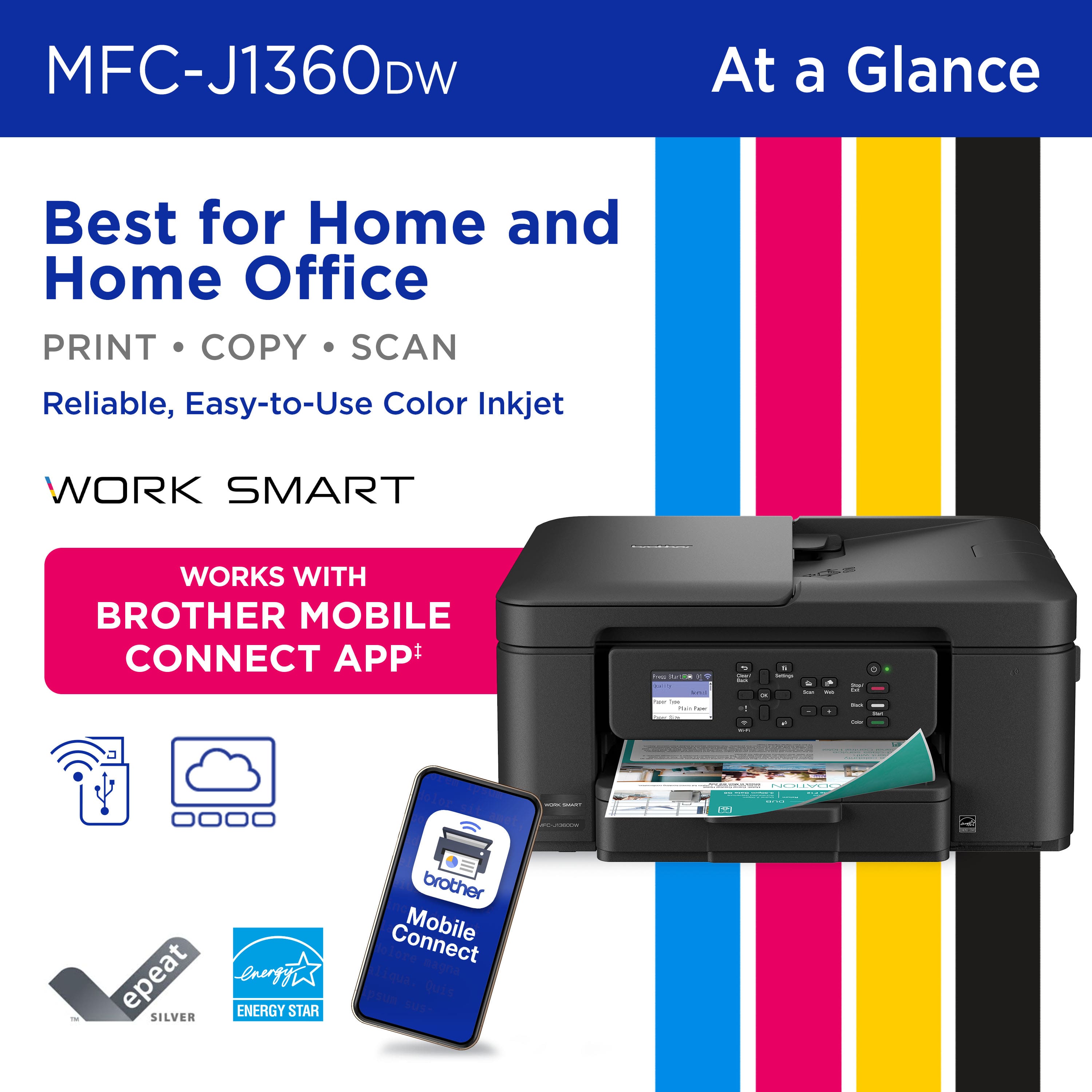
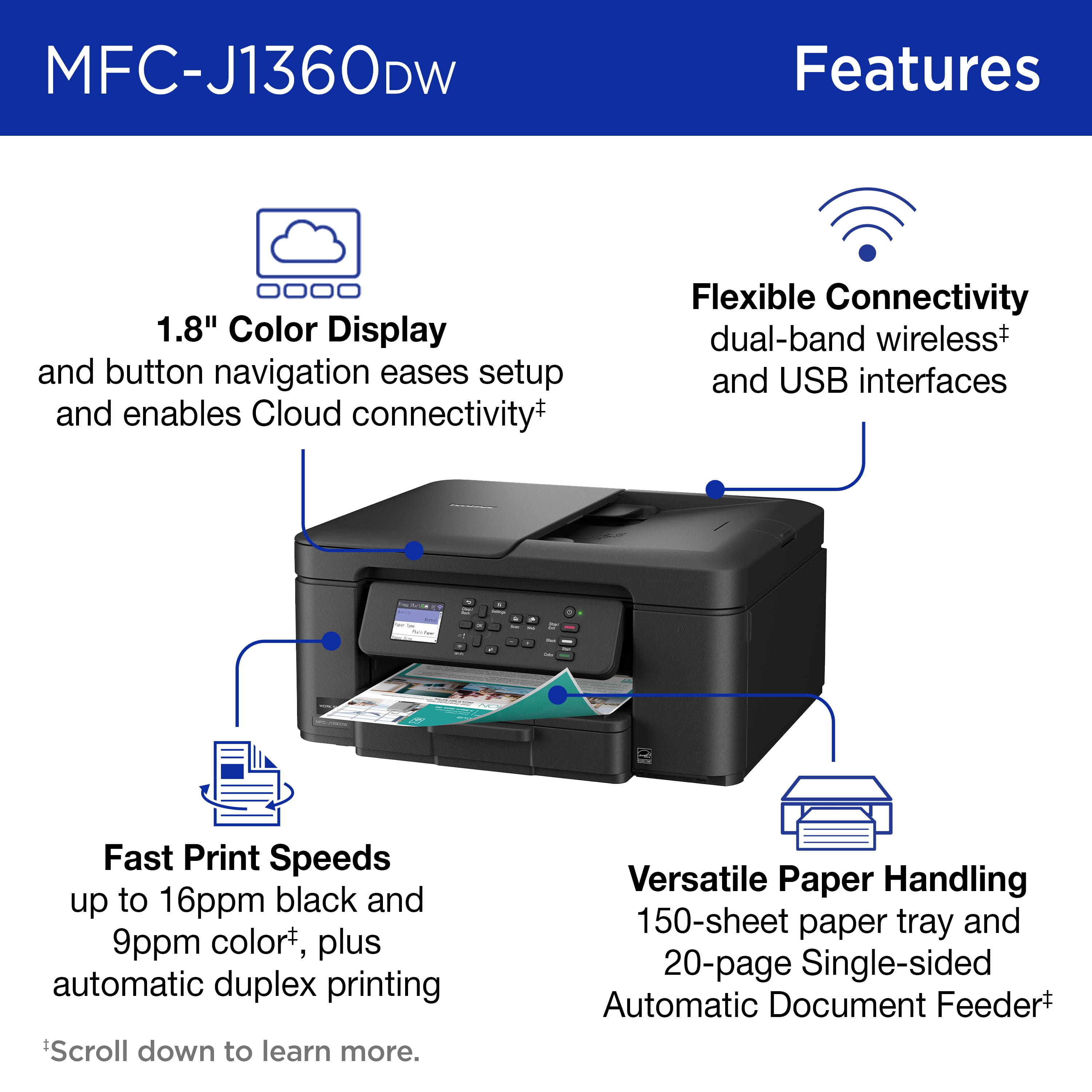
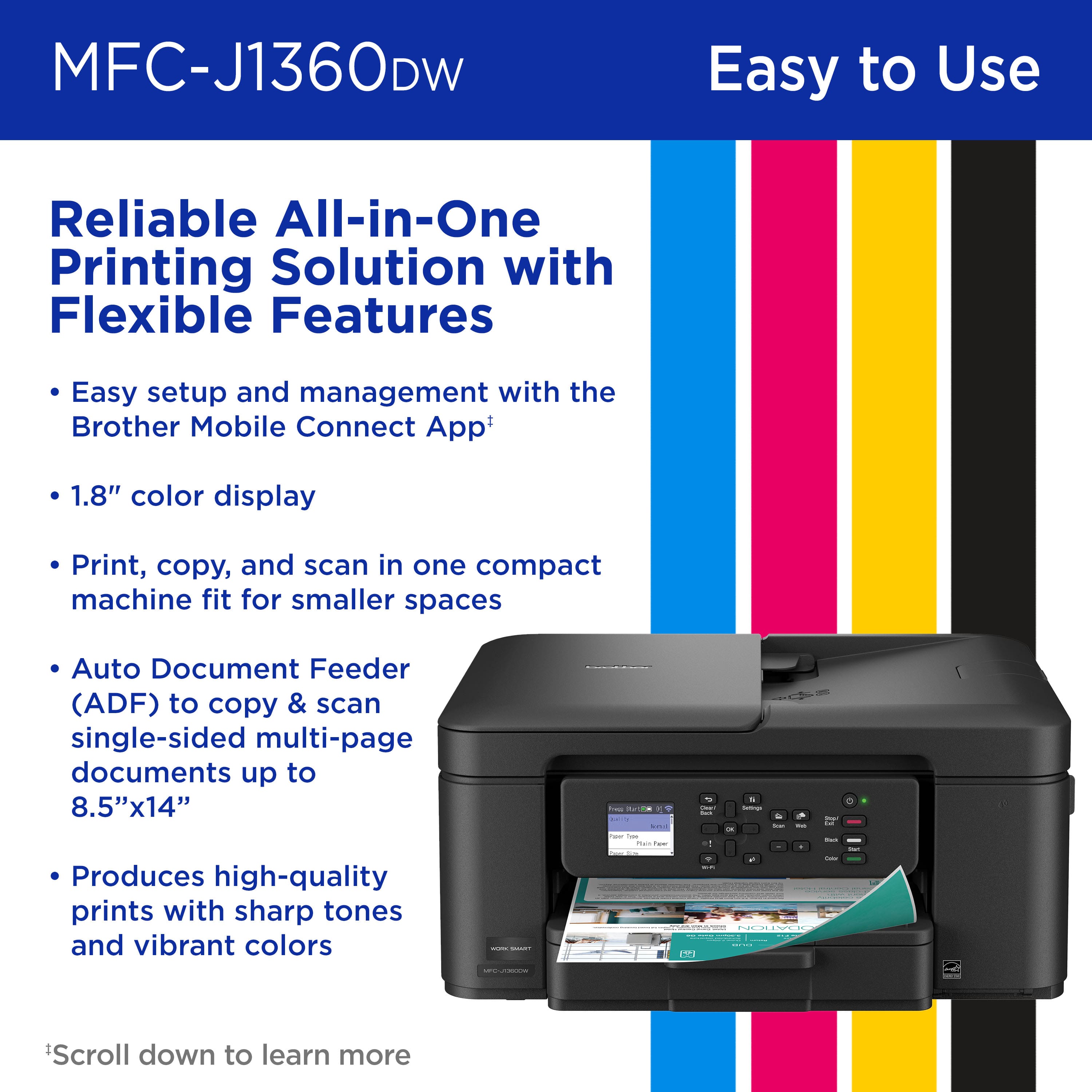
|Posted .This reviewer received promo considerations or sweepstakes entry for writing a review.I have been using the Brother Work Smart 1360 Wireless Color Inkjet All-in-One Printer (MFC-J1360DW) for a few days, and I am genuinely impressed with its performance. The setup process was straightforward, with prompt connectivity, allowing me to commence printing without delay. The output quality is exceptional, producing sharp and crisp prints. Additionally, I appreciate that the printer operates significantly more quietly compared to some other printers I have used in the past. This multifunction printer effectively consolidates printing, copying, and scanning capabilities within a single, compact unit that fits on my work desk. The 1.8-inch color display facilitates navigation. The inclusion of a 20-sheet Automatic Document Feeder further simplifies the processes of scanning and copying multiple pages, thereby adding to the overall convenience of this device. The multiple connection options are also great. I can use wireless, USB, AirPrint, or the Brother Mobile Connect app, which makes printing and managing jobs right from my phone simple. It is fast, so it keeps up with my work without delays. Overall, this printer is a solid choice for both home and home office use. It is efficient, reliable, and packed with valuable features. I could not be happier with it.
I would recommend this to a friendCannot use with a EERO wifi extender.
||Posted .This reviewer received promo considerations or sweepstakes entry for writing a review.No where does the instructions say that wifi cannot be installed with a EERO wife extender. Therefore if you have such extender then you have to install a wired connection. This Brother model does not have a plug in for a UBC cord to be connected. But the information about the unit does not tell you that.
No, I would not recommend this to a friendBrand response from Brother
Posted .Thanks for taking the time to review your experience with the Brother MFCJ1360DW we appreciate your feedback and are working on improving the experience of each customer. If you still need assistance, please contact the Brother USA support team at: https://www.brother-usa.com/support
BEST Color Inkjet for under a $100. Prove me wrong
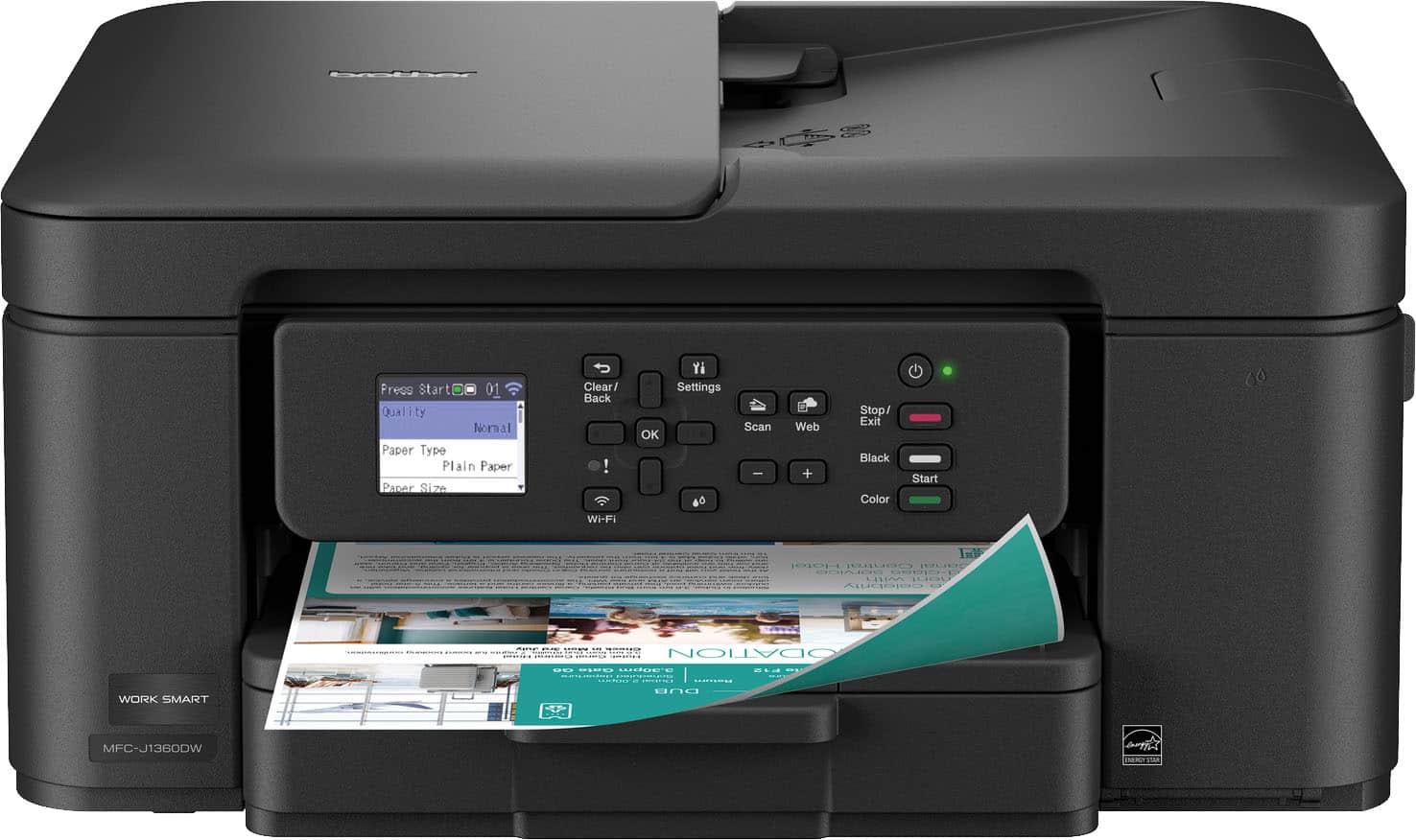
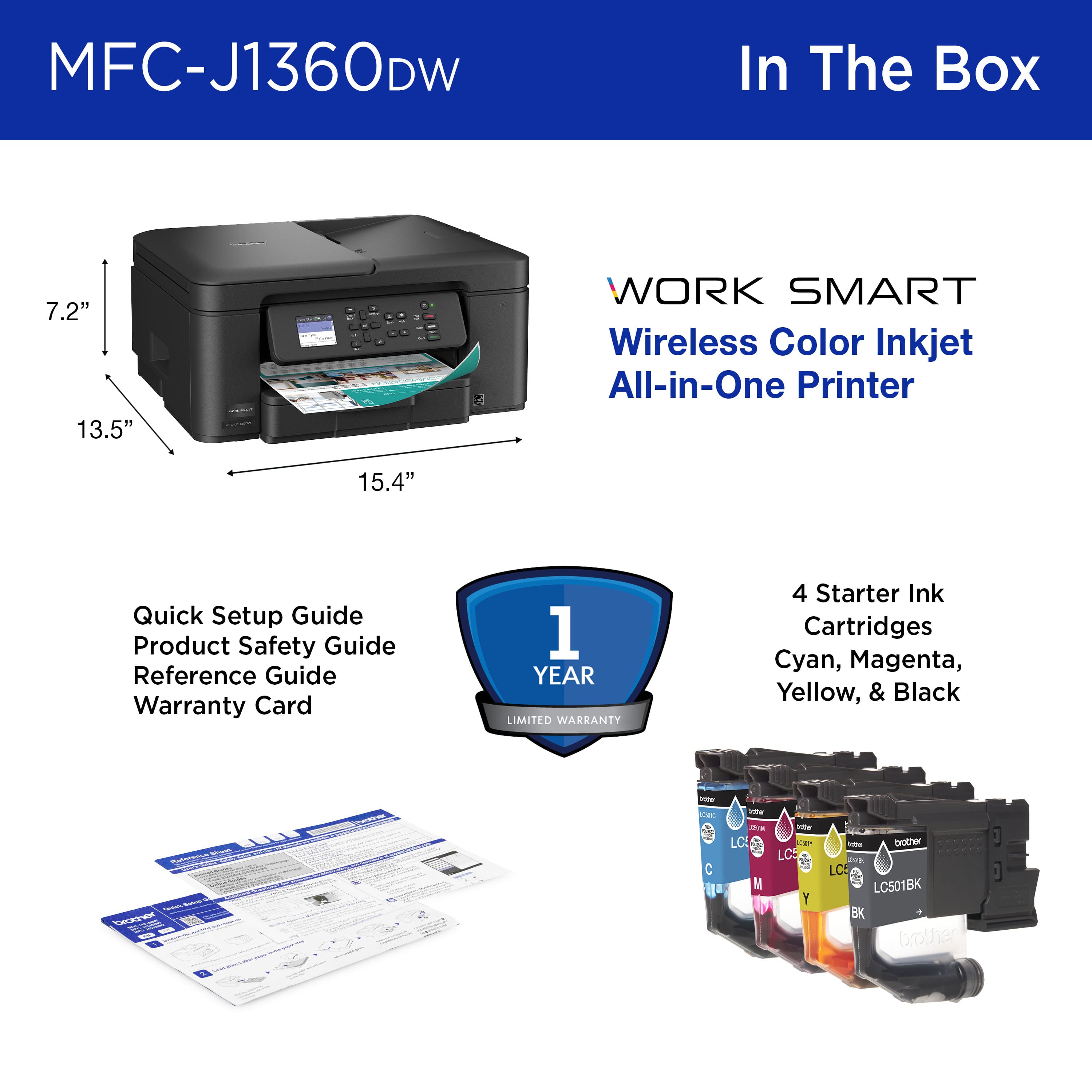
|Posted .This reviewer received promo considerations or sweepstakes entry for writing a review.The Brother MFC-J1360DW is a new all-in-one printer that many families and small businesses can use every day: the printer. This compact printer can handle printing, copying, and scanning wirelessly. Unboxing the Brother MFC-J1360DW I was happy to see it is a small unit with a small footprint; I appreciate its size. It’s not a giant machine that takes over your whole desk. It has a simple, no-nonsense design to fit in just about anywhere (home office, dorm room, or in a small business). Up in front is a small, 1.8-inch color screen. It’s not very fancy and is limited in functionality, but it makes navigating the features and configuration possible without needing a manual. The unit has a solid feel to it, but still light enough to move around. Pros This printer is an "all-in-one", need to print a school essay? Done! Make a copy of a grocery receipt? Yup! Scan in an old photo to edit on your computer? Check! It does all these tasks well, eliminating the need for separate machines and saving you money. One of its best features is its wireless connectivity. After a simple setup, you can print directly from your laptop, phone, or tablet that shares the same Wi-Fi connection. You can even have it print something directly from your Google Drive without turning on the computer. A smart way to save money is to print on both sides of a sheet of paper. A terrific feature is automatic double-sided printing. You just tell the printer to do it, and it will automatically flip the paper and print on both sides. This saves paper, money and the environment. This little printer is plenty fast. It prints out black and white pages very quickly, faster than I expected! Color pages will be slower but that is expected – and it’s still plenty fast. The ink cartridges are inserted separately, which is great! This means cost to replace cartridges is less money since you are only replacing a color that is depleted. The black cartridge, which gets the most use, is significantly larger than the color cartridges and lasts quite a bit longer. Cons A ‘Pro’ I mentioned also has a ‘Con’ to it. This is the one thing to be careful about. If you sign-up for replacement cartridges, you will get a discount – but you may be surprised when they get delivered to your home. The printer uses four separate color cartridges (black, cyan, magenta, yellow). Like recurring subscription fee, the printer has intelligence to order new cartridges when they get low. Pretty cool, but I prefer to have full control over purchases. Simple enough to decline this feature if you don’t want it though. I mentioned in the ‘Pros’ section that there is a feature to print on both sides automatically. Which is great! But that feature doesn’t extend to copying… It has a 20-page automatic document feeder for scanning a stack of papers one after the other. Unfortunately, the feeder can only scan one side of a page at a time. If you have double-sided documents to scan, you’ll have to flip and restack them yourself (collating properly) and run them through again. But at this price point, I really can’t complain about this small inconvenience. Not much worth mentioning about the LCD screen. It is basic and barebones: While the small color screen is useful, it looks and feels a little old-fashioned. Especially when we are all used to big, beautiful screens on our phones. Navigating through some menus is tedious and slow, but for basic functions, it’s fine. The home screen of the LCD is sort of confusing too. I don’t understand why a better static screen isn’t displayed. Instead, you always see the setup menu, which is silly, and you may end up going round and round the menus trying to figure out where the home screen is (hint: I did this). Also, the panel can tilt upwards, but only a little. If you aren’t careful, you may pull too hard on it and break it (thinking it’ll tilt up further for better viewing). Best thing to do is to set the print up and push the panel back flush and out of the way. Summary I like the small Brother MFC-J1360DW printer. I’ve found it to be a reliable, fast printer with a bonus of scanning and copying. It may not be the flashiest or the most feature-rich, but it excels at the core features. Its ability to print, copy, and scan – and can do so wirelessly. Its space-saving design and paper-saving double-sided printing make it an excellent choice for a home, student, or small office. It punches well above its weight class, and simply amazing for the price point that you can bring it home for. It's a definite “BUY” from me. I don’t see how you can complain about this color printer. For less than the price of going out to dinner (these days), you can have a well-made, quality printer that makes no excuses, and performs like a little champ!
I would recommend this to a friendFrustrating
||Posted .This reviewer received promo considerations or sweepstakes entry for writing a review.we tried to get it to work but all we got were pages of very faint pink, no black or blue. we spent a long time on line with Brother support and they criticized us for not following their directions, which we did several times. called Best Buy and it like Brother were off shore and was not supportive. we gave up and returned it.
No, I would not recommend this to a friendBrand response from Brother
Posted .Thanks for taking the time to review your experience with the Brother MFCJ1360DW. We appreciate your feedback. I understand you are planning to return the Brother MFCJ1010DW. If you still have the machine, we’d like an opportunity to help. Please contact us directly at:
https://www.brother-usa.com/support/MFCJ1360DW
Compact Workhorse
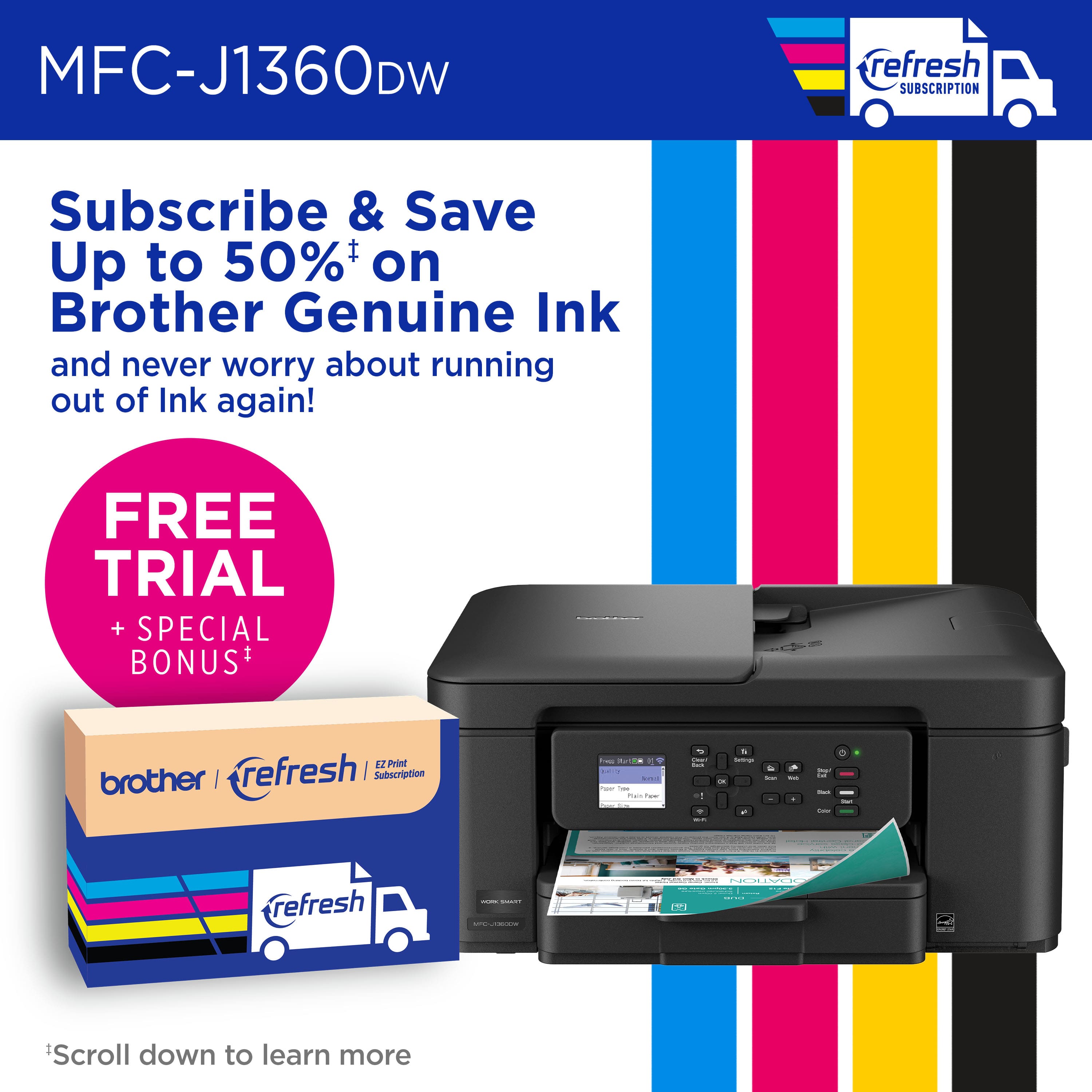
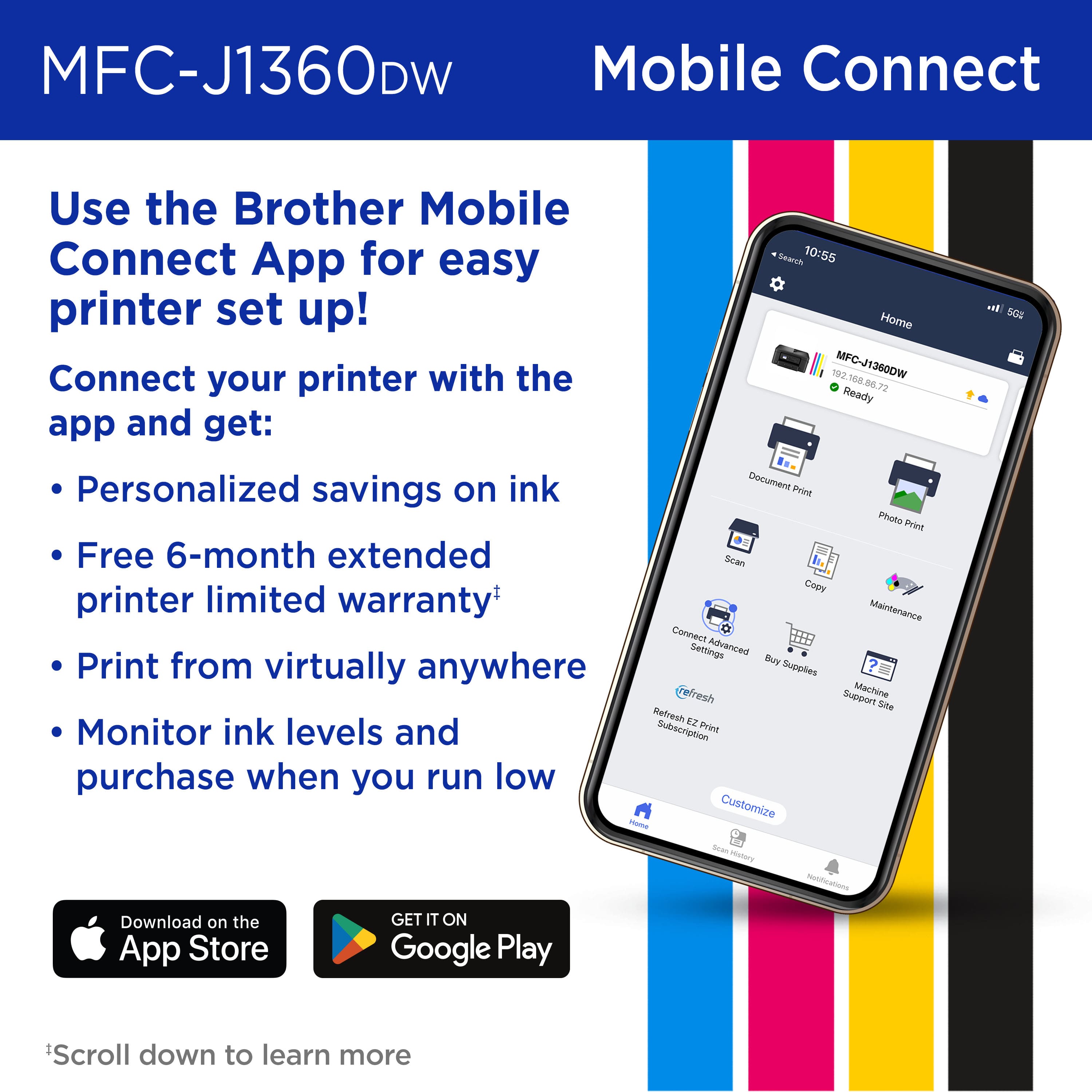
|Posted .This reviewer received promo considerations or sweepstakes entry for writing a review.The Brother Work Smart 1360 inkjet All-In one printer is a compact designed printer that is made for your home or home office. I have a much larger variant from brother in my home office that takes up a lot of space, so this compact design was something that I was drawn to. My usage of printers requires that I can print, scan and copy all my documents that produce accurate and clear copies or prints. Setup Installation was simple as I removed my old printer and placed it down and plugged it in and connected it to my Wi-Fi network in less than 2 minutes my desktop recognized the printer as well as Air Print for iPhone. It does have an optional USB 2.0 connection as well if you want to connect it hardwire method which I tested in connecting a laptop to and it immediately recognized the printer in Windows 11. You can also download the Brother Mobile Connect app and control the printer and its functions through the app, as well as sign up for their “Brother Refresh: ink delivery service which delivers fresh ink to your home when system detects it getting low on ink. Side note, this does not come with an ethernet cable hooking up for a hardline to your home network switch. Features Being a cost-effective home printer, this compact printer design comes loaded with features that help productivity and efficiency. The paper tray held 150 sheets (but I recommend just a little under it to lessen chances of jams). Additionally, the document feeder holds almost 20 sheets of paper I put in 15 and felt like that was sufficient without any misfeeds occurring at their max rated 20 sheets. It comes with a 1.8” LCD screen (not touchscreen) was sharp and clear for its menu that’s controlled by the buttons on front of printer. The navigation in the LCD menu was intuitive and easy for choices to be made for functions and printer, copy or scan aspects. In testing I was able to select my desktop to scan my document to which immediately created a PDF file which was nice. One feature it does have that I really enjoyed is the automatic duplex mode, versus manually having to flip the pages. Additionally, this does not come with a fax function built into the printer, but within Windows 11 you can use a fax app and use a scanned document and do fax over internet if you need to or over your phone. Print Quality Test prints were sharp and clear as expected with the inkjet making the printed copies smudge free and lacking heavy wet ink areas that bled through paper. Printing from the computer was quick and fast and average around 15-16 pages per minute and duplex printing I saw around 7-9 pages per minute with heavy graphics or pictures. It was faster in cases where it was just text and no pictures. I also tested the print feature from my phone when I was out in town as a document came in and wanted it to be printed. Using the Brother connect app I was able to print my documents, and my wife was able to do what she needed then versus waiting on me as I was unable to forward a secure document. Scan The scan quality had excellent resolution as it had a 1200x2400 dpi on the flat bed and a 1200x600 dpi resolution for ADF. The documents were crystal clear using the flatbed and was very impressed when I had to scan my passport and upload. You can select to scan to an email, file, image or even one of the web connected services that you use. Overall This Brother Work Smart 1360 printer is a mini workhorse that excels at small production work for home use and light home office use. This is by no means a 500-page-a-day printer machine, but for those everyday jobs where printing 10-20 pages fits perfectly and excels at it. The days of having to spend a fortune on a massive printer to get top quality printing and functions are gone. This printer is all you need if you’re looking for a high quality printer that brings peace of mind and comes packed with tons of features, get the Brother Work Smart 1360.
I would recommend this to a friendBad product and no warranty card.
||Posted . Owned for 3 weeks when reviewed.This reviewer received promo considerations or sweepstakes entry for writing a review.This printer doesn't print anything! It will copy but the ink isn't bright. I tried printing from my computer and my cell phone but only blank papers come out
No, I would not recommend this to a friendBrand response from Brother
Posted .I’m sorry to hear your getting blank pages when printing with the Brother MFC-J1360DW. If you’ll give us another chance, we’d like to make things right. Please contact us directly at:
https://www.brother-usa.com/support
Printer
||Posted . Owned for 3 weeks when reviewed.This reviewer received promo considerations or sweepstakes entry for writing a review.I can't print from my phone. The first time I tried to print from my phone after geeks left, my phone was not connected.
No, I would not recommend this to a friendBrand response from Brother
Posted .Thanks for taking the time to review your experience with the Brother MFCJ1360DW. We appreciate your feedback. I’m sorry to hear that you are having unable to print from mobile issues with the Brother MFCJ1360DW. I sincerely apologize for any inconvenience this issue may have caused you. We can help with that. I have included a link to the FAQ answer that should assist you. Please follow all the steps listed in the following link:
Answer Link: https://help.brother-usa.com/AgentWeb/api/contextmanager/v.32510100001/workspaceContext/workspace/processedPrint/Answer/178479
Answer Link: https://help.brother-usa.com/AgentWeb/api/contextmanager/v.32510100001/workspaceContext/workspace/processedPrint/Answer/178477
If you still have difficulties, please contact Brother Customer Service at:
https://www.brother-usa.com/support/MFCJ1360DW
Worked for only 2 weeks
||Posted . Owned for 3 weeks when reviewed.This reviewer received promo considerations or sweepstakes entry for writing a review.I love brother and my former pronter lasyed 8 yesrs. Bought this one and it only worked 3 weeks! Took it back and they could motvgrt it to eork either. Disposable!
No, I would not recommend this to a friendBrand response from Brother
Posted .Thanks for taking the time to review your experience with the Brother MFCJ1360DW. We appreciate your feedback. I understand you are planning to return the Brother MFCJ1360DW. If you still have the machine, we’d like an opportunity to help. Please contact us directly at:
https://www.brother-usa.com/support/MFCJ1360DW
Poor product
||Posted . Owned for 5 months when reviewed.This reviewer received promo considerations or sweepstakes entry for writing a review.I spent extra but this Keeps jamming. Horrible product
No, I would not recommend this to a friendBrother printer
||Posted . Owned for 3 months when reviewed.This reviewer received promo considerations or sweepstakes entry for writing a review.I'm very disappointed. The ink cartridges are new, but I keep getting a message that I need to replace them.
No, I would not recommend this to a friendBrand response from Brother
Posted .I'm sorry to hear your having an issue with the new set of inks for your Brother MFC-J1360DW. If you’ll give us another chance, we’d like to make things right. Please contact us directly at:
https://www.brother-usa.com/support
Brother printer
||Posted . Owned for 3 weeks when reviewed.This reviewer received promo considerations or sweepstakes entry for writing a review.Very cheaply made. Paper would get stuck every time I printed. Returned the printer.
No, I would not recommend this to a friendHate it!
||Posted .This reviewer received promo considerations or sweepstakes entry for writing a review.I hate it! Difficult to operate & too late to return it!
No, I would not recommend this to a friendBrand response from Brother
Posted .I’m sorry to hear your experience with operating the Brother MFC-J1360DW is a bit difficult. We’d like to help. Please contact us directly at:
https://www.brother-usa.com/support
Don't buy this printer from Best buy
||Posted .This reviewer received promo considerations or sweepstakes entry for writing a review.Stopped working after a few weeks. Best buy has a very short return policy. Avoid buying these types of items from BestBuy.
No, I would not recommend this to a friendBrand response from Brother
Posted .Thanks for taking the time to review your experience with the Brother MFCJ1360DW. We appreciate your feedback. I’m sorry to hear that your Brother MFCJ1360DW is not working. I sincerely apologize for any inconvenience this issue may have caused you. We would love to hear from you with more details to be able to better assist you. Our Brother Customer Support Team is available to assist you direct: www.brother-usa.com/brother-support/MFCJ1360DW
Low Quality
||Posted .This reviewer received promo considerations or sweepstakes entry for writing a review.This is Cheap. Best Buy has gone to cheap made low quality
No, I would not recommend this to a friendBrand response from Brother
Posted .We would like to take this opportunity to thank you for your feedback. We are sorry to hear that you are not satisfied with your Brother MFCJ1360DW. At Brother, customer satisfaction is something we take seriously. Your feedback is important to us and will be reviewed.
Thank you for being a Brother customer. Please know that we will be here, should you need to contact us in the future. Please contact us directly at:
https://www.brother-usa.com/support/MFCJ1360DW
not user friendly
||Posted . Owned for 1 week when reviewed.This reviewer received promo considerations or sweepstakes entry for writing a review.not very user friendly, too many steps to scan items. I had to have geek install.
No, I would not recommend this to a friendBrand response from Brother
Posted .Thanks for taking the time to review your experience with the Brother MFCJ1360DW we appreciate your feedback and are working on improving the experience of each customer. If you still need assistance, please contact the Brother USA support team at: https://www.brother-usa.com/support
Duplex Printing is great!
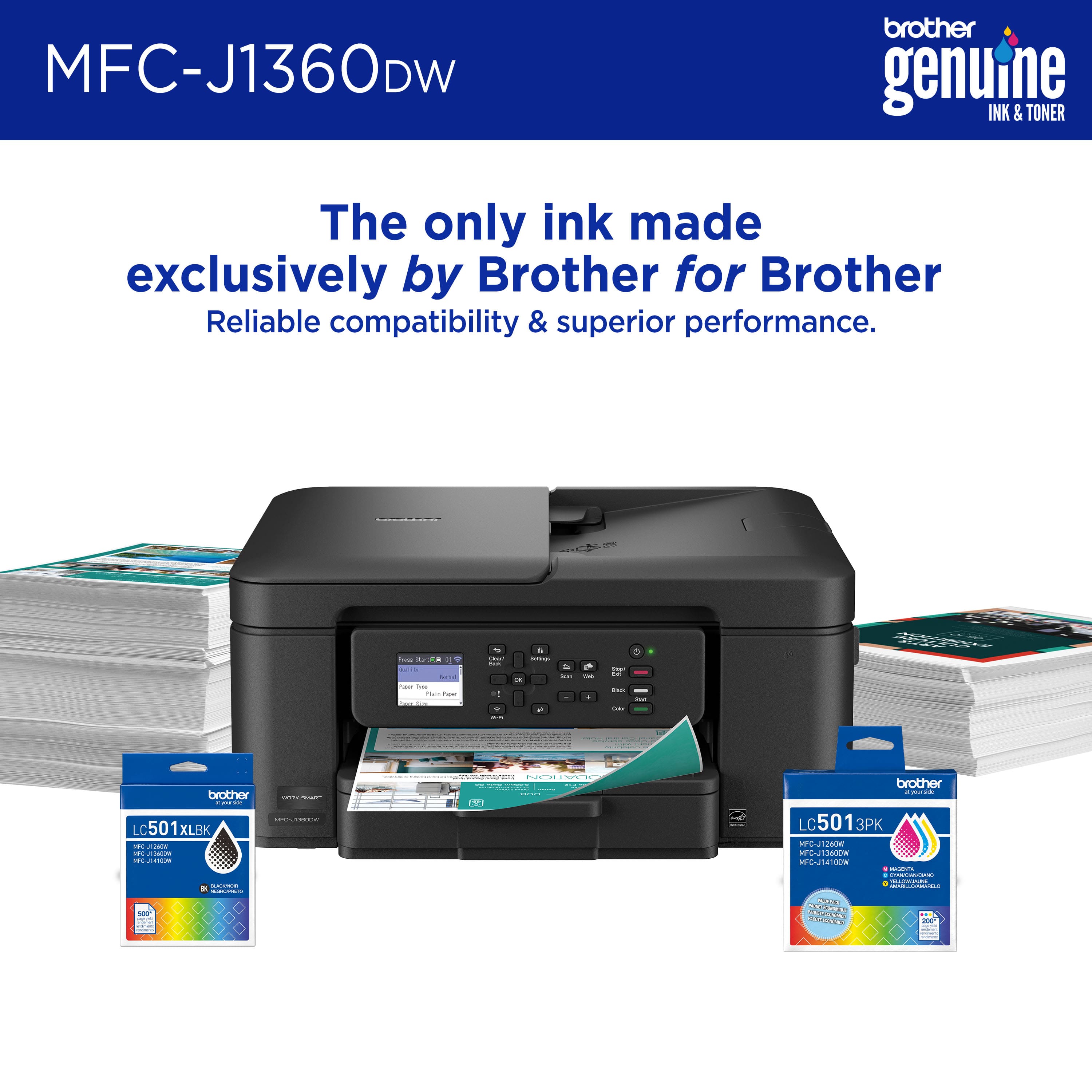
|Posted .This reviewer received promo considerations or sweepstakes entry for writing a review.This printer is replacing an older printer that started its life as a stark white color and quickly yellowed and stained into a ghastly table topper. I unboxed this black beauty to revel in its aesthetic. My favorite innovation in recent years with inkjet printers is that the cartridges have been moved to a dedicated side panel no longer requiring one to lift the scanner glass and peel the entire machine apart to change the ink. Brother has created one of the oddest looking print cartridges I’ve seen with a partly ray-gun like appearance, but they are easy to insert and clearly marked to ensure alignment in the correct slot. The compact nature this printer is also appreciated making me feel like I don’t have to hide this thing in a corner somewhere trying to disguise it from view. My first impression of using the printer is that it takes an awfully long time to complete the initial setup. I applaud Brother’s efforts for linking the setup experience to the mobile app and then forcing me through nozzle checks then nozzle cleaning then alignment, but when I sat down to plug in the printer I did not think I would spending the next 45 minutes in setup mode. And that only got it working on my phone, next I had to add the printer to my Windows 11 PC. I did not run into any errors or problems but the whole setup is just tedious. Once I got past the initial setup, printing is fast, quiet and prints come out looking great. That white monstrosity I’m replacing uses bottles for ink, not cartridges, so I’m not sure how I’m going to like going back to cartridges, but I was surprised to find how much I love the auto duplex printing. Brother is now following HP’s lead of subscription based ink cartridges which I actually love because it saves my local retailers from having to stock every printer cartridge known to man. There’s still a part of me that wishes printer manufacturers would standardize on a single form factor for all cartridges moving forward. The printer includes a tiny 1.8” color display that feels cramped. I would have preferred Brother to have replaced most of the physical buttons with a larger touch screen instead of what is a needlessly complex series of the screen showing you a button to press, finding the button, pressing the button, then looking back to the screen to see what button to press next. This could have been avoided with a larger touch screen.
I would recommend this to a friendBrand response from Brother
Posted .We would like to take this opportunity to thank you for your feedback. At Brother, customer satisfaction is something we take seriously. Your feedback is important to us and will be reviewed.
Thank you for being a Brother customer. Please know that we will be here, should you need to contact us in the future. Please contact us directly at:
https://www.brother-usa.com/support/MFCJ1360DW
Avoid this printer
||Posted .This reviewer received promo considerations or sweepstakes entry for writing a review.Setup software is awful and the WiFi Direct option does not work well.
No, I would not recommend this to a friendBrand response from Brother
Posted .Thanks for taking the time to review your experience with the Brother MFCJ1360DW. We appreciate your feedback. I’m sorry to hear that you are having a few issues with the Brother MFCJ1360DW. I sincerely apologize for any inconvenience this issue may have caused you. We would love to hear from you with more details to be able to better assist you. Our Brother Customer Support Team is available to assist you direct: www.brother-usa.com/brother-support/MFCJ1360DW