Customer Ratings & Reviews
- Model:
- MFCJ1360DW
- SKU:
- 10927374
Rating by feature
- Value
Rating 4.5 out of 5 stars
- Quality
Rating 4.4 out of 5 stars
- Ease of Use
Rating 4.2 out of 5 stars
to a friend

Great budget printer with lots of features
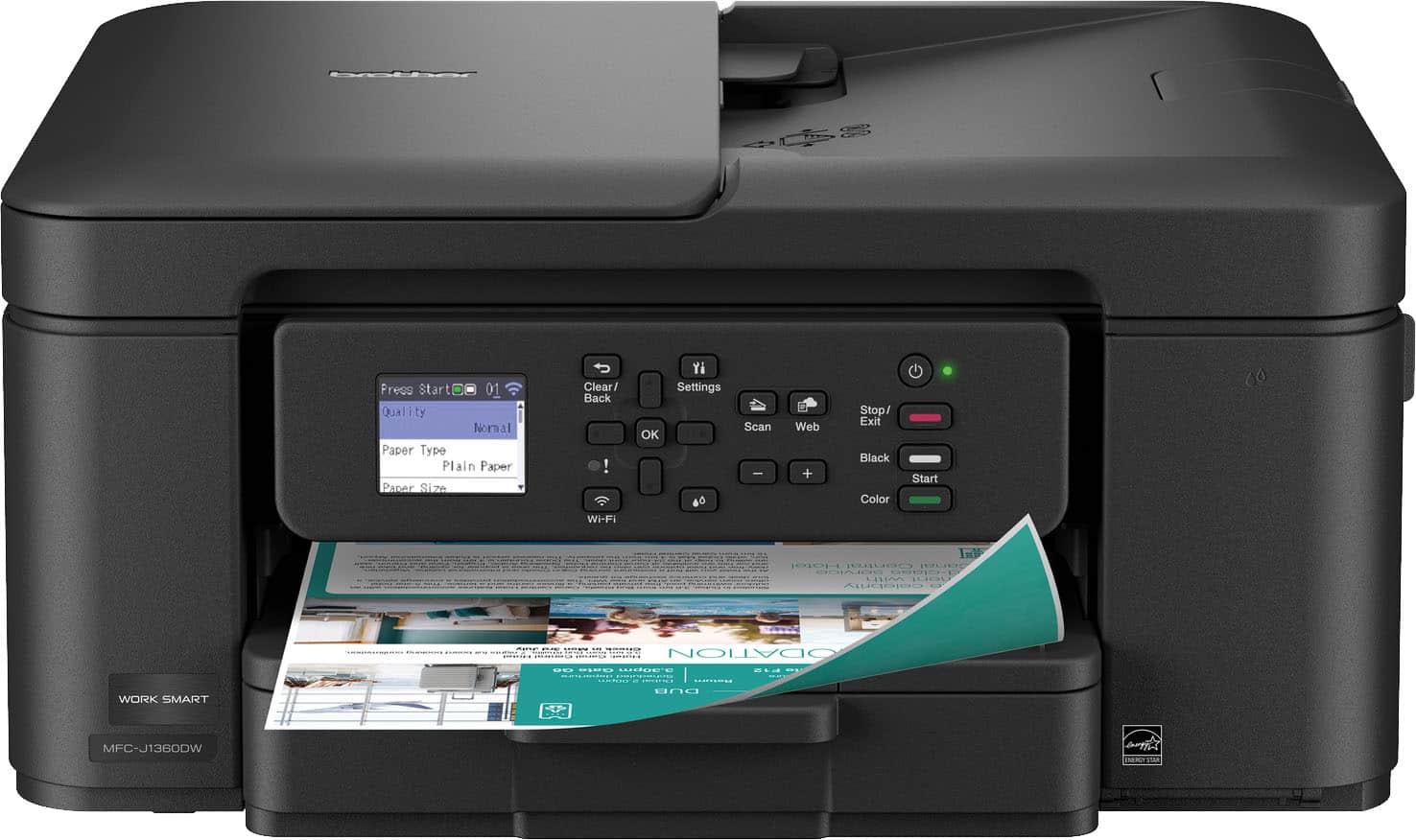
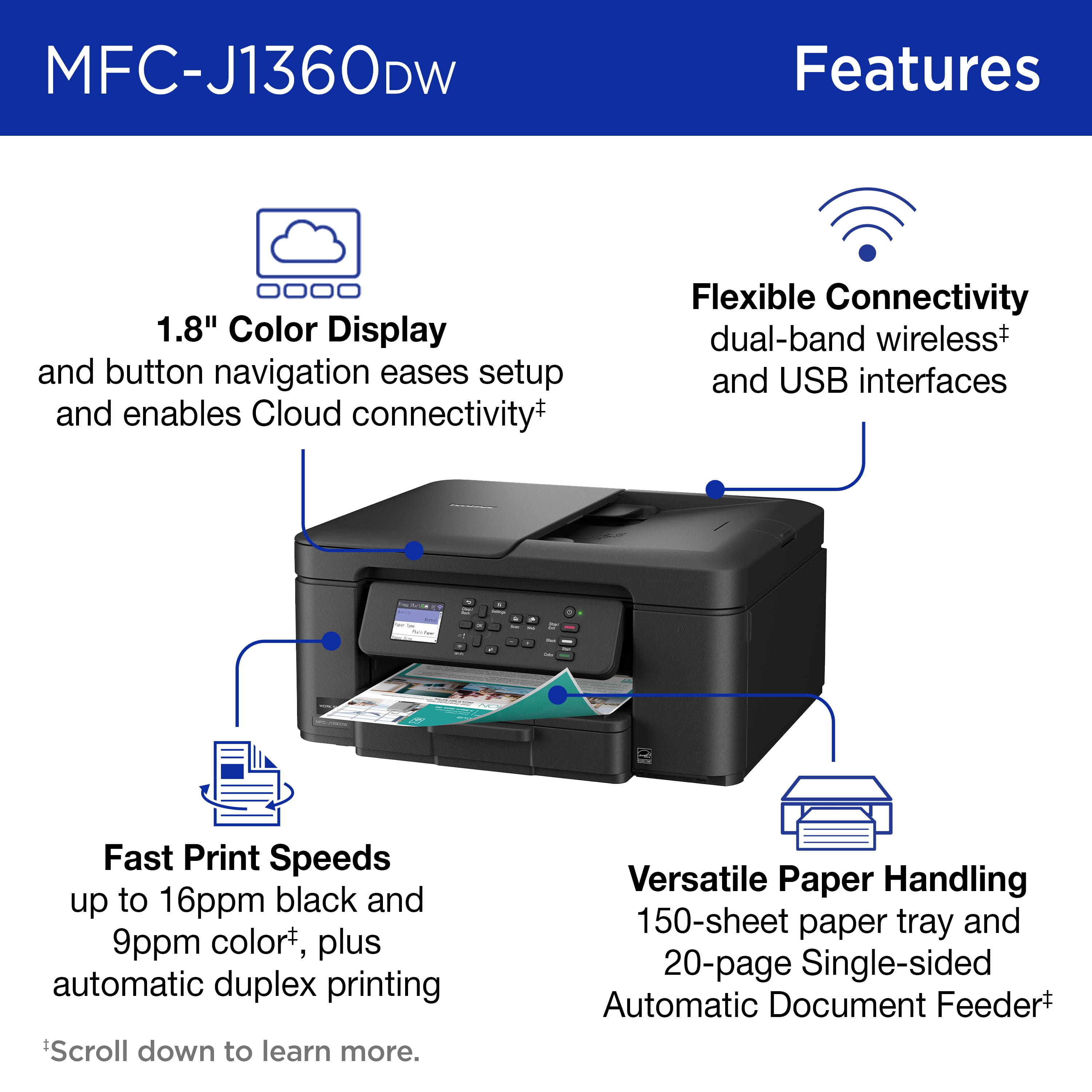
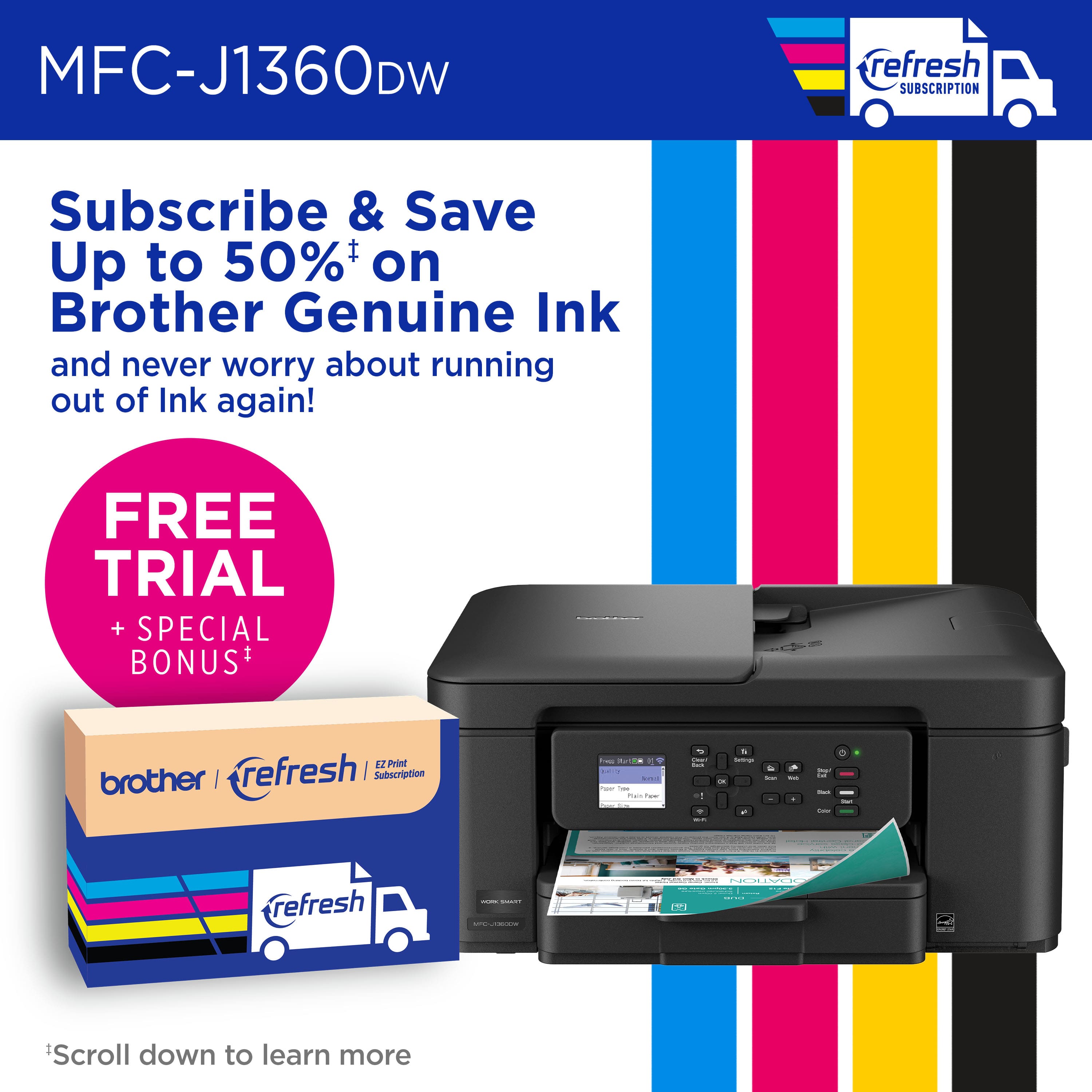
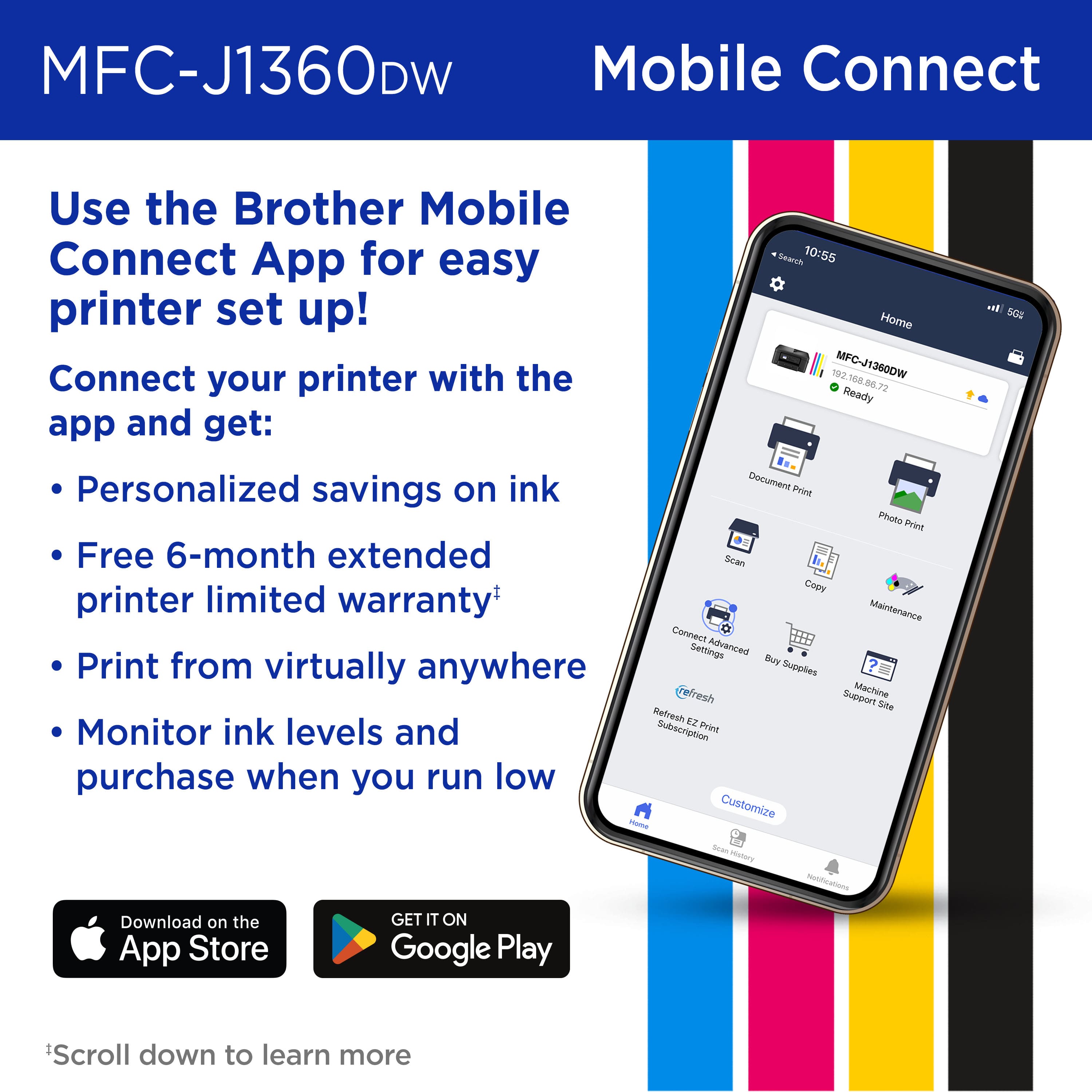
|Posted .This reviewer received promo considerations or sweepstakes entry for writing a review.I've always been a big fan of Brother printers. The combination of reasonable prices and great quality are a no brainer. And in line with that perception, the Brother Work Smart 1360 Wireless is a great budget printer. I was surprised with features on offer for such an inexpensive and compact all-in-one. You can use the printer via a USB printer cable is you want, but to take advantage of all the features of the printer you'll need to set up a Brother account. Setting up the printer was super easy by following the directions in the Brother app and the small LCD panel on the printer. Once I got the printer set up, I was impressed with the features it has for such a compact all-in-one. I'm not sure how they crammed duplex printing and a document feeder into such a small package. I have also been impressed with the speed of the printer. It is rated at 16 ppm, and I have no reason to doubt it. As with most printers purchased today, it comes with starter ink cartridges. Translated, that means there isn't much ink in them. That was a disappointment, but it's the current printer model...sell the printer at cost, or even at a loss, then make up the difference with the ink. However, Brother does offer a very reasonable ink subscription service. In fact, according to my math, the yearly cost of this service is considerably cheaper per print than purchasing ink cartridges. That is, if you print a decent amount. You'll have to figure out if the subscription service works for you. All in all, this is a really good printer for the money, with fast print times, excellent features, and good quality. In my opinion, it is a perfect printer for a home office.
I would recommend this to a friendBrother Work Smart Color Inkjet Printer
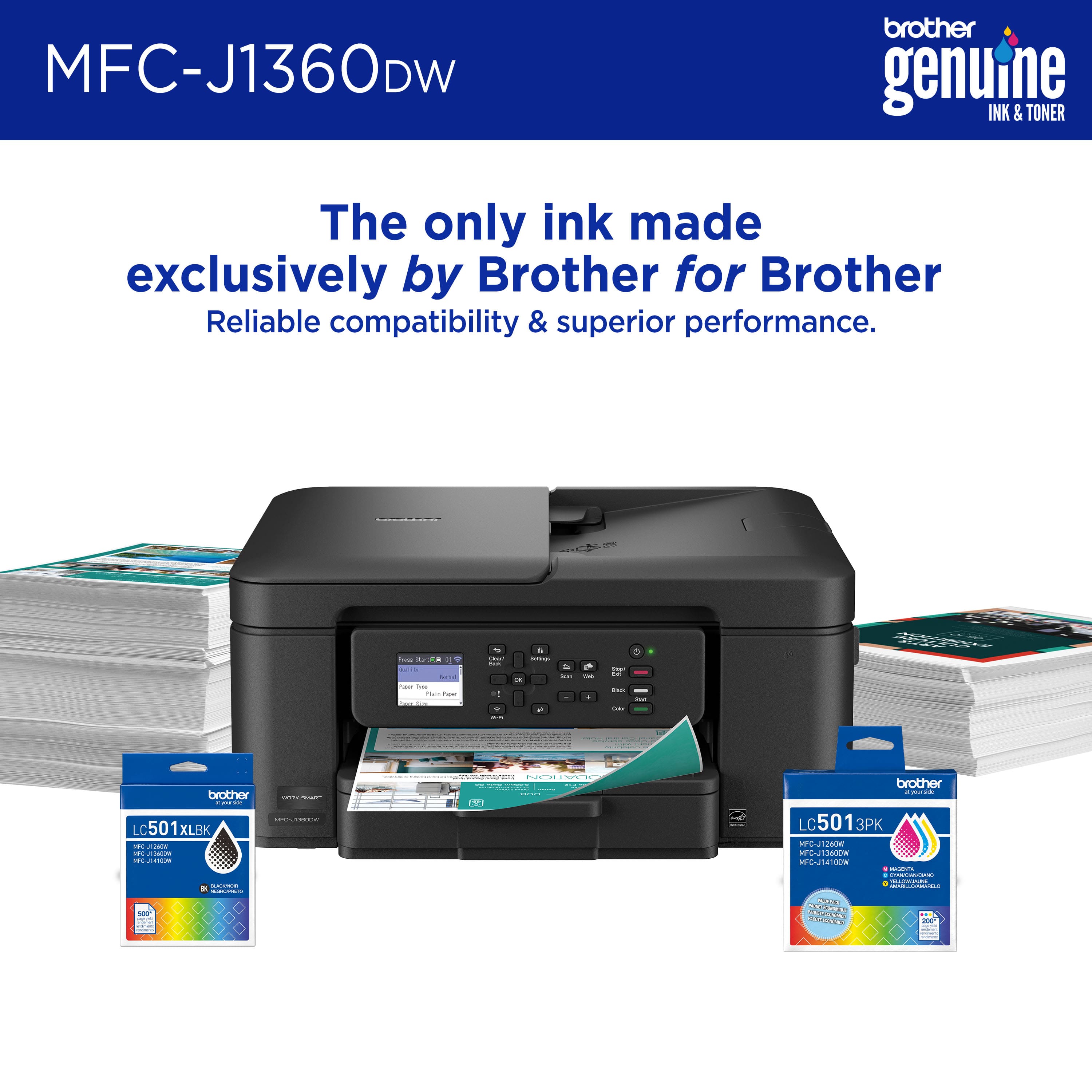
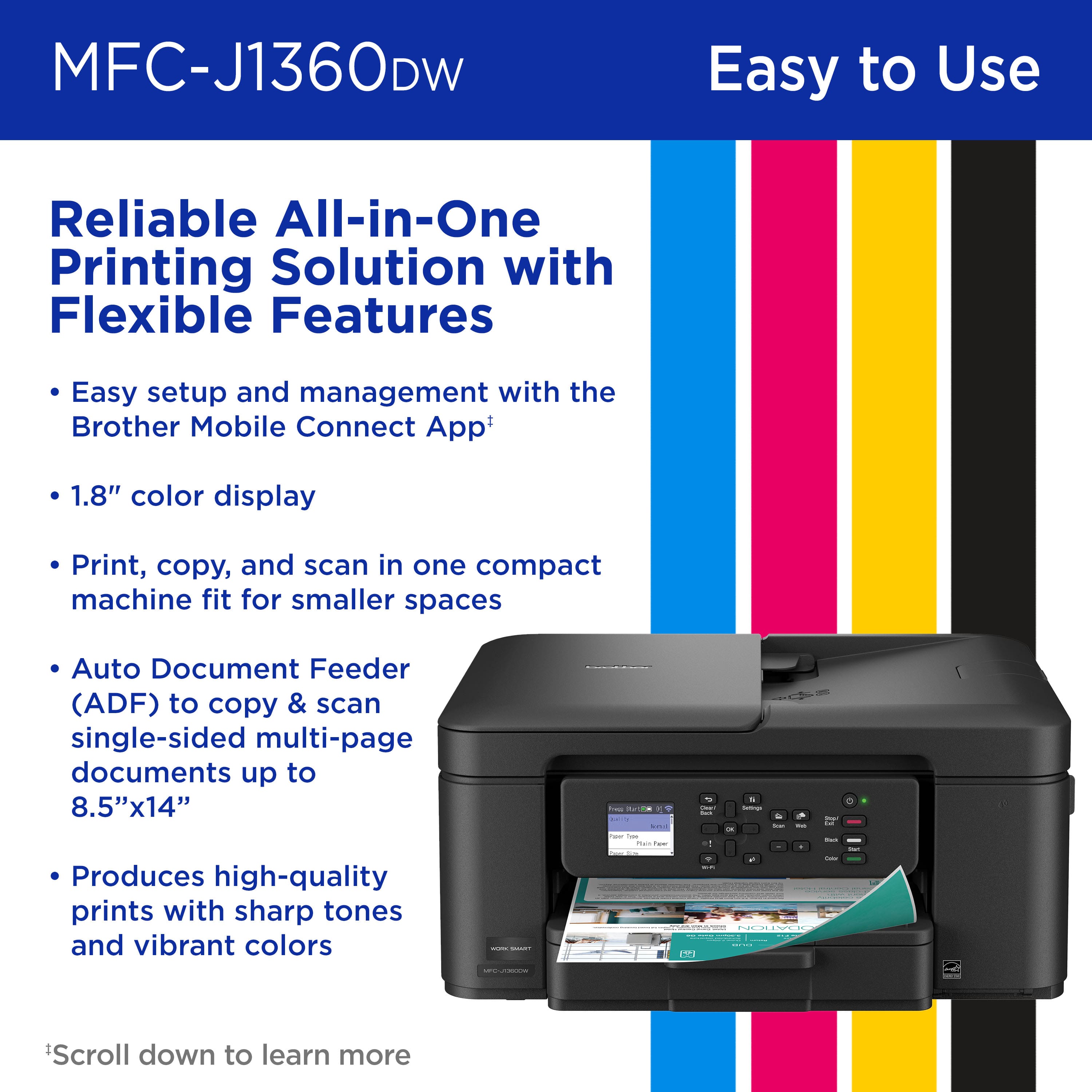
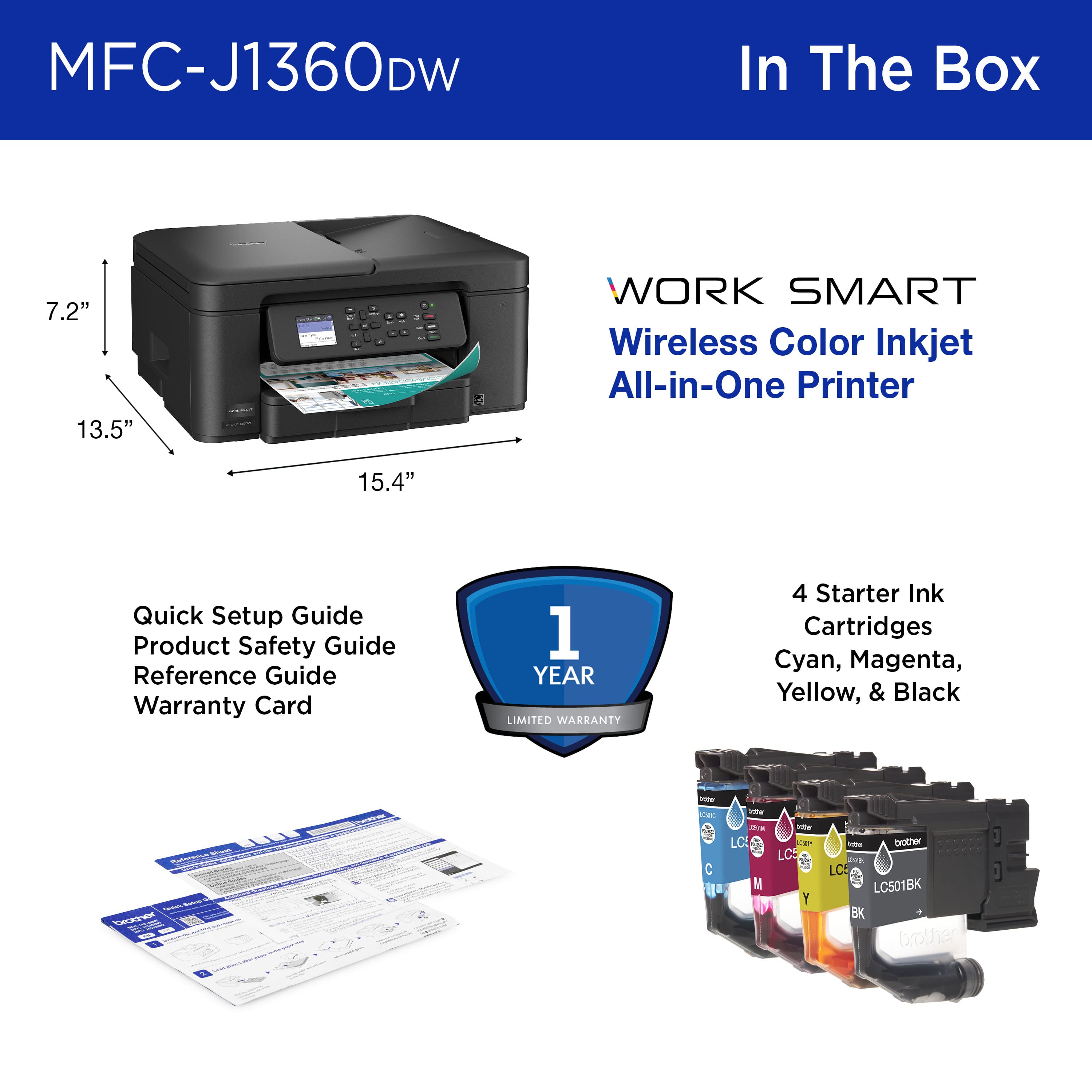
|Posted .This reviewer received promo considerations or sweepstakes entry for writing a review.Unpacking was easy, set up took about 10 minutes and there were no problems. After setting up the printer for wi-fi, I was able to print from all the computers and laptops I own. Hit a snag setting up wi-fi direct, slowed down and it went off without any further problems. This printer is an all in one, but it is designed for home or small home office use. It has a small footprint of 7.2 inches high and 15.4 inches wide with a depth of 13.5 inches. It comes with LC501 ink cartridges One of each color. As these are starter cartridges I would suggest your refills at the same time. You could also sign up for the Refresh Subscription, a trial in included with each printer. The printer also has 1.8-inch liquid crystal display color display on the pop-up display panel. The input paper tray holds up to 150 sheets of standard printer paper. The printer will hold up to 8 ½ X 14 paper. The tray is adjustable for small sizes paper and photo cards. While making copies the display is only 2 digits, thus giving a maximum of 99 copies per cycle. This printer also has an automatic duplexing feature for printing on both sides of the page.
I would recommend this to a friendExtremely difficult to set up but printing is fast
Posted .This reviewer received promo considerations or sweepstakes entry for writing a review.I found the written directions for setting up my Brother 1360 useless, as were the AI guided assistants online. I had to hang on the line and get a real person, BUT ... at least I COULD get a real person! She was able to walk me through set up step by step quickly and we got it working. Printing is MUCH faster than my old printer, and so far it has worked without a glitch. I do find the tiny screen to be incredibly difficult to read. I have to use a magnifying glass to read it! I have not tried the copy or scan functions yet. Seems to be a sturdy construction. three stars for the difficult set up, otherwise it would be five.
I would recommend this to a friendDecent Little Machine
|Posted .This reviewer received promo considerations or sweepstakes entry for writing a review.This Brother - Work Smart 1360 Wireless All-in-One printer is a decent choice for home/student/small-business use. It offers everything you couldever need for those casual users. Out of the box, you have a perfectly serviceable printer. And not justa printer, this is your ubiquitous all-in-one, printer, copier, and scanner. Typical consumer grade quality. Nothing wrong with that. You don't need to stand out to work well. And this unit, it does not stand out, but it works great. Set up was... Well, as expected. Download the app, create an account, connect to the Internet... LOad some paper, run some test prints, and you are good to go. The front panel offers a 1.8 inch color screen that is controlled by the buttons on the panel. That said, the reason I gave four-stars instead of five, was because the contros were... Not bad, but not necesarilly intuitive. I mean, really no problem, but could be a litle more responsive. Manufacturer claims nine PPM color printing, and a respectable 50 PPM in black-and-white. Not bad. The print quality was very good, with the B&W being slightly better than the color, but that is too be expected. End of the day, a solid choice.
I would recommend this to a friendGood printer for the money
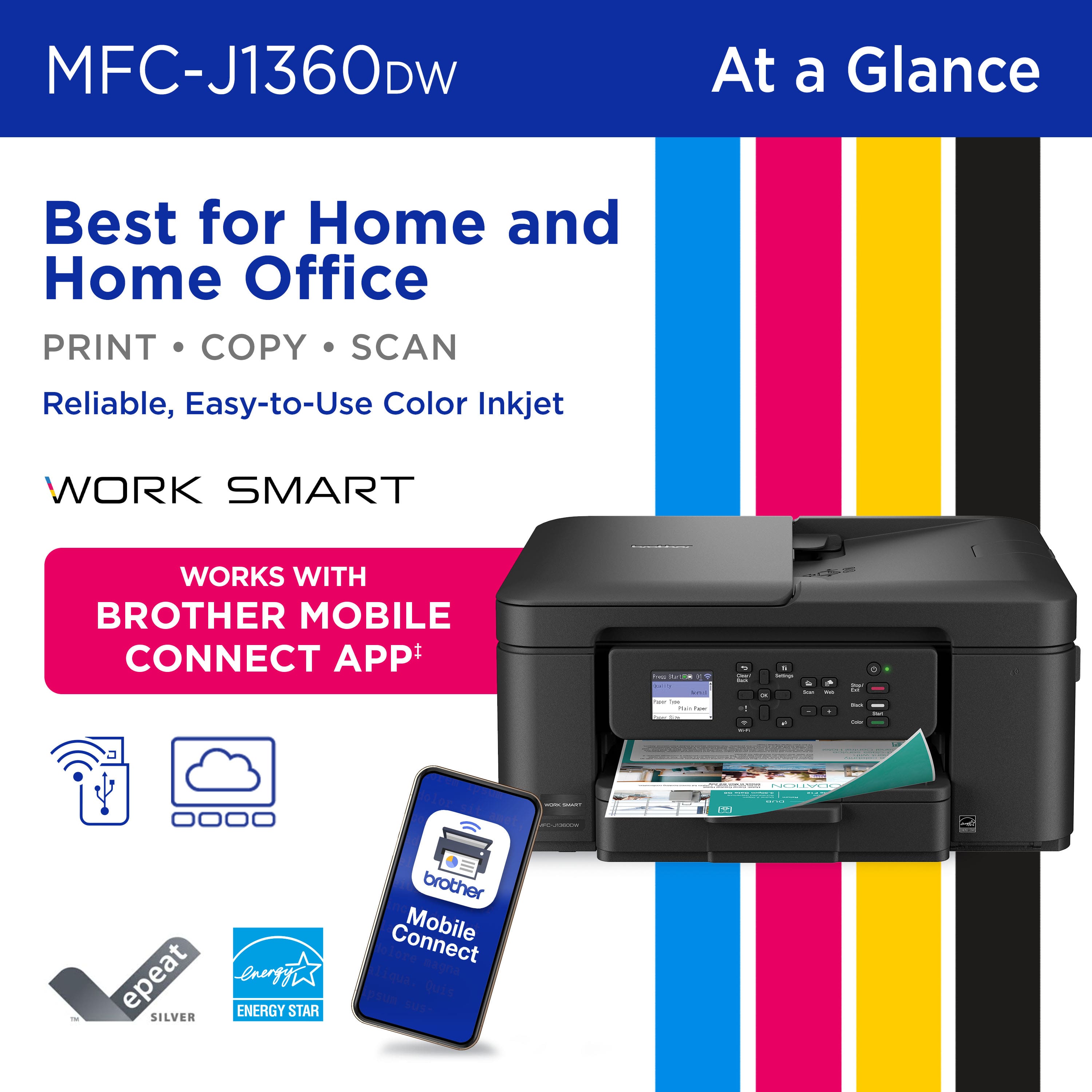
|Posted .This reviewer received promo considerations or sweepstakes entry for writing a review.Unboxing was simple with the included quick start guide. I plugged it in and pulled some green tape off. Then I scanned the QR code on the display and ran the setup from my phone. It did have me push a button to connect my phone to the printer and then the setup went odd from there. I was prompted to download Brother Mobile Connect and since I had an account I added the printer. When I did it tried to start the setup again. Eventually it asked for my wireless password and then froze. I closed the app and then when I went back in the printer was there. I proceeded to install the inks and it printed a few setup pages. Then I was up and working. I did look at the subscription plans but the free trial only covered $30 and that was only 200 pages for 2 months. So I held off the trial for now until I see how long the ink lasts. The print quality was good and clear. I did feel like when printing duplex that it was really slow. I also scanned a few documents with the Brother app and it worked fine. I was left with a PDF I could use. I do worry that the subscription is expensive for the amount of pages you get included. Also the setup was clunky. However, if this has the features you want then for the price it is a good option. I would just look at the cost of purchasing ink vs subscription depending on how much you need to print.
I would recommend this to a friendSolid Build and Great Features
|Posted .This reviewer received promo considerations or sweepstakes entry for writing a review.I was very impressed with the Brother Work Smart 1360 Wireless Color Inkjet All-in-One Printer. It has a very solid feel. Some things I don't always experience that I look for are: the paper loading is easy and smooth with no hang-ups when removing the paper tray, the display is clear and very responsive to the buttons for making selections and this printer has enough weight that when printing it does not shimmy around - excellent. Ink setup and initialization of this printer went very nicely. I chose to install from my laptop instead of from my cell phone. It worked fine, but I do know it's recommended to use the cell phone app. Printer alignment tools worked properly. I did download the firmware update tool and the tool did find that my firmware was up to date. The firmware update tool requires the printer password which is on a label on the back of the printer. I had changed the printer password during setup, however the software told me the password change failed. When I ran the Update Tool, I tried the original password and it failed. I tried the new password and it worked. So the setup software may need a fix since it said my printer password change failed but it was successful. I love the 'iPrint & Scan' software and it works perfectly. Also the Brother Creative Center software is wonderful. You have many templates for things like calendars, greeting cards, coloring page templates for the grandkids and more. This software and the 'iPrint & Scan' software are free with the printer. Tip of the cap to the team at Brother for a complete set of tools and extras too. Printouts had very sharp text and colors were great. The document feed ran quickly, and you can select to print on one side or both sides. I'm enjoying this printer and its functionality. I would highly recommend this printer.
I would recommend this to a friendGreat budget printer.
|Posted .This reviewer received promo considerations or sweepstakes entry for writing a review.I have owned many printers from many brands throughout the years. I am old enough to even remember the old telex machines, which I think, if you are reading this, you are probably googling what that is. LOL. And there have been good brands and bad ones. Brother is defenitely throughout the years have been one of my go to brands. I know that it will be a reliable and long lasting product. This printer is no different. I need to caveat that by saying this is a printer best used for a small home office or a student. This is not the printer you will want for any heavy loads. Black and white prints are printed at an acceptable speed, color however is a tad slow, but nothing that is annoying. It is not going to print photos that I would frame or anything either, but good enough for maybe some type of school work or work exhibits. Paper tray holds 150 sheets which, imo, is ok. Not great. It copies and scan in a realtively quick time for the size and cost of the machine. Display and physical controls are nice and easy to read and understand. HP app is the best. I loved it before and it worked wondefully with this printer as well. For the price, I don't think this is a better choice.
I would recommend this to a friendConsumer Friendly
|Posted .This reviewer received promo considerations or sweepstakes entry for writing a review.Brother has a great app that helps make printing with the work smart 1360 Wirelesss All in One simple and user friendly. The material they used is durable. The buttons on the front of the printer are also good quality. The set up guide that came with the printer was easy to understand. The ink that came with it is nicely packed and easy to install. The paper tray is also nice quality. Opening and closing it should not become a problem when you need to add paper. The quality of the text that is printed is good for normal paper. If you are attempting to create formal invitations or announcements you will need to ensure your print settings on your computer are set to the highest quality available. Photos on card stock and/or photo paper came out well. Scanning is simple. You have the standard features of emailing the scan to yourself, saving it to a USB to move to a device, ect... I enjoy the smaller footprint of the printer. It does not take up a lot of space like other all in ones can. I am happy with the product overall and would recommend.
I would recommend this to a friendGood Printer
Posted .This reviewer received promo considerations or sweepstakes entry for writing a review.The Printer works well. Its not amazing but for the price it is great. I don't have a lot of printing needs so it was a great fit for me.
I would recommend this to a friendSolid Printer for Everyday Stuff
|Posted .This reviewer received promo considerations or sweepstakes entry for writing a review.I picked up the Brother Work Smart 1360 Wireless Color Inkjet All-in-One Printer a couple weeks ago, and so far it’s been a solid little machine for my home office. I wasn’t looking for anything fancy, just something reliable for documents, some light scanning, and the occasional photo, and this printer has been handling all that without much trouble. The setup was pretty smooth. I used the Brother mobile app, and connecting it to Wi-Fi was easier than I expected. The little color display isn’t huge, but it’s enough to get around the menus without feeling totally lost. I also like that it can scan directly to cloud services, which saves me time when I’m sending stuff for work. Printing quality is good. Text comes out crisp and easy to read, and colors are decent. It’s not the fastest printer in the world, especially if I’m running a batch of color pages, but I don’t really mind since I’m not printing in huge volumes. Duplex printing is a nice touch I’ve already saved some paper with that. The automatic document feeder is also a big win when I need to scan a stack of pages instead of doing them one at a time. The downsides? Ink. Brother does offer high-yield black ink, which I’ll probably switch to, but I can see how color could get expensive if you print a lot. The paper tray holds 150 sheets, which is fine for me. One little nitpick is the ringtones (or “alerts,” I guess) from the printer they’re kind of annoying, but thankfully I barely notice them after setup. Also, I don’t love the idea of Brother pushing their ink subscription service so hard, but I get that’s how they make their money. Overall, I’m happy with the purchase. For around $100, I got a printer that covers the basics really well, plus extras like duplex printing, an ADF, and wireless features that usually cost more. If you’re looking for a simple home or small office printer and don’t mind keeping up with ink, I’d say this is worth it.
I would recommend this to a friendA really nice printer at a good price
|Posted .This reviewer received promo considerations or sweepstakes entry for writing a review.Starting with setup, I installed the app on my phone, created an account, and followed the instruction. The only wonky thing about the setup was having to enter the printer model number. Given that the app was already connected to the printer (via dedicated WIFI) , shouldn’t it already know what model it’s connected to? Otherwise, setup was simple and smooth. Installation of the print cartridges was straightforward, and I appreciate that it had different cartridges for each primary print color. My color cartridges never run out at the same time, and being able to replace only the empty color can save some money on the most expensive part of owning a printer, the ink. The Brother’s print images are sharp, with clear contrast, good color separation, and crisp graphics. Automatic duplex printing is available, and it was reasonably fast and glitch-free. Copying and scanning through the Brother app was likewise very easy. I have owned several Brother printers, and they are always extremely reliable with high print quality. In fact, I’ve only had to replace my Brother printers because there was a feature that the previous one didn’t have, never because it broke. I expect the Work Smart to last me a long time.
I would recommend this to a friendDecent printer with shortcomings
|Posted .This reviewer received promo considerations or sweepstakes entry for writing a review.The Brother Work Smart 1360 Wireless Color Inkjet All-in-One is a decent printer. It allows you to print in black & white, as well as in color. If offers Automatic Duplex Printing for front and back copies. The printer has a control panel that can be tilted. This allows you to tilt it at an angle that works best for you while viewing the buttons and display. The display has a backlit panel. However, it is not a touchscreen display, so you will have to use the buttons on the right side of the display to navigate. The print quality is decent, as well as the scan quality and speed. Unfortunately, the worst part of this printer in my experience was the setup process. I’ve owned quite a few Brother printers in the past that were easy to setup. However, this one was by far the worst. It requires you to use the Brother Mobile Connect app for setup. I have a Brother account I’ve used before, but the app during the setup process kept telling me that my email address was not in the system. When I tried creating a new account, it kept giving me errors and failed attempts. I ended up setting the printer up in manual mode using the display screen and buttons. Using this method eventually allowed me to complete setup, but it was a very tedious process. Based on my experience I can’t really recommend this printer. Perhaps you will have better luck than me during setup.
No, I would not recommend this to a friendGood printer
Posted .This reviewer received promo considerations or sweepstakes entry for writing a review.Works very well printing from cellphones and tablets
I would recommend this to a friendEasy to Use
Posted .This reviewer received promo considerations or sweepstakes entry for writing a review.I was very impressed as to how easy it was to connect to phone.
I would recommend this to a friendFirst Brother and happy with it!
Posted .This reviewer received promo considerations or sweepstakes entry for writing a review.I’m really enjoying the Brother printer. I like the intuitive interface and easy to use operation. I returned the HP I purchased because it didn’t have a paper feeder, just glass. I mistakingly didn’t get one of their all in ones. However, I made a great choice going with Brother instead!
I would recommend this to a friendGreat small printer/scanner
Posted .This reviewer received promo considerations or sweepstakes entry for writing a review.Easy to set up! Compact sizing. Slightly heavy but good weight. Ink was easy to install as well
I would recommend this to a friendBrother MFC-J1360Dw
Posted .This reviewer received promo considerations or sweepstakes entry for writing a review.Exactly as advertised. Connect was relatively easy and we have printed wirelessly with no issues.
I would recommend this to a friendBrother 1360
Posted .This reviewer received promo considerations or sweepstakes entry for writing a review.Works well for reasonable priced printer. Would buy it again.
I would recommend this to a friendBetter one with a tank
Posted .This reviewer received promo considerations or sweepstakes entry for writing a review.I enjoyed using the printer, but it consumes a significant amount of ink, making it less cost-effective to purchase cartridges frequently. Instead, I opted for a printer that allows for ink refilling, which may incur a higher initial expense but proves to be the most economical choice in the long run.
No, I would not recommend this to a friendBrand response from Brother
Posted .Thanks for taking the time to review your experience with the Brother MFCJ1360DW. We appreciate your feedback. I’m sorry to hear that you are having Ink issues with the Brother MFCJ1360DW. I sincerely apologize for any inconvenience this issue may have caused you. We would love to hear from you with more details to be able to better assist you. Our Brother Customer Support Team is available to assist you direct: www.brother-usa.com/brother-support/MFCJ1360DW

Worst Printer
Posted .This reviewer received promo considerations or sweepstakes entry for writing a review.The worst printer I have ever had! I had to go on You Tube to try and get help. Did not tell me how to change the "resting" mode. When it finally printed, then I could not shut it off! If I didn't have to get taxes done....I would have junked it.
No, I would not recommend this to a friend