Customer Ratings & Reviews
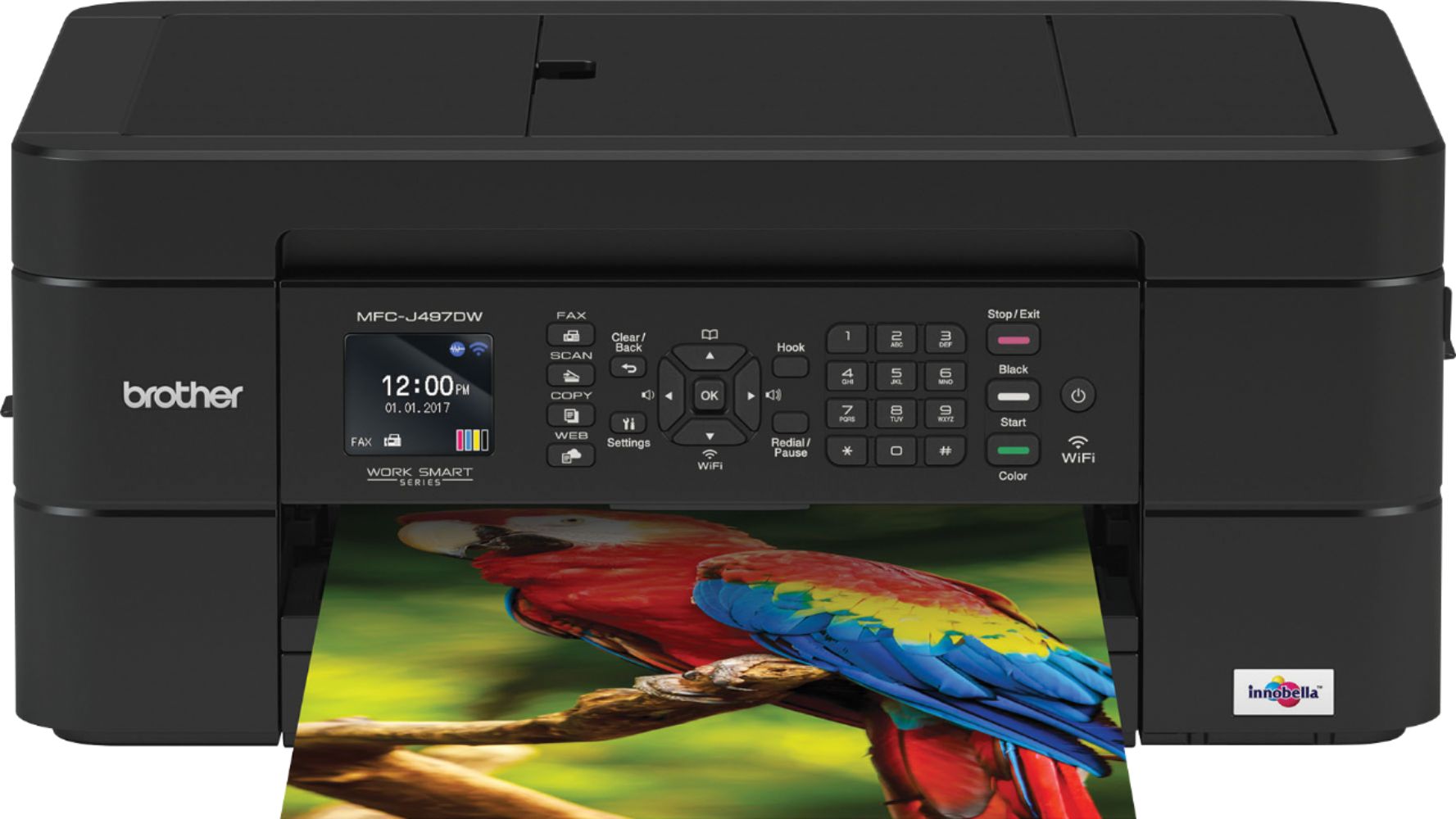
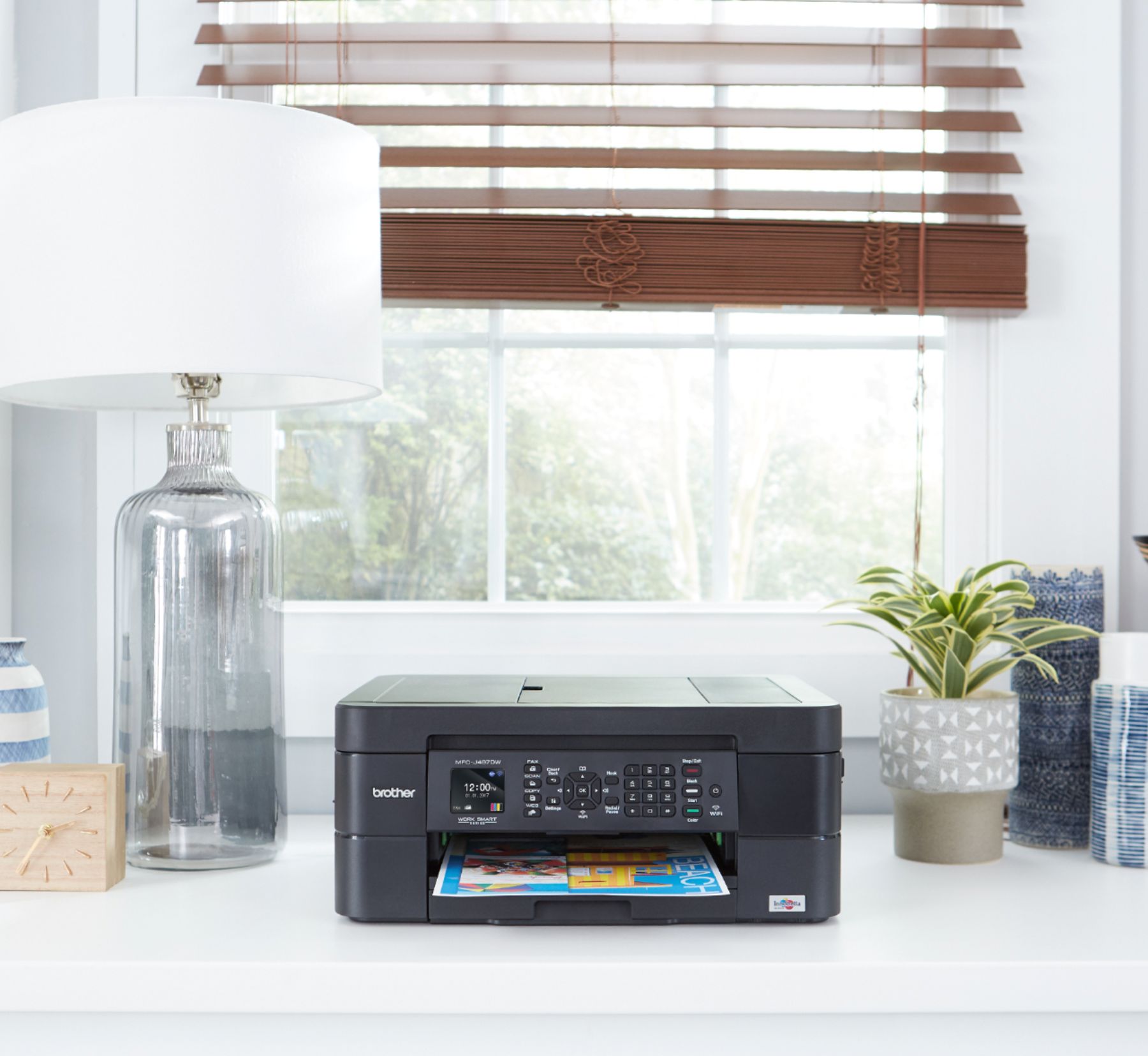
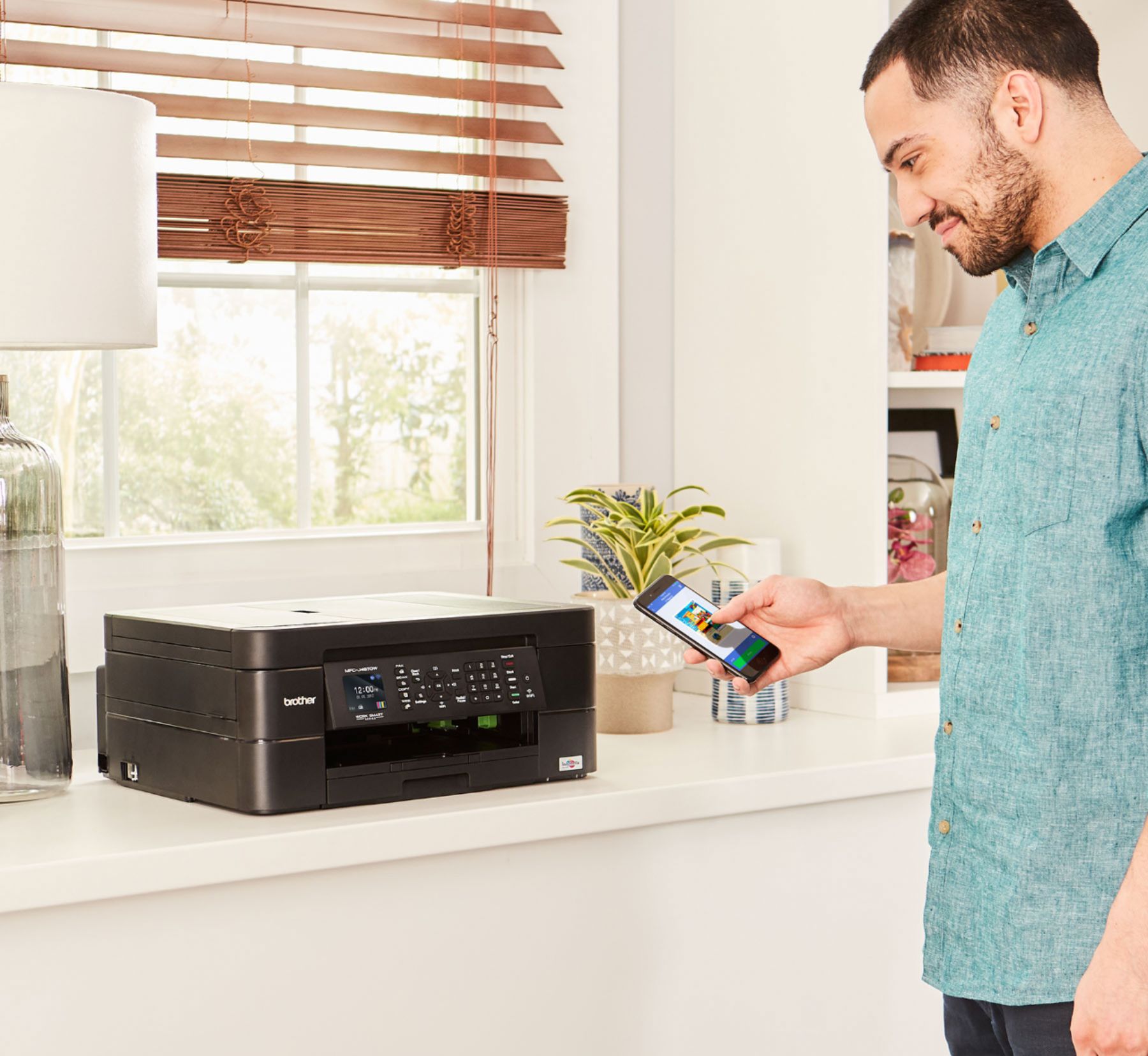
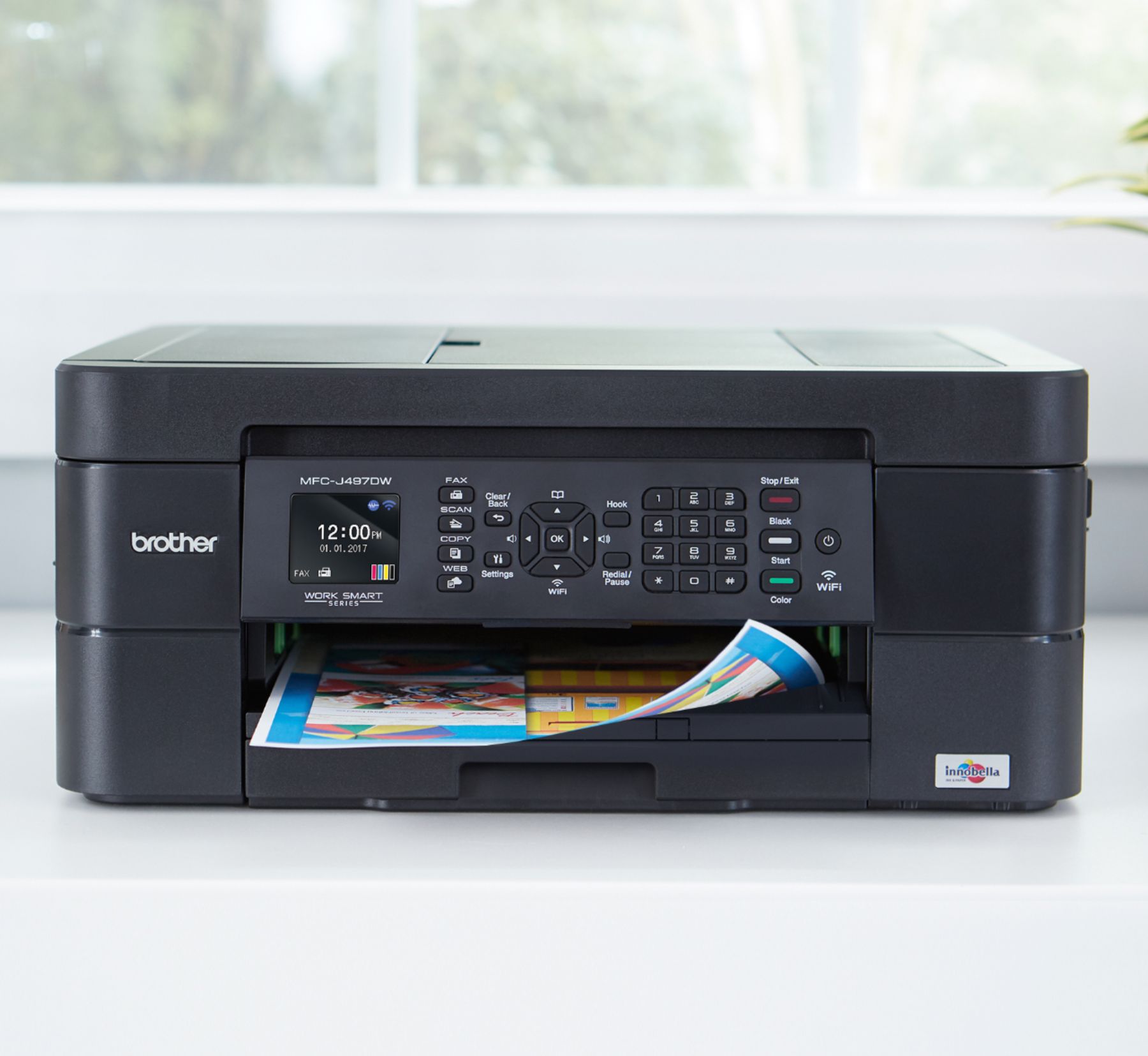


- Model:
- MFC-J497DW
- SKU:
- 6239806
Rating by feature
- Value
Rating 4.5 out of 5 stars
- Quality
Rating 4.4 out of 5 stars
- Ease of Use
Rating 4.4 out of 5 stars
Customers are saying
Customers highly value the excellent print quality and ease of use of the Work Smart Series MFC-J497DW Wireless All-In-One Inkjet Printer. Many appreciate its affordable price, wireless capabilities, and compact size, finding it easy to set up and reliable for their needs. The printer's ability to fax and its quiet operation are also frequently praised. However, some users have reported occasional paper jams.
This summary was generated by AI based on customer reviews.
It’s good but slow and need ink
||Posted . Owned for 1 month when reviewed.This reviewer received promo considerations or sweepstakes entry for writing a review.It’s good but slow and need ink And the ink is expensive
I would recommend this to a friendNot Good for My Needs
||Posted .This reviewer received promo considerations or sweepstakes entry for writing a review.I purchased the wrong printer. I need something that prints at least 2k copies per ink cartridge.
I would recommend this to a friendCrappy
||Posted .This reviewer received promo considerations or sweepstakes entry for writing a review.This was supposed to be wireless printer, so far I haven’t been able to even get it connected to my WiFi. Tried calling customer support, nothing so far. I would return it if I could.
No, I would not recommend this to a friendBrand response from Brother
Posted .Thank you for taking the time to review our Brother MFC-J497DW printer. Your feedback is very important to help us improve our product. We would like to help with the wireless connectivity issue and ask that you please reach out to our customer support via chat, email, or phone by using the following URL so we can continue to assist you. Brother does offer FREE support for the life of this machine: https://www.brother-usa.com/brother-support
seems to be alright
||Posted .This reviewer received promo considerations or sweepstakes entry for writing a review.a bit difficult to set up, runs a bit slower than I was accustomed to, but gets the job done
I would recommend this to a friendDisappointed Best Buy Customer
||Posted . Owned for 3 weeks when reviewed.This reviewer received promo considerations or sweepstakes entry for writing a review.This is really a low-end printer. We've had continuous paper jams, and because of the limited return policy, have had to put the printer into storage. It isn't dependable, and will only be used as a back-up. Very disappointing. We expect better from Brother and Best Buy.
No, I would not recommend this to a friendBrand response from Brother
Posted .We are sorry to hear that you are experiencing paper jam issues with your Brother MFC-J497DW and we'd like to help. Paper jams can be caused if you are using the wrong paper type or if the paper is inserted in the tray incorrectly. We have many helpful resources on our support website which should address this issue. If the problem persists, feel free to contact Brother Customer Service directly at https://www.brother-usa.com/support/mfcj497dw

It works
||Posted . Owned for 1 week when reviewed.This reviewer received promo considerations or sweepstakes entry for writing a review.Had to buy for home personal usage does the job nothing spectacular about though
I would recommend this to a friendIt's good for its use
||Posted . Owned for 3 months when reviewed.This reviewer received promo considerations or sweepstakes entry for writing a review.It's pretty cool. A little confusing at initial set up but it's kool.
I would recommend this to a friendBrand response from Brother
Posted .Hi, We understand the initial setup was confusing with your Brother MFC-J497DW. Our Brother Customer Support Team is on stand-by to provide quality products and additional service to you via online, email or live chat:
https://www.brother-usa.com/brother-support
Functions
||Posted . Owned for 1.5 years when reviewed.This reviewer received promo considerations or sweepstakes entry for writing a review.Like the printer...EXCEPT.....I have been trying to print envelopes & I've been told it has that function. BROTHER has yet to send me the proper instructions to do that!! Last BROTHER I purchase if there is isn't a proper response.
No, I would not recommend this to a friendBrand response from Brother
Posted .We understand you're experiencing issues printing envelopes with your Brother MFC-J497DW machine. We'd like to help. Below is a FAQ that may help you with this issue:
https://help.brother-usa.com/app/answers/detail/a_id/149415
If you continue to have issues, our Brother Customer Support Team is available to assist you direct: www.brother-usa.com/brother-support
Printer
||Posted .This reviewer received promo considerations or sweepstakes entry for writing a review.Prints very slow. Took a very long time to print off papers
No, I would not recommend this to a friendBrand response from Brother
Posted .I apologize that your Brother MFCJ497DW is printing very slow and takes a very long time to print off papers. The print speed may vary depending on printing conditions such as computer configuration, operating system, document complexity, printing frequency, connection method, application software and other factors. I would ask for you to contact us via our Brother Customer Service support. You can use the link below and contact us via chat, e-mail and phone:
Official Brother Support - Product Support Center – Brother (brother-usa.com)
not worth the purchase
||Posted .This reviewer received promo considerations or sweepstakes entry for writing a review.Not worth the price. Eats up a lot of ink. I end up replacing the ink a lot sooner than I have to. I'm stuck with this printer for now. Will not purchase again. I would've returned it if I had known earlier that it eats up a lot of ink.
No, I would not recommend this to a friendBrand response from Brother
Posted .Stated page yields for genuine Brother cartridges are based on the ISO testing standards. The number of pages that can be printed with a cartridge is affected by several factors, including paper size, number of pages per print job, amount of print on each page, font size, and print content (graphics, charts, etc.). Print jobs with large text fonts, graphics, charts, and/or large amount of solid coverage (black or any given color) will use much more toner and will shorten the life of the toner cartridge.
Please verify you have purchased a new Brother Genuine cartridge by following the steps on this website: https://www.brother-usa.com/supplies/ink-and-toner/security
If you have any questions about your Genuine cartridge, please contact Brother customer service at www.brother-usa.com/support.
Hard to set up
||Posted .This reviewer received promo considerations or sweepstakes entry for writing a review.I continued to receive error message that prevented me from continuing to set up this printer. I did a chat with Brothers who connected me to their network team who connected to my computer and told me there was something wrong with my network and offered for $99.00 to resolve the problem. I figured this was a scam and returned the printer.
No, I would not recommend this to a friendPrints slow
||Posted . Owned for 1 month when reviewed.This reviewer received promo considerations or sweepstakes entry for writing a review.It takes a really long time to print; about 2 minutes per page.
No, I would not recommend this to a friendPrinting issues
||Posted . Owned for 3 months when reviewed.This reviewer received promo considerations or sweepstakes entry for writing a review.After printing about 20 pages the print stopped.......
No, I would not recommend this to a friendBrand response from Brother
Posted .Hi, Oh no! That's not what we like to hear. I'll be happy to help. Please contact our customer support team via Email or Live Chat for further assistance and warranty options that may be available:
https://help.brother-usa.com/app/ask/p/9290
Very slow
||Posted .This reviewer received promo considerations or sweepstakes entry for writing a review.It's slower than my previous unit I had for over 8 years
No, I would not recommend this to a friendBrand response from Brother
Posted .Hi, I understand the Brother MFC-J497DW is slow printing your documents. Print Speeds, stated as pages per minute (PPM), reflect measured values based on Brother's particular testing conditions and are for reference only. Actual print speed may vary depending on printing conditions such as computer configuration, operating system, document complexity, printing frequency, connection method, application software and other factors. To determine your machine's specified print speed, please visit www.brother-usa.com.
Below is a link with additional information:
https://help.brother-usa.com/app/answers/detail/a_id/155828?R3ModelID=MFCJ497DW
very efficient
||Posted .This reviewer received promo considerations or sweepstakes entry for writing a review.a lot of work to connect it I finally got itvery high performance
No, I would not recommend this to a friendPoor Print Quality
||Posted .This reviewer received promo considerations or sweepstakes entry for writing a review.I have used Brother printers for many years with good results. However, this purchase is not as good as other models. Print quality is poor and the use of settings is confusing and very time consuming.
No, I would not recommend this to a friendBrand response from Brother
Posted .Hi Sharon, I'm sorry you are experiencing an issue with the print quality. I'd like to help. Click the link below to improve your print quality.
https://support.brother.com/g/b/faqend.aspx?c=us&lang=en&prod=mfcj497dw_us_eu&faqid=faq00000259_031
Scan Unable AF error
||Posted . Owned for 1 year when reviewed.This reviewer received promo considerations or sweepstakes entry for writing a review.Don't waste your money on this. I bought this last year and used the scanning twice and already getting a "Scan Unable AF" error. Checked their website for resolution, contacted support, and was directed steps from the website again. Warranty expired as it was over a year. Never again will I be buying a Brother product. They don't go proper QA before releasing these printers.
No, I would not recommend this to a friendAverage
||Posted . Owned for 3 weeks when reviewed.This reviewer received promo considerations or sweepstakes entry for writing a review.It's ok printer for the price .ok quality very slow.
No, I would not recommend this to a friendBrand response from Brother
Posted .Hi Sriram, Print Speeds, stated as pages per minute (PPM), reflect measured values based on Brother's particular testing conditions and are for reference only. Actual print speed may vary depending on printing conditions such as computer configuration, operating system, document complexity, printing frequency, connection method, application software and other factors. Here is a FAQ that may help.
https://help.brother-usa.com/app/answers/detail/a_id/155828?R3ModelID=MFCJ497DW
If this still does not resolve your issue, please contact us by Email or Live Chat so we can further investigate. https://www.brother-usa.com/support/mfcj497dw
can not connect laptop
||Posted . Owned for 2 weeks when reviewed.This reviewer received promo considerations or sweepstakes entry for writing a review.Brought this a couple of weeks ago after contacting Brother customer service several times. I can not get either of the two laptops connected went and spoke to a best buy person about it they did not seem to care that the printer does not work 100 percent
No, I would not recommend this to a friendBrand response from Brother
Posted .Hi, I'll be happy to assist you with connecting your MFC-J497DW wireless. The Wireless Setup Installer is the recommended setup method for connecting using a wireless computer. Click the link below to set up your machine.
https://help.brother-usa.com/app/answers/detail/a_id/155851?R3ModelID=MFCJ497DW
Its reasonable
||Posted . Owned for 2 months when reviewed.This reviewer received promo considerations or sweepstakes entry for writing a review.I wouldn't use for big projects but good for home use
I would recommend this to a friend