Customer Ratings & Reviews
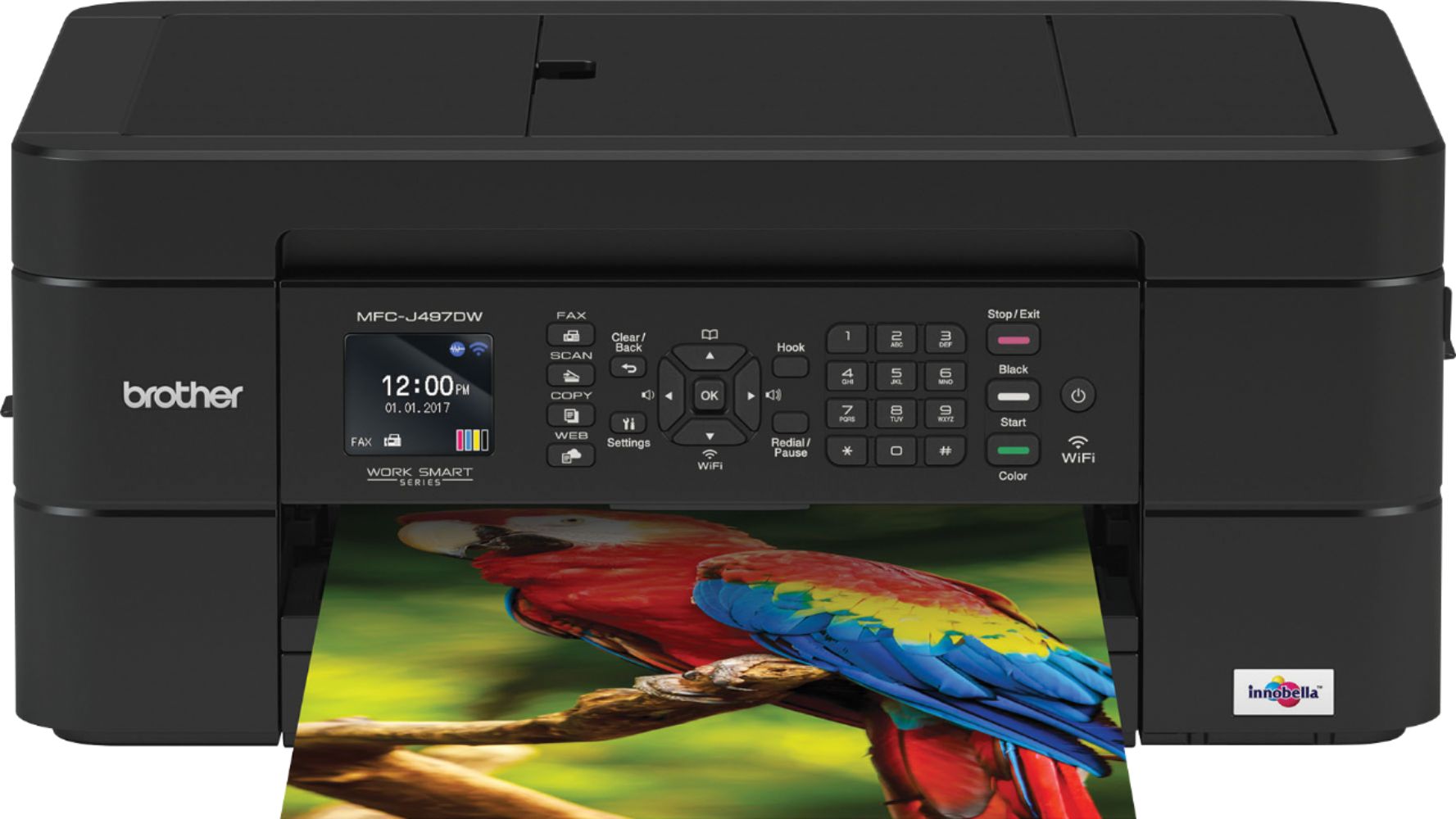
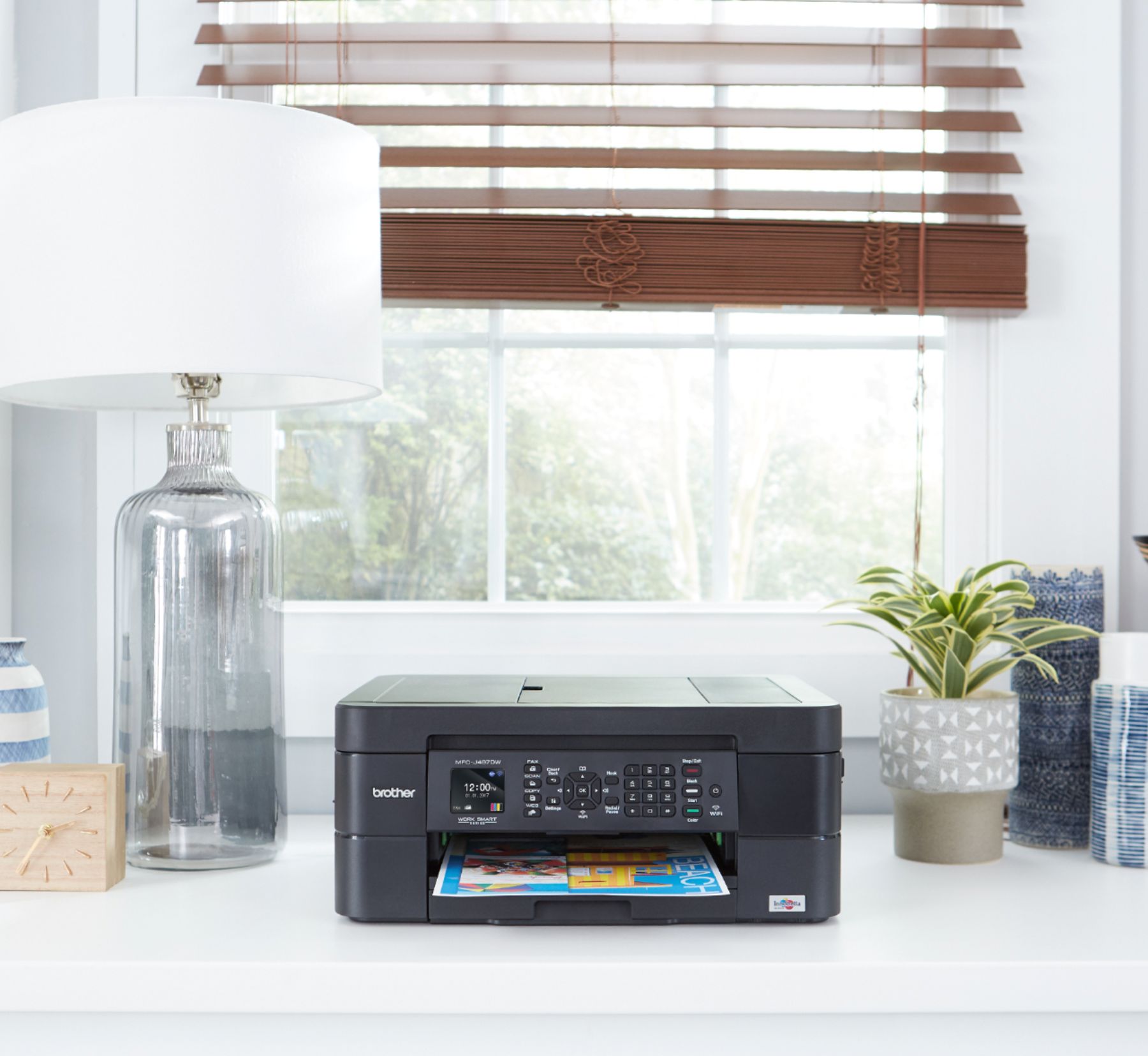
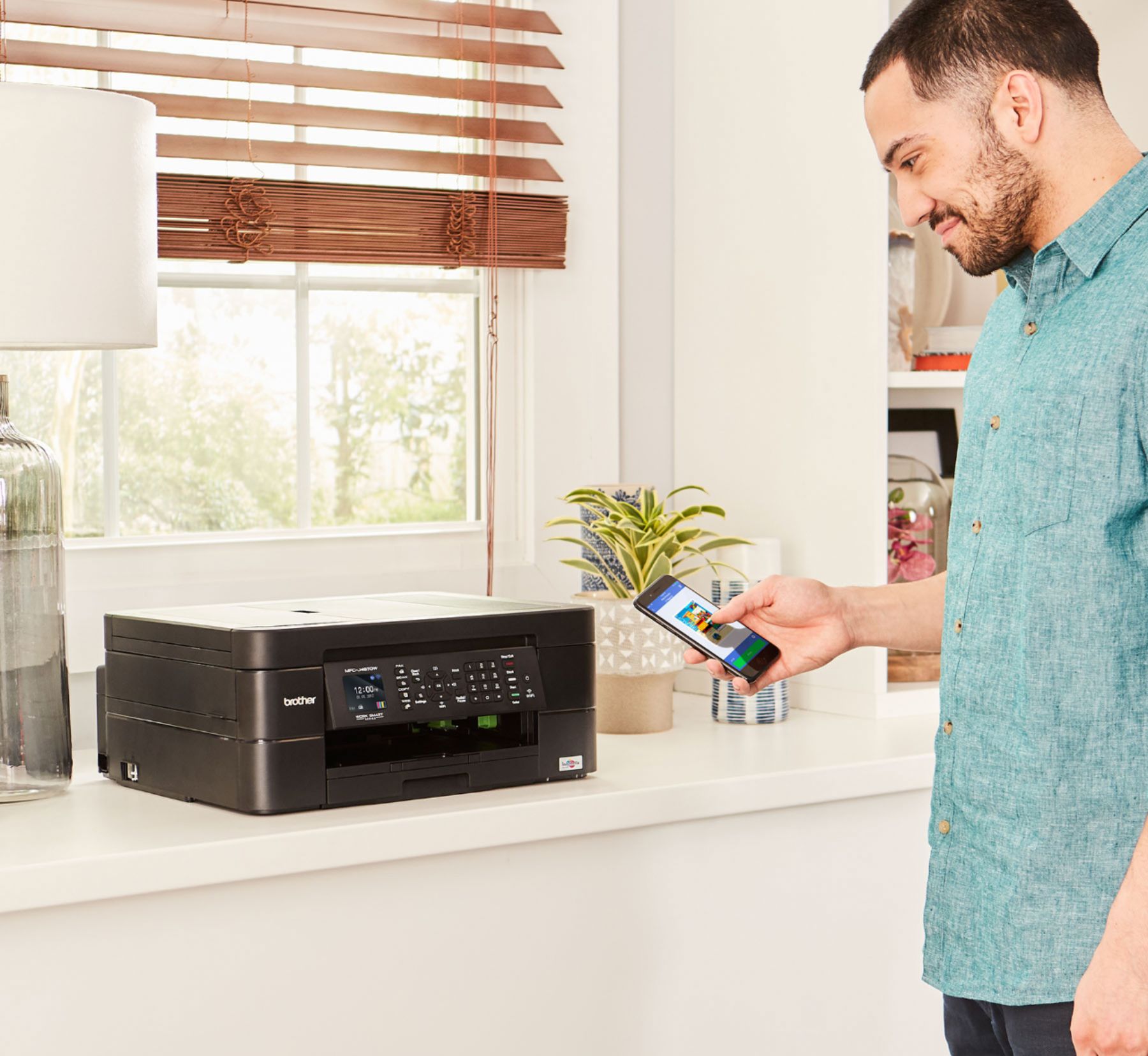
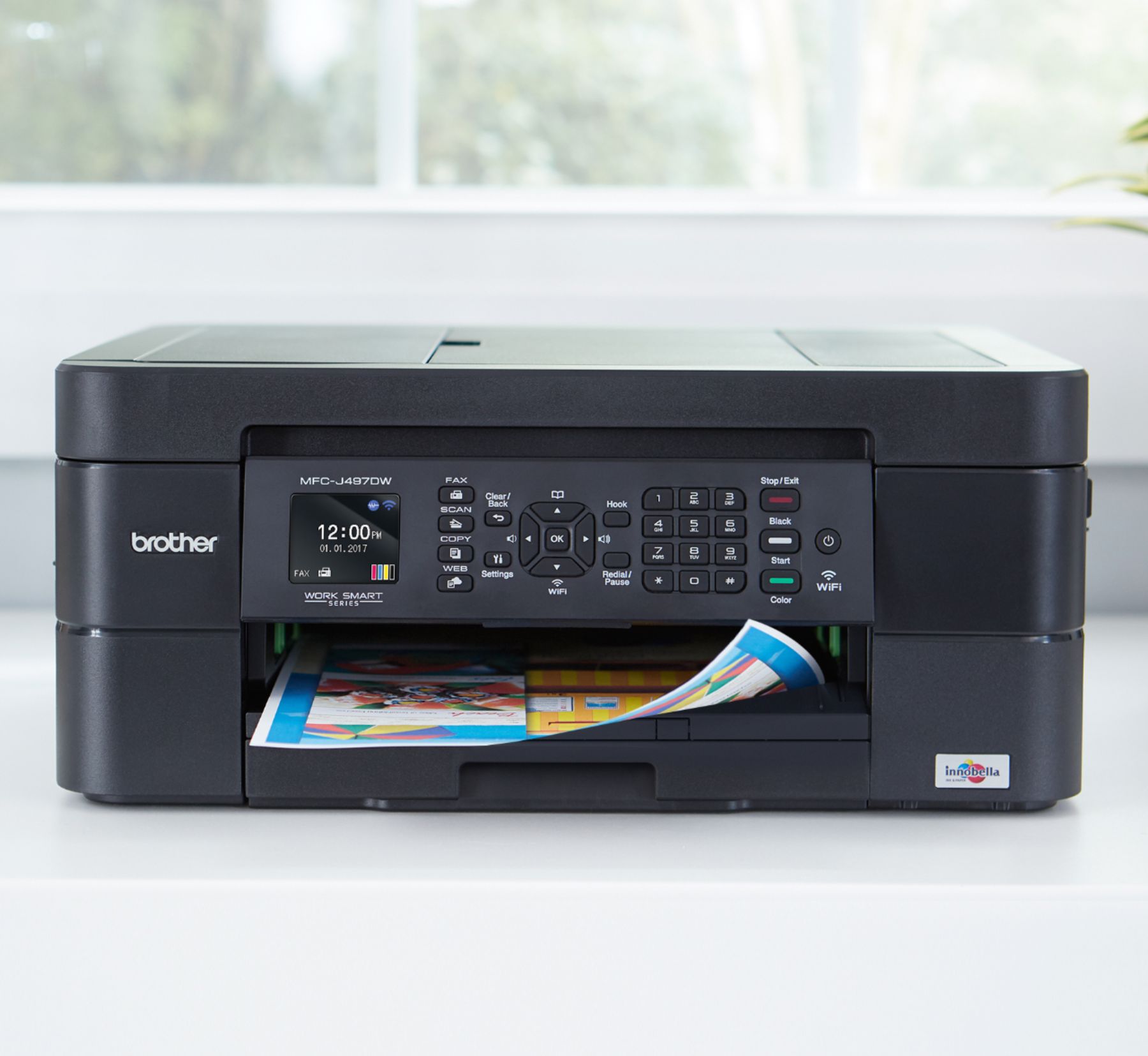


- Model:
- MFC-J497DW
- SKU:
- 6239806
Rating by feature
- Value
Rating 4.5 out of 5 stars
- Quality
Rating 4.4 out of 5 stars
- Ease of Use
Rating 4.4 out of 5 stars
Customers are saying
Customers highly value the excellent print quality and ease of use of the Work Smart Series MFC-J497DW Wireless All-In-One Inkjet Printer. Many appreciate its affordable price, wireless capabilities, and compact size, finding it easy to set up and reliable for their needs. The printer's ability to fax and its quiet operation are also frequently praised. However, some users have reported occasional paper jams.
This summary was generated by AI based on customer reviews.
Don’t Waste Your Money
||Posted . Owned for 11 months when reviewed.This reviewer received promo considerations or sweepstakes entry for writing a review.Broke, less then a year, less then 150 copies, I had it repaired and 3 weeks later broke again after 45 copies. So it lasted 9 months and now on it’s way to the trash.
No, I would not recommend this to a friendBrand response from Brother
Posted .We are sorry to hear that your Brother MFCJ497DW machine is not working properly. We know this is frustrating. We would love to hear from you with details to be able to get your machine up and running again, please keep in mind that your printer is covered by 1 year of warranty from the purchase date, if you still have the machine please contact us so we can help you!
Our Brother Customer Support Team is on stand-by to provide quality products and service to our customers via online, email or live chat: www.brother-usa.com/brother-support
Brother - Work Smart Series MFC-J497DW Wireless Al
||Posted . Owned for 1 month when reviewed.This reviewer received promo considerations or sweepstakes entry for writing a review.Endless struggles with this printer. Several calls to Geek Squad; last agent said "seems to be a hardware problem.
No, I would not recommend this to a friendBrand response from Brother
Posted .We hate to hear you are having a problem with your MFC-J497DW. We see you have contacted Geek Squad regarding your issue and the issue was not resolved. We recommend contacting Brother by Email or Chat for some troubleshooting. https://www.brother-usa.com/support/mfcj497dw
Not a good printer,waste of money
||Posted .This reviewer received promo considerations or sweepstakes entry for writing a review.I have used this printer for once or twice ,it prints blank pages ,Tried to contact customer care not answering .Dont waste your money.
No, I would not recommend this to a friendBrand response from Brother
Posted .Hi, We are sorry to hear that your Brother MFC-J497DW is printing blank pages and your customer experience was not favorable so far. Blank pages typically occurs when your document has extra, invisible formatting, content that falls outside of the margins, or has been formatted to include a blank page. Review the answer link for assistance.
https://help.brother-usa.com/app/answers/detail/a_id/142893
If you continue to have issues, our Brother Customer Support Team is available to assist you direct:
https://www.brother-usa.com/brother-support
Do Not buy
||Posted . Owned for 3 weeks when reviewed.This reviewer received promo considerations or sweepstakes entry for writing a review.Piece of crap was damaged 17 days after purchase and bestbuy did not want to do anything for me. neither the printer nor the store works. they lost me as a customer
No, I would not recommend this to a friendEarly Death of Printer!
||Posted . Owned for 1 year when reviewed.This reviewer received promo considerations or sweepstakes entry for writing a review.Lasted nine months and failed to print properly. Skipped lines and other lines missing. Tried new ink cartridges to no avail. Yuuck!
No, I would not recommend this to a friendBrand response from Brother
Posted .We are sorry that you are experiencing print quality issues with your Brother MFCJ497DW machine and we understand your disappointment. If you continue to have issues, our Brother Customer Support Team is available to assist you direct: www.brother-usa.com/brother-support
Won't Scan without ink
||Posted . Owned for 8 months when reviewed.This reviewer received promo considerations or sweepstakes entry for writing a review.Without ink, the Brother MFC won't work at all. I needed to scan a document, but with ink cartridge empty you can't do anything.
No, I would not recommend this to a friendBrand response from Brother
Posted .Hello.
I want to help with the MFC-J497DW printer not scanning when the cartridge have no ink. This machine should still scan a document if the ink is low or empty. If there's anything else we can help you with, please feel free to contact us for support.
The worst
||Posted . Owned for 1 month when reviewed.This reviewer received promo considerations or sweepstakes entry for writing a review.I printed a color page and the color was very dull even though it was the first time I used it. I exchanged it the next day.
No, I would not recommend this to a friendBrand response from Brother
Posted .Hi Nina, we're sorry you've experienced this issue. If faded, streaked, or missing/blank colors and text appear on your printouts, some of the print head nozzles may be clogged. You can check this by printing the Print Quality Check Sheet (PQCS) and looking at the nozzle check pattern. Here is a link with additional steps that may help. https://help.brother-usa.com/app/answers/detail/a_id/156138
If this still does not resolve your issue, please let us know by Email or Live Chat, and we will be glad to further investigate.
https://www.brother-usa.com/support/mfcj497dw
Slow!
||Posted . Owned for 1 month when reviewed.This reviewer received promo considerations or sweepstakes entry for writing a review.This printer is very slow when printing black and white. Haven't tried to print in color...
No, I would not recommend this to a friendBrand response from Brother
Posted .Hi, I'm sorry you are not happy with the print speed. The max print speed for Black is 12 and the max print speed for Color is 6. If you have any other questions, please contact us by Email or Live Chat. We will be glad to assist you.
https://www.brother-usa.com/support/mfcj497dw
SUPER HARD TO USE, NO LEGIBLE INSTRUCTIONS
||Posted .This reviewer received promo considerations or sweepstakes entry for writing a review.SUPER HARD TO USE, NO LEGIBLE INSTRUCTIONS. NO PHONE NUMBER GIVEN FOR HELP
No, I would not recommend this to a friendDid not work, had to return it
||Posted .This reviewer received promo considerations or sweepstakes entry for writing a review.Despite help from the manufacturer, we could not get the machine to operate, and so I returned it
No, I would not recommend this to a friendNothappyOFFLINE
||Posted . Owned for 8 months when reviewed.This reviewer received promo considerations or sweepstakes entry for writing a review.I only had it 2 weeks and it said OFF LINE and I can not print. All I can do is copy, and that is NOT what I BOUGHT it for.
No, I would not recommend this to a friendBrand response from Brother
Posted .We are sorry to hear that you are experiencing connection issues with your Brother MFC-J497DW printer and we'd like to help. We have many helpful resources on our support website which should address this issue, such as the following link: https://help.brother-usa.com/app/answers/detail/a_id/156094
If the problem persists, feel free to contact Brother Customer Service directly at https://www.brother-usa.com/support/mfcj497dw
- Pros mentioned:Ease of use, Print quality
Easy to set up Printer with clear print outs
Posted .This reviewer received promo considerations or sweepstakes entry for writing a review.This review is mainly for people who are technically challenged, like me. This is not my first printer. But it is by far an easy one to set up, which is what I mainly was looking for when searching printers. The CD ROM makes it almost effortless. After complete set up I attempted to print a page. It wouldn't work. I had forgotten to uninstall the Epson I was previously using. (That one was a total PIA, I swear against that brand.) Remember, I am not good at this stuff. After problem solved I printed a page. Pretty fast job, compared to the above mentioned. And to my untrained eye, especially clear. I only need this for occasional home printing and scanning/copying. I hope this simple review helped someone in the same boat as me. And I signed up for the ink program. I just want to keep everything simple. In the Epson, I used foreign ink, trying to save a buck or two. It clogged it up beyond repair. Just a word to the wise.
I would recommend this to a friend Underwhelming but needed it during Covid
||Posted . Owned for 2 months when reviewed.This reviewer received promo considerations or sweepstakes entry for writing a review.Terrible. The faxing and copying capabilities are dated.I feel like I’m doing double work for simple tasks.
No, I would not recommend this to a friendBrand response from Brother
Posted .Hi, We see you are experiencing an issue with the faxing and scanning capabilities for the Brother MFC-J497DW. We'd like to help. We have many helpful resources in the answer links below to assist you.
https://help.brother-usa.com/app/answers/detail/a_id/128645
https://help.brother-usa.com/app/answers/detail/a_id/151073
https://help.brother-usa.com/app/answers/detail/a_id/156165
If you continue to have issues, our Brother Customer Support Team is available to assist you direct:
https://www.brother-usa.com/brother-support
Confusing on screen navigation
||Posted . Owned for 3 weeks when reviewed.This reviewer received promo considerations or sweepstakes entry for writing a review.I had a tough time setting up the web account for scanning and cloud upload. I don’t recommend this product.
No, I would not recommend this to a friendBrand response from Brother
Posted .Hi, I see you are experiencing an issue with scanning and cloud upload. I'll be happy to help. Below are some links to help and resolve both issues:
https://help.brother-usa.com/app/answers/detail/a_id/150551?R3ModelID=MFCJ497DW
https://help.brother-usa.com/app/answers/detail/a_id/79917
Horrible
||Posted . Owned for 1 year when reviewed.This reviewer received promo considerations or sweepstakes entry for writing a review.This printer was horrible. When I changed the ink the printer completely stopped working. Trash.
No, I would not recommend this to a friendBrand response from Brother
Posted .Hi, We are sorry to hear that your Brother MFC-J497DW is no longer working. We know this is frustrating. We would love to hear from you with details to be able to get your machine up and running again. Our Brother Customer Support Team is on stand-by to provide quality products and service to our customers via online, email or live chat: https://www.brother-usa.com/brother-support
Never Worked
||Posted . Owned for 9 months when reviewed.This reviewer received promo considerations or sweepstakes entry for writing a review.Opened a couple of months later after purchase and it didnt work. Horrible product.
No, I would not recommend this to a friendCannot keep connection to wifi
||Posted .This reviewer received promo considerations or sweepstakes entry for writing a review.I have to continue to reconnect to pc and phone because of the WiFi network
No, I would not recommend this to a friendBrand response from Brother
Posted .Thank you for taking the time to review our Brother MFC-J497DW printer. Your feedback is very important to help us improve our product. We would like to help with the issue and ask that you please reach out to our customer support via chat, email, or phone by using the following URL so we can continue to assist you. Brother does offer FREE support for the life of this machine: 1-877-BROTHER (877-276-8437) Available Monday -Friday 9AM – 9PM EST
https://www.brother-usa.com/brother-support
Ugh
||Posted . Owned for 2 weeks when reviewed.This reviewer received promo considerations or sweepstakes entry for writing a review.Printer constantly jams. No matter what I do or what paper I use it jams. WAIST of money
No, I would not recommend this to a friendBrand response from Brother
Posted .Hi, I know this is frustrating. I'll be happy to assist you. To clear your document jams follow the link below.
https://help.brother-usa.com/app/answers/detail/a_id/141157
Not anymore
||Posted . Owned for 7 months when reviewed.This reviewer received promo considerations or sweepstakes entry for writing a review.DO NOT buy brother printer, 1 ink run out and printer will stop working. and ink does not last long.
No, I would not recommend this to a friendBrand response from Brother
Posted .Stated page yields for genuine Brother cartridges are based on the ISO testing standards. The number of pages that can be printed with a cartridge is affected by several factors, including paper size, number of pages per print job, amount of print on each page, font size, and print content (graphics, charts, etc.). Print jobs with large text fonts, graphics, charts, and/or large amount of solid coverage (black or any given color) will use much more toner and will shorten the life of the toner cartridge.
Please verify you have purchased a new Brother Genuine cartridge by following the steps on this website: https://www.brother-usa.com/supplies/ink-and-toner/security
If you have any questions about your Genuine cartridge, please contact Brother customer service at www.brother-usa.com/support.
Doesn't work
||Posted . Owned for 3 months when reviewed.This reviewer received promo considerations or sweepstakes entry for writing a review.Bought this November 16th of 2019, used it once, now it won't print. So angry!!!!!
No, I would not recommend this to a friendBrand response from Brother
Posted .Hi, I apologize you are experiencing an issue with printing on your Brother MFC-J497DW. Generally this issue is caused by an interface problem or incorrect driver settings. Here is a FAQ that may help.
https://help.brother-usa.com/app/answers/detail/a_id/64257?R3ModelID=MFCJ497DW
If you still have the same issue, please let us know by contacting customer support.
https://www.brother-usa.com/support/mfcj497dw